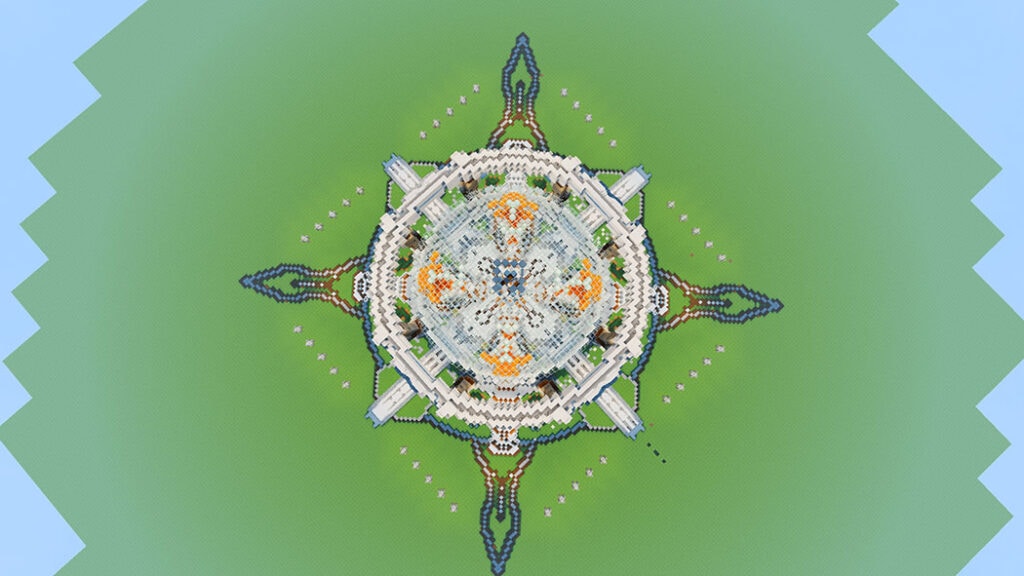
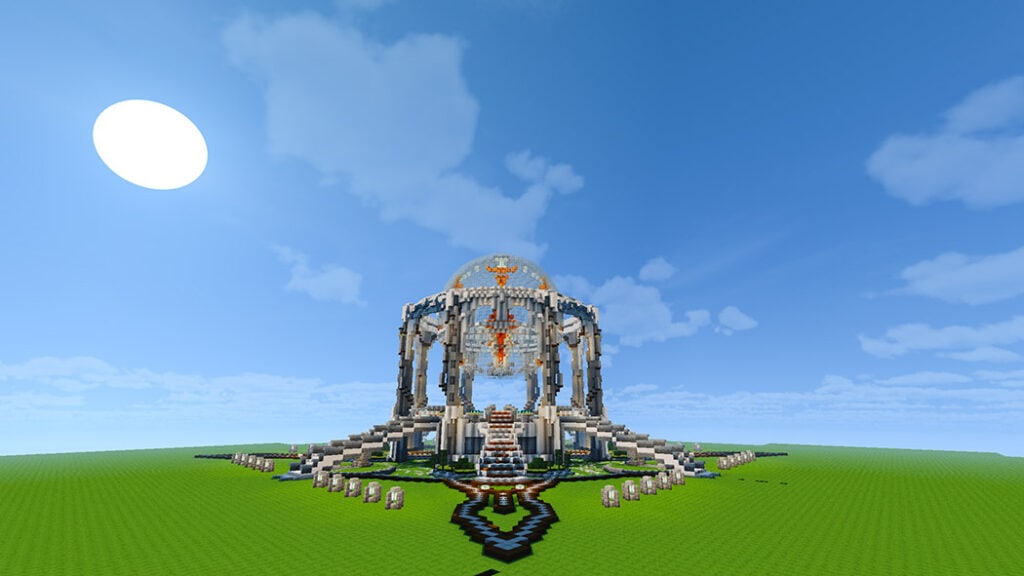
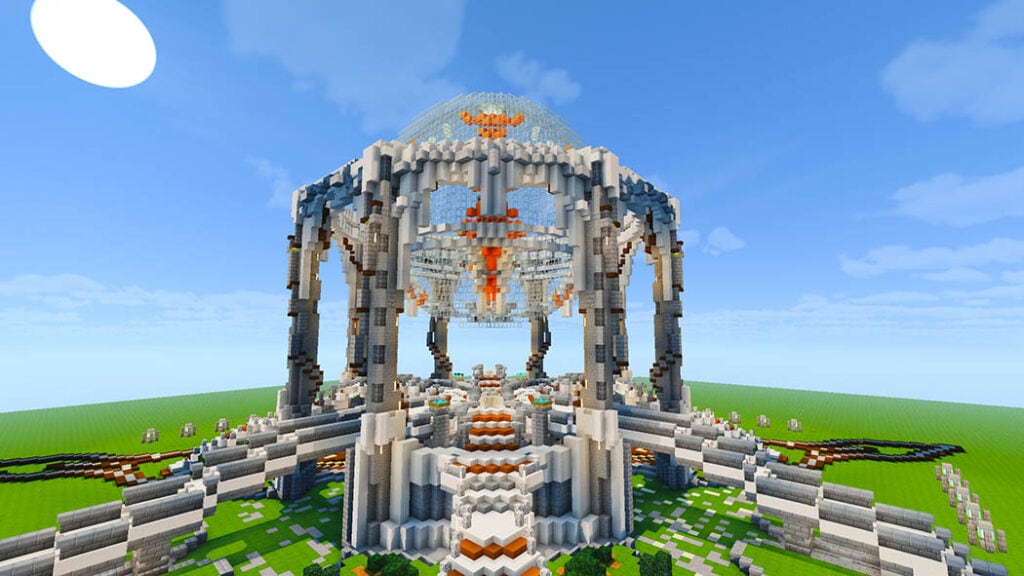
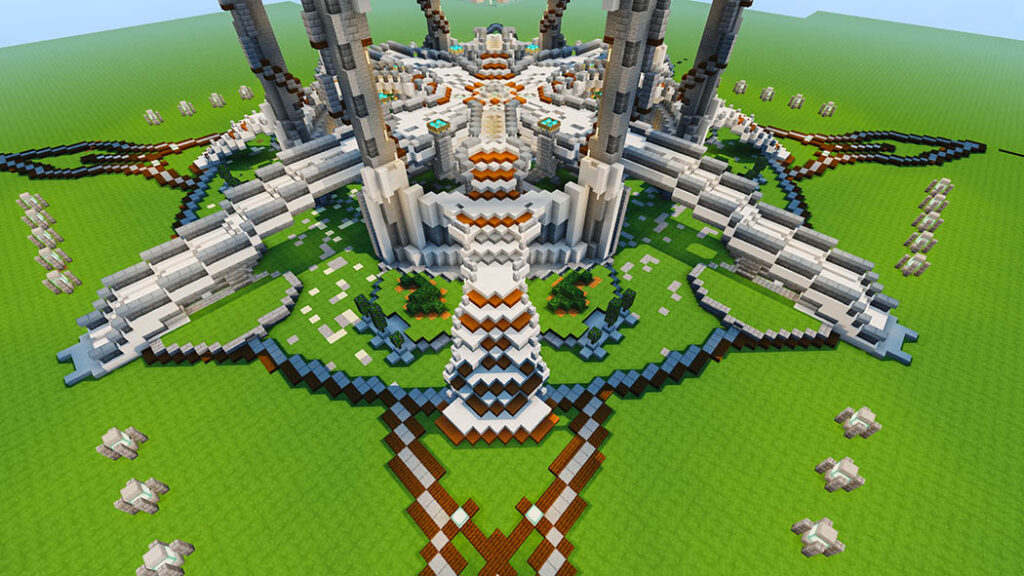
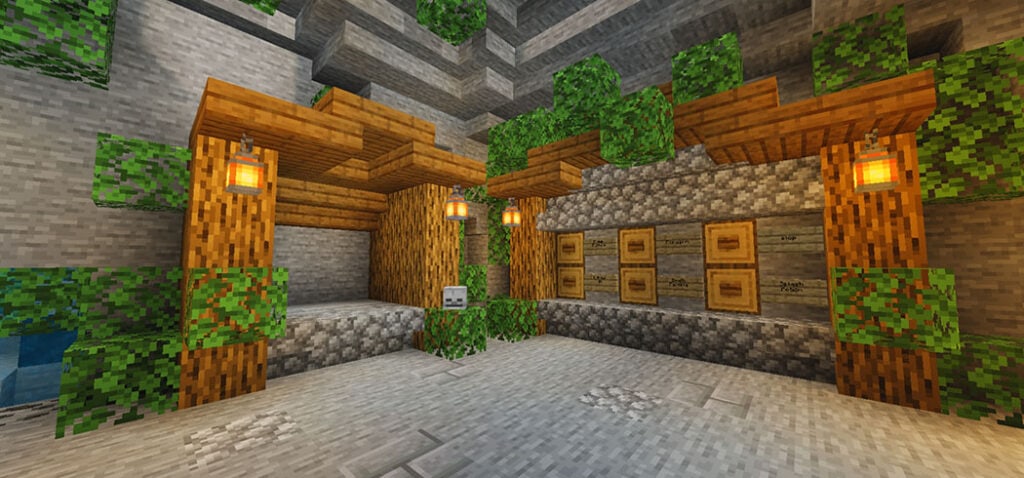
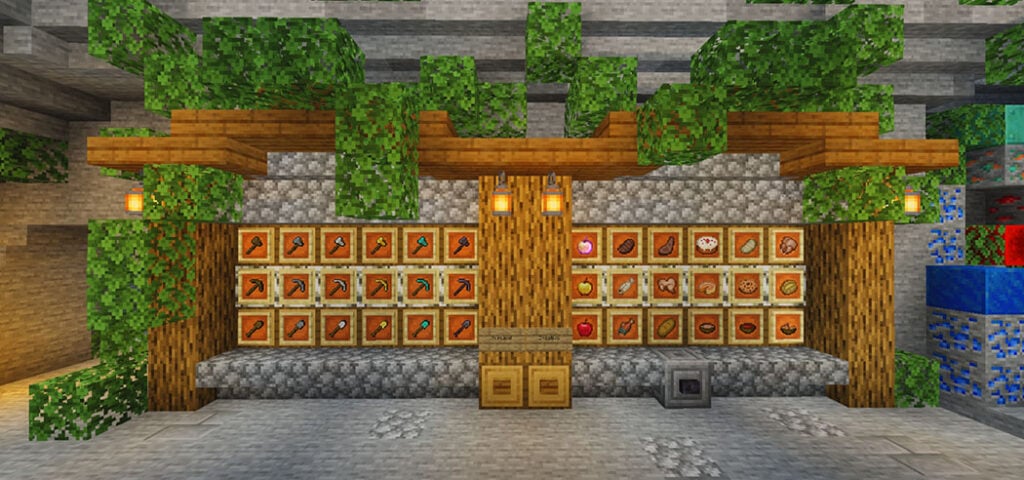
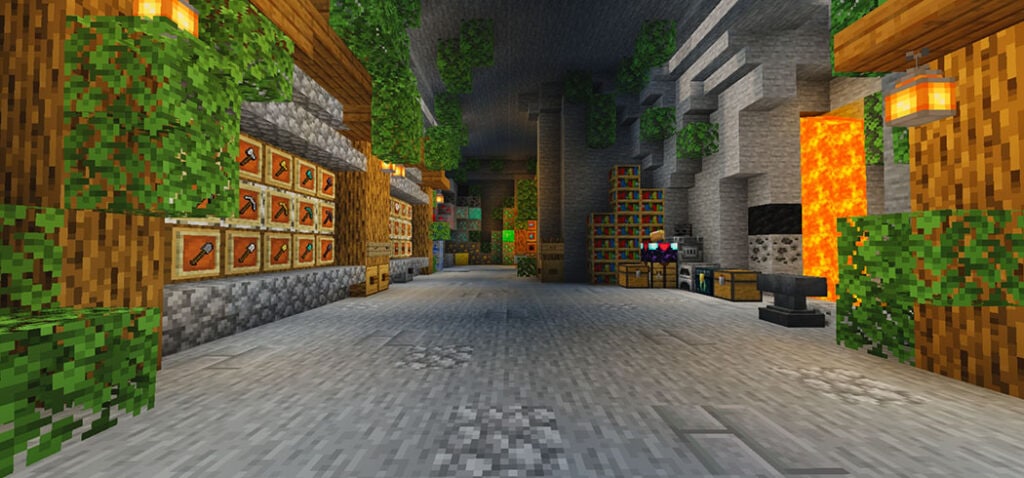
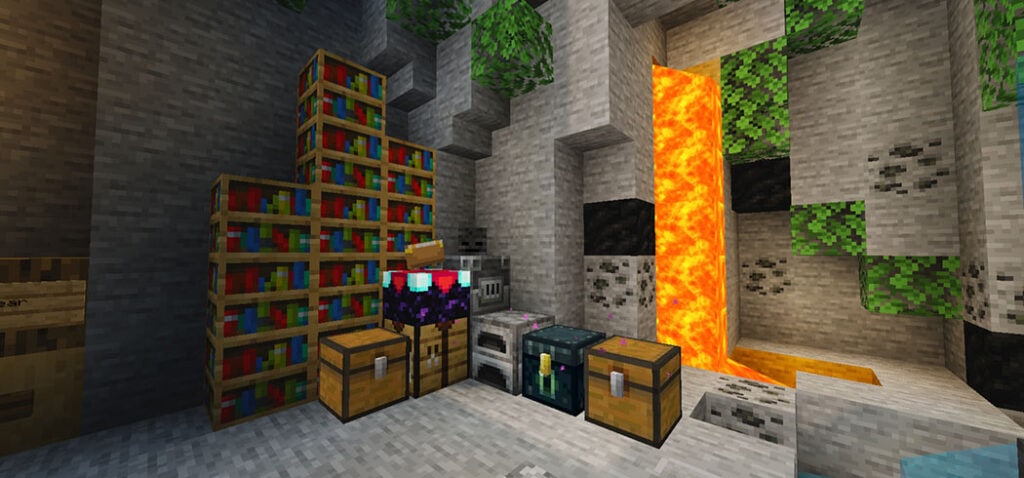
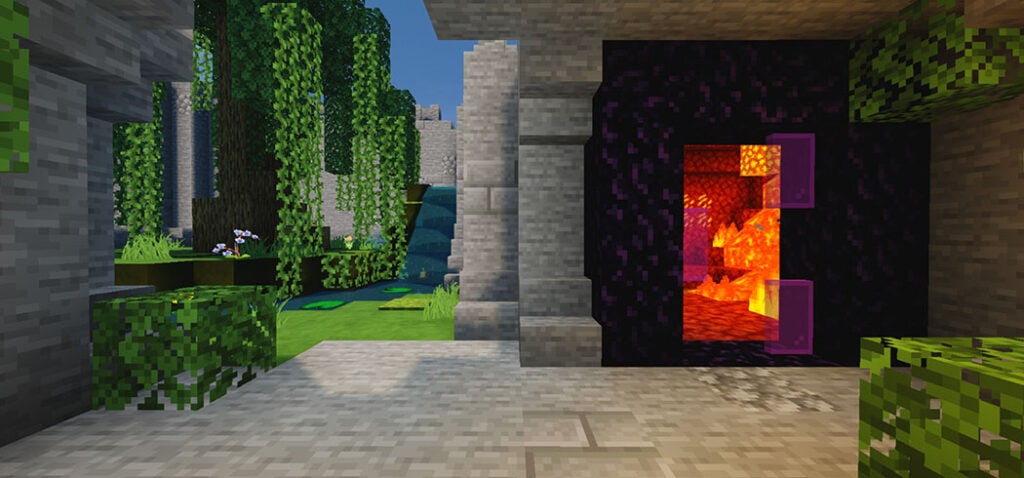
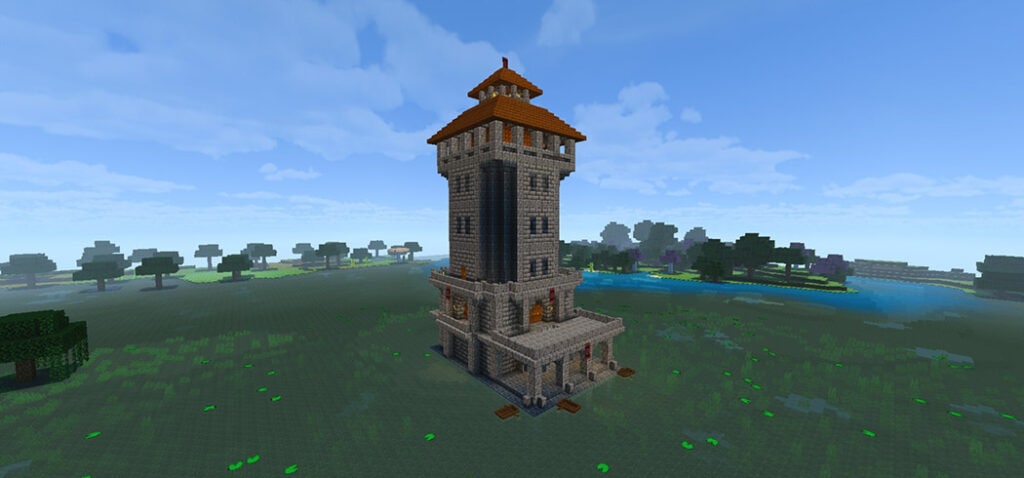
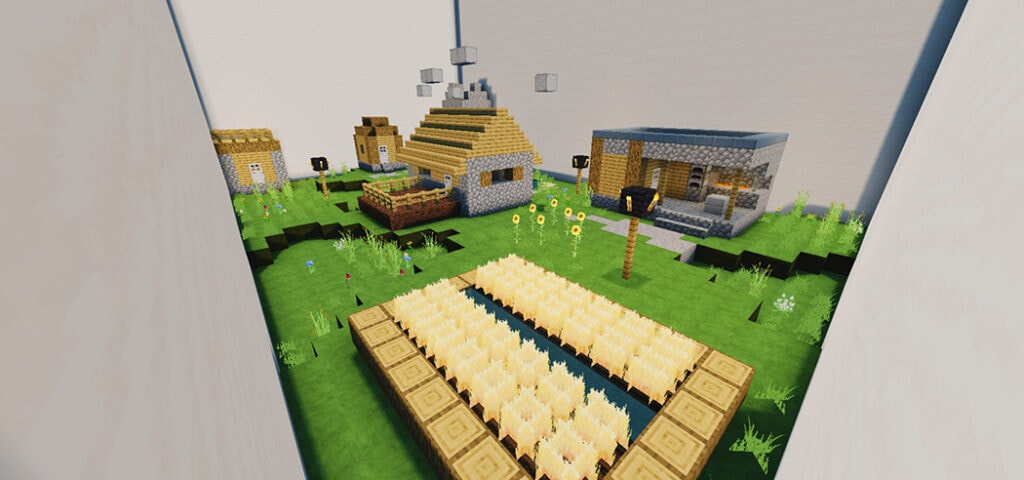
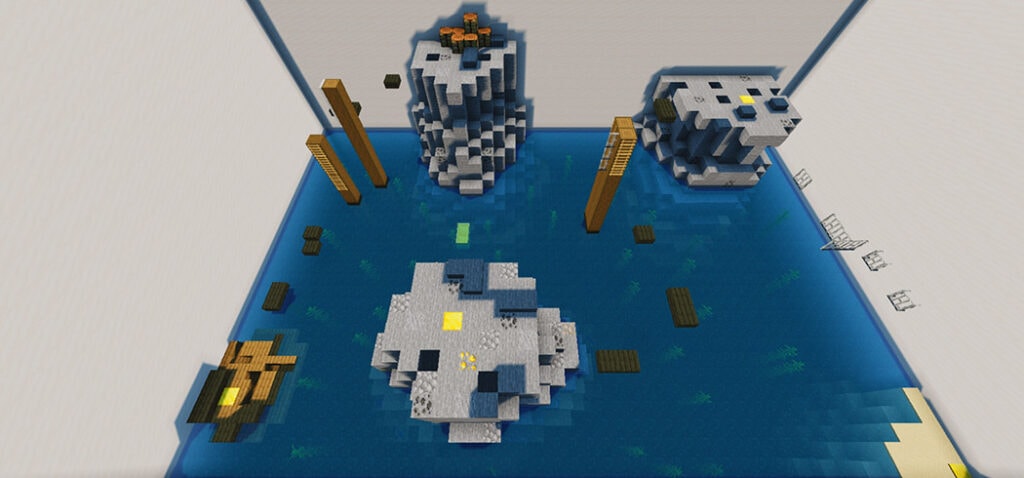
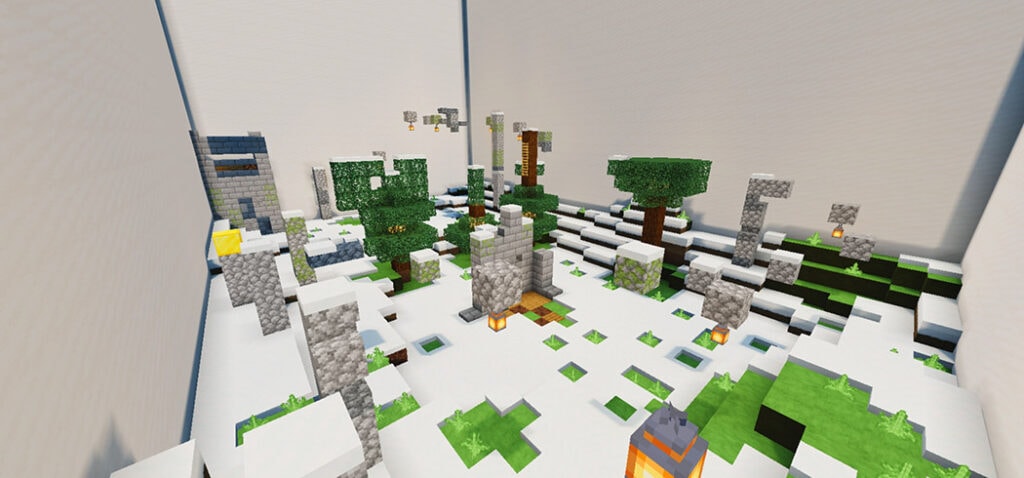
Again. Surely you’re seeking for a Minecraft mobile lobby build for the PE and Bedrock editions, right? The structures here are constructed on a flat world to make it easier for individuals to copy across it. Additionally, this is my first time publishing on mcpeaddons. I’m hoping everything goes smoothly.
Cre: tuongnhat
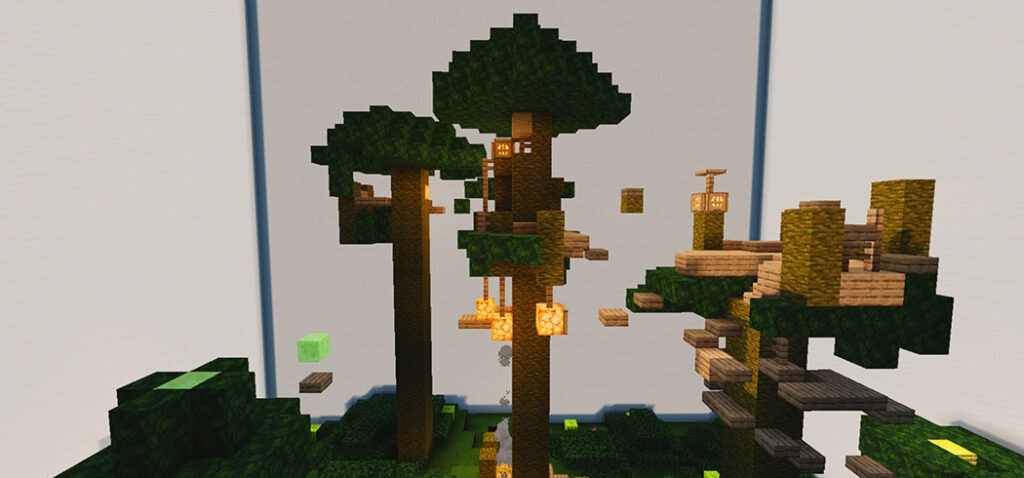
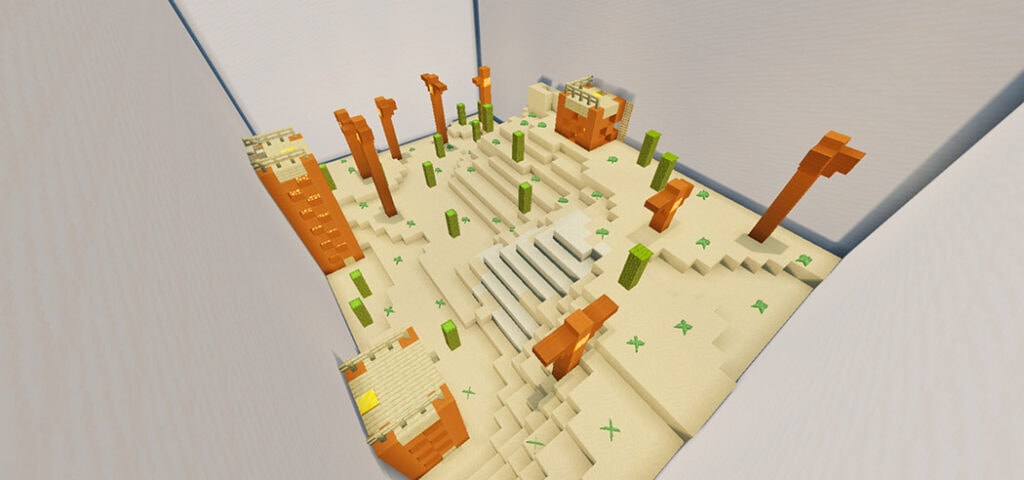
Lobby Build
I constructed a small lobby. 127 x 67 x 127 in.
LOBBY was created in a flat world. Use an App from the CHPLAY or Applestore to transport to another universe.
Here are some of the images that are now available on the internet: Installation:
@The Octazen has built OTZ TPack Review World. This is the most basic, largest, and most extensive texture pack review map. Have you become tired of the world’s most popular texture pack reviews?
Do you wish to look for something similar but better? Do you want to support 1.17? So, here’s the answer to your problem.
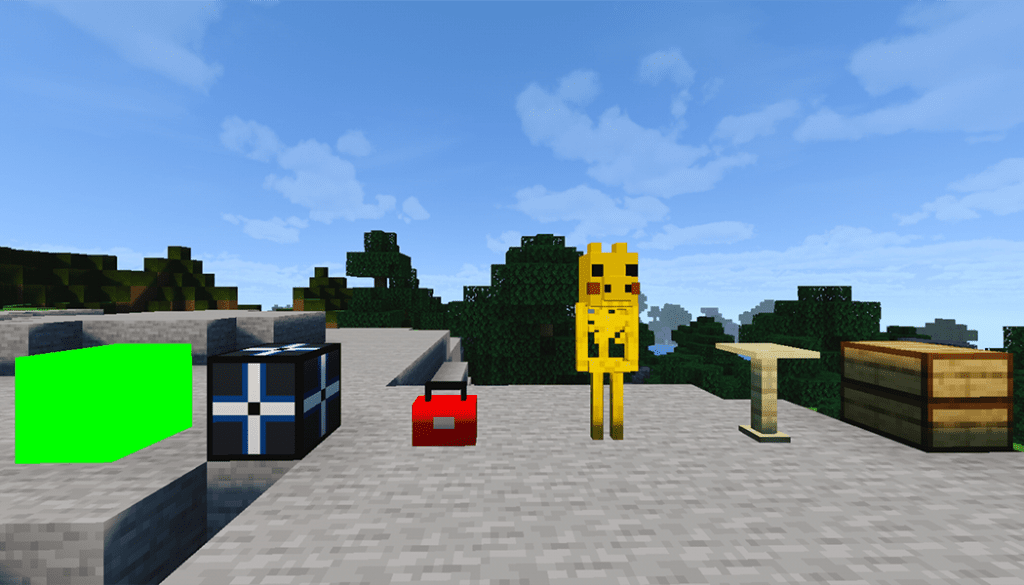
OTZ TPack Review World map allows you to see what blocks, items, mobs changed and not changed by your pack!
OTZ TPack Review World map is similar to the most popular texture pack review map so you can recognize it easily!
an easy way to review your pack 🙂
You must rebuild any meal, item, or block in order to create a texture pack.
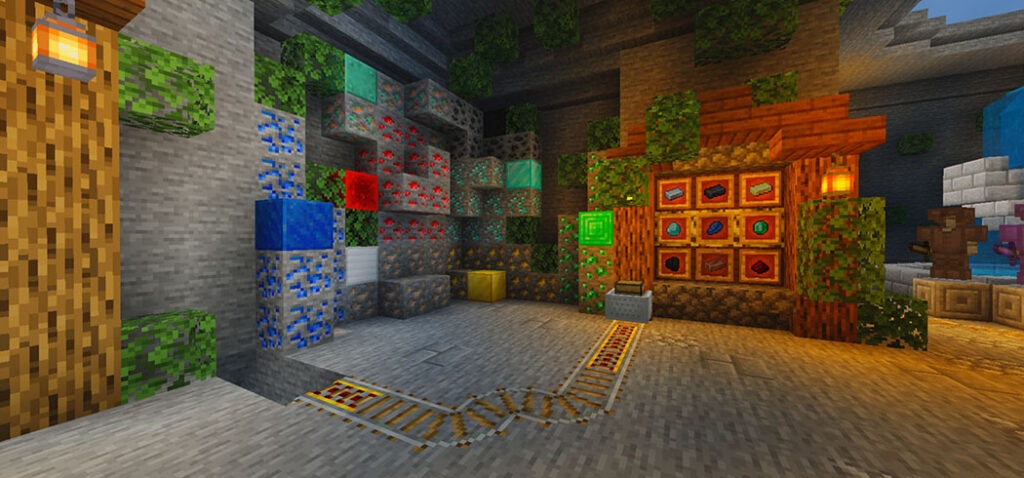
Here are the most commonly utilized items and blocks for the texture pack!
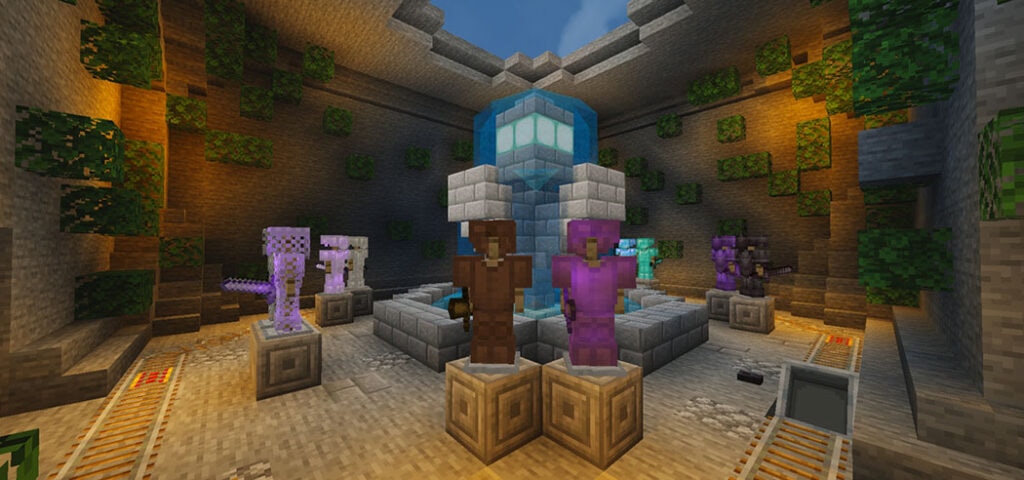
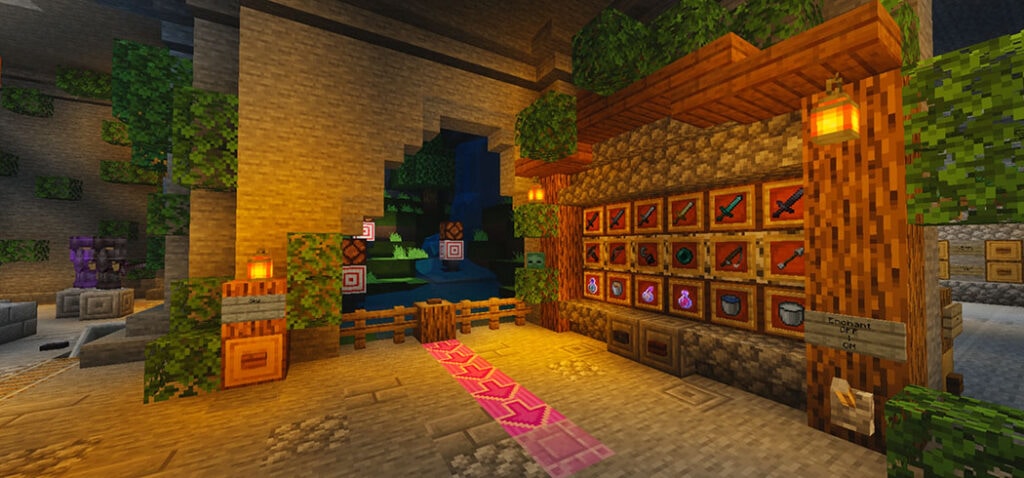
Here are a few of the photos; I hope you enjoy them.3
This is my armor room design, complete with fountain, and a minecart for cinematic review:)
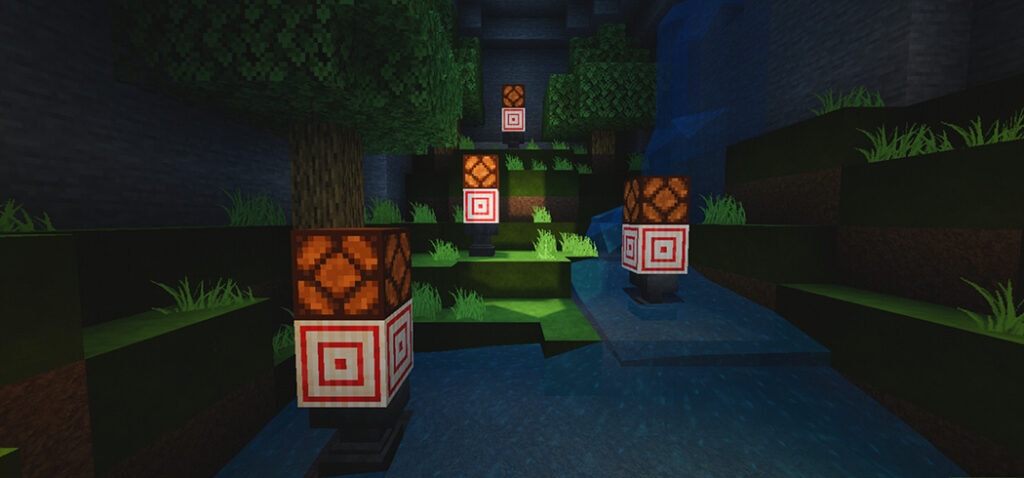
I put the target block next to the weapons for some reason since I despise it when people shoot bows at random.
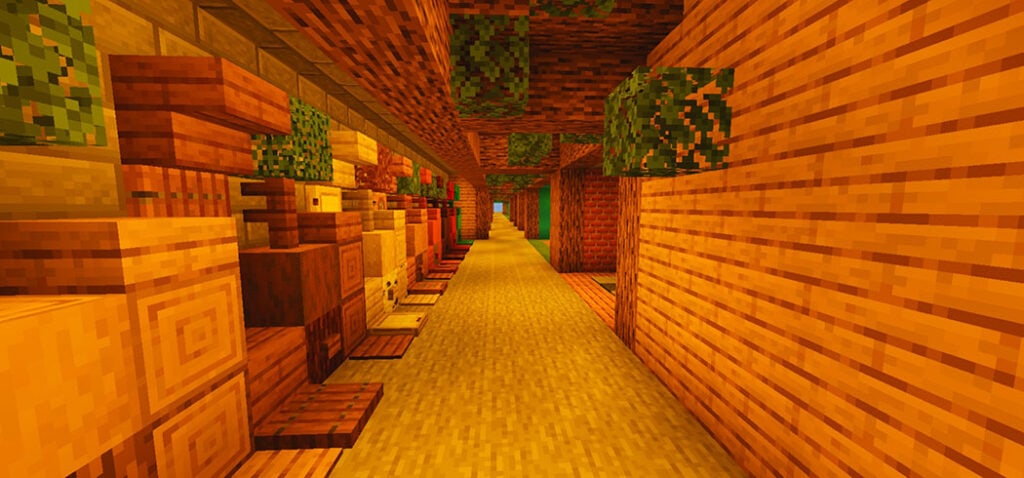
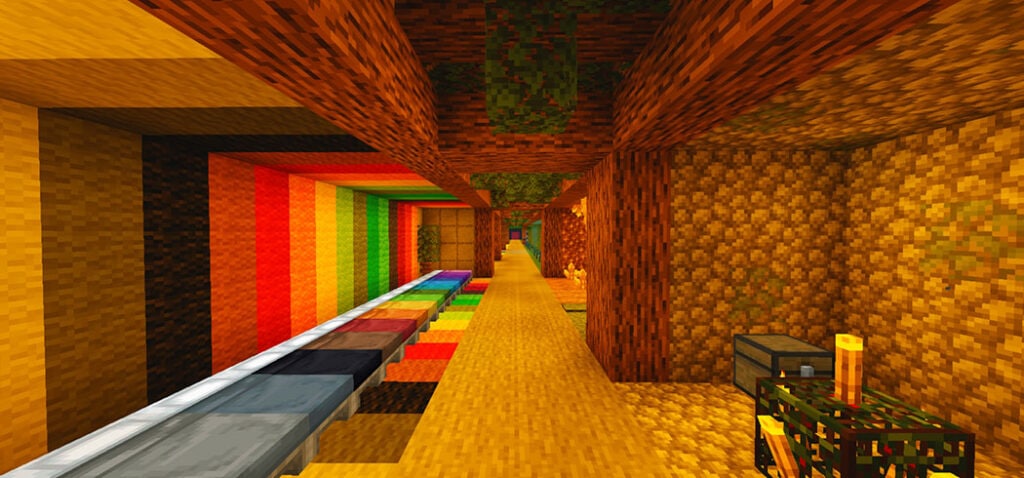
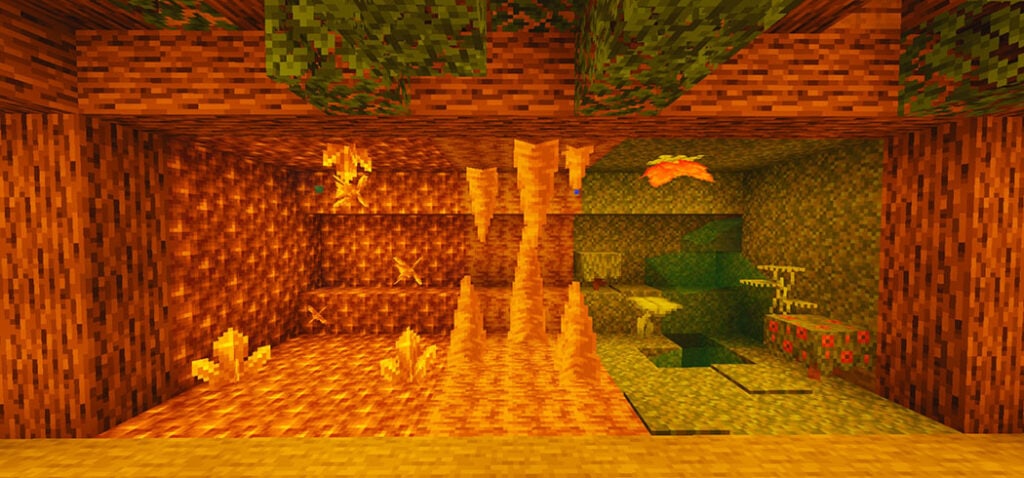
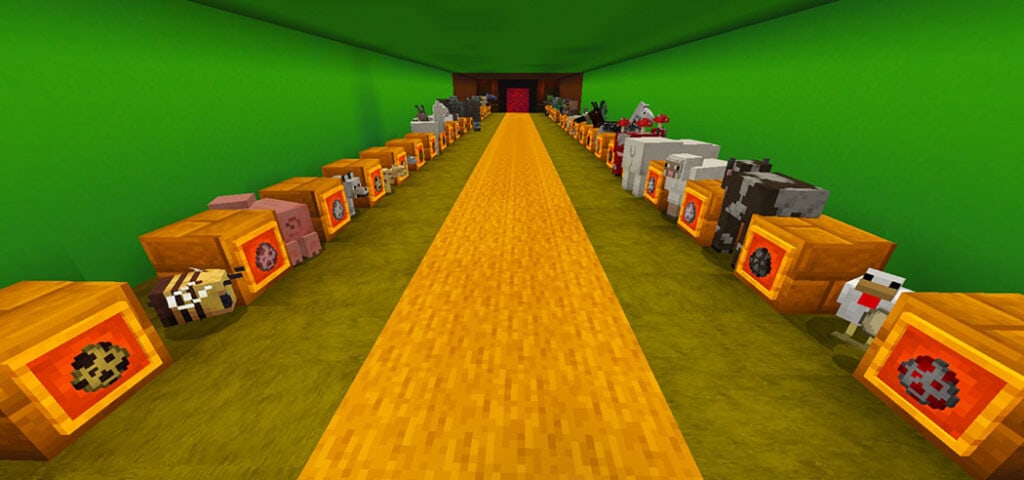
This is the ultimate review corridor. Many different types of mobs, aquatic mobs, wood, slime and honey, quartz, redstone, and other wonderful goodies may be found here!!
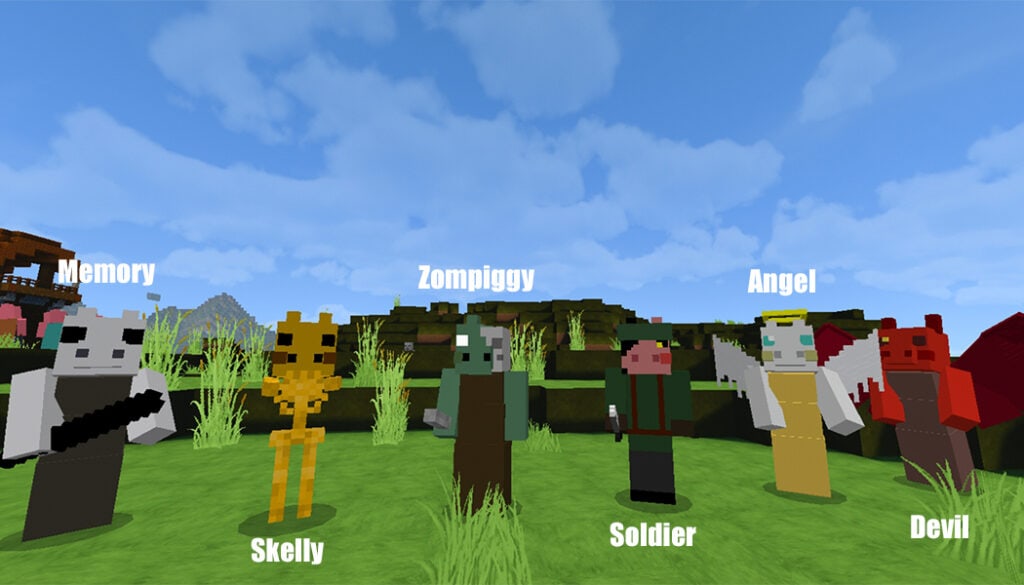
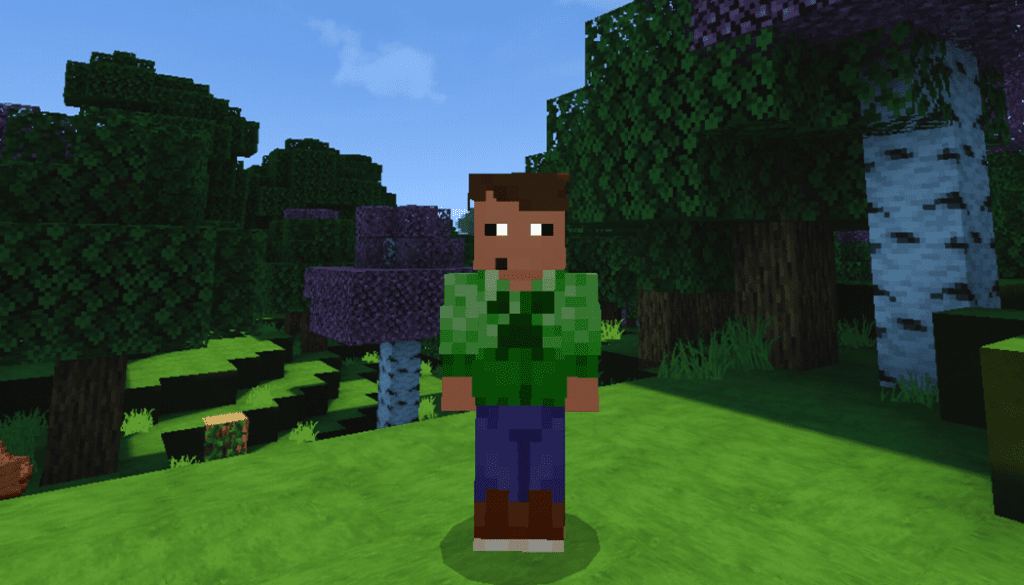
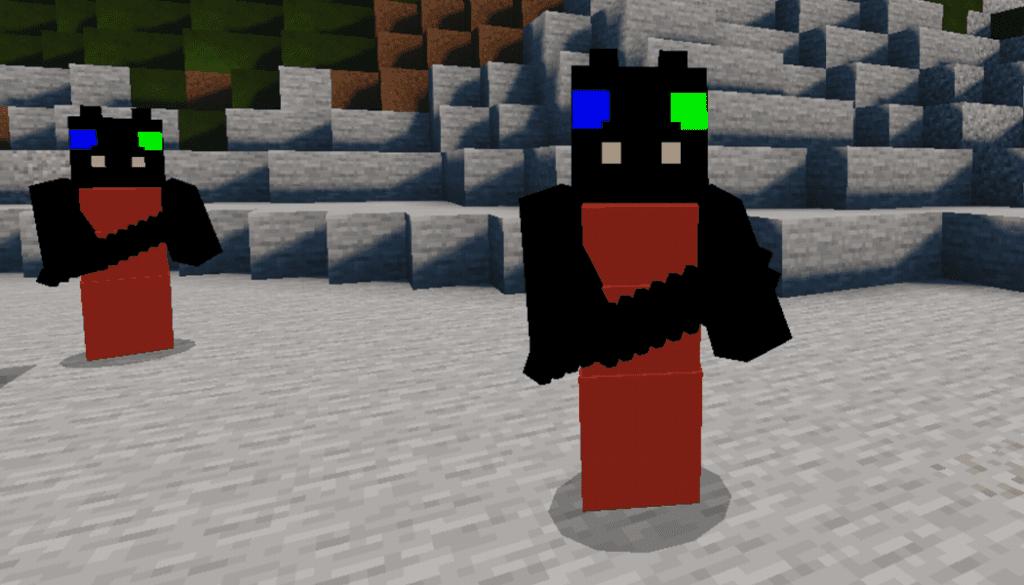
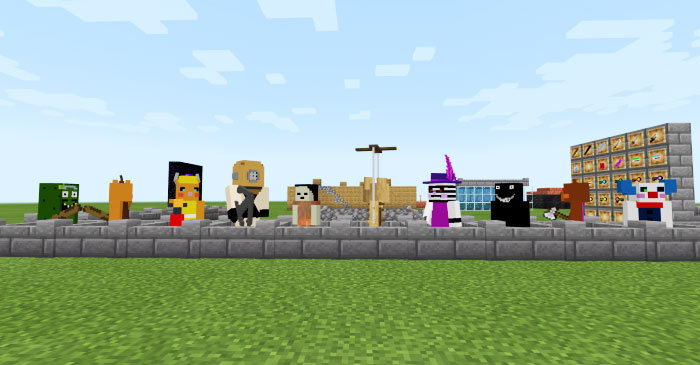
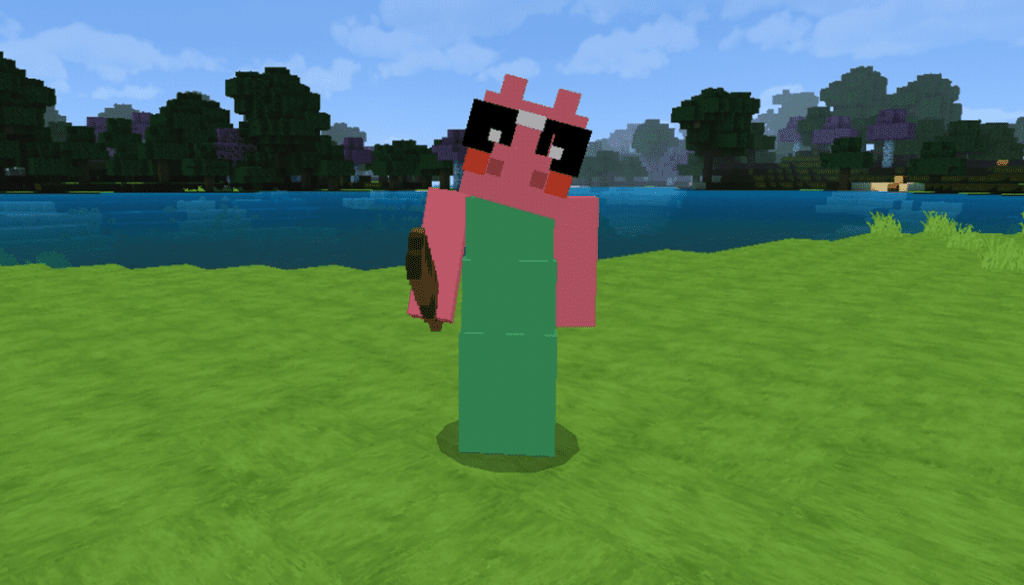
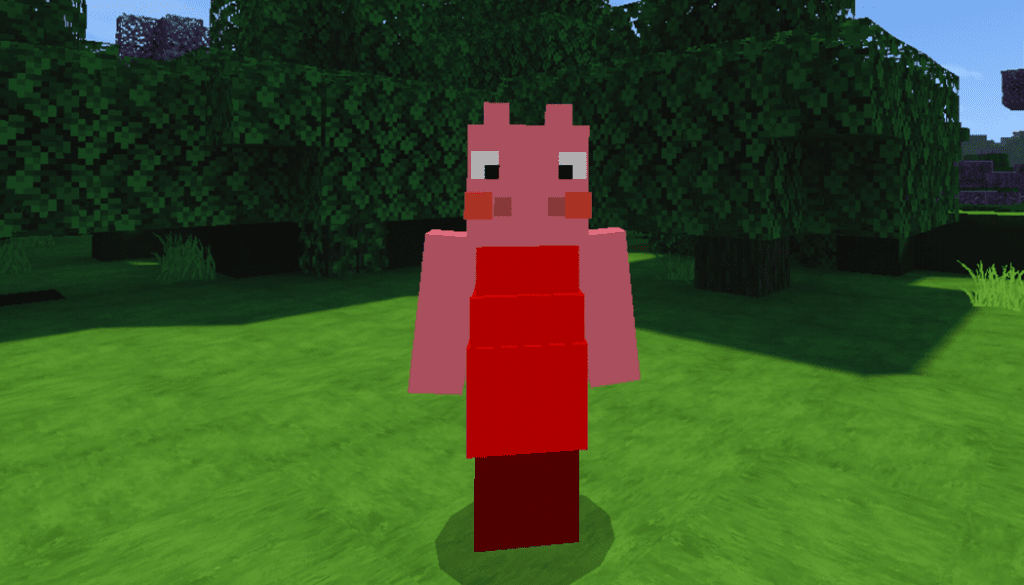
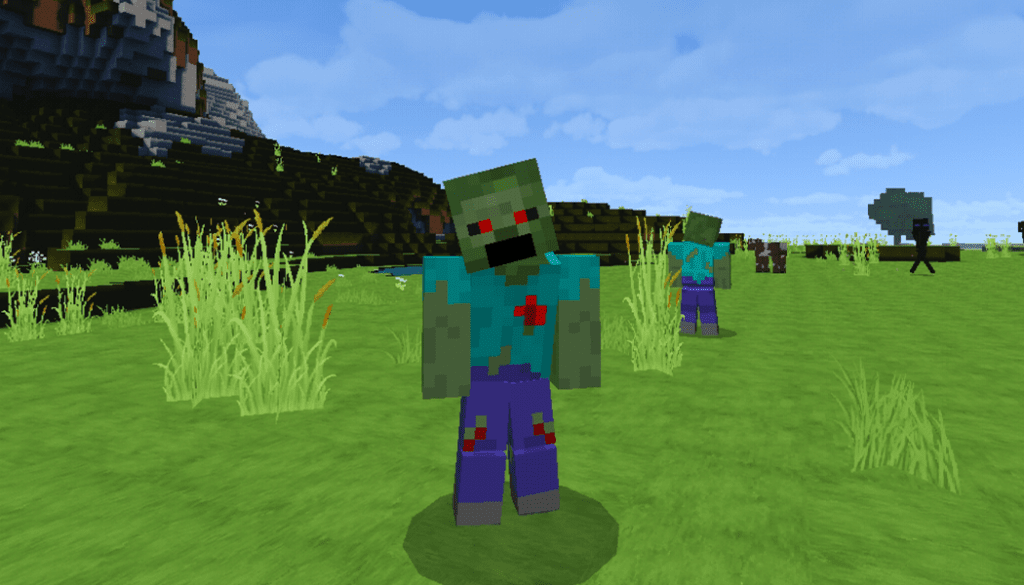
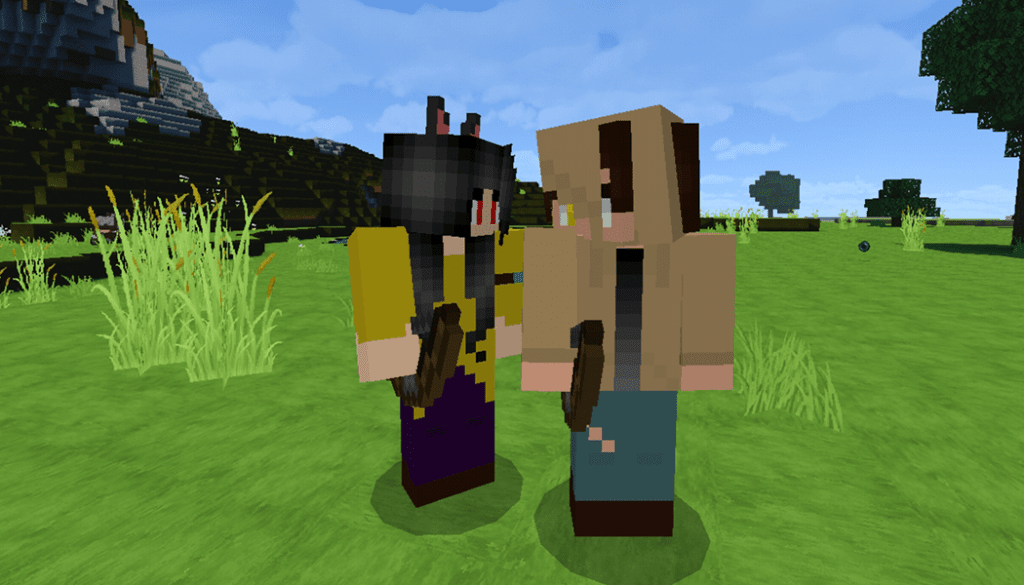
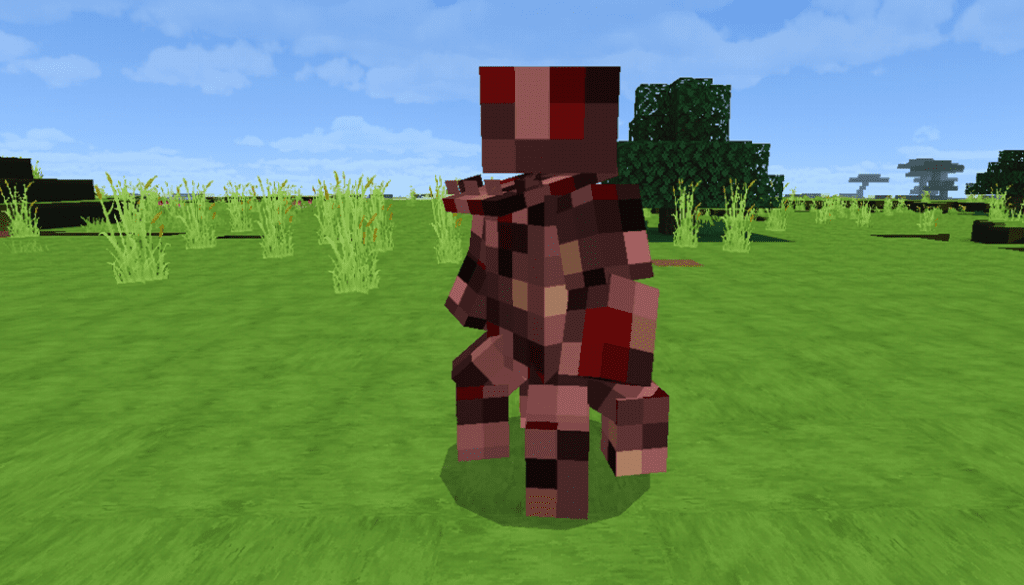
Piggy in Roblox that makes you feel interesting? Would you like to add all the piggy in that game in Minecraft? Well, this Piggy Addon will help you get them!! There are substance 128 infections come to Minecraft, some iconic piggy character herself, George, Robby, and many other characters!
Besides piggy characters, this addon also adds some items and blocks that you can explore! Check the description below to get information on enemies and allies.
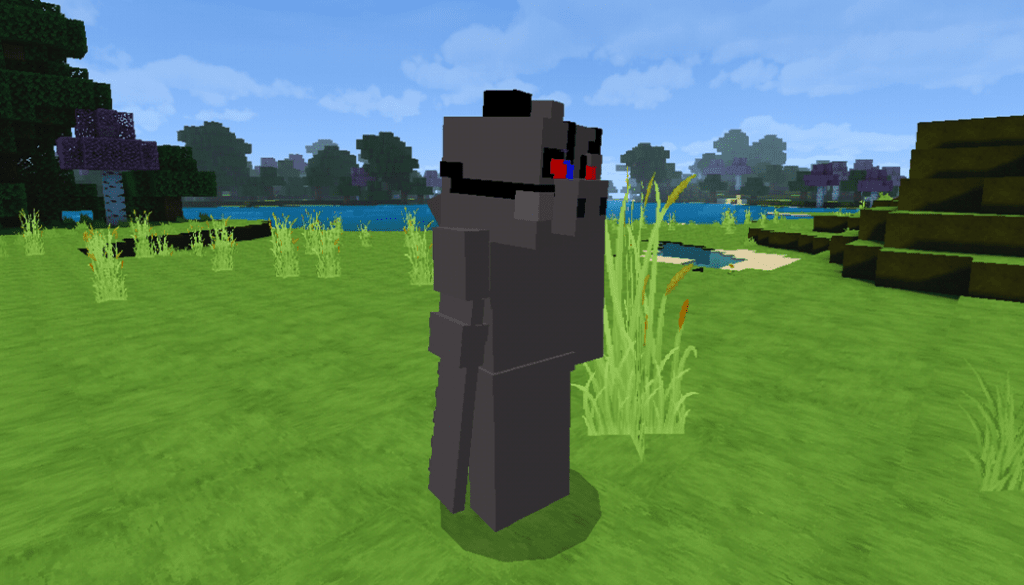
Monsters
All of them have:
100 health
Deal 5 hearts damage.
Speed similar zombie except for the grandmother character
The next character is called Soldier who has the same damage and speed as these monsters above but is much weaker. It has 20 health and a knife
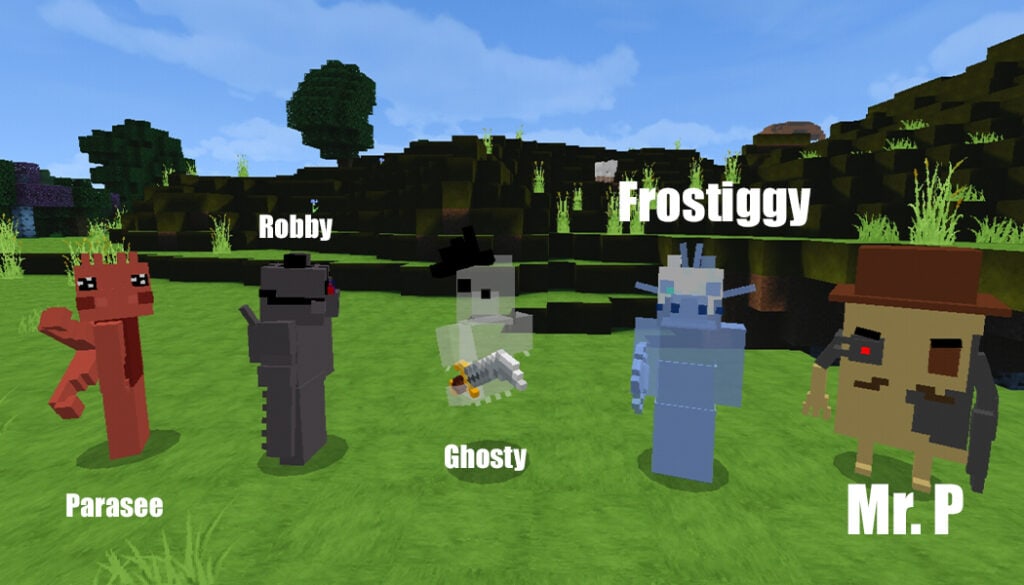
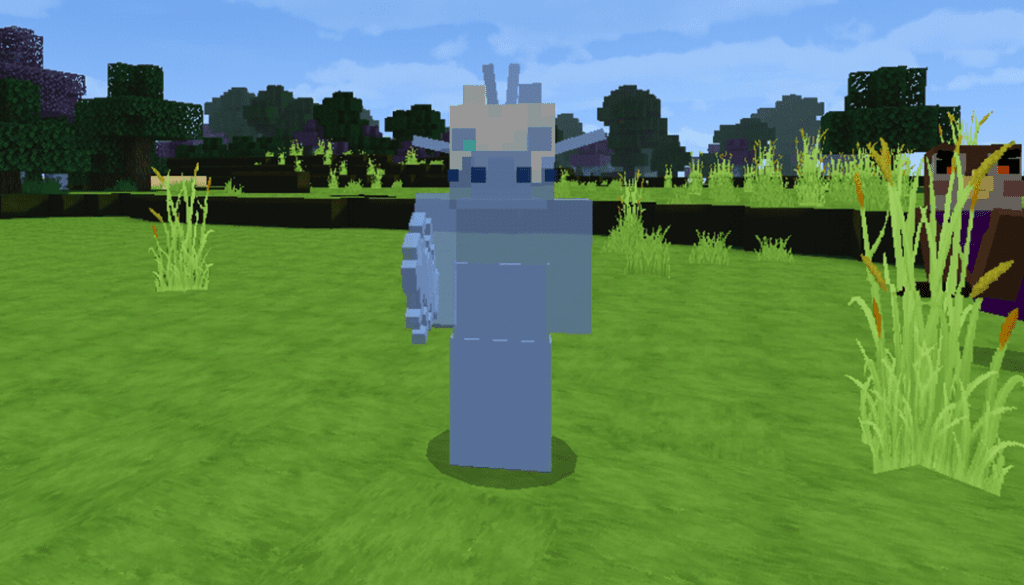
Continue to explore monsters which include ghosty, frostiggy, and robby. These ones have different habilities
Example:
Robby makes more damage
Frostiggy give to you slowness
Ghosty is transparent and don’t make any sound just when kill
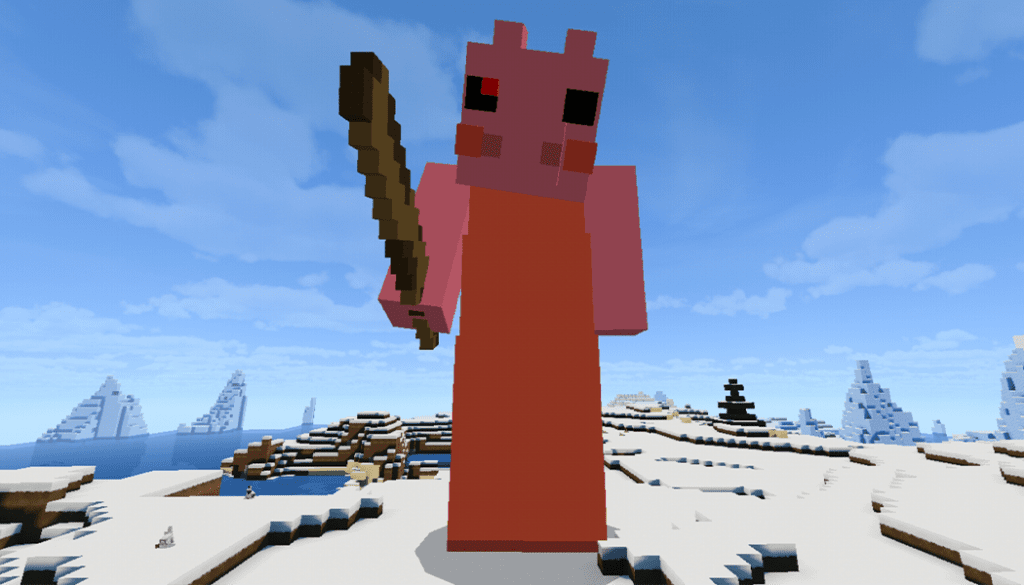
Then come to custom characters, there is a boss and is giant piggy for the fight
Finally, the same AI from Soldier
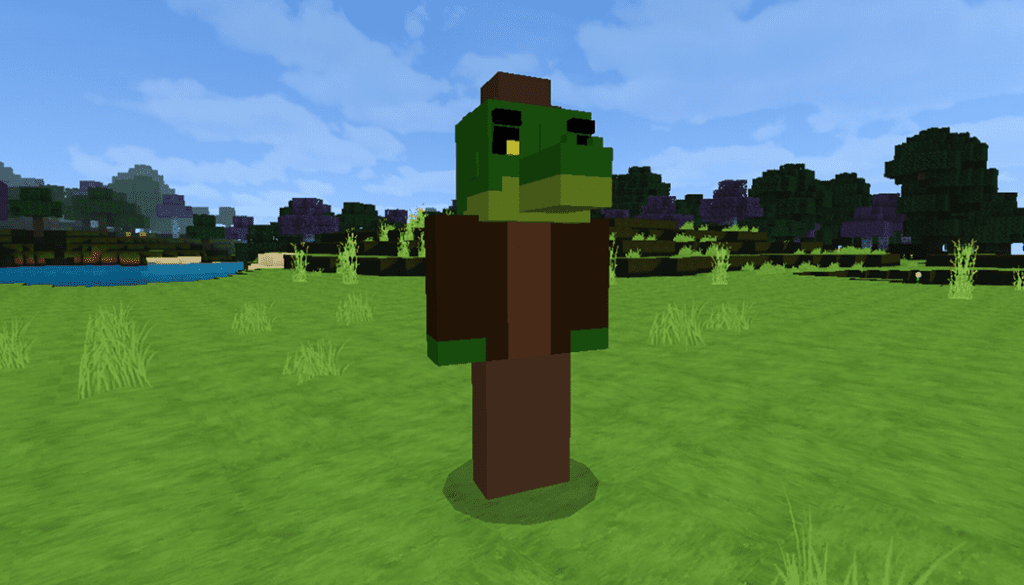
Alfis the alligator monster in Piggy Addon can swim and look him a bit taller than normal monsters.
Glitch memory: same memory but different colors
Mr stitchy has the power and a lantern, he can be angry if you see him!
Pickle rick, pumpiggy, billy, dakoda, lisa, mari, infected zizzy, friend(WIP), infected doggy and finally clowny: these monsters have the same behavior
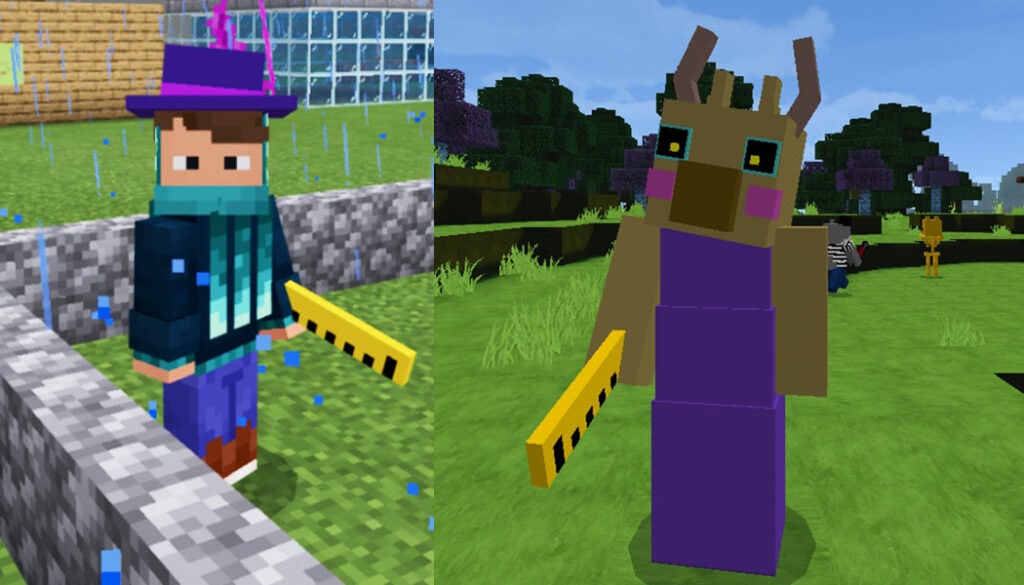
Teacher and the ruler
Sheppy & SENTINELS
Npc – Piggy Addon
George Piggy: he is just a child and needs an apple for tame
Doggy: this is the police officer as well as friend dog, if you want to tame him, you need a bone.
Zizzy: using grass to tame her
Pony
Robby
Penny Piggy: If you hit her, she will be scared and you can infect her
Every NPC has blink animation except the infected.
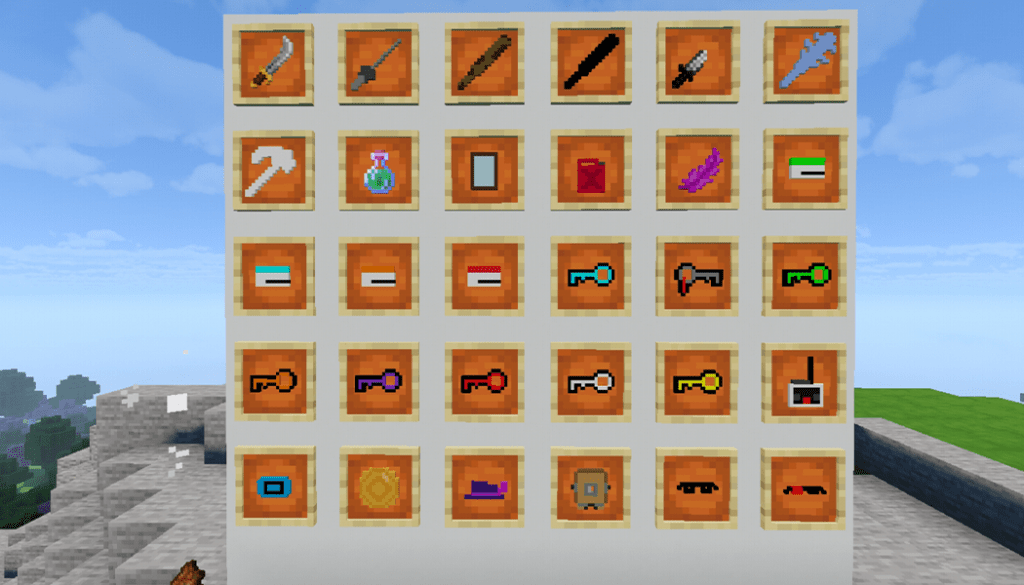
Piggy Addon Items
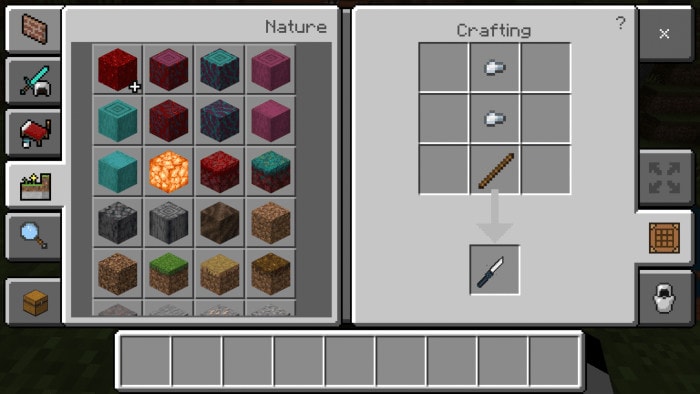
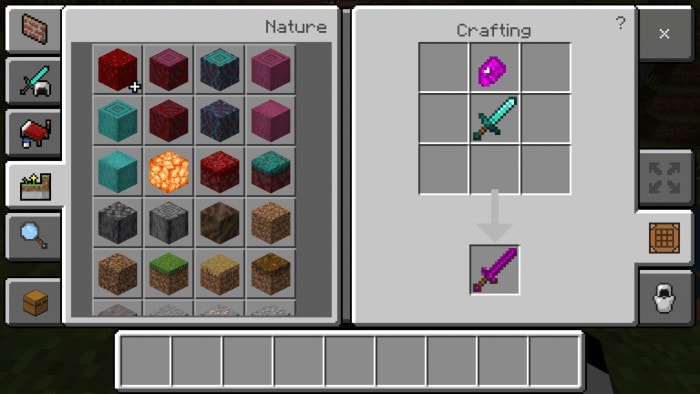
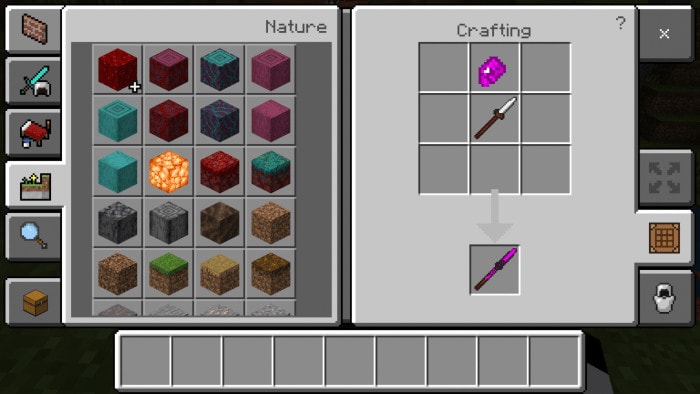
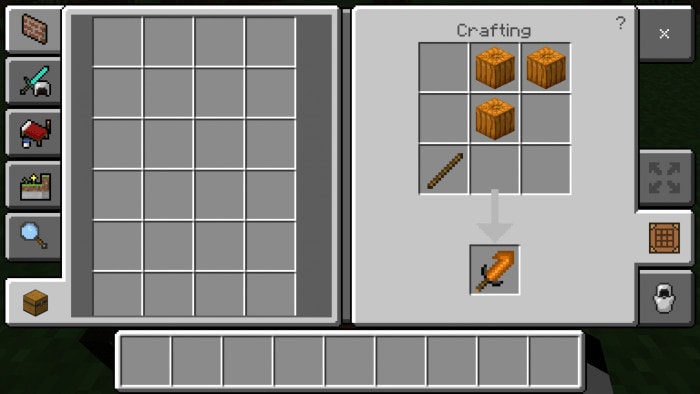
Some of the items in the picture above don’t have a crafting recipe.
Baseball bat and black baseball bat: 5 damage
Ice baseball bat: 5.5 damage
Cutlass: 6 damage
Fencing foil: 6 damage
Combat knife: 3.9 damage.
Gas use for the car
Magenta feather is for a hat in the future
Substance 128 is for infect or drank yourself.
Others items are for map makers
Hats Piggy Addon
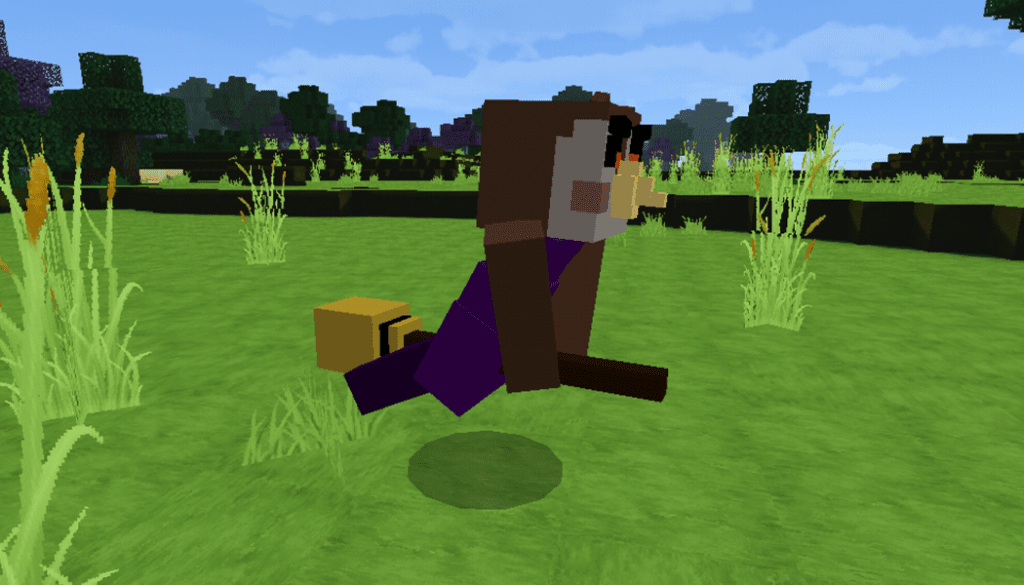
Zizzy hat, Owell witch hat, a diving helmet, there are some cool infection glasses and normal glasses,
Car
This car of piggy intercity and have animation
Holiday characters – Piggy Addon
Halloween
Crove and alt crove
Owell
Christmas
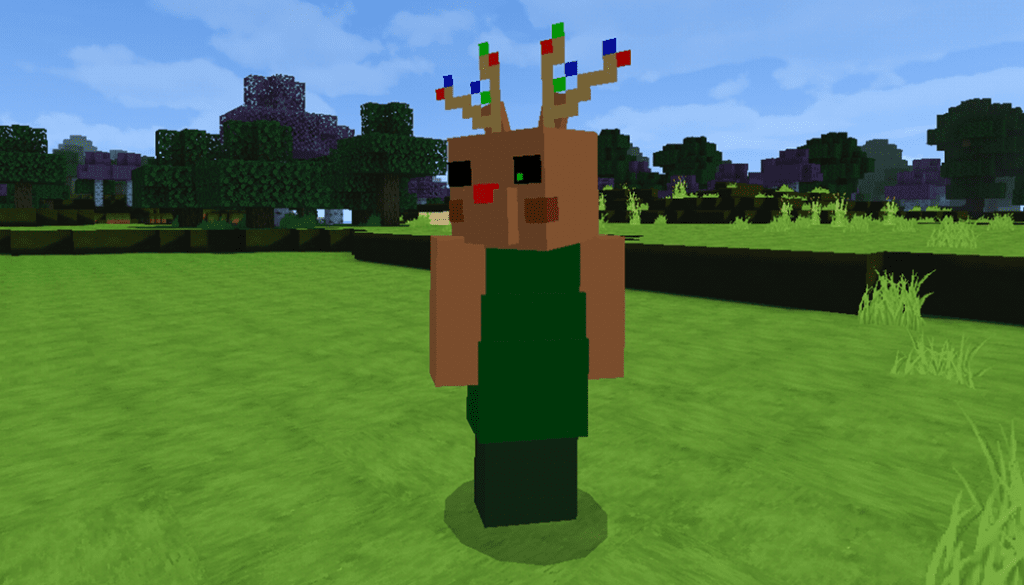
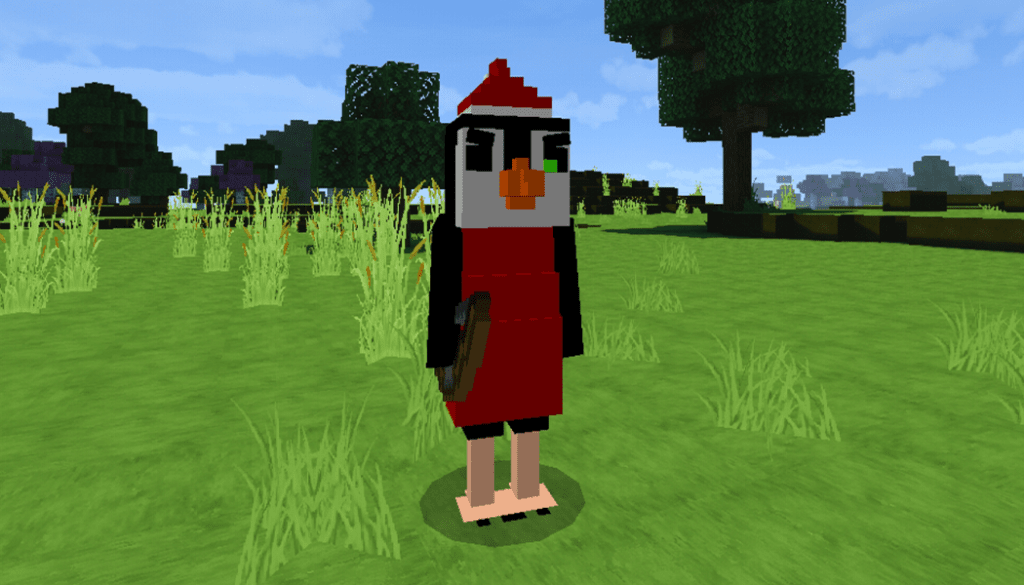
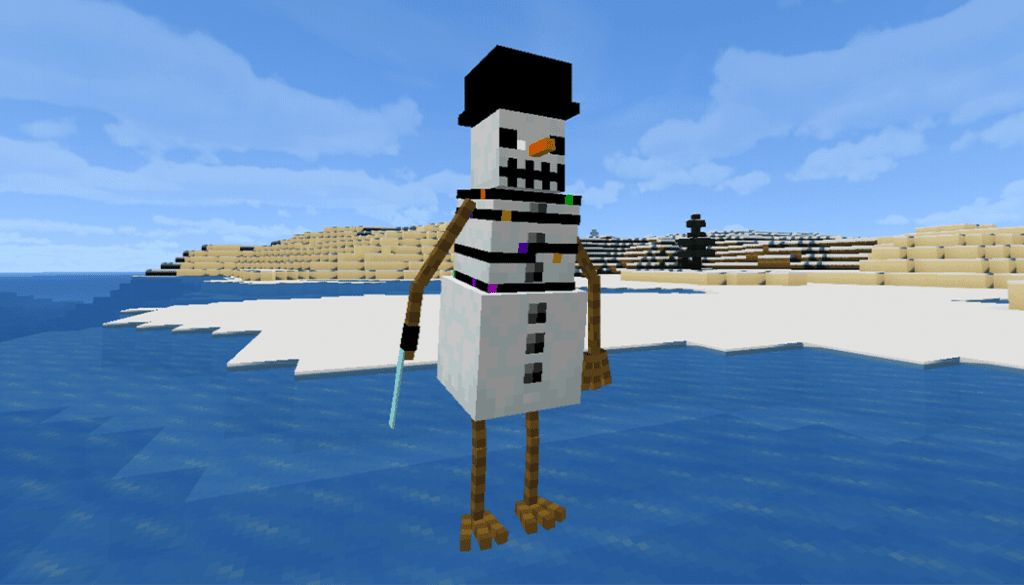
Frostiggy – Reindessa – Primrose – Mr. Bliss – Krampiggy: these characters don’t freeze in the powder snow!
Piggy Addon for Minecraft: – Added christmas characters: Primrose, Krampiggy, Mr. Bliss, Reindessa. – Bug Fixed – New Christmas featured image – Fixed every section of the addon info like npc, monsters, blocks etc.
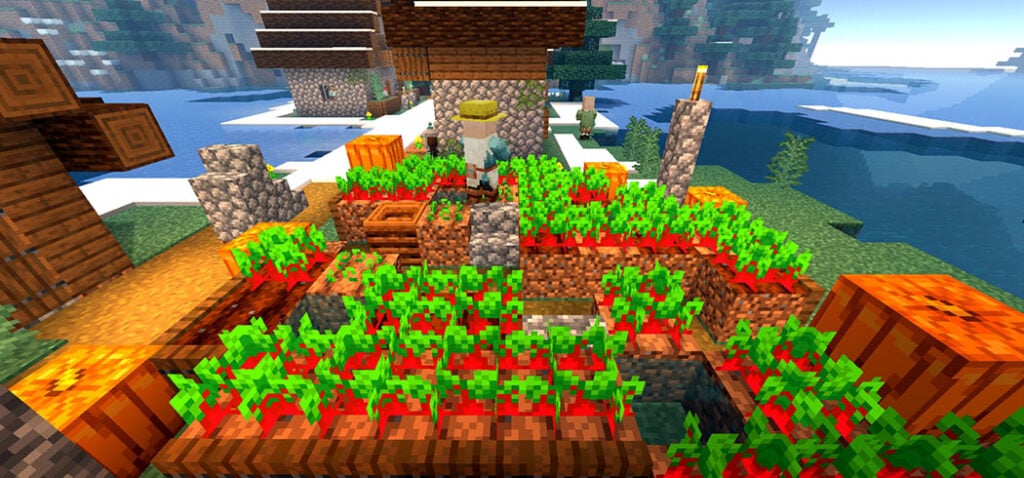
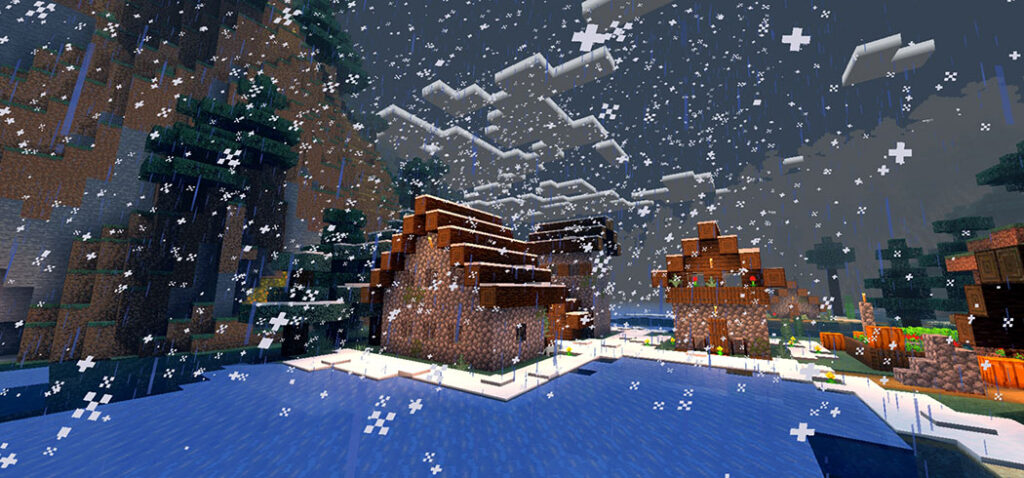
NZX Shader has some fascinating features that you could enjoy, and it makes your Minecraft experience more engaging. It only works with mcpe. And I’m not sure if it works on IOS because I don’t have one. Only on Android has it been tested…
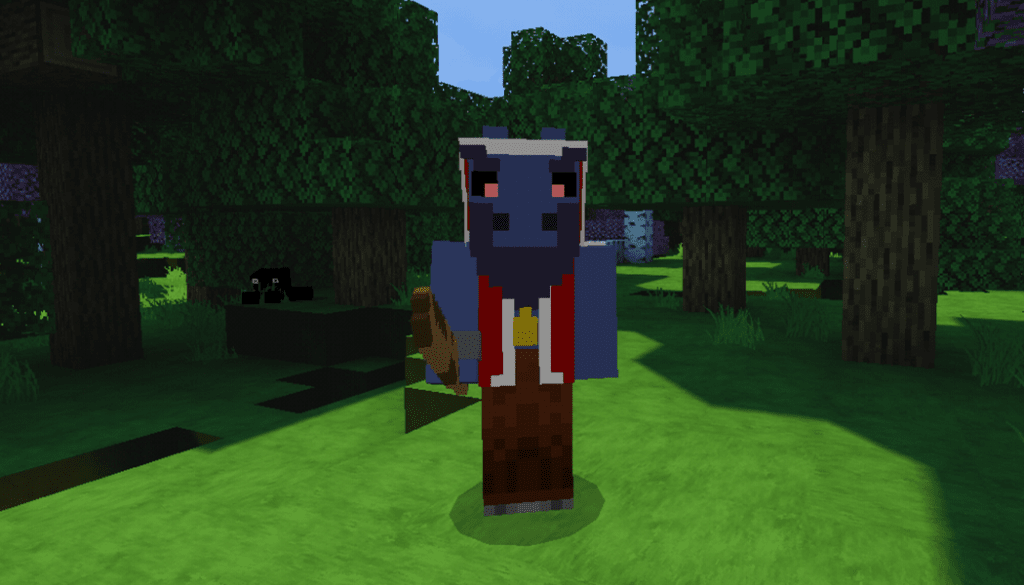
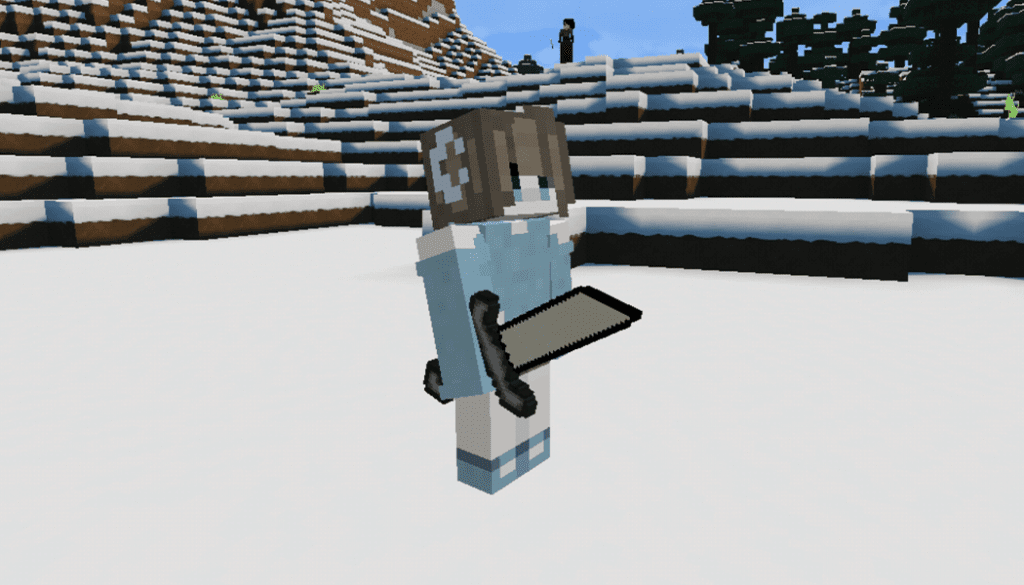
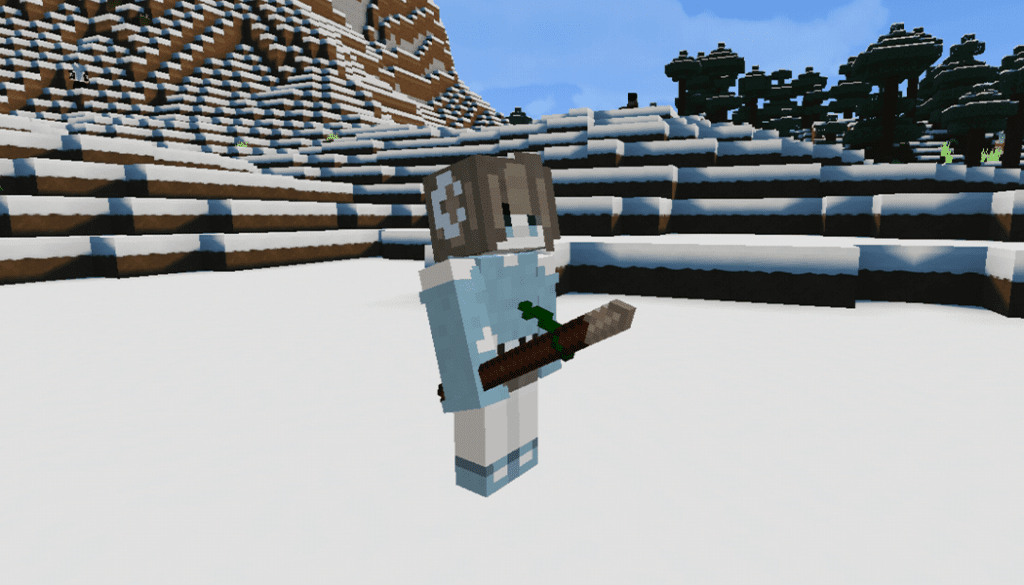
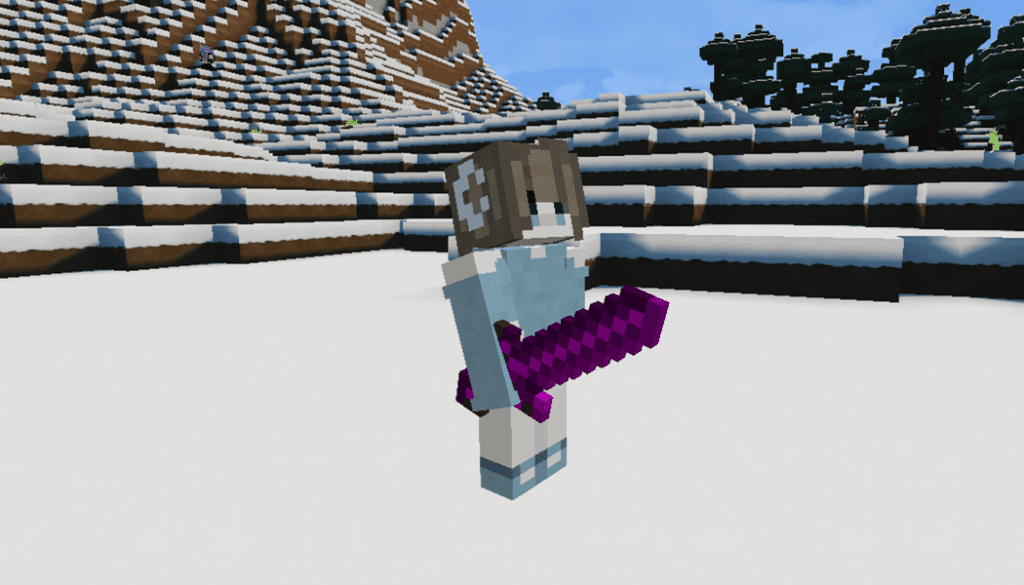
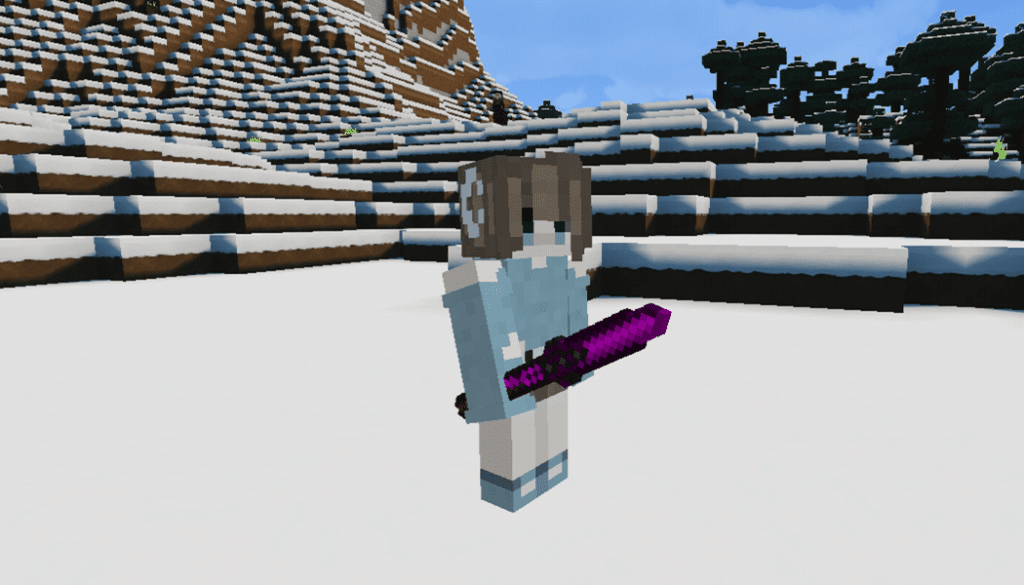
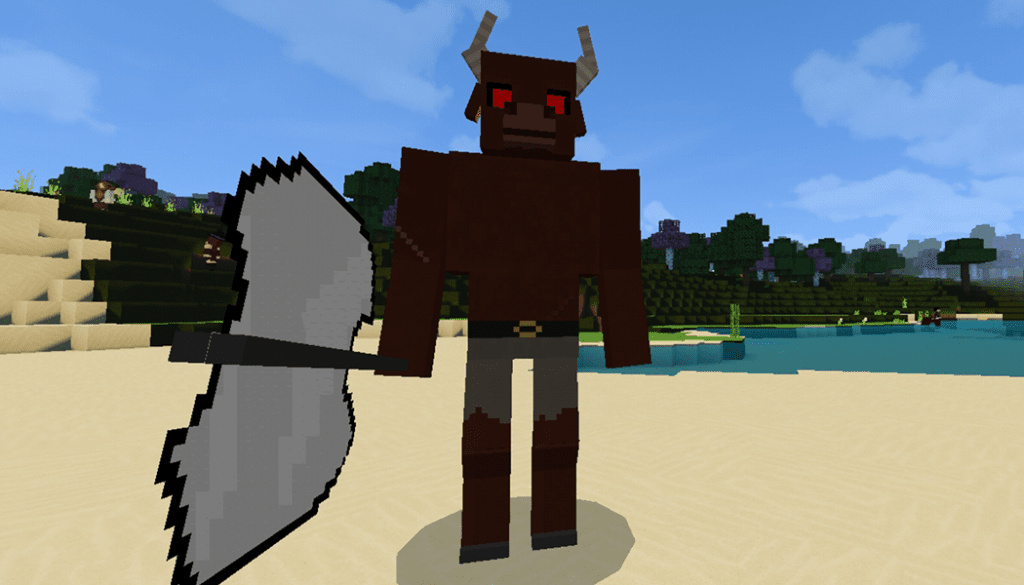
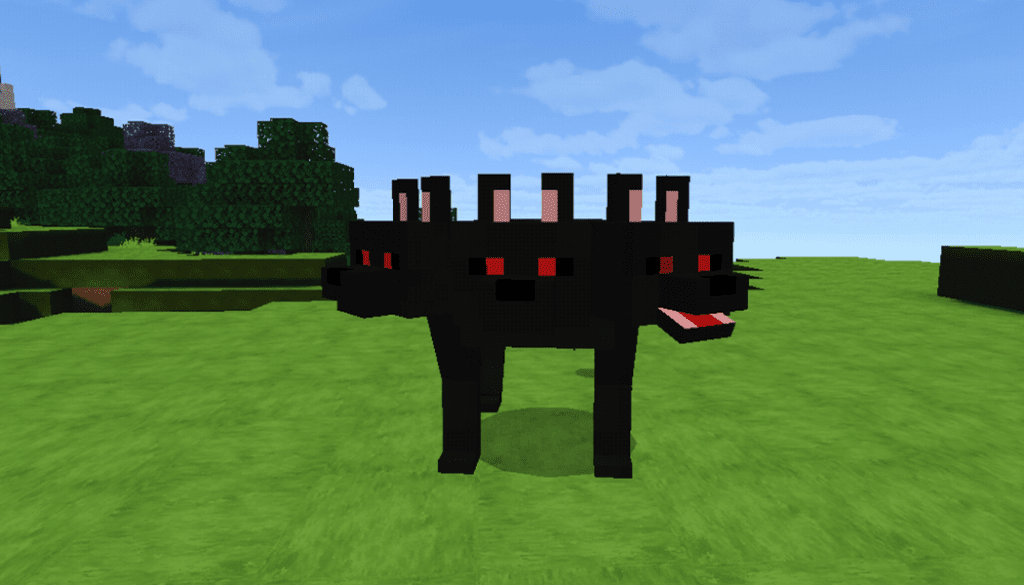
Let’s try to add GBs addon into your Minecraft game and see many cool things such as strong unique items and some fantasy mobs. These mobs can bring to your world medieval or fantasy style. Even craft some weapons and even meet new hostile and friendly mobs on your journey!
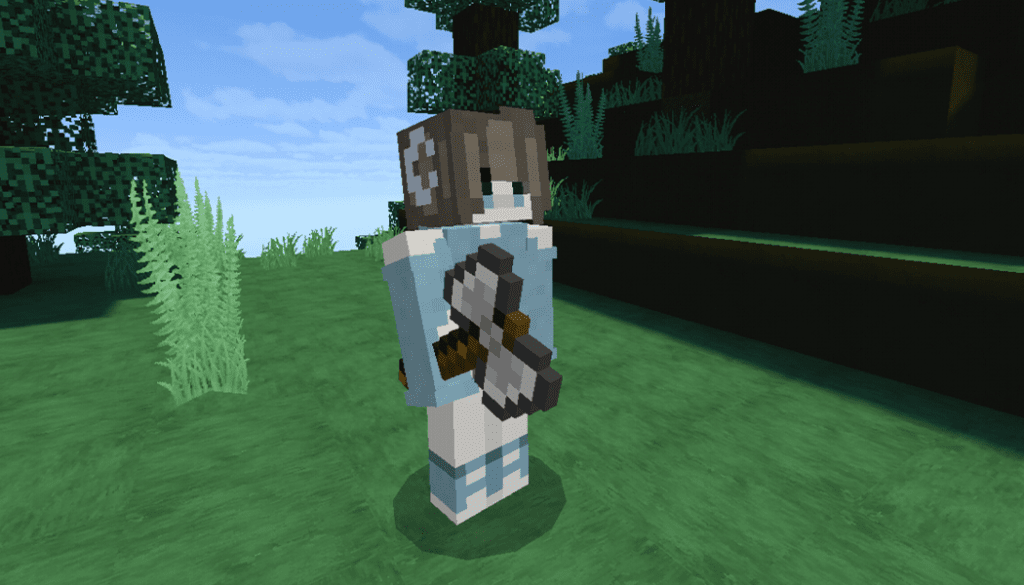
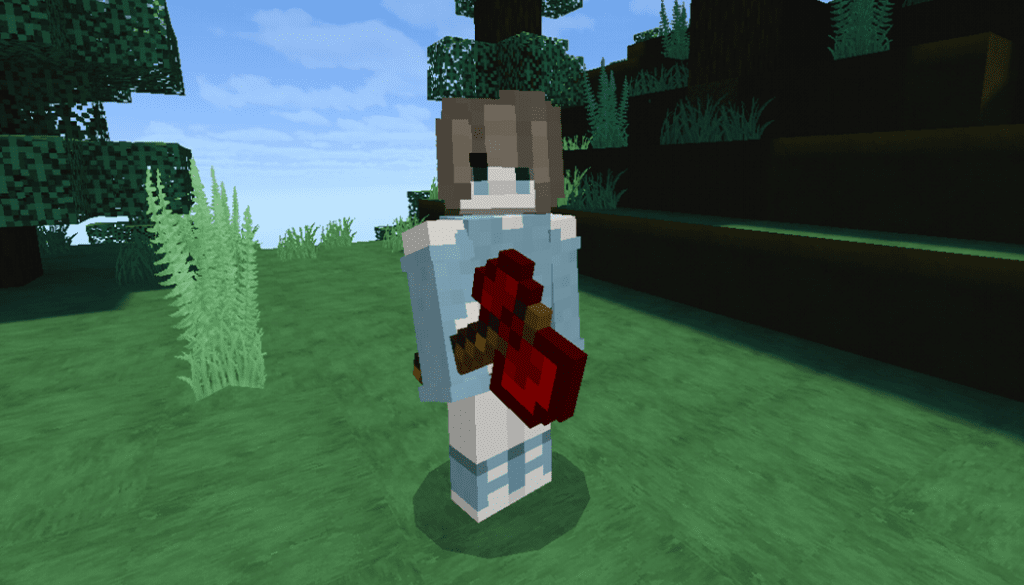
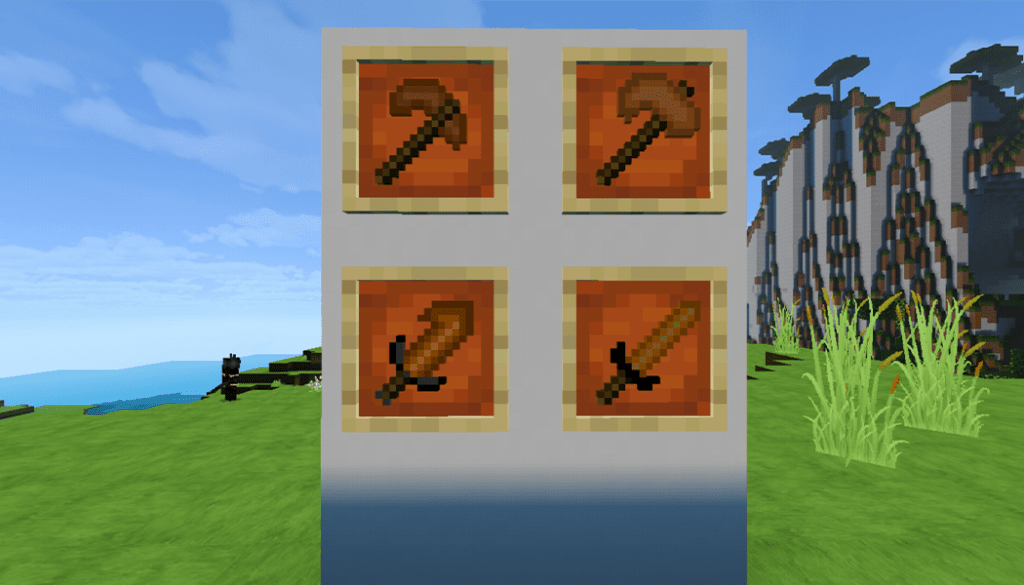
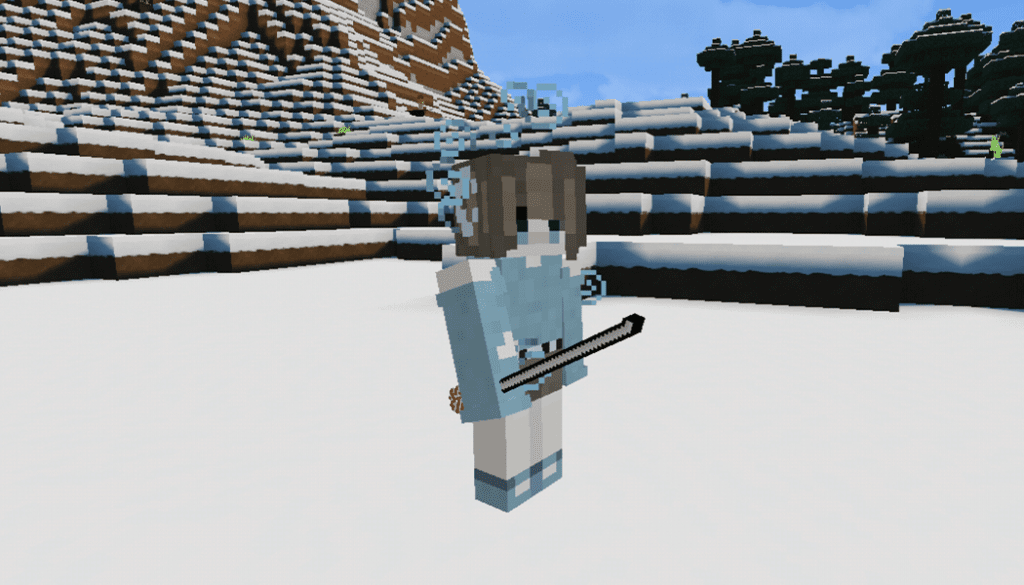
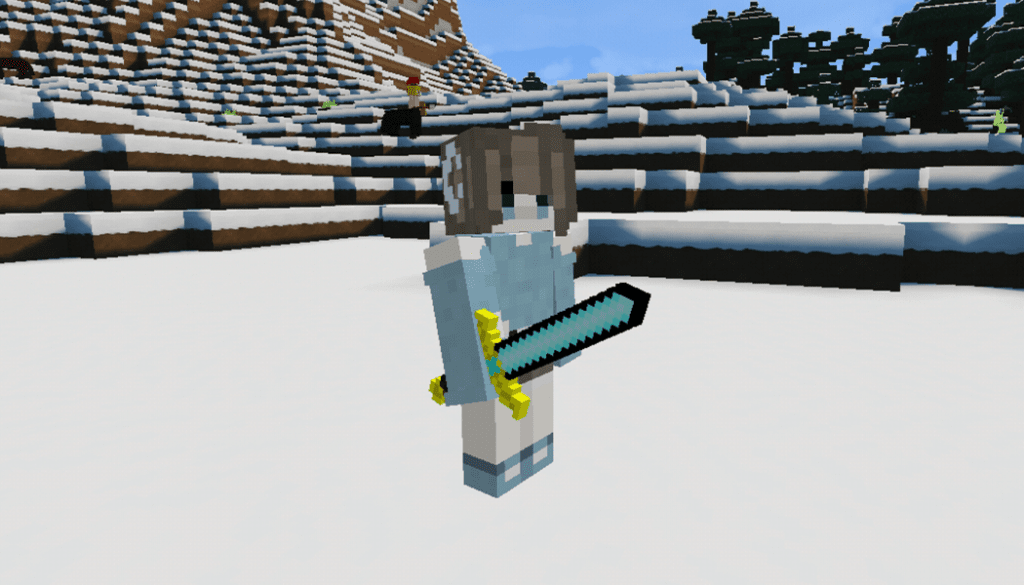
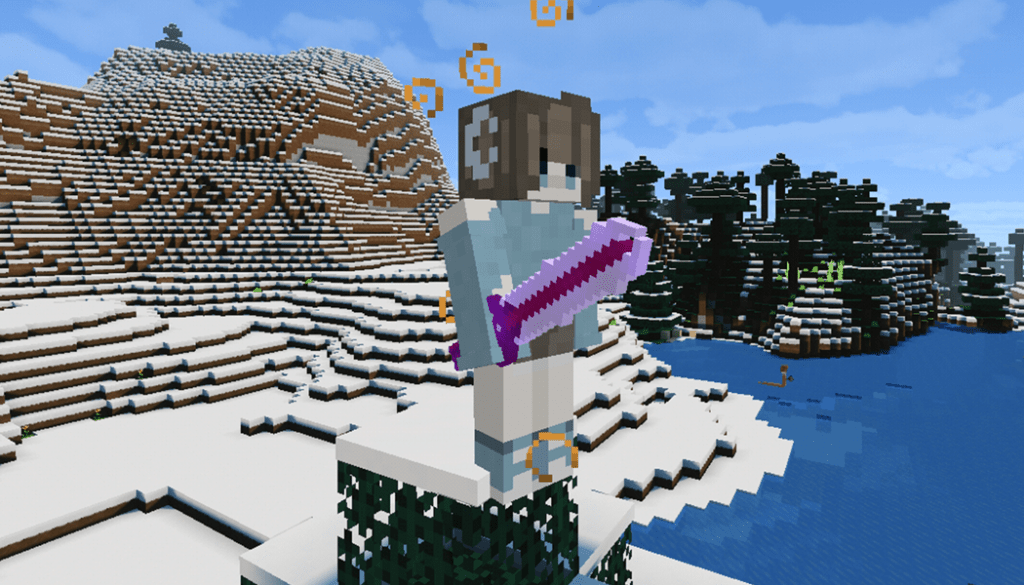
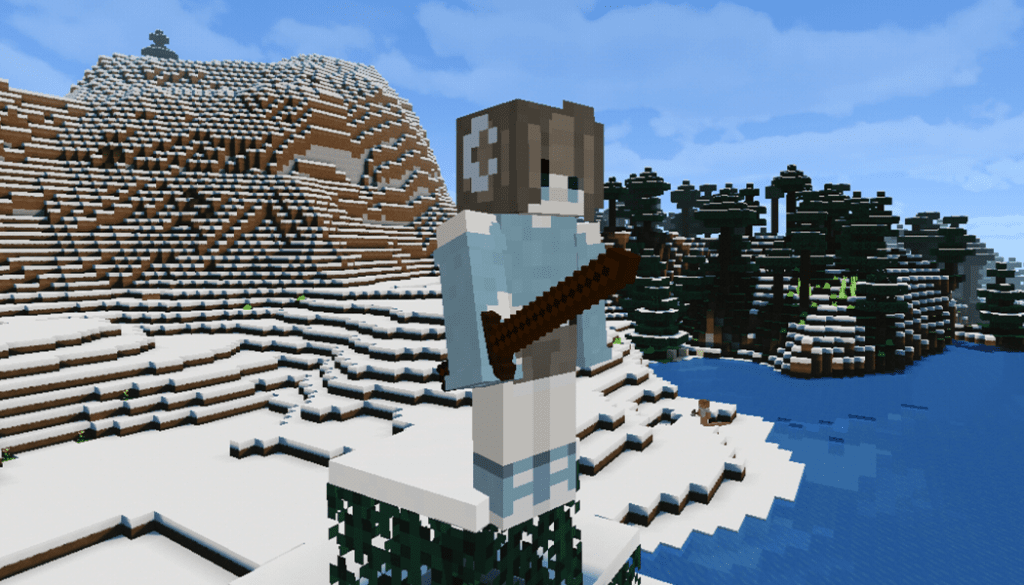
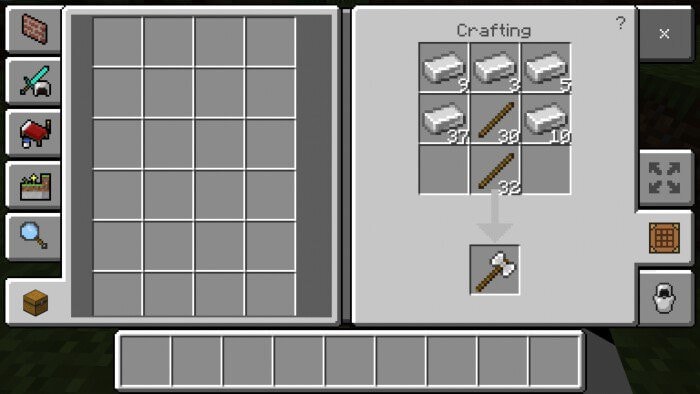
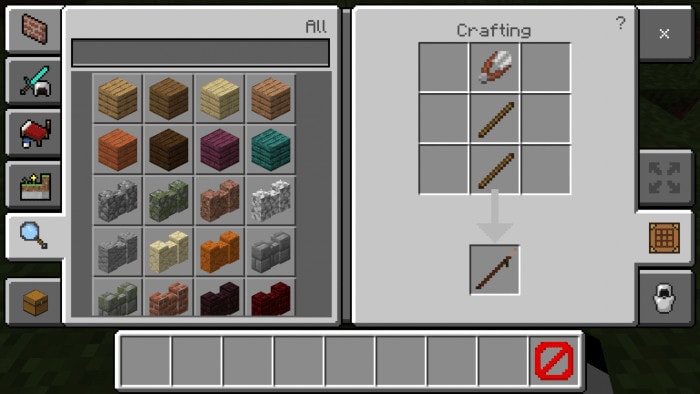
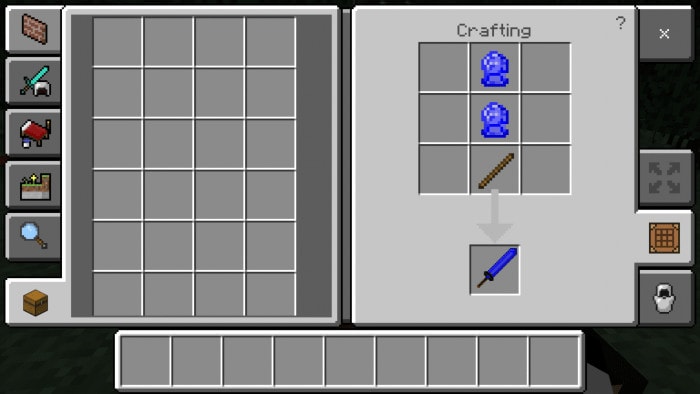
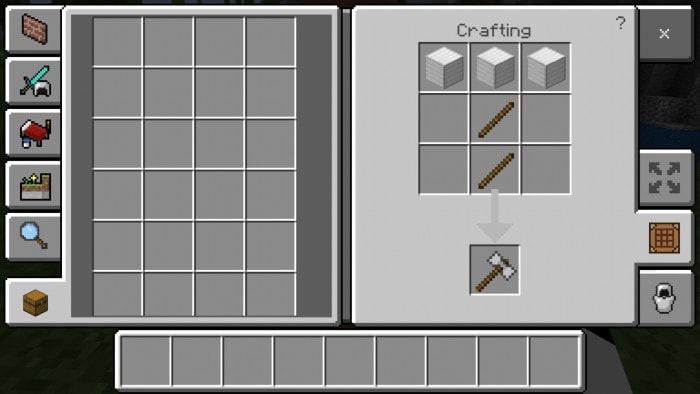
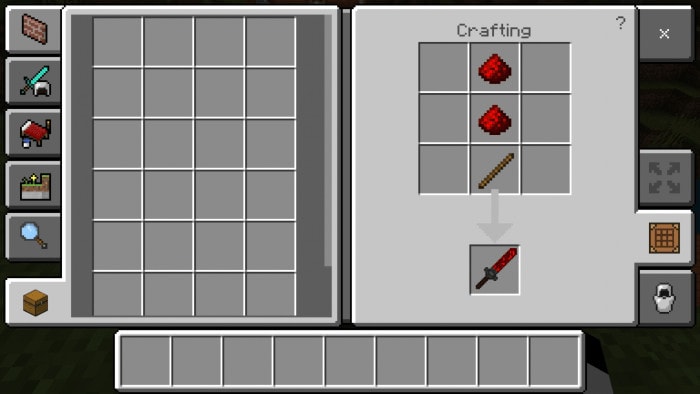
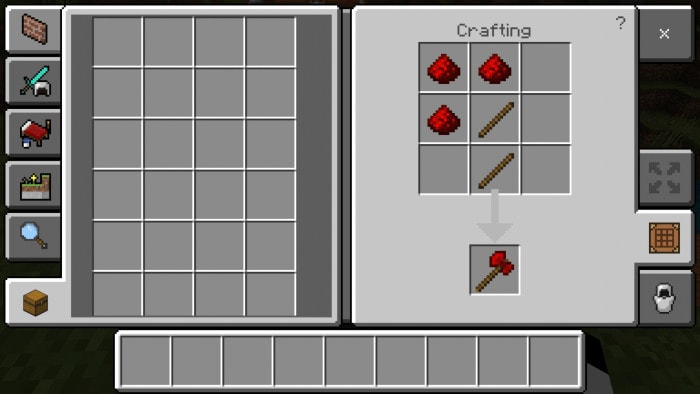
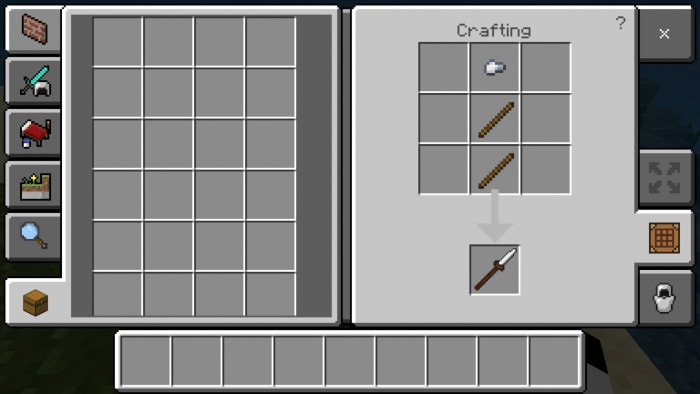
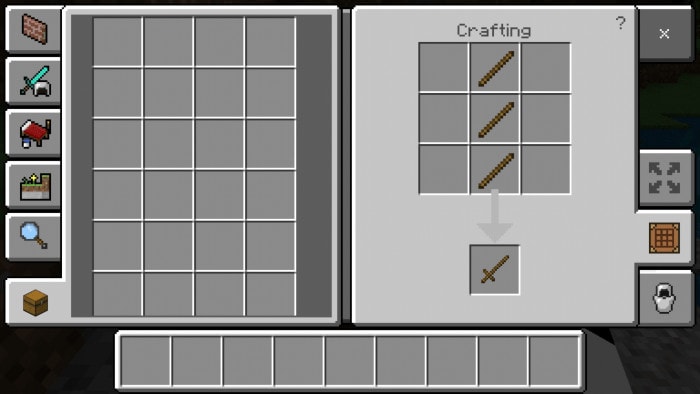
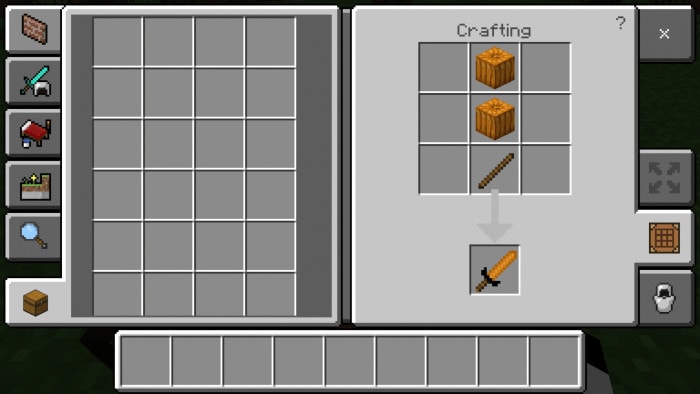
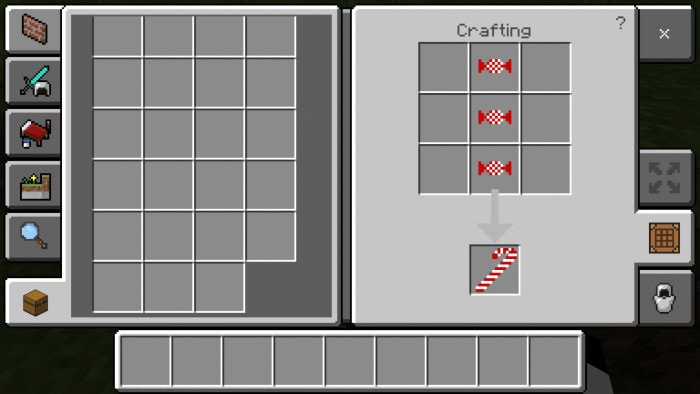
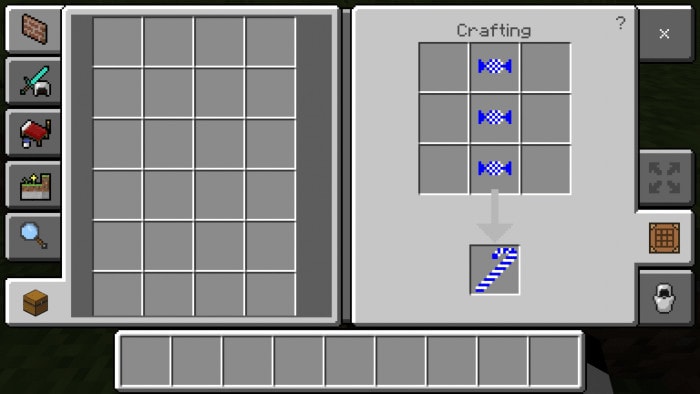
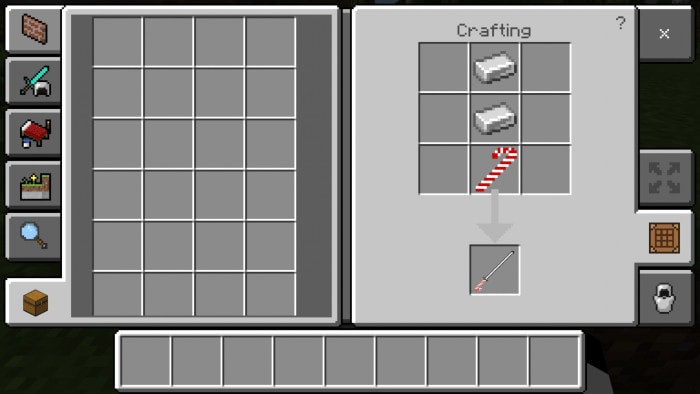
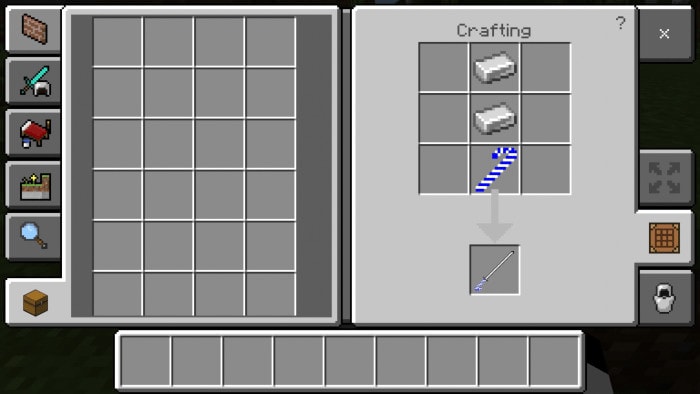
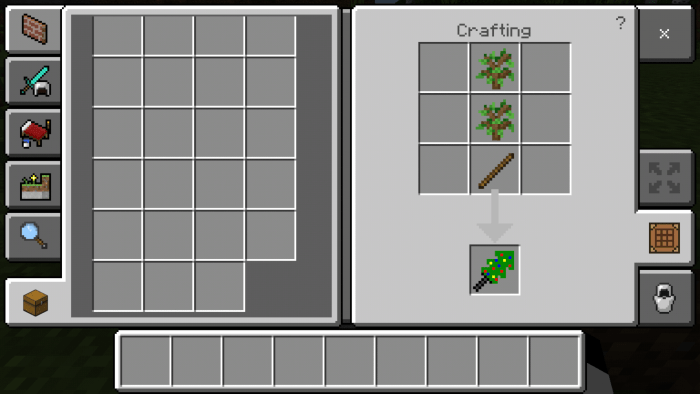
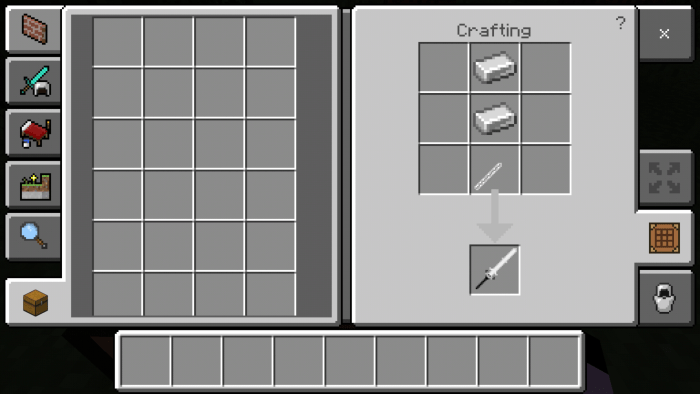
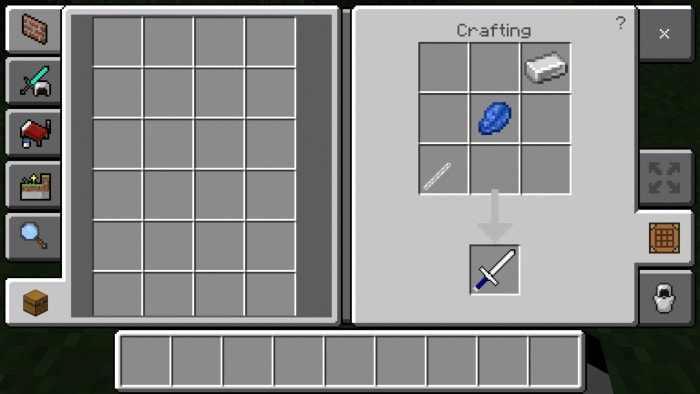
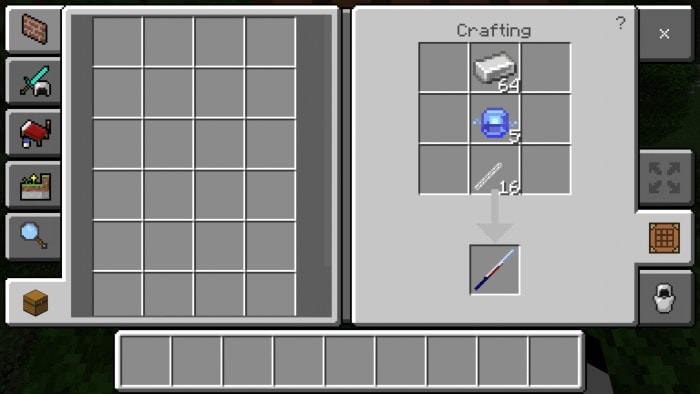
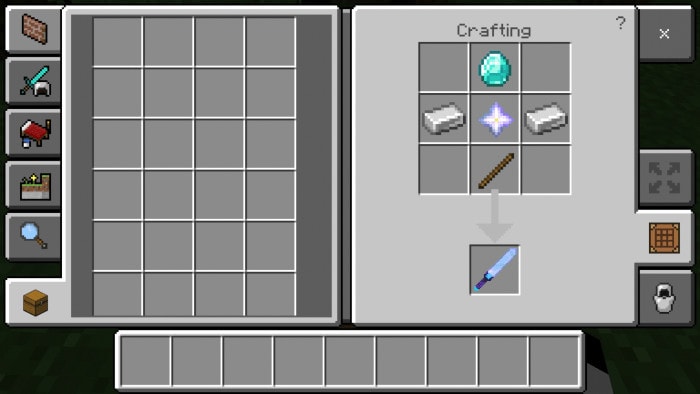
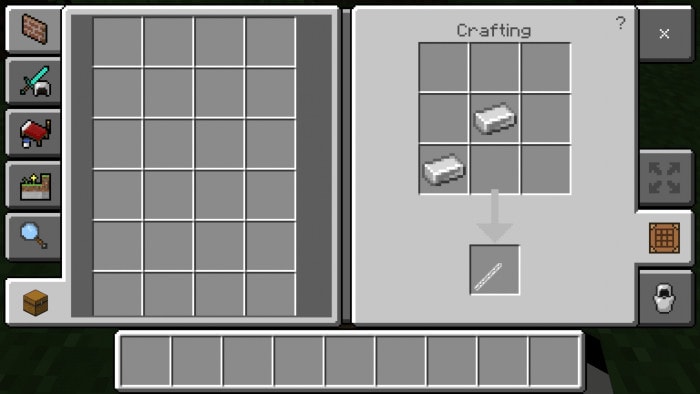
Sword Nature – Destiny – Wooden Practice – Iron Stick
Mobs – GBs Addon
Ghost: it has a custom sound, can attack any player and villager. You can find them in the forest.
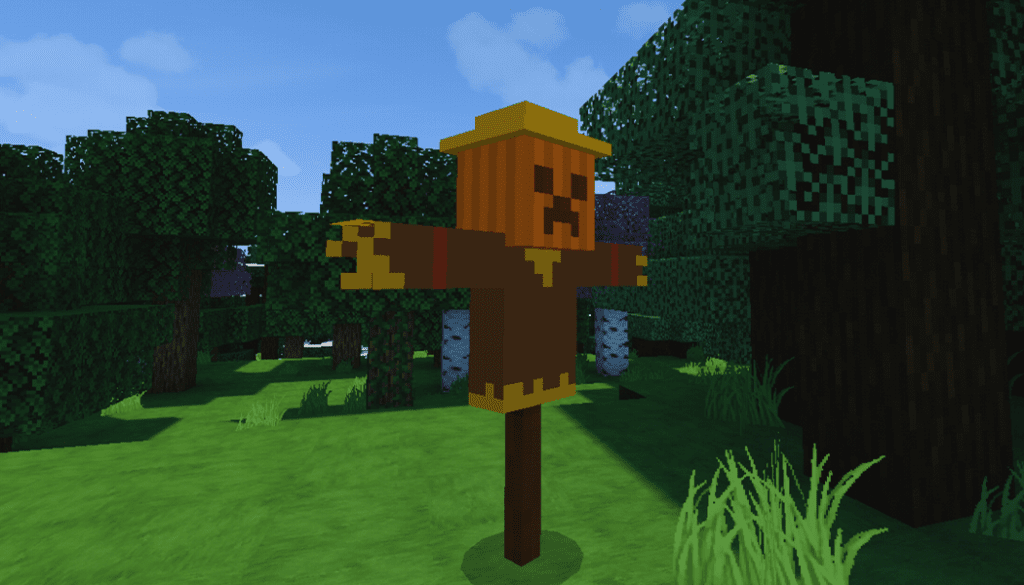
Scarecrow: attack any bat and phantoms if they come near it, you can find it in the villages.
Stone Monster: attract paler and villager, spawn at forest
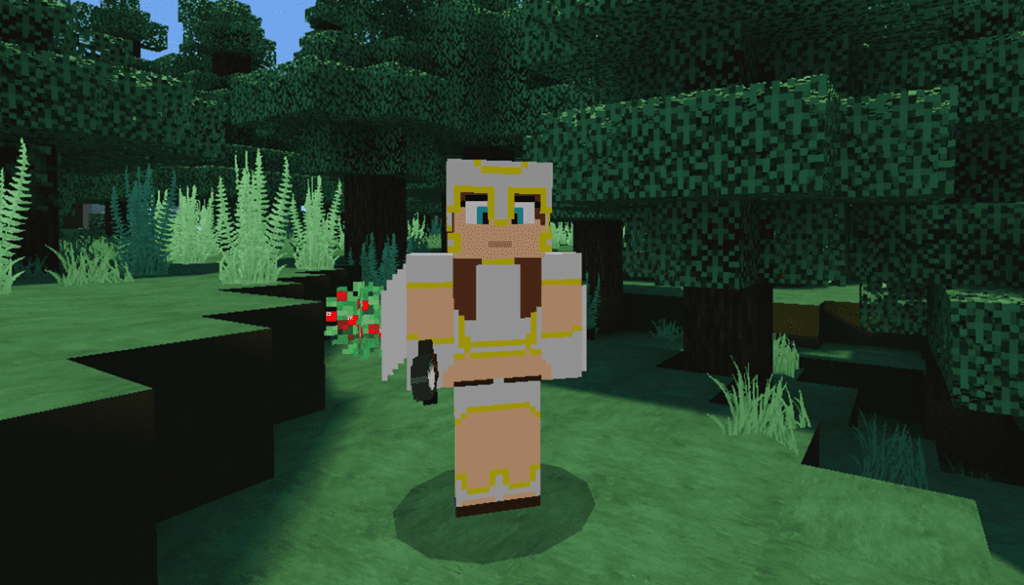
Valkyrie is a bit rare to find, but sometimes she will wondering around, can attack any hostile mob
Mummy [Male & Female] can be found in the desert, not burning in sun and hostile towards players and villagers.
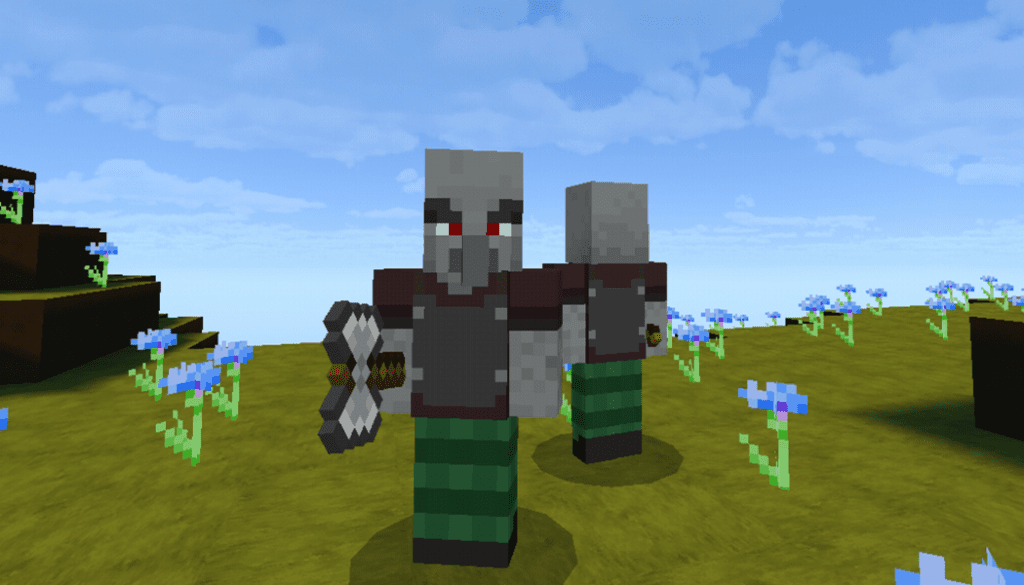
Revenger [Illager]: a new recruit of the villagers that can be found anywhere
Ground Skeleton is just bootable objects, can be found anywhere
Dryad is a tree girl and live in the forest, a friendly mob, and can be seen around taiga and forest
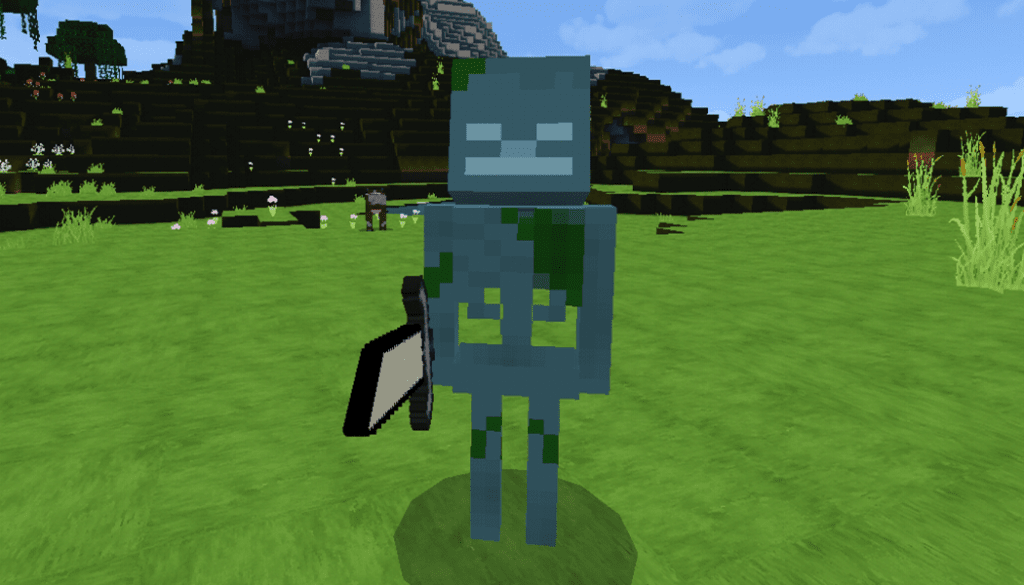
Drowned Skeleton: it holds a shark sword to attack players
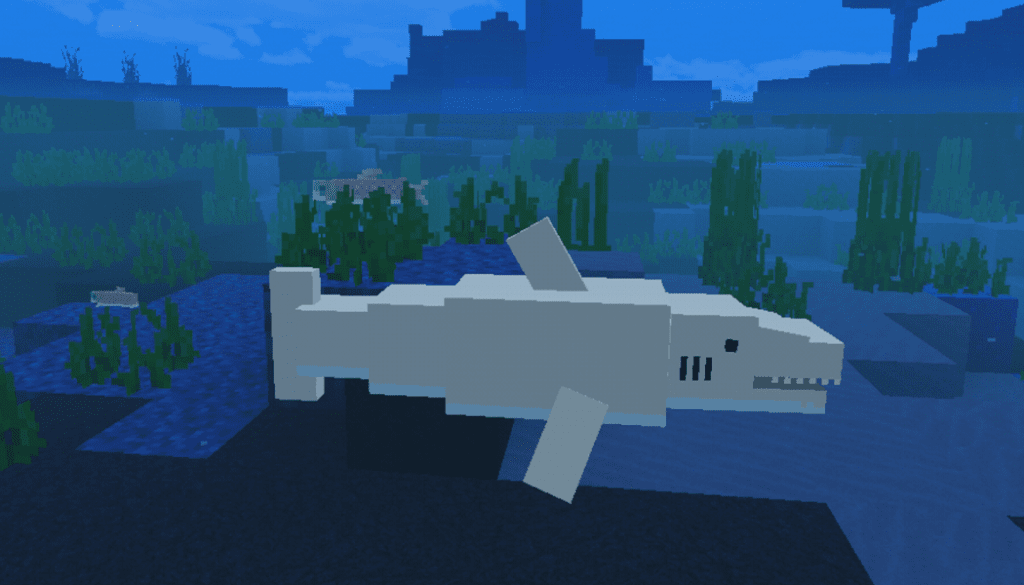
Sharks can be found in the oceans, If you dive deep you can find one, has a chance to drop their teeth
Zombie Berseker GBs Addon: a new zombie, very aggressive and runs a little fast than the normal one. Can burn on daylight
Hunters/Assassins (Friendly) – Archers (Friendly)
Nether Walker GBs Addon
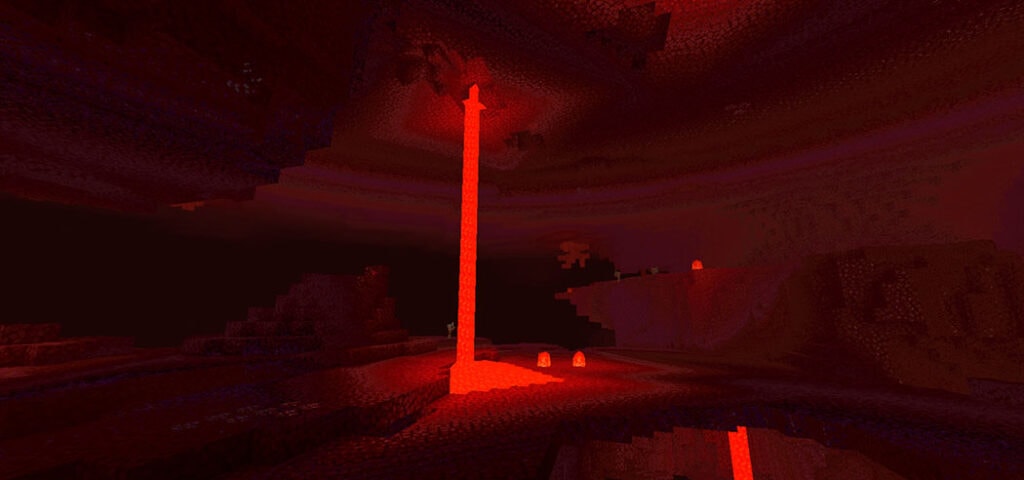
A monster in GBs Addon that can be found in the nether, are hostile towards players
Carnivore Plant: A dangerous plant!! You can see them in the forest sometimes, they are very dangerous on players and any other mobs (except monsters)
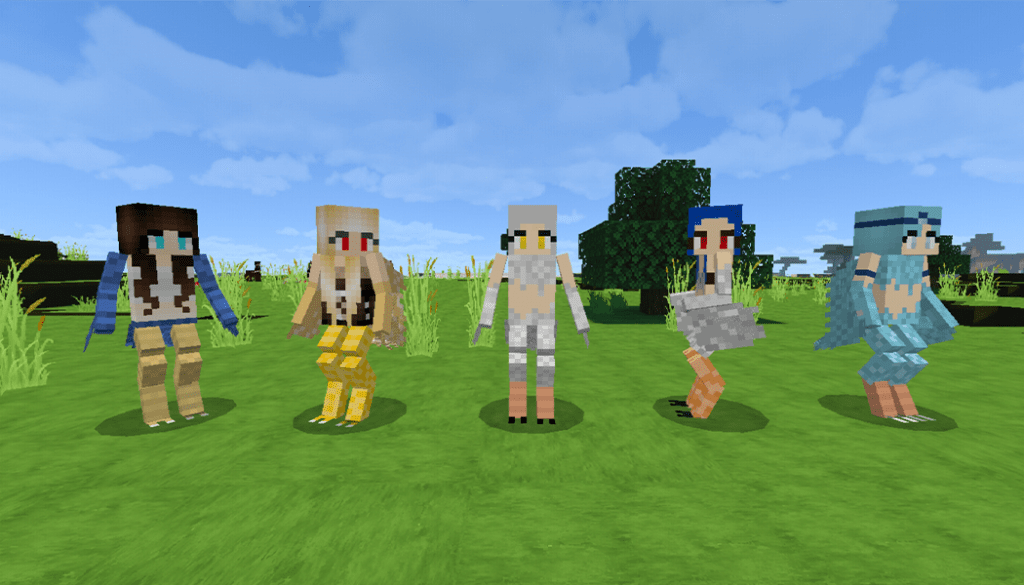
Harpy: they are hostile monsters towards players and villagers, the Lightning Harpy(Cyan color) is a boss-type
Jungle People & Bandits: they are traders, jungle people, and bandits, appear in the jungle only
Jungle Zombie: a new zombie which appears in jungles, can not burn in the sunlight
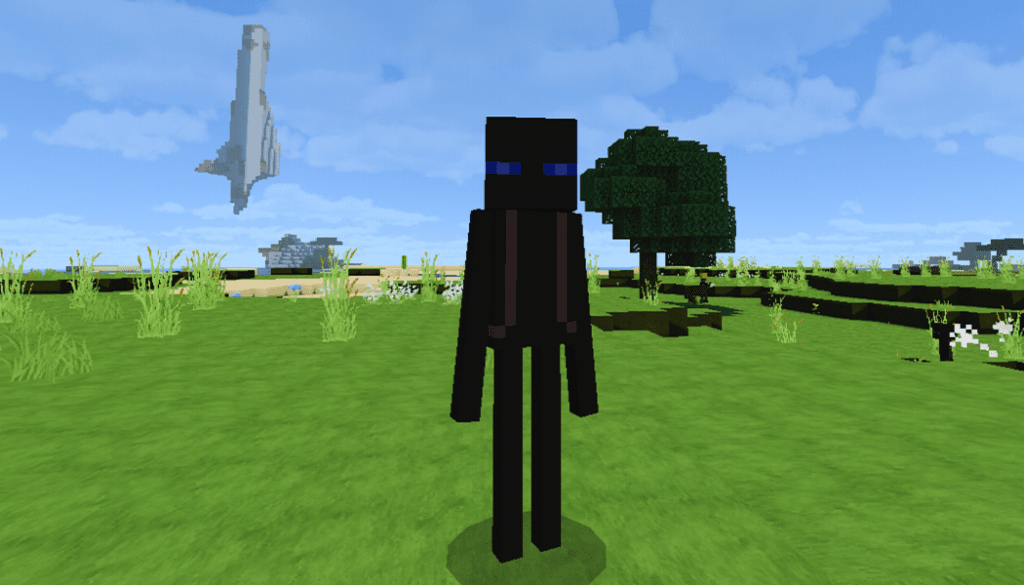
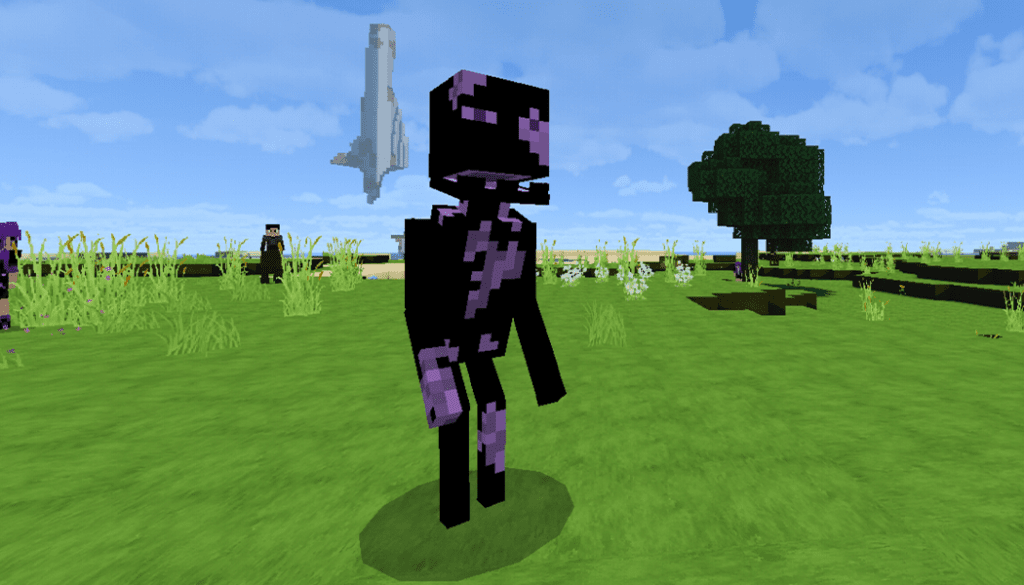
Ender Girl in GBs Addon : this is a passive monster, she will not attack players unless they do.
Ender Zombie: a corrupted by the Ender Dragon, the abilities more than other zombies. It doesn’t make the sound, get hurt with water and not with sunlight
Ender Trader: a friendly trader which might appear somewhere in the world, if you find it trade with it to see if it has useful items!
Ender Archer – Ender Monster
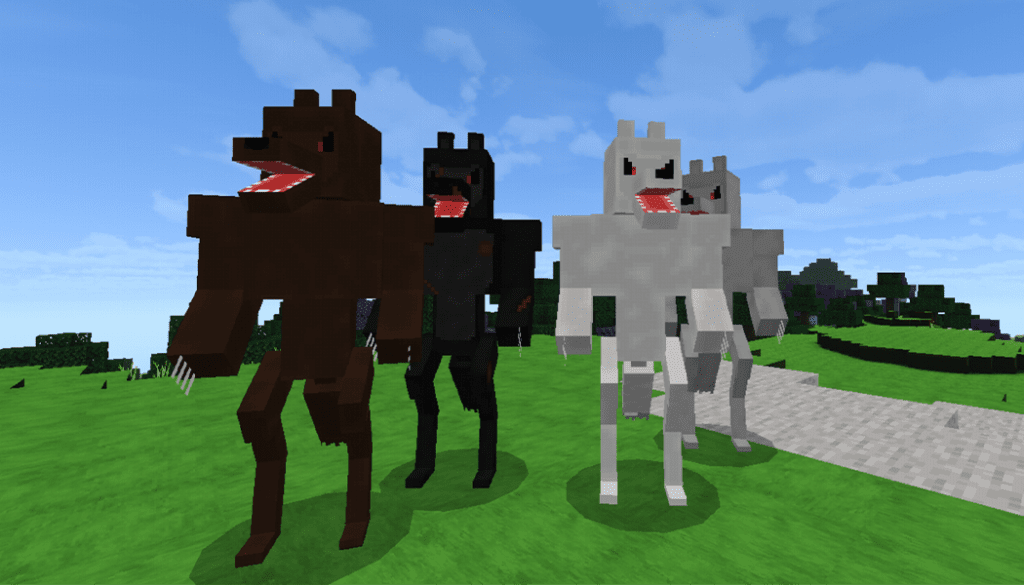
Headless Horseman – Werewolves
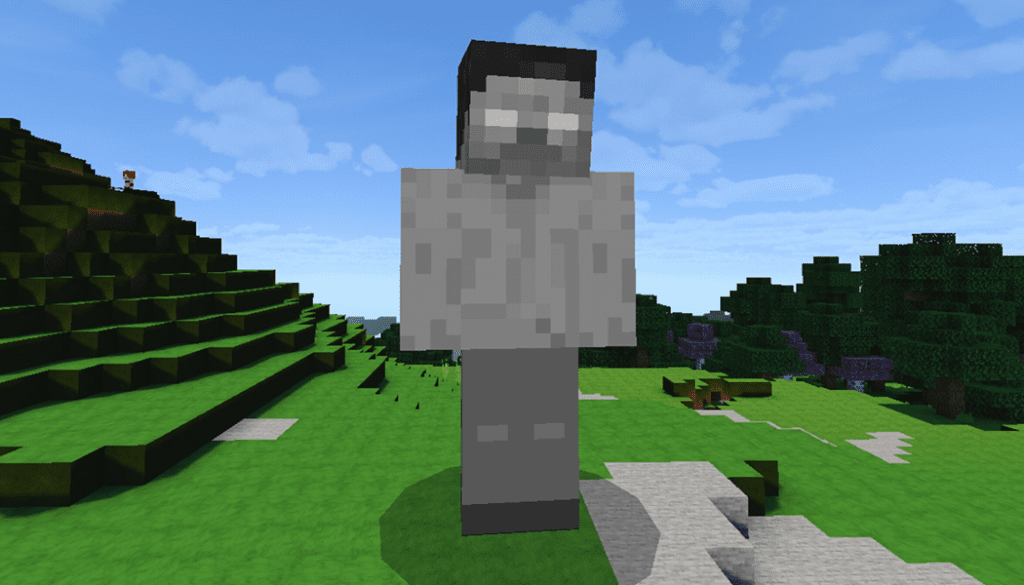
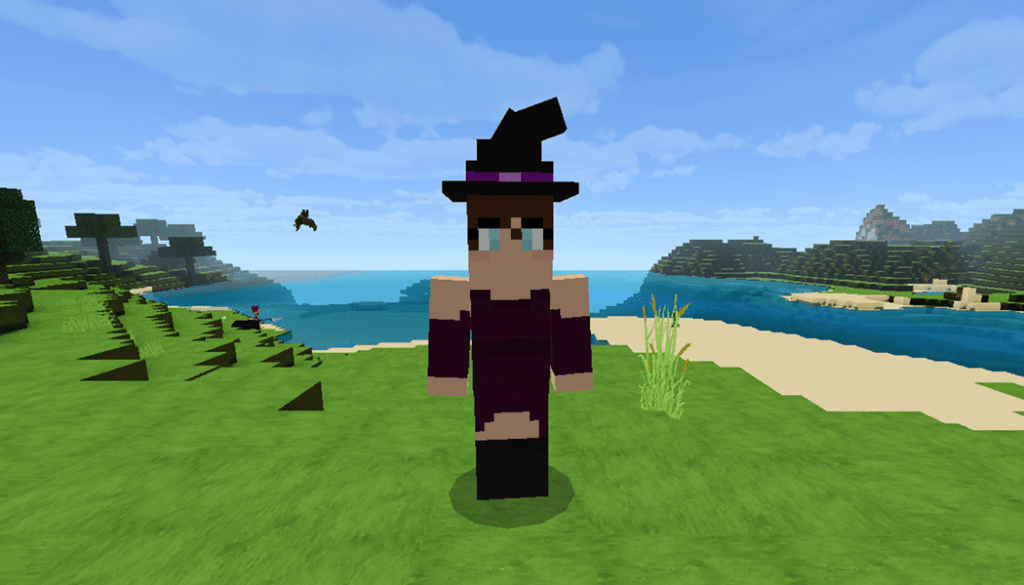
Herobrine Statue – Friendly Witch
Anh much more mobs in GBs Addon
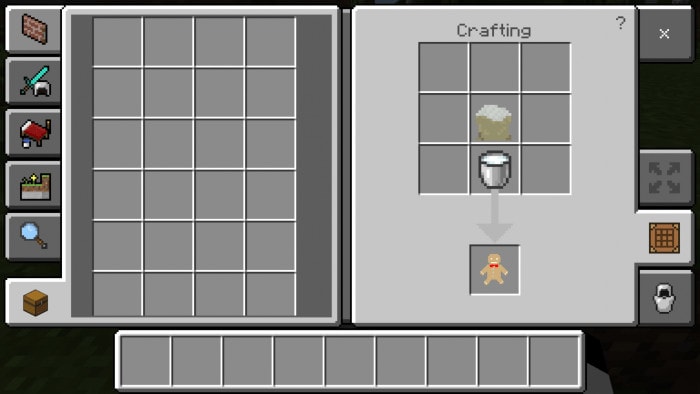
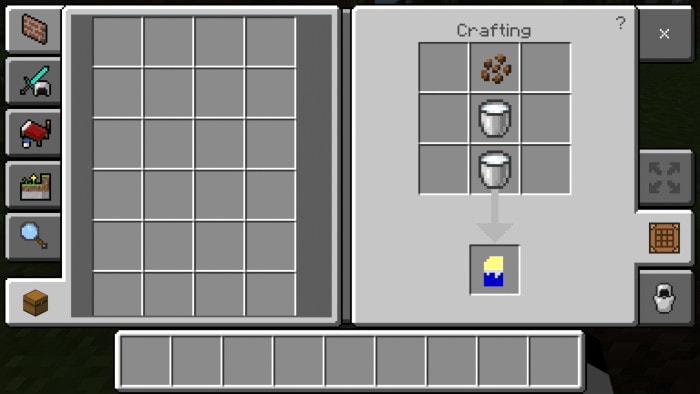
FOODs & RECIPEs – GBs Addon
Some cook can be cooked in a furnace or campfire or smoker
Cookie man (Gingerbread Man) – Flour
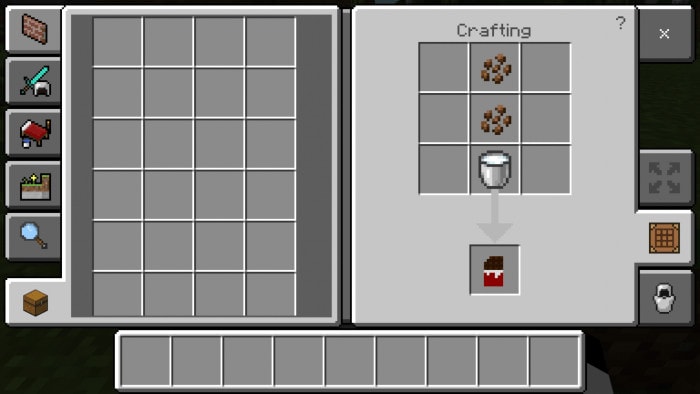
Creeper Cookie Man (Gingerbread Creeper) – White Chocolate
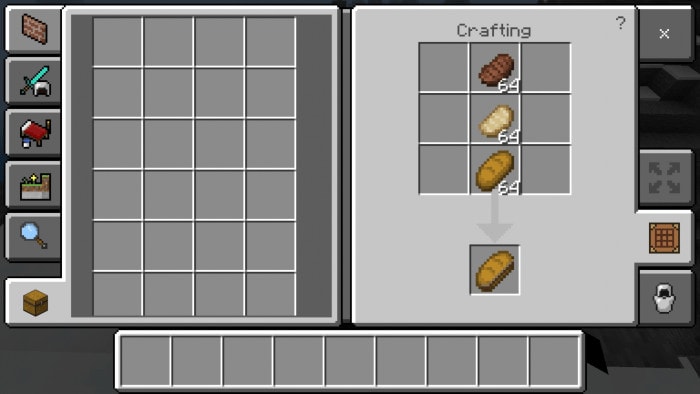
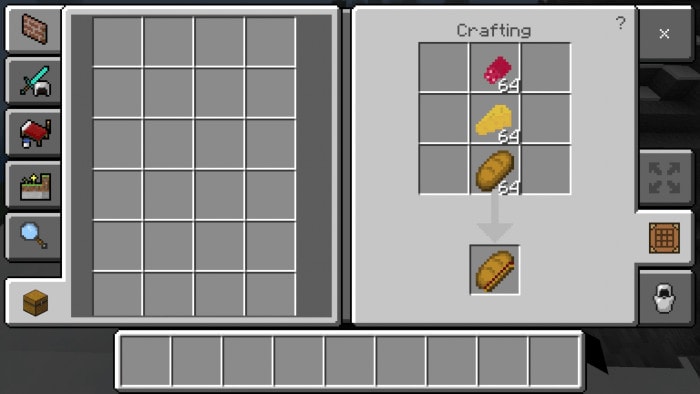
Brown Chocolate – Meat Sandwich
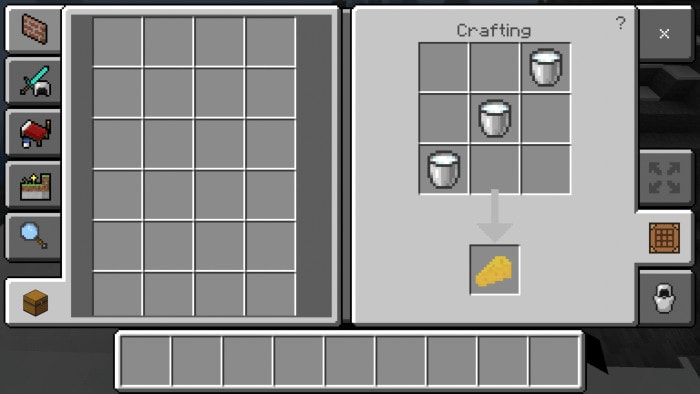
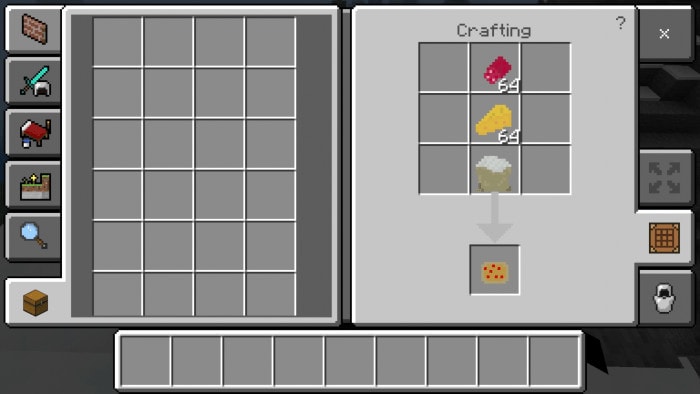
Sandwich (salami drops from pigs) – Cheese – Pizza (Must be cooked in a furnace)
How to make Omellete
Blocks
You can find the Sapphire and titanium ores around the Minecraft world, you can also craft them like diamond block, iron block, etc
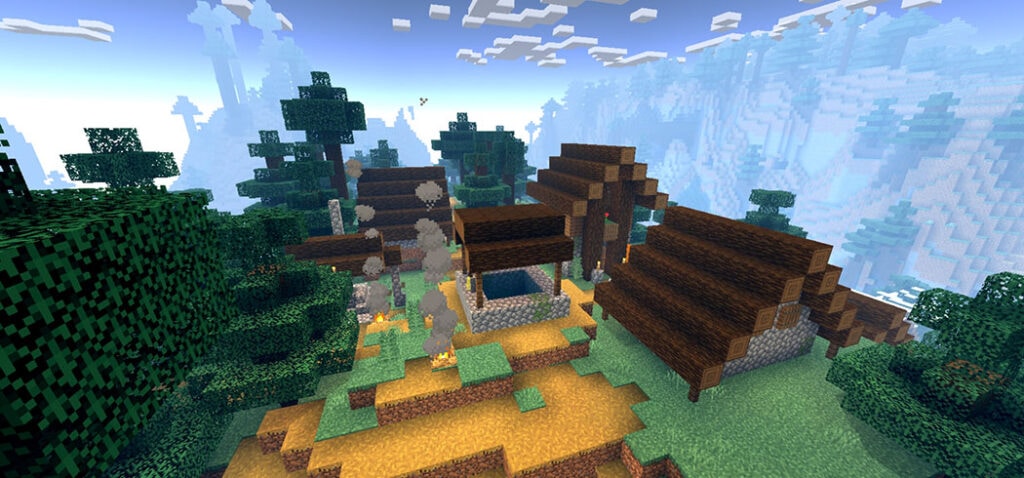
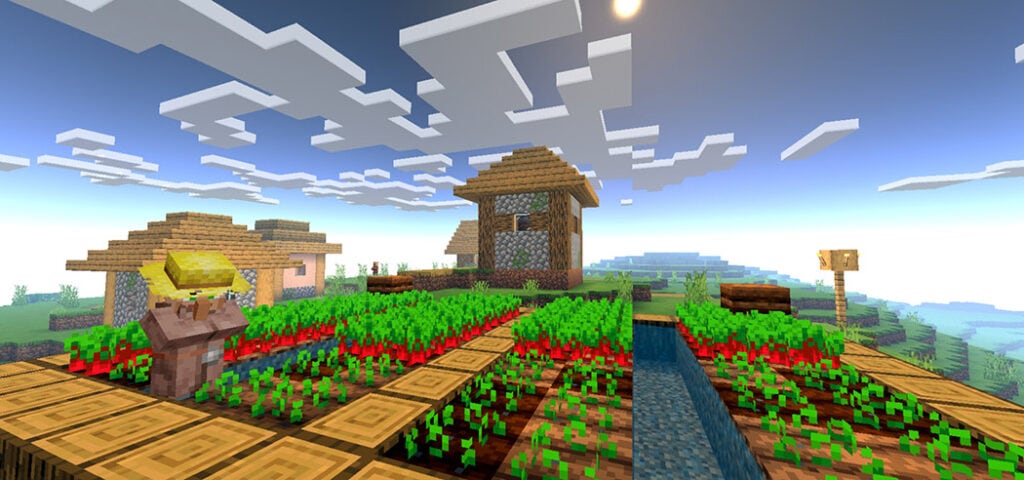
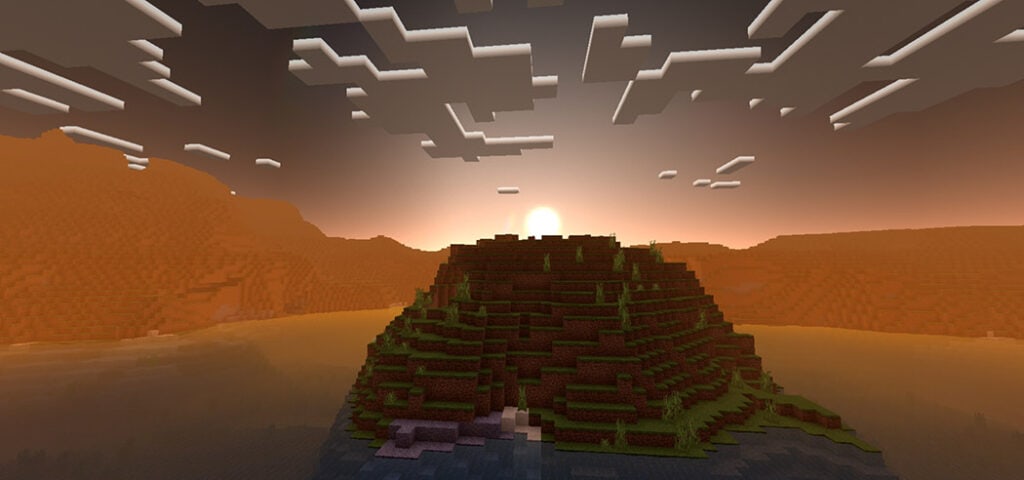
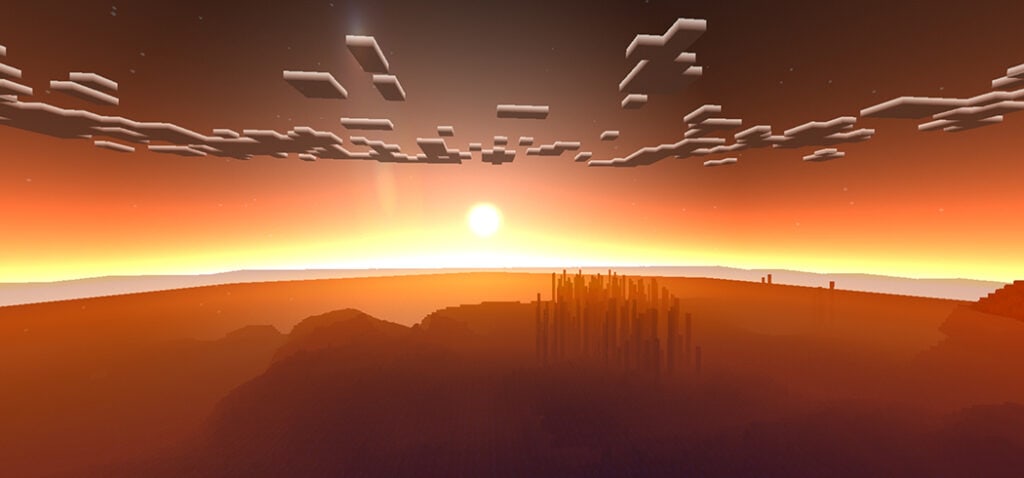
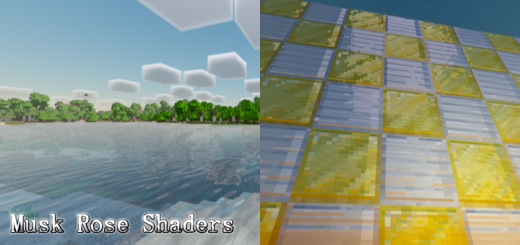
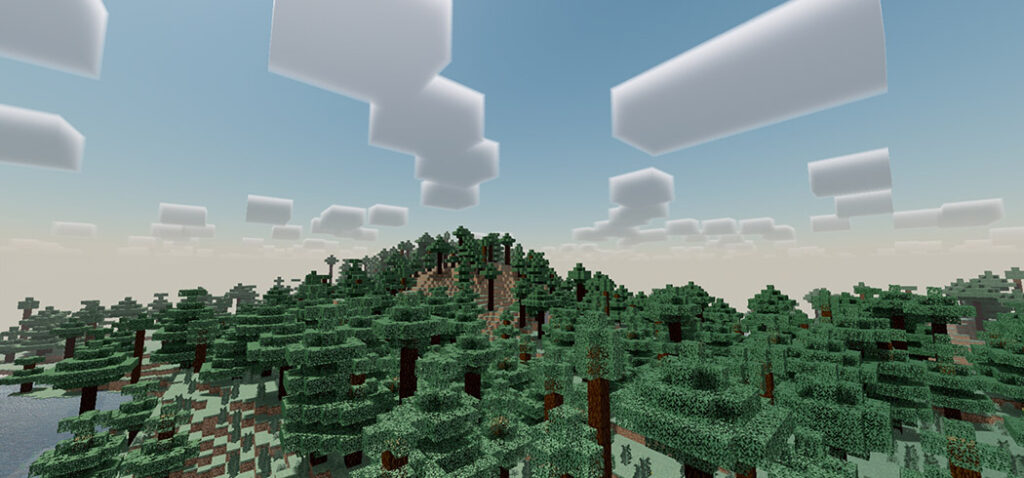
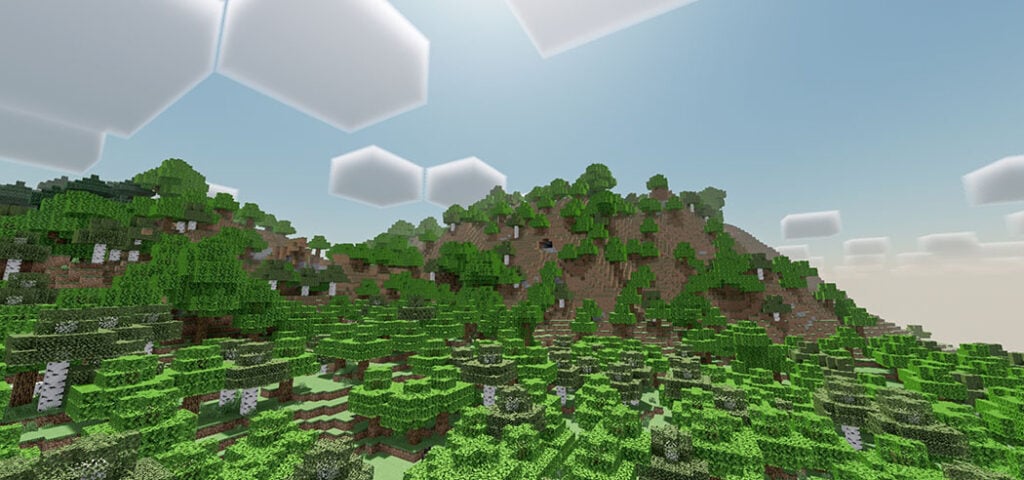
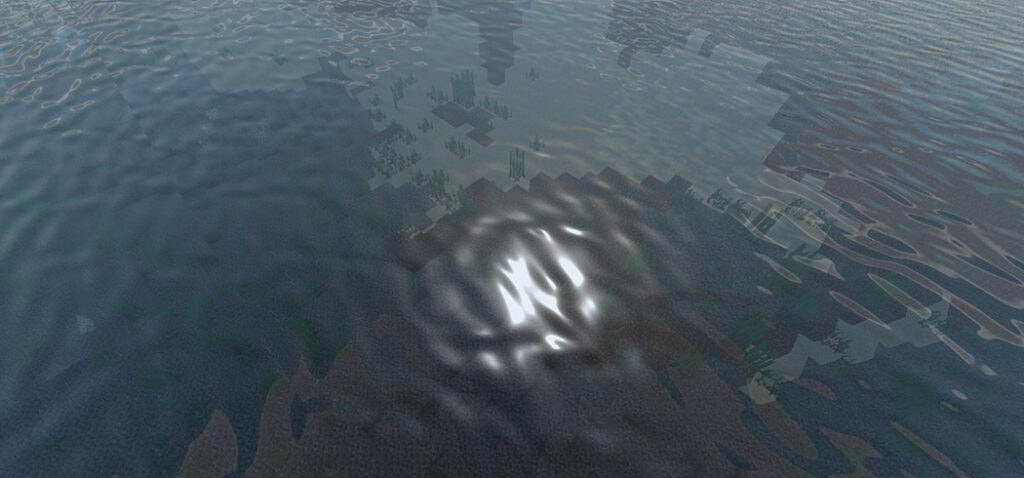
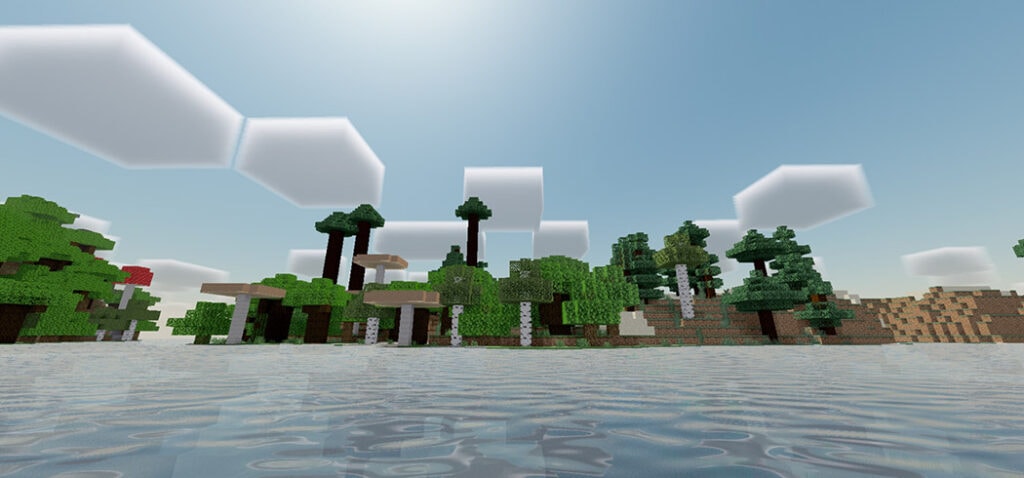
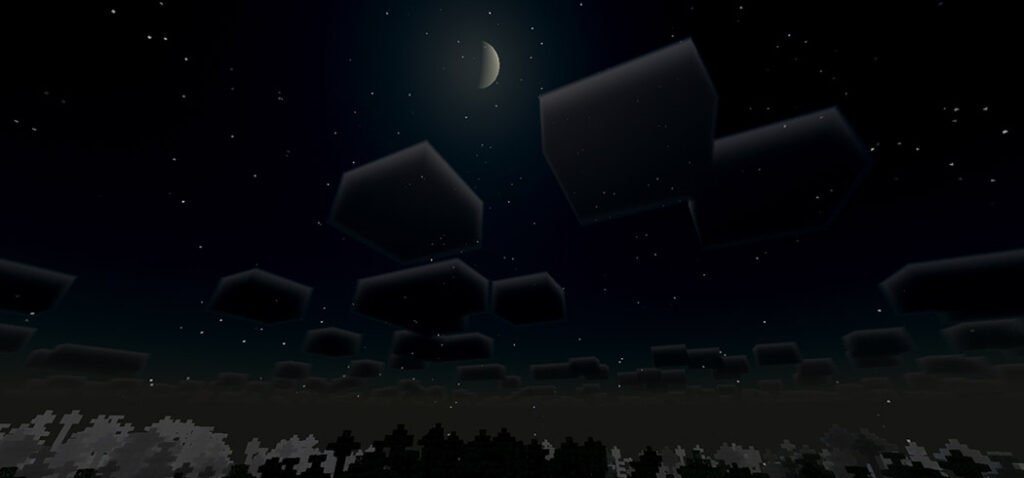
The Musk Rose Shader is a brand-new shader pack for Minecraft Bedrock Edition that provides a slew of new features to your game, including lighting with realistic directional sun/moon/skylight, torchlight, realistic ocean waves, and more! I hope you had a good time
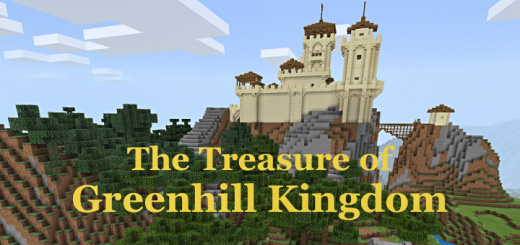
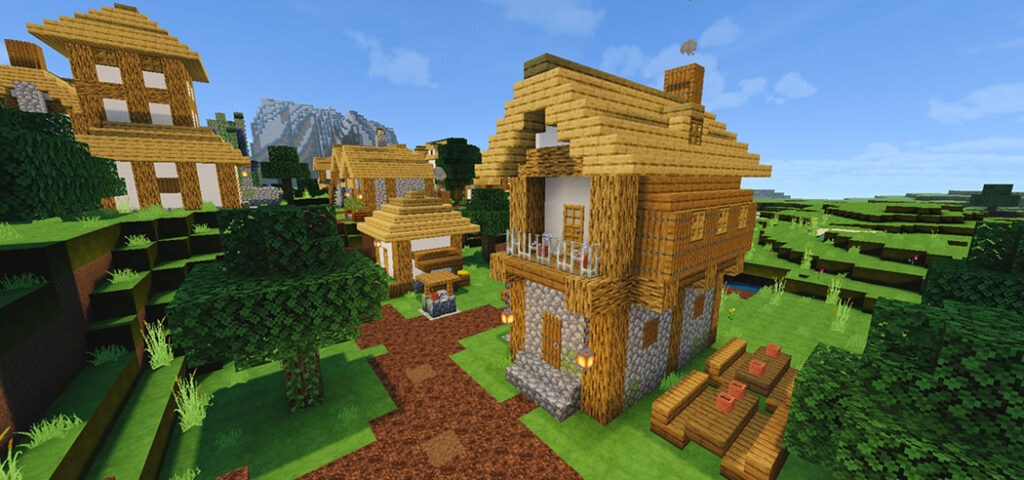
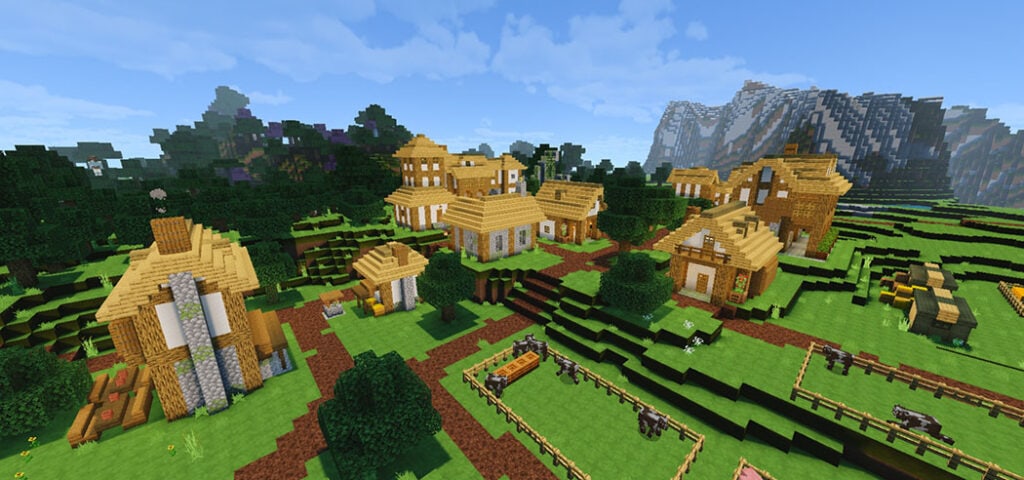
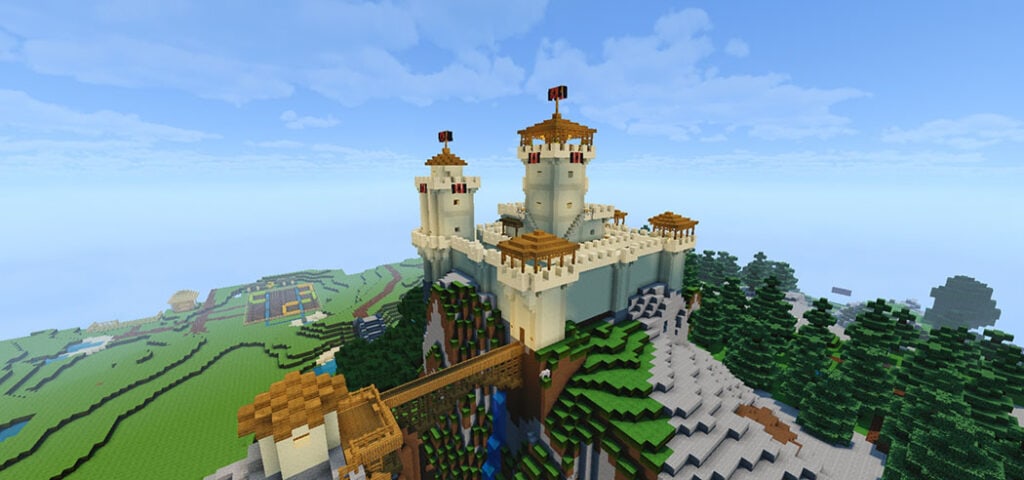
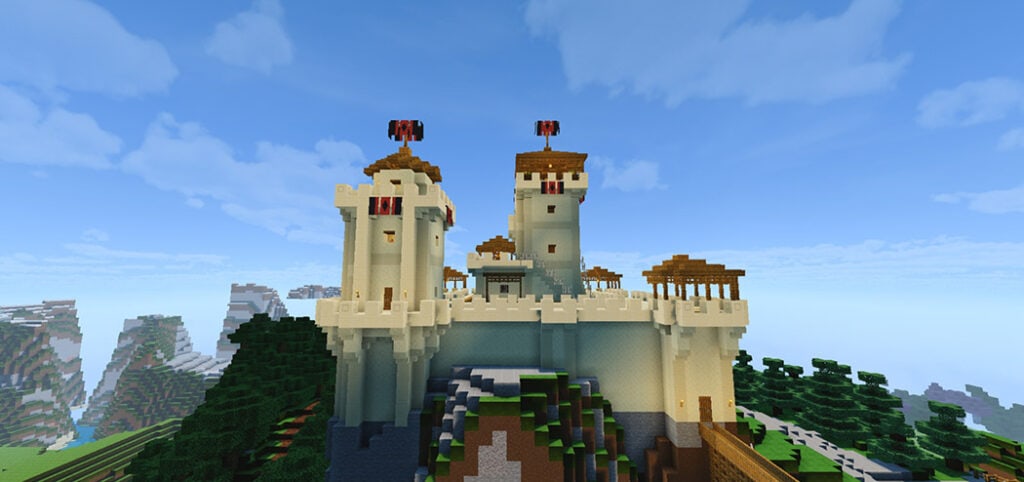
They believe there’s a valuable treasure concealed someplace in Greenhill Kingdom. Many people have looked for it for years and have yet to find it. Would you like to give it a shot? The medieval village, the frightening Black Tower, the Golden Town mine, and the great Greenhill Castle will all be visited during your journey.
Cre: Dylan Dolmen
The Treasure of Greenhill Kingdom
Seven chests buried throughout the kingdom will provide you with the information you require. The first chest reveals the location of the second, the second reveals the location of the third, and so on until you reach the last chest and discover the wealth. Best of luck!
All buildings are improved and new constructions are added.
New paths, signs and other aids that facilitate the search.
Installation
With the Linkvertise adverts, I am able to fund my job. You can bypass this page by doing the following: Select the download link, then scroll down to “Free Access,” then scroll up to “Discover intriguing articles” and click “Continue.” You’ll be taken to the download page now.
Installation Instructions
For mobile devices, game consoles, and Windows 10, this map is available as a.mcworld file. Simply browse to your “Downloads” folder, double-click the “Greenhill Kingdom 1.18 Bedrock.mcworld” file, and it will be imported into your Minecraft game immediately.
Monumento Minecraft Parkour is my second map on this page; both the levels and the starting point for the different levels are too large; it supports multiple players at the same time, and each one can choose their own level without affecting the game; it supports several players at the same time, and each one can choose their own level without affecting the game; Download now!
Monumento Parkour
Rules: freestyle (up to you).
Features: There is no restriction to the number of players, so it doesn’t matter if you just want to hang out.
There are seven levels in total, each of which is unique and unrepeatable, making them extraordinary.
It doesn’t come with any addons or textures, so you can add your own to give it a personal touch, and the map will feel more familiar to you.
If you don’t have a copy, you won’t be able to repeat any of the levels once they’ve been completed.
Running commands on some devices may take some time, depending on your performance, but don’t worry if they work.
I’m not sure what else to say; I just follow the text guidelines and others, and all I can say is… Play for a chance to win!
Check more Pakour Maps in Mcpeaddons.com may be make your Minecraft world more challenge:
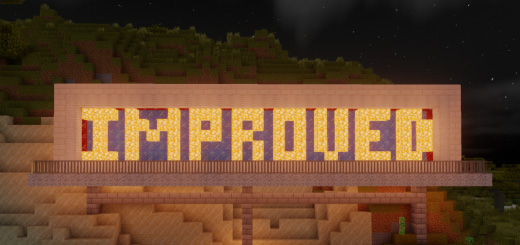
Do you ever feel that any of the visuals in Minecraft might use some adjusting to improve the experience? Many of those textures have been improved with this “Improved Default Textures” collection!
Cre: IonicXHaze
Improved Default Textures
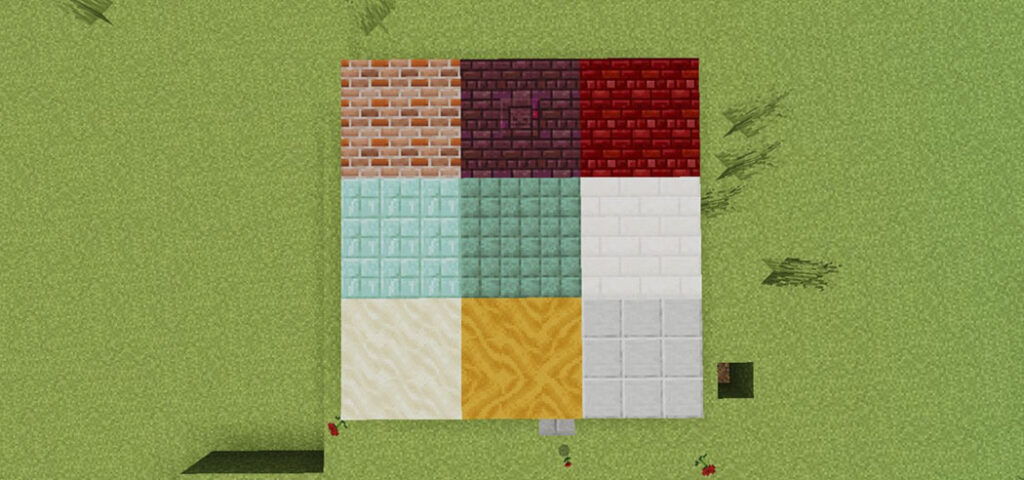
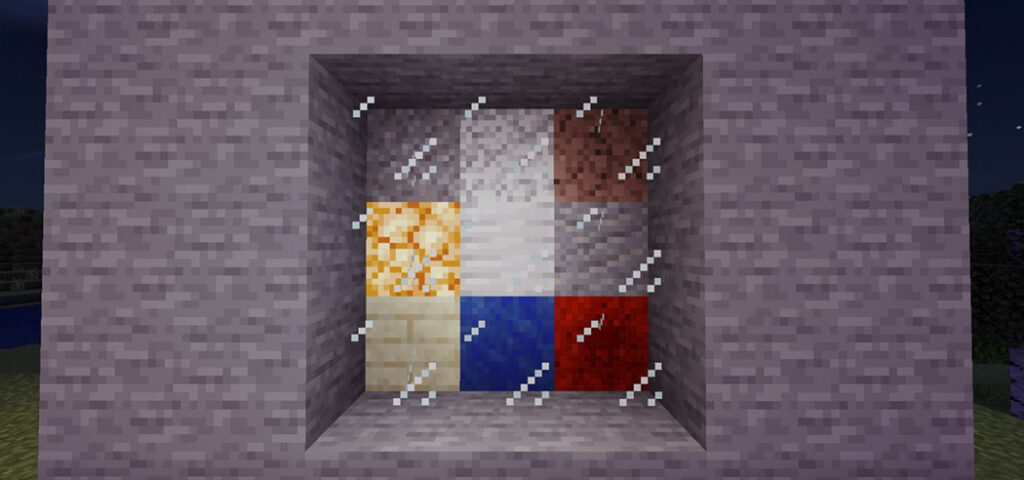
This is NOT a full-fledged texture over hall. This pack is used to improve the quality of various block textures in order to improve builds and the overall experience! One way is to add more brick color variation and color, the other is to improve textures that don’t quite fit in with the rest of the blocks, and there have been a few other minor adjustments to the blocks as well.
More Trending texture packs for Minecraft Bedrock you can check in https://mcpeaddons.com:
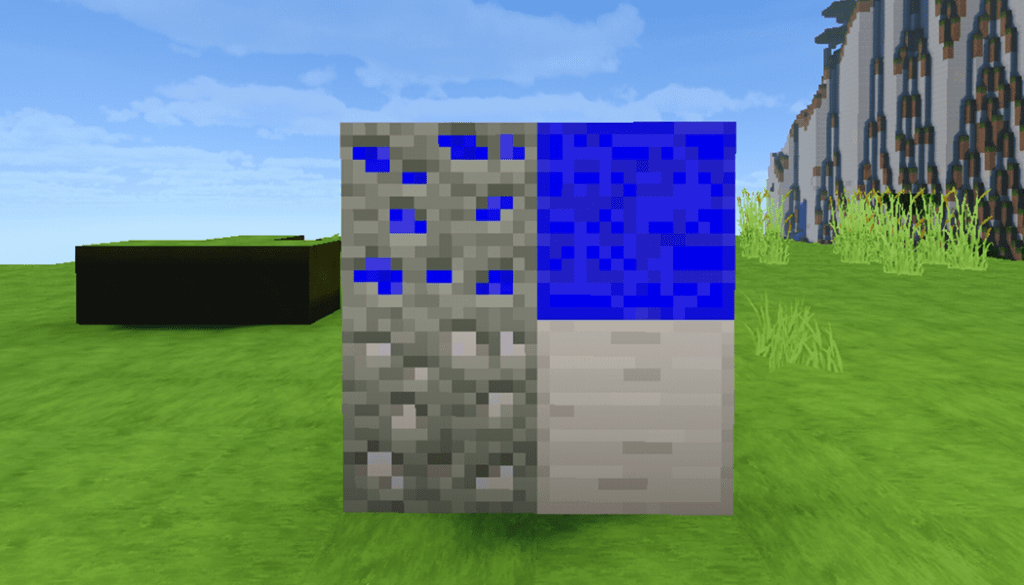
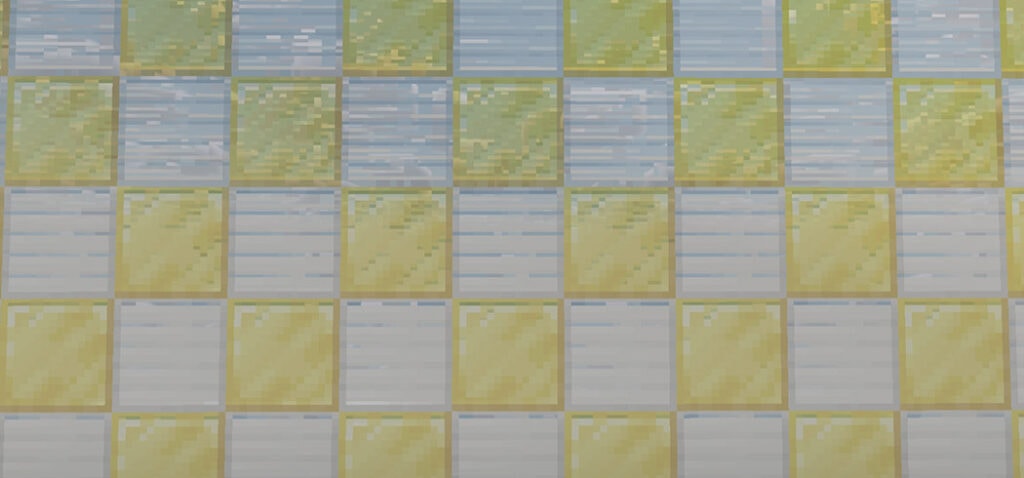
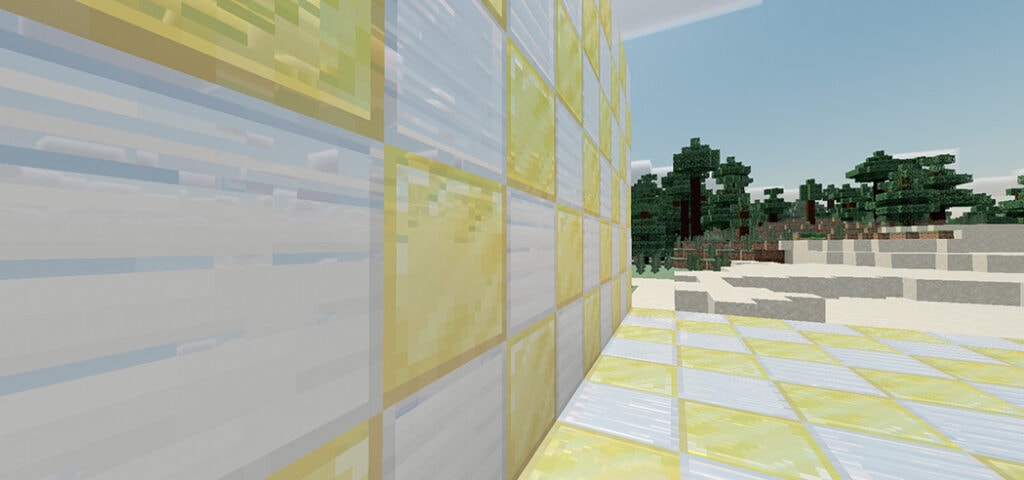
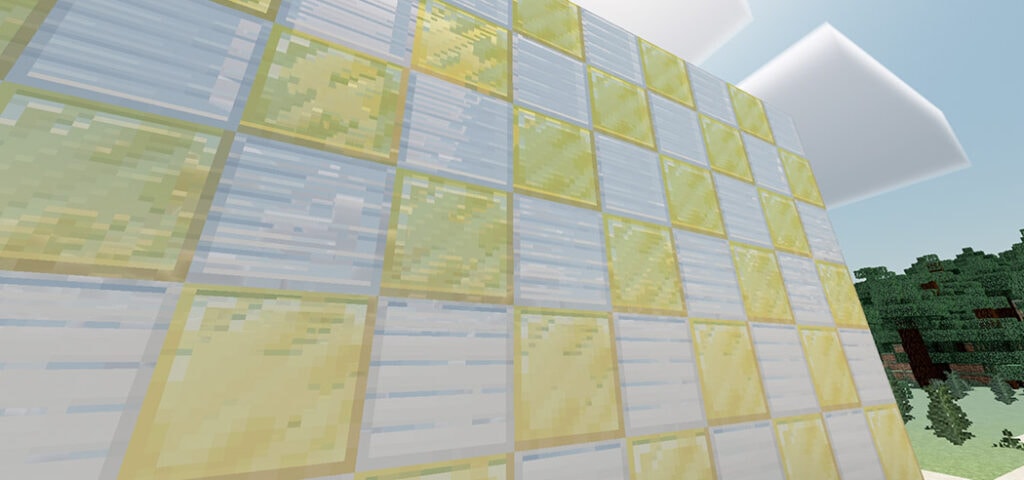
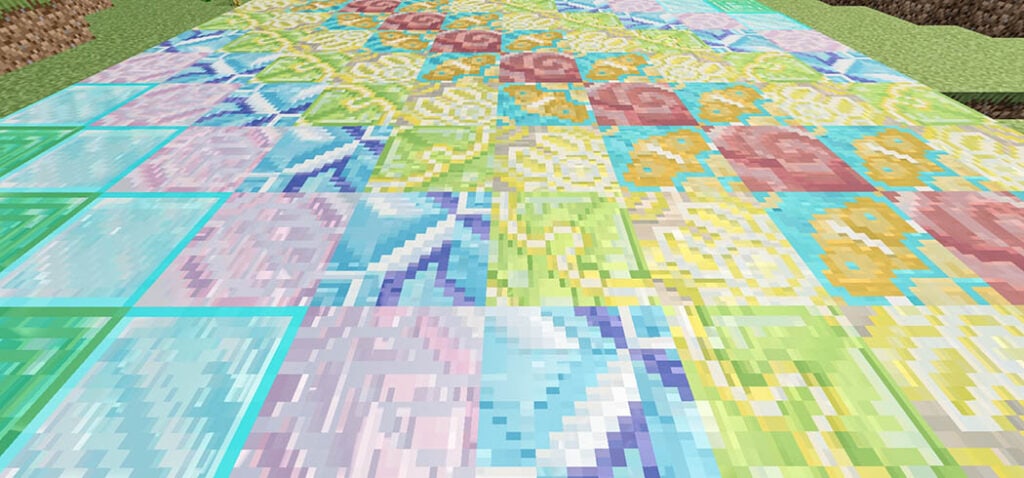
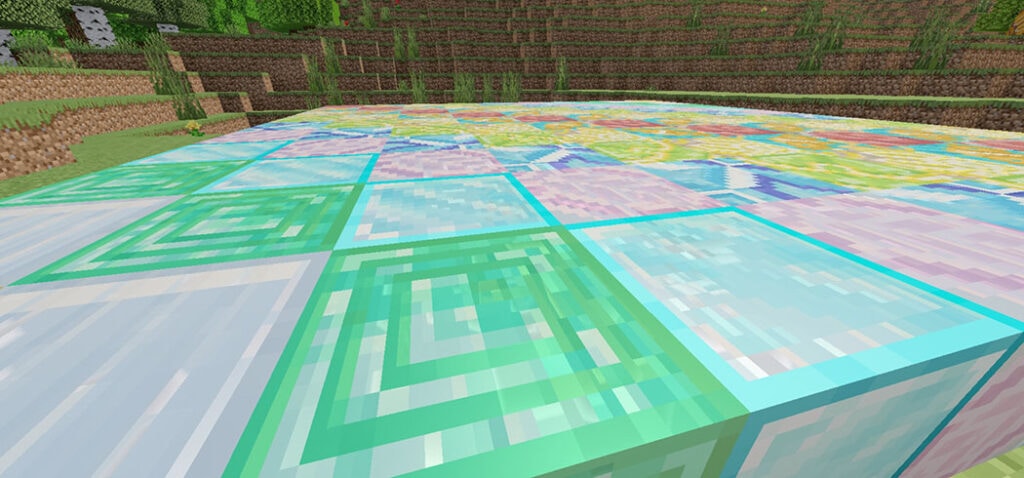
The thick borders on the “smooth” or “polished” blocks were one of the key reasons for creating this pack. Other blocks have had their borders removed as well, including lapis, iron, GLASS, shroomlights, prismarine bricks, redstone, and cut sandstone (which now has a new brick-like texture). The same process is applied to tinted glass.
Smoother stone (stone-like) textures, most recently smoother calcite and tuff, have been introduced to the game. Ore textures have been improved, and the Java Pack has been updated as well (shaders not included).
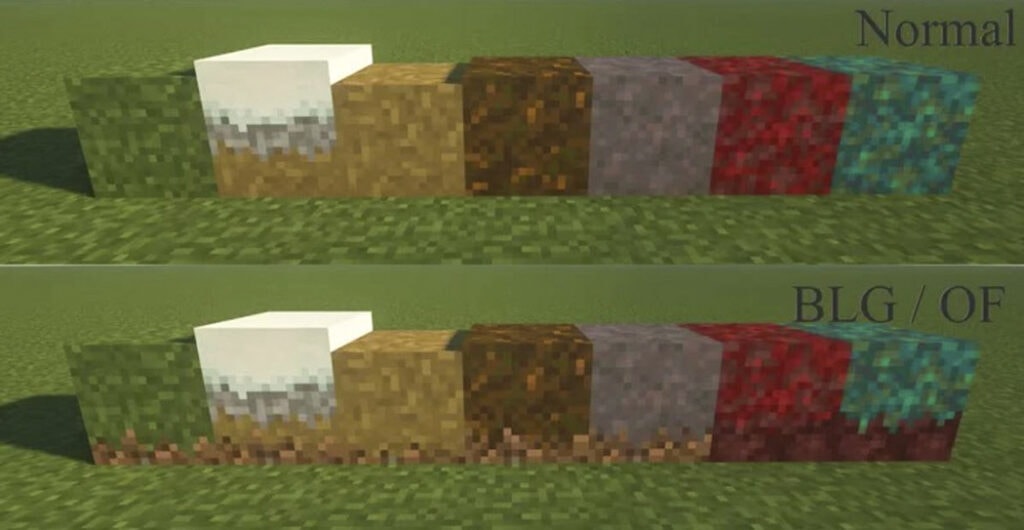
The textures of grass-like blocks have also been modified, with all four sides of the block looking identical to the top (like optifine).
Many additional textures have also been changed. To begin, several of the new 1.17 textures have been improved to be smoother, have better shading, or simply look nicer. The new raw ore blocks, copper, calcite, and tuff are all part of this. In addition to the amethyst lenses in the emblem, the spyglass now features a circular display.
There are a couple additional modified block textures that haven’t been mentioned yet. Not only that, but numerous goods, as well as a few entities, have had their textures changed. To replace the old background, the end sky has been given a wonderful starry background. With numerous new modifications in this release, the tools, as well as HUD components, have been upgraded. A new X crosshair, numbered hotbar, less obtrusive icons (ex: Hearts), and a semi-transparent pumpkinblur effect are also included.
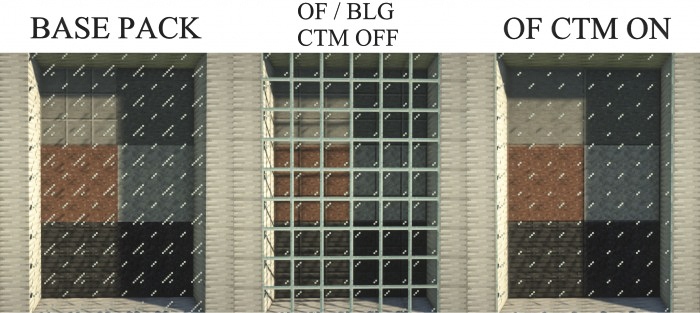
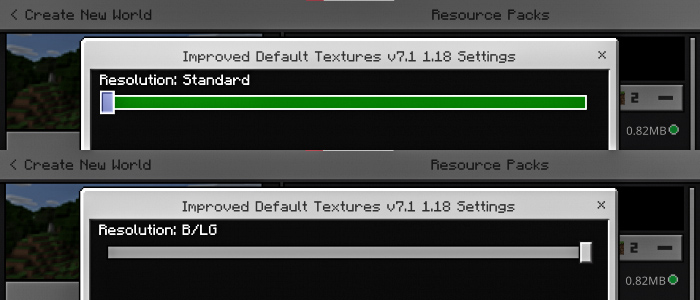
There’s even a Java version of the pack, which includes various textures and functionality that are difficult (or impossible) to add to Bedrock owing to engine limitations. The file is packaged as a “unzip me” folder that contains two resource packs: the base pack and a customized pack that works with OptiFine’s linked textures and improved grass capabilities. With ctm off, Bedrock now features a Border-Lower Grass (BLG) SUBPACK that mimics the OptiFine pack textures. Go to the applied resource pack, click the gear icon under the pack, and change the slider to “standard” or (B/LG). Here’s a link to my Planet Minecraft website dedicated to this pack’s Java version: https://www.planetminecraft.com/texture-pack/improved-default-textures-pack/
Also, in the comments section of this page, feel free to provide input on specific texture changes, texture suggestions, and improvements. Especially now that 1.17 has been released.
The improved glass textures can now be downloaded separately. Both the Bedrock.mcpack and the Java.zip pack will be in a “unzip me”.zip pack, similar to the Java pack. (If you just have one version, you can delete one of the packs.)
Note: Although all texture packs were created on and for the Windows 10 operating system (PC), they should operate on other platforms (phone/console) and operating systems (Mac/Linux). This was not put to the test.
Note 2: If the (bedrock) packs are not specified as a global resource pack, they may not load all of the textures.
Note 3: The.zip pack (for bedrock) as well as the ready-to-import.mcpack are available if you wish to change this pack for your own personal use. If you decide to make your altered pack public, I ask that you at least credit me.
Changelog
Notice!!! As this is only a minor fix of a previous version, the UUIDs were kept the same with the last pack, so you will have to delete the last pack v7.1 – 1.18 (Unless you never downloaded the last pack) in order for the fixed pack to Import into the game.
Fixed a issue with how potion/mob effect icons displaying incorrectly on screen (for 1.18 pack only).
UUIDs remain the same between packs (Look above to see fix)
Installation
Simply click the download link to begin downloading the file(s).
Unzip any “unzip me” files by either copying and pasting the contents or extracting the files.
To run Minecraft after downloading the.mcpack (Bedrock/Windows 10) file, simply double-click the folder (unless already open). Minecraft will notify you when the pack has begun importing and whether it is successful.
Change the pack extension from.zip to.mcpack for the.zip pack (Bedrock). Then simply follow the steps outlined above.
Open the “open pack folder” in Minecraft and drag the resource pack(s) in for the Java pack (after unzipping the “unzip me” pack).
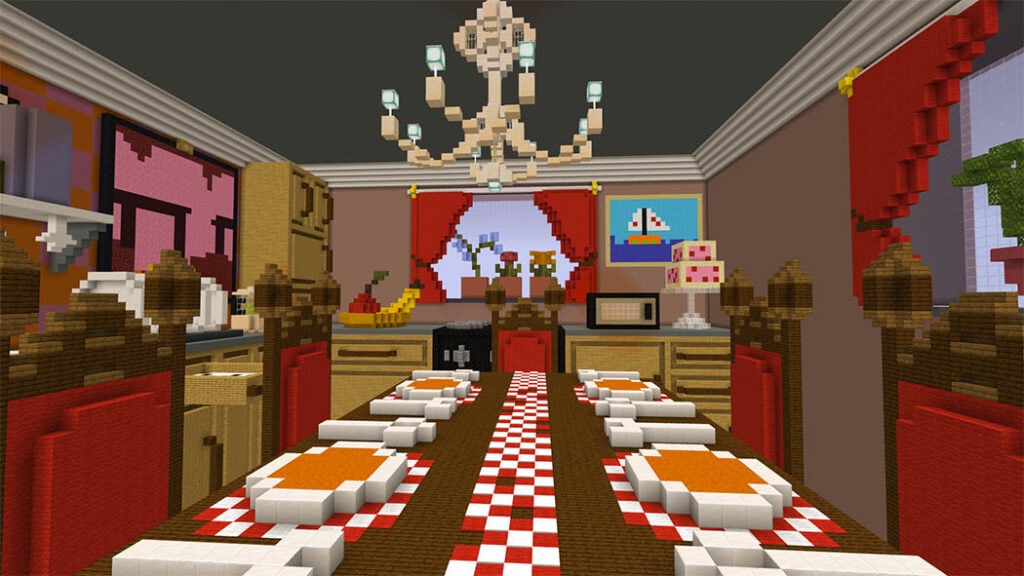
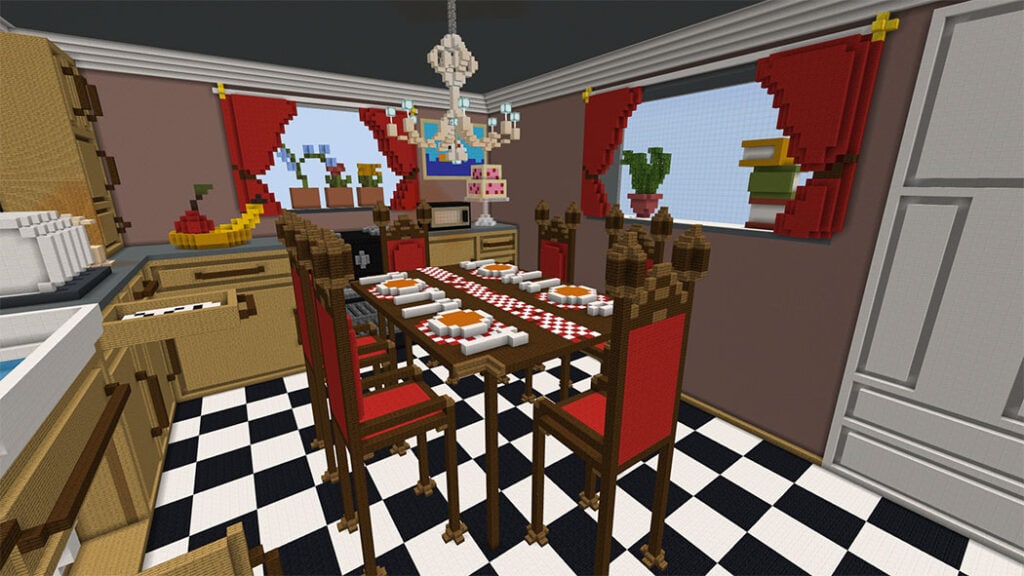
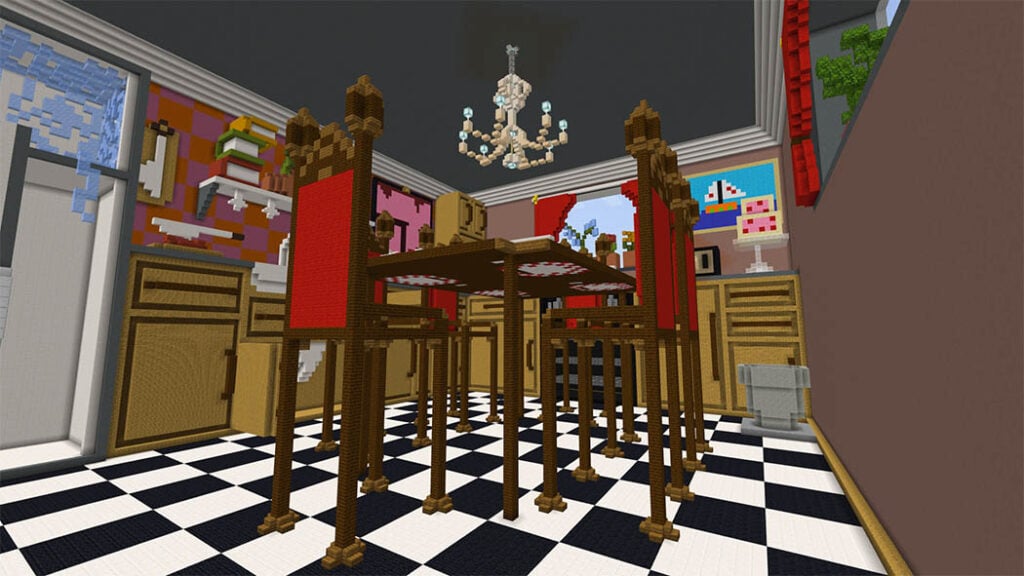
Have you ever wanted to see what a real kitchen looks like within Minecraft? That’s exactly what Giant Kitchen map is about. Make a call to your buddies and go exploring in this amazing kitchen; there are various areas to discover and enjoy!
It’s really easy to use linkvertise; simply select “free access with ads” and follow the instructions. You will be directed to mediafire once you have completed the instructions.
If you make a movie of this texture pack, include a link to this page in the description. Direct links and link shorteners should not be placed on top of each other.
Do not distribute without my consent or in an unfair manner.