Home Blog Page 129

Improved Default Textures

1

Do you ever feel that any of the visuals in Minecraft might use some adjusting to improve the experience? Many of those textures have been improved with this “Improved Default Textures” collection!

Cre: IonicXHaze

Improved Default Textures

This is NOT a full-fledged texture over hall. This pack is used to improve the quality of various block textures in order to improve builds and the overall experience! One way is to add more brick color variation and color, the other is to improve textures that don’t quite fit in with the rest of the blocks, and there have been a few other minor adjustments to the blocks as well.

More Trending texture packs for Minecraft Bedrock you can check in https://mcpeaddons.com: 

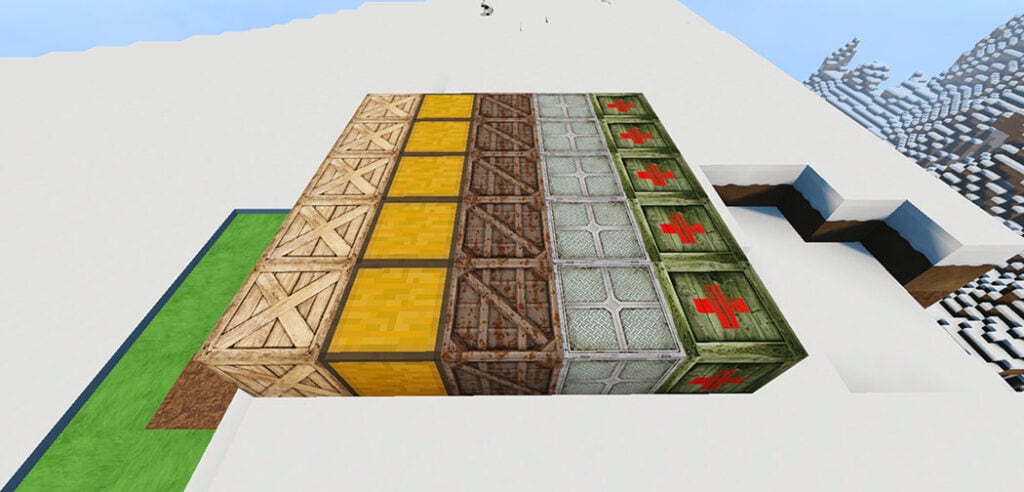
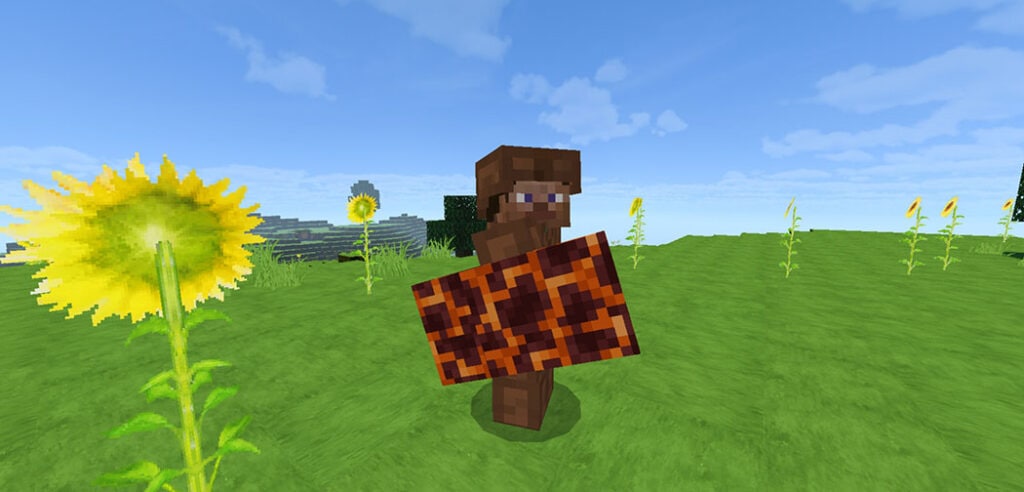
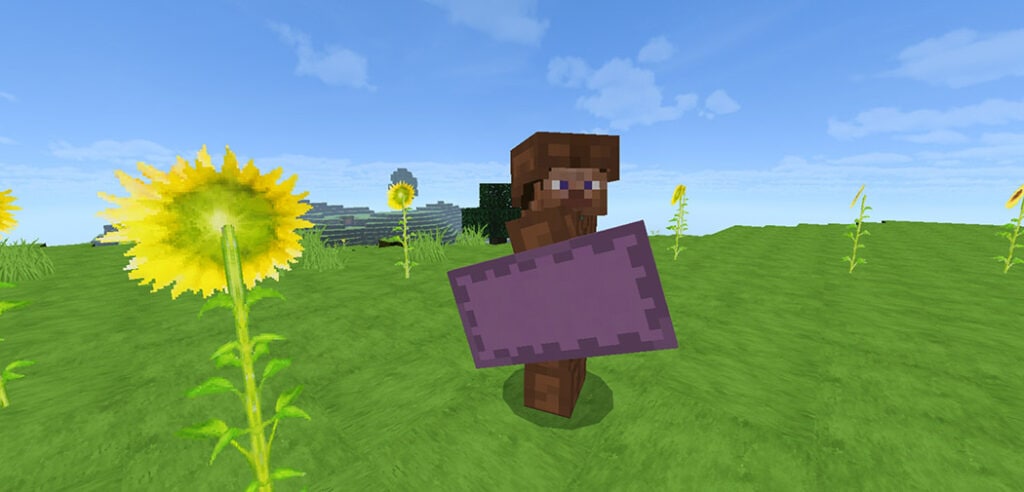
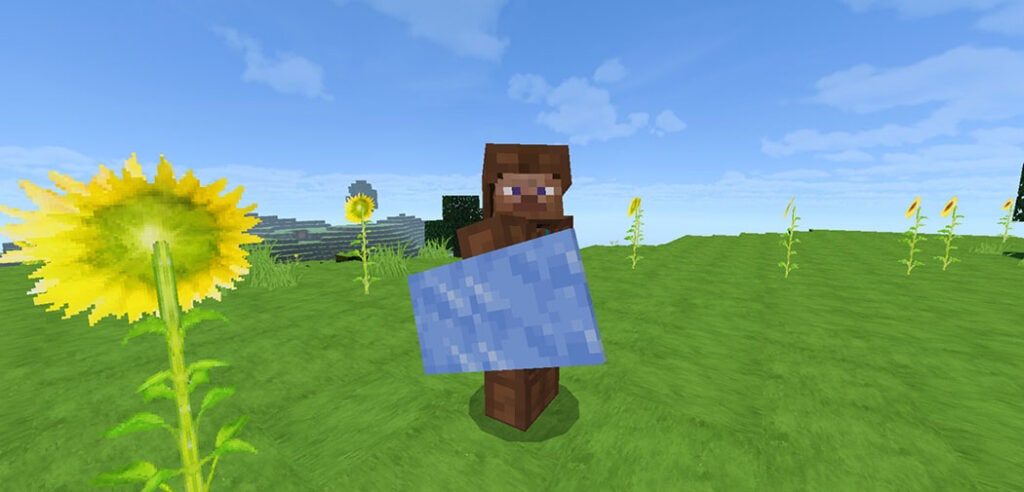
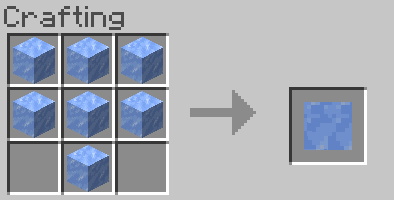
The thick borders on the “smooth” or “polished” blocks were one of the key reasons for creating this pack. Other blocks have had their borders removed as well, including lapis, iron, GLASS, shroomlights, prismarine bricks, redstone, and cut sandstone (which now has a new brick-like texture). The same process is applied to tinted glass.

Smoother stone (stone-like) textures, most recently smoother calcite and tuff, have been introduced to the game. Ore textures have been improved, and the Java Pack has been updated as well (shaders not included).

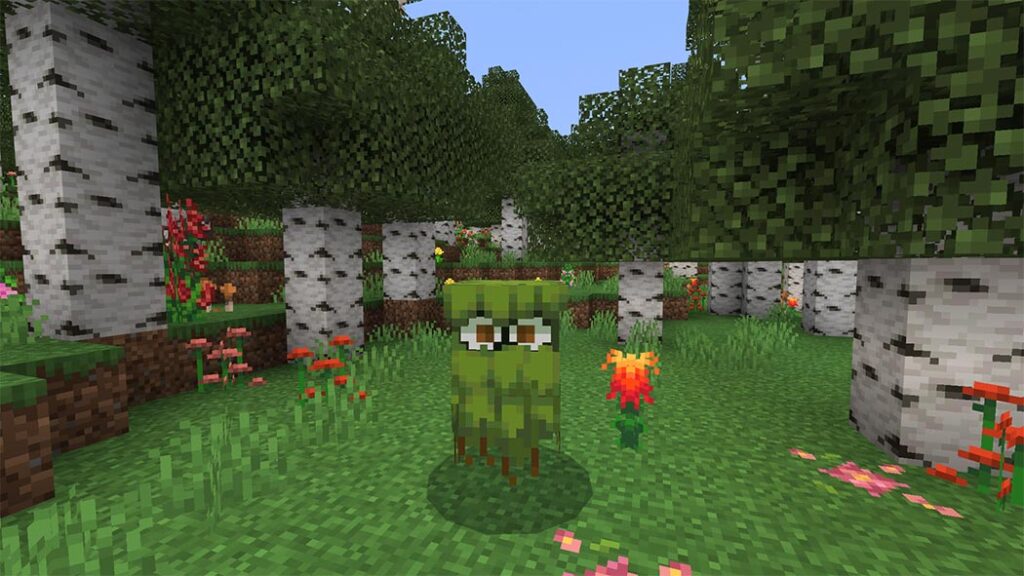
The textures of grass-like blocks have also been modified, with all four sides of the block looking identical to the top (like optifine).

Many additional textures have also been changed. To begin, several of the new 1.17 textures have been improved to be smoother, have better shading, or simply look nicer. The new raw ore blocks, copper, calcite, and tuff are all part of this. In addition to the amethyst lenses in the emblem, the spyglass now features a circular display.

There are a couple additional modified block textures that haven’t been mentioned yet. Not only that, but numerous goods, as well as a few entities, have had their textures changed. To replace the old background, the end sky has been given a wonderful starry background. With numerous new modifications in this release, the tools, as well as HUD components, have been upgraded. A new X crosshair, numbered hotbar, less obtrusive icons (ex: Hearts), and a semi-transparent pumpkinblur effect are also included.

There’s even a Java version of the pack, which includes various textures and functionality that are difficult (or impossible) to add to Bedrock owing to engine limitations. The file is packaged as a “unzip me” folder that contains two resource packs: the base pack and a customized pack that works with OptiFine’s linked textures and improved grass capabilities. With ctm off, Bedrock now features a Border-Lower Grass (BLG) SUBPACK that mimics the OptiFine pack textures. Go to the applied resource pack, click the gear icon under the pack, and change the slider to “standard” or (B/LG). Here’s a link to my Planet Minecraft website dedicated to this pack’s Java version: https://www.planetminecraft.com/texture-pack/improved-default-textures-pack/

Also, in the comments section of this page, feel free to provide input on specific texture changes, texture suggestions, and improvements. Especially now that 1.17 has been released.

The improved glass textures can now be downloaded separately. Both the Bedrock.mcpack and the Java.zip pack will be in a “unzip me”.zip pack, similar to the Java pack. (If you just have one version, you can delete one of the packs.)

Note: Although all texture packs were created on and for the Windows 10 operating system (PC), they should operate on other platforms (phone/console) and operating systems (Mac/Linux). This was not put to the test.

Note 2: If the (bedrock) packs are not specified as a global resource pack, they may not load all of the textures.

Note 3: The.zip pack (for bedrock) as well as the ready-to-import.mcpack are available if you wish to change this pack for your own personal use. If you decide to make your altered pack public, I ask that you at least credit me.

Changelog

  • Notice!!! As this is only a minor fix of a previous version, the UUIDs were kept the same with the last pack, so you will have to delete the last pack v7.1 – 1.18 (Unless you never downloaded the last pack) in order for the fixed pack to Import into the game.
  • Fixed a issue with how potion/mob effect icons displaying incorrectly on screen (for 1.18 pack only).
  • UUIDs remain the same between packs (Look above to see fix)

Installation

  • Simply click the download link to begin downloading the file(s).
  • Unzip any “unzip me” files by either copying and pasting the contents or extracting the files.
  • To run Minecraft after downloading the.mcpack (Bedrock/Windows 10) file, simply double-click the folder (unless already open). Minecraft will notify you when the pack has begun importing and whether it is successful.
  • Change the pack extension from.zip to.mcpack for the.zip pack (Bedrock). Then simply follow the steps outlined above.
  • Open the “open pack folder” in Minecraft and drag the resource pack(s) in for the Java pack (after unzipping the “unzip me” pack).

[Fix] Latest Bedrock 1.18 .mcpack File

Latest Java Files (Unzip Me)

- Advertisement -

Giant Kitchen | Map Minecraft PE

0

Have you ever wanted to see what a real kitchen looks like within Minecraft? That’s exactly what Giant Kitchen map is about. Make a call to your buddies and go exploring in this amazing kitchen; there are various areas to discover and enjoy!

Cre: Voxed Studio (Youtube, Twitter)

Giant Kitchen Feature

Explore all the locations of this amazing Giant Kitchen!

– Creation

– Very fun

Some screenshots for Giant Kitchen Map from https://mcpeaddons.com:

Original JAVA post [https://www.planetminecraft.com/giant-kitchen]

CemreK [PlanetMine] | [Twitter] | [Youtube]

This map was originally created for java by CemreK and ported by Voxed Studio to Bedrock Edition.

We have the creator’s permission to do this, and we also have permission to monetize the content using Linkvertise.

Some other Maps Minecraft PE you can check to make your Minecraft world:

Installation

It’s really easy to use linkvertise; simply select “free access with ads” and follow the instructions. You will be directed to mediafire once you have completed the instructions.

If you make a movie of this texture pack, include a link to this page in the description. Direct links and link shorteners should not be placed on top of each other.

Do not distribute without my consent or in an unfair manner.

Download Map (Linkverstise) or File Drive

Download Map (Zip)

- Advertisement -

Straight Line Only Survival

0

Straight Line Only Survival is the survival map; you can only walk in a straight path (coordinates z = 47) in this map, and you must survive in a straight line until EnderDragon is killed.

By going to the end, you must find and activate the stronghold, as well as kill the enderdragon.

Cre: Laxya singh (Youtube, Facebook

Straight Line Only Survival

There are barriers that prevent you from leaving the coordinates z = 47.

This map will show you some dungeons that are in a straight line and have a lot of loot.

Spawn point

Stronghold dungeon

Enderman dungeon

Skeleton dungeons

Zombie dungeon

Blaze dungeon

Creator → @LunaticLaxya

Changelog

Downlode link changed (adfly to linkvertise) and some miner bug fixed

Installation

  • Step 1 → download file from the link below
  • Step 2 → single click on downloaded file

Some others Maps Minecraft PE you can check in Mcpeaddons.com: 

Download Straight Line Only Survival (Support Creator)

Download Straight Line Only Survival (Drive)

- Advertisement -

Milk Shader v0.5

0

Milk Shader (aka MSPE) is a shader that improves Minecraft’s visuals and atmosphere by bringing a vanilla feel to the game’s aesthetics. This shader was built with potato device users in mind, thus it may be used by a broad range of devices, from low-end to high-end!

Cre: ZeroCraft (Youtube

Milk Shader v0.5 Feature

Milk Shader (also known as MSPE) is a shader that improves Minecraft’s visuals and atmosphere by bringing a vanilla feel to the game’s aesthetics. This shader was designed with potato device users in mind, thus it may be used on a broad range of devices, from low-end to high-end.

Some others Minecraft Shader you can check in Mcpeaddons.com:

Your previously dull and regular world can now be upgraded and appears more dramatic by adding realistic things with more allusions to vanilla!

Day

Rain

Sunset/sunrise

Undergroud

Underwater

Night

Don’t worry, unlike other shaders, this one does not consume FPS! This shader has been proved to be incredibly FPS friendly (by YouTuber shader reviewers), so it won’t slow you down when battling monsters or parkouring!

(If your Minecraft has been lagging without shaders (which it has by default), you should NOT use Minecraft shaders!)

These devices have shown that after installing Milk shader, there are no issues or unusual glitches.

If your Minecraft’s Milk shader is broken, it suggests your phone is allergic to the original version:|

You can use the shader’s Soya version!

(Please keep in mind that this Soya version is still a prototype.) For whatever cause, this version may vanish from the earth’s surface at some point.

Download Milk Shader v0.5 (Support Creator) 

Download Milk Shader v0.5 (Drive)

- Advertisement -

UNOFFICIAL Mowzie’s Mobs V1.5

1

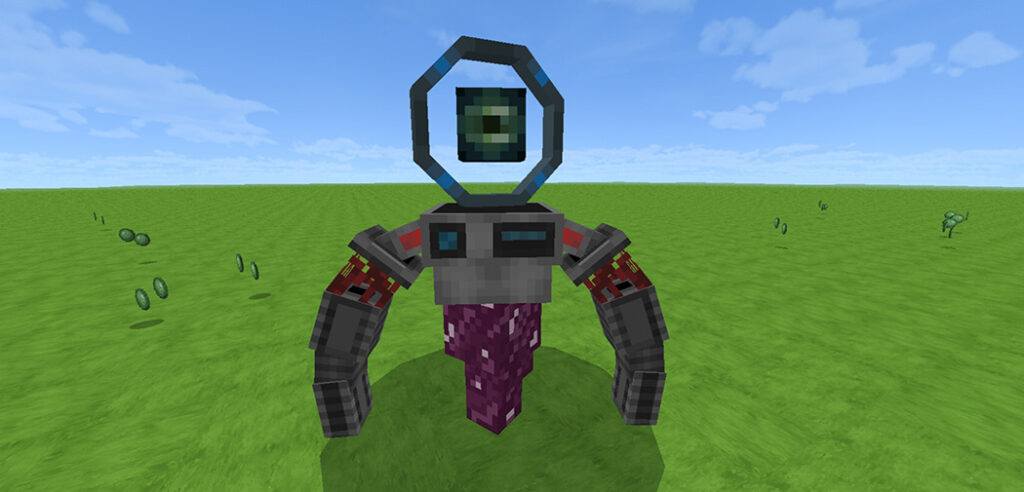
UNOFFICIAL Mowzie’s Mobs V1.5 is a non-official Minecraft Bedrock Edition variant. We are not the owners of the original Mowzie’s Mobs mod from Java Edition, though we do have all of the permissions to do so; this addon was produced solely by Gabriel Cape and Just Mr Devil. Mowzie’s Mobs is a Minecraft mod that adds a variety of fictitious animals to the game, boasting distinct AI, ambient and atmospheric suitability, and industry-standard animations.

Cre: GabrielCape (Youtube

UNOFFICIAL Mowzie’s Mobs V1.5

Mobs description in UNOFFICIAL Mowzie’s Mobs V1.5:

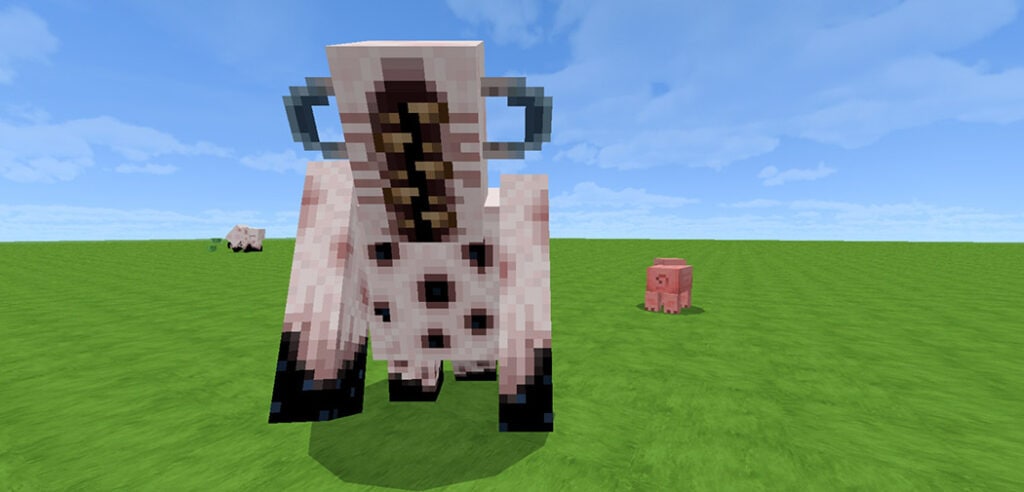
FROSTMAW:

When the Frostmaw wakes up when his crystal is threatened, his opponent will meet a beast with terrifying power and frost skills; is there a way to prevent it from activating those abilities beforehand?

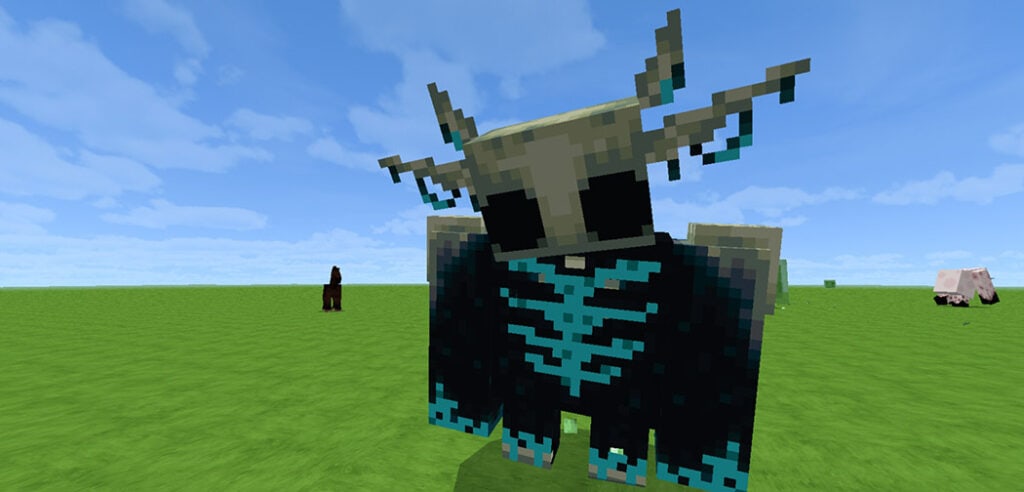
FERROUS WROUGHTNAUT:

The Ferrous Wroughtnaut is neither a man nor a statue; instead, it is waiting and guarding something that has been forgotten for a long time, assaulting anybody who approaches its underground dungeon, waking up to deliver strong blows that kill instantaneously. They only have one weakness that their opponent must find in order to harm him.

When you defeat him, he will drop his unbreakable axe and helmet, as well as his axe, which has special abilities. Shift + Right click to perform a vertical attack and right click to perform a horizontal attack. To make this, users of mobile phones must grip the screen.

GROTTOL:

The Grottol are crystal crustaceans that live underground and are also known as “Living Ores.” They are considered a scarce diamond resource, and only the fastest will be able to catch them before they escape. They are extremely fast and can climb like a spider, and only iron pickaxes or higher can penetrate their diamond shell.

Some addons Minecraft PE that MCPE Addons recommend and you can check: 

FOLIAATH:

The Foliaath are plant monsters whose main goal is to eat without stopping. They grow in the jungles like ordinary ferns, but they will emere if their prey approaches too close. Attacking them melee is tough, thus a new way to attack them from a distance must be devised.

When they die, they will drop foliaath seeds, which can be used to start a new foliaath. Simply let the baby develop and feed it meat every half day for two days until it reaches its full size, but be careful! Even if you’ve raised it, it doesn’t promise it’ll be docile and won’t attack you.

NAGA:

These winged serpents known as Naga make the hills perilous, possessing tremendous flying ability and an acid venom that is lethal to humans. Hitting them with a projectile just as the Naga is about to attack will knock the Naga down, giving his opponent the opportunity to attack.

He will leave his fang behind when he dies, which can be utilized to make a toxic dagger or an antidote to poisons.

BARAKO, THE SUN CHIEF:

Barako is the Barakoa tribe’s chief, who sits atop a throne in the Barakoa village and attacks intruders by collecting the sun’s strength and releasing it in the form of solar rays. He can also summon Barakoa’s allies with their masks to protect him against his opponent.

When he dies, he will leave his mask as a reward: the Sol Visage, which will allow the user to summon Barakoa’s allies through his masks. Unfortunately, it will not offer him heliomancy, as this power dies with Barako.

USING ITEMS

download-button

Download UNOFFICIAL Mowzie’s Mobs V1.5 or Drive file

Original Mod from Java Edition

Gabriel Cape’s Youtube Channel

Just Mr Devil’s Youtube Channel

Bob mowzie’s Youtube Channel

- Advertisement -

Minecraft Virtual Tourism: Our Secret Garden

0

What you think about Minecraft Virtual Tourism: Our Secret Garden???? Our Secret Garden is the personification of Minecraft Virtual Tourism’s first icon, and while the map isn’t perfect, the key features that were built and supplied were met.

Cre: EuForia_AlHaQ (Youtube, Twitter)

Minecraft Virtual Tourism: Our Secret Garden

We’ve dedicated ourselves to creating a Minecraft Virtual Tourism concept that will build on the tourism theme and bring it into the Minecraft universe.

Preview images and other information please click here

Tourism is a concept that refers to a combination of attraction and activity. We not only construct a Minecraft world, but also a peaceful sense from the beauty of the environment; additionally, you may extend this terrain concept into numerous activities like as building, KIT PVP, and many others using this terrain concept.

If you want to change your Minecraft world you maybe like some Maps that Mcpeaddons.com recommend below: 

Our Secret Garden is the personification of Minecraft Virtual Tourism’s first icon, and while the map isn’t perfect, the key features that were built and supplied were met.

*NOTES*

  • I regret for inserting an advertisement in the download link; but, I require it for future EuForia Projects.
  • If you download, distribute, and enjoy my submissions, you are showing your support for our future projects.
  • To be honest, I’m overjoyed that you’re playing this level.
  • But I’d prefer you to connect with me more, such as appropriately evaluating my map. Why?
  • As a result, I’ll be able to increase the quality of my work, and your game will be more enjoyable!

*IT IS PROHIBITED TO DO*

  • I believe that everyone can enjoy themselves, however because not everyone has access to these resources,
  • I make every effort to make your happiness a reality.
  • As a result, using any of my projects for commercial purposes is strictly prohibited.
  • My project may not be sold or published elsewhere; if you want to share it, use the share option rather than republishing it.

Installation

  1. Download
  2. Open
  3. Will import data automatically
  4. Create new World
  5. Check on import template world
  6. Enjoy

Download Minecraft Virtual Tourism: Our secret garden (Creator Web)

Download Minecraft Virtual Tourism: Our secret garden (Drive)

- Advertisement -

Wendigo: Horror Story

0

Wendigo: Horror Story is map simulate that You’re trapped in an underground mine in Canada, there’s no one else there, and there are some unusual monsters down there, particularly one of them, so you’ll have to get out. [Wendigo Case #0005]

There are other species down there, such as the minotaur, in addition to the wendigo.

Wendigo: Horror Story Feature

  • Headphones are recommended
  • Instagram: @kikediaz01
  • YouTube: @Wiskyslow
  • MAP CREATED BY: @WISKYSLOW
  • WENDIGO CASE: #00005

Wendigo is a scp foundation creature that can only be seen in the dark and has the look of a dead deer.

Game images include:

Some addons Minecraft PE you can check in Mcpeaddons.com; 

Download Map (Support Creator) 

Download Map (Drive)

- Advertisement -

Optimum Realism R5 PE

1

What do you think about Optimum Realism R5 PE for Minecraft Bedrock???? Optimum Realism is a resource pack with a realistic theme that aims for a perfect balance of performance and quality. Optimum Realism was originally intended to be a “only Java Edition” resource pack, but thanks to technology advancements, it is now not only a Minecraft Java Edition resource pack, but also has partial compatibility for Bedrock Edition. Optimum Realism is a resource pack with a realistic theme that aims for a perfect balance of performance and quality.

Cre: AtmosphereOfTech (Youtube, Instagram)

Optimum Realism R5 PE

To download the Java Edition fully compatible version of Optimum Realism with many many exclusive features click here.

The resource pack has full support over Java Edition and also has a Bedrock RTX version. The 128x variants of the resource pack are free except the Bedrock RTX version for now.

Some screeshots Java Version:

The Java Edition variant of the resource pack’s trailer:-

Isn’t Java Edition better than BE? So why are you making a BE variant too?

Yes, Java Edition is far superior to BE and has far more capabilities than BE ever had, but not everyone has a computer powerful enough to run even the base edition of Optimum Realism – 128x-. So, in order to make my resource pack available to those using mobile devices, I chose to scrimp on some features and quality improvements. This is not imply that I will ever stop working on the Java Edition variation and adding new features. This is only a side variant for folks who want to enjoy a “lite” version of Optimum Realism on their mobile devices. The Java Edition and Bedrock RTX variants of the resource pack will always have the main features and high quality.

Some Realistic Texture Packs you can check in Mcpeaddons.com: 

Screenshots for Minecraft Bedrock version:

Changelog

Added more information on the “Brief Introduction” tab to better put forward the theme of the resource pack

Installation

To install Optimum Realism R5 PE, after you’ve downloaded it. Just click and it should redirect you to Minecraft where it’ll install automatically.

To achieve POM and PBR with Optimum Realism on mcpe, you need to download a powerful mcpe shader.

Optimum Realism R5 PE is compatible with Nori Shaders.

DO NOT download from the releases, instead press on code and download as zip.

Then extract it and open it, and inside there will be another folder, move that folder to the resource packs folder.

To activate it inside Minecraft, go to global resources and first put Optimum Realism R5 PE on top and below that, add Nori Shaders.

And that should be all, boot up in the world and enjoy.

Nori shaders may not work on some devices, in this case, it’s not Optimum Realism’s fault. The best you could do is to report it to the developers of Nori Shaders.

Download 

- Advertisement -

Basic Machinery v2

0

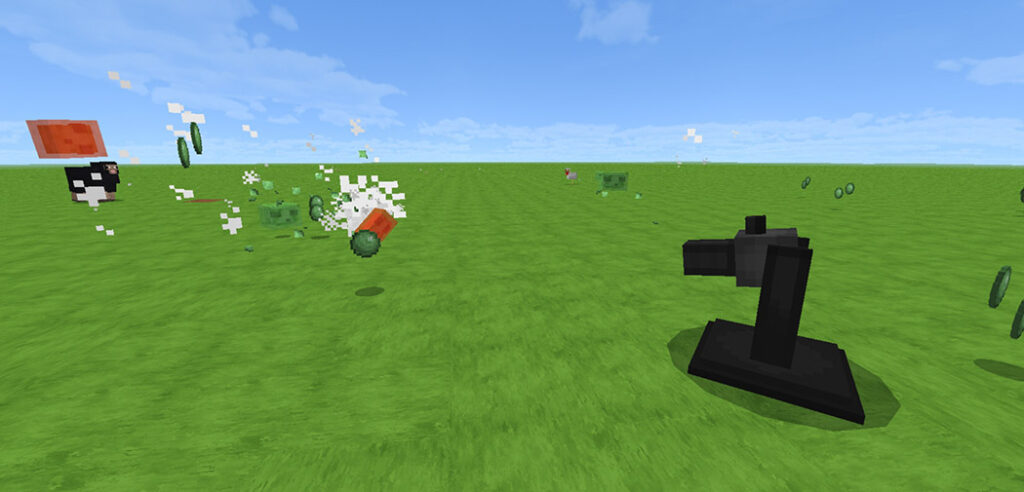
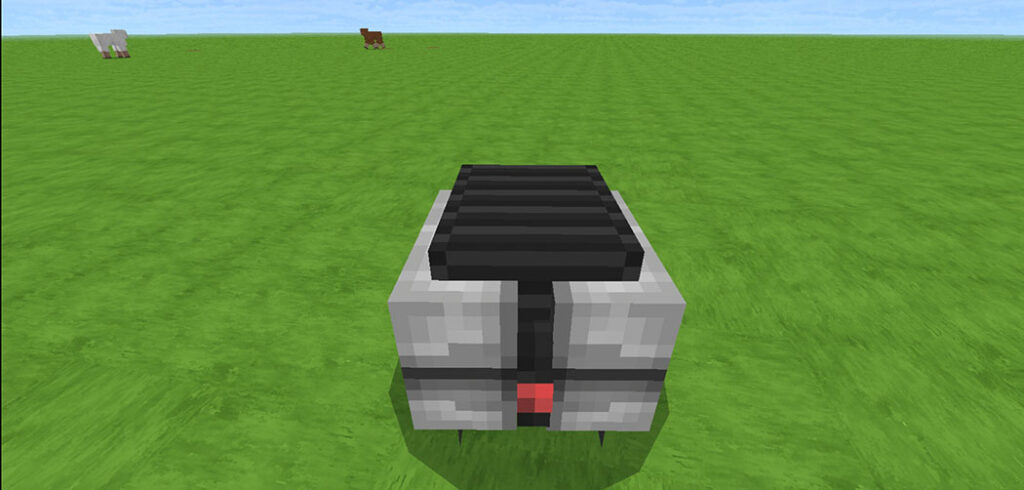
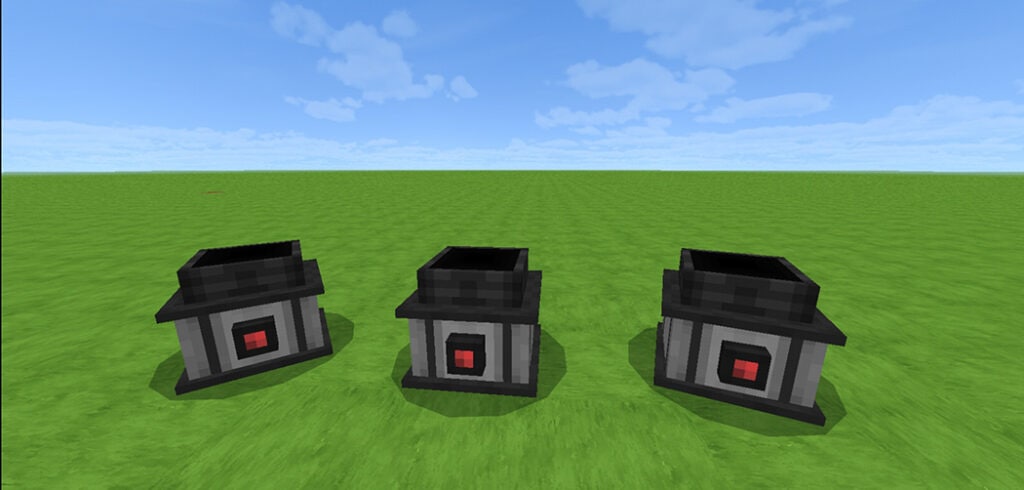
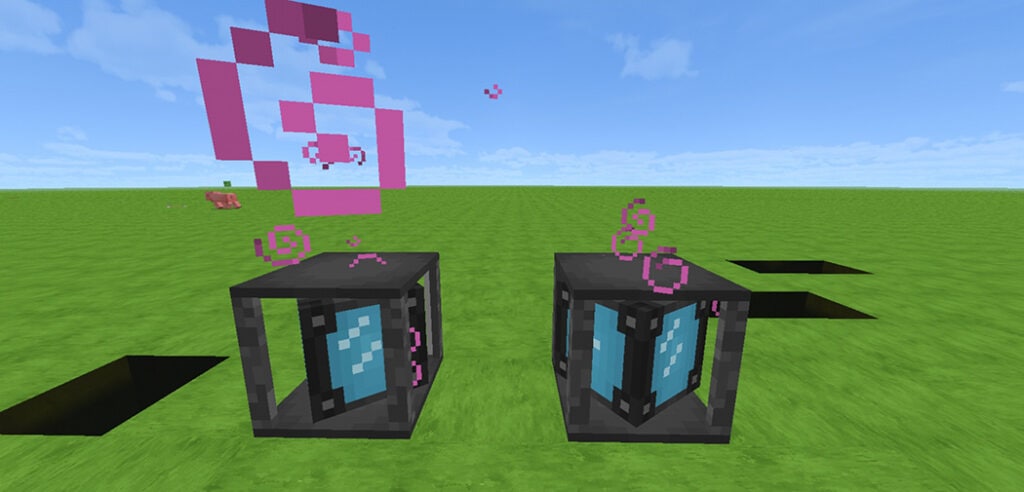
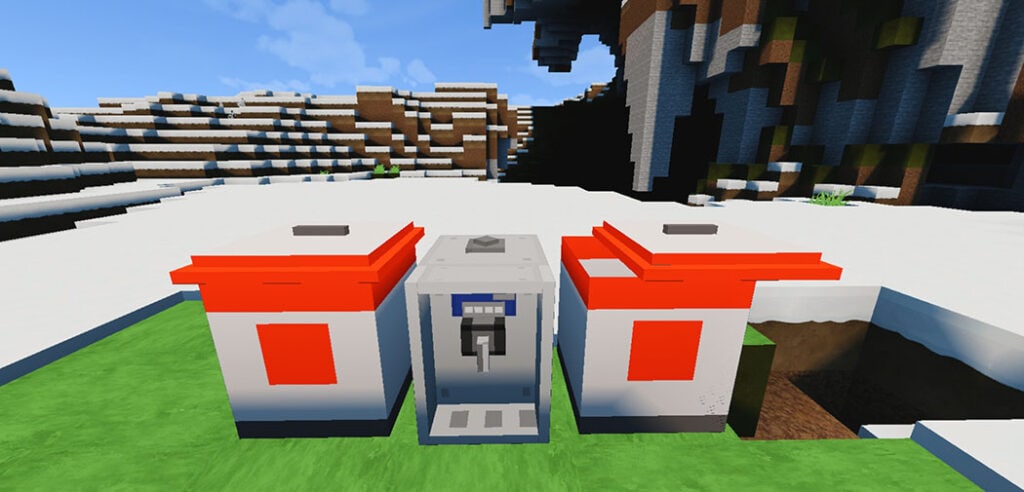
Basic Machinery V2 addon adds power wires, a block previously only seen in java mods. There are also completely functional liquid and gas cables, as well as 19 new devices that produce and consume power. This addition should play well with others and can be included in modpacks. Make sure the experimental world settings are turned on and that your Minecraft game language is set to English.

Cre: Vatonage (Youtube, Twitter

Basic Machinery v2 Feaure

If you have any suggestions for machines to include, either leave a comment on the YouTube video or send me a message on Discord (iEmotionless#0001).

Machines:

New in v2

Some addons Minecraft PE are available in mcpeaddons.com you can check now:

Download Basic Machinery v2 (Support Creator) 

Download Basic Machinery v2 (Drive)

- Advertisement -

Fantastic Creatures Addon

0

Fantastic Creatures addon is a Minecraft add-on with a fantastic artistic section and excellent animations, as well as a distinct mafia behavior for each entity. It aims to improve Minecraft in every manner imaginable.

Fantastic Creatures Addon Feature

Fantastic Creatures addon already has an official Discord server where you can assist us in the development of this addon by reporting bugs or offering suggestions, so join us to keep up with the progress of Fantastic Creatures addon.

Creators:

Alevz: https://www.youtube.com/channel/UCK-1jjYDqyc987jQaToKk2A

Kryze: https://www.youtube.com/channel/UC7m8Zx3FxEKiUXexHbRox2w

Discord https://discord.gg/jY8PYThKdyord

No allowed:

  • You should not use direct link
  • Do not modify the addon
  • Give credits to official creators
  • Don’t steal model textures or animations within the addon

This addon is subject to a license that if not followed may cause legal problems

Chocobo:

Chocobos are a larger than typical bird with various talents, such as being able to travel quickly by land and swimming or jumping very high. They can be found freely in your world in open, vegetated areas such as prairies.

To tame the chocobo, you’ll need gysahl, which can be obtained in the natural department.

Once tamed, you can put a saddle on it by right-clicking in the direction of the entity in Android, or just approaching the chocobo and pressing the button.

A chocobo’s saddle can be removed using scissors, and baby chocobos can no longer be mounted.

Black Bear:

Black bears are fantastic gaming animals, and they’re even better when it comes to hostile groups.

Black bears enjoy honey, therefore you may give them bottles of honey to make them happy. These large creatures cannot be tamed and can be found in biomes such as mountains, forests, or areas with a lot of flowers. You can feed them raw fish to help them develop quicker.

Spotelung:

The sporelung is a mushroom-like creature that is shy but not so much that it has a hidden weapon to defend itself. It also enjoys trading with the players, so you can choose whether to have it as a friend or an opponent.

When the sporelung dies, we don’t know where it will appear or what drop you’ll get.

In Android, you can right-click or press the exchange button to exchange with the sporelung.

Gysahl Plant:

Gysahl Plant: The gysahl plant is now surviving in grasslands.

You can add bone powder to help it grow quicker (it has four stages of growth) or you can just let it grow on its own until it reaches the last stage, at which point you can break it and receive the gysahl.

Some other Minecraft addons maybe make your Minecraft world more interesting you can check in Mcpeaddons.com

Download Fantastic Creatures Addon (BP) or here (Drive)
Download Fantastic Creatures Addon (RP) or here (Drive)

- Advertisement -