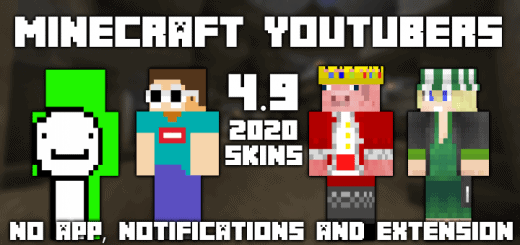
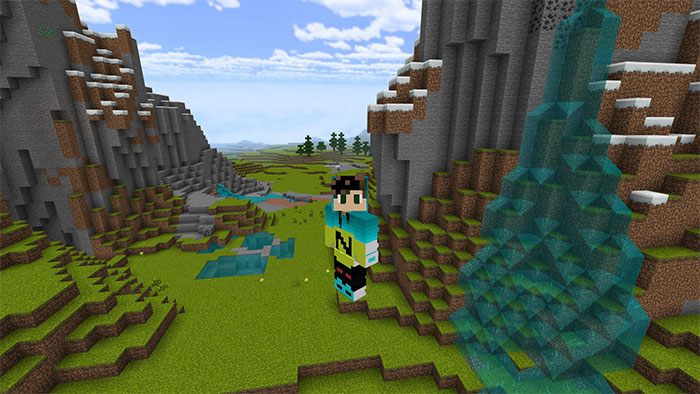
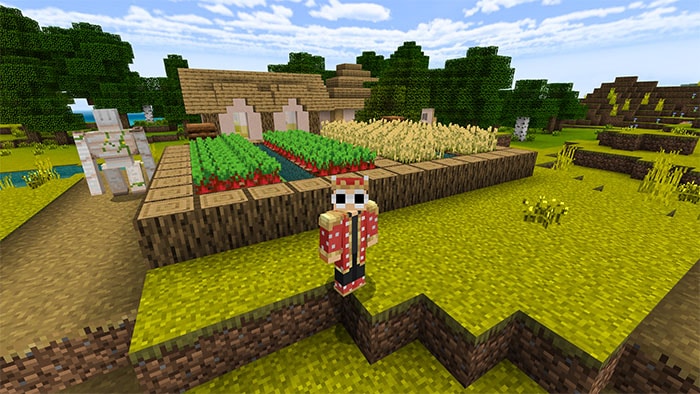
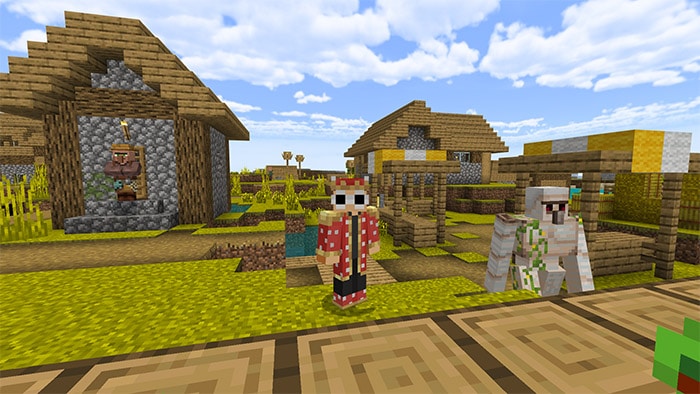
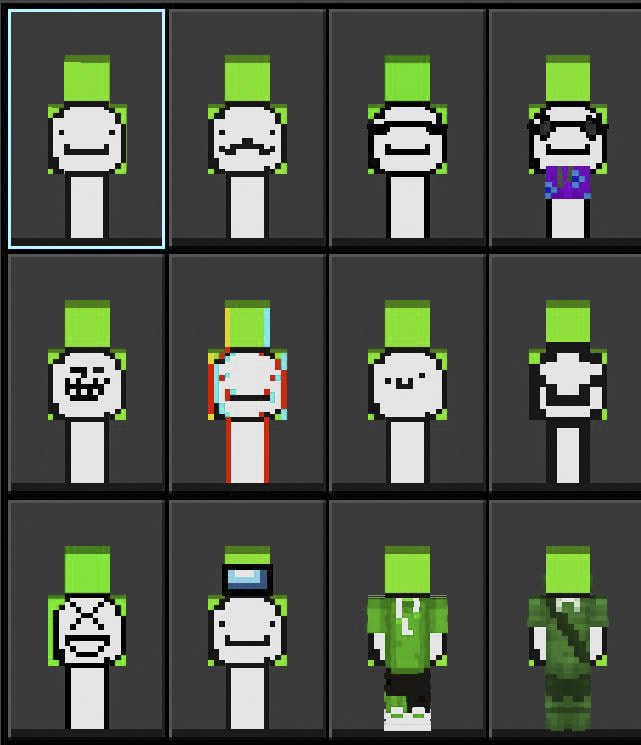
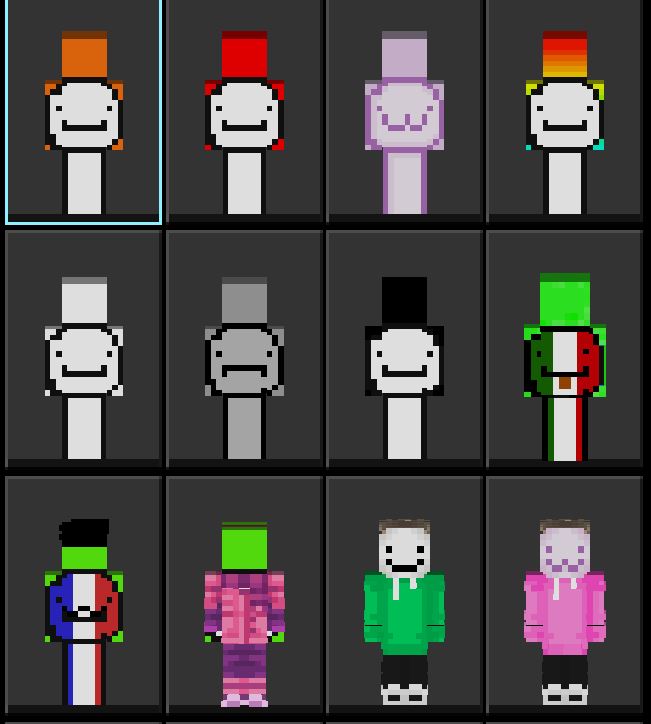
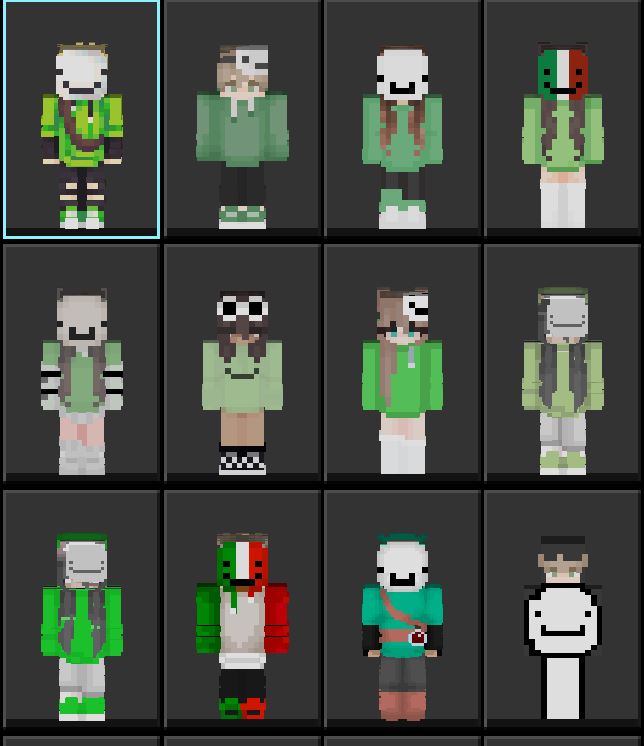
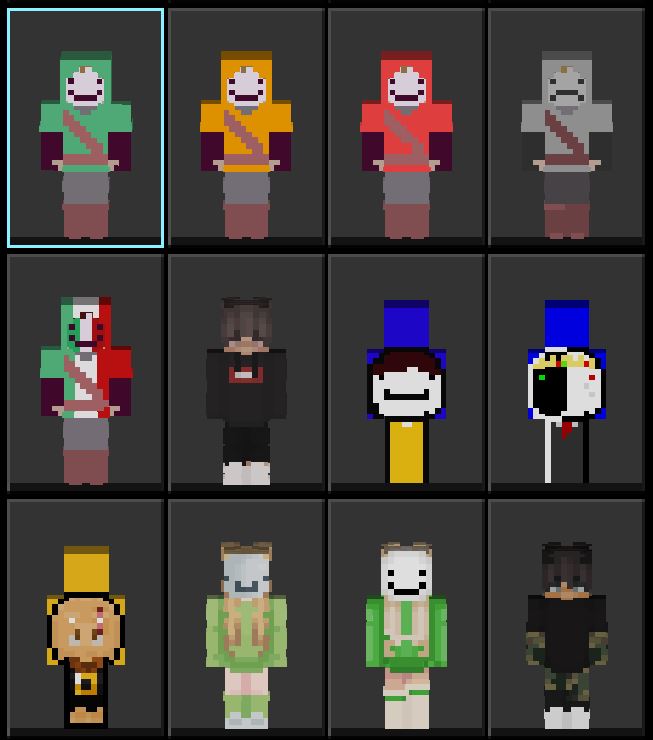
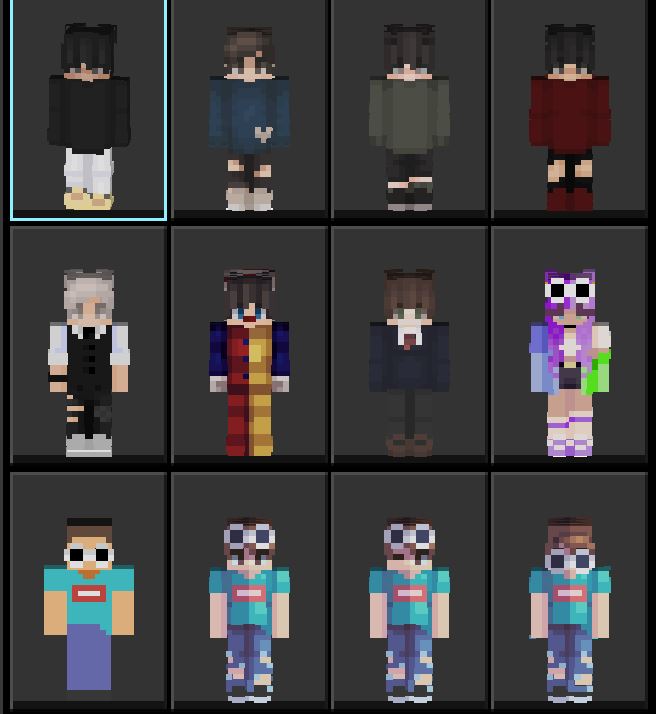
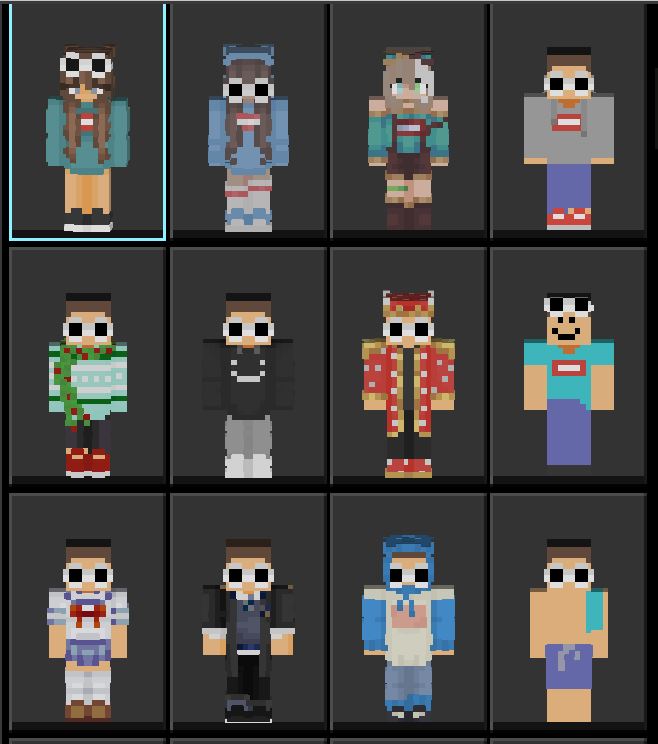
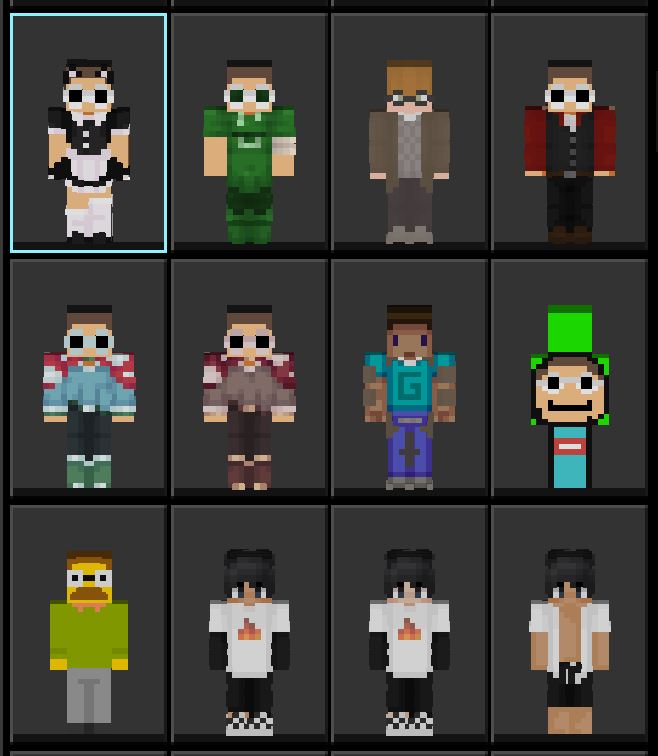
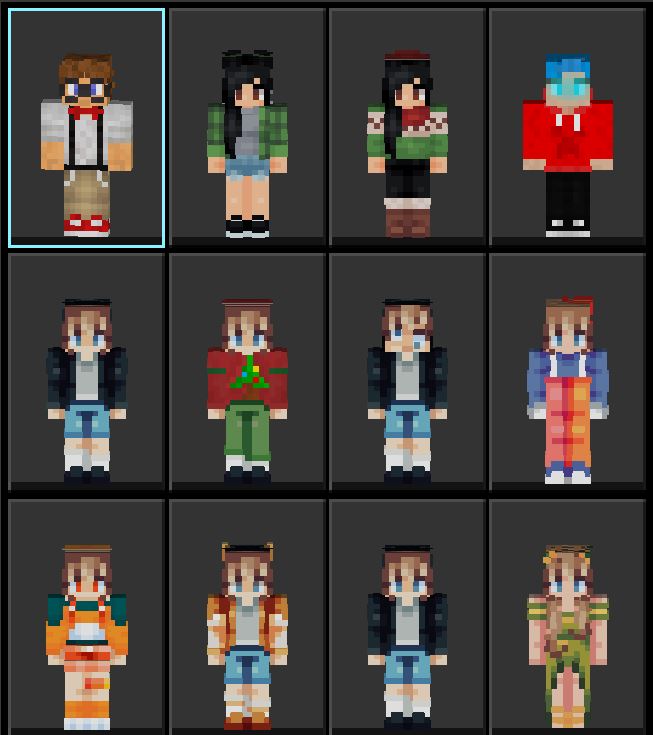
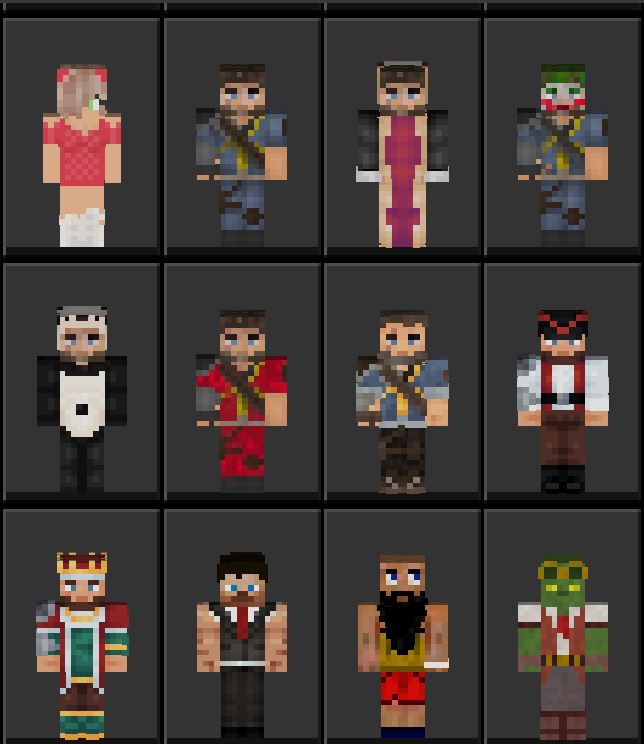
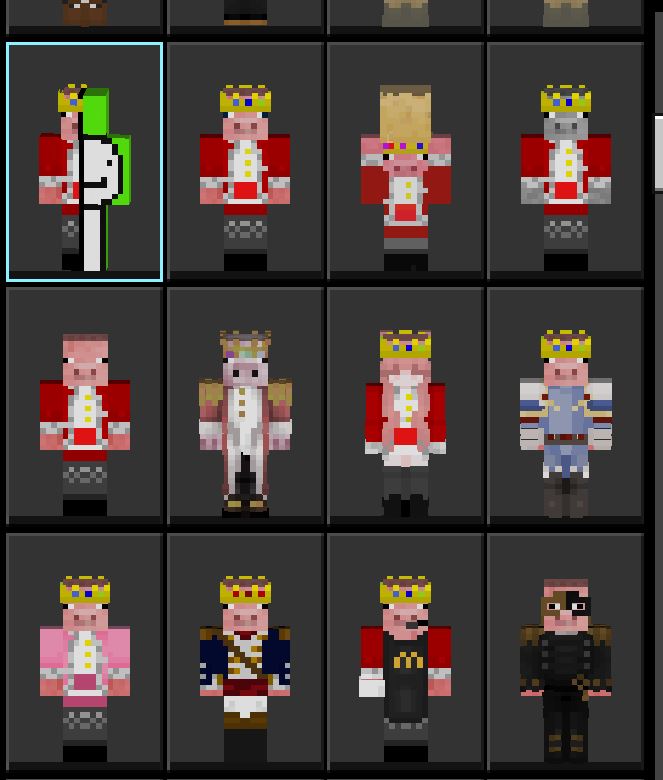
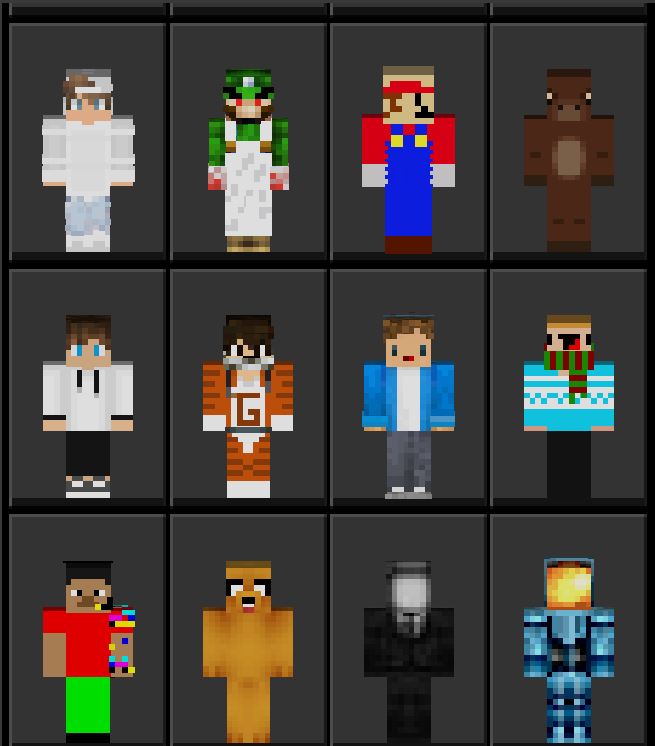
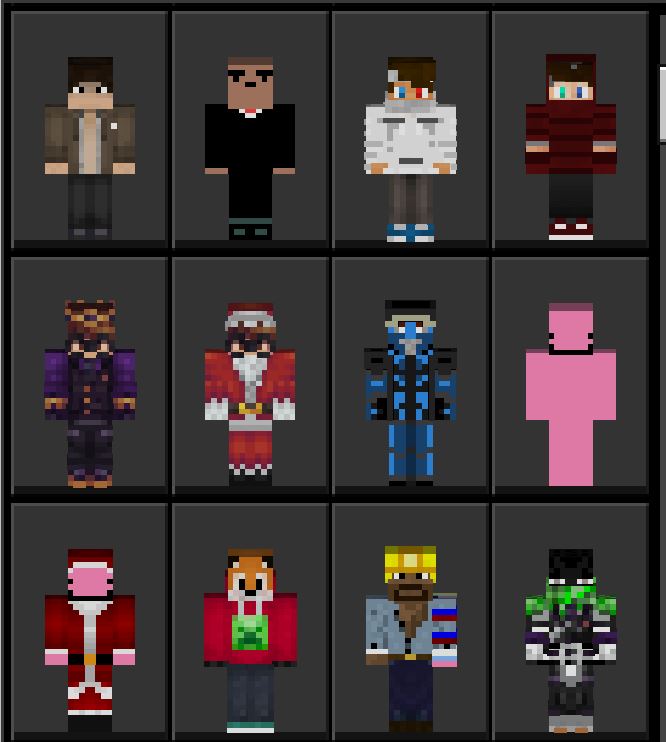
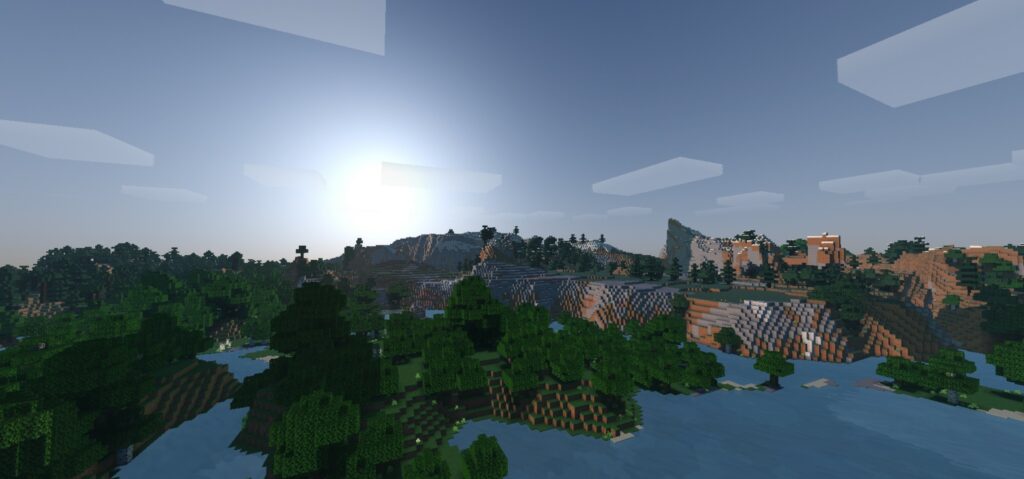
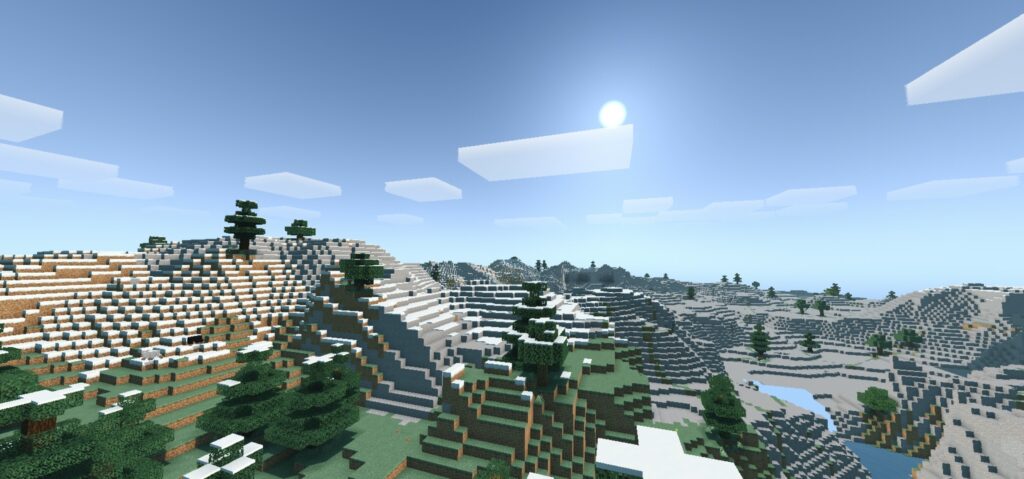
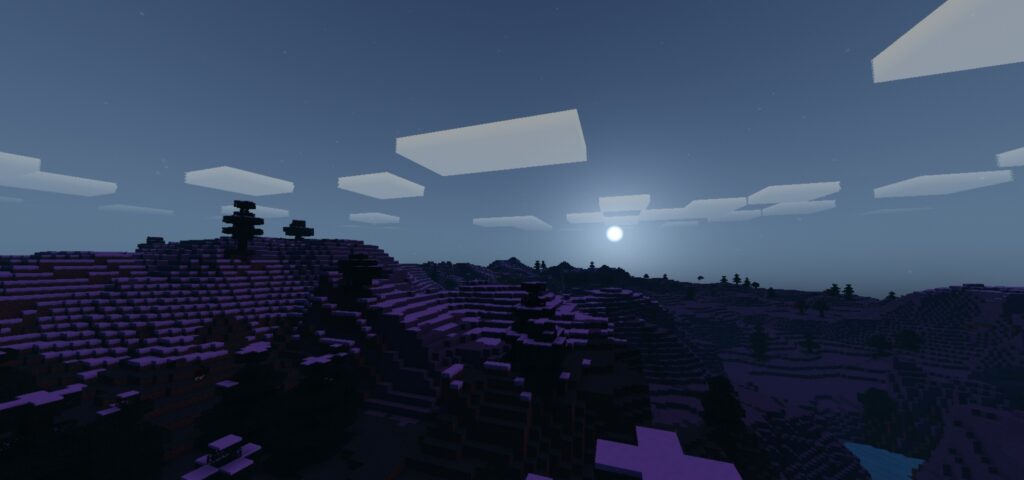
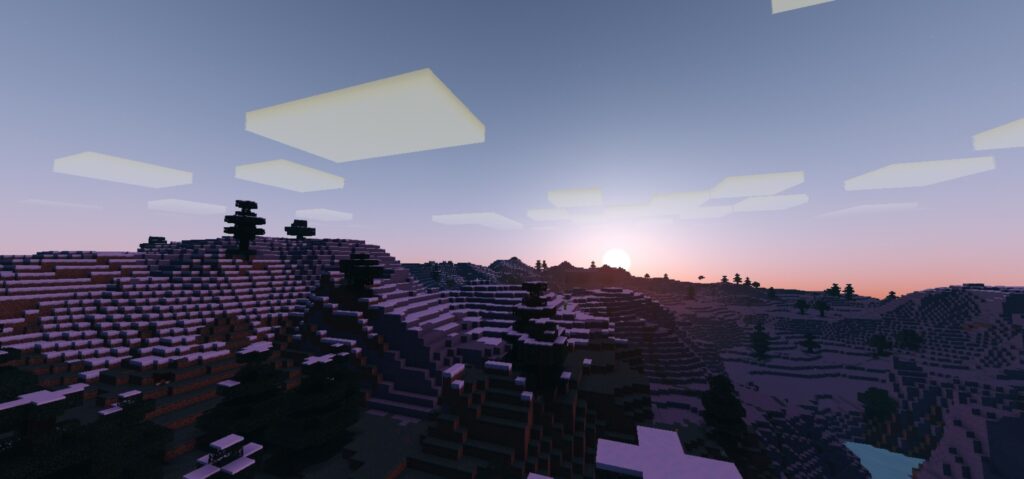
Minecraft YouTubers 4.9 is true to its name, if you have ever wanted to have an appearance like a YouTuber then this is your chance. Please install and try it out.
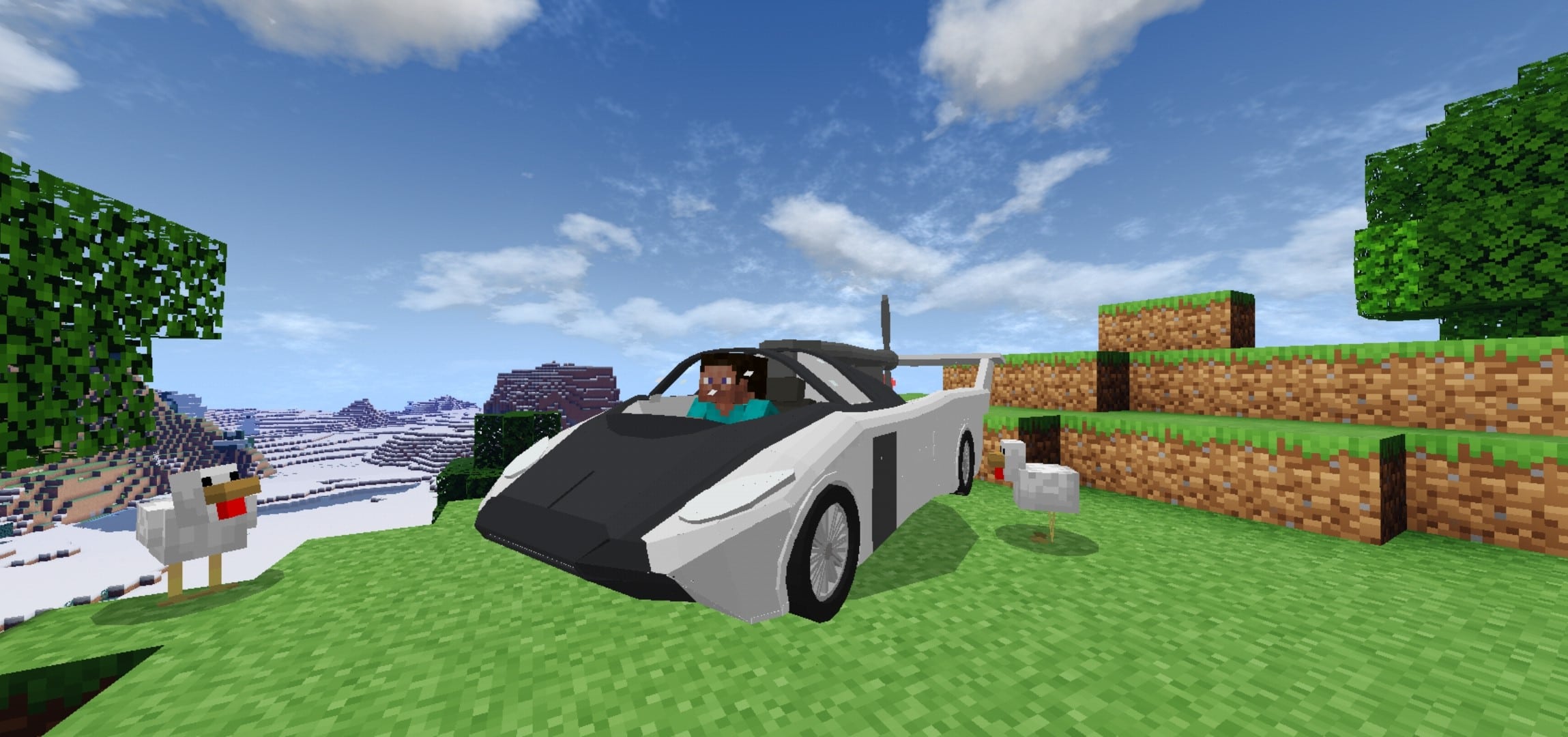
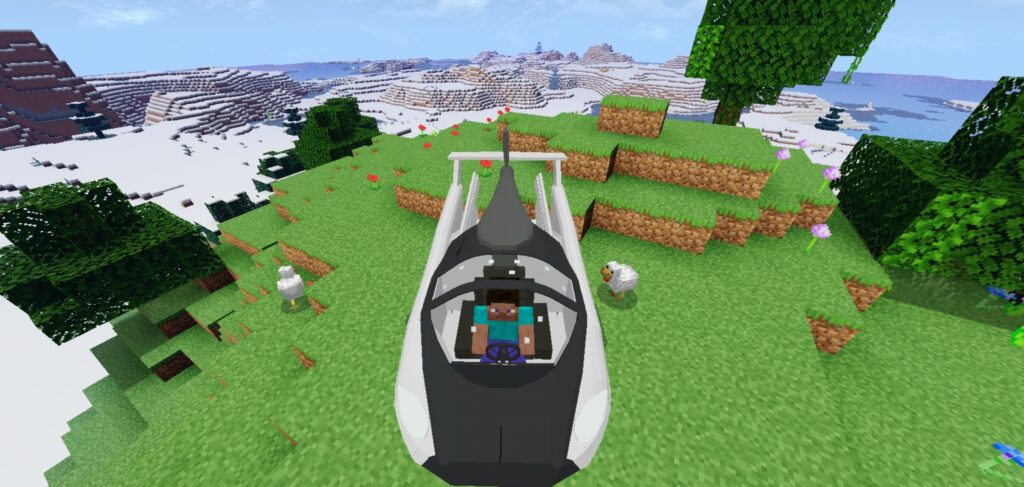
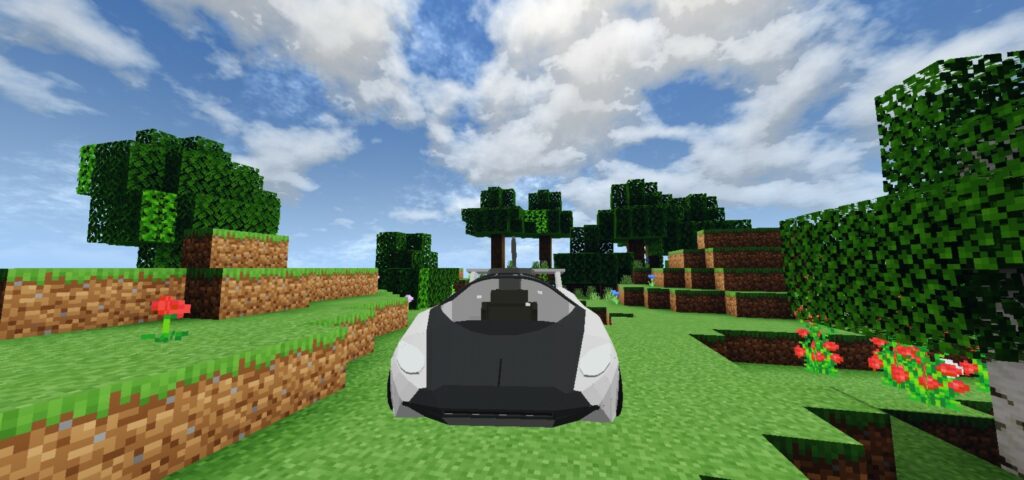
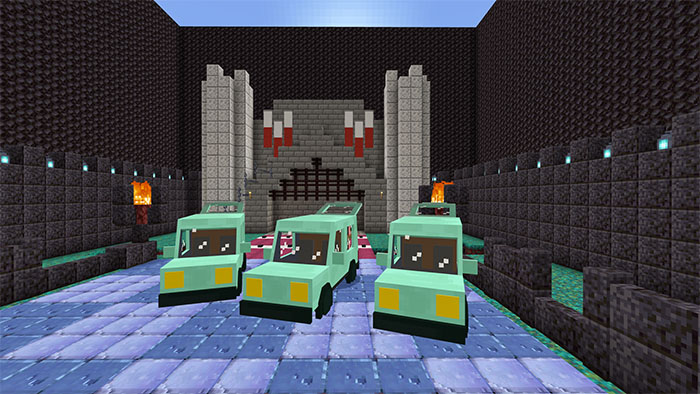
Flying Car Addon is inspired by the aircar that was made by The KleinVision company. This add-on adds a new car that can be transformed into a flying car. This is useful in traveling both land and sky.
Creator: L4ggcrafter
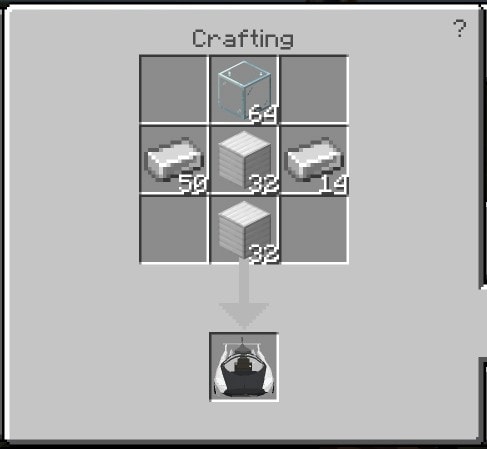
To obtain this in survival, you will need to craft it on a crafting table. You need items such as Glass, 2 iron ingots, 2 iron blocks.
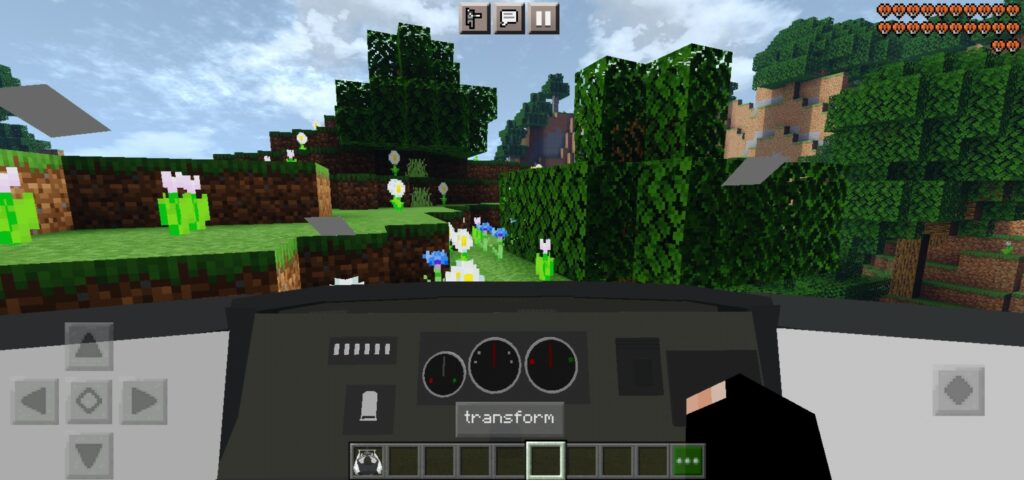
You can use this car in normal mode and flying car mode. To transform the car, you need to sneak and clicking the transform button, or you can transform while riding by clicking the button
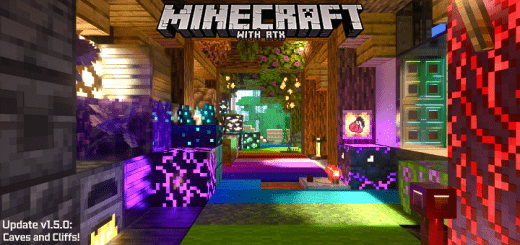
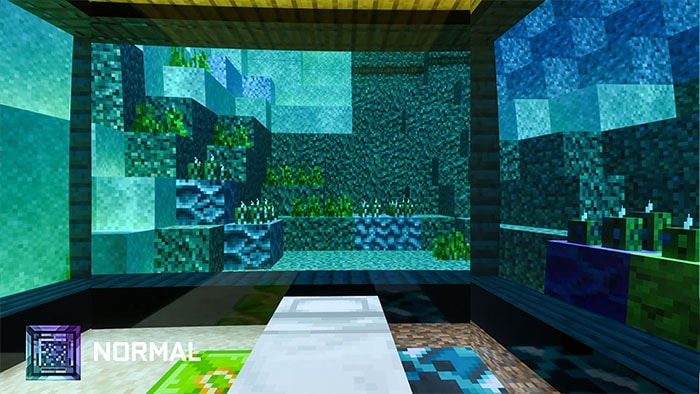
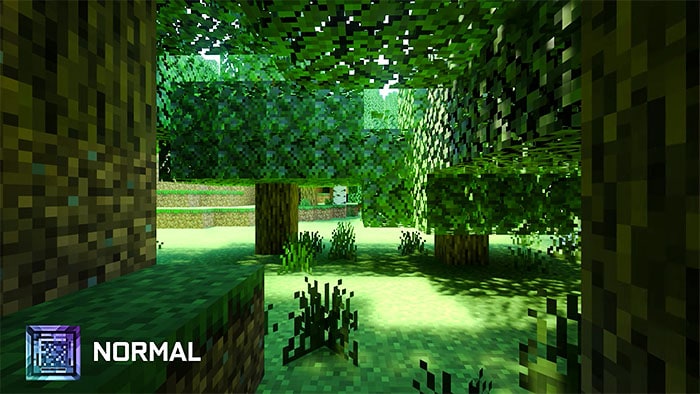
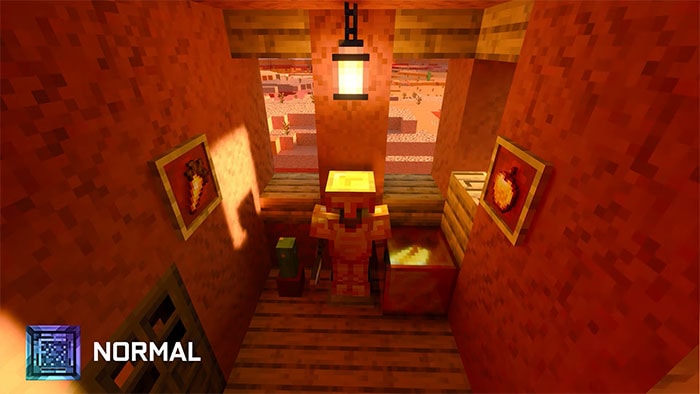
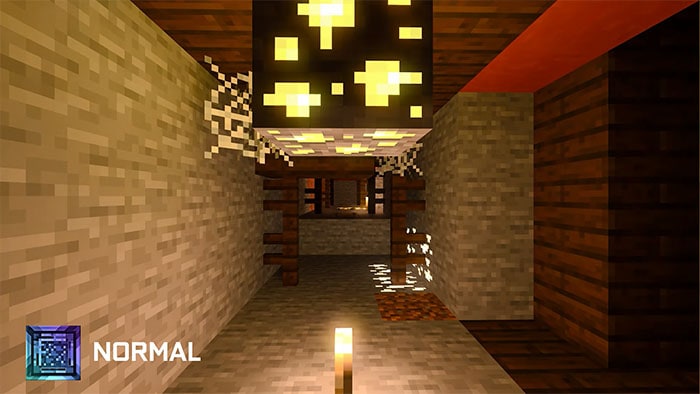
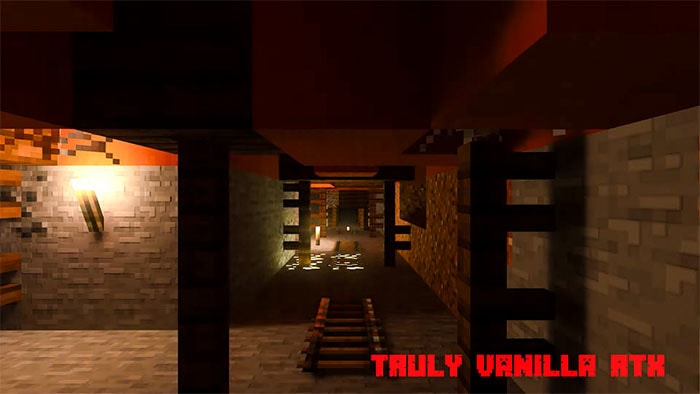
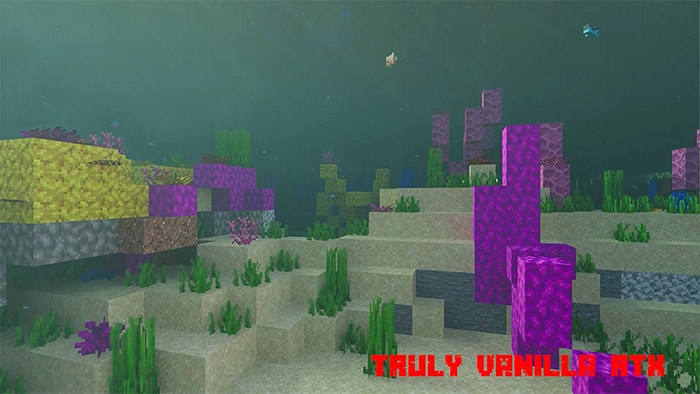
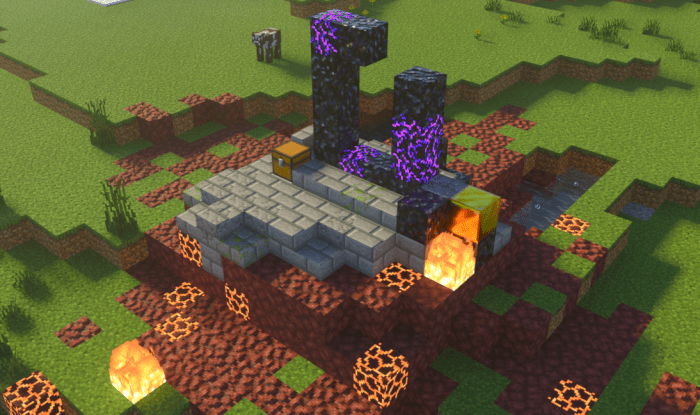
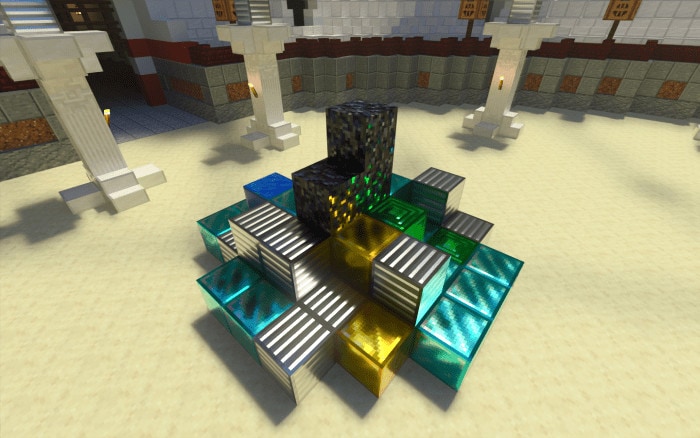
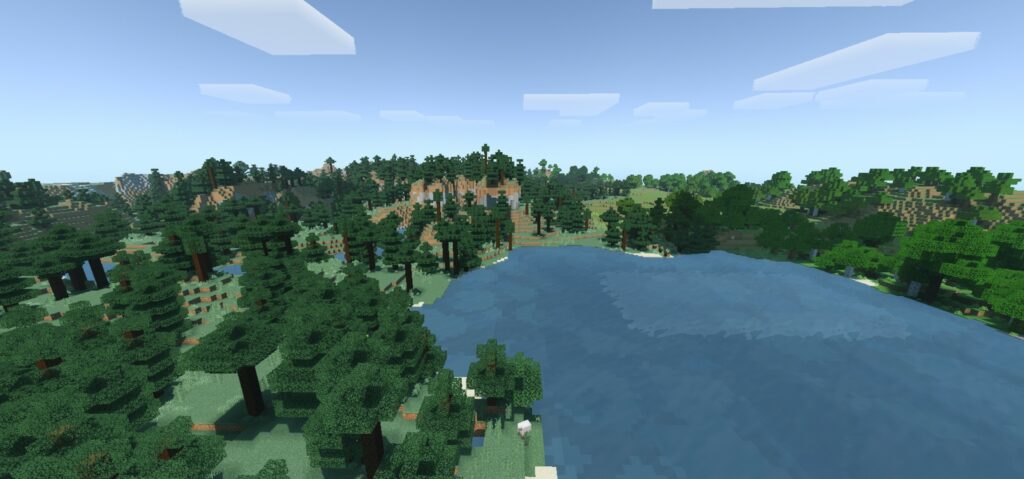
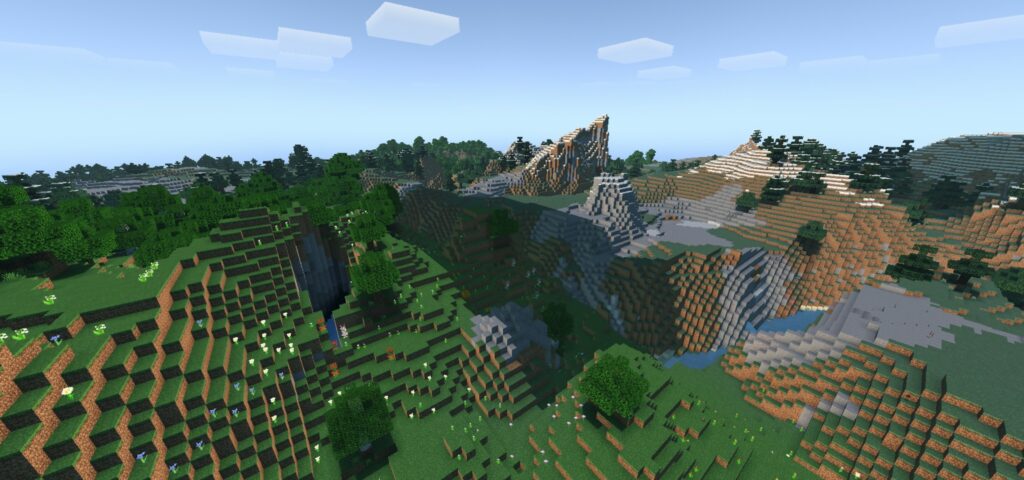
Vanilla RTX Normals aka Truly Vanilla RTX Normals (TVRTN) is actually a map based on PBR Support and Vanilla RTX Resource pack /Texture.
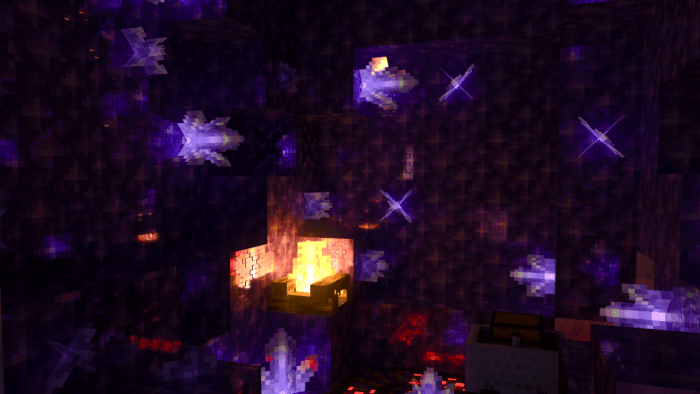
With heightmaps and normal maps existing as independent subpacks, Vanilla RTX Normals fully use per-pixel MERs, which determine Metallic/Emissive/Roughness for each block to offer them the maximum possible detail.
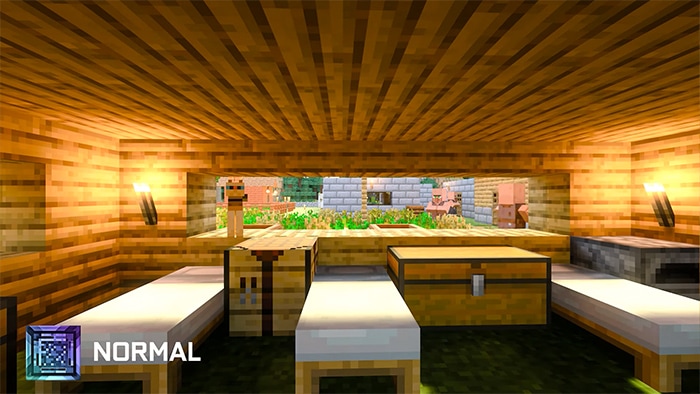
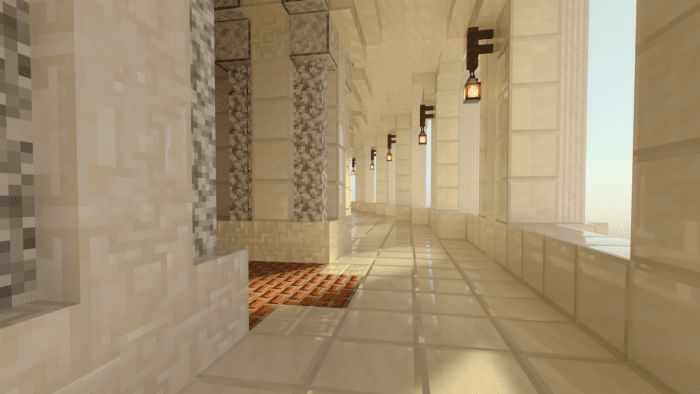
Vanilla RTX is a 16x vanilla PBR texture packs for ray tracing, you can see some screenshots below all block’s reflectiveness/roughness have had special care
In addition to increasing the fun for players, the map also allows players to customize some parts of truly vanilla RTX.
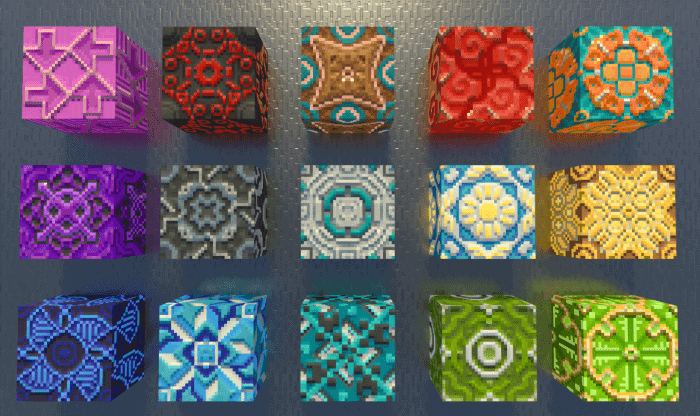
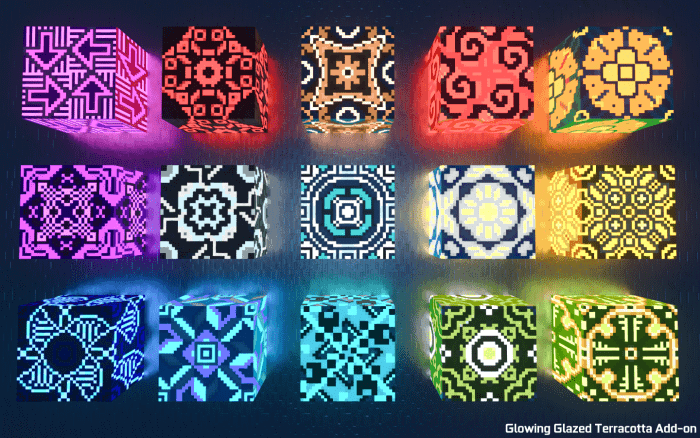
Glowing Glazed terracotta is also a side pack in the main pack, and it is only to preserve consistency & optional).
Some Extra building blocks need to be activated from the mode element blocks section because if you just use the general package it won’t appear.
Some features are just optional to add a nice look to the player, you don’t have to activate them all.
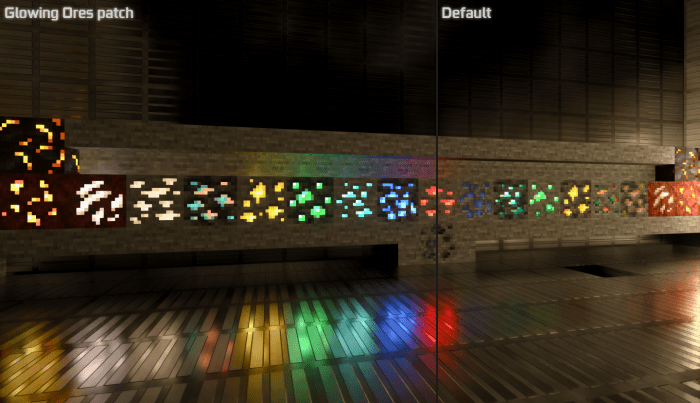
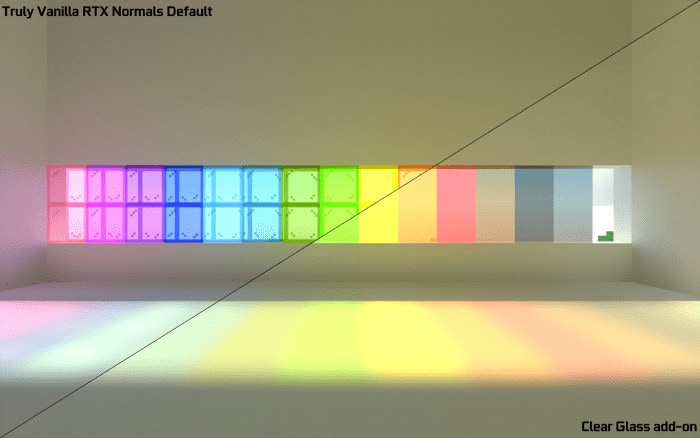
Comparation
Glowing Ores patch
Clear Water patch
Block
Clear Glass
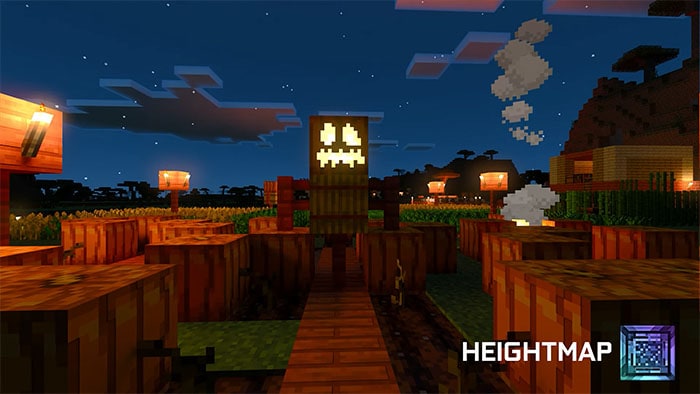
Heightmaps Subpack
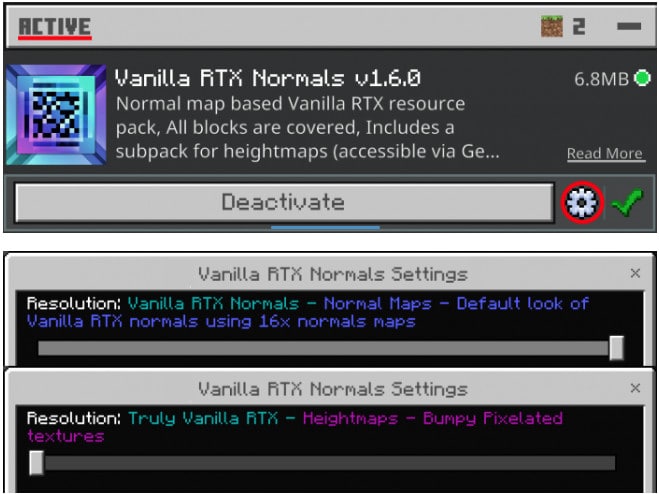
In this new update, we have added A subpackage, for Vanilla Heightmaps to use you can switch using the gear icon on the pack.
This subpack uses heightmaps instead of regular 16x normal maps, which are later converted into 128x Normal maps by the game to simulate depth on textures.
There are many more textures that you may like on Mcpeaddons.com, see more below
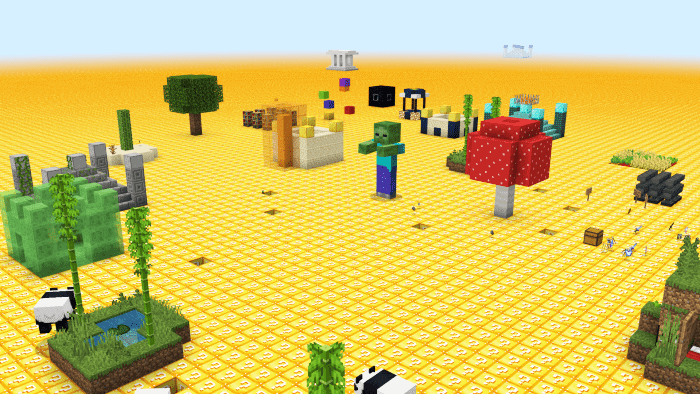
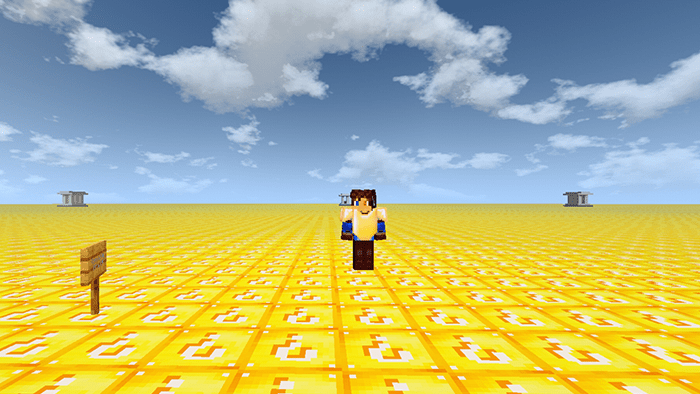
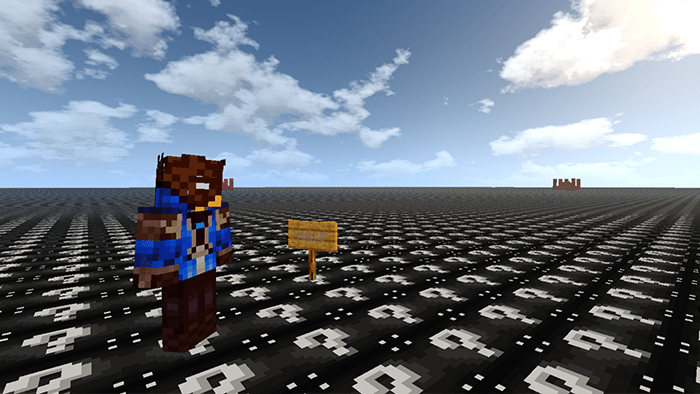
The flat world in Minecraft is not bored anymore. Now the custom terrain Flat Lucky Worlds will change it and make your world completely different. Download one of these three flat worlds and enjoy it!
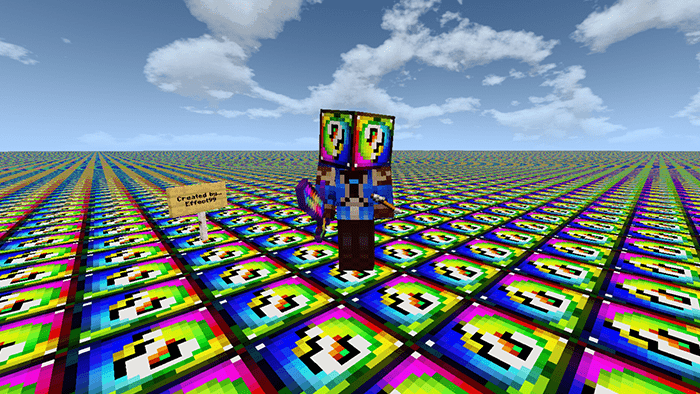
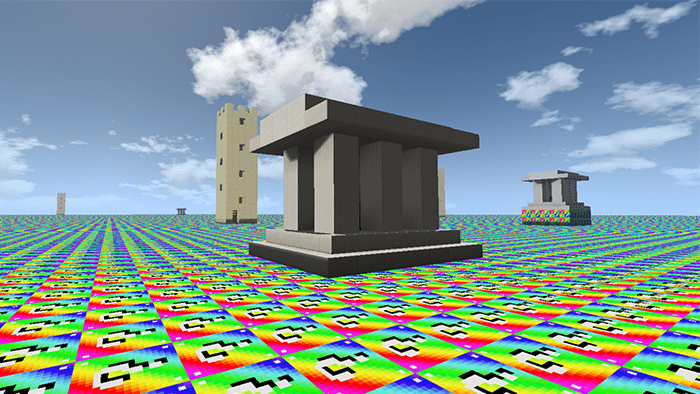
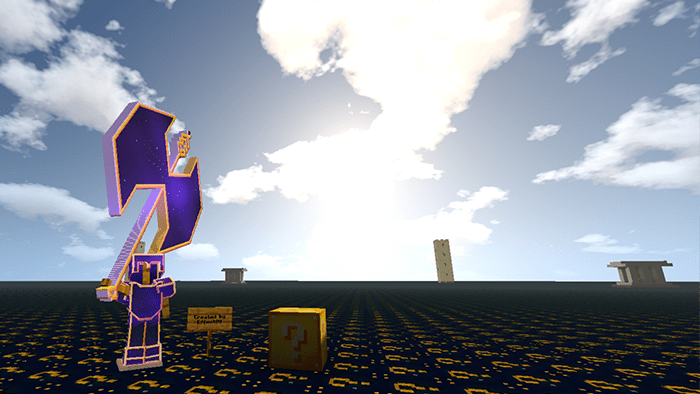
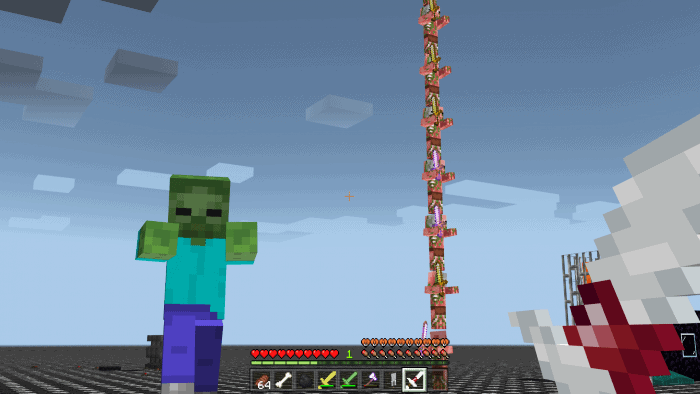
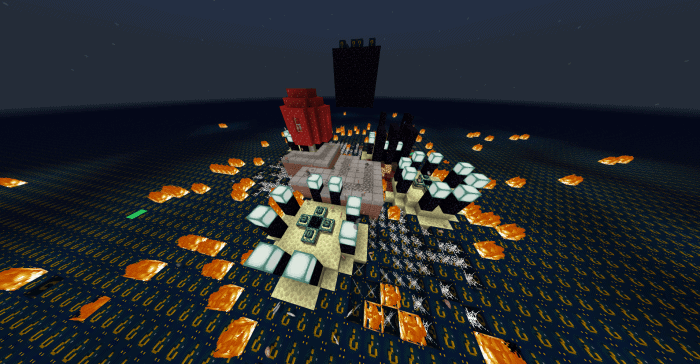
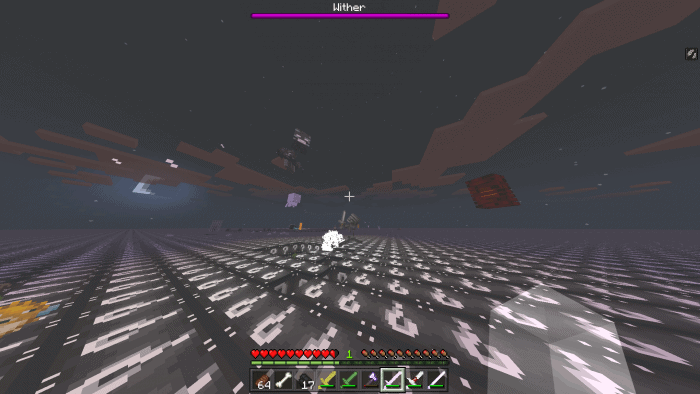
Opening blocks of luck to infinity world, where you can fight with herobrine, the dragon, giant lava slimes, a giant zombie, and many more enemies!!! This pack includes 6 flat worlds
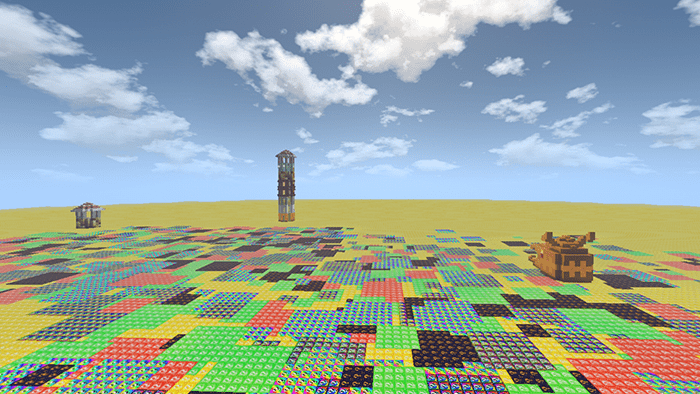
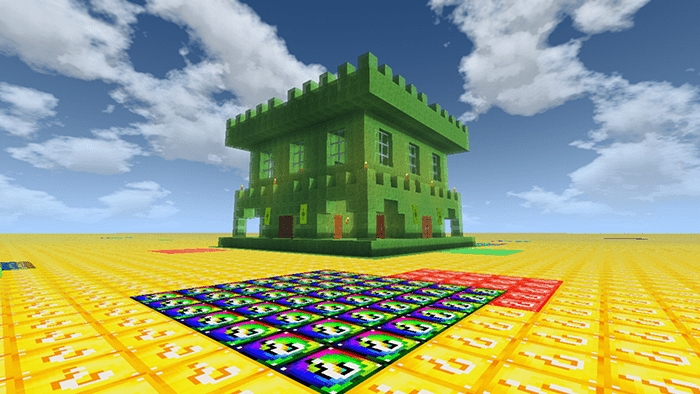
6 Flat lucky worlds block
Lucky Block World
Spiral Lucky Block World
Rainbow Lucky Block World
Astral Lucky Block World
Withered Lucky block World
Combination Lucky Flat World
It’s randomly generated
These worlds are completely infinite so break the lucky blocks will make you drop from exhaustion
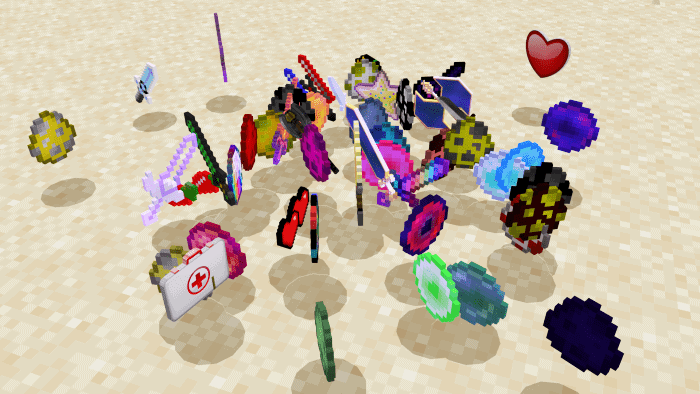
When you break the lucky blocks, you will get many magic things inside such as weapons, enemy spawners,…
More capture of these worlds
Changelog
– Added 3 new flat worlds – Updated new version of lucky blocks for all worlds – Fixed bugs
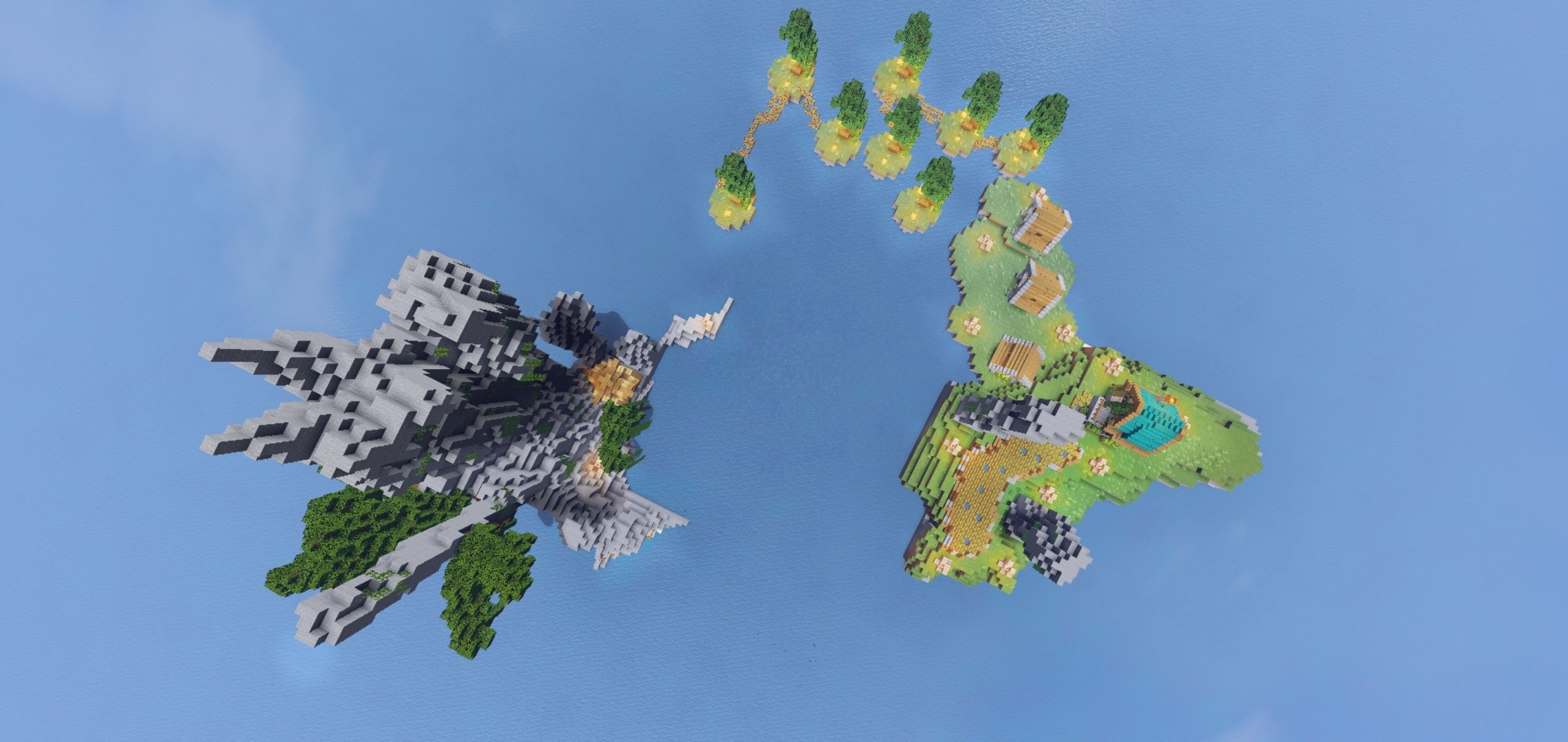
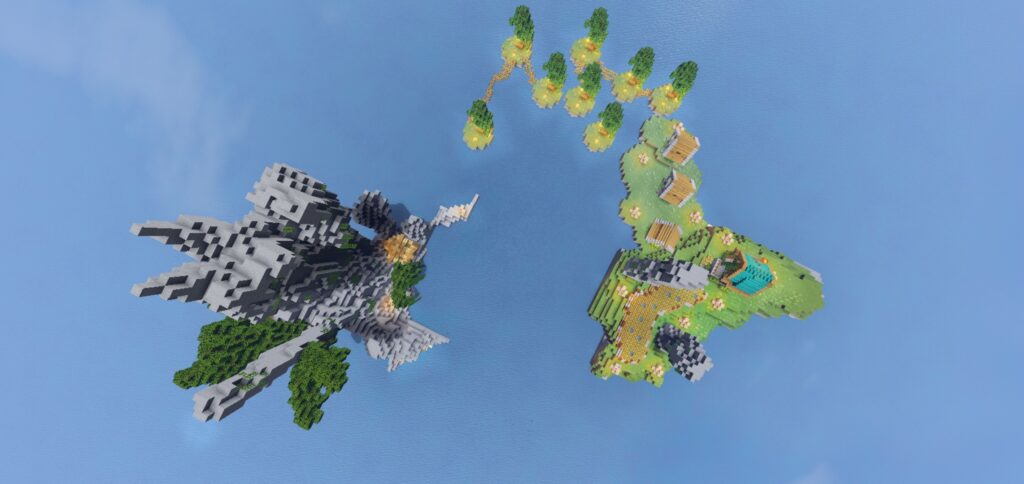
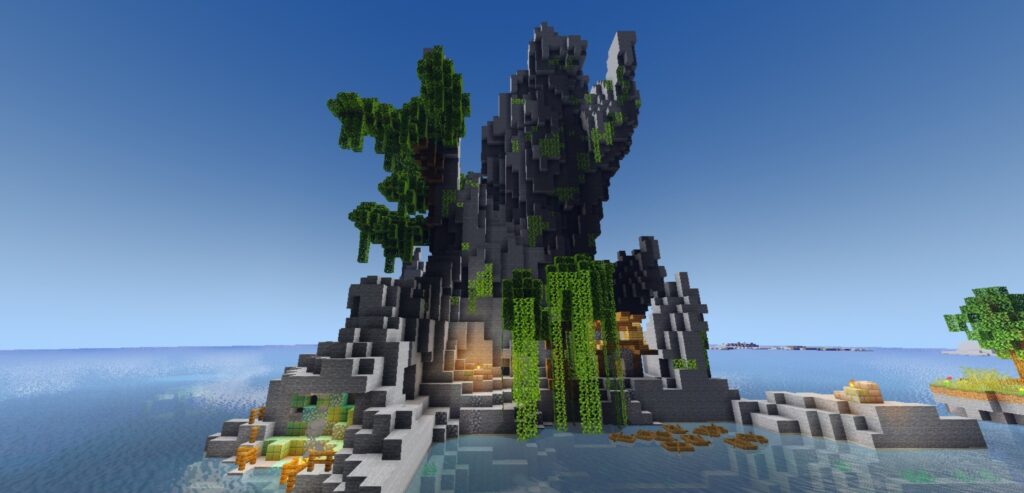
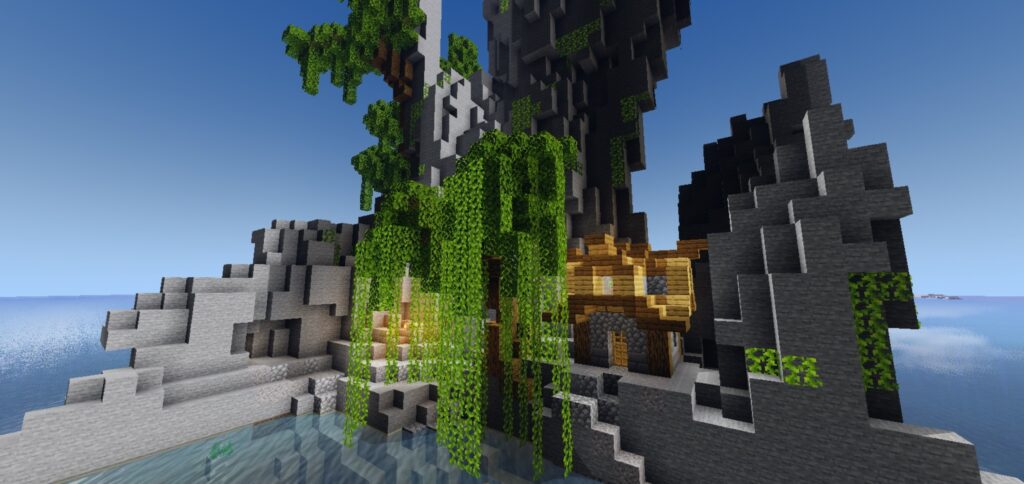
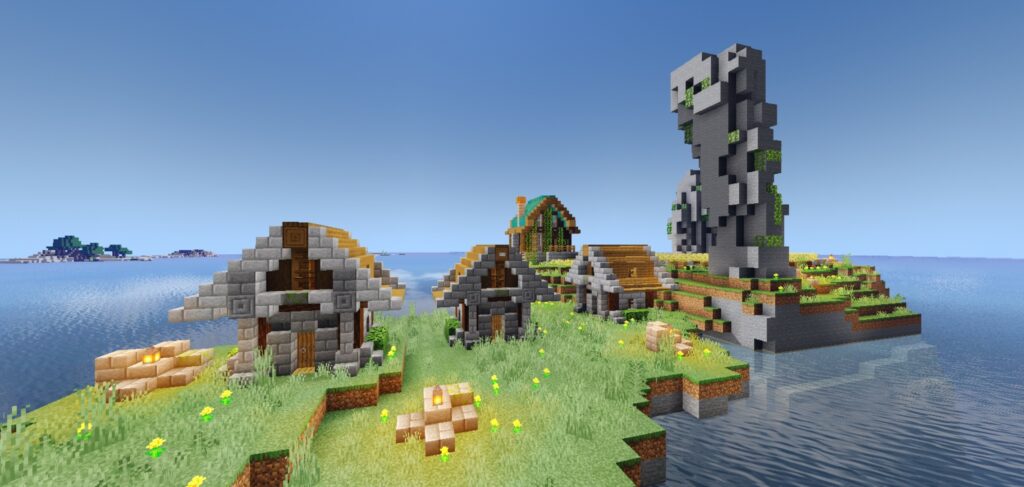
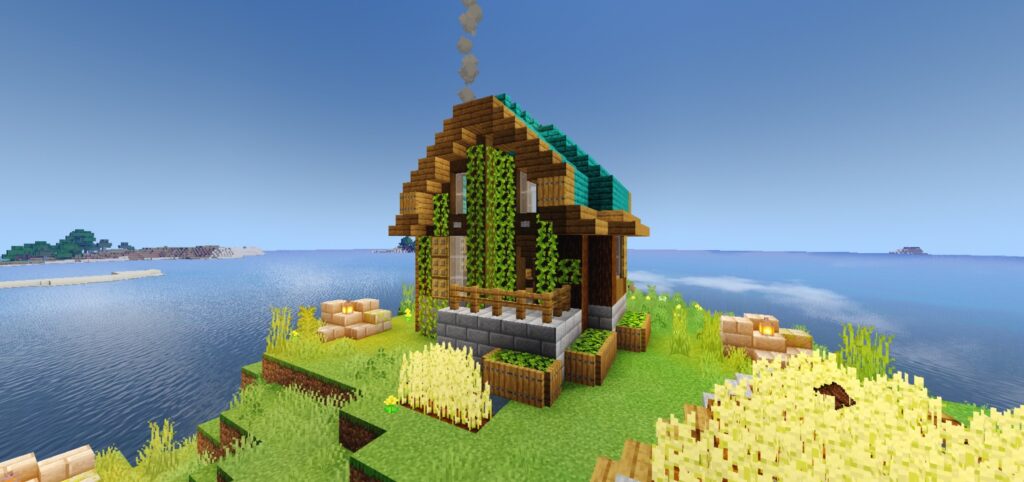
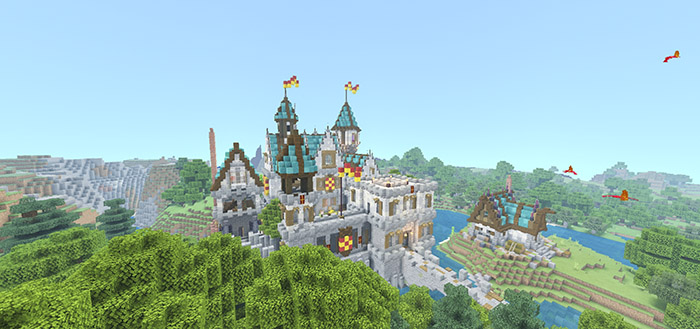
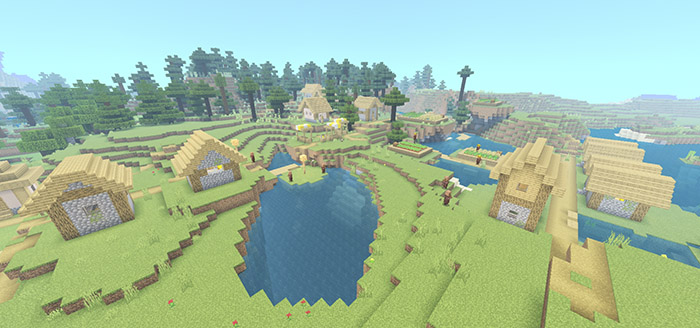
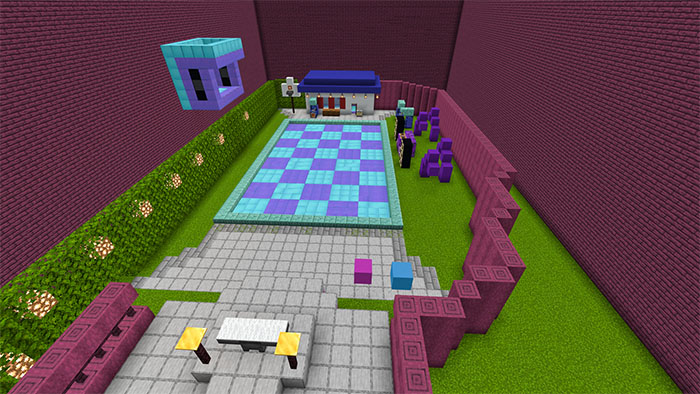
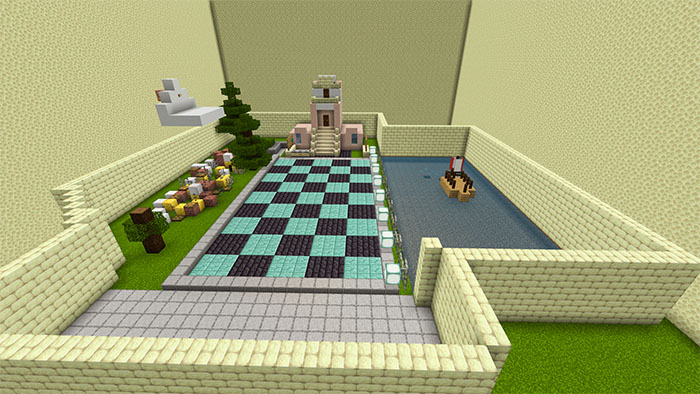
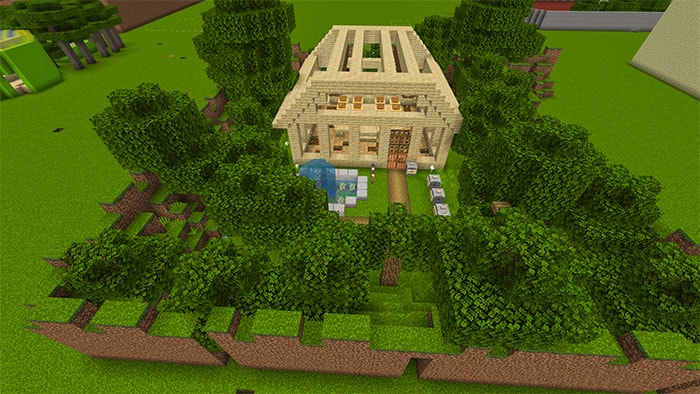
Fantastic Far Island is set in a new world which is located in a quiet place far away in the middle of the sea. Now you can see the different structures that are divided into several distant zones.
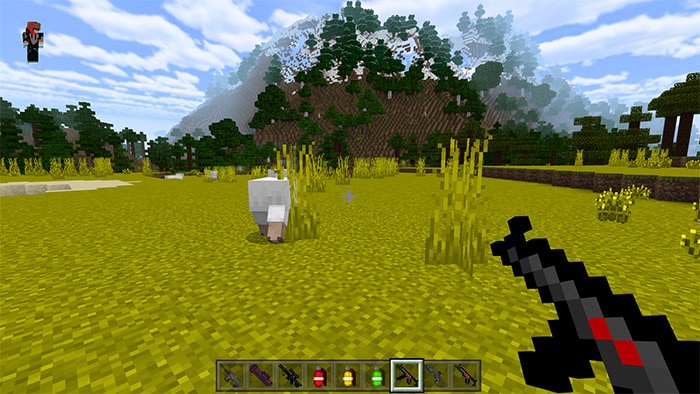
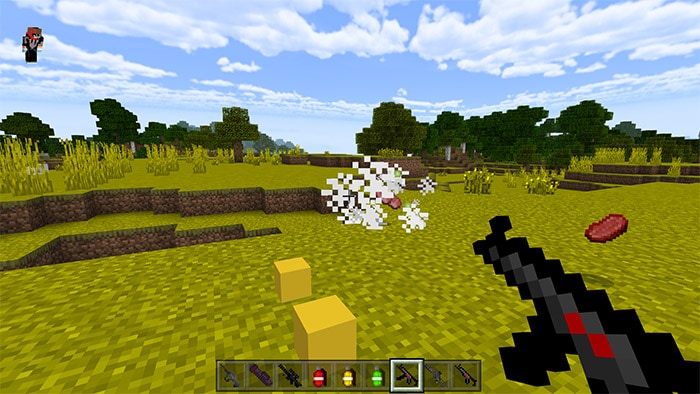
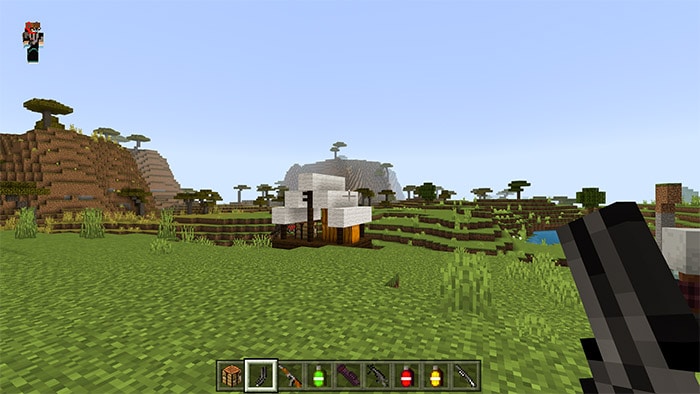
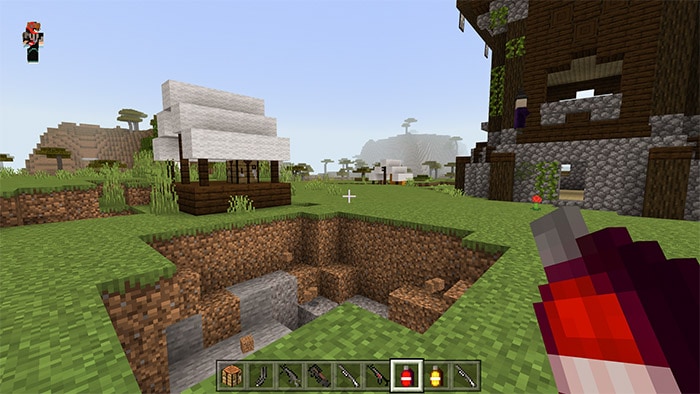
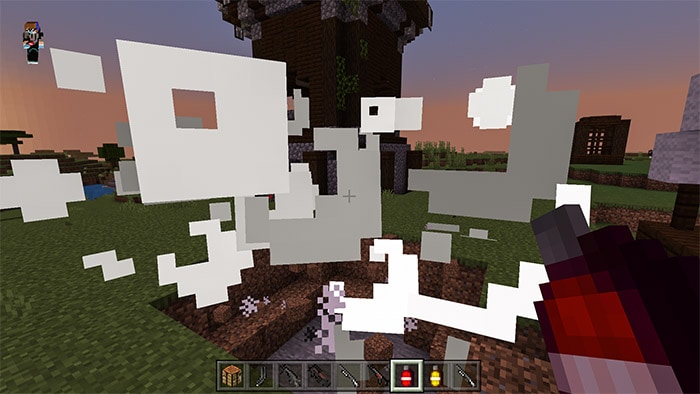
Actual Guns Addon will add you 57 items including 24 guns 3 grenades 6 types of ammunition. There will be guns like pistols, shotguns, rifles, smg, dmr,….etc. This addon is used as an adventure map and will not replace anything in your game.
If you want to use a gun you just need to Shift or Sneak on the keyboard, it’s similar to when you use shields. you can use both together to get many benefits!
Some issues may not be fixed due to Minecraft’s error, not the addon’s bug.
With lower versions there may be some errors as follows:
In version 1.12, the disappearing entity crashes when it disappears in unloaded chunks so you should make sure you set the render distance to about 8 chunks or more
In 1.13, there is a bug where remove tags don’t work with the /function command. You will be stuck if you use a weapon with recoil.
You can equip the gun in Actual Guns Addon by opening inventory, you will have the weapons are AK47, AUG, COLT45, DEAGLE, FAMAS, M16A4, AWP, BARRETA, M416, MP5, MP40, P90, RPG, S12K, S686, SCAR, UMP45, USP, UZI, G36C, GALIL, GLOCK18, KAR98K, M3.
HOW TO GET THE GUNS?
In order use gun in Actual Guns Addon, you can use the following formulas: by using /give @p gun:gunname and use granade:grenadename or use all guns with /function getallguns.
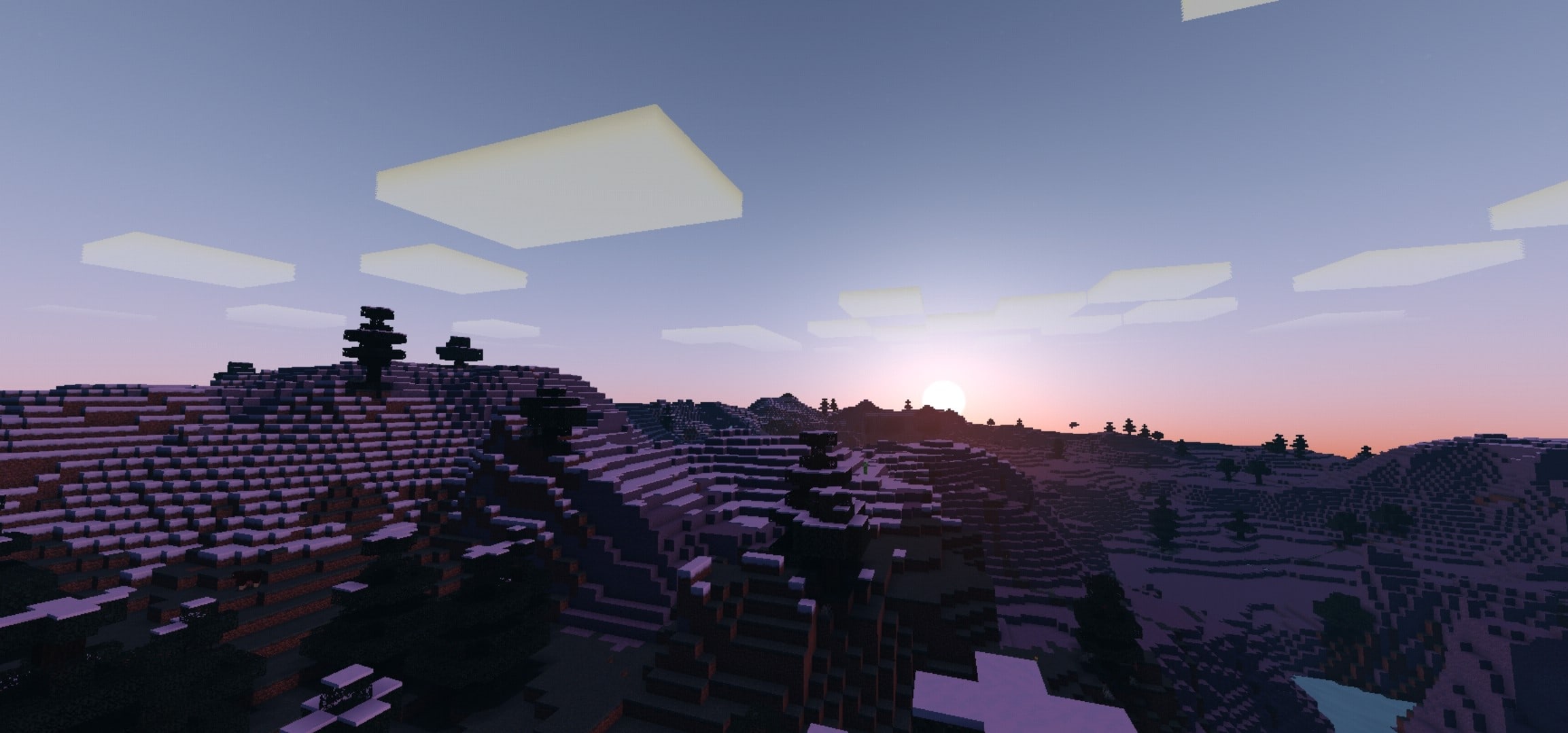
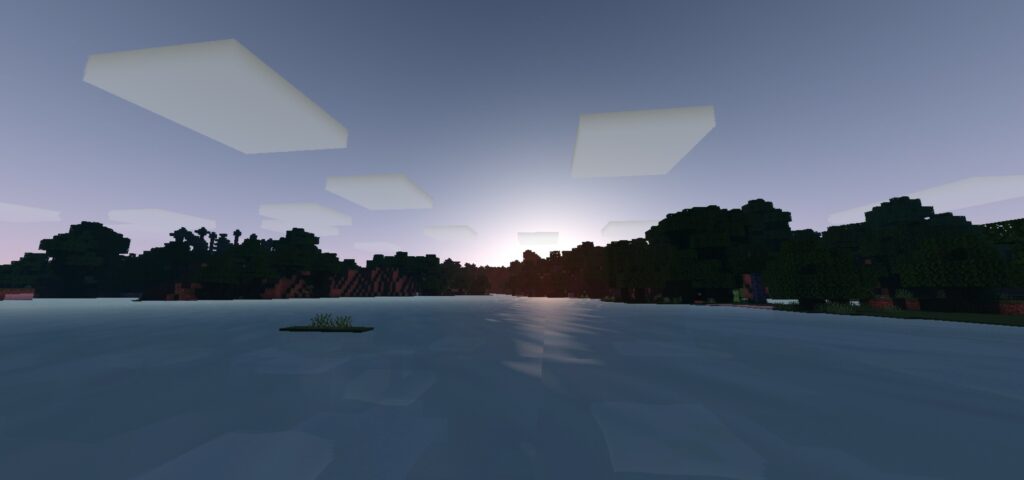
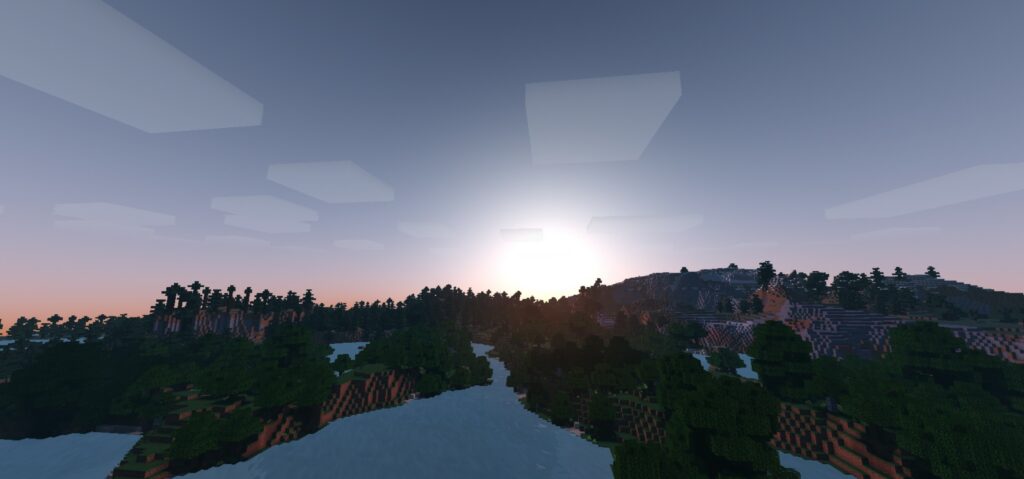
Salmon shader is also the name of the creator of this shader. Shaders help players look more beautiful, more colorful when playing for your vanilla Minecraft.
Are you looking for a beautiful shader but for low devices? Yeah, Rewanston shader: Hypercolor is actually what you need to use now! A cool shader that has an attractive appearance
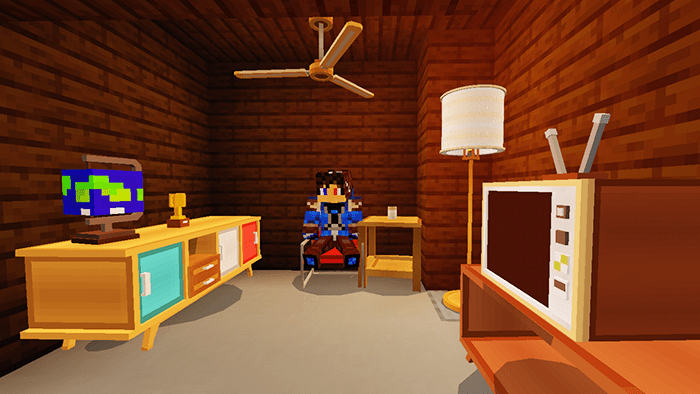
Umäk is back after more than a year with better textures and models, and better functionality! If you are a fan of furniture in Minecraft, I bet the Retro Furniture addon will make you feel interested to play the game.
The furniture in this addon is actually obtainable in survival mode. To make it is obtainable in survival, retro furniture is not made possible by typical custom crafting recipes. It’s instead of changing the new way more interesting!
About Project
Most of the furniture was originally made as props to make render in the 3D software
Trying to learn how to make Blender and add it to this pack
About update: it’s up to the creator’s demand, it depends on making project such as car
If everyone like this concept of this pack, it will be added more stuff in the future
What does this addon include?
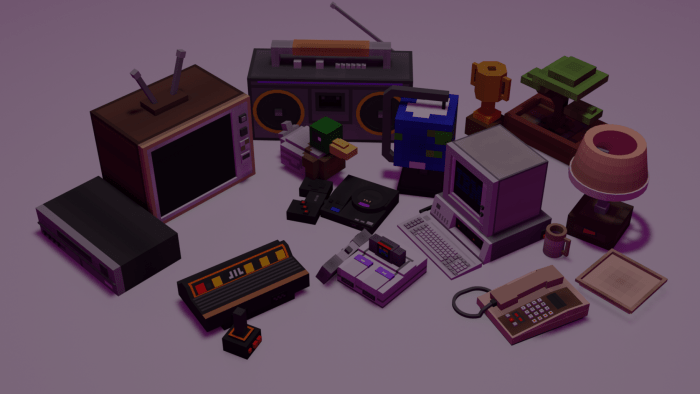
Retro furniture contains a total of 45 pieces, there are 29 pieces of furniture, 15 accessories, and 1 machine
Furniture
It includes couches, chairs, shelves, and other stuff involve “furniture”
2 Cabinet – 3 Chair – 3 Coffeetable – 3 Couch – Cubeshelf – 3 Shelf – Standlamp – Table – TV Table Mini – TV Table Beeg – Vinyl Player – Single Wallshelf – Double Wallshelf – Retro Cabinet – Ceiling Lamp – Display Shelf – Officetable – Office chair – Ceiling Fan – Lamp Table
Accessories – Retro furniture
These items can be placed on some furniture pieces like tables and shelves,…
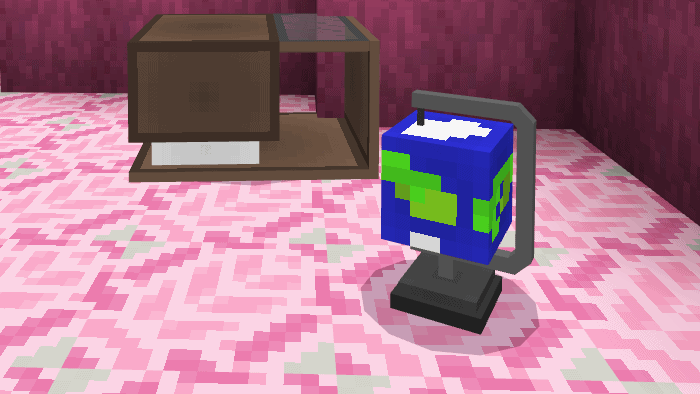
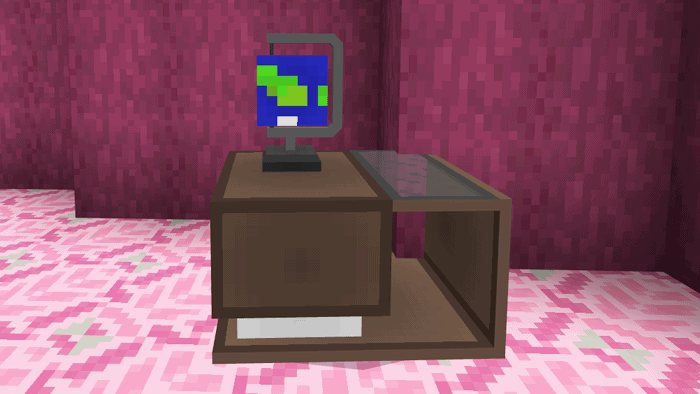
Atari Flashback 8 Console – SEGA Genesis Console – Super NES Console – VHS Player – TV! – Boombox – Globe (Cube?) Model – Trophy – Table Lamp – Telephone – IBM 5150 PC – WoodDuck Plush – Cup – Plate – Smol Plant
Machine
You need to craft in order to get all the furniture and accessories if you are in survival
How to place accessories on furniture pieces
Pick furniture piece to put an accessory on. There is only some furniture can hold accessories, you can not put a TV on a coffeetable!
Place the accessory that you picked on the ground, It’s ideally in front of the furniture.
Push the accessory towards the furniture piece and it should go on top of the furniture piece.
These items in the picture below can be done with certain furniture pieces
Colour chairs
There are 2 chairs and 1 couch that can be coloured into all 16 Minecraft colours. It’s basically like dyeing a sheep
How to get them in survival
Creative mode: Get spawn eggs from the Creative Inventory ( spawn/mob eggs) Survival/creative mode: Apart from the way above, you can get them using a “machine”
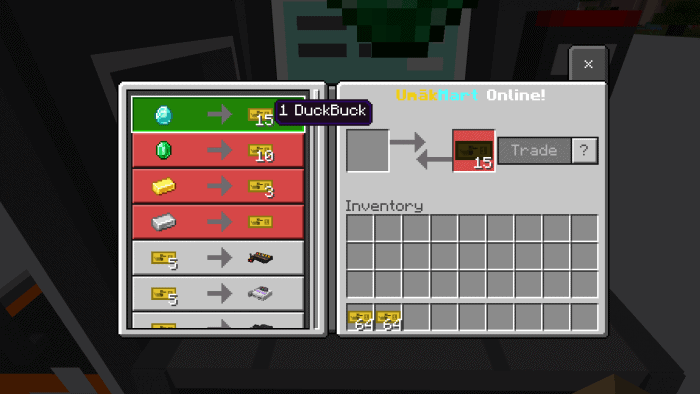
This machine is called UmäkMart which help purchasing furniture and accessories
Right click or hold the keyboard to check out the catalog of furniture and accessories that you can buy.
DuckBuck is the currency that you can get them by converting emeralds, diamonds, gold or iron.
Using any type of Pickaxe to change the direction UmäkMart
How to Install
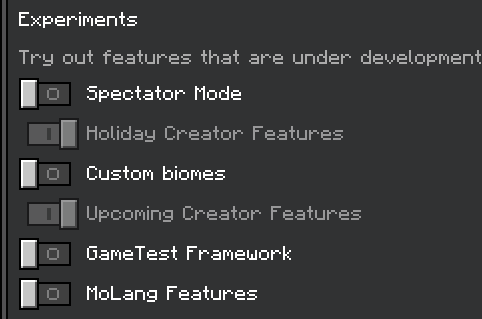
As of Minecraft update 1.19.0, this addon requires the Holiday Creator Features & Upcoming Creator Features (Experimental Mode) to be turned on in order to work! This requirement however will most likely not be required in upcoming updates by Mojang. Will update this post once the update comes.
2) Due to Mojang being Mojang, custom blocks are a bit problematic nowadays. To ensure the pack works right, make sure to also apply the “Block Geo Fixer“ module pack into your world. Make sure it is placed above the main resource pack in the addon order. The “Block Geo Fixer” module pack is already included in the download file .mcaddon. (For the Block version ONLY)
Changelogs
Update 2.0 Updated the pack to be 1.19.0+ compatible. The pack is now compatible for all MCPE versions from v1.17.0 – v1.19.22
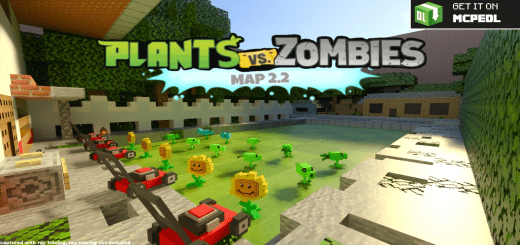
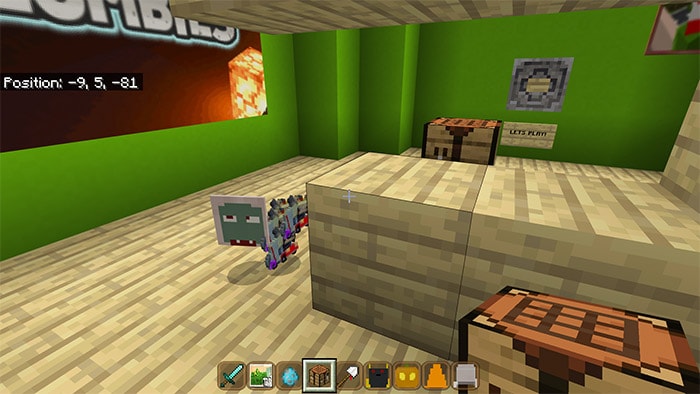
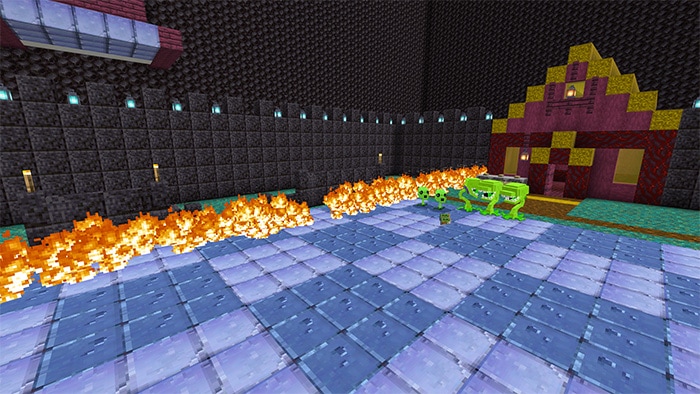
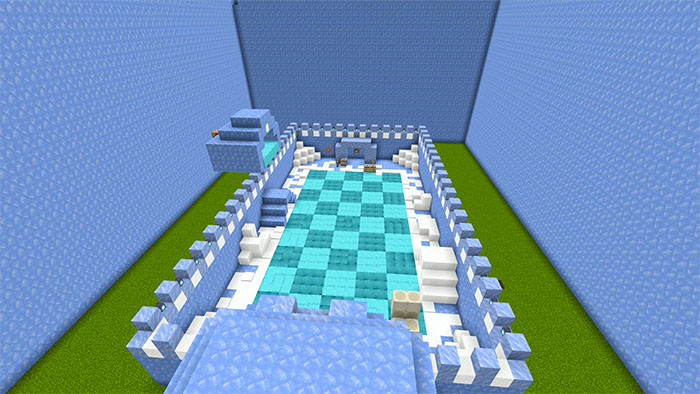
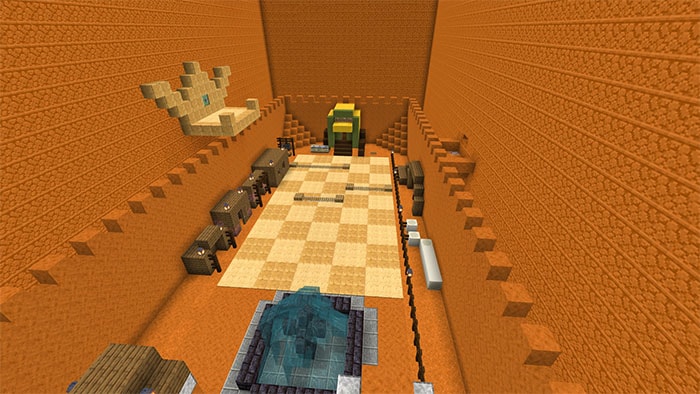
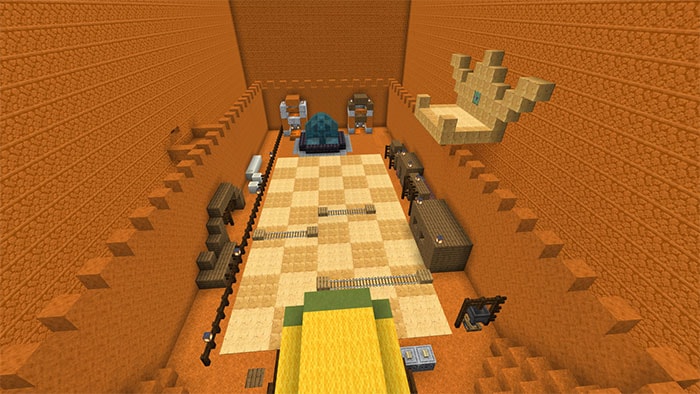
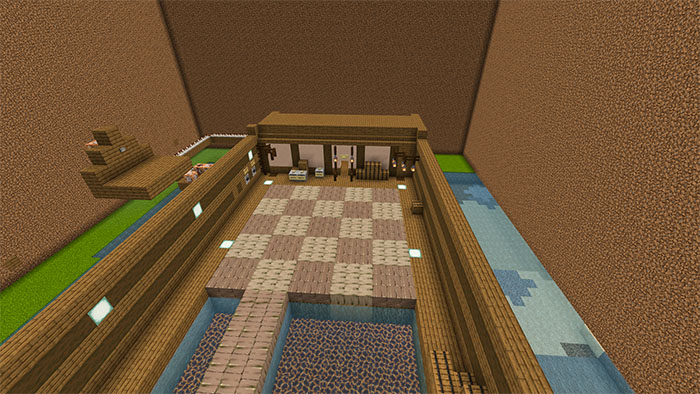
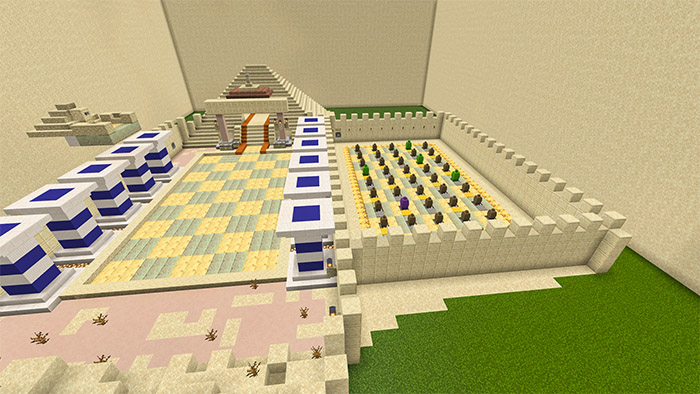
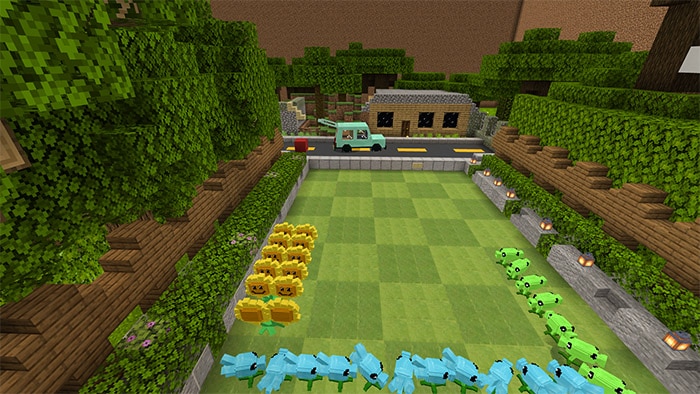
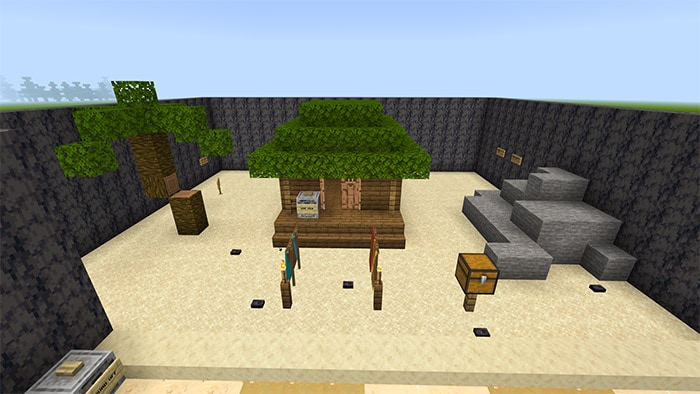
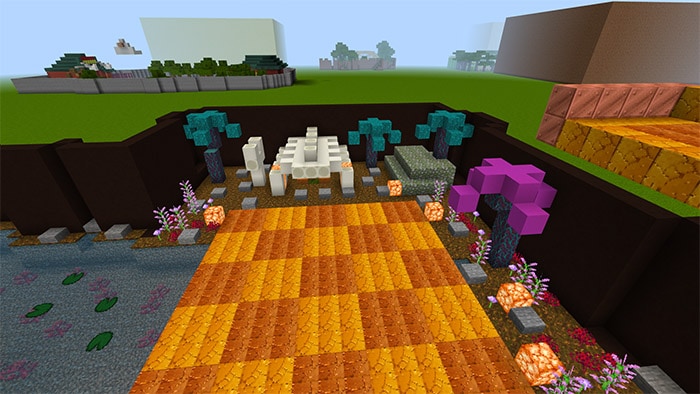
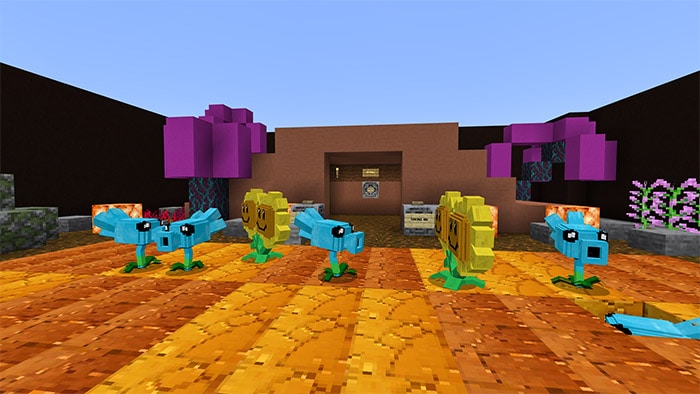
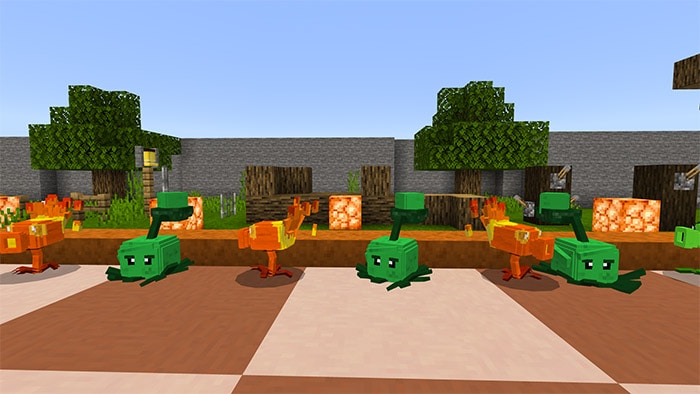
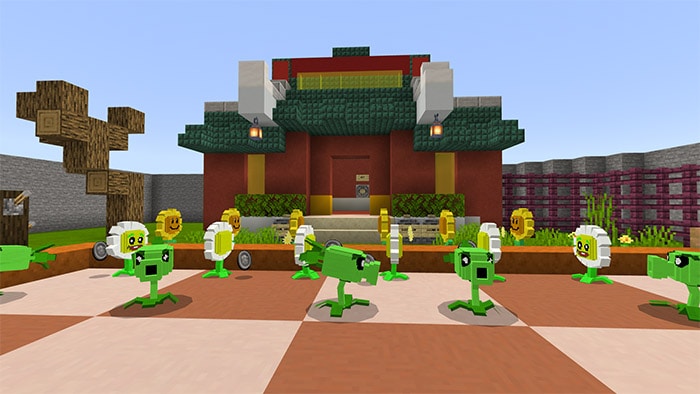
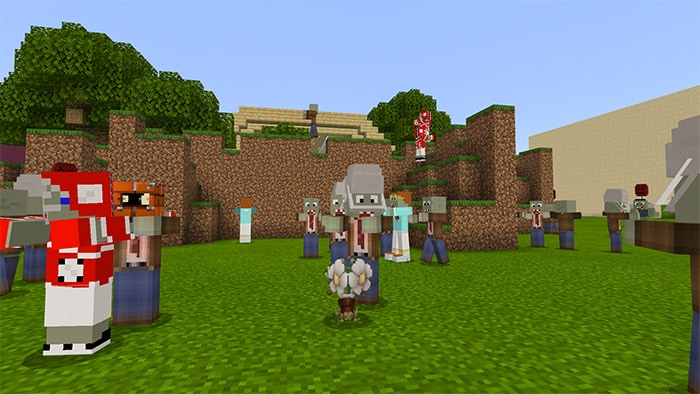
Minecraft PvZ 2 Map will have some game modes you can see in below:
Vasebreaker Mode
Zen Garden (night)
Zen Garden (aquarium)
Zombiquarium
Zomboss Fight
Zen Garden
Night Thunderstorm Mode (pool)
Endless Mode (and zombie spawner entities)
Multiplayer Mode (zombie team vs plants team)
Slot-machine
Night Fog Mode – (pool)
And others in Minecraft PvZ 2 Map such as
PvZ Background Sounds for each map
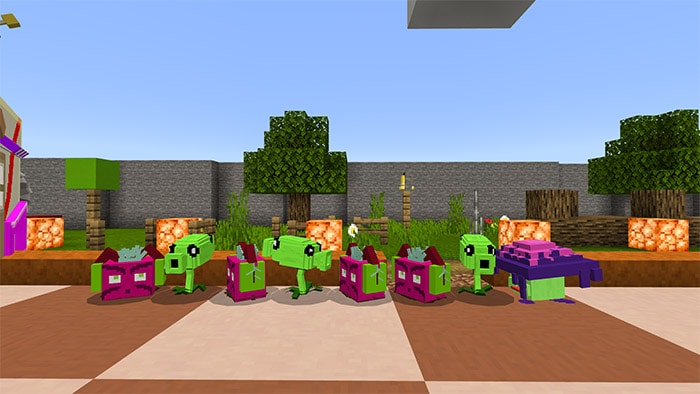
Many plants and zombies to choose from
Many modes to choose from
Realistic Lawn textures
No limitations! Play all you want
It’s not over yet if you feel it’s monotonous you can turn on the mod sound by finding in function box with the syntax
/playsound (sound id) @p or
/playsound grasswalk @p
Some Sound Id’s if you want to play it manually
Ready_set_plant
Puzzle
Grasswalk
Menu
Night
Pirate_seas
Steam_ages
Night_pool
Big wave beach
Dark_ages
Zen
Egypt
Frostbite_cave
Pool
Roof
Jurrasic_marsh
Kung_fu
Lost_city
Wild_west
Changelog
This texture had added new plants, New zombies, new textures for lawns, new background sounds Optimization improvements new game modes and increased the ‘see’ range of zombies, zombie spawner, and zomboss