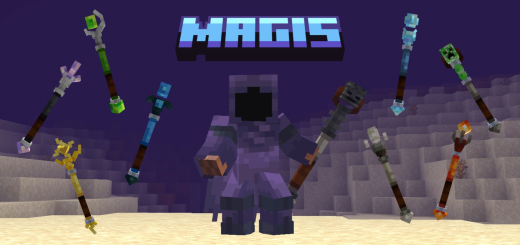
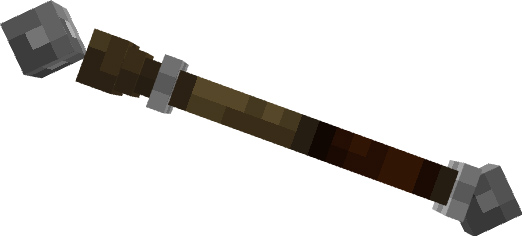
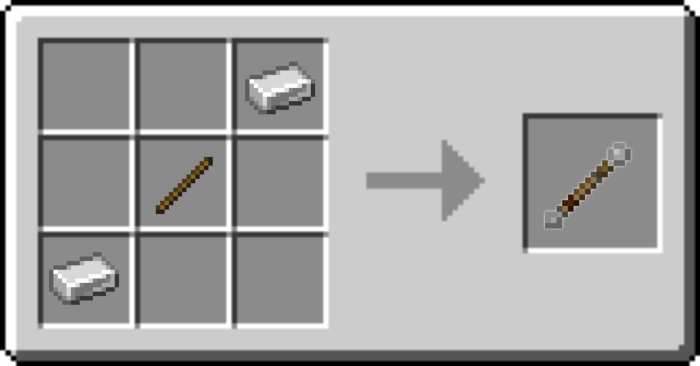
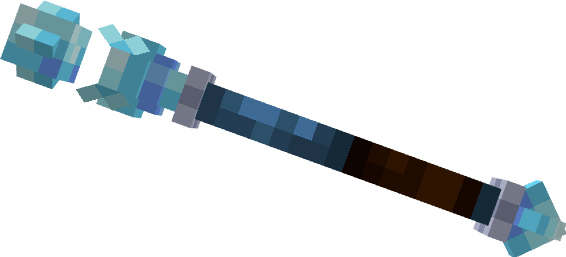
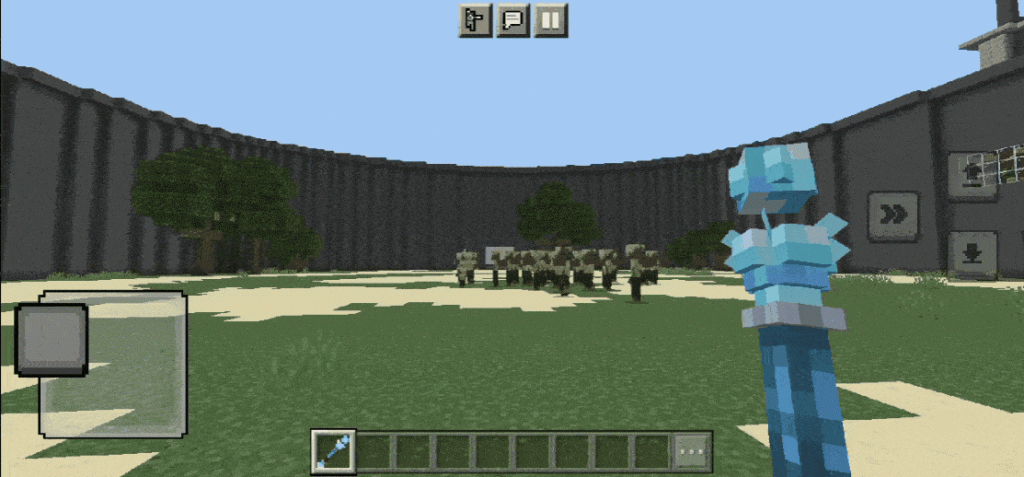
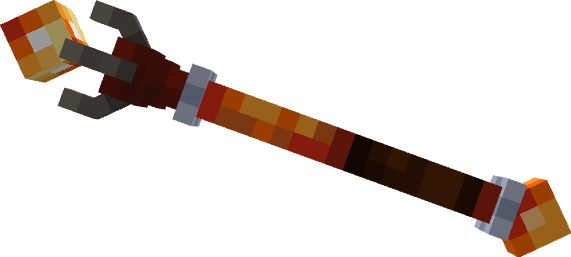
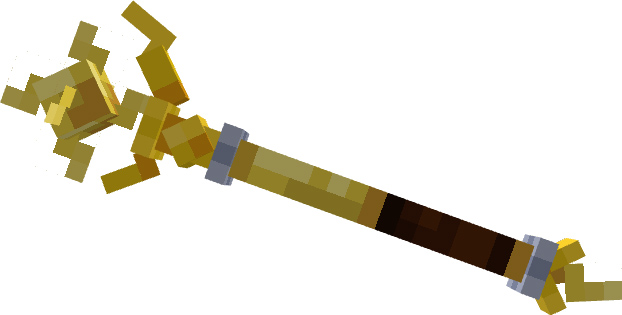
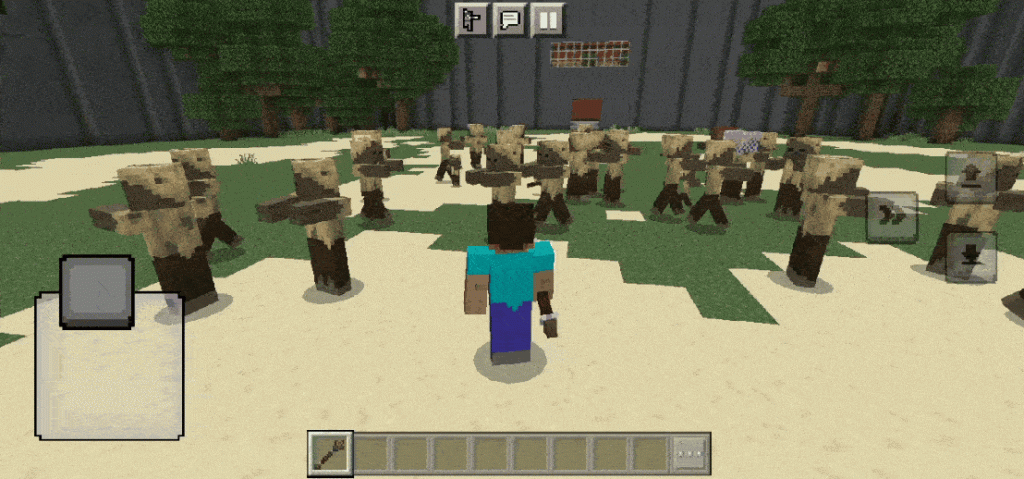
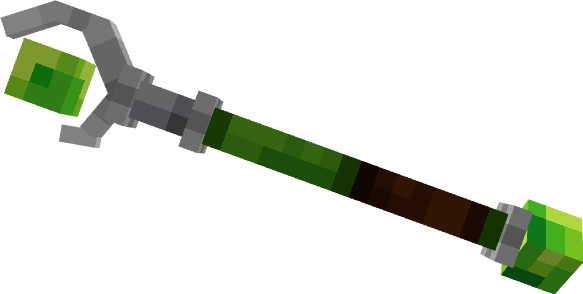
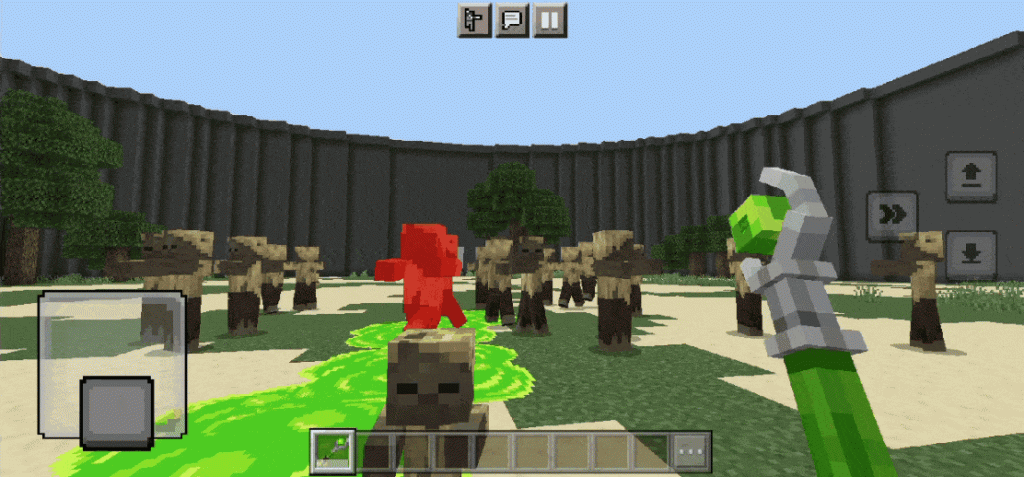
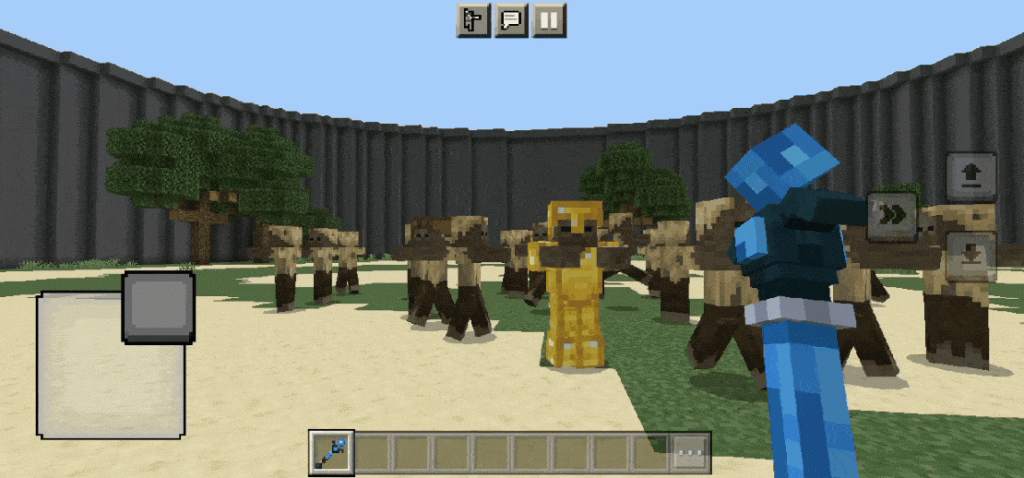
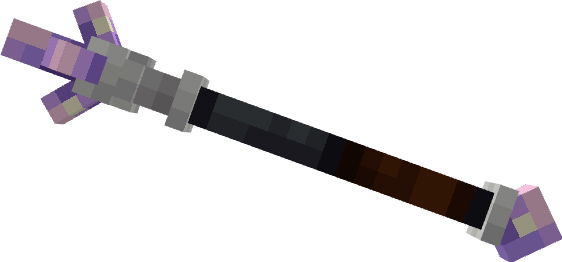
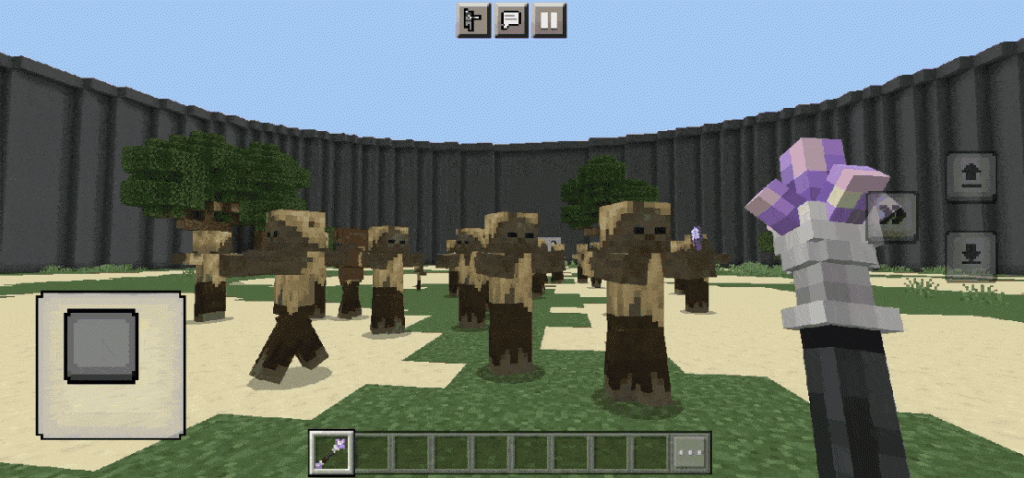
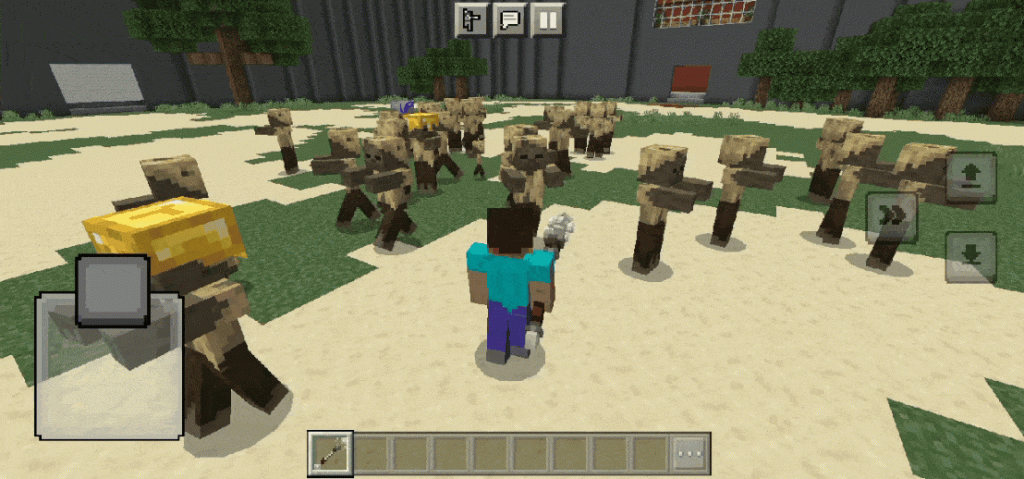
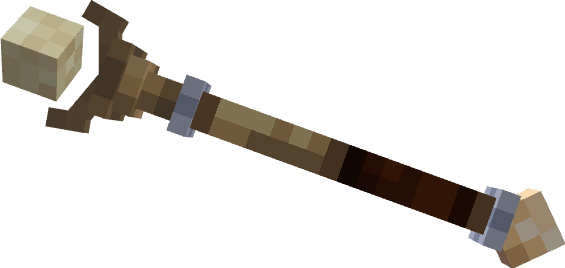
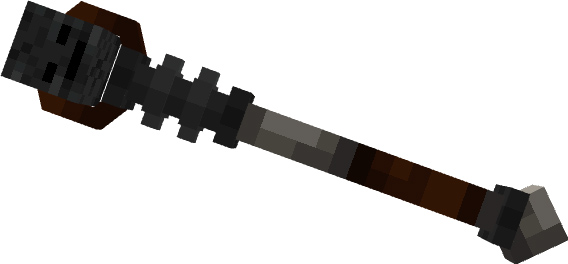
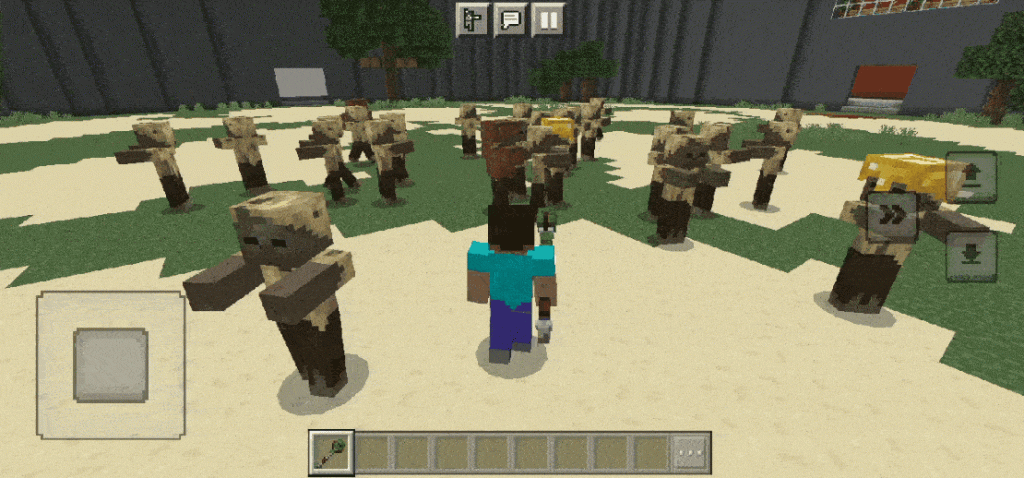
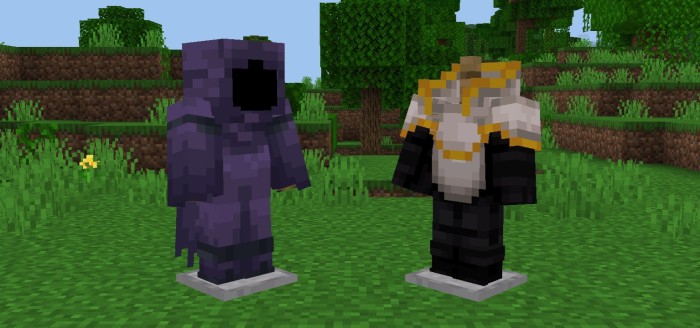
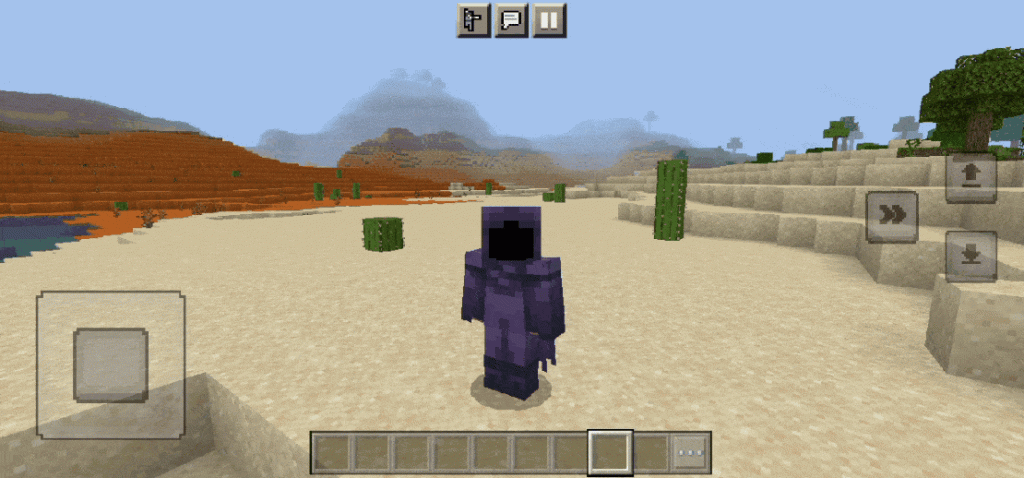
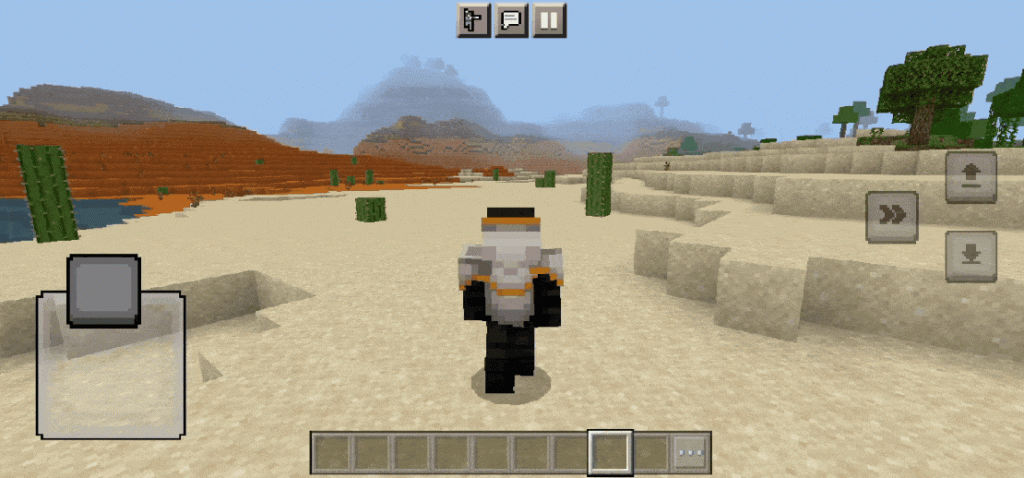
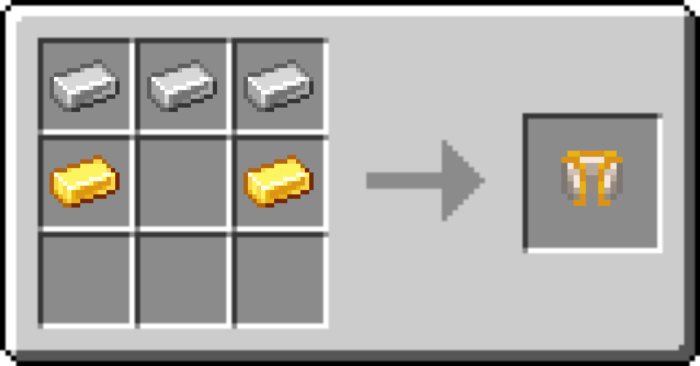
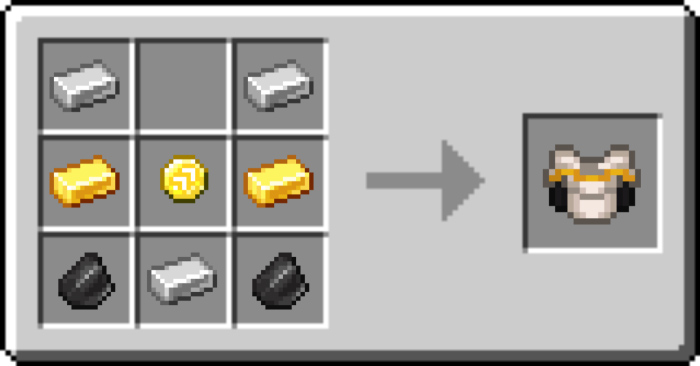
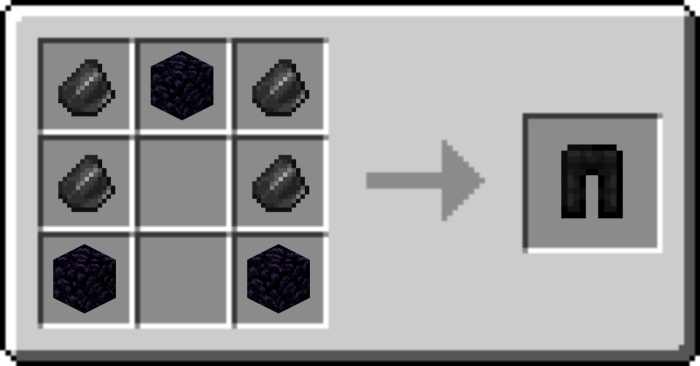
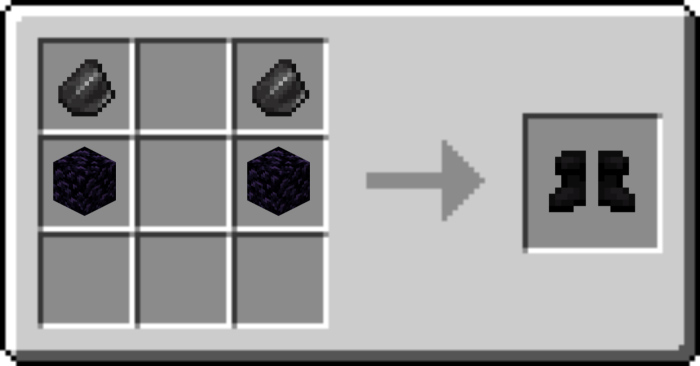
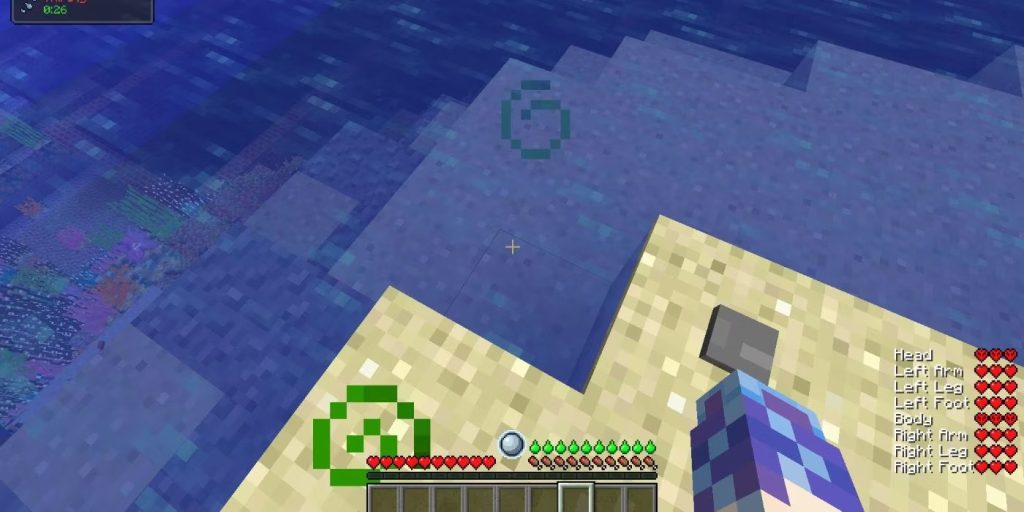
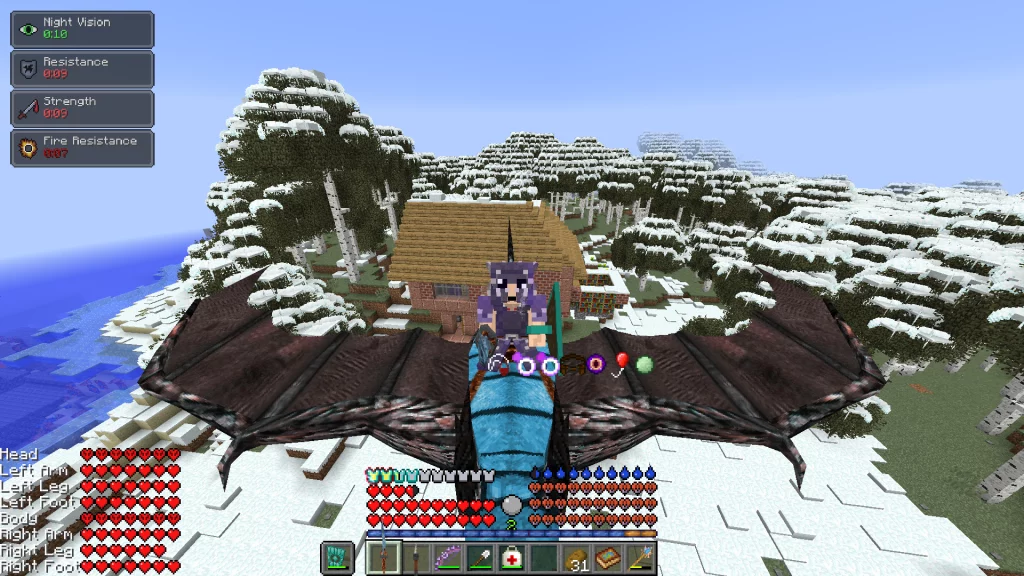
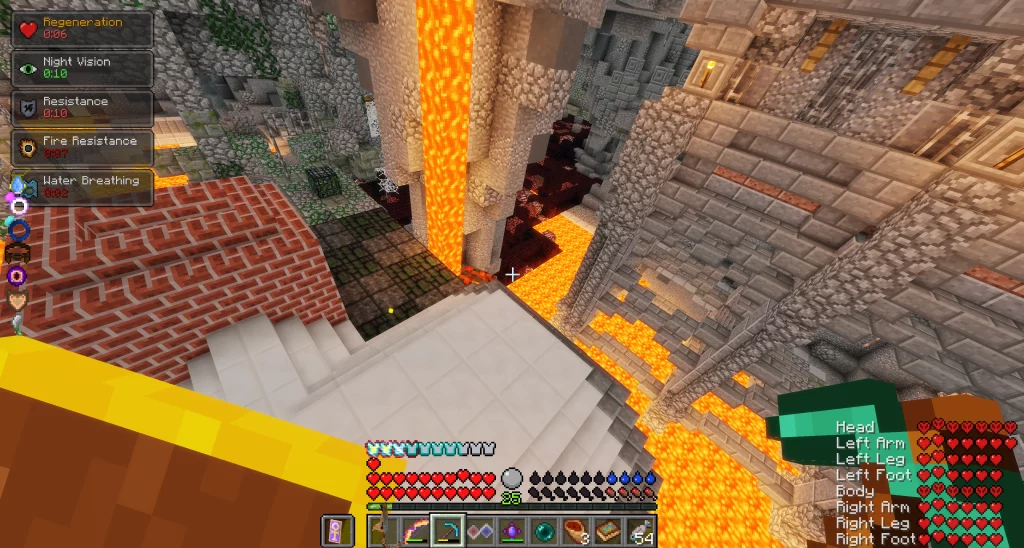
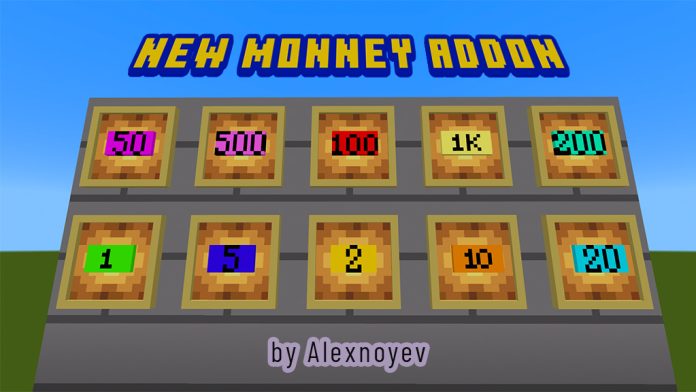
Ever thought that you would like to have magic powers like elements and other powers in Minecraft? I guess it’s already in Magis addon by adding 15 magical staffs with their powers and abilities and also adding 2 new armors with unique abilities.
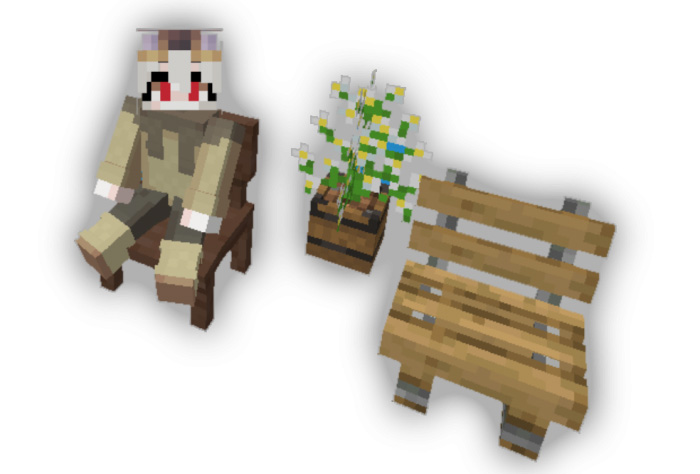
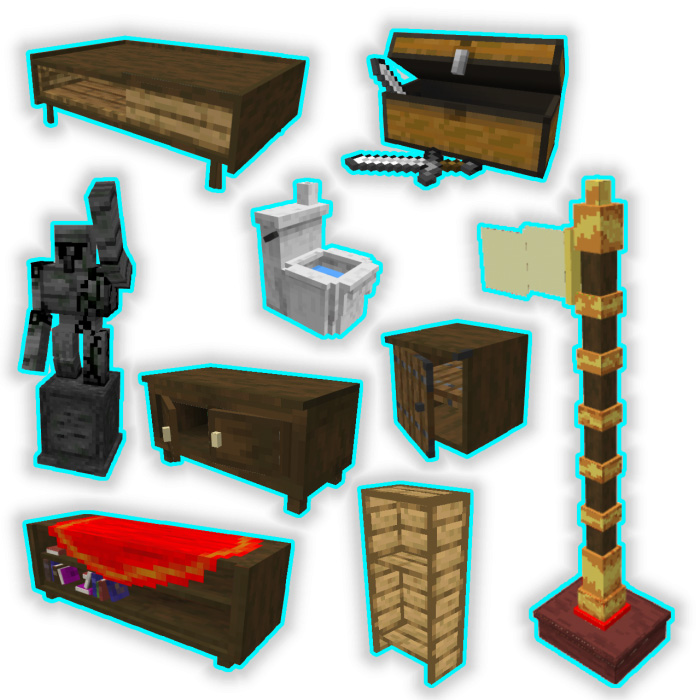
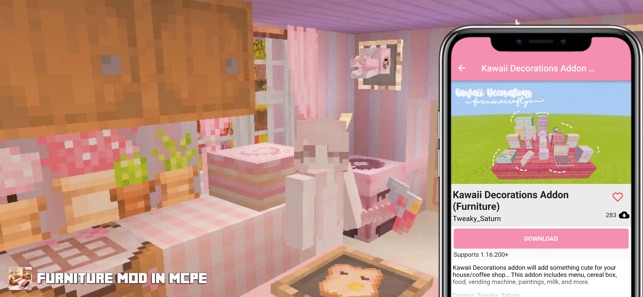
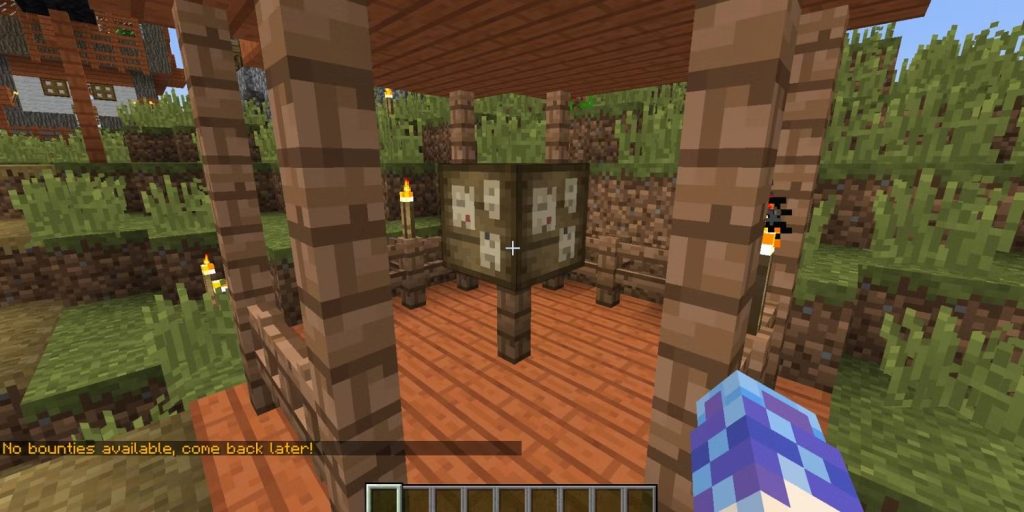
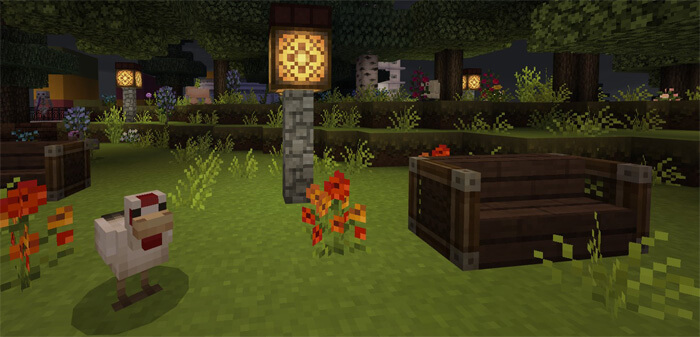
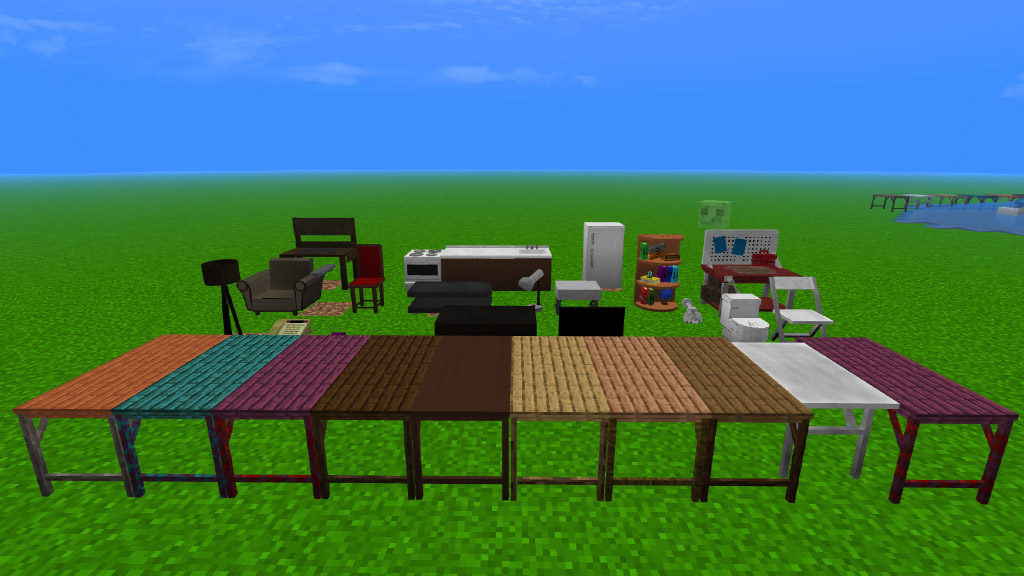
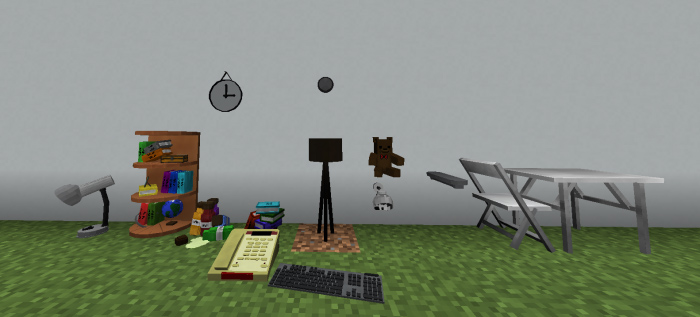
MeoWhy Furniture contains more than +170 decoration blocks for your world, This furniture addon does not have any type of theme, it is simply a lot of furniture for any type of situation.
Dummy entity is work in progress, so you can only find it on creative mode!
1.9 update!
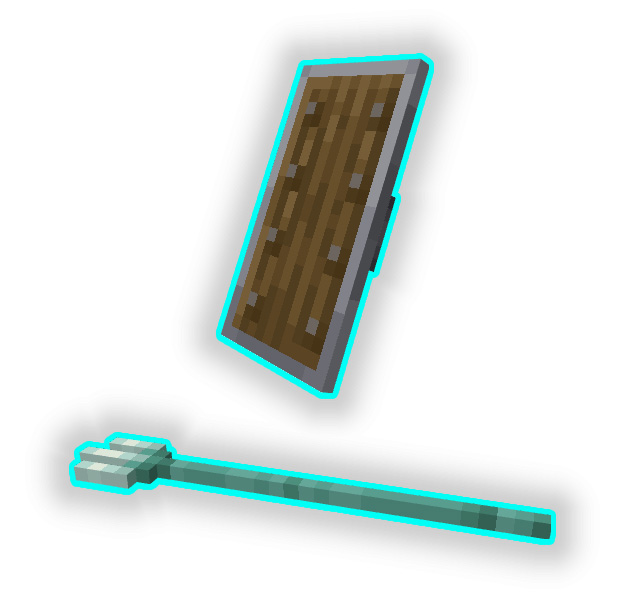
Placeable items
//(Shield and Trident at the moment)\\
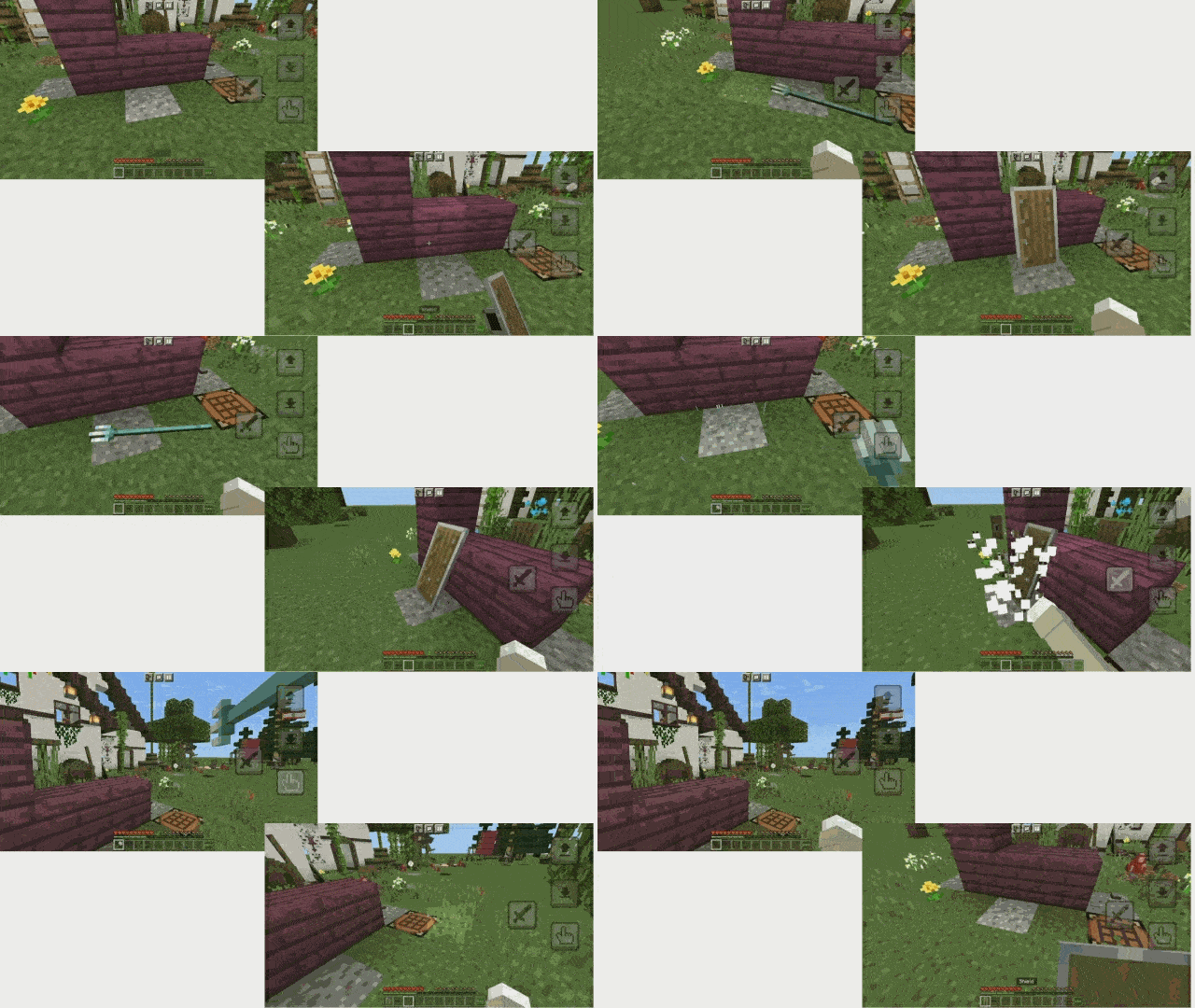
Just put the item you want to be a block in a crafting table and you will get it, if you break the block you will get the normal item
(example in the gif below)
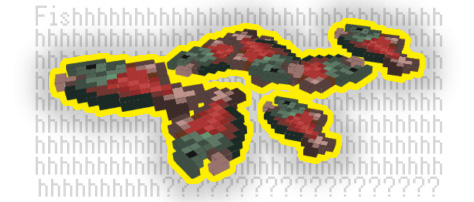
Salmon-mon-mon♪ (bunch of salmon) crafted with… Salmon…
Roof [Type 2]
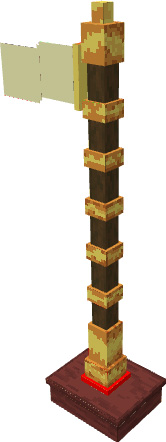
Lots of new flags!
More recent updates furniture: Teddy bear, Stripped spruce log pillars.
What you can make with this addon?
How to use some of the blocks:
All in this addon is friendly survival! And you can craft everything in a crafting table!
Craft Recipes:
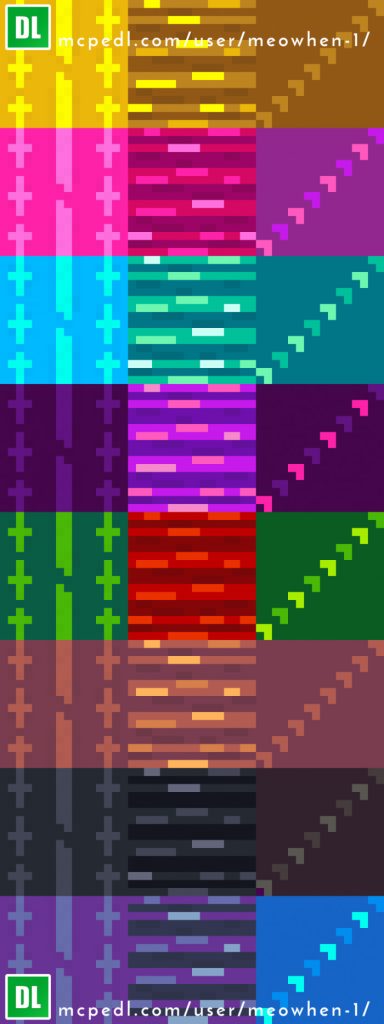
Some furniture models and wallpapers
Random:
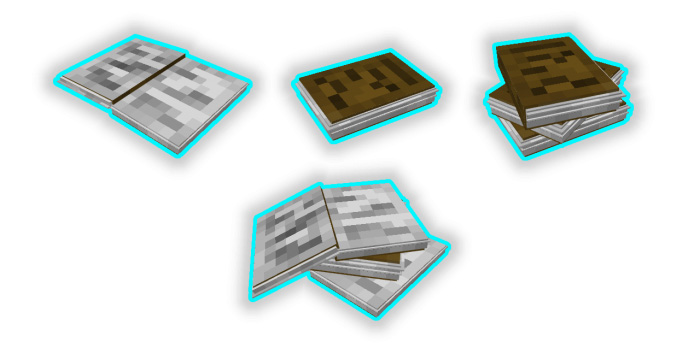
Books:
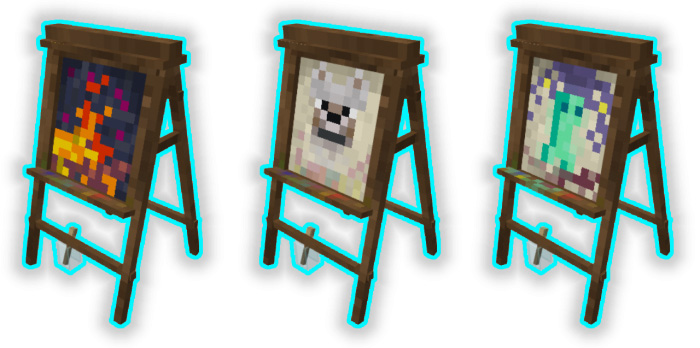
Paintings:
Wallpapers:
SUPER IMPORTANT!
-You need to download “Block Geo Fixer” to be able to see correctly all the furniture (without it you can’t see the furniture)
-If you want to use this MeoWhy Furniture addon in your Realm you need to download another “Block Geo Fixer” This one doesn’t work on realms, you can search it here on Mcpeaddons.com.
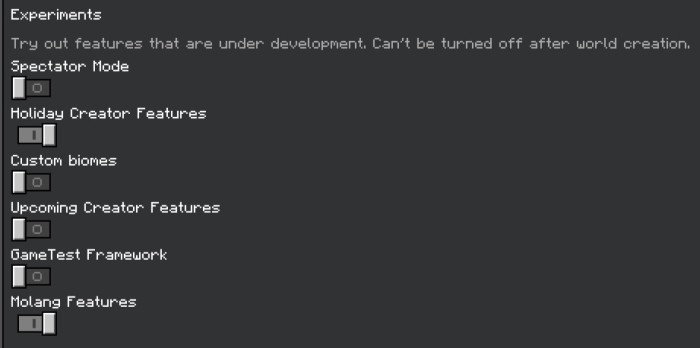
–Activate experimental features (necessary).
SUPER IMPORTANT
If you break any of these I will probably report your video and the respective punishment will be given to your channel.
Exclusive furniture if you install “MeoWhen Hats”
Sorry for not updating anymore, I’ll do it soon. I was inactive for personal reasons for a long time. I’m still busy but I have some things to add =)
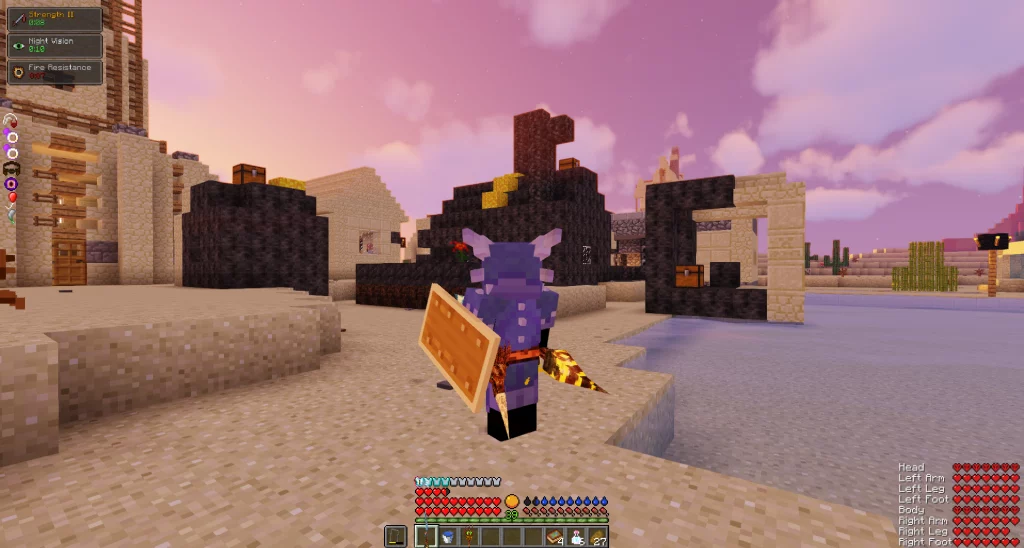
RLCraft Mods is one of the most challenging modpack ever produced for Minecraft, and it is finally on bedrock. There are a plethora of features that make it more tough, such as new animals that do massive damage. Download RLcraft Mods right now!
RLCraft Mods pack for Minecraft Bedrock edition 1.19 and above
Thirst Bar
Temperature & Heat
Healing From Food Removed
Torches Made More Realistic
F3 Debug Disabled, Map And Compass Enhanced
Mob Spawners Drop Loot & Have A Set Lifespan Now
Randomized Spawning When You Have No Set Spawn Point
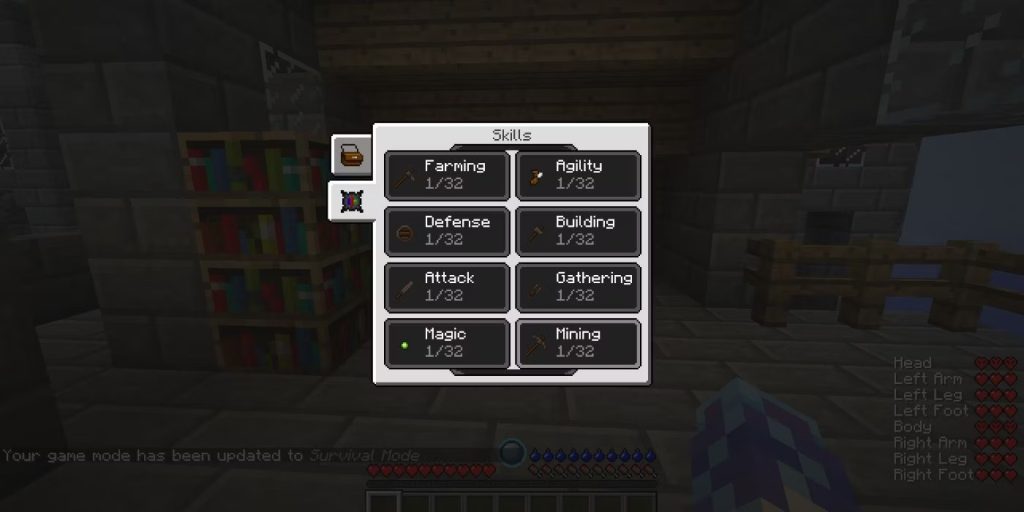
Items & Abilities Locked Until You Level Up In Certain Skills
New And Powerful RPG Skills And Perks Can Be Unlocked With XP
Randomized Ruins, Structures, And Dungeons Generating All Throughout The World
All New Weapons & Tools
All New Mobs, Passive & Aggressive, From Lycanite’s Mobs, Ice & Fire Dragons, & Infernal Mobs
New Custom Crafting & Smelting Recipe’s For Certain Vanilla Items
Sound Engine Overhaul For Added Realistic Immersive Experience
Item Physics Overhaul
Brand New Enchantments, Potions, & Individual Item Qualities
Over 340 optional Quests!
All new underground biomes, cave and cavern generation
Revamped Nether
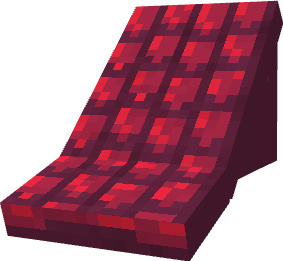
CARPETS ON STAIRS!!!!!!!!!!!!!!!!!!!!!!
There’s a new thirst bar above the hunger barComplete Bounties To Get Rare ItemsEverything Is Useful, So Keep It!Battle Towers Are The Best Beginner DungeonLevel Skills As Soon As Possible!
RLCraft Mods is here, it’s hardcore, it’s unforgiving, it’s unfair, it could just be the hardest most realistic realism minecraft modpack out there!
Download RLCraft Mods for Minecraft Bedrock 1.19+ (1.20 update)
RLCraft with the RL standing for Real Life or Realism. This mod is a vision of everything ‘ve always wanted in Minecraft when it comes to pure survival, adventuring, RPG, and immersion
What do you need to run RLCraft Mods on mobile phone?
RLCraft Bedrock will requested a strong smartphone to run smoothly. If you are using an outdated devices, please aware that your game will be crash!
How many mods are in RLCraft?
185 separate mods
RLCraft is a Minecraft modpack consisting of approximately 185 separate mods that have been bundled and tweaked to create a challenging Minecraft fantasy world. The modpack is currently on version 2.9.3, and runs on Minecraft version 1.12.2
Several RLCraft Mods and manually modified each one to meet the precise play-style, ensuring they all worked well together, adding custom scripts for different changes to vanilla behavior, and so on.
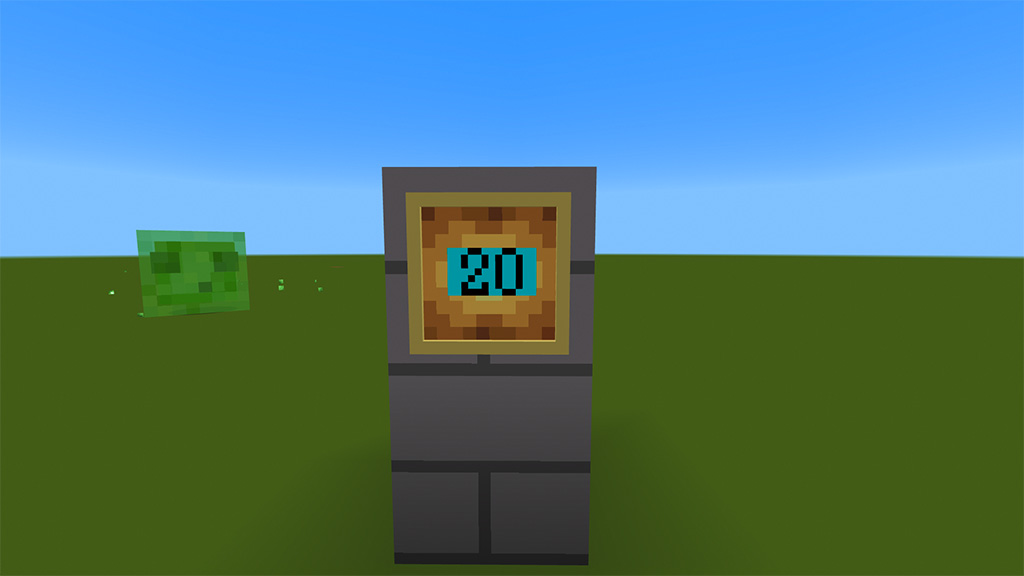
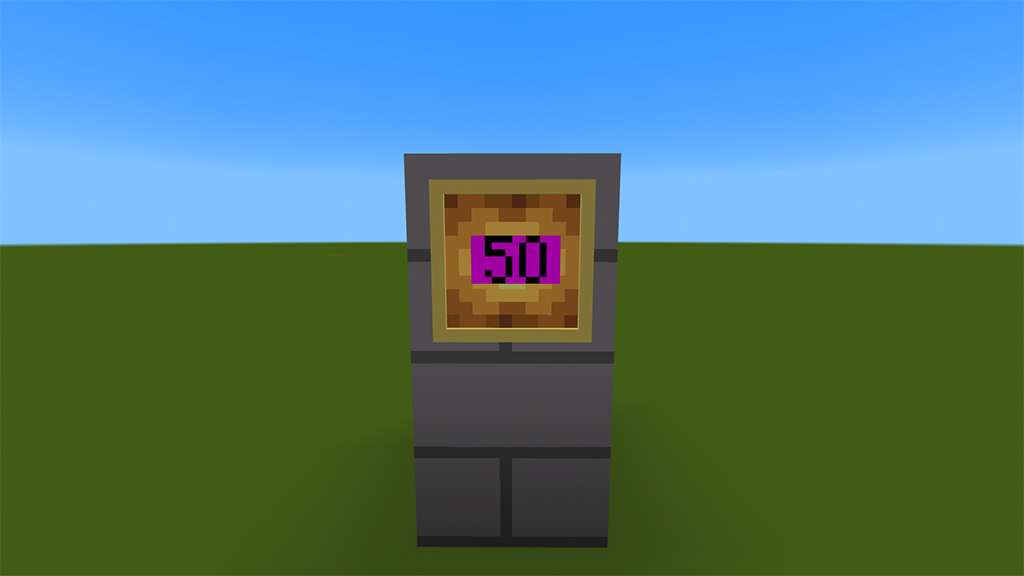
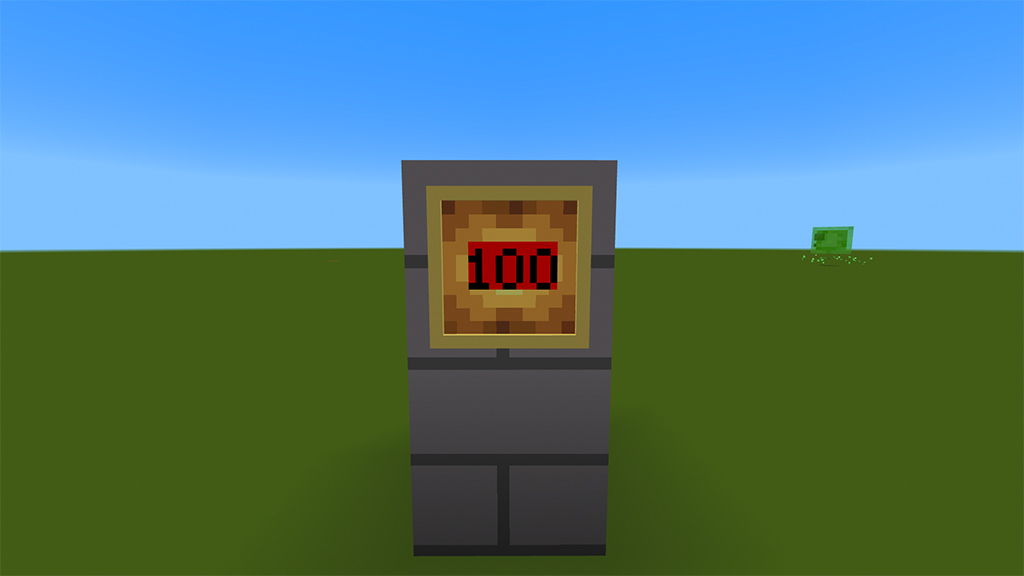
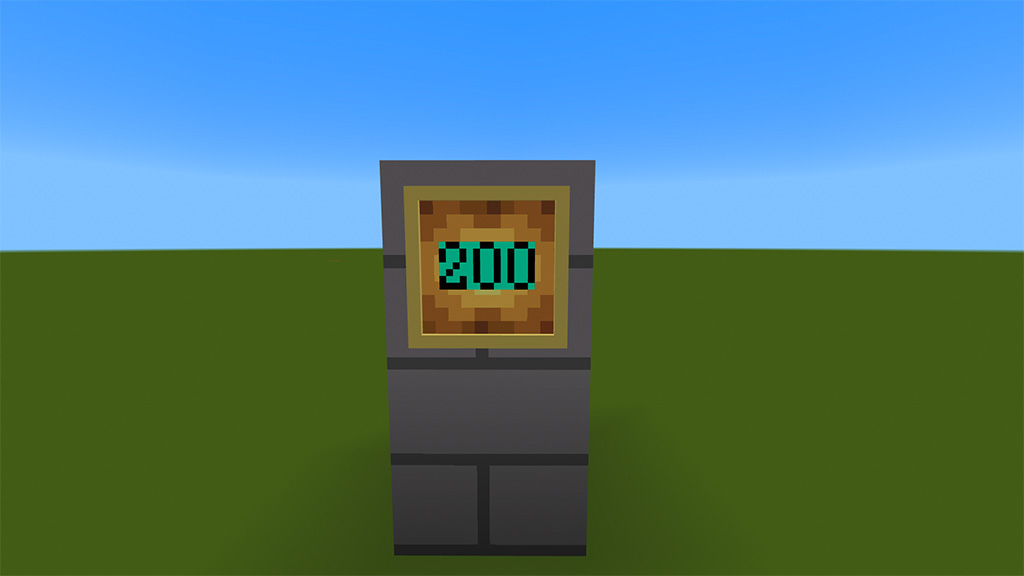
RU: Я создал свой первый экономический аддон, в котором содержится купюры с помощью которых можно в майнкрафте создавать свои экономические игры или режимы!
EN: I created my first economic addon, which contains banknotes with which you can create your own economic games or modes in minecraft!
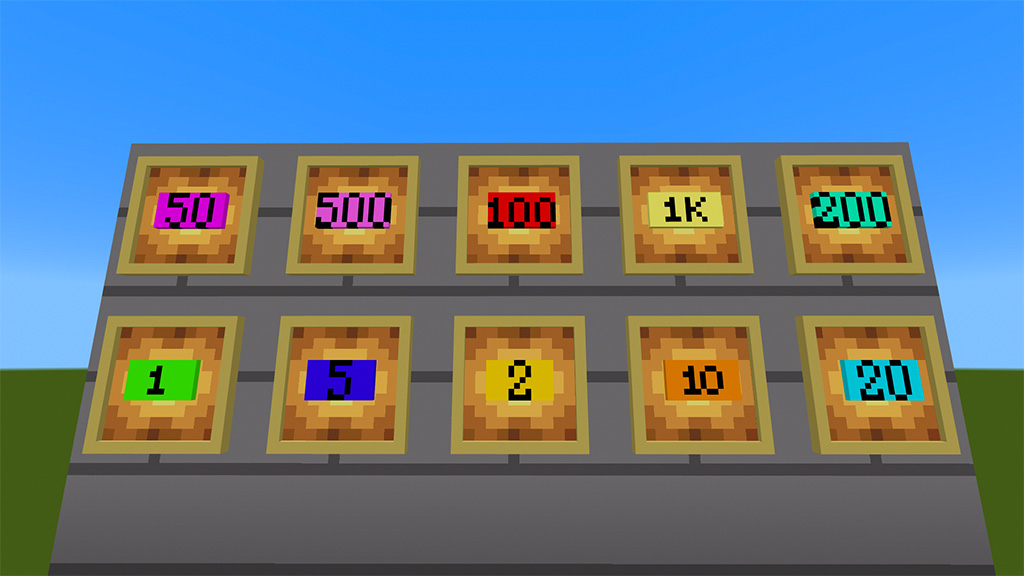
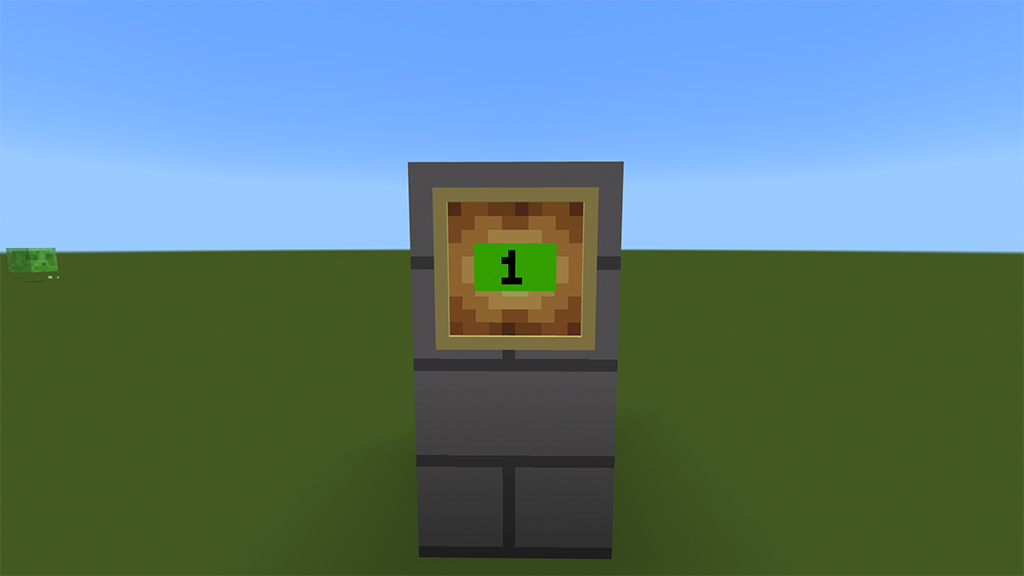
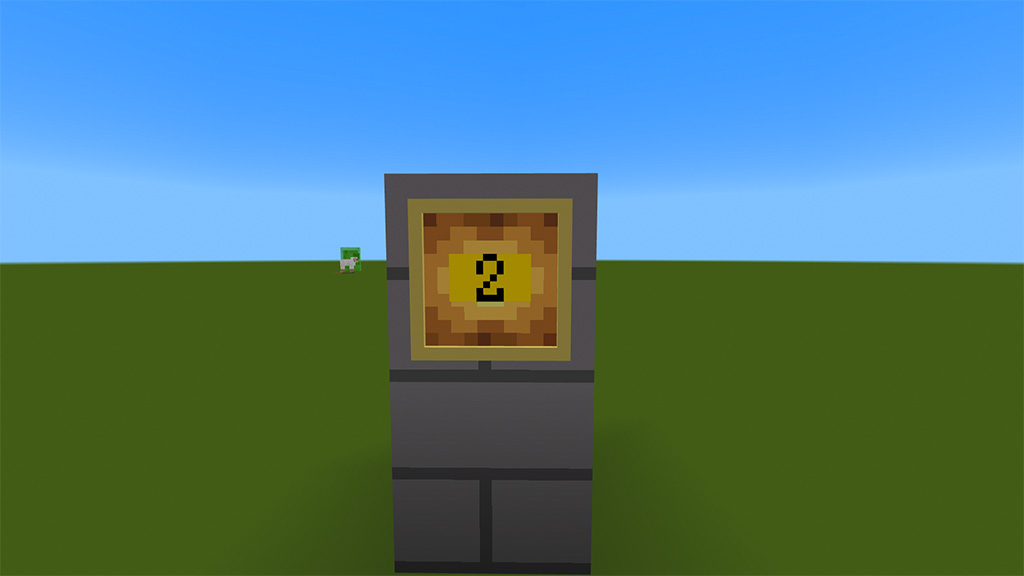
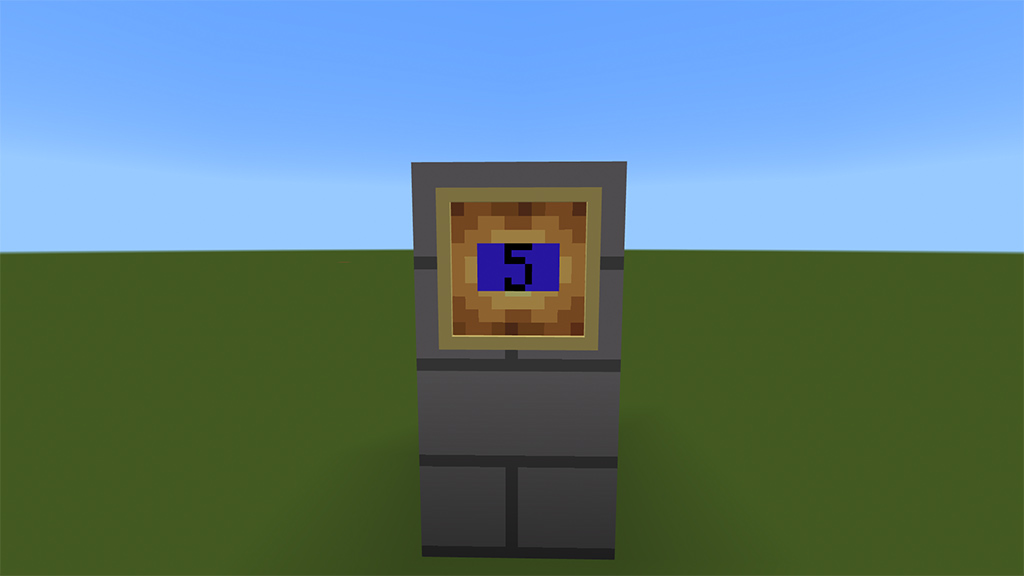
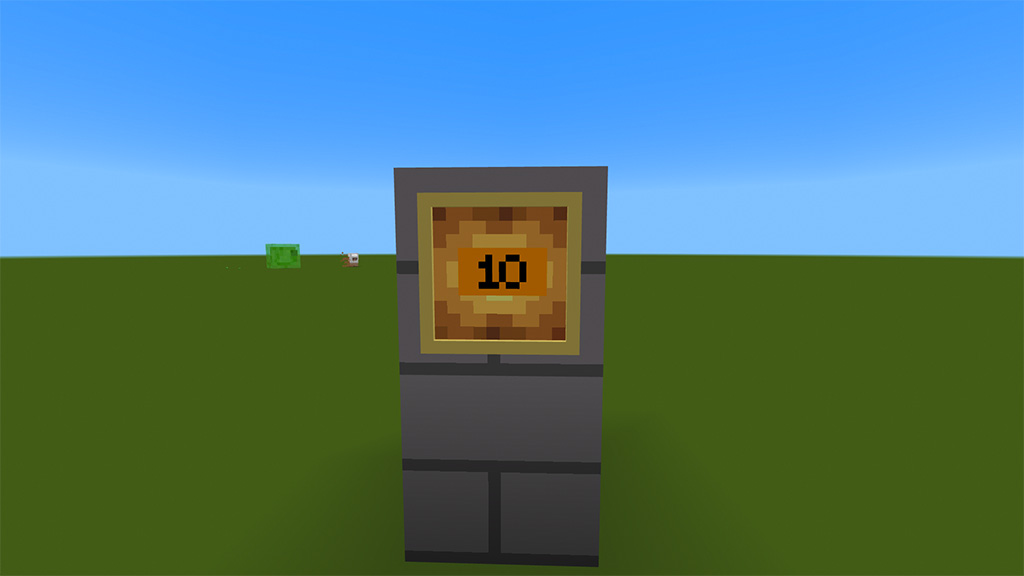
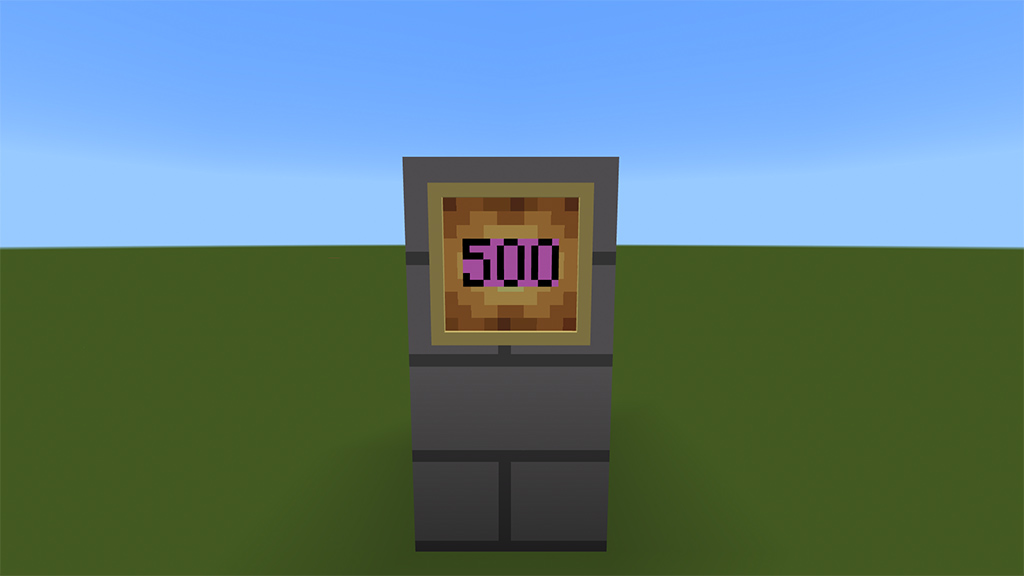
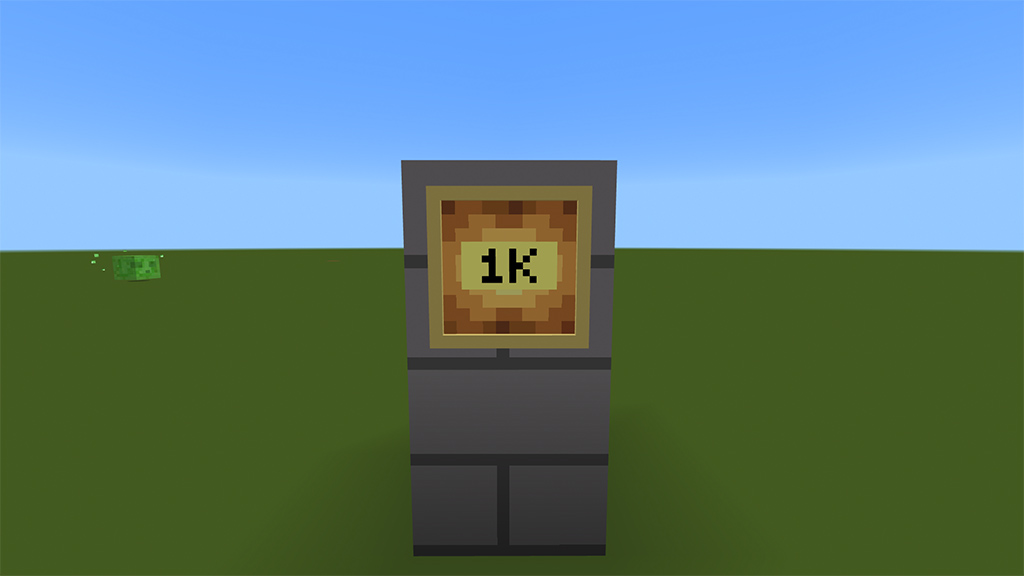
RU: В данном аддоне купюры от 1 до 1000$, а именно: 1,2,5,10,20,50,100,200,500,1000. Также некоторые купюры можно разменивать на купюры пониже, например 100 можно обменять на 2 купюры по 50$. Делать в верстаке!
EN: In new money addon addon, banknotes from $1 to $1000, namely: 1,2,5,10,20,50,100,200,500,1000. Also, some bills can be exchanged for lower bills, for example, 100 can be exchanged for 2 bills of $ 50. This is done in a workbench!
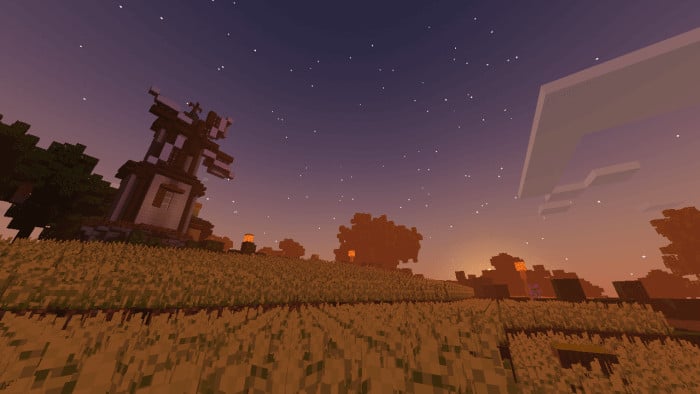
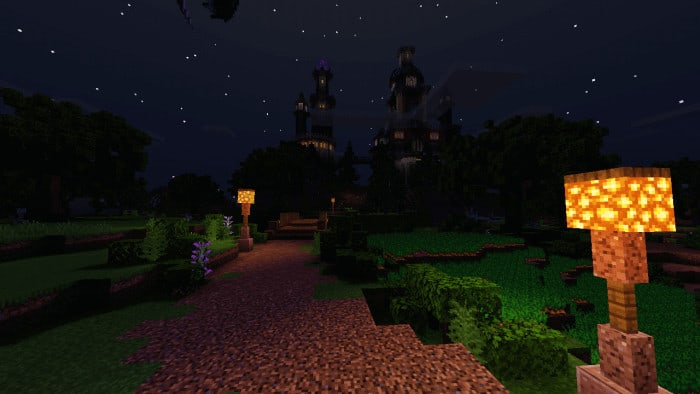
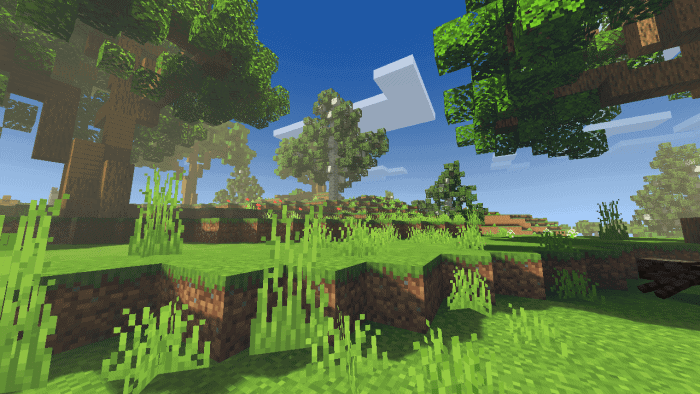
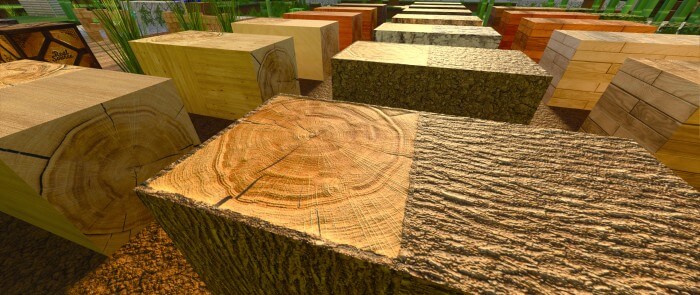
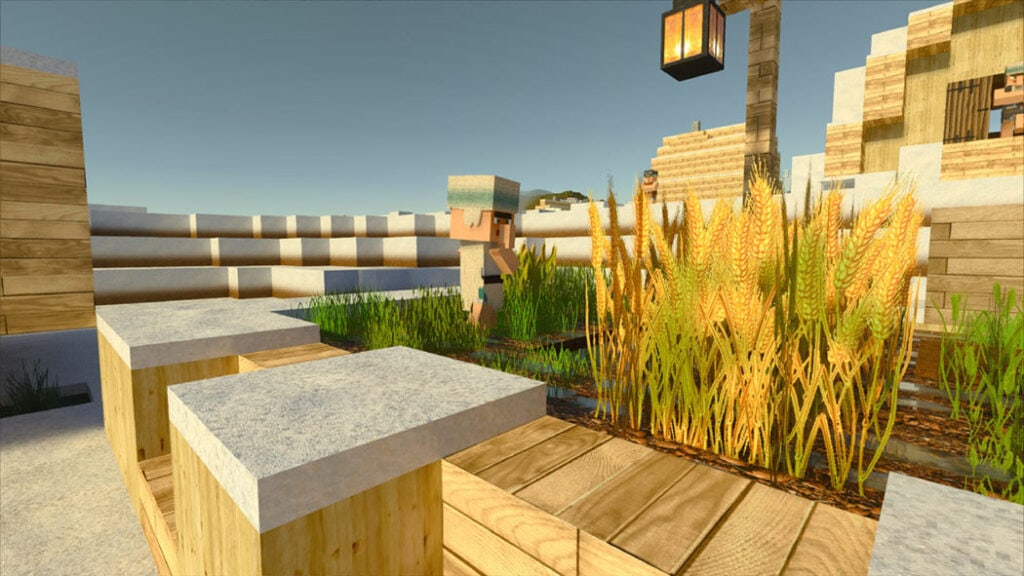
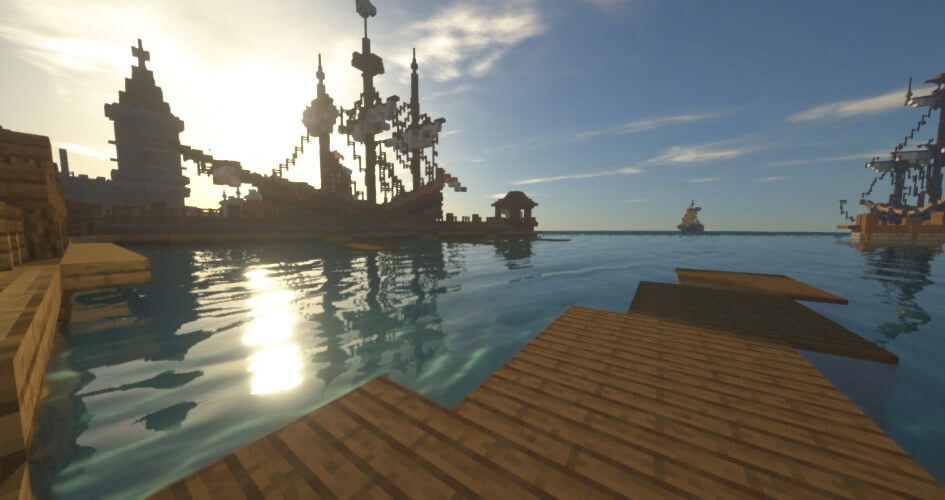
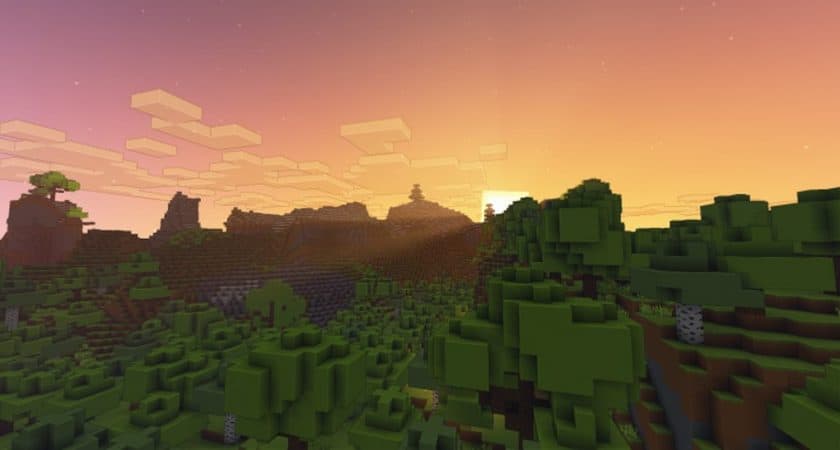
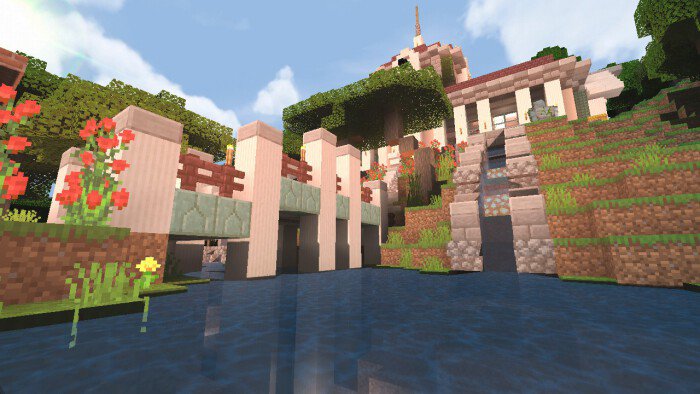
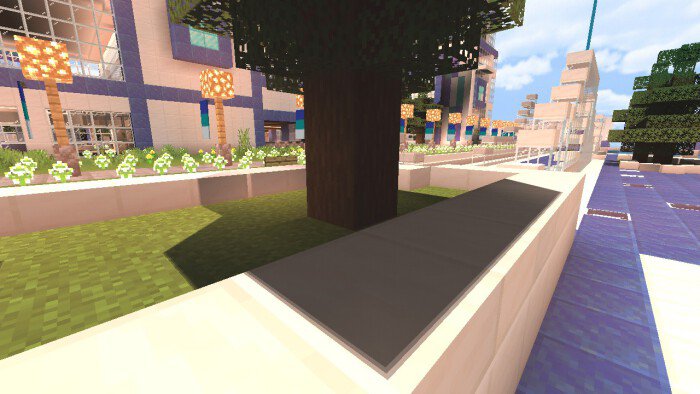
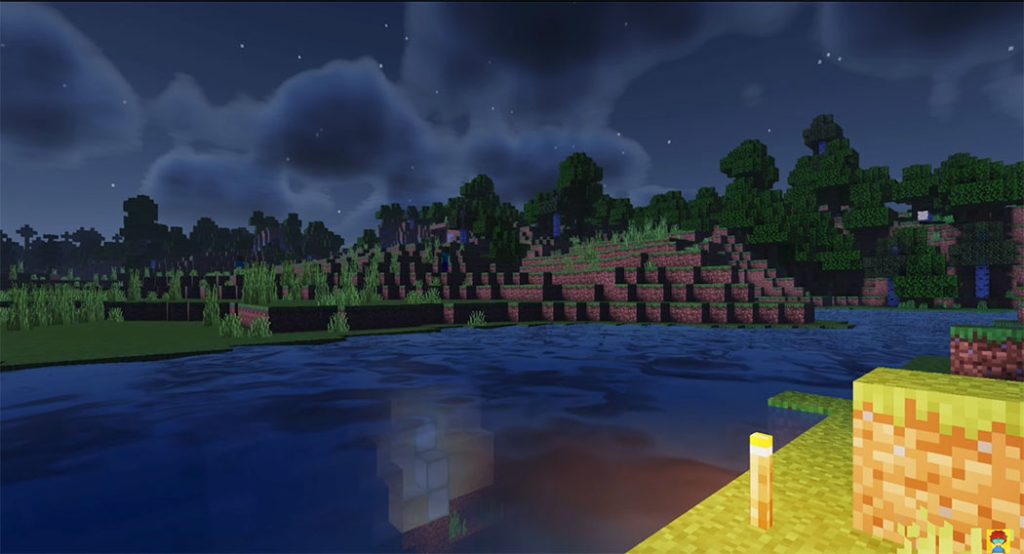
The Wild Update will be considerably more enjoyable if you use Minecraft 1.19 shaders. This is due to the old Minecraft visuals, which are only truly realistic when using a shader. Mod creators took advantage of the time before the release to make their shader packs compatible with 1.19. As a consequence, all flaws and defects have been eliminated. Nevertheless, the shader needs are somewhat diverse because most scenarios have many variants. Sildurs Vibrant Shaders 1.19, for example, provides intense and light variants. You will be the best judge of how powerful or sluggish your gadget is.
Best Shaders for Minecraft 1.19
1. EVO Shader
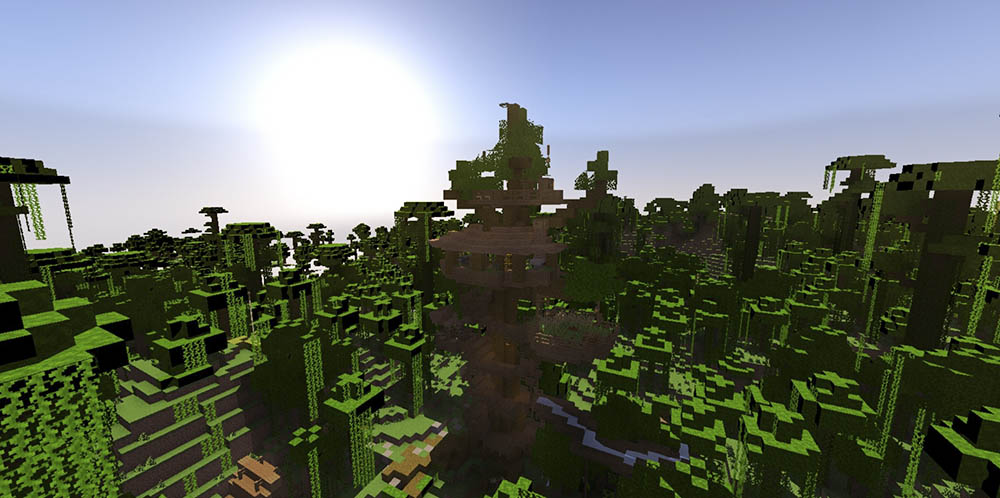
EVO Shader created by @TRXDev will bring your MCPE to realistic looking with realistic lighting, it’s had many improvements in graphic, also have directional lighting from sun,semi-3D Cloud without lag and many more.
EVO Shader includes new attributes like fbm darkness, realistic water crimpy, darkness shadow, new realisitc lighting, sun blaze, and beaucoup added. lighting colouring is grounded on SEUS V11 (PC) and some like SEUS RENEWED (PC), in opportunity this shader make a new feeling for mcpe it character. Don’t forget to read description, and enjoy the shader)
2. The Thin White Shader (NEW VERSION ULTRA)
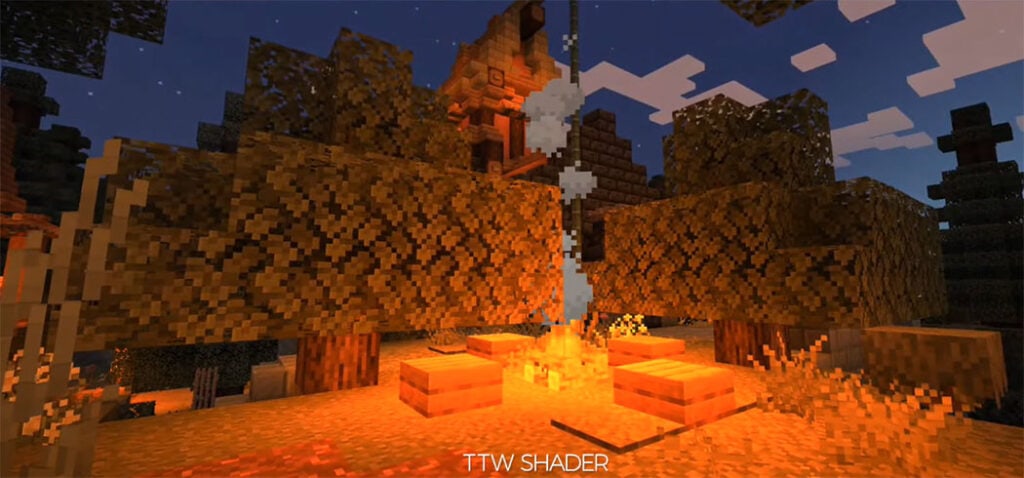
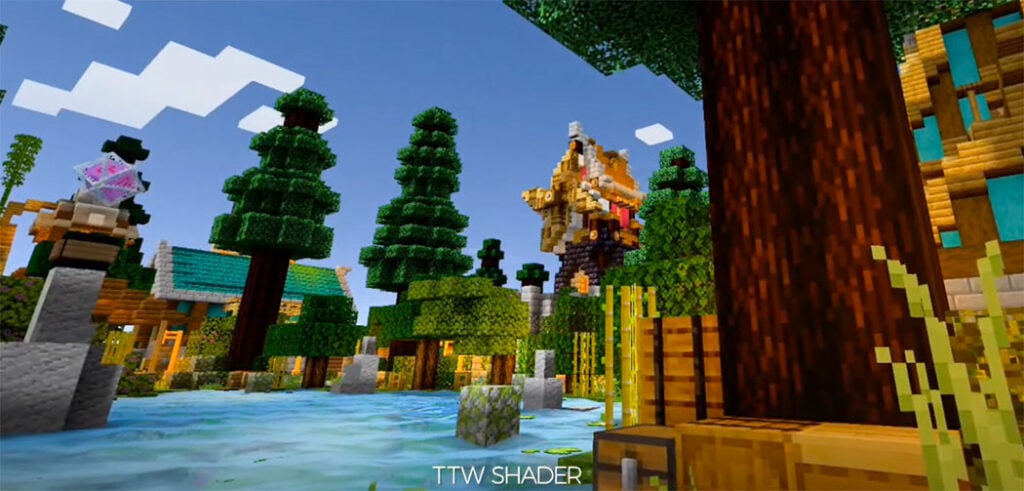
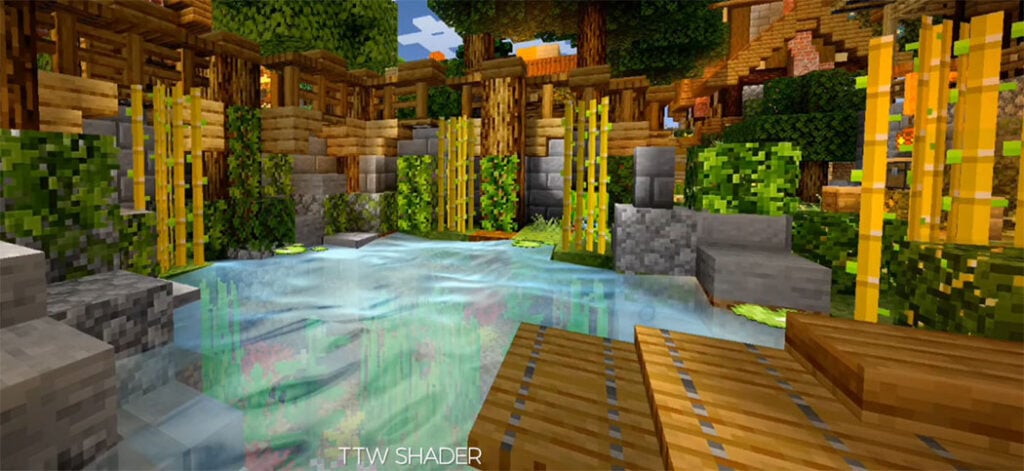
TTW Shader created by @illurito – is a realistic shader with realistic shadows, gentle lighting, and magnificent skies that can operate on most low-end devices. Support for lower phones.
TTW Shader aims to offer Minecraft a new elegant and realistic look while also attempting to optimize it by minimizing texture changes so that it can operate on a wide range of devices.
Shadows that are realistic.
3. Vexze Shader
VExZE Shaders created by @HyraZero – is the result of a collaboration between Hyrazero (Zebra Shader Creator) and KK3310 (Vert Shader Creator). By combining the coloring and lighting of Vert and Zebra to make it look beautiful but still light for Low-End devices.
This shader has 2 editions namely Z Editon and V Editon.
The first one made according to Hyrazero’s taste
The V Edition is made according to KK3310’s taste without changing the main base of the combination of Vert and Zebra shaders.
This shader is suitable for use when playing survival or creative, because this shader will add to the beauty of your Minecraft.
4. RealSource REALISTIC RTX
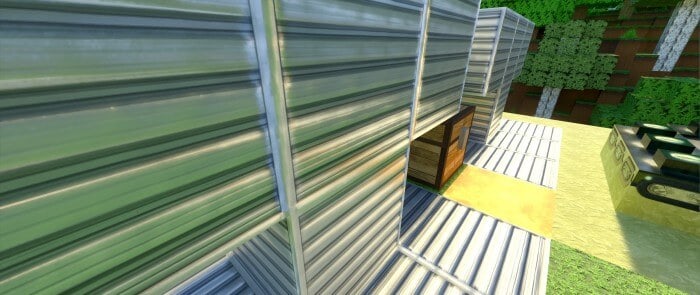
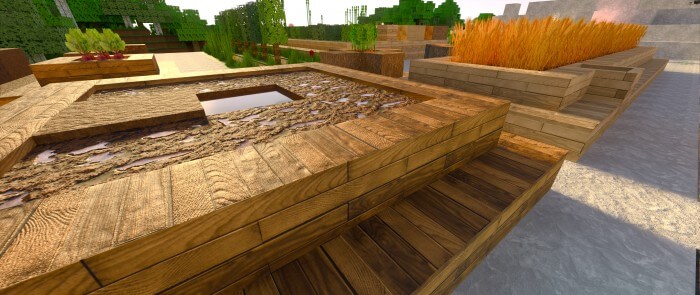
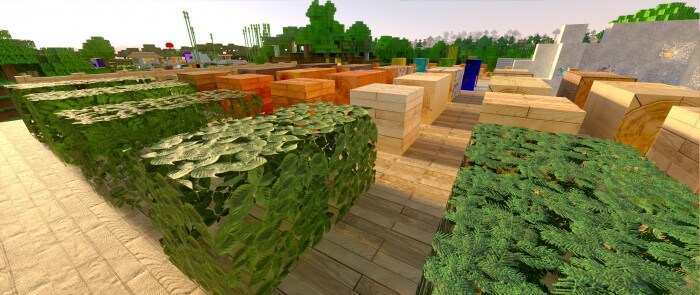
RealSource RTX is a new 3D texture pack for Minecraft PE that it change both Rtx texture Pack Bedrock and the Minecraft Java RTX texture pack! It’s available in 128, 512, 1024 px. Textures with light, reflection, and 3D surface structure in combination with RTX create the most realistic RTX package for Bedrock.
With this rtx texture pack bedrock package, you will play all your survival or creative maps with RTX! The goal of the RealSource RTX pack is to get as close as possible to the realistic appearance of textures!
The RealSource pack has unique texture linking and uses an intelligent resolution of the effects of individual textures. The size of the 1024px pack is about 4500MB.
5. SEUS PE Shader Renewed
The most realistic shader pack for Minecraft PE created by Gabriel Paixão as of right now. The reflection of the sun’s and moon’s light on the lake creates a lovely sheen. The sky and the nether have both seen significant improvements, as have the shadows. If you want to play a more realistic version of Minecraft, you should give this a shot because the hype is real. Gabriel Paixo, Twitter Account, Creator Accessed on April 7, 2017 (added version for MCPE 1.1.01)
Best Texture Packs for Minecraft 1.19
6. Bare Bones
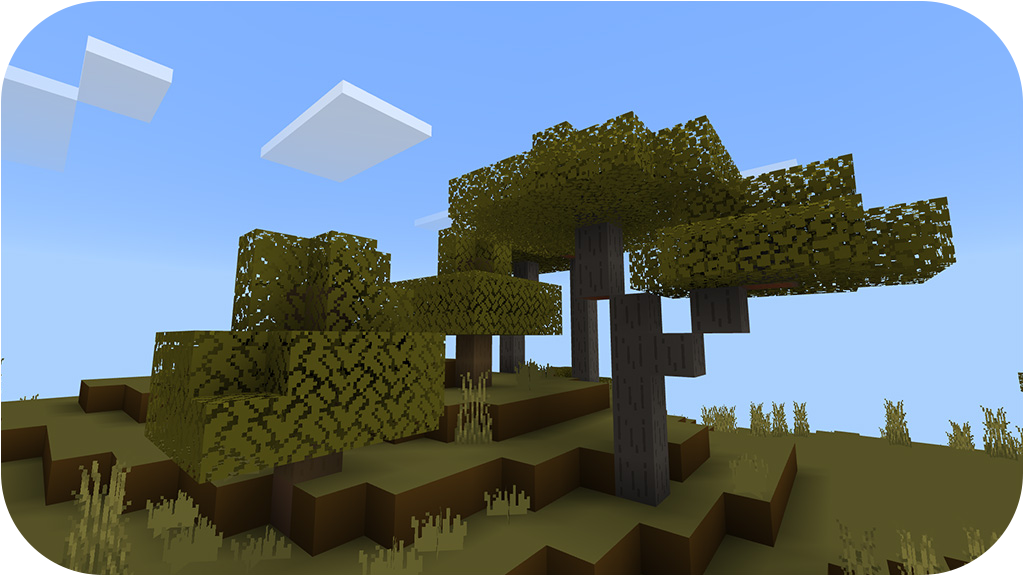
Bare Bones is a popular minecraft resource pack that was initially created in 2017 and continues to receive critical acclaim and high reviews from many gamers. The Bare Bones resource packgives minecraft world a much more simple look that is easy on the eyes and is appealing to many people. Many other packs have tried to perform this same feature in the past, but Bare Bones is clearly way ahead of the competition. Ultimately, the main focus of the Bare Bones resource pack is to transform the game into a much more simple style that is still appealing to anyone who plays the game, whether they are brand new to the world of Minecraft or if they have been playing for many years.
The Bare Bones resource pack uses a variety of textures that offer a clean and vibrant appearance throughout the game while still obtaining their simplistic visuals. These visuals provide a sleek appearance that provides a delightful experience for any gamer that plays Minecraft. These simple visuals are a great way to experience the game in a new way and are a favorite feature for a wide variety of gamers. Another important highlight of Bare Bones is that it also features special animated textures for many of its items and blocks to create an even more immersive experience as you explore throughout the world of Minecraft. The standard resolution of the Bare Bones texture is 16×16, which makes it easy for any system to operate this game without experiencing any technical issues or drops in frame-rate.
7. Mizuno 16
Mizuno 16 enhances the world of Minecraft with impressive visuals. This texture pack will become a favorite of many players because of how well the textures in this pack look on screen. The fact that this resource pack is able to keep the graphics looking great without being over the top is a monumental accomplishment that few resource packs are able to achieve. Low-resolution resource packs often fail to make their textures visually pleasing. Because of these lack luster textures, most low-resolution resource packs are unable to take the Minecraft visual world to the next level. You can often find a lot of noise present in these texture designs. Noise found in these textures take away from the overall appeal and appearance of these low-resolution resource packs. The Mizuno’s 16 Craft succeeds where many other low-resolution packs fail.
This particular pack provides beautiful graphics that are engaging by getting rid of many noise related problems that are prevalent in packs of this type. When you load Minecraft after installing the Mizuno 16 Craft resource pack you are greeted with amazing visuals. The simple design of the installed textures are streamlined and beautiful. The resource pack reveals a magnificent color pallet that features art influenced textures. With clean and noiseless textures this pack is able to reduce eye strain while providing an enjoyable gaming experience. This is one of the best features of the resource pack. Beyond changing Minecraft’s typical textures the Mizuno’s 16 Craft makes changes to the standard user interface. The Mizuno 16 Craft uses a 16×16 resolution like the name of the resource pack suggests. Because of this and the resource pack’s low screen resolution many players are able to enjoy this game with no difficulties. This resource pack allows people with low-end computers to enjoy this pack as much as someone with a high-end computer can.
8. Scorpio PE
Scorpio PE is a shader textures pack for Minecraft PE (Android / iOS) where these shaders will make your game much more realistic, beautiful and livelier. This shaders package adds a lot of cool features such as clouds, shadows, water, leaves, sunlight which usually shaders packages that have these features definitely need a powerful device but these shaders can be used on Low-end devices.
9. ESBE 3G
ESBE 3G Shader created by @McbeEringi – this texture pack will make your world more beautiful with fewer device resources. You don’t have to prepare a powerful device (iPhone 5 is still enough to).
More lightweight depiction
Luminace based tone map with varying saturation
Waving water, leaves, crops, flowers, and nether gate
New water reflection with correct cloud position (chuk border issue resolved)
Wet effect when raining
Texture hybrid shader generated moon (auto switched to default render when the texture detected)
10. Bicubic Shader
The underwater caustic, 2D cloud, water reflection, water bump, and other features of the Bicubic Shader (1.19, 1.18) for Minecraft: Bedrock Edition are intended to give the game a lovely appearance. Amazing, lightweight shaders that look extremely good! No Lag! With some amazing lighting, the skies and water are lovely.
This shader is only supported for Minecraft: Bedrock Edition on Android and iOS
The Renderdragon material is only for MCBE Android version
We also strongly urge you to get a Minecraft 1.19 texture pack. Texture packs and shaders improve the appearance of the new warden, the deep black biome, and the mangrove swamp. (viagrageneric.org) The deep dark biome, like the old city, may be found in caverns. As a result, you should select a 1.19 shader that is bright and illuminates at night. This will assist you in keeping a look out for hostile mobs in caverns. You may be attacked by the warden. You can obviously only protect yourself if you can see stuff with a shader loaded.
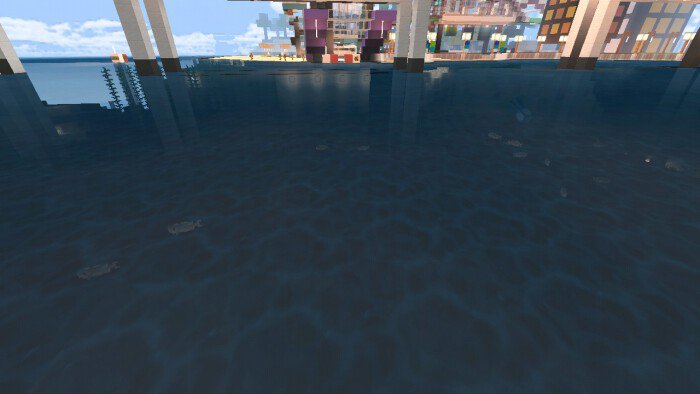
The mangrove swamp is a wetland biome. Because of all the water, Minecraft shaders for 1.19 can really make an impact in the swamp. When waves are introduced and the light reflects on the lake surface, the dark-colored water looks exceptionally realistic with a shader mod. This is true for the Java Edition as well as the Bedrock Edition. When you apply 1.19 shader packs, the swamp hills benefit as well. They produce realistic shadows, adding to the allure of the new wetland ecosystem.
Download any shaders/texture pack you like and import directly into your game with just one app:
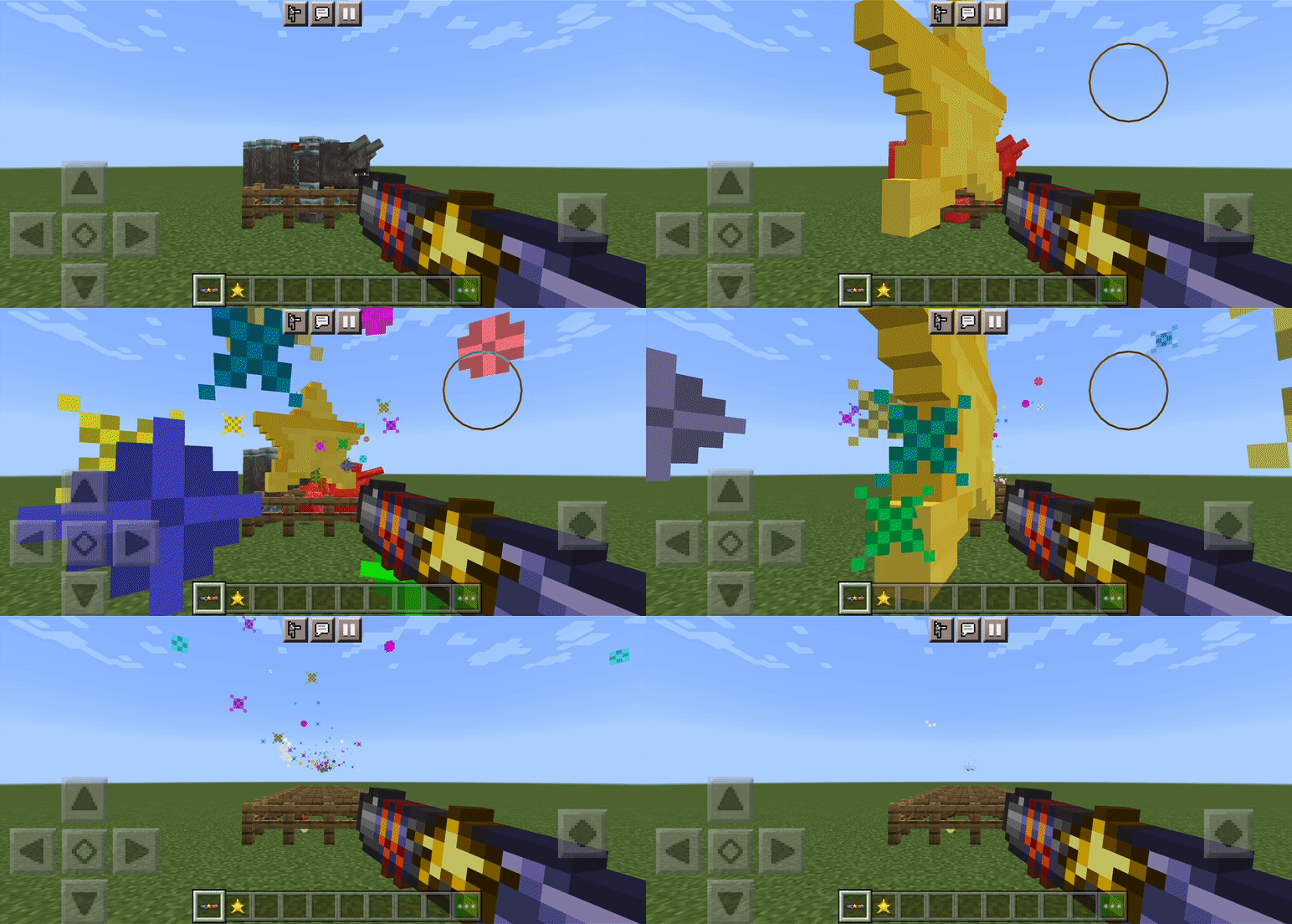
A potent weapon from the well-known video game Terraria is now available in Minecraft! Collect Falling Stars to serve as ammunition, and use this weapon to quickly penetrate through adversaries! complete with audio, special effects, and a 3D appearance!
This release is still in beta; it has not yet been finished. There isn’t any crafting yet, but it will be shortly. The player json file is not used by this add-on, but you will need to enable all the required experimental features; see the information below for additional details.
Star Cannon
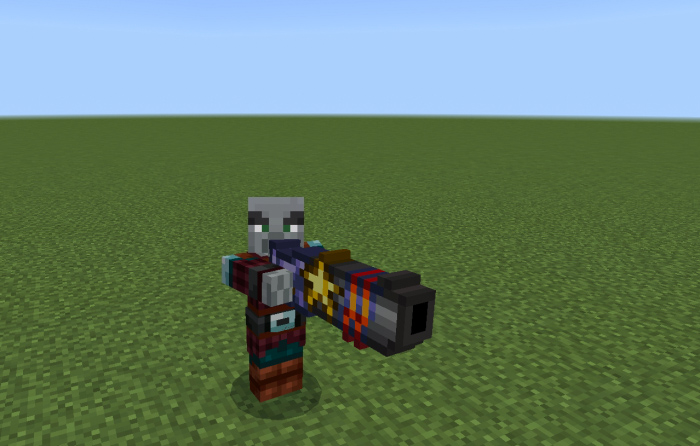
Early on in the game Terraria, you can pick up the Star Cannon, a potent weapon that fires Fallen Stars as ammunition.
When held, the weapon has a 3D appearance that alters your appearance.
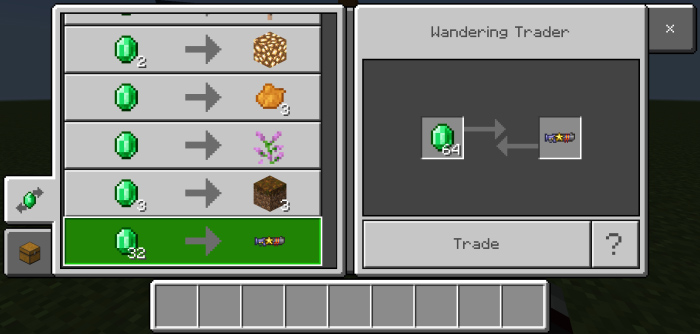
Currently there is no crafting recipe, you can only get the Star Cannon from the Wandering Trader.
Right-click or push and hold as if you were eating an apple to fire the Star Cannon. Although it has no knockback, it can penetrate through numerous foes. With each fired star, it causes 25 damage.
The Star Cannon is capable of autofire, holding down the use button will keep it firing, but watch your ammo.
Fallen Star
Fallen Stars are the ammo used for the Star Cannon, they just need to be in your inventory, otherwise it won’t fire.
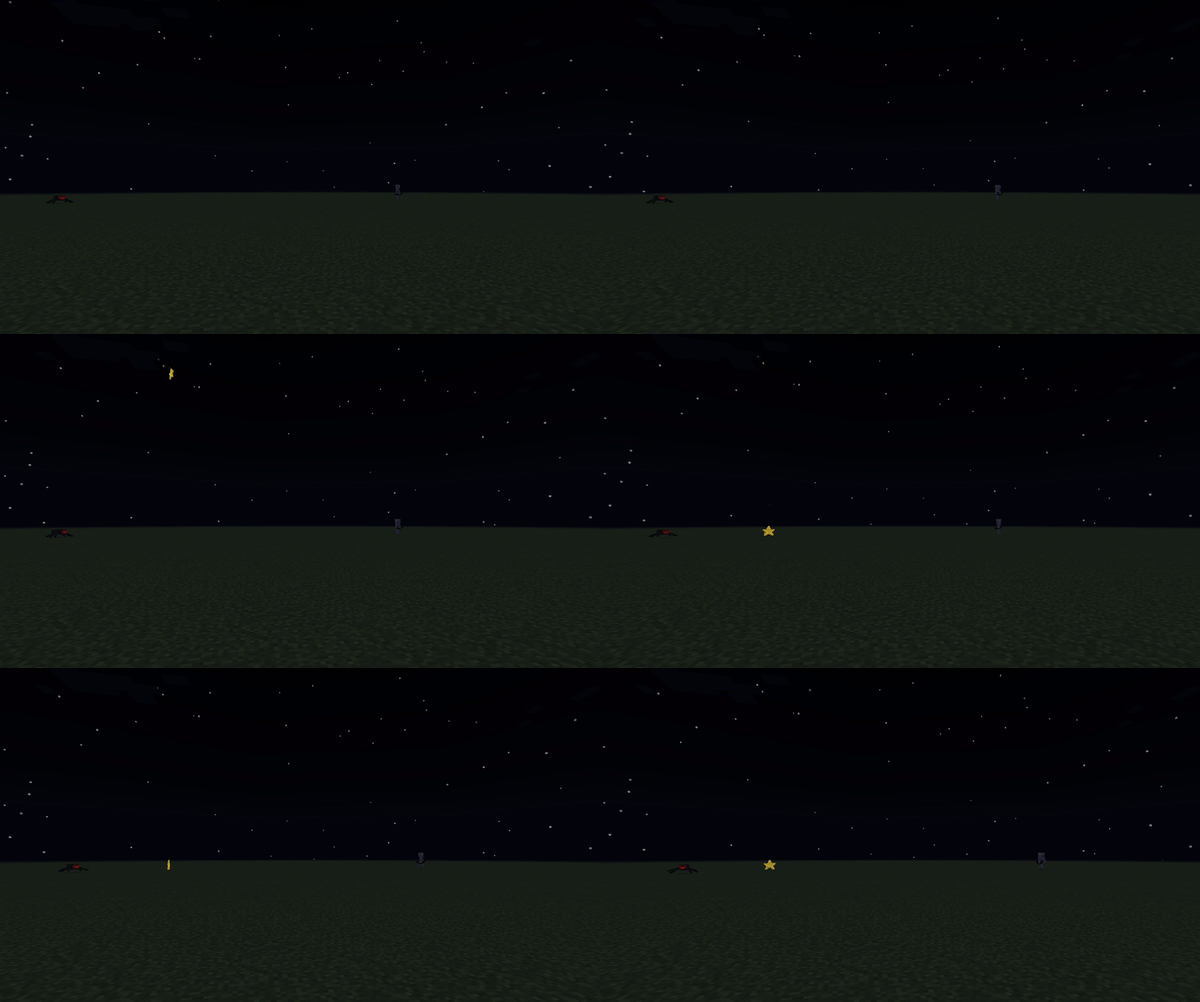
Fallen Stars spawn at night, you will see them falling to the ground.
Once on the ground, they will stay there and spin around so they’re easy to spot. Fallen Stars have a faint glow and show particles.
To pick up a Fallen Star, simply hit it, then it will drop as an item.
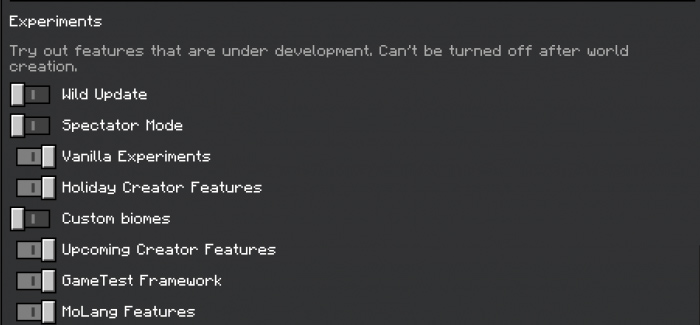
Be sure to keep these features on so the add-on works.
Installation
Click the link. Be sure to read and follow ALLthe instructions below so you don’t mess up! All the links are safe, just follow the guide.
Scroll down until you see “Free Access” button, click it.
Click the “Discover Articles” button.
YOU DO NOT NEED TO READ AN ARTICLE, just click the X at the top right. It will make you wait for a few seconds, just click the X again when it’s done.
The “Continue” button should be enabled now, click it and it should bring you to the Mediafire link.
After downloading the files, just tap them and Minecraft should automatically install the packs.
If that doesn’t work, you can rename all .mcaddon files to .zip files then manually put the packs in the right folders (resource packs to resource_packs folder, behavior packs to behavior_packs folder). Mediafire may rename the file, so be sure to check and rename it to the right one.
And you’re done! This was only tested on Android, but you can try it on other devices. For any questions, visit my profile and visit the Youtube channel, Twitter or Discord profiles and leave a message.
You can use this add-on the way you want, even use some data as reference, just be sure to give proper credits as always. Only use this link when sharing, DON’T USE YOUR OWN LINKS.
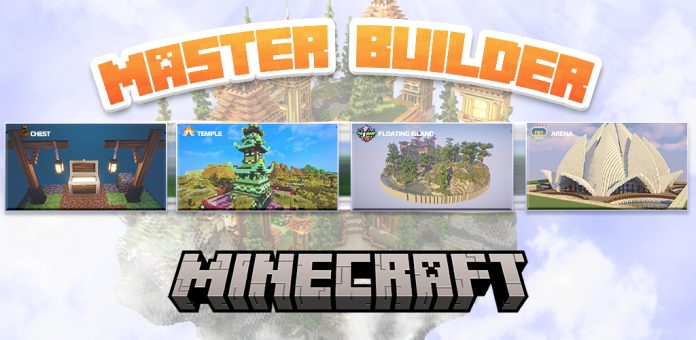
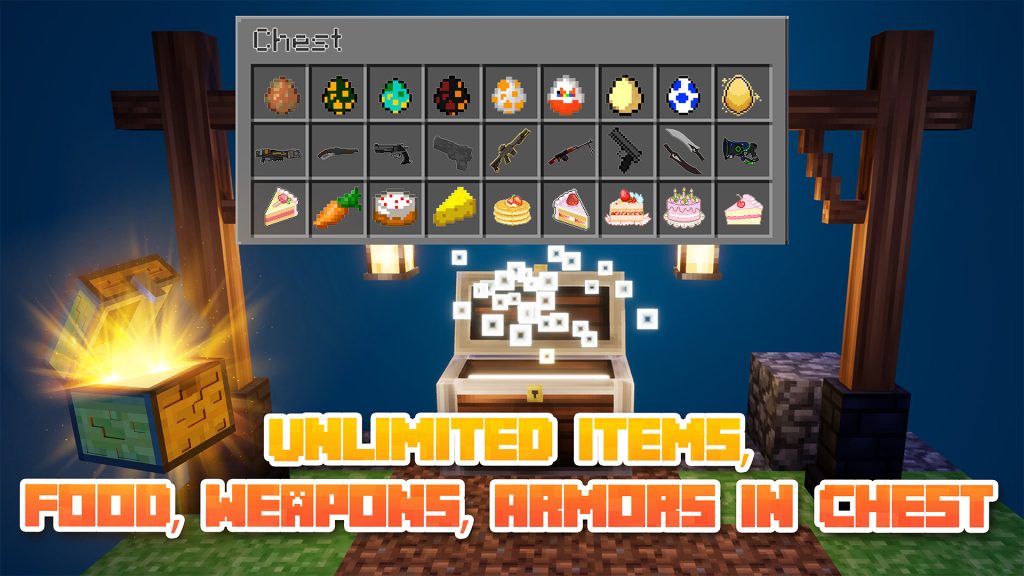
Have you ever thought with a mobile application that helps build minecraft houses – constructure but you can completely set chests and customize each chest that you put? All only in master builder for Minecraft.
Over 6 years of release and has a top spot when looking for Buildings MCPE, Builder for Minecraft. Master Builder for Minecraft had unlimited cool design ideas for structure addons maker. And now, we provide a SPECIAL and ONLY function on Master builder for Minecraft – “STRUCTURE ENTITY EDITOR”. It allows adding entities to the structure by using Chest, which can put many chests and custom items into a building. So hot for downloading now!!!
Master Builder for Minecraft PE is known as a Minecraft building tool that helps players understand how to build, some guides, and tips for Minecraft house cheat.
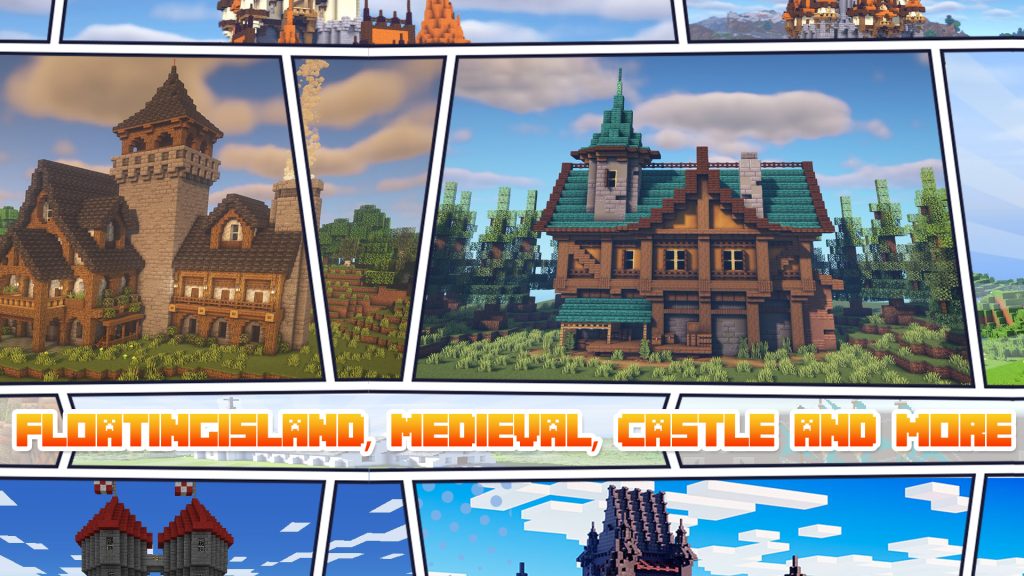
With this app, you can explore many cool and fresh Minecraft building ideas from simple structures to complex! It might be a huge skyscraper, floating island, medieval house, or modern building… that uses format Minecraft schemactic or litematic.
FEATURES:
Master Builder app is a clear and intuitive interface.
More than 20 categories and 1000+ structures for Minecraft building ideas.
Explore the variety of constructures: medieval, floating island, vehicle, arena, boat, ship, garden,…
Easy add entities on chests and put them wherever your structure.
Constantly updated data on Minecraft buildings and structures.
Can be restored Minecraft world in-game.
Auto-build house Minecraft.
Supporting all versions of Minecraft.
Works without any launchers!
Master builder for Minecraft is for Minecraft builder can modify whatever you want! It’s not just a Minecraft building tool or a Minecraft house cheat normal, but also adds a chest full of items and treasures that you can customize yourself.
It’s pretty fun to invite your friends into the house and you tease them with trap chests that you put.
HOW TO USE:
On Master Builder for Minecraft:
Select your favorite structures (ARENA, CASTLE, DUNGEON,….)
Tap “VIEW IN 3D” to check how it looks in the game.
Explore STRUCTURE ENTITY EDITOR, tap to ADD CHEST and select items. Note that you can select many chests at the same time.
On Minecraft Game:
Go to your world and find master block in Inventory (like an addon).
Place structure block wherever you want Minecraft building to appear.
Then go to the builds and check each chest you put. Enjoy it!
No need to spend time building a house, all you need is this building tool. Start with a Minecraft farm builder, Minecraft blueprints, or any other constructions. Let’s create your own map and share it with everyone.
ATTENTION: This app needs to use the internet to load new data, so please be aware of data usage!
This is an unofficial application for Minecraft Pocket Edition. This application is not affiliated in any way with Mojang AB. The Minecraft Name, the Minecraft Brand, and the Minecraft Assets are all property of Mojang AB or their respectful owner. All rights reserved. In accordance with http://account.mojang.com/documents/brand_guidelines
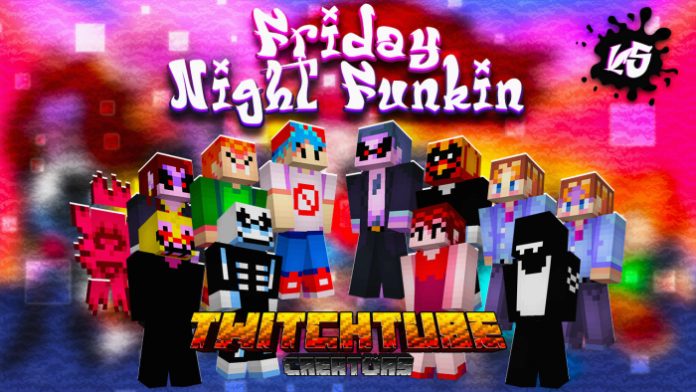
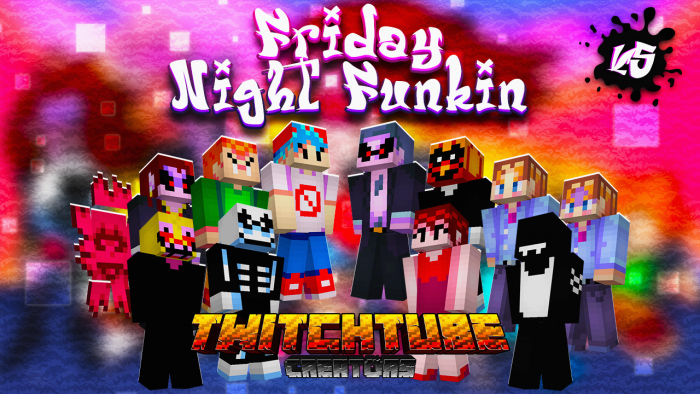
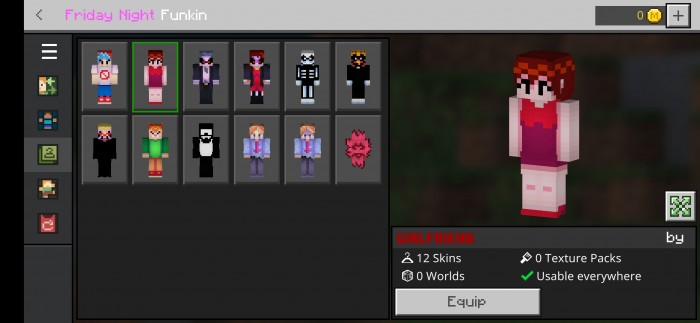
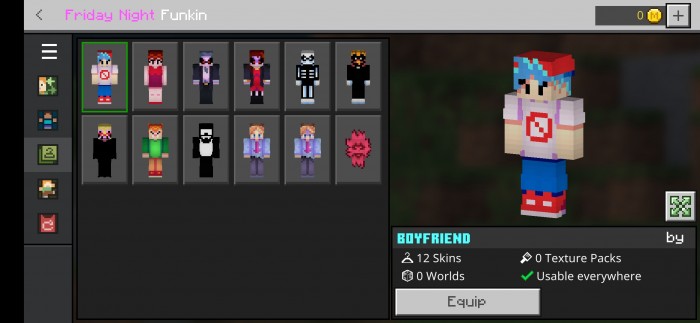
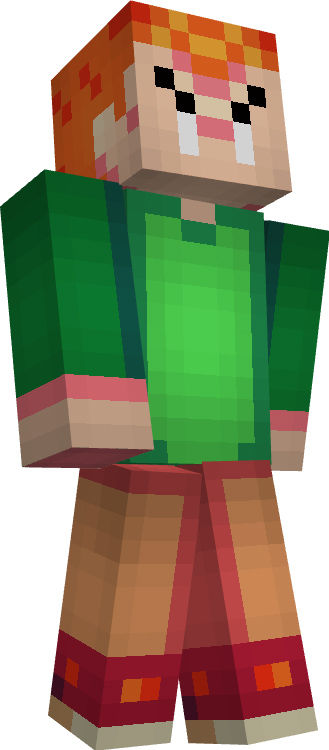
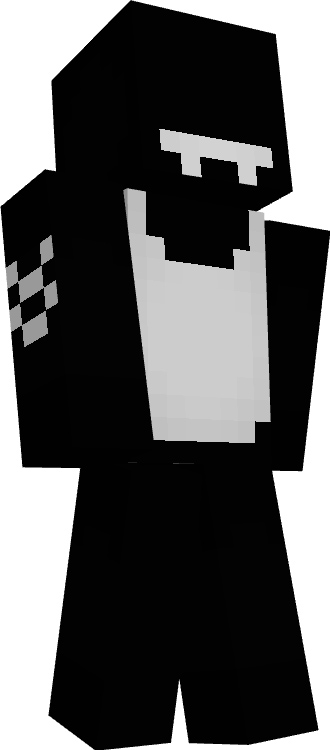
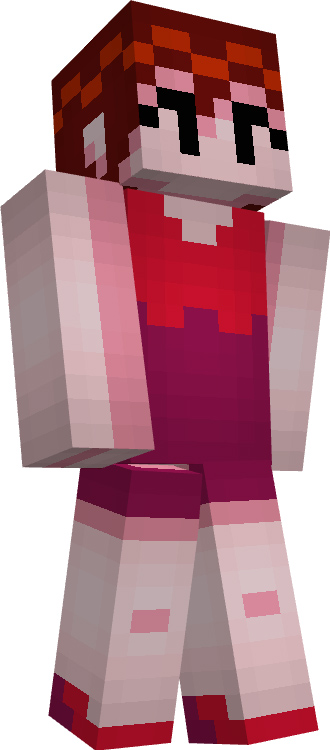
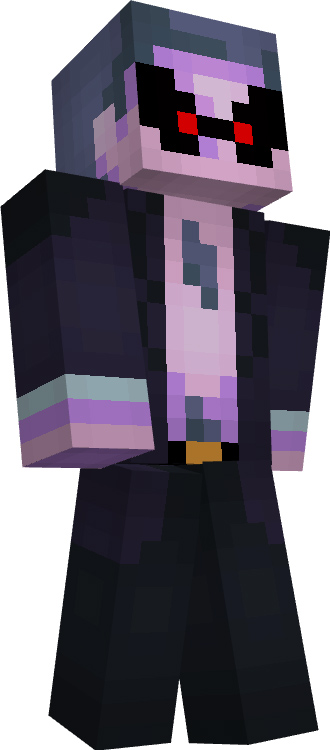
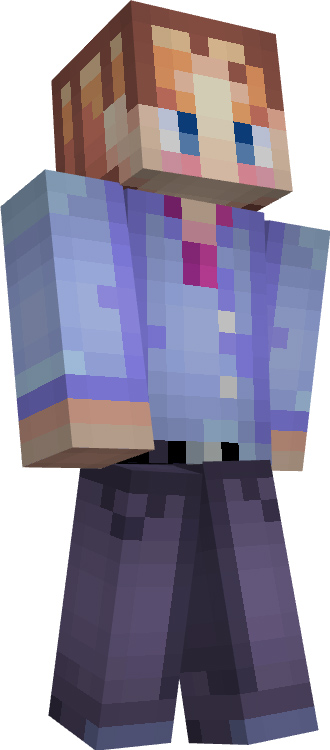
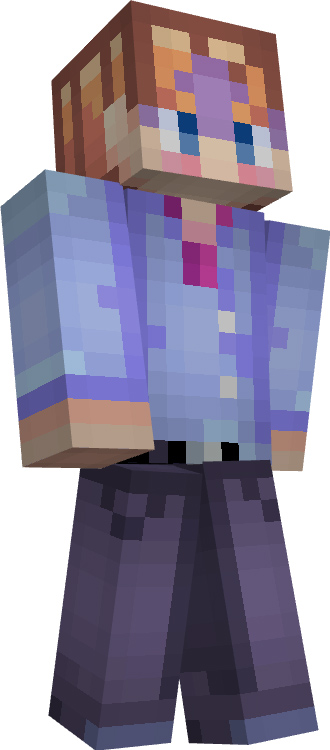
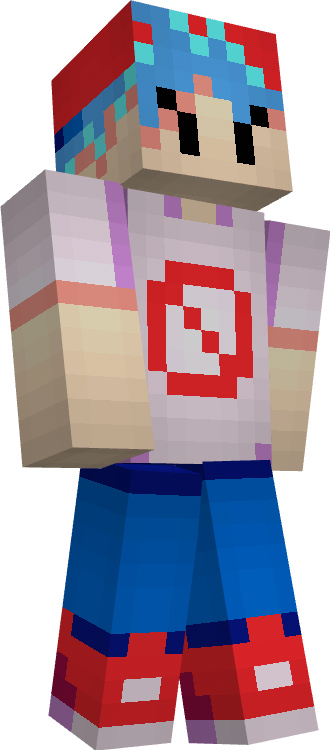
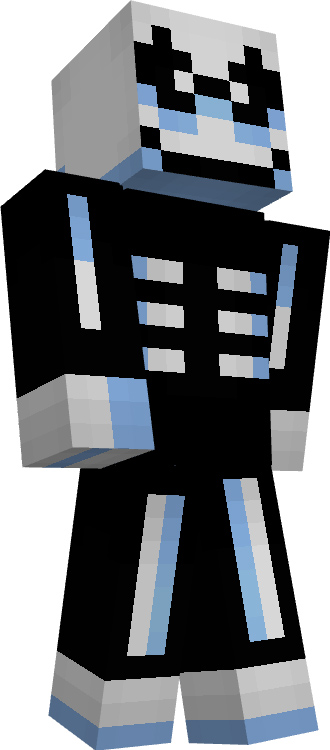
With Friday Night Funkin Skin Pack pack, you may bring your favorite video game characters into the world of Minecraft to create a pleasant environment with your friends and acquaintances.
Create combinations of this beautiful skin pack with your favorite maps and accessories You can also get into role with your friends making the time more interesting
Combine this lovely skin set with your preferred maps and accessories. Also, you can play games with your pals to make the time more entertaining.
Friday Night Funkin Skin Pack (Final Update)
To prevent issues with modders and game developers, the Friday Night Funkin skin has undergone a complete redesign, and other skins have been removed entirely because they are characters from mods rather than the official game. Appreciate this most recent update and recognize that although the choice was difficult, it was necessary.
Welcome To XLites Modern Furniture, Consisting of 50+ High Quality Furniture and Building Blocks with High Resolution Textures and Models. Enhance your Worlds and survival living spaces with XLites Modern Furniture
Creator: XLite
XLites Modern Furniture
XLites Modern Furniture Addon Comes With Over 50+ Different Furniture and Blocks, to play & build with!
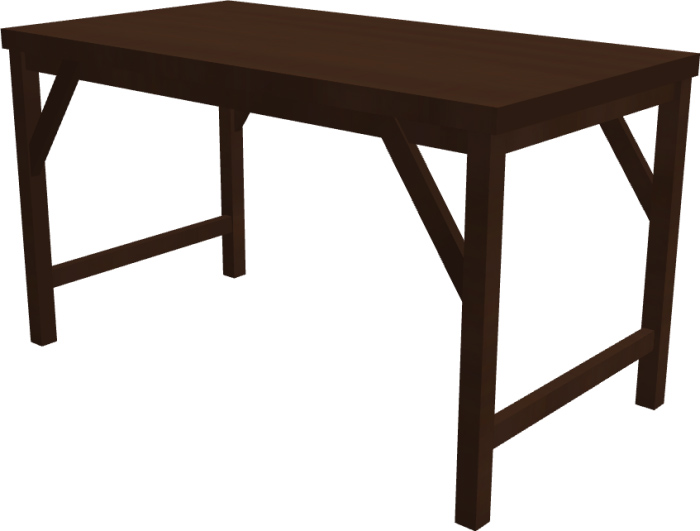
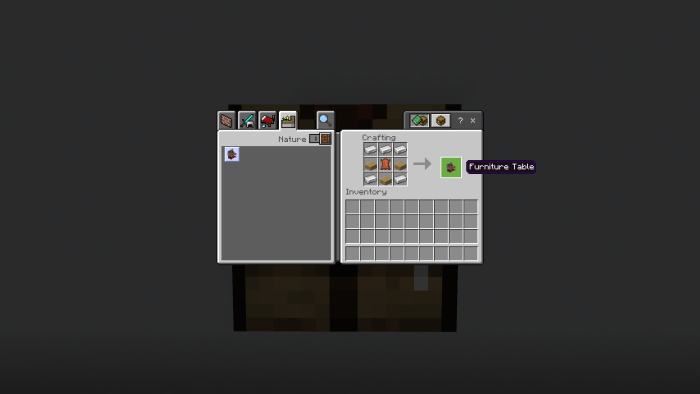
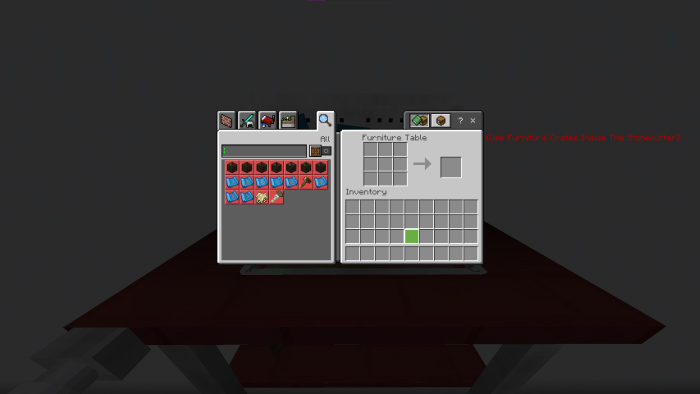
Furniture Table
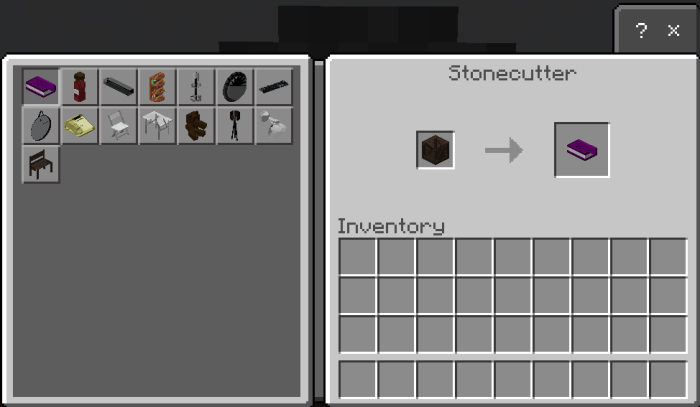
The Furniture allows you to make Furniture Crates! Furniture Crates can then be used in a stonecutter to create Furniture
All Available Furniture
All blocks & furniture
Living room
Modular sofa
When stacked one on top of the other, this versatile piece of contemporary furniture may be modularly joined with other sofas to expand its size and adapt to any space.
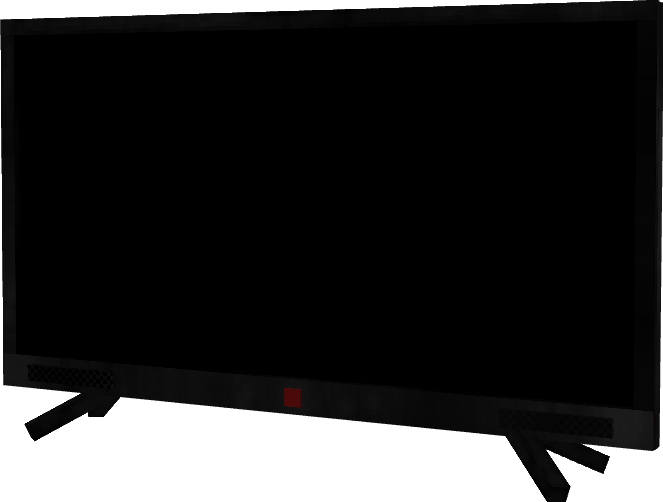
Television
This modern television can be turned on and off, but at first it will only play static. To connect it to station services, attach an antenna to the top of the TV. The television works well with any room’s furniture.
Square centre Coffee Talk
This generic wooden piece of furniture complements the majority of other pieces and fits into the majority of living room designs.
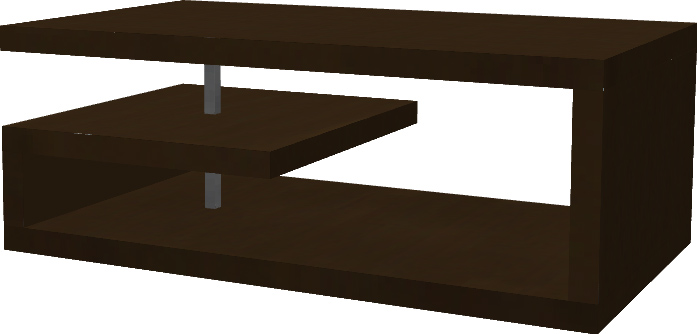
Modern coffee table
The Modern Coffee Table is a simple yet elegant piece of furniture pairs well with a black and white styled living room
The coffee table
This Regular Coffee Table can be interacted with to open the drawers
DiningroomFurniture
Coming in all the Wood-Type Variants and a generic variant this piece of Diningroom Furniture is able to bring any diningroom build together
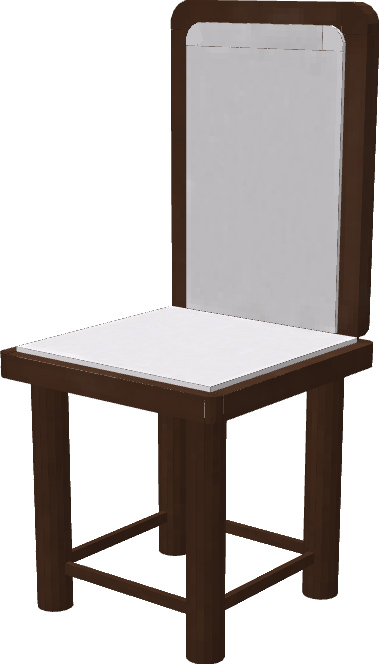
A versatile dining room chair whose color may be dynamically altered thanks to the Paintbursh feature.
Kitchen furniture
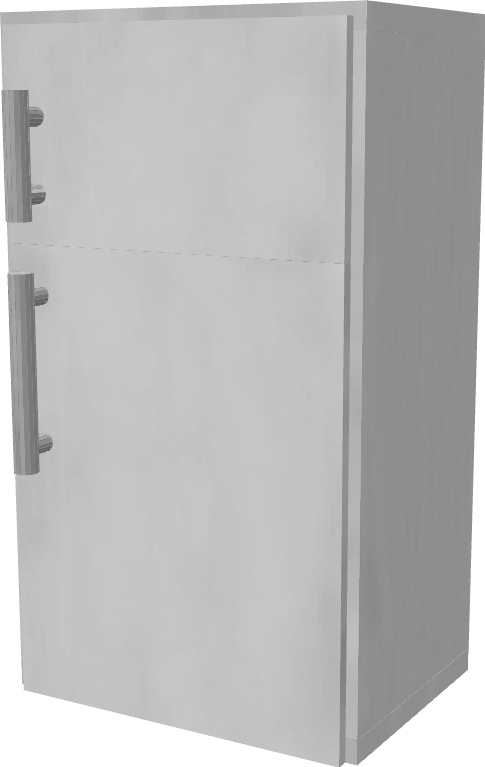
Refrigerator
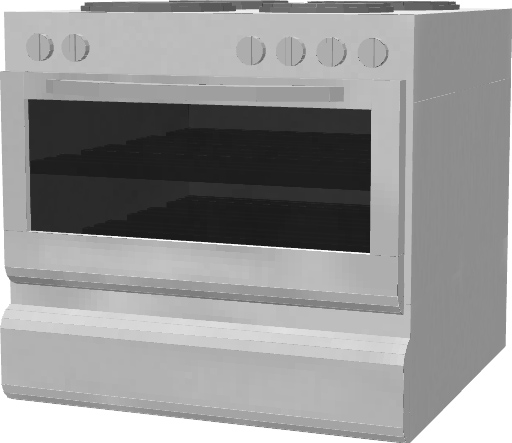
This Generic Refrigerator pairs well with most if not all other Kitchen Furniture and can be interacted with to open the doors of both the fridge and freezer section
Oven
Kitchen counter
Coming In 4 Separate Variants: Regular Counter, Counter with Draws, Corner Counter and the Counter with sink This piece of Furniture blends a completes a kitchen together
Bedroom Furniture
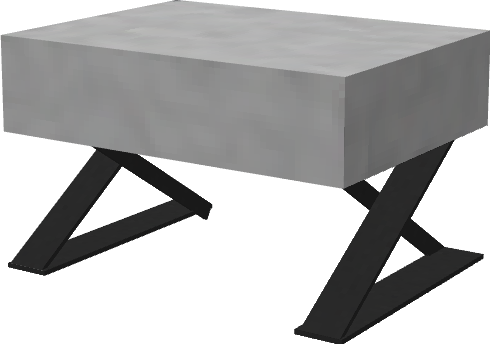
Modern Night
A Modern Nightstand to place next to your bed. This Furniture Piece can add that little bit of detail to any bedroom or any room in general
Bathroom Furniture
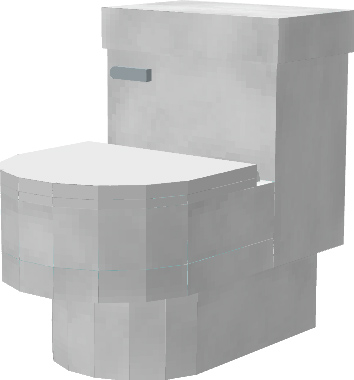
A Dynamic Toilet actually able to be used and interacted with. A necessary furniture component to any bathroom
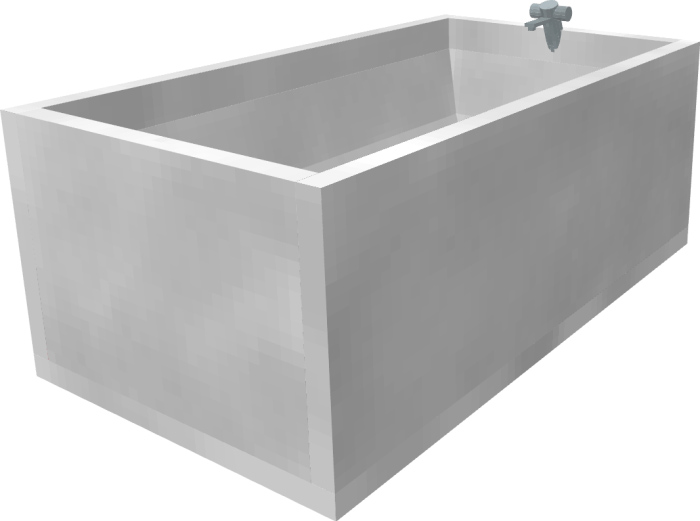
Bathtub
A Generic bathtub useful furniture piece for any bathroom
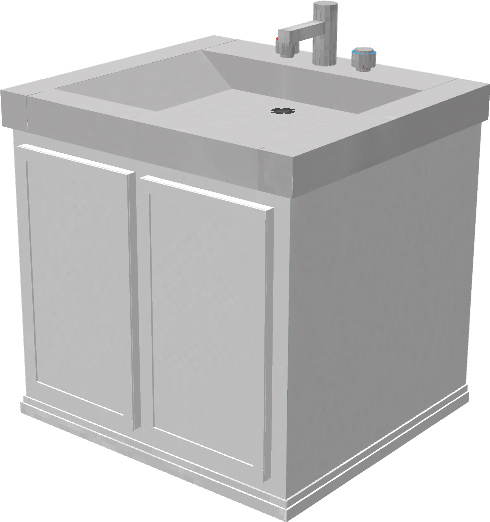
Sink
A Bathroom Sink able to be interacted with to turn on the taps
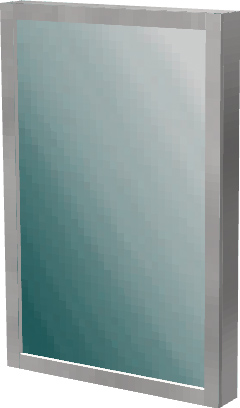
Bathroom Mirror
A Furniture Piece used in bathrooms
Miscellaneous Furniture
Miscellaneous Furniture is furniture that may not necessarily fit a room type, they can typically be used fairly universally in all rooms
To craft the Furniture Table you will need the Items Shown Below
5 Iron Ingots
3 Wooden Slabs
1 Leather
Once inside the Furniture Table You’ll be able to make a multitude of Items The Main Things to create Furniture are Blueprints and then Furniture Crates
Once you have Made your furniture crate take it to the stone cutter to create Furniture!