Home Blog Page 72

The Male Anime Characters Skin Pack | Minecraft Skins

1

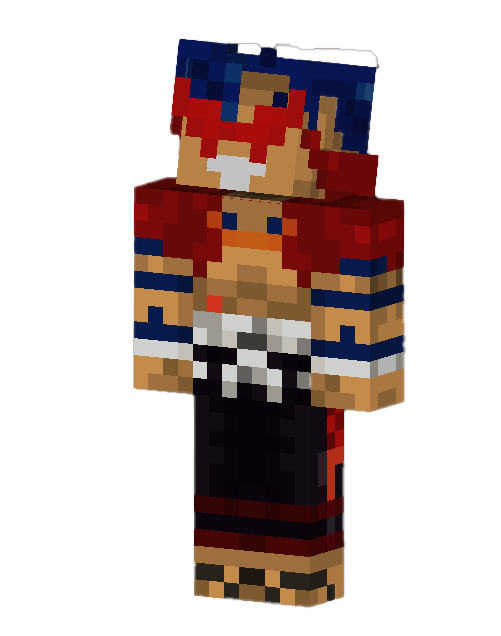
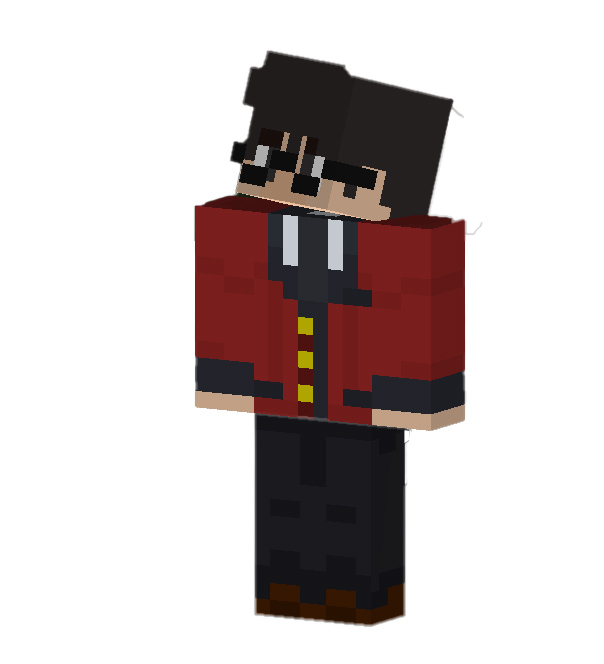
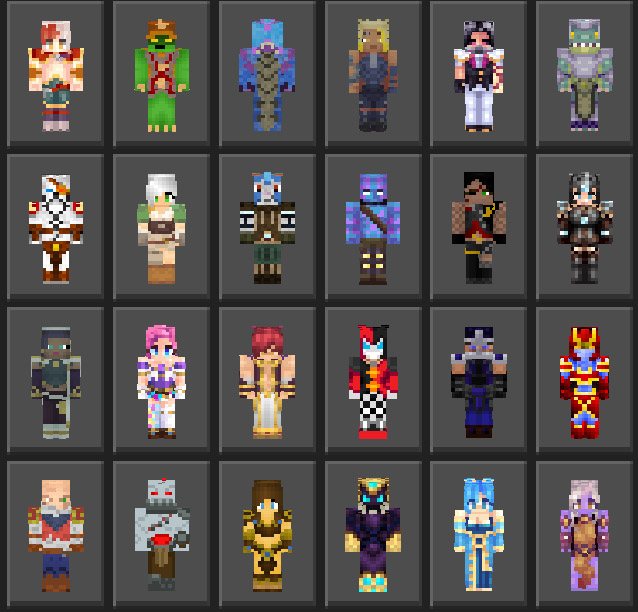
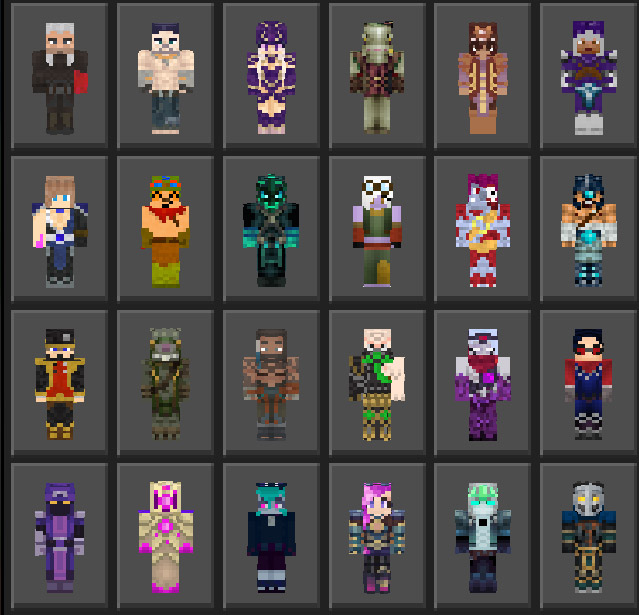
From popular animes such as Naruto, One Piece, Dragon Ball, Demon Slayer: Kimetsu no Yaiba, My Hero Academia, Black Clover, HunterXHunter and more – now compiled into one giant The Male Anime Characters Minecraft Skin Pack! With over 90 skins and more to come!

Cre: r4isen1920 (Twitter)

Pack version: v3.0

The Male Anime Characters

January 2021 Update
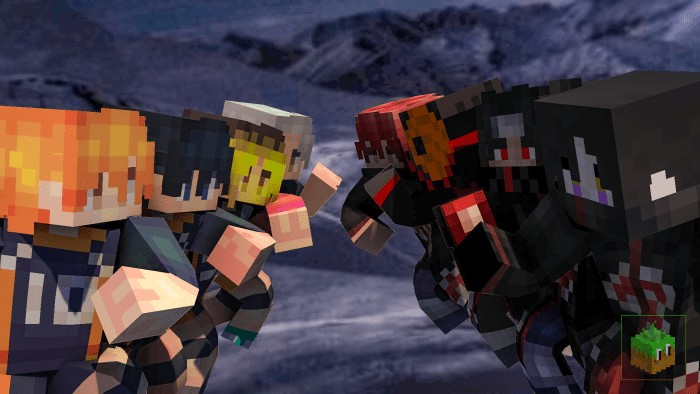
The Male Anime Characters Skin Pack

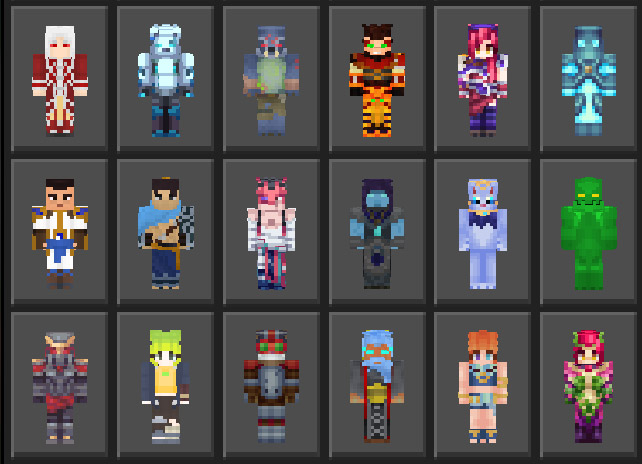
This The Male Anime Characters Skin Pack adds 19 new skins from the anime “Haikyuu!”, the Akatsuki from the “Naruto: Shippudden”, two more characters from “Demon Slayer: Kimetsu no Yaiba” and more!

Please continue scrolling for a full list of skins included in this skin pack:

List of Skins

The following are the current list of 80 skins (excluded the skins from the latest update):

  1. Izuku Midoriya
  2. Kazuto Kirigaya (by @Zeith47)
  3. Matsukaze Tenma 
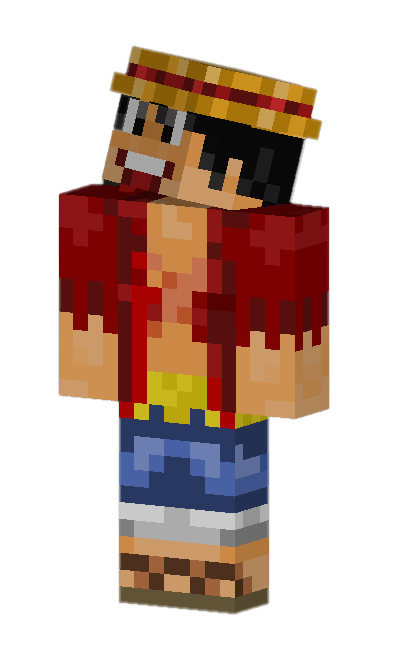
  4. Monkey D. Luffy 
  5. Naruto Uzumaki
  6. Natsu
  7. Subaru Natsuki
  8. Saitama
  9. Son Goku
  10. Taki Tachibana
  11. Ichigo Kurosaki
  12. Kaneki Ken
  13. Astro Boy
  14. Doraemon
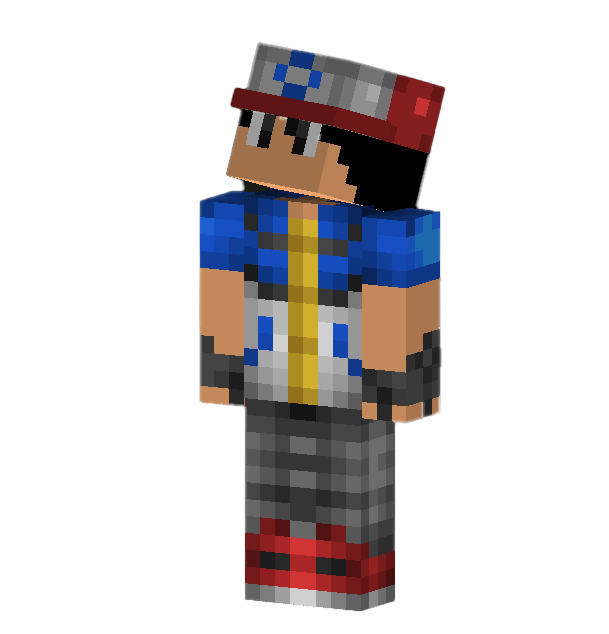
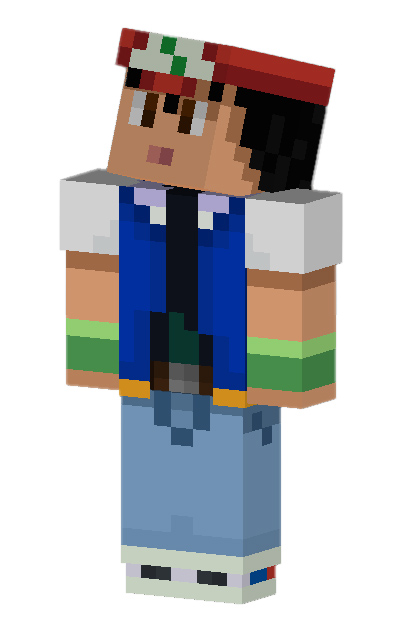
  15. Ash Ketchum 
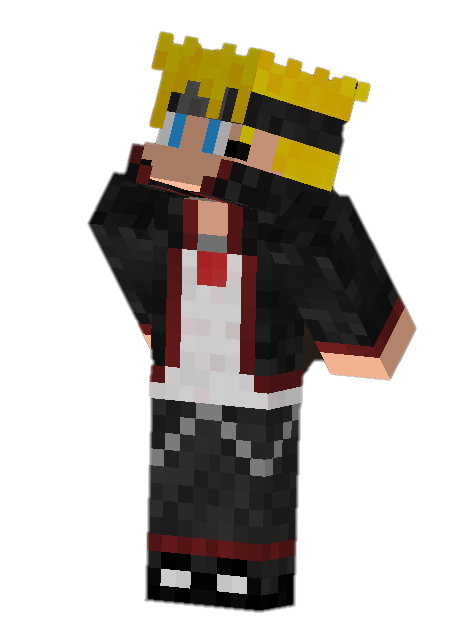
  16. Boruto Uzumaki
  17. Melodias 
  18. Shouya Ishida (by Eijirou)
  19. Eren Yeager 
  20. Light Yagami
  21. Gingka Hagane 
  22. Joseph Joestar (Jojo)
  23. Joker (Persona) 
  24. Asta 
  25. Goblin Slayer 
  26. Pit 
  27. Sakata Gintoki
  28. Satou Kazuma
  29. Phoenix Wright 
  30. Sasuke Uchiha 
  31. Roronoa Zoro 
  32. Vegeta 
  33. Katsuki Bakkugo 
  34. Eugeo (by @Zeith47)
  35. Eijiro Kirishima (by Eijirou)
  36. Hiro [016]
  37. Valt Aoi
  38. Gogeta
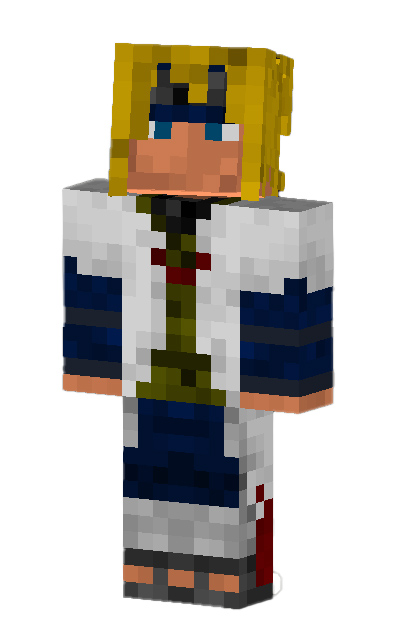
  39. Minato Namikaze
  40. Iwatani Naofumi
  41. Yusuke Urameshi
  42. L Lawliet 
  43. Ryuk
  44. Soma Yukihira (by Eijirou)
  45. Levi Ackerman
  46. Acnologia
  47. Aizawa 
  48. InuYasha 
  49. Kakashi Hatake 
  50. Shoto Todoroki 
  51. Denki Kaminari 
  52. Kamina
  53. Uchiha Madara
  54. Lelouch 
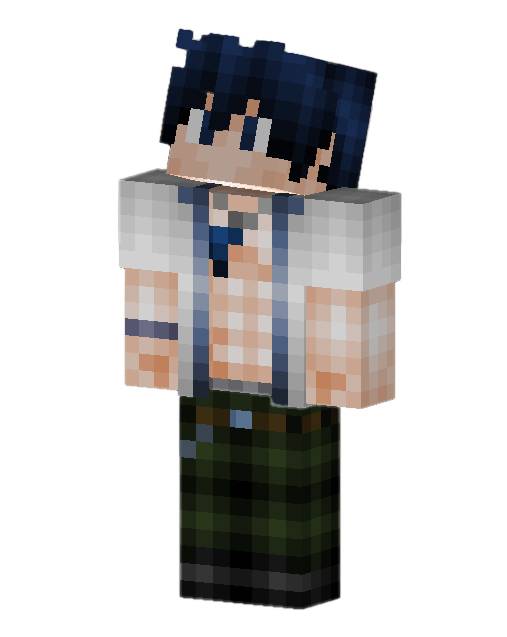
  55. Gray Fullbuster 
  56. Soul Eater Evans 
  57. Jin Bubaigawara (Twice) 
  58. Vegito 
  59. Richter Belmont 
  60. Simon Belmont
  61. Rantaro Amami 
  62. Jotaro Kujo 
  63. Dio Brando 
  64. Sanji 
  65. Bruno Bucciarati 
  66. Giorno Giovanna 
  67. Guido Mista 
  68. Itachi Uchiha 
  69. Saiki Kusuo 
  70. Killua Zoldyck 
  71. Death the Kid
  72. Genos 
  73. Sora 
  74. Rito Yuki 
  75. Shido Itsuka 
  76. Tanjiro Kamado
  77. Naruto (Six Paths) – (By Wolf40013)
  78. Yami Sukehiro – (by Unspell)
  79. Dante
  80. Vergil

New Skins Update

New Skins Update

The following are 19 new skins added for this month’s update:

  1. Zenitsu Agatsuma
  2. Inosuke [Masked & Unmasked]
  3. Edward Elric
  4. Shoyo Hinata
  5. Kageyama
  6. Nishinoya
  7. Sugawara
  8. Kenma
  9. Oikawa
  10. Shigeo Kageyama
  11. Lord Beerus
  12. Mumen Rider (by Might-the-Hylian)
  13. Escanor
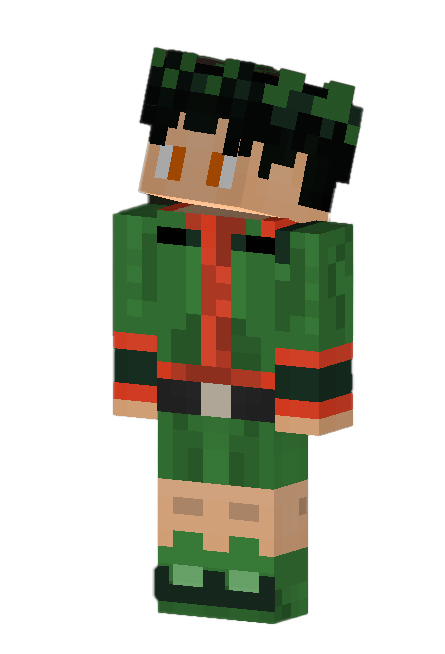
  14. Rock Lee
  15. Pain/Nagato
  16. Obito Akatsuki
  17. Sasori
  18. Orochimaru
  19. Gon Freecs

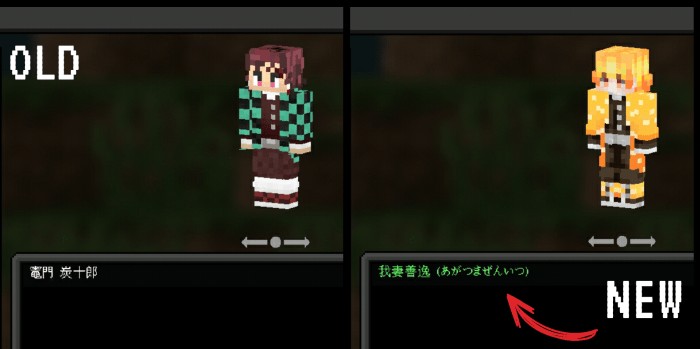
“New Skin” Indicator

New skins have a green text on the respective character’s name! Please check them out!
The Male Anime Characters Skin Pack

Skin Sources & Credits

Individual Creators

  • Zeith47 (@Wolf40013) – Twitter / PlanetMinecraft
  • Eijirou – PlanetMinecraft
  • Unspell – PlanetMinecraft
  • Might-the-Hylian – NovaSkins

(links to these individual creators will be added later)

Please if you have your skin here, contact me so I can credit you properly or if you want to request your skin removed from this The Male Anime Characters pack please feel free to ask me anytime!

You can visit the contact form here: https://bit.ly/r4isen

Changelog
  • Added 19 more skins, please check the description above for a full list.
  • FMAC Skin Pack will be updated next month on the same day.

Download The Male Anime Characters Skin Pack

Importing

Simply open the downloaded .MCPACK file using Minecraft and it should automatically import! 

Updating

Updating to a newer version? Delete the old version of the skin pack first and then simply import the latest version!

Head over to your Minecraft folder and under the skin_packs folder delete the “TMAC” folder!

Download The Male Anime Character (linkvertise)

📥Download The Male Anime Characters (Link Backup)

Browse for more Minecraft Skins with us!

MCPE Addons
- Advertisement -

Baldi’s Basics Addon

0

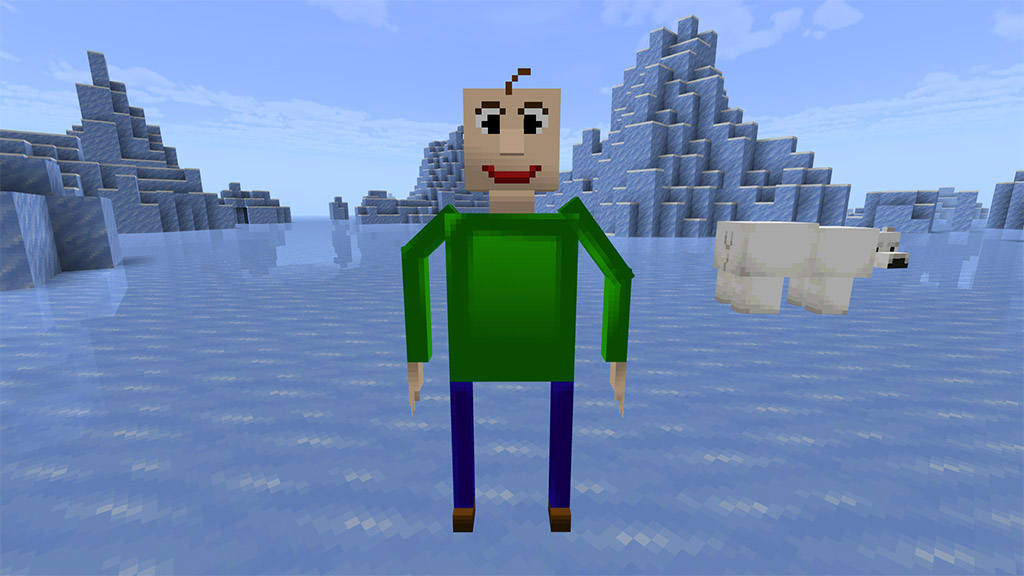
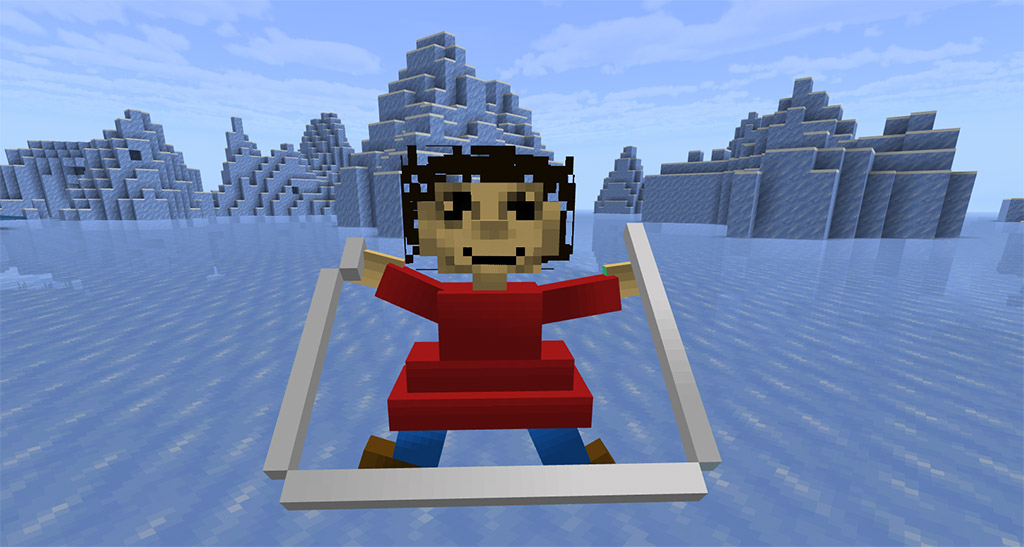
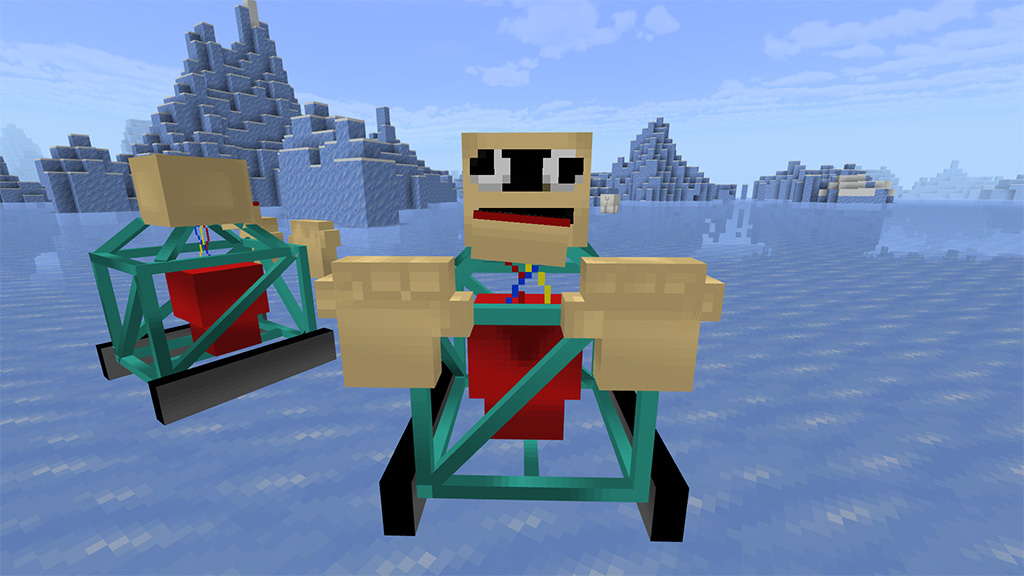
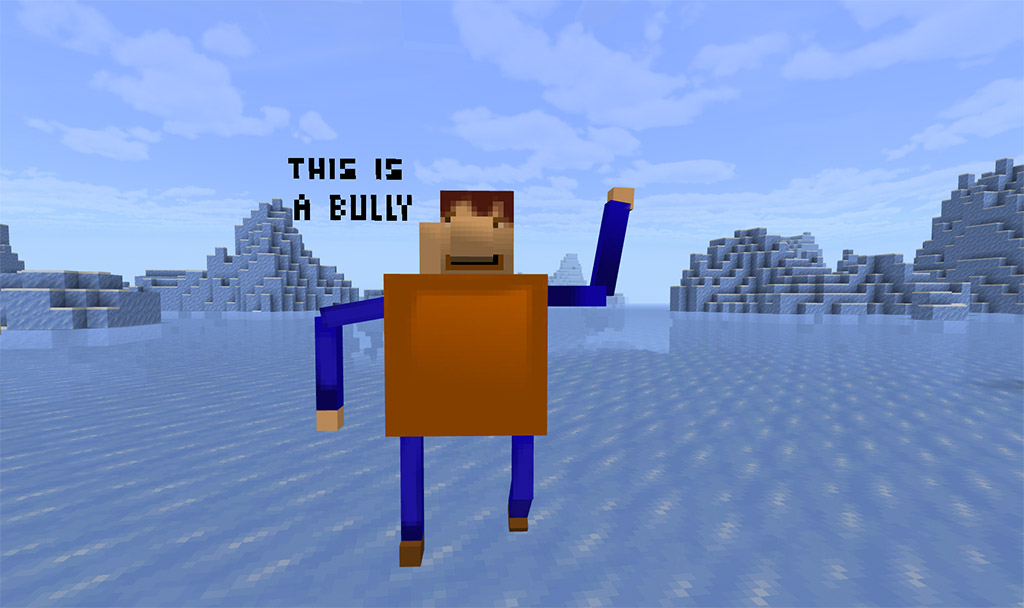
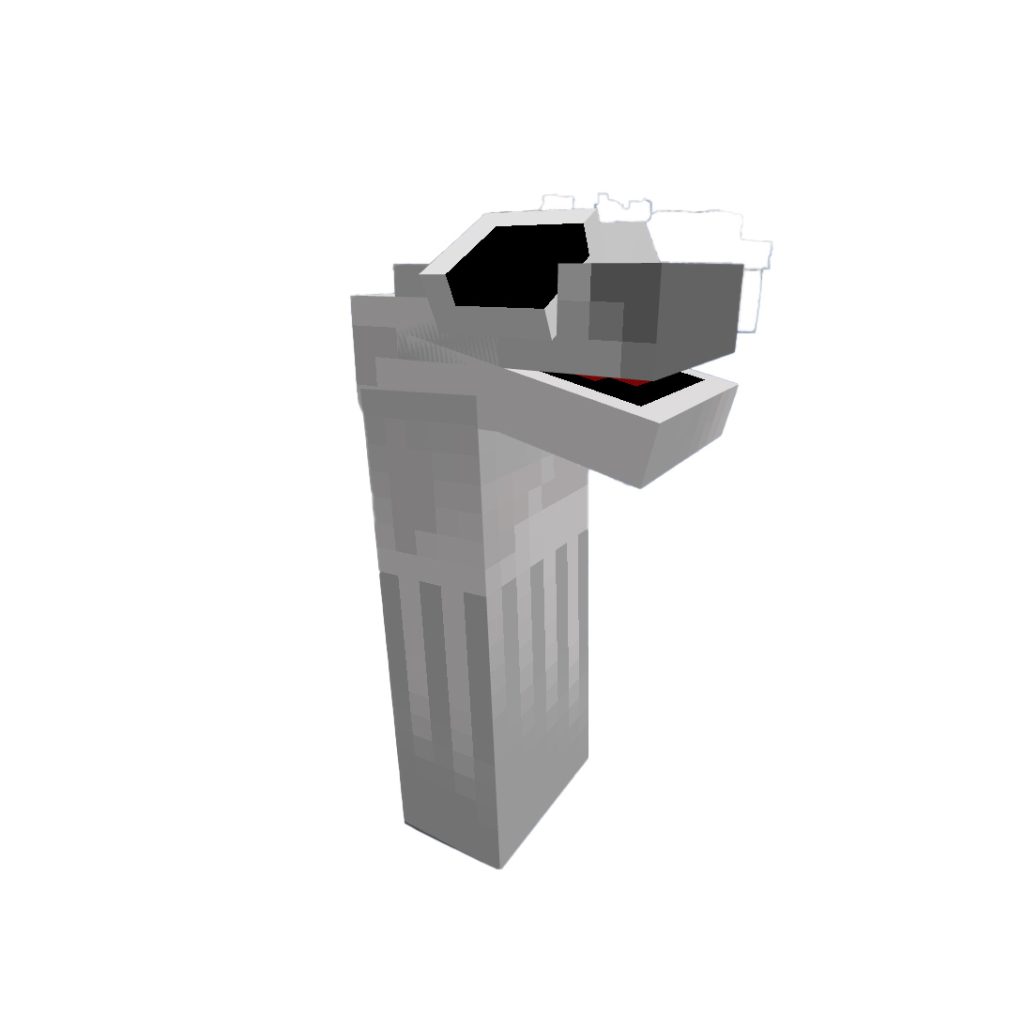
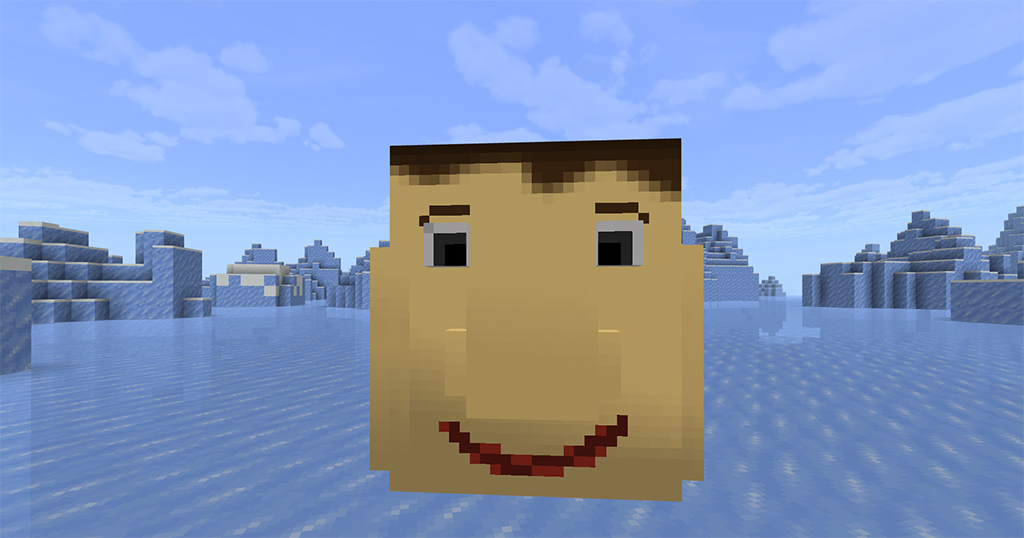
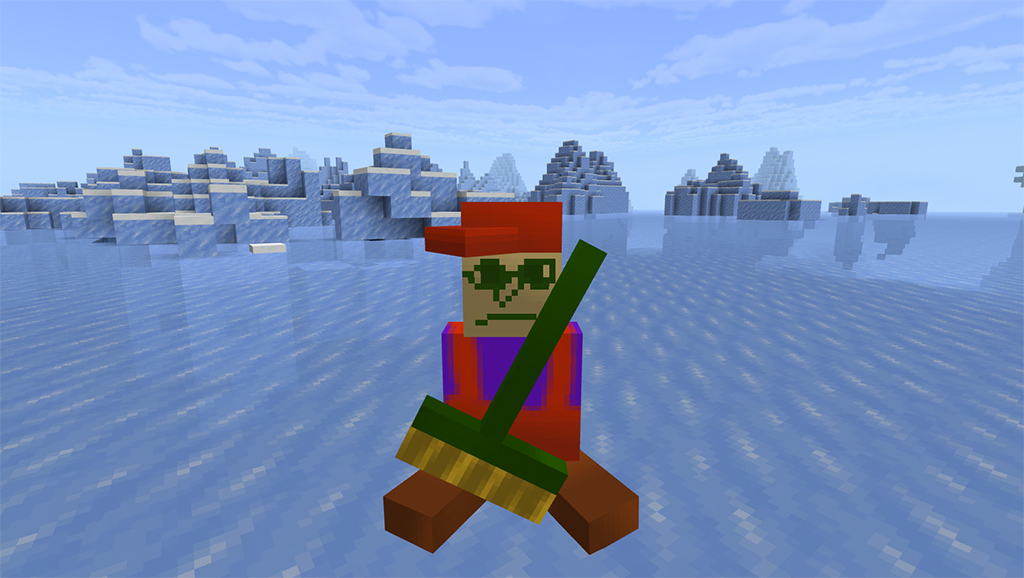
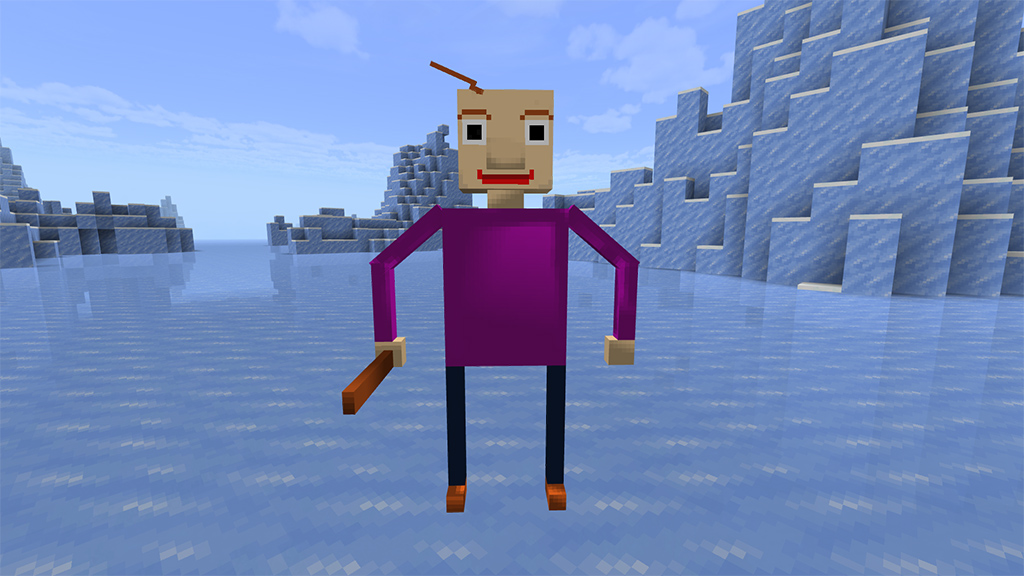
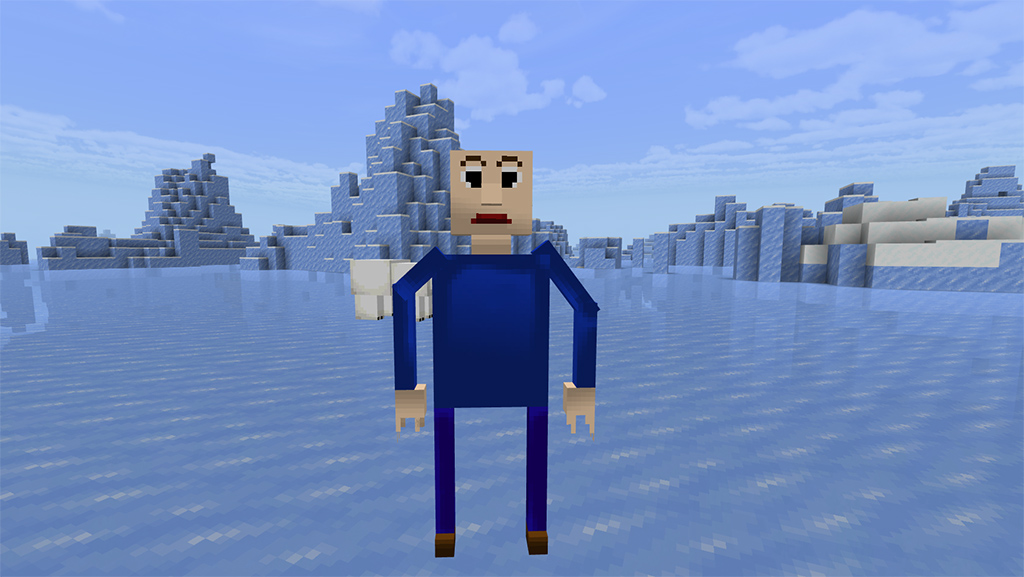
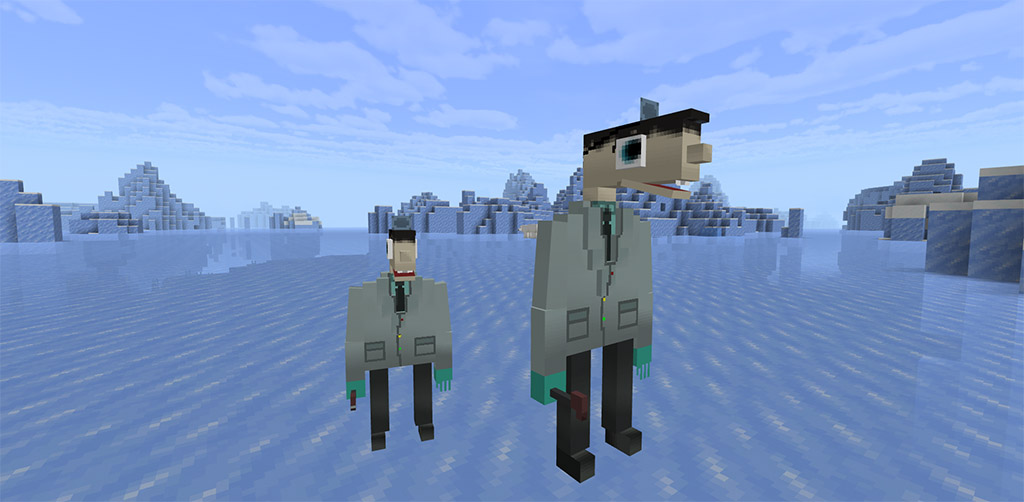
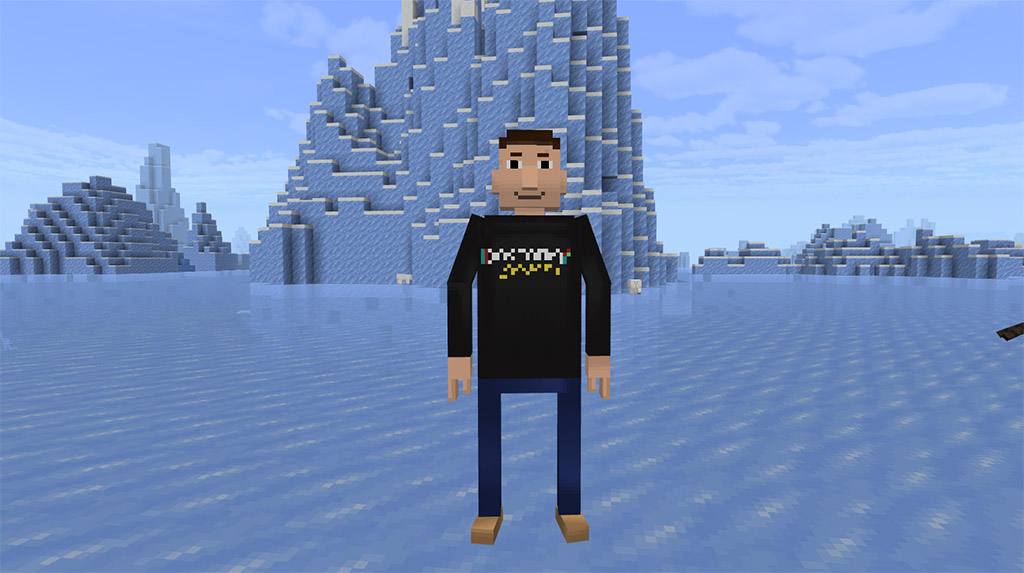
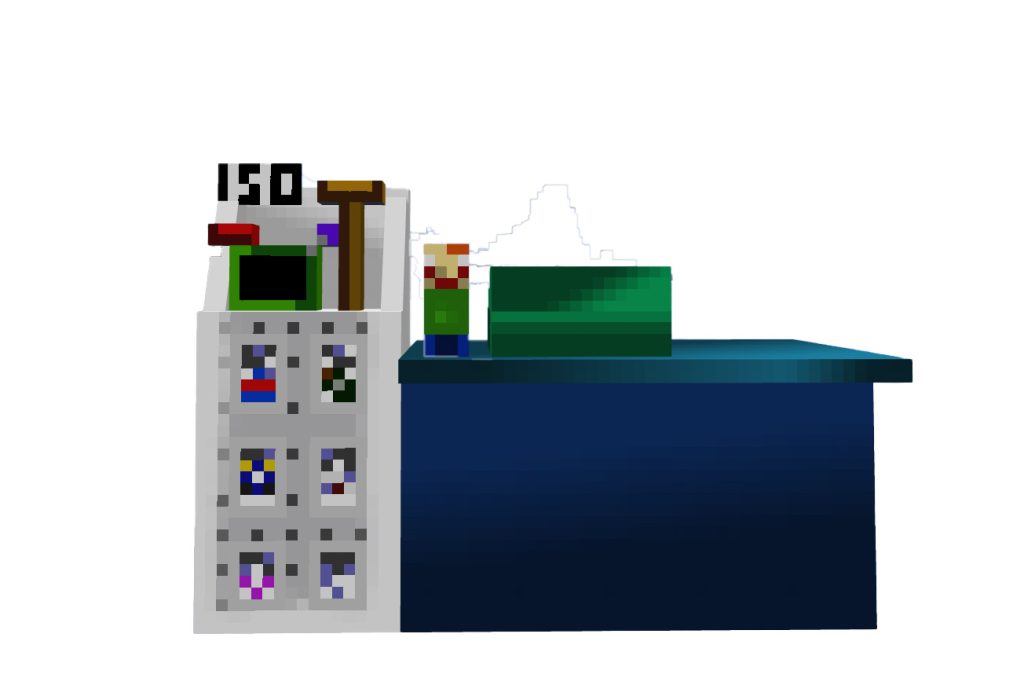
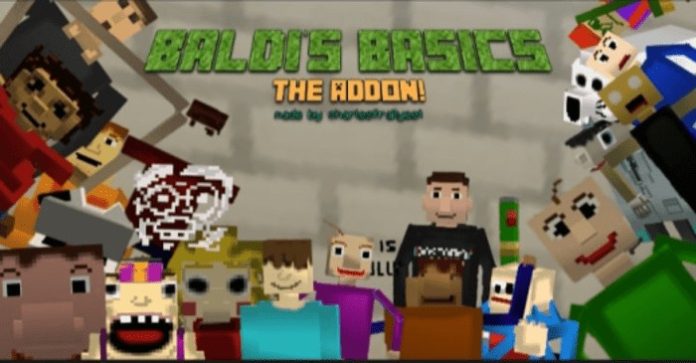
The Baldi’s Basics Addon (1.19) was inspired by the Baldi’s Basics games created by mystman12 and features characters, items, and more from those games. 2018 saw the debut of the instructional video game Baldi’s Fundamentals, which has a horror theme. The game is made to resemble a retro-style instructional game from the 1990s in both appearance and gameplay, but with a sinister and unsettling vibe.

Creator: charlesdinosauradik

Baldi’s Basics Addon

Features:

Characters

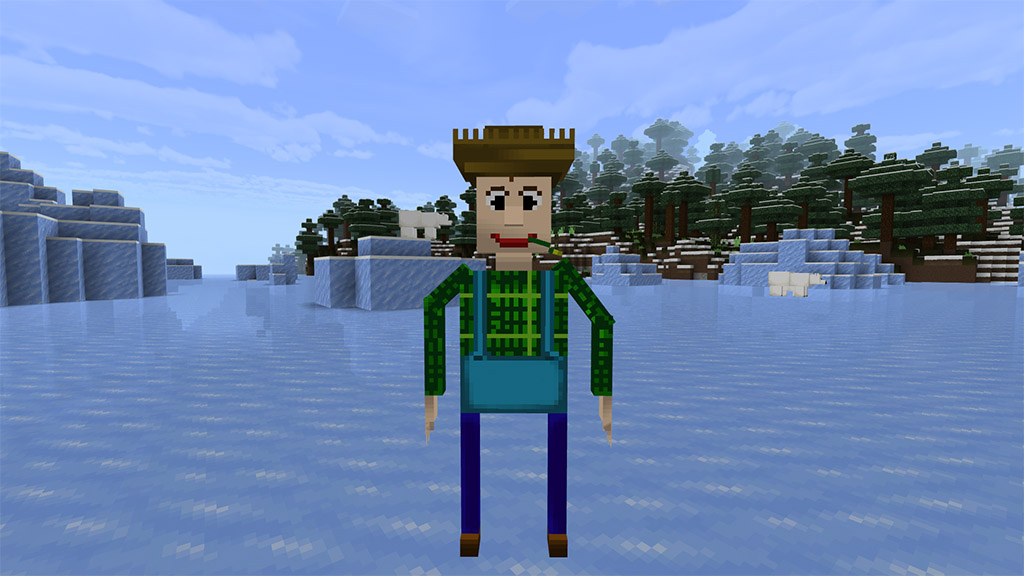
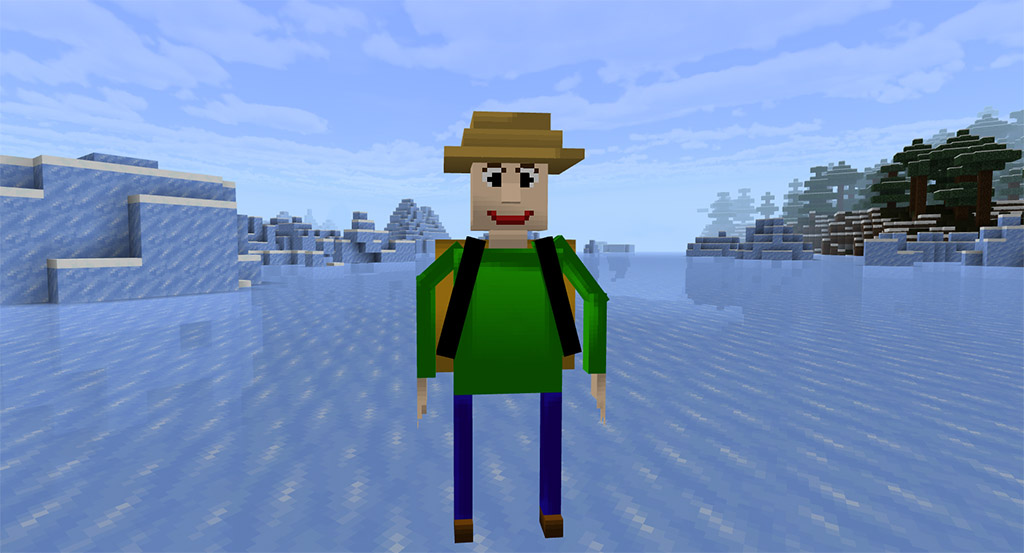
Baldi (4 variants)

Neutral Baldi

Angry Baldi

Farmer Baldi

Camper Baldi

Playtime

Principal of the Things

1st Prize

Gotta Sweep

It’s A Bully

Arts and Crafters

Cloudy Copter

Null (Corrupted Character)

Beans

Mrs. Pomp

Mr Test

Chalkles

Placeface (Easter Egg Character)

0th Prize (Easter Egg Character)

Johnny

Bladder (Easter Egg Character)

Badsum (Corrupted Character)

Baldi's Basics Addon

Joe

Dr. Reflex

Mystman12 (Creator of Baldi’s Basics)

Items and Decor

Bsoda:

Energy Flavored Zesty Bar:

Faculty Name Tag:  

  • Alarm Clock
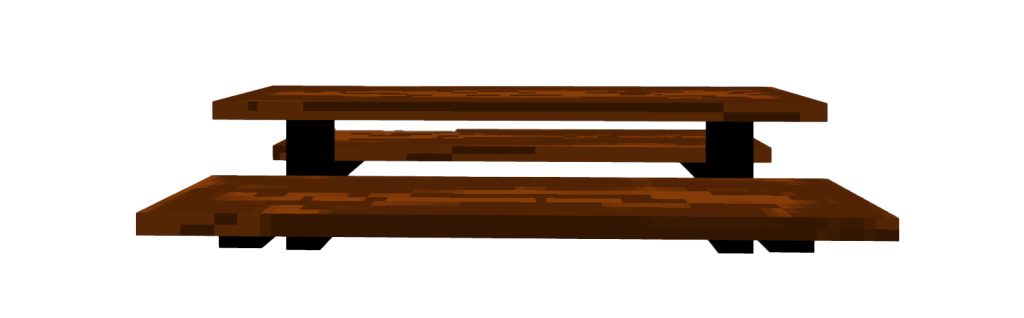
  • Cafeteria Table
  • Faculty Table
  • Table
  • Chair
  • Johnny’s Store
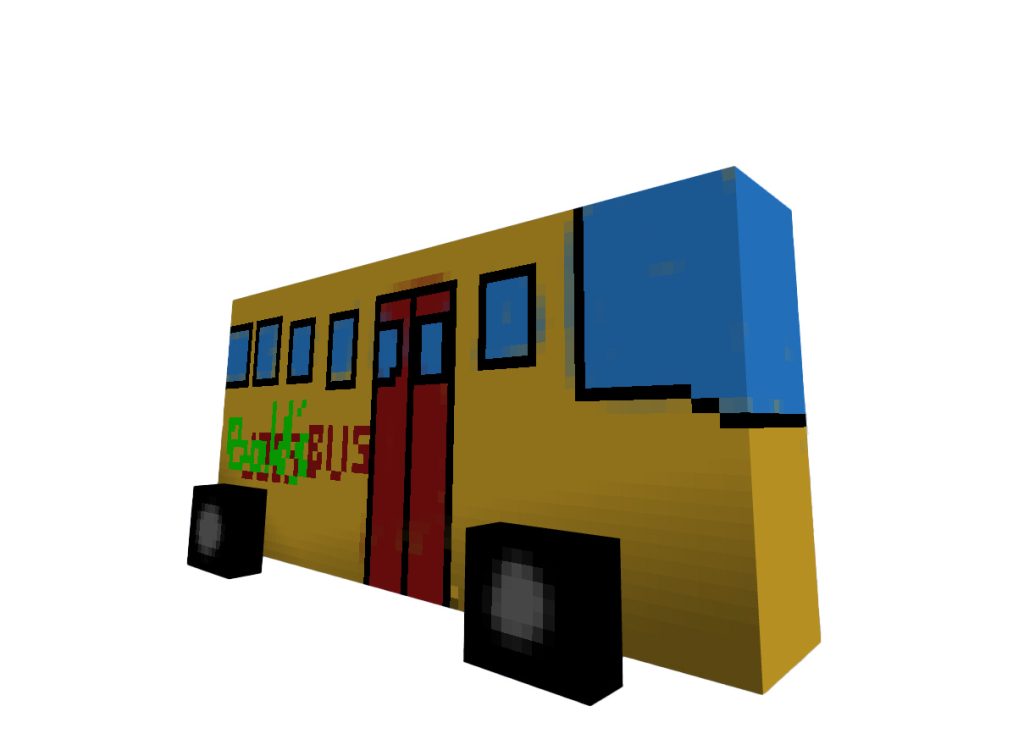
  • Baldi’s Bus
  • Water Fountain
  • Chalkboard
  • Playground
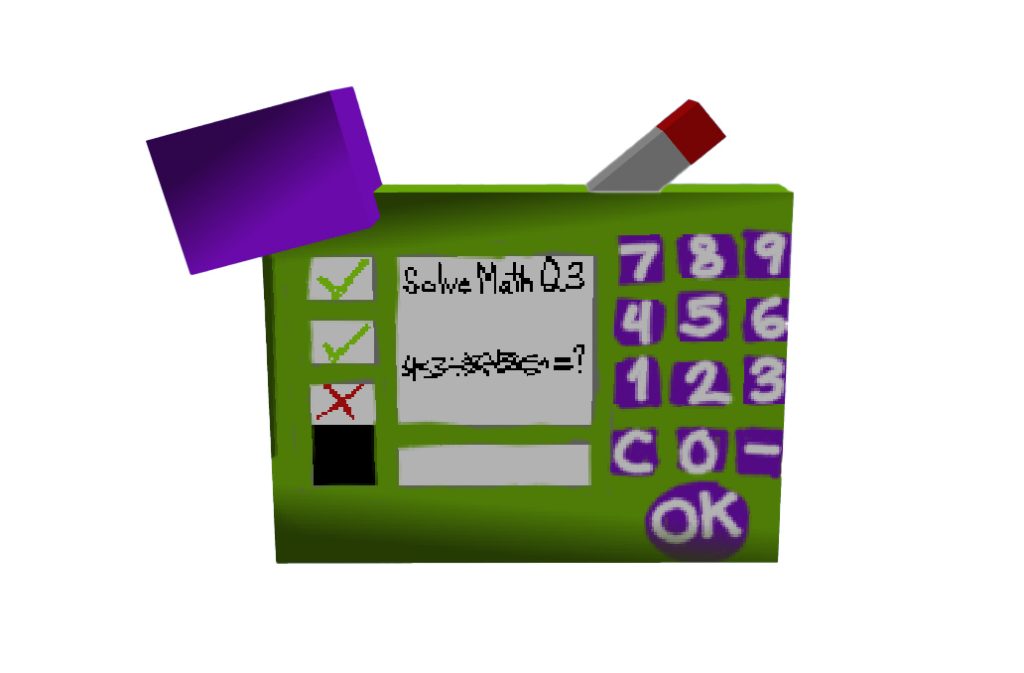
  • You Can Think Pad
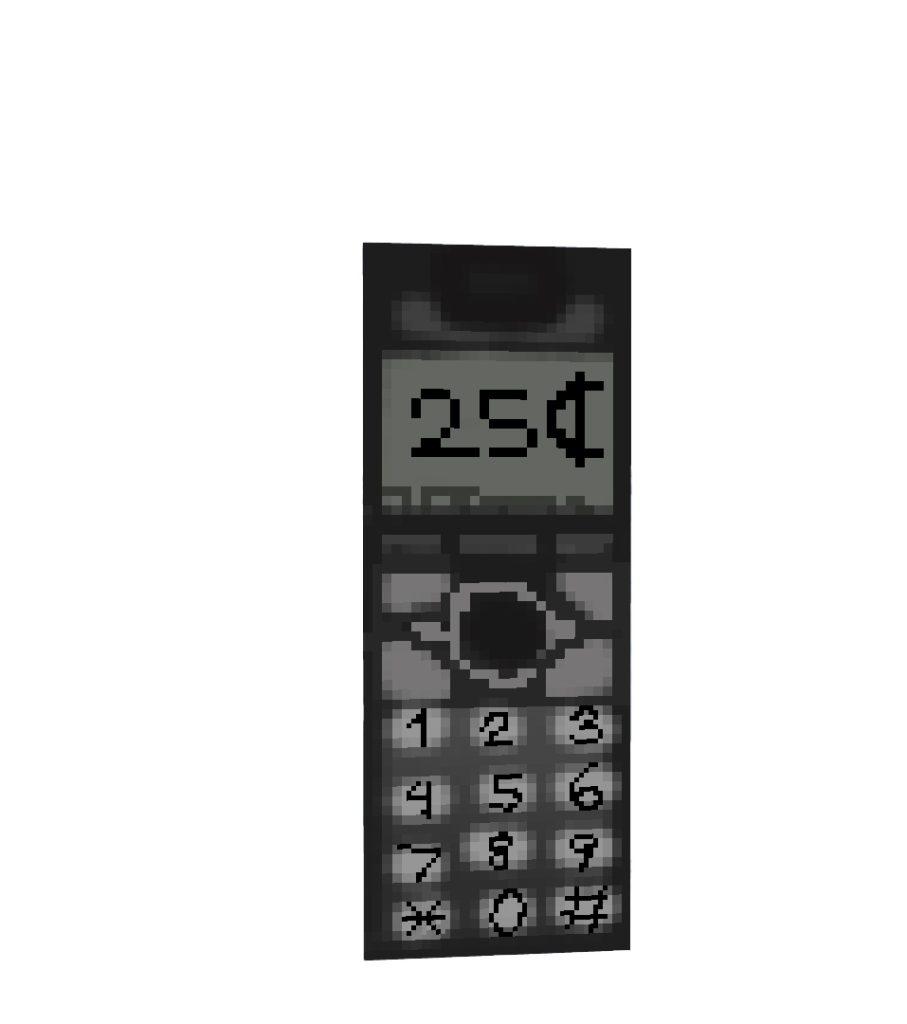
  • Payphone

Some addons Minecraft PE you can check in Mcpeaddons.com:

Grian skin

Download Baldi’s Basics Addon

- Advertisement -

Left 4 Dead SkinPack

0

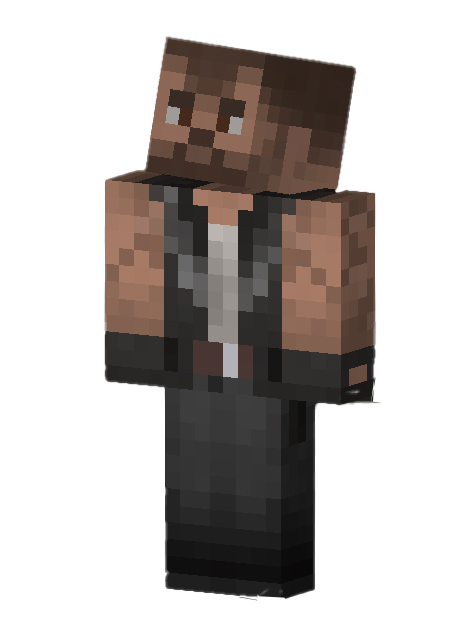
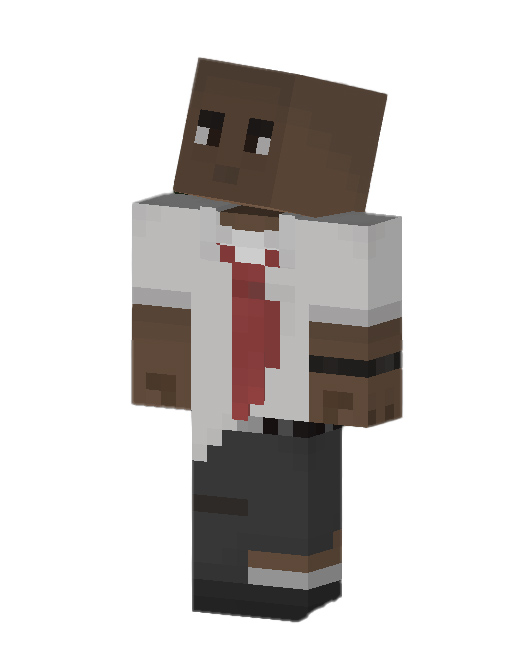
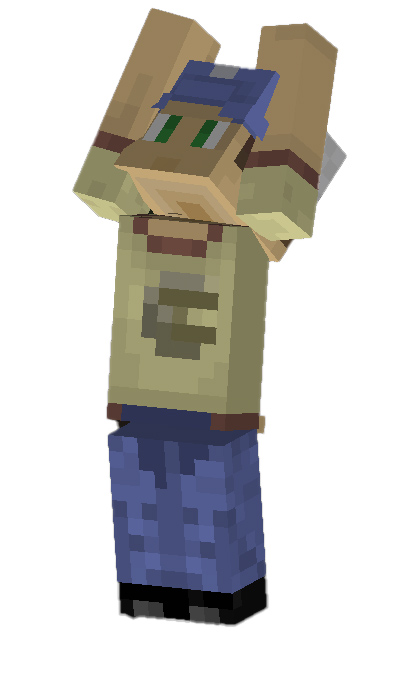
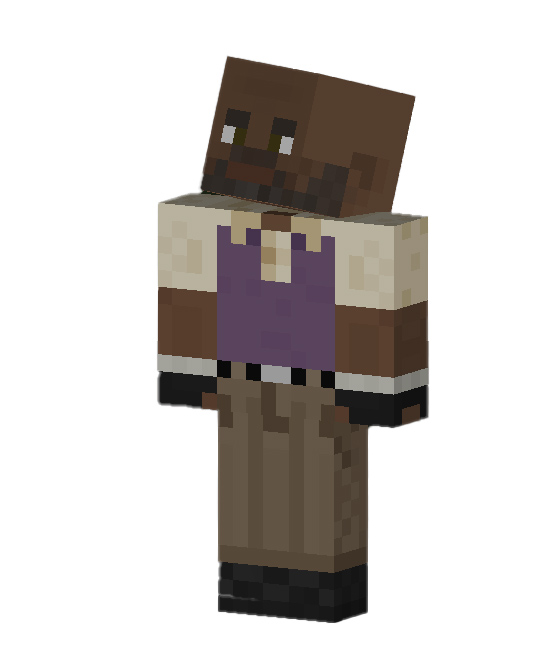
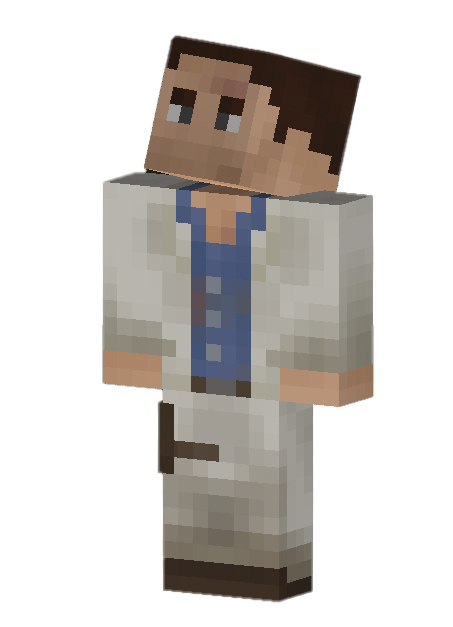
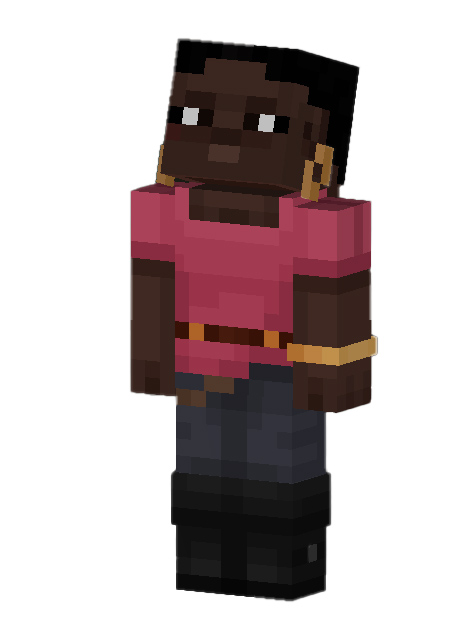
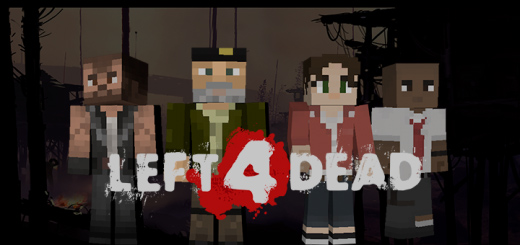
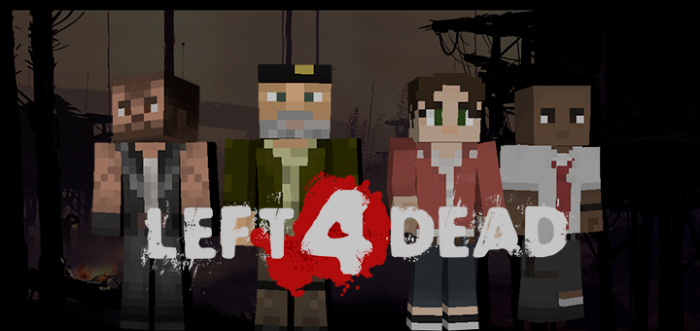
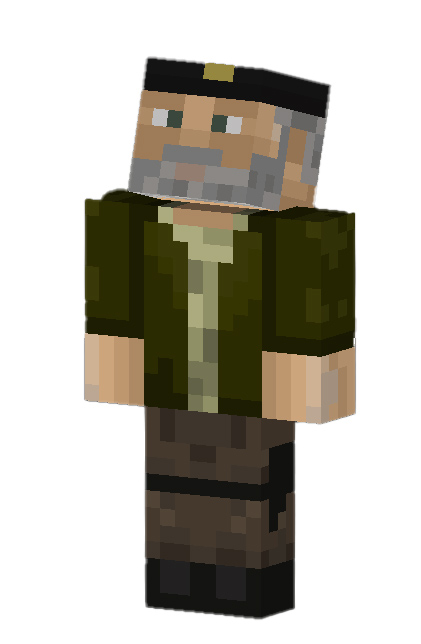
Create your team and face the zombies through different maps to reach the nearest refuge with this Left 4 Dead skinpack that contains the protagonists of both installments of this saga giving us a total of 8 skins so you can choose your character favourite.

Creator:  Taquito 🙂 (Twitter)

Left 4 Dead SkinPack

Some Skin packs in Mcpeaddons.com you can check:

Installation

You just need to download the .mcpack file and open it with a double click and it will automatically open and install in Minecraft.

Download L4D Skin packs

Download L4D Skin Packs (Link backup)

- Advertisement -

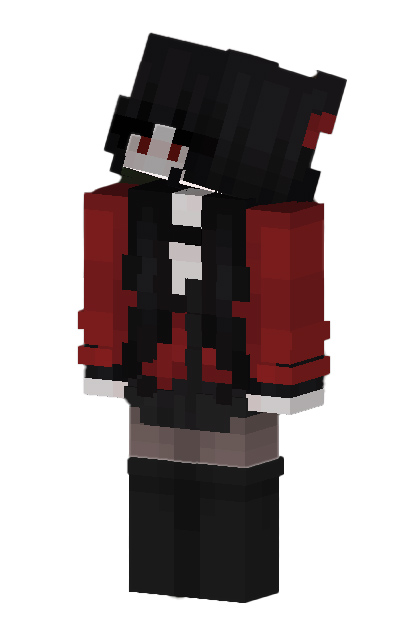
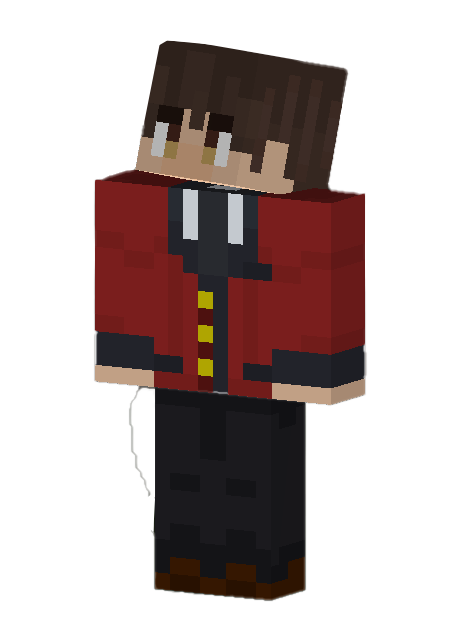
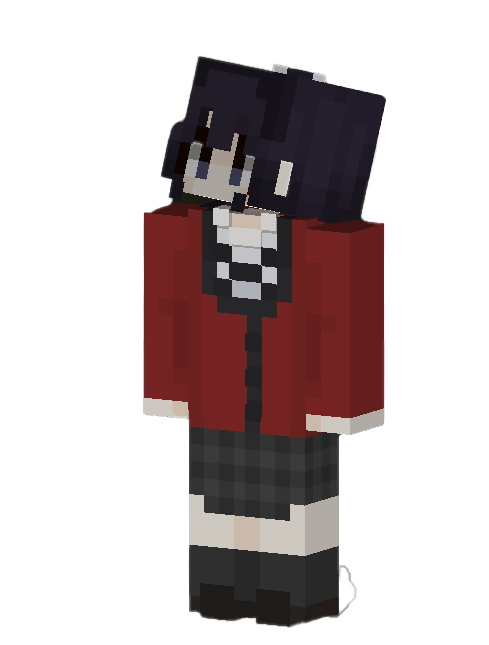
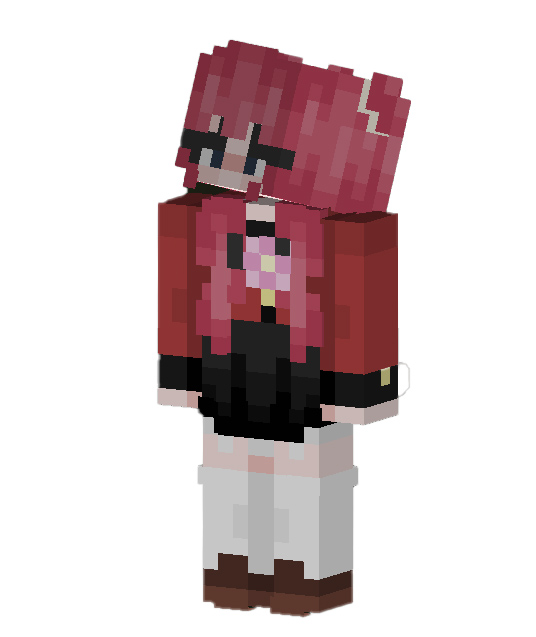
Kakegurui Anime SkinPack

0

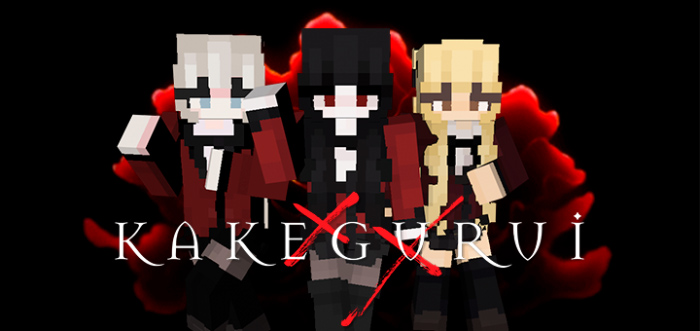
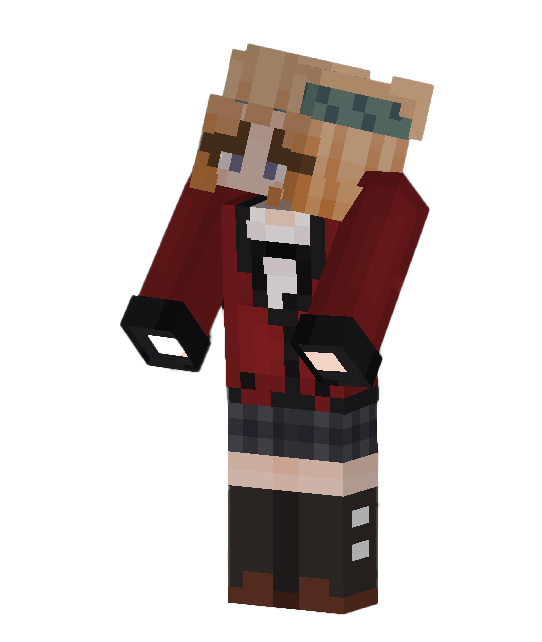
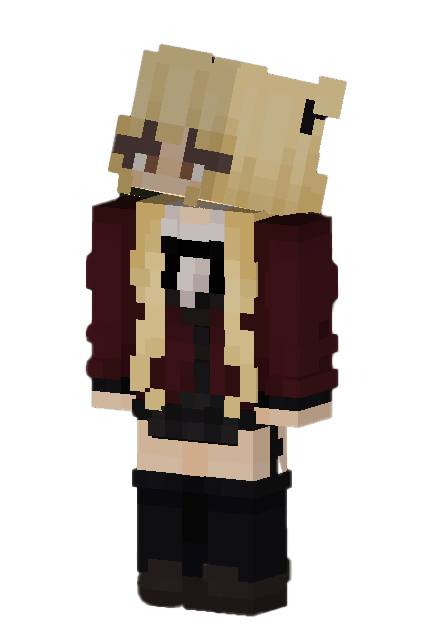
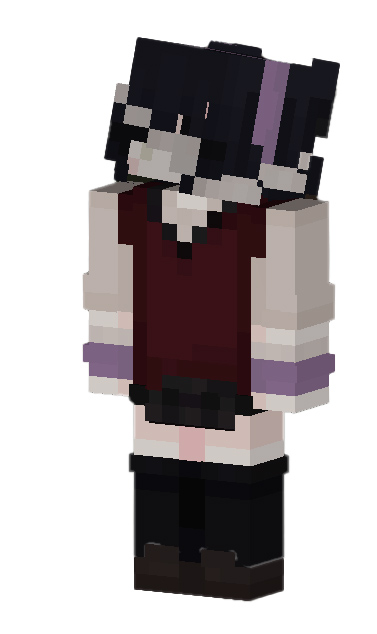
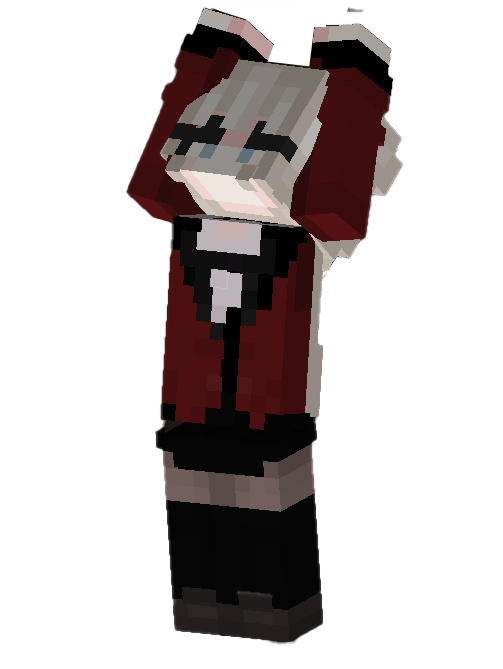
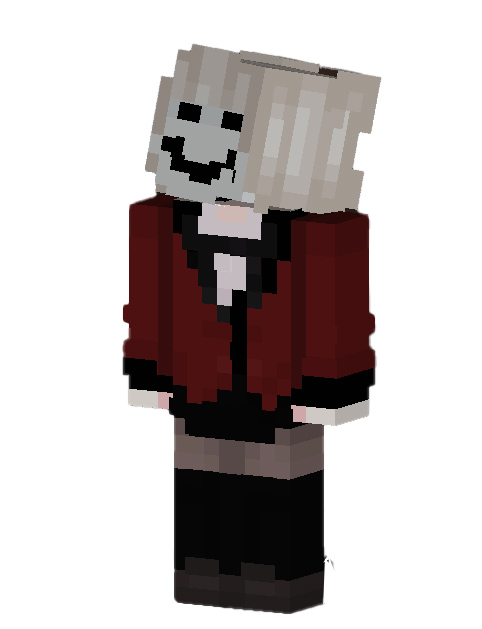
Enter Hyakkaou Academy and take on the student council in a gaming battle with totally wacky characters along with Yumeko and Ryota with this great Kakegurui anime skin pack featuring a total of 12 characters

Creator: Taquito 🙂

Kakegurui Anime SkinPack

These are the 12 skins:

You can check more Skin Packs in mcpeaddons.com:

Installation

You just need to download the .mcpack file and open it with a double click and it will automatically open and install in Minecraft.

Grian skin

Kakegurui SkinPack

Download Hkakegurui skinpack (Link Backup)

- Advertisement -

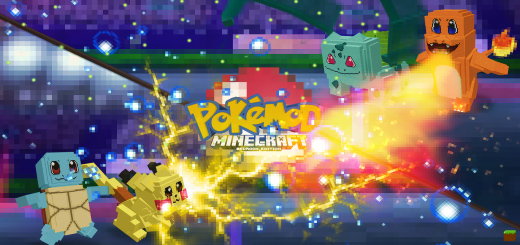
Pokémod (Pokémod + Skin Pack)

0

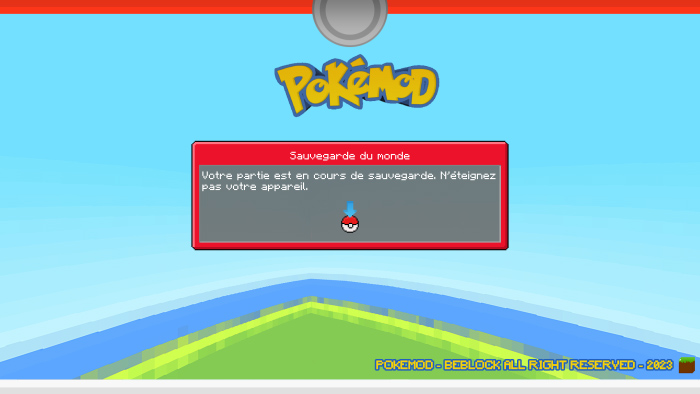
WHO WILL TRAINEE BE THE BEST? This POKÉMOD addition is available. Build a pokeball to ensure your survival! Observe your preferred first-generation starter! Create your own Pokémon battle arena and challenge your friends to it!

Creator: BeBlock

Pokémod

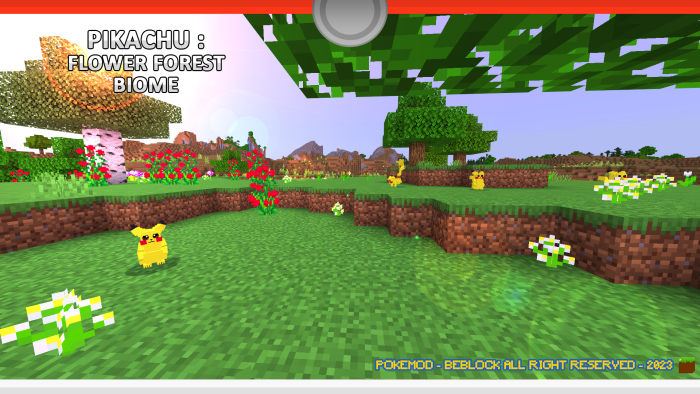
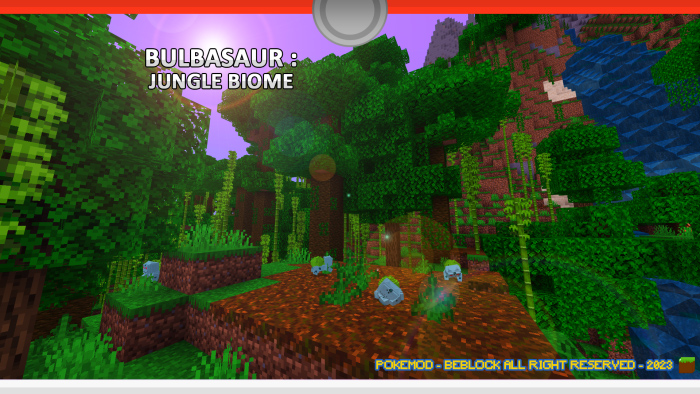
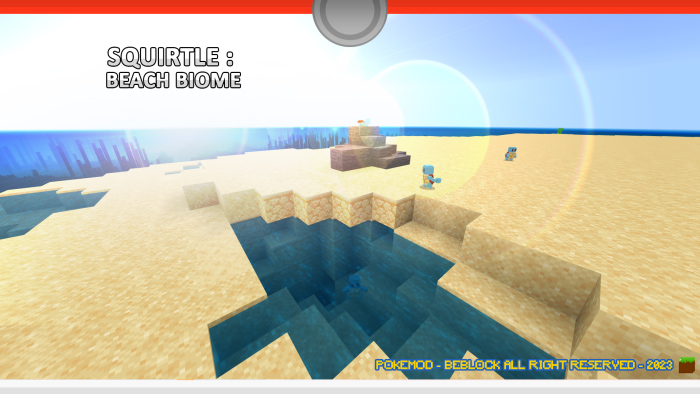
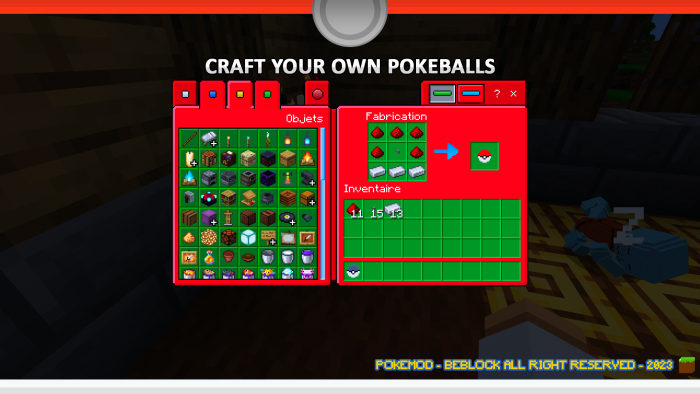
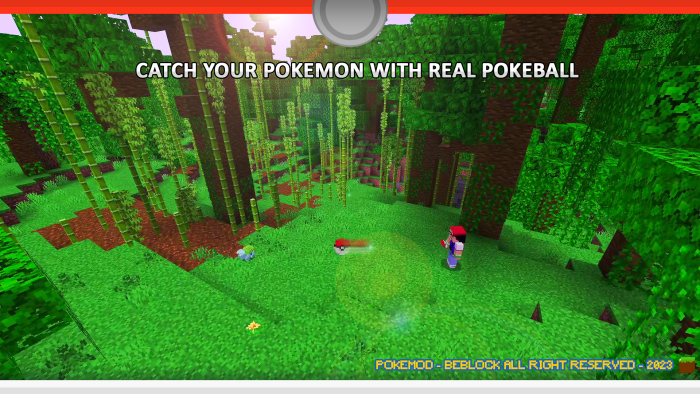
Pokemon-themed modification You learned of a new thing you can make from a villager who lives far from where you are now. You end up holding a Pokeball in your hands after obtaining all the required parts. a genuine pokeball You must immediately test it, without a doubt! You may have heard that Bulbasaur lives in the jungle, Squirtle lives on beaches, Charmander lives in red deserts, and Pikachu lives in flowery forests. You’ll be able to fling Pokeballs at any Pokémon you come across since your trainer’s spirit is on fire! Take them all in!

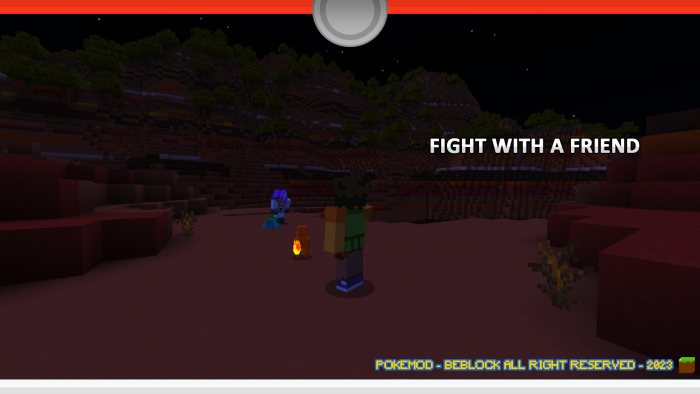
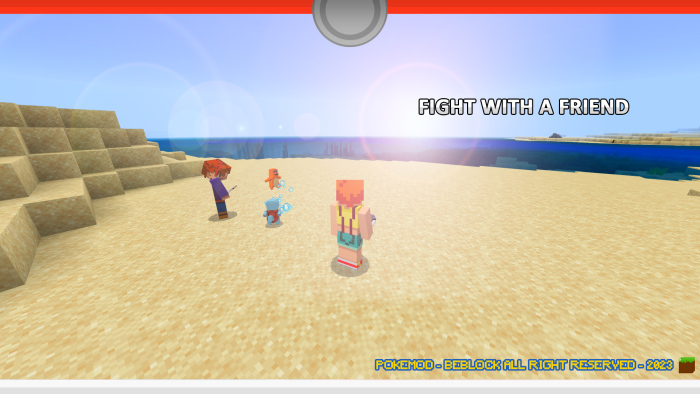
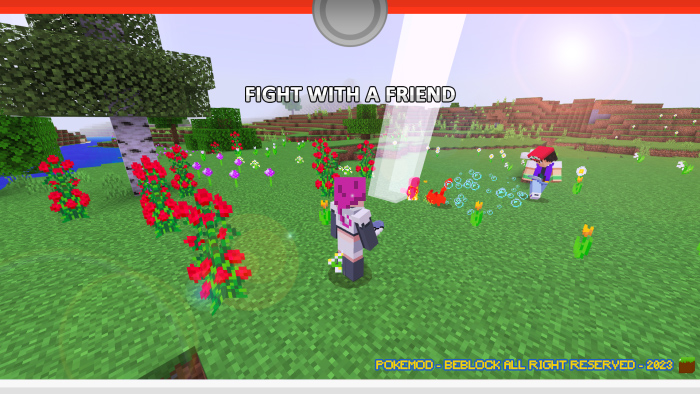
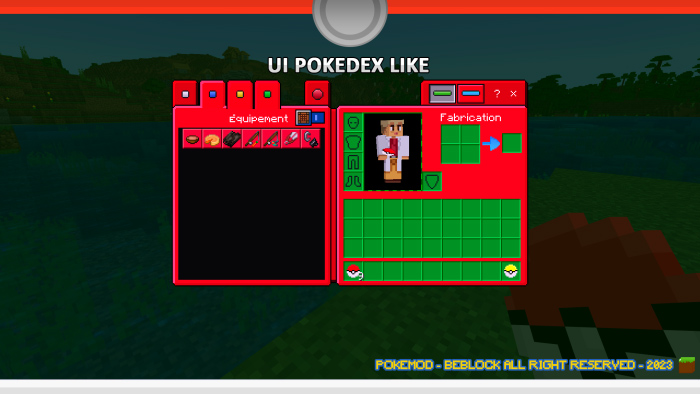
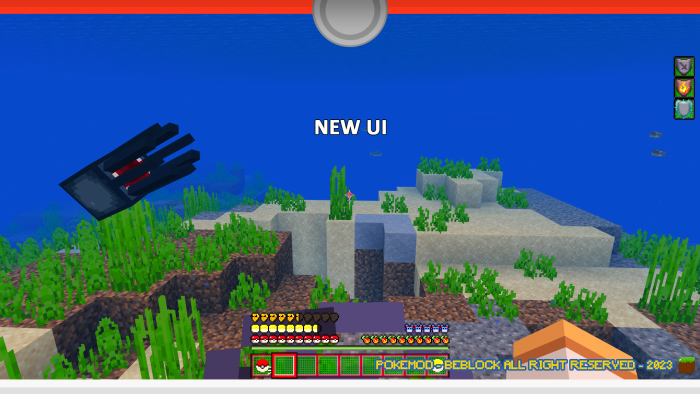
Once your Pokemon is caught, it will defend you during your game and can never disappear. If it dies, call it back into its Pokeball and summon it back whenever you want! If you invite a friend on your survival and he creates a team, you will be able to fight him in crazy battles! Finally, a new Pokedex-inspired user interface has been installed for your immersion.

This pack is a Bedrock exclusive content. It contains:
– 4 Pokemon types (appear in their respective biomes)
– 1 survival mode Pokéball
– 1 UI inspired by the Pokédex
– 32 custom sounds
– 6 custom particles
– Custom animations for each Pokemon

Additional information:
– Find your Pokemon and throw it a Pokeball (action button). Capture percentage included.
– When your Pokemon dies it does not disappear, you can call it back into its Pokeball.
– You have to start the battle by attacking your target (e.g. with a snowball).
– You can heal your Pokemon by giving it a certain type of plant.
– You can put your Pokemon to sleep, this action will give it back all its life.
– It will follow you in your survival and attack your targets.
– Pikachu has a lightning attack that can charge the Creeper. Beware!
– Carapuce is the only one that can move and fight in water. Splash!
– Bulbizarre has a devastating whip-liana that will capture the attention of surrounding creatures. Be fearless!

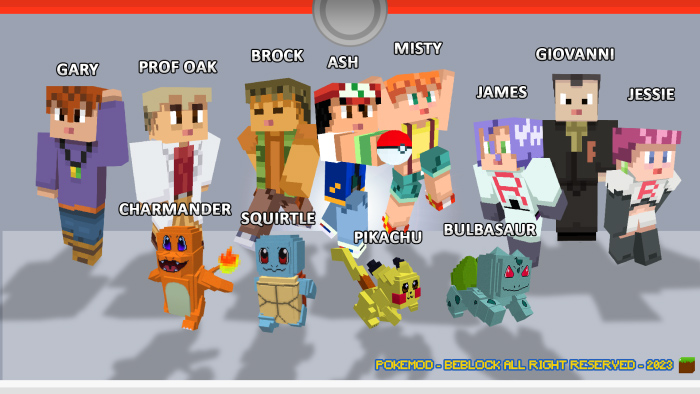
SKIN PACK:


POKEMON :

POKEMON BIOME LOCATION

POKEFIGHT :

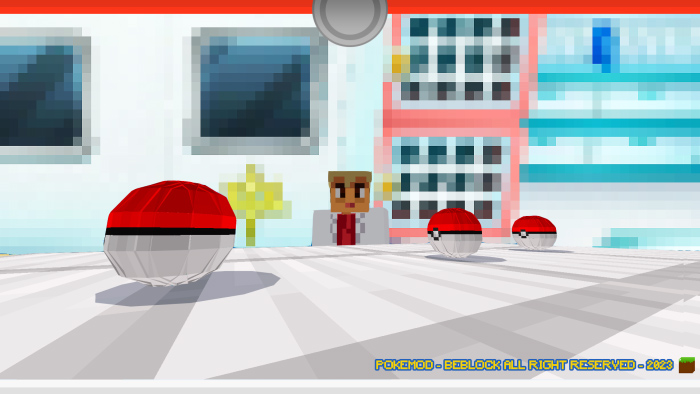
UI

POKEMON CATCH

ANOTHER SCREENSHOT

YOUTUBE

TWITTER

TIKTOK

DISCORD

PATREON

Some Addons Minecraft PE about Pokemon you can check in mcpeaddons.com:

Installation

To install this data pack, you must have the Minecraft Bedrock version.

– Open the downloaded .mcaddon file “Pokemod Vanilla Bedrock Addon”. This will automatically install it on your game.
– Create a survival map with the settings you want.
– Start by opening the behavior packs and install “Pokemod”.
– Install the texture pack also named “Pokemod”.
– To install the skin pack, open the file “Pokemod Skin Pack”. This will automatically install it on your game.
– Have fun in your new survival with your pack (Beware, the pack installation does not allow you to have trophies in survival).

- Advertisement -

Flags in Steve SkinPack

0

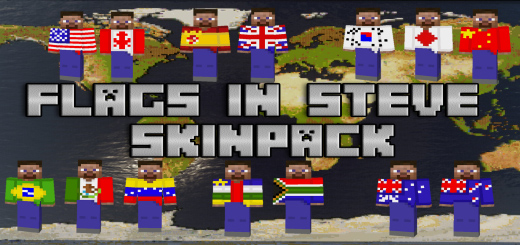
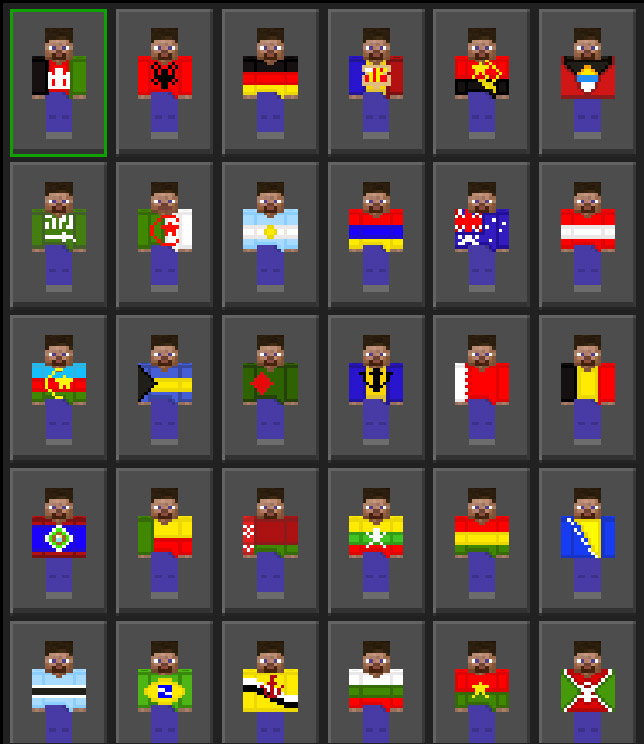
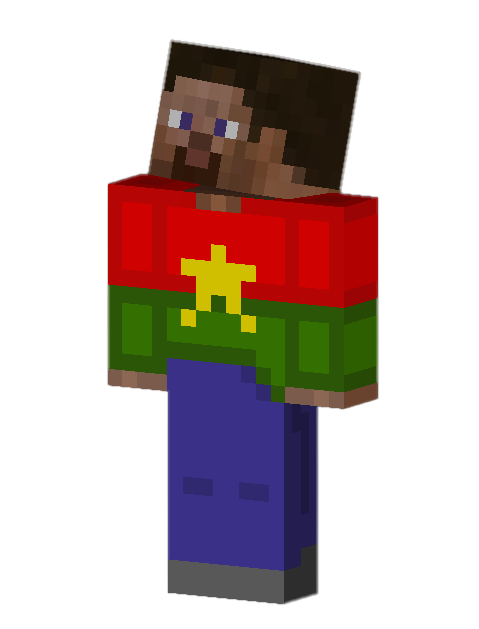
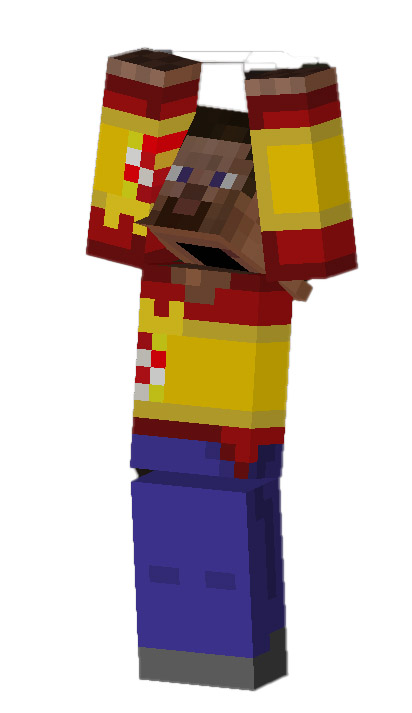
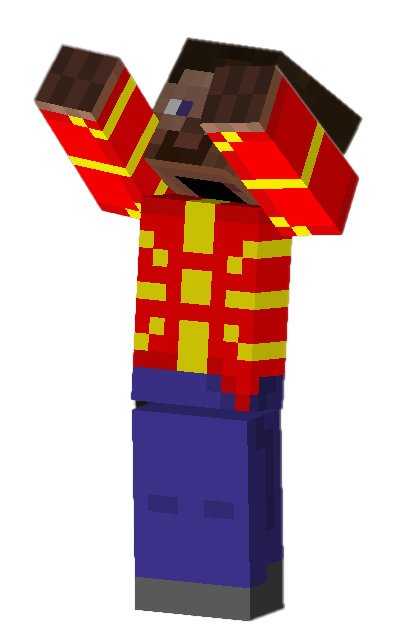
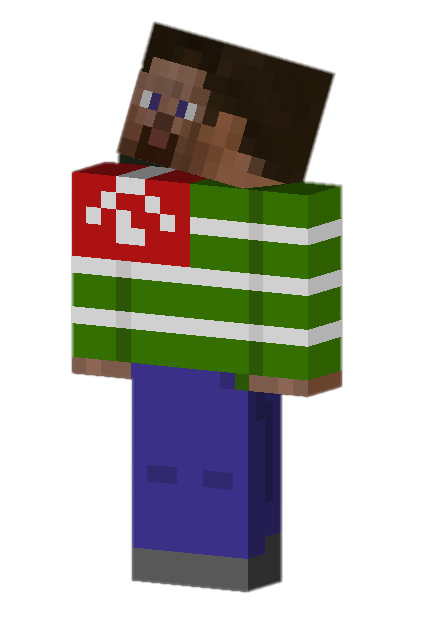
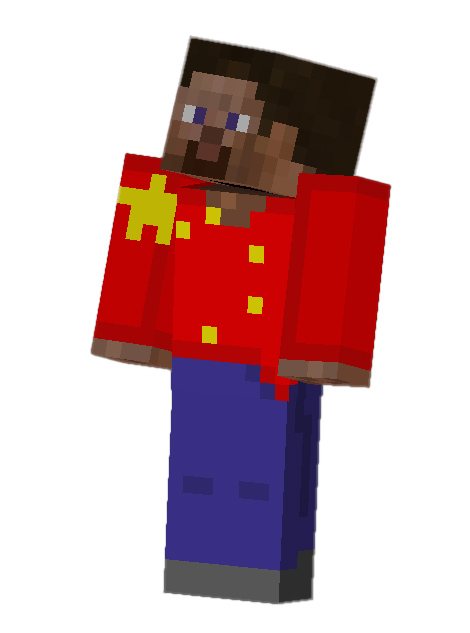
Download this great pack of skins that includes all the flags of the world. Each flag is carefully detailed, with beautiful colors. Steve’s skin with a beard was used as a base.

Creator: IsraOrbit (Twitter)

Flags in Steve

Update V1.1: 
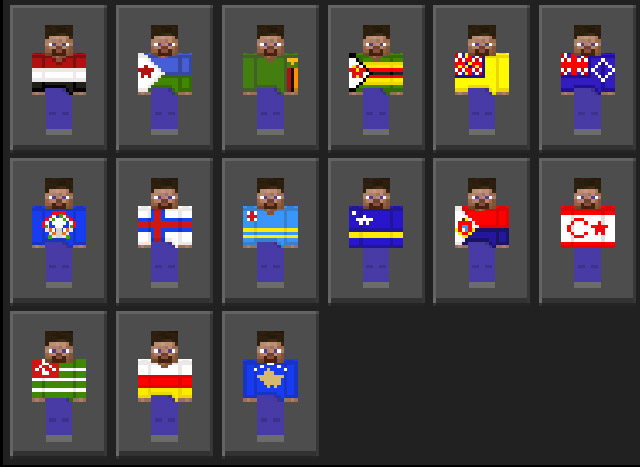
11 skins were added, which are flags that belong to islands, territories, among others.

Skins screenshots:

Some Skins Minecraft PE you can check in Mcpeaddons.com:

Changelog

Update V1.1:
11 skins were added, which are flags that belong to islands, territories, among others.

Download Flags in Steve SkinPack

Download Flags in Steve Skin Pack (LINK BACKUP)

- Advertisement -

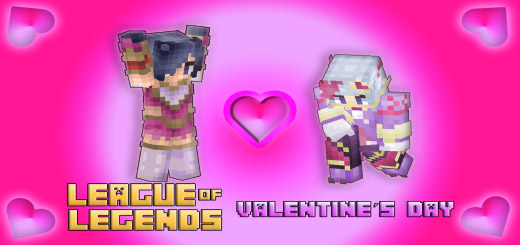
League of Legends Skin-Valentine´s Day Update-

0

League of Legends skin, League of Legends is a team-based game with over 140 champions to make epic plays with. In the game, two teams of five players fight in player vs. player combat, each team occupying and defending their half of the map. Each of the ten players controls a character, known as a “champion”, with unique abilities and different play styles. (ambien sleeping pill online)

Creator: IsraOrbit (Twitter)

League of Legends Skin

During a match, champions become more powerful by accumulating experience points and earning gold that is used to purchase items to defeat the opposing team. In LoL League’s main game mode, “Summoner’s Rift”, a team wins by breaking through to the enemy base and destroying their “nexus”, a large structure located within which three lines of minions emanate or “minions”, not players who, when eliminated by the enemy team, grant gold and experience.

Valentine´s Day Updated:

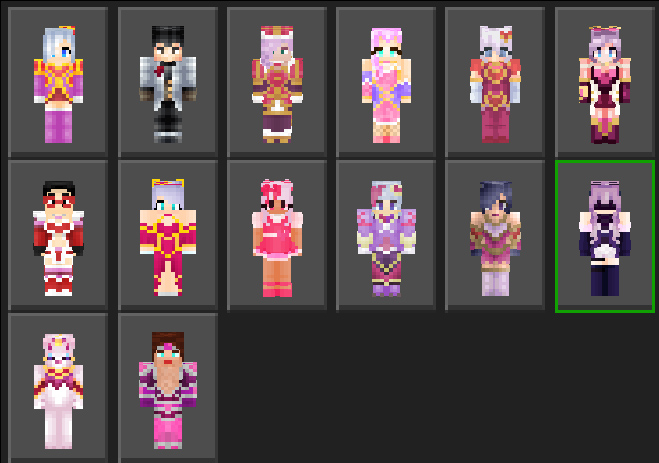
League of Legends Skin pack adds several skins that pertain to the League of Legends Valentine’s Day events. Adds a total of 14 skins.

Skins Screenshots:

Ashe Heartseeker:

Debonair Jayce:

Heartpiercer Fiora:

Heartseeker Jinx:

Heartseeker Quinn:

Heartseeker Vayne:

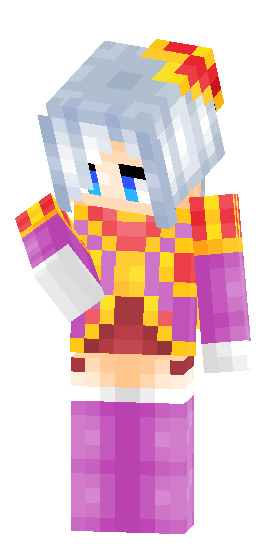
Sweetheart Sona

Sweetheart Annie:

Sweetheart Rakan:

Sweetheart Xayah:

Withered Rose Syndra:

Heartseeker Yuumi:

Heartseeker Taric:

All Skins:

Star Guardian Updated:

Star Guardian is a series of parallel universe skins in League of Legends that follow the story of a group of high school students who choose to become cosmic protectors and must battle cosmic enemies threatening the universe. However, they consequently learn of the anguish and perils associated with their newfound roles as self-doubt, desperation and the daily life of a high school student.

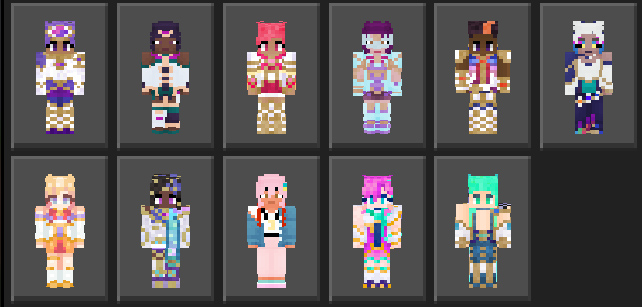
Contains the skins of all existing seasons 4 of star guardians of league of legends. There are a total of 35 skins.

League of Legends Base skins:

This package contains all the base skins of all the League of Legends champions, in total there are 162.

Screenshots:

In the future, skins of the most popular themes will be added, including: star guardians, K/DA, and more.

Some Skin for Minecraft you can check in Mcpeaddons.com:

Changeog

Valentine´s Day Updated:

This pack adds several skins that pertain to the League of Legends Valentine’s Day events. Adds a total of 14 skins.


Download LOL Valentine´s Day Updated

Download LOL Star Guardian Updated

Download LOL Base Skins

- Advertisement -

Stands Verse 1.0 Add-on

0

——————————————————————————————————————–
CONTENT CREATORS.
 if you are going to make the download of this addon available on your website,
avoid not changing the links!
If you’re going to record, leave the link to this site!
——————————————————————————————————————–

Creator: AL3XANDRE (Youtube, Twitter)

Stands Verse

MY CHANNEL:

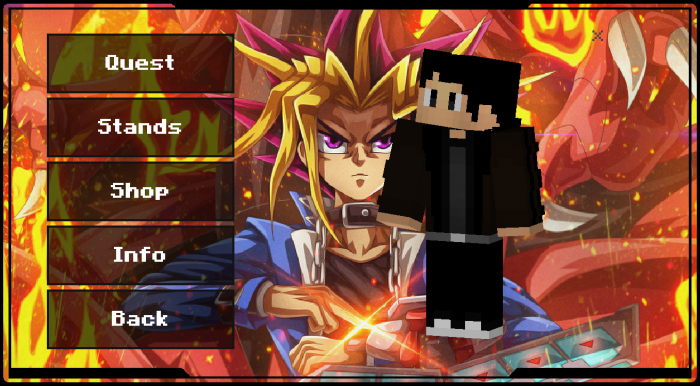
Home Menu:
Quest, you can do the addon’s story mode and get rewards like TP and COINS.
Stands, you can buy the stands available in this version with TP and COINS.
Shop, you can buy more COINS with TP and buy more Stands in the future.
Info, In this tab you can have more information about addon.
Back, Simply the option to close the menu.

Stands Verse

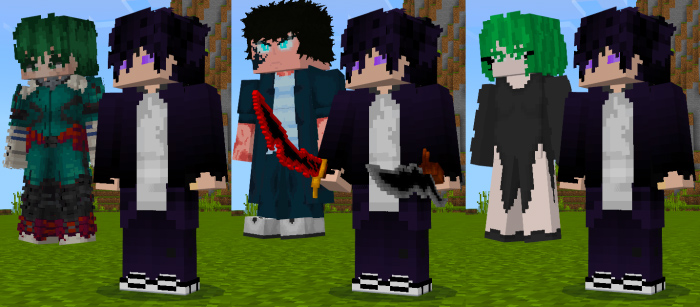
Stands:
Deku, Jin Woo, Tatsumaki:

Ryuk, Yuji, Bills:

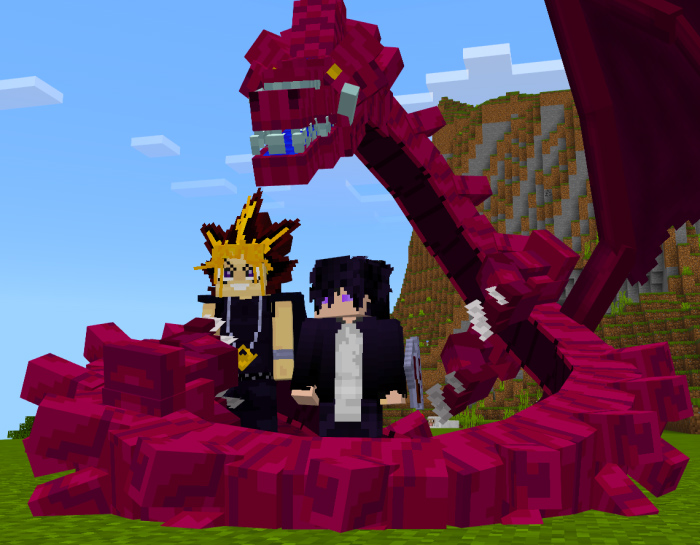
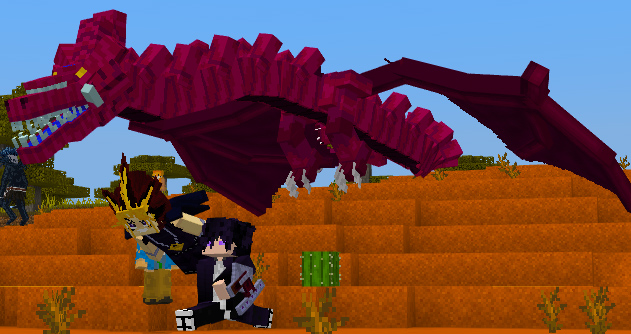
Slifer the Sky Dragon:

Attacks and Specials:
Jin Woo:
Beru..
Igris..

Bills:
Sphere of Destruction..
Hakai..

Yugi:
Field of Fire..
Fire Ball..

Deku:
Smash..
Detroit Smash..

Tatsumaki:
Telecinese..
Meteor..

Bills
Sphere Destruction
Hakai
Tatsumaki
Telecinese
Meteor
Deku
Smash
Detroit Smash

Some addons Minecraft PE from AL3XANDRE you can check in mcpeaddons.com:

Download Stands Verse (Resource pack)

Download Stands Verse (Behavior pack)

- Advertisement -

Player Pick Up Carry Addon 2

2

Pick up a player or a mob and carry it to the right place! Without entering any commands or using special items! All mobs and players are carryable! Even mobs from other addons!

Creator: sirob

Player Pick Up Carry

⭐ To start carrying, you don’t need to enter any commands or use a special item!

⭐ When you carry a mob or player, you see your hands from the 1st person!

⭐ You can launch a mob that you carry far ahead!

⭐ If you fall from a height of more than 3 blocks while carrying, the mob or player will fall out of your hands!

⭐ You can only carry if both your hands are free of items!

⭐ If you go underwater while carrying, the mob or player will fall out of your hands!

⭐ Supports multiplayer with carrying players and unlimited online players!

⭐ Fully customizable! You can disable 1st person hands rendering, enable the slowness effect when carrying, adjust the strength of the pushback when launching a mob, and quickly turn the addon on/off!

⭐ Doesn’t break any vanilla animations! (using spyglass, holding map, charging crossbow, etc.)

⭐ Thoroughly tested for bugs, any bugs are excluded with 90% probability!

Make sure you are not holding any item in your hands (mainhand & offhand)

Get as close to a mob or player as possible, look at it, then sneak and jump:

First person view:

To stop carrying, sneak and jump:

Or just take any item in your mainhand / offhand:

To launch the mob, sneak then go forward and jump:

If you go into the water more than 1 block deep, the mob/player will fall out of your hands:

If you fall from a height of more than 3 blocks, the mob/player will fall out of your hands:

You can also carry players:

First person view:

Chaining is supported:

You can carry any mob:

Now you can get the mobs out of the boat:

To open the config window, enter this command: /function pickupcarry_config

Here you can configure:

🔧Enable addon. Allows you to quickly enable/disable an addon without reloading the world.

🔧Rendering hands from 1st person. If disabled, 3D hands will not be rendered from 1st person.

🔧Level of slowness while carrying. If 0, the slowness effect is not applied.

🔧 Power of push back when releasing entity. The more, the farther away mob flies when it is launched.

Some Minecraft Addons PE you can check in Mcpeaddons.com:
 This addon uses player.json and is not compatible with other addons that also use it
 Your Minecraft version type is “release” and version 1.19.60 or higher. Only release versions are supported, in beta versions addon was not tested, and its correct work is not guaranteed!

 Enable these experiments: “Beta APIs”, “Holiday Creator Features”, “MoLang Features”

Download Resource Pack

Download Behavior Pack

- Advertisement -

A Guide to Creating a Nether Portal in Minecraft

0

Minecraft is a game that has captured the hearts of millions of gamers worldwide. One of the most exciting aspects of the game is the Nether, a hellish dimension that players can travel to for unique resources and challenges.

In this guide, we will show you how to make a Nether portal in Minecraft, as well as cover some related topics like how to calculate the Nether portal and how Nether coordinates work. We’ll even take a look at how Pewdiepie built his Minecraft base, so let’s get started!

What is the method of calculating the nether portal?

The first step in making a Nether portal is calculating its dimensions. A Nether portal requires a frame made of Obsidian blocks, which can be obtained by pouring water over lava. The frame must be 4 blocks wide and 5 blocks high, creating a rectangular shape with a hollow center.

You can use the Abacus Game Minecraft Nether Portal Calculator to determine the dimensions and materials necessary to build a Nether Portal in Minecraft, which will provide coordinates for the corresponding location in the Nether. These coordinates enable you to construct the portal frame in the Nether at the appropriate location once you have received them.

What kind of Minecraft base did Pewdiepie build?

Pewdiepie is one of the most popular YouTubers, and he has a huge following of Minecraft fans. His Minecraft series is known for its epic builds and entertaining gameplay. So, how did Pewdiepie build his Minecraft base?

Pewdiepie’s base is a massive structure that includes a farm, a castle, a roller coaster, and even a massive statue of himself. He used a variety of materials, including cobblestone, wood, and glass, to create a unique and visually stunning base.

If you want to build a base like Pewdiepie’s, start by gathering the necessary resources and selecting a location. Then, use your creativity and imagination to design and build your dream base.

What is the function of nether coordinates?

When you travel to the Nether, you are entering a separate dimension with its own set of coordinates. The coordinates in the Nether are not the same as the coordinates in the Overworld. As we mentioned earlier, the coordinates in the Nether are 8 times smaller than the coordinates in the Overworld.

To navigate between the Overworld and the Nether, you need to calculate the corresponding coordinates and build a Nether portal at the correct location. This will create a portal that links the two dimensions, allowing you to travel back and forth as needed.

Some Blog & Tips addons Minecraft PE you can check in Mcpeaddons.com:
Conclusion

Making a Nether portal in Minecraft can be a challenging but rewarding experience. By following the steps we’ve outlined, you can create a portal that will allow you to explore the Nether and all its unique challenges and resources. Remember to calculate the Nether portal dimensions, use your creativity to build your dream base, and understand how Nether coordinates work to navigate between dimensions. With these tips and tricks, you’ll be a Minecraft master in no time!
- Advertisement -