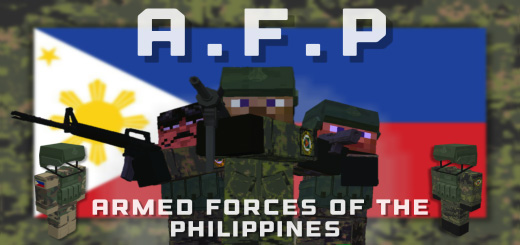
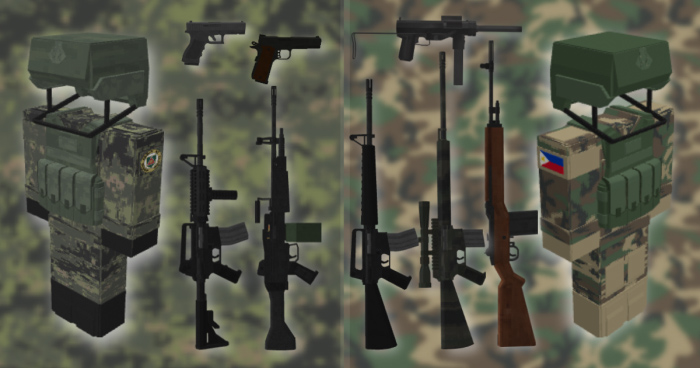
We have clothes, weapons, armor, and other necessary supplies for you! The Military Forces of the Philippines are the focus of Philippine Army – 3D Gun Warpack. Eight intricate 3D firearms, two outfits, and a flagpost for the Philippines are among the goods in the box. Soon, more vehicles and weaponry will be available.
This warpack is centered around the Armed Forces of the Philippines. The guns in this pack are based with realism in mind, with the sounds, animations, and models.
Unlike most 3d gun packs, this one works very well in multiplayer, includes crafting recipes, does not suffer extreme lag spikes with frequent crashes, and changing player skin is attainable, and wont overload your device with lag.
The gear and weapons in this pack are accurate to the gear used by the real life AFP . Some of the firearms are old, like the M3 grease gun, some are upgraded older firearms like the MSSR, and some are newer modern firearms like the R4a3 carbine.
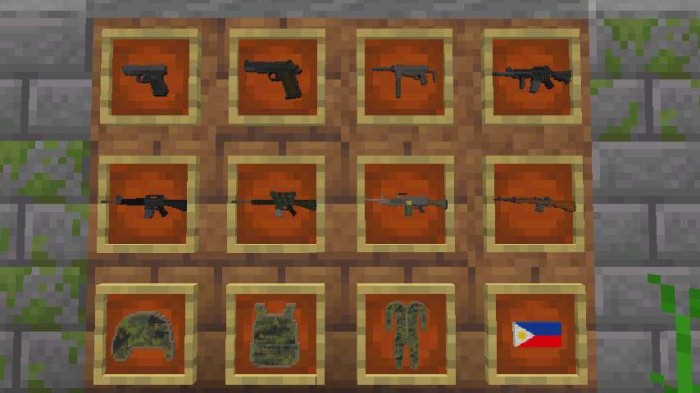
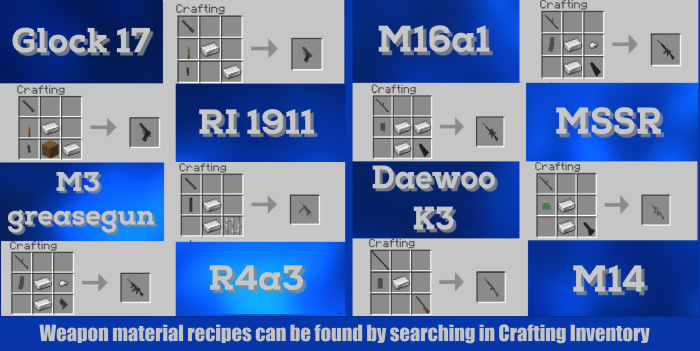
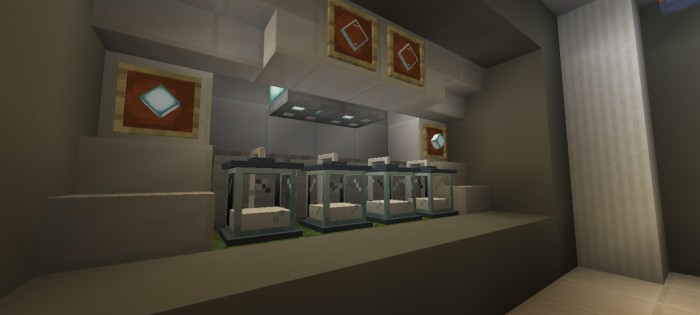
Here is a wall with the icons for the gear and firearms (old uniform not in photo)
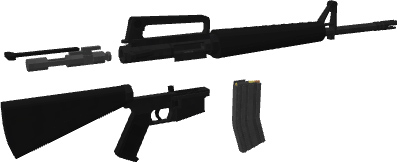
Field stripped m16a1 rifle (same rifle used by GIs in the Vietnam War)
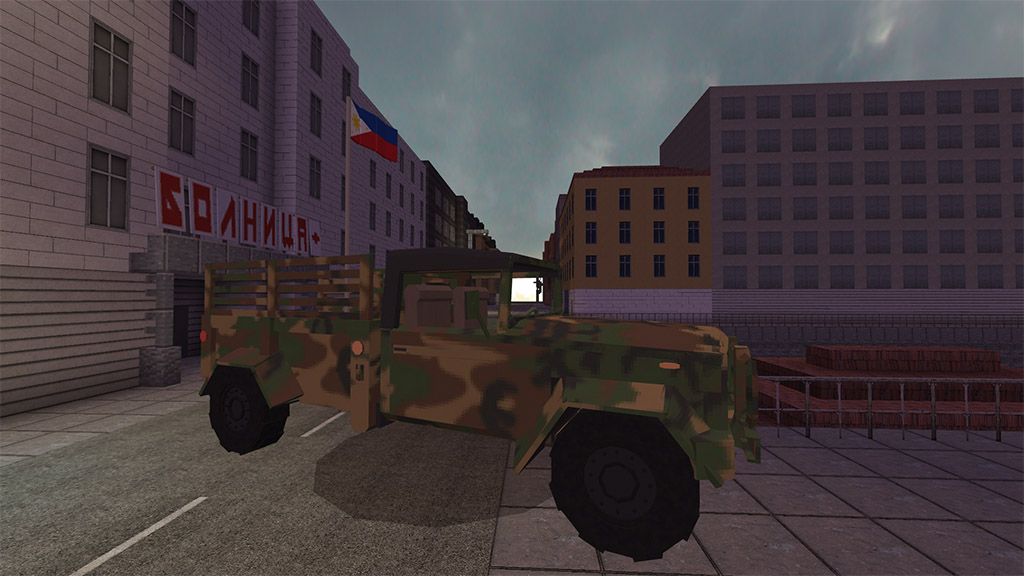
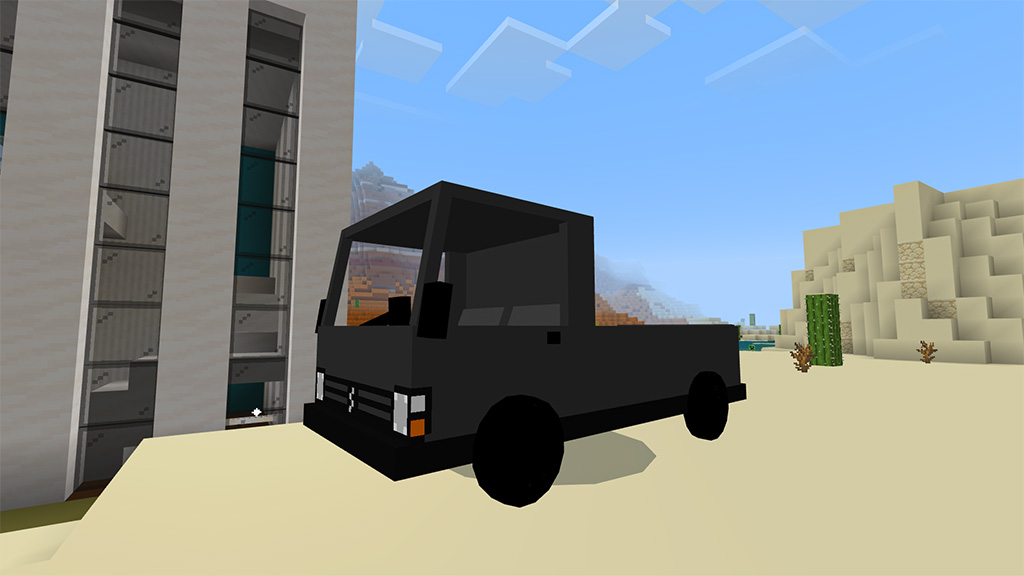
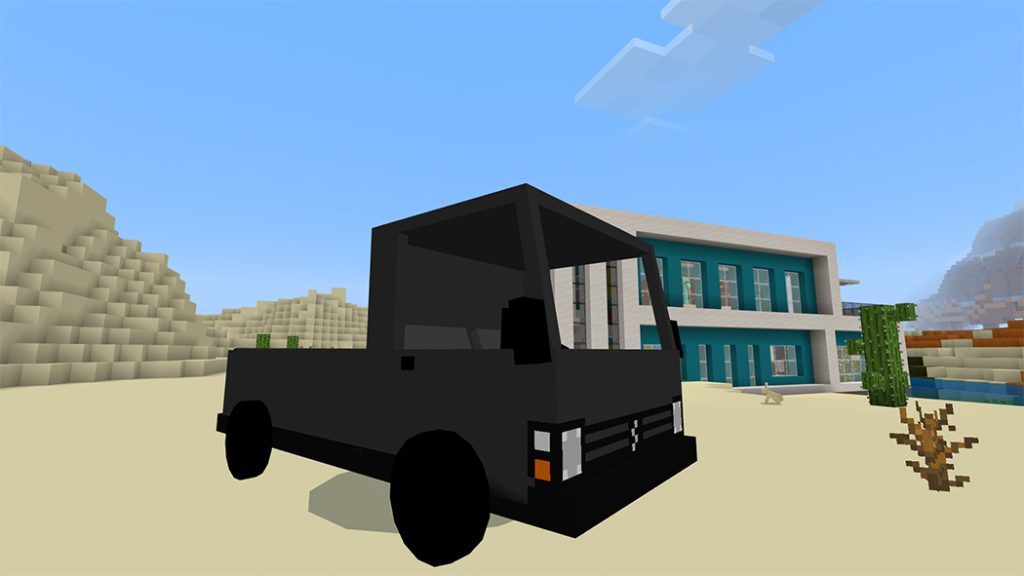
Right now there’s the Kia KM450 added to the pack, we will be adding more vehicles soon!
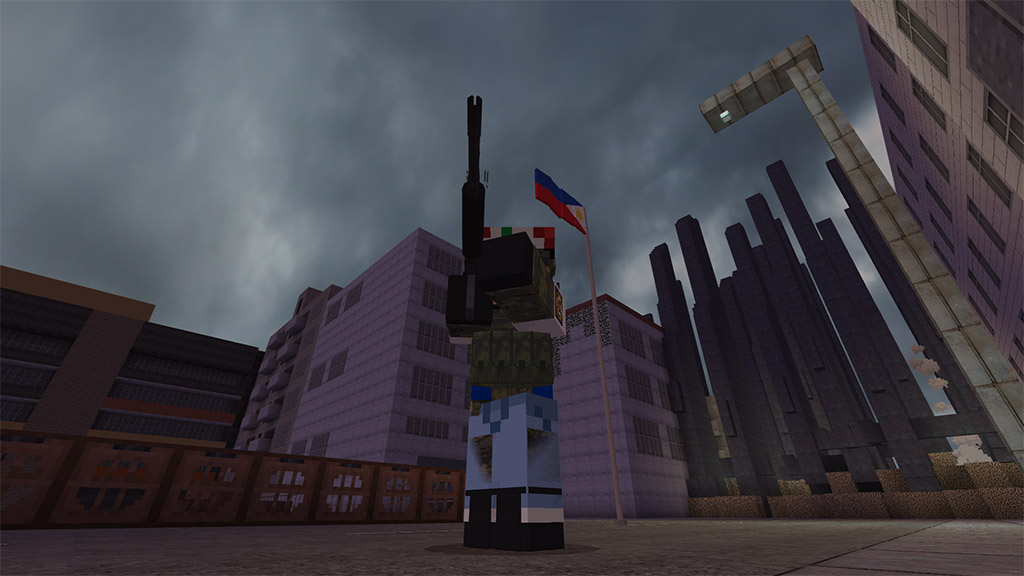
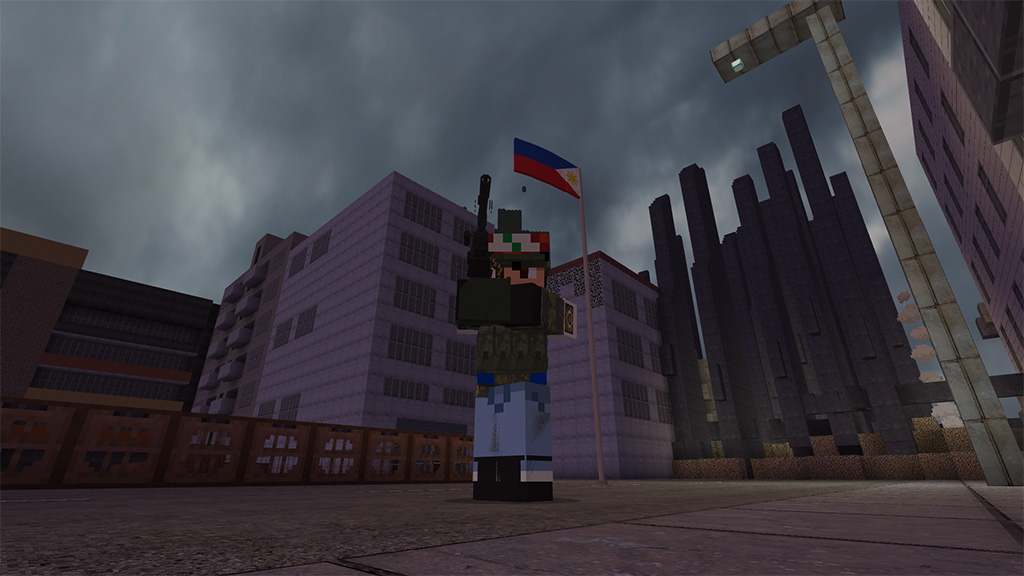
Soldier with Daewoo k3 light machine gun
M16a1 being fired
Crafting Recipes
Function Commands
USE /function help to get extra info on the pack
Best Parkour games
USE /function allguns to get all firearms
USE /function allammo to get all magazines
USE /function clearlag to kill all bullet entities
PLEASE NOTE:
By downloading this pack, you agree to our End User License Agreement. This means you are not allowed to copy and upload our pack, pack code, or any assets in this pack without permission from ArsenalCraft Studios. Read the full version in res pack folder
Make sure to credit when making a showcase video, thanks
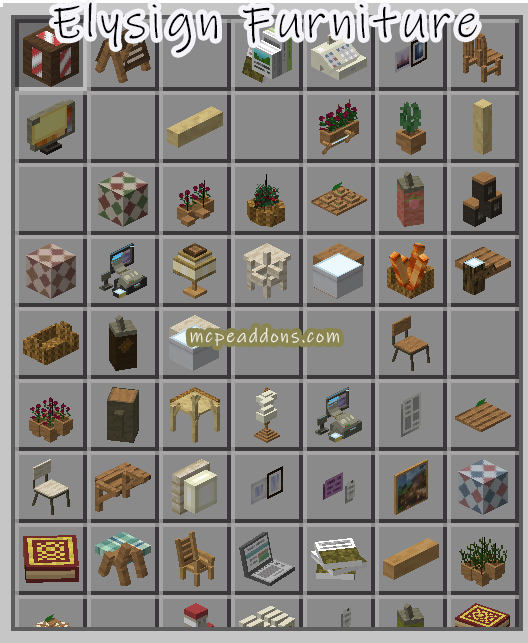
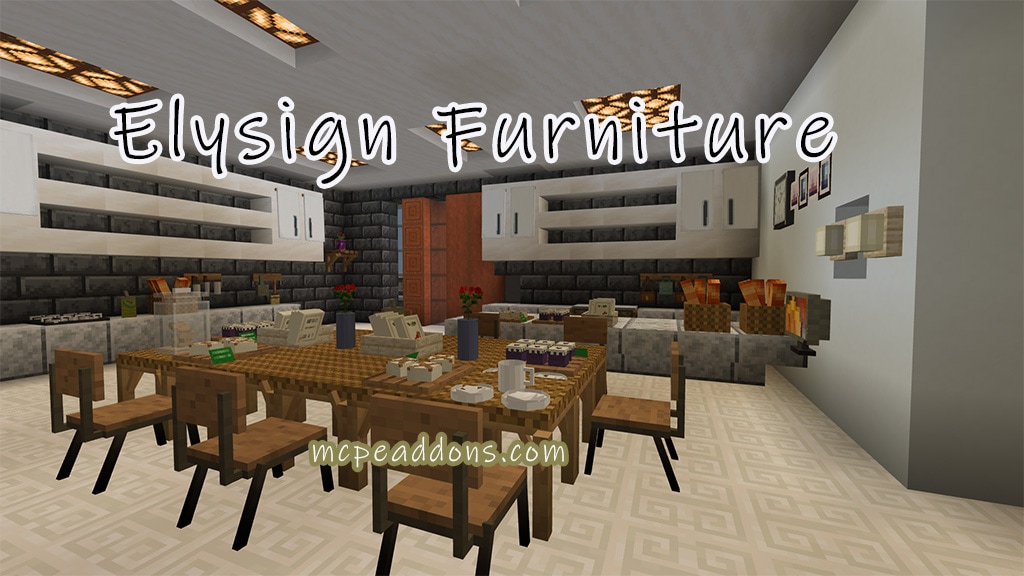
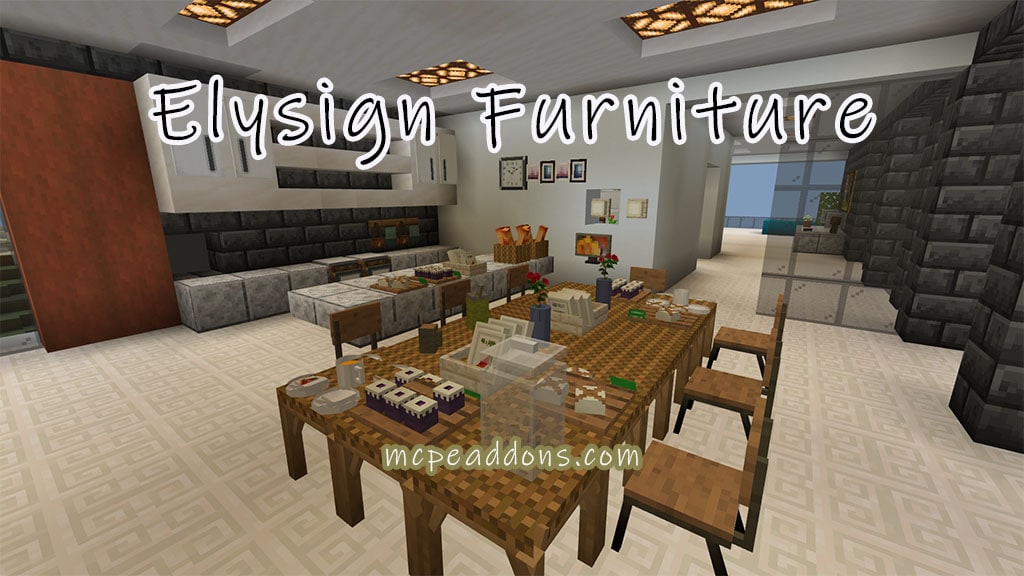
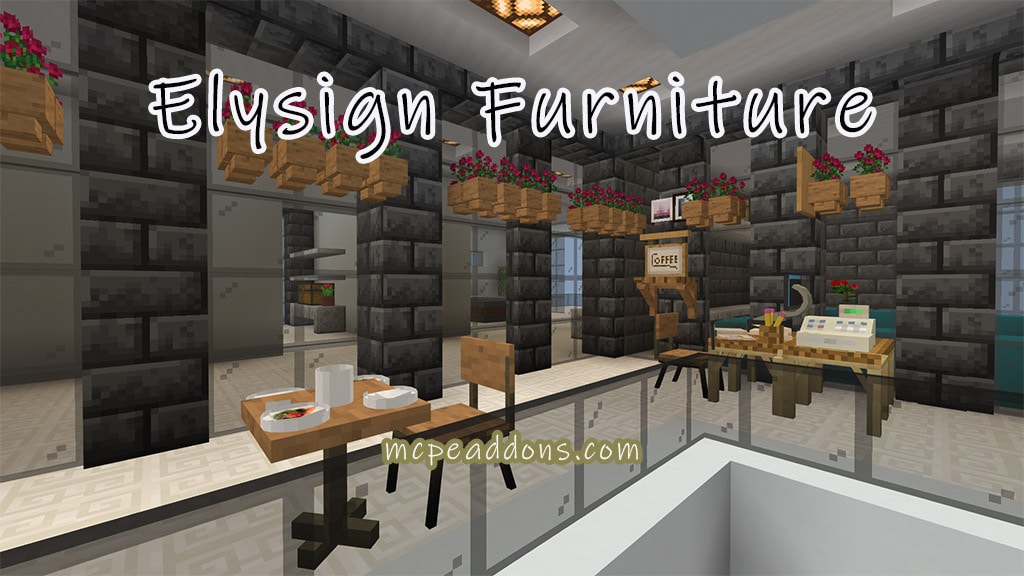
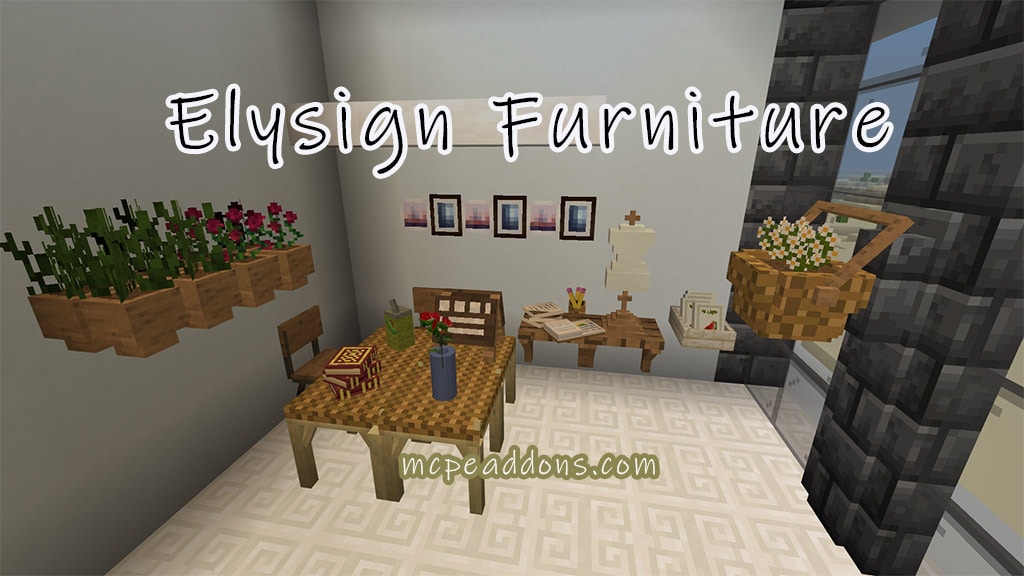
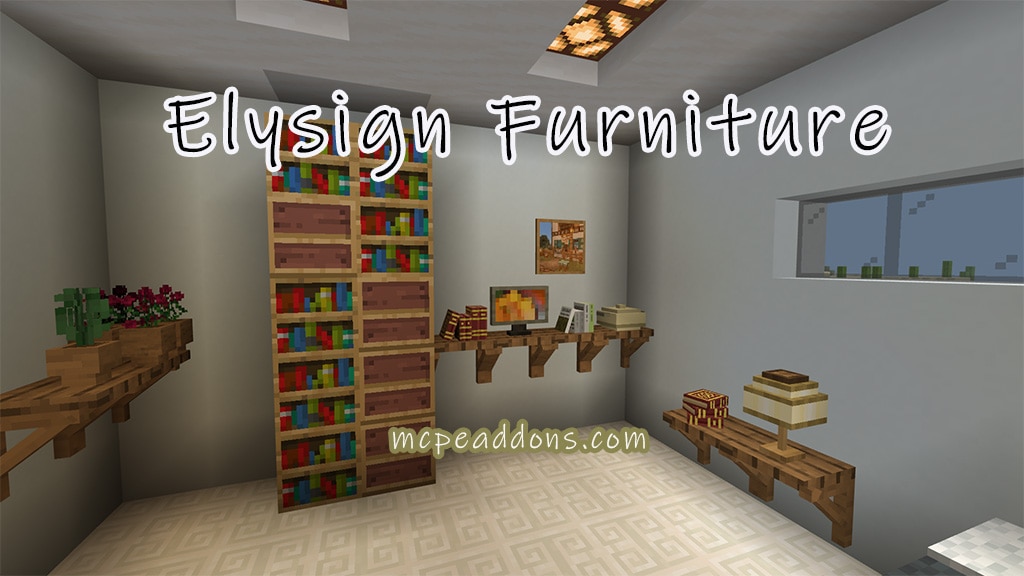
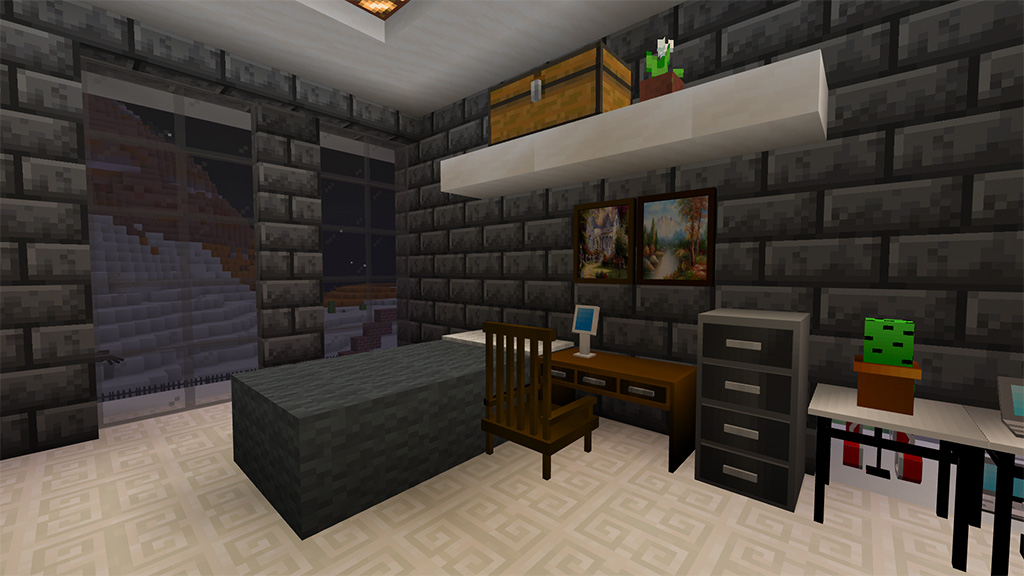
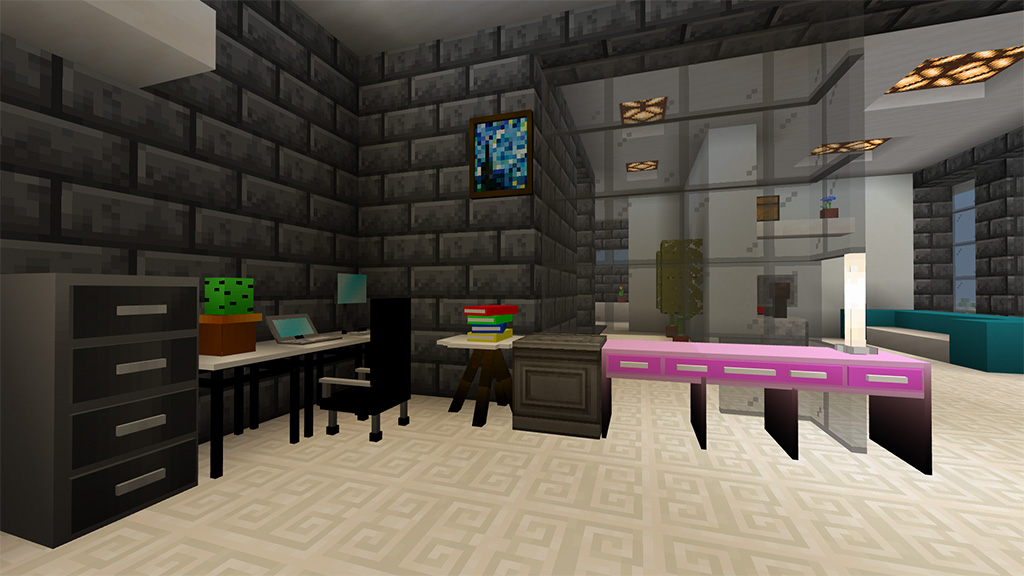
This add-on will appeal to those players who like the vintage style and those who would like to somehow decorate their house or some other building in an unusual way. The new add-on adds a large number of different vintage furniture.
Various elements of decor and furniture will be added to the game, which will allow you to decorate the interior of your house in an original and unusual way, as well as add more home comfort.
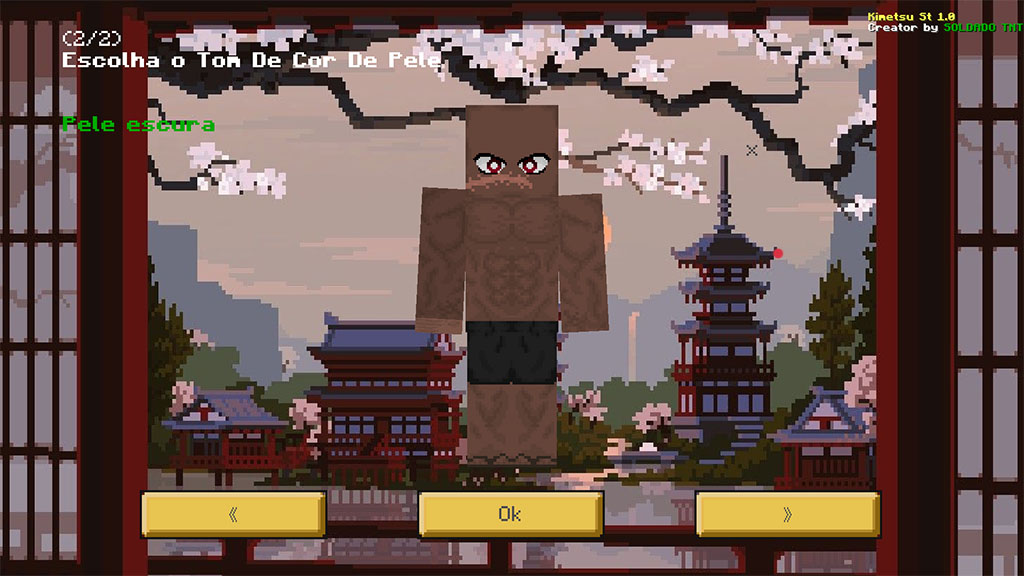
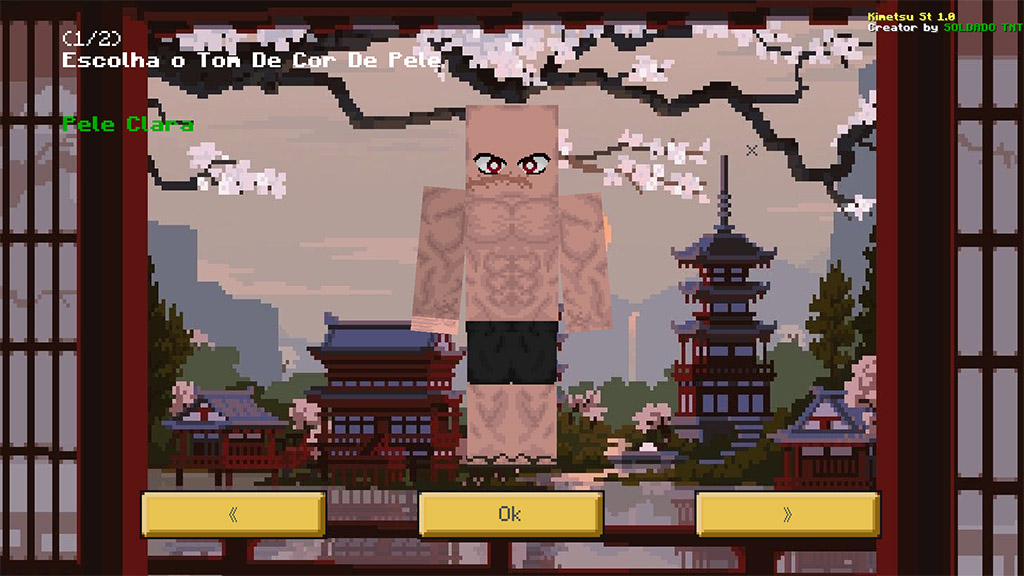
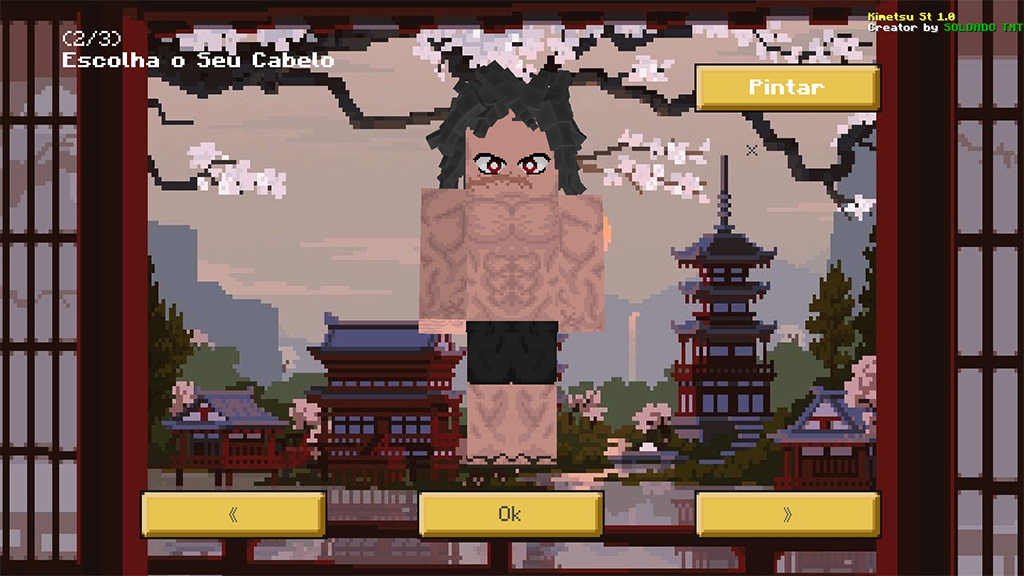
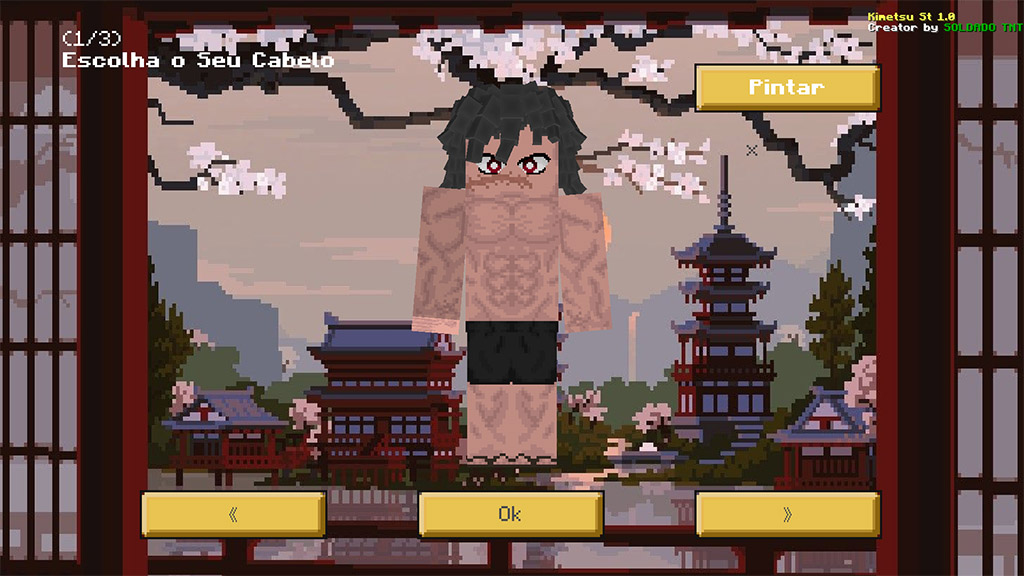
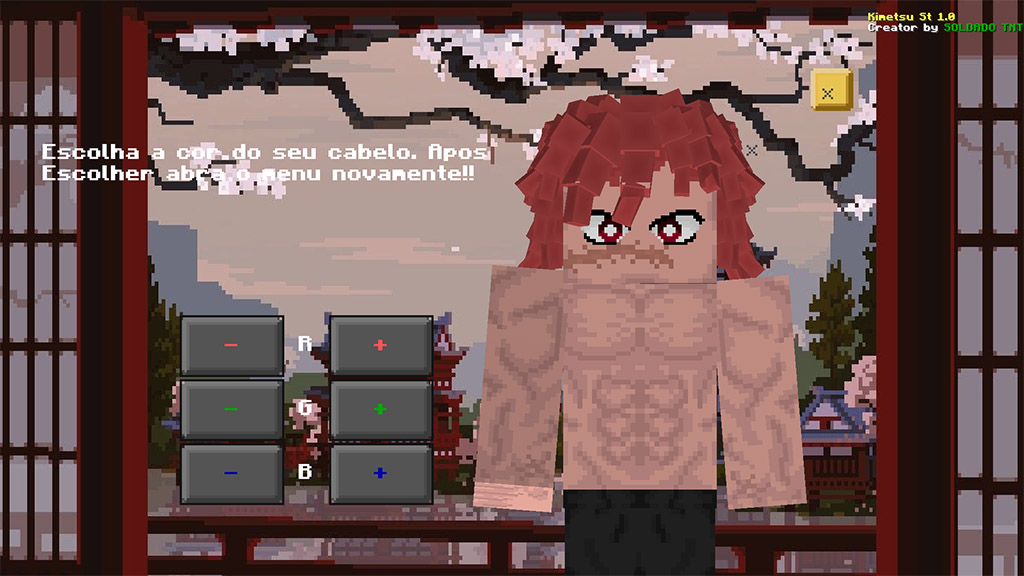
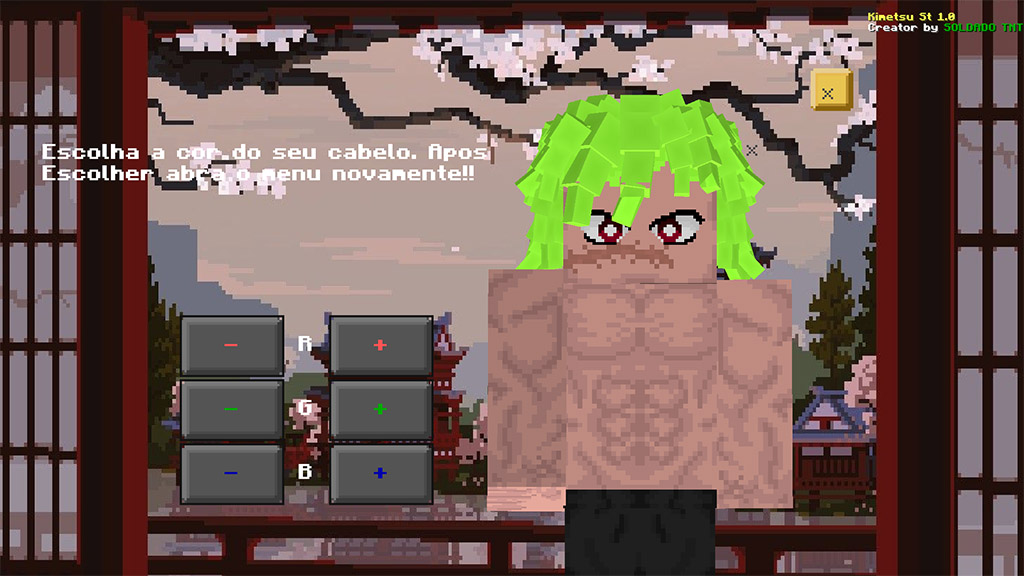
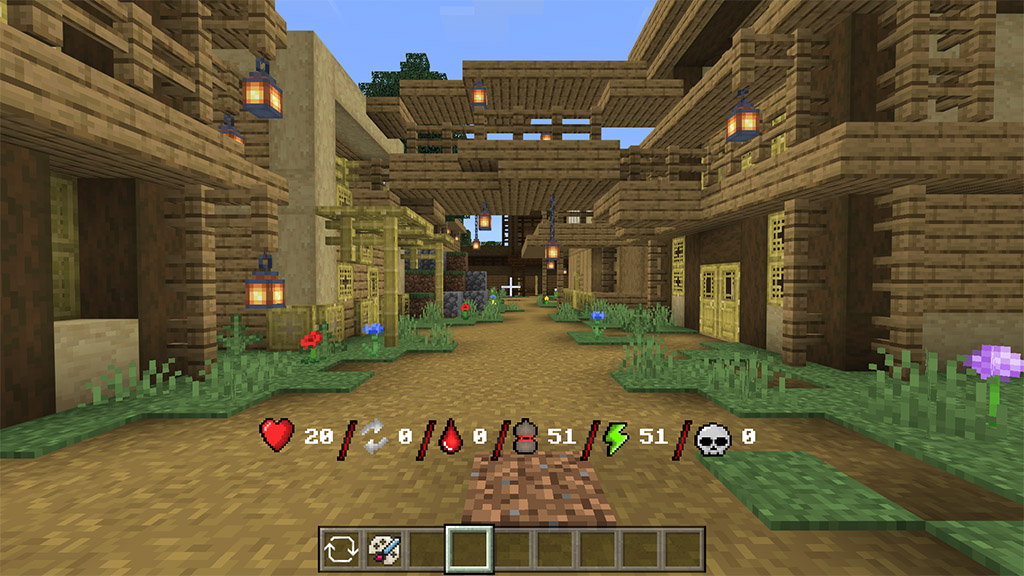
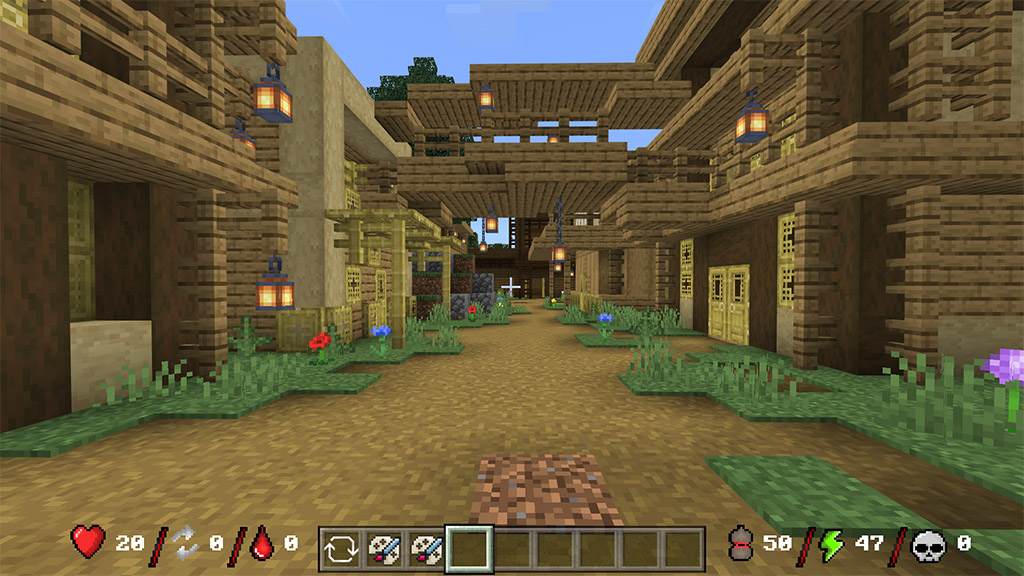
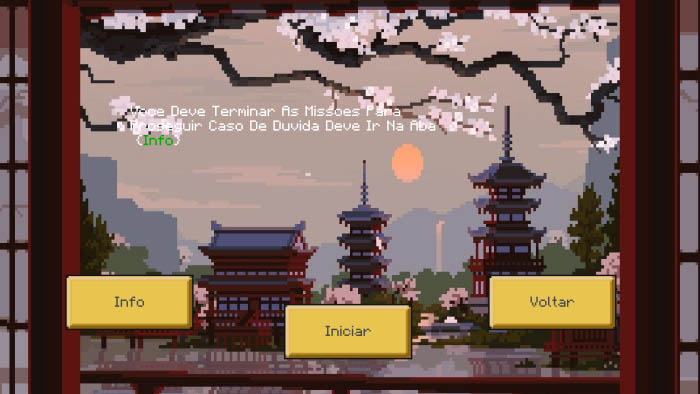
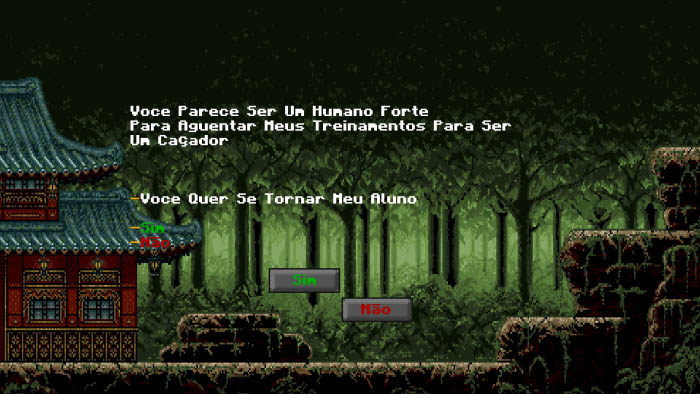
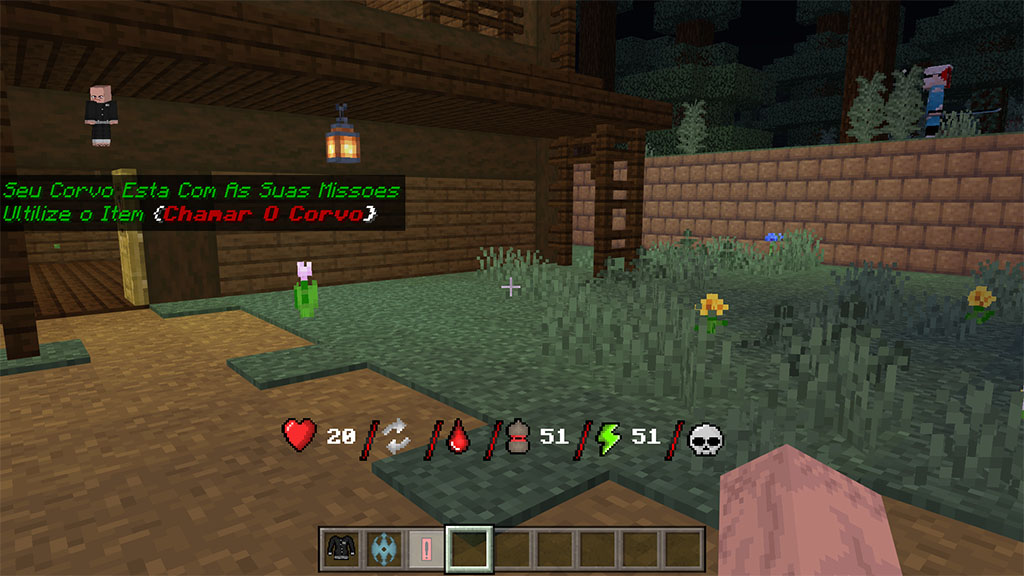
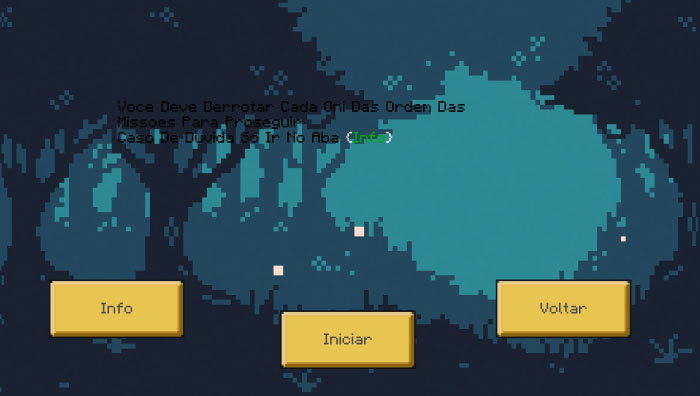
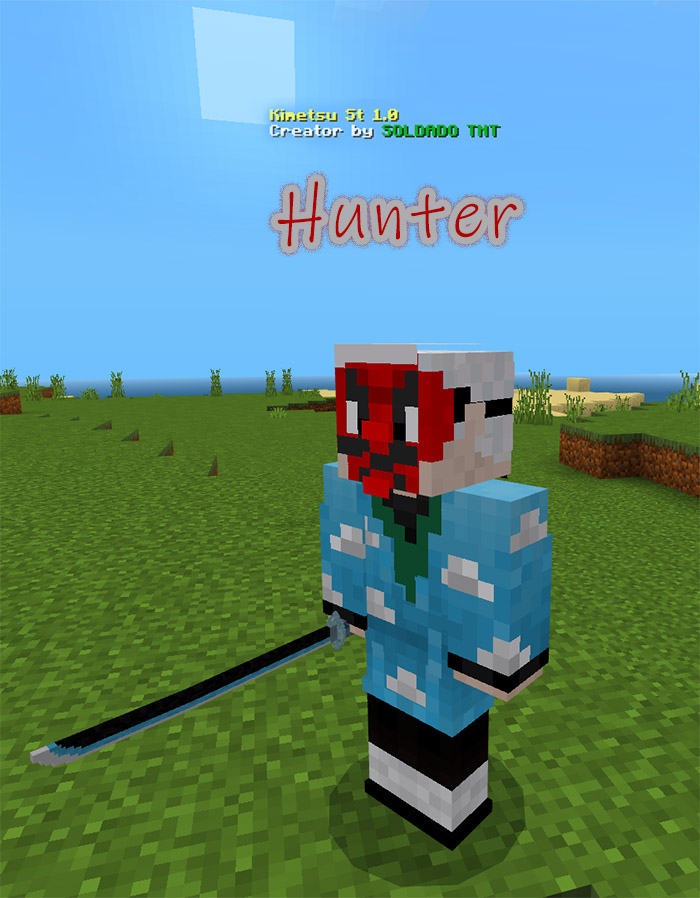
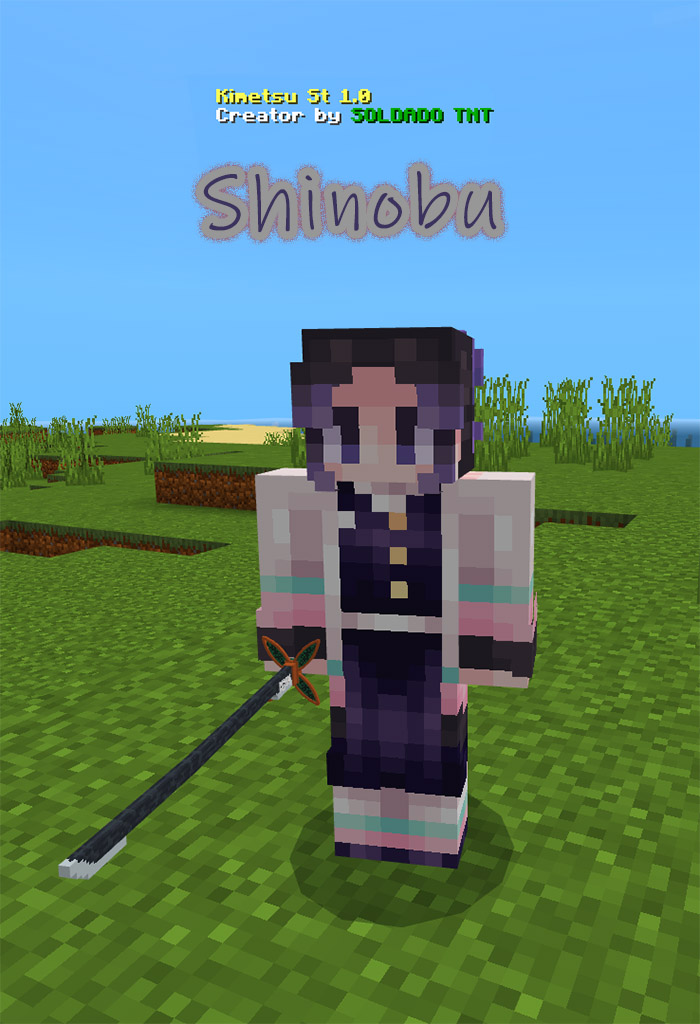
This is a new demon slayer ST addon which adds various nichirin, breaths, clothes, quests, buildings, kekijutsu, evolution and also you can choose your path being an oni or hunter. best of all, you can play with your friends because the addon is 99.9% survivable, and the addon has english, spanish and portuguese versions.
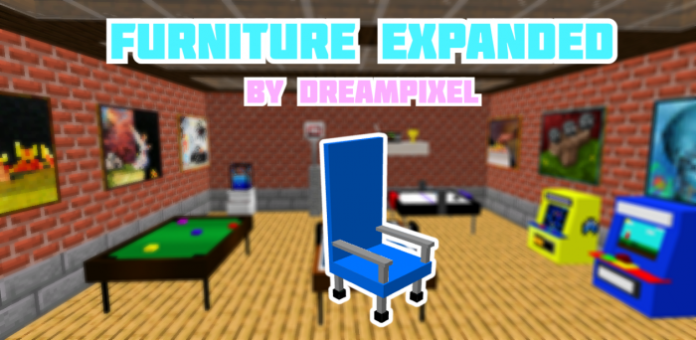
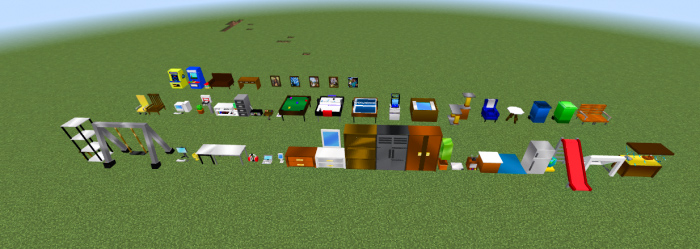
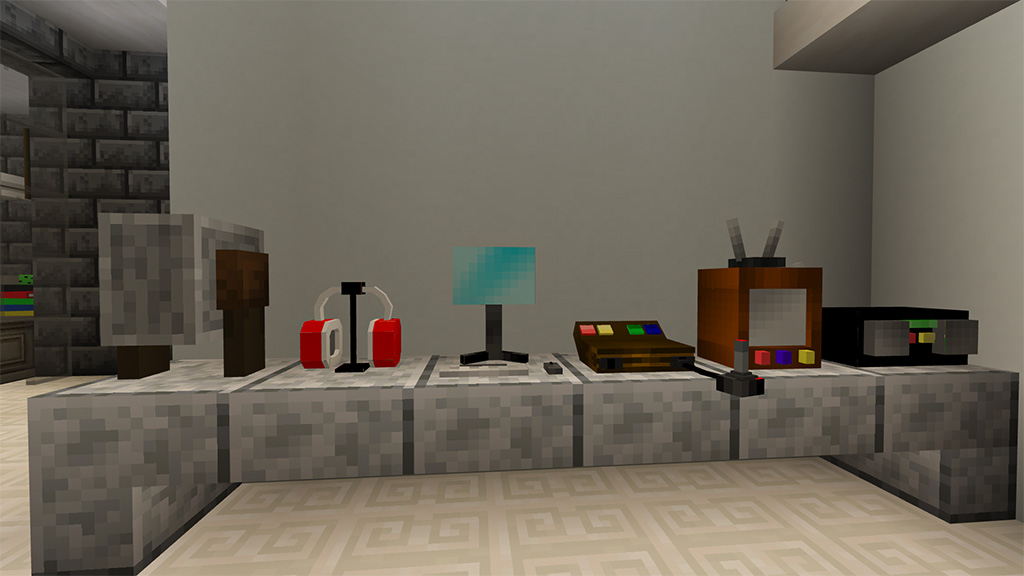
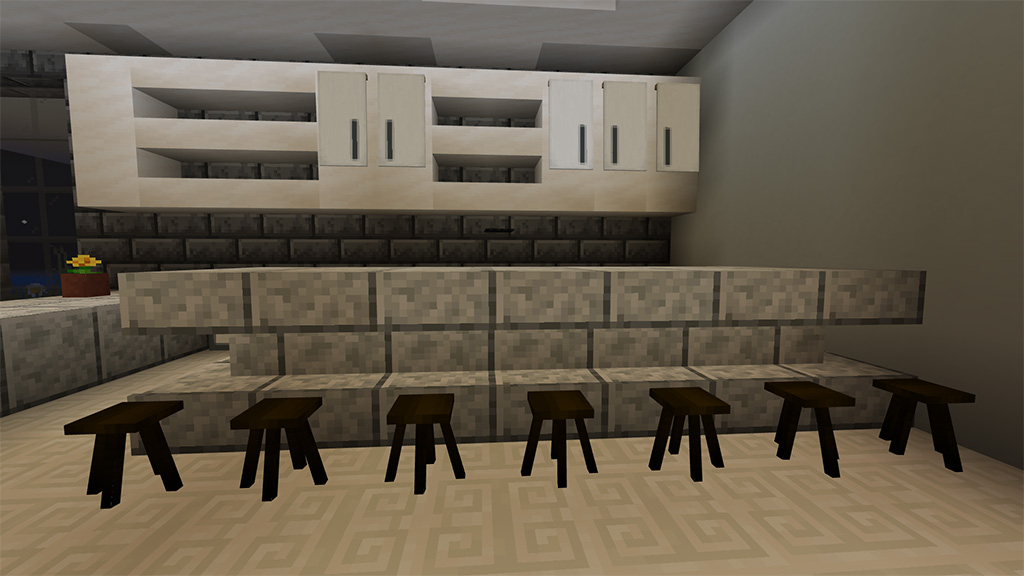
More than 50 additional pieces of furniture and hundreds of unique building components are included in the game thanks to Dreampixel’s furniture expended update! It has everything, including game machines and chairs and tables! Furniture Expanded includes everything. There is no need to be concerned about lag because all of the furniture contained in this addon is in the form of blocks. The blocks are ideal for all of your decorating needs and some of them have many color options.
Furniture expanded adds in 50+ new furniture blocks to the game, it features everything from simple decorations such as chairs, tables ,etc to other types of furniture such as arcade machines, plants, and game tables.
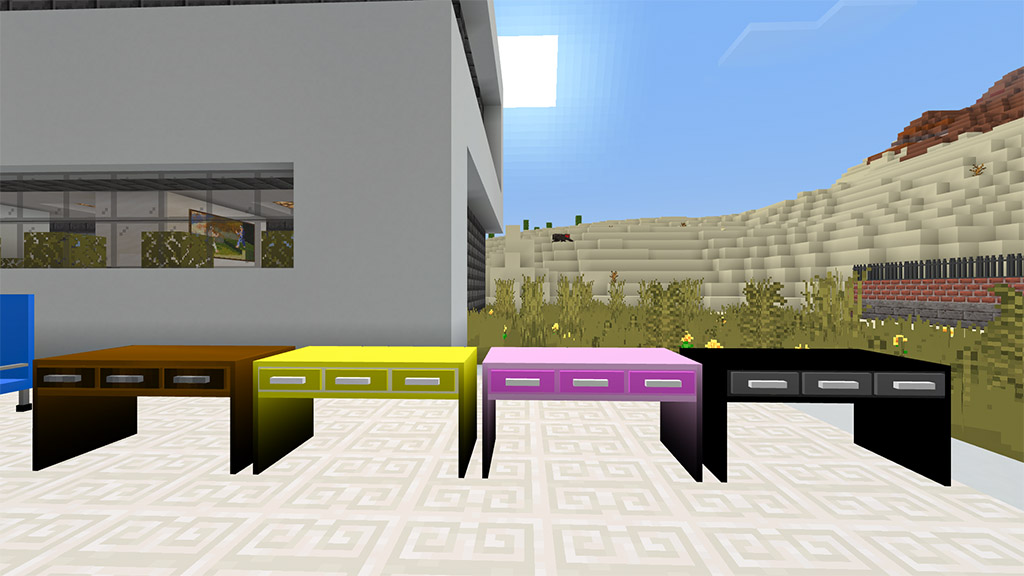
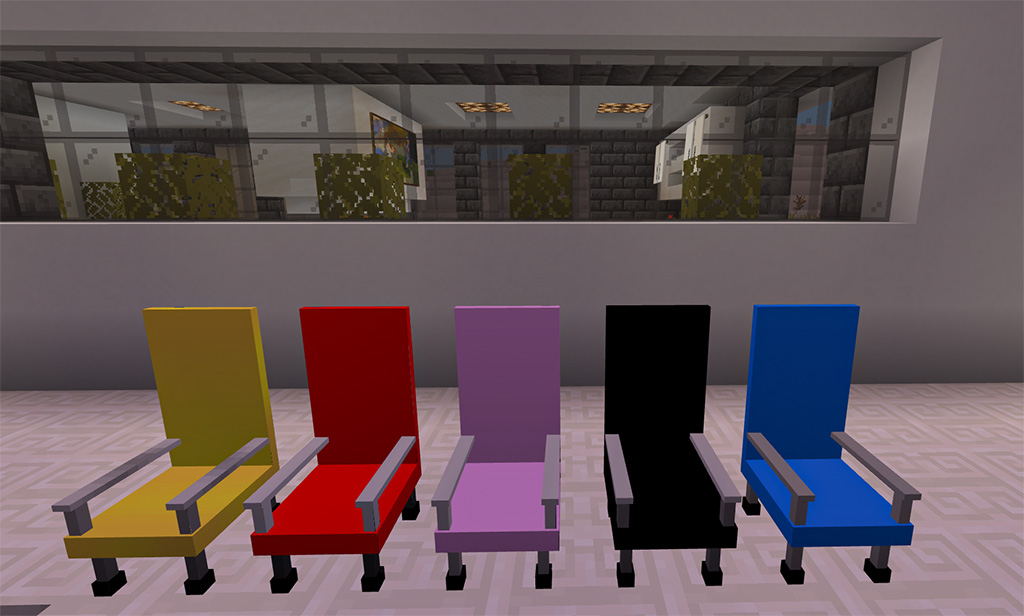
🛋️Different variations🛋️
Some of the furniture featured in this addon, also have different color variations
▬▬▬▬▬▬▬▬▬▬▬▬▬▬▬▬▬▬▬▬▬▬▬▬▬▬▬▬▬▬▬▬▬
🚧Custom building blocks!🚧
this addon also comes with dozens of custom building blocks!
it features, roofs, windows, fences, pillars, and more
▬▬▬▬▬▬▬▬▬▬▬▬▬▬▬▬▬▬▬▬▬▬▬▬▬▬▬▬▬▬▬▬▬
🛏️How to use🛏️
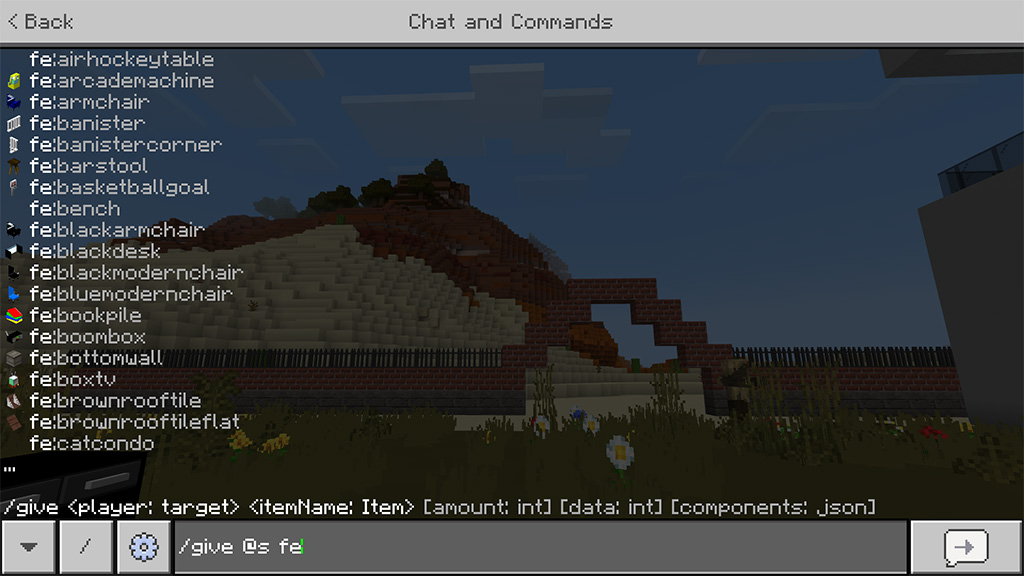
instructions on how to use the addon:
The furniture can be found in your creative inventory menu or by using the command “/give @s fe:”
▬▬▬▬▬▬▬▬▬▬▬▬▬▬▬▬▬▬▬▬▬▬▬▬▬▬▬▬▬▬▬▬▬
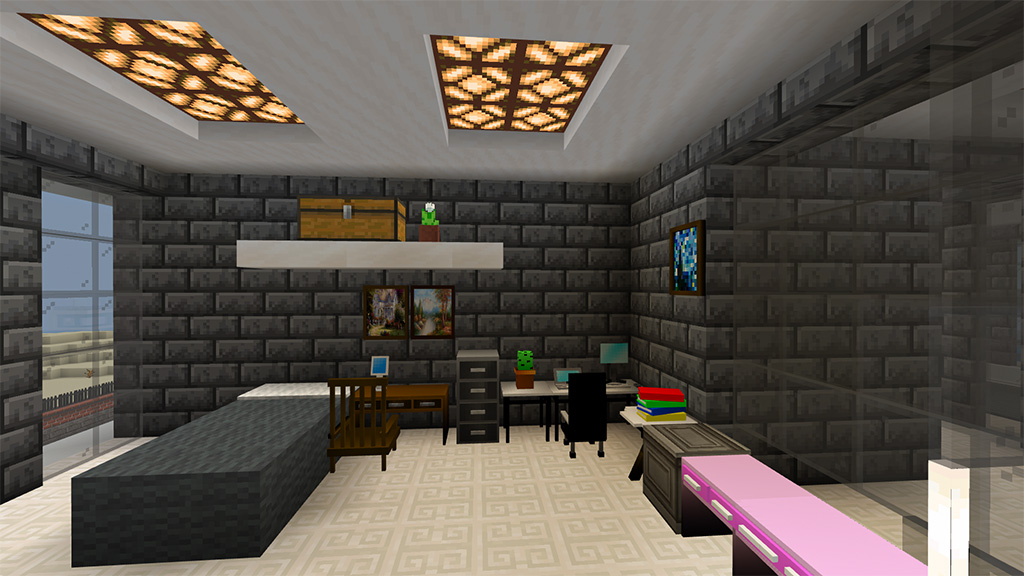
🏠Ideas for use🏠
Bellow are some ideas for the use of the furniture
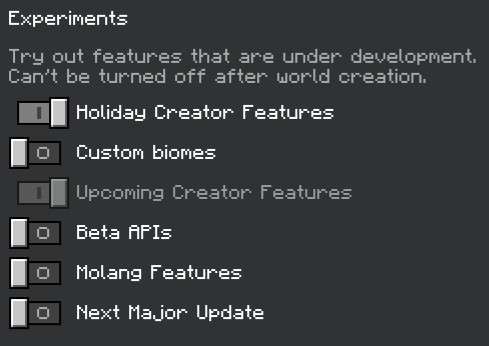
If this issue happens, it most likely means you didn’t turn on experimental toggles. be sure to enable “Holiday creator features” before using the addon
📱Links and socials📱
💬Need any help, want to suggest a new feature or chat? Join us on discord!💬
this addon was uploaded exclusively to mcpedl! Any other websites that distribute this addon without my approval are false and are an act of plagiarizing.
▬▬▬▬▬▬▬▬▬▬▬▬▬▬▬▬▬▬▬▬▬▬▬▬▬▬▬▬▬▬▬▬▬
Changelog
v1.2 is out!
added paintings!
added posters
added 30+ custom building blocks
Installation
Installation Instructions:
How to download with linkvertise
Please note that the linkervertise link is not required, feel free to use the mcpedl download. if you choose to go with the linkvertise link, it will take you to linkvertise, from here you need to scroll down a little and click “Free access with ads”, after that click discover interesting articles and wait 5 seconds to close out of the window, after that you will see a green check mark click on where it says continue to website where you will then have access to mediafire, once you are in mediafire click the blue button on the right to get your file.
How to download with mcpeaddons
Simply click the downloads, wait about a couple minutes and it should be done!
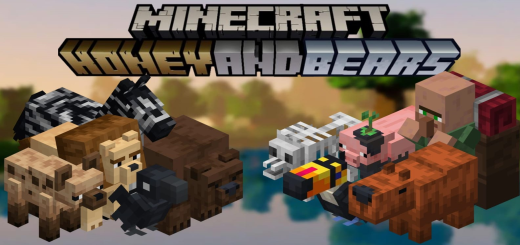
Thank you for visiting Honey and Bears. Honey And Bears addon includes a number of items related to honey as well as additional foods, building blocks, more flowers, grizzly bears, lions, hyenas, zebras, exiled merchants, toucans, muddy pigs, skeleton wolves, capybaras, and crows. Portuguese, Spanish, and English translations are available for Honey And Bears AddOn.
Note: You can use this in videos and modpacks, as long as you credit me!
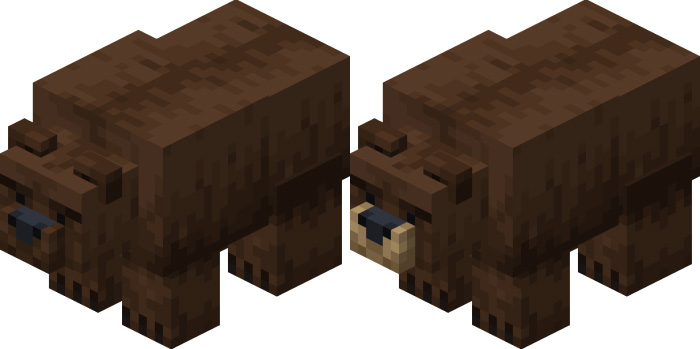
Grizzly Bear
Grizzly Bears:
The vanilla Minecraft bear that is missing. Compared to other bears, this one is more hostile toward its surroundings and will attack nearby enemies. Salmon, Honey Bottle, Honeycomb, Sweet Berries, Honey Berries, and Large Honey Bottle are all possible breeding partners. Has a chance to drop Honeycomb or Salmon upon death. spawns in taiga and flowering forests. The difference between the two versions is the snout.
Toucans:
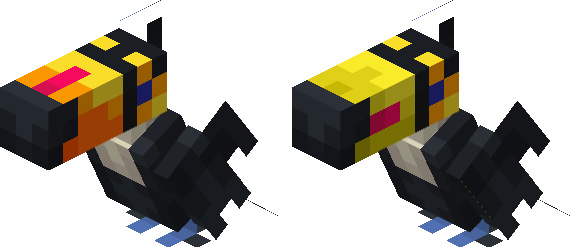
Toucans:
One of the pets in Honey And Bears addon is the toucan, which was taken from the minecraft dungeons; it has ten lives, can be tamed with any kind of seed, can be healed with apples, flies, and appears in jungles. It comes in two varieties, with the beak and tail varying between them.
Capybaras:
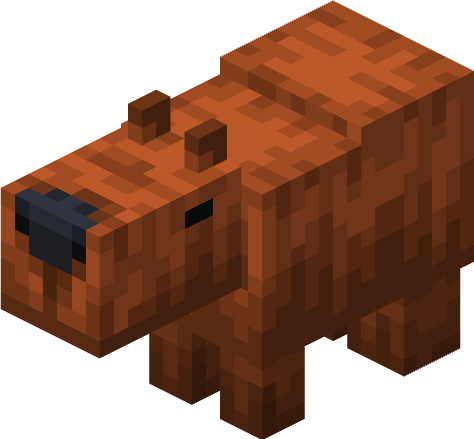
Capybaras:
The Capybaras, the friendliest creature in the world and a very cute pet. Can be tamed with apples and golden apples, heals with the same items, has 10 health in the wild and 20 when tamed. Appears on plains and swamps
Crow
Crows:
The crow, It is a wild, non-tamable creature that flies around the world, has 10 health, and appears in swamps, savannahs, and deserts. In the future it will have more uses!
Skeleton wolf:
Skeleton wolf:
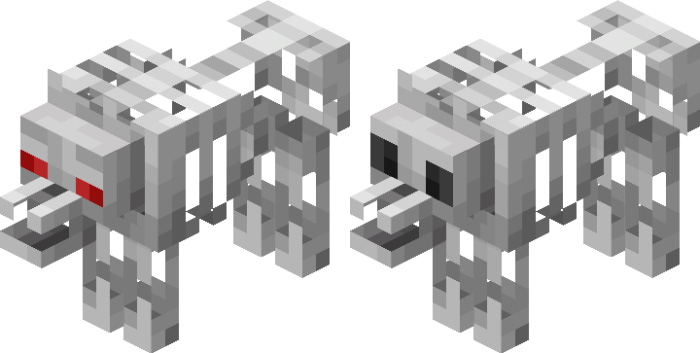
Extracted from Minecraft Earth, the skeleton wolf is an enemy that only appears at night, it can be a baby or an adult and it dies by sunlight.
Muddy Pig:
Muddy Pig:
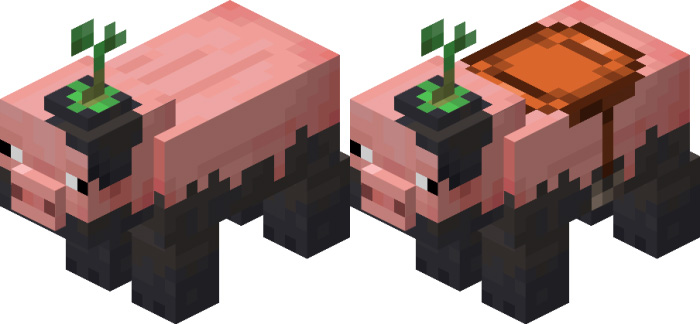
A pig exclusive to the mangrove swamp, it works just like the pig, its biggest change is its drop, where it can drop a mangrove propagule.
Lions
Lions
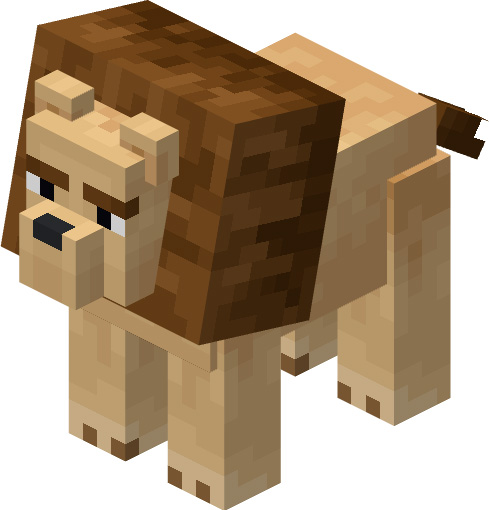
The lion is the leading creature of the savanna, it has 30 health, 6 damage, and is very curious, which makes it steal items on the ground, so be careful not to die with your armor near it, because it can equip it and become very powerful, they appear in packs.
Zebras:
Zebras:
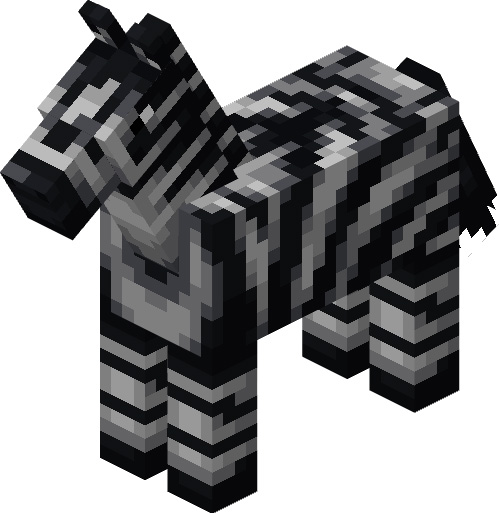
Zebras are wild animals that are scattered across the savanna, they are always alert not to be hunted by hyenas or lions, they cannot be tamed or controlled, but you can ride them. You can breed them like horses.
Hyenas
Hyenas:
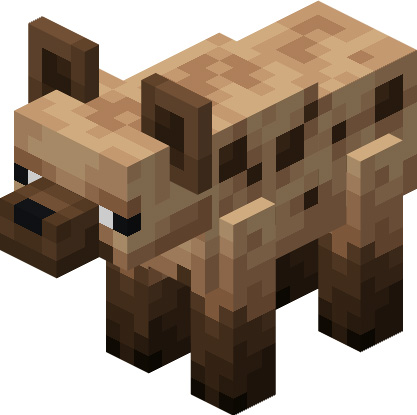
The hyena is a distrustful but lethal creature, it attacks larger creatures than itself, but if a lion appears, it prefers to flee, also it does not like to be close to the player or villagers. But despite that, you can attract them with food, and they are big fans of honey, and you can breed them.
Exiled Merchant:
Exiled Merchant:
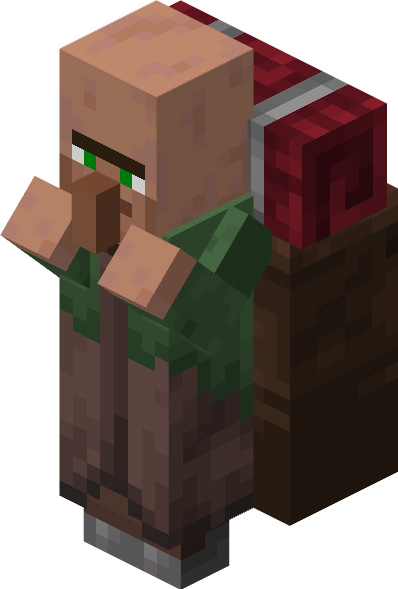
An expelled villager wanders the world with stolen items and garbage he finds, trying to sell them to survive. He was kicked out of his village for two reasons: because he used to be a nitwit and for being a thief, as he used to take things from some villagers. He can be found in the plains biome.
Big Bottle and Big Honey bottle:
The large bottle is the larger version of the glass bottle. The honey bottle is crafted with honey and several large empty bottles, it also works as a food, it has 10 nutrition and works like milk.
Crystallized honey item:
Crystallized honey is crafted by cooking the honeycomb in a furnace or smoker. The crystallized honey block is crafted with 9 crystallized honey items. Crystallized honey item has 4 nutrition.
Flowers:
Added 5 flowers that only spawn in the flower forest and meadow. These are the buttercup, dianthus, crocus, pink clover and white clover.
Dried Tallgrass:
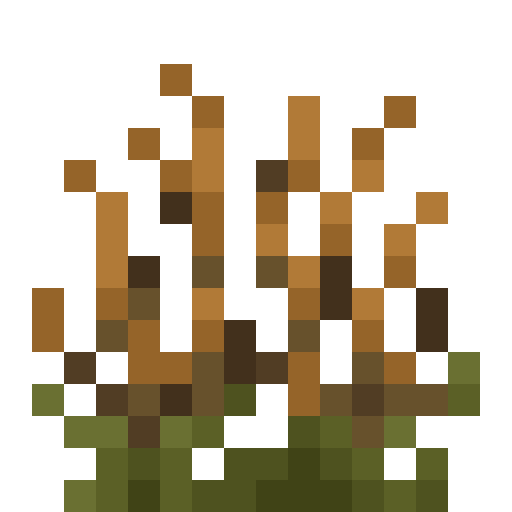
Dried tallgrass is a plant that appears in the savanna biome, and can only be obtained using shears.
Honey foods:
The 5 added foods are honey apple, honey beef, honey bread, honey mutton and honey berries. Honey beef has 12 nutrition, honey apple has 8 nutrition, honey bread has 9 nutrition, honey mutton has 10 nutrition and honey berries has 6 of nutrition, honey soup has 8 nutrition and works like milk.
Fried egg:
The fried egg is a food that can be obtained in the furnace or campfire, and provides 5 nutrition.
Honey bricks and Chiseled honey bricks:
The Honey Brick and Chiseled Honey Brick are the decorations for the add-on.
Basalt blocks:
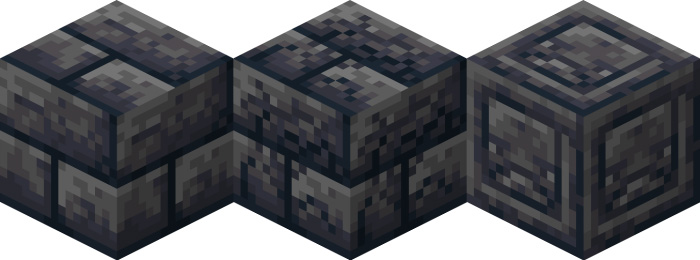
There are 3 new uses for basalt, turn it into one of these 3 decorative blocks: basalt brick, cracked basalt brick, and chiseled basalt brick.
Limestone:
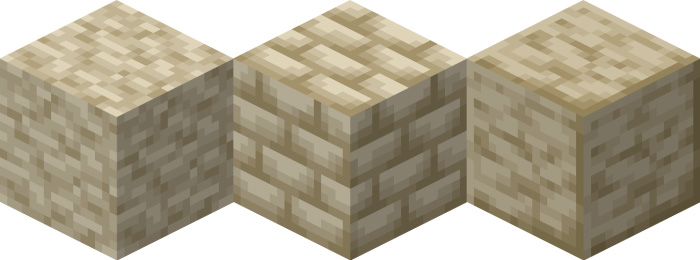
In caves there is a new type of stone, limestone. This can be polished and turned into a brick.
Silt and Dried Silt:
In the savanna there are many new blocks, among them are silt and dried silt, useful for decoration.
Dried Mud:
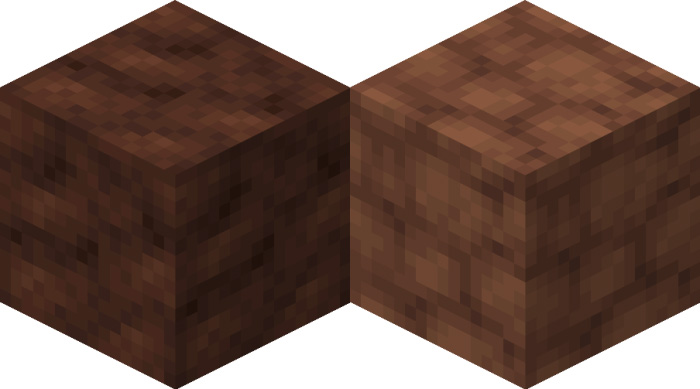
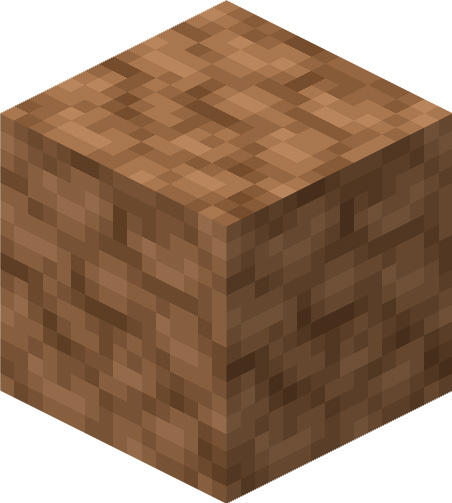
A block that generates in the savanna biome, the dried mud, and its function is decorative.
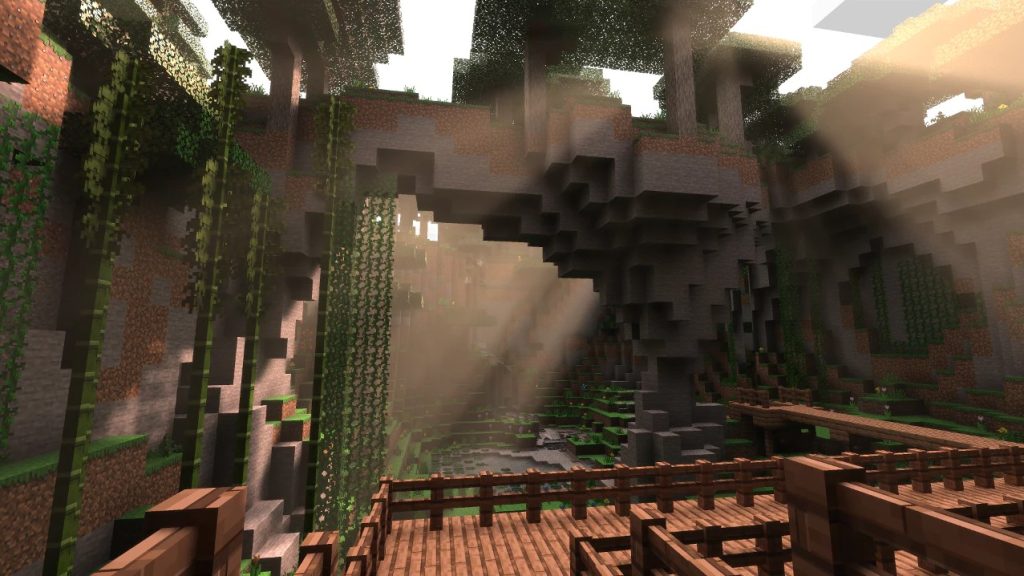
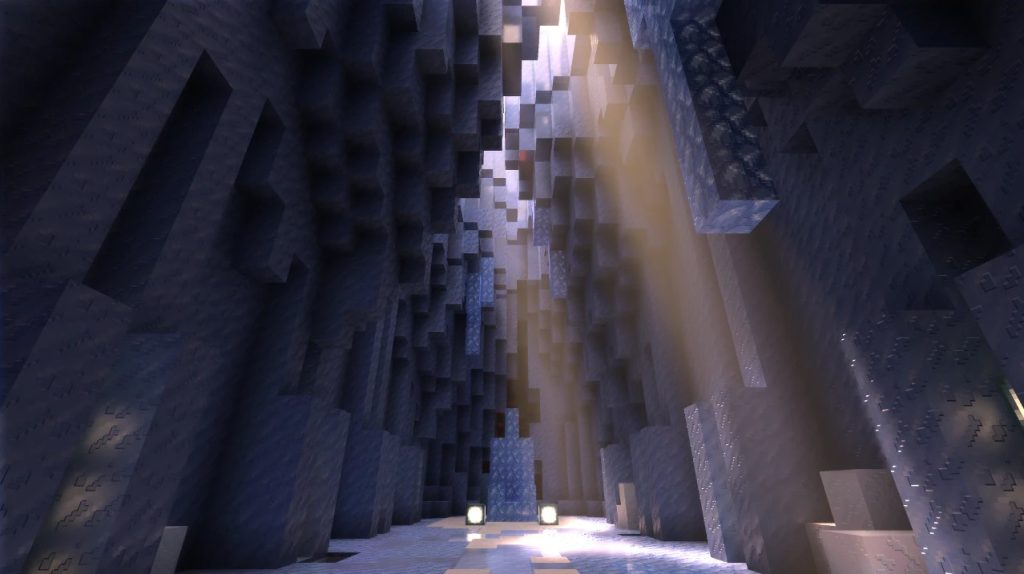
In June of 2020, Minecraft released an update (1.16.200) for Windows that added exciting new features to the game. Join us while we tell the tale of the Render Dragon and ray tracing.
Render Dragon is the new graphics engine for Minecraft Bedrock platforms. Render Dragon was developed by the Mojang Studios graphics team to give our game greater performance, stability, and flexibility. The new architecture of Render Dragon enables our developers to bring new graphics features such as physically based rendering (PBR) and ray tracing to the game.
Render Dragon has been available for Xbox and PlayStation hardware since 2019, and we are now bringing it to Windows. We plan to bring Render Dragon to all Minecraft Bedrock platforms, including mobile.
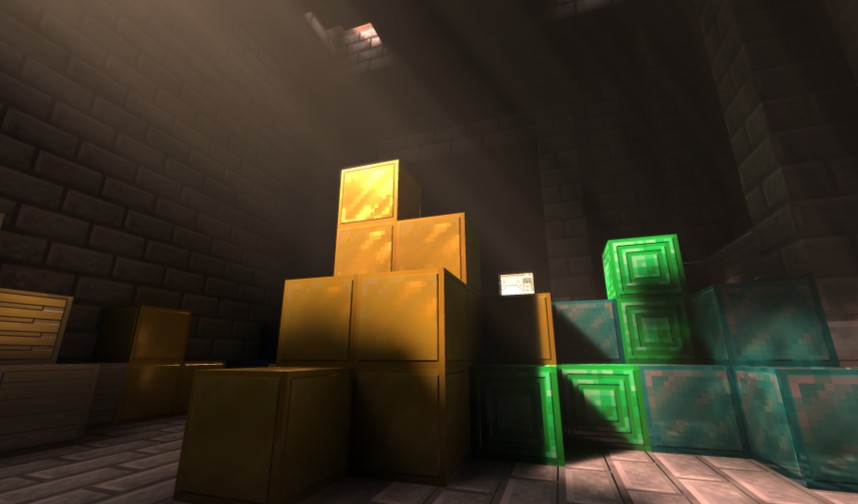
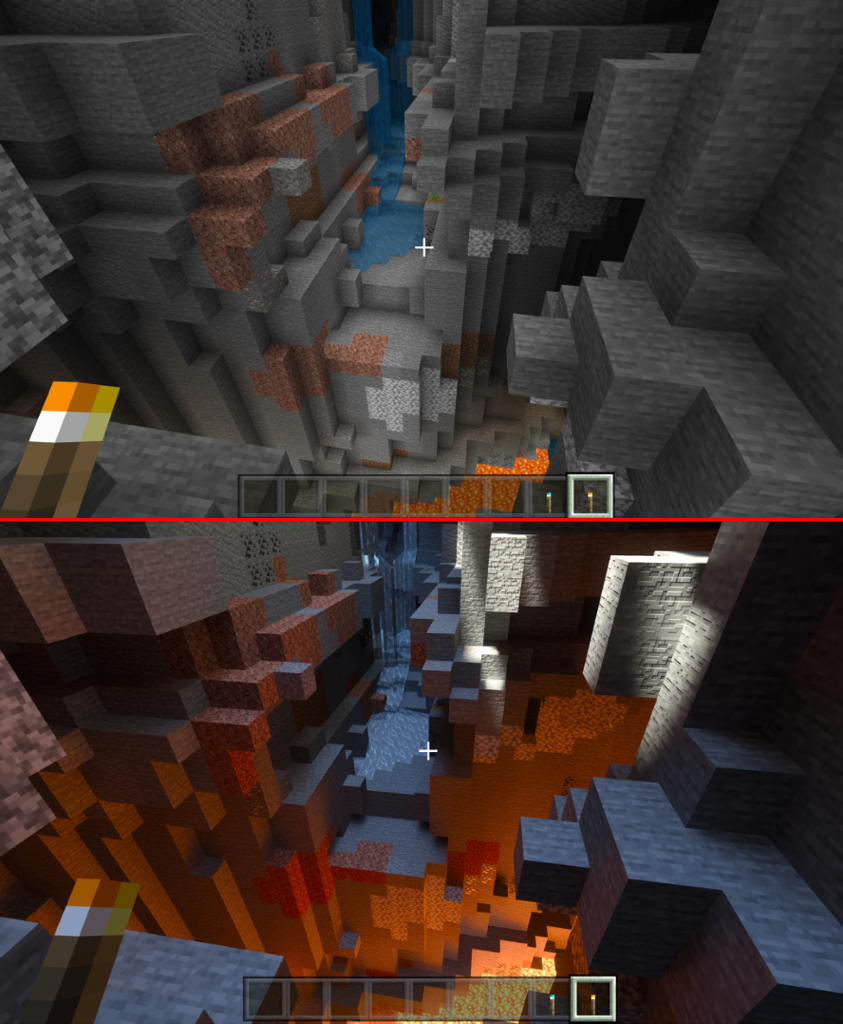
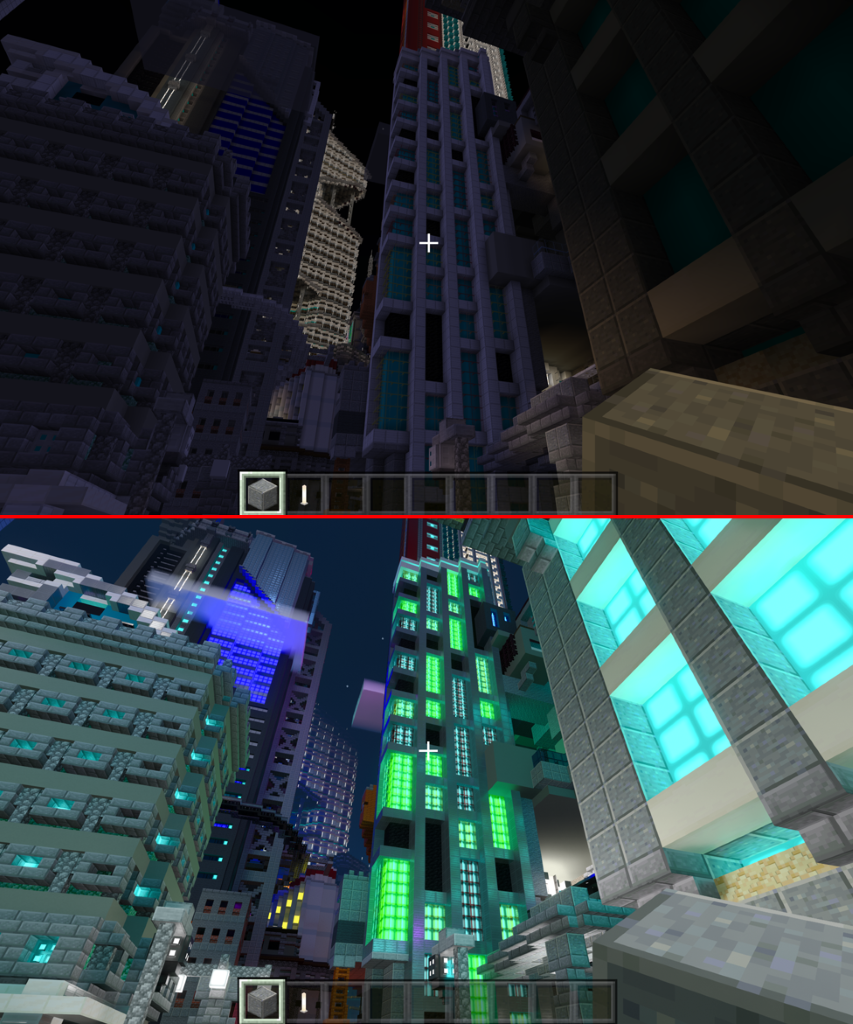
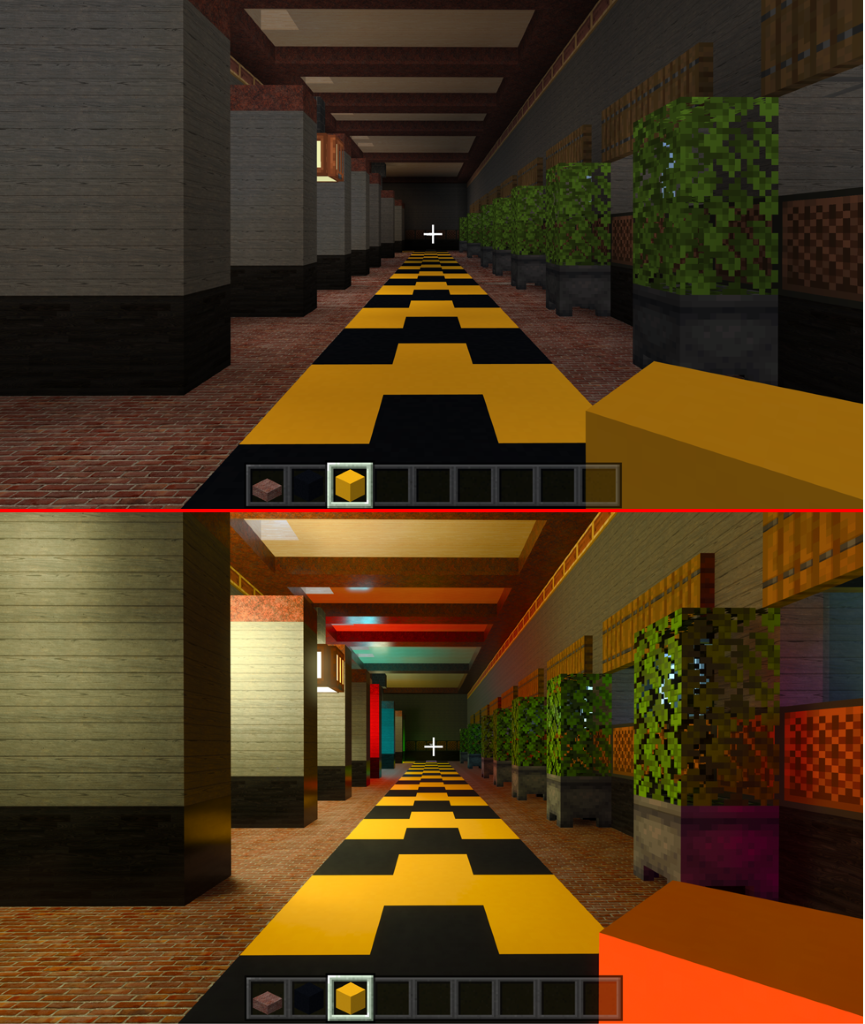
Update 1.16.200 is a free update for Minecraft for Windows that includes four exciting new features: 🔹Render Dragon graphics engine 🔹New ray tracing lighting technology 🔹Physically-based rendering (PBR) system 🔹NVIDIA DLSS for supported hardware With these new features, players can dramatically change the look and feel of the game. Immerse yourself in volumetric fog. See Minecraft in a whole new light (yes, we went there), with a cutting-edge, dynamic lighting system, ray tracing. Players can also experience advanced kinds of block textures, including metallic surfaces, bump maps, normal maps, and light emission (Glowy, reflective dirt blocks? Yes, please!).
What is Ray Tracing?
Ray tracing is a series of computer rendering techniques that bring more realistic lighting to scenes. In traditional computer rendering (or “rasterization”), lighting information is provided by objects in the scene.
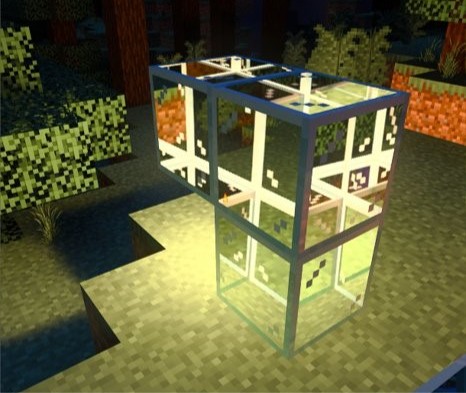
In contrast, ray tracing behaves more like lighting in the real world – rays of light are shone into a scene, and lighting information is collected as those rays bounce, absorb, and scatter around objects in the world. The result is a highly realistic depiction of the way light behaves, creating dramatic effects such as:
Sunbeams and atmospherics – Directional shafts of light typically occur at sunrise and sunset when sunlight passes through particles in the atmosphere or underwater.
Dynamic shadows - More realistic shadows that change as lighting conditions change (i.e., sundials in Minecraft!)
Ambient Occlusion – shadows cast in corners or crevices where light rays cannot escape.
Reflections - Light bounces off surfaces, both casting and picking up color as it travels. Bouncing light hits smoot surfaces and maintains a spread depending on the material. This can create diffuse reflections or very sharp ones.
Refraction - As light passes through translucent materials, it bends and bounces. The image you see may be distorted, refracted, and its color will be affected by the translucent material.
Ray tracing techniques have been used to bring more realism to movies for many years. However, only recently, through advances in computing, has the technique been available for real-time applications such as video games. Ray tracing, and specifically the path tracing technique Minecraft is using, is very graphically intensive.
That is why to experience ray tracing (Render Dragon), you must meet certain minimum technical requirements.
What Are The Minimum Requirements for Ray Tracing In Minecraft For Windows?
OS (Operation Systems): Windows 64-bit
GPU: DirectX hardware ray tracing capable GPU like NVIDIA GeForce® RTX 20 Series and higher, and AMD Radeon™ RX 6000 Series and higher
Hardware: PC; Virtual reality headsets and Mixed Reality (MR) headsets are not supported
CPU: Intel Core i5 or equivalent
RAM: >8 GB of RAM
A version of Minecraft: 1.16.200 or higher
You may have to update your Windows operating system and graphics drivers to experience ray tracing.
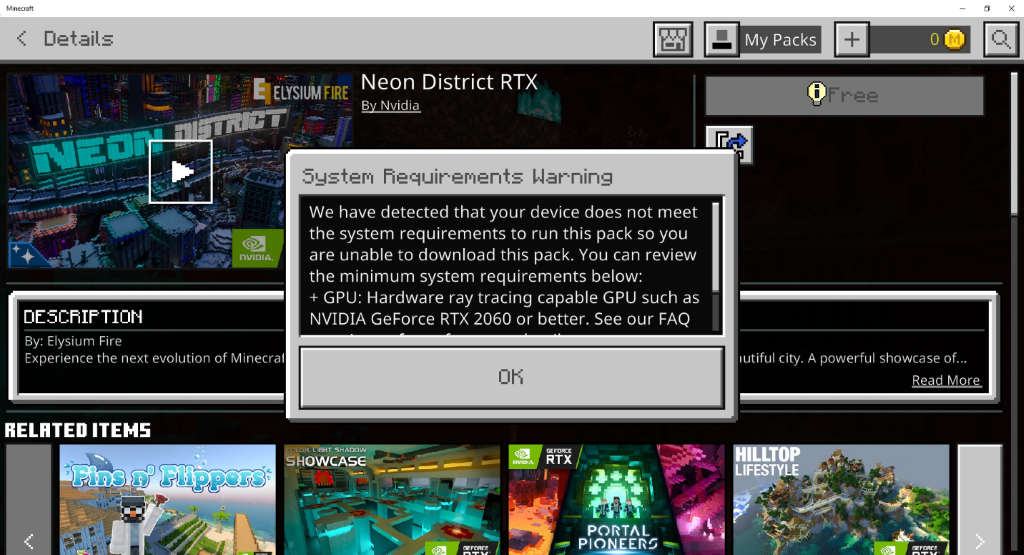
If your hardware does not support ray tracing, you will be unable to download ray tracing content from the Minecraft Marketplace (below is the error you will see):
What Is Unique About Ray Tracing In Minecraft? What Is Path Tracing?
Some video games use hybrid rendering, mixing ray tracing, and traditional rasterization, where ray tracing is used to enhance some aspects of a scene (i.e., more realistic reflections).
On the other hand, Minecraft uses a technique known as path tracingto render the entire scene. In other words, almost everything you see on screen comes from ray traced lighting! Path tracing requires a lot more graphical computing power and is only available on certain hardware devices.
While there are many ways to do path tracing, Minecraft makes use of the DirectX Ray Tracing API (DXR) to leverage hardware-enabled ray tracing.
What Are Shader Mods And Lighting Mods?
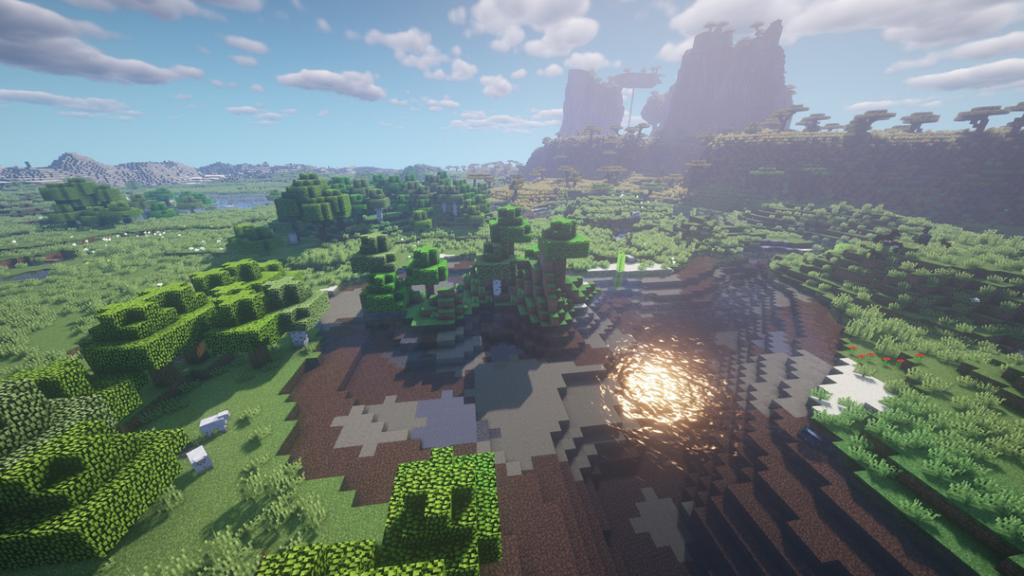
The shader term is broad and can have different meanings in different contexts for Minecraft. Shaders are small programs that run on the GPU (Graphics Processing Units). For example, they give developers a way to change how the GPU draws/rasterizes objects. People have created packages of features known as “shaders” for Minecraft Java, which include some of the same features as Render Dragon, such as advanced textures, atmospherics, and dynamic shadows.
(BSL Shaders: Java)
Does Render Dragon Support Community Shaders?
Currently, Render Dragon does not support 3rd party community shaders. Any community shaders previously used on Minecraft for Windows may not run on a Render Dragon version of the game.
“RTX” is NVIDIA’s graphics rendering platform and is available on certain NVIDIA graphics cards. NVIDIA has worked with Microsoft to integrate RTX support with Microsoft’s DirectX Raytracing API (Application Programming Interfaces) (DXR) to enable certain cards to perform ray tracing.
Mojang Studios and NVIDIA worked closely together on the development of Minecraft with ray tracing on Windows.
Minecraft with ray tracing is supported on all hardware ray tracing capable GPUs (Graphics Processing Units) that support the DXR standard.
What is “DXR” ?
“DXR” or DirectX Raytracing is a part of Microsoft’s DirectX 12 API that enables developers to add real-time ray tracing to their video games, allowing them to achieve next-gen movie quality realism. The DXR API is an industry-standard that runs on all hardware with support for DirectX 12 Ultimate.
What is NVIDIA DLSS ?
NVIDIA DLSS (Deep Learning Super Sampling) is groundbreaking AI rendering technology that takes Minecraft visual fidelity to a whole new level using dedicated Tensor Core AI processors on GeForce RTX™ GPUs. DLSS taps into a deep learning neural network’s power to boost frame rates and generate beautiful, sharp images for Minecraft.
NVIDIA DLSS gives you the performance headroom to maximize ray tracing settings and increase output resolution.
What Is Physically Based Rendering (PBR) ?
Today, textures in Minecraft are authored by modifying the color and opacity of an object.
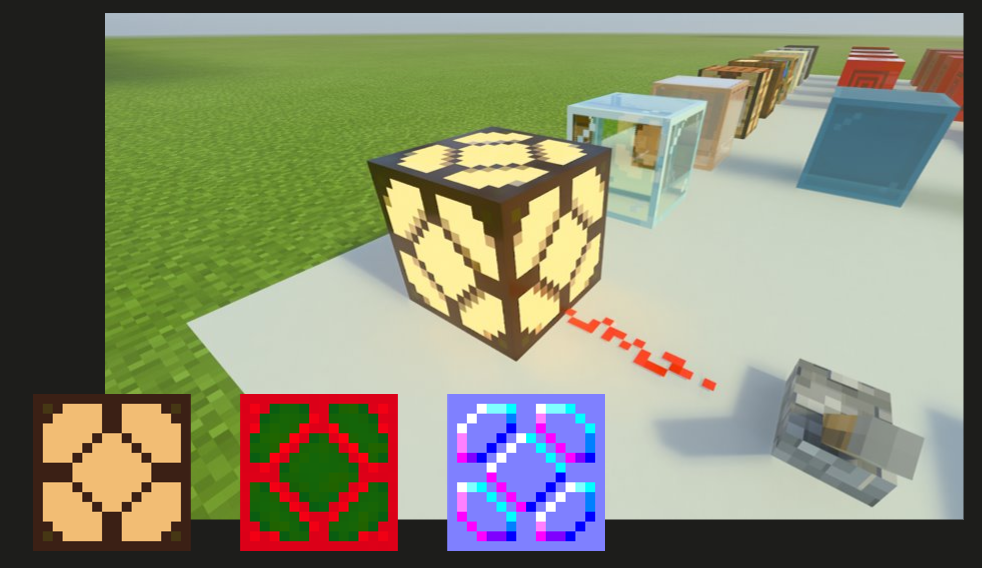
Physically-based rendering allows developers to adjust even more properties of a material such as:
Emissivity – how much light an object casts
Metallic – how much color a material contributes to its reflection
Roughness- how rough or smooth an object appears
Height – simulation of depth on a flat surface
Normals – simulation of curvature on a surface and how light should bounce off it
Together with the more realistic lighting of ray tracing, PBR brings new realism and dimensions to Minecraft blocks.
With this update, Minecraft creators and players who have a ray tracing capable machine can edit these new properties of blocks! Metallic iron blocks – you got it! Glowy lava – all yours!
Is Ray Tracing A Special Version Of Minecraft?
Ray tracing is a free feature included in the Minecraft for Windows game! Players who own Minecraft for Windows can experience ray tracing for free if they meet the minimum technical requirements and the game has the 1.16.200 update or higher.
Is Minecraft With Ray Tracing Free?
Yes! Players who own Minecraft for Windows can experience ray tracing for free as part of the 1.16.200 game update. Please note that you must meet the minimum technical requirements to experience some of these new features.
Sounds Awesome! How Do I Experience It?
If you meet the minimum requirements for Render Dragon and you are on the Windows version of the game, you can experience ray tracing in Minecraft in one of two ways.
1. Download ray tracing enabled packs in the Minecraft Marketplace.
Many free worlds featuring PBR and ray tracing are available in the Minecraft Marketplace, with more to come.
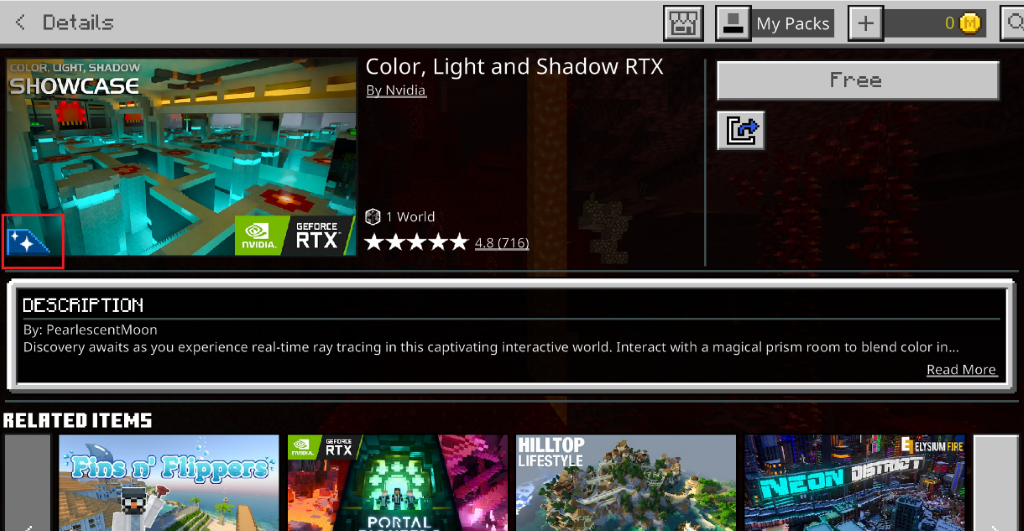
You can find all the content supporting ray tracing in the Marketplace by selecting the blue icon.
2. Create your own PBR textures and sideload them into the game.
Check out the NVIDIA Minecraft with RTX PBR Texturing Guide for more information.
Note: at this time ray tracing cannot be enabled for all world seeds.
After you are inside a ray tracing enabled world, ray tracing lighting will be turned on by default.
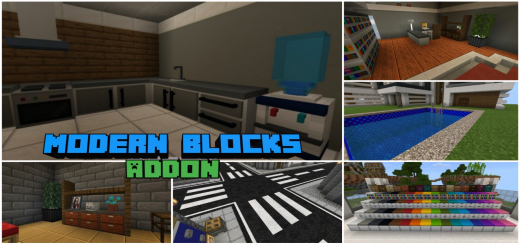
Modern Blocks Addon helps you build and create your modern house, buildings, offices, bedroom, kitchen, closet, and any other constructions with these new stylish modern blocks to make your world appear more contemporary. Create contemporary furniture with many variations, tiles with various variations, each of which contains a new design, construct roads with all the necessary materials, and much more!
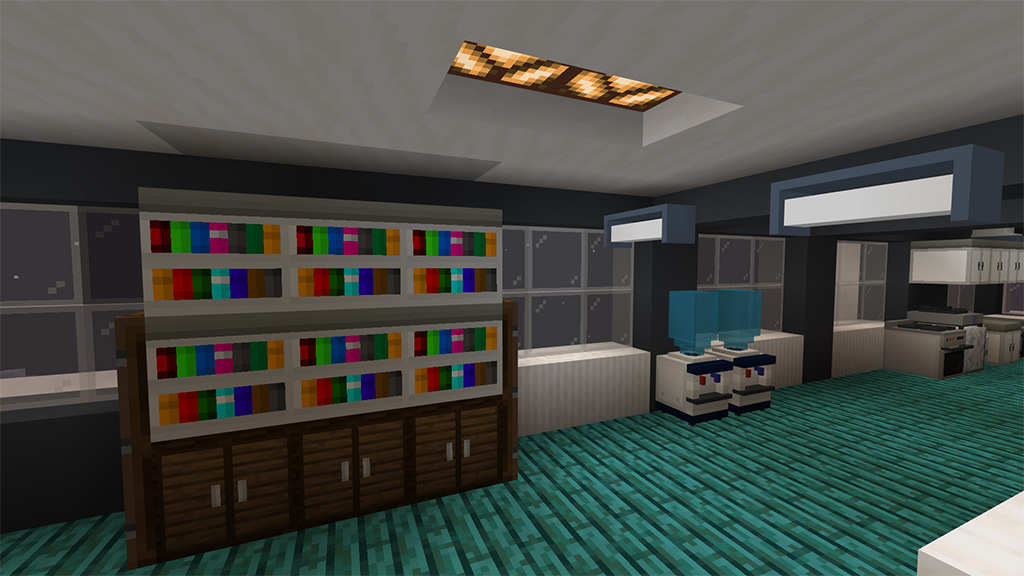
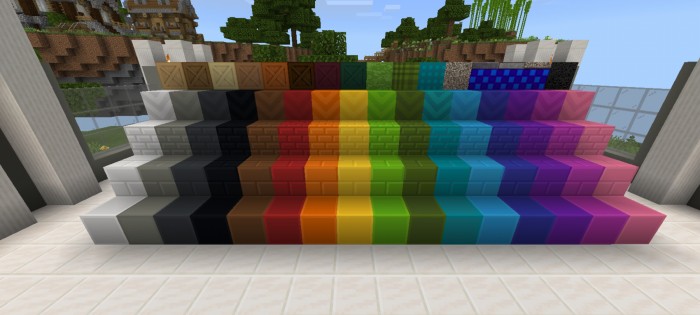
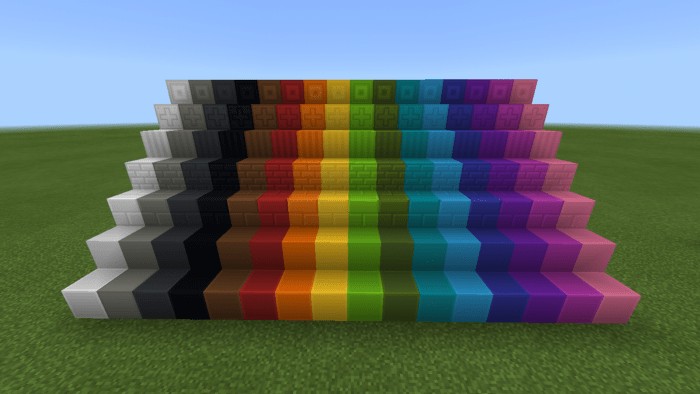
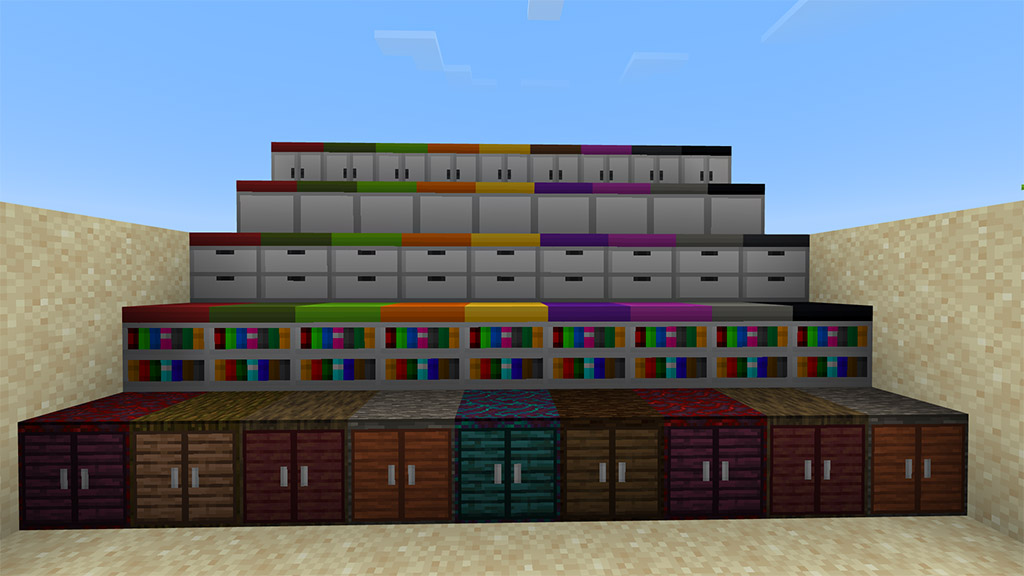
The game now has 1000+ modern blocks, including contemporary bookshelves, cabinets, drawers, tiles, and 3D block furniture. The majority of these blocks come in 16 different colors, and wooden blocks come in all different types of wood. Customizable tiles can be used to add various patterns using Tile Pattern.
Tools
There are also tools in Modern Blocks Addon use to destroy certain blocks, hence it’s not yet possible to destoy custom blocks faster in survival using vanilla tools so these tools were made.
Plastic Axe – use to destroy plastic type of blocks faster
Wood Saw – Use to destroy wood type of blocks faster including vanilla blocks
Sledgehammer – use to destroy stone type of blocks and tiles faster including vanilla blocks
Tiles
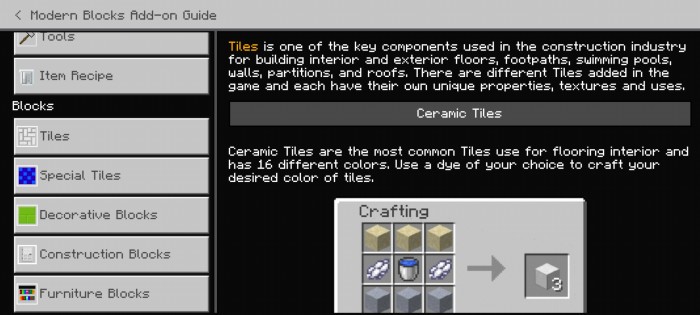
Tiles is one of the key components used in the construction industry for building interior and exterior floors, footpaths, swimming pools, walls, partitions, and roofs. There are different Tiles added in the game and each have their own unique properties, textures and uses.
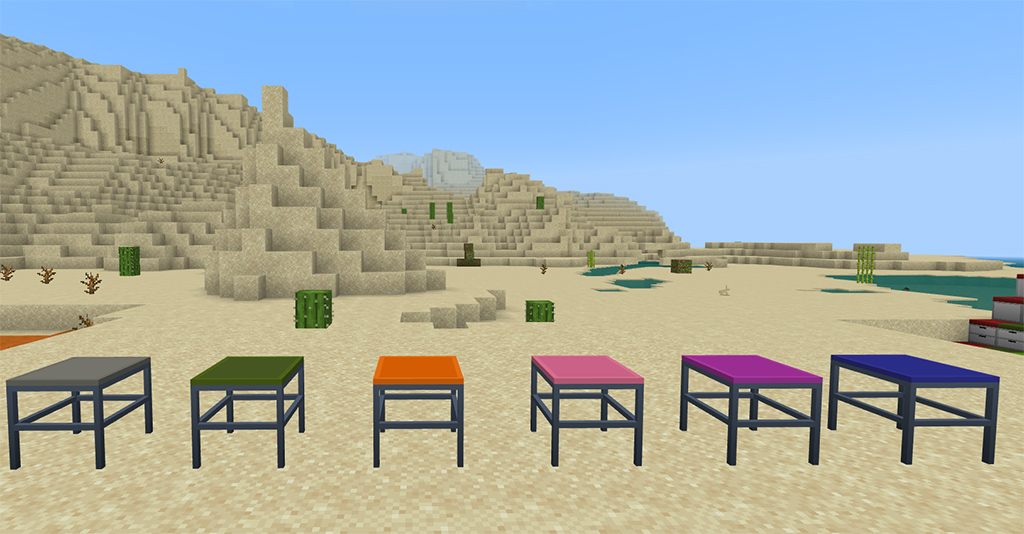
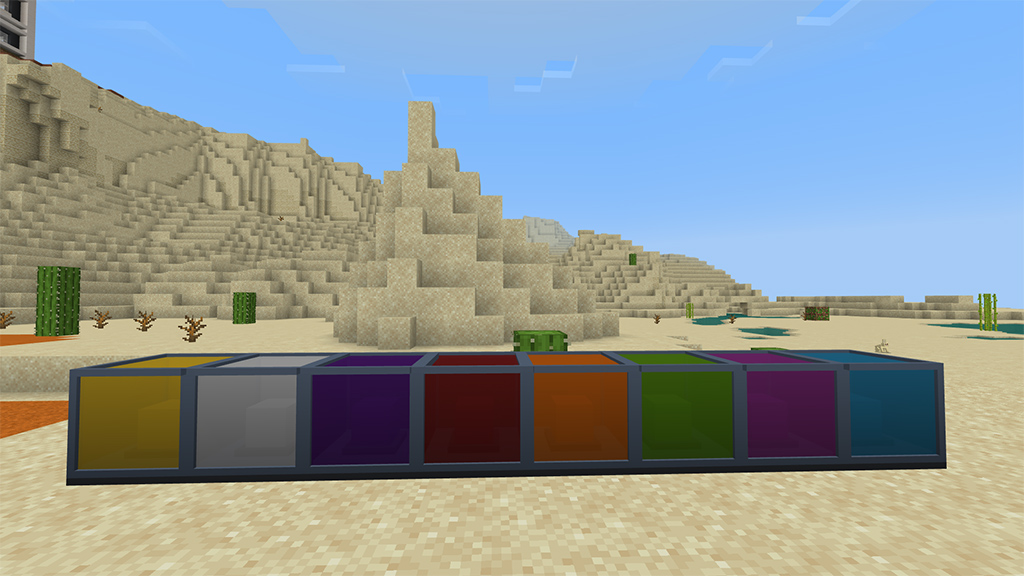
There are now 260 unique tiles in the game, and each one has a slab type. There are several different sorts of tiles, each of which has 16 distinct colors and 5 additional patterns. rough-textured porcelain tiles are ideal for outdoor flooring; a wooden tile with a grainy appearance; tiles with a check pattern and 16 different colors; Bathroom and swimming pool tiles
Here are a few examples of Tiles-based builds:
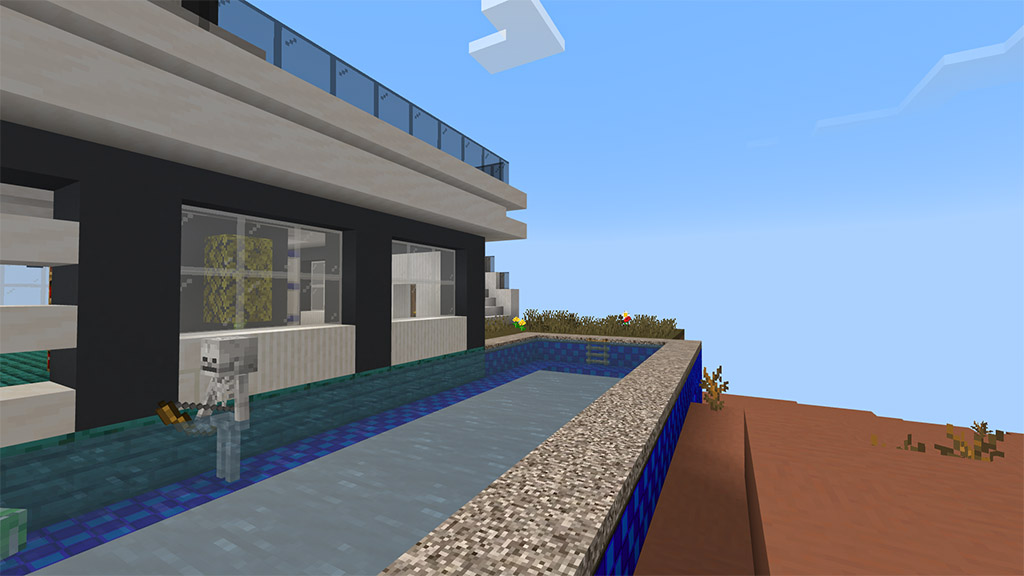
This pool is made with pool tile and pool liner in the border of the pool:
It looks more realistic pool, right?
Decorative Blocks
There are countless blocks available for use in designing, building constructions, and other purposes. The majority of decorative blocks are produced using liquid polymers, which are created when crude oil is melted in a blast furnace.
Hence, Chemistry As tables aren’t craftable in the game, you can’t buy crude oil in survival, thus I’ll add the recipe. The same recipes are used in the Uncraftable add-on that I also made.
There’s also an alternative way to produce liquid plastic, using Plastic Extractor you can produce it.
Plastic Extractor can be use to extract liquid plastic in ground to produce liquid plastic, it can only place on nature blocks that you can find in world layer except ores.
One of the most thing a liquid plastic can made are Plastic Blocks, here are different plastic blocks below.
Furniture Blocks
We also have furniture blocks which are use for designing interior structures such as offices, kitchens, wardrobe, schools and etc.
We also have 3D furniture that has uses other than just adornment. Some of the blocks now have uses, and the others will do so in the near future.
Picture Frame
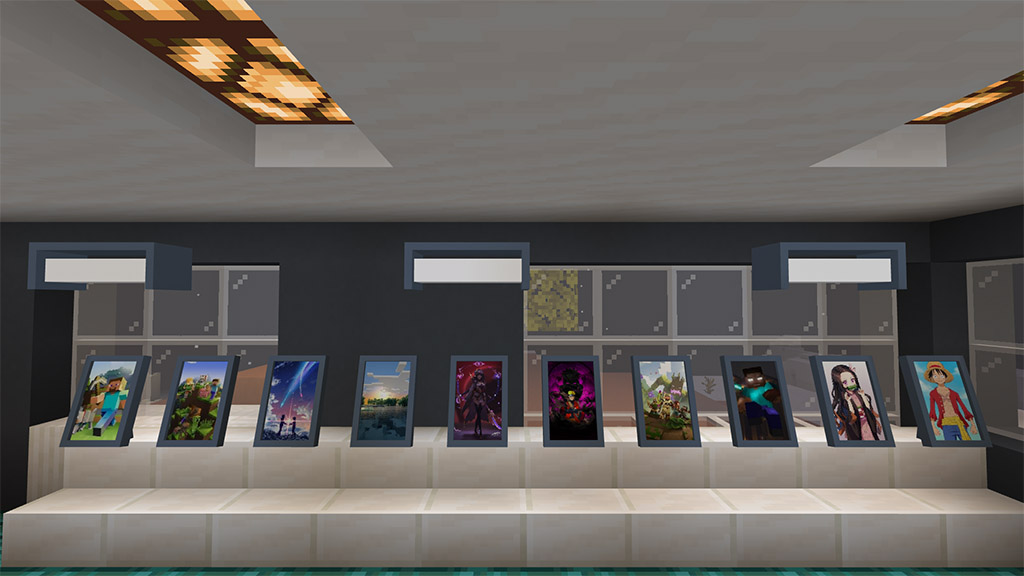
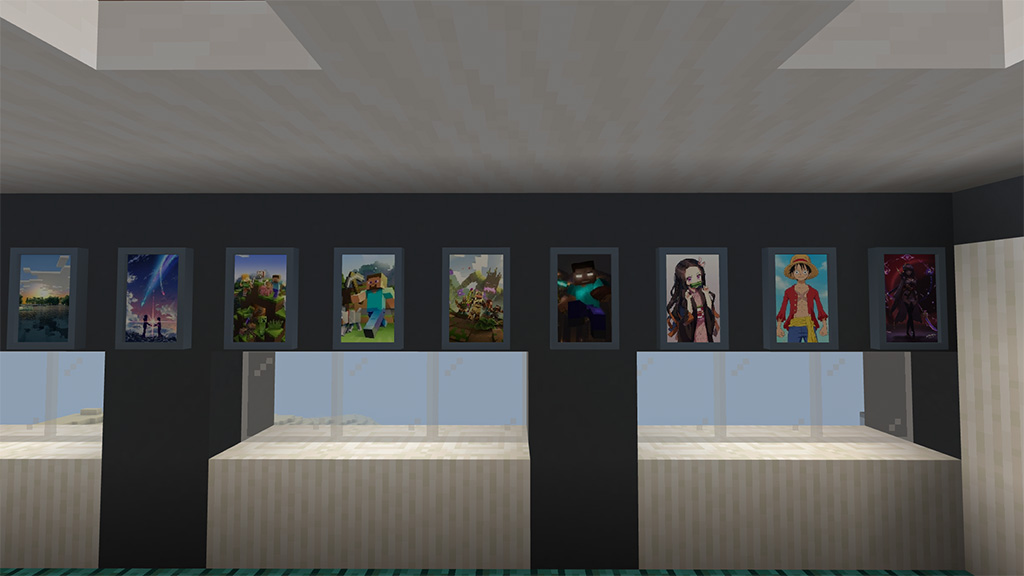
Are you tired of our painting as our decoration? We have a new picture frame, one is standing one and the other is hanging on wall. These picture frames has no picture yet by default, you are free to choose what pictures you can install on it. Just choose any available pictures.
Picture frame:
Wall picture frame:
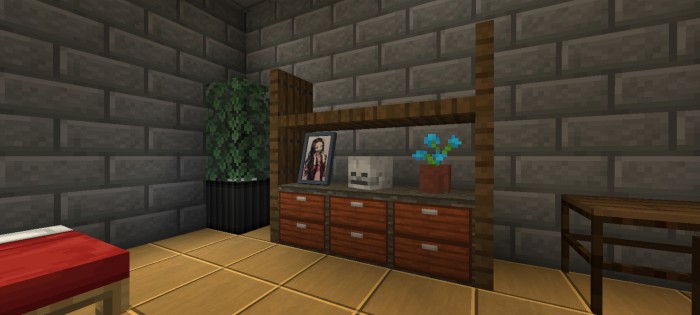
Here’s an example build using wooden drawer together with picture frame and other vanilla blocks.
Kitchen Stuff
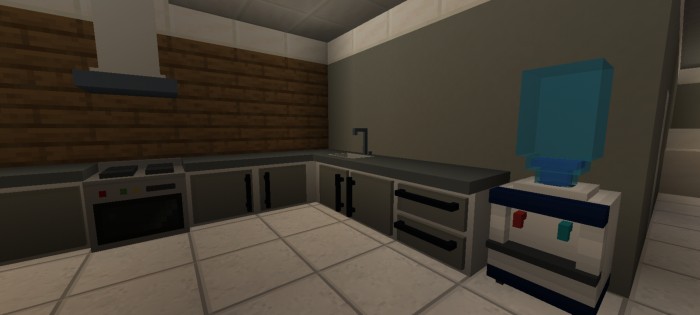
There are blocks too that are made for kitchens such as countertops, countertops with sink, cabinet and drawer is included. We also have fridge, microwave oven, cooking range and etc. which are currently has no function yet, however the water dispenser is now functional this work together with water container, you can learn how it work after trying it.
City Decor
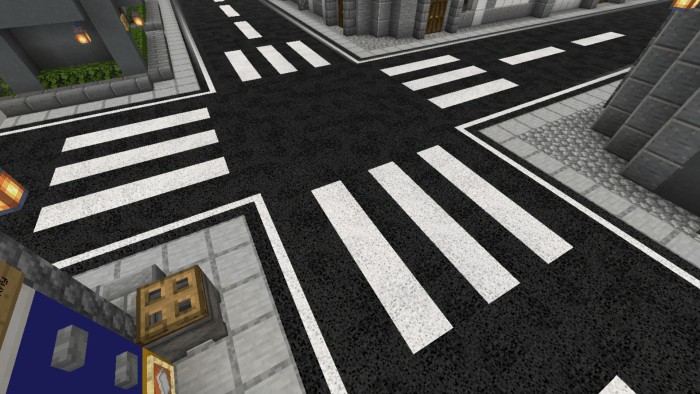
Our modern blocks isn’t complete without a decoration blocks for building cities, say no more to alternative blocks you use in building roads, we have a road blocks for that, there different varieties of road blocks which you could need in building city highways or roads.
This isn’t only about road blocks, there are other blocks too such as caution block, traffic cone and any city related blocks.
Where to see all blocks and items?
All blocks and items can be found in your creative inventory, hence they’re in creative inventory in survival you can able to see them in your recipe book and thus you don’t have to memorize every blocks recipe.
Need more in-depth guide?
If the highlights discussion isn’t enough for you, we have Modern Blocks Guide, this is a guide which is made for this addon, it is another pack so you have to download and install it too if you need it.
It modified the ‘How to Play’ UI and make it a guide. This guide provides all things you need in this addon, just read the guide and you’re ready to go. Here’s how it look like.
About Me!
To contact us easily, to suggest feedback and receive new update of my content join in our community with Discord Server
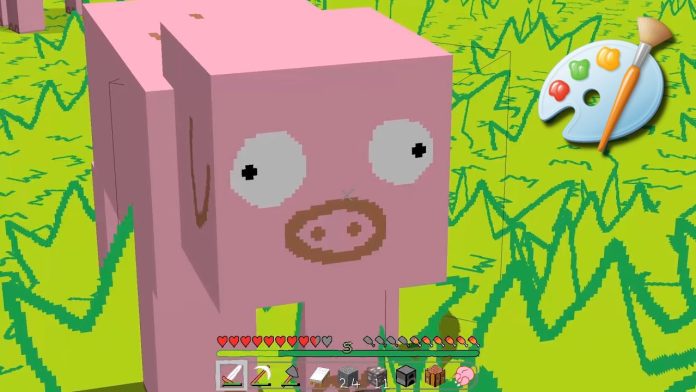
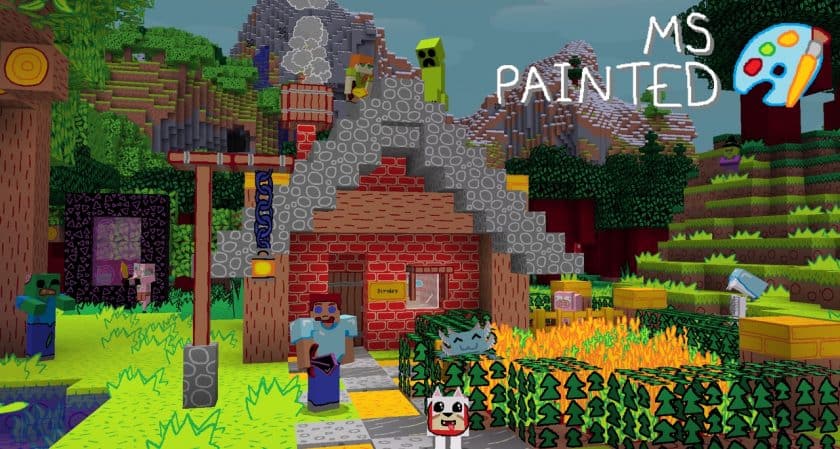
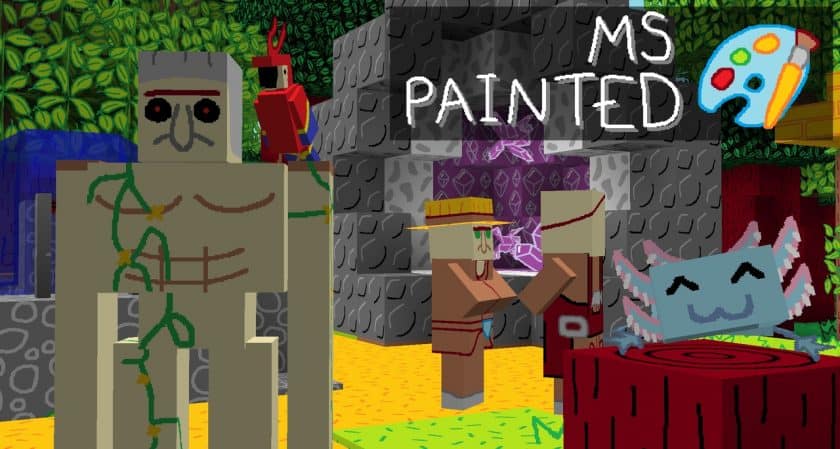
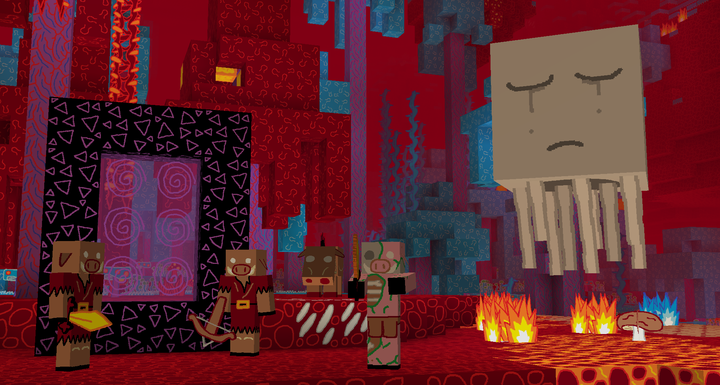
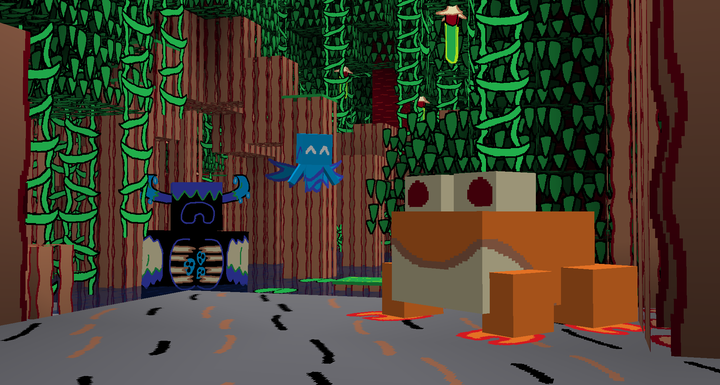
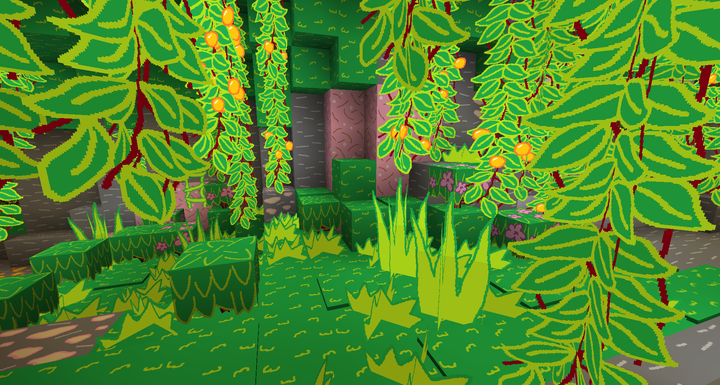
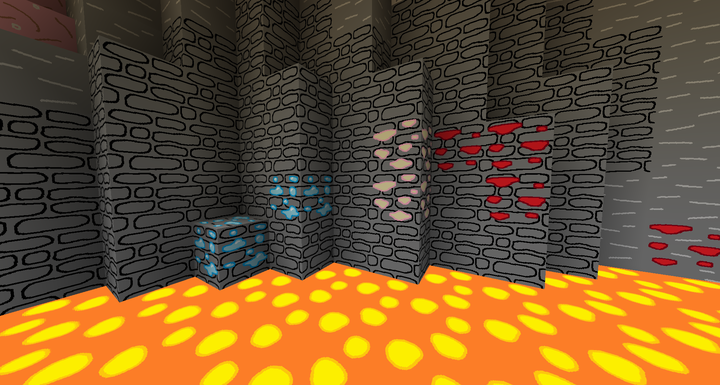
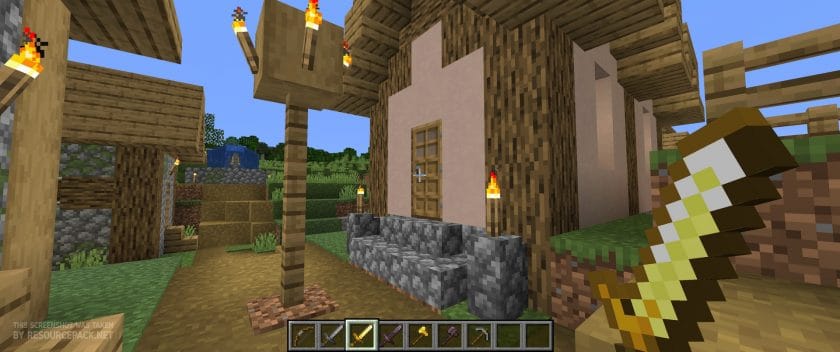
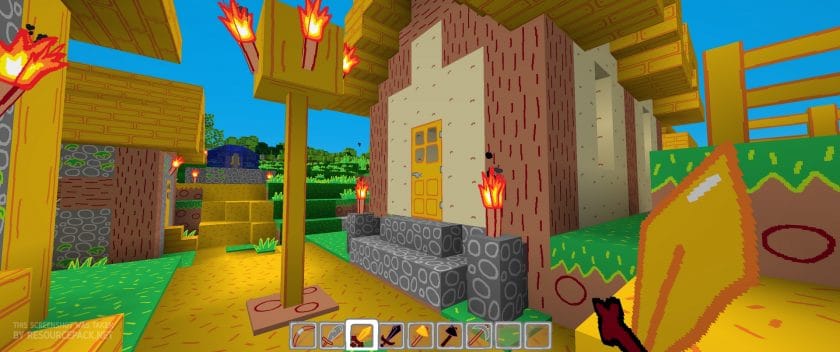
The design of the MS Painted resource pack was based entirely off of the MS Paint program. While this may seem underwhelming on paper, the resource pack applies the same vibrant colors that you can use in a regular MS Paint program to Minecraft in a way that brings the visuals to life.
Although the colors themselves are relatively basic like they are in MS Paint, they become very appealing to the eyes when combined and applied to the Minecraft landscape. However, the downside of the vibrant colors in the MS Painted pack is that they can make the landscape a lot brighter than normal. In general, the vibrance of the MS Painted’s color palette will likely be a relatively minor issue, but if it ends up bothering your eyes, you can always make the brightness a little darker.
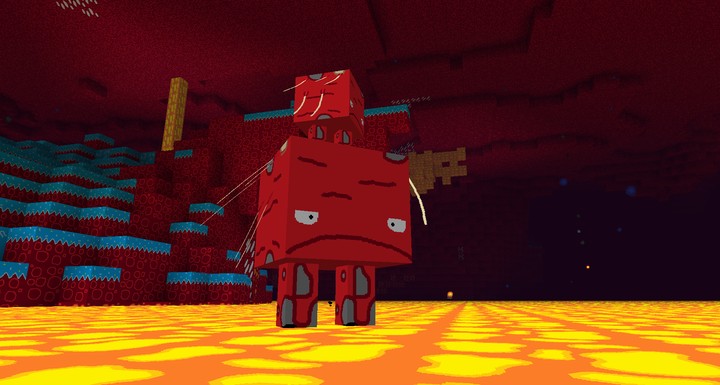
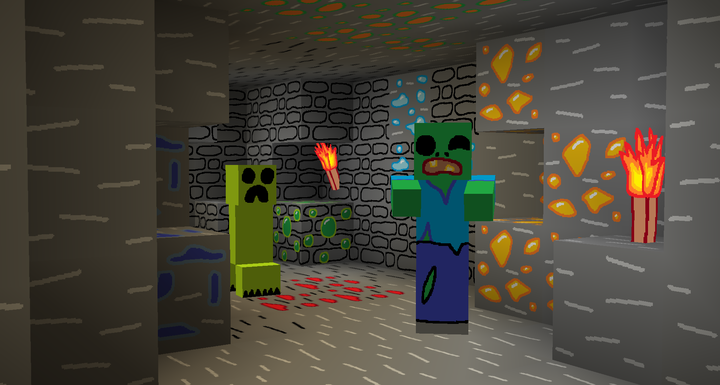
That way, you can enjoy the appeal of the MS Painted resource pack without being bothered by its liveliness! The MS Painted pack has also extremely clear-cut visuals and the application of MS Paint in the basis of its design creates a unique artistic style makes it stand out from many of the other resource packs available to Minecraft players. Along with that, another perk of the MS Painted resource pack is that it has an astonishingly smooth texture and with a relatively little noise.
In regards to the resolution quality of the MS Painted resource pack, the textures in the MS Painted are a 16 x 16 resolution, which is relatively low. However, that isn’t too surprising since resource packs like MS Painted aren’t usually designed to require higher resolutions, so a 16 x 16 quality is about the average for these types of packs. Nonetheless, it should be said that the benefit of having a lower-resolution resource pack is that it doesn’t require a computer with a better quality hardware and, therefore, can be used on almost all types of computers.
How to install MS-Painted Resource Pack
NOTE: Many resource packs require optifine to be preinstalled, so be sure to install it.
Download the MS Painted Resource Pack for Minecraft from the download section below – if there are many different versions, just pick the one that you like or that you think your PC can handle.
Launch the game client through the Minecraft launcher.
On the main menu, click “Options”
On the options menu, click “Resource Packs…”
Click on “Open Resource Pack Folder” – folder titled “resourcepacks” will pop up.
Move the .zip file you downloaded in the first step to the newly opened “resourcepacks” folder.
Click “Done”.
Click on “Resource Packs…” again.
Your pack should have appeared in the left window, just hover over it and click on the arrow pointing to the right.
Click “Done” again.
The pack has now been successfully loaded and ready to be used in your world!
Before downloading, please pay attention to the fact that:
Credit for the creation of MS-Painted goes to Stridey.
▶️ We never modify or edit resource packs in any way. None of the resource packs, shader mods or tools you see on this website are hosted on our servers. We use only official download links provided by official authors. Therefore, they are completely safe and secure. ▶️ Since the links are official and we update them manually – the links may stop working with each new update. We make every effort to update links as quickly as possible and usually we update everything on time and users have no problems, but if suddenly any link stops working – let us know through the comments below. ▶️ Don’t forget to leave a comment below and vote for the pack. By doing this, you help the author(s) keep improving the project. If you want to support the author(s), be sure to check the author links just below the download links.
When it comes to resource packs in Minecraft, MS-Painted is one of the best there is to offer. Although we’ve been playing Minecraft for years and have tried out a number of resource packs, the MS Painted resource pack really caught our attention.
If you like this Realsource Cartoon RTX Pack, let’s browse for more with MCPE Addons!