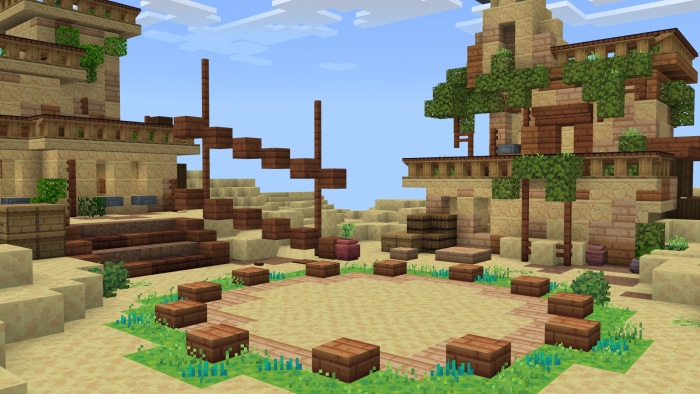
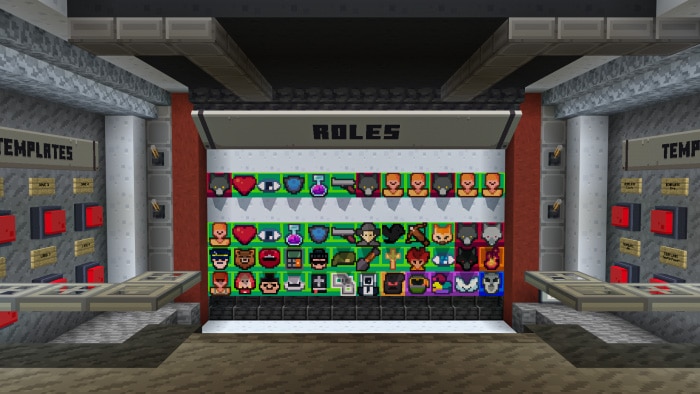
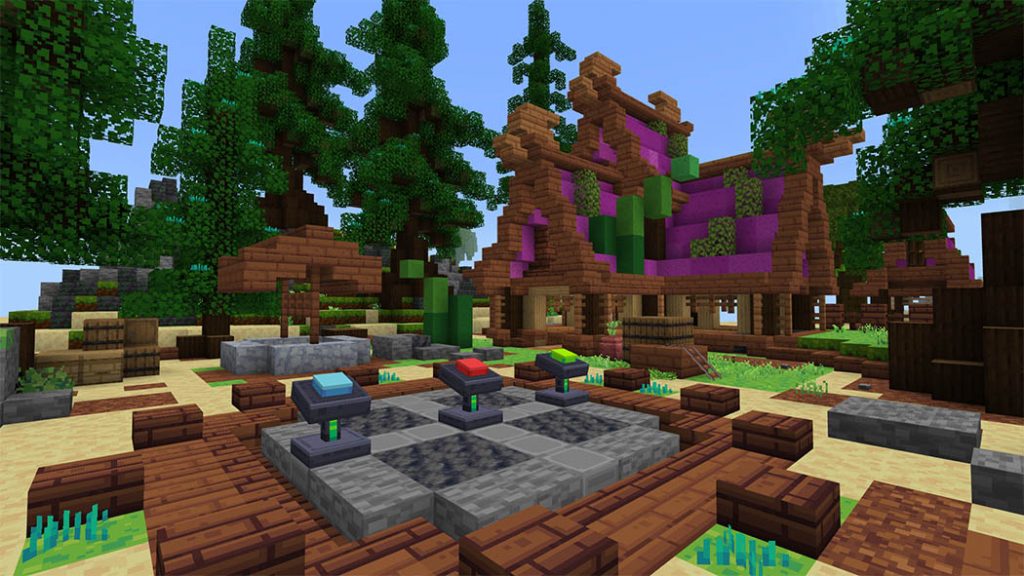
Philippe des Pallières and Hervé Marly are the creators of the board game The Werewolves, in which each player assumes the role of either a villager or a werewolf.
Each participant assumes the identity of a villager or werewolf. The werewolves vote to murder one person each night. The villagers must lynch a player during the day in the hopes that the person is a werewolf.
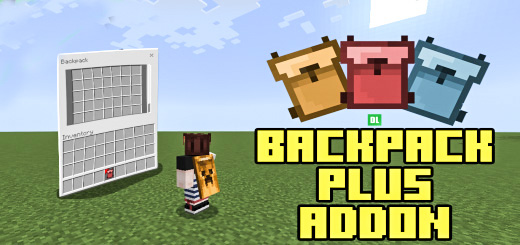
Do you desire a backpack plus addon that functions quite similarly to the Java Backpack mods? Or do you need to transport a lot of items yet your inventory is at capacity? You alone deserve this addon!
If you’ve used any Java backpack mods, you may be familiar with how this addon operates.
Cre: Amon28 (Youtube, Twwiter)
Backpack Plus Addon
Backpack Recipe
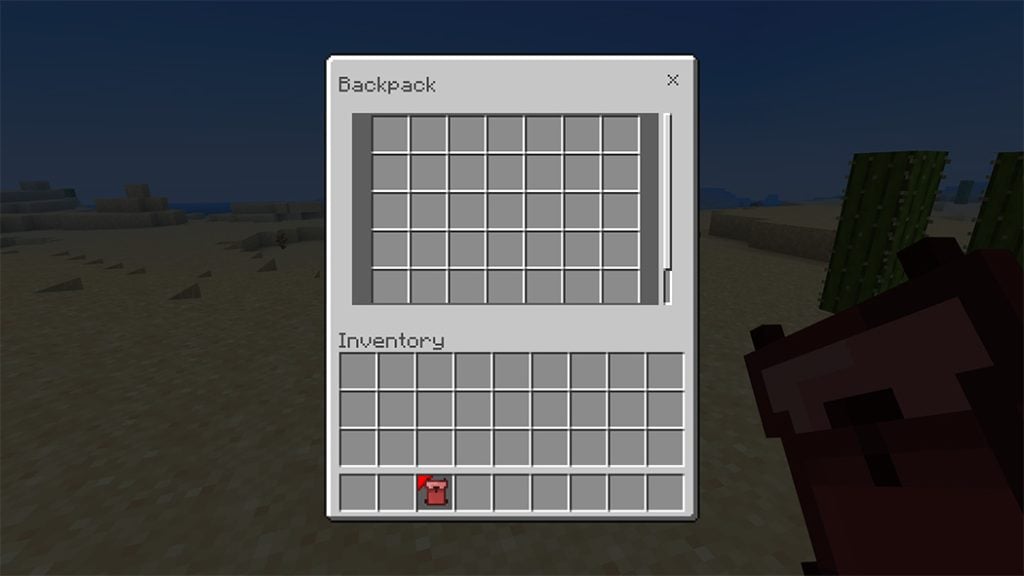
Create the backpack first, then while holding it in your hand, a red object will appear next to the icon. You cannot interact with blocks or hit anything while holding the backpack.
If you are using a PC, simply right-click the backpack while it is in your dominant hand to view the inventory.
Simply tap the open button on a mobile device, or long-press the screen while holding the bag.
Pc and Mobile has the same backpack GUI.
The items are saved per Bag so that you can fill the backpack with items and lend it to friends.
=?gt; WARNING <= If you have a previous version of this addon, please take out all of your items before updating to this version. Updating to this version will cause old backpacks to break. After updating to this version, if you have a previous backpack type in the chat. “bp get” To reset the backpack and use it again.
You are not allowed to repost this resource/addon outside of MCPEDL without my permission.
You are not allowed to create your own download link.
You are not allowed to share the direct link.
Feel free to make videos just credit.
Changelog
Version 3: Recode: Re-coded the whole addon Technical Changes: Can now put all of the items inside the backpack, except the backpack item itself and shulker boxes. Change lore text, now similar to shulker boxes. More optimized. Minor changed to the UI. Added credit button in the UI. Prevents the backpack from being killed from /kill New: Added subpacks in the resource for UI
Installation
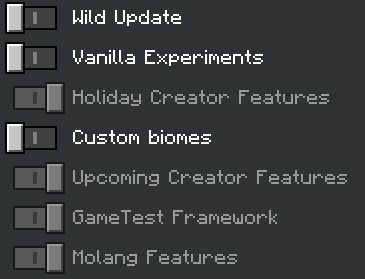
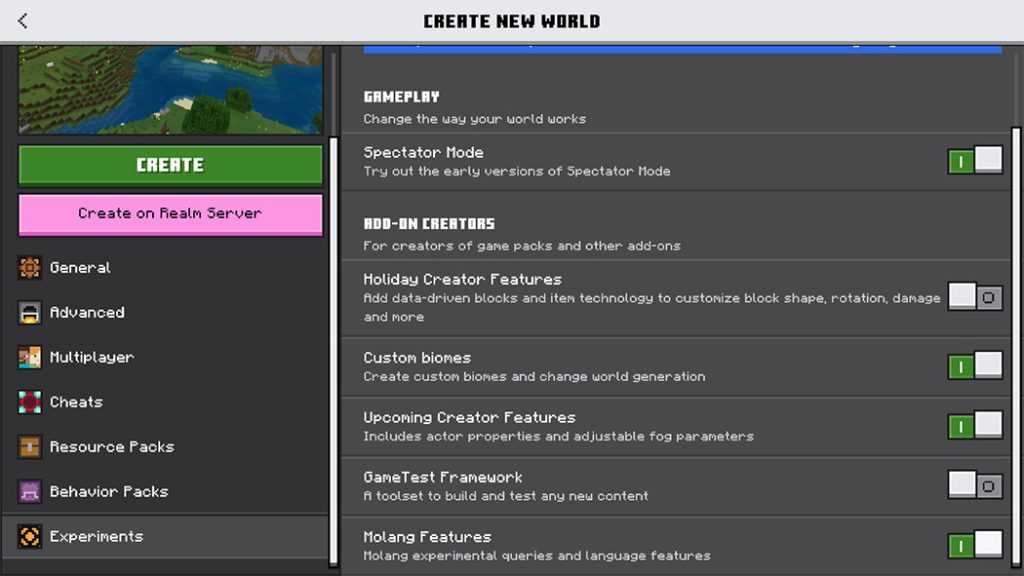
Needs Experimental Mode:
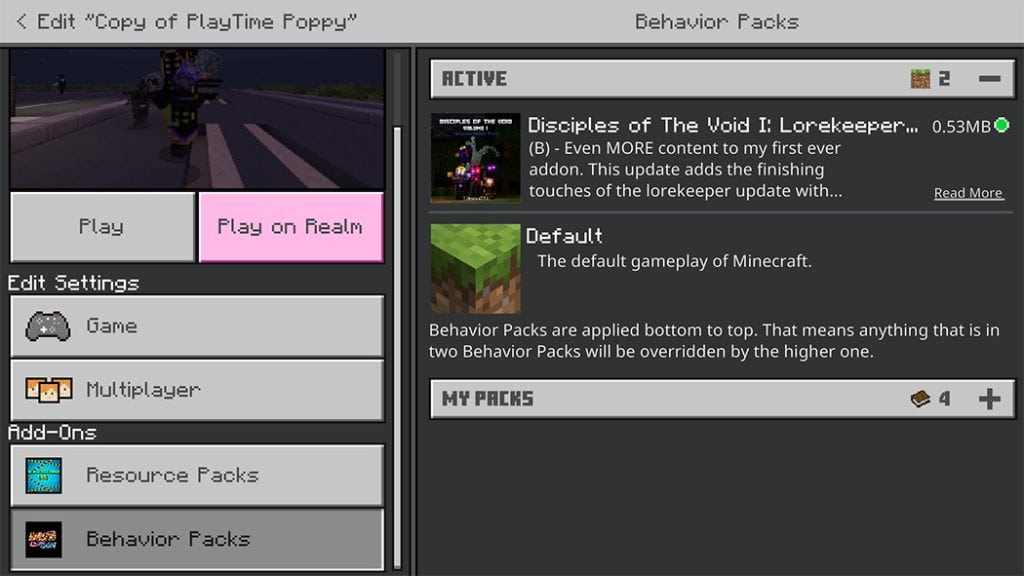
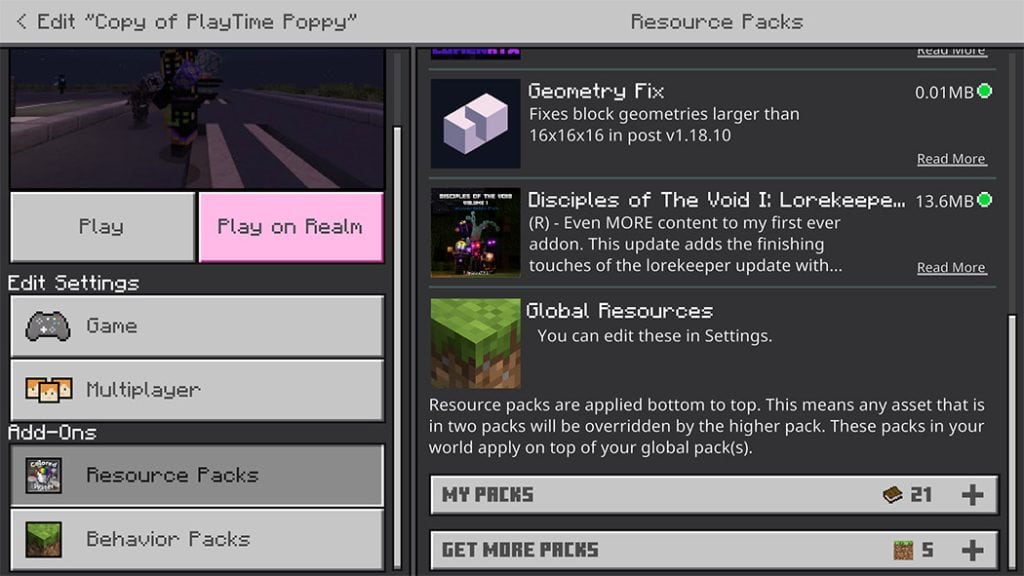
Make sure to turn on the backpack resource pack in your world if you are using this addon.
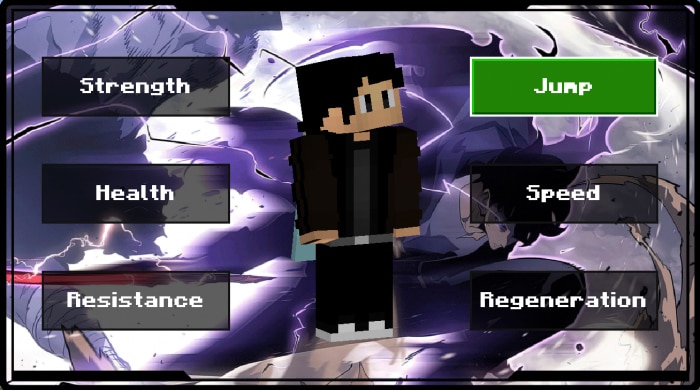
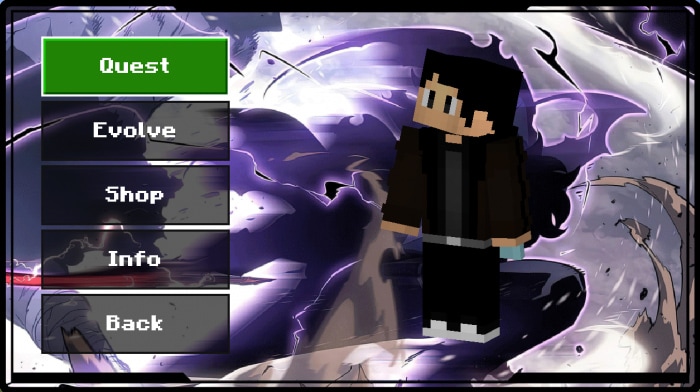
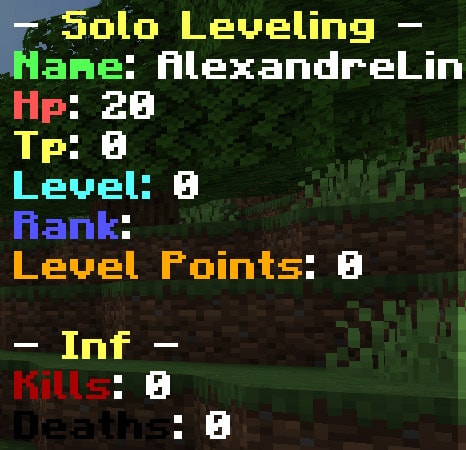
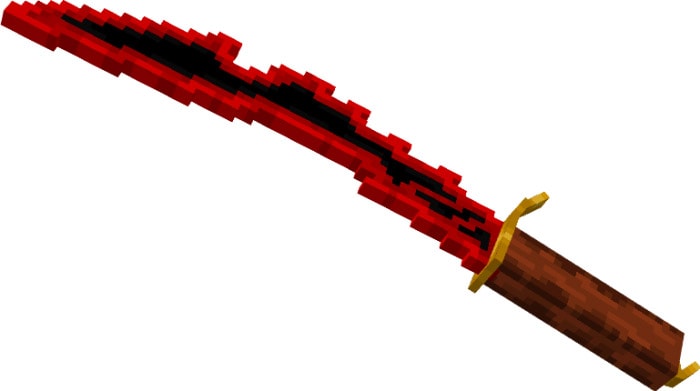
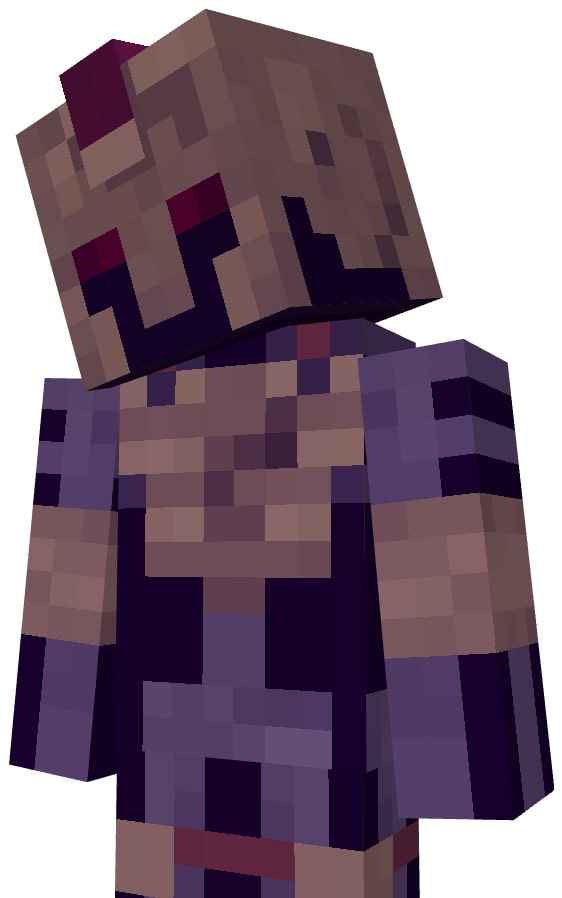
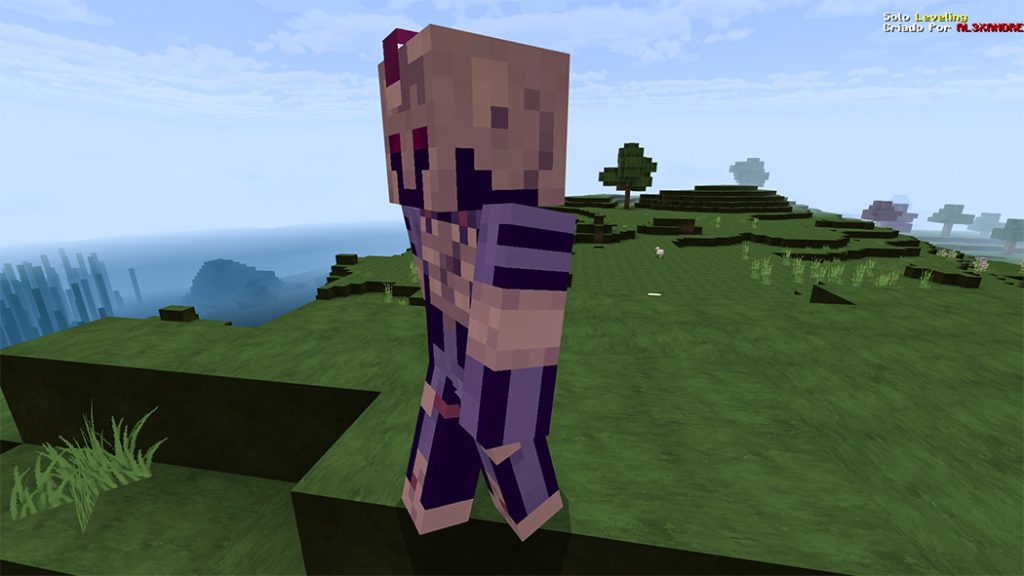
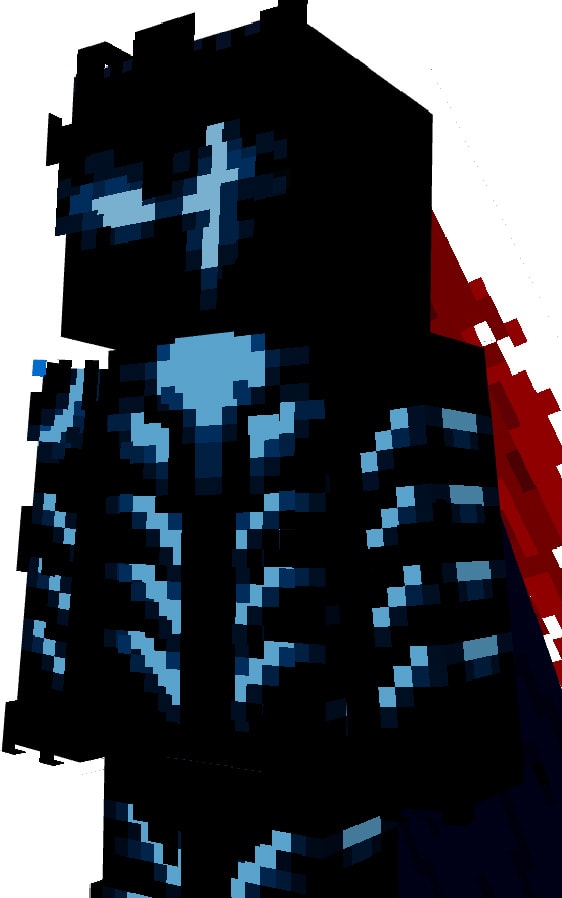
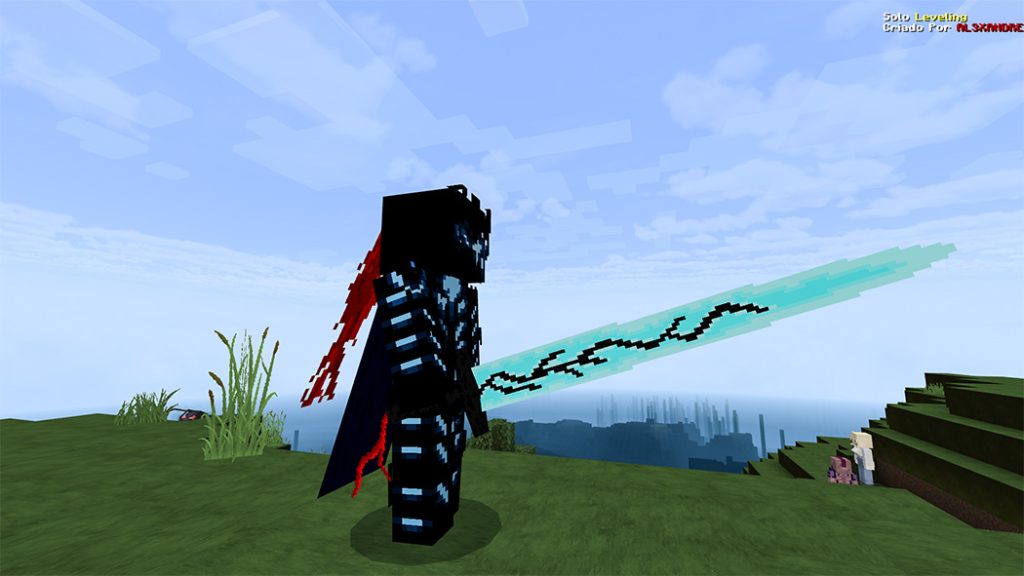
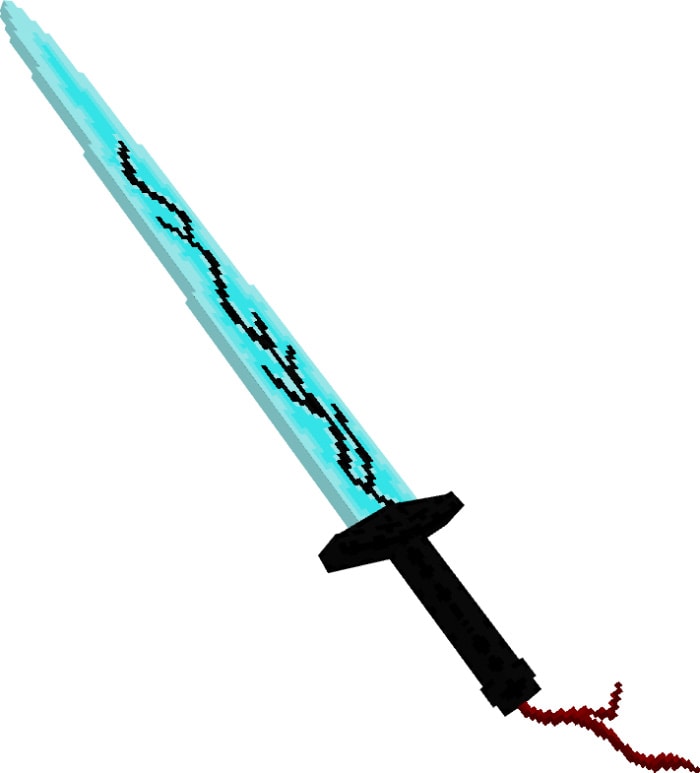
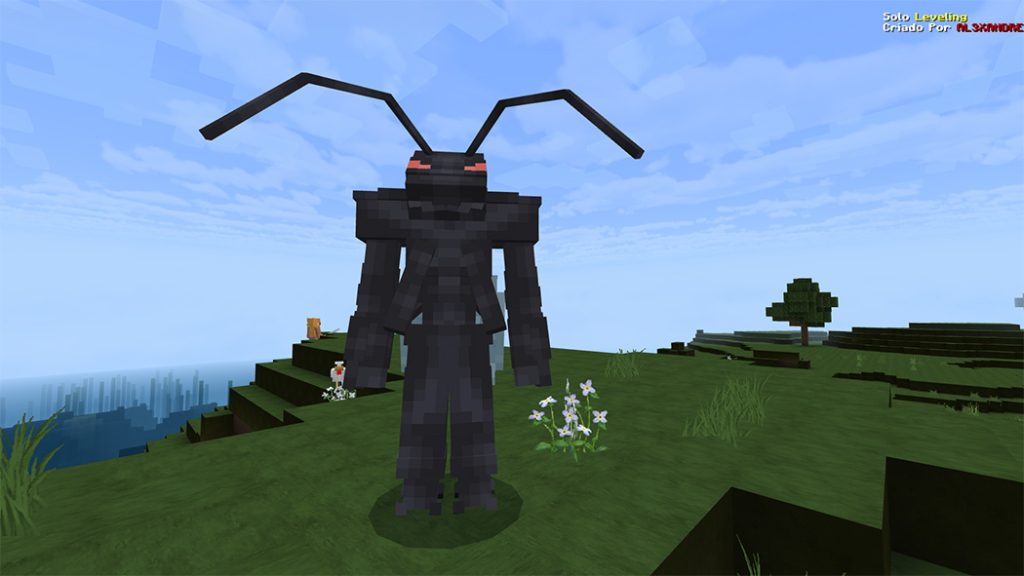
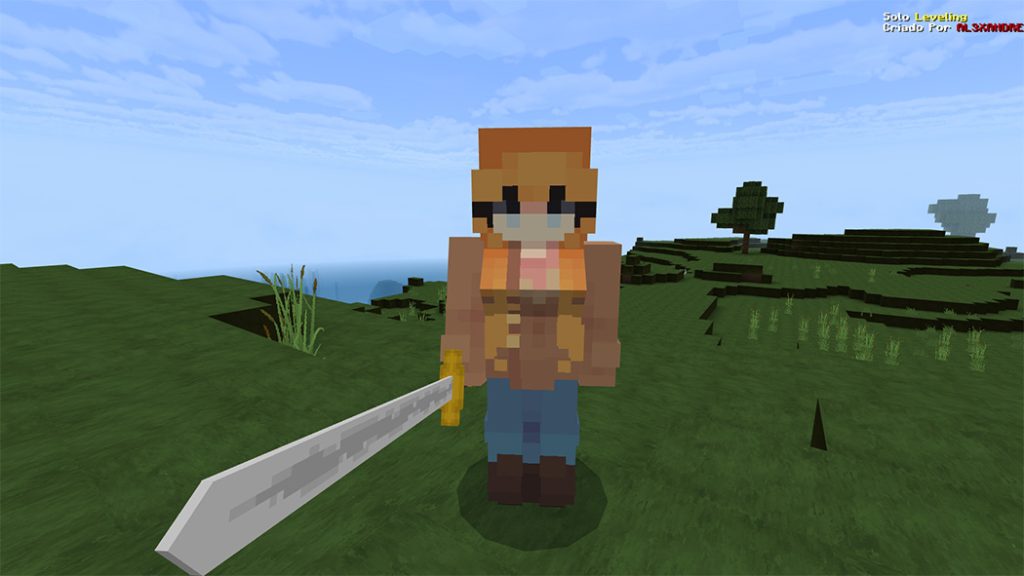
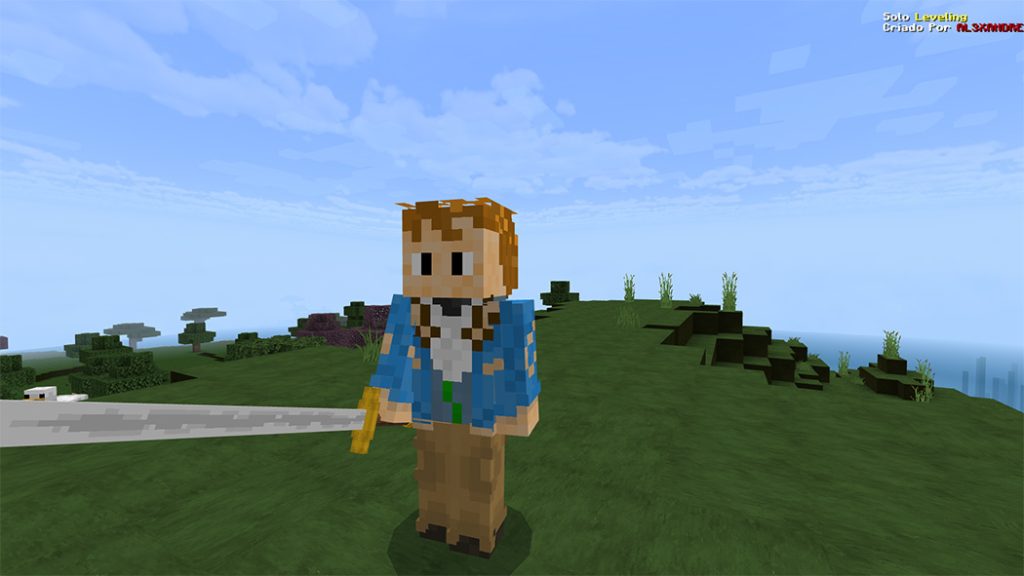
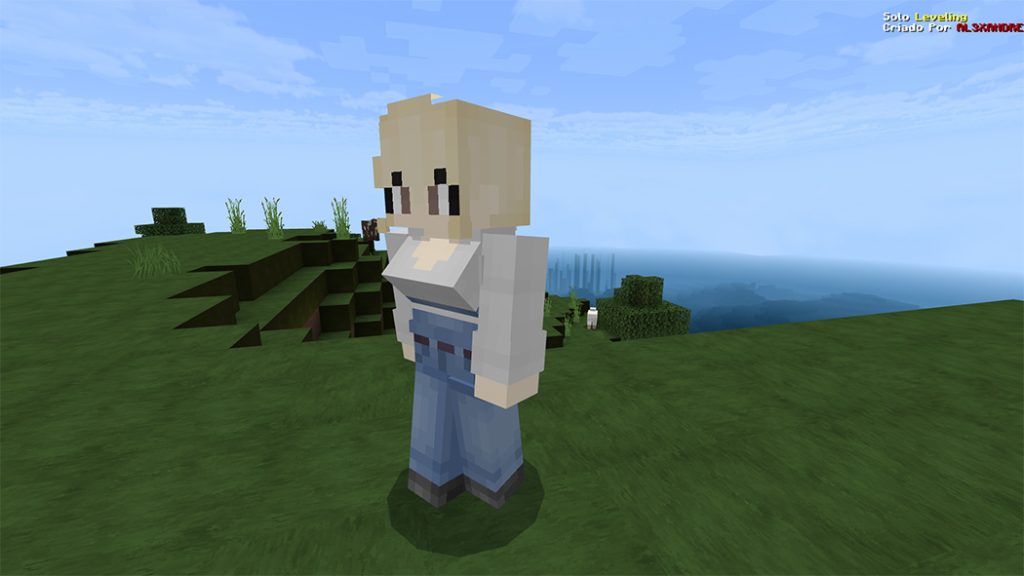
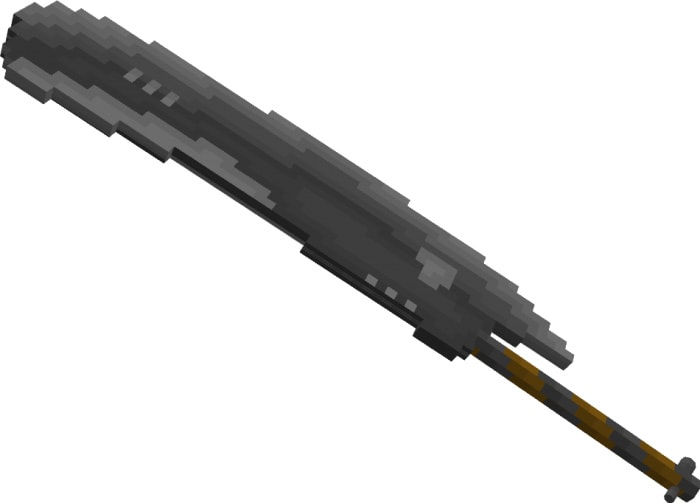
Your favorite anime characters in Minecraft Enjoy the three new characters in this great solo leveling DLC! Simple to install in your Minecraft when compressed into a.mcpack. Download is accessible; do it right away!
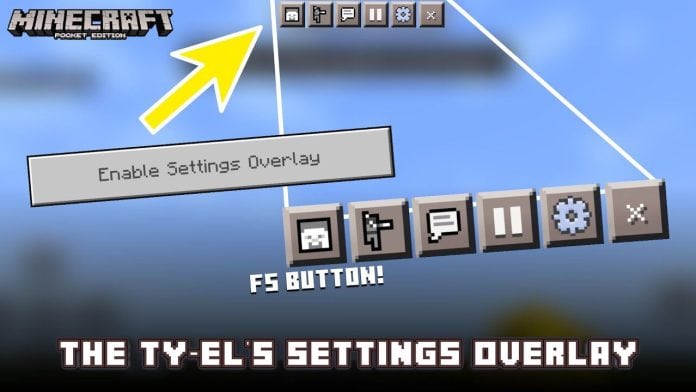
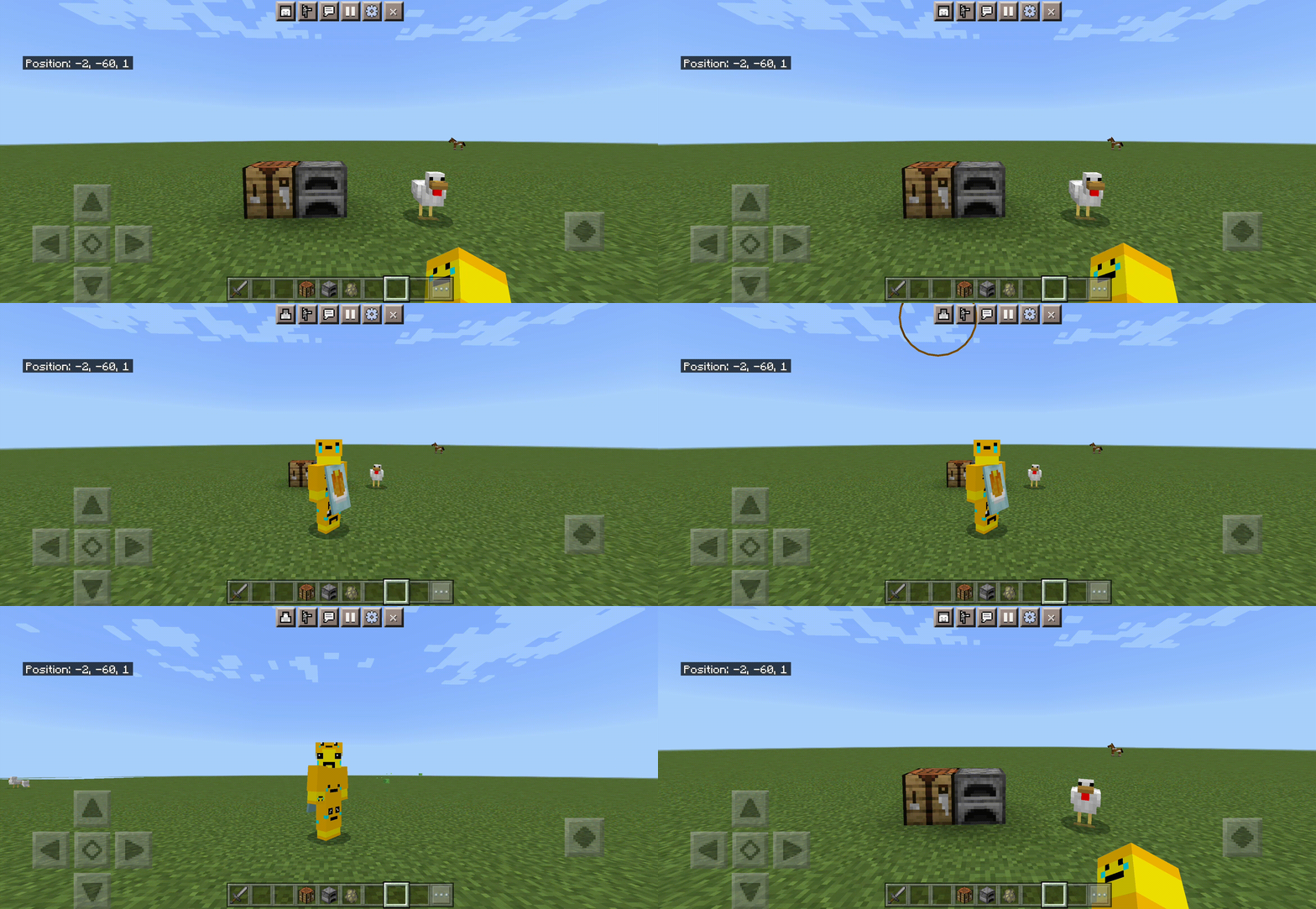
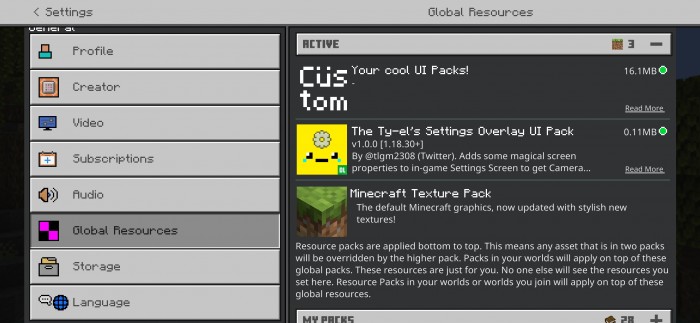
A UI treatment pack for Vanilla UI – The Ty-el’s Settings Overlay UI Pack is not like normal, it adds some magical screen properties to the in-game. Including Settings Screen to get Camera Perspective toggle on HUD and instant Settings button.
This pack only works for devices having Touch Capabilities, and is compatible with many other UI packs too!
If you are playing on version 1.18.30 or newer, you will need to change your game Touch Control Schemes’ Interaction Model to Classic, if not, this pack will be unusable.
This pack is made only for devices with Touch capabilities, it can be on your phone, tablet, or on PC but supports Touch, etc.
Make sure you choose the correct version of The Ty-el’s Settings Overlay UI Pack!
The game may be very laggy if you are playing on some low-end devices.
How to Setting
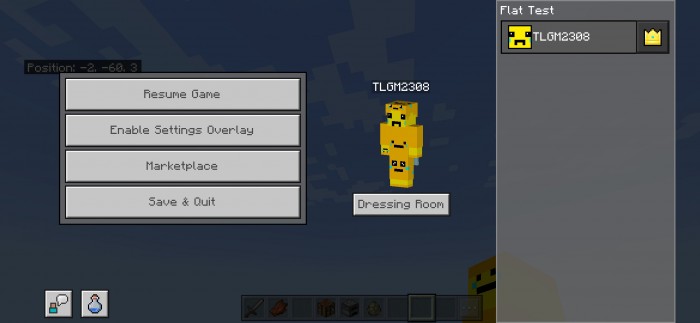
Step 1: Make sure you are in a Minecraft world and tap the Pause button to open the Pause Screen.
Step 2: Tap on Enable Settings Overlay button. (It could be Settings or Options, depending on your topmost packs)
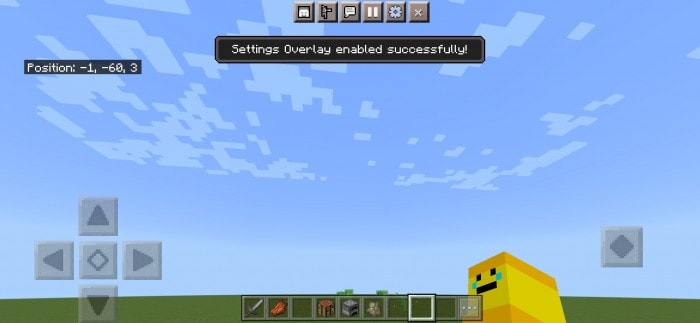
It will show the popup”Settings Overlay enabled successfully!” and 3 new buttons will show up on the top of the screen.
The first button on the left most is the Camera Perspective toggle. The player can change your personal perspective when playing!
The Gear icon is Setting Button. This can be modified world setting right there (Instant Settings).
The last button on-screen “X” icon is Quit Settings Button, which removes Setting Overlay. Back to the normal gameplay and bring to you automatically to Pause Screen.
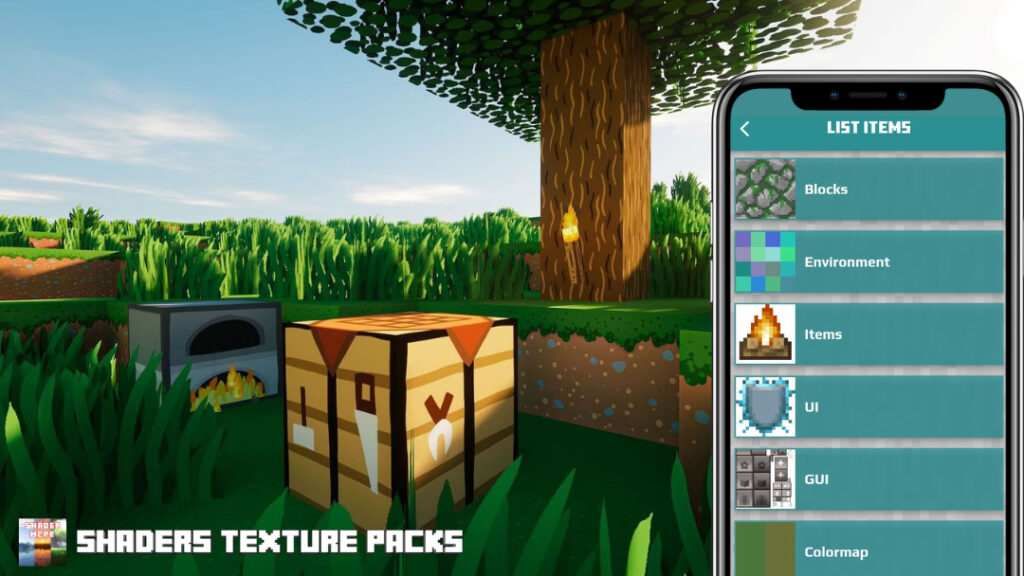
👉 If you like Minecraft Texture, you can also check other ones in mcpeaddons:
Disciples of the Void, Volume I: Lorekeeper Update, Part III do you try???? The original four returned, the reborn disciples were let free, and Erian is also at large. Can things really go worse? Definitely, they will. Unintentionally, the void merchant obtained a manifest that was never intended to be in the overworld! What is it made of? power? treasure? No, since the disciples’ rebirth, a being has been confined beneath the world. You buy it after you break it. Or, in this instance, you seal him back and set it free.
I purposefully left the same identification in the update. I’m leaving it because I think you should do it that way. therefore, you can now install the update on the Lorekeeper-compatible world. Install Part I, maintain your progress, and then go on to the new material. Here is a brief guide on how to replace items.
Ignore the prompts; they’re trying to mislead you. Deactivate the Lorekeeper Pt. I addon before installing Pt. II.
If you perform it right, nothing will occur.
v2.3: Lorekeeper Update, Pt. III: Finale Content
Please consider subscribing if you liked the trailer or my stuff in general.
Come along with me on my quest to join the Minecraft Marketplace!
If you like my work, feel free to follow along as I start releasing my addons early on my YouTube channel on a first come, first serve basis.
?nbsp;
You have already completed EVERYTHING Disciples of the Void addon has to offer, according to this update.
The last installment of the volume I Lorekeeper Update is now available.
This update will conclude the addon’s lore and provide some indications for further content.
The “Zenith” of the addon, improvements, new blocks, and quality of life are the main topics of this version.
If you don’t install this block fixer with these conditions, the blocks will break and degrade into dirt.
You may import it into Minecraft because I included it in the.mcaddon file.
Here is a direct link to the block fixer so you may download it on your own (just in case I’m stupid and it doesn’t come with.)
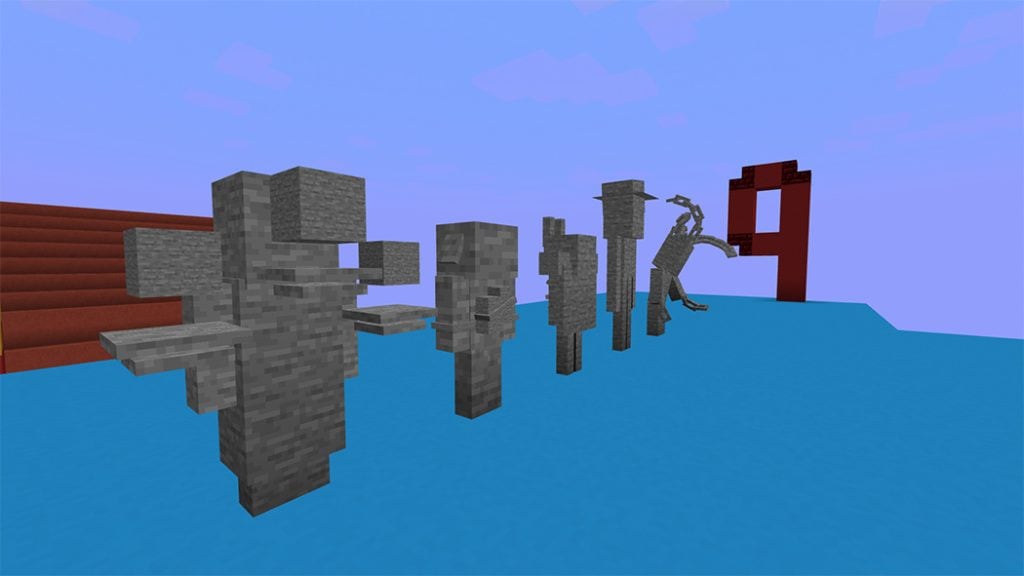
Disciples sculptures are included with this release. You receive the appropriate statue after you kill The Puppet or the original disciples. They serve only as ornamentation and do nothing.
NEW SWORDS
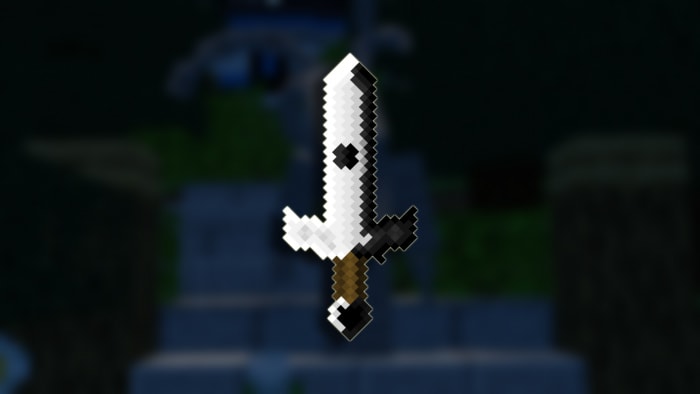
Volume I of The Zenith of Disciples of The Void “Yin,” the positive aspect of “Yin and Yang.” This sword’s primary function is to clean up the area around you.
At a crafting station with four chaos crystals, you can create this weapon using every single sword you’ve acquired along the journey.
STRIKE ABILITY: CREATOR’S MARK
The user obtains regeneration and resistance when this sword strikes an enemy, who receives wither and weakening.
USE ABILITY: Escaton Judgement
When used, all enemy’s around you are obiterated. This attack shreds armor. Use responsibly.
“Yang” will be added with Lorekeeper Update: Pt, II of Disciples of The Void: Volume II.
FINAL NEW SWORD
There is also one new sword. It can be found it erius’s section, as he got a revamp this update.
Change Notes:
Everything else in the changelog is listed here. I don’t blame you if you skip it but everything is here.
*changelog*
End of The Lorekeeper Update, Volume I
v2.2: Lorekeeper Update, Pt. II Content
Part two of the lorekeeper update is shown here.
The following section of the add-on is predicated on your victory over the first two groups of disciples.
The Final Manifest.
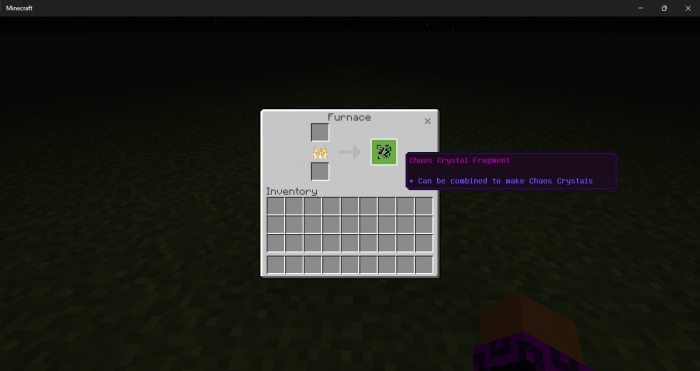
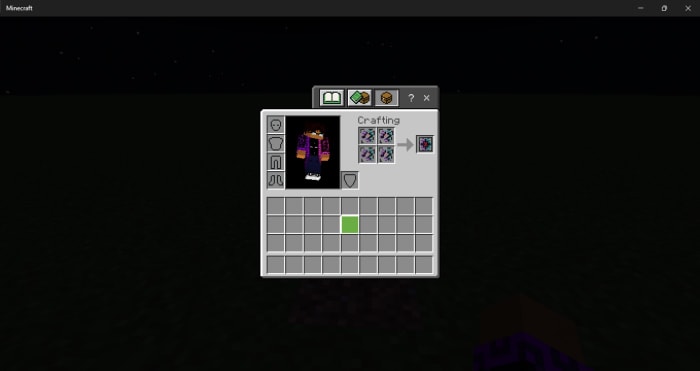
Displeased with your chaotic armor? burning it The result of melting it in a furnace is a substance known as “Chaos Crystal Fragment.” You will receive four fragments after smelting the full set. A chaos crystal can be created by combining four parts. When you possess the chaos crystal, you can exchange it for the last manifest from the void merchant.
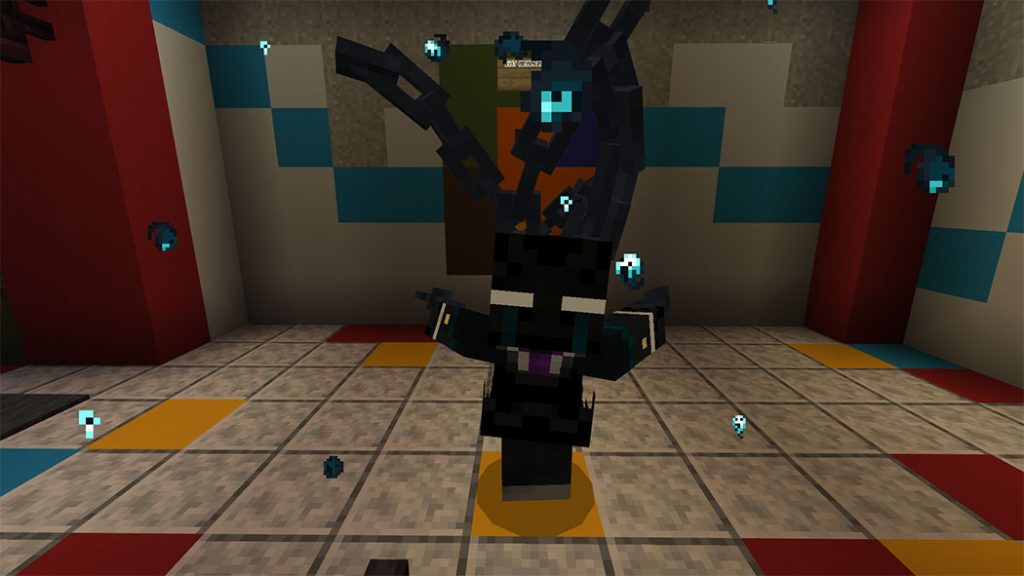
The Puppet
The “Final Boss” of Disciples of the Void addon is the puppet. He is the strongest mob in this addon since he uses a variety of attack patterns. He assaults you with melee weapons, fires kunai at you, calls forth evocantion fangs and an alternate form of Alatar, and uses a potent spin attack.
Health: 2000
Attack Damage:
35 Damage (Melee Mode)
25 Damage (Ranged Mode)
25 Damage Per Tick (Spin Attack)
Godslayer Alatar
He has a chance to summon “Godslayer Alatar,” the most potent alatar, while in summon mode. He’s not a major threat yet, so don’t be alarmed. But that does not imply that he is risk-free. He will provide The Puppet resistance L (50) upon summoning till he perishes. To harm the puppet once more, you MUST kill him.
“Player…” “…Don’t” “…Trust” “…The creator.”
When killed, he will play his death animation. クリエイター will take him back and you are rewarded for your efforts.
ヒル // Hill
+17 Attack Damage
You acquire the Hill sword when you kill the puppet. This blade has three functions.
A disciple who receives a blow from this sword is rendered permanently disabled. In Volume II, the disciples can also be harmed by this sword’s abilities. (The sword from Volume II is also applicable here!) Lightning erupts all around you if you stoop before using the sword. You receive a MASSIVE regeneration bonus whenever ANY monster is struck by this weapon.
TRIVIA
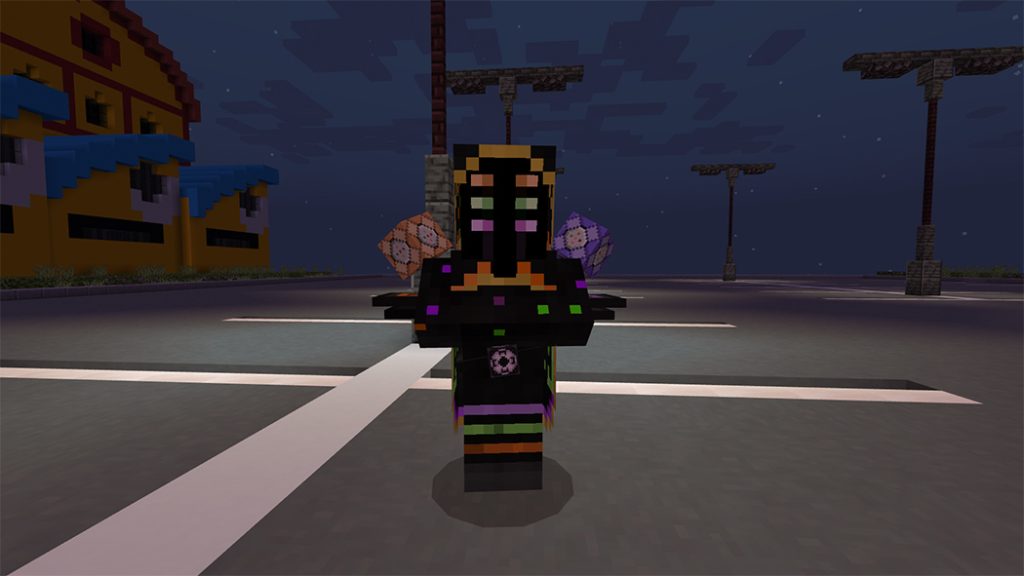
My previous Minecraft skin inspired the puppet design. Likewise, if you’re an older player, the skin for Enderman wearing a suit from a previous iteration of Minecraft. The puppet’s vocalizations are made by Zant from Twilight Princess of the Legend of Zelda. Used Video Both Zant’s Fight from Twilight Princess and The Artist’s fight from Sifu served as inspiration for the rapid, unpredictable combat style. His spin move is modeled after Zant’s spin move in Twilight Princess. This is the only mob I’ve ever encountered with many attack types. wishing for more vivacious mobs in the future. The Puppet currently uses more animation controllers in his mob data than any other one of my other mobs as of this release.
v2.1: Lorekeeper Update, Pt. I Content
The Lorekeeper Update is divided into two parts. After you vanquish the first four disciples, you can access the information in this update. Each one will leave behind a special item that can be traded with the new npc.
The Original Disciples of The Void:
Deathblade The “Invincible”
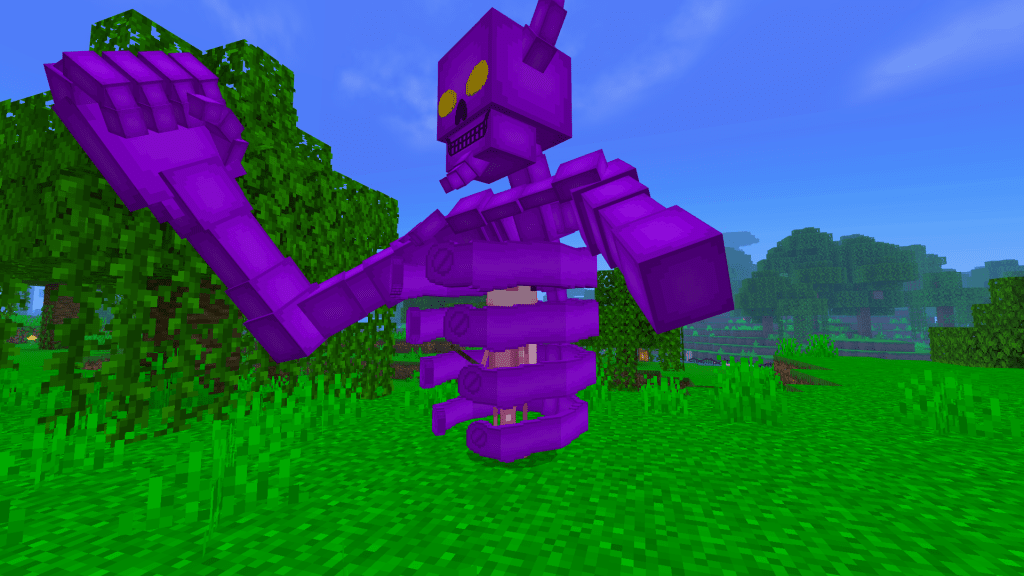
Deathblade is the group’s brute force. A skeleton of hatred, resentment, and anger. Attacks with either one and has a chance to start a “anger mode” in which he goes into invincibility and launches an area attack for a while.
– Attack: 30
– 1200 Health (600 hearts)
The original group’s black magic user group is represented by Alatar. He doesn’t fear players like other evokers do and engages them head-on. He behaves like a typical evoker, but his attacks are more sophisticated, disorganized, and unreasonable. Each particle may identify each attack:
Dark Green: Summons Alatines to attack you.
Dark Red: Fireball
Cyan: Summons a circle of strays to shoot arrows at you.
Green: Wither Skeleton
Pink: Dragon Fireball
Light light blue: Vexs
White: Sets off a huge explosion for massive damage. RUN WHEN YOU SEE THIS.
1600 Health (600 Hearts)
The forerunner of brawneus, a rotting suit of flesh and bone, is brawlatar. But he’s considerably better organized and adept at maintaining his shape.
Like Osseous, he has a chance to call in reinforcements when assaulted. It is advised to eliminate the backup as soon as you can to prevent them from accumulating throughout the conflict.
Health:
600 (300 Hearts, Phase One)
600 (300 Hearts, Phase Two)
Attack:
20 (Phase One)
30 (Phase Two)
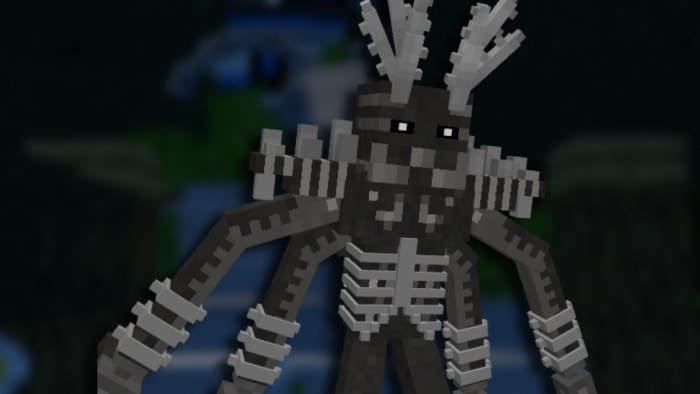
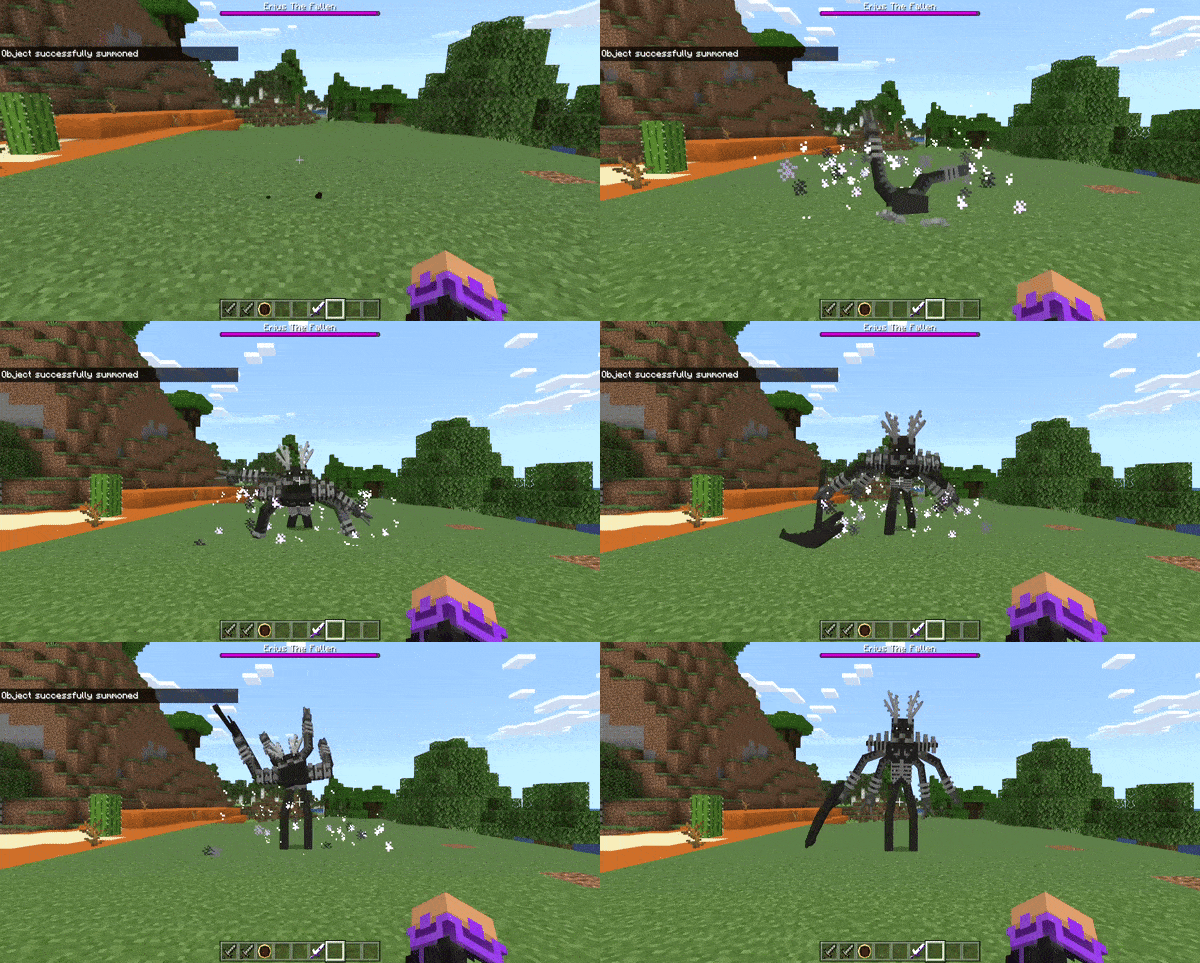
Eribus The “Immortal End King”
Limbosis’s precursor was Eribus. His creator banished him for his misguided attempt to topple the end.
Dude is fairly basic, like the first update. He is an enhanced Enderman.
Cold Ones
As you might have seen, the shopkeeper offers a product called “Cold ones” that, in essence, megabuffs the player to give you greater defense against the original disciples.
Battle Coin II
You get “Battle Coin II” when you kill the initial disciples. With the merchant, you can exchange these cash for new armor and the completed manifest.
Chaos Armor
You can purchase the chaotic armor from the vendor if you have accumulated enough battle coins. An armor that is constructed properly from the beginning and carries over pure chaos energy!
This armor set provides REALLY high defense and is extremely durable. It is advised to employ it against anything more advanced than the first group of disciples.
The Fallen Manifest
With the second of level of battle coins, you can also buy The Fallen Manifest.
Fallen Erian
To gauge his strength, brings back the “Original” Erian. Despite being bruised, he still has new tricks up his sleeve.
Phase I:
Health: 400 Hearts
Attack: 30 Hearts
in his first form, he acts just like he is in Volume II. Normally attacking you like any other mob.
Phase II
Health: 800 Health
Attack: 50 Hearts
In his second form, he will climb out of the ground to attack the player in a new form. He will walk up to you and strike you.
Rage+
“A wrath packed with still more madness and confusion”
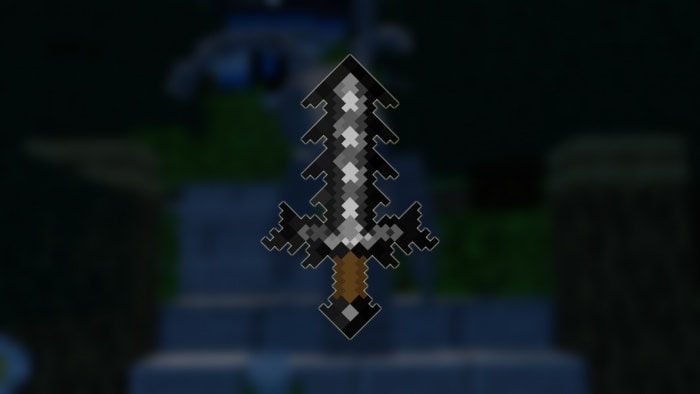
Erius casts this blade to the ground. It is essentially an exact replica of “Rage” from Volume II, but with double the stats.
When used, a “slam” assault that deals twice as much damage and takes twice as long as the original will rot away your enemies.
The full change log is in the next section. I don’t blame you for skipping if you aren’t trying to read a long list for the change log.
Most descriptions of items and enemies have been updated. just in case you want to read what is offered straight off
while disregarding what they formerly did.
ITEMS:
Most items have been resprited.
All weapons no longer share the same cooldown
Weapons playsound functions now work.
The Brawler now gives Darkness instead of blindness.
The Brawler now gives Speed III Instead of Speed V
Revamped the projectiles shot by Majar
Chaos Armor has been drastically buffed.
OSSEOUS:
Osseous is now invincible when calling for backup.
Osseous is now slightly faster.
Osseous chance of calling for backup has been increased to 10% per hit Instead of 3.33%. However, health has been reduced by 100.
LIMBOSIS:
Limbosis now teleports more often when enraged.
Limbosis now enrages for half the time, but the chance of enraging is doubled.
Limbosis no longer directly attacks the player. He now attacks when looked at or attacked.
ALATAR
Movement speed has bee reduced from 0.5 to 0.25 so that I can teach myself that sprint multipliers exist in the aviod mobs component.
Spell cooldowns has been heavily reduced. Alatar will now use EVERY POSSIBLE SPELL he has more often.
Boom bats explosion has been increased but fuse time is higher.
BRAWLATAR:
Saying his health has been massively decreased would be an understatement. health has been cut in half
Pre-Enrage backup call chance has been almost doubled. (less idk how to word it)
He no longer drops apples.
Second phase has been removed.
FALLEN ALATAR
No longer drops apples.
ERIBUS
No longer drops apples
FALLEN ERIAN / ERIUS
Revamped his second phase animation sound.
Updated Erius’s Animations.
Erius now has his own sword
This is the end of Lorekeeper, Pt. I
Update v2.0 Content:
?nbsp;
Starting Off.
You need to set up a little bit before you can get to the monsters. You must eliminate “Voided Zombies” to get access to the Disciples. Anywhere in the overworld, at light levels 0 to 15, you can find them.
They resemble typical zombies but are more grey in appearance and slightly healthier. At everything they assault, they also vigorously shake their heads.
The “Void Crystal I,” which may be used to build the manifests to spawn in the bosses, can be made once you have killed enough Voided zombies to collect Nine fragments.
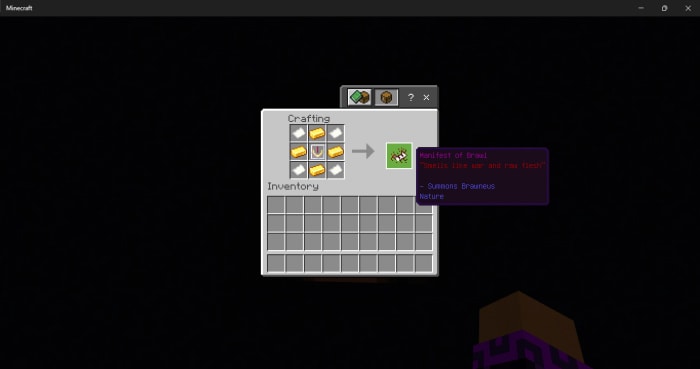
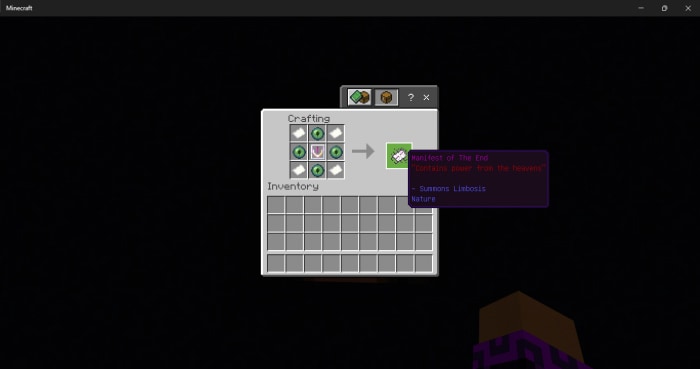
Below is a list of each mob’s crafting recipes.
The Disciples of The Void: Reborn
Brawneus, The Rotten Brute
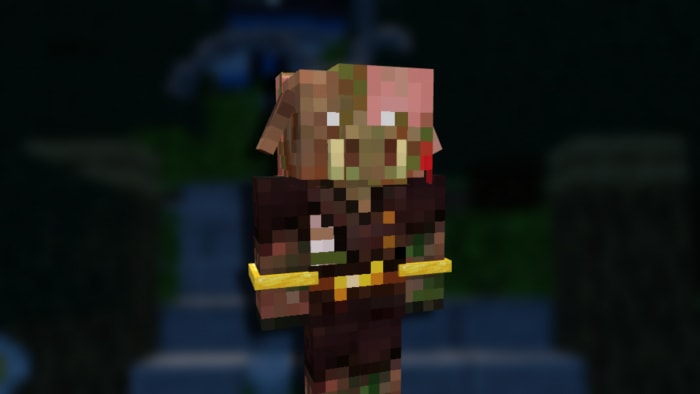
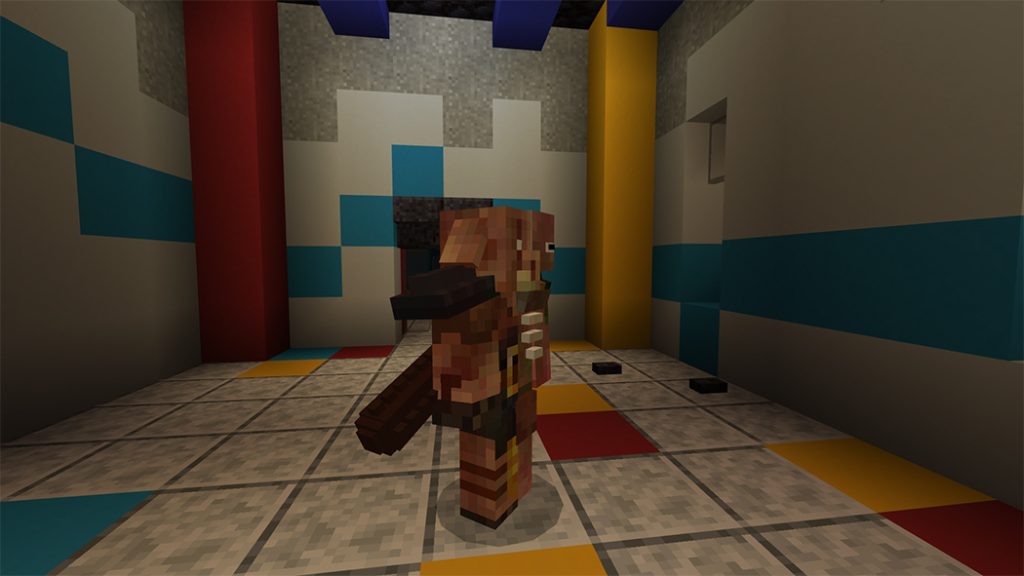
The brutish zombie pigman known as Brawneus was regarded as a superb combatant in the nether. He was made to become a zombified piglin when the Nether Update appeared. His heart’s depravity desired to endure. His other half has been figuratively Pee-Paw-Willied, and the other half is now a piglin beast.
Health – 800 (400 Hearts) Attack – 8 (4 Hearts)
The group’s brute is Brawneus. He attacks very powerfully and has the highest health. A player’s injury has a 0.025% chance of making him angry. Then, as he charges you, he will roar, increasing his damage and turning himself untouchable for 10 seconds.
He is summoned by the Manifest of Brawl
He drops the “Brawler,” a large, hefty, spiked club made of wood that can deal out some tremendous blows. When employed, you go into “Blind Rage,” giving up sight in exchange for strength and speed.
Limbosis, The End Usurper.
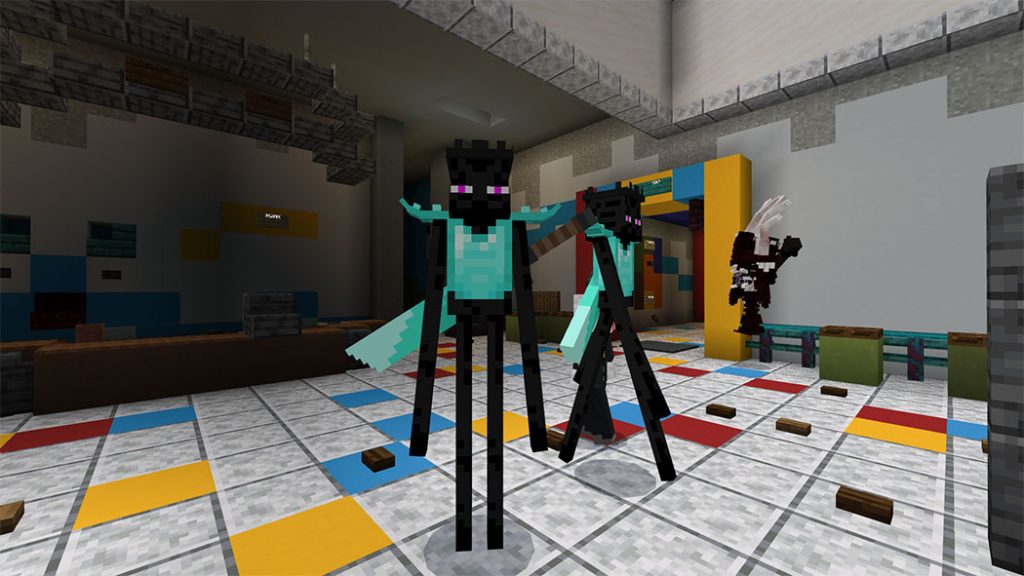
An Enderman gone rogue is limbosis. He made the decision to flee towards the end cities and take equipment once the Ender dragons were defeated. Supposedly only teleports when he no longer needs an advantage over his opponent and feels defeated.
Health – 400 (200 Hearts) Attack – 6 (3 Hearts)
Limbosis is essentially an enhanced Enderman. He prefers to physically assault the player as opposed to teleporting. Does he ever teleport? Well…
He has a 777% chance of becoming agitated when hit by a player, at which point he spawns copies of himself to attack you and teleports around the area swiftly. Shortly afterwards, he becomes quiet.
The Manifest of The End is the source of limbo.
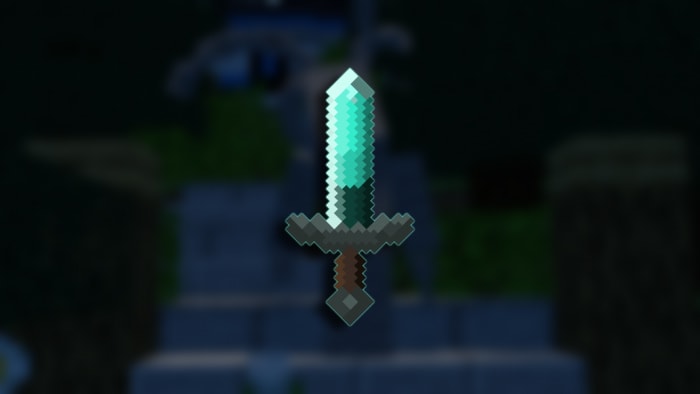
He scatters “The Endbreaker,” a unique hefty diamond greatsword endowed with endermen strength. When activated, the player teleports just like an ordinary Enderman.
Alatar, The Corrupted Evoker
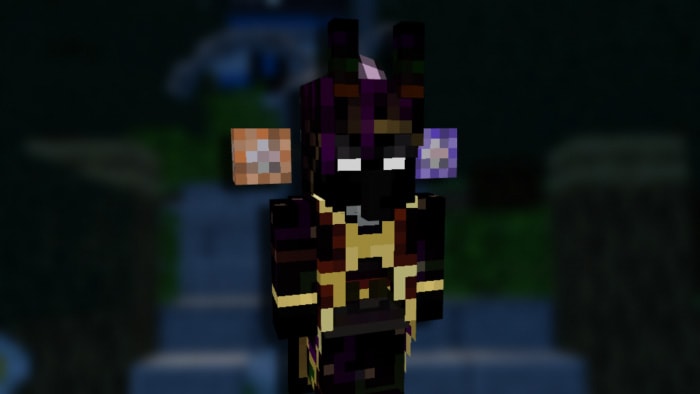
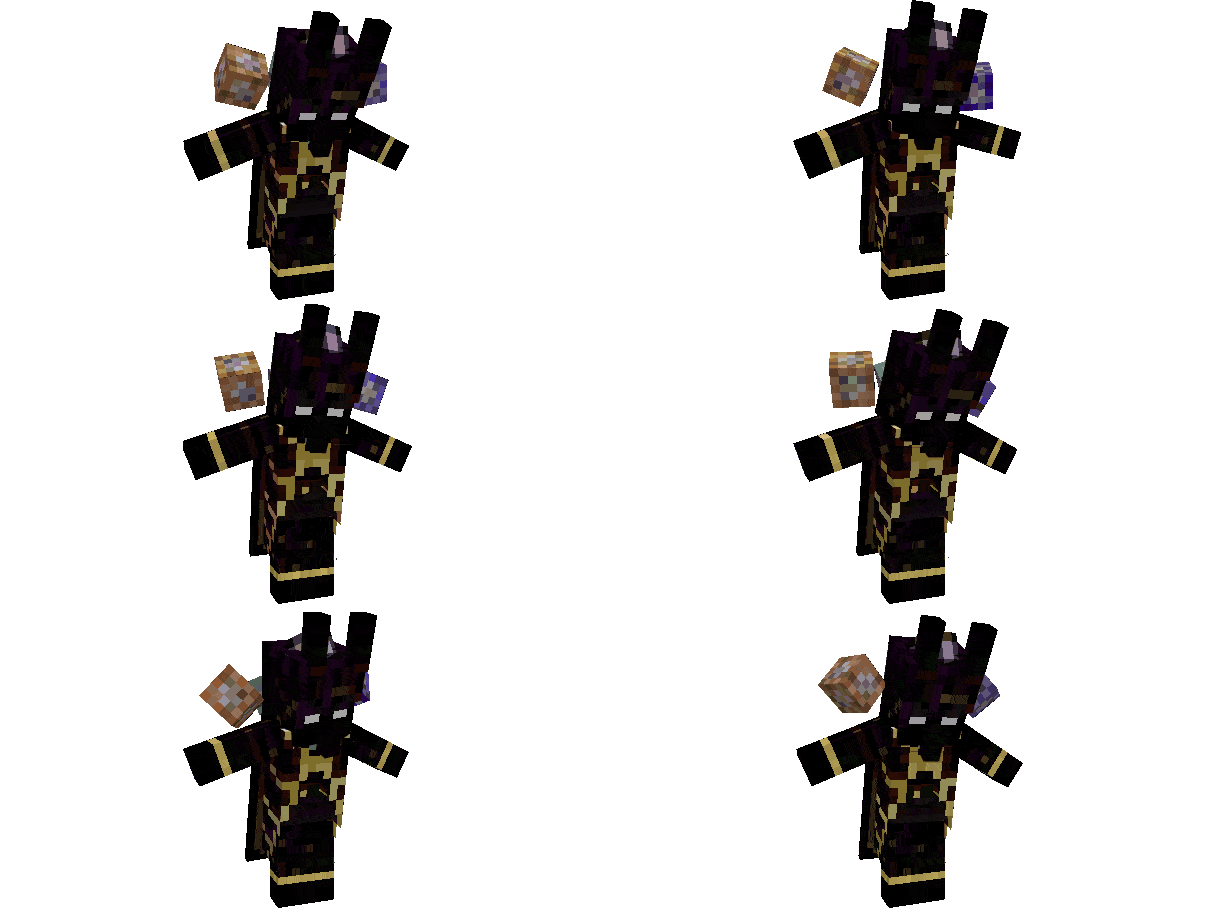
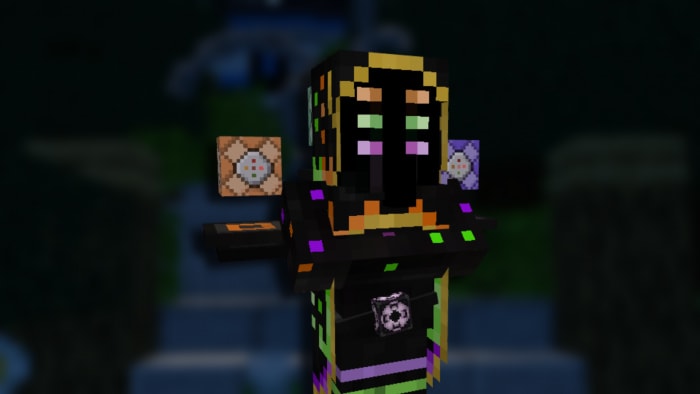
Alatar, a wizard reputed to possess actual creational abilities. With all three command blocks in his arsenal as well as a structural block, he can make fools out of anyone who crosses him. With the might of gods at his disposal, why does he care only about expanding his magical skills?
Health – 600 (300 Hearts) Alastair is like a normal evoker, except he has a bigger spell list. Which are listed below along with what color they are when he casts them:
Spawns two rows of Evocation Fangs (Light Purple)
Spawns two more RINGS of Evocation Fangs (Light Purple)
Can summon Bats that explode after a short amount of time. (Maroon)
Spawns a circle of fireballs around the player. (Orange)
Summons vindicators around him and the player (Dark Green)
He is summoned by the “Manifest of Magic”.
He drops a magical katana named “Majar,” which is impregnated with the darkest of evils. It launches arbitrary missiles.
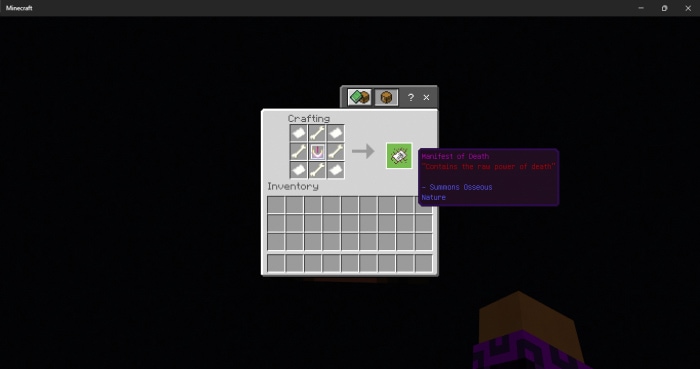
Osseous, The Bone Demon
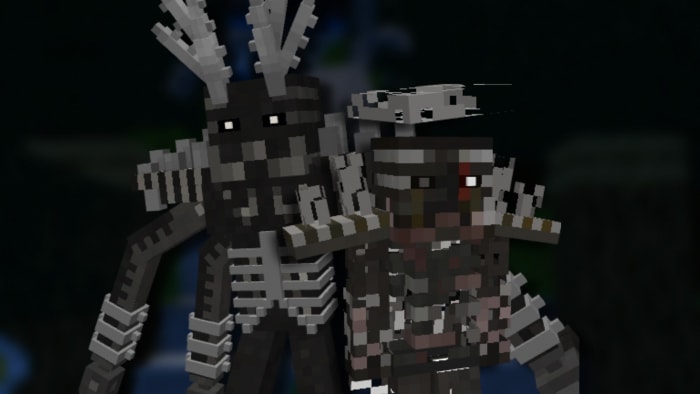
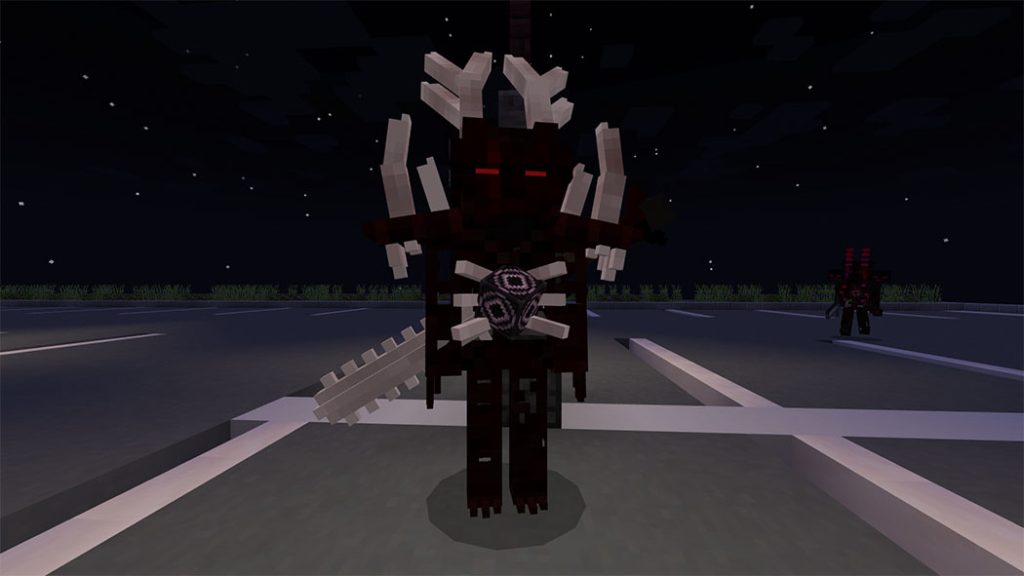
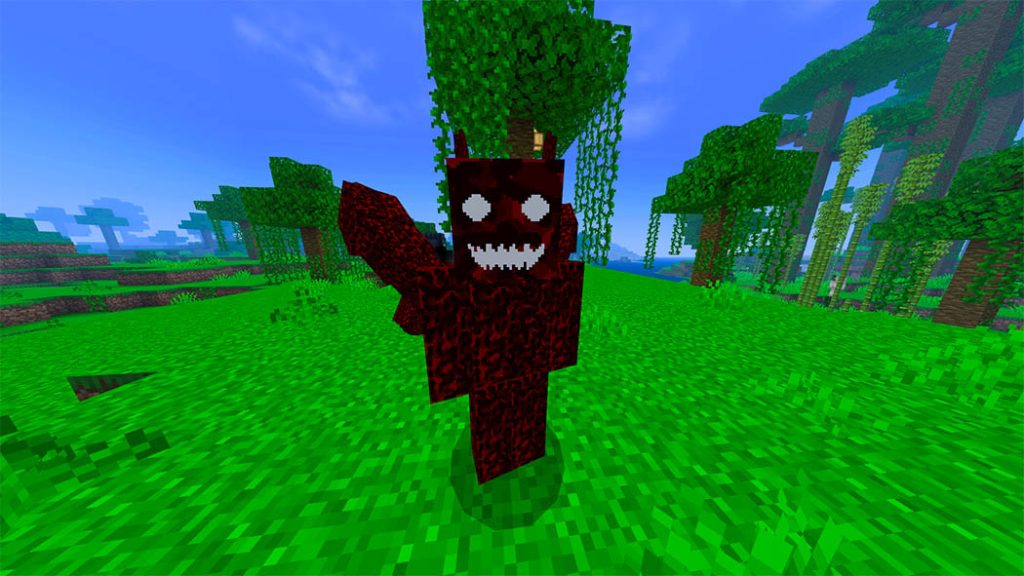
Osseous, also known as: “bone demon” is a mutated wither skeleton with outgrown bones coming out of his body. He is also covered in a layer of dried blood from head to toe.
Health – 500 (250 Hearts) Damage – 8 (4 Hearts)
Osseous is a mutant version of the wither skeleton. He attacks the player and deals wither damage like a typical wither skeleton would. He has a 6% chance of roaring and requesting assistance from three Wither Skeletons when harmed by a player. By walking into it, he may also crack stone, dirt, and grass.
He is summoned by the “Manifest of Death”
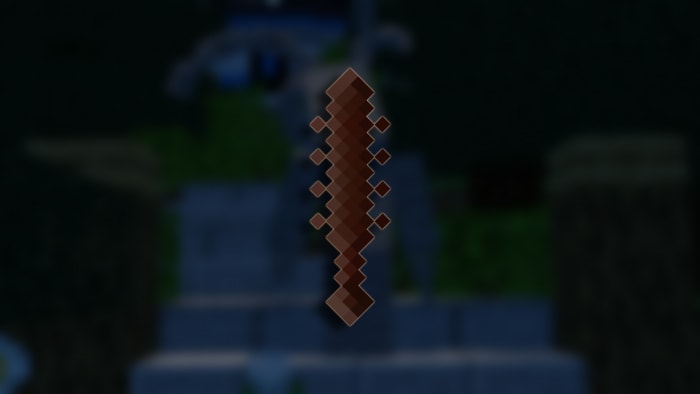
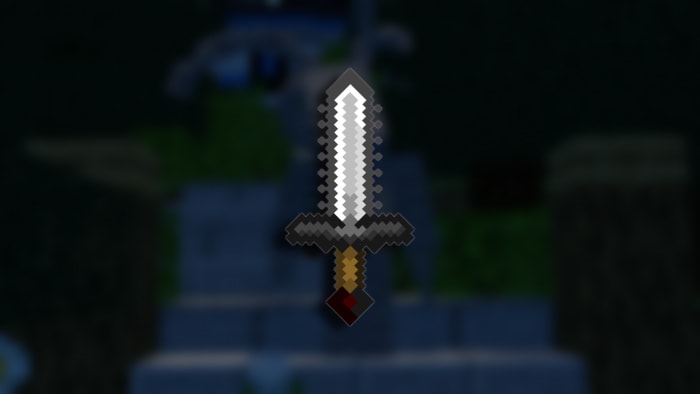
On dying, he leaves behind the “Osseon,” a chainsaw infused with wrath that is frequently used like a regular weapon. When employed, the player receives the wither affliction in return for a significant damage boost.
Changelog
Addon Update v2.3: 8/13/22 ITEMS: Most items have been resprited. All weapons no longer share the same cooldown Weapons playsound functions now work. The Brawler now gives Darkness instead of blindness. The Brawler now gives Speed III Instead of Speed V Revamped the projectiles shot by Majar Chaos Armor has been drastically buffed. OSSEOUS: Osseous is now invincible when calling for backup. Osseous is now slightly faster. Osseous chance of calling for backup has been increased to 10% per hit Instead of 3.33%. However, health has been reduced by 100. LIMBOSIS: Limbosis now teleports more often when enraged. Limbosis now enrages for half the time, but the chance of enraging is doubled. Limbosis no longer directly attacks the player. He now attacks when looked at or attacked. ALATAR Movement speed has bee reduced from 0.5 to 0.25 so that I can teach myself that sprint multipliers exist in the aviod mobs component. Spell cooldowns has been heavily reduced. Alatar will now use EVERY POSSIBLE SPELL he has more often. Boom bats explosion has been increased but fuse time is higher. BRAWLATAR: Saying his health has been massively decreased would be an understatement. health has been cut in half Pre-Enrage backup call chance has been almost doubled. (less idk how to word it) He no longer drops apples. Second phase has been removed. FALLEN ALATAR No longer drops apples. ERIBUS No longer drops apples
FALLEN ERIAN / ERIUS Revamped his second phase animation sound. Updated Erius’s Animations. Erius now has his own sword
A Vietnamese who loves playing Minecraft game but don’t understand English? It may be a barrier to making players not reach full experience in-game. You are on the right way!!! The Ty-el’s Vietnamese Language Pack will not make you worry about English anymore (even match Java version of Minecraft).
10,000+ of translatable translate keys in this pack. Most of translated and matches with Minecraft Java version of Minecraft Vietnamese (over 95% accurate).
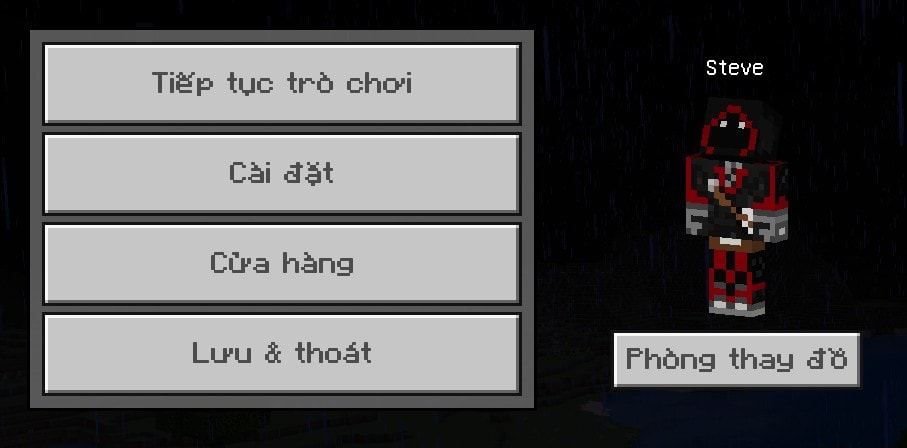
Start Screen
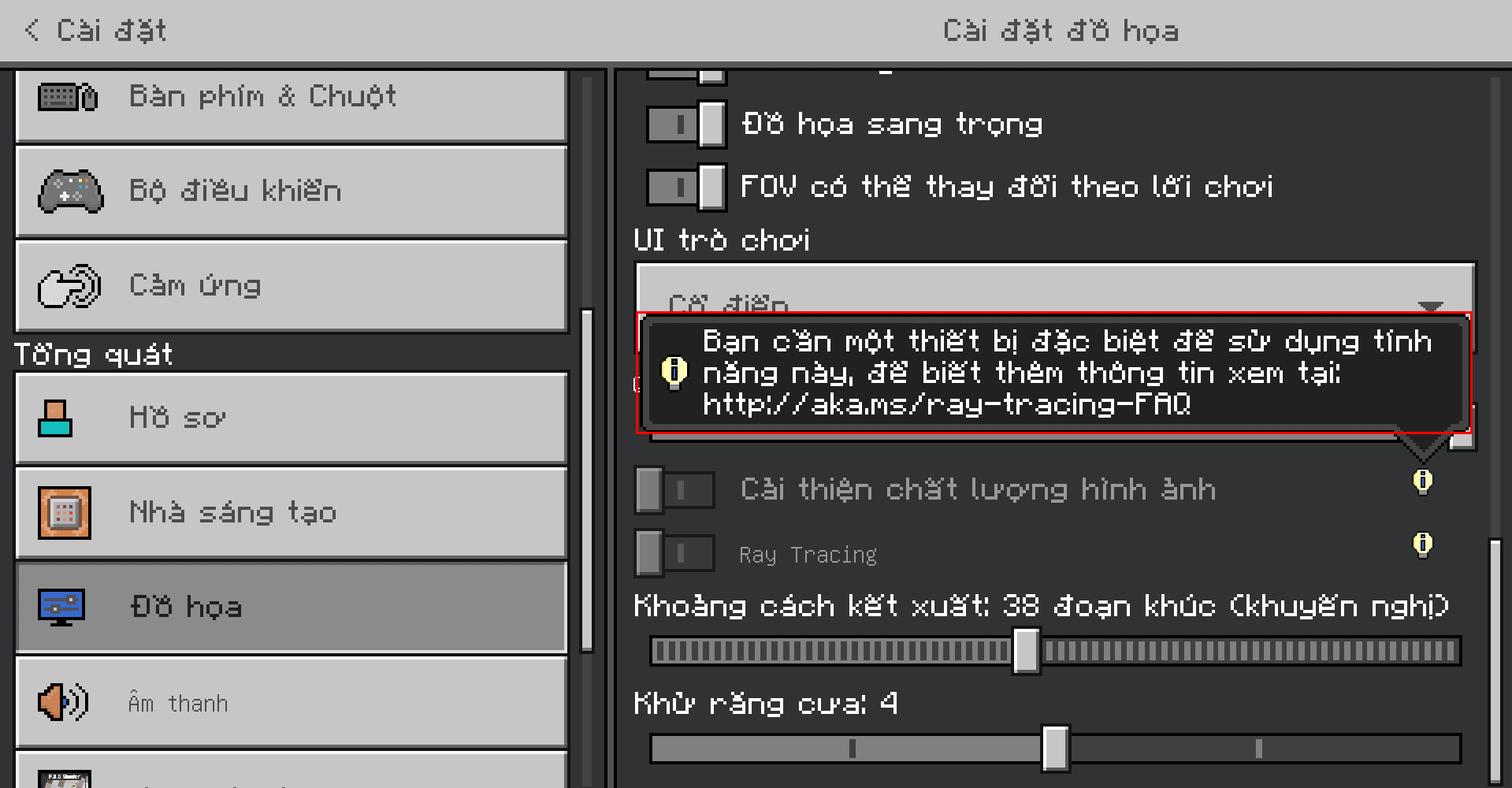
Video Settings screen, with RTX unsupported warning messages translated
Longest item name in this pack, Waxed Weathered Cut Copper Stairs
Chat screen, with wrong command syntax and executed command messages
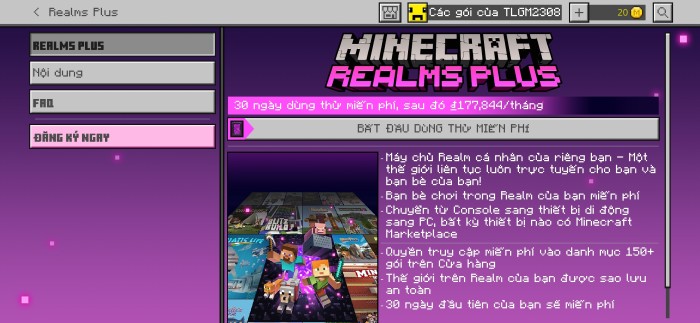
The Ty-el’s Vietnamese Language Packin Realms Plus – Realms Plus screen
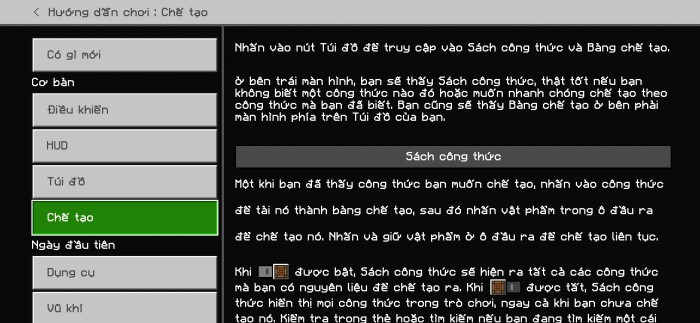
Fully translated How to Play sections
Villager Trading
Supports Chemistry Mode
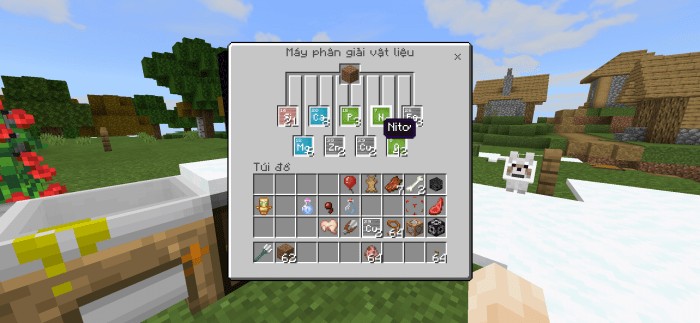
Material Reducer screen with Nitrogen name on screen
And much more in The Ty-el’s Vietnamese Language Pack!!
Some things thhat Can Not translate:
Achievements (because it saves online in-game so i can’t translate it)
Marketplace Contents
Realms terms, EULA, purchase info
Credits, Ending Messages
Addons & custom translation key in different resource packs (that’s apparently)
Specital name can not change bcz we have to follow the Minecraft Translating Rules such as: Creeper, Redstone, Realm(s), Ghast, Piglin… will not translate, and Minecraft Java Translation Project, but with some exceptions (like Axolotl, Chain (block name), etc.).
The Ty-el’s Vietnamese Language Pack have 4 variants of font type
4 subpacks you can edit it in pack settings.
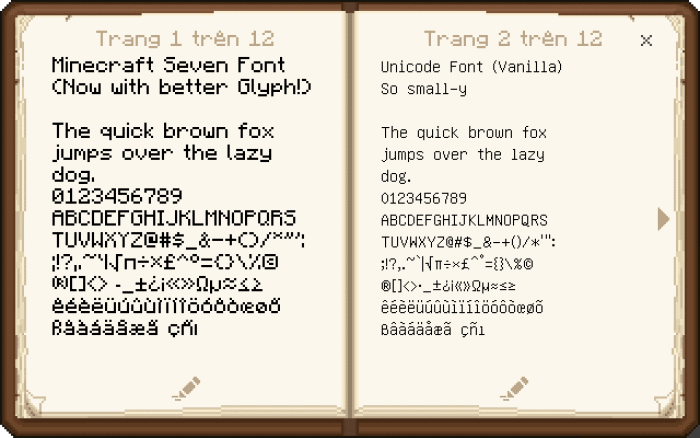
Minecraft Seven Font (left page): remade from Minecraft Font Pack by @fromgate, keep your Minecraft experiences nostalgic with some small changes.
Unicode Font (right page)
Minecraft Seven (Smooth version)
None (for custom font pack uses)
How to change font
Restart game to apply!
Step 1: Press Pack Settings, click ⚙ buttonnext to the Deactivate button
The Ty-el’s Vietnamese Language Pack now supports VDX UI (VDX Java UI) by @CrisXolt with a downloadable patch pack!
Make sure you placed this patch pack higher than the original Ty-el Vietnamese pack, it can be like this:
Note from Creator:
You are allowed to use and edit The Ty-el’s Vietnamese Language Pack, but use in your modified APK/APPX/Custom,… are prohibited (include reuploads contains my language file)
For content creators on Social channel, if you make contents about this pack, make sure you credit me in your description and ONLY USE ORIGINAL LINK FOR DOWNLOAD LINK, DIRECT DOWNLOAD LINKS OR 3RD PARTY APPS ARE HIGHLY PROHIBITED!!
The Ty-el’s Vietnamese Language PacK currently supports on both Official and Beta version of Minecraft 1.17.30 and higher. (Subject to change)
Vanilla Experiments translations are not final and can be changed.
Original translations and texts from Microsoft and Mojang, AB. All rights reserved!
Changelog
The Ty-el’s Vietnamese Language Pack v1.5.9 – Added: Minecraft Beta/Preview up to v1.19.0.24/25 translations – Removed: Copper Horn-related translations (but added the Warden and more “Wild Update” translations) – Changed “FOV” translation – VDX Patch pack now supports the latest version, v1.2.0 – Submissions Update: small fixes and changes
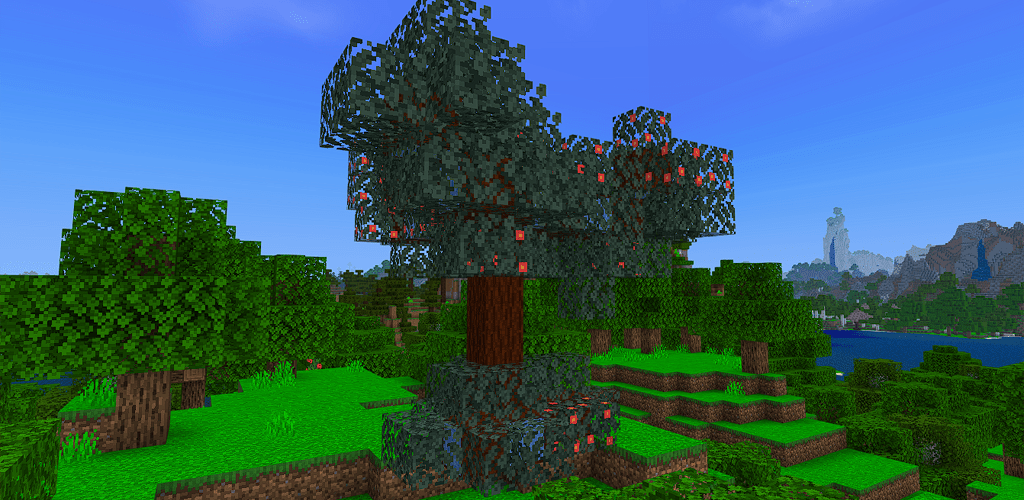
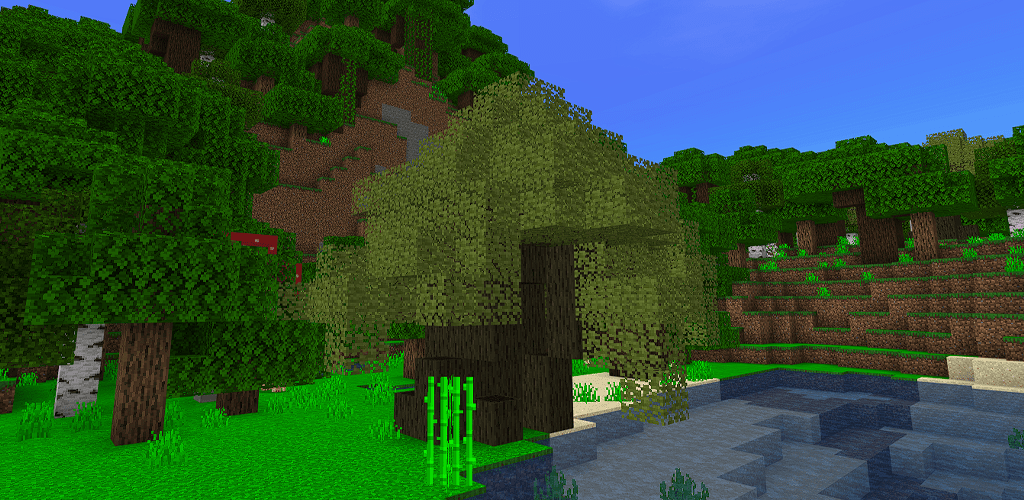
Bored of Oak, Birch, or vanilla trees in Minecraft? This Forested Trees will add 5 new Wood Types spawning around the world!
Creator: Laiffoo
Forested Trees
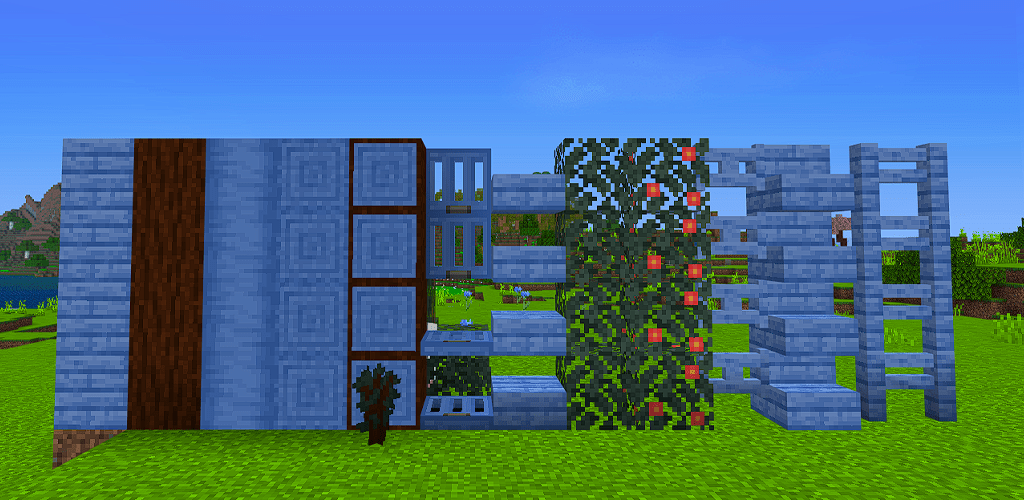
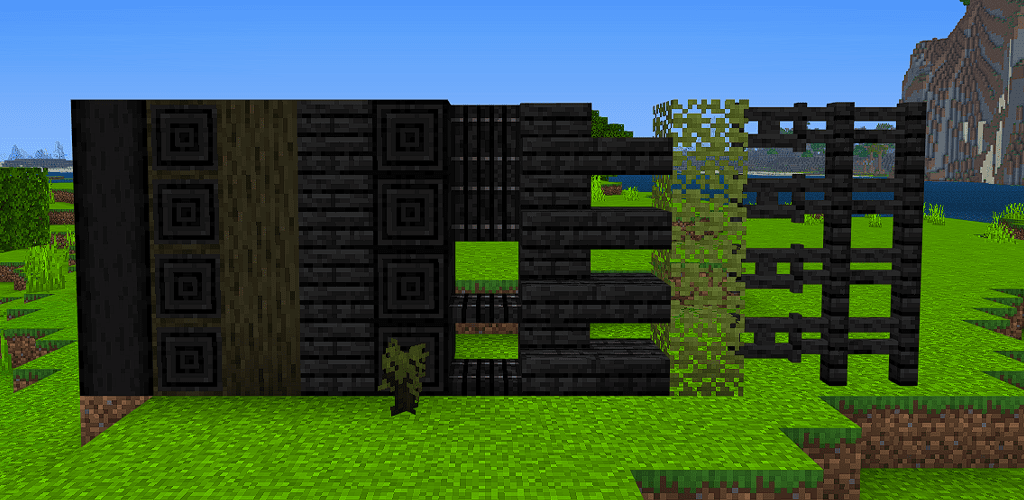
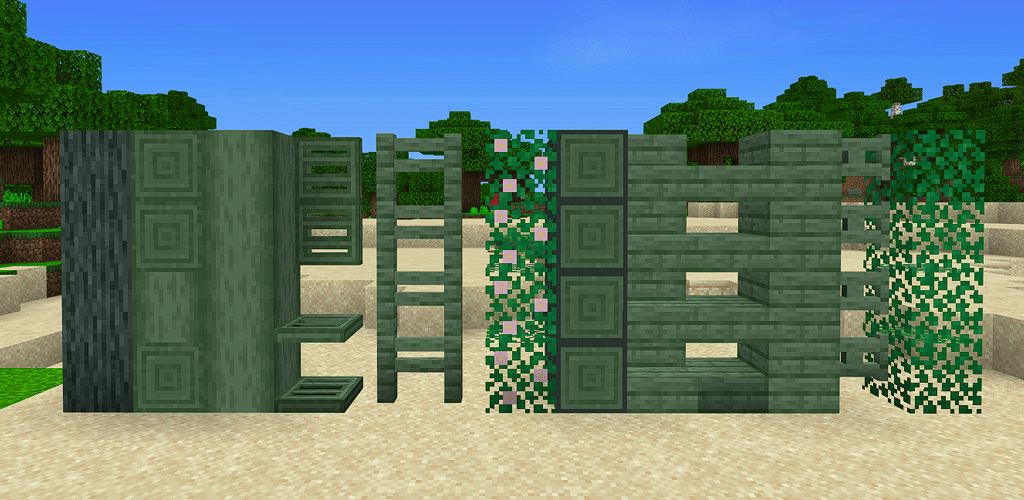
Everywood type has the following:
Slabs
Stairs
Trapdoors
All Wood Recipes
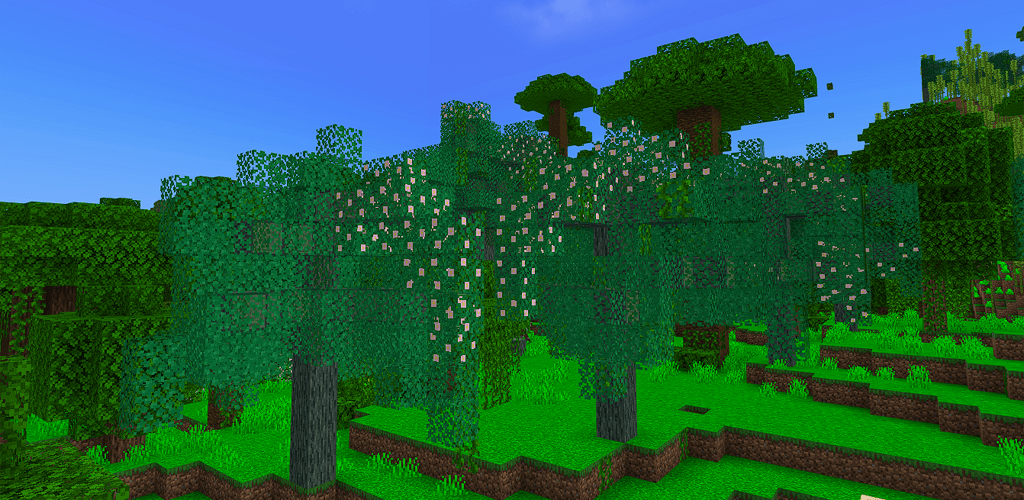
3 Different Trees
Saplings
Leaves with decay like normal leaves
Logs/Stripped Logs (Also Wood)
Fence and Fence gate
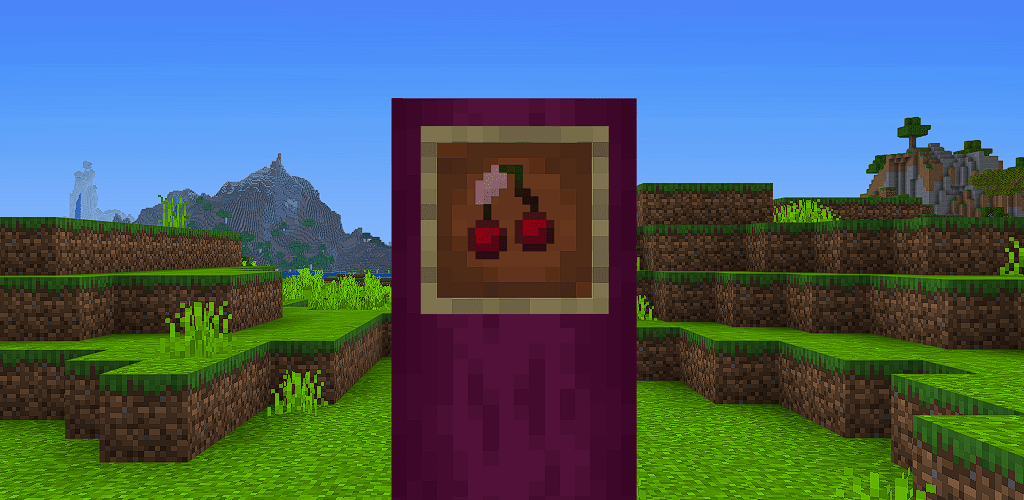
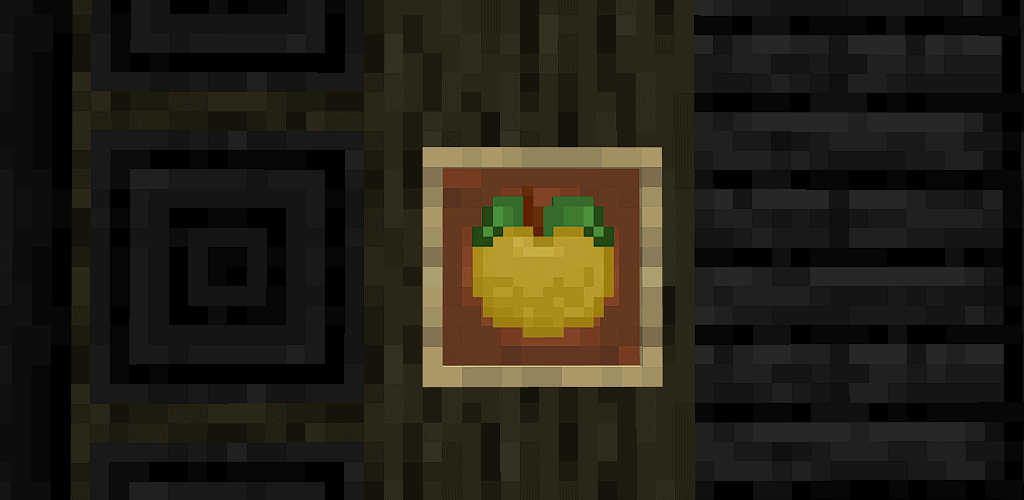
Cherry and Ebony have a new fruit with them
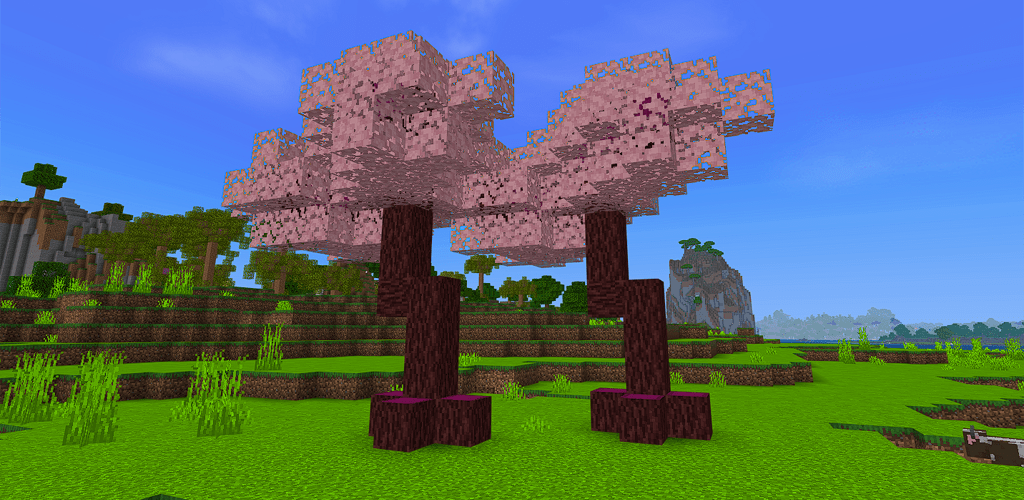
Cherry
Cherry Wood can be found in Birch Forests, it’s pretty common and isn’t that tall
It’s Pink-Purplish and also highly flamable, wouldn’t recommend for the it Nether
The Cherry leaves will decay and drop cherries instead of apples
Blue Mahoe
Blue Mahoe wood spawns in Taiga forests and isn’t that tall. It drops apples like normal trees and the color of the wood is… well, blue!
Ebony
Ebony can be found in Dark Oak Forests and is pretty thick. It’s Dark and drops a new type of fruit! Ebony persimmon will give regeneration once consumed!
Keep in mind it needs a 2×2 sapling area to grow! Similar to dark oak! Ebony is a little fire resistaned and explosion resistaned!
Greenheart
Greenheart can be found in Jungle and is Green!
It’s just a bit fire and explosion resistaned
It has a thick and thin variant, keep in mind it needs a 2×2 sapling area to grow! Similare to dark oak
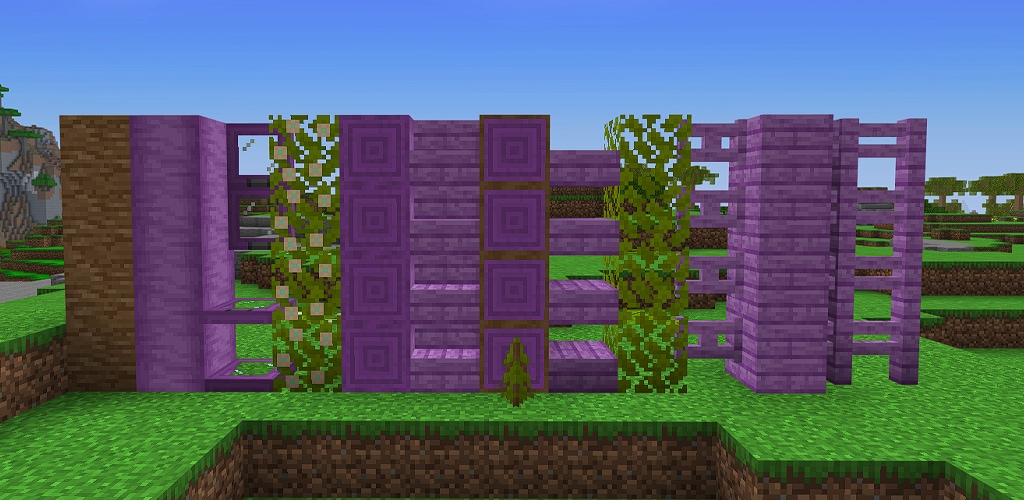
Peltogyne!
Peltogyne will only spawn in flower Forests and Meadows!
It’s really tall and the color is purple. Peltogyne is highly explosion and fire resistaned
The saplings also need a 2×2 like Dark oak to grow!
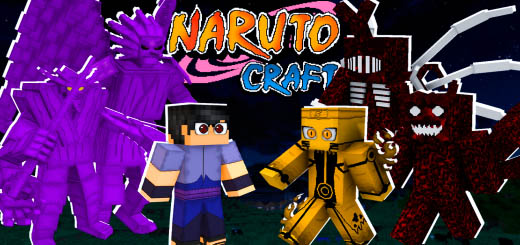
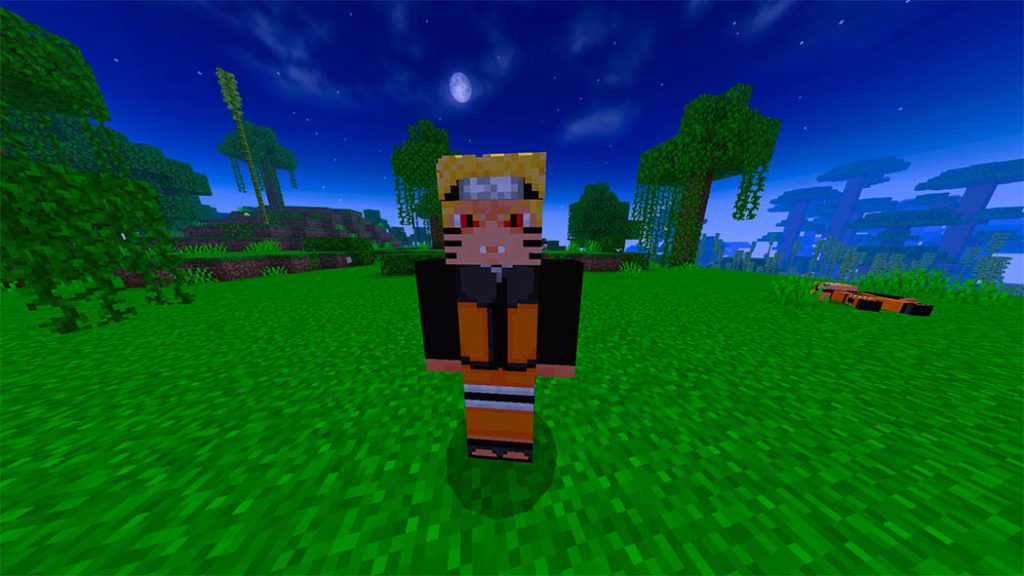
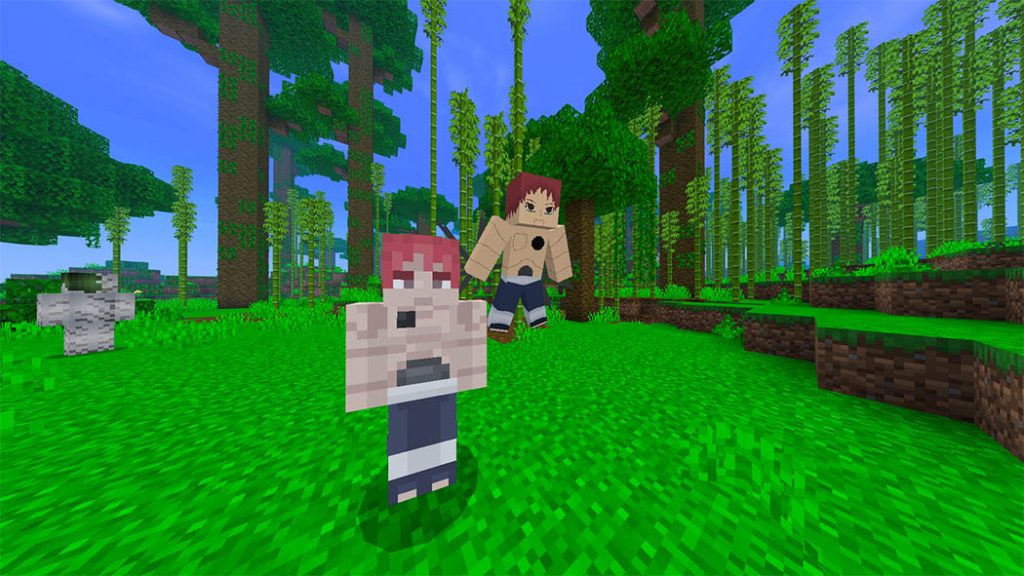
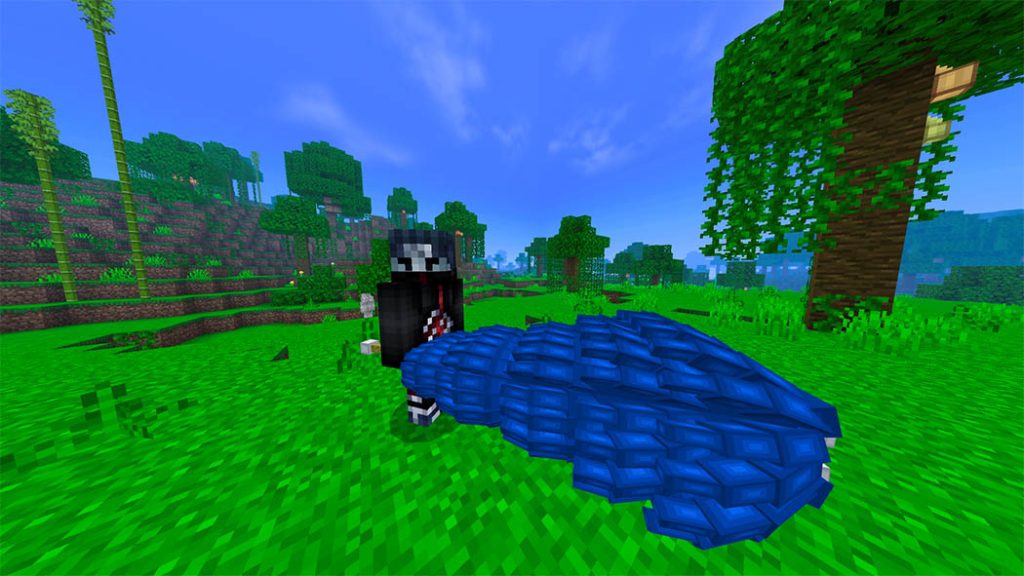
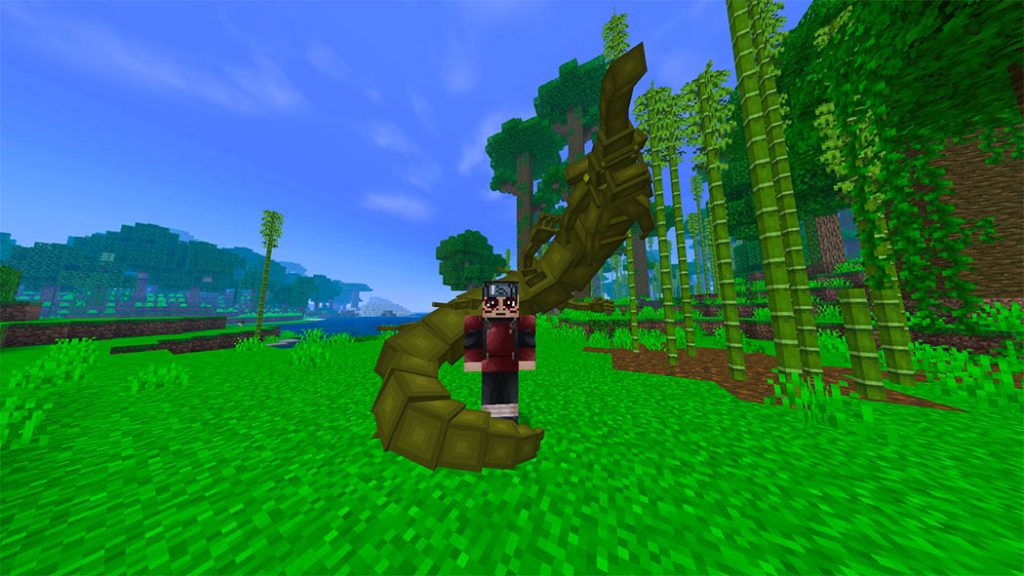
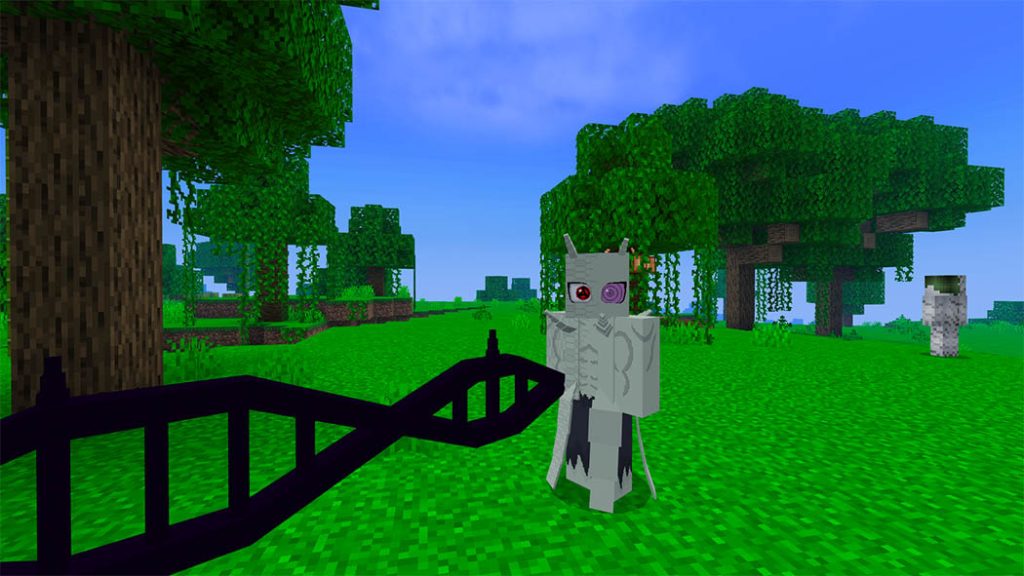
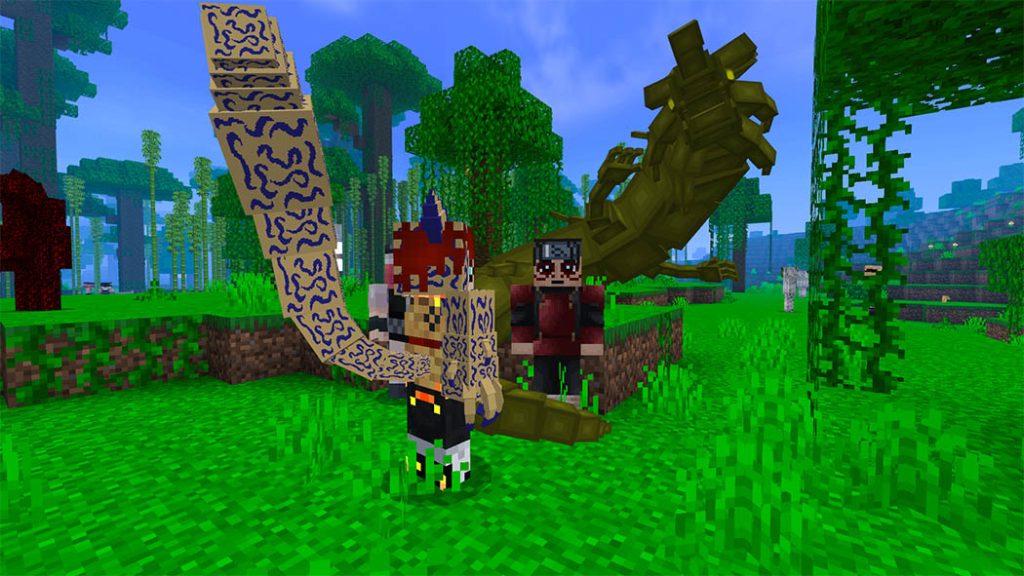
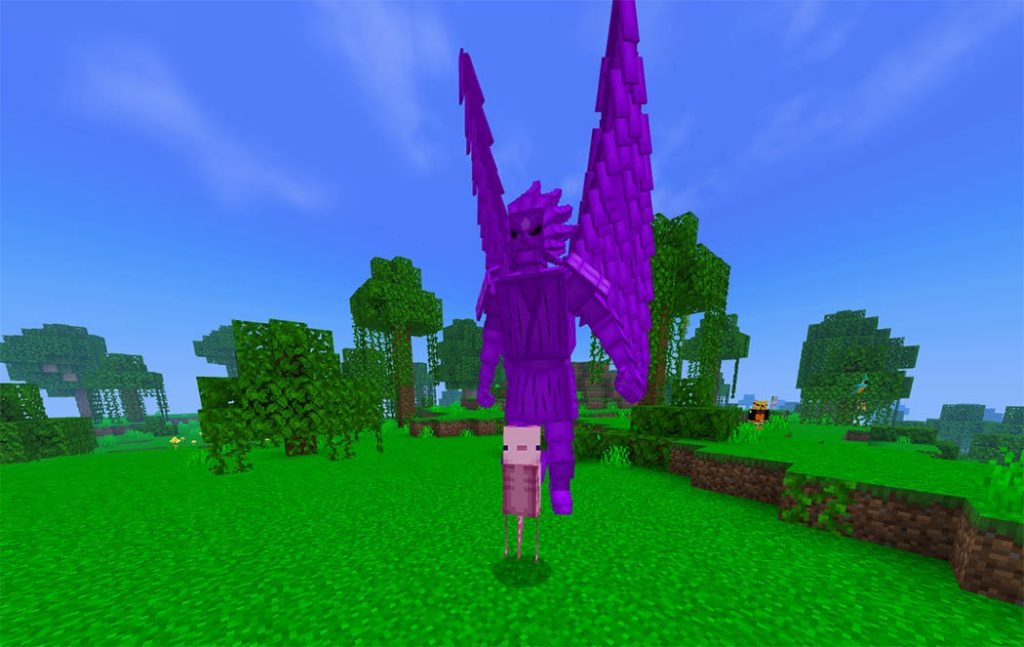
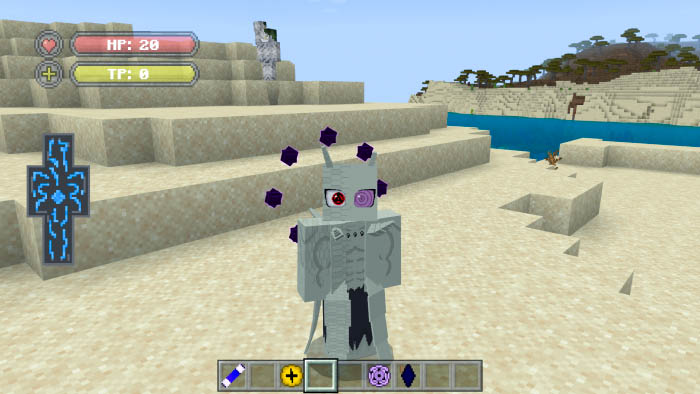
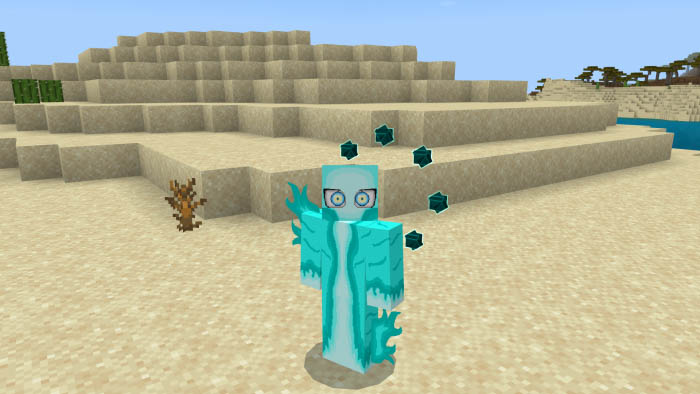
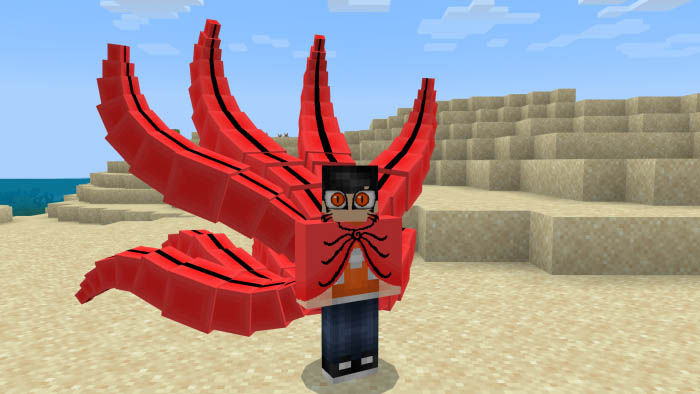
Over 50 modes and jutsus, Contains: Susanoo, Chakra Modes, Tailed Beast Modes, Karma Variations, Barion Mode, Tenseigan, Various Sharingan and Byakugan, Also Contains Fire Jutsu and Kekei Genkai Jutsu
Obito’s jinchuuriki mode used in the fourth ninja war, also contains some specific weapons and jutsus like the nunoboku sword and some rinnegan jutsus
The naqruto craft addition has the eye of the moon, also known as tenseigan, which was featured in the film “Naruto the Last” and has special abilities.
the barion mode, shown in the anime boruto as the strongest mode of the jinchuurikis, is also present in the addon as the strongest, and fastest mode!
There are certain specialized forms in attack and speed along with the main q and defense in this addon, which has nine susanoo for defense.
contains every level of the jinchuurikis modes in the addon, even the blood and bone form and chakra cloak form!
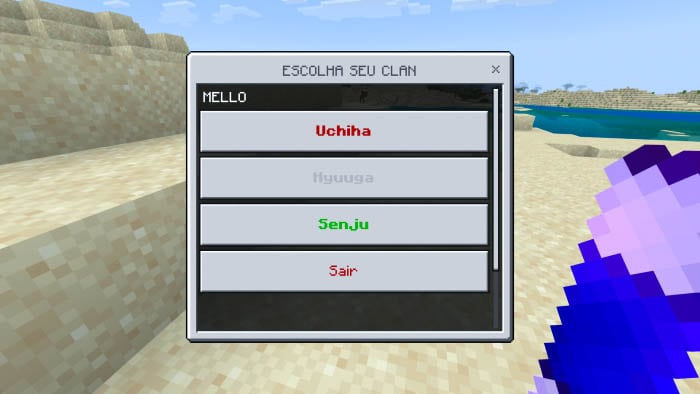
choose your clan
perform the classic Naruto anime’s story mode as well as any extra tasks, including taking down Momoshiki to get karma.
More information about the addon and how to use it in minecraft bedrock
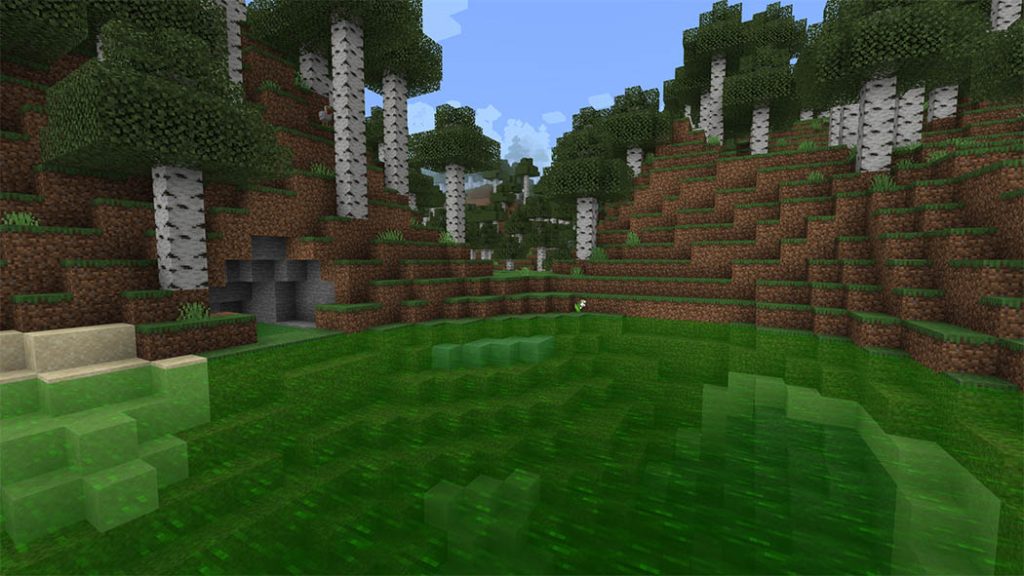
There are three versions of the ColoredWater Texture Pack (for three different colors). Lime, yellow, and red are among the colors used. By turning on any of the texture packs, you will modify the color of the water textures, particles, and other water-related elements. Although you might not have expected some of the hues, there will be enhancements made in subsequent versions, along with the addition of new colors.
By using this addon or any of my creations, you agree to the following terms of use listed here. You should be aware that stealing other people’s content online is a crime. This also happens to addons too.
You cannot redistribute or re-publish this addon or any of my creations to any site / place without me being credited, without asking any permission to me, and without the original source where you got this addon ( mcpedl.com ).
You do not have the right to rename and edit this addon or any of my creations. Then, claim it as yours and upload or share the edited version into your site.
You are not allowed to create your own direct download link for your websites, videos, and etc. It must be redirected to the original website of the addon ( mcpedl.com ).
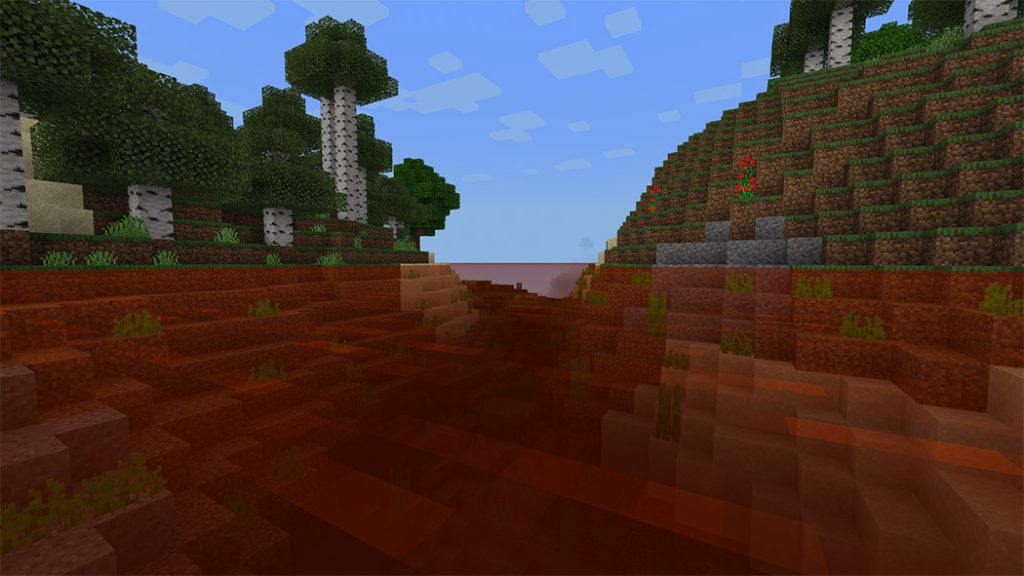
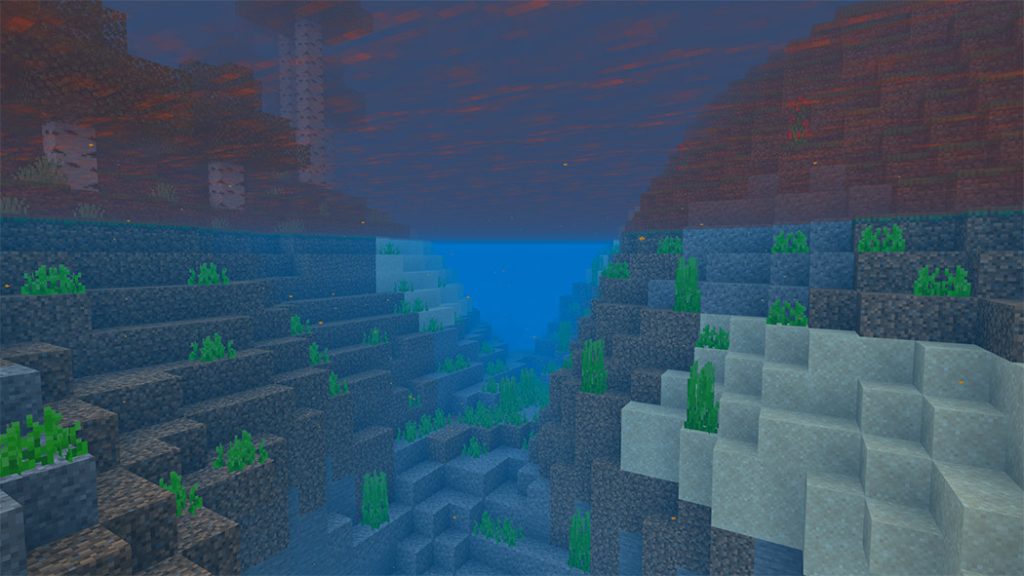
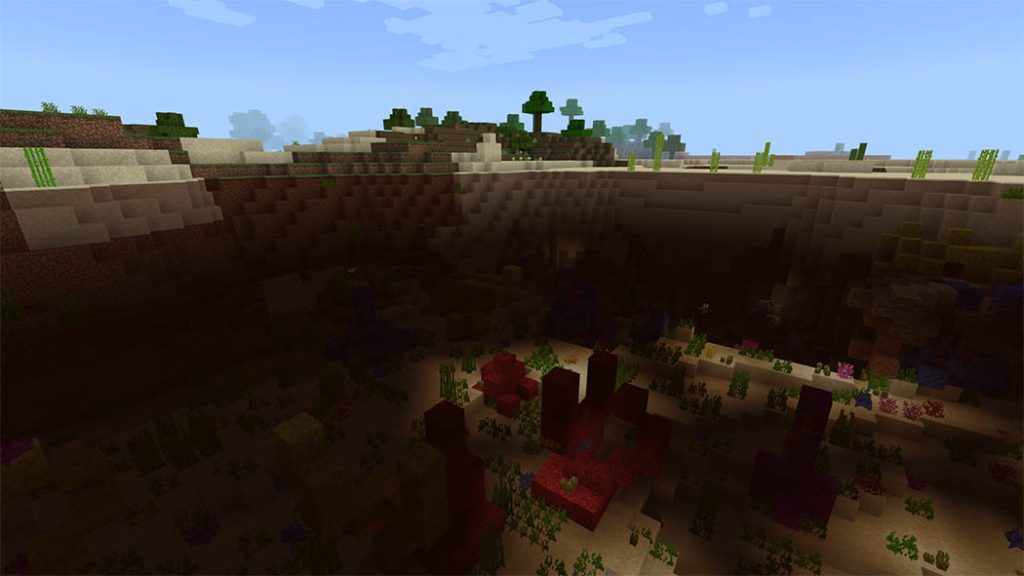
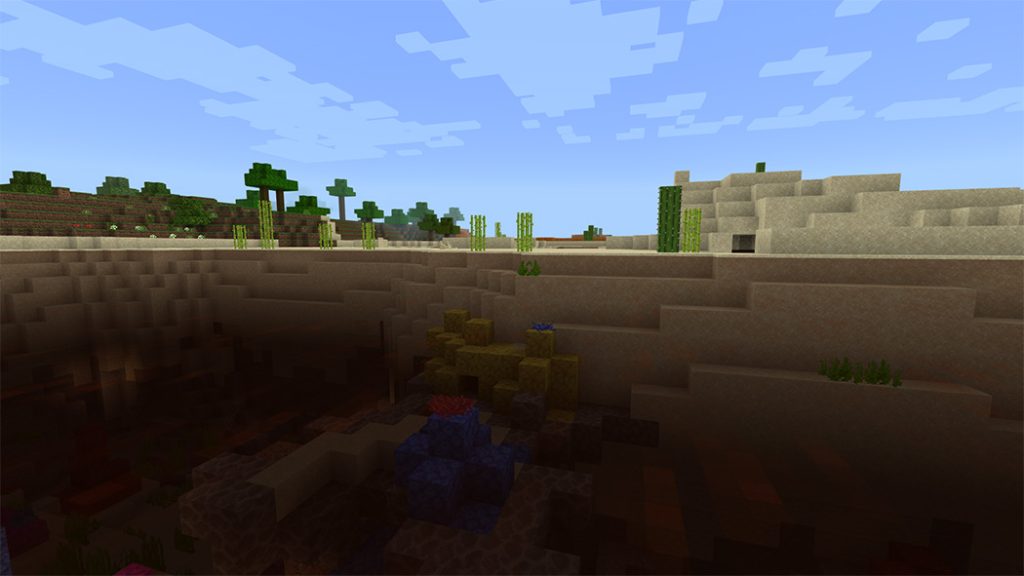
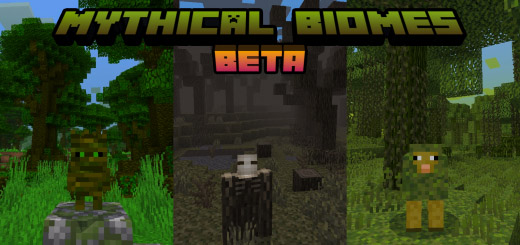
A mod called Mythical Biomes will give your world several new biomes that resemble fantasy landscapes. new mobs, features, and blocks, among others.
Due to a problem in Minecraft (MCPE-100700) that prevents the custom biome from generating in the world alongside vanilla biomes, Mythical Biomes are presently in the BETA version. In order to create new biomes, it had to replace some existing ones.
Mythical Biomes will add some new biomes to your Minecraft world include new mobs, features & blocks and that look like a fantasy land.
Mythical Biomes currently in BETA version due to the Minecraft bugs (MCPE-100700) that affect the custom biome to not generate in the world along with vanilla biomes. So, it had to replace some biome, just to generate new biomes.
Update Version
Version: 0.1.0
[BETA]
Additional
BIOMES:
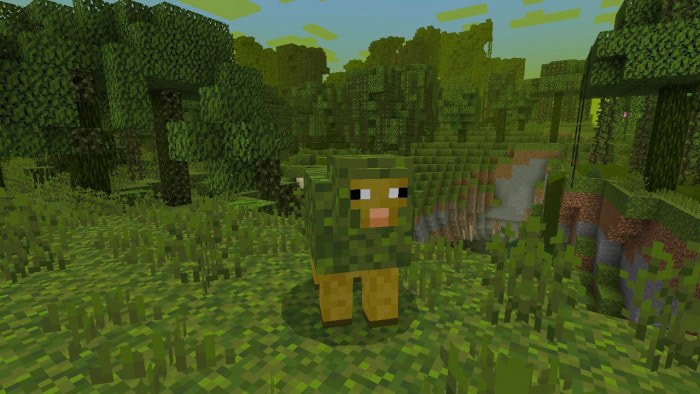
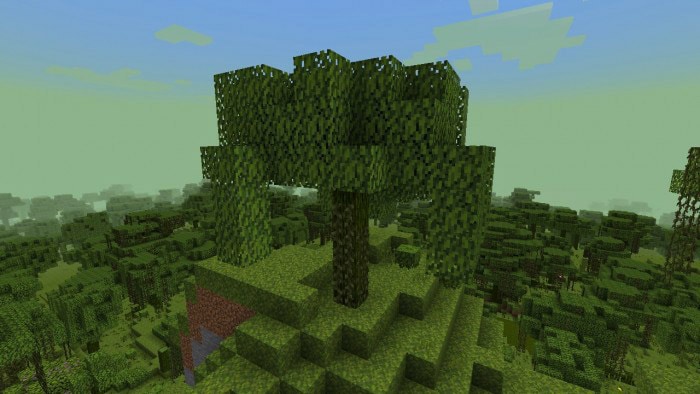
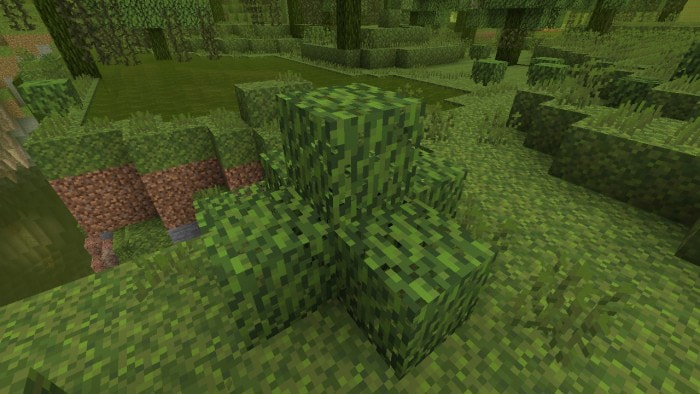
Added Mossy Forest
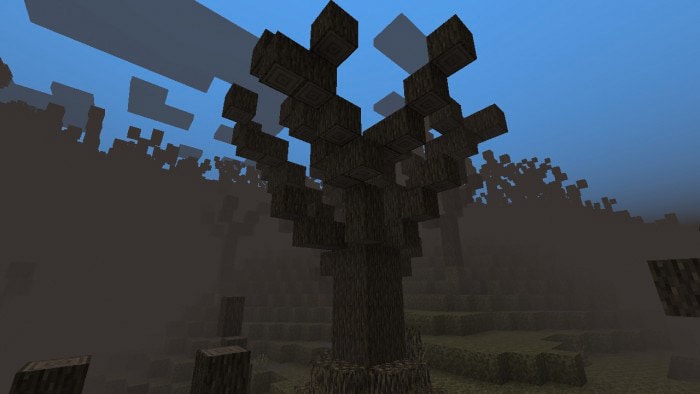
Added Corrupted Forest
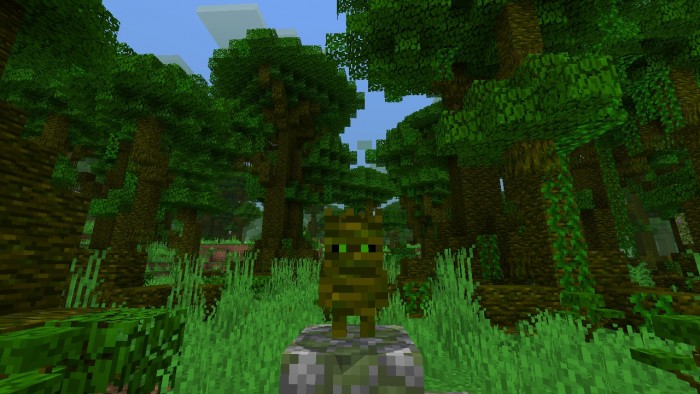
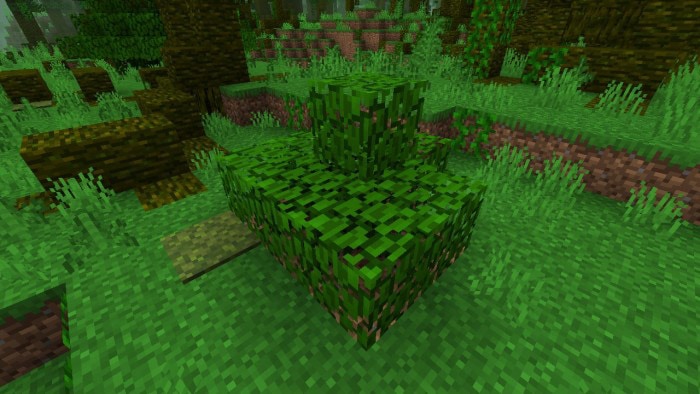
Added Overgrown Jungle
MOBS:
Added Mossheep
Added Corrupted Wood Corpse
Added Overgrown Troot
FEATURES:
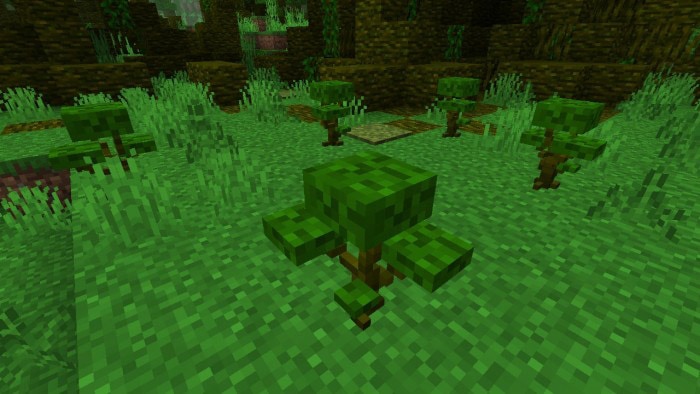
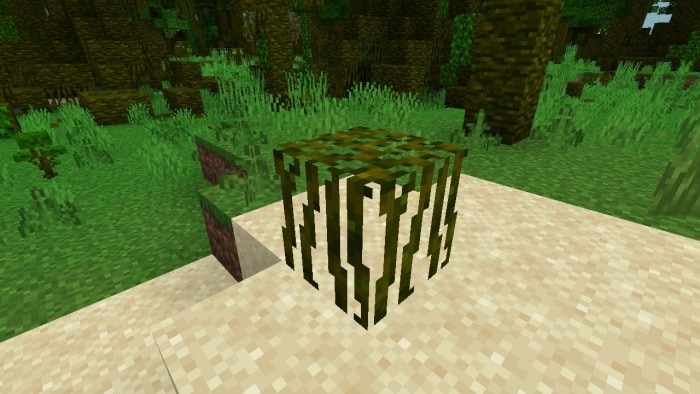
Added Mossy Tree
Added Corrupted Tree
Added Overgrown Jungle Tree
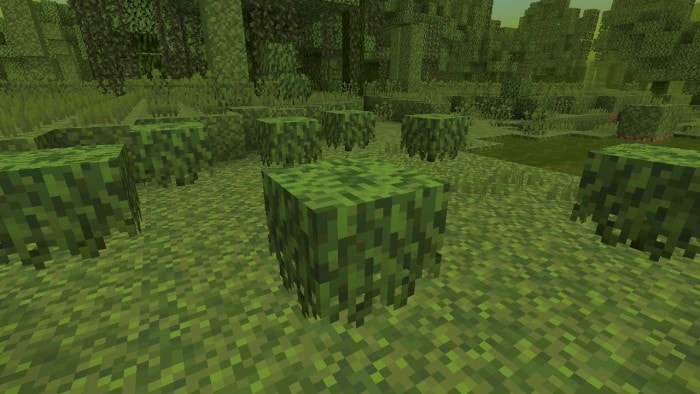
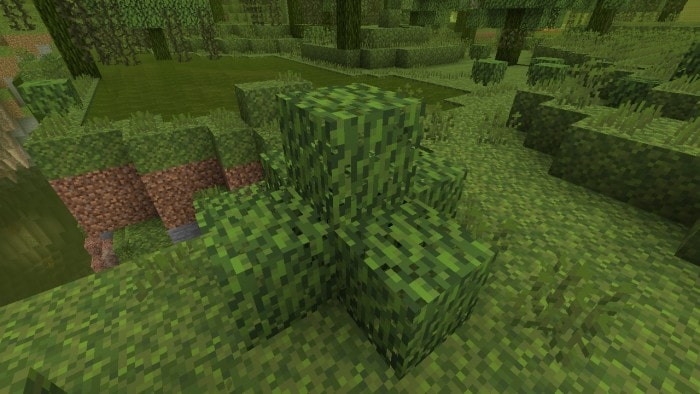
Added Mossy Bush
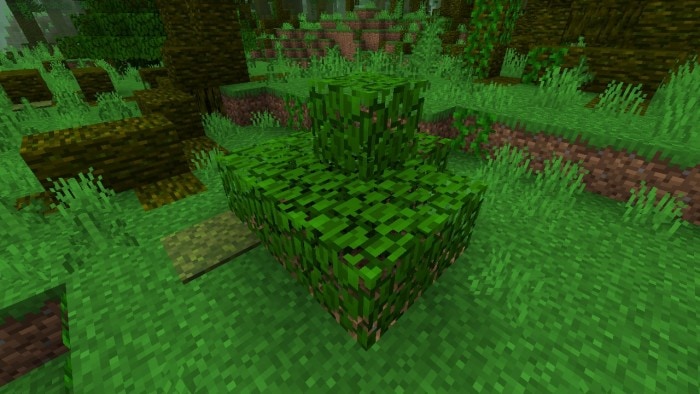
Added Overgrown Jungle Bush
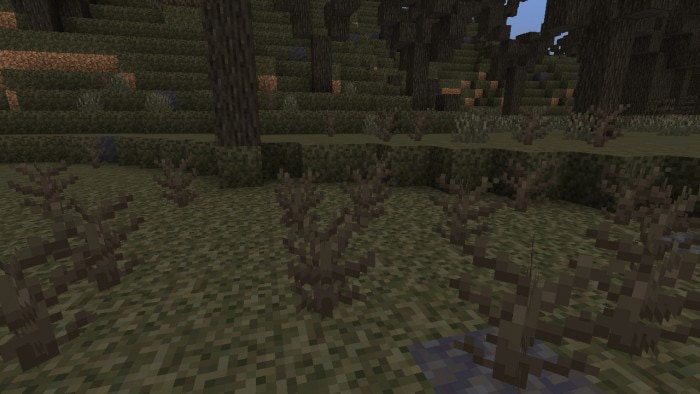
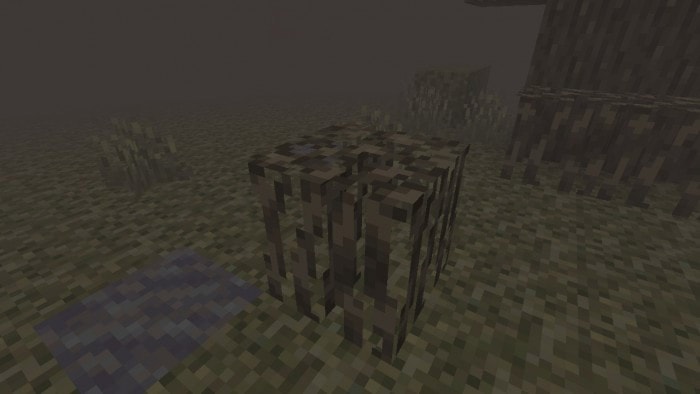
Added Corrupted Bush Vegetation
Added Mossy Plant Vegetation
Added Overgrown Jungle Plant Vegetation
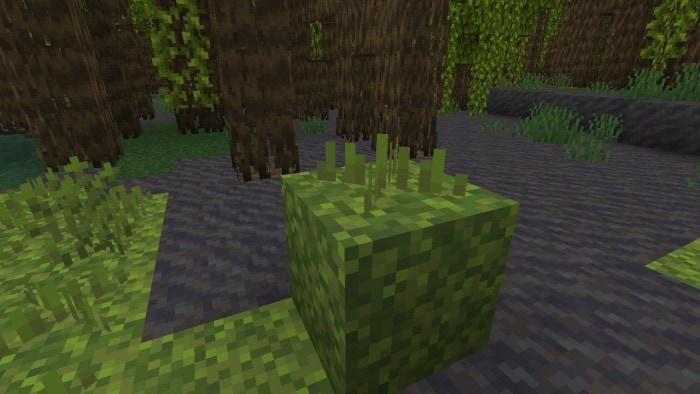
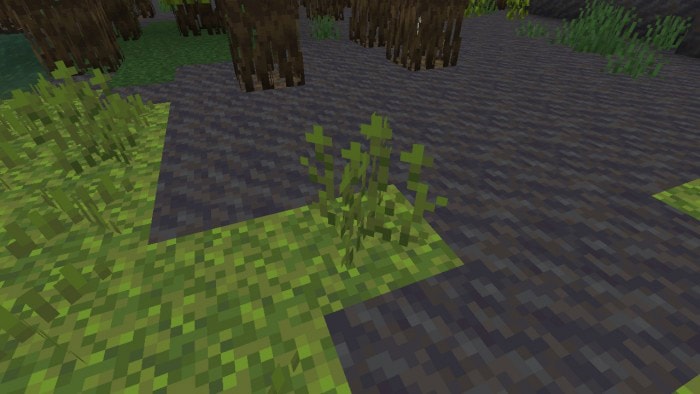
Added Moss Sprouts Vegetation
Added Corrupted Grass Vegetation
BLOCKS:
Added Mossy Plant
Added Corrupted Bush
Added Overgrown Jungle Plant
Added Small Moss Sprouts
Added Tall Moss Sprouts
Added Corrupted Grass
Added Mossy Leaves
Added Overgrown Jungle Leaves
Added Mossy Roots
Added Corrupted Roots
Added Overgrown Jungle Roots
Added Corrupted Dirt
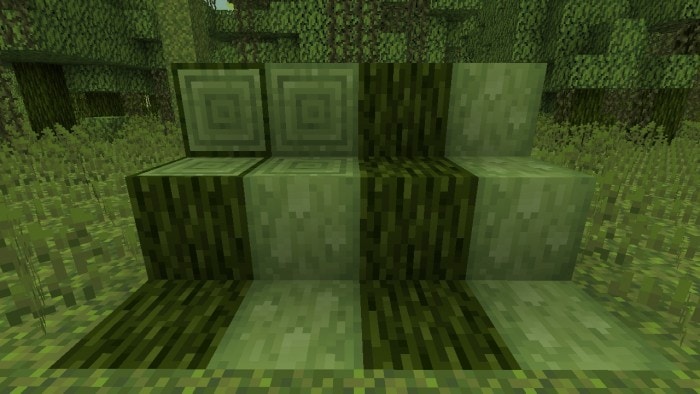
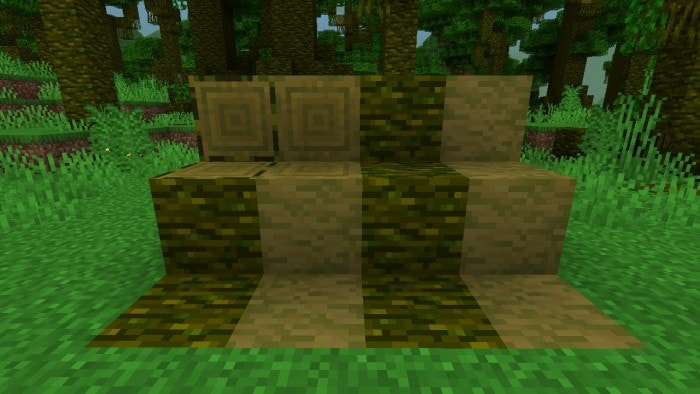
Added Mossy Log
Added Mossy Wood
Added Stripped Mossy Log
Added Stripped Mossy Wood
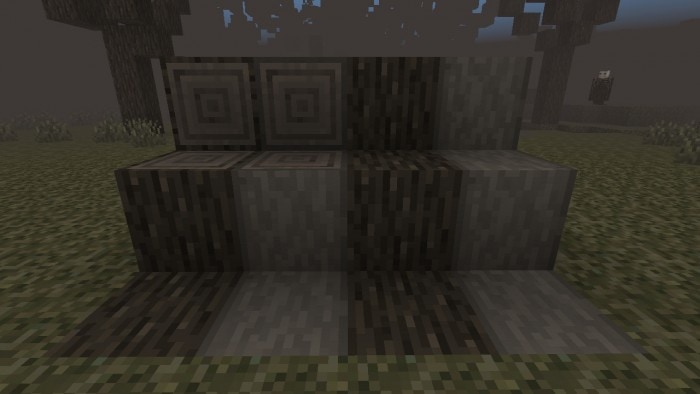
Added Corrupted Log
Added Corrupted Wood
Added Stripped Corrupted Log
Added Stripped Corrupted Wood
Added Overgrown Jungle Log
Added Overgrown Jungle Wood
Added Stripped Overgrown Jungle Log
Added Stripped Overgrown Jungle Wood
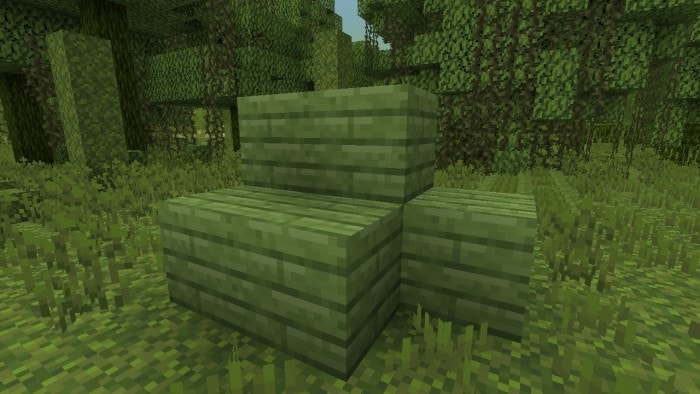
Added Mossy Planks
Added Corrupted Planks
Added Overgrown Jungle Planks
RECIPES:
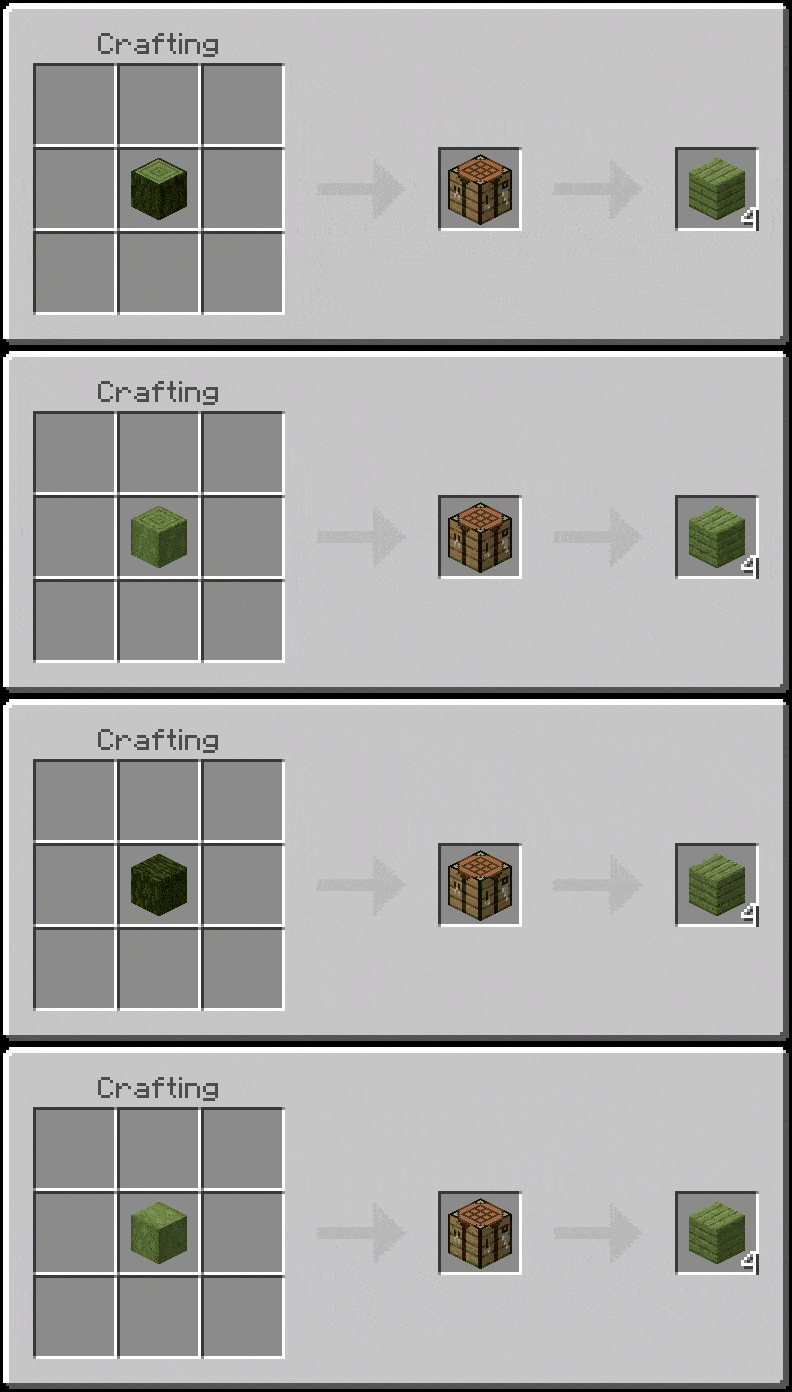
Added 40 new recipes using Mossy Planks.
Added 26 new recipes using Mossy Log & Mossy Wood.
Added 40 new recipes using Corrupted Planks.
Added 26 new recipes using Corrupted Log & Corrupted Wood.
Added 40 new recipes using Overgrown Jungle Planks.
Added 26 new recipes using Overgrown Jungle Log & Overgrown Jungle Wood.
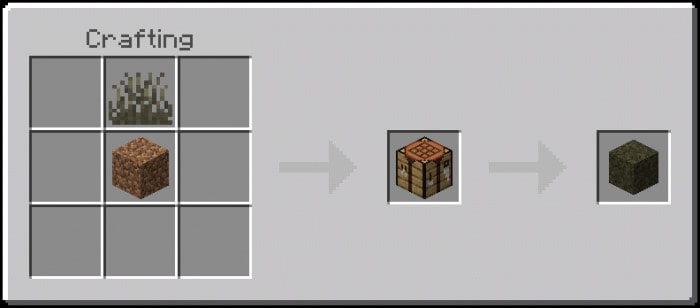
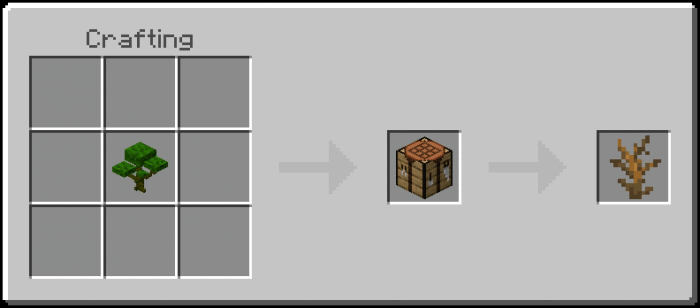
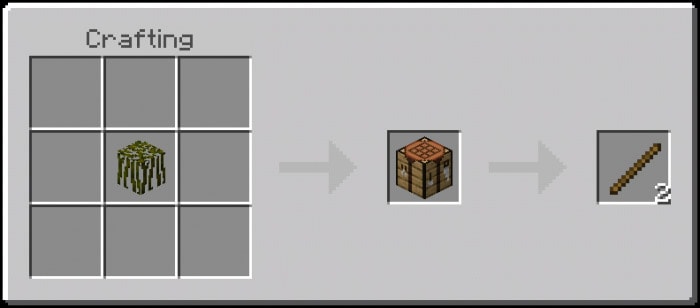
Added 2 new deadbush recipes using mossy plant & overgrown jungle plant.
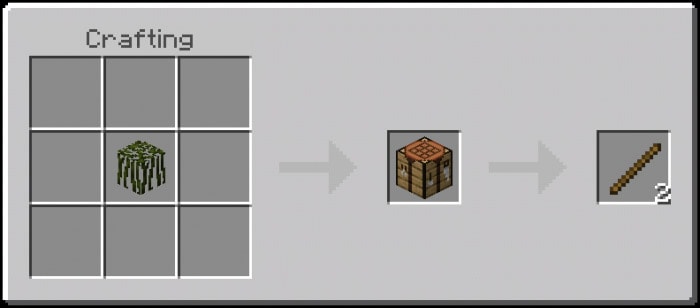
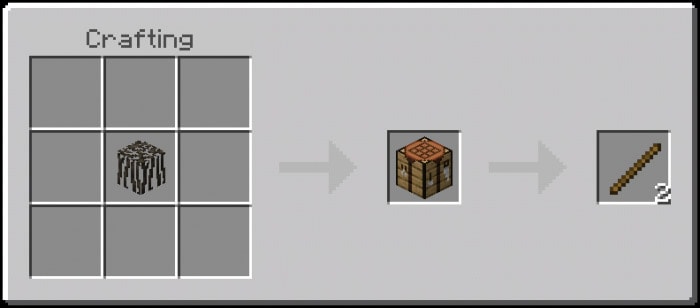
Added 4 new stick recipes using the new wooden roots & corrupted bush.
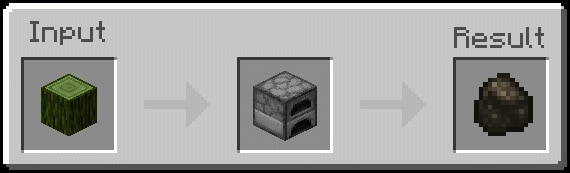
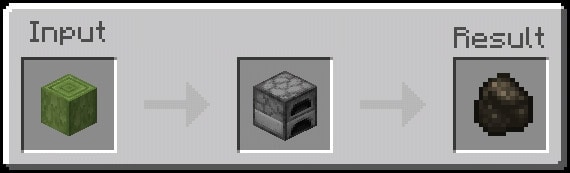
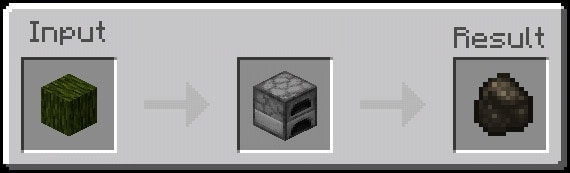
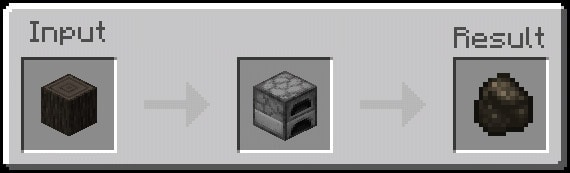
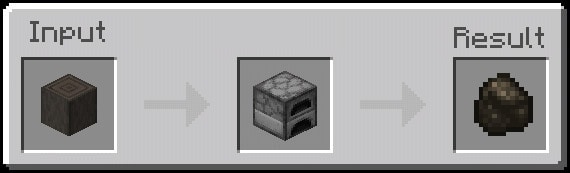
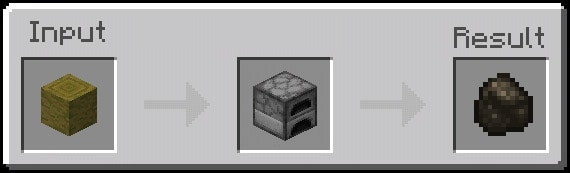
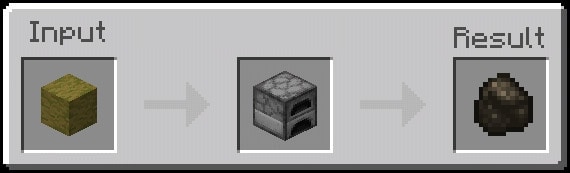
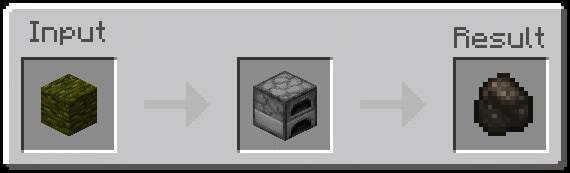
Added 12 new charcoal recipes by furnacing the new Woods & Logs.
2. You’re leaving MCPEDL.com, just click the “Click here to continue” below. This will go you through Linkvertise site.
3. Verify that you are not a robot by checking the mark box “I’m not a robot”.
4. Find & click the “Free Access with Ads”.
5. Click the “Discover interesting articles”, ads will pop-up. Wait for 10 seconds and then click the “X” button above.
6. After that, click the “Continue” button, this will processed you to Mediafire Site.
7. In Mediafire, click the download button to download the file.
Notice!
Don’t forget to turn on the “Holiday Creator Features”, “Custom Biomes”, “Upcoming Creator Features”, & “Molang Features” in the experimental gameplay option: