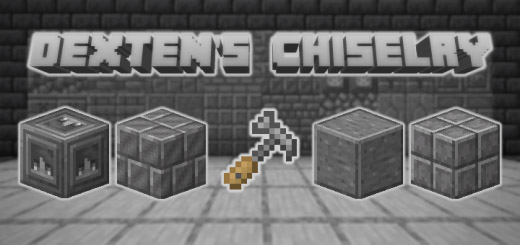
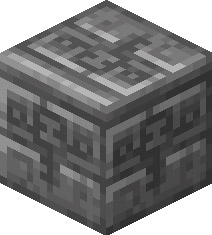
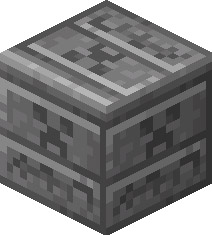
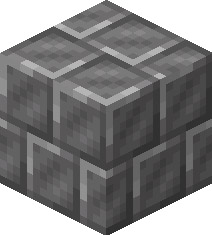
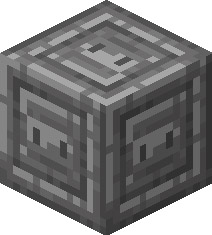
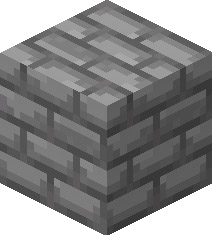
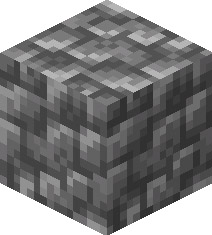
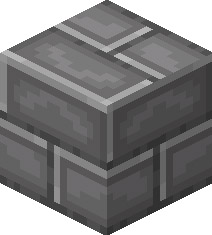
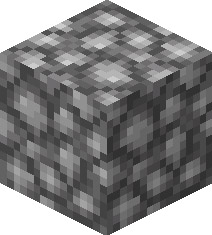
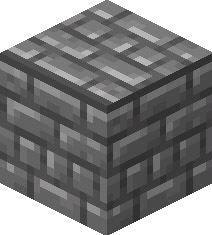
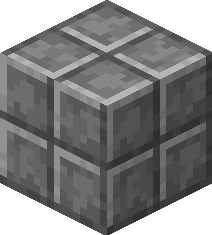
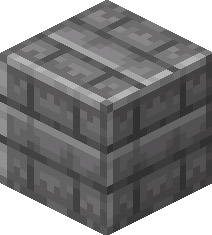
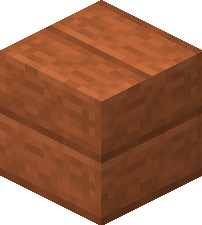
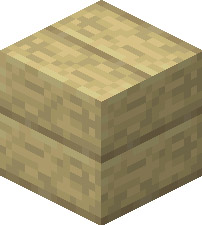
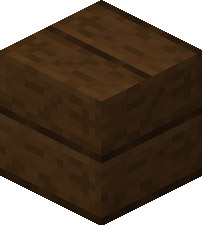
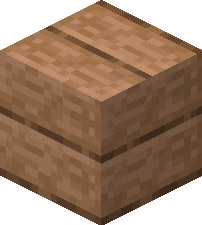
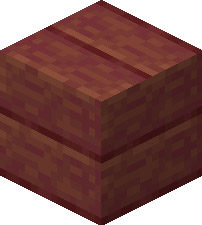
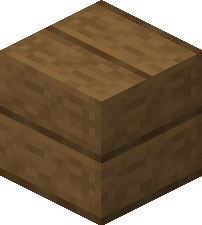
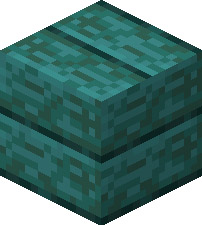
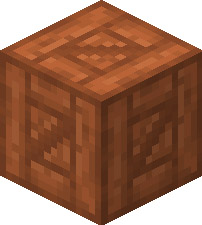
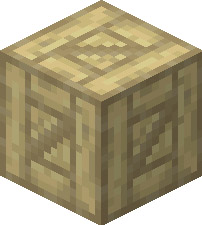
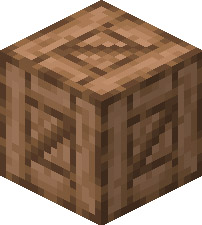
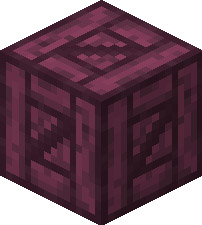
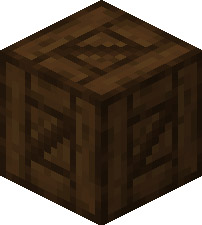
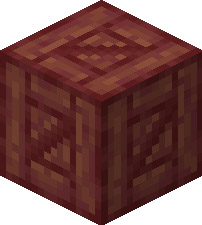
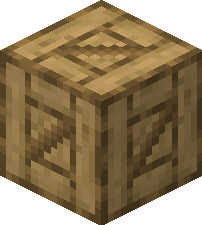
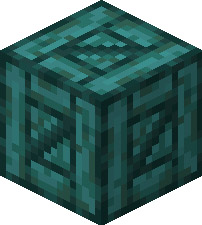
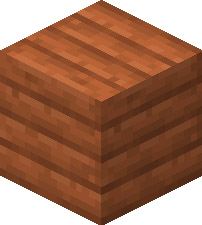
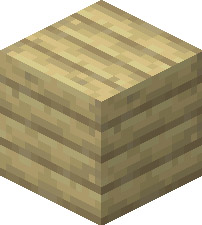
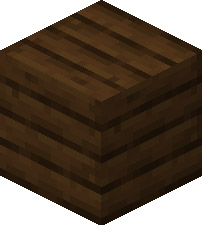
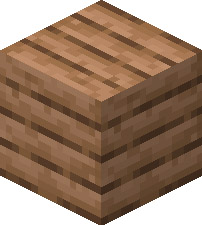
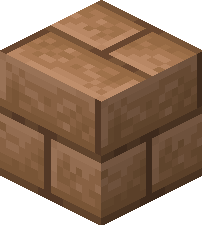
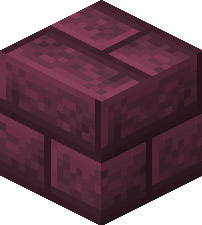
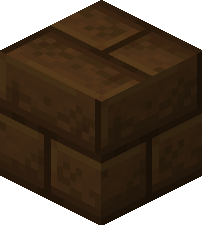
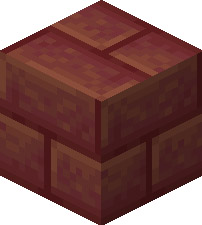
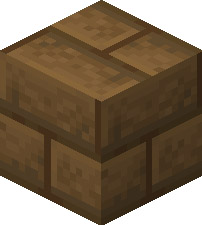
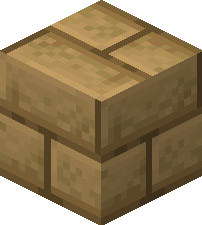
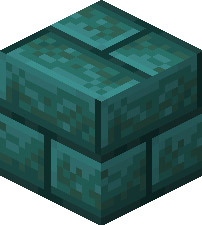
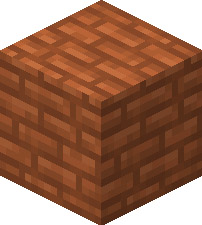
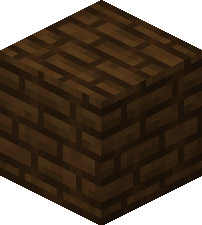
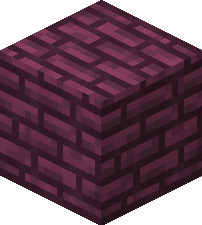
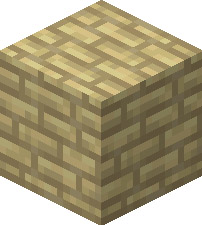
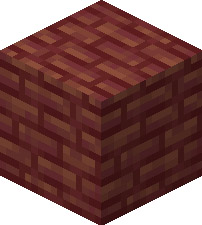
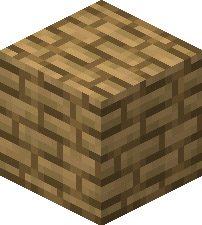
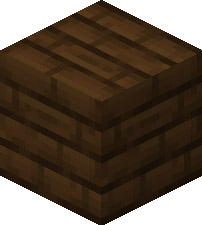
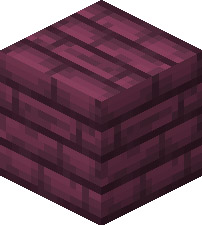
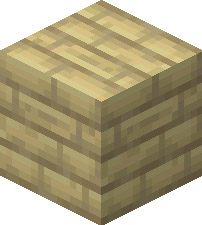
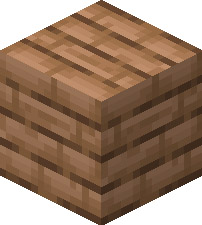
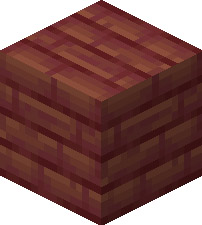
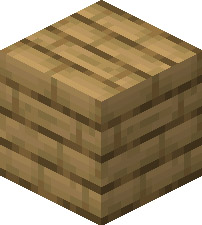
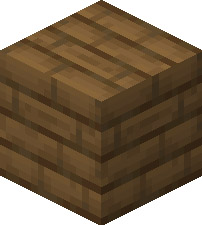
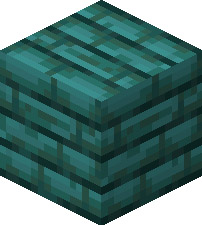
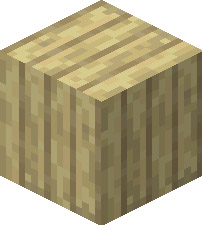
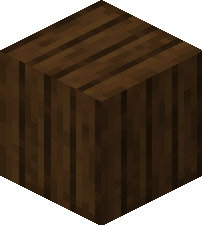
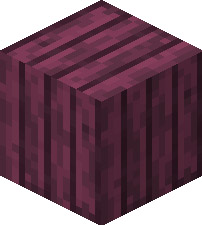
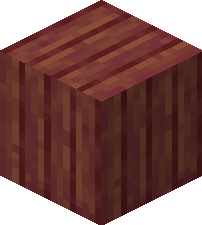
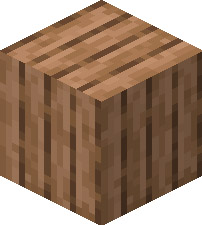
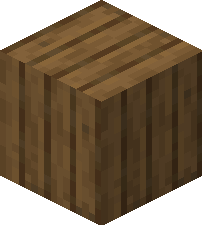
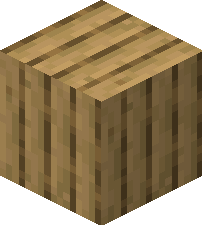
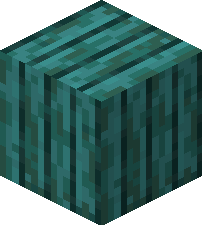
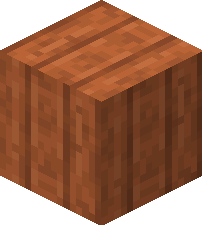
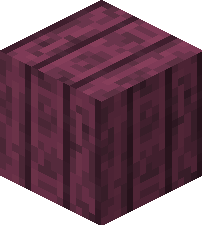
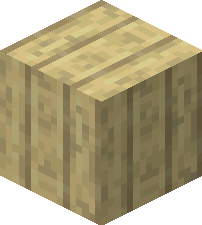
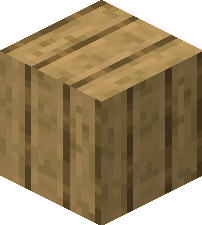
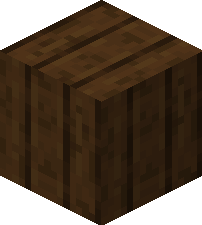
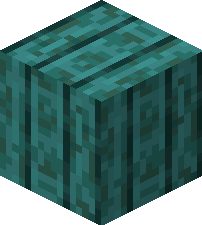
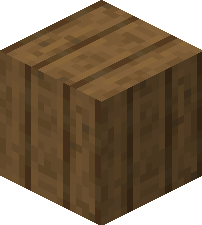
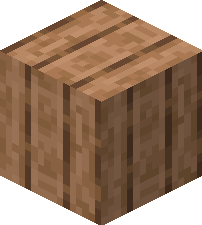
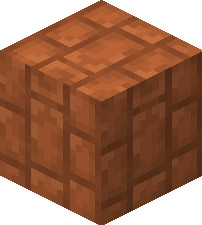
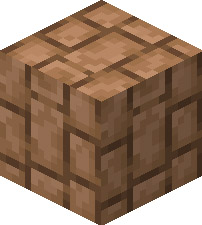
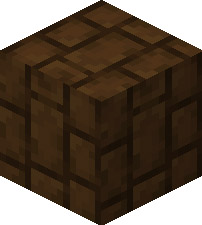
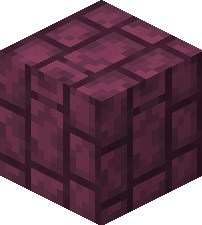
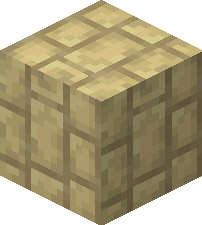
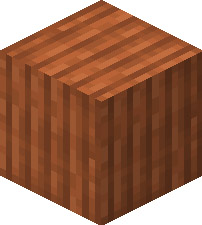
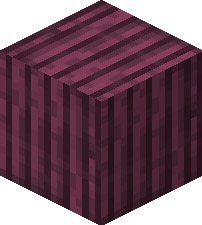
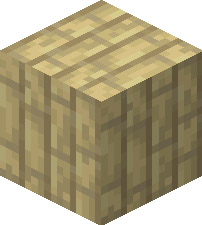
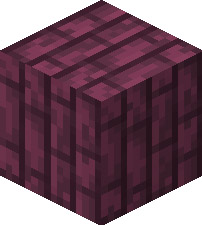
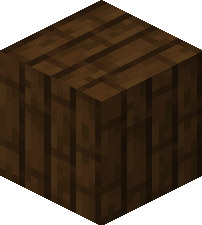
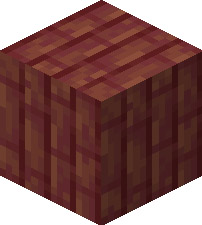
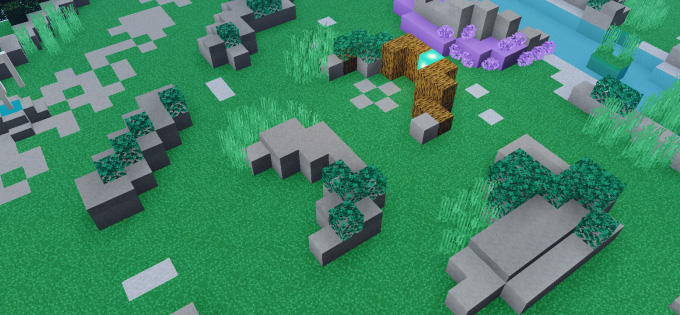
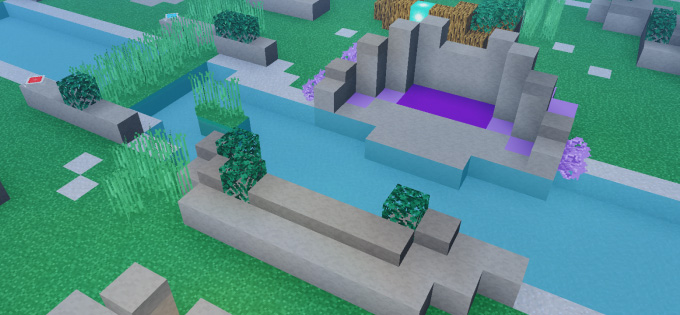
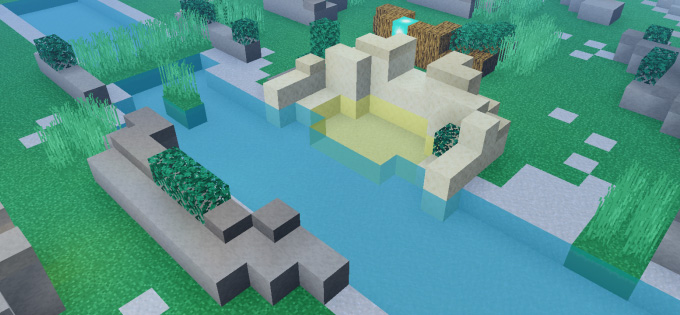
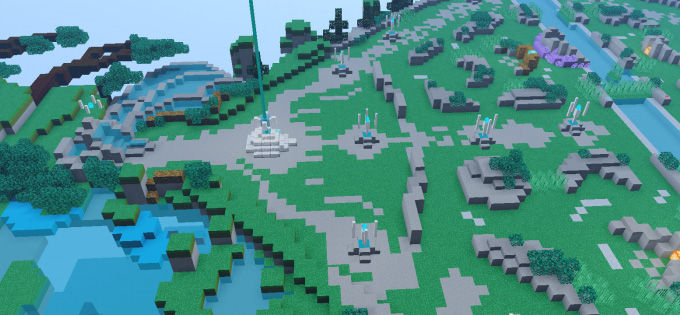
Hello and welcome again. Dexten’s Chiselry initially contains 125 blocks, 12 new plank models, 17 new cobblestone models, and 12 new plank models so that you can decorate your home and experiment with various styles. I underline that this addon is NOT a clone of the CHISEL addon since my designs are original to me and I have not copied them as I update the addon over time with more variations of more blocks (so they do not write related things in the comments).
people who download the add-on many times do not read the characteristics and terms to review this add-on. If you are a content creator, please use the MCPEDL link and you cannot leave the DIRECT link or make your own link. If you don’t comply, I will take action.
Changelog
Changelog
Added 17 new models for “Cobblestone”
Several “Planks” textures were remastered
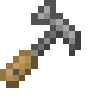
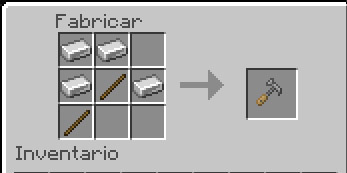
Items with special functionalities were added: “Chisel” and “Hammer”
Do you like drawing Halloween pixel art? Halloween is coming, so that you show your enthusiasm for Minecraft and get creative on Halloween. We have a mini game: Draw your Halloween with Pixel Art.
Event Pixel art Editor
Event Case
You will use our App Pixel art Editor for Minecraft and drawing anything else you can draw anything related to Halloween or ghosts in Minecraft such as: Witch, Ghost, Potion, SCP, FNAF Character,…..
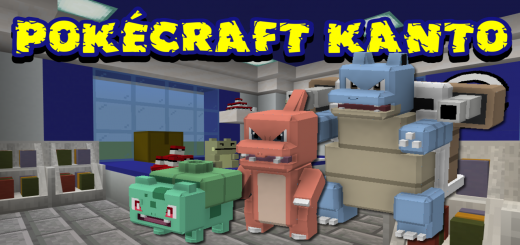
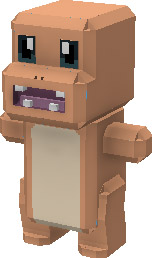
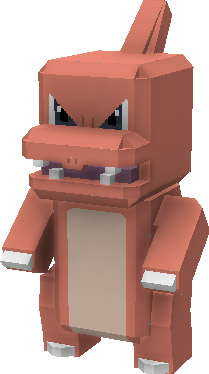
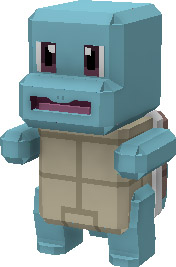
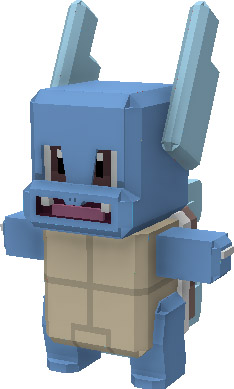
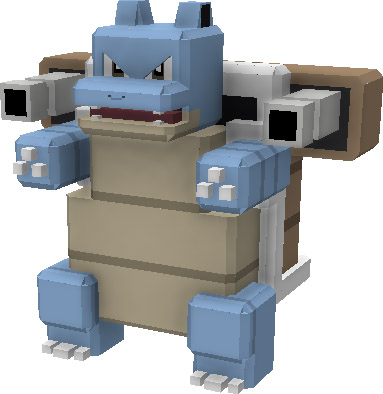
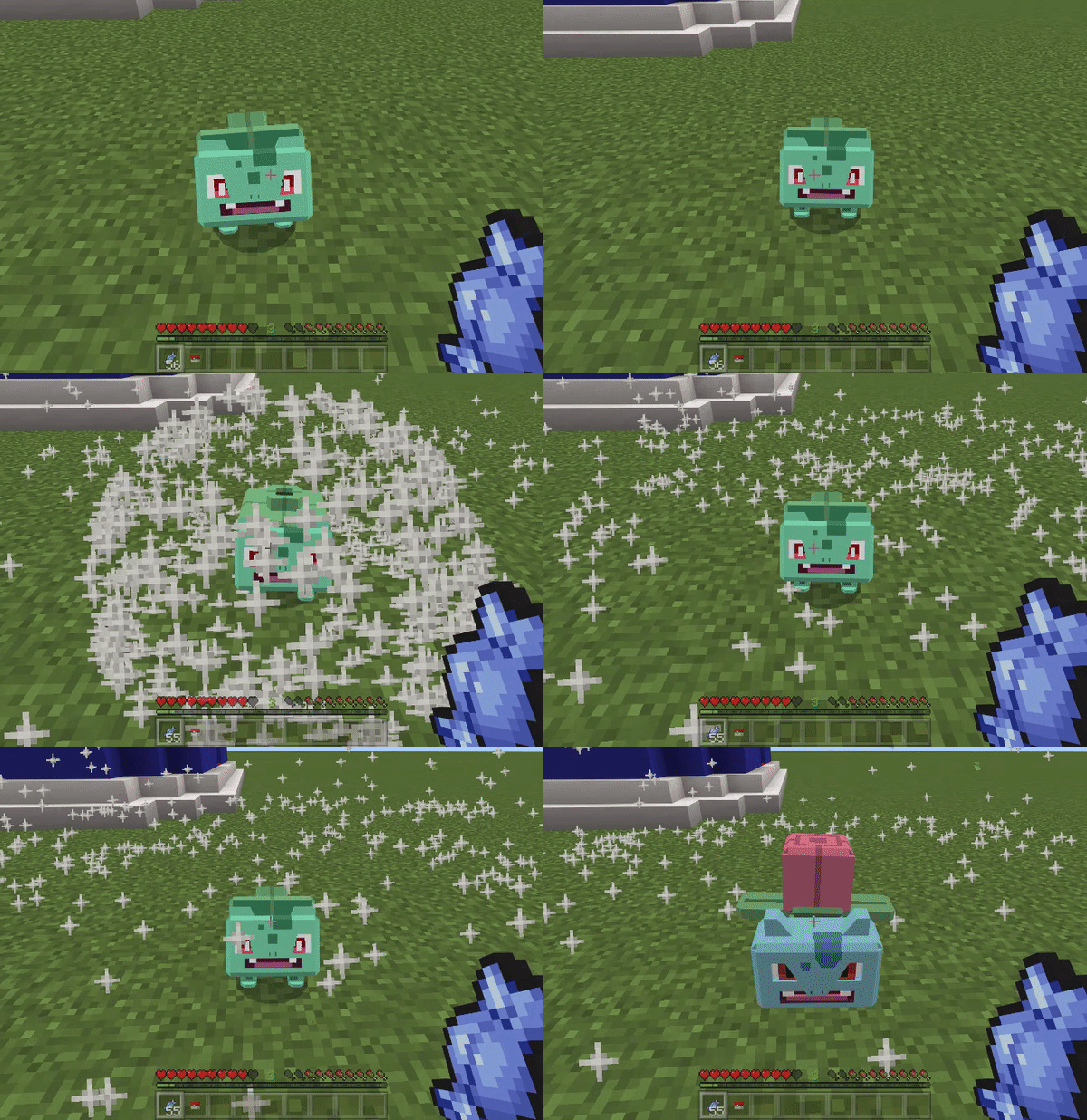
Based on the well-known video game franchise and animated Pokémon, PokeCraft Kanto is a Pokémon add-on. Catching and leveling up Pokémon as you explore your Minecraft world will make you the best Pokémon ever!
Sneak to get a Professor Oak item when you first start your world; this item is locked in your inventory until it is used.
When you utilize it, Professor Oak will appear and offer you one of the three Kanto beginning Pokémon.
Following your selection, you will be given your Pokémon along with several Pokéballs and Pokécoins to get you started, and he will then vanish. Your chances of receiving a Shiny Pokémon from Professor Oak are exceedingly slim.
Pokécoins can be used to purchase necessary things in the Pokémart by exterminating wild Pokémon.
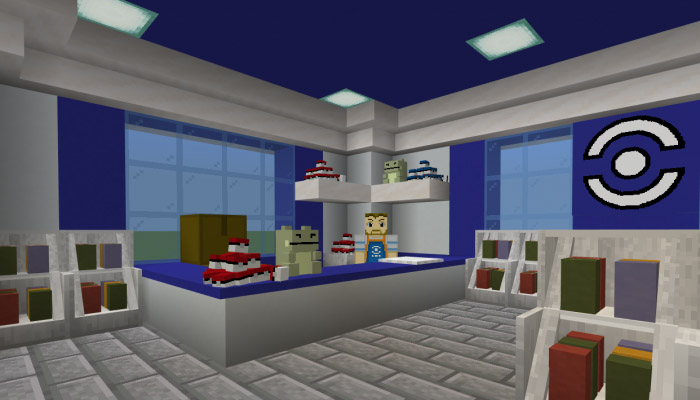
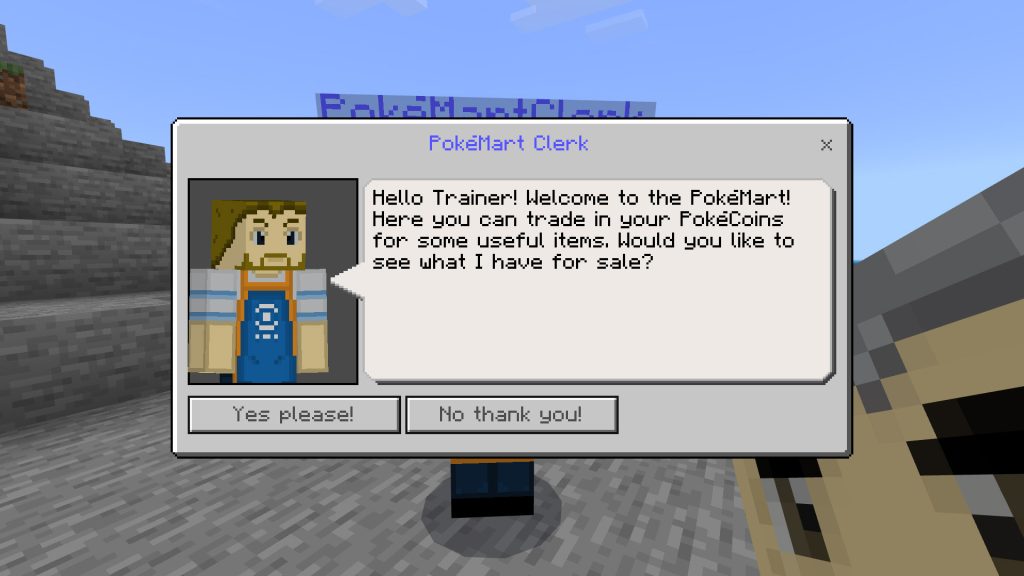
Pokémarts will start to appear all throughout your environment; simply approach the counter and wait for the Pokémart Clerk to show up.
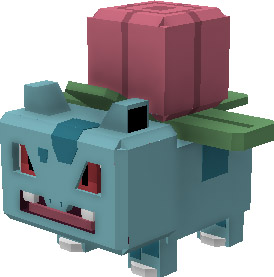
When given Rare Candy, Pokémon will level up and evolve when their levels are appropriate (for example Bulbasaur will evolve at level 16). Their HP and Attack will rise as they level up. A Pokémon can level up to a maximum of level 50 once it has undergone its final evolution. Catching the highest level wild Pokémon you can locate will save you a few Rare Candys because wild Pokémon will spawn at random levels.
A Shiny Pokémon should be something to be proud of owning because they will be extremely difficult to locate. We intended to keep the rarity of Shiny Pokémon as low as possible to make them as desirable as possible.
The catch rates for wild Pokémon are accurate, thus it will be imperative to purchase as many Pokéballs as you can. Being the owner of the best Pokémon should be challenging because this add-on is meant to be a grind.
Pokémon
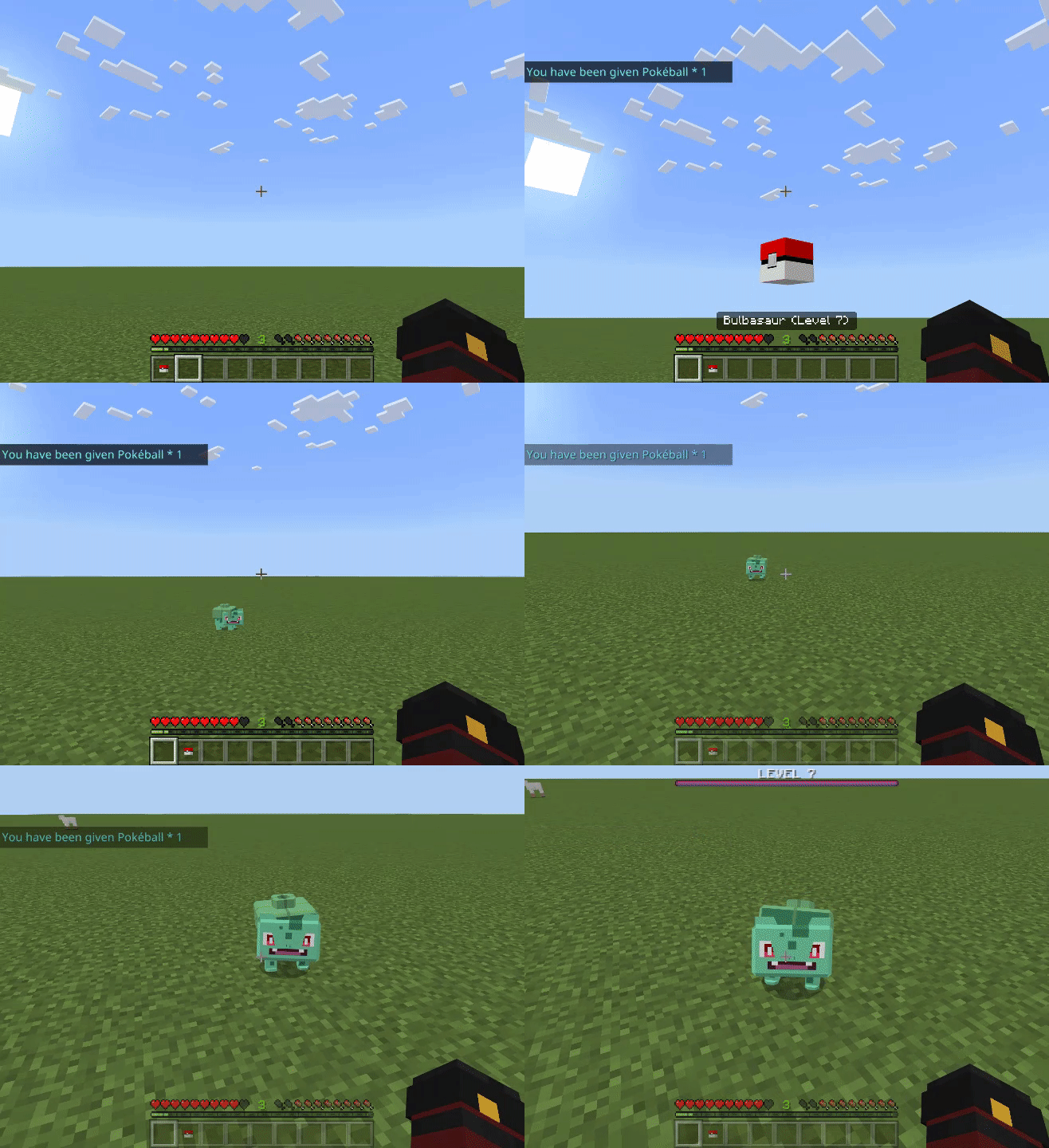
Wild Bulbasaur spawn in Forests
Wild Charmander spawn in Deserts
Wild Squirtle spawn in Rivers
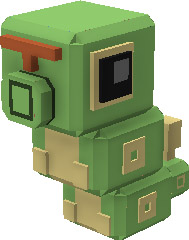
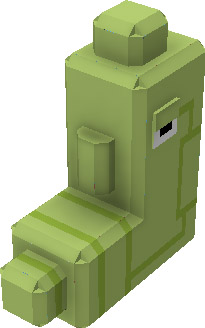
Wild Caterpie spawns anywhere
Update after update, more Pokémon and gameplay will be added. We sincerely hope you like this addition.
By throwing them, you can free your Pokémon from their Pokéballs.
Give your Pokémon Rare Candy to level up
Evolve your Pokémon
Catch Wild Pokémon
Some Experimental Toggles will need to be active for this add-on to work.
Changelog
PokeCraft Kanto V1.0 (I choose you!)
PokeCraft Kanto is a Pokemon add-on based on the popular game series and cartoon Pokemon.
Travel your Minecraft World catching a leveling your Pokemon to be the best there ever was!
When you start your world the first time you sneak to you recieve a Professor Oak Item, this item
is locked in your inventory until you use it.
Upon use Professor Oak will spawn and he will give you a choice of the 3 Kanto starter Pokemon.
When you have chosen you will recieve your Pokemon along with some Pokeballs and a few Pokecoins
to help you get started and then he will disappear.
Release your Pokemon and say Hi!
Your Starter Pokemon will be at level 5 it is up to you to train and evolve it.
Killing Wild Pokemon will get you Pokecoins.
Use the Pokecoins in the Pokemart to buy Rare Candy to level and evolve your Pokemon!.
Pokemarts will generate around your world in any biome, walk to the counter to find the store clerk.
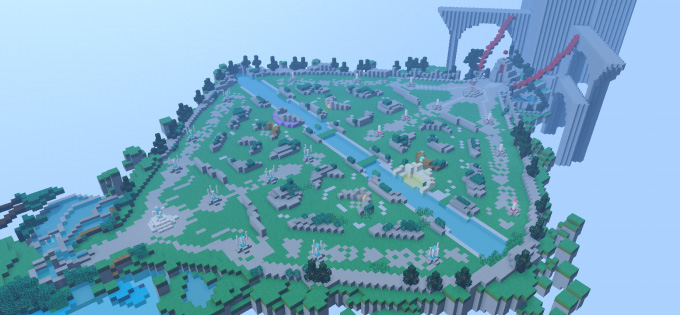
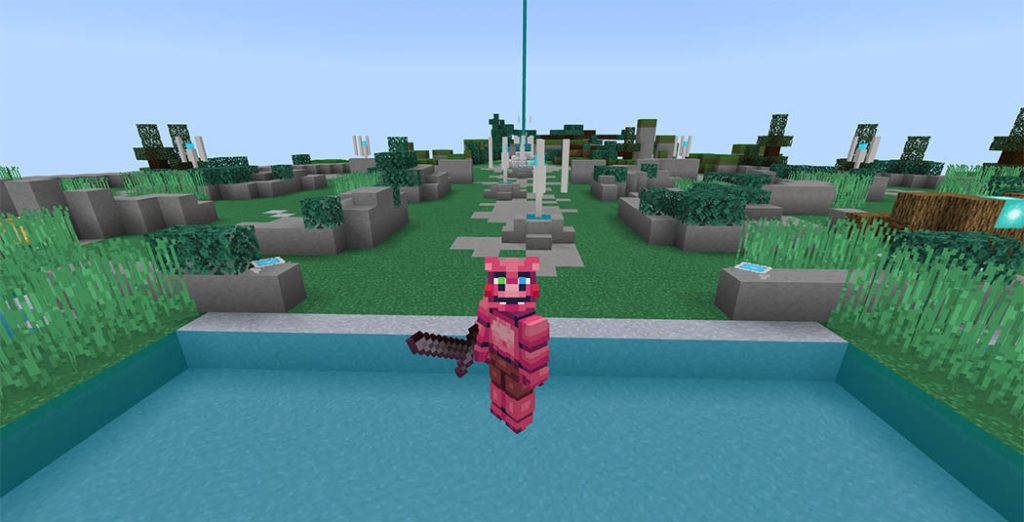
Players of Arena of Valor, welcome! Congratulations, you’ve found the ideal post if you love AOV game, Welcome to Arena Of Valor Map and let import it in Minecraft.
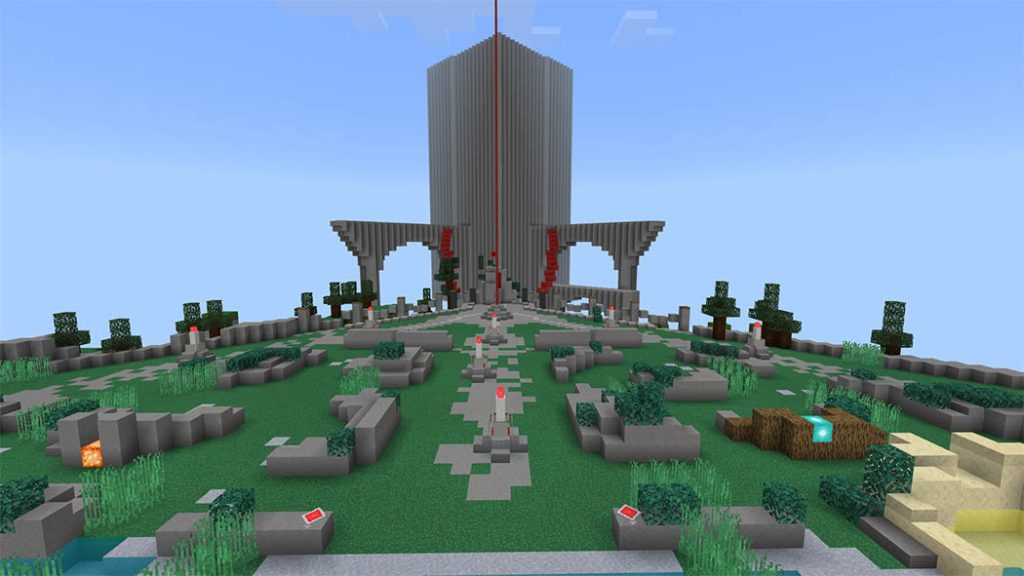
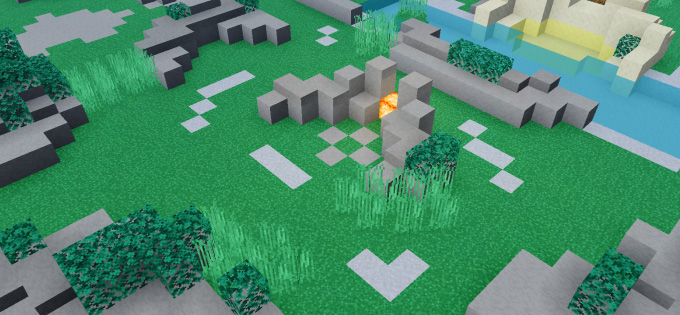
An almost 95% accurate map created based on the video game Arena of Valor.
Please comment if you have any suggestions for the map while it is still in the creation stage so I can incorporate them. A lot more will likely be added in the near future!
Since the map in the game is constructed at 1:1 scale, it won’t be highly detailed; instead, focus on the little details.
I am not qualified to open the server and operate the 5v5 PVP competition like in the game. If you are a pro want to help me to open the server then contact me, I can leave all the ideas to you to open the server! Looking forward to your help.
The map will be updated with more things in the near future.
Installation
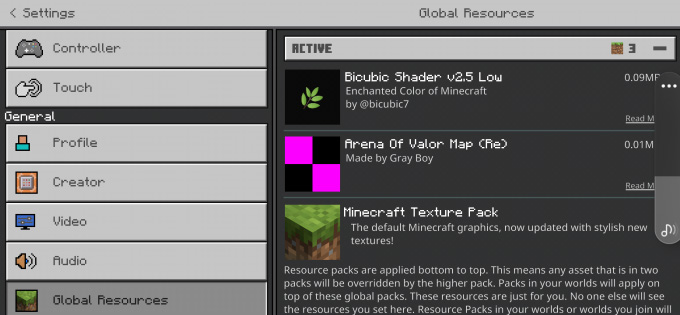
The shader used in the illustration is Bicubic v2.5 low. Note if you play version 1.18.30 or higher please use shader that supports Render Dragon to replace the shader I suggest!
I recommend using shaders and texture packs I suggested for the best experience. If your computer is too weak, just texture pack is more than enough!
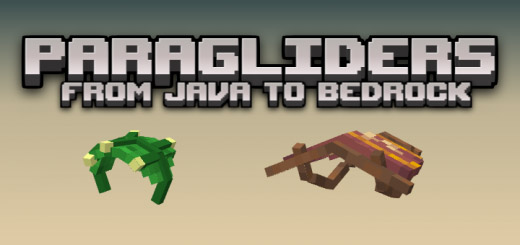
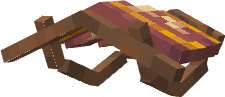
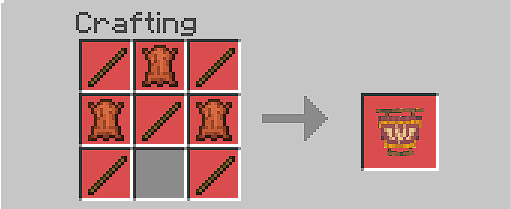
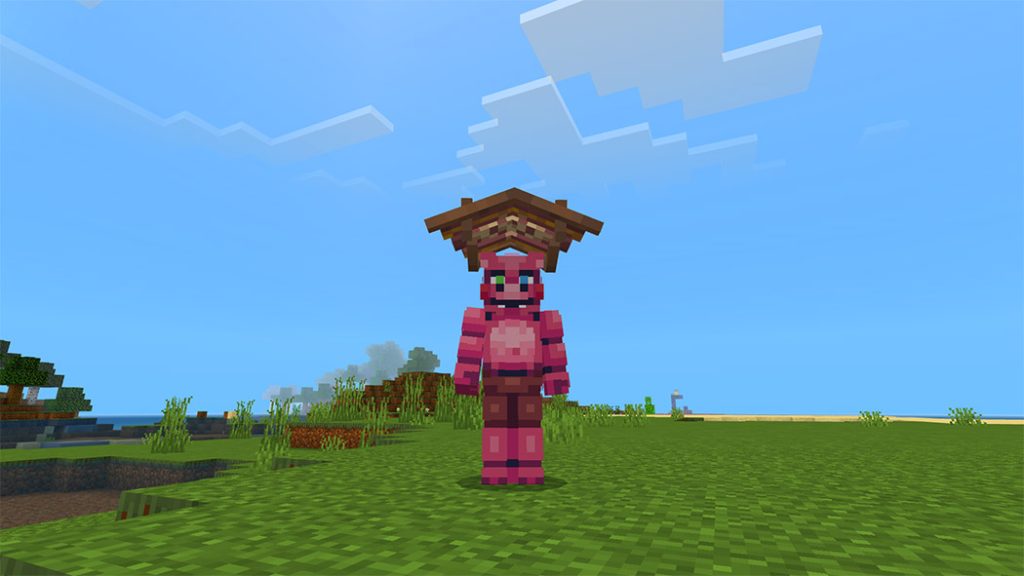
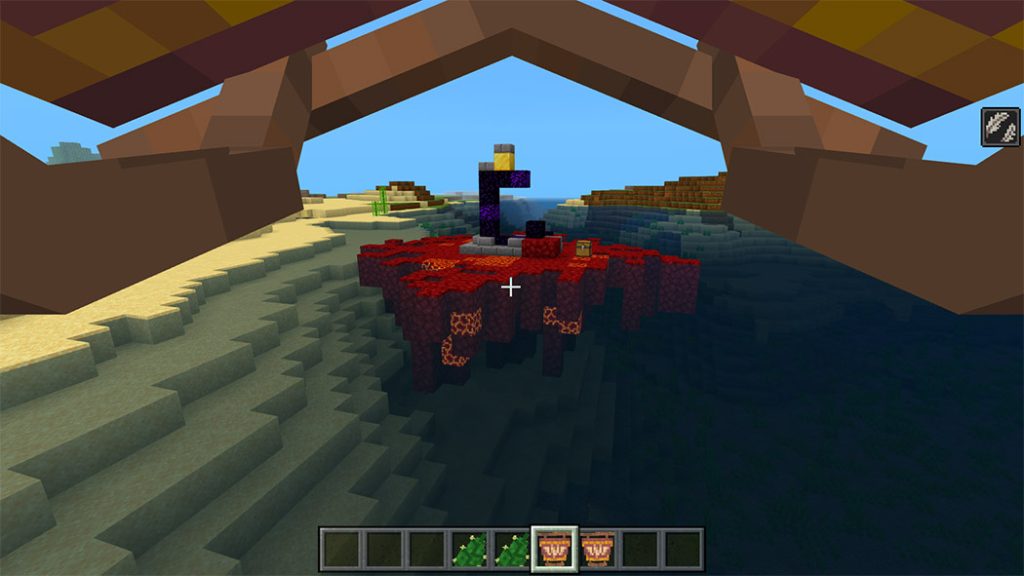
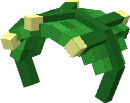
Paragliders is for you if you desire full paragliding action in Minecraft like in Breath of the Wild. Well, Paraglider and Deku Leaf are added with this addon. a minor porting from Java to Bedrock. sincerely, Red Ballon.
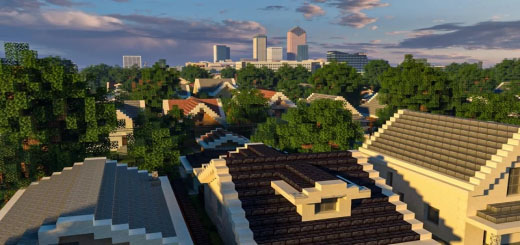
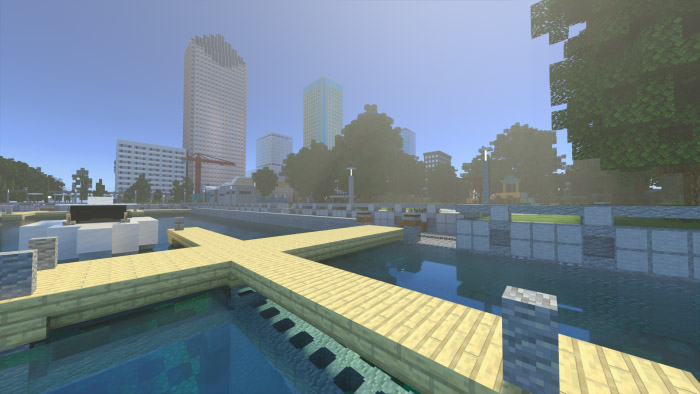
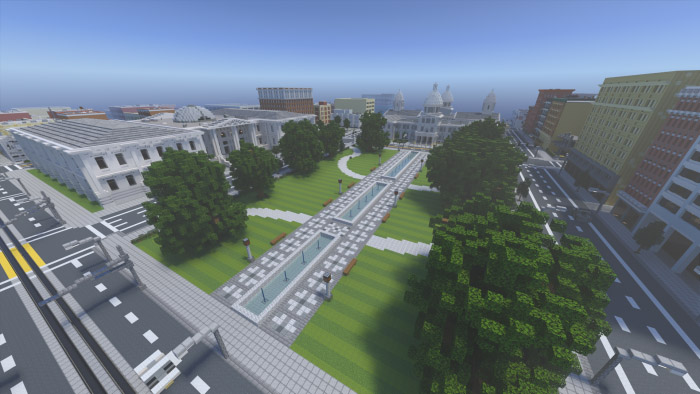
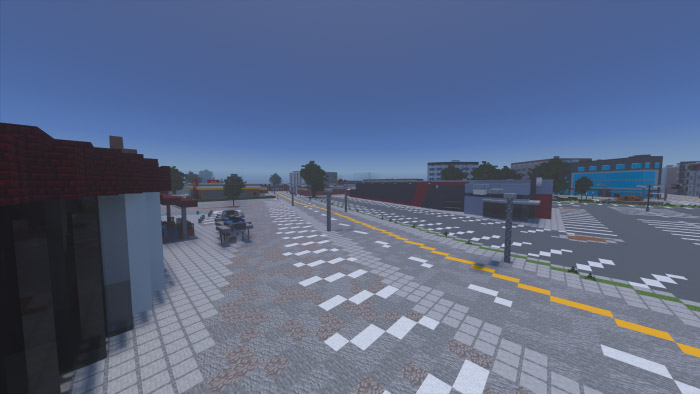
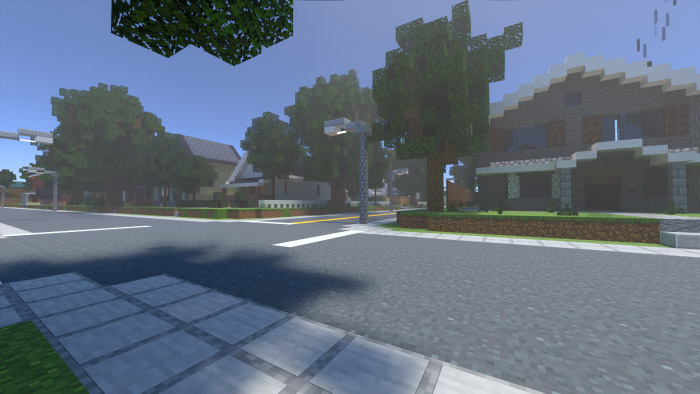
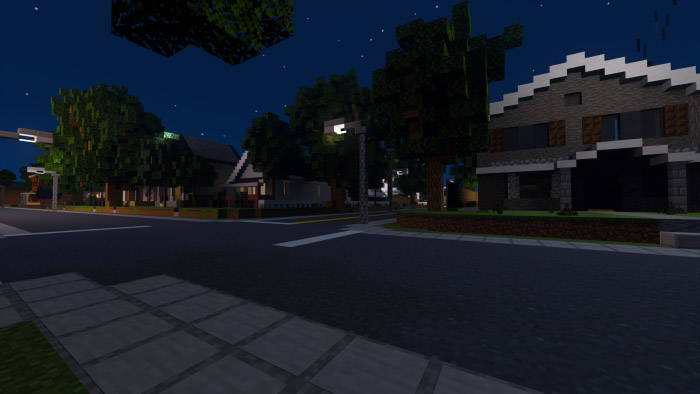
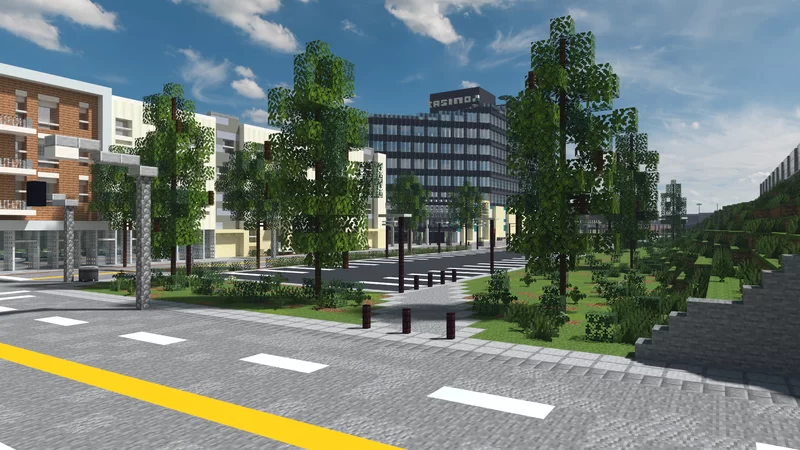
Do you desire a city with authentic structures, a wide range of attractions, and even a roleplaying game or two? There are numerous equipped buildings, fantastic roads, and this is merely the beginning of a large city:D
You might find Steve’s heads in this world because TheBuildingDuck and his team utilized them with custom textures as decoration, however the Bedrock version doesn’t support this. This world was created in Java and converted to Bedrock by them.
Weston City’s initial release can now be downloaded. pertaining to Java & Bedrock Edition. From episode 1 to episode 49 of TheBuildingDuck’s YouTube series, all of the builds are represented on this map (link can be found further below).
Do you want to view the map in your browser or, after downloading, are you unable to navigate your way around the map? To view the map online, use this link: https://thebuildingduck.minefact.de/#cityv1 Not all of the information seen on the online map has been included in the global file (areas such as the mountains and large parts of the forest). This will reduce the file size.
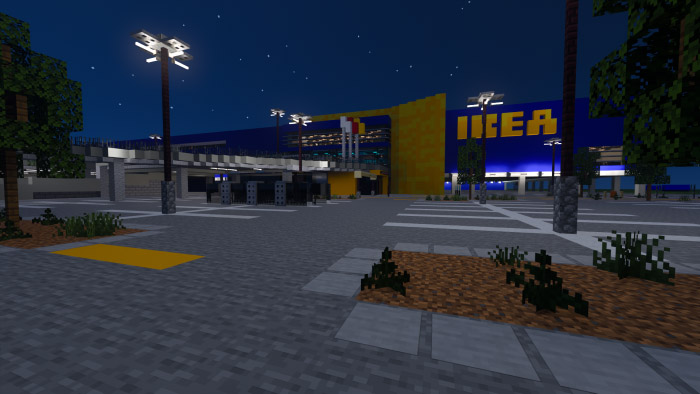
Picture that were taken on Bedrock Edition (with RTX)
Render that were made on java edition
This version of Weston City includes:
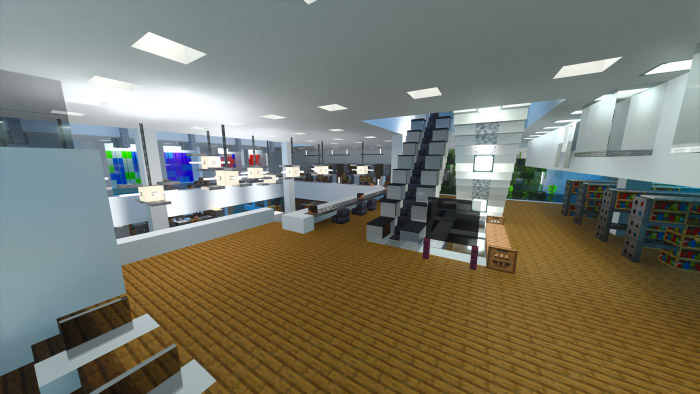
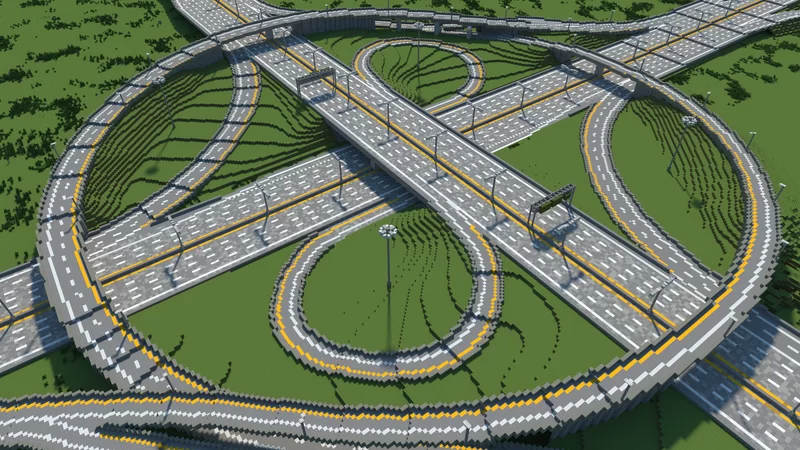
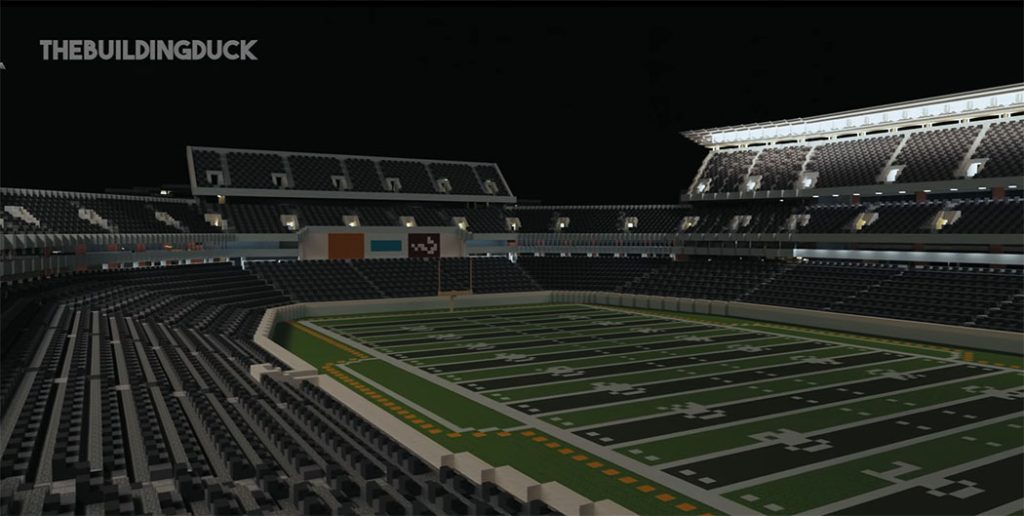
✶An airport (not completed) ✶A cinema ✶History museum (not completed) and modern art museum ✶Skyscrapers ✶Suburbs ✶An American Football stadium (not completed) ✶Offices ✶Hotels ✶An IKEA (not completed) ✶A train station (not completed) ✶A sports center ✶A casino (not completed) ✶High school (not completed) ✶Elementary school ✶Highways And more!
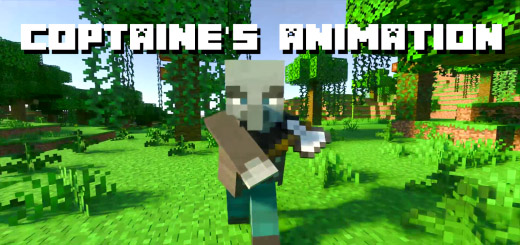
Coptaine’s Mob Animation is a resource pack that aims to give the mobs new and improved animations while keeping the vanilla look. Enjoy playing with more dynamic and smoother animations!!!
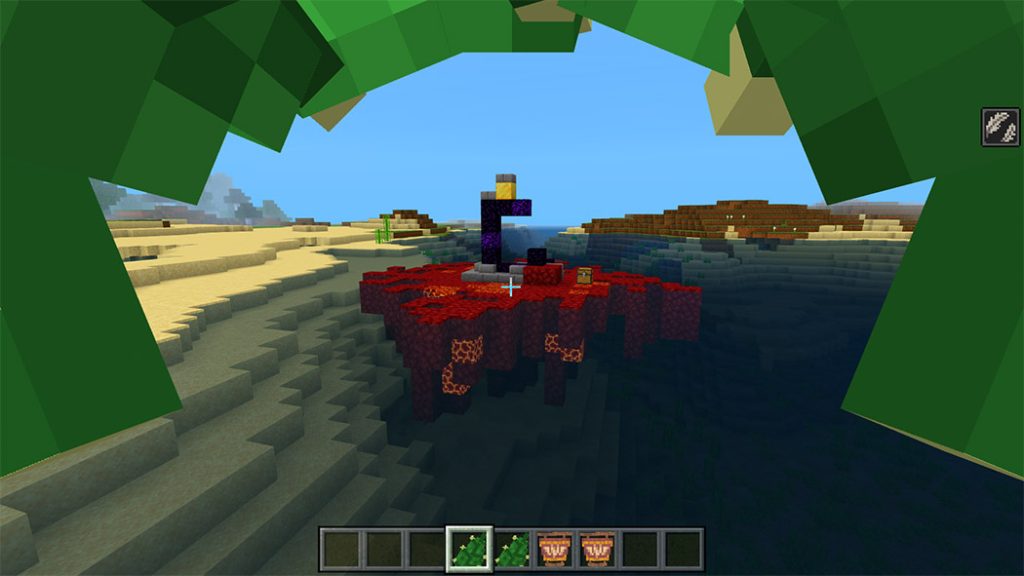
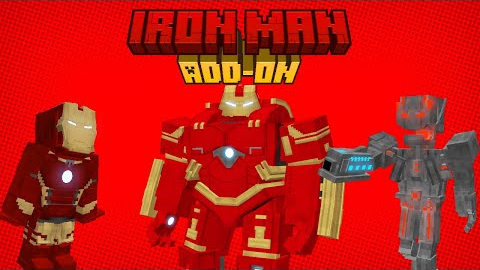
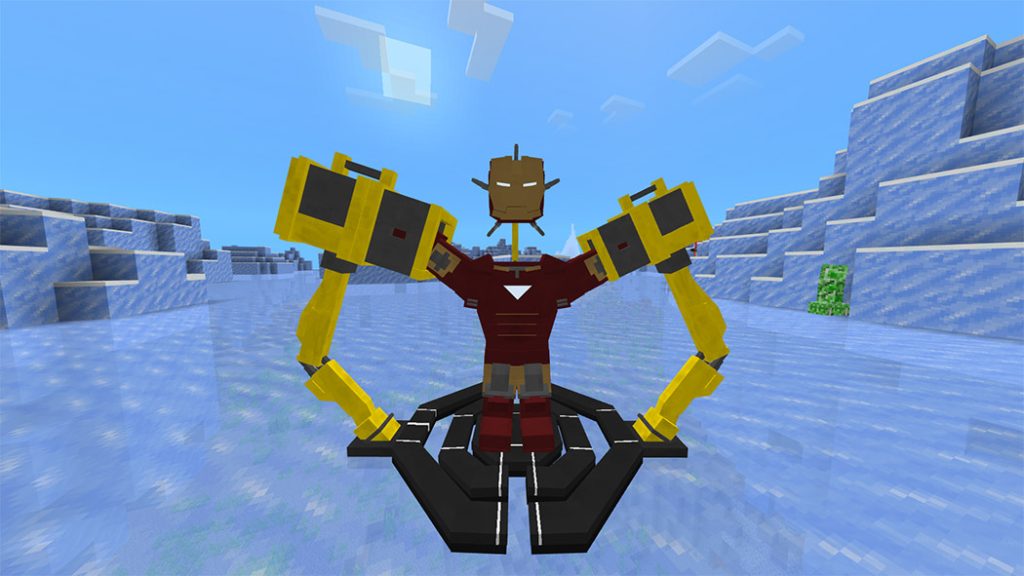
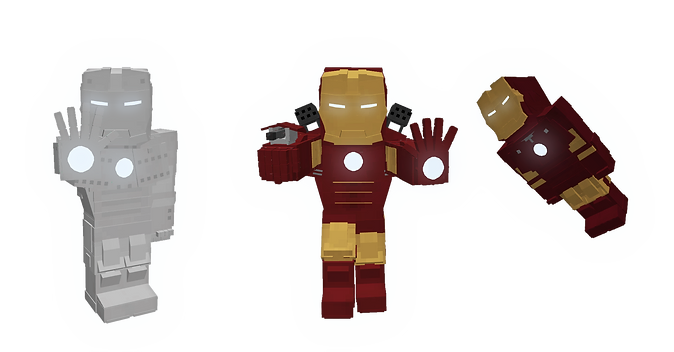
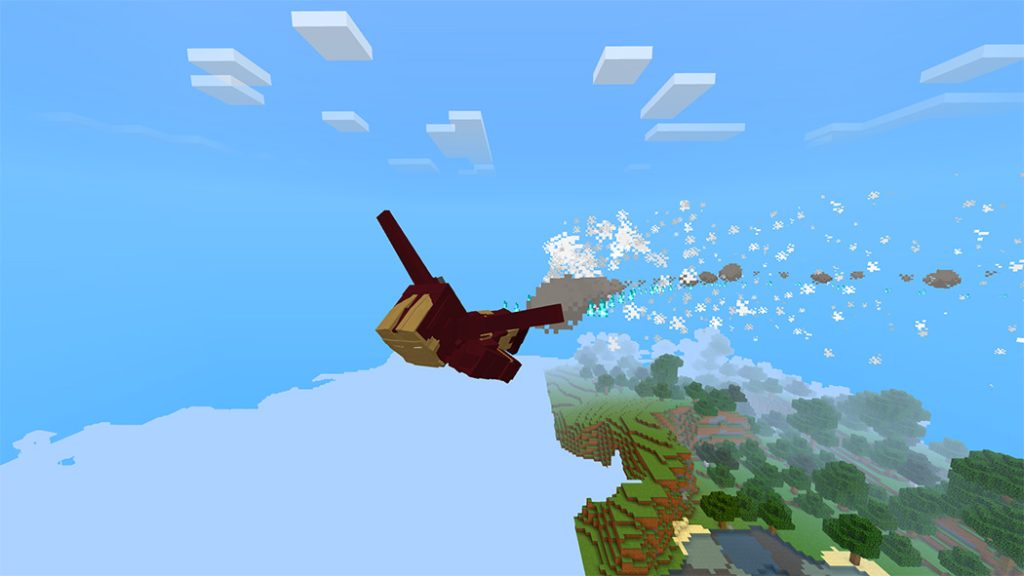
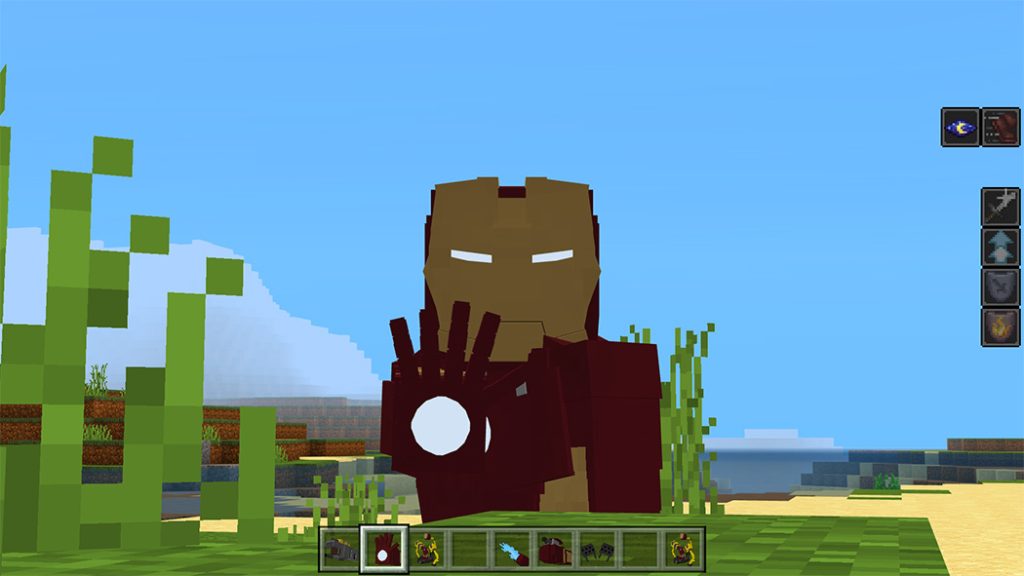
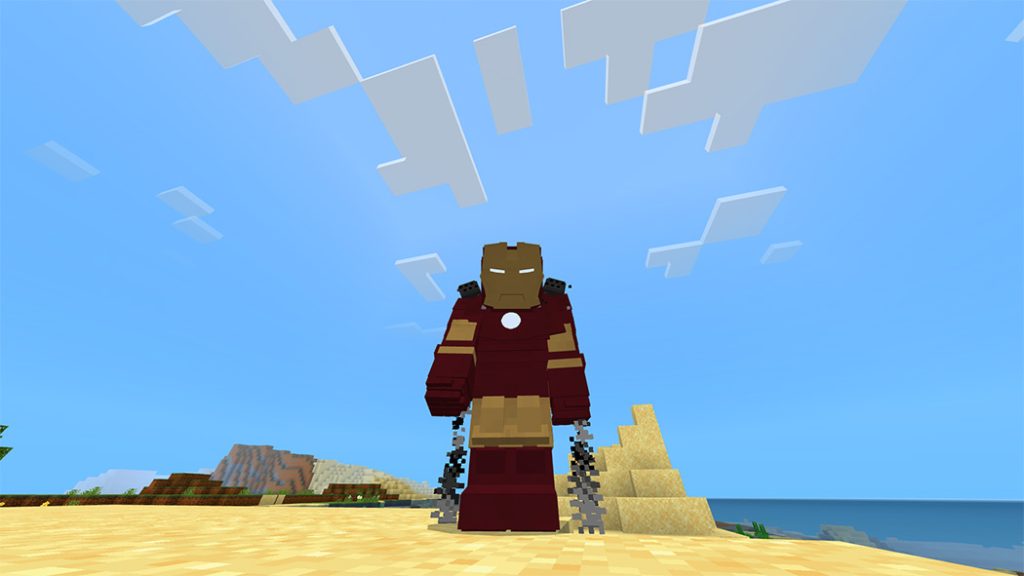
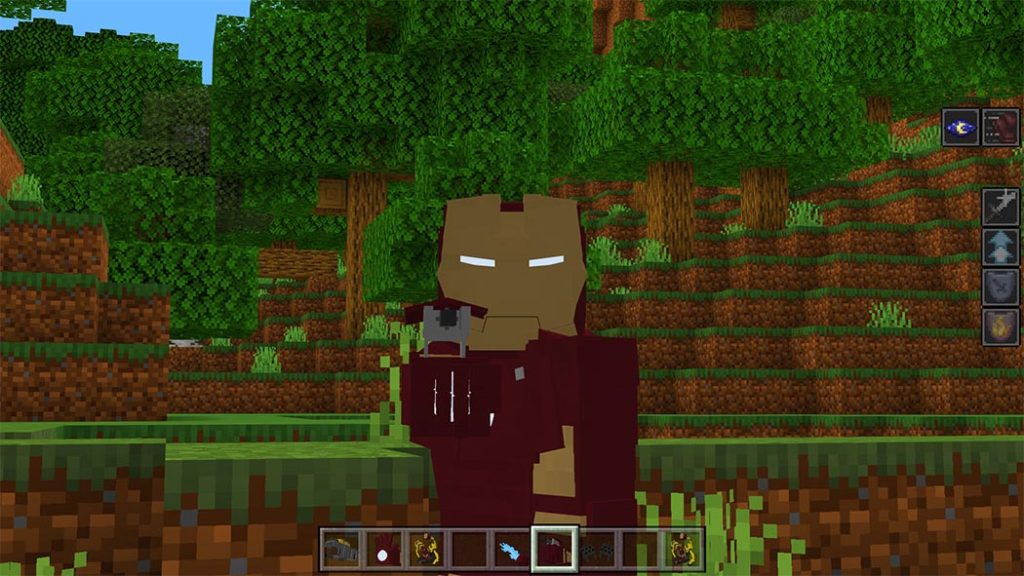
With the help of Iron Man addon, you’ll be able to play as the superhero Iron Man. You’ll be able to use their gear, including their armor, weapons, and the ability to fly like Iron Man.
Warning: Iron Man addon was published on MCPEADDONS.COM, it is not allowed to publish this add-on on other websites or applications of Minecraft Addons without the permission of the creator. If you will review this add-on for YouTube leave credits, put the download link from mcpedl and not put the direct download link or create your own download link or you will receive a complaint.
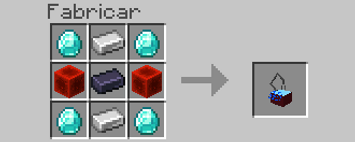
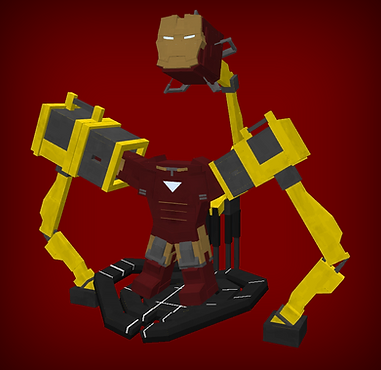
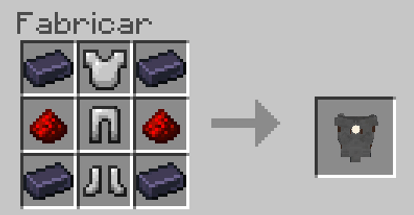
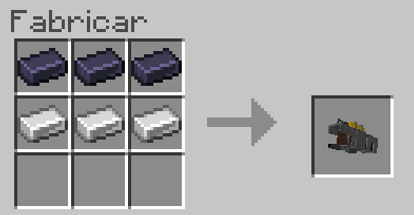
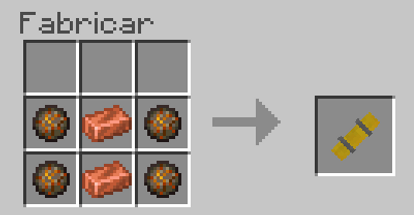
You will need to craft the Suit Gantry to get weapons and the Iron Man suits.
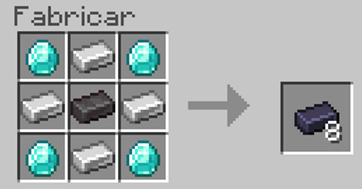
To make suits or weapons you will require Vibranium ingots:
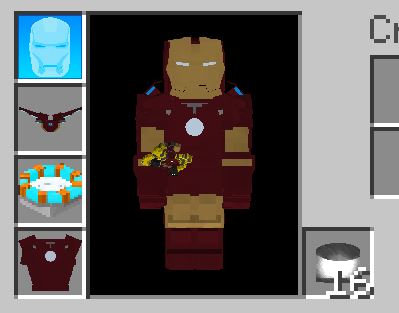
Suits and controls
Thruster and Glider
You can fly for an indefinite amount of time when wearing the elytras, but you must take care to avoid crashes. Press the crouch button to reduce the flying level, and the jump button to turn off flight.
Thruster Glove
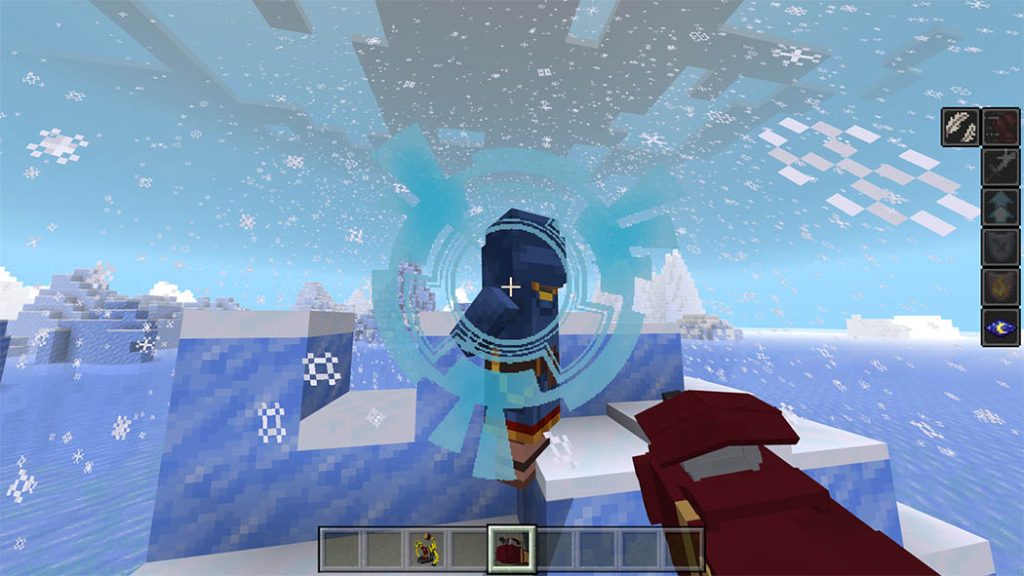
When utilizing the glove, he will be able to shoot a light burst that overwhelms adversaries; it won’t need ammunition and won’t run out while an arc reactor is in the leg slot.
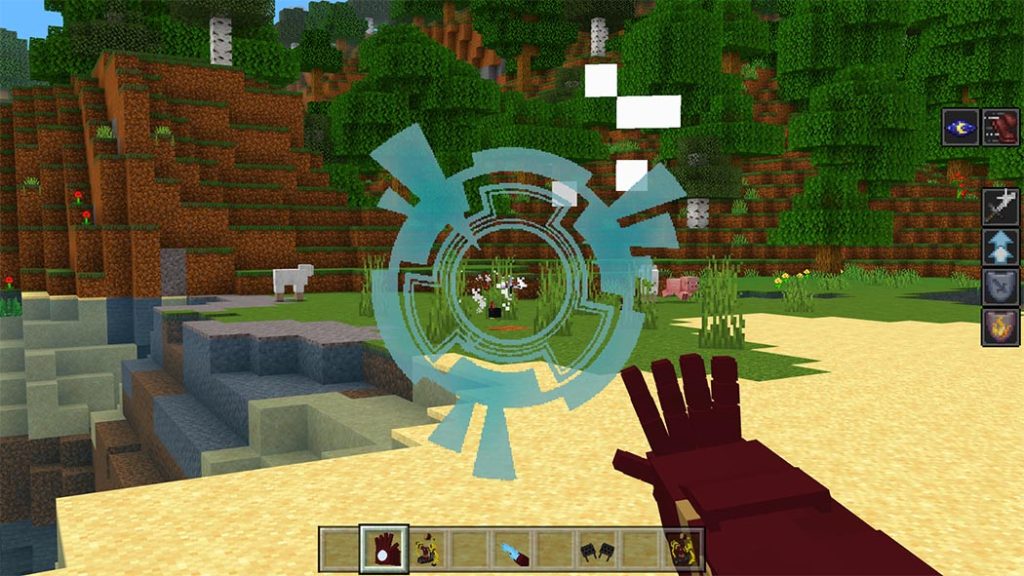
It will also have a sight that will improve your vision; to utilize it, crouch down and hold down the crouch button. This only functions if you are wearing a suit and a helmet.
When the magazine of the miniguns is empty, press the button to crouch and interact while reloading by placing the ammunition in the second hand.
Missile Launcher Glove
You can shoot missiles while wearing this glove, but you’ll need a missile in your second hand to do so. It has a 4 explosion power.
Also as well as the propeller glove it includes a sight.
Mark1 Flamethrower:
You can shoot fire that can burn foes and objects if you’re wearing the Iron Man Mark 1 outfit, but only while wearing it.
Gas:
With this you can reload the flamethrower, when you run out of ammunition you hold down the crouch button and the interact button.
War Machine Minigun:
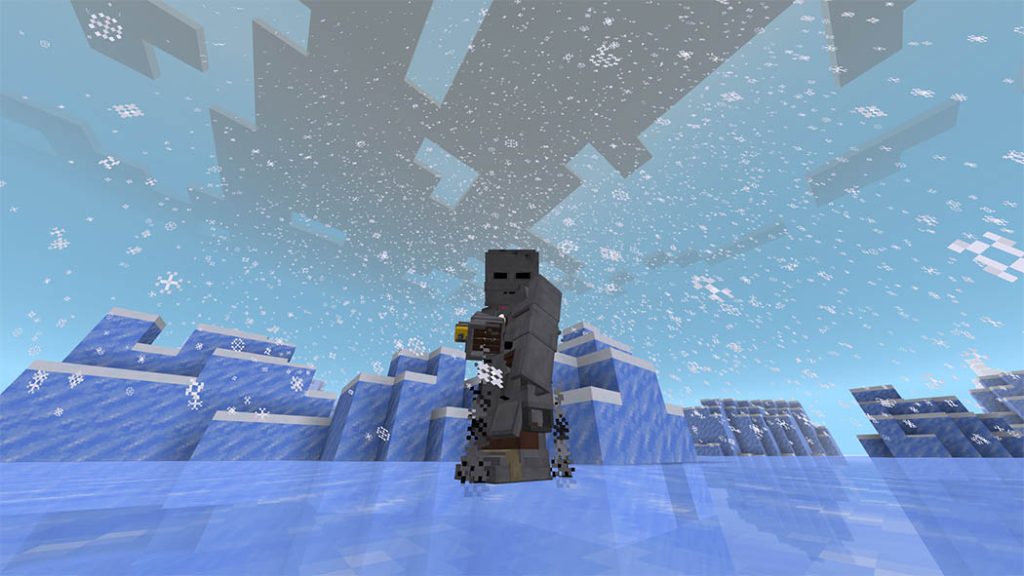
It features a 300-round magazine, fires bursts of bullets, and can only be used while wearing a War Machine costume.
Suits and features
Mark 1:
Protection: 10
You will not be able to use the miniguns
Has flamethrower support
All suits made by the suit maker will not be able to use the flamethrower
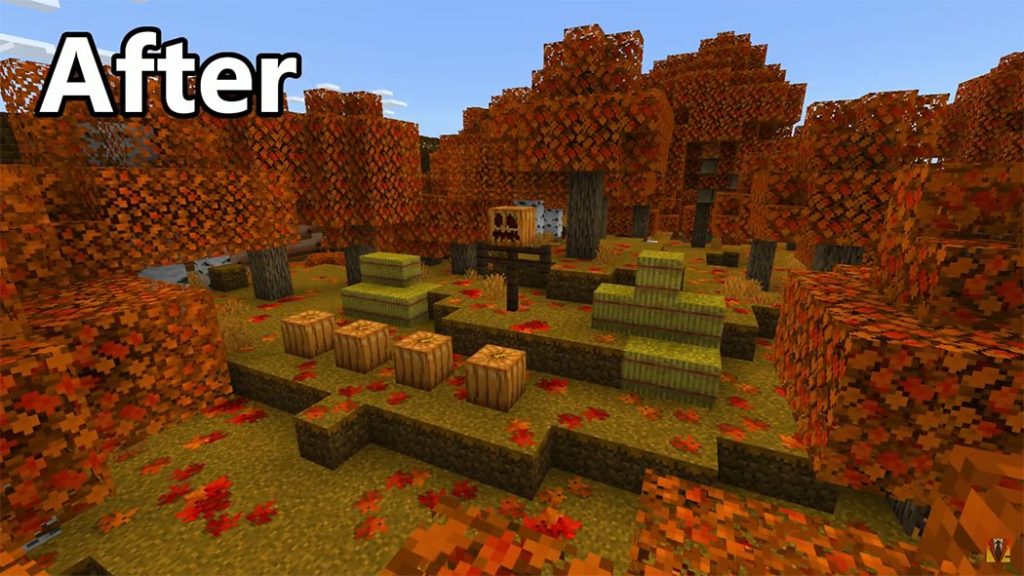
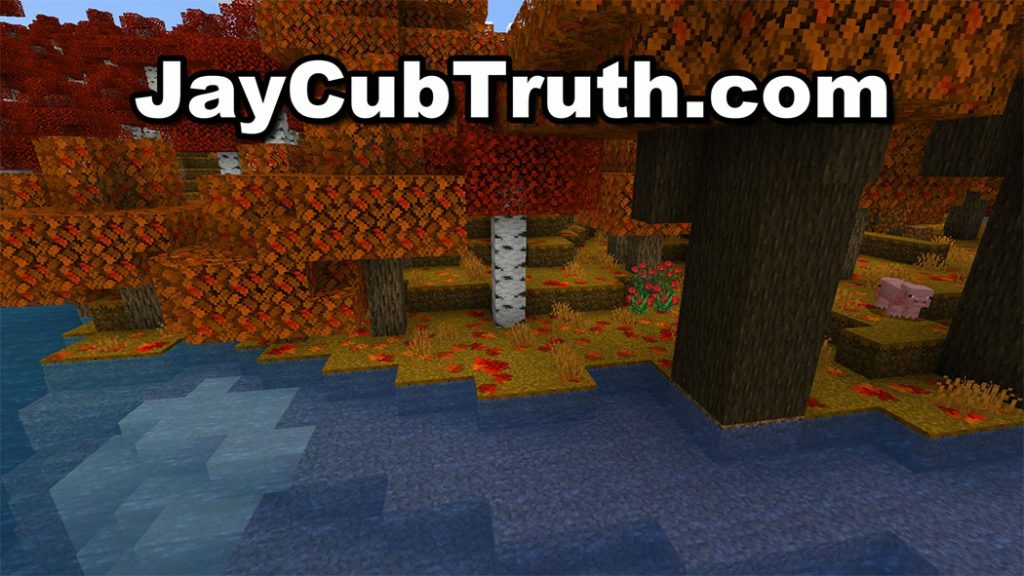
The leaves are changing colors right now in North America, so I made a minecraft resource pack to match! Autumn Leaves pack adds fallen leaves to the ground and alters the color of the leaves!
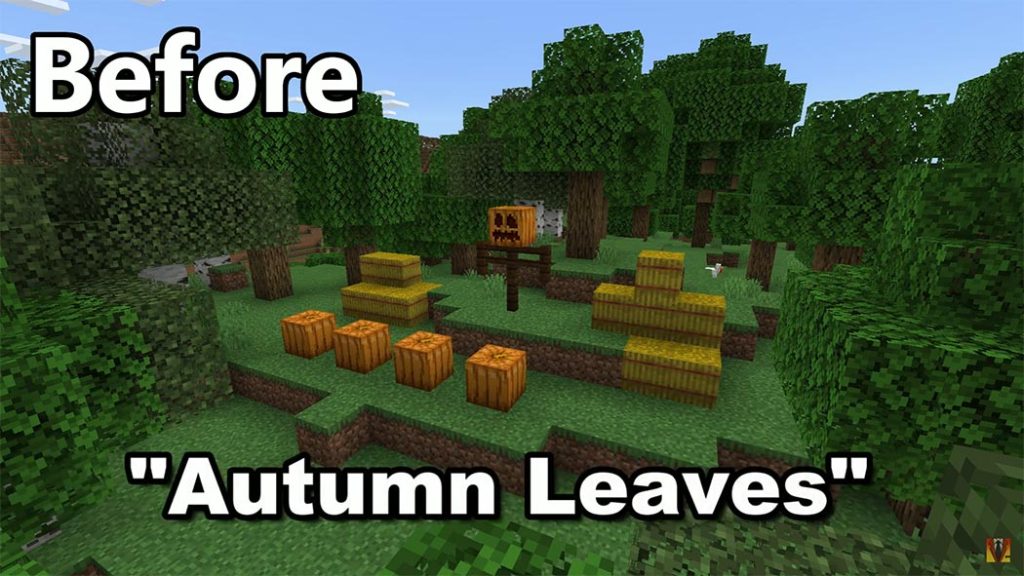
The leaves are changing colors right now in North America, so I made a minecraft resource pack to match!
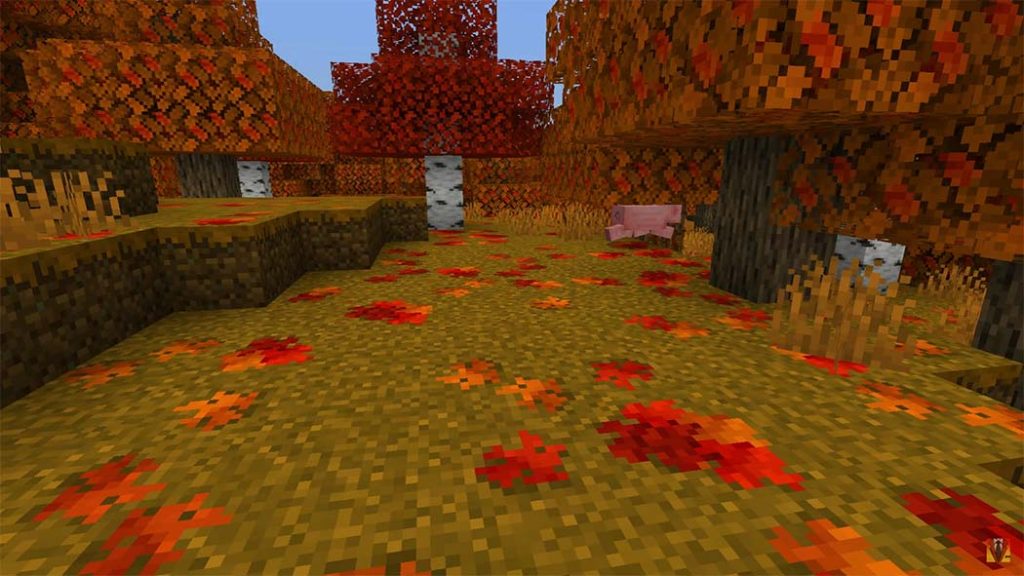
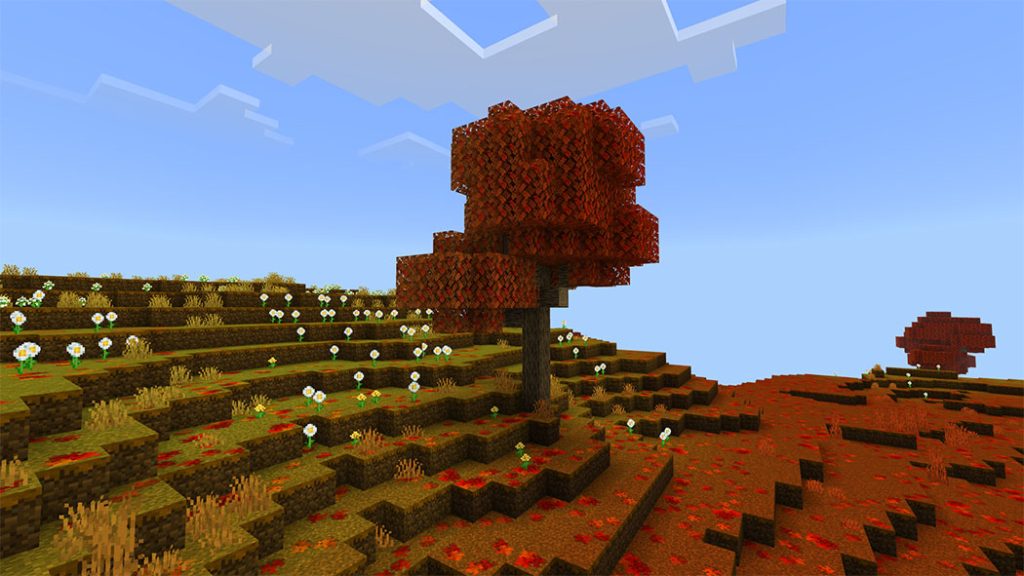
This pack adds fallen leaves to the ground and alters the color of the leaves! The ground has a random distribution of leaves. In my opinion, this addition gives Minecraft a LOT more atmosphere, especially during the month of October. It almost has the sensation of a brand-new game. Minecraft already includes fantastic summer and snowy biomes, but it does not have a good representation of fall. Before now! For season realm events, this resource set is fantastic!
Celebrate the fall / autumn season!
Some Texture packs you can check more in Mcpeaddons.com:
Double Click the “Autumn Leaves by JayCubTruth.mcpack” file included with this download and it should automatically open and import to minecraft. Once installed you can add it to your world by going to the world settings and clicking resource pack in the lower left corner. From there you will click on “my packs”, select “Autumn Leaves by JayCubTruth”, and select “activate”.
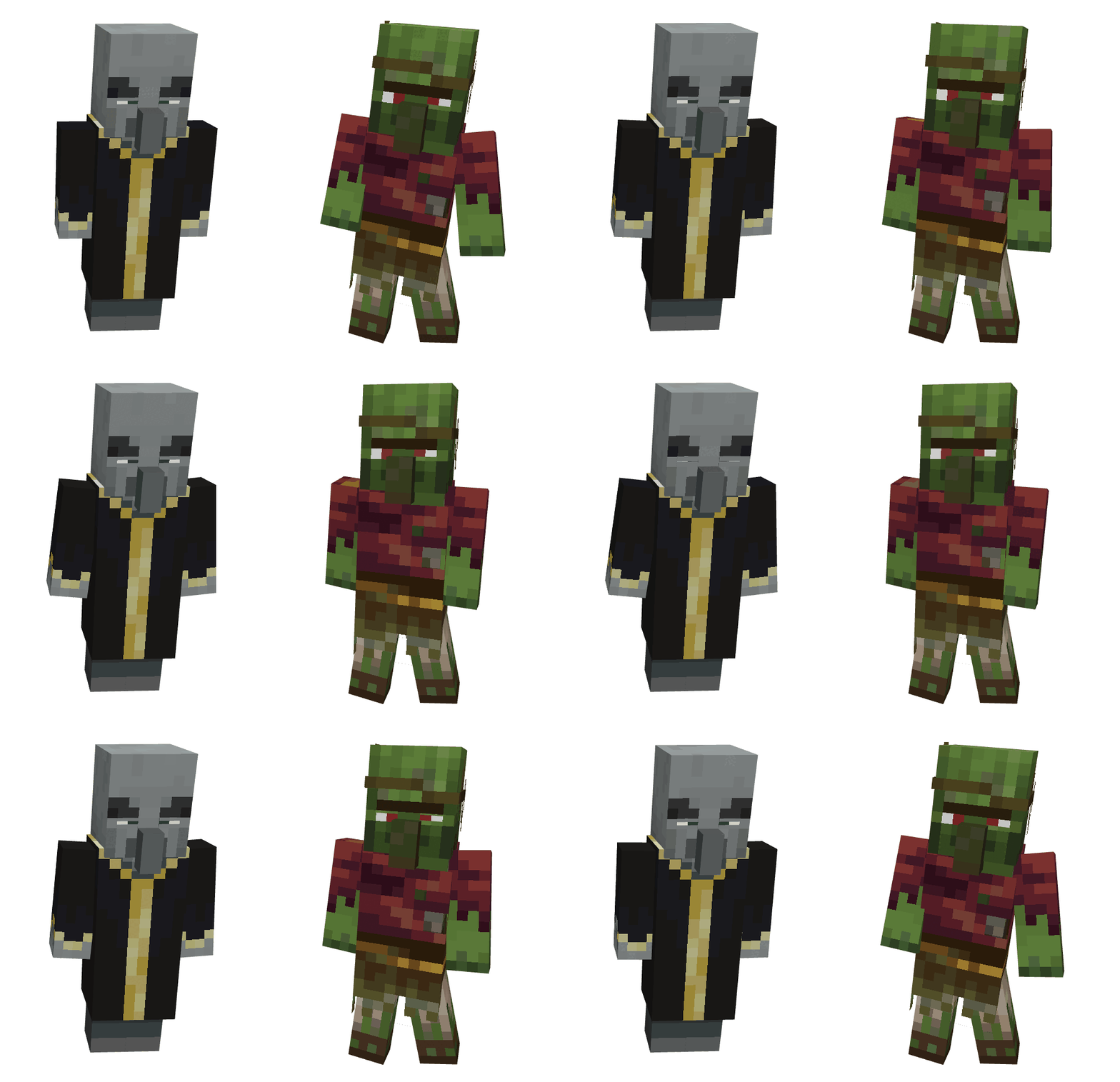
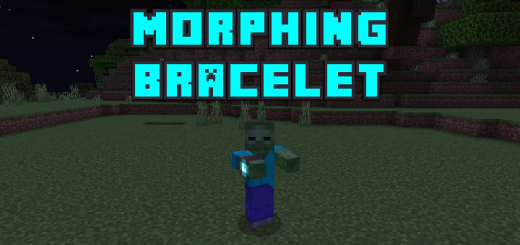
Have you been trying to figure out how to become a mob like a zombie or a creeper? With this add-on, you can now become a mob. The morphing bracelet added by this addon allows you to transform into mobs like cows or pigs.
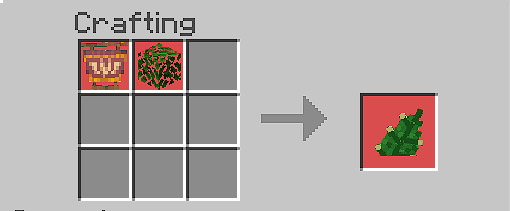
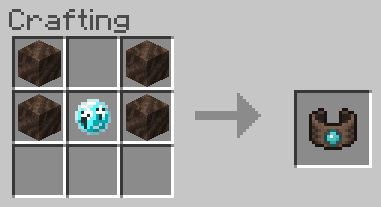
You require a tool known as the Morphing Bracelet in order to morph into any other mob. Four soul soils and one soul must be placed in a glass in the manner shown in the image below in order to create this item.
You must have the bracelet in your inventory, kill a mob, use your morphing bracelet, and choose the mob you just killed to morph into in order to be able to morph into the mob you desire.
You must smelt soul sand in a furnace in order to earn this item. You can use this item as a weapon against other players in addition to using it to make the bracelet. When you toss this thing at other things, it will make them blind for ten seconds.
Morphing Bracelet Video
Mobs Information (More mobs coming soon!)
Axolotl
Axolotl
Have 7 hearts
Can breathe underwater
Have 5 different color variants
Swims faster than a normal player
Drowned, Guardian and Elder Guardian attacks you
Will drown in the air in 5 minutes
Have baby variant
You can mine faster underwater
Baby Variant
Smaller than the adult variant and have a smaller hitbox
You can grow into an adult
cuter.
Bat
Bat
Have 3 hearts
Can go through 1 block holes
Monsters don’t attack you unlike when you are a player
You can fly just like in Creative Mode (You need to turn the Education Edition on)
Bee
Bee
Have 5 hearts
Can go through half block space like slabs
Ability to fly in survival
Can sting and poison the mob they hit
Collects pollen by sneaking inside a flower for 20 seconds and can pollinate crops by going over them
Can store pollen by interacting a bee hive or bee nest to increase its honey level
Dies randomly when not having the stinger anymore
Baby Variant
Smaller compared to an adult variant
Have smaller hitbox
You can grow into an adult
Blaze
Blaze
Have 10 hearts like players
You can fly just like in Creative Mode (You need to turn the Education Edition on)
You get a special item that can shoot fireballs!
Can get hurt in water and rain
Have more damage when you get shot by snowballs
Doesn’t burn in lava or fire
Falls slow and doesn’t have fall damage
Monsters don’t attack you but Iron Golems and Snow Golems do
Cat
Cat
Cat
Have 5 hearts
Have many breed variants
Can scare creepers and phantoms away
Immune to fall damage
Have tamed variant
You can sit by sneaking
Have baby variant
Baby Variant
Can go through half-block holes like slabs
Have smaller hitbox
You can grow into an adult
Tamed Variant
They have collars on their neck just like the tamed mobs
Other players can dye your collar
Breed Variants
Have 11 types of breeds of cats that you can morph
Each breed have a baby and tamed variants
Cave Spider
Cave Spider
Have 6 hearts
Smaller compared to a normal spider
Have an attack damage of 1 heart
Can inflict poison to the mobs it hit
Monsters don’t attack you
Can climb walls (Broken on Mobile)
Their eyes glow in the dark
Iron Golems and Snow Golems attack you
Immune to poison
Can go through half-block holes like slabs
Chicken
Chicken
Have 2 hearts
Can go through 1 block holes
Monsters don’t attack you unlike when you are a player
You don’t have fall damage and you float when falling
Ocelots and Foxes attack you
Have a baby variant
Can lay eggs by sneaking. Has a 5-10 minutes duration
Baby Variant
Can go through half-block holes like slabs
Don’t lay eggs
Have smaller hitbox
You can grow into an adult
Cod
Cod
Have 1.5 hearts
Can breathe underwater
You can swim faster than a normal player
Cannot breathe air
You can mine faster underwater
Axolotls kill you
Cow
Cow
Have 5 hearts
Can go through slabs (Just like how you sneak in Java)
Monsters don’t attack you unlike when you are a player
Have a baby variant
You can get milked by other players
Baby Variant
Can go through 1 block holes
You are not milkable
Have smaller hitbox
You can grow into an adult
Creeper
Creeper
Have 10 hearts
Monsters don’t attack you
Have a charged variant
Ability to explode when you sneak. You can cancel exploding when you stop sneaking.
Transforms into charged creeper when got struck by lightning
You are scared of cats
Charged Variant
Much larger explosion (The same explosion of the charged creeper)
Have a blue aura surrounding the body
Dolphin
Dolphin
Have 5 hearts
You can mine faster underwater
Have 1.5 hearts of attack damage
Swims faster underwater
You can fit through 1 block spaces
Can breathe underwater for 4 minutes and breathes air for 2 minutes like how dolphins jump out of water to get air and jump down for water
Baby Variant
Smaller compared to an adult variant
Have smaller hitbox
You can grow into an adult
Drowned
Drowned
Have 10 hearts like players
Villagers flee from you
Ability to swim fast
Burns in daylight just like the zombies
Have attack damage of 1.5 hearts (Compared to the player who has attack damage of 1 heart)
Monsters don’t attack you
You can mine faster underwater
Have a baby variant
Iron Golems and Snow Golems attack you
Baby Variant
Can go through 1 block holes
Ability to run fast
Have smaller hitbox
Swims faster than the adult Drowned
You don’t receive a trident
Enderman
Enderman
Have 20 hearts (Twice as the hearts of the Player)
3 blocks tall
Can get hurt in water and rain
Monsters don’t attack you
Iron Golems and Snow Golems attack you
Have attack damage of 3.5 hearts
You can teleport to the place where you look using the Teleport item
Their eyes glow in the dark
Fox
Fox
Have 10 hearts like the vanilla foxes
Have attack damage of 1 heart
Monsters don’t attack you
Can go through 1 block holes
Have an arctic variant
You don’t get damaged by sweet berry bushes
Ability to pounce by sneaking then jumping to a mob
Have a baby variant
You don’t have fall damage when your pouncing
Baby Variant
Can go through half-block holes like slabs
Have smaller hitbox
You can grow into an adult
Arctic Variant
Your skin is white just like the arctic foxes in the game
Ghast
Ghast
Has 5 hearts
Monsters don’t attack you
Ability to fly in survival
Doesn’t burn in lava or fire
Can shoot fireballs
Has a size of four blocks
Iron Golems and Snow Golems attack you
Glow Squid
Glow Squid
Has 5 hearts
Can breathe underwater
Has a baby variant
It glows like how enderman eyes glow
You can mine faster underwater
Cannot breathe air
Axolotls kill you
Goat
Goat
Have 5 hearts
Can go through slabs (Just like how you sneak in Java)
Have a screaming variant
Monsters don’t attack you unlike when you are a player
Can jump high by sneaking then wait for the jump boost to show
Have a baby variant
You can get milked by other players
Reduced fall damage by 10%
Baby Variant
Can go through 1 block holes
You are not milkable
Have smaller hitbox
You can grow into an adult
Screaming Variant
Plays a milk sound of screaming goat when milked
Hoglin
Hoglin
Have 20 hearts
You will be converted to a Zoglin when you are in the overworld
Have attack damage of 1.5 to 4 hearts
Other monsters don’t attack you like ghast
Iron Golems and Snow Golems attack you
Have a knockback resistance of 50%
Have a baby variant
Baby Variant
Can go through half-block holes like slabs
Have attack damage of half a heart
Have smaller hitbox
You can grow into an adult
Husk
Husk
Have 10 hearts like players
Villagers flee from you
Husks don’t burn under the daylight unlike normal zombies
Taller than any other two block-sized mobs like players and zombies
Have attack damage of 1.5 hearts (Compared to the player who has attack damage of 1 heart)
Monsters don’t attack you
Iron Golems and Snow Golems attack you
Have a baby variant
It zombifies the villagers you kill in Hard or Normal Difficulty
Gives hunger effect to the mobs you hit
Transforms into a Zombie when you drowned in water
Baby Variant
Can go through 1 block holes
Ability to run fast
Have smaller hitbox
Iron Golem
Iron Golem
Have 50 hearts
They walk really slow
Three blocks tall so you can’t enter normal doors
Have attack damage of 3.75 to 10.75 hearts
Shows different degrees of cracking depending on their health
Has a higher knockback attack than any other mobs
You don’t have knockback when you get hit
Monsters hit you just like players
Shows a poppy on its hands when holding one
Don’t drown underwater
Can be repaired by other players using an iron ingot
Llama
Llama
Have 12 hearts
Can scare wolves
Have 4 different skin variants
Players can ride you
You can spit at mobs using the special item you receive
Have baby variant
Baby Variant
Can go through half-block holes like slabs
Have smaller hitbox
You can grow into an adult
Players can’t ride you
Mooshroom
Mooshroom
Have 5 hearts
Transforms to brown variant or vice versa when struck by lightning
Can go through slabs (Just like how you sneak in Java)
You are like a cow but with different color and mushrooms on the body
Monsters don’t attack you unlike when you are a player
Have a baby variant
You can get milked by other players with a bowl to get mushroom stew
Baby Variant
Can go through 1 block holes
Doesn’t have mushroom on its body
You are not milkable
Have smaller hitbox
You can grow into an adult
Brown Variant
Have brown mushroom on its body instead of red mushrooms
Have a brown skin like the brown mushroom
Ocelot
Ocelot
Have 5 hearts
Can scare creepers and phantoms away
Immune to fall damage
Have attack damage of 1.5 hearts
Can go through one block holes
You can sit by sneaking
Have baby variant
Runs faster than a normal player
Baby Variant
Can go through half-block holes like slabs
Have smaller hitbox
You can grow into an adult
Parrot
Parrot
Has 3 hearts
Ability to fly in survival
Can go through 1 block holes
Monsters don’t attack you unlike when you are a player
Has 5 different variants
Can ride on players’ shoulders
Poisonous to cookies
You don’t have fall damage and you float when falling
Players can feed you cookies and die
Phantom
Phantom
Has 10 hearts like players
Monsters don’t attack you
Ability to fly in survival
Burns in daylight just like the phantoms
Has an attack damage of 3 hearts
Afraid of cats and ocelots
Iron Golems and Snow Golems attack you
Can fit on one block holes
Pig
Pig
Have 5 hearts
Can go through 1 block holes
Have a saddled variant
Monsters don’t attack you unlike when you are a player
Have a baby variant
Players can saddle you
Transforms into zombified piglin when got struck by lightning
Baby Variant
Can go through half-block holes like slabs
Cannot be saddled by the Players
Have smaller hitbox
You can grow into an adult
Saddled Variant
You have a saddle on your back
Players can ride you but they cannot control you
Piglin
Piglin
Have 8 hearts
Wither Skeletons attack you
You will get converted to a Zombified Piglin when you are in the overworld
Have attack damage of 2.5 hearts
Other monsters don’t attack you like zombies
Iron Golems and Snow Golems attack you
Have a baby variant
You will get a golden sword
Scared to zombified piglins
Baby Variant
Can go through one block holes
Ability to run fast
Have smaller hitbox
Piglin Brute
Piglin Brute
Have 25 hearts
Wither Skeletons attack you
You will get converted to a Zombified Piglin when you are in the overworld
Have attack damage of 3.5 hearts and 6.5 hearts with a golden axe
A stronger variant of Piglins
Other monsters don’t attack you like zombies
Iron Golems and Snow Golems attack you
You will receive a golden axe
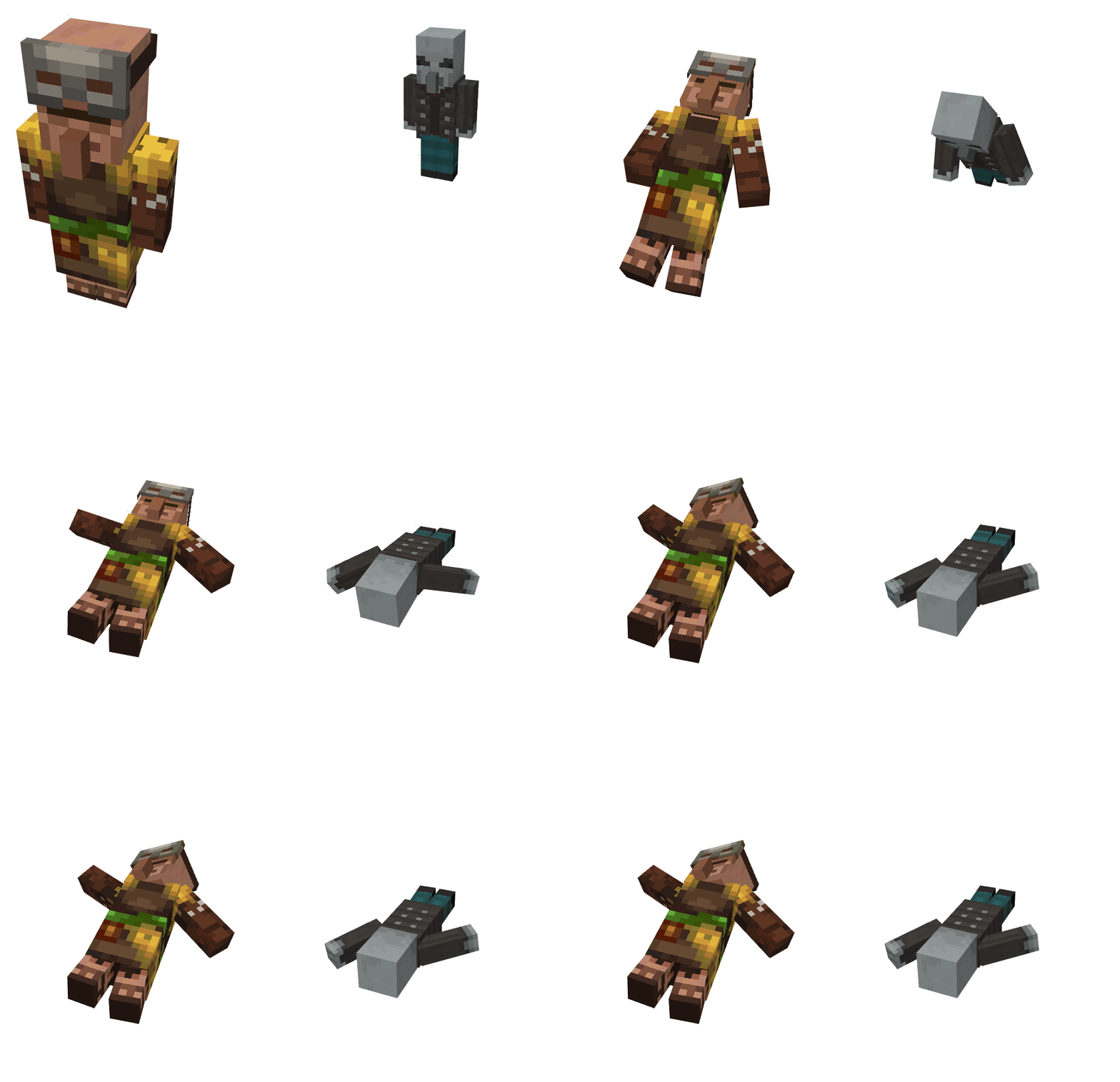
Pillager
Pillager
Has 12 hearts
Iron Golems and Snow Golems attack you
Has infinite arrows
Receives crossbow like the real pillagers
Has an attack damage of 1.5 hearts
Has a gray skin compared to villagers
Polar Bear
Polar Bear
Has 15 hearts
Can go through one and a half block holes
Monsters don’t attack you
Immune to freezing damage on powder snow
Has an attack damage of 3 hearts
Has a baby variant
Baby Variant
Can go through one block holes
Have smaller hitbox
You can grow into an adult
Rabbit
Rabbit
Has 1.5 hearts
Wild wolves, foxes and cats attack you
Has a baby variant
Can run faster
Fits in one block holes
Has 7 different breed variants
Baby Variant
Smaller compared to an adult variant
Has an smaller hitbox
You can grow into an adult
Breed Variant
There are 6 variants that you can get normally
The toast variant can be obtained by naming a rabbit Toast
Salmon
Salmon
Have 1.5 hearts
Can breathe underwater
You can swim faster than a normal player
They have 3 size variants which are normal, small, and big salmon
Cannot breathe air
You can mine faster underwater
Axolotls kill you
Sheep
Sheep
Have 4 hearts (Fewer hearts than Cows)
Can go through slabs (Just like how you sneak in Java)
Have a sheared variant
Monsters don’t attack you unlike when you are a player
Players can shear you and get wool
Have a baby variant
Sneak to eat grass blocks and restore two food points
Have colored variants
Baby Variant
Can go through 1 block holes
Cannot be sheared
Have smaller hitbox
You can grow into an adult
Sheared Variant
You are naked
You can regrow your wool by eating grass
Colored Variants
Have 16 different colors of sheeps
You can get dyed by someone to change colors
The wool you drop when you get sheared have different color
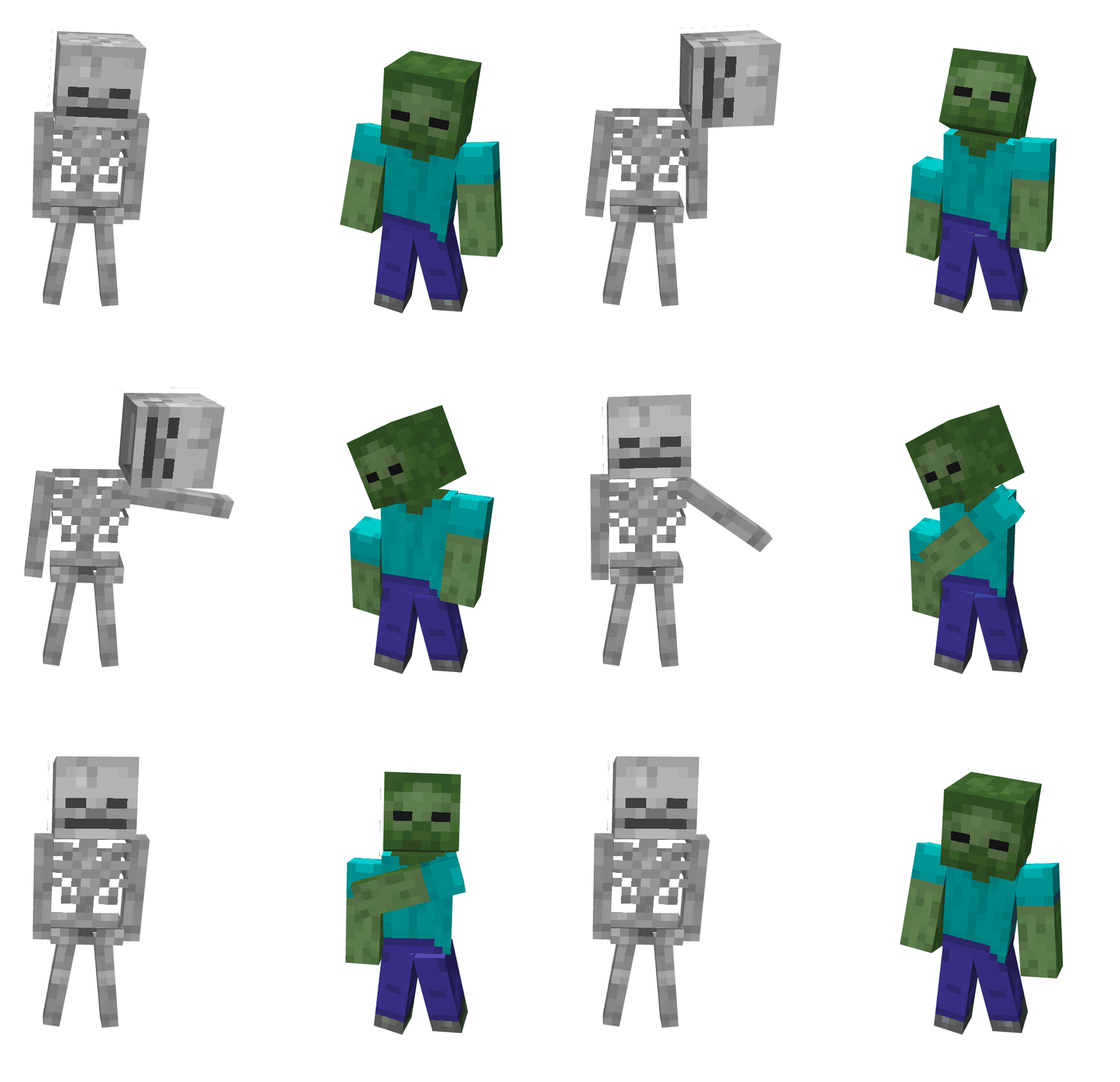
Skeleton
Have 10 hearts like players
Burns in daylight just like the zombies
Have attack damage of 1.5 hearts (Compared to the player who has attack damage of 1 heart)
Transforms to Stray when you froze inside a powder snow
You will receive a bow
Monsters don’t attack you
Iron Golems, Snow Golems, and Wolves attack you
Have infinite arrows just like the skeletons
Doesn’t drown in water
Transforms to Wither Skeleton when dying from wither effect
You can ride spiders that spawned as a spider jockey
Slime
Slime
Has 3 variants of different sizes
Can damage players that touch them
Monsters don’t attack you unlike when you are a player
Iron Golems and Snow Golems attack you
Splits to smaller slimes when you die
You don’t get damaged by slimes touching you
Large Variant
Has 8 hearts
Has an attack damage of 2 hearts
Two blocks size
Medium Variant
Has 2 hearts
Has an attack damage of 1 heart
One block size
Small Variant
Only has half a heart
You can’t damage other mobs
Half a block size
You will die instead of splitting to smaller slimes
Snow Golem
Snow Golem
Have 2 hearts
Melts in hot biomes like desert and acacia
You will receive a special snowball that shoots infinite snowballs
Monsters attack you
Have a sheared variant
You can be sheared by players and you will drop a pumpkin
Have a snow trail
Can get hurt in water and rain
Immune to freezing on powder snow
Sheared Variant
You don’t have a pumpkin in your head
Spider
Spider
Have 8 hearts
Have attack damage of 1.5 hearts (Compared to the player who has attack damage of 1 heart)
Monsters don’t attack you
Can climb walls
Their eyes glow in the dark
Iron Golems and Snow Golems attack you
Immune to poison
Squid
Squid
Have 5 hearts
Can breathe underwater
Have a baby variant
You can mine faster underwater
Cannot breathe air
Axolotls kill you
Stray
Stray
Have 10 hearts like players
Burns in daylight just like the skeletons
You have a bow
Monsters don’t attack you
Iron Golems, Snow Golems, and Wolves attack you
Have infinite slowness arrows just like the strays
Doesn’t drown in water
Immune to freezing on powder snow
Strider
Strider
Has 10 hearts
Has a saddled variant
Can walk on lava
Monsters don’t attack you
Slower and Has a purple color when not on lava
Has a baby variant
Doesn’t burn in lava or fire
Players can saddle you
Baby Variant
Cannot be saddled by the Players
Has a smaller hitbox
You can grow into an adult
Saddled Variant
You have a saddle on your back
Players can ride you but they cannot control you
Turtle
Turtle
Has 15 hearts
You can mine faster underwater
Moves slower when on land but moves faster when underwater
You can fit through 1 block spaces
Can both breathe air and water!
Baby Variant
Smaller compared to an adult variant
Undead mobs and wild animals attack you
Has an smaller hitbox
You can grow into an adult
Drops scute when growing into an adult
Vex
Vex
Has 7 hearts
Ability to fly in survival
It can’t phase through walls like what vexes can do because of the game’s limitation
Monsters don’t attack you but Iron Golems and Snow Golems do
Has an iron sword like the real vexes
Can go through 1 block holes
Has an attack damage of 1.5 hearts without any weapon
Doesn’t burn in lava or fire
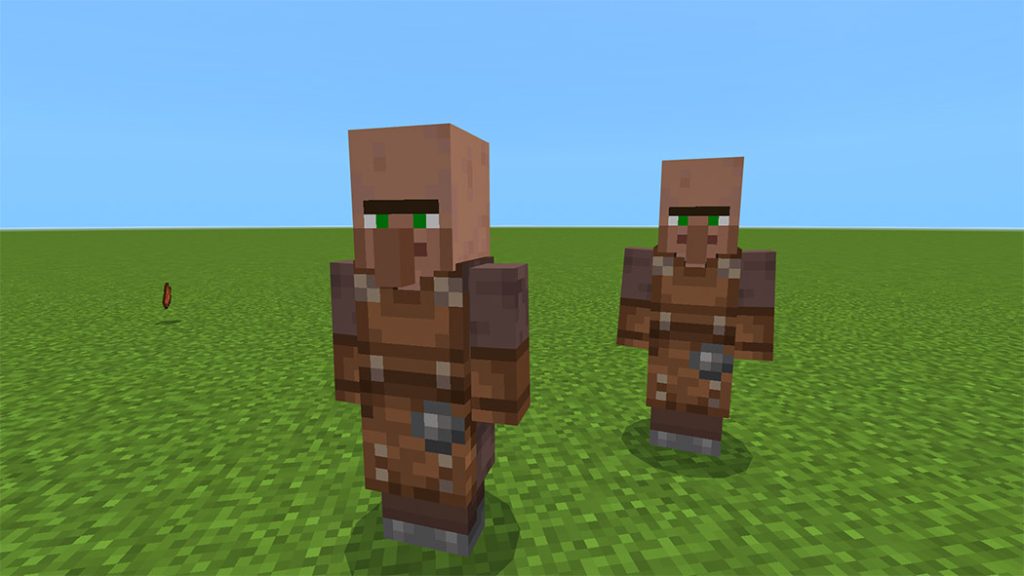
Villager
Villager
Have 10 hearts
Have biomes variant so you can disguise on villages that are in different biomes
Zombies, Drowned, and Husk attacks you
Have a baby variant
Doesn’t have job variants yet
You will be converted to a zombie villager when you are killed by a zombie or husk
Vindicator
Vindicator
Have 12 hearts
Iron Golems and Snow Golems attack you
Receives iron axe like the real vindicators
Have attack damage of 2.5 hearts and 6.5 hearts with an iron axe
Shows arms when holding weapons
Have a gray skin compared to villagers
Witch
Witch
Has 23 hearts
Monsters don’t attack you
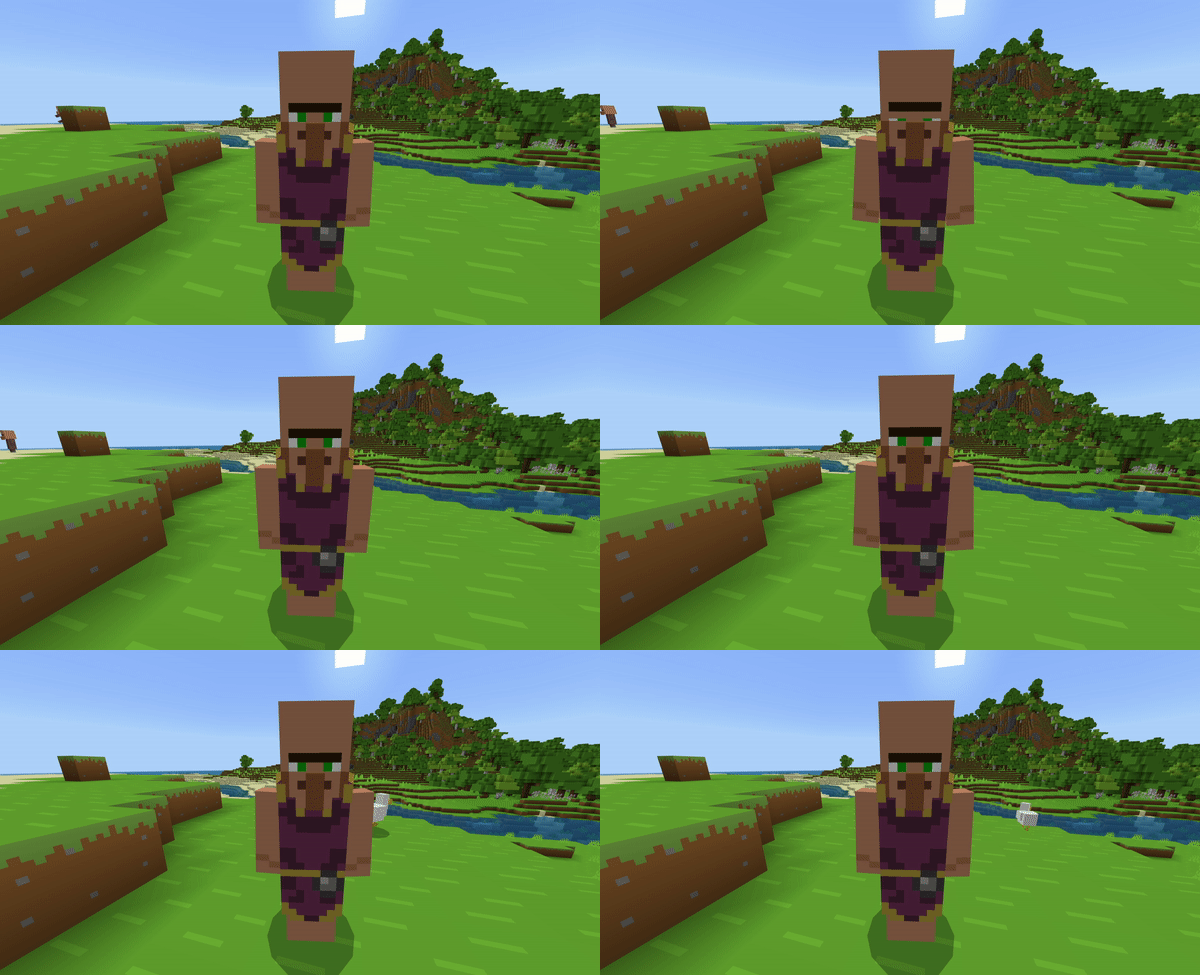
Has a paler skin compared to a villager and wearing a purple robe
Receives a drinking potion for defense and a splash potion for attacking. Sneak and use while holding one of the potion to switch to another potion
Iron Golem and Snow Golem attack you
Wither
Wither
Have 300 hearts
Cannot be damaged by undead mobs like zombies
Ability to fly in survival
Immune to wither effect
Receives two items that can shoot wither skull projectile
Have blue aura on its body when its half health or below
3 blocks tall
Doesn’t burn in lava or fire
Wither Skeleton
Wither Skeleton
Half block taller than the player
Have 10 hearts like players
Have attack damage of 2 hearts (Compared to the player who has attack damage of 1 heart)
You will receive a stone sword
Doesn’t burn in lava or fire
Monsters don’t attack you
Iron Golems, Snow Golems, and Wolves attack you
Doesn’t drown in water
Gives wither effect to the mobs you hit
Immune to the wither effect
Wolf
Wolf
Have 4 hearts
Can go through 1 block holes
Have a tamed variant
Has an attack damage of 2 hearts
Monsters don’t attack you unlike when you are a player
Have attack damage of two hearts
Have a baby variant
Players can dye you to change the color of your collar
Baby Variant
Can go through half-block holes like slabs
Have smaller hitbox
You can grow into an adult
Tamed Variant
Have collars on their neck just like the tamed mobs
Their eyes have an extra white pixel above their pupil
The tail rises and lowers depending on its health
Other players can dye your collar
Zoglin
Zoglin
Have 20 hearts
Have attack damage of 1.5 to 4 hearts
Other monsters don’t attack you like ghast
Iron Golems and Snow Golems attack you
Have a knockback resistance of 50%
Doesn’t burn in lava or fire
Have a baby variant
Baby Variant
Can go through half-block holes like slabs
Have attack damage of half a heart
Have smaller hitbox
Zombie
Zombie
Have 10 hearts like players
Villagers flee from you
Burns in daylight just like the zombies
Have attack damage of 1.5 hearts (Compared to the player who has attack damage of 1 heart)
Monsters don’t attack you
Iron Golems and Snow Golems attack you
Have a baby variant
It zombifies the villagers you kill in Hard or Normal Difficulty
Transforms to Drowned when you drowned in water
Baby Variant
Can go through 1 block holes
Ability to run fast
Have smaller hitbox
Zombified Piglin
Zombified Piglin
Have 10 hearts like players
Piglins flee from you
Have attack damage of 2.5 hearts (Compared to the player who has attack damage of 1 heart)
Monsters don’t attack you
Doesn’t burn in lava or fire
Iron Golems and Snow Golems attack you
Have a baby variant
Doesn’t drown in water
You will receive a golden sword when you transform as a zombified piglin
Baby Variant
Can go through 1 block holes
Ability to run fast
Have smaller hitbox
You don’t receive a golden sword
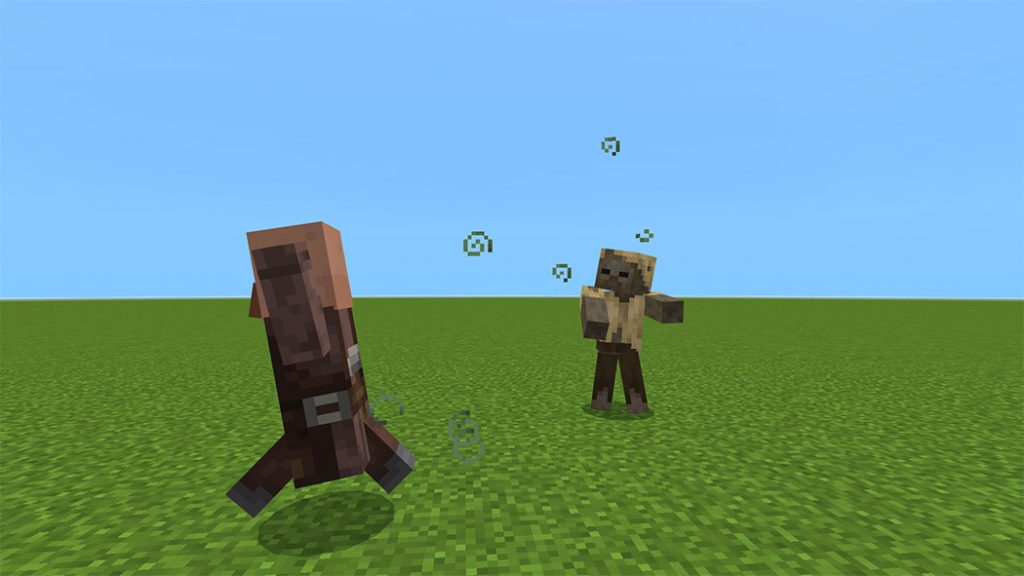
Zombie Villager
Zombie Villager
Have 10 hearts
Villagers flee from you
Burns in daylight just like the zombies
Have biomes variant
Have attack damage of 1.5 hearts (Compared to the player who has attack damage of 1 heart)
Monsters don’t attack you
Iron Golems and Snow Golems attack you
Have a baby variant
You can be cured with a weakness and golden apple by other players or by eating a golden apple yourself
It zombifies the villagers you kill in Hard or Normal Difficulty
This addon is still in the alpha phase, which means it is not yet complete. More mobs coming soon, Enjoy!
Note: This addon is not compatible with any other addons that modify the player entity.
Changelog
Hotfix 0.1.1!
This hotfix fixes two main issues of the addon on newer versions of Minecraft, the crash when morphing to a different mob and the morph menu not opening when using the bracelet.
Changes and Fixes
Fixed a crash when morphing to different mobs
Fixed an issue where the morph menu won’t open when using the bracelet
Removed the “mojang-gametest” module because it was never used by the addon
This addon is now updated to 1.19.30!
Removed the ram attack animation of goats when sneaking
Hoglin and zoglin now match the collision box of the actual mobs
And don’t worry, the next update is halfway done! I just released this hotfix to make the addon playable and updated even if the new update is not here yet. I can say that the next update optimizes a lot of stuff and a big thing coming to the addon that is very revolutionary O_O
Installation
Requirements
You need to turn on all of the experimental toggles for the addon to work.
You need to turn on the EDUCATION EDITION toggle to be able to fly as a mob that has the ability to fly.
This addon does not currently work on Realms. Mojang is aware of this issue and it will be fixed in the future.