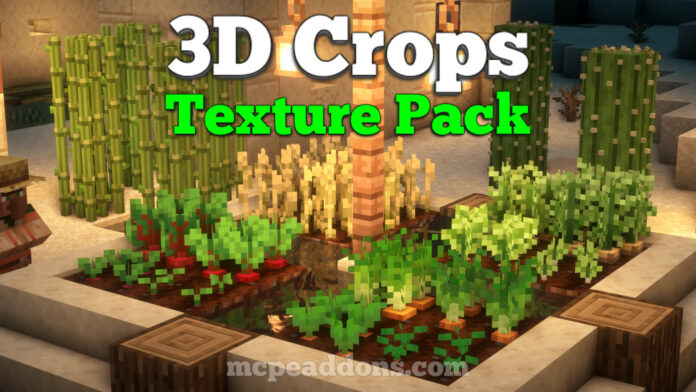
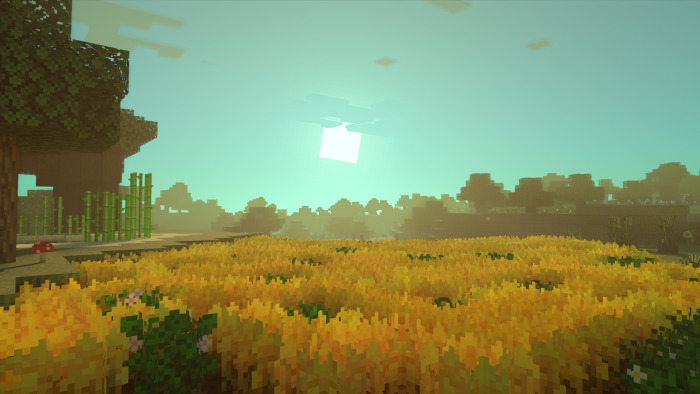
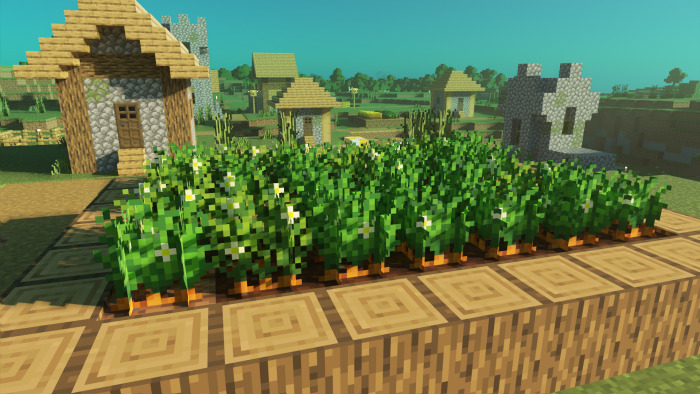
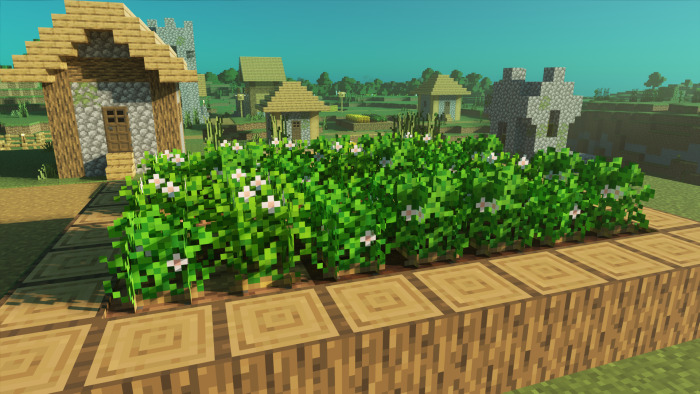
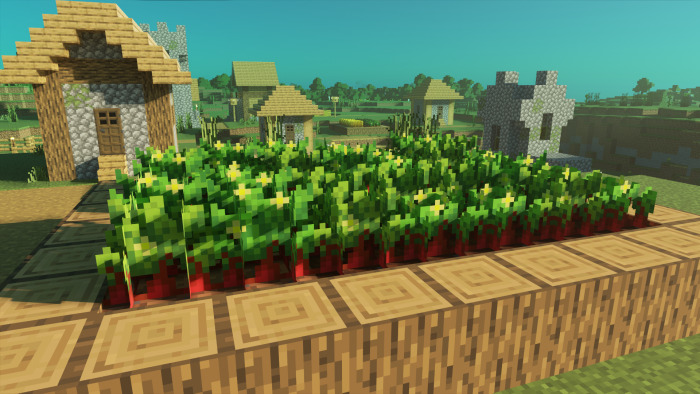
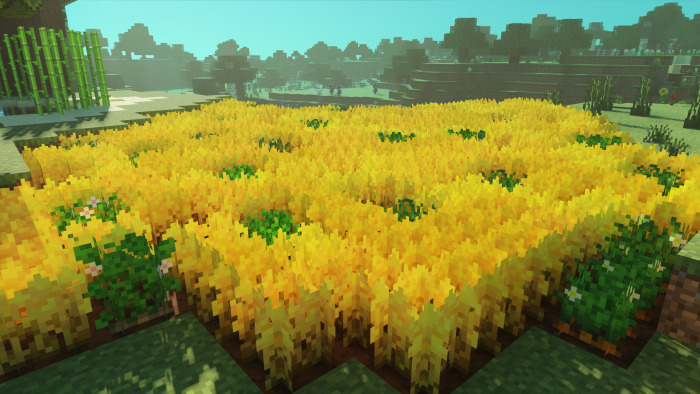
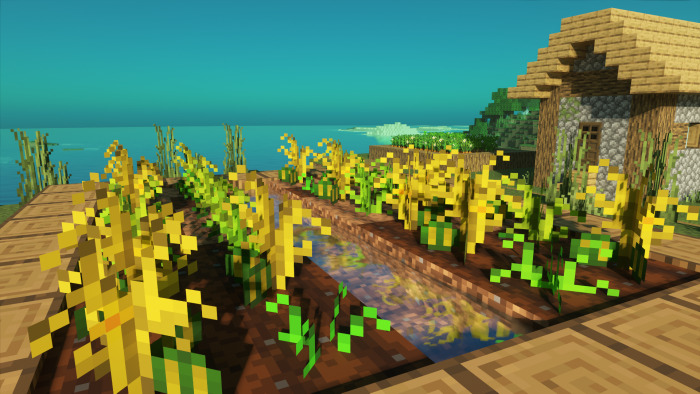
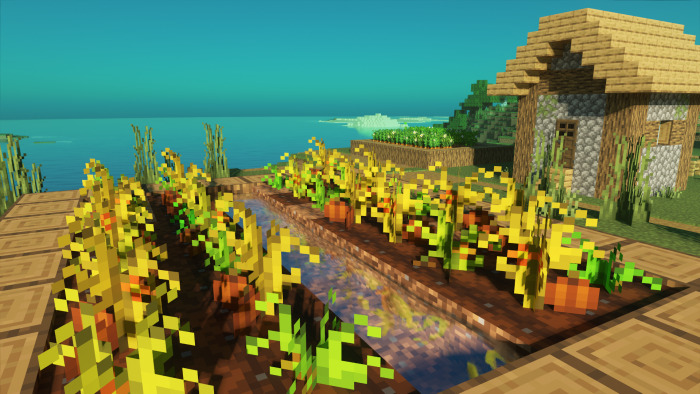
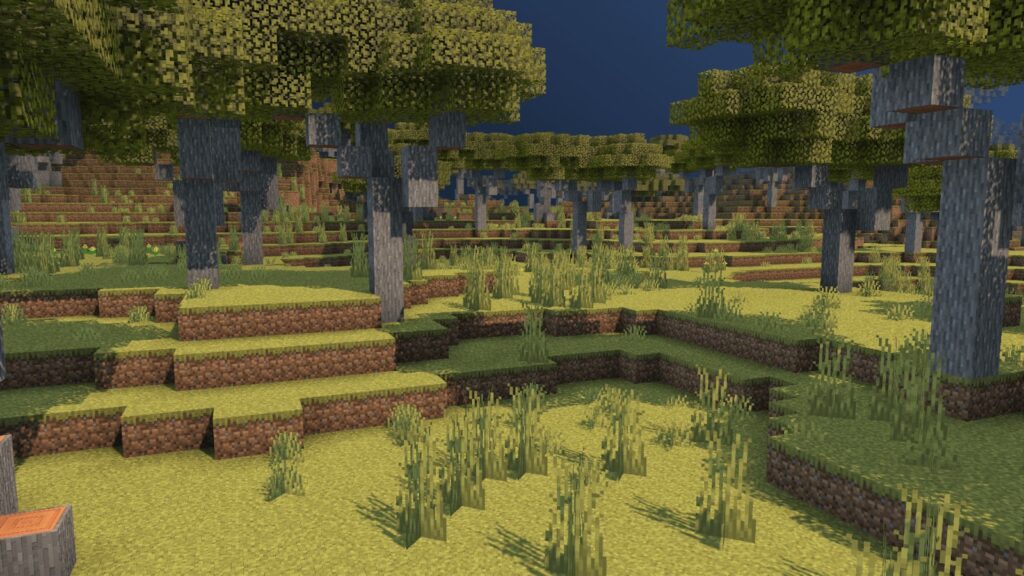
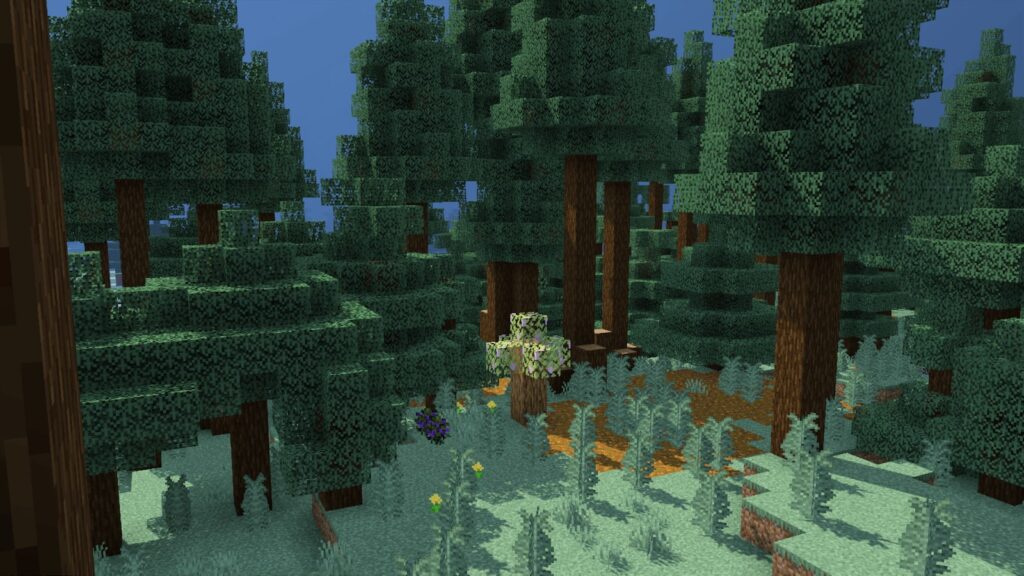
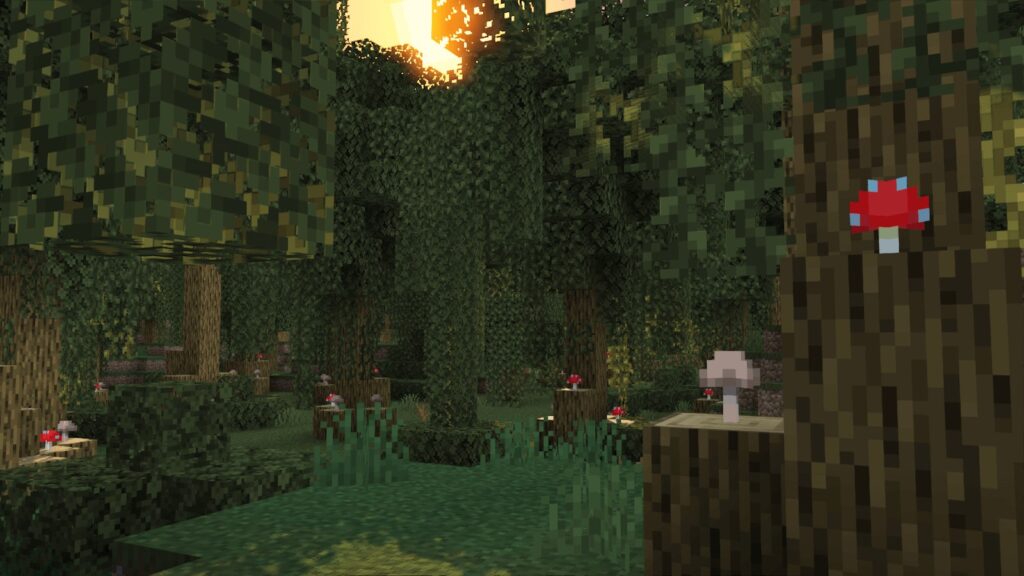
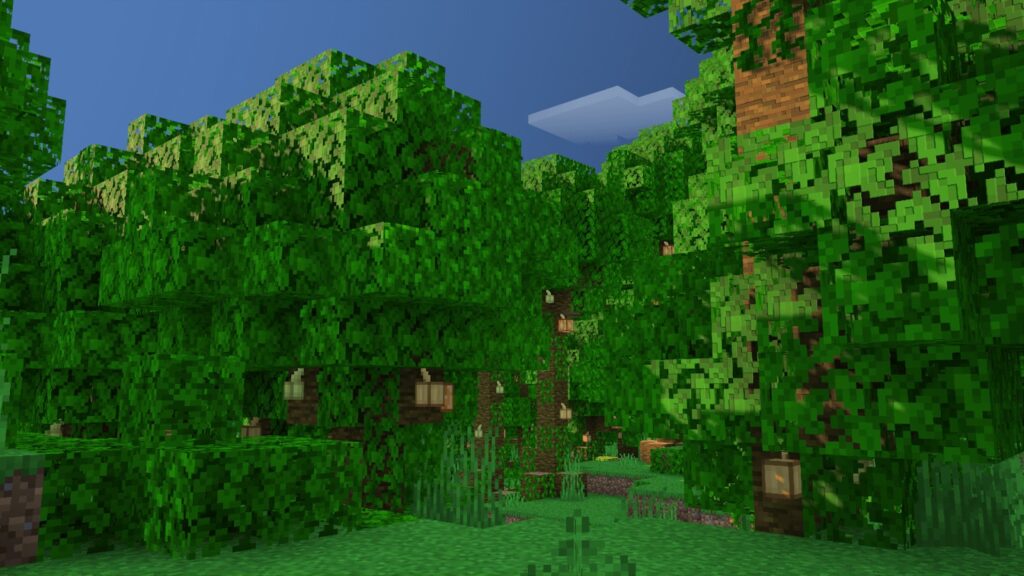
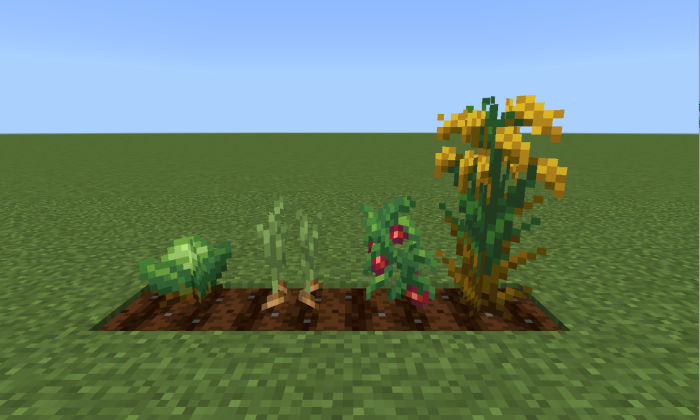
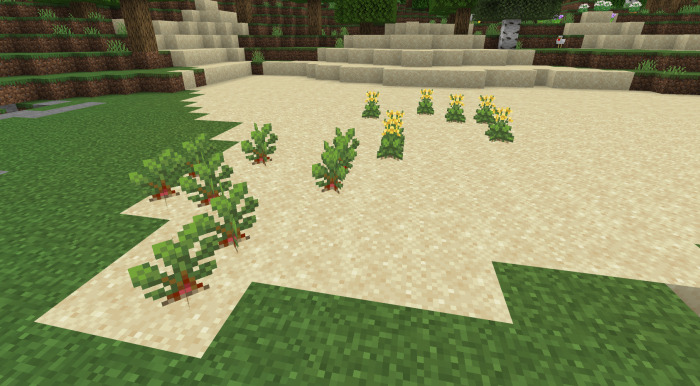
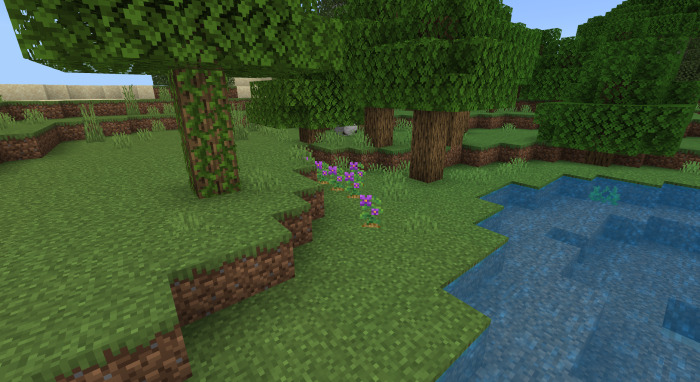
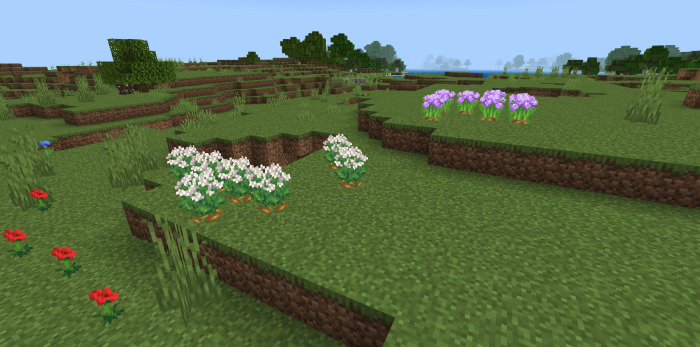
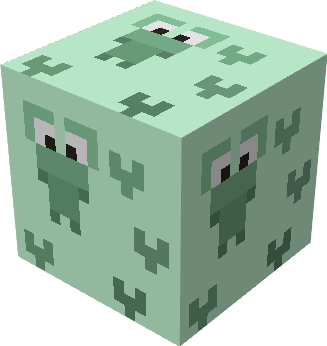
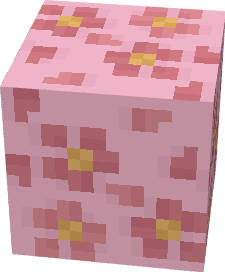
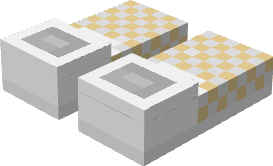
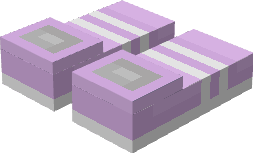
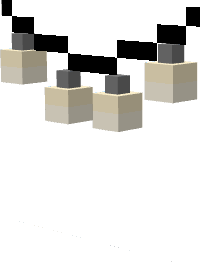
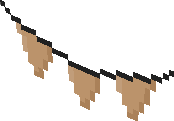
Crops in Minecraft are rather drab and monotonous, but this texture pack changes that! With 3D Crops Texture Pack will now have improved textures, variety, and blooms. It also includes Golden Wheat and various 3D crops!
3D Crops Texture Pack for Minecraft PE/Bedrock 1.20++
This pack is divided into a Texture Pack which only changes the textures and adds varieties and a Models Pack which only changes the models of some crops.
Texture Pack
Carrots:
Potatoes:
Beetroots:
Golden Wheat:
Melons:
Pumpkins:
Models Pack
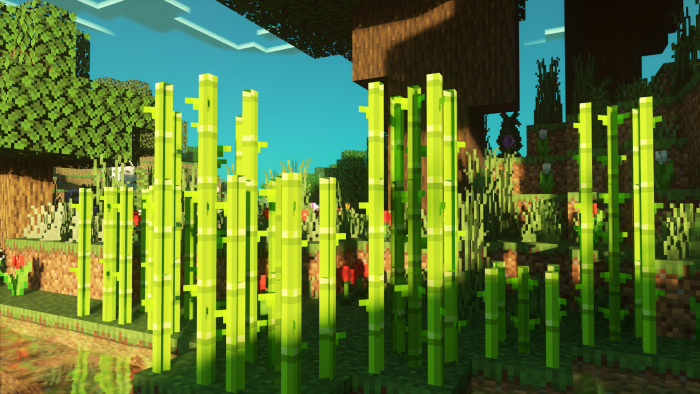
3D Sugar Canes:
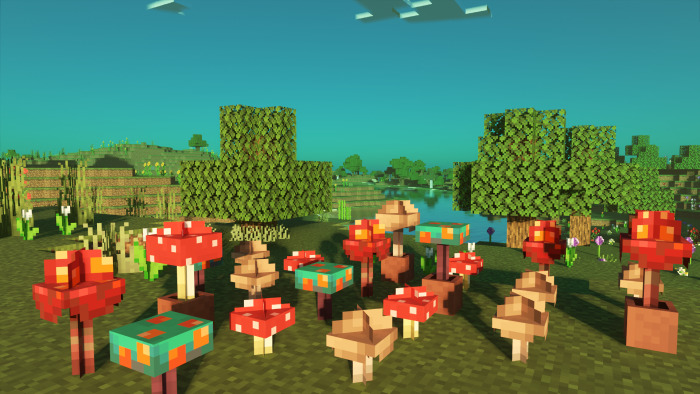
3D Mushrooms:
Note: You will need to download both packs if you want all the features.
Please report any bugs, give suggestions or contact me on my Youtube: @FusedBolt or Discord: fusedbolt
INSTALLATION
When you click on the download link, you will be redirected to my website. Tap on the required file name and you will be redirected to Boostellar. Tap “Click on Ad” and visit the page for 10 seconds. Now go back to the Boostellar page and tap on “Unlock Content”, you will be redirected to Mediafire. From there, download the pack and open it, it will automatically import to your game.
Please make sure not to click on any pop ups or any other download button except the one on MediaFire.
Do not download any files ending with .apk format and only download files ending with .mcpack format.
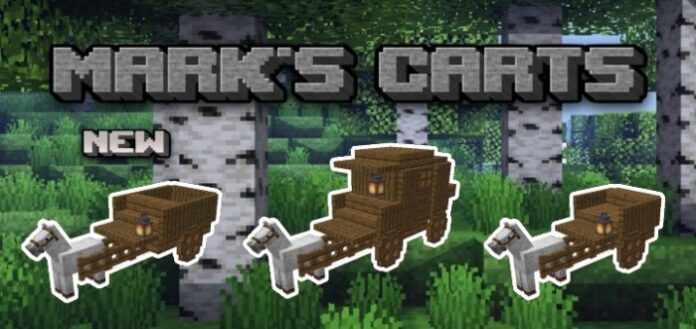
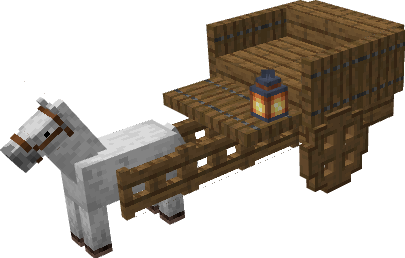
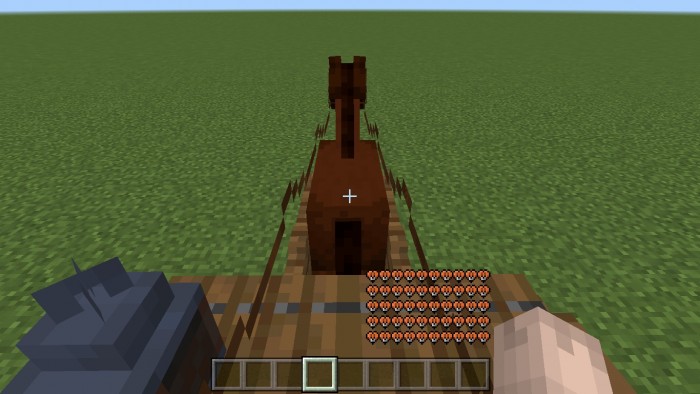
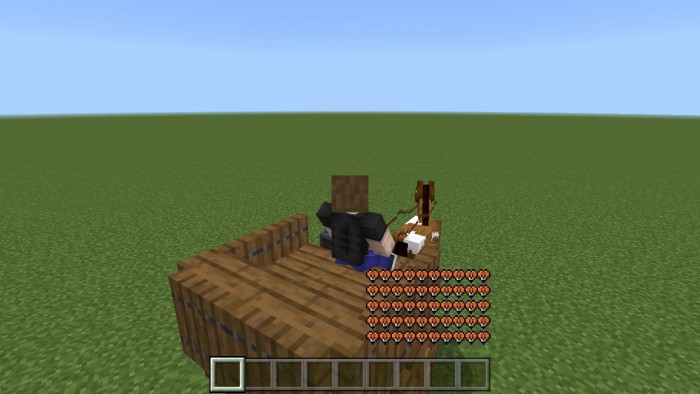
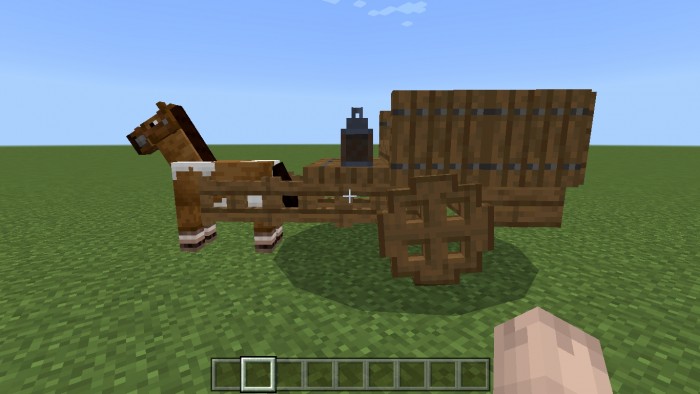
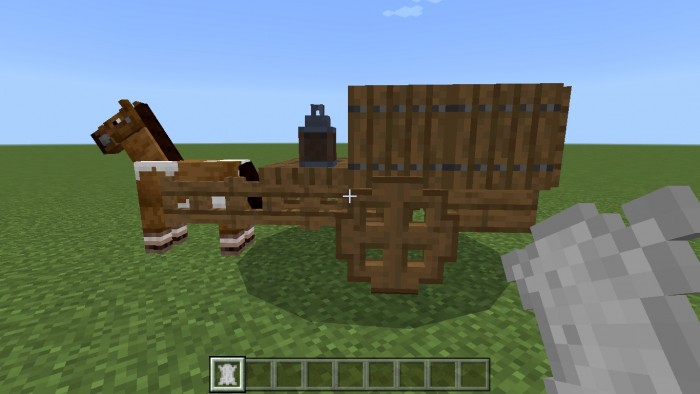
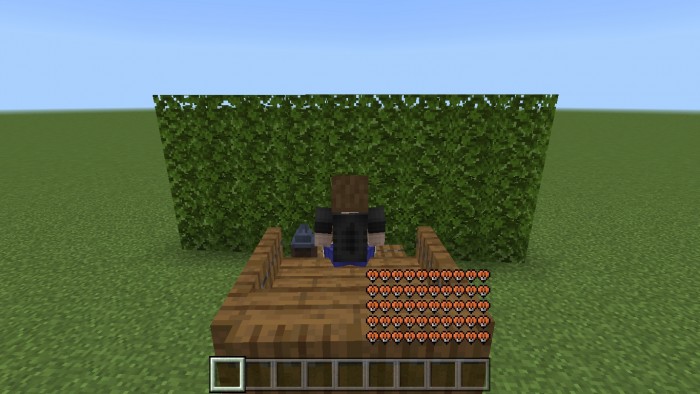
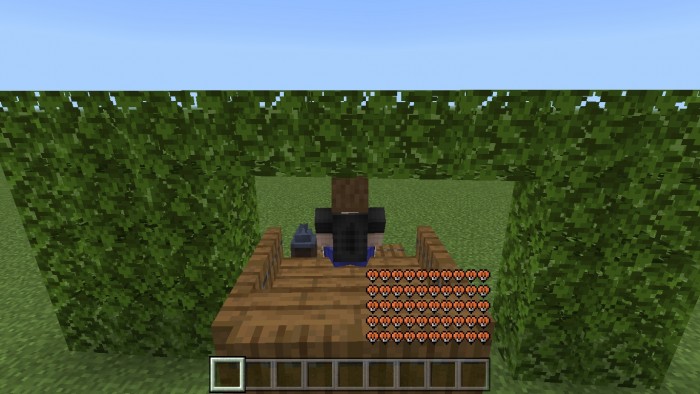
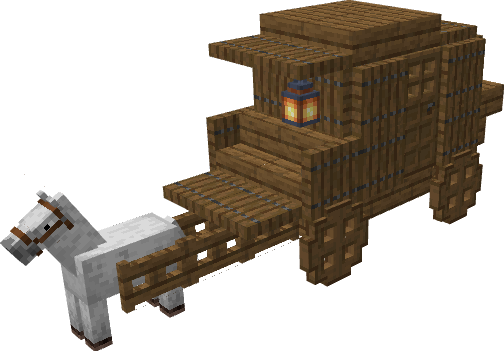
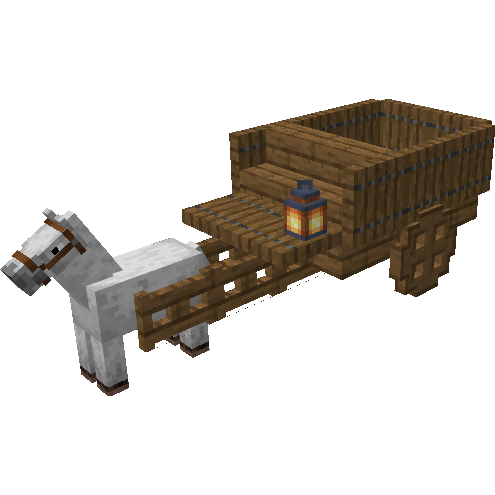
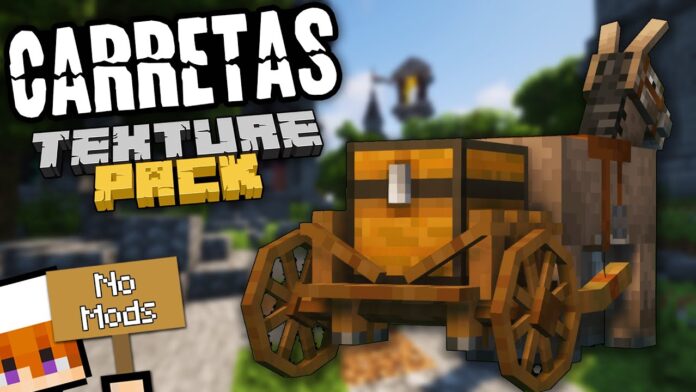
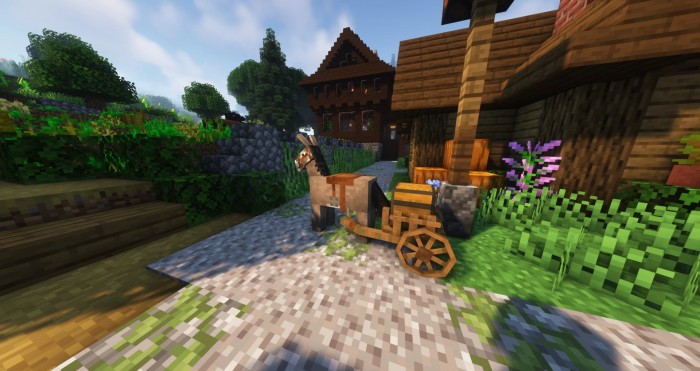
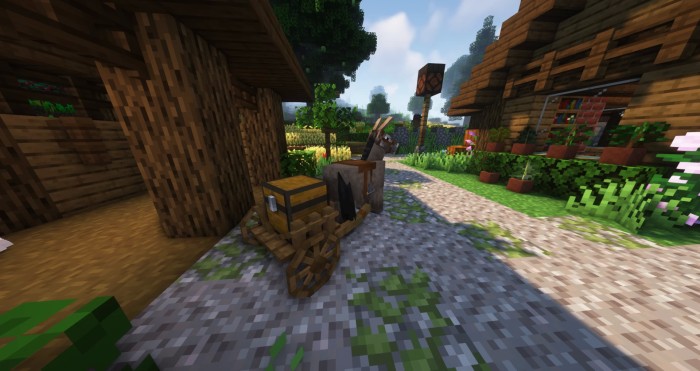
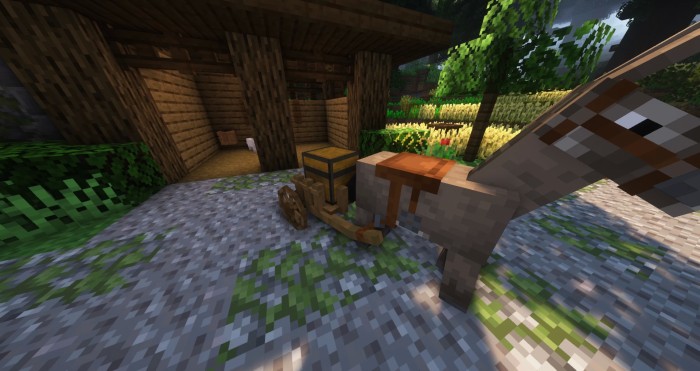
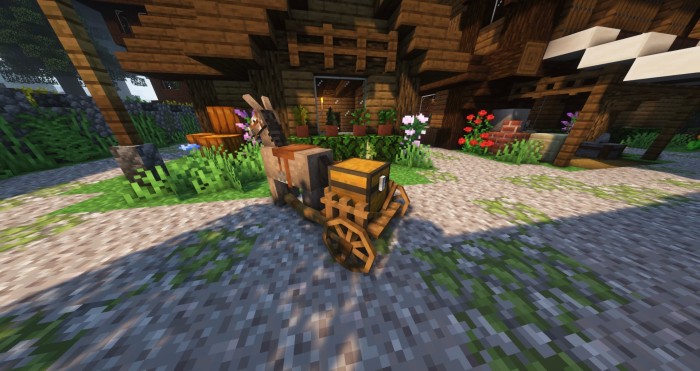
This Mark’s Carts AddOn adds a horse cart(s) entity to the game with a variety of features such as an acceleration system, animations, skin variants, a functional lantern, and so on, with more to come in the future. This addon was created for the game MCBE 1.19+ (Mobile & Windows 10 Edition).
Creator: MARK
Mark’s Carts AddOn
Models are made of Minecraft blocks (except for wheels and other parts for obvious reasons), which blends in well with the game’s aesthetic. This addon is my personal idea and is not related to, based on, or inspired by other addons with the same idea. This is the only opportunity I have, and I had this idea about two years ago.
Cart 1
How to obtain Cart 1?
Mark’s Carts AddOn Creative Mode
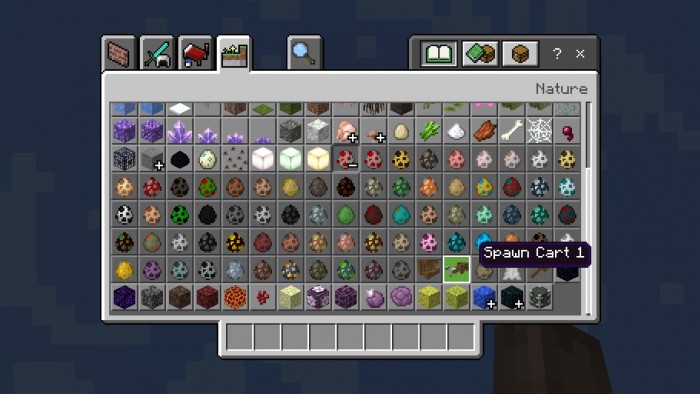
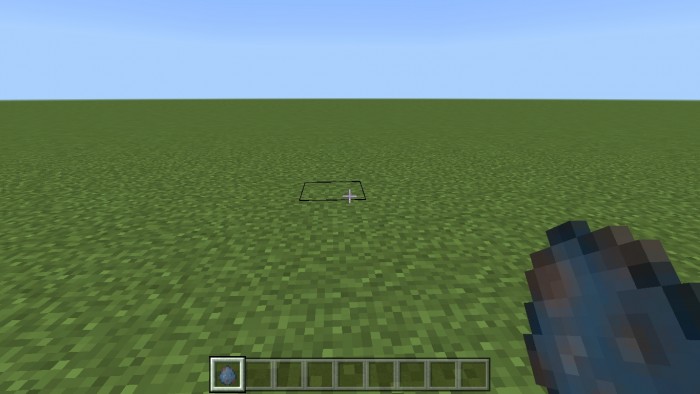
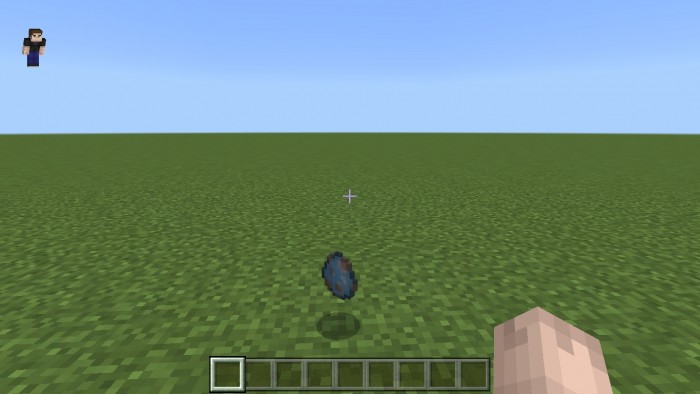
Spawn Cart 1 using its spawn egg in your inventory under the nature tab
You can also summon Cart 1 using the command “/summon mark:cart1“
Mark’s Carts AddOn Survival Mode
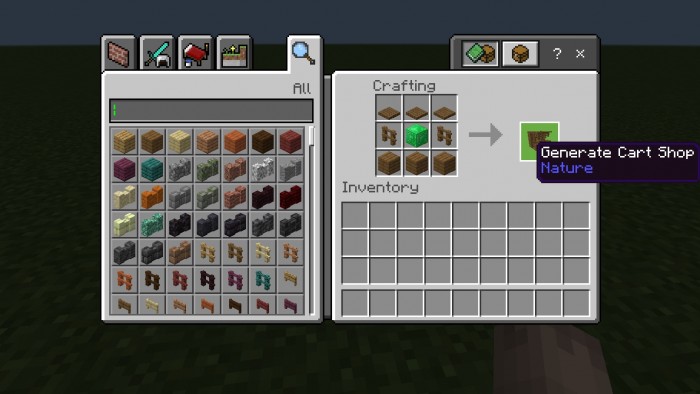
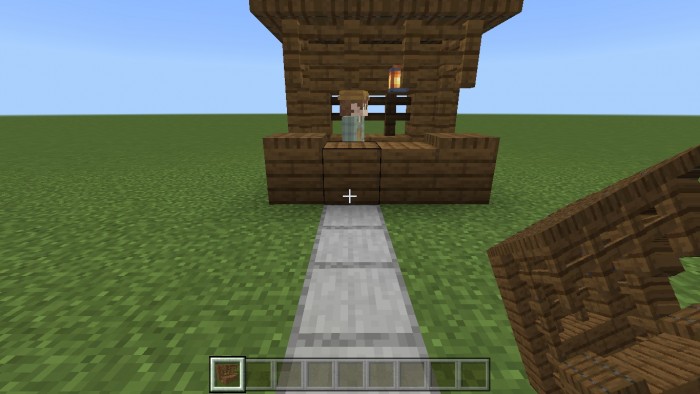
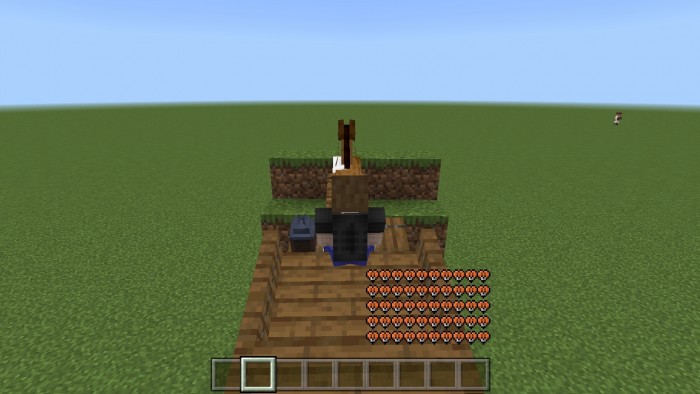
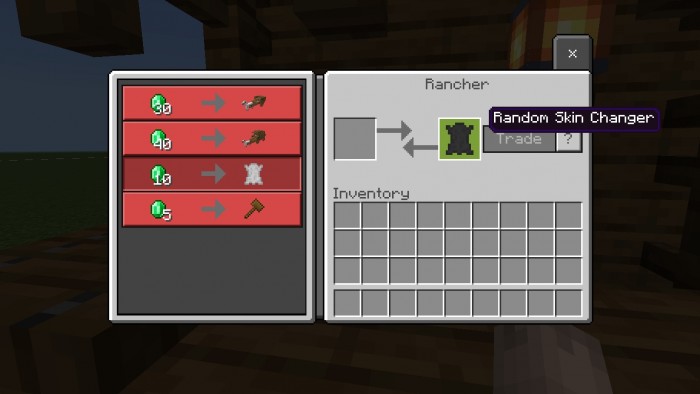
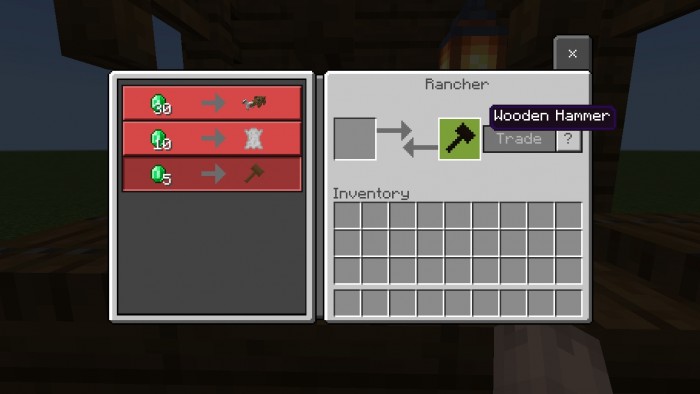
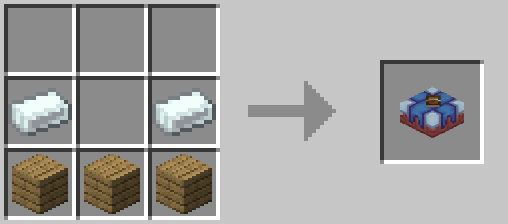
Generate “Cart Shop” and trade your emeralds to the “Rancher” in exchange to Cart 1 using:
1 Emerald Block
2 Spruce Fence
3 Spruce Trapdoor
3 Spruce Plank
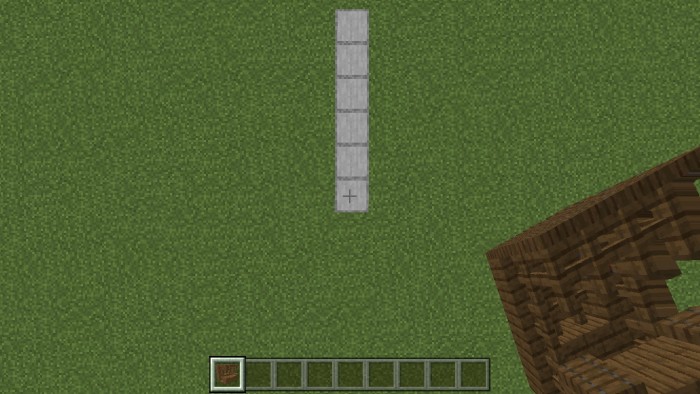
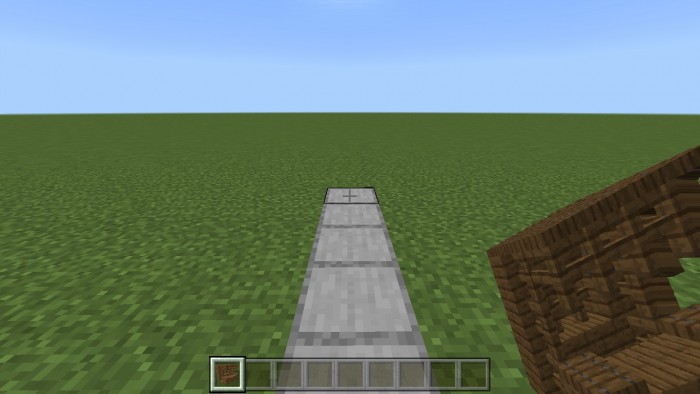
Place the structure 6 blocks away from your position to generate the structure properly.
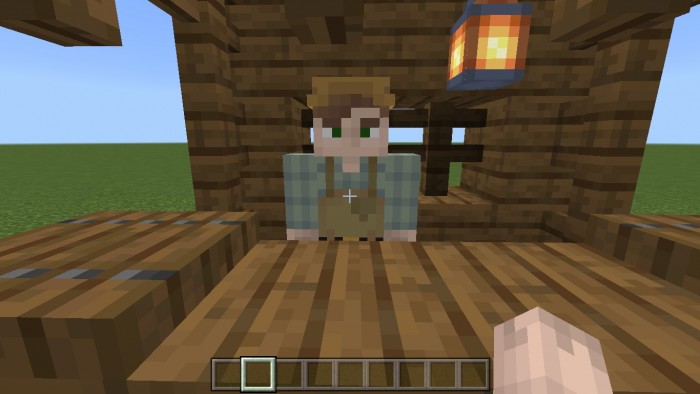
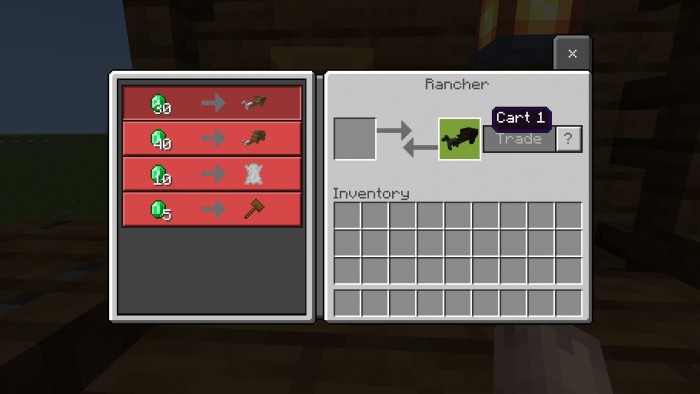
Move towards the Rancher and Trade your emeralds for Cart 1
Cart 1 cost 30 emeralds
Features
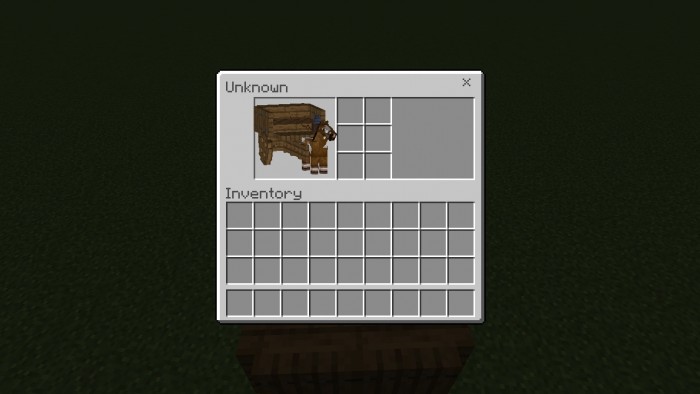
Mark’s Carts AddOn Cart 1 has a total of 100 health and has 6 inventory slots.
It has acceleration system and you can change its speed by hitting and interacting with the cart
To accelerate interact with the cart by right clicking (PC) or long press (mobile) while you’re in the cart
To decelerate, just hit the cart, it has a max speed of 30km/h.
Bumping other entities using the car will harm them and the damage depends on its speed.
10km/h = 1 damage
20km/h = 3 damage
30km/h = 10 damage
Mark’s Carts AddOn Cart 1 has several animations
All wheels spin, feet move accordingly and its head moves towards your direction.
It also has a frontal tilt when running into a block.
It will tilt a bit on its side when you hit it.
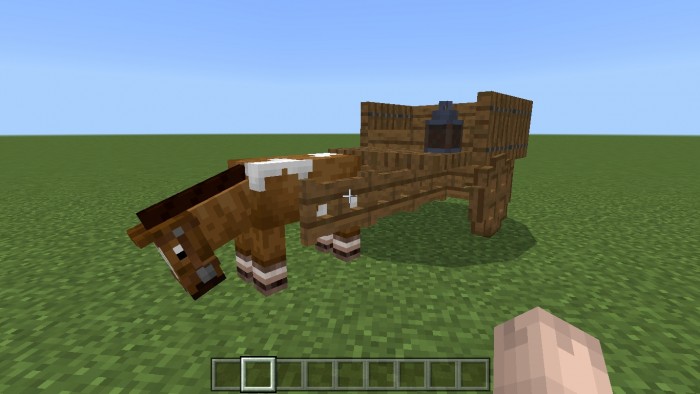
When on idle it acts like a normal horse, looks around randomly, wiggle its tail and eat grass.
You can change the horse skin by interacting it with “Random Skin Changer” and will cost you 10 emeralds.
Cart 1 can be healed with a Wooden hammer(30hp) which can be traded from the Rancher in the Shop, it costs 5 emeralds.
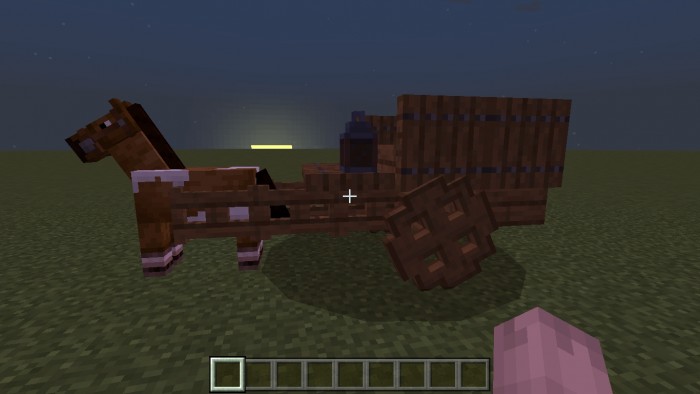
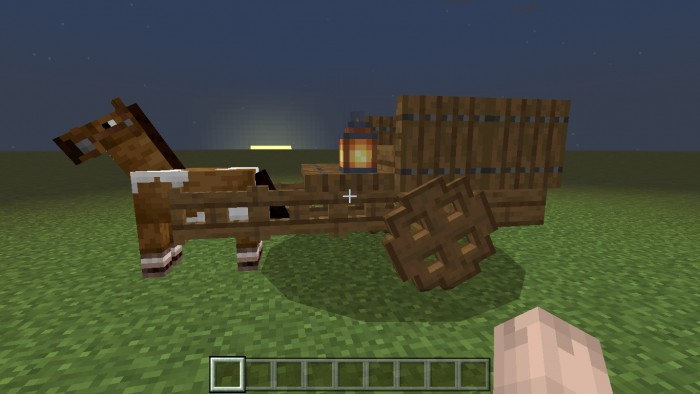
It has a functional lantern, you can turn it on and off by sneaking and interacting with it, right-click on pc and long press on mobile.
It can break bamboo, bamboo_sapling, carved_pumpkin, chorus_flower, chorus_plant, leaves, leaves2, lit_pumpkin, melon_block, “pumpkin, sweet_berry_bush and waterlily”
It has moving sounds and hurt sounds.
Summary of Features
100 hp
6 built-in slot inventory
acceleration system
block cart model
custom spawn egg
custom structure
bump damage
custom animations
35 skin variants
healable
functional lantern
breaks few blocks
custom sounds
Cart 2
It has the same features as cart1 excluding:
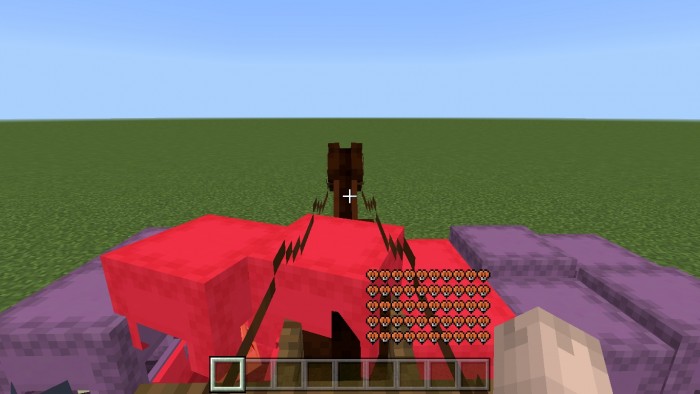
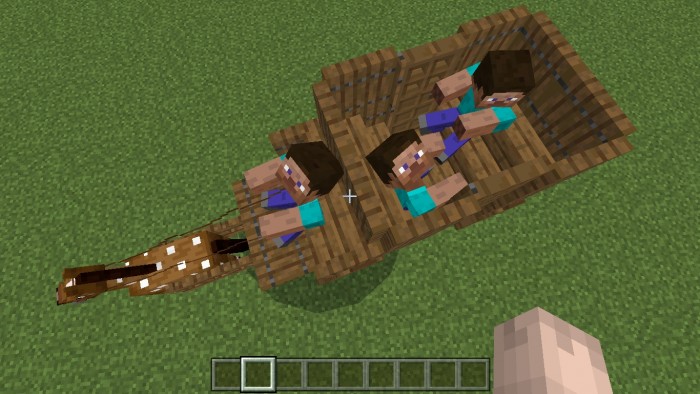
It has 3 seats, 1 seat for the driver and 2 seats for the passengers(other players).
Cost 40 emeralds
3 built-in slot inventory
Cart 3 (New)
It has the same features as cart1 excluding:
Has 9 built-in inventory slots
Can be chested upgradable to 15 inventory slots
Cost 35 emeralds
NPCs
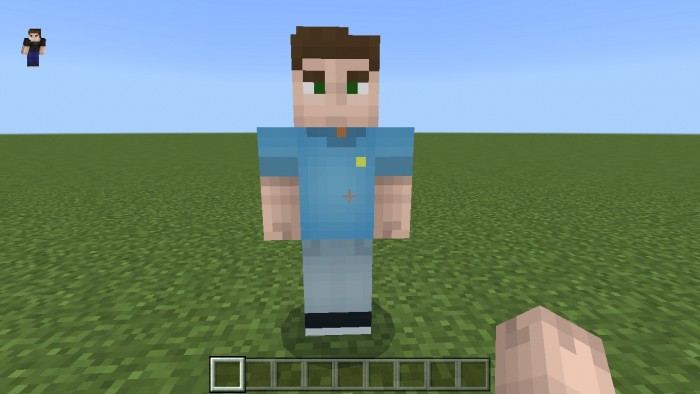
Sneak and hit the NPC, and it will drop its spawn egg.
INSTALLATION
After downloading Mark’s Carts AddOn, go and individually click the Behavior and Resource “.mcpack” file opening the game.
Once successfully imported, create your new world and activate both the resource and behavior pack.
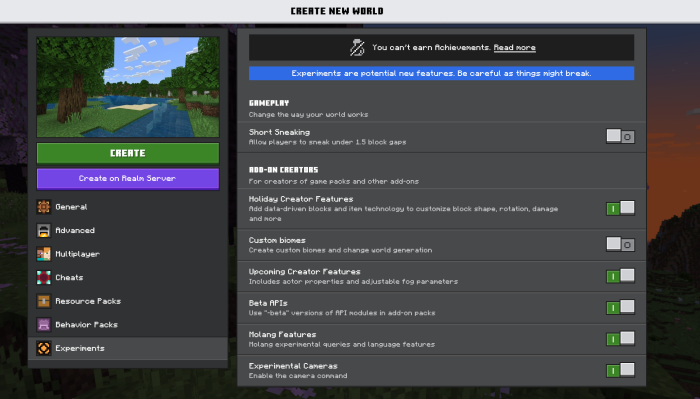
And also, don’t forget to enable all “Experimental” options.
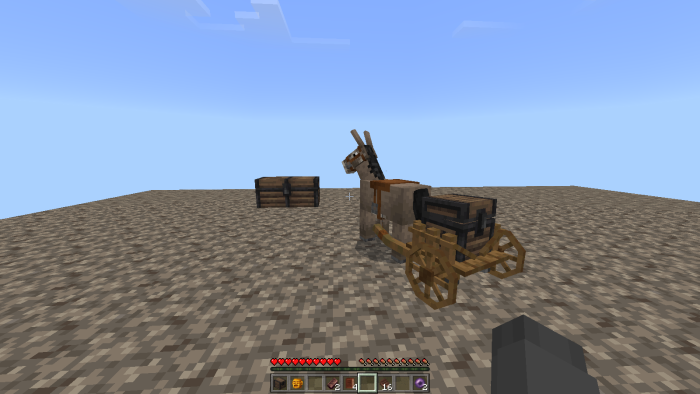
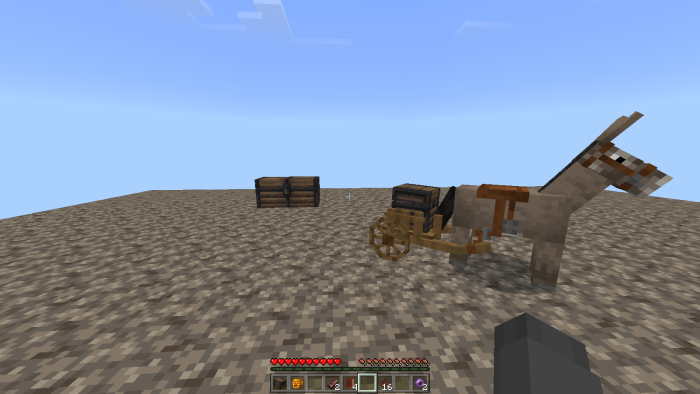
This Donkey with Medieval Cart texture pack will add a medieval cart to the donkey if the donkey is wearing the chest, you’ll get to experience the medieval world!. This is a texture pack from Hakks’s Java edition that I exported to bedrock edition with his permission.
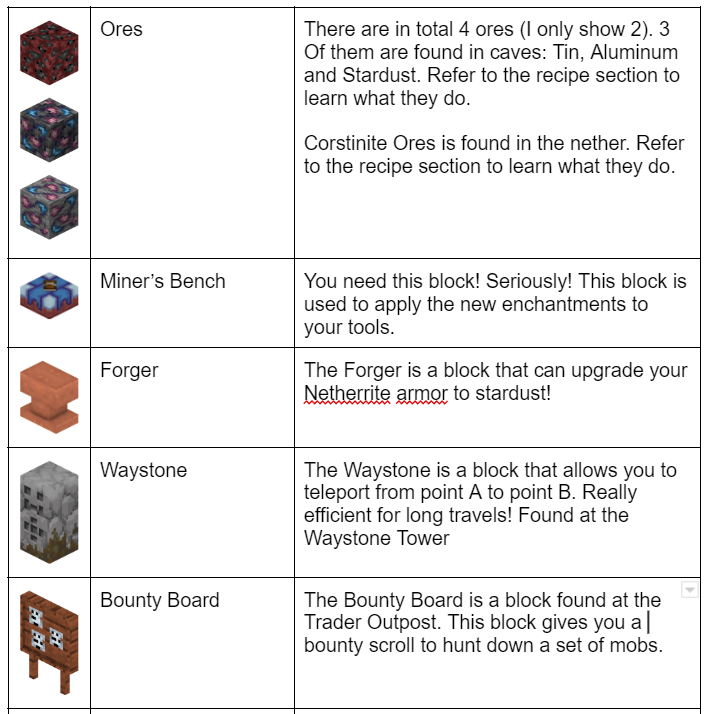
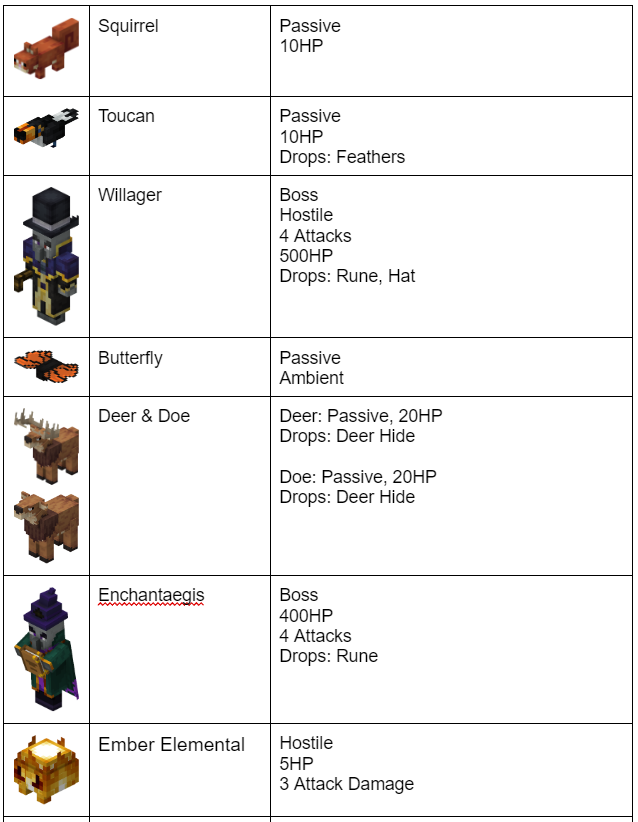
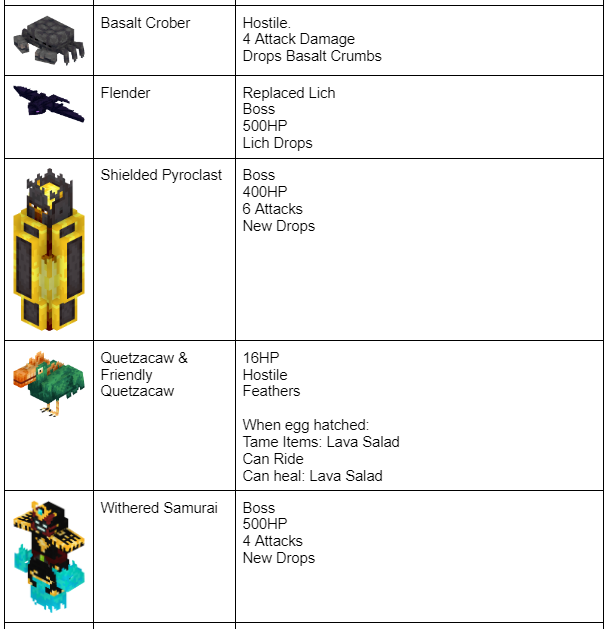
Poggy’s Better on Bedrock is an Add-On that aims to improve the base vanilla game’s overall gameplay. It intends to improve many aspects by enhancing and adding new bosses, blocks, items, mobs, structures, biomes, and systems.
Before we get into the beef, Better on Bedrock has its own soundtrack composed by J. Rivers. These tracks are ‘Dawn Prelude’, ‘Cozy Palms’ and’ ‘Travels’!
There’s also a trailer!
Biomes
Poggy’s Better on Bedrock adds numerous improvements to vanilla biomes. Some of these biomes will have unique structures, mobs, and ores.
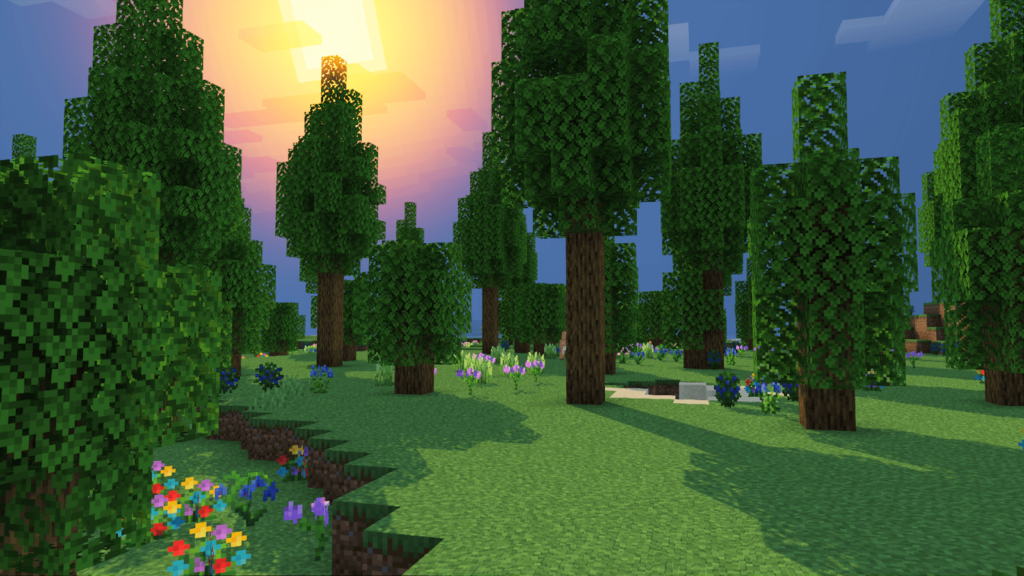
Forest
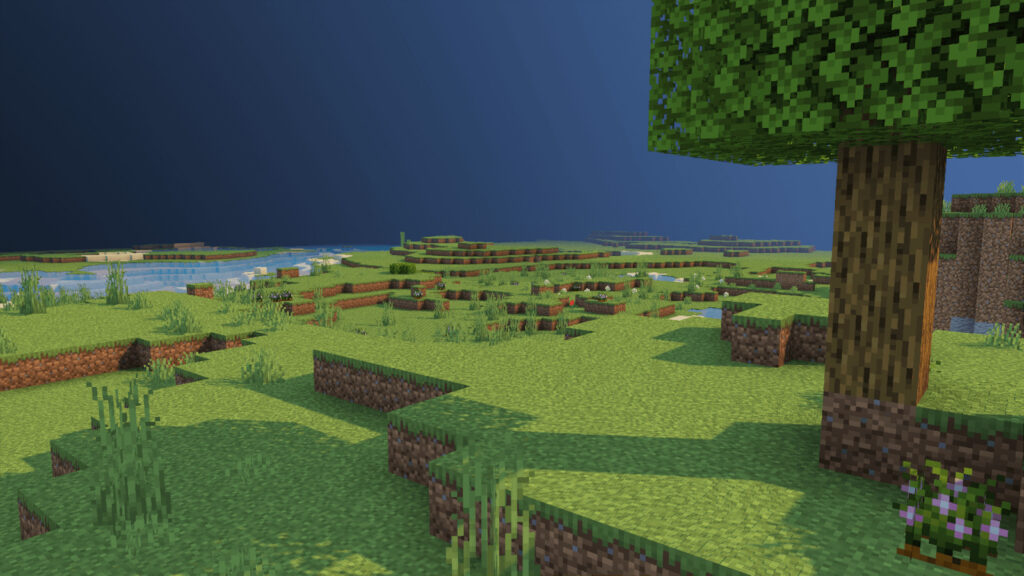
Plains
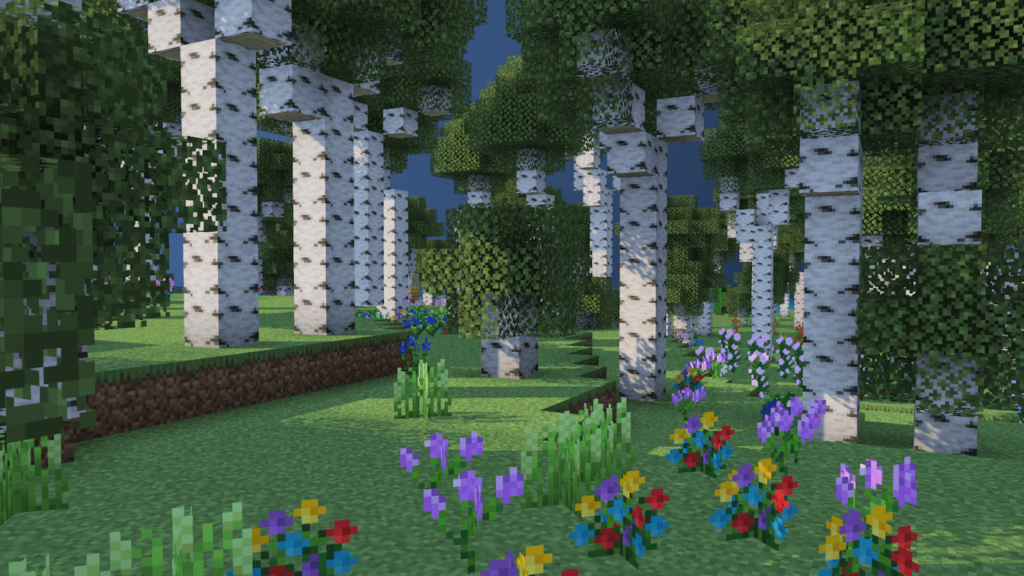
Birch
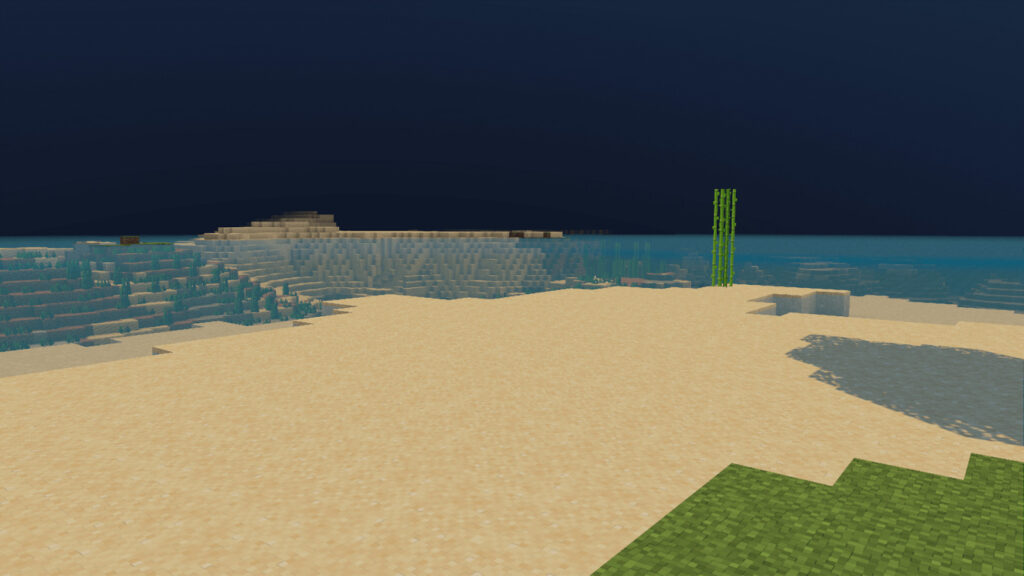
Beach
Savanna
Taiga
Swamp
Jungle
Meadow
Items
Blocks
Enchantments
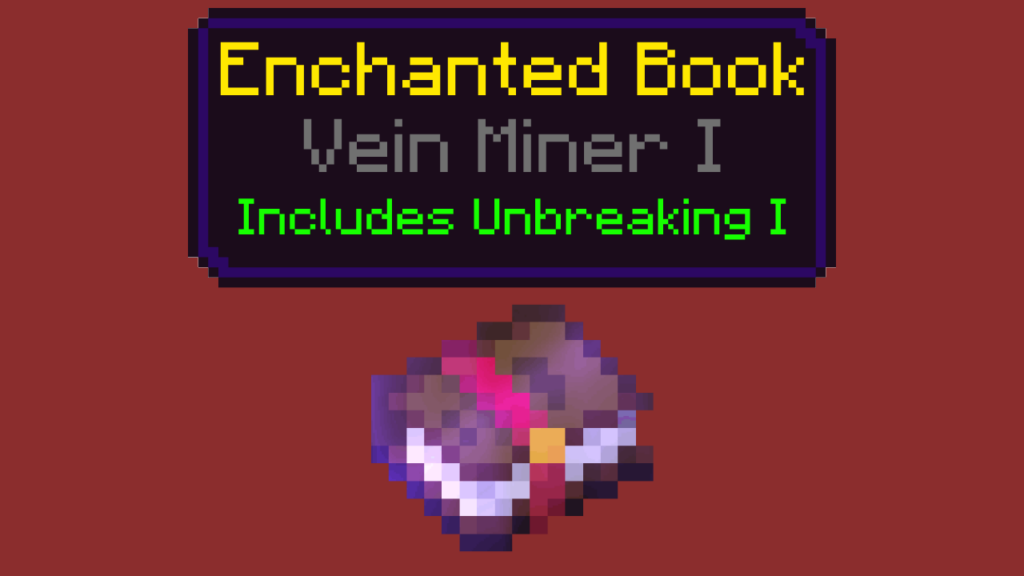
Vein Miner
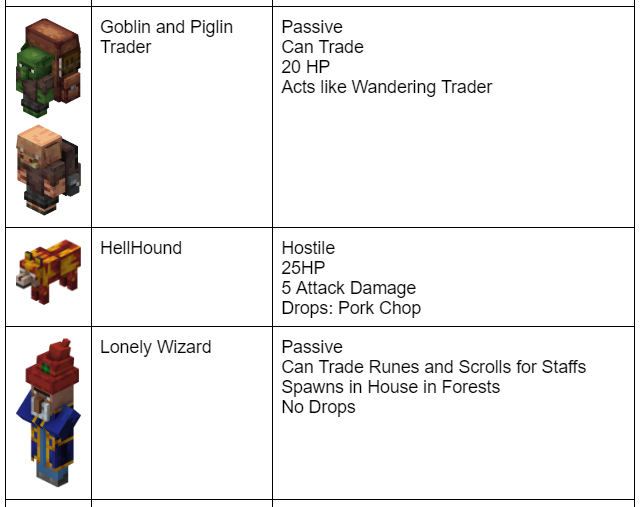
A new enchantment has seen its debut in Better on Bedrock. Vein Miner can be obtained by trading with a Goblin Trader or at the top of Battle Towers.
Vein Miner includes Unbreaking 1 by default. Each ore that the Vein Miner breaks will remove 1 durability from your pickaxe. (Since you have Unbreaking it will be random.)
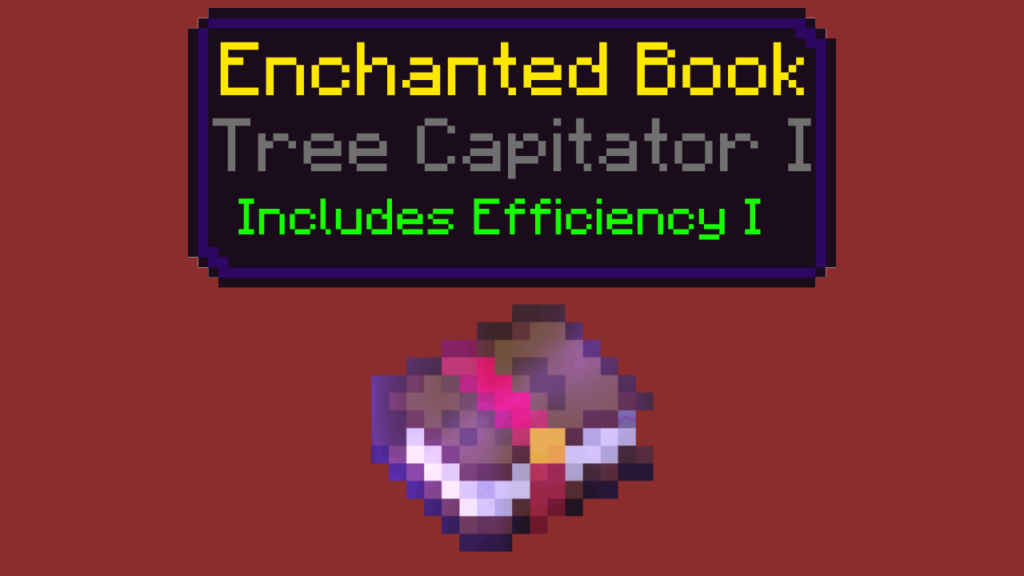
Tree Capitator I
Another enchantment made its way to Better on Bedrock.
Tree Capitator, like Vein Miner, will chop down trees in an instant! Your axe will take 1 durability damage for each broken log.
Mobs
Structures
Trader Outpost
Found throughout the overworld. The Wandering Trader’s home. Found throughout the Overworld. Test your combat skills against increasingly difficult floors, with great rewards at the end.
Waystone Tower
The Overworld Waystone’s home. Climb to the summit for a Waystone and some loot!
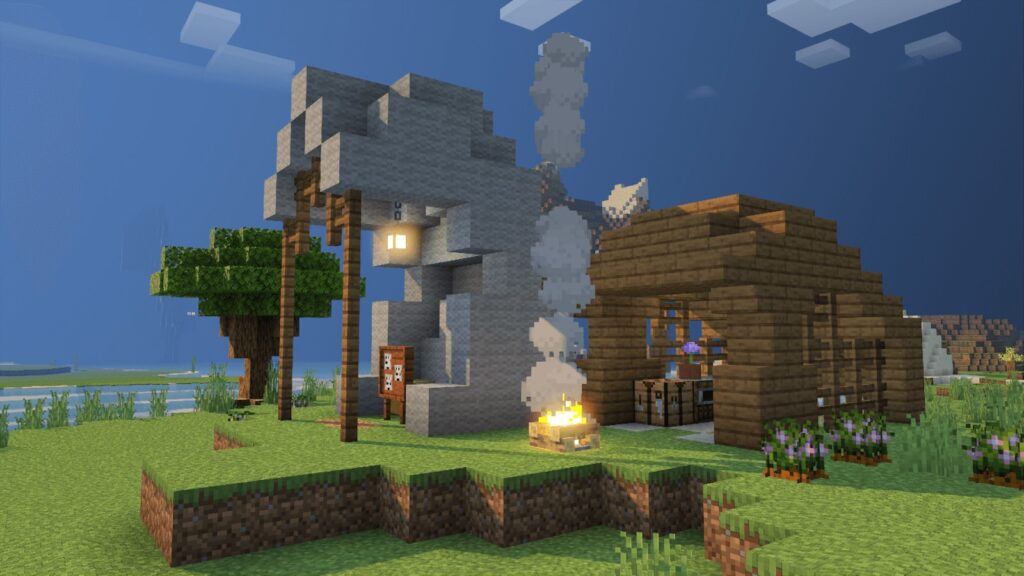
Adventurer Campsite
Starter home to the lost traveler.
Adventurer House
Home base of the lost traveler.
Flender Outpost
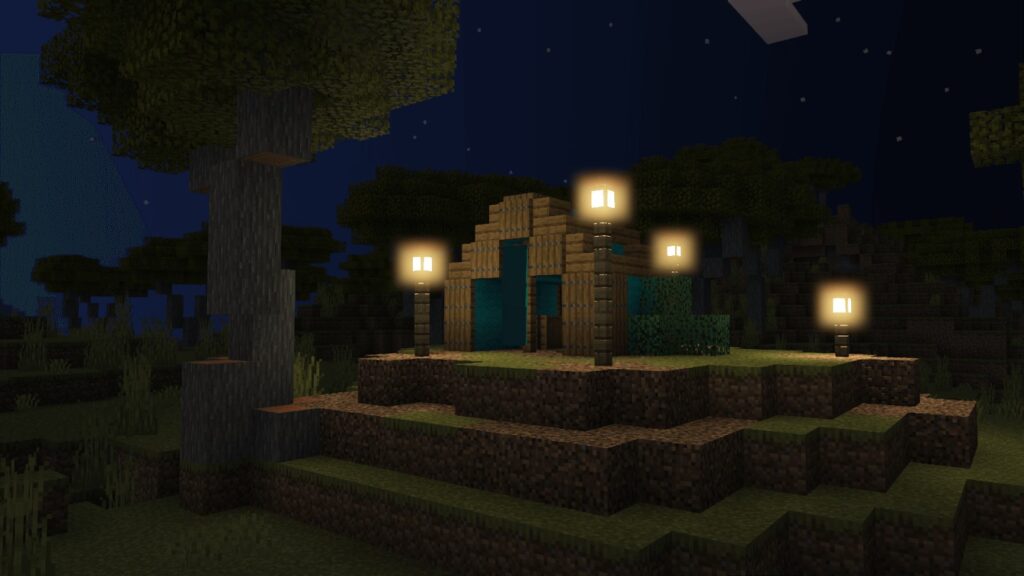
Abandoned Hut
“He used to rest here.”
River’s Base
“Where his music echoes the overworld.”
Systems/Configs
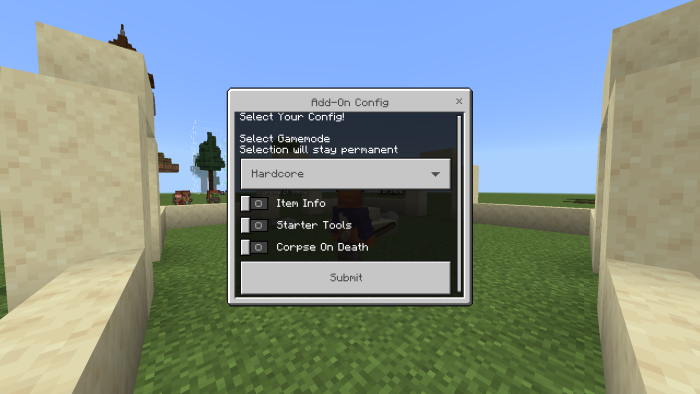
Config UI
Upon loading up a new world you’ll be prompted with a brand new config UI.
This UI allows you to select your difficulty and toggle some features. So you don’t accidentally select hardcore mode, the default gamemode is normal!
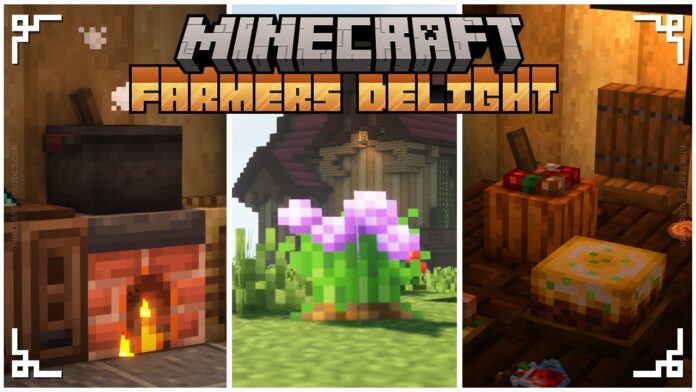
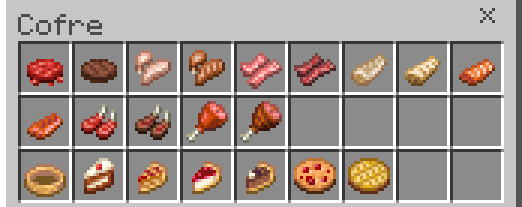
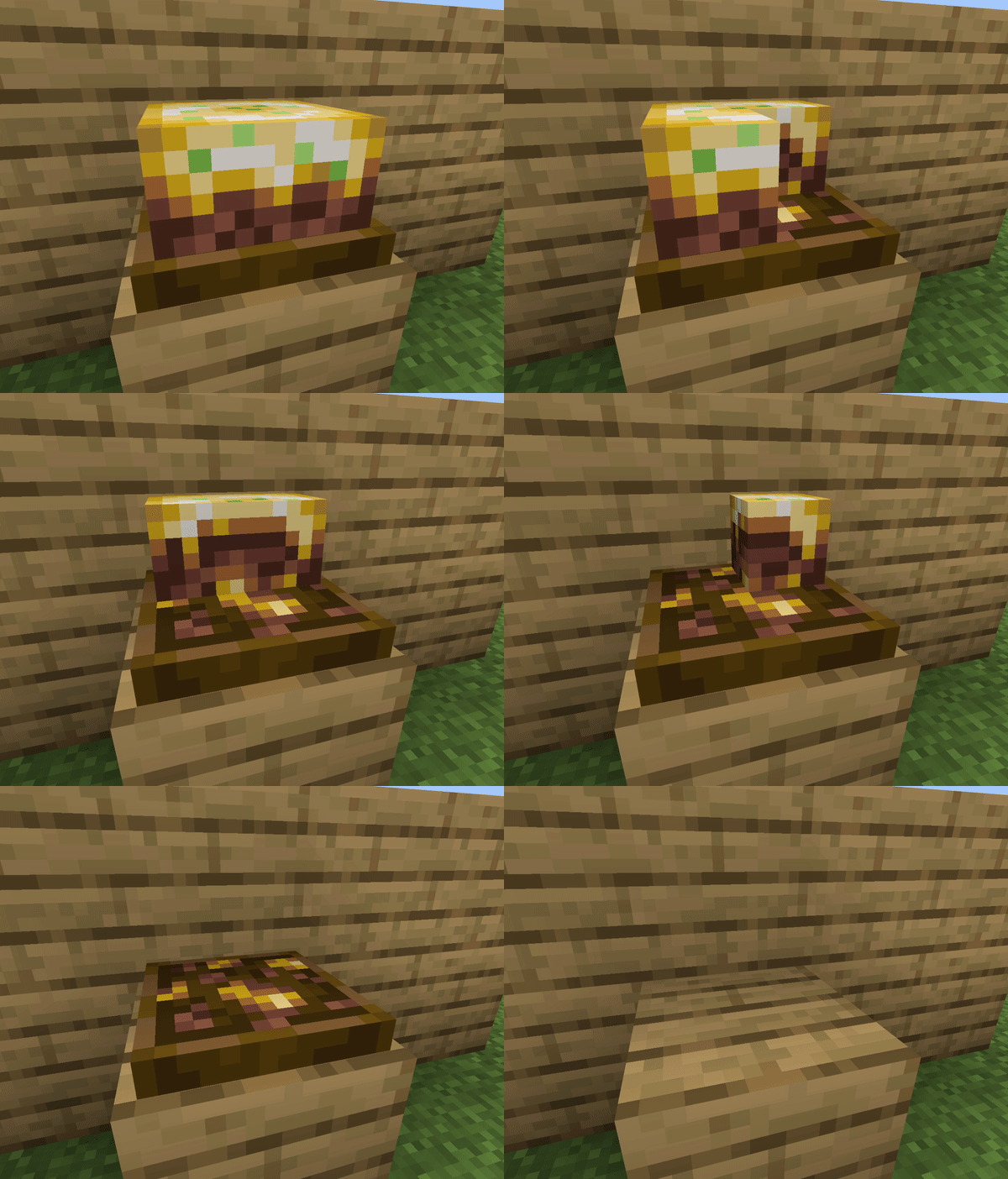
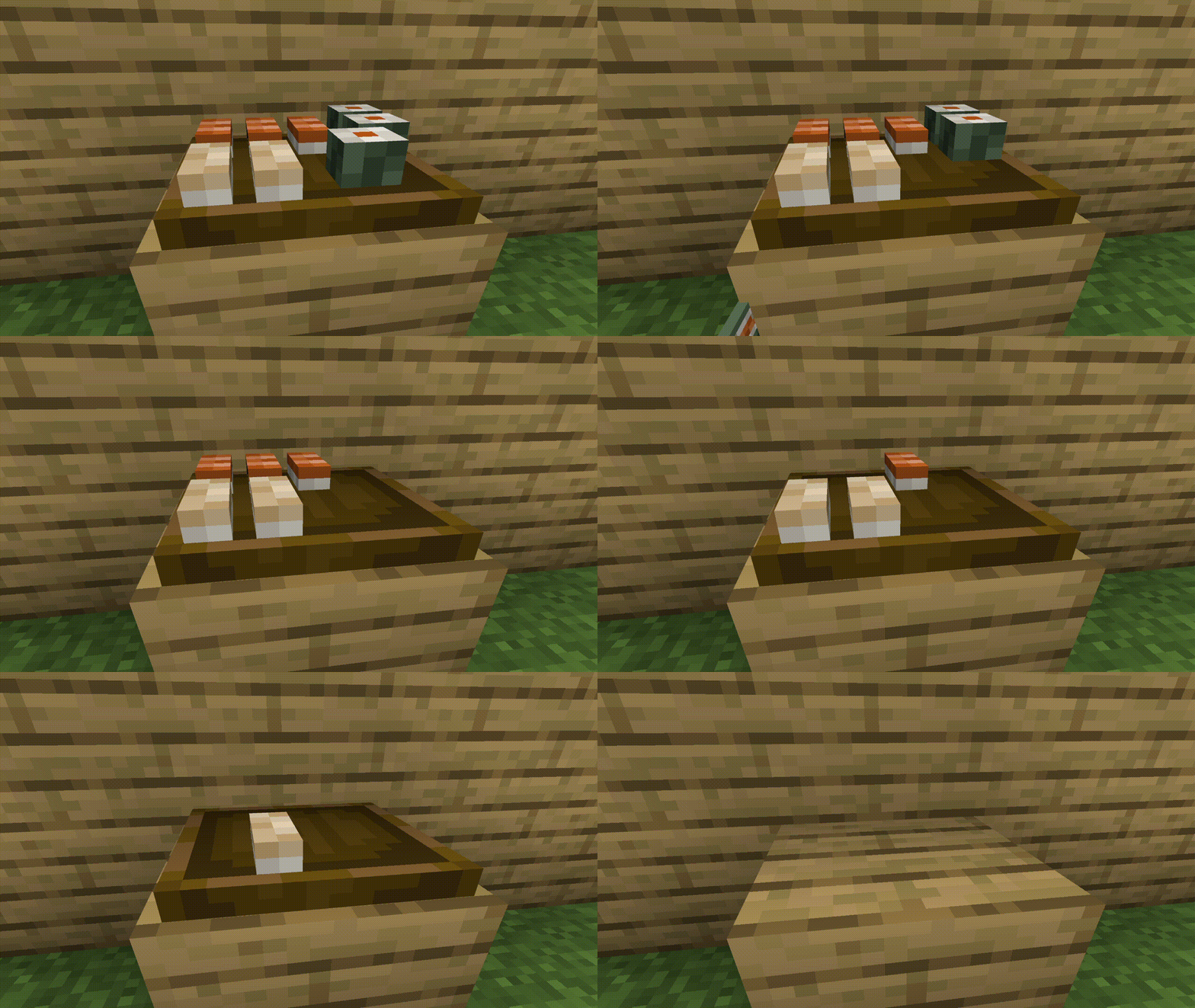
Farmer’s Delight Bedrock Add-on includes new crops and a wide variety of food, as well as an interactive cooking system that includes a functional cooking pot and cutting board.
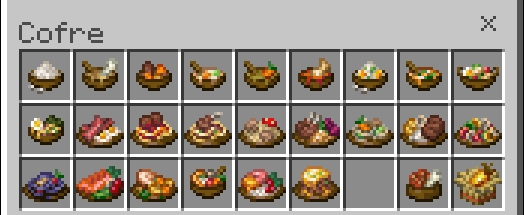
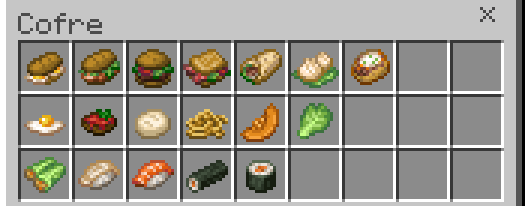
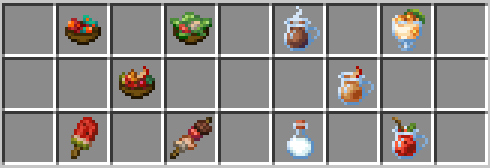
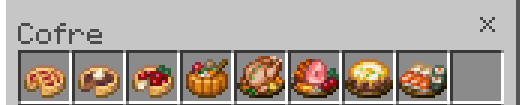
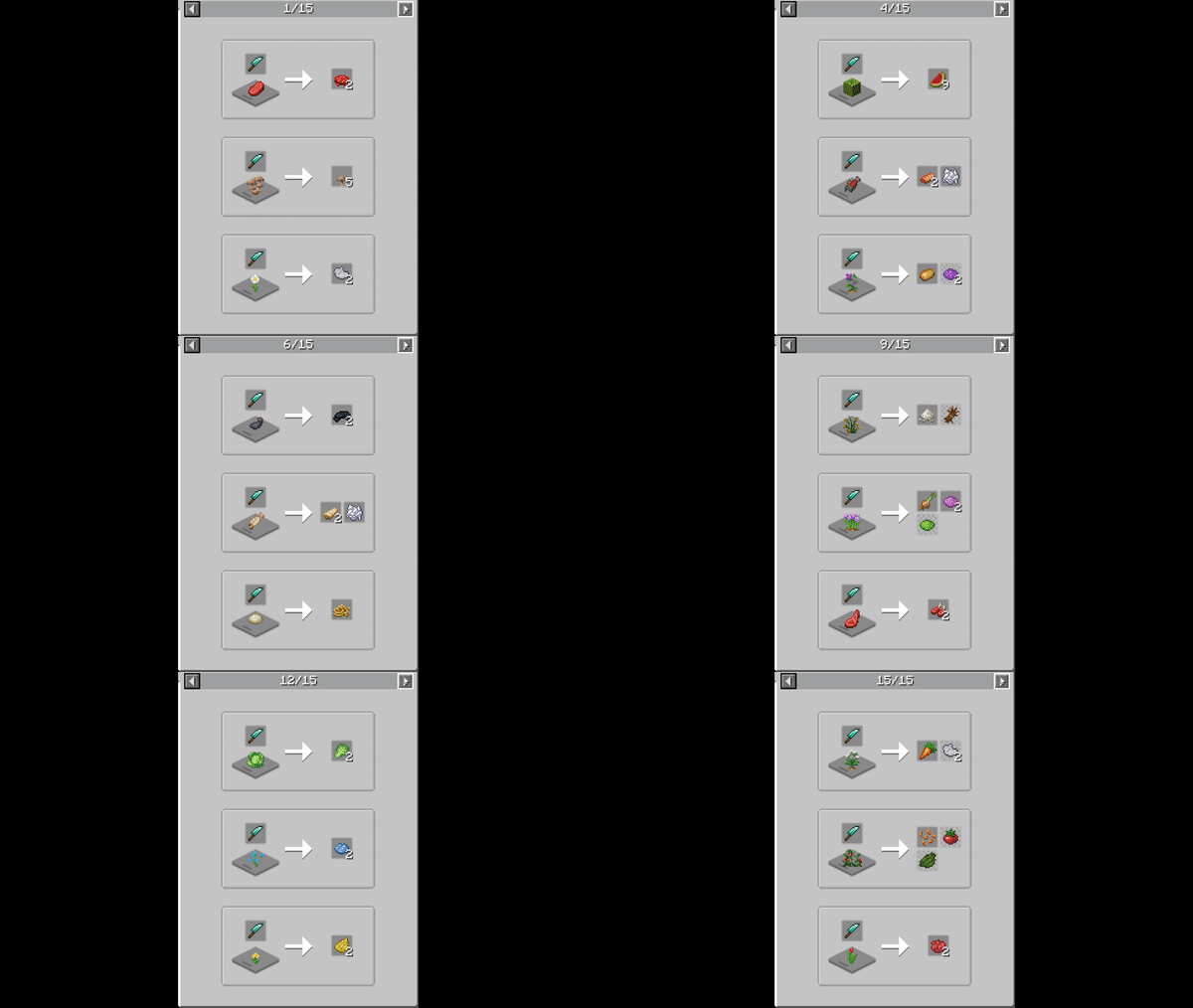
These are the foods added by this Farmer’s Delight Bedrock addon.
Drinks
How to get ham? Right click on a pig with a knife:
Feast Foods
Share with your friends a slice of pie, maybe a chicken… or maybe all to yourself?
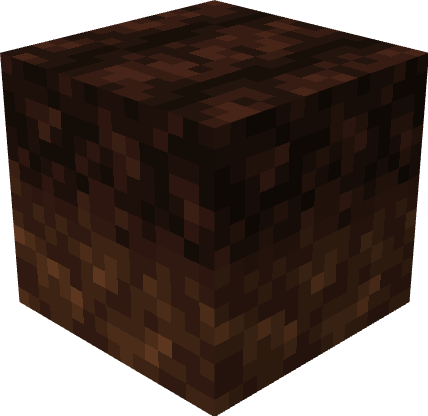
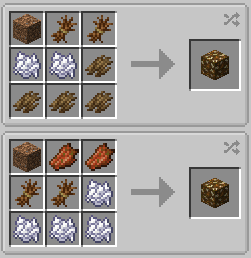
Rich Soil
Your crops will grow faster with this block! However, in order to do so, you must first create organic compost.
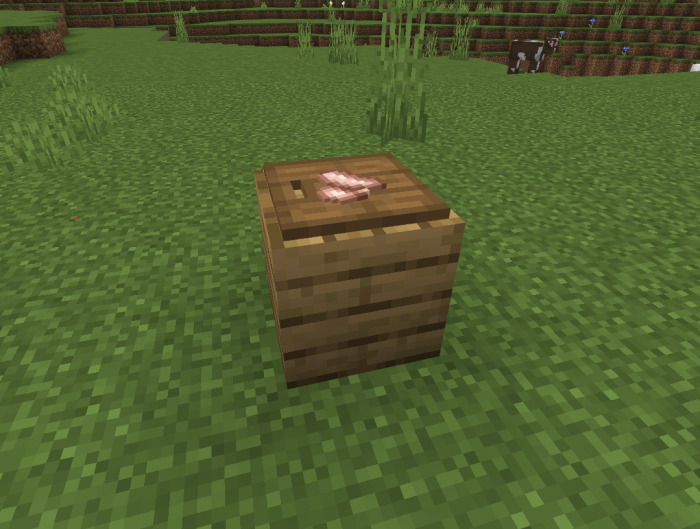
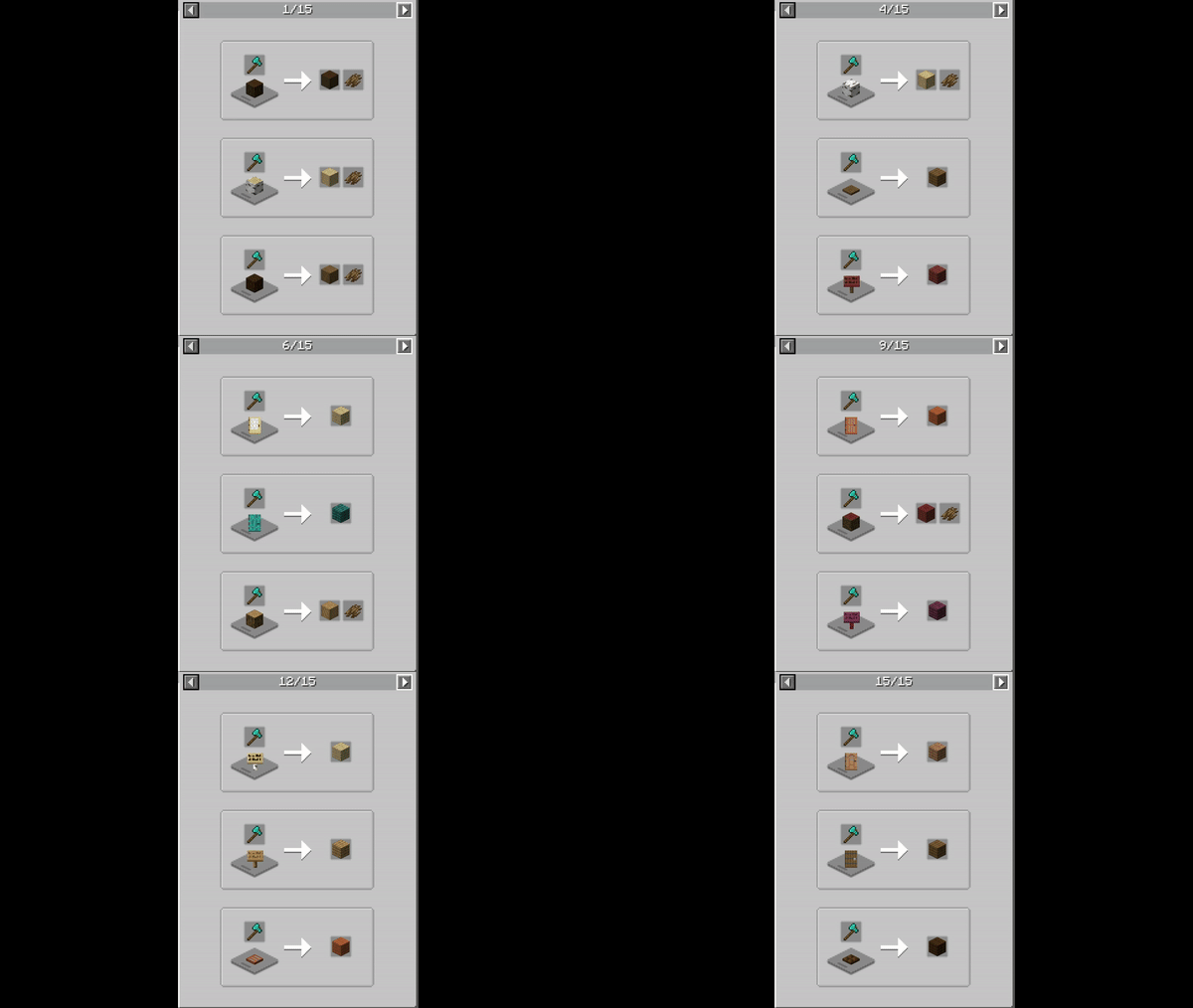
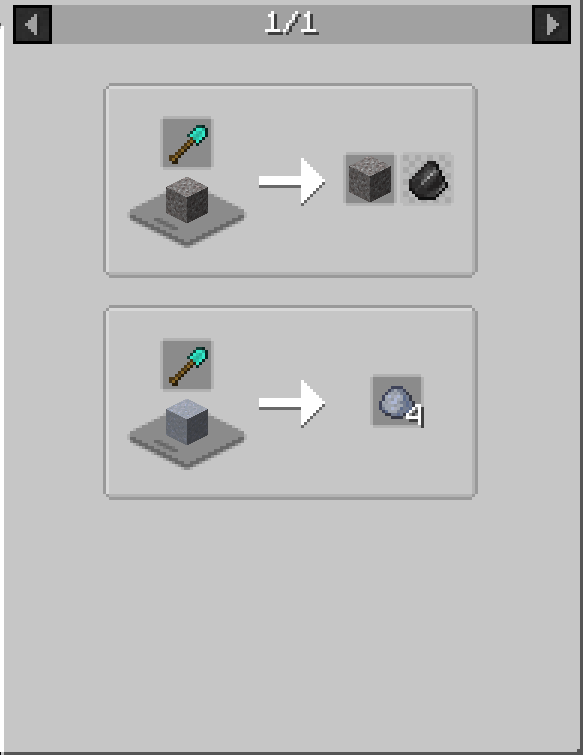
Place it in the ground, and it will gradually transform into rich soil. Place a log on a cutting board and cut it with an axe to make tree bark.
Mushroom colony
You can now have a mushroom farm with this new function. To make it work you must have rich soil, and place the mushroom on top, it will grow like any other plant.
Crops
With these crops you will be able to create new foods!
This Farmer’s Delight Bedrock Add-on adds 4 New Crops:
Cabbage
Onion
Tomatoes
Rice
These crops are Scattered all over the world:
[Expand]
Cabbage & Beetroot
Found mainly on the Beach & occasionally in River
Potato
Found in Oak, Birch & Dark oak forests
Carrot & Onion
Found in Plains
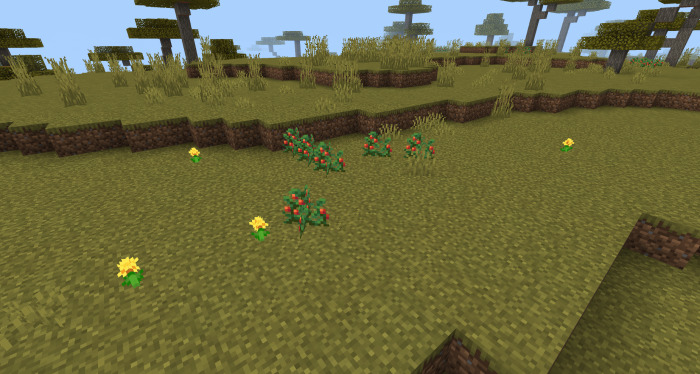
Wild Tomato
Found in the Savanna
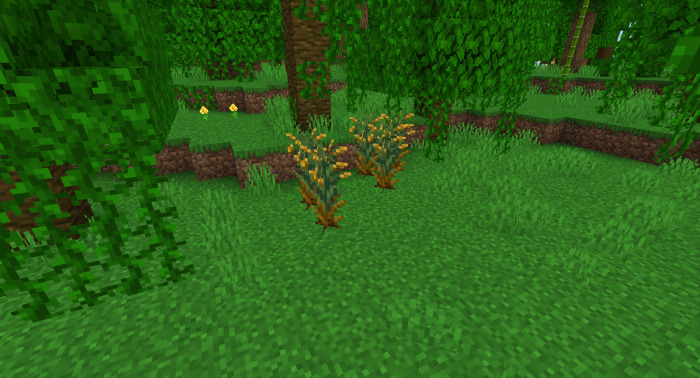
Wild Rice
Found in Jungle & Swamps
Keep in mind:
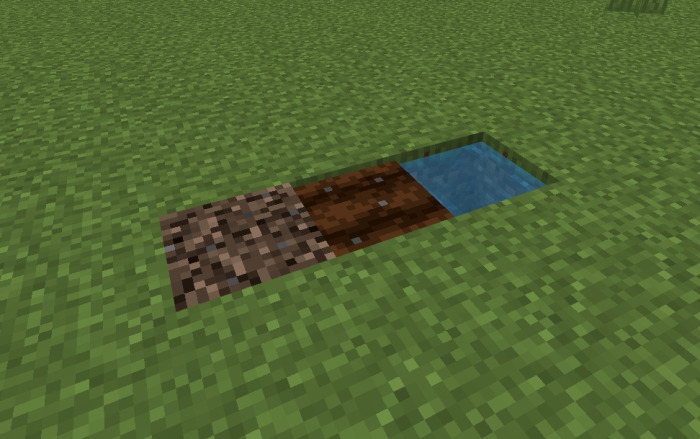
These crops can’t be planted on vanilla farmland! That’s why there is a new block: The Delight Dirt!
It works exactly the same as the vanilla farmland
You just need to put 1 Dirt on the Crafting table & you will get the Delight Dirt
With that dirt, you can only plant the addon crops🍅
Cutting
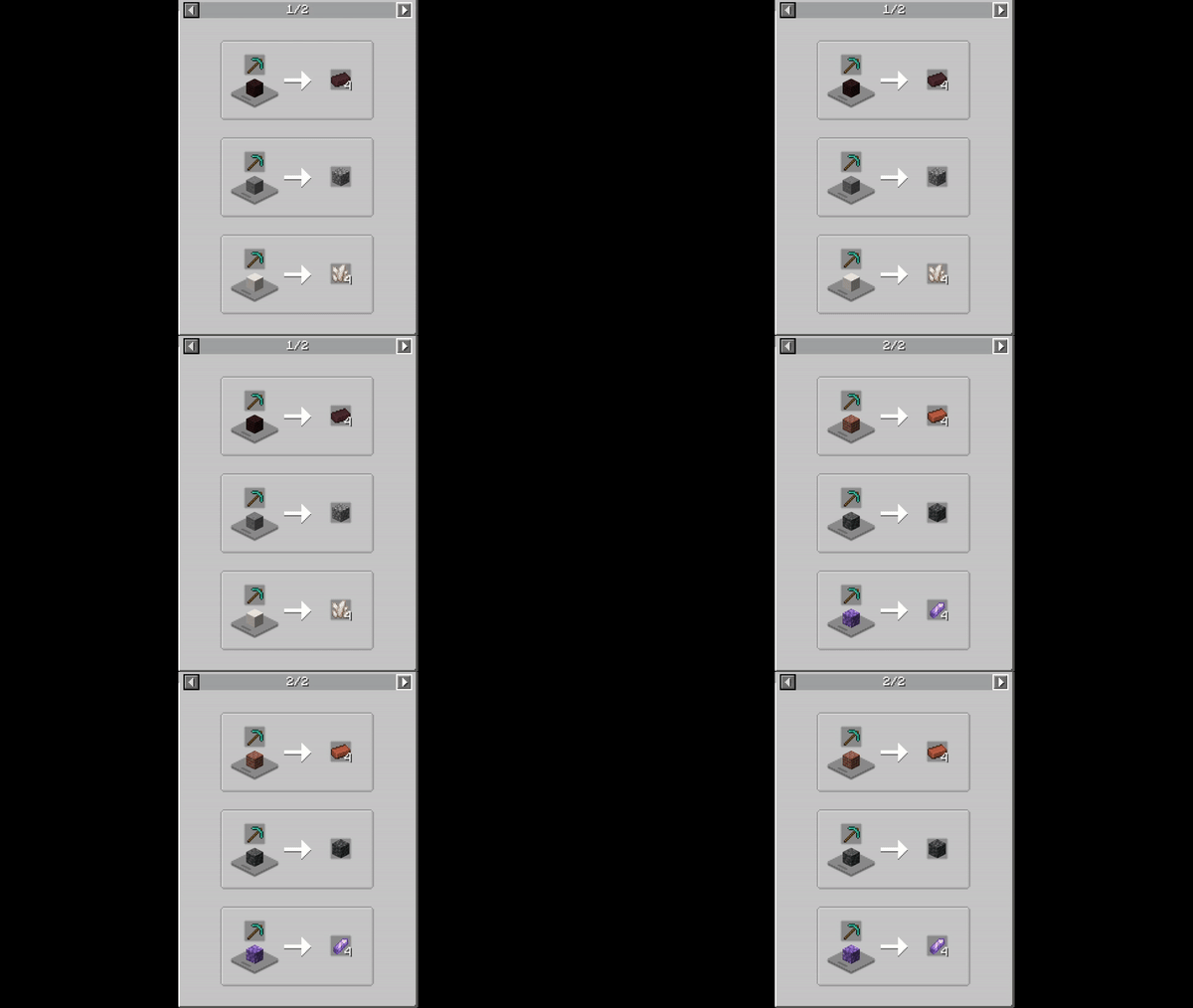
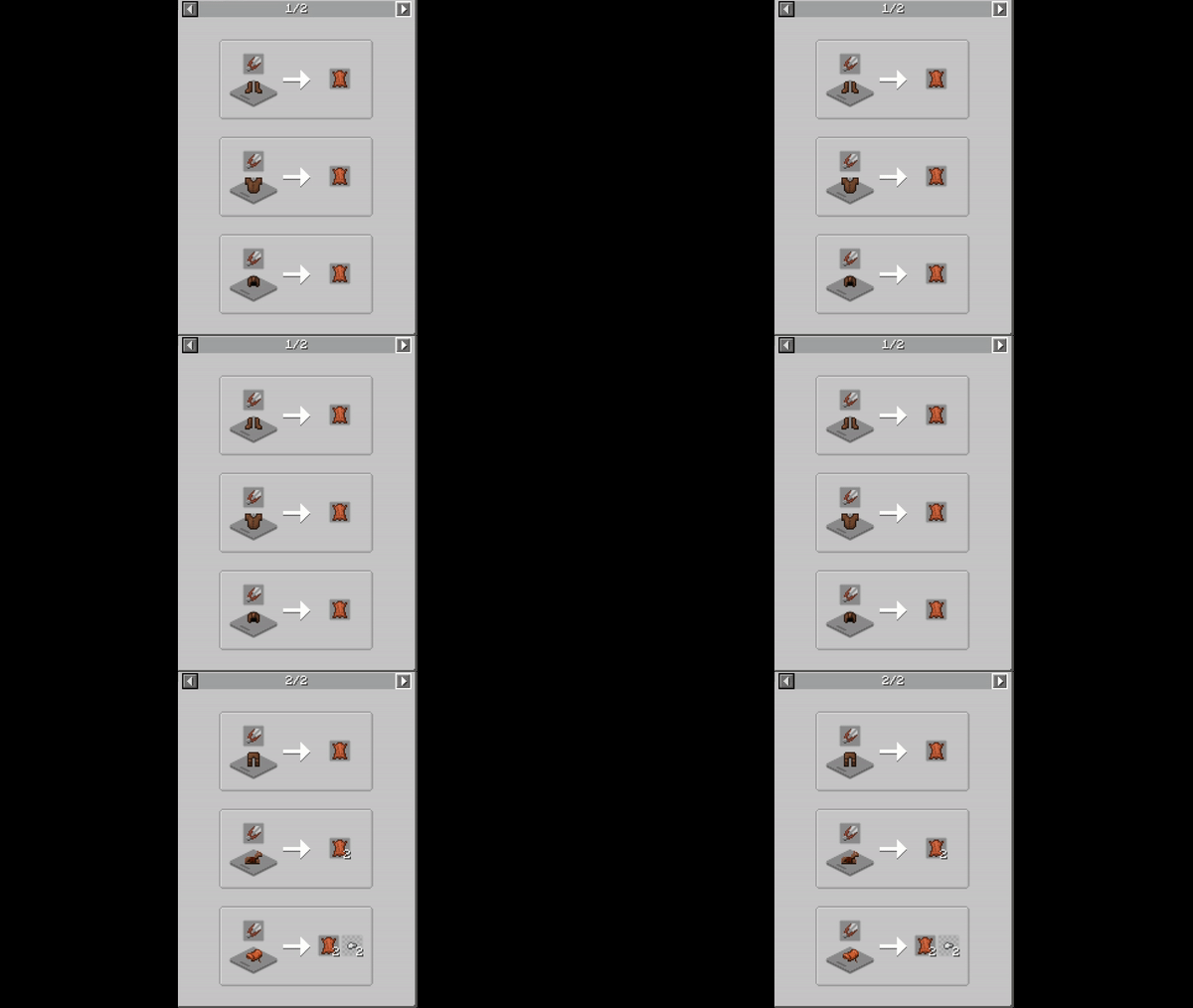
A cutting board is required for cutting various foods.
Cutting board recipes:
[Expand]
Knife
Axe
Pickaxe
Shear
Shovel
But for this you need a knife!
Knives
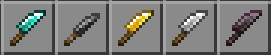
They are Very easy to make: You just need a Stick & respective Minerals (Flint, iron, gold, diamond & netherite)
But be careful! Using it will damage the tool by 1 point, use it with care!
Cooking
First, you need these 2 blocks:
Stove
Cooking Pot
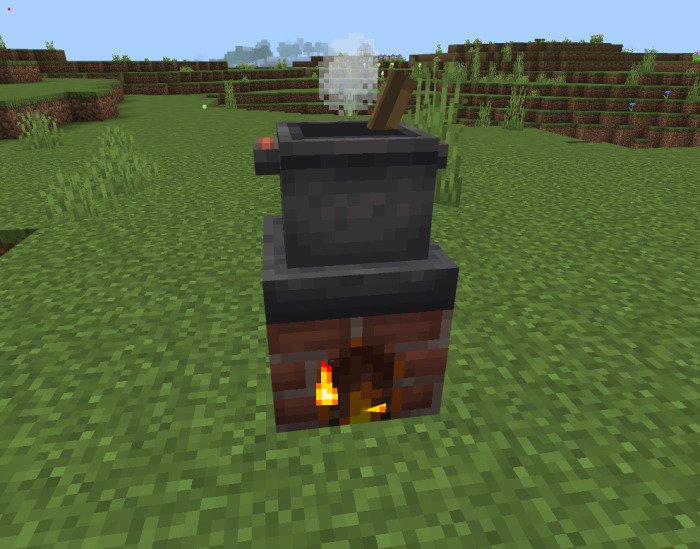
Place the Cooking Pot on top of the Stove, like this:
And it should start to bubble & smoke🍲
How it works?
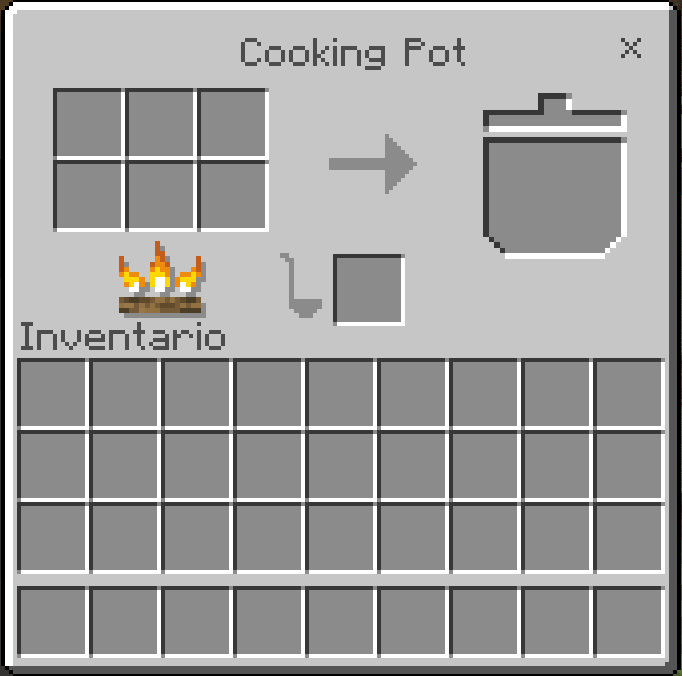
It functions similarly to a crafting table! (You put the ingredients in, and you get the food) But remember, the cooking pot must be on top of the stove, or it will not work…
This is what it looks like:
(Thanks kanadeyoru for making the UI possible)
Addon language
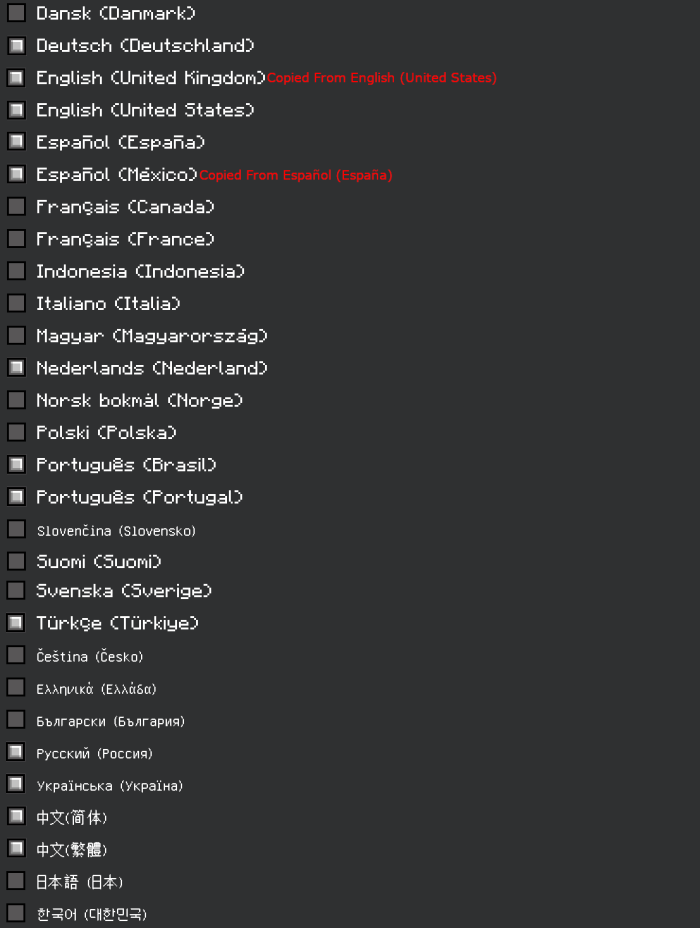
This Farmer’s Delight Bedrock addon has the following languages:
Thanks to the following people for helping me to translate the addon into different languages:
Snow (Portuguese)
_.xrichardx._ (Spanish)
L10NDev and bilibilimr.pineapple (Chinese)
kontemhonn (Russian)
Peaw (Turkish)
kontemhonn (Ukrainian)
Villager6404 (Nederlands | Dutch)
If you want to help with any other language send me a message to my Discord: Pupy200mine#5915
That’s all the main thing! But there’s so much more to discover, try everything you see!
INSTALLATION
◆ Activate all experimental functions! and make sure you have version 1.20.30+
◆ Something is not working correctly but you think you have done everything right? Send me information or images of the error to my discord: Pupy200mine#5915
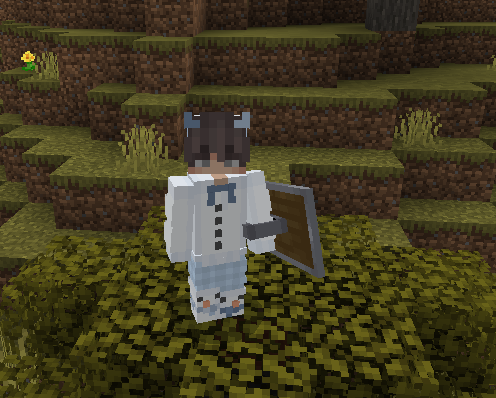
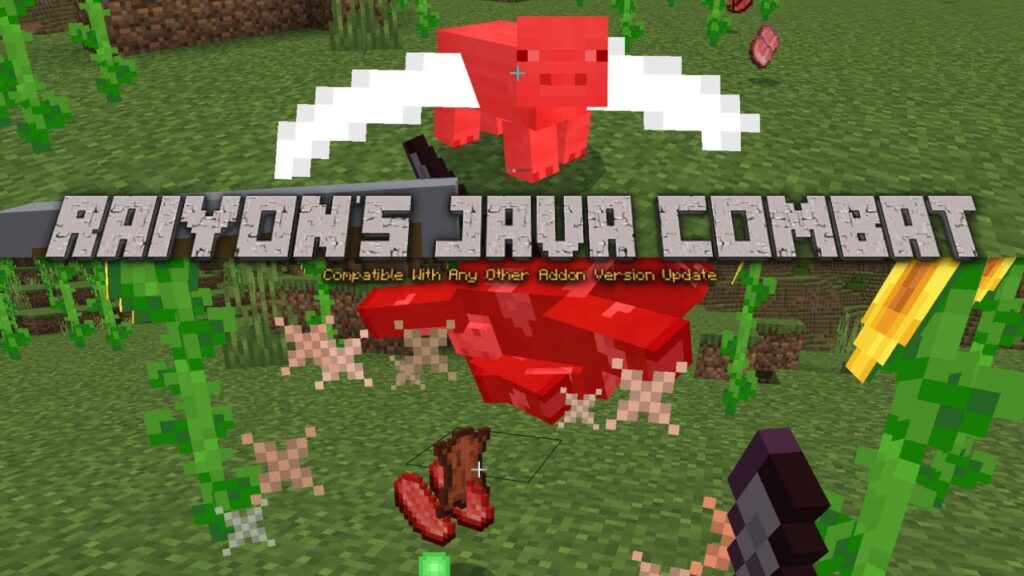
Have you ever wished your Bedrock adventure was closer to Java? If that’s the case, this Raiyon’s Java Combat Addon is for you! This addon includes a combat system that is very similar to Java.
Java combat is based on the cooldown, which is a set period of time with a weapon or tool during which you can do the most damage with it and is visible as a loading bar below the cursor.
Cooldown List
Sword 0.60
Trident 0.90
Any item other than a weapon / tool 0.25
Hoes 0.25
Wooden Axe 1.25
Stone Axe 1.25
Iron Axe 1.10
Golden Axe 1.0
Diamond Axe 1.0
Netherite Axe 1.0
Cooldown Animation
Java, like Minecraft, visually displays the cooldown in relation to how high the item is.
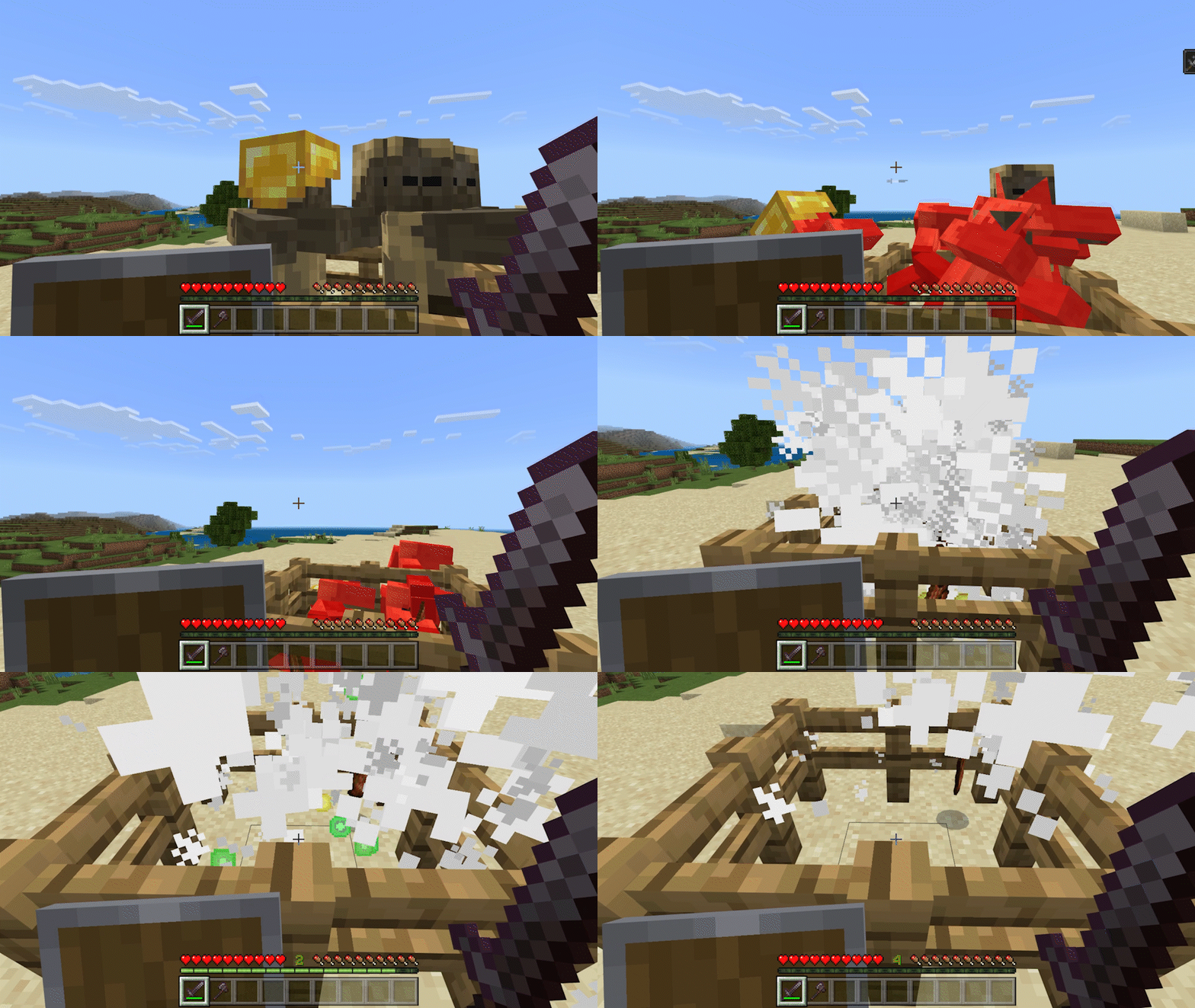
Sweeping Edge
When you attack with a charged sword, you will deal damage to all nearby mobs if it is not a critical hit.
This attack is useful for farms because mobs drop their items and experience when they die for it, and it deals 2 points of damage.
Critical Hit
When you perform a critical hit, heart particles appear and the minecraft java critical hit sound is played.
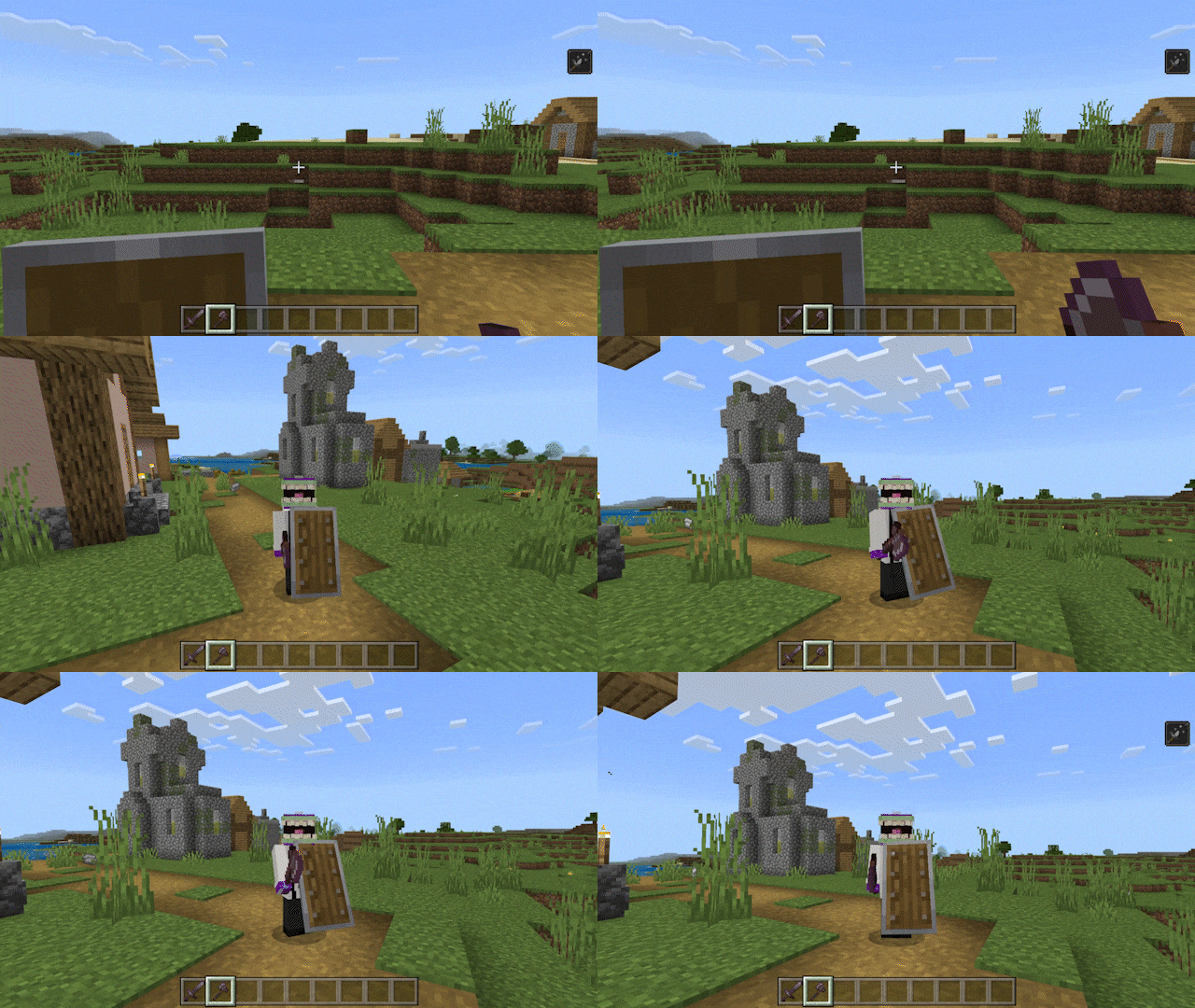
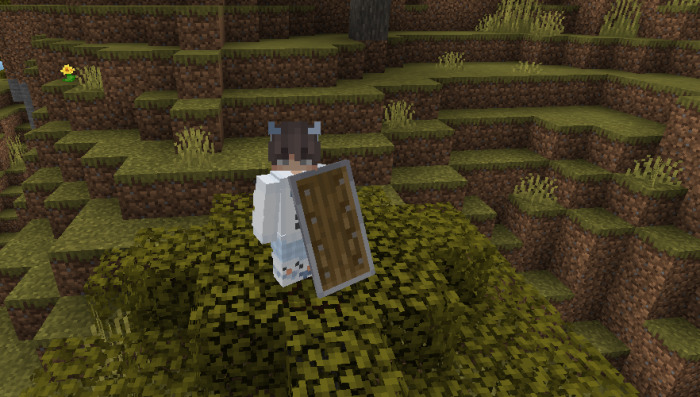
Shield and shield blocking
When using a shield, it will not push, and you can block for 5 seconds if attacking with an axe with the active shield.
The shield has a cooldown of 0.25 when used like java.
For the addon to work properly it is necessary turn on experiments
How To Update The Addon
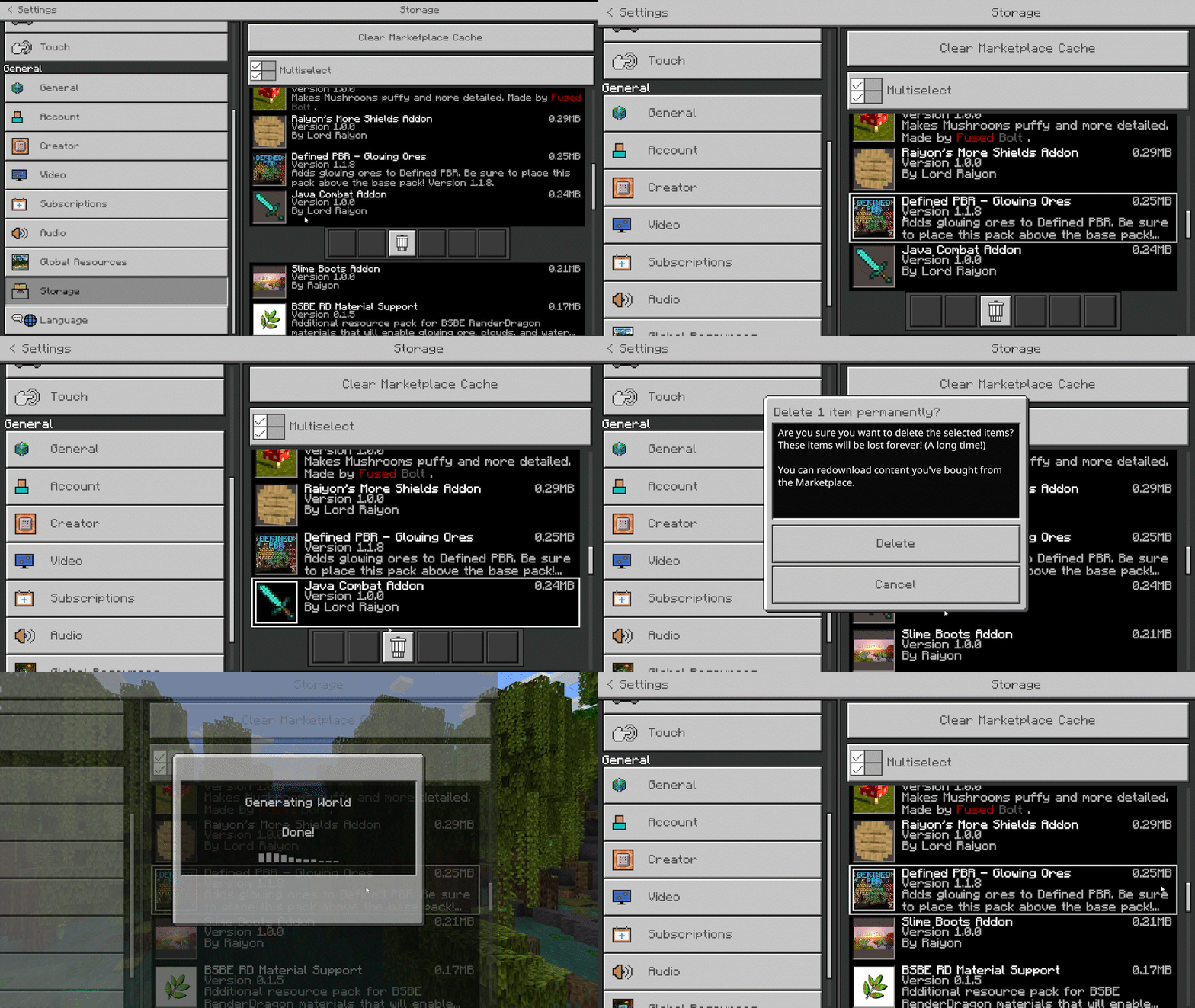
To update the Raiyon’s Java Combat addon, delete previous versions of the resource and behavior packs, then install the most recent version from the download link, both of the behavior and resource packs, and place them in the game.
(Compatible Wither Other Addons Tools Version)
Added Compatibility With 1.20.40+ (HOTFIX)
Added More Java Edition Sound Like When Blocking Shield
Fixed Scripts
1.20.40+ ONLY (Main Version)
Added Compatibility With 1.20.40+(HOTFIX)
Fixed Scripts
Added More Java Edition Sound Like When Blocking Shield
Fixed Shield durability
INSTALLATION
For the addon to work properly it is necessary turn on experiments
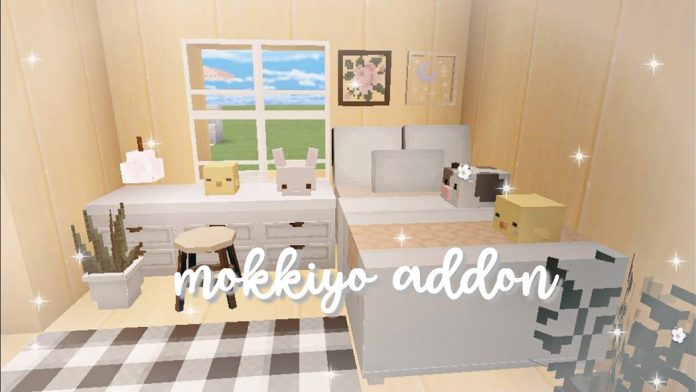
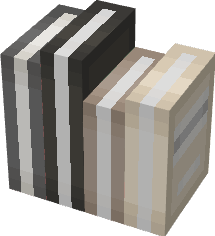
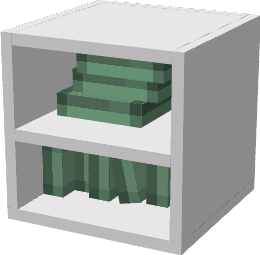
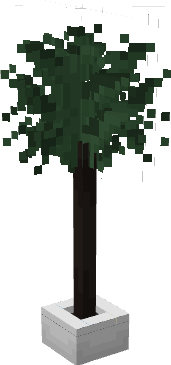
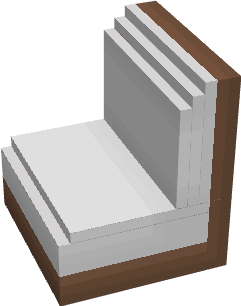
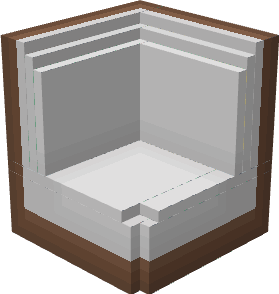
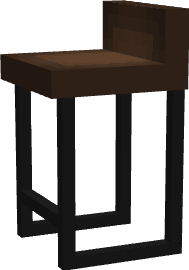
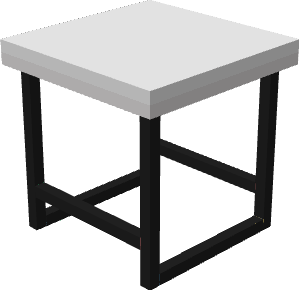
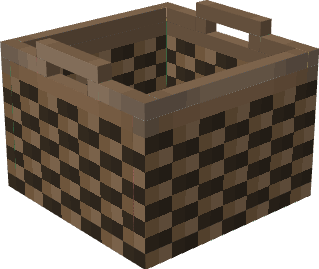
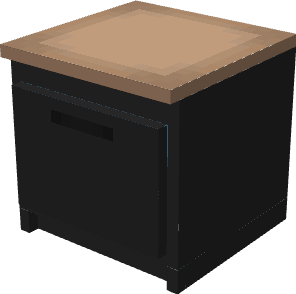
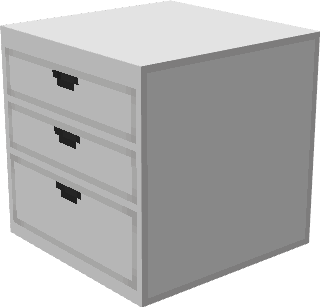
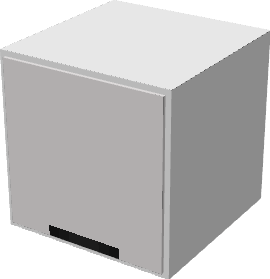
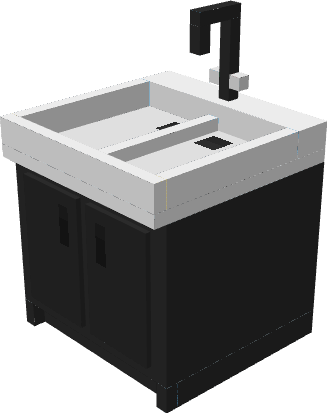
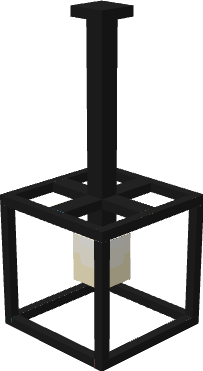
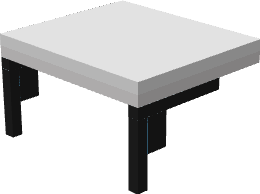
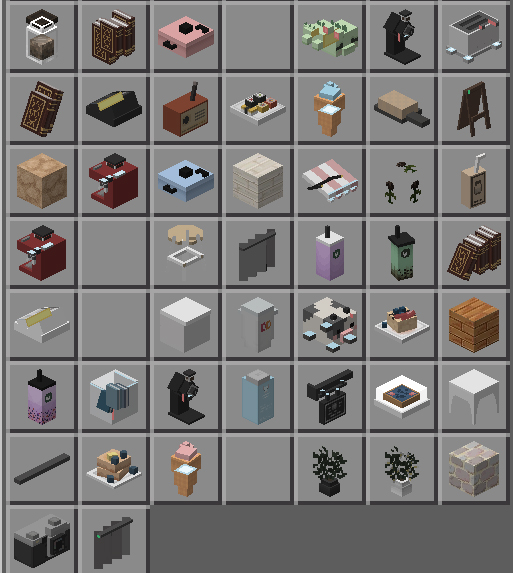
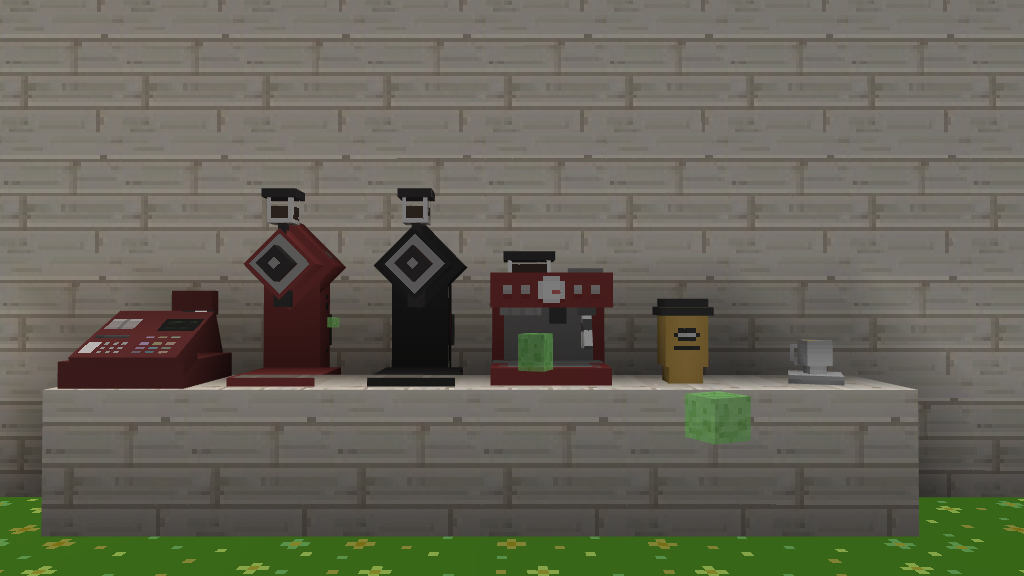
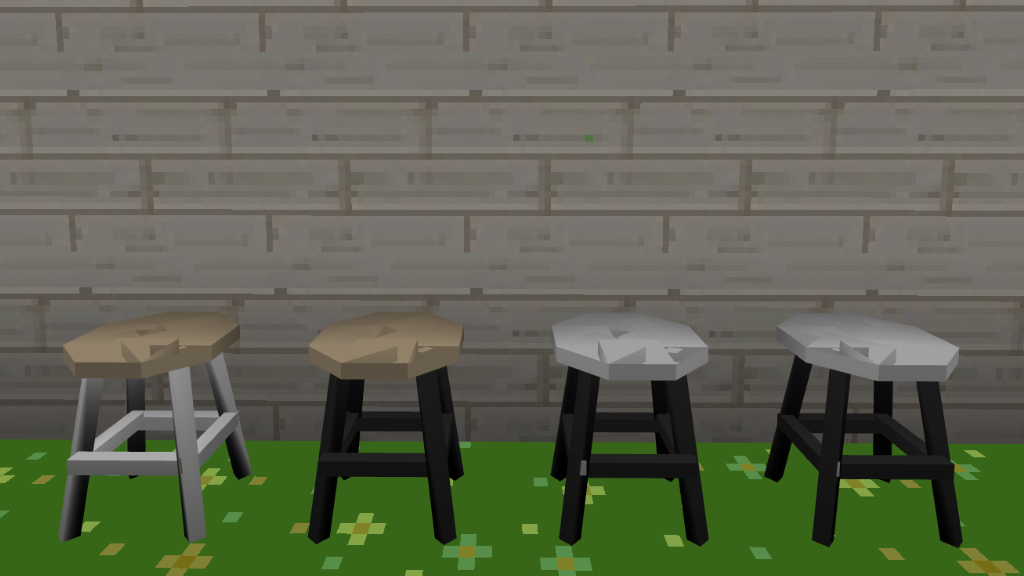
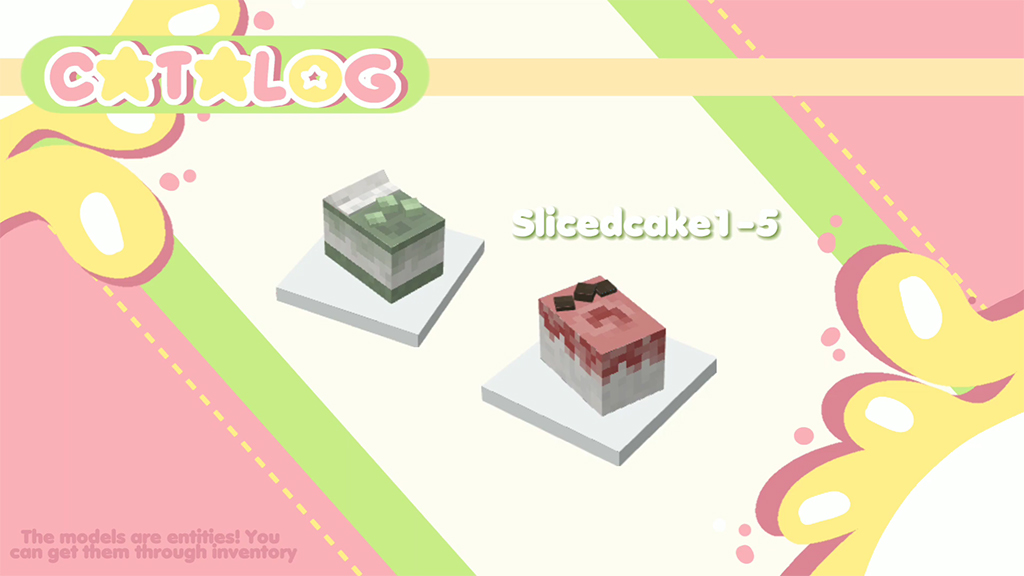
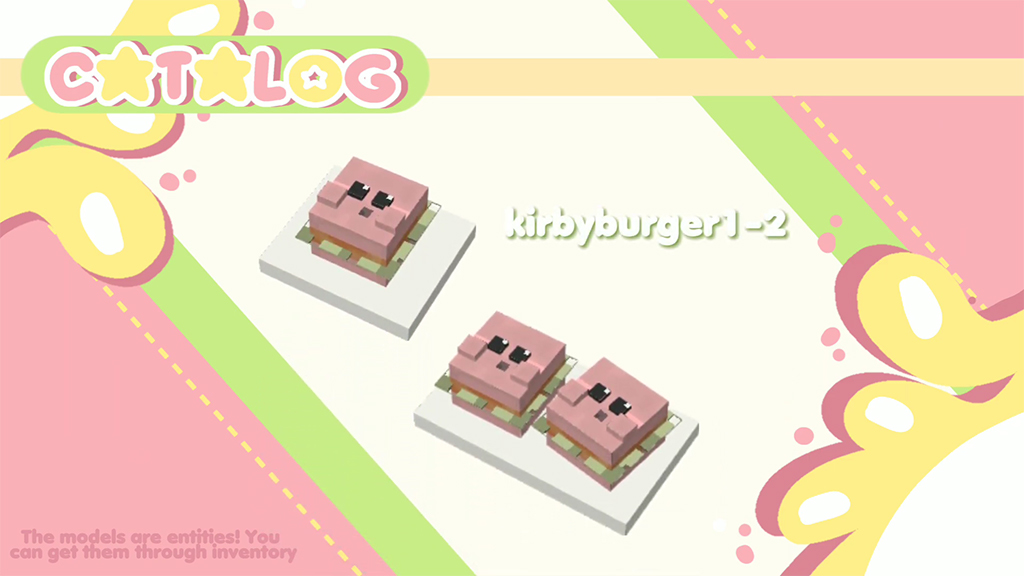
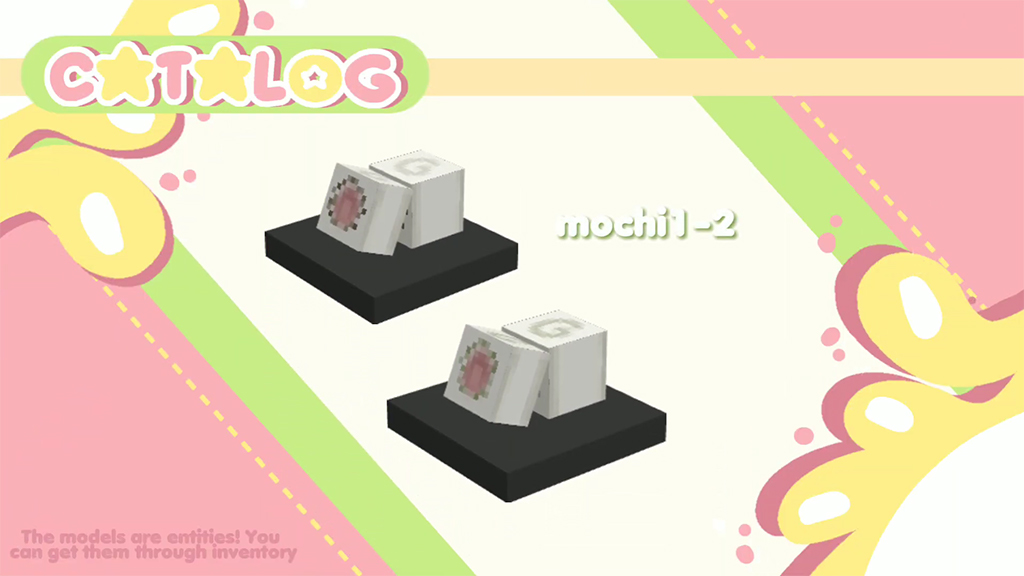
Mokkiyo Addon V1 is created by Meonshii. You may get over 30 new ornamental objects for your home from Mokkiyo Addon V3. The decor elements’ simplicity and beauty, which maintain the look of Minecraft PE, are what give it its identity.
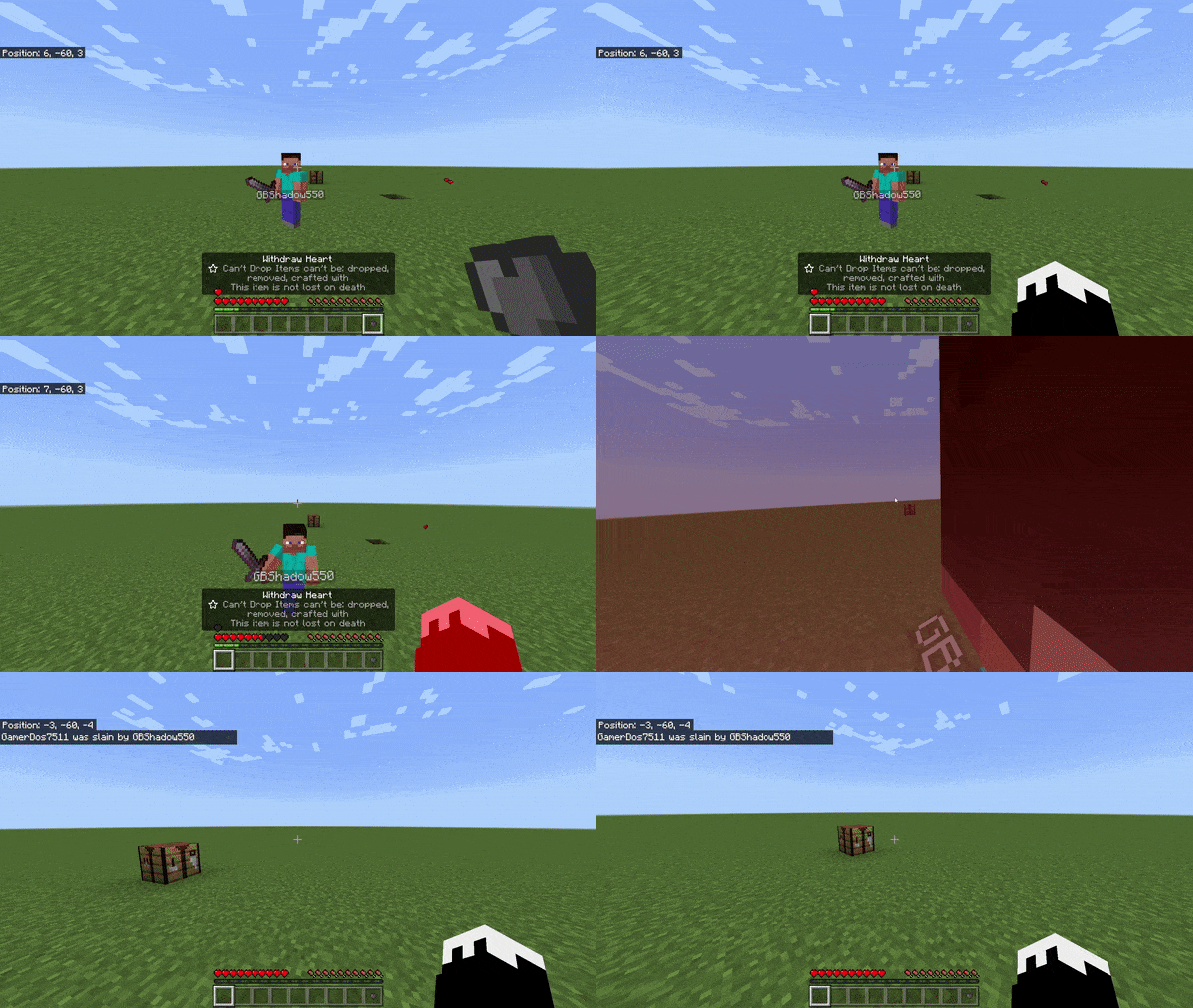
This Lifesteal Addon has been updated to support the most recent versions of Minecraft (for the time being), and addon features include stealing hearts, crafting hearts, withdrawing hearts, and even resurrecting deceased players who have lost all of their hearts!
Lifesteal Addon
Hearts
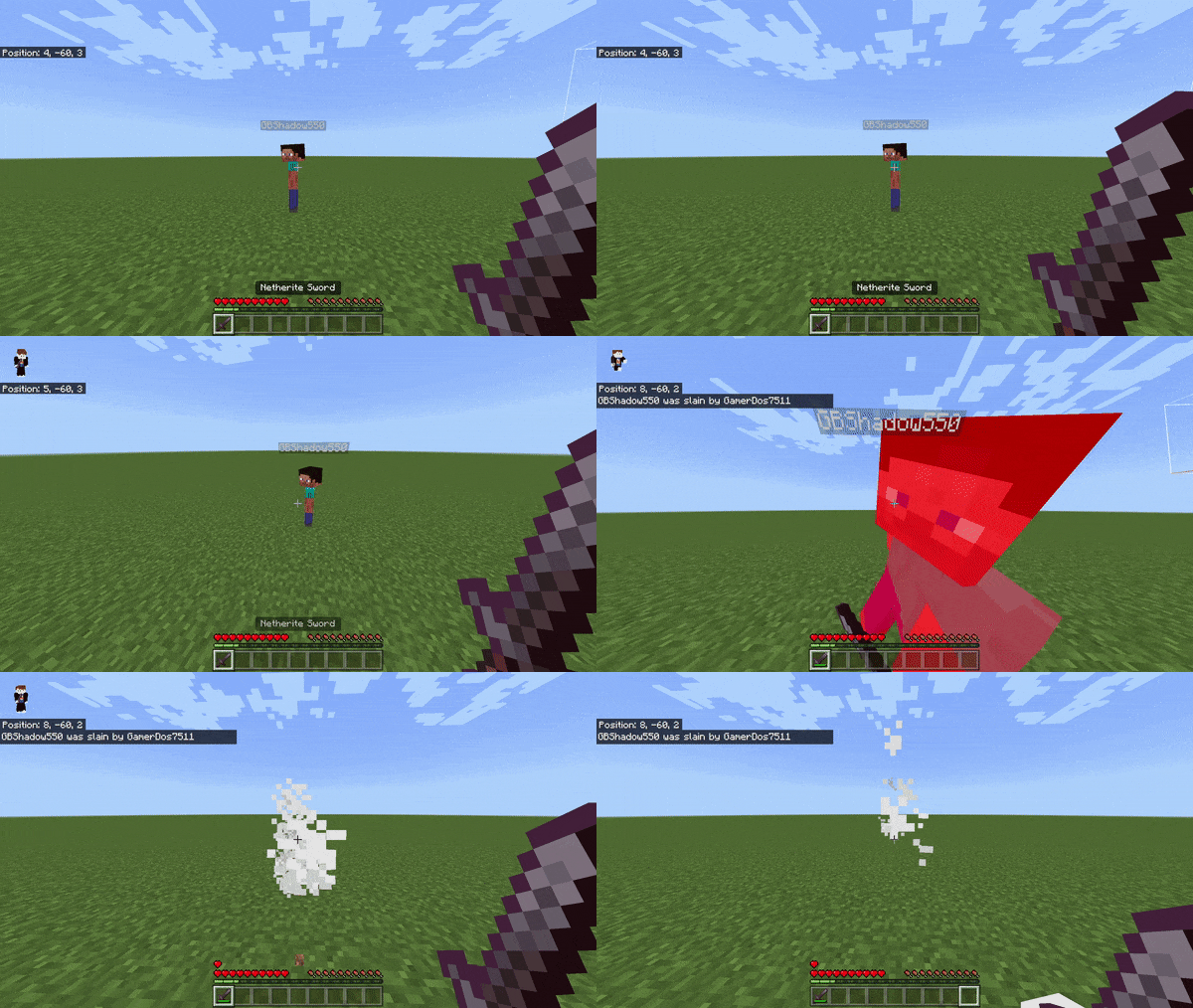
When you kill someone, you gain their heart and they lose one
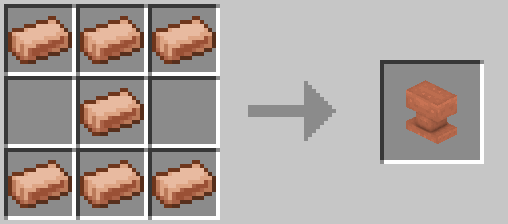
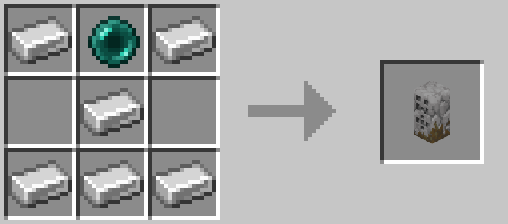
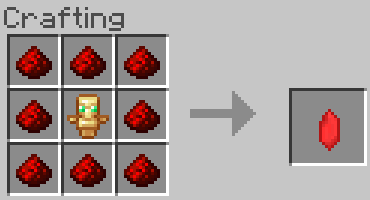
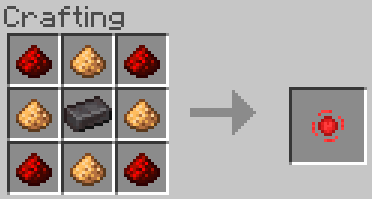
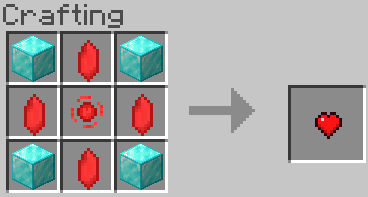
Hearts can be crafted, using this recipe down below:
Heart Fragment – Used to make hearts
Heart Essence – Used to make hearts
Heart – Used to gain 1 heart
Gain a heart by:
Killing another player:
Lose a heart by:
Getting killed:
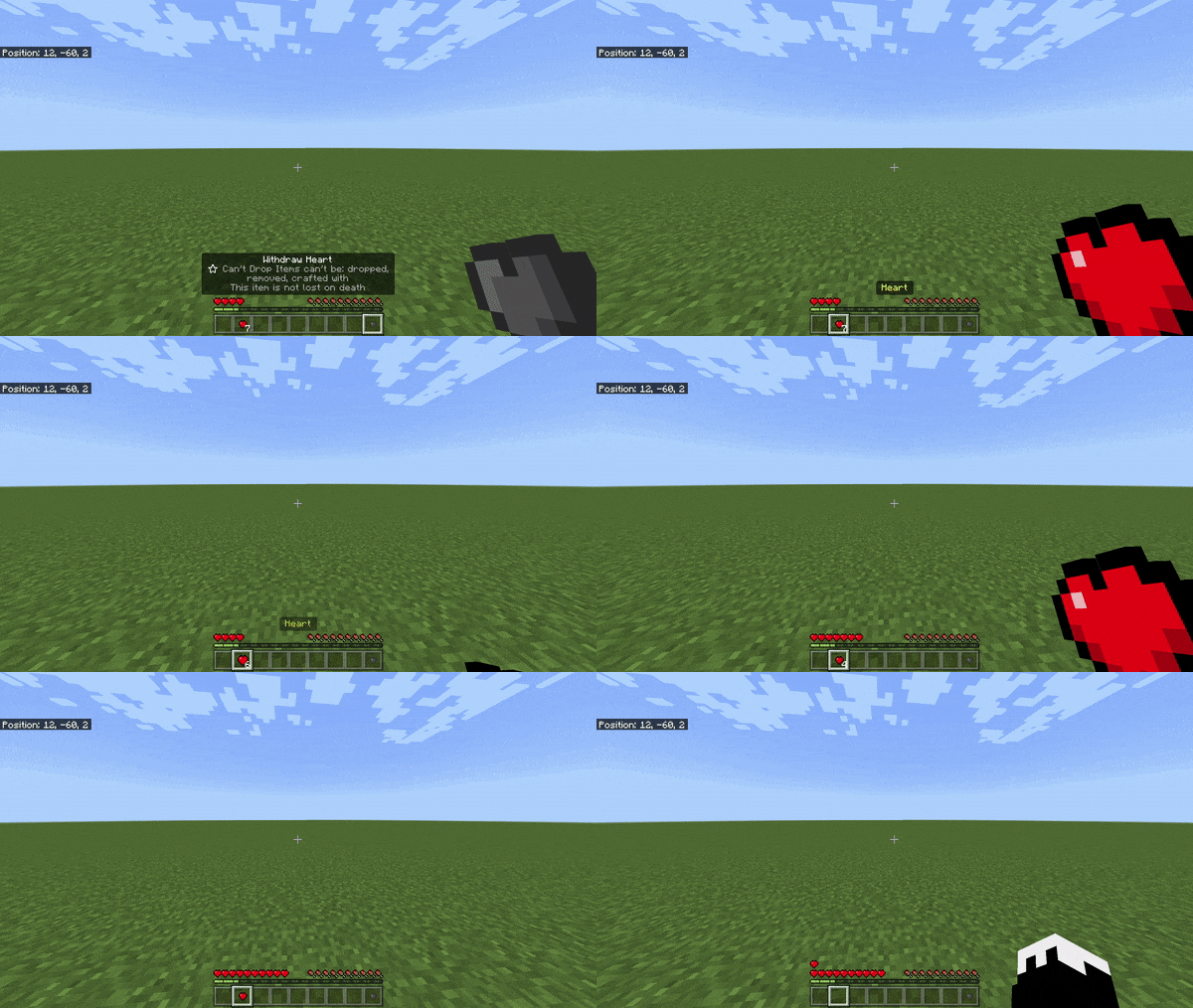
Withdrawing hearts
Hearts can be withdrew by doing ?withdraw <amount>
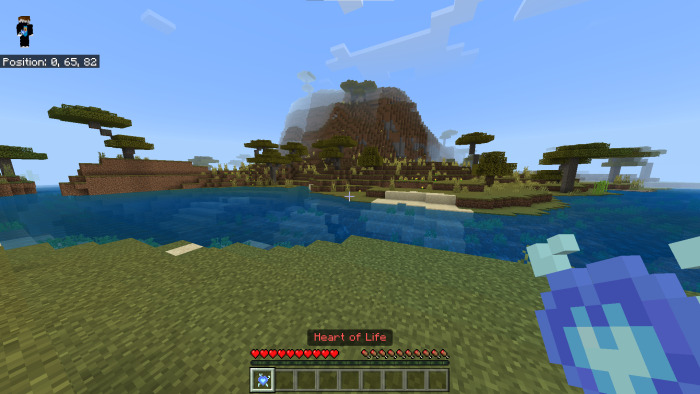
The heart of life
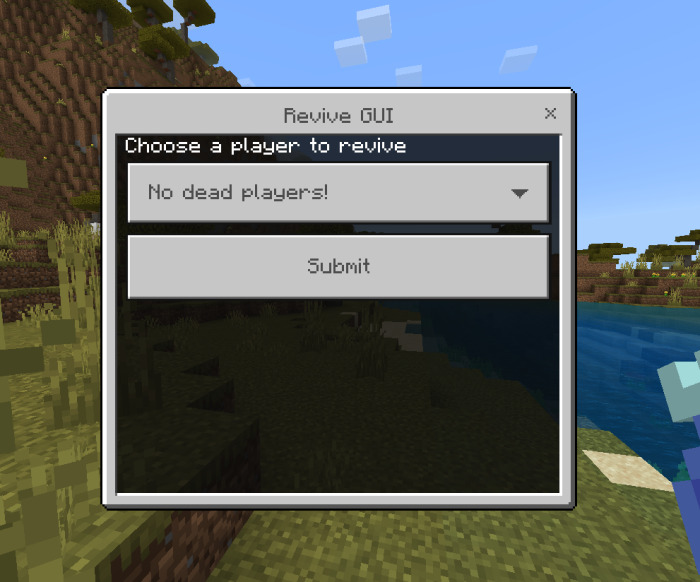
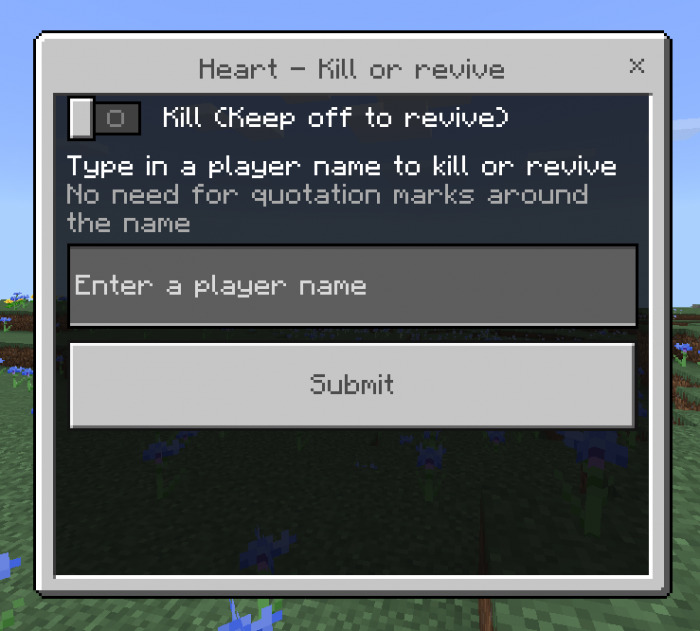
The heart of life can be used to revive people, to do it:
Hold the heart of life
Right click or use the heart
Select which player to revive
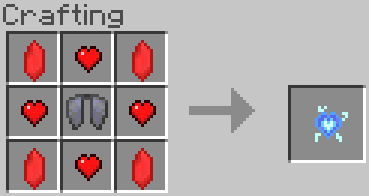
Craft it using this recipe:
Want to change the recipe?
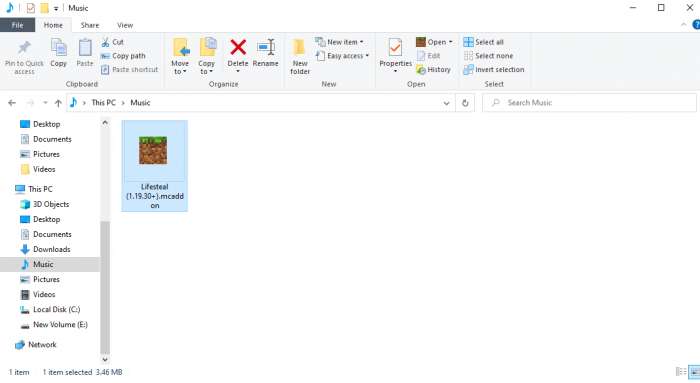
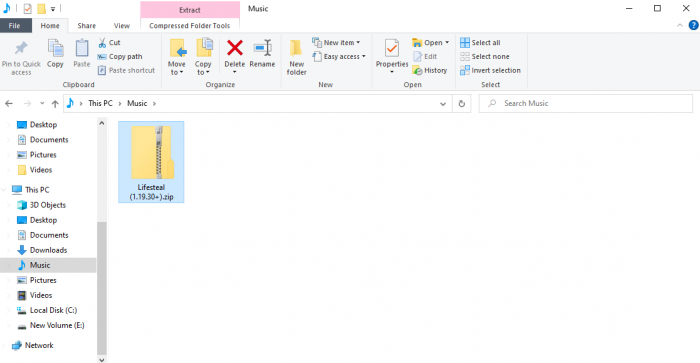
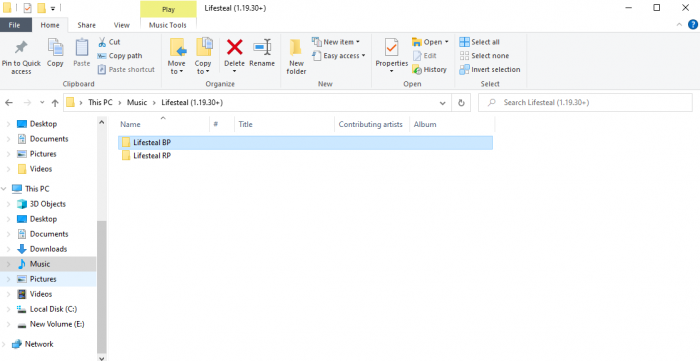
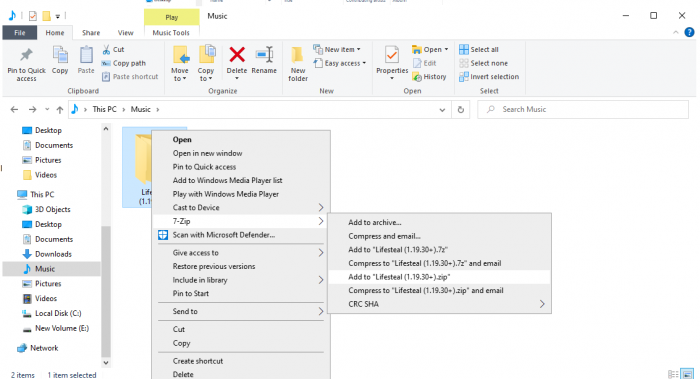
1. Open your file manager and go to the Lifesteal Addon
2. Rename it to lifesteal.zip
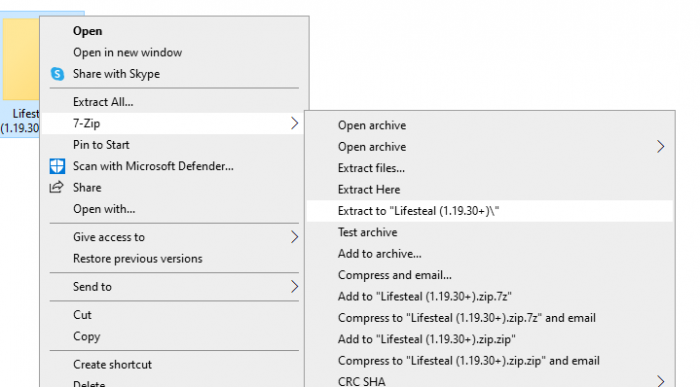
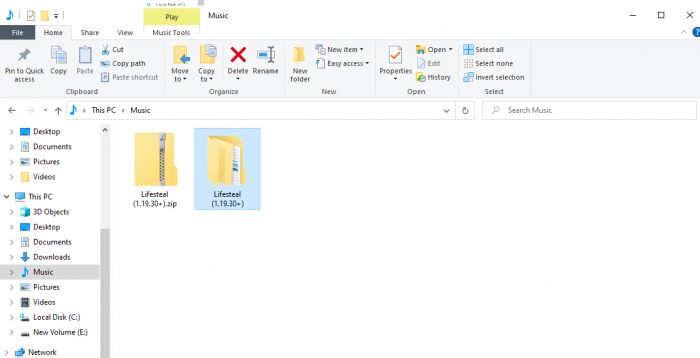
3. Extract the Lifesteal Addon and open the folder
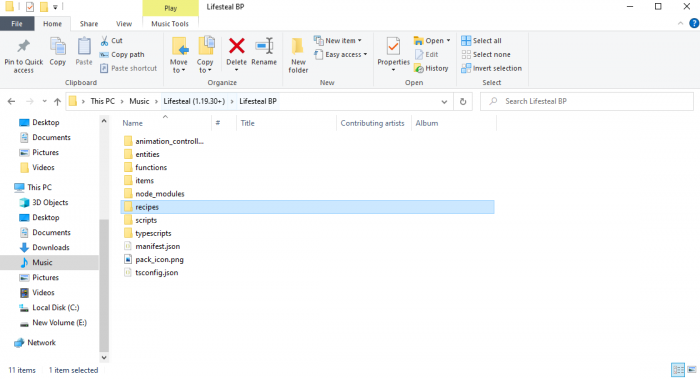
4. Open Lifesteal BP
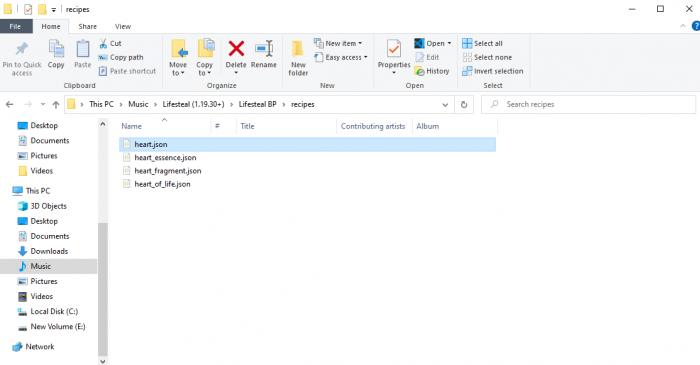
5. Open recipes
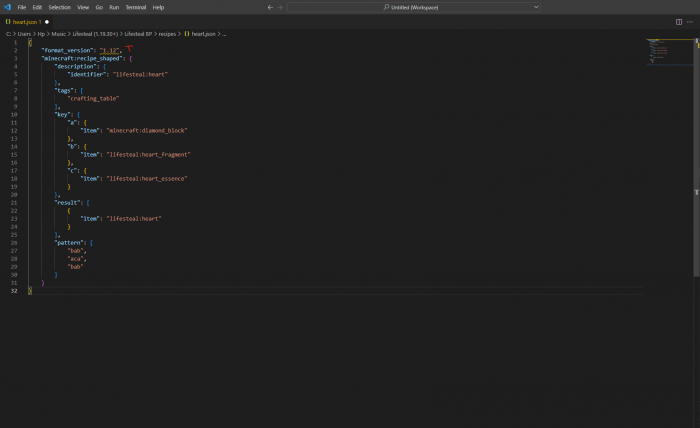
6. Open the recipe you want to change
7. Change the recipe! (Really easy)
8. Save the files and compress Lifesteal BP and RP again
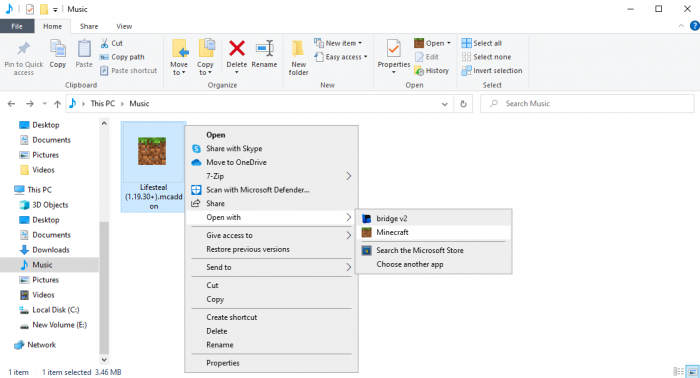
9. Rename lifesteal.zip to lifesteal.mcaddon and open it
For extra info, go to this Youtube video:
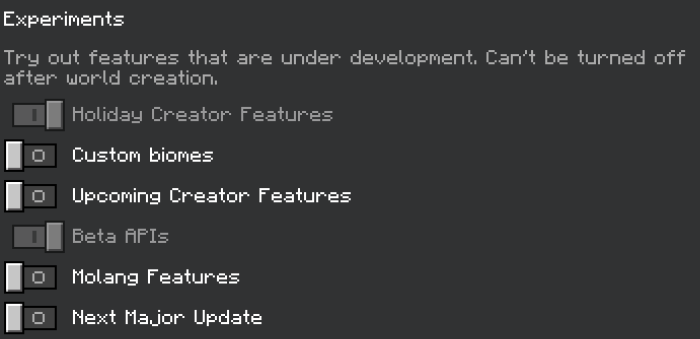
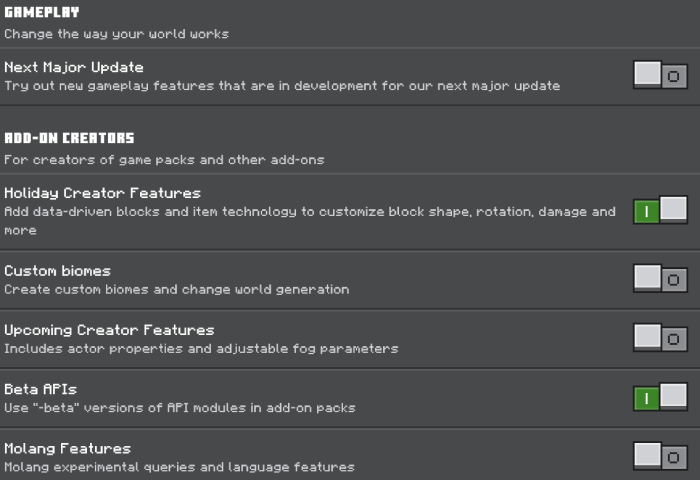
Required Experimental Gameplay:
OLD EXPERIMENTAL GAMEPLAY:
NEW EXPERIMENTAL GAMEPLAY:
Can’t see the images?
Holiday Creator Features
GameTest Framework/Beta APIs
Ghosts
When you die, you become a ghost Ghosts are permanently stuck in spectator mode
Commands
The prefix is ?
Normal Commands
?help | Messages you all the custom commands and their functions
?withdraw <amount> | Withdraws an amount of hearts
?revive <player> | Revives a ghost
?welcome | Show the welcome GUI
?heart display | Toggles Heart Display (Display your hearts over your head)
?heart show | Toggles Heart Show (Display your hearts only to yourself with an actionbar)
Staff Commands (/tag @s add lifesteal-opped)
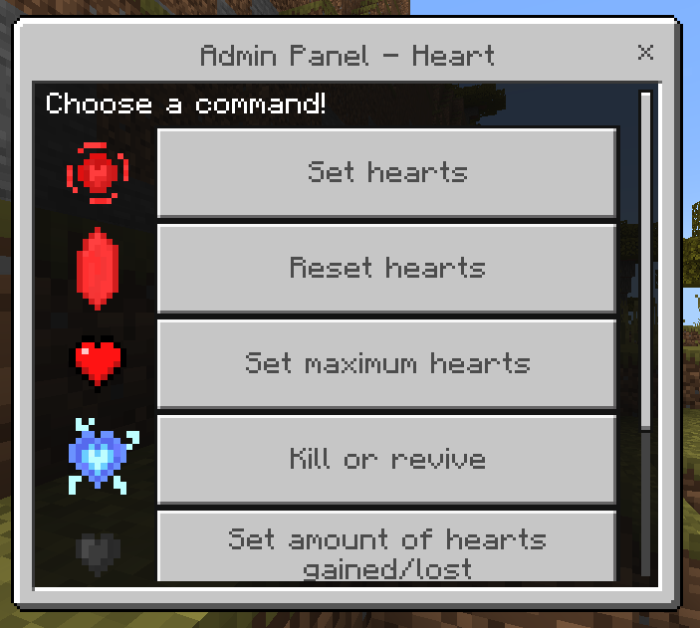
?adminpanel/admingui/ap | Open the admin panel
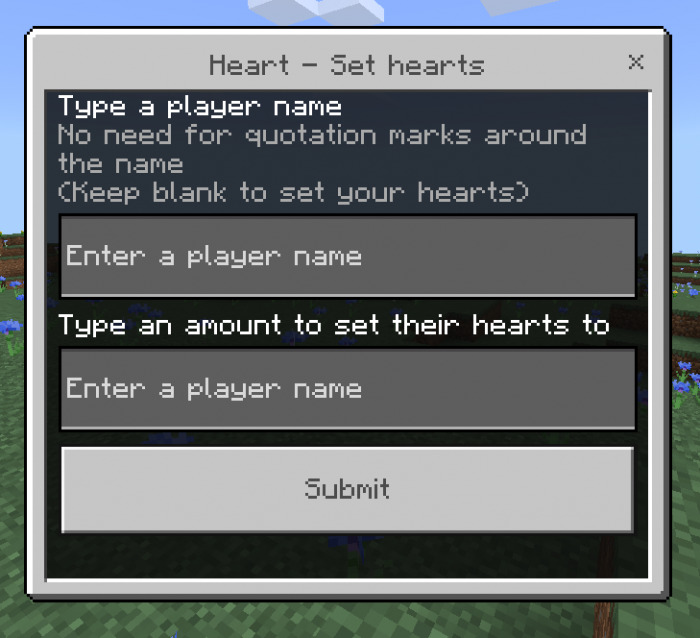
?heart set <player> <amount> | Set a player’s hearts to an amount
?heart add <player> <amount> | Adds to a player’s heart count
?heart remove <player> <amount> | Removes hearts from a player’s heart count
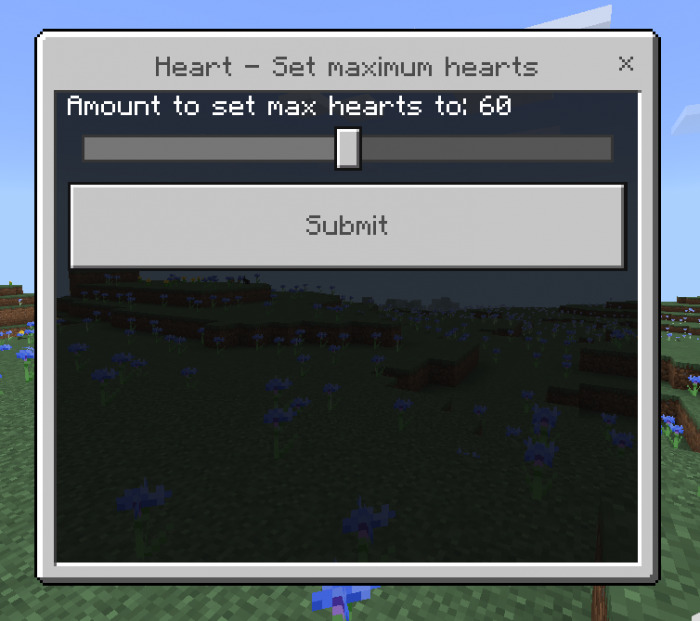
?heart setmax <20/30/40/50/60/70/80/90/100> | Set the maximum amount of hearts
?heart envsteal <true/false> | Toggle to turn environment steal on or off
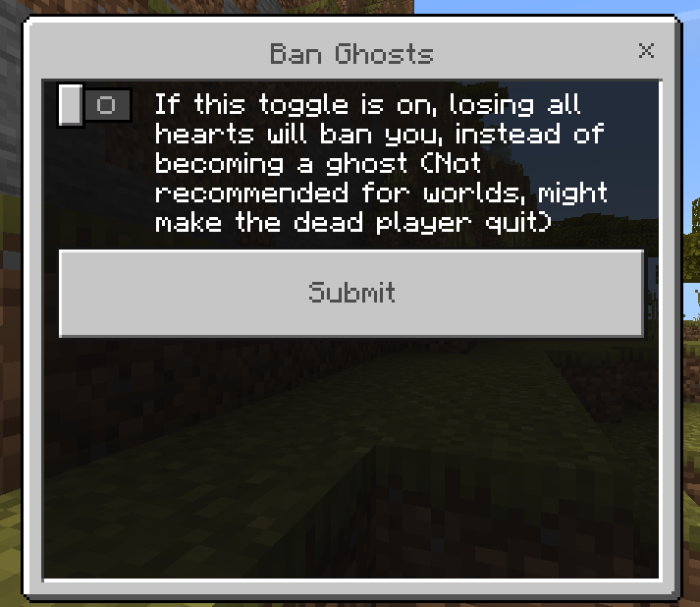
?heart banghosts <true/false> | Option to ban ghosts (Not recommended for worlds as the owner can’t get banned/kicked, also might make a player quit)
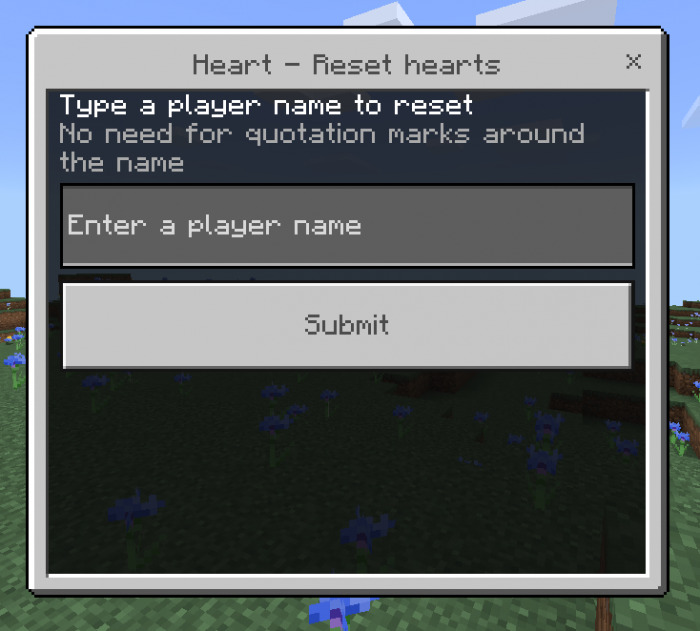
?heart reset <player> | Resets a player’s heart count
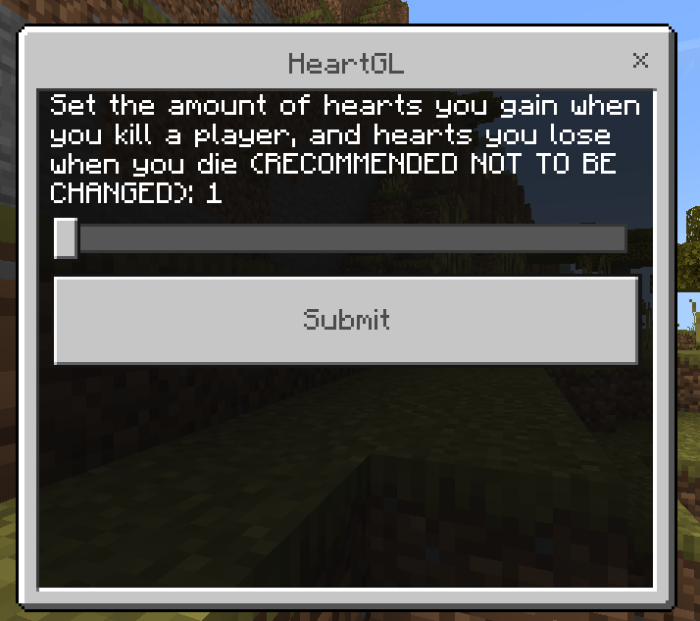
?heartgl <1-4> | Set the amount of hearts you gain/lose when you kill a player or die
?reviveamount <amount> | Sets the revive amount (How many hearts you get when you get revived)
?startamount <amount> | Sets the start amount (How many hearts you get when you first join)
?ghostbarrier <amount> | Sets the ghost barrier, (?ghostbarrier disable to disable) the ghost barrier is how much a ghost can travel before teleporting to 0, 0 again
?get <item> <amount> | Get a lifesteal item (heart, heart_essence, heart_of_life, withdraw_heart, and heart_fragment)
Environment Steal
If environment steal is on, you will lose hearts from mobs and other natural causes, if it isn’t, you will only lose hearts from players.
Admin Panel
The admin panel contains two commands, each with their own set of commands; let’s focus on the most significant one:
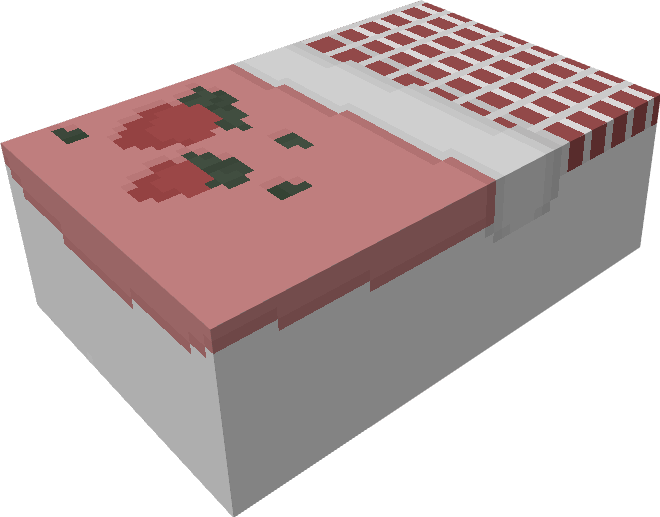
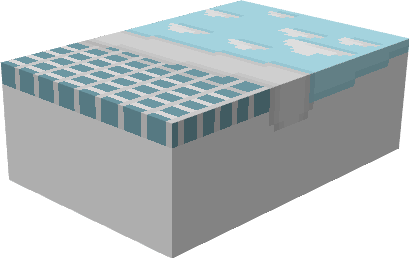
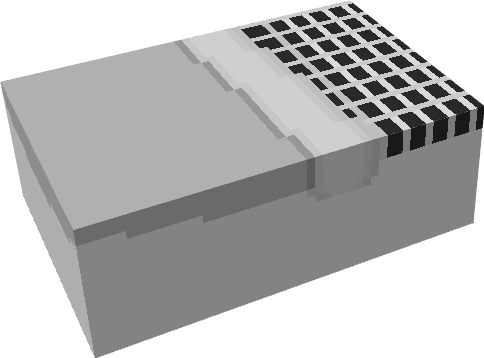
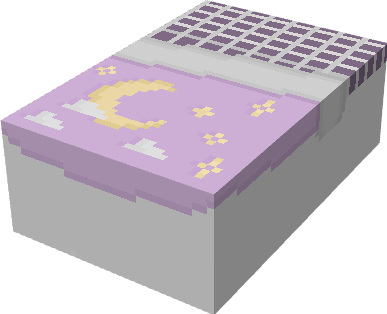
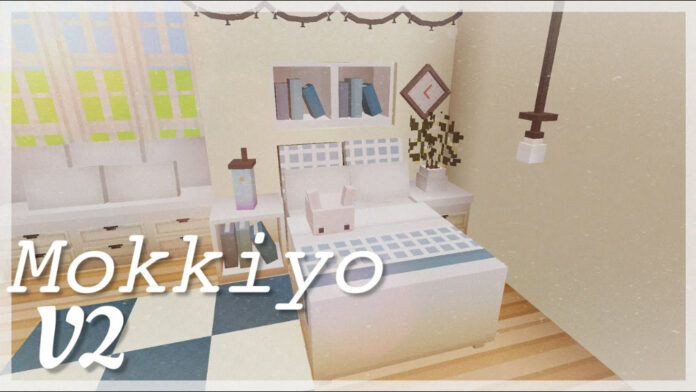
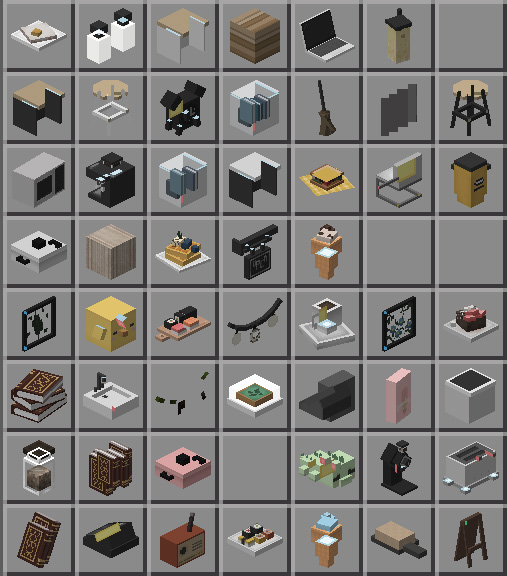
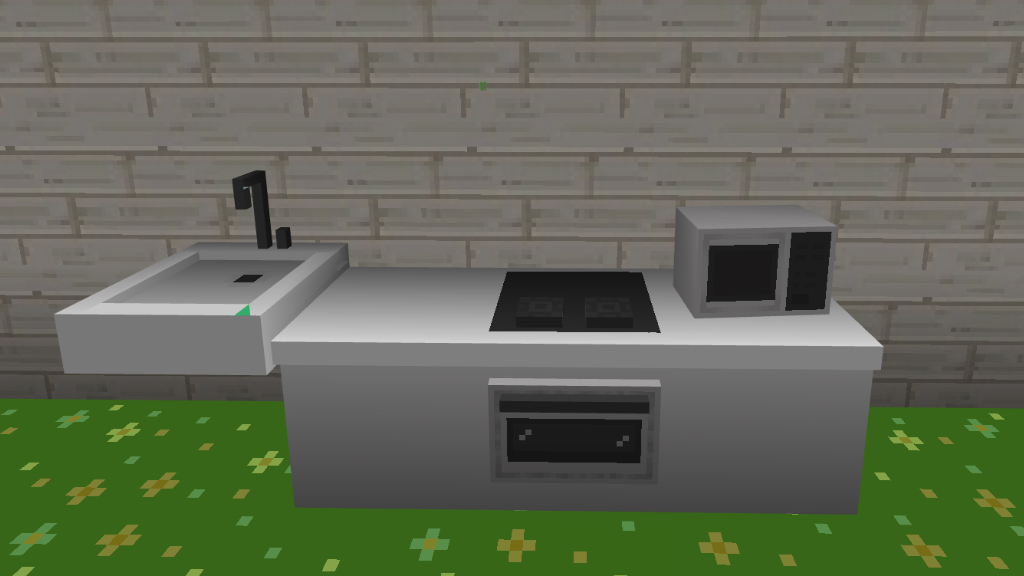
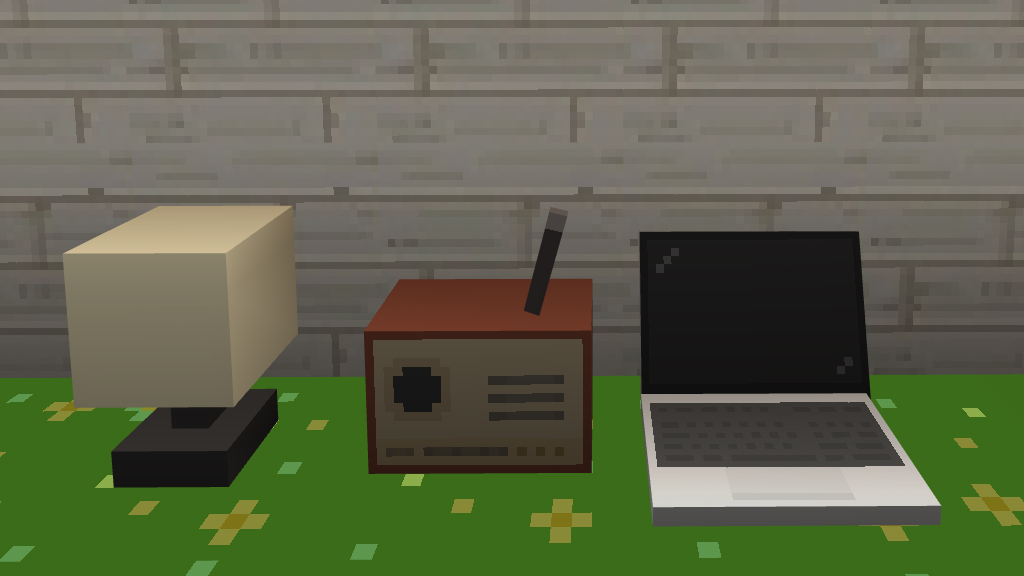
Mokkiyo Addon V2 is created by ItsMochie. You may get over 140 new ornamental objects for your home from Mokkiyo Addon V2. The decor elements’ simplicity and beauty, which maintain the look of Minecraft PE, are what give it its identity. When you begin designing your rooms one at a time, you will notice these traits, which will help you create a home that is both incredibly comfortable and artistically beautiful.