Google says file is too big to scan for viruses, is it a virus by chance?
ShaderMinecraft 1.19
Minecraft PE Patched | Fix all shaders added to game!
Updated April 15, 2026 1 screenshots

Advertisement
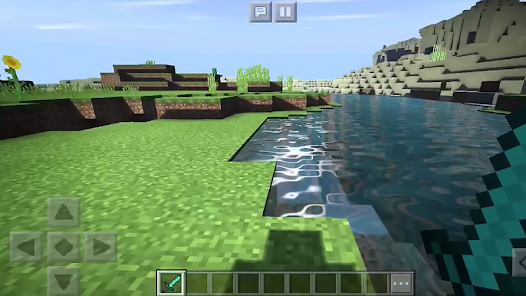
Lately the updates of Minecraft PE since 1.19 and right now is 1.20.50 1.20.60 or else hit different and heavily impacted to shaders we added into game. To experience the quality of RTX realistic graphics you want, download Minecraft PE Patched and enjoy the game!
Credit: Github
What is patched Minecraft?
Patched app is an APK file of Minecraft that includes the Materialbinloader supported by the developer of the Years Static Shader. With it you can easily apply or remove the Render Dragon shader pack, which is compatible with it, as a resource pack.
The Minecraft PE Patched APK will separated with the official Minecraft game so don't worry, it will not affected anything with your current worlds!
Download Minecraft PE Patched APK Free
| ↳Minecraft PE Patched Version 1.20.41.02 |
| ↳Minecraft PE Patched Version 1.20.51.01 |
| ↳Minecraft 1.20.81.01 Patched |
| Download Minecraft PE Patched 1.21.0.03 (unstable) |
| Minecraft Patched 1.21.2.02 (does not fully tested) |
| Minecraft PE Patched Version 1.21.60 |
↓↓Please watch the video below to understand how to do it↓↓
What is meant by patched version?
A software patch or fix is a quick-repair job for a piece of programming designed to resolve functionality issues, improve security or add new features . Throughout its lifetime, software will run into problems called bugs. A patch is the immediate fix to those problems.
What is render dragon in Minecraft?
This feature is exclusive to Bedrock Edition and Minecraft Education. A logo for RenderDragon found in Minecraft files. RenderDragon is a rendering engine used in Bedrock Edition preview mode, that runs on DirectX and OpenGL ES
.
Learn more at: https://mcpeaddons.com/what-is-render-dragon-in-minecraft-pe/
Advertisement
How do I enable resource packs in bedrock?
Testing the pack
1. Launch Minecraft and select Play.
2. Select Create New World.
3. Under Settings, scroll down to the Add-Ons section.
4. Click on Resource Packs to see all available packs.
5. Click the MY PACKS drop-down.
6. Select My RESOURCE Pack and click Activate to add the resource pack to the world.
7. Click Create.
Browse for more with us!
MCPE ADDONS
Download 1 file
Files are hosted by their creators. MCPE Addons links to them and does not re-host them.
Advertisement
Advertisement
16 comments
16 are archived from the original site, so nobody is waiting on a reply there.
Gooby Dona No it's not virus. The file is a little too big so Google Drive must warn you in advance
Naru12345 Hola
Zakky Halo
Igor Igor
Show 11 more commentsShow fewer
Murillo Nunes Gazola UNO
Koala Gluestick Hi! There's a new patch in the official Minecraft PE which is 1.21.50 The Garden Awakens. Can you somehow make an updated version of Minecraft PE Patched compatible for 1.21.40 - 1.21.50?
Ricky jan Yes
js real Hi
js real Hi can you please make a mod for minecraft education please? thank you so much. The mod can also be a world. (pvp, fighting, powers) Also please make it a direct download instead of linkvertise thx
toha It says "sorry unable to open file at this time" how to solve this????
Jhon Quiero descargar
agatha de sousa cardoso Agatha
Anav Rana Yoooo
Arkhan Shader lite
Ben10 It's good
More like this
 Shader1.21.0
How to Download Strawberry Deferred Shader | Minecraft Bedrock 2024
Strawberry Deferred Shader needs additional textures to activate it, without additional textures Strawberry Deferred will never be active!
ByDona 13k 4.2kAug 30, 2024
 Shader1.21
Luminous Dreams Shaders Minecraft Bedrock | Poggy’s Luminous Dreams Shader (1.21, 1.20) – Deferred Renderer Pack
Luminous Dreams Shaders Minecraft Bedrock (1.21, 1.20) is a visionary Deferred Renderer Pack (or Shader) that has been precisely developed for the bright …
ByDona 12k 4.1kNov 12, 2024
 Shader1.20.80
Solar Shaders MCPE | Minecraft Patched only (1.20.80 & 1.21)
NEW UPDATE!! Solar Shaders V7 available for Minecraft 1.21
ByDona 12k 4kJun 6, 2024
 Texture Pack1.19
Bicubic Shader (1.19 1.20+) | No Lag Shader for Render Dragon
The underwater caustic, 2D cloud, water reflection, water bump, and other features of the Bicubic Shader (1.19, 1.18) for Minecraft Bedrock Edition are in…
ByHunGo 12k 3.9kAug 24, 2022
 Shader
Shaderless Shader v2.0 - Render Dragon
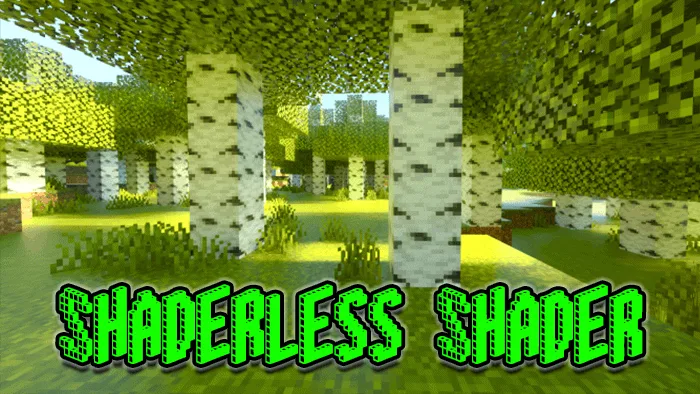
An ultra realistic shader for Minecraft Pe - Shaderless Shader will change the looks of the Minecraft game in a natural way. A shader but without shaders …
ByGemma 11k 3.8kMar 25, 2021
 Shader1.14.30
HTRE Shader | Minecraft PE Texture
HTRE Shader is one of the best shaders for slow devices, such as a Kindle Fire HD8 7th gen, which can barely run any nice shaders. I tried the highest-rat…
ByMei Mei 10k 3.4kApr 14, 2020
 Texture Pack1.1.01
SEUS PE Shader Renewed (Bedrock + Java) | Minecraft Texture Packs
The most realistic shader pack for Minecraft PE as of right now. The reflection of the sun's and moon's light on the lake creates a lovely sheen.
ByHunGo 9.9k 3.3kAug 15, 2022
 Shader1.17
GLSL PE Shader – Most Realistic Bedrock Shaders
One of the most lifelike Minecraft PE Shaders available for Android is GLSL PE Shader (1.18). With the addition of this MCPE shader, your game will have s…
ByDona 9.8k 3.3kJul 2, 2024