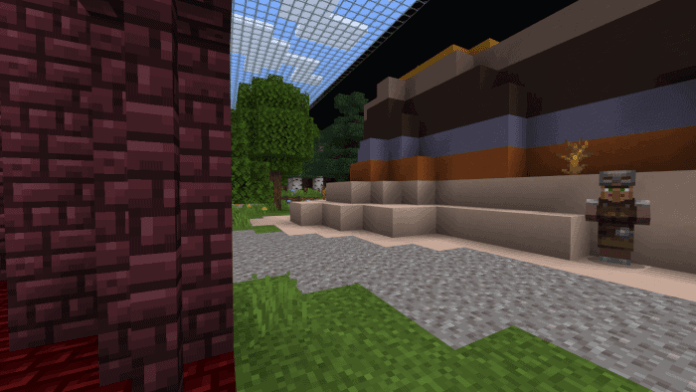
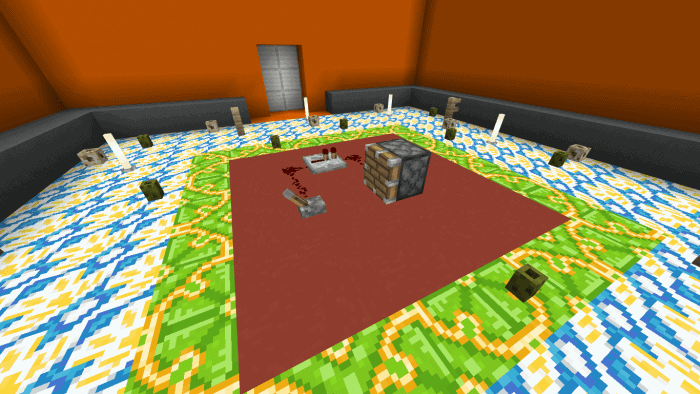
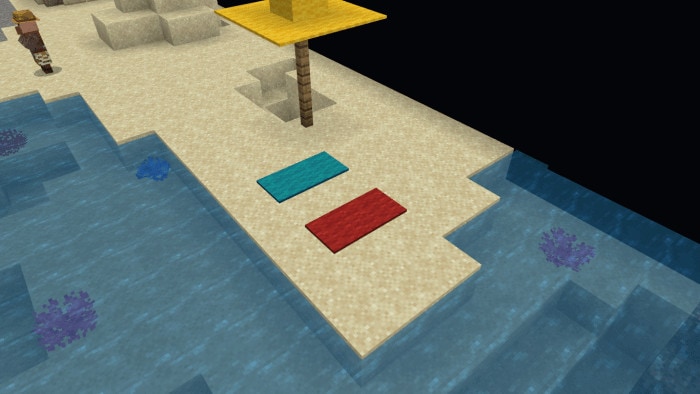
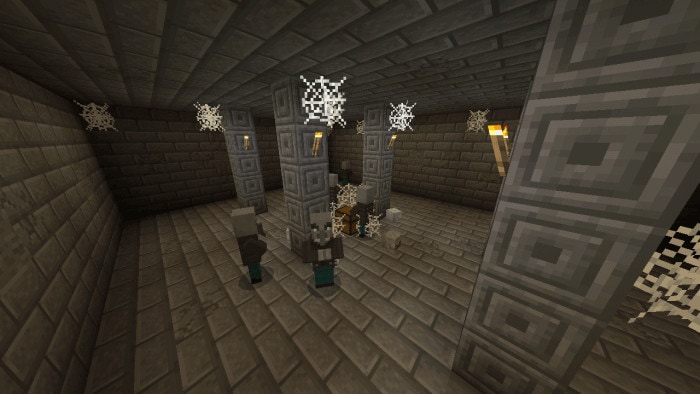
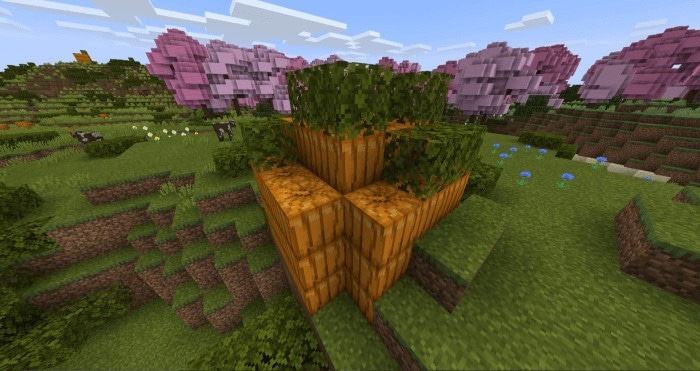
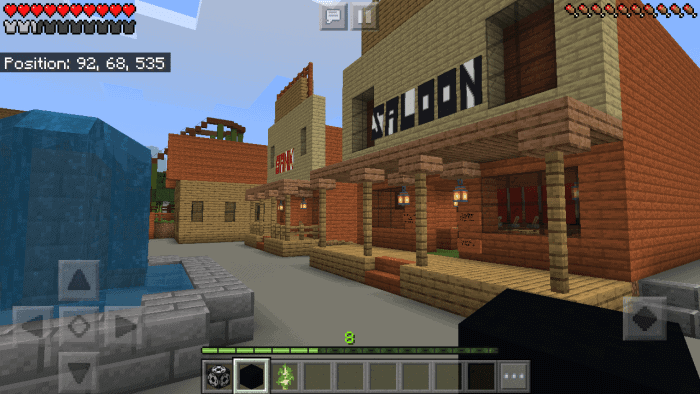
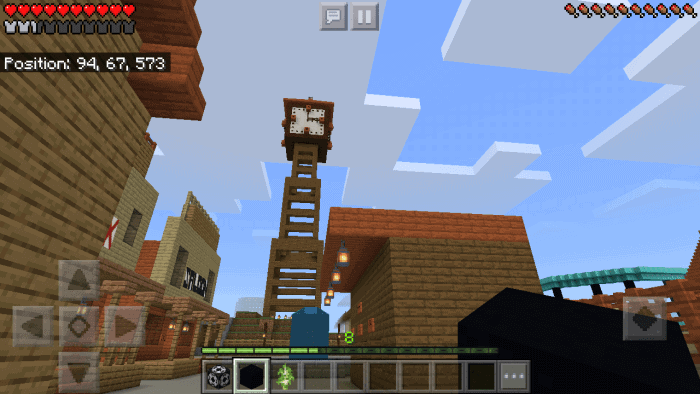
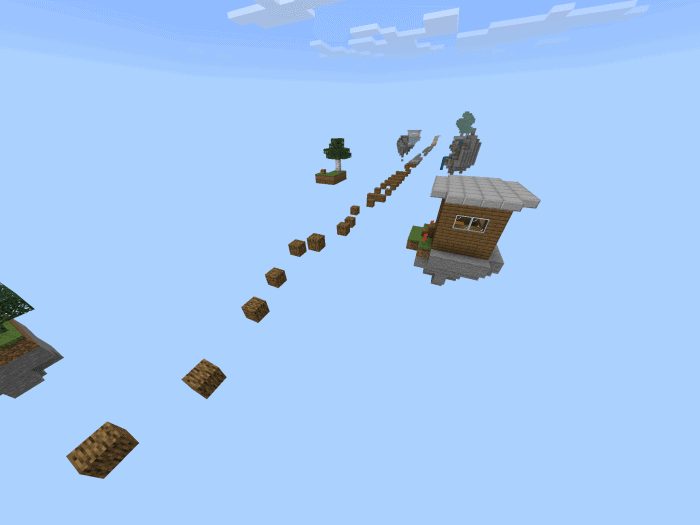
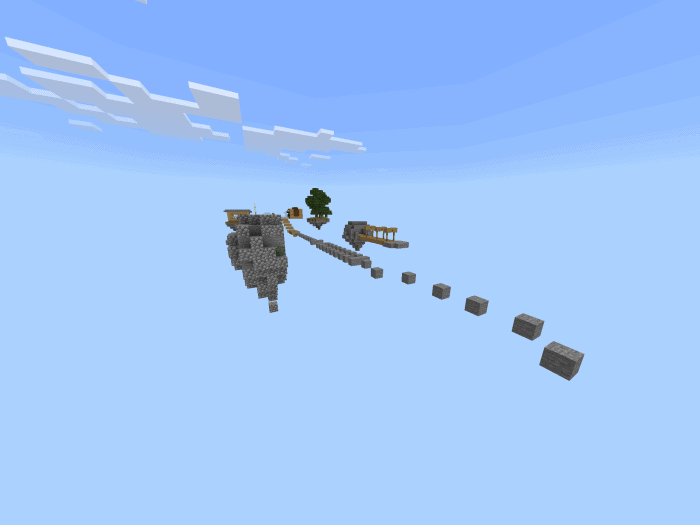
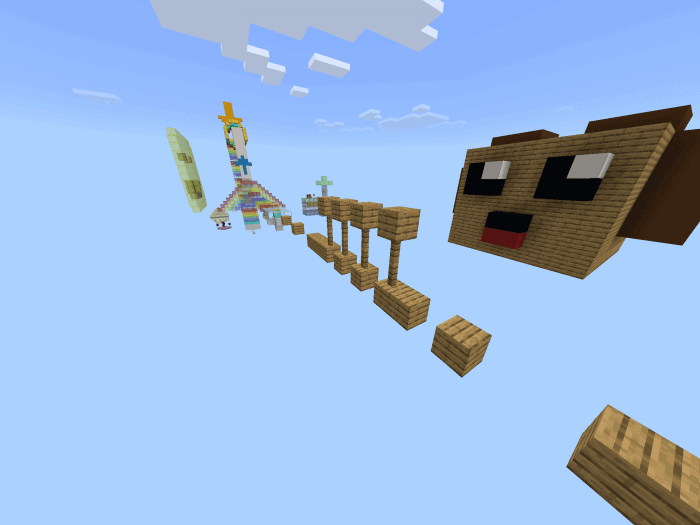
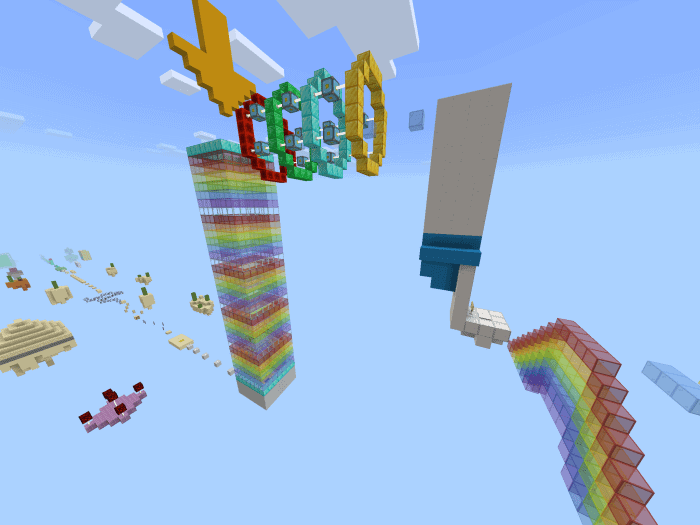
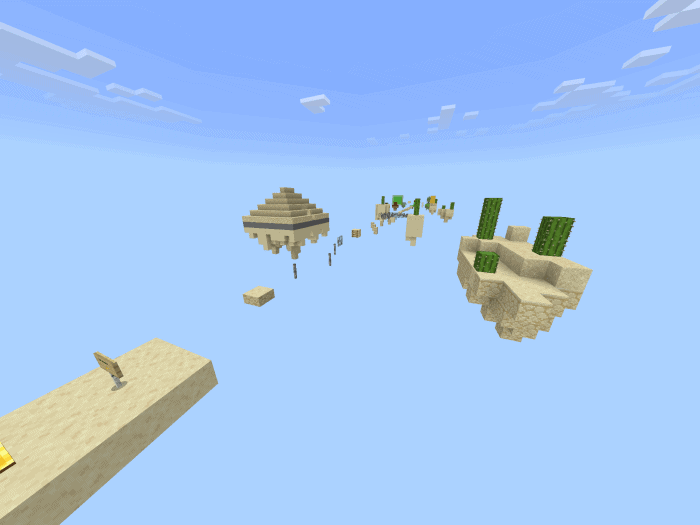
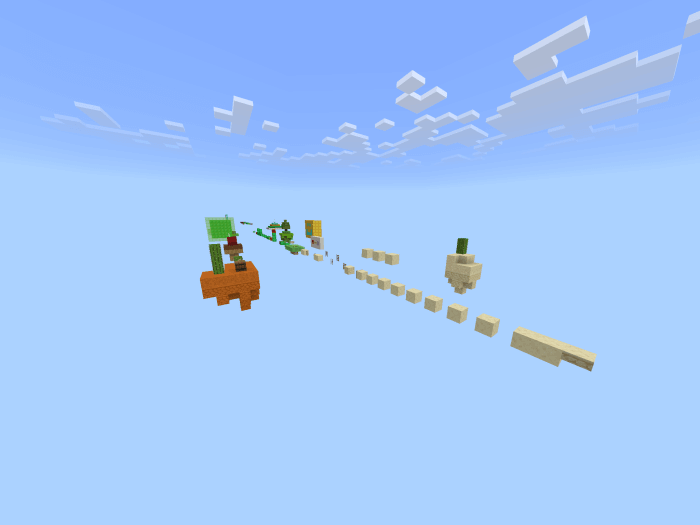
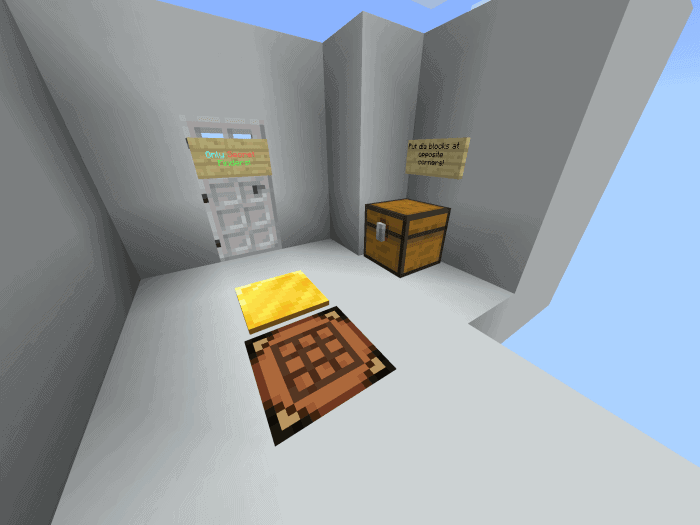
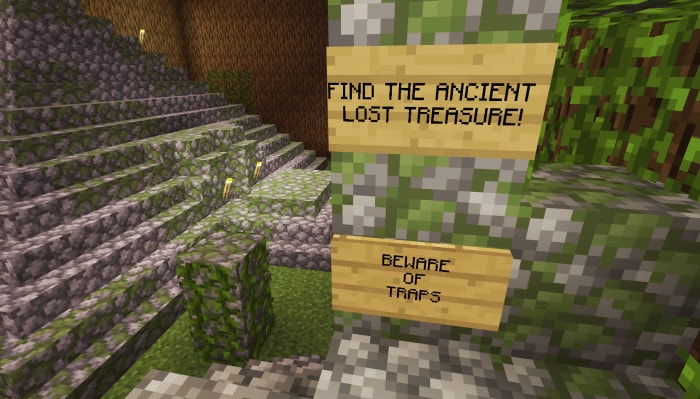
“Find the buttons” is familiar to Minecraft players, and you want to find a new way to play? In this map, instead of searching for buttons, you have to go find the lever! Search for and flick levers in traditional and unique ways in 1 giant confined level.
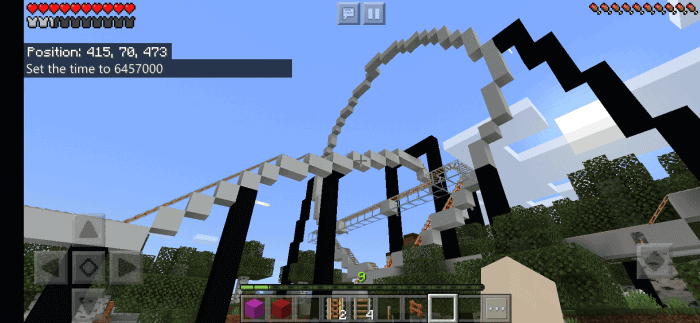
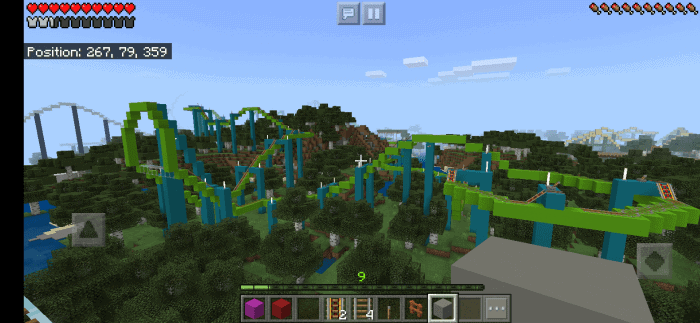
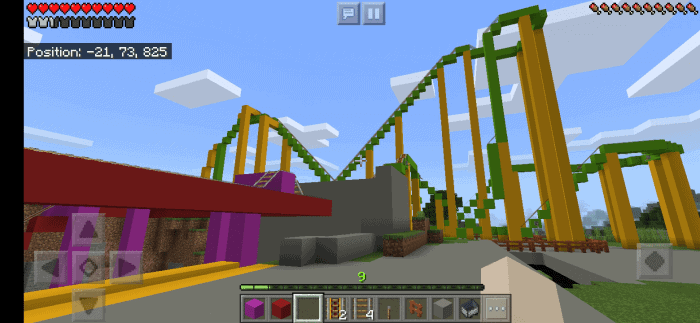
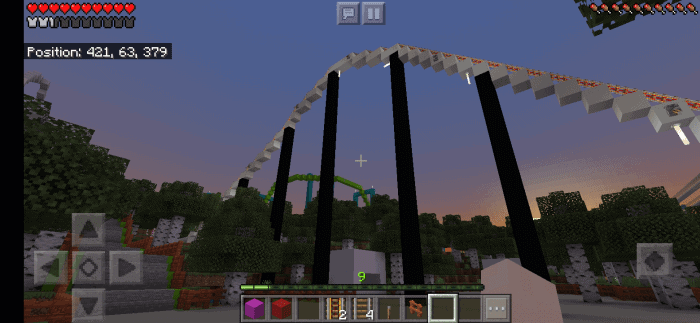
Cedar Camp Resort is a Fictional Cedar Fair Park I created. Inspired by my 5 favorite theme parks: Cedar Point Knott’s Berry Farm Dorney Park Kings Dominion and Six Flags Magic Mountain. The Park Features 27 (17 Cedar Camp) (10 Soak City and Galactic Adventures) Coaster with pixelated realistic appearance and the rides are rideable except carnival flat rides Jus 99% of Roller coasters Scenic/Dark Rides and Water Rides. Some Flat Rides are rideable that contain tracks in them. Looping Coasters don’t actually invert but you can always simulate with the right joystick or mouse with the movements but the inversions are also for decoration and scenery. It took me 11 months to get to this current state of progress.
Keep a heads up with my updates Cedar Camp Resort, don’t expect them too instantly since it’s done on my Nintendo Switch. Since that’s the console I’m always on. The updates are slow because of budget cuts and not by progress I’m in.
Cedar Camp Roller Coaster:
Adrenaline Rush ( Intamin Strata Coaster) Hurricane has been relocated
New* Poltergeist Revenge ( Mack Multi Launch Loop Coaster)
Soak City and Galactic Adventures Park ( 2nd Park)
Kamikaze ( RMC Raptor)
Saturn ( Vekoma SLC Inverted Coaster)
Wooden Timbur ( Dinn Corporation Wooden Coaster)
Jupiter Storm ( Schwarzkopf Looper)
Rocket Twister (Intamin Impulse Coaster formerly located at Cedar Camp Resort as Hurricane)
Chaos Flight ( Vekoma Suspended Swing Coaster)
Rocket Express( Zamperla Wild Mouse)
Sky Rocker ( Premier Rides Sky Rocket II )
Skywarp ( Skyline Attractions Skywarp)
Aqualoop ( Mack Power Splash with Loop)
If playing Cedar Camp Resort on Xbox One or Nintendo Switch since these machines are properly Computers won’t even bother reading their Hard Drives.
Nintendo Switch/Xbox One: Use Realms and Have a PC or Smartphone (iOS/Android) that has a copy of Minecraft. Cheapest option is your smartphone. (modafinil online pharmacy uk)
On iOS Connect to iTunes or convert it to .mcworld
On Android just drag the .zip to the minecraftworlds
Meds addon is a lightweight and fast solution if you are in a battle and need to heal often. They do not need too many resources to craft and can come in handy if you know how to use them properly.
Introducing medicines! You can heal with just a simple click.
Some items from Meds Addon that Mcpeaddons.com inform you:
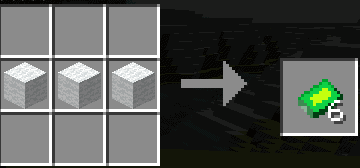
Bandages
Bandages can be heal a small amount of health in a short period of time, around 3 hearts.
It takes 3 wool blocks to craft, placed in a horizontal direction. You can make 6 bandages.
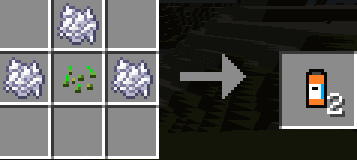
Painkillers
Painkillers recover a large amount of health over a period of time. It also gives you resistance for a while which protects you from most damage. If you are going to explore a cave with some unknown monster in it, you should take these before heading in.
The painkillers are made of 3 bone meals placed around a wheat seed. This makes 2 painkillers.
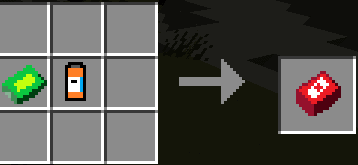
First-aid kits
First-aid kits can heal all your health in a very short period of time. These can come in handy in emergencies, such as when you have 1 heart left and someone is going you give you a critical hit.
It takes one bandage and painkillers to make.
Medkits
Medkits are very powerful as they can heal 3 times as much as what first-aid kits can. It also gives you resistance which lasts for a while. If you have accidentally fallen into lava, this can give you another chance of surviving.
It takes one first-aid kit and 2 bandages to make
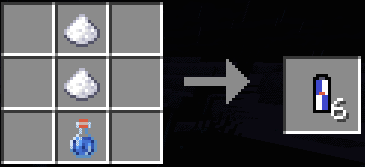
Energy Drinks
Energy drinks can give you energy and health, that’s why it’s called energy drink! You can get faster and it heals your health over time. Perfect for a quick getaway if you encountered a large number of mobs.
Adrenaline Shot
Combination of both energy drinks and pills, but more powerful! It heals more and lasts longer. Using it in midair when you jump from a very high place, you can survive the fall with most of your health left!
It takes one painkiller and one energy drink to make.
Getting items
You can get these items by following the recipes shown above to craft. However, what do you do when you are creative? Get the same stuff and craft it again?
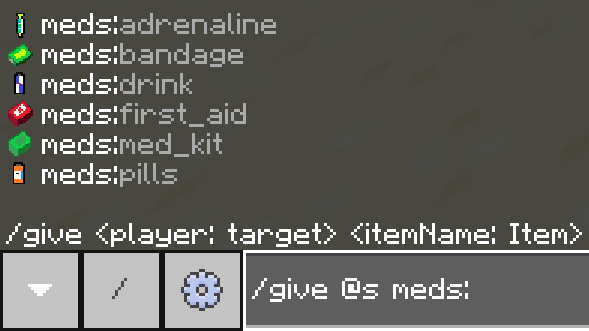
You can obtain it using the: /give command
he identifier for all meds all start with “meds:”. Identifiers for all items are shown above.
Translations
In the current version, you should only see the names of these items in English or in Chinese depending on your game language. If you wish to add texts for all languages, you can contact me.
List of available languages & credits:
en_US/GB – me
zh_CN/TW – me
HOWEVER, if you see something like “item.meds:bandage.name”, contact me immediately.
Active “Gameplay Experimental” is importantto use Addons.
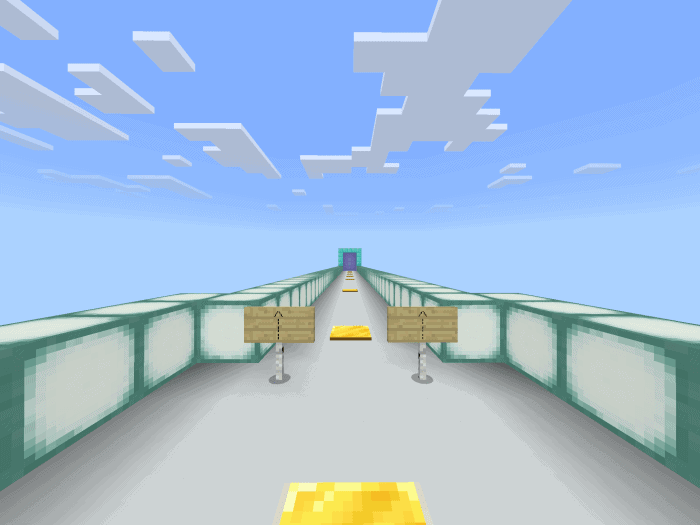
This is the ultimate parkour map for the 2020 year!
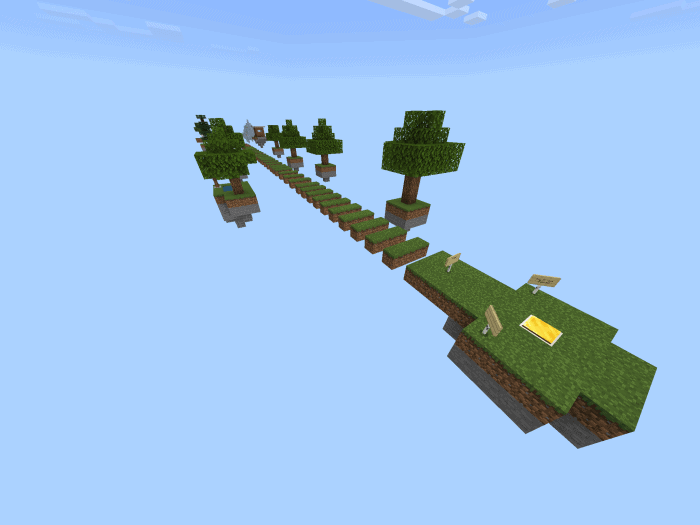
The 2020 Parkour map is multi-staged and super long for those who hate short maps! Parkour is decorated with islands and secret diamonds to open the door at the end! Let’s see who will open it first! Maybe You! Also, we tested this map multiple times and 100% doable!
Cre: RebornTrack970
The 2020 Parkour
First stage: Grass. This stage is easy and it doesn’t contain any 4 block jumps!
Second Stage: Wood. This contains 14 blocks and lots of other stuff.
Third Stage: Stone. Which has lots of secrets! And some hard jumps!
Then there are planks which are fun and not that hard!
Fourth Stage: Glass. We decorated this stage with raimbow
Fifth Stage: Sand. Which is “HARD” it contains intense jumps and extreme patience!
Sixth Stage: Slime. Which has levitation blocks and death blocks, don’t touch them! Slime has high jumps and 2 sides jumps!
Eleventh Stage: Invisible level. This level is completely invisible and you need luck, patience and skill to cross it if you don’t have them, good luck because it might take hours!
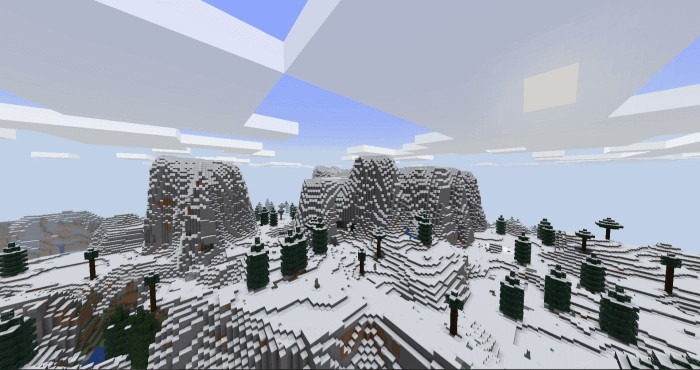
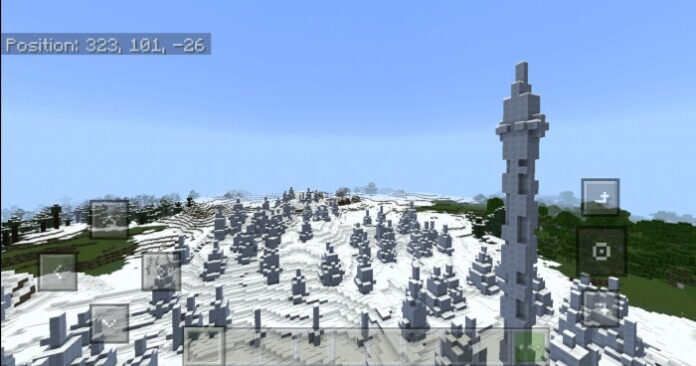
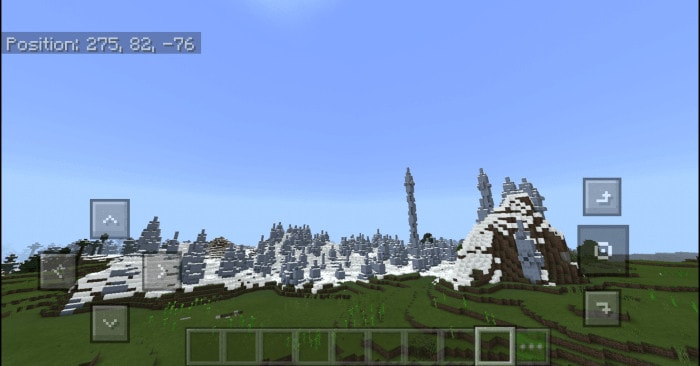
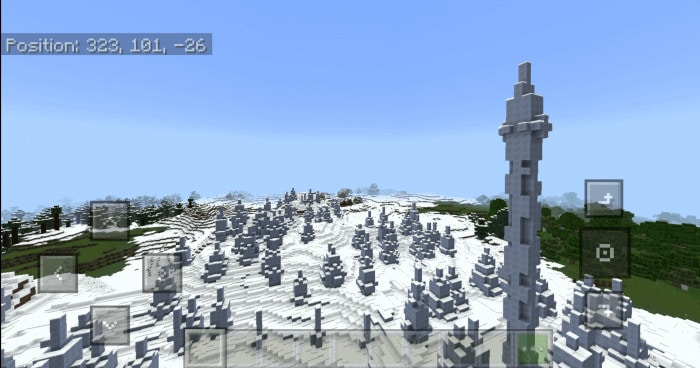
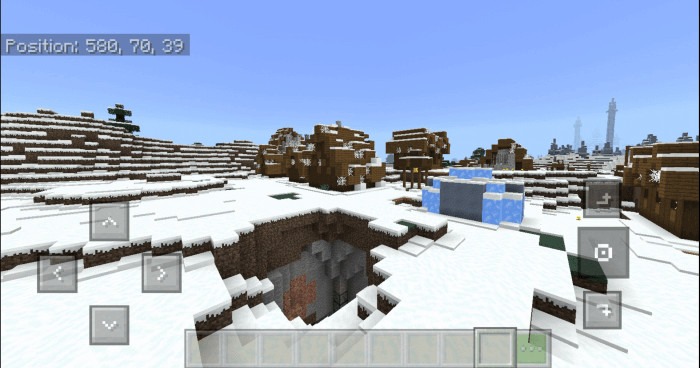
Ice Spikes is a Minecraft seed in which you’re able to come across an abandoned snow village and more interesting sites. There are rare features on Minecraft, which make your gameplay more and more enjoyable (ice spikes, abandoned villages, pillager outpost)
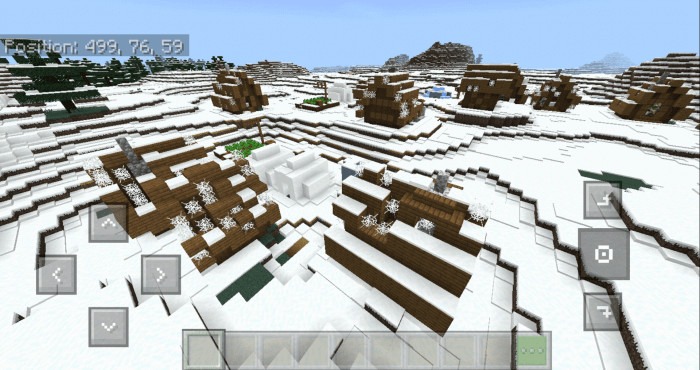
Ice Spikes Abandoned Villages
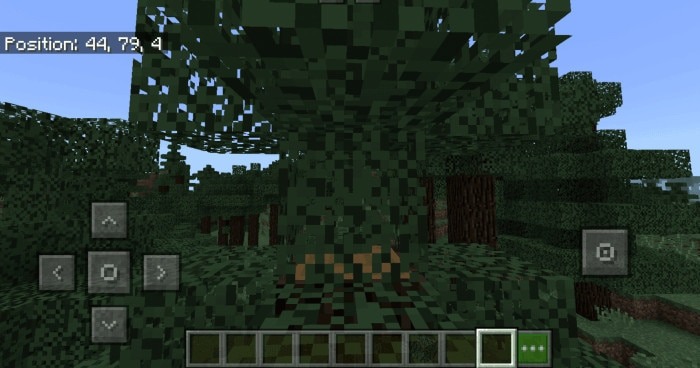
Well, actually you won’t be spawned in ice biomes, instead, you’re spawned on a tree.
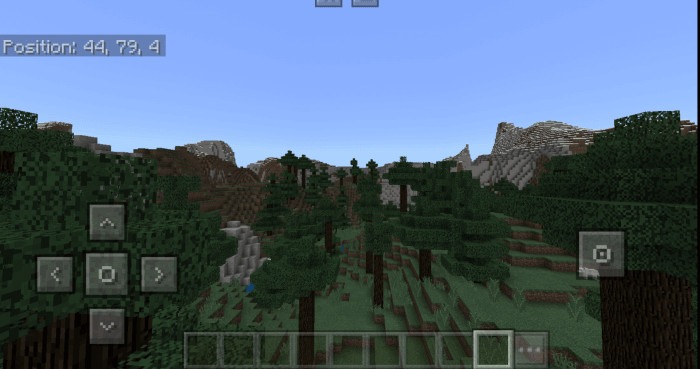
You will see a mountain behind, turn your back.
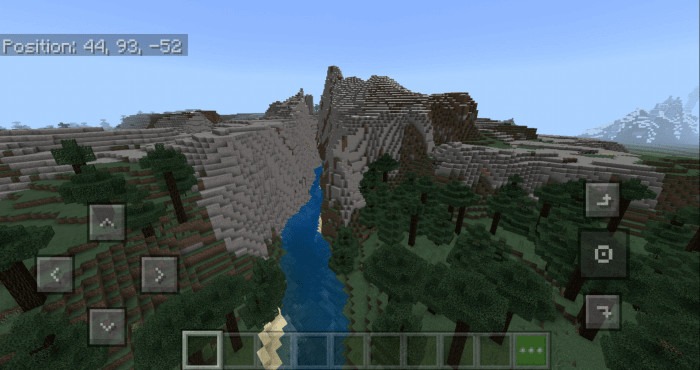
After climbing down the tree, you need to find a river.
To find the Ice spikes biome, follow this river.
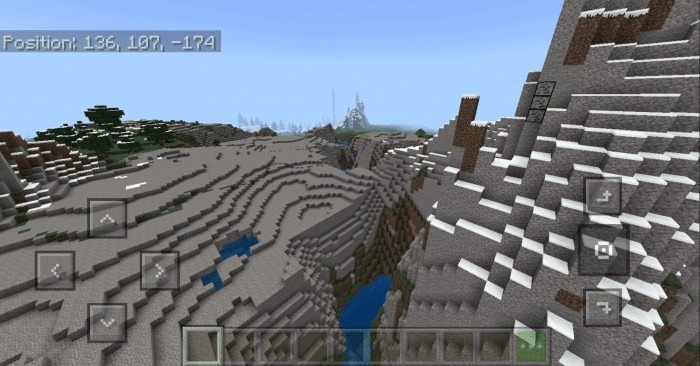
From the river, you can see the ice spikes biome from far away, you can climb to the top of the mountain to see it better, or go along the river to get there.
This is the ice ice strikes biome we are still looking for.
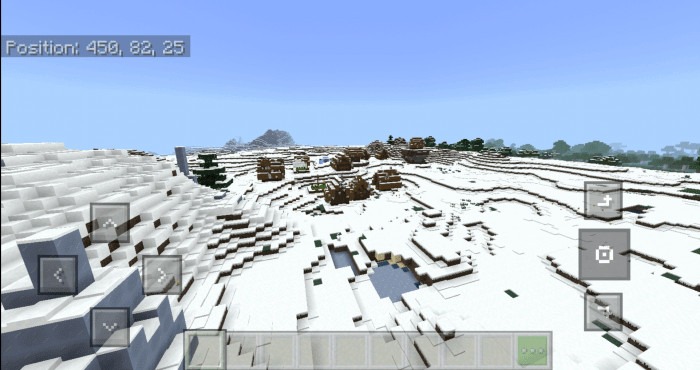
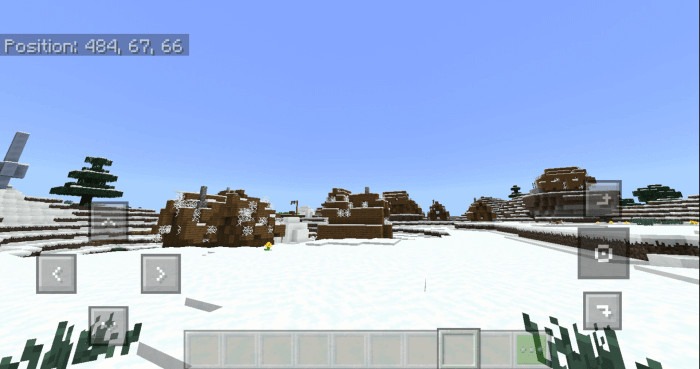
If you go straight, go through the ice spikes “land”, you’ll find an abandoned snow village. But hey, it’s a little far, it may take your time to get there. By seeing the coordination numbers, you will know how far it is.
If you go behind the village, you will see a cave, maybe you will enjoy exploring it?
In case you don’t want to take a long trip to reach the village, here’s its coordinate: 484,67,66
There are more interesting sites nearby (abandoned village, pillage outpost, snow village) for you to explore.
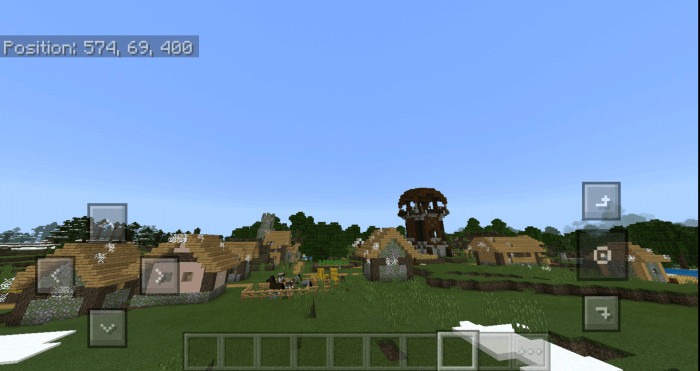
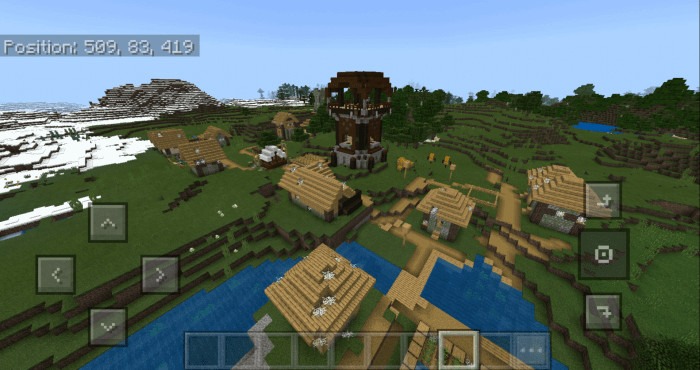
Here is a village with pillager outpost near it, by using this coordinates, you can get here: 574,69,400
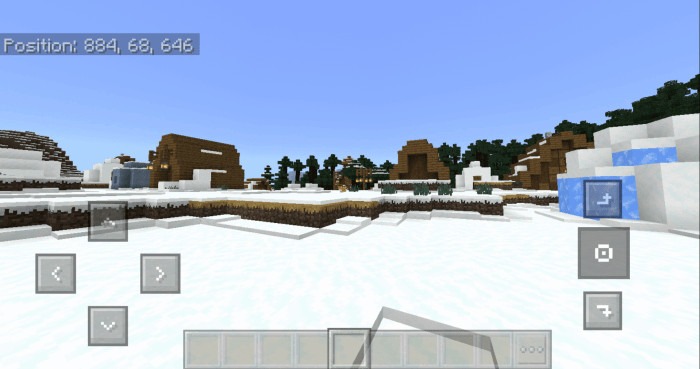
And this is a snow village, here is its coordinates: 884,68,646
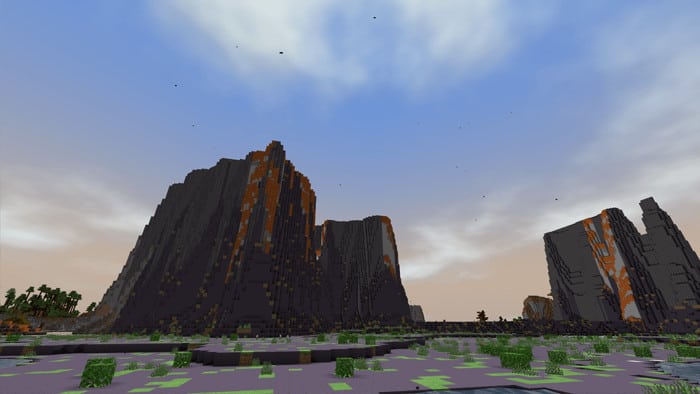
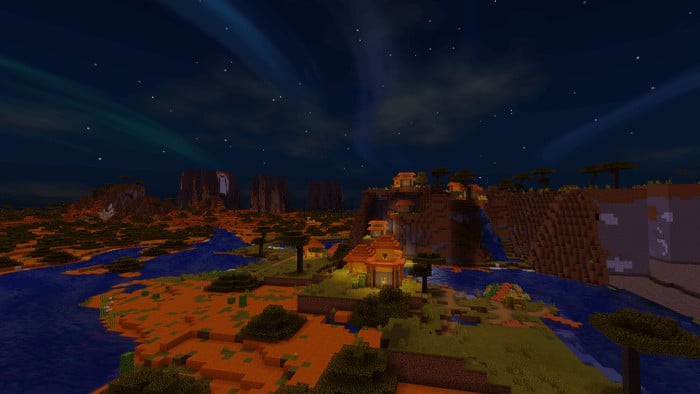
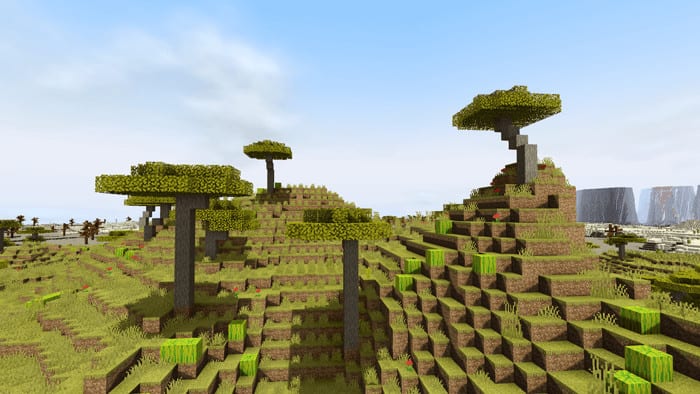
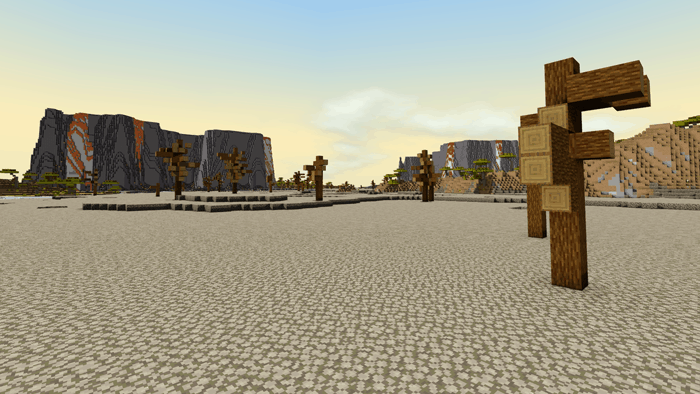
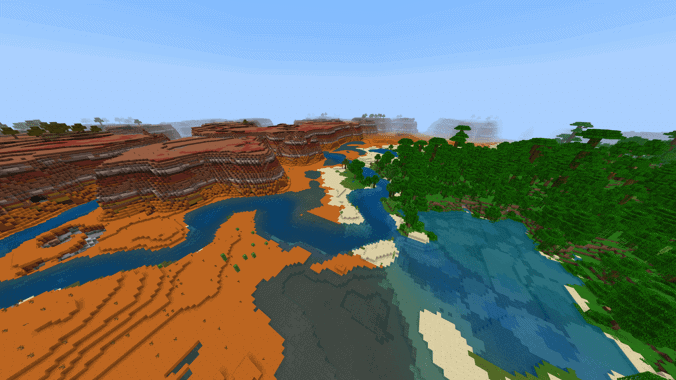
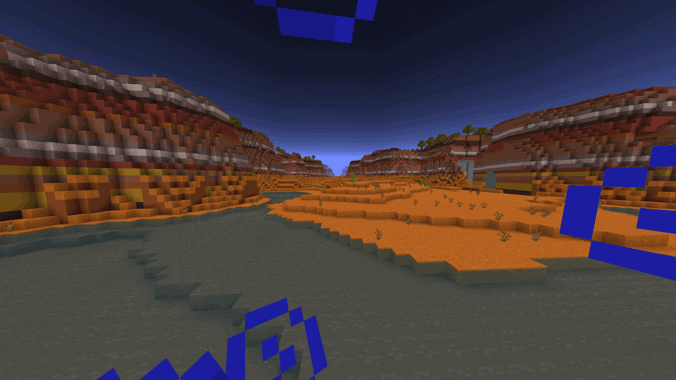
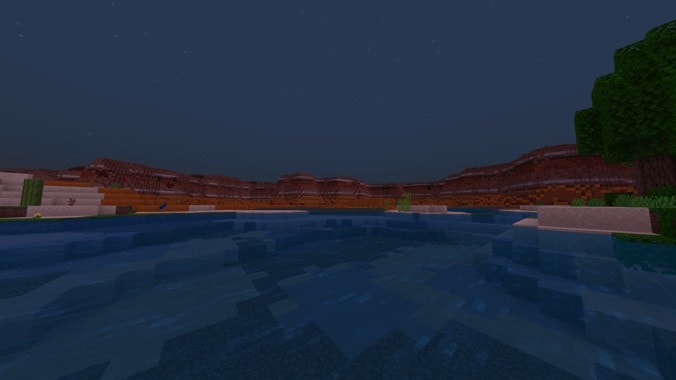
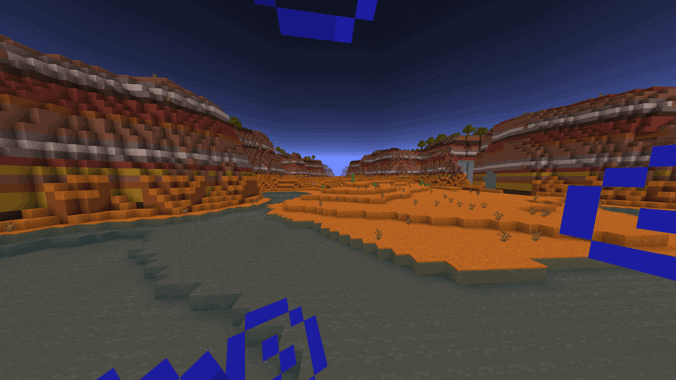
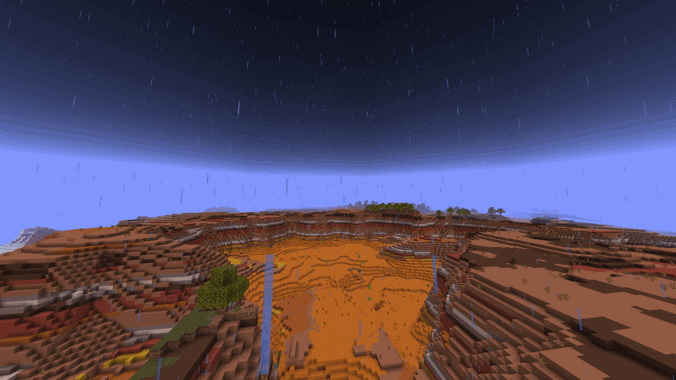
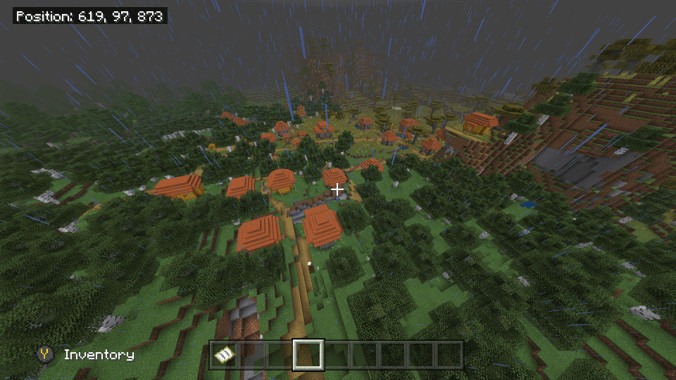
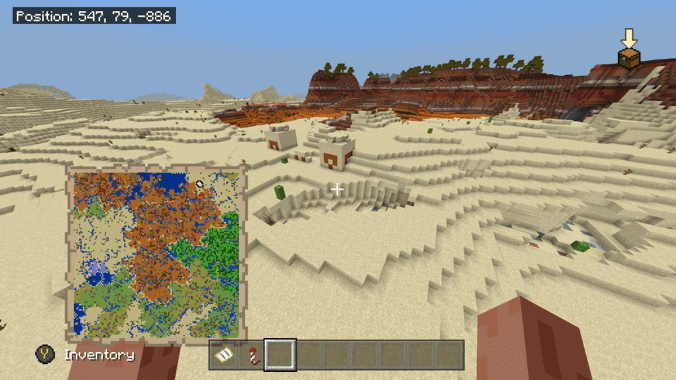
You spawn in a lake between an oasis and the walls of the valley. Encompassing the oasis is a tall mesa with little plant life and a detailed river system. As you travel past the mesa in all directions you find monuments, outposts. Ravines, boats, mine shafts, and multiple villages. The land is quite dry, spare a couple of plains, a vast corner of ocean, and a random group of icebergs, it mostly consists of Huge Mesa, Sahara, and desert biome.
Cre: Professoroz
HUGE Mesa
Perfect examples of different play focuses: oasis playthrough, gold miner, village protector, treasure hunter, you name it, with all the structure.
(Level 4 map)
Huge Mesa Seed ID: 2025348159
More seed for user to discover Minecraft world below:
👉 If you like Territory Of Heart 1.7, you can also check ourJimbo’s Modern Weaponscreated by Jimbo_Acob; Furniture Addon created by LancelotF in mcpeaddons