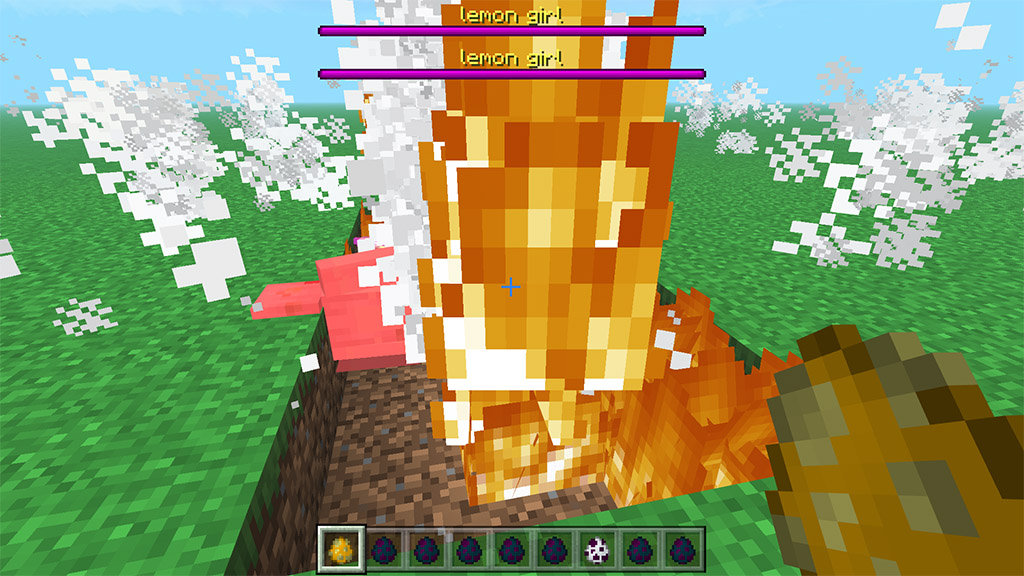
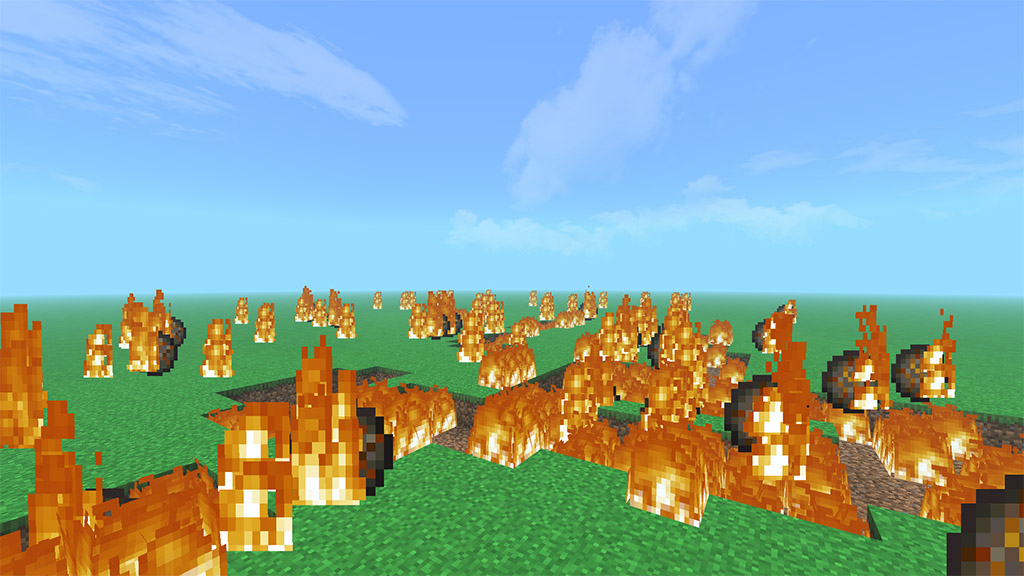
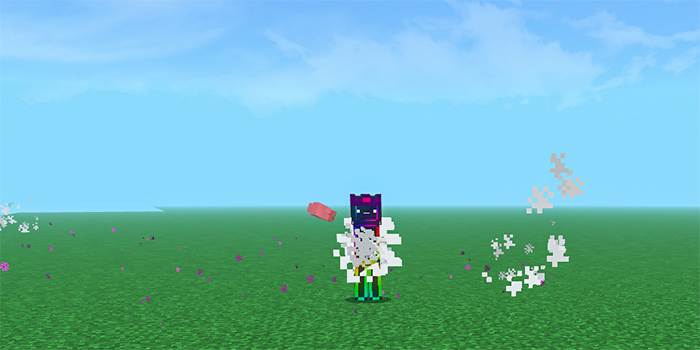
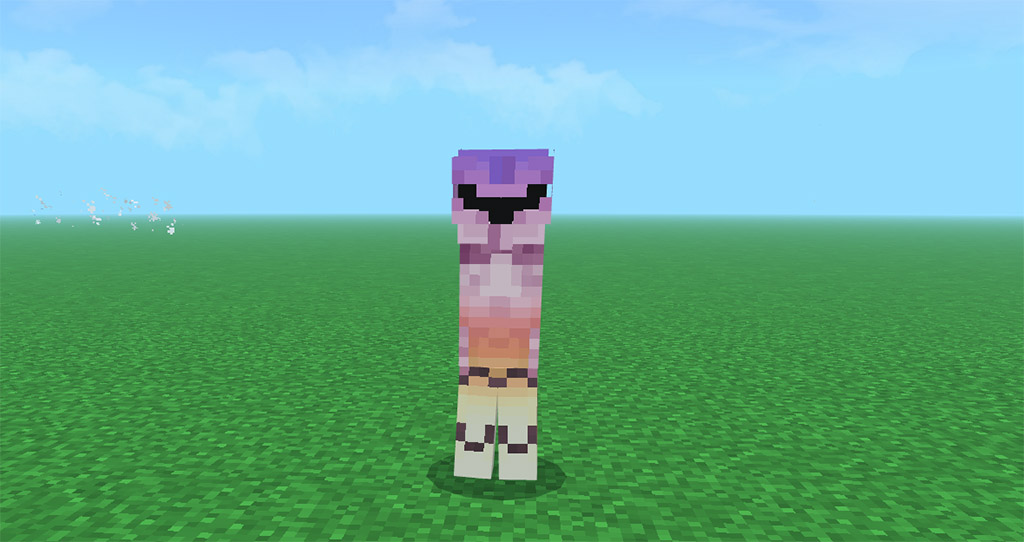
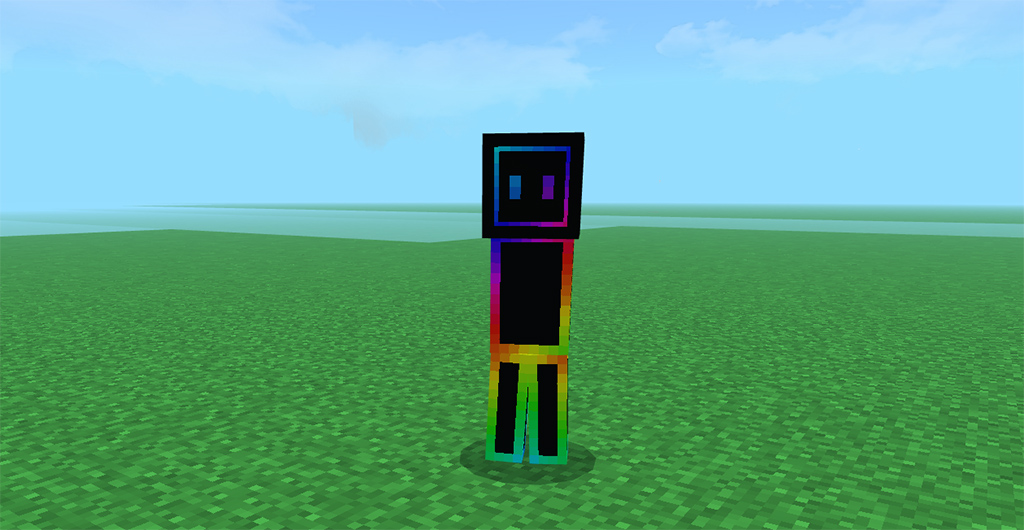
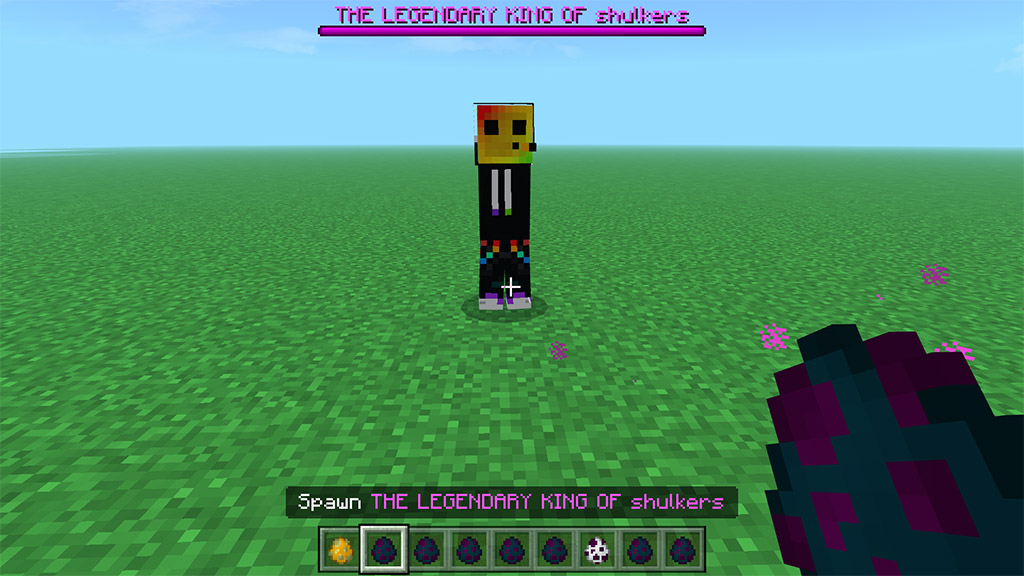
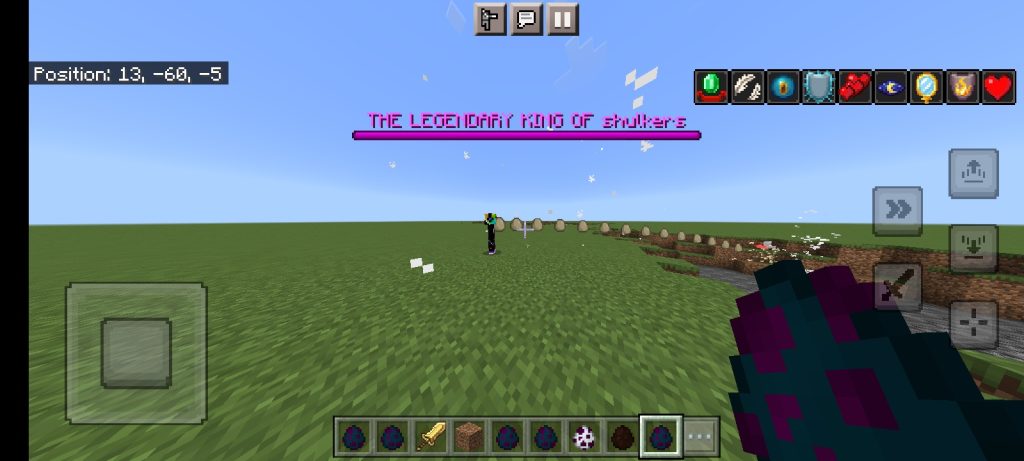
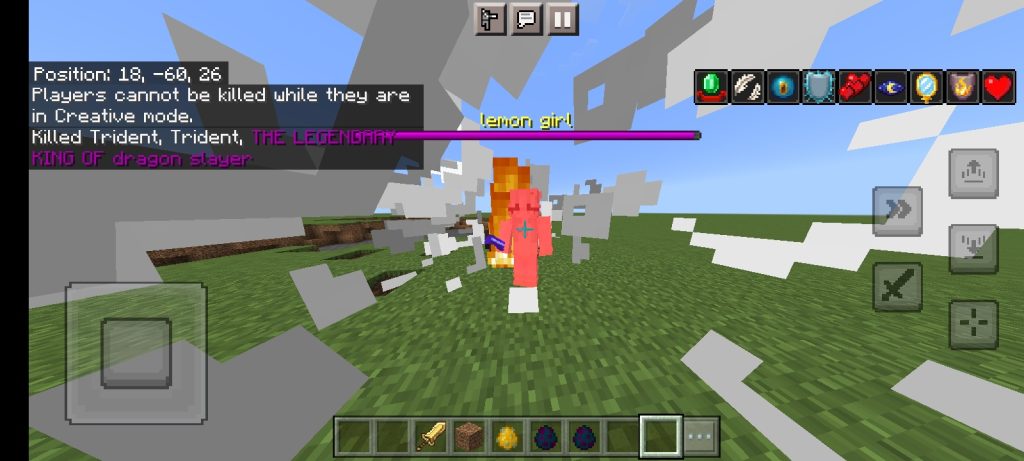
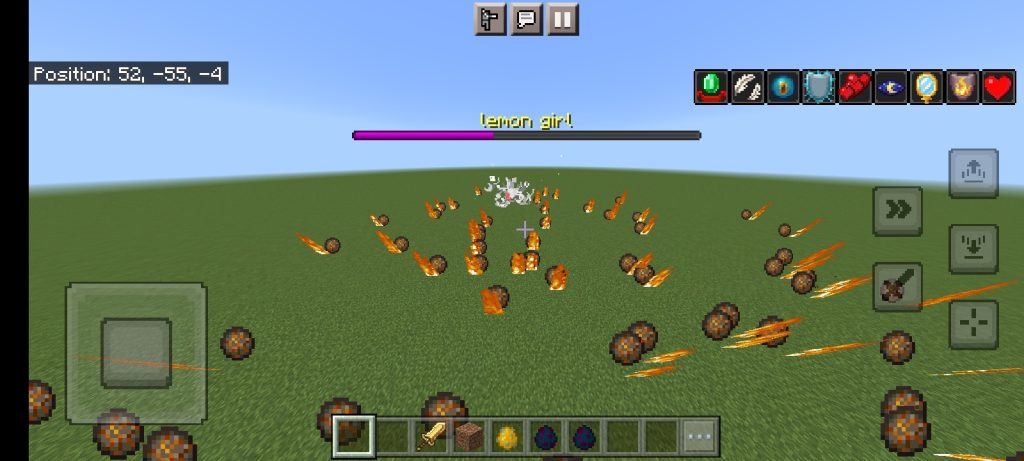
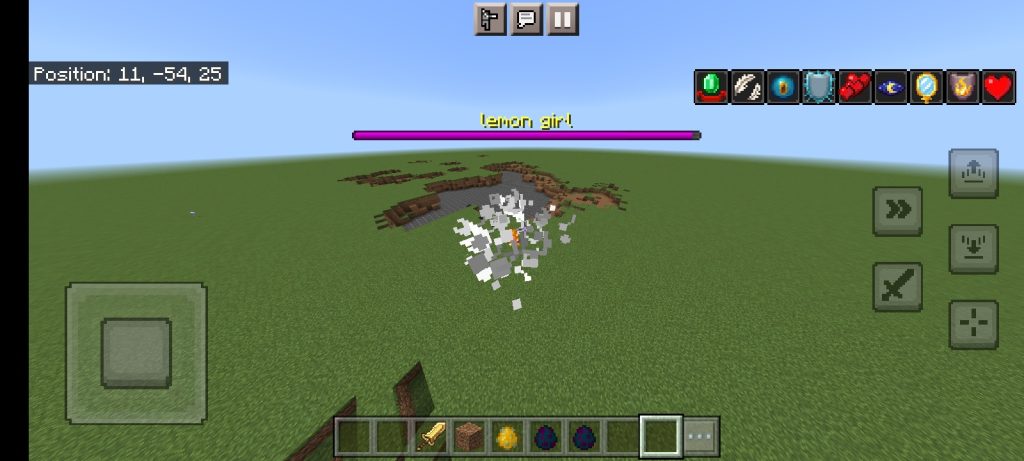
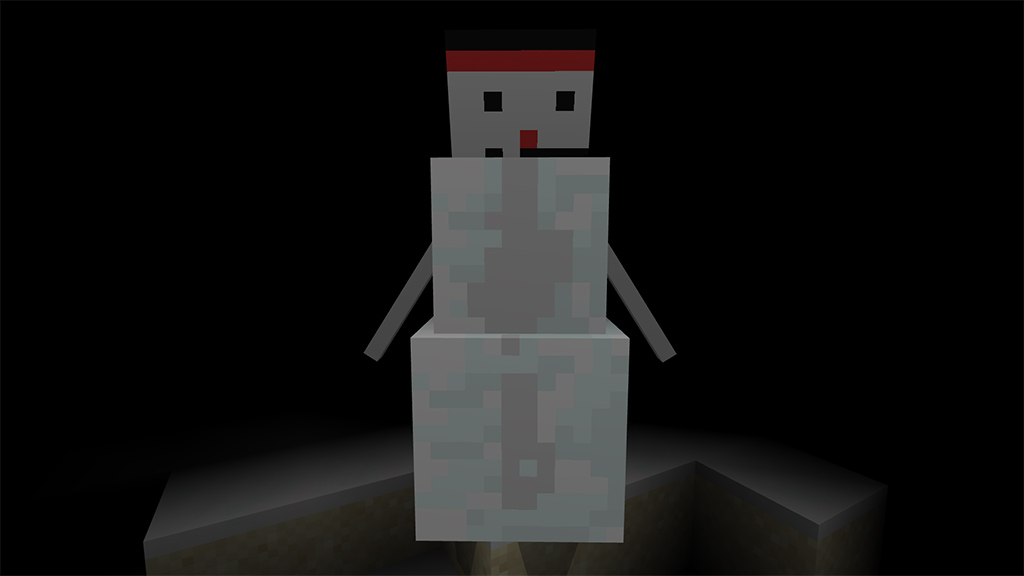
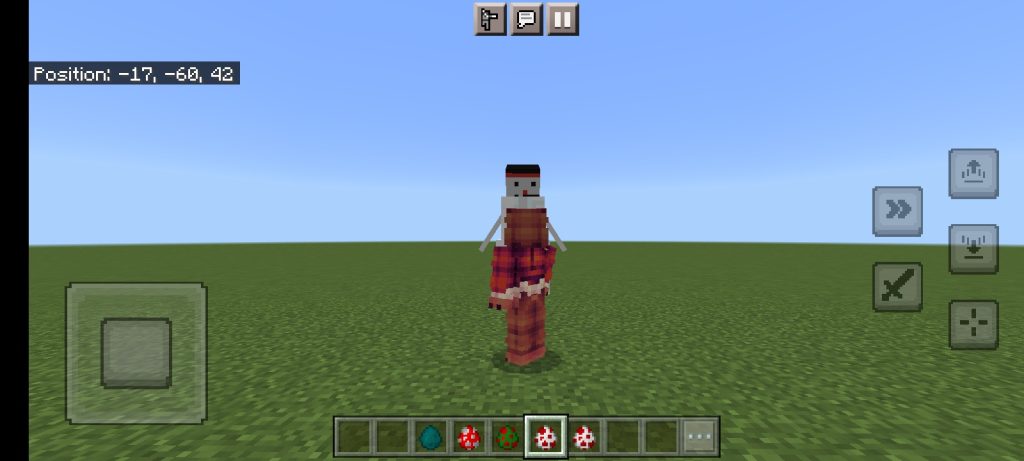
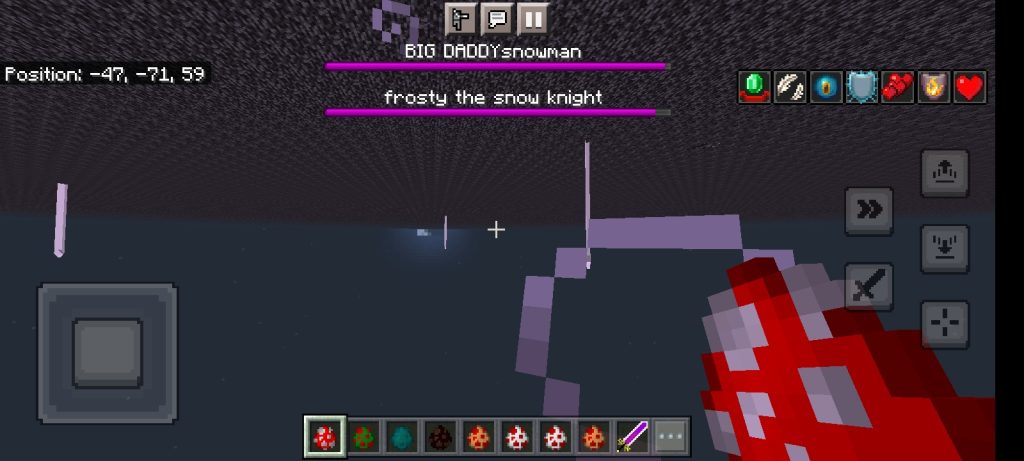
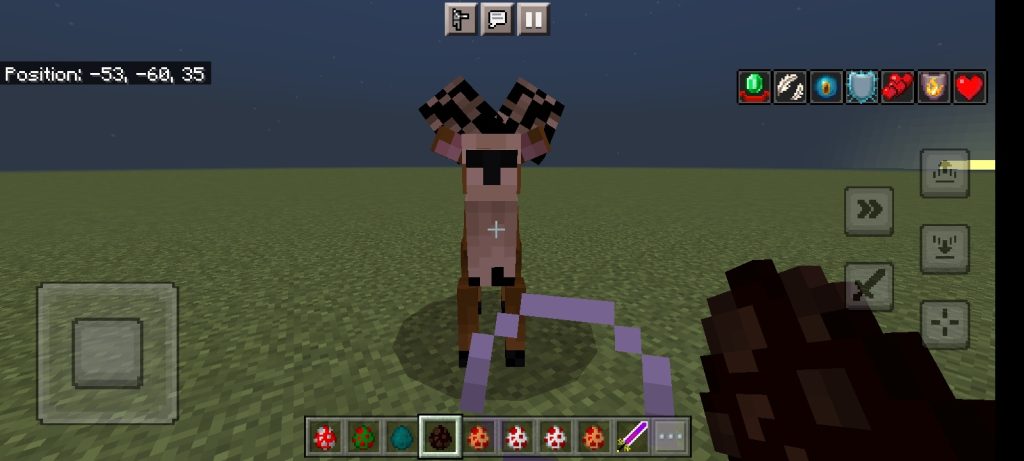
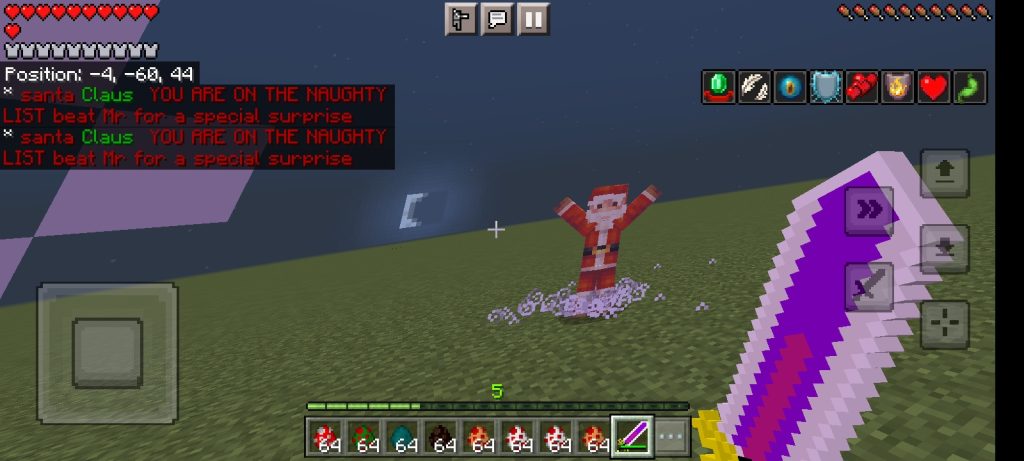
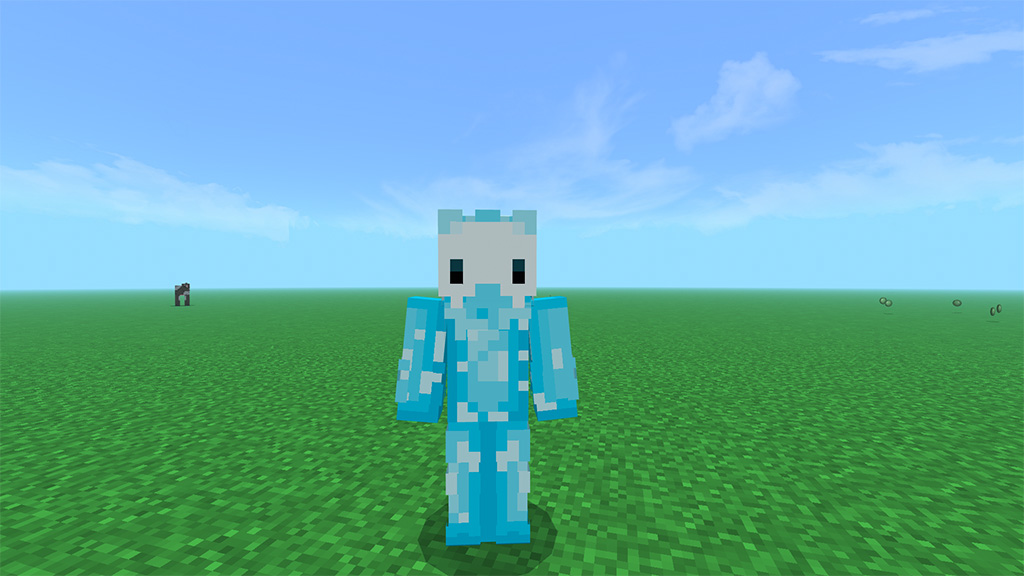
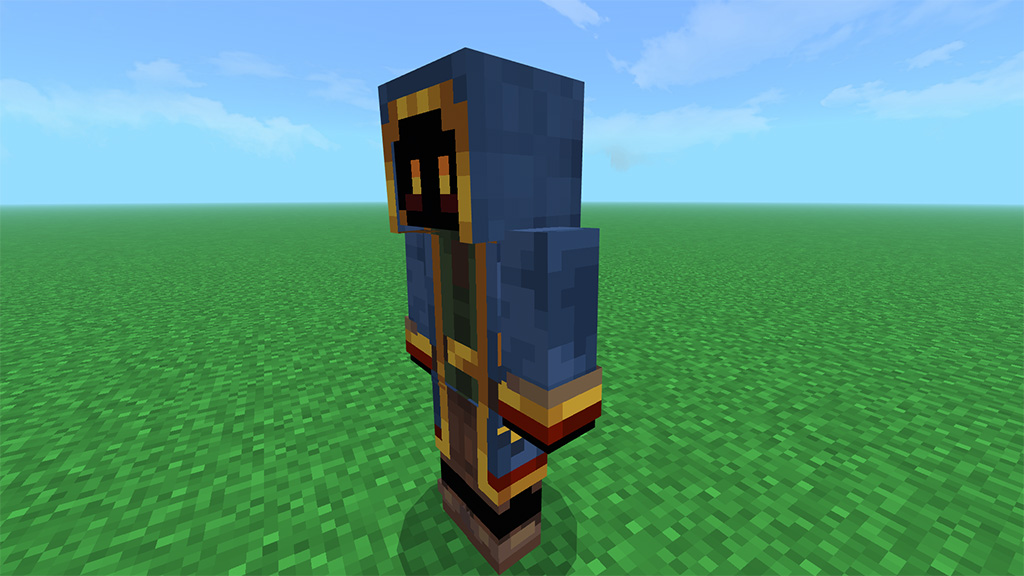
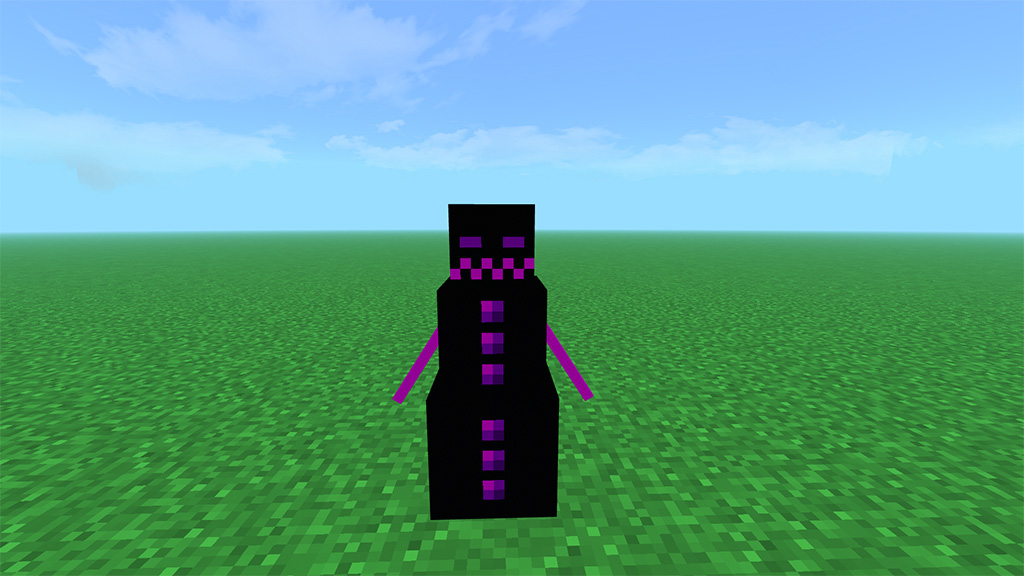
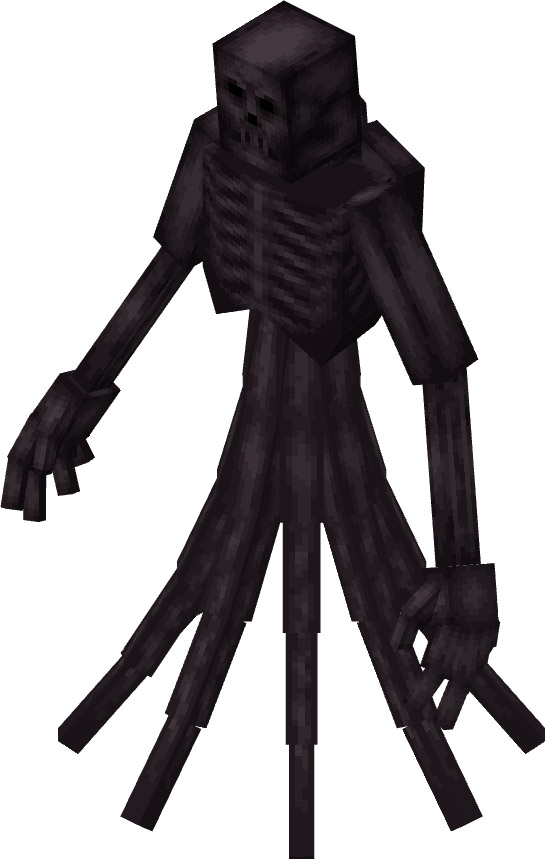
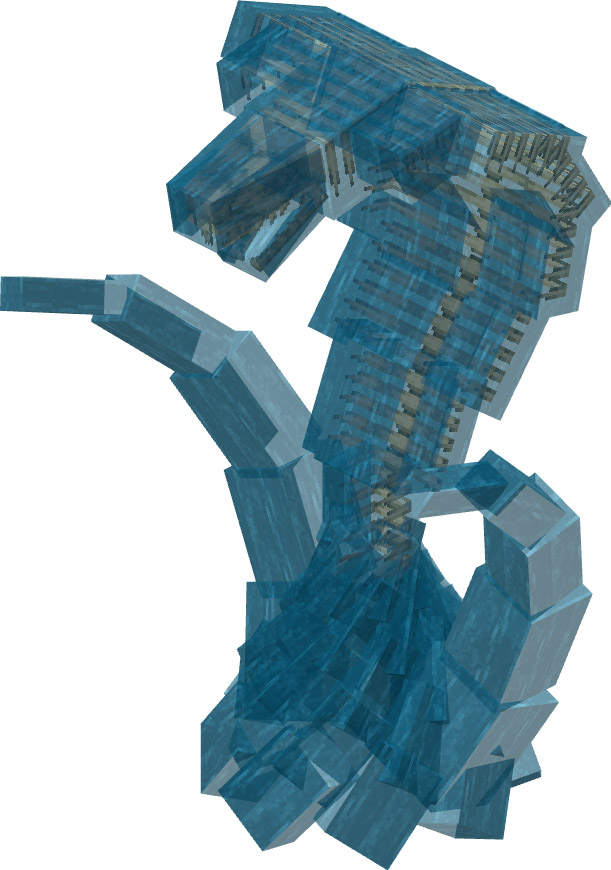
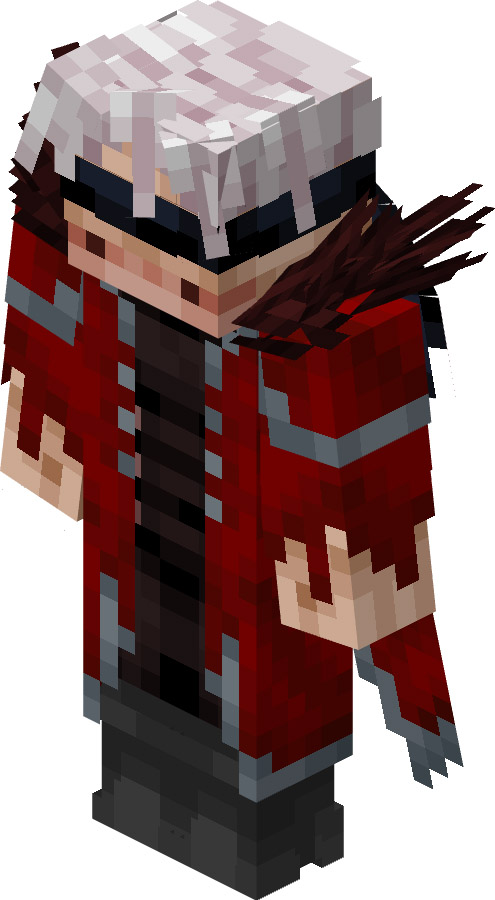
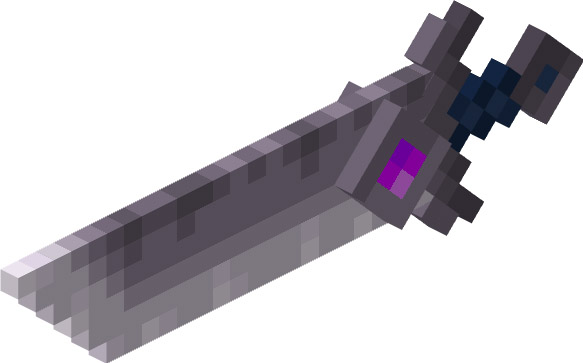
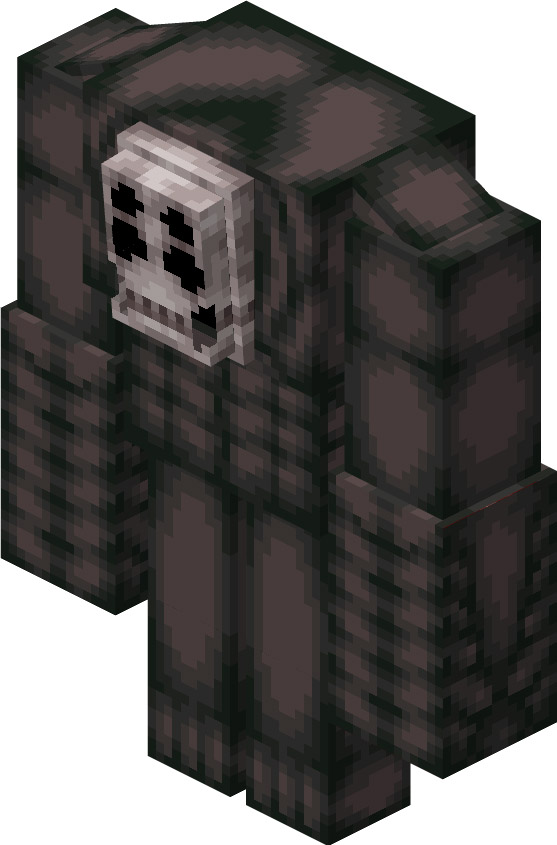
In the legendary Kings add-on all the kings have one unique ability that they good at lemon girl is the queen of all Dimensions time and space reality lemon girl can control all of that that’s why I once you kill her she freezes time her special ability that she very good at is fireballs lemon girl is a force to be reckoned with oh yeah in the broken summon addon you can dual swords
Creator: Philipingram5
LEGENDARY KING
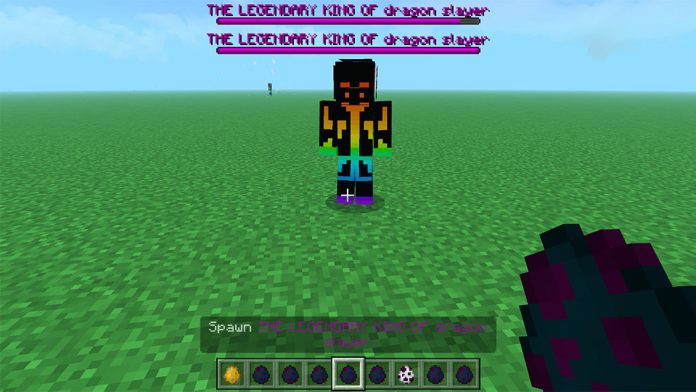
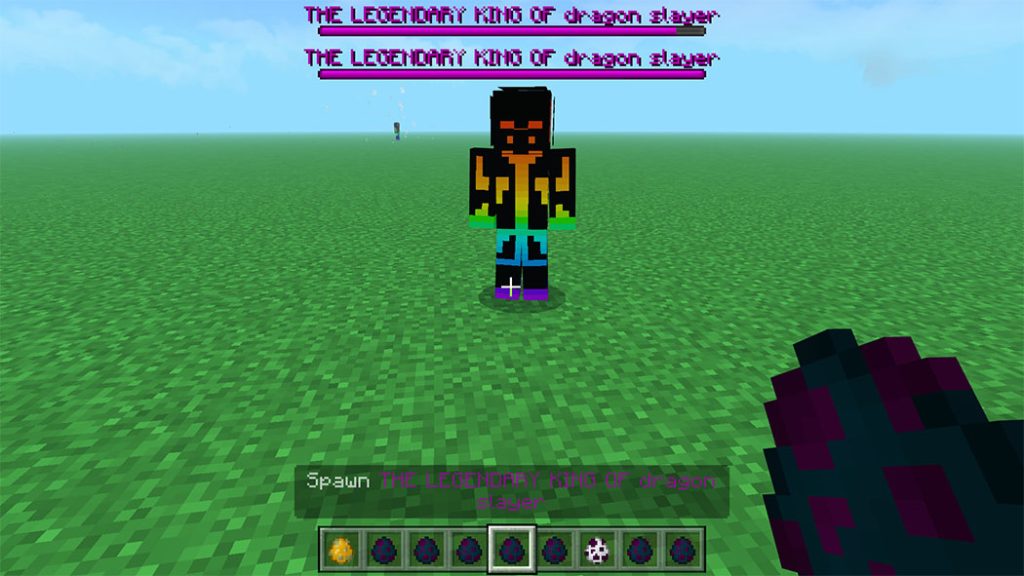
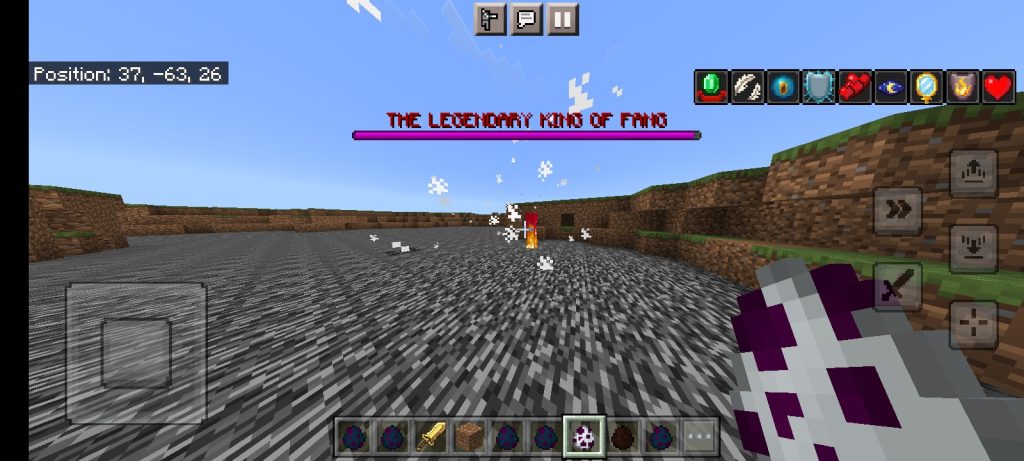
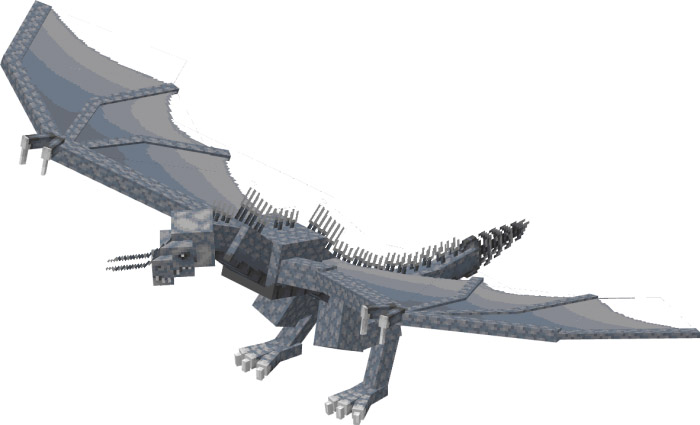
The legendary king of dragon slayer he can kill every thing in a 100 block radius he use dragon magic know as dragon fireball he is rare because usually in this addon all king have 1 unique ability he has 2 the 2 ability is the summon the ender dragon
Lemon girl can crash your game at a certain point that only if you leave it spawn itself 1000 times so don’t do that oh yeah you can find the 1st version of broken summon in addon maker type sans it will show 4.0 star let get it to 5.0 star rating
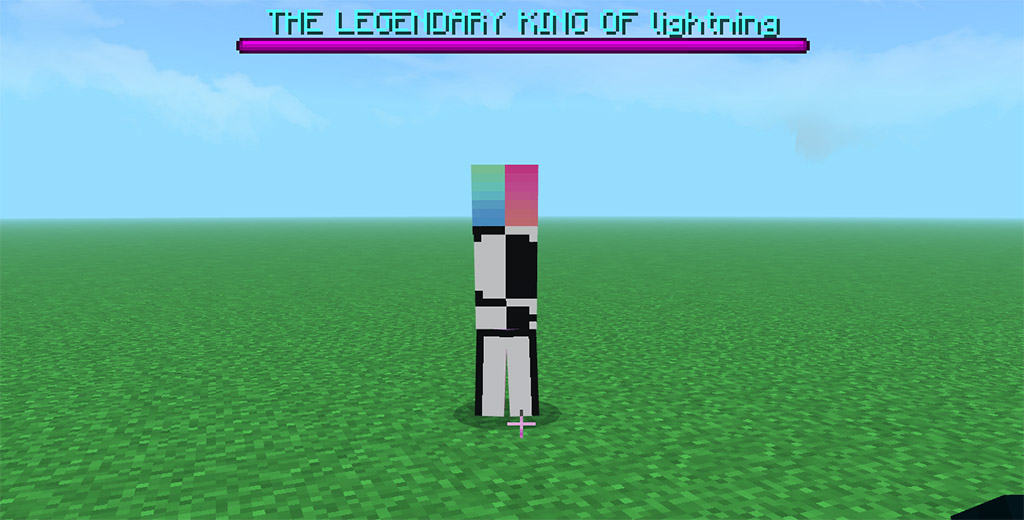
java in ok it OrYou’re supposed to spawn in a lot of lightning but never happens cuz he turned the lightning he spawns invisible only time he’ll summon lightning is when he summoning it I will fix this bug eventually
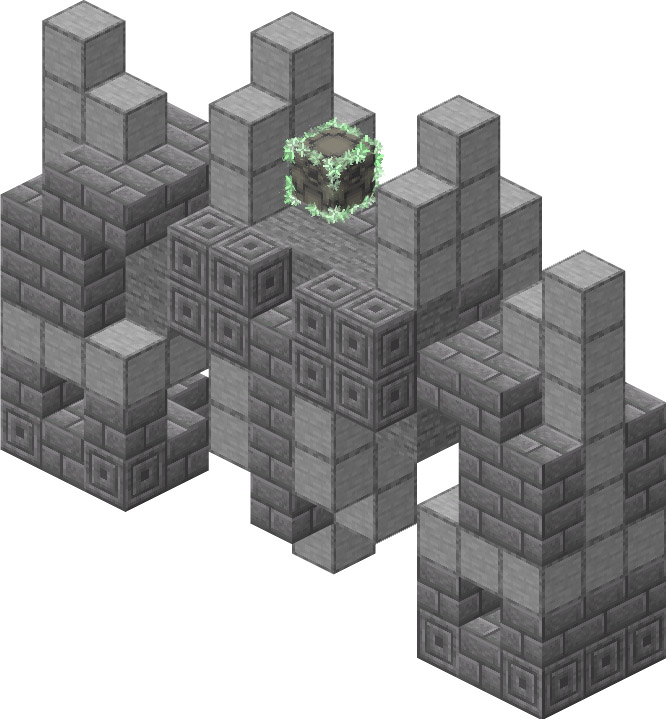
The legendary king of tnt spawn tnt a lot summon tnt a lot let just say you will not have funn battling this one trust me
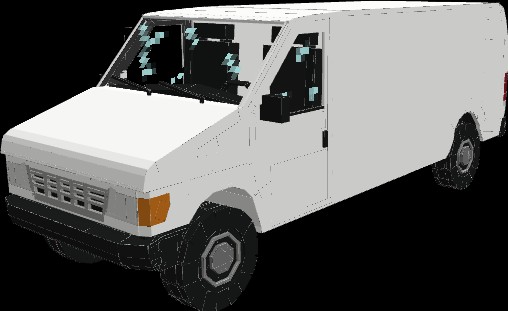
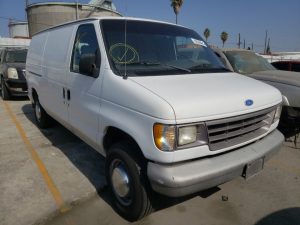
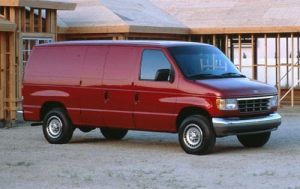
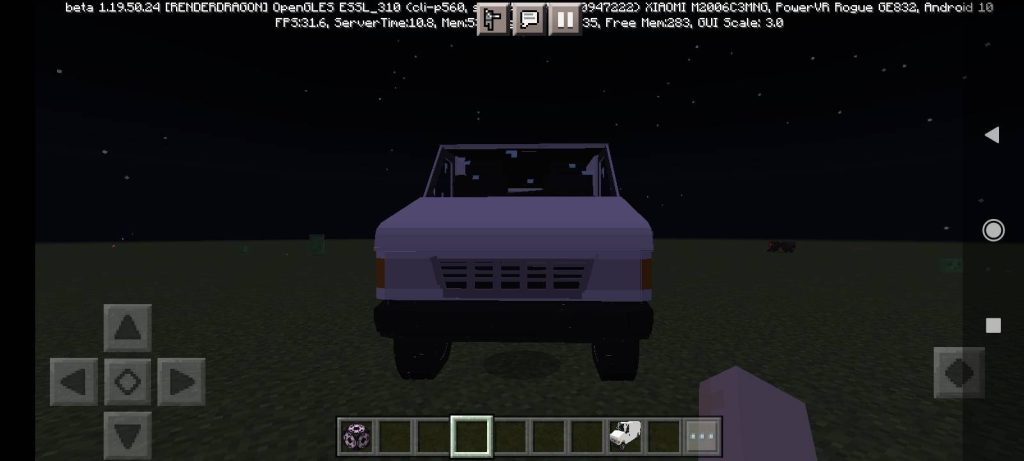
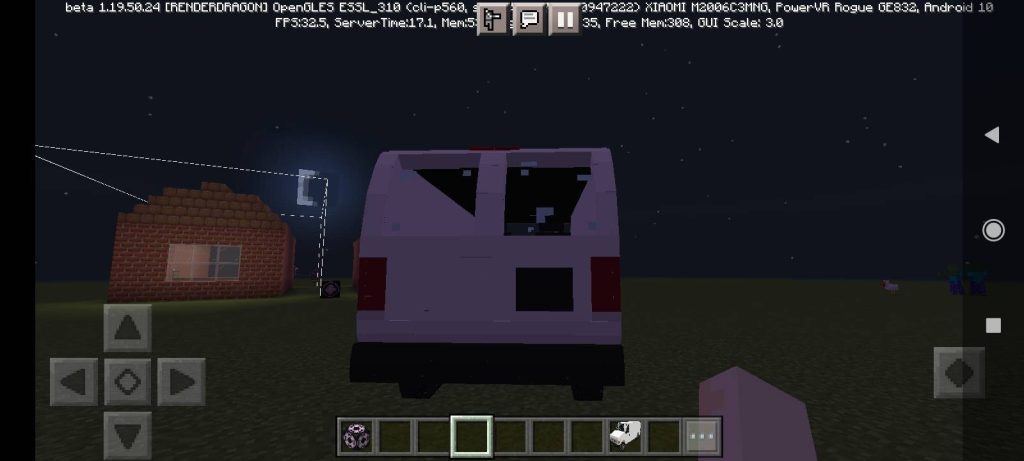
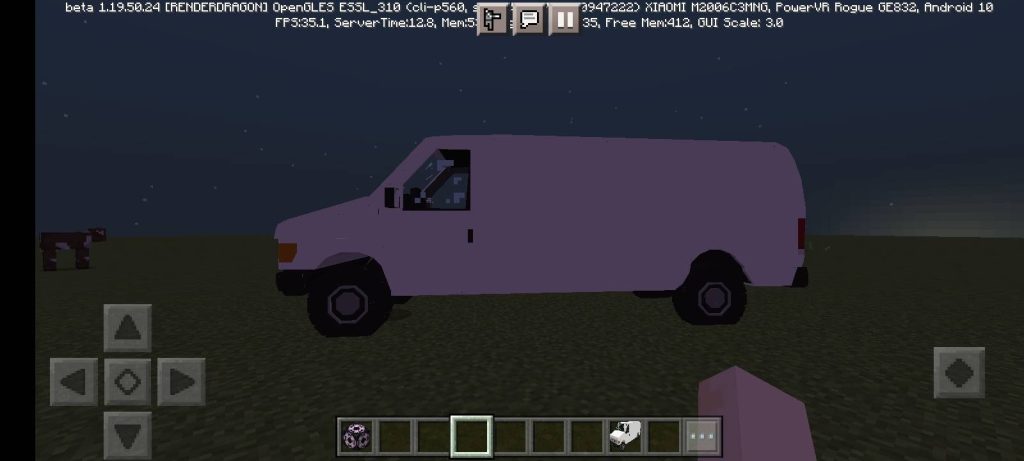
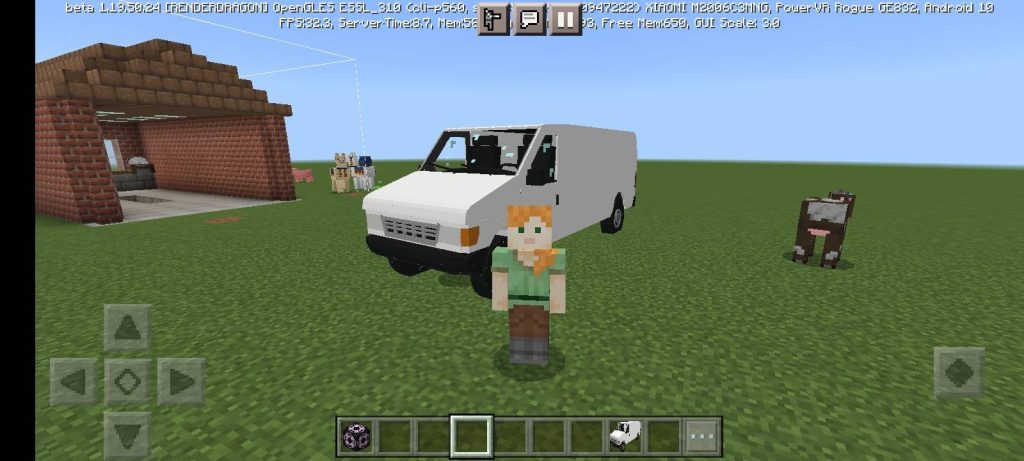
Hello everyone, I am MCsurviv17, the creator of this addon for a commercial-American van Ford e-350 (or econoline).
The addon includes the van itself and animations of riding on it, the model was made according to drawings and looks very similar to the real one only in a reduced form
Imagine having the ability to alter the universe of Minecraft. The ability to modify the backdrop of the main screen and transform every single block. This skill is familiar to anyone who has used any of the Best Minecraft Texture Packs available. But only to a certain extent. Minecraft texture packs are a fantastic resource for entirely changing the look of your game, but customization choices are restricted to what the designer selects. However, if you want total control over Minecraft’s aesthetic, you may develop your own texture packs for Minecraft. If you’re interested, here’s how to produce a Minecraft texture pack.
Make a Minecraft Texture Pack: Explained (2023)
Texture packs are fantastic since they enable you to modify the textures of anything from creatures to blocks and even liquids, allowing you to transform your Minecraft into an entirely other game. In this tutorial, we’ll look at how to make your own Minecraft texture pack. Furthermore, we will go through how to publish and distribute these packs with the community. Some exceptionally talented texture pack makers may even be able to get their pack included on the official marketplace and monetized.
How Does a Texture Pack Work
Because of Minecraft’s simplistic blocky and pixelated universe, an in-game texture is nothing more than a picture wrapped around a collection of cubes. These cubes are then combined to form distinct structures, creatures, and even in-game objects. As you might assume, any modifications made to these textures or image files are replicated within your Minecraft environment.
Texture Resolution
These textures have a resolution of 1616 pixels by default. However, gamers may increase the resolution to 128 128 pixels. However, such high-quality textures may not function on every platform. Sticking to a resolution of 1616 pixels or 3232 pixels is therefore your best bet.
Texture Pack Creators
Moving on to the creation, one of the numerous free makers is the simplest way to build Minecraft texture packs. Let’s take a look at the greatest ones on each platform.
Nova Skin Resource Pack Creator for PC Users
Nova skin’s resource maker is the most comprehensive and user-friendly tool for creating a Minecraft texture pack available online. To discover the textures of each model in the game, you receive a tree-like folder structure. Furthermore, it has a paint-like editor that allows you to alter the texture without leaving the site. However, if that isn’t enough, it also allows you to move beyond textures.
You may also change the typeface, audio, effects, and other elements with the Nova skin. In many aspects, it is an all-in-one web tool for quickly creating a full-fledged resource bundle. When you’re finished, you may save your resource pack to the cloud or download it to your Minecraft world.
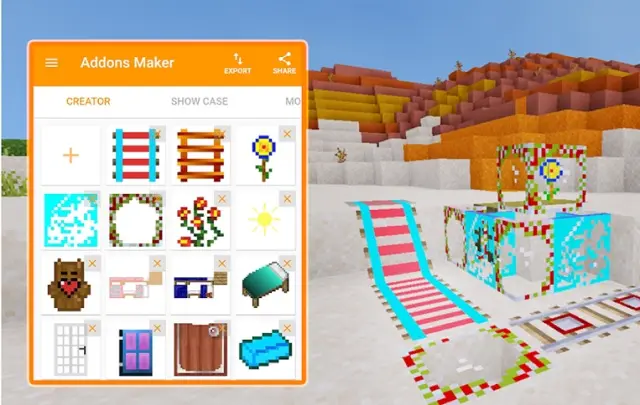
AddOns Maker for Minecraft PE on Android
This Android software is one of the most popular Minecraft tools on the Google Play market, and we believe it’s for good reason. As one might assume, it includes an editor for painting over existing in-game textures. If you don’t want to do it all by hand, you may select one of the numerous in-app textures and apply it to certain things.
You may also add structures, noises, trees, biomes, and new recipes to the game using the app. Taking texture packs a step further, this program allows you to construct a Minecraft PE modpack. Despite its immense capability, this software has a significant drawback: advertisements. If you can tolerate adverts on virtually every other tap, you can do a lot with the app.
It is quite simple to unlock Minecraft’s texture files and change them in Java version thanks to the unencrypted game files. Contrary to popular belief, you do not need to download anything to manually create a Minecraft Texture pack. Here’s what you’ll require:
Minecraft Java
Zip file extractor like Windows Explorer
Basicimage editor like MS Paint
Text editor like Notepad
All of the above-mentioned programs or their substitutes are most certainly present on your device if you use a Mac, Windows, or Linux.
Extract Minecraft Texture Files
Texture packs are based on custom edits and personal preferences. So, once you know what changes you want to make, follow these steps to edit Minecraft’s textures:
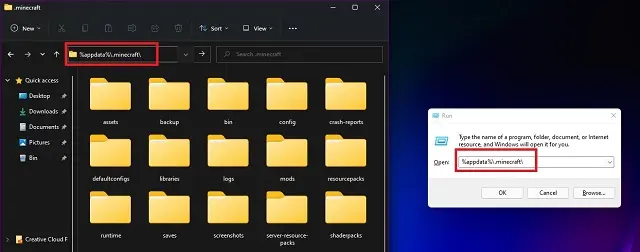
1.To begin, open the game’s directory. If you don’t have it set as custom, paste this address – %appdata%\.minecraft\ in your Explorer address bar or the Run window to open the default location. You can access the Run window through keyboard shortcut “Win + R”.
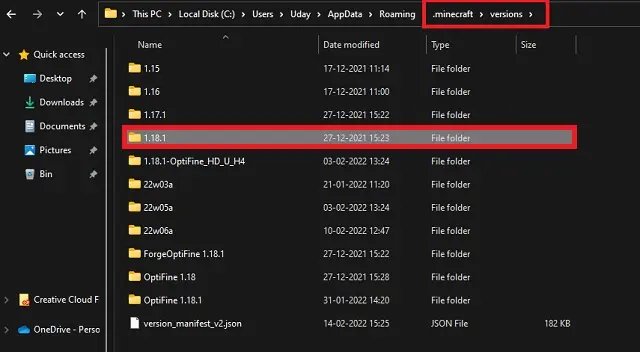
2. Then in the Minecraft directory, open the “versions” folder. And within in, open the folder with the most recent version of the game. At the moment, it is Minecraft 1.18.1.
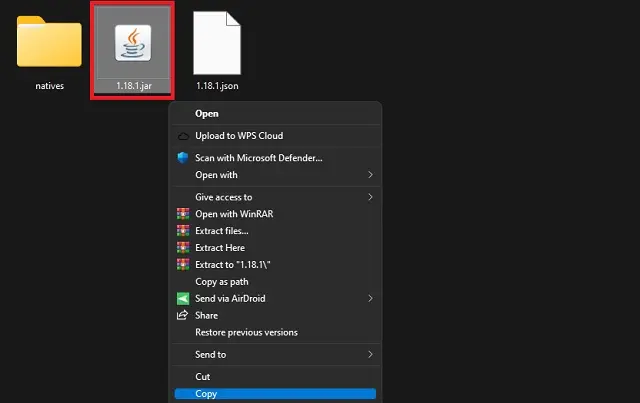
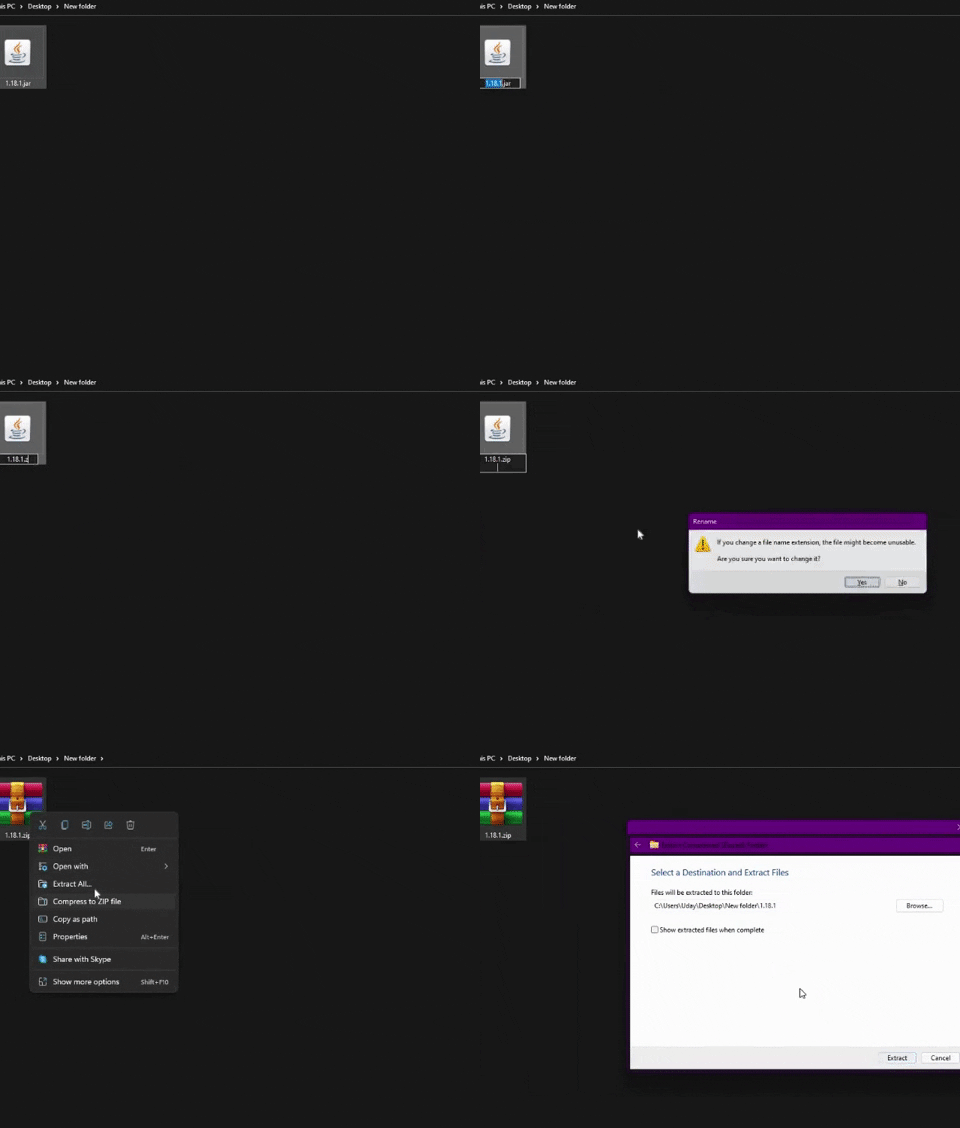
3. In the version folder, copy (Ctrl +C) the Jar file with the name of your game’s version number. Unless you have mods installed, it will be the only file with a “.jar” file extension.
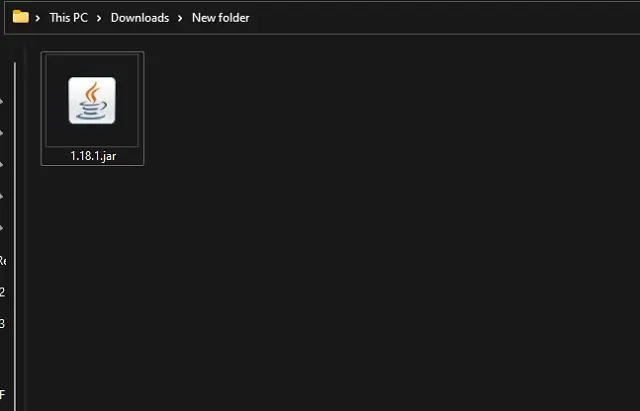
4. Then create a new folder within the Minecraft directory or anywhere on your PC and paste (Ctrl + V) the Jar file there. It can have any name.
5. Now, you need to change the file extension from “.jar” to “.zip” by renaming it. Then extract the file by right-clicking on it and choosing the “extract option”. Alternatively, if you have WinZip or WinRAR installed, you can directly extract that Jar file too.
Edit Textures
We only need to change the texture files now that we have everything ready to produce a Minecraft texture pack. Here’s how you do it.
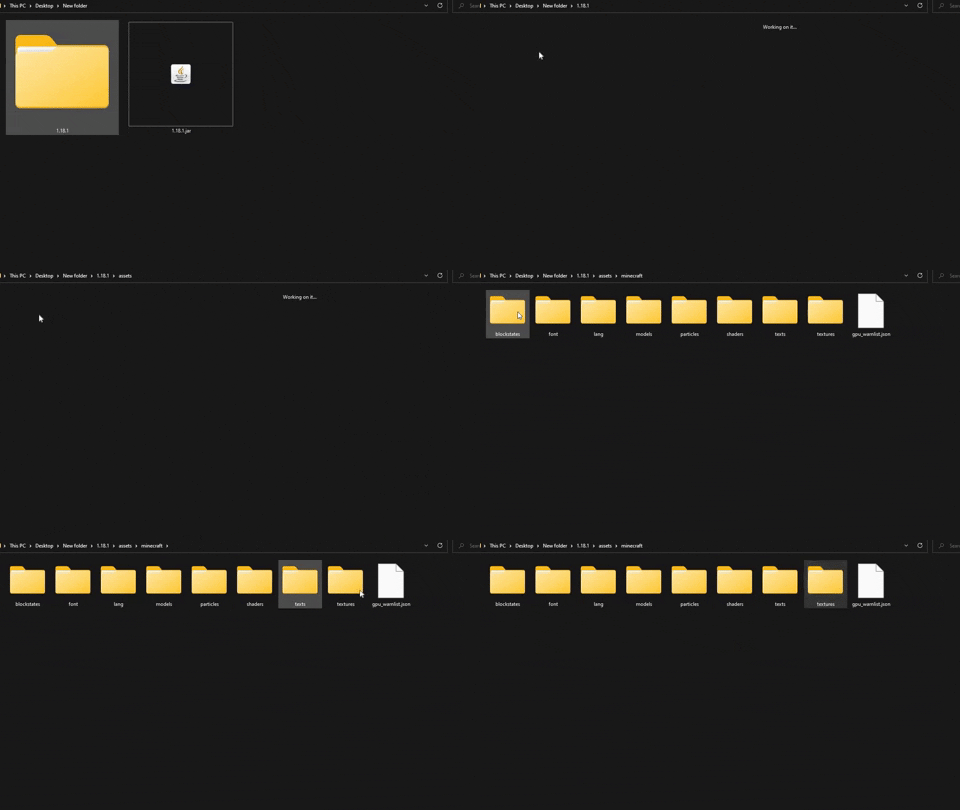
1. First, open the newly extract the folder and reach the “textures” folder. You need to open extracted folder, then “assets”, and finally, the “Minecraft” folder to reach it.
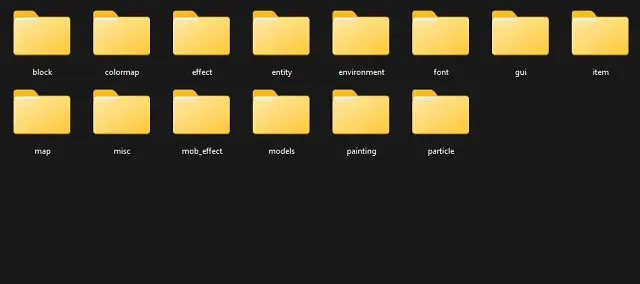
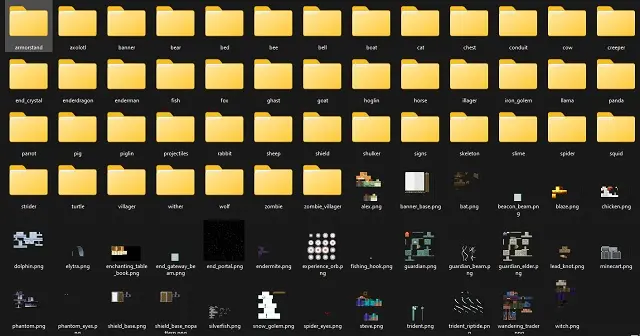
2. Within the texture folder, you will find a variety of subfolders categorically dividing the in-game textures. All the placeable blocks of Minecraft are in the “block” folder. Meanwhile, the animals and mobs are in the “entity” folder. Similarly, you can find folders for the environment, items, and more. Choose the category of texture you want to edit and open its folder.
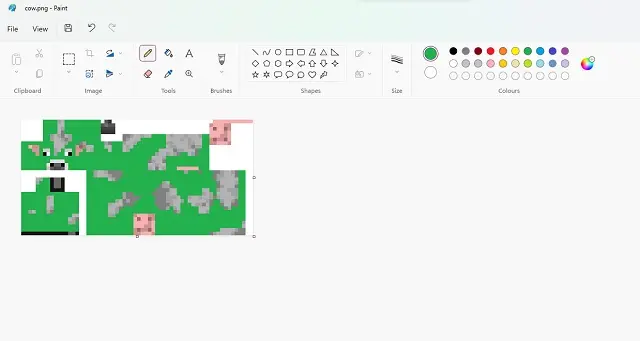
3. Within the folder, find the PNG texture file you want to edit and open it in paint using the “open with” option. You can also use any other image editor but MS paint is enough to get the job done. Some of these texture files might be in subfolders because of alayering system.
4. Then, within your photo editor, make the edits you want to make without and save the file as PNG in the same location with the same file name. You can repeat the process until all your desired textures are edited.
Create MCMETA File
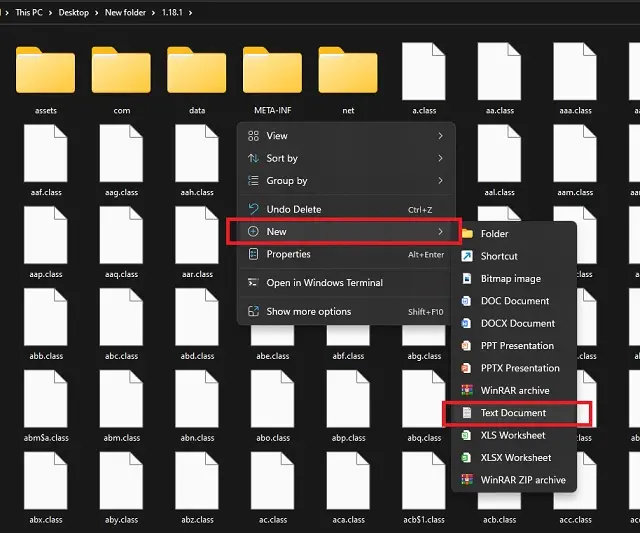
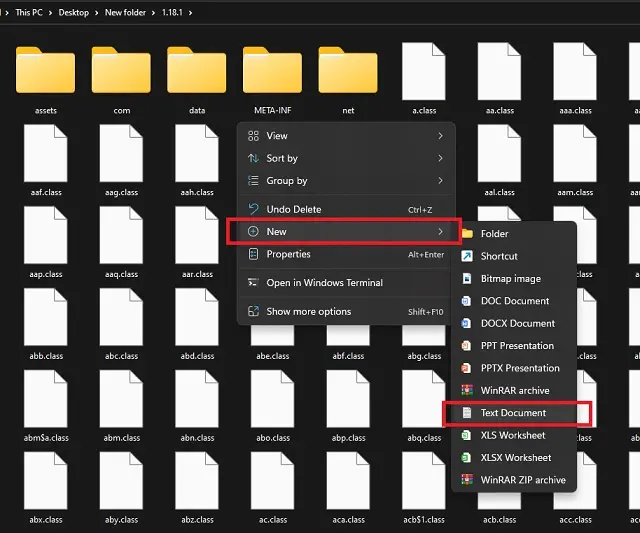
1. Once you are done editing textures, go back to the main extracted folder that has the “asset” subfolder in it. Then, create a new text file in it by right-clicking and choosing the new option.
2. Then open the text file and paste the following code in it:
{
"pack": {
"pack_format": 7,"description": "[Custom Description for your Texture Pack]"
}
}
You can replace the description with your text but please avoid using any special symbols in the same. As for the “pack format” number, you can use the table below to find the appropriate one for your version:
pack_format
Game Version
5
1.15 to 1.16.1
6
1.16.2 to 1.16.5
7
1.17 & above
3. Finally, save the file using the save as option with the name “pack.mcmeta“. Make sure to select “all files” in the “save as type” drop-down box.
Save & Install Texture Pack
Once every texture you want to change is edited and the “.mcmeta” file is saved in the pack’s folder, it’s time to make your texture pack usable in the game.
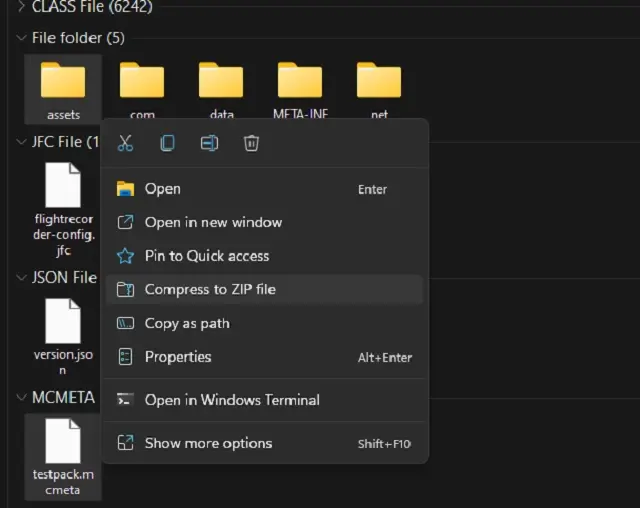
1. To make a texture pack file, select the “assets” and the “.mcdeta” files simultaneously by pressing the “ctrl” key. Then right-click and choose the “compress to zip file” option. The file’s name can be anything.
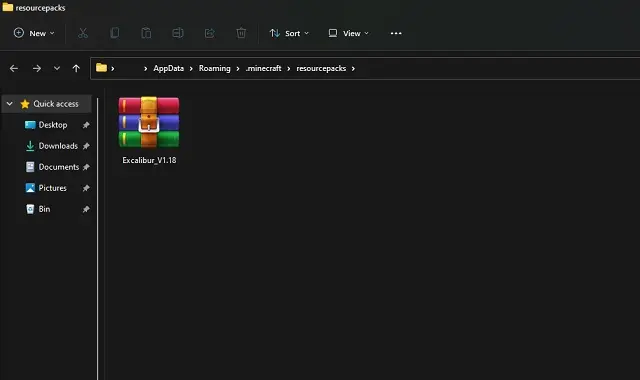
2. Now, to use this newly created texture pack, copy and paste the zip file in one of the following directories:
%AppData%\.minecraft\resourcepacks (Minecraft 1.16.1 and later)
%AppData%\.minecraft\texturepacks (Minecraft 1.16 and earlier)
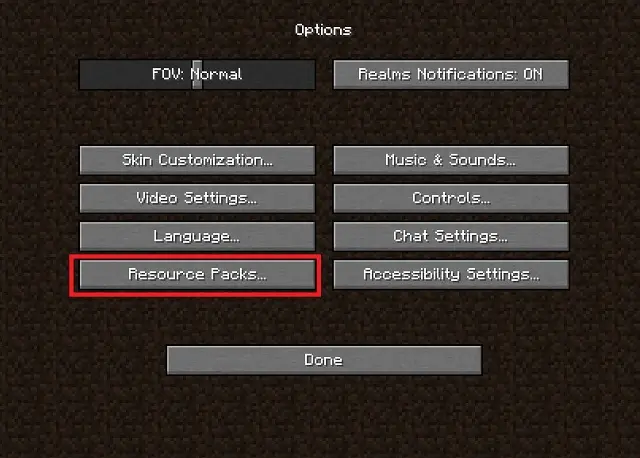
3. Then, load up your game and first click on the “options” button on your home screen and then click on the “resource packs” button within options.
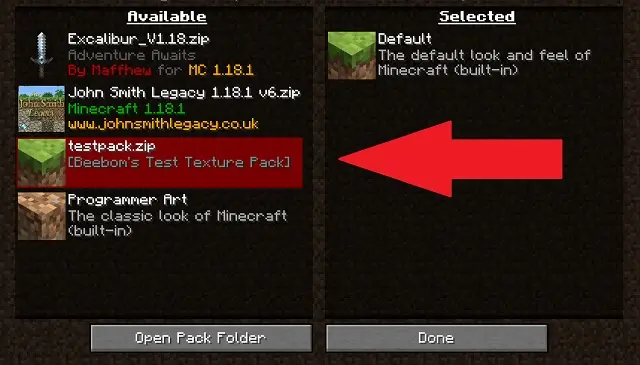
4. Finally, click on the resource pack’s icon to activate your Minecraft texture pack. Doing so will make it move from the left side column to the right side column.
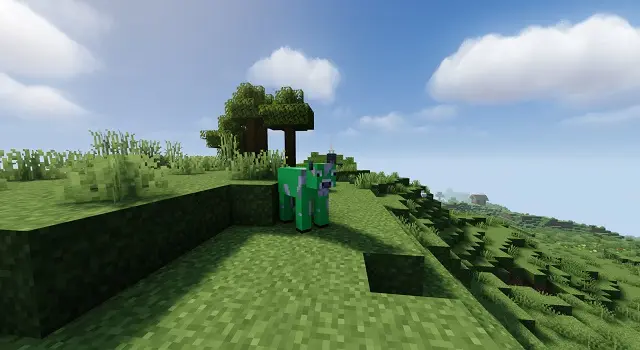
5. With your pack activated, all that’s left for you to do is load up your Minecraft world and look for blocks, items, or entities you made changes to. If you don’t find desired results, head to our FAQ section for a solution.
Create Texture Packs for Bedrock
The Bedrock edition’s texture or resource packs function significantly differently from the Java edition. However, there are no modifications to the texture editing process. Let’s see how it goes.
What Do You Need
To make a texture or resource pack add-on for the Bedrock version, you simply need the following items:
Minecraft Bedrock (Xbox Gamepass edition also counts)
Zip file extractor like Windows Explorer
Basicimage editor like MS Paint (use GiMP, Paint 3D or Photoshop if you want to add transparency)
Text editor like Notepad
Vanilla resource pack
Unlike the Java edition, you can’t extract the texture files from within the game. So, you have to separately download the vanilla resource pack.
Edit Texture Files
After downloading the vanilla resource pack, proceed with the following procedures to alter your Bedrock texture pack:
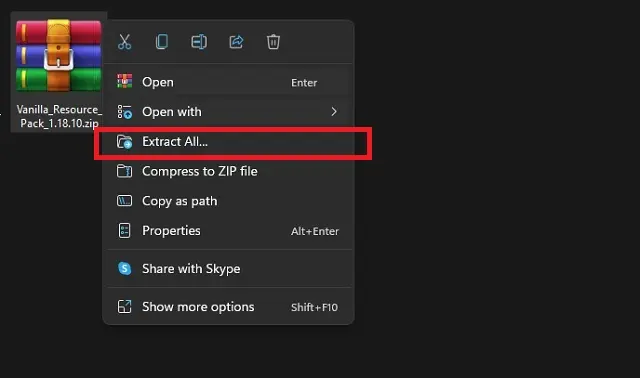
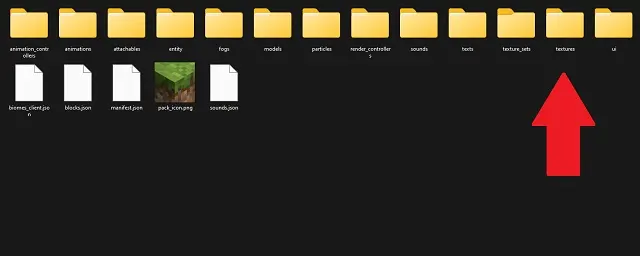
1. Extract the vanilla resource pack zip file in a new folder. You can use any file management software to extract it. If you are on windows then you can right-click on the file and choose the “extract all” option.
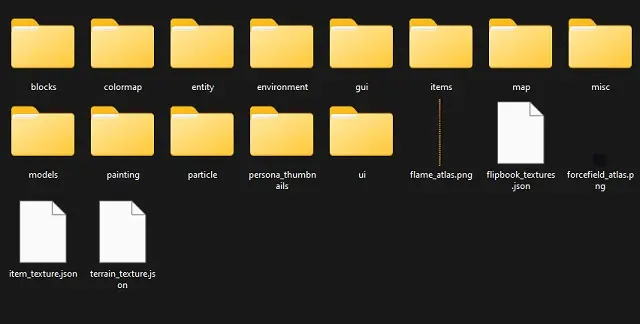
2. Then, in the newly extracted folder find the subfolder called “textures” and open it.
3. In the folder, “textures”, you will find categorically divided subfolders of Minecraft textures. Open the one whose texture you want to edit.
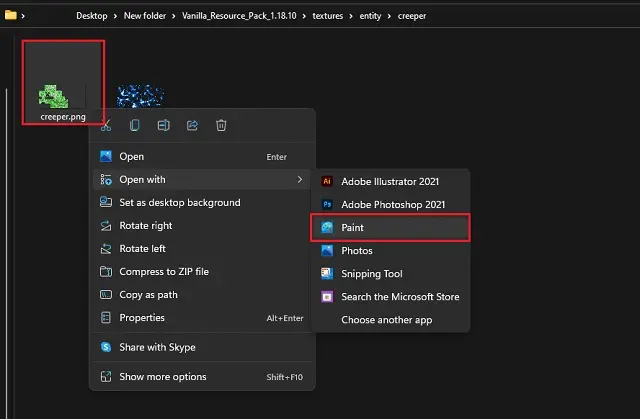
4. In each categorical folder, there are either PNG, TGA, or subfolders with PNG and TGA files for that in-game texture. Open the texture’s PNG file in paint to edit it. If you are editing a TGA file, you can use Adobe Photoshop or GiMP instead.
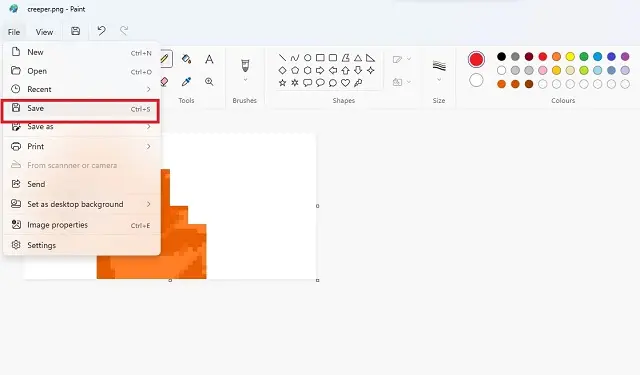
5. Make your desired changes to the texture in your image editor and save it at the same location with the same name as the original file. Repeat the process for all textures you want to edit.
Prepare the JSON File
Once you’ve finished modifying, proceed with the steps below to prepare the resource pack’s JSON file. This file communicates with the game, allowing our external textures to replace the game’s built-in textures.
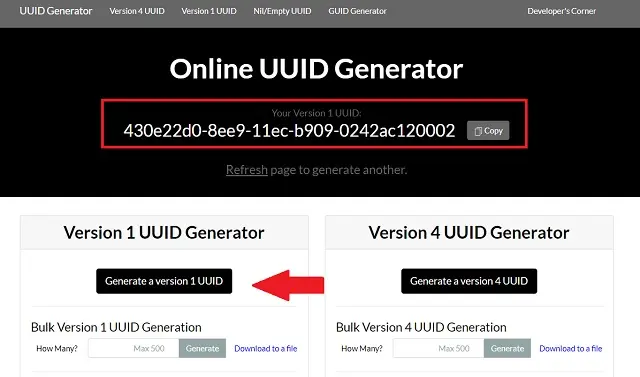
1. To prepare a JSON file, we need two UUID codes. It can be generated using this tool. Generate two unique UUIDs and note them down to be used later on. Make sure to generate version 1 UUIDs only using the linked tool.
2. Next, make a new text file in the main folder that had the “textures” subfolder in it earlier. Then open it using Notepad or any other basic text editor.
In both portions of the code, you may insert any text before the name and description of your texture pack. In terms of UUIDs, use the ones you produced before and avoid using the same UUID in both areas. Leave the remainder of the code alone because a single extra or missing symbol might render the file unusable.
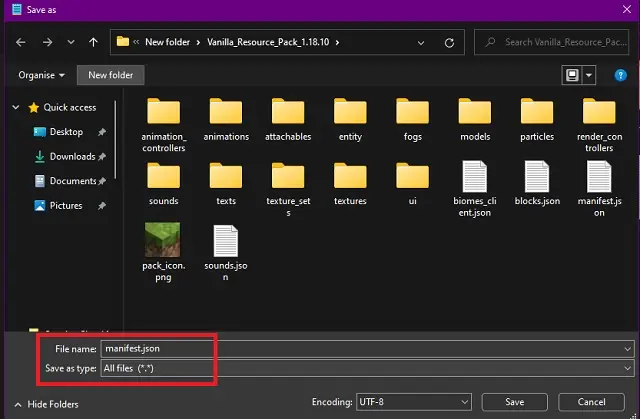
4. Finally, save the file as“manifest.json“. Make sure to select “all files” in the “save as type” drop-down box. Don’t forget to double-check the lines of code and avoid using any special characters in your pack name or its description.
Install and Test Minecraft Texture Pack for Bedrock
Follow these steps to add the texture pack to your Minecraft Bedrock:
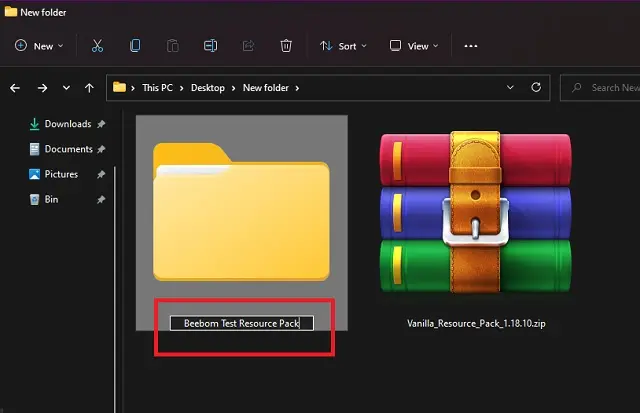
1. First, to make your pack your own, rename the extracted “vanilla resource pack” folder to the name of your choice. Please avoid using any symbols in the folder name.
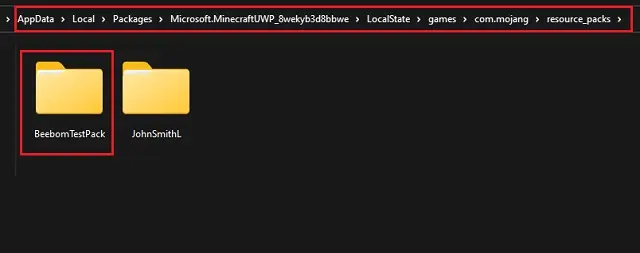
2. Open the “resource packs” folder of your Minecraft Bedrock. Depending upon your device, the folder address in the default installation location will look like the following:
On Windows 10 and 11: %localappdata%\Packages\Microsoft.MinecraftUWP_8wekyb3d8bbwe\LocalState\games\com.mojang\resource_packs
On Android: /storage/emulated/0/Android/data/com.mojang.minecraftpe/files/games/com.mojang/resource_packs
On iOS: /files/on%20my%20iphone/minecraft/games/com.mojang/resource_packs
3. Then, copy and paste your resource pack folder into your Minecraft directory’s “resource packs” folder. Make sure that no files are missing from your resource pack especially the JSON and texture files.
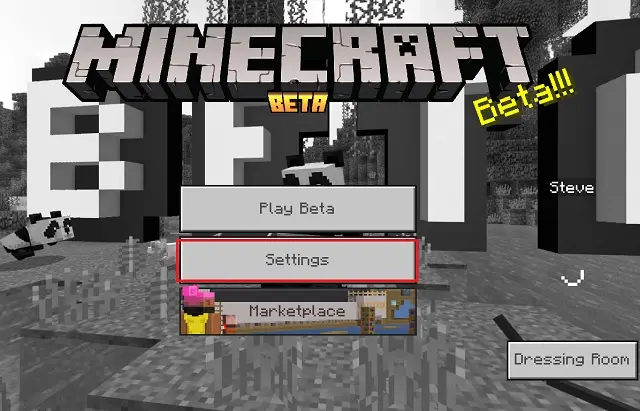
4. Finally, open your Minecraft Bedrock and click on the “settings” tab on the homescreen.
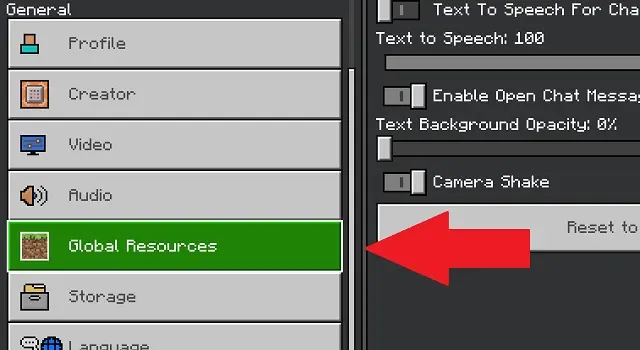
5. Within the settings, click on the “global resources” button in the left side pane.
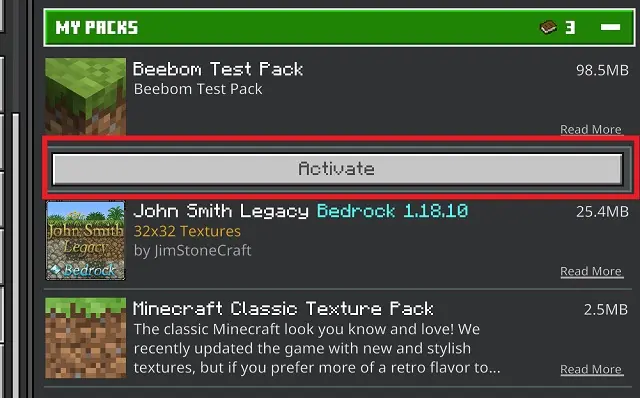
6. Here, you will your resource pack under the “my packs” section. Click on the pack and then on the “activate” button to apply it.
7. Then open your Minecraft world and find your edited textures in the game.
Distribute Your Minecraft Texture Pack
Congratulations! You now have the ability to fully alter the appearance of your Minecraft environment. You now understand how to create a Minecraft texture pack and apply it to any edition of the game. The logical next step is to share it. Fortunately, it is far less difficult than modifying a texture.
Share the Pack for Java Edition
Users of the Java edition can immediately share the archived file of their resource/texture pack. Any user can download and install the file as long as it contains the “.zip” file extension. To avoid bugs, they should only use it on the version for which it was designed.
Share for Bedrock Edition
Unlike the Java edition, you cannot immediately share your resource pack folder with other players. However, by making a few little adjustments, you may make the installation process much easier for everyone. Here’s how you do it.
Create MCPACK File
Follow these steps to create an MCPACK file for your resource/texture pack:
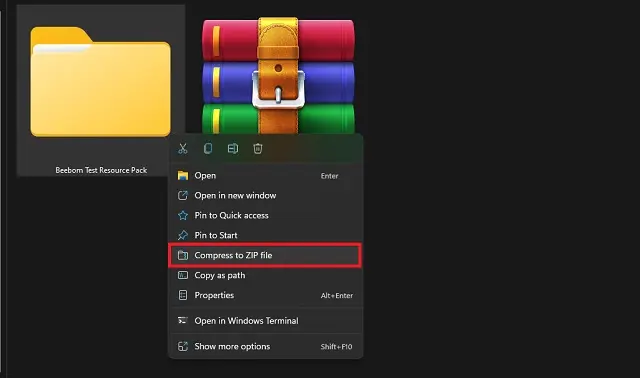
1. To begin, we need to archive our texture pack folder into a zip file. You can do so by right-clicking on it and selecting the “compress to zip file” option on Windows. Alternatively, you can also use software like WinZip, Winrar, and more on most platforms.
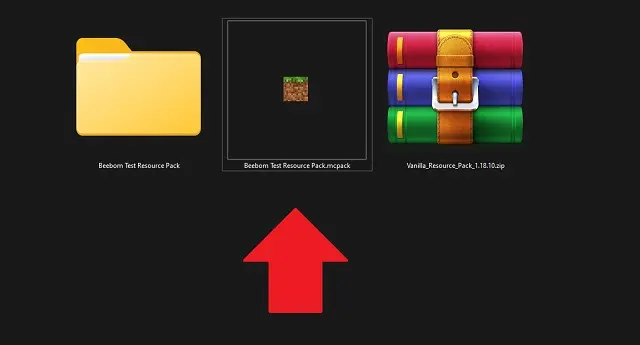
2. Now, rename the file to “your pack name.mcpack”.You need to replace the “.zip” file extension with the “.mcpack” file extension. The pack’s icon will also immediately change to the Minecraft icon.
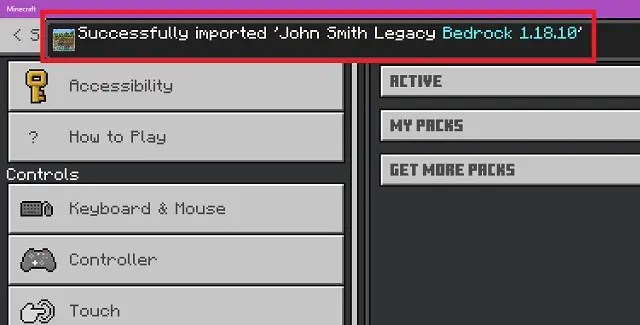
3. Any player can then double click on the MCPACK file to immediately add the texture pack to their Minecraft Bedrock. This makes the installation and distribution much easier and faster. The installation process takes only a couple of minutes, and the game displays an “import successful” notification once it’s completed.
Minecraft Partner Program
The texture pack file for the Bedrock edition may be shared on the same community sites as the Java edition. However, the makers also provide an official location where you may share and even sell your texture packs. Yes, we’re referring to the official Minecraft store, which is only available in Bedrock.
However, only a few authors are permitted to contribute their material to the Minecraft marketplace. To join this restricted group, use this link to apply for the Microsoft or Minecraft Partner Program. Individuals and businesses can both register using the same application form. In terms of selection criteria, the developers will go over your creative portfolio, which should include example texture packs, skins, or add-ons for Minecraft Bedrock.
Enable RTX for these textures
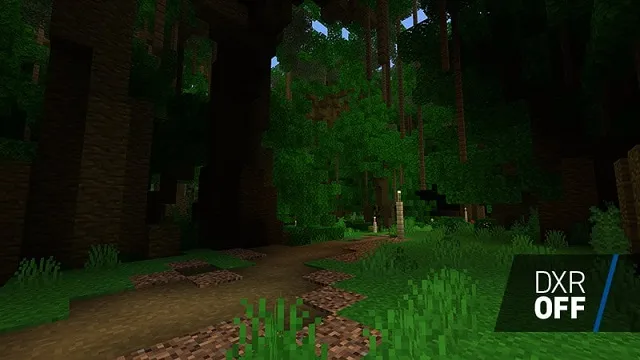
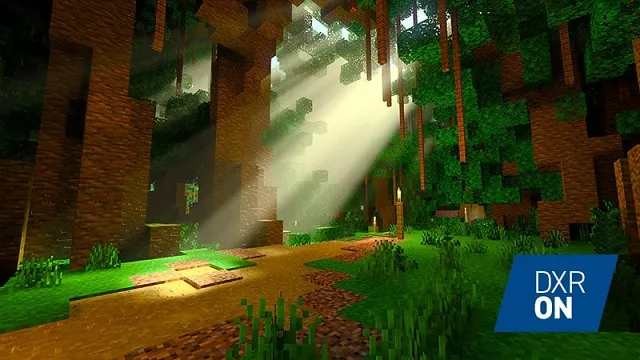
Finally, we have the well-known ray-tracing mechanics, which may take your texture packs to the next level. Due to platform constraints, the RTX for Minecraft Bedrock only works with the Windows edition of the game. Your texture pack must include PBR-enabled textures in order to operate with ray tracing.
The real procedure of activating PBR will take this instruction to a whole new level. However, if you are interested, you may follow the official NVIDIA tutorial to make your Minecraft texture pack RTX ready.
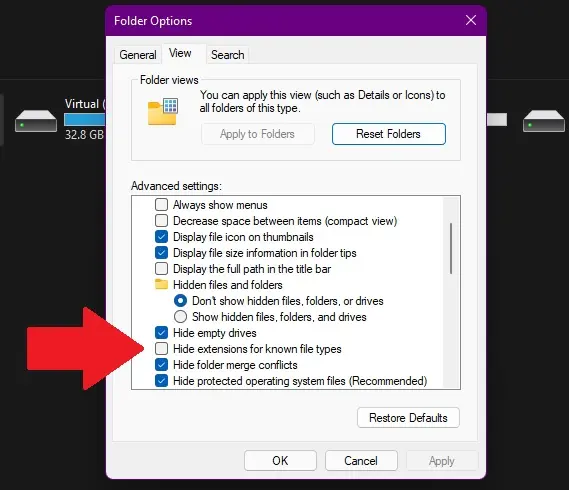
You may get “folder options” on Windows by looking for them in the start menu. The option to “hide file extensions for known file types” will then appear in the display section. Uncheck it to see all of your system’s file extensions.
Mac users can enable the “display all filename extensions” option in the Finder app’s advanced options.
What Should be Extension of Texture Pack
Only texture packs with a “.zip” file extension may be installed in Minecraft Java. Meanwhile, Bedrock users can either use the “.mcpack” file extension or add the texture pack files directly in the game’s directory.
Incompatible Version Warning
If you use a texture on a version greater or lower than the one for which it was designed, the game will display a “incompatible” warning. You may still utilize the texture pack, however your textures may have some issues. This warning also appears if you use the texture packs on a beta or snapshot version of the game.
What is UUID
A UUID, or globally unique identifier, is a digital label that is used to identify data in a game. By include one in your Minecraft texture pack, you ensure that the game does not mistake your custom pack with any other texture pack or the in-game textures.
The Texture Didn’t Change Even after Applying the Minecraft Texture Pack
The texture pack may not function properly in one of the following scenarios:
You’re playing an incompatible version of the game.
The texture pack was not stored correctly, with the correct name or extension.
If the texture contains a TGA file of the same texture but you just altered the PNG version, the game will not recognize it.
Which Texture File Should I Edit: PNG, JPEG or TGA
Minecraft is set up to check for TGA files first, then PNG files, and lastly JPEG texture files. So, if you’re merely changing a PNG file for a texture, erase the TGA file so that your texture can be identified. Because JPEG does not allow transparency, you should avoid using it for the Bedrock edition.
How to Change Icon of the Texture Pack
You may change the icon of your texture pack by placing a PNG file with the desired icon in the main texture pack folder. The icon should be 256 X 256 pixels in size. The icon file should be called “pack icon.png” for the Bedrock edition and “pack.png” for the Java edition. If you’re making an MPACK or ZIP file of your pack, ensure sure the icon file is included.
Can I Use My Texture Pack in Multiplayer
You may freely utilize your texture or resource pack on an online server because the packs only effect the user. Most popular servers, however, already have a resource pack in place for users. Not to mention that gamers have a history of using texture packs to find uncommon goods. As a result, several online servers have outright prohibited the use of texture packs.
Easily Make Your Minecraft Texture Pack Today
You now know all there is to know about creating a Minecraft texture pack. You may use the method to create a texture pack for any edition of Minecraft, whether for business or personal reasons. Just try not to steal someone else’s pack ideas. Even with such a wide range of Minecraft material, there are always fresh themes to uncover, and the mobs in Minecraft 1.19 may be rather inspirational. If simply modifying the game’s appearance isn’t enough for you, one of the greatest Minecraft modpacks could be able to please you. These modpacks not only update in-game graphics, but they also bring a range of changes to the game at the same time. To use them, you must first install Forge in Minecraft.
Returning to the texture packs, you may improve their appearance by applying shaders in Minecraft. These shaders require the installation of Optifine to function, but once installed, your game’s visuals can compete with RTX graphics. That being said, if you have any questions on creating a texture pack, please leave them in the comments. Someone from our team will be on hand to assist you. The process of creating a Minecraft texture pack is time-consuming and labor-intensive, but it is also quite gratifying. Good luck and happy crafting!
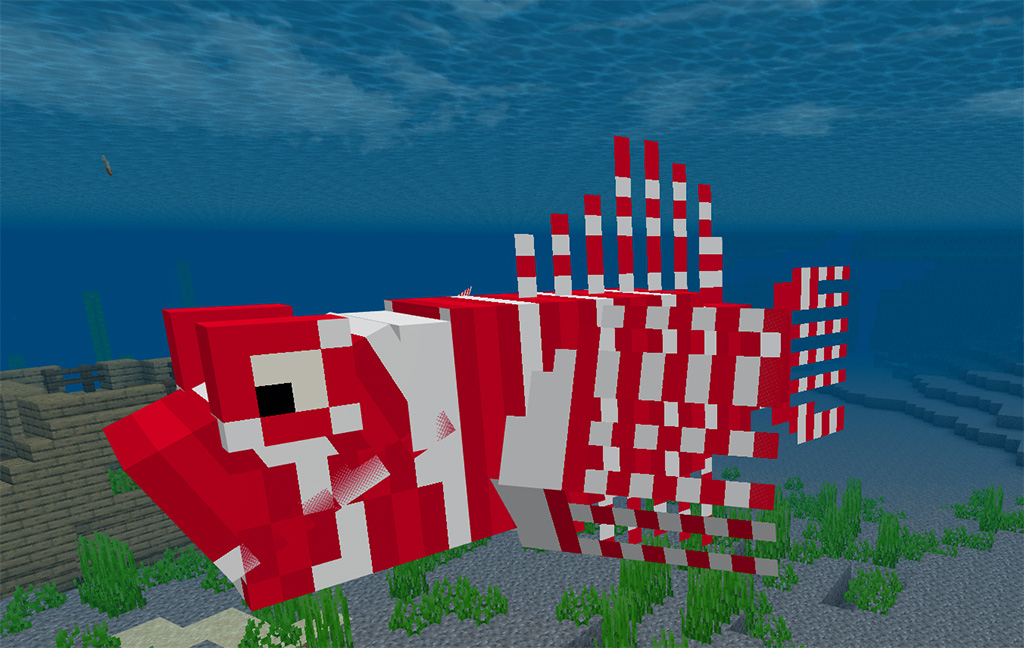
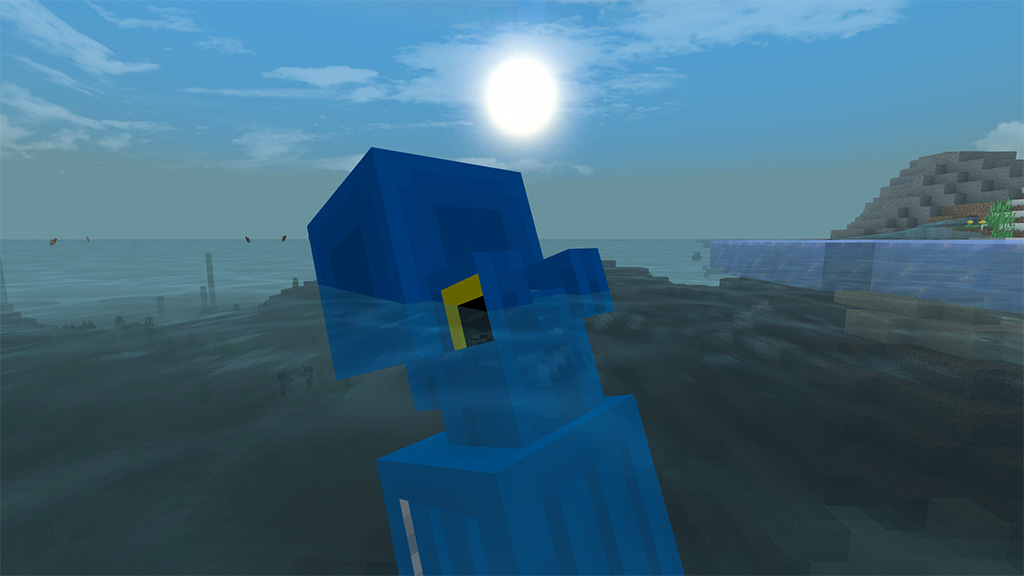
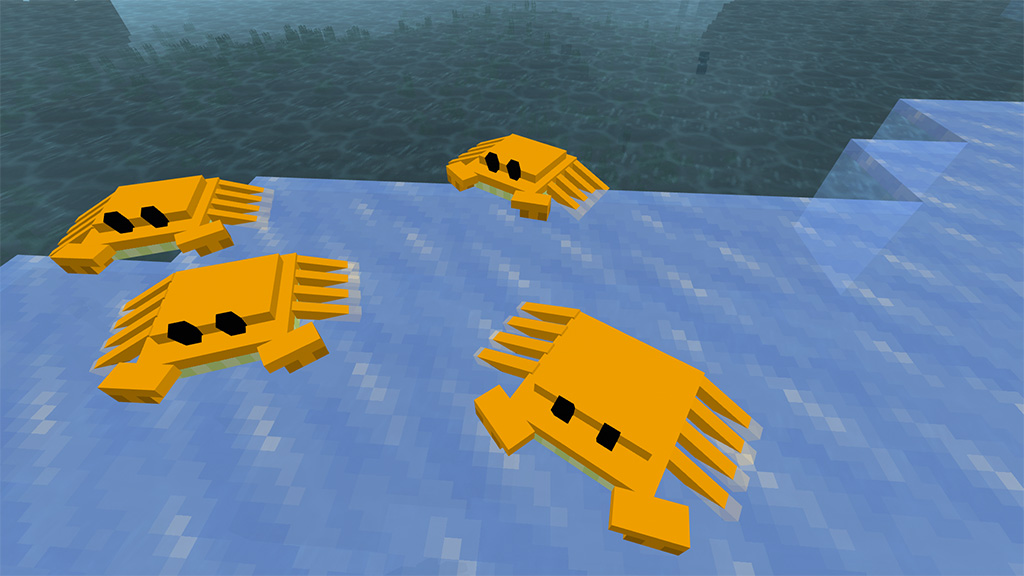
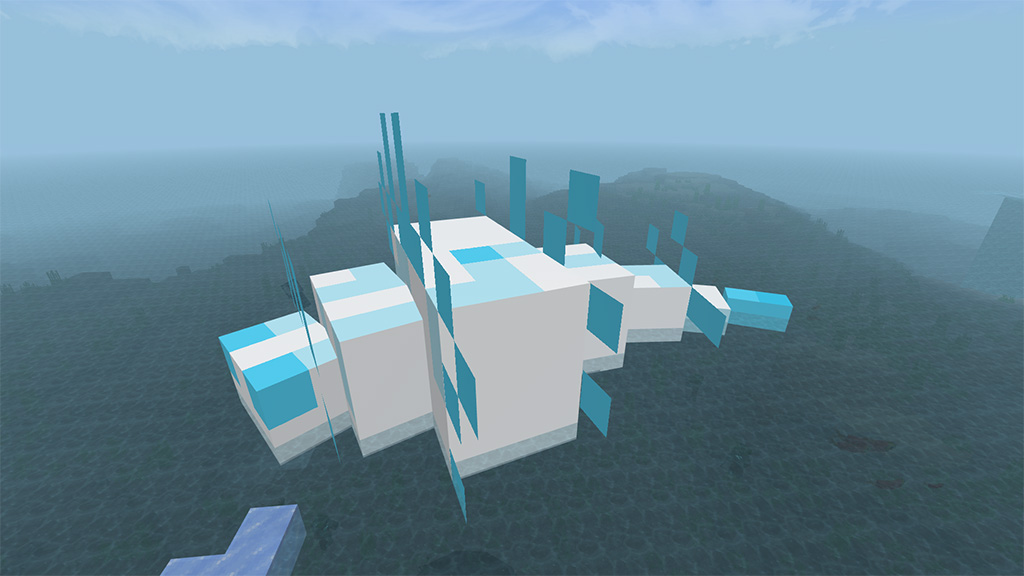
VanillaPlus mod is for those that seek down-low, casual additions. The BadLands Rex, which can spawn with a Pillager Rider, and Rhino Beetles, which spawn in Savannas along with Wild Ravagers, are just a few examples of the additional sealife that is included in this pack for Minecraft. However, we also have some more ambitious additions like these two, so enter the Savanna at your own risk.
Cre: Bean – BeanPlus
VanillaPlus – Minecraft Mod
Kiwis will spawn in forests at night as they are nocturnal animals. they are peaceful animals.
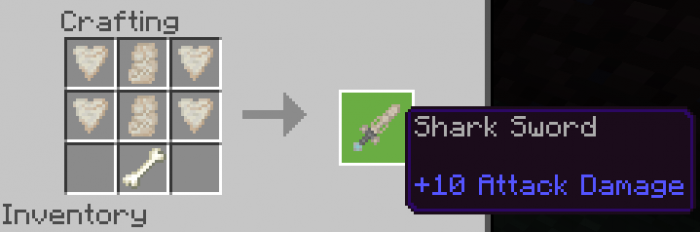
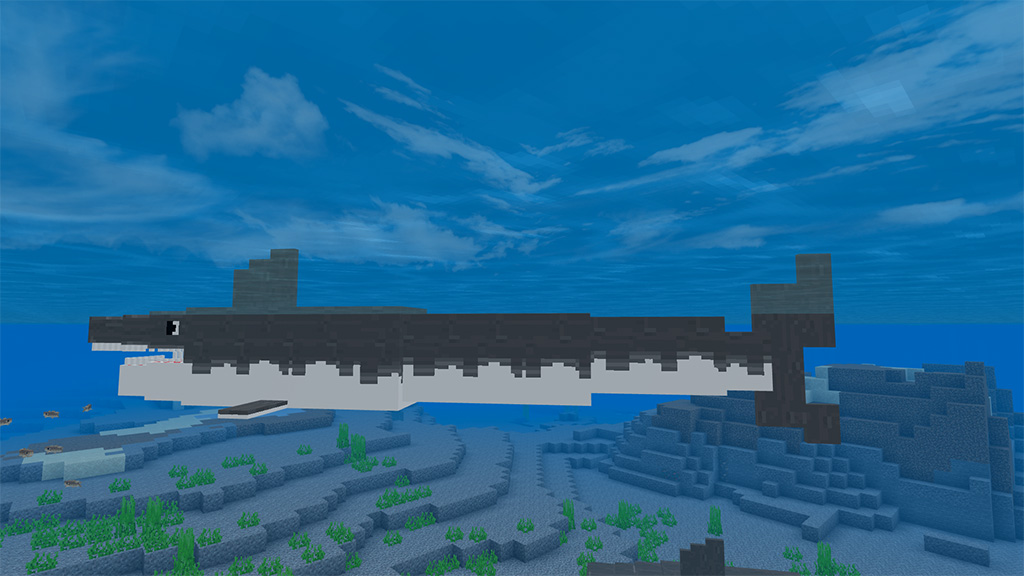
Killing a shark that drops either shark teeth or shark dentin will yield the materials needed to make the Shark Sword.
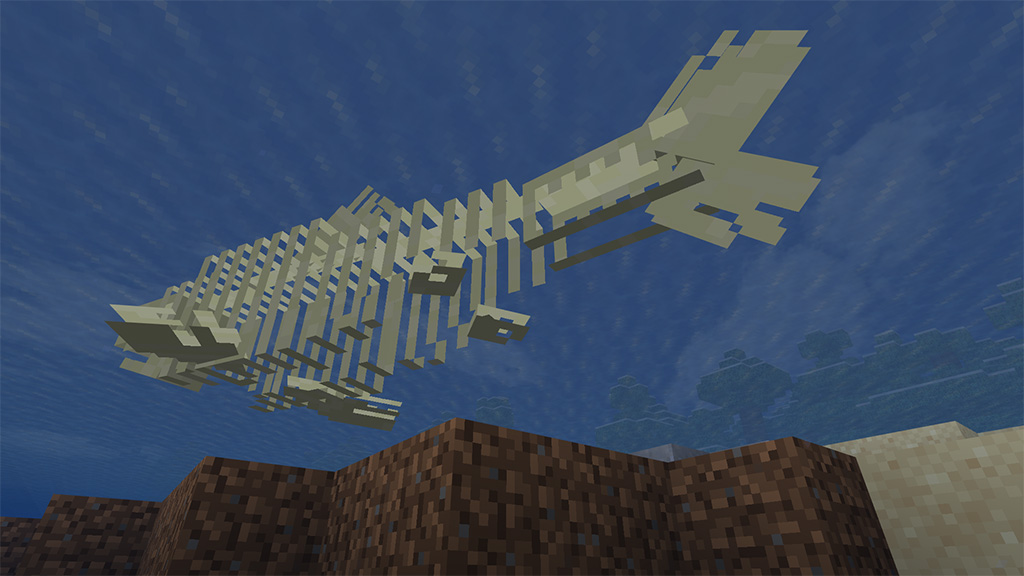
Skeleton & Drowned sharks (ignore orca)
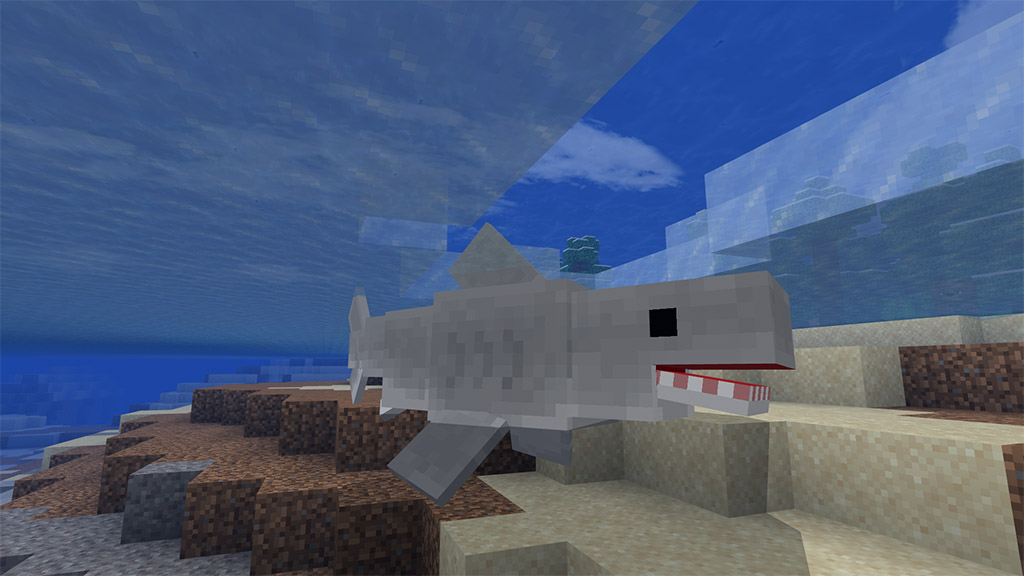
Sharks can spawn anywhere in the water, and while orcas will spawn in cold oceans (together with whales and enormous squids), typical sharks will spawn in warm oceans, along with whale sharks and hammerhead sharks. (Yes, sharks can drown. I’ve been asked this a lot.)
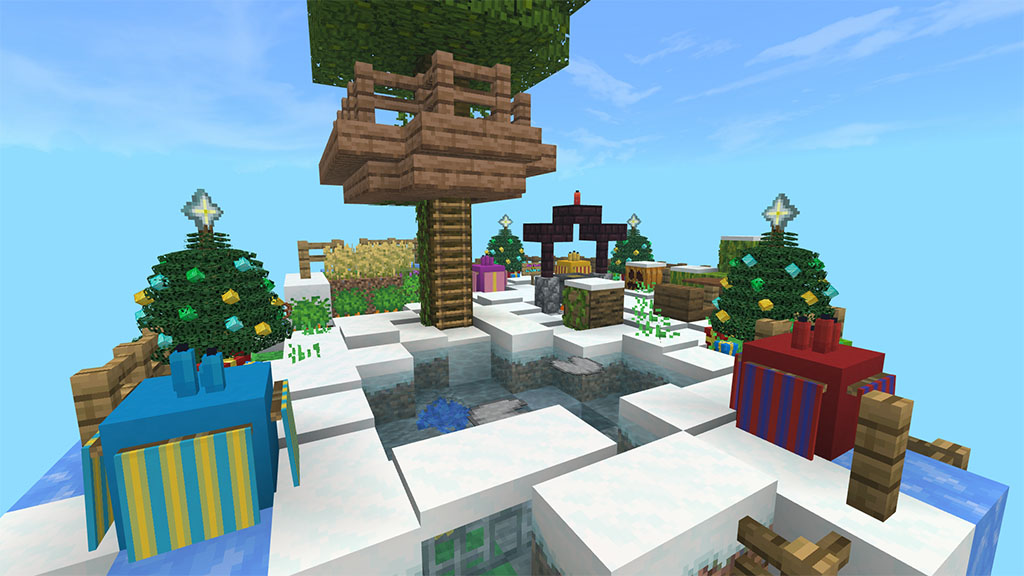
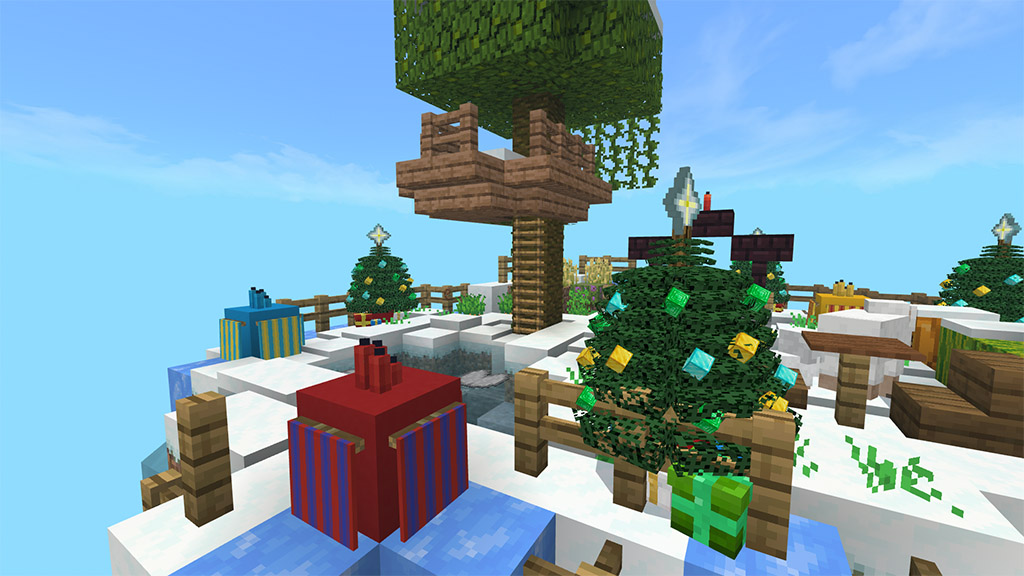
Hello, today I introduce a map with name Minecraft Christmas One Block. The most common Minecraft map is one block. One Block is a survival map where you start out with a lone block floating in space. But there will be a single-block Ice Island on this map. This Christmas-themed map was created. The same block can be mined again to provide you with basic minerals that gradually get better.
Cre: MCPE ML (Youtube, Twitter)
Minecraft Christmas One Block
Floating Island
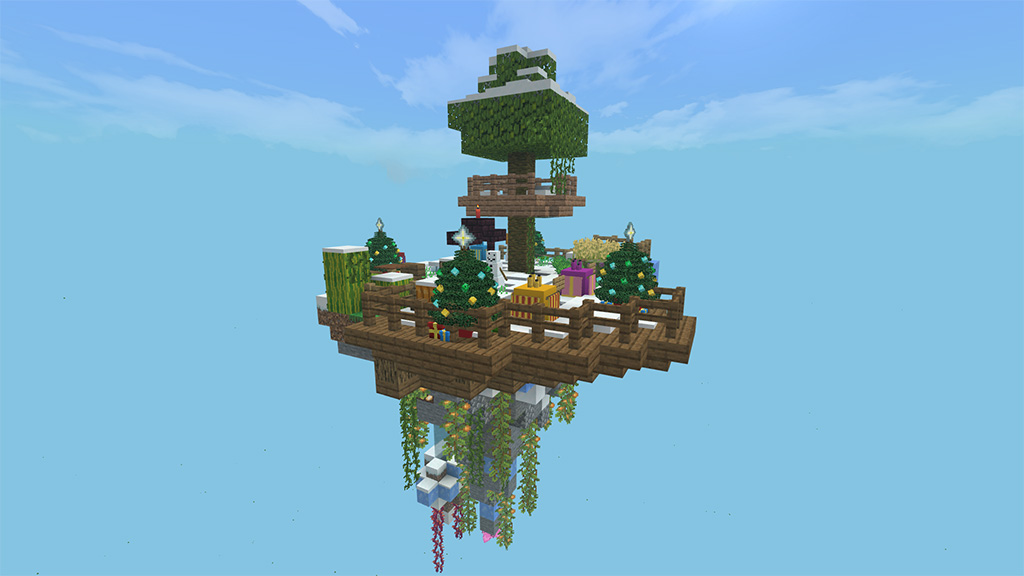
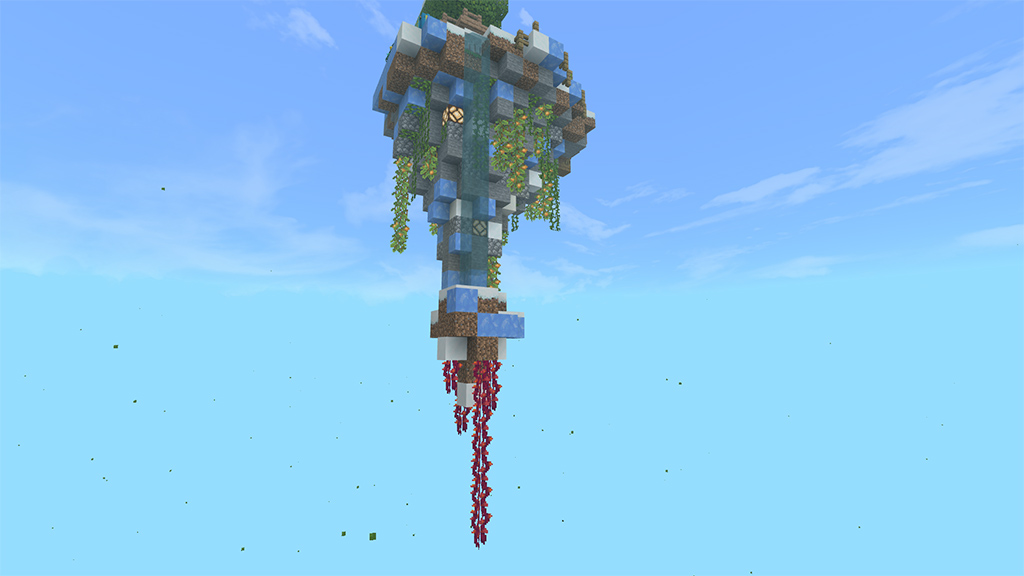
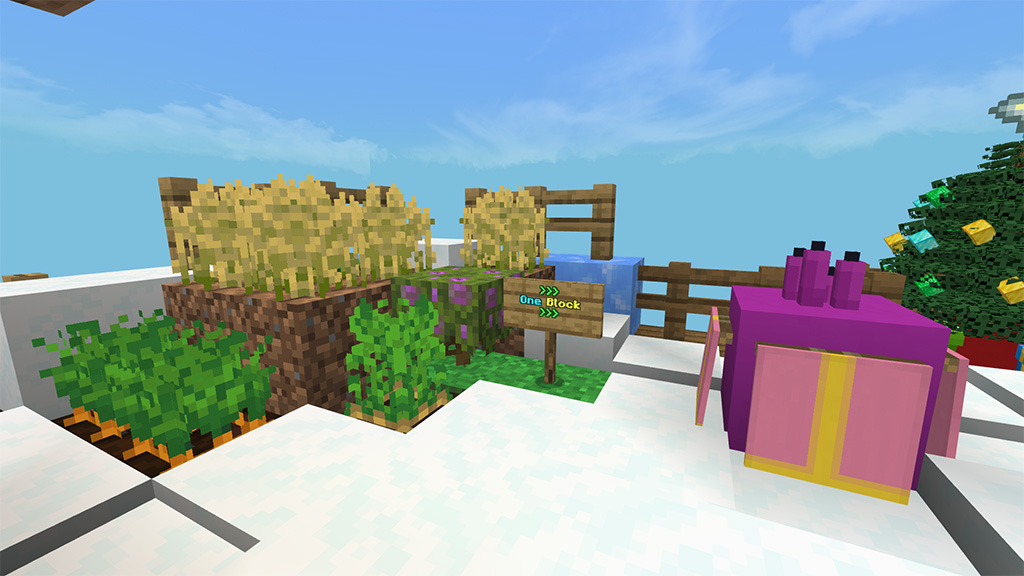
A floating ice island will be visible. On this island, there is a large tree and One Block. Ice and lush biomes are found below it. On this island, there are Christmas trees and presents. There is a tree and some farms close by. This island contains a fountain.
One Block
One Block is essentially this pink block. There will always be another block here if you shatter this one. This is essentially referred to as one block. Its moniker, Christmas One Block, refers to its location on an ice island.
We don’t allow you
You cannot upload this map to your website
You can create videos with this map.
In case of link sharing, give the original link, don’t give the download link.
Our posts are on mcpeml.com, mcpedl.com and mcpeaddons.com
You can visit our website to get interesting things. Also we have facebook page youtube channel. You can like and subscribe if you want.
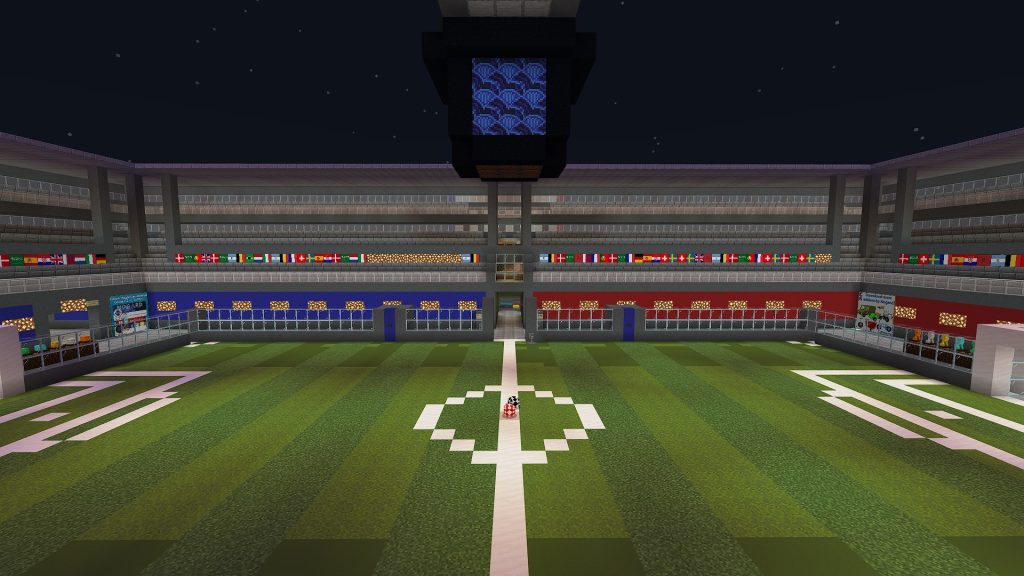
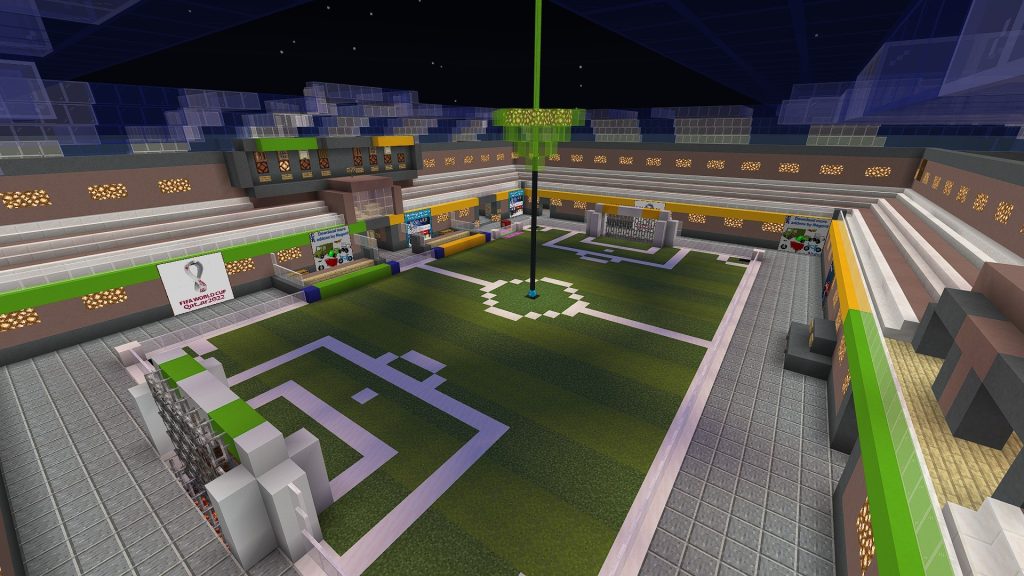
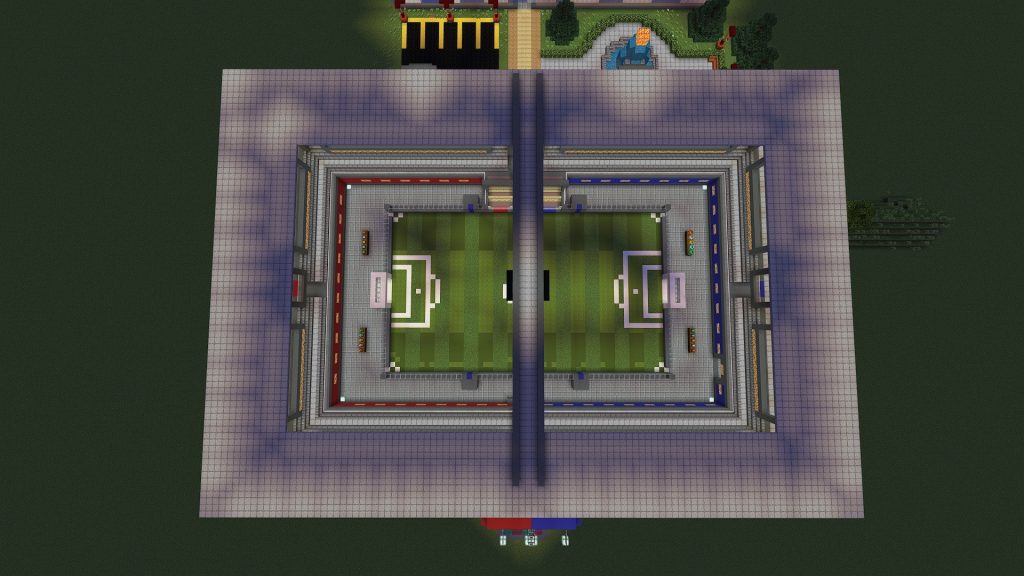
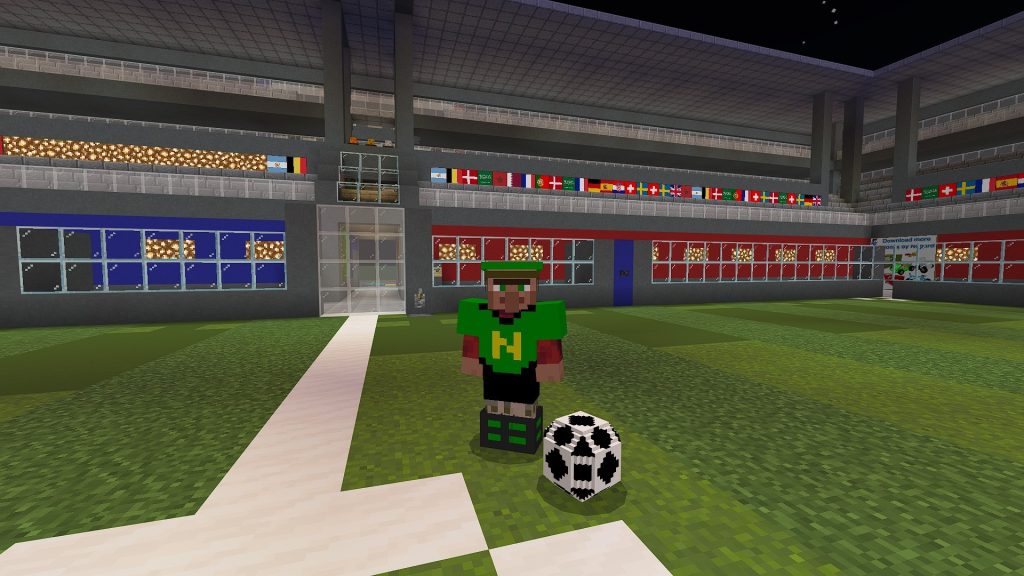
The minigame world created by the author this time is a football stadium. The author’s intention in this creation is to produce the world to coincide with the 2022 FIFA World Cup.
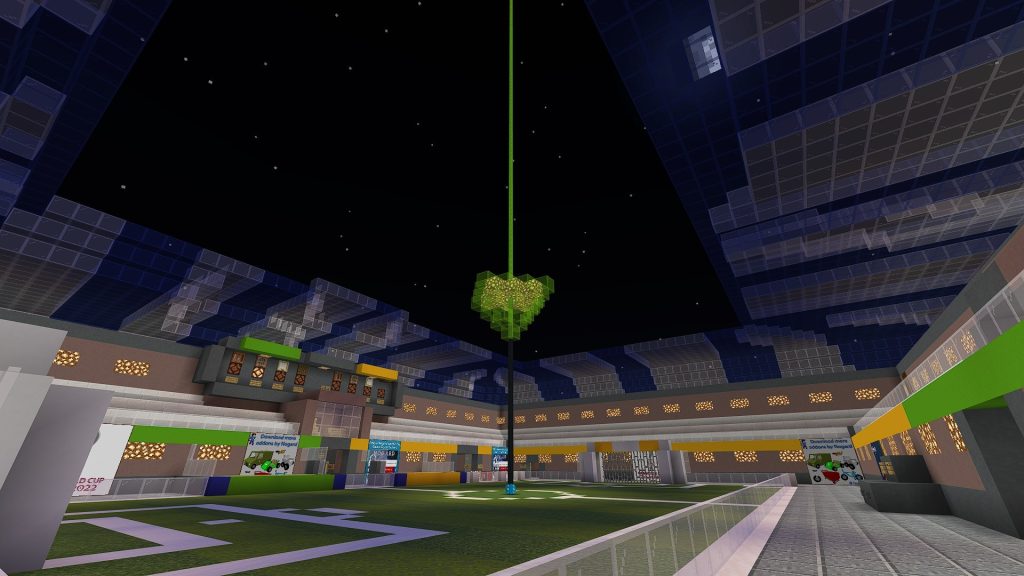
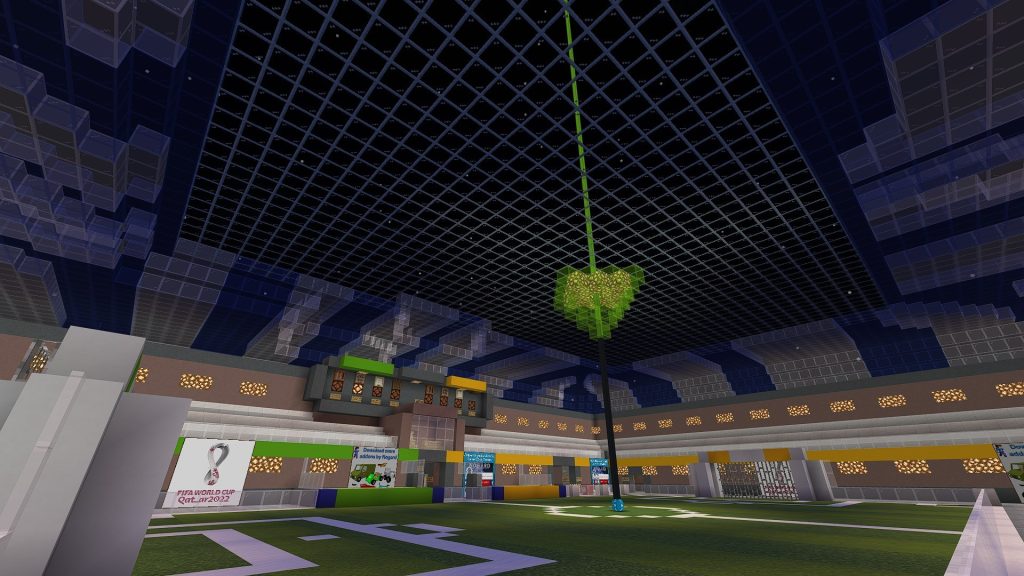
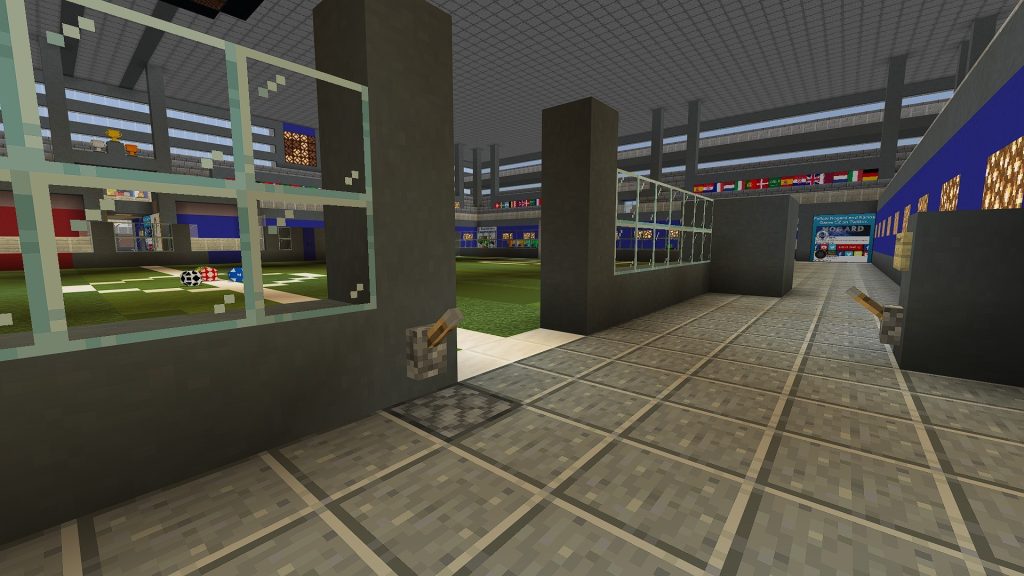
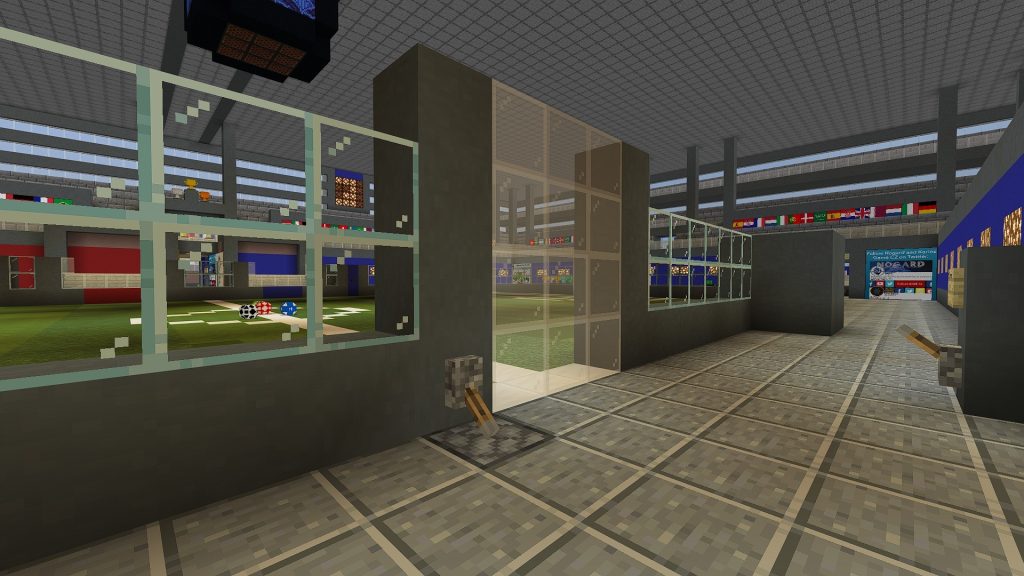
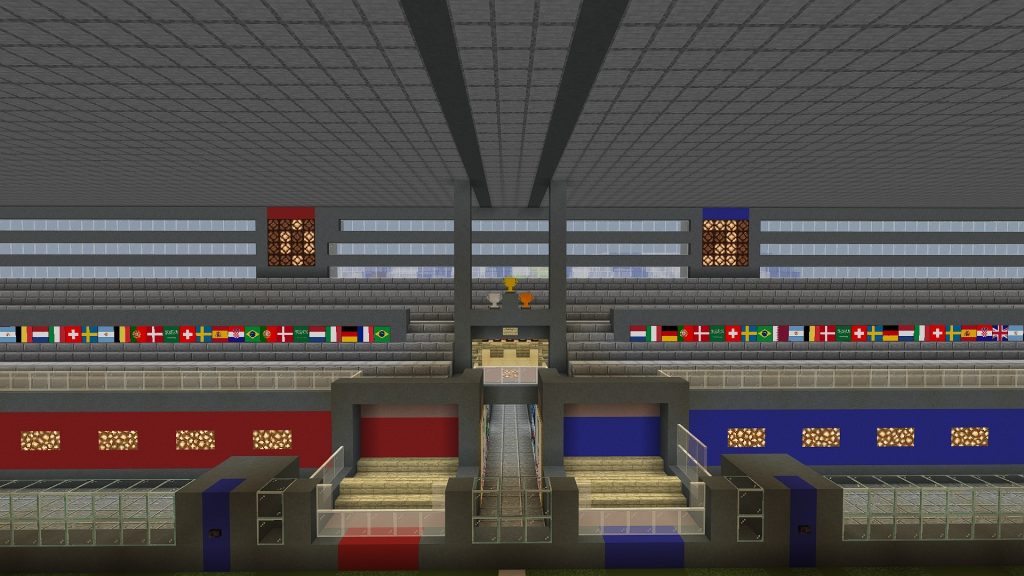
The creator created a world consisting of 2 separate stadiums, which creates many opportunities for players to play football. The structures are designed in a modern design, fully functional, almost like a real-life stadium.
The modernity of the football field
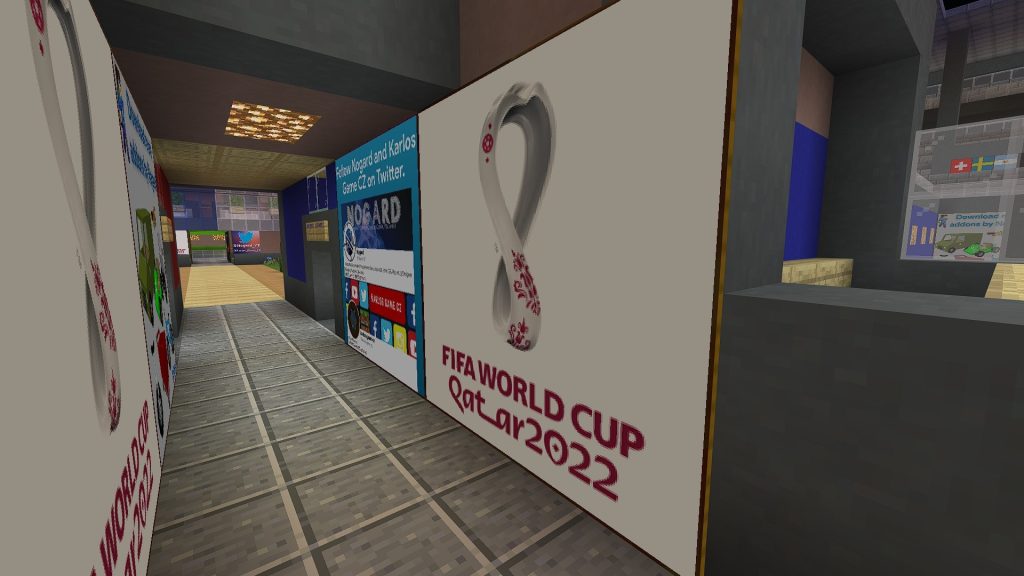
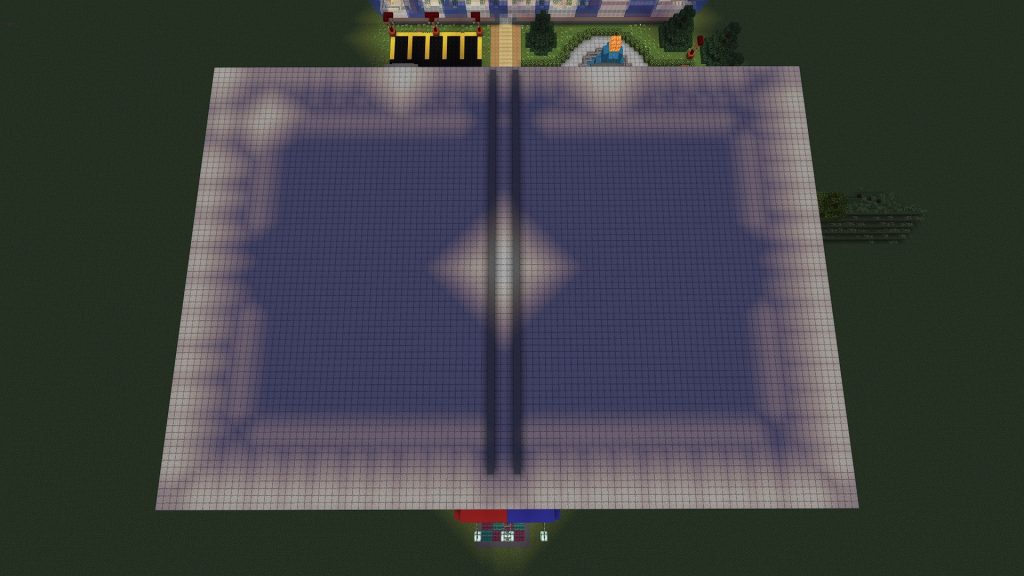
Both stadiums are equipped with automatic roofs. Especially in larger stadiums, there is a fully functional automatic scoreboard system on the map. Around the stand are decorated with the national flags of the qualifying teams and special posters to promote the creators.
Stadium roofs are automated
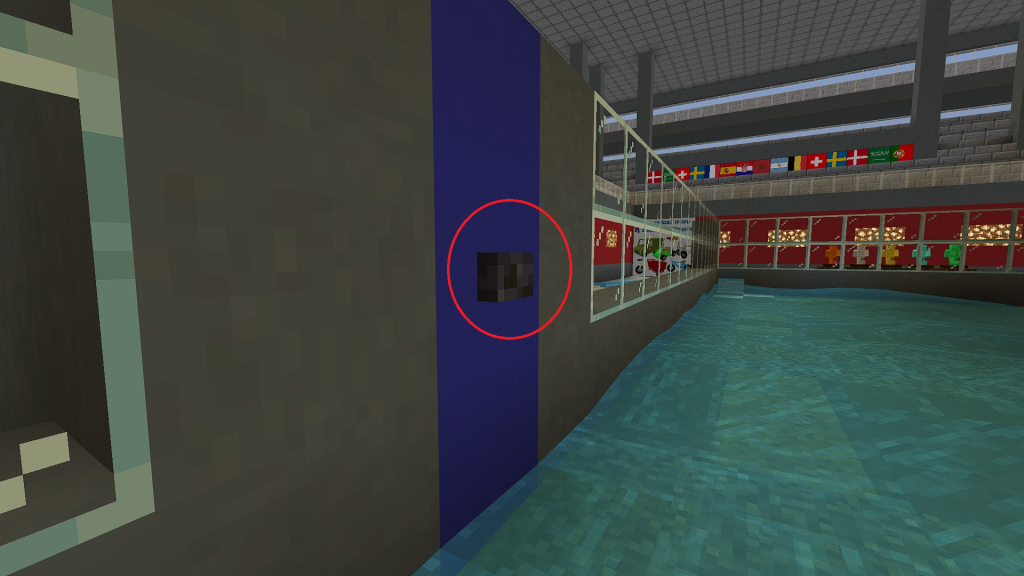
You can turn on/ off the roof at here
Automatic lawn cleaning football with water
You press this button, immediately the water will spray out and clean the lawn.
Automatic ball court entrance system
Football Awards
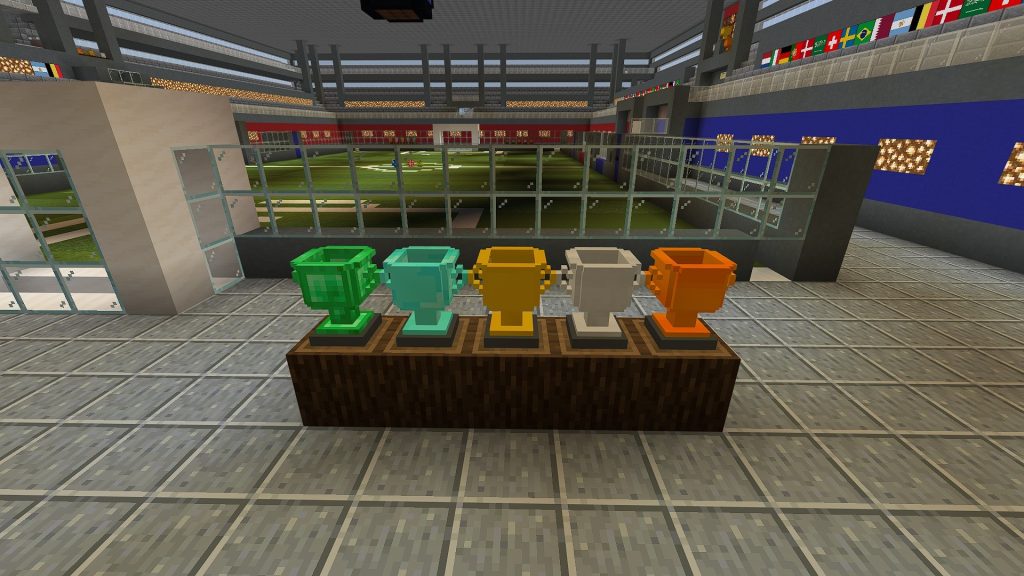
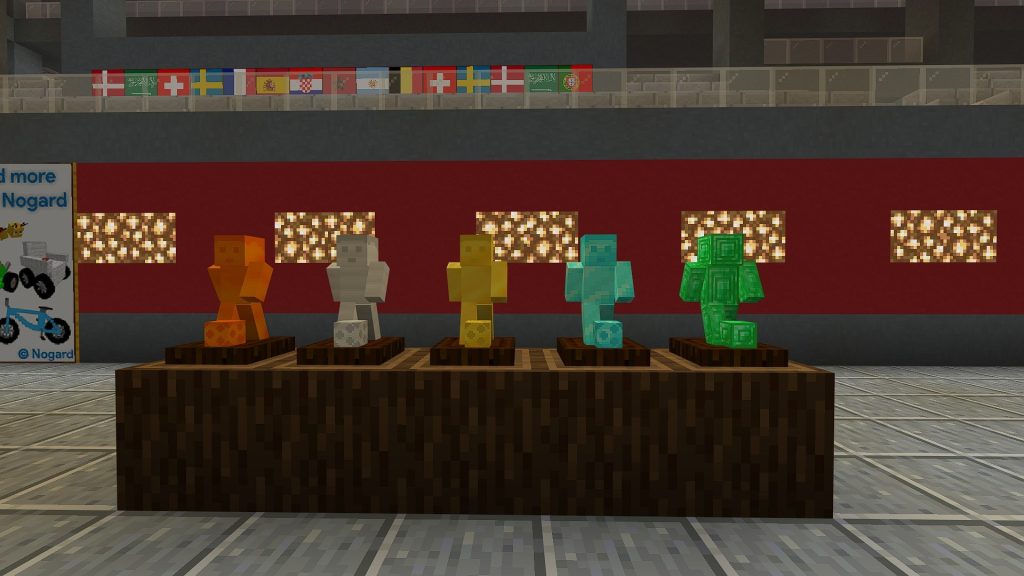
The trophy trophies displayed at the top of the stand are only symbolic objects. 5 real prize trophies of different colors are displayed on the second floor of the football field.
They are now implemented using custom 3D blocks (Trophies, Hockey Trophies and Ball Trophies). All trophies are available in 5 different variants (emerald, diamond, gold, silver/iron, bronze).
Equipment outside the football field
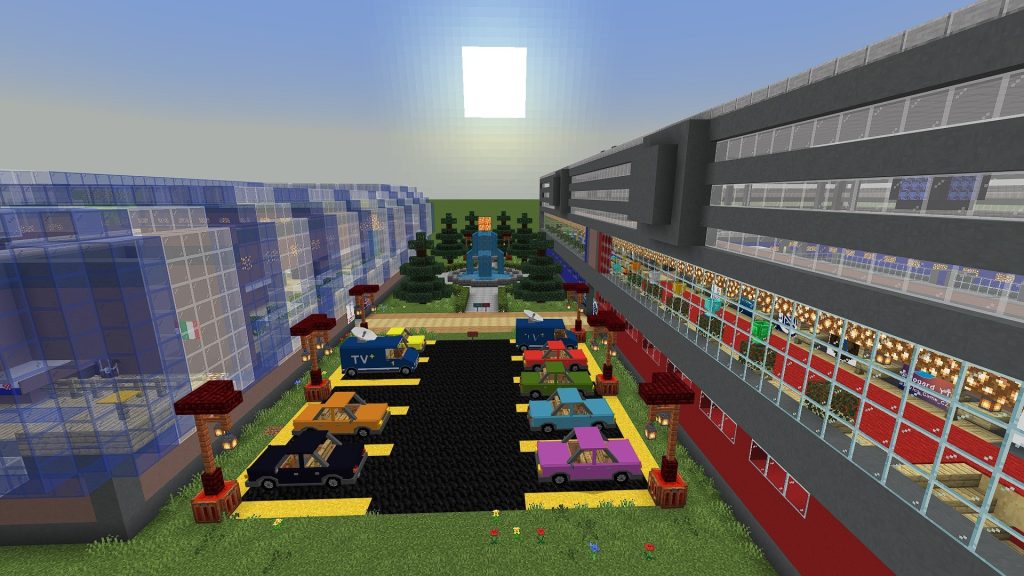
The distance between the two stadiums is arranged as a parking space and decorated with a fountain in the middle.
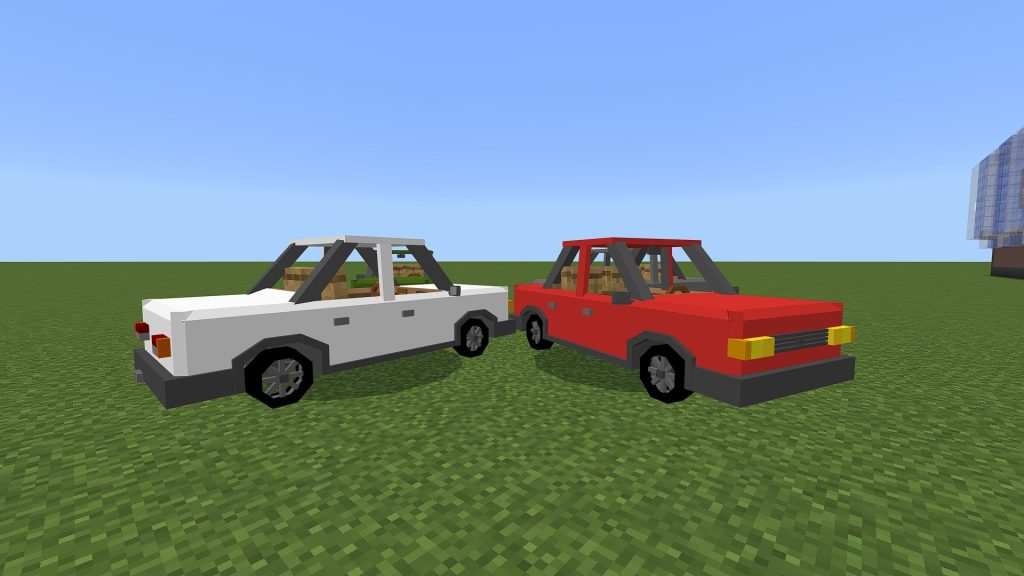
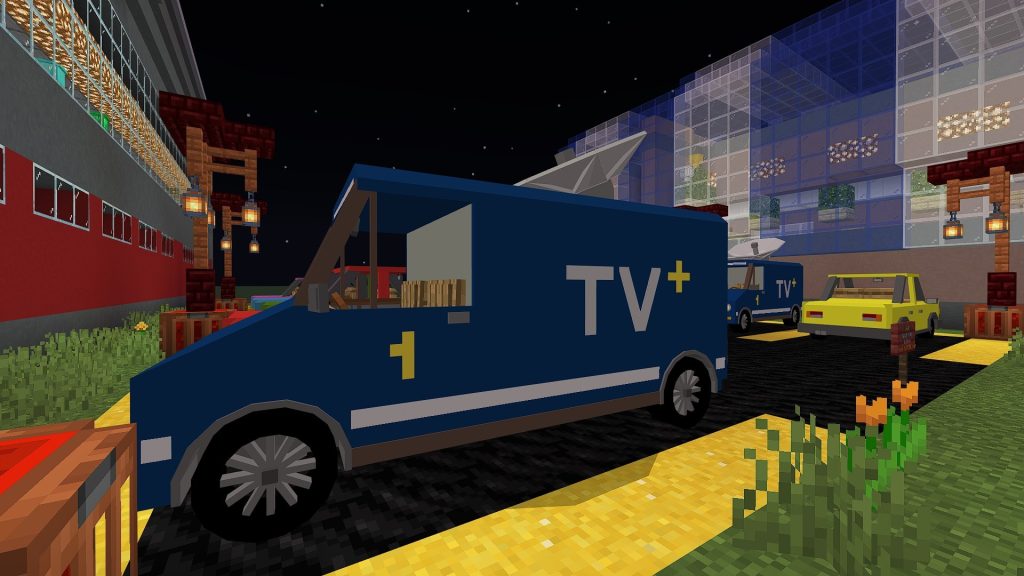
In the parking lot, you will the newest version of the Mech Car Addon and yet unreleased Mech Van Addon. Mech Van is a very special variant – TV Van (broadcasting car).
Mech Car Addon
TV Van (broadcasting car)
The addon includes 7 stylish types of balls to play with. You can easily shoot just by hitting the ball, if you want to shoot at longer distances, use Football Boots with Knockback 1 or 2. Boots can be found along with other equipment such as custom dresses, food, balls, and vehicles in chests around the map.
Various costumes, food, tools, balls
There’s a lot more that hasn’t been talked about yet, imagine a time and weather machine, walls opening with Redstone and command blocks, goal effects and sounds, team changing rooms, a bar, a museum, a maze, a tv studio, a doctor and staff rooms, even a bowling alley and translations into English (US and GB), Czech and Slovak. This and much more can be found on this map.
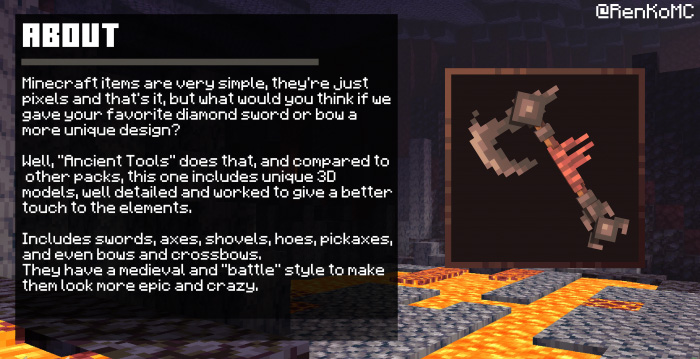
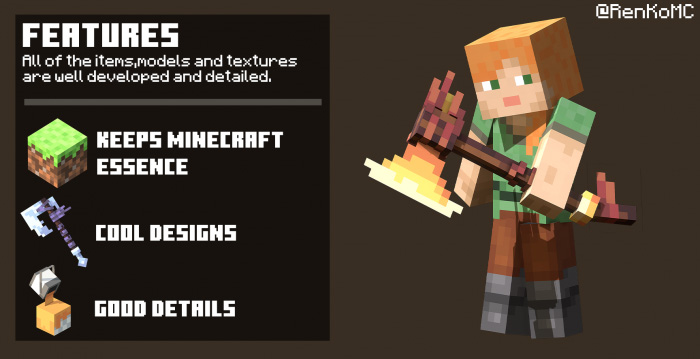
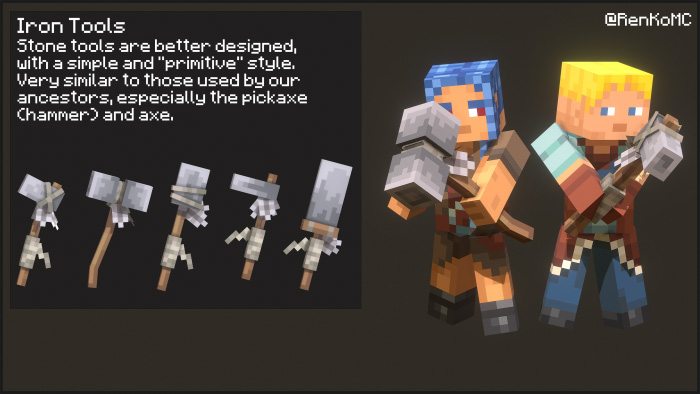
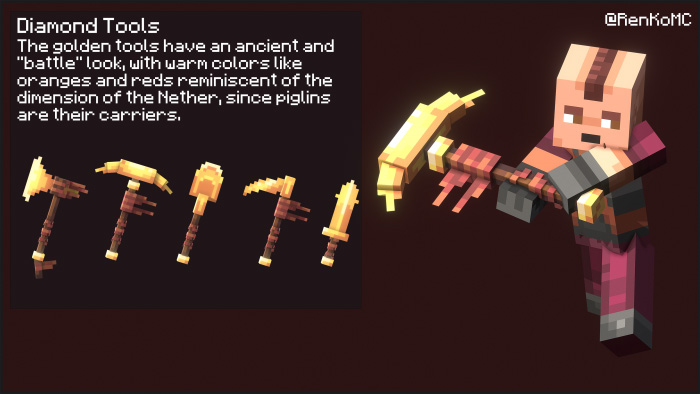
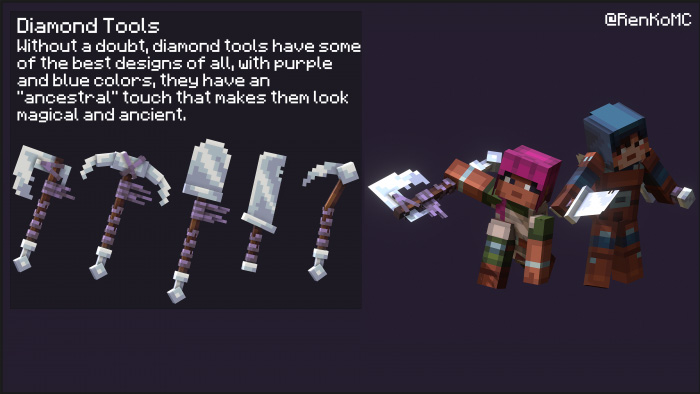
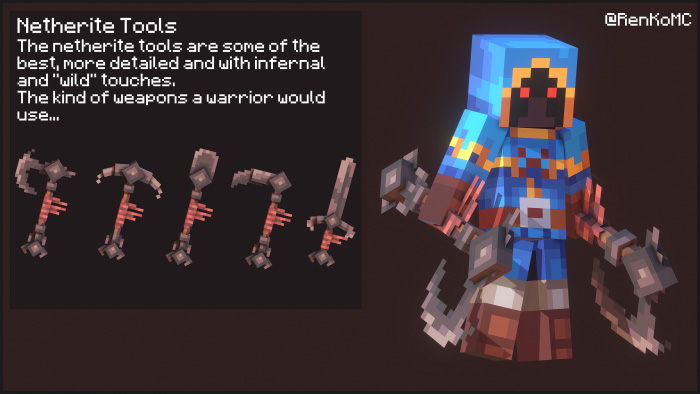
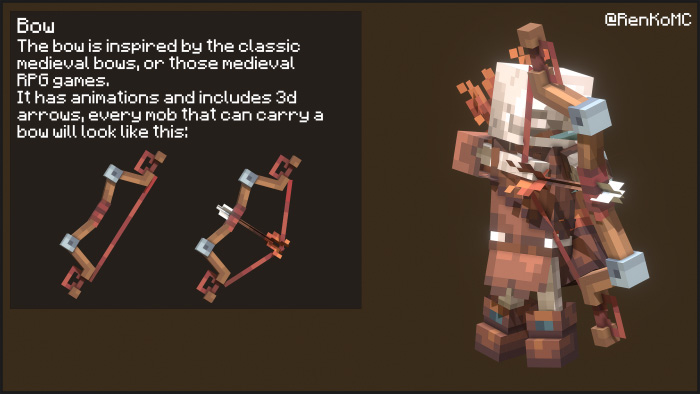
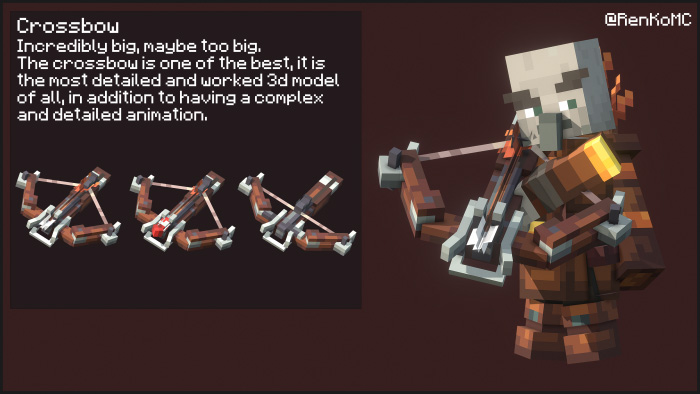
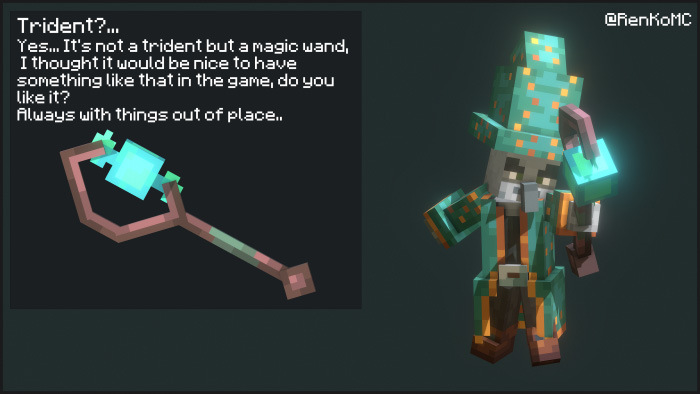
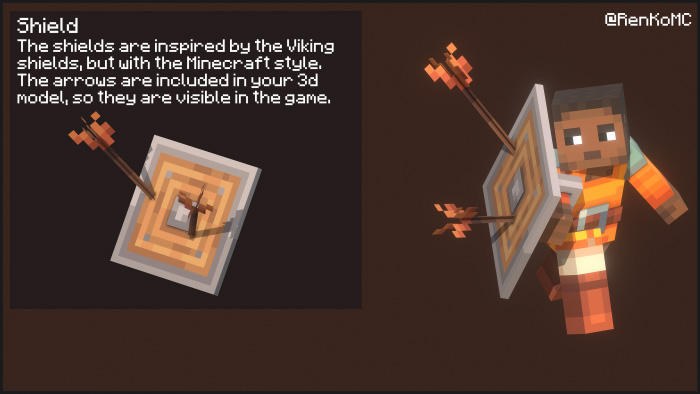
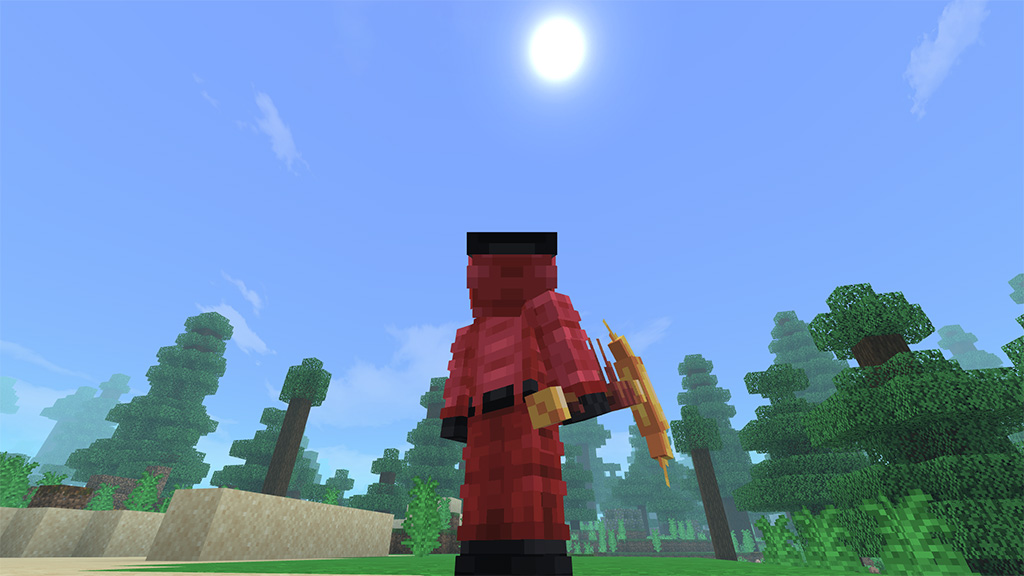
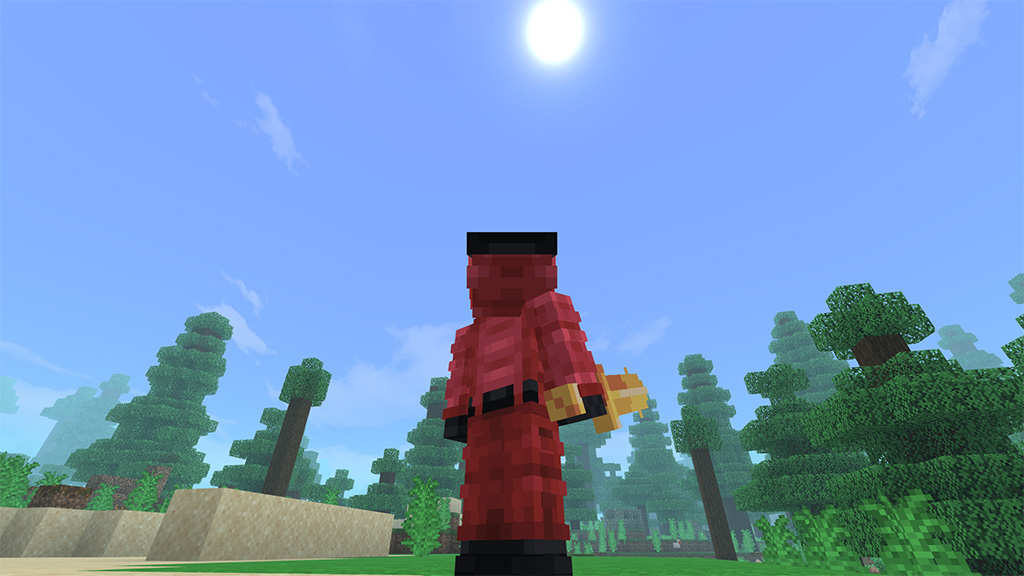
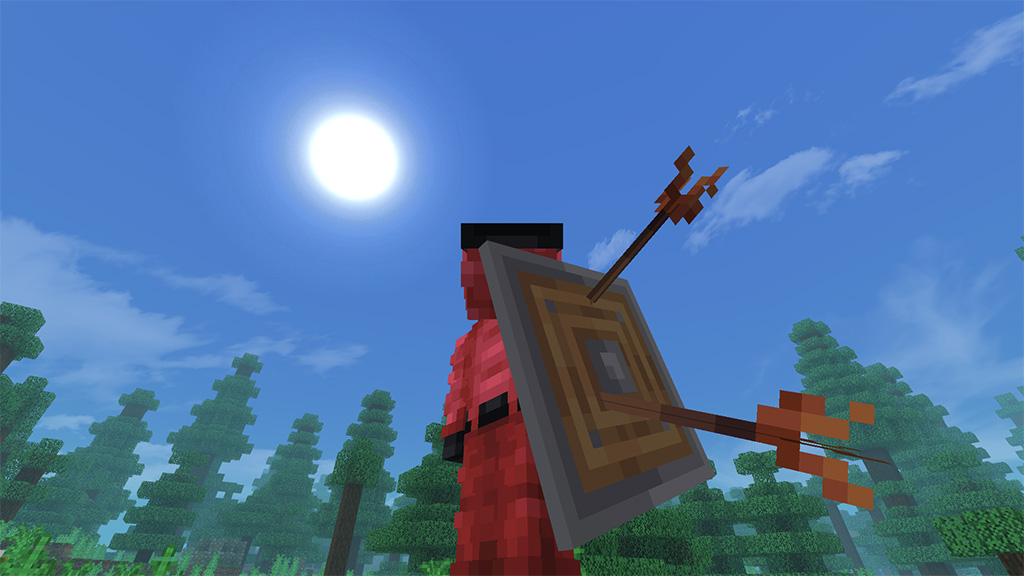
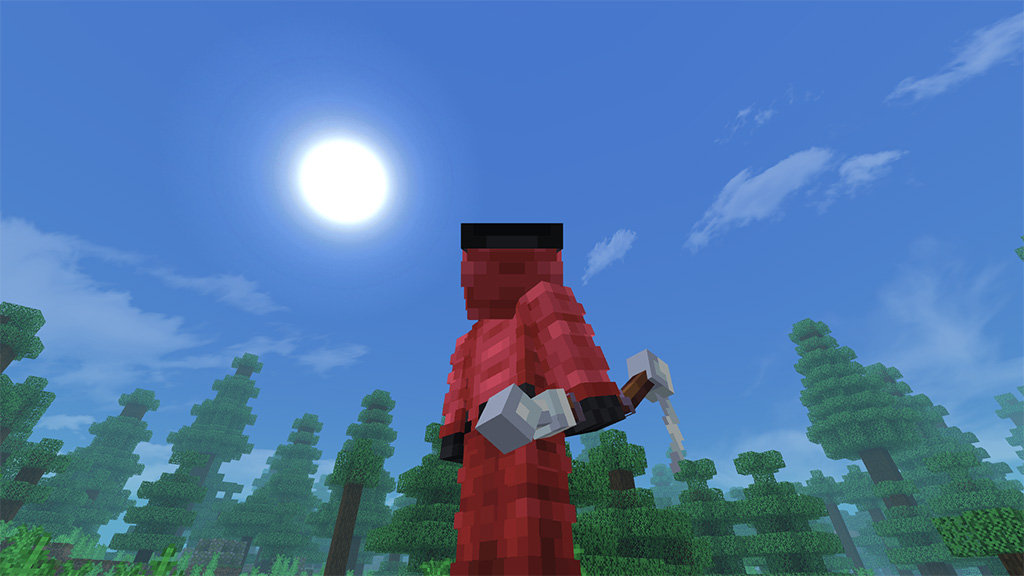
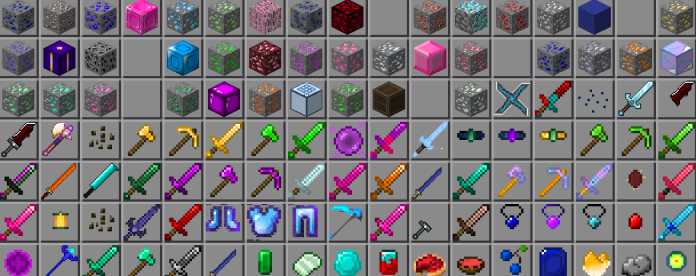
Ancient Tools texture pack upgrades our swords, pickaxes, and axes with new 3D Minecraft models and textures in medieval and fantasy designs. These were influenced by ancient weapons like Viking axes, knightly swords, and cavemen’s stone tools, which were utilized thousands of years ago. Hope you had fun! Please take note that this bundle was initially made for Autumn Vibes.
Cre: RenKo
Ancient Tools
In game Pictures
•Notes
This is a texture pack, not an add-on or mod, so you can use it on server, realms or survival orlds without any problem.
The pack includes the completeinformation of the pack on it (some things were not shownhere) with all the implementations info. Just click on “how to play” button and that’s it.
Some items may cover the screen too much, so it is not recommended to use them for pvp.
•Terms of Use:
What you can do:
Showcase this texture pack in any video as long as I RenKo am credited properly with MCPEDL link or Linkversite link.
You can modify this texture pack for Private use.
Share this texture pack using MCPEDL link.
What you can’t do:
Claim this pack as yours.
Steal the code for any addon or texture pack.
Modify the pack for Public use.
Upload it on any third party side.
Shocase or use the pack without proper credits.
If you break I will take measures for this, I won’t care about anything, I’ll just do what I have to do.
With Total Carnage addon, I believe, was the most time-consuming for me to create. The long-awaited Carnage upgrade has finally been completed after over three years!
With Total Carnage addon of 100 new enemies in this new version of Carnage, the majority of the creatures’ actions are distinctive, and their abilities range from meager to downright lethal!
This updated edition includes a number of brand-new furnishings, structures, and, in a future update, biomes. Keep in mind that while I find out how to make void-dwelling critters spawn, some monsters won’t currently spawn naturally. But even so, this is unquestionably one of the greatest mods ever!
Remember that most of these monsters will fight to the death with one another! Why? because it’s COMPLETE MAYHEM! On that topic, there are too many mobs to mention them all here rather than go into detail about each one.
Before you start battling these creatures, you ought to have some knowledge. When it comes to it, one of these guys isn’t fooling around.
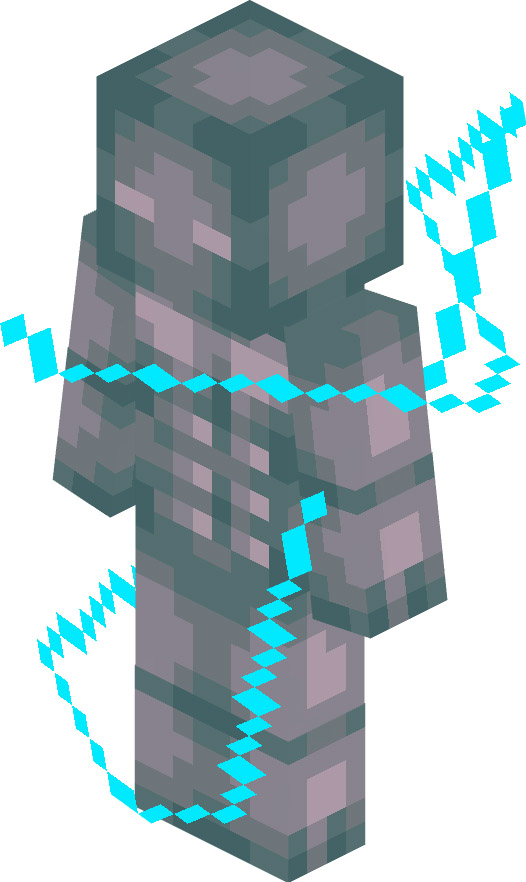
Vained Time
Attacks vary; damage depends on number struck, ranges between 5-60 seconds (5 seconds to 1 minute).
Attacks inflict either slowness, weakness, mining fatigue, or wither; duration and amplifier depends on number struck, duration ranges between 5-60 seconds (5 seconds to 1 minute) and amplifier ranges between 1-12.
Passively inflicts weakness and mining fatigue nearby.
Immune to fire, lava, wither, magic, fall, and suffocation.
Attacks are modular.
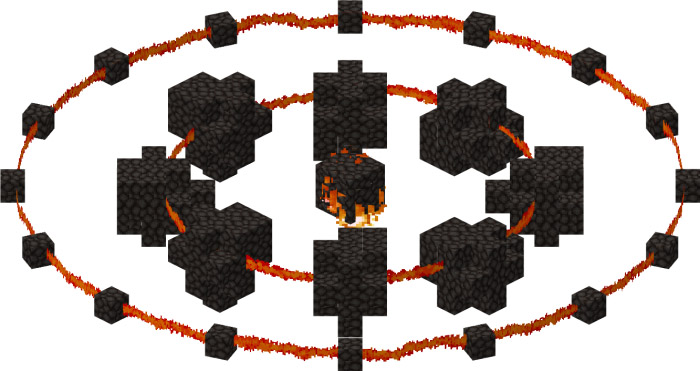
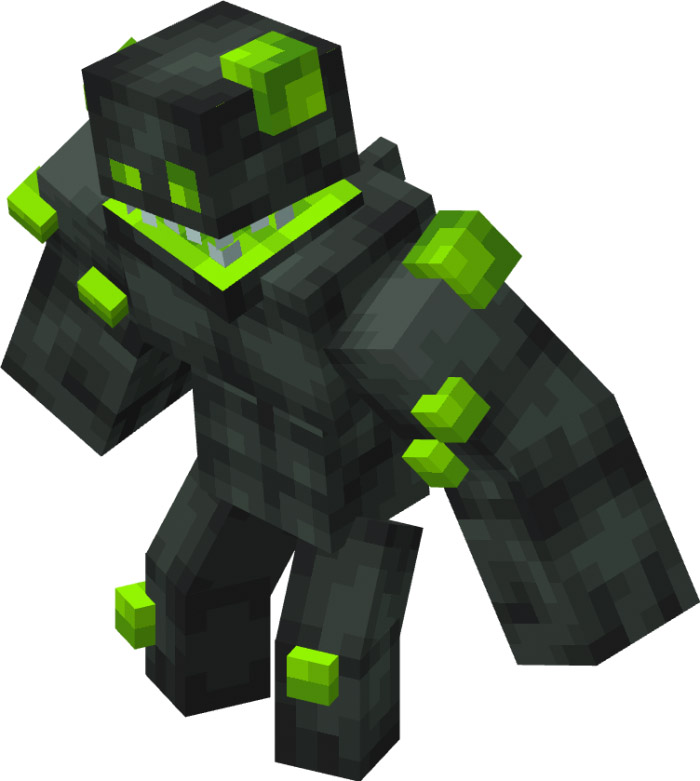
Dynamo
Strategic measures are required; there is little to no cooldown between attacks, fight at your own risk.
Immune to drowning, magic, wither, explosions, fire, suffocation, and freezing.
Strategic measures are required; contact with water will fatally damage anyone in a 20 block diameter area.
Attacks are modular.
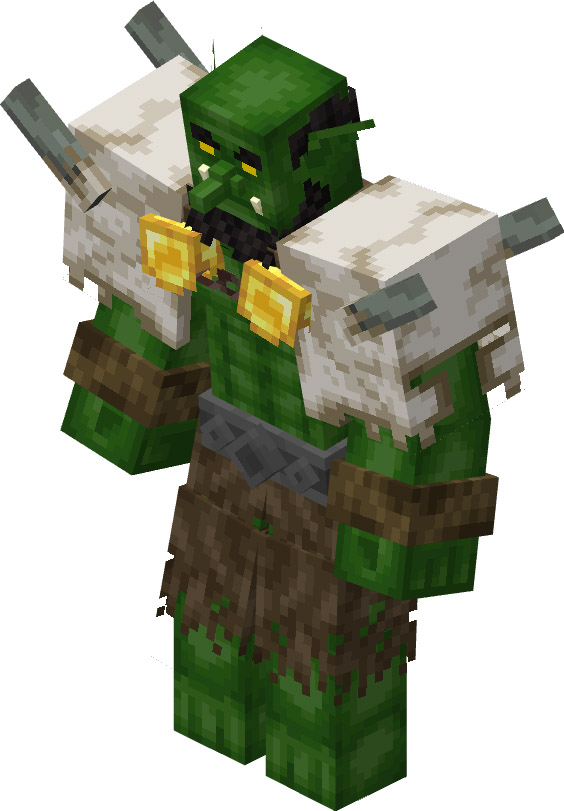
Goblin Champion
Attacks vary; damage depends if it uses weapons.
Strategic measures are required; all attacks cause destruction.
Attacks are modular.
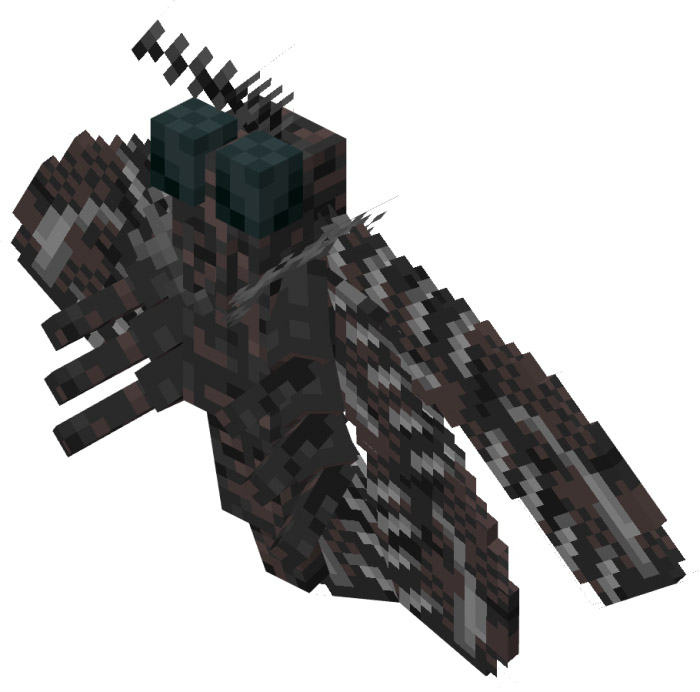
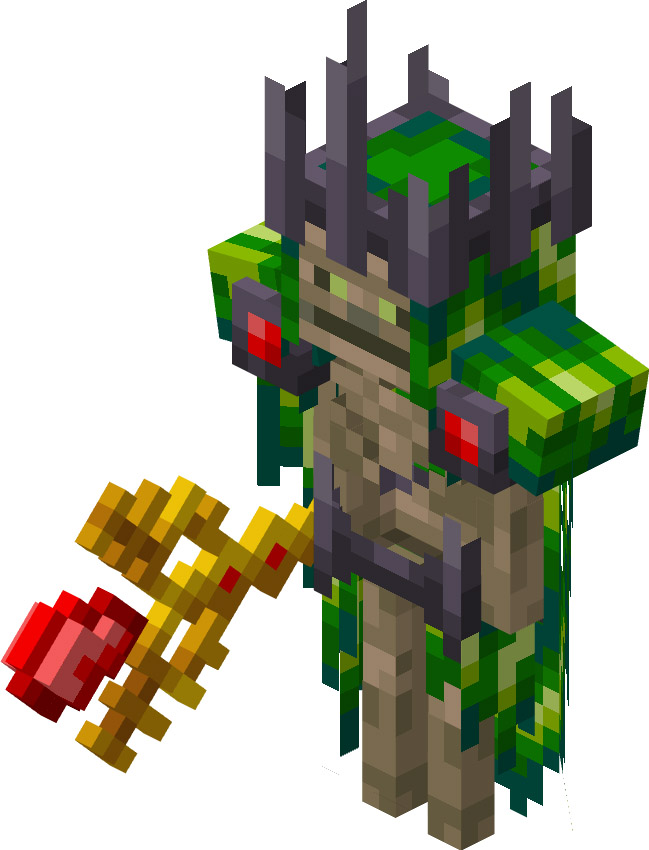
Moth Mother
Melee by default and ranged at random times.
Takes heavy damage from fire and lava.
Summons live temporarily; moth minions last 15-30 seconds.
Attacks are modular.
Blitzir
Ranged as a standard.
Fire immune.
Modular attacks are used.
Strategic actions are necessary;
Attacks are extremely vulnerable in enclosed areas and produce significant damage.
Infaminous
Strategic action is necessary since this monster causes lethal hunger
Immunize against everything.
Assaults cause 40 seconds of hunger.
Depending on their saturation points, damage from vanilla food or within Total Carnage addon is dealt.
Modular attacks are used.
Sonaga
Ground entity by default and flies when changing frequencies.
Immune to suffocation.
Attacks are modular.
Strategic measures are required; All attacks cause great knockback
Inigtau
Immune to fire, suffocation, projectiles, and fall.
Passively gains resistance from water or rain.
Takes constant damage in the Nether.
Passively inflicts damage nearby
Gravitite
Modular attacks are used.
Fire and knockback immunity.
Is severely damaged by explosions.
Damage dealt by pickaxes in the base game or the add-on is multiplied by two.
Fallen Summoner
Strategic measures are required; has 3 phases and each summoned monster’s difficulty will depend on the phase.
Attacks are modular.
Immune to lightning.
Discarded Sword
Has 2 phases; second phase is an enhanced version where it can summon lightning bolts.
Kites when attacking.
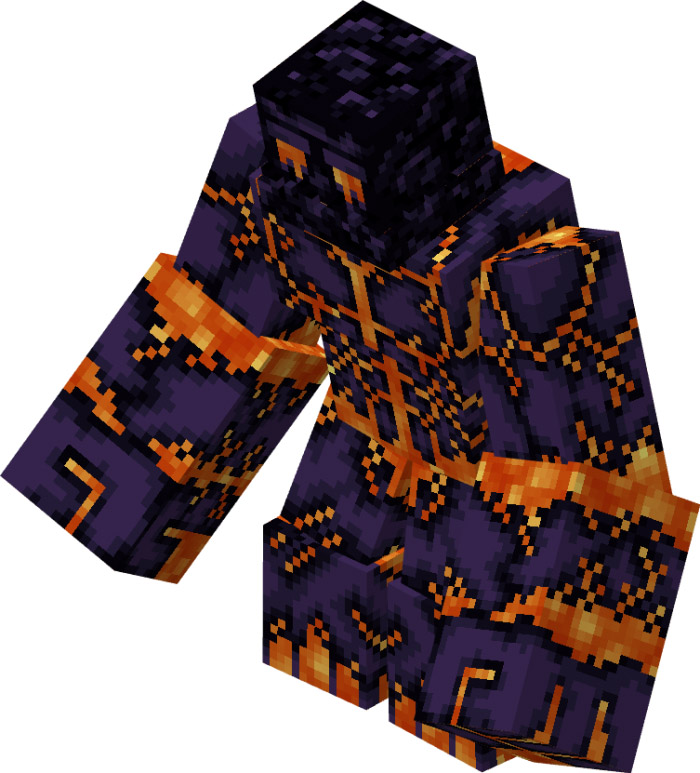
Obsidian Disaster
Recovers from fire.
Modular attacks are used.
Strategic action is necessary; coming into contact with lava upgrades it to a glowing version.
When it transforms into the glowing variation, its stats increase: attack is twice as strong, knockback resistance is enhanced by half, and health and scale are four times as strong.
Runimon
Has 2 phases; 1st phase is stationary and 2nd phase is mobile.
Strategic measures are required; the healers that surround the monster needs to be destroyed first.
Attacks are modular.
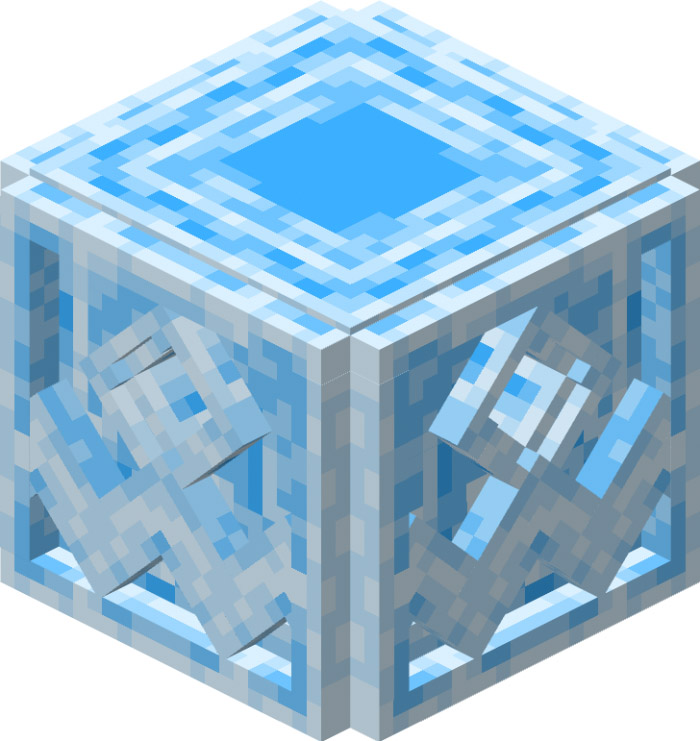
Polar Tyrant
Meltdown
Contains three phases, each of which is stronger than the previous one.
Debuffs are passively applied; they depend on phase and have a fixed duration.
Phase 1 causes sickness and toxicity.
Phase 2 causes weariness from mining, nausea 2, poison, and weakness.
Phase 3 causes a second deadly toxin, weakness, second-stage mining exhaustion, and slowness.
Strategic action is necessary; the final mutation will result in significant destruction.
Modular attacks are used.
Torrid Xeromancer
Summons healers before combat.
Passively generates a sandstorm that lasts 60 seconds (1 minute) to inflict slowness for 60 seconds (1 minute).
Strategic measures are required; the healers that surround the monster needs to be destroyed first.
Summons live temporarily; scarabs last 15 seconds, twisting sands last 10 seconds, and husks last 15 seconds.
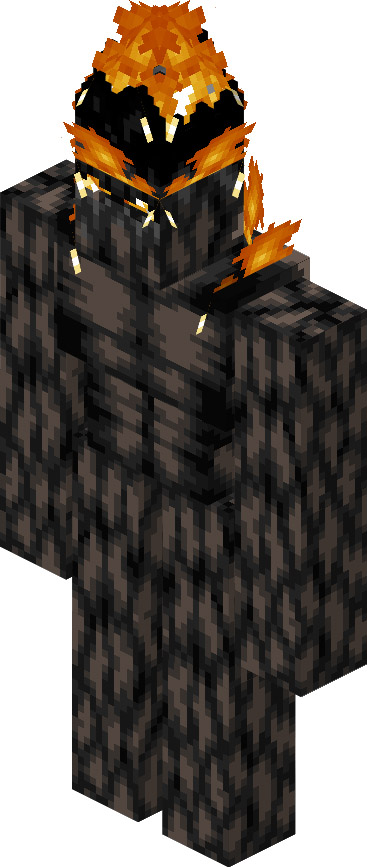
Torch Giant
Takes heavy damage from water or rain.
Passively gains resistance and regeneration health is below 50%.
Damage dealt from vanilla axes or within the add-on is 2 times greater.
Strategic measures are required; All attacks cause fire.
Immune to fire.
Attacks are modular.
Grand Hammer
Passively gains damage reduction; damage reduction depends on health. Gains 25% damage reduction when health is below 75%. Gains 50% damage reduction when health is below 50%. Gains 75% damage reduction when health is below 25%.
Attacks are modular.
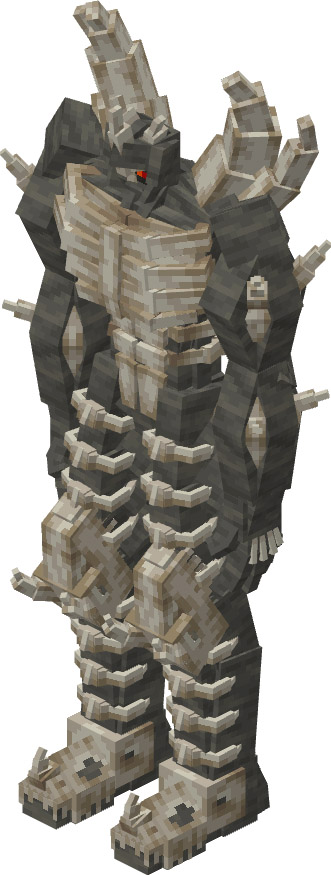
Fossil Titan
Strategic measures are required; there is little to no cooldown between attacks, fight at your own risk.
Damage dealt from vanilla pickaxes or within the add-on is 5 times greater.
Immune to suffocation.
Attacks are modular.
Vastatos
Sizes vary; attributes depend on level. Each level is advanced after getting killed. Each level adds 4 more damage, 1 more scale, and 1000 more health. Scale is capped at 10.
Takes heavy damage from the void.
Passively immune to everything when eating and roaring.
Attacks are modular.
Strategic measures are required; All attacks cause destruction and fatal after 8
Installation
Rules
If you want to review/make a video about this content, at least credit me in the video/description.
Don’t use your own link, use the proper link on MCPEDL.
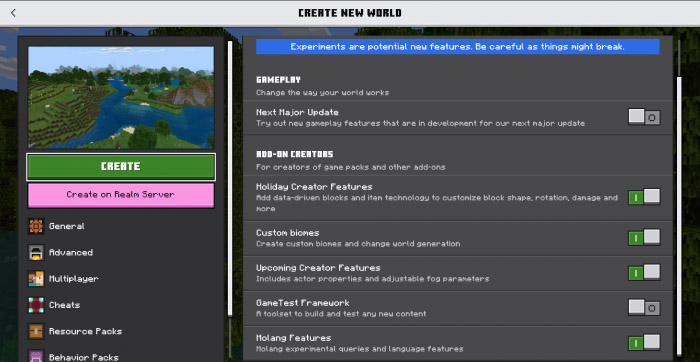
Make sure to turn on ALL experimental gameplay features to enjoy this add-on to the fullest.
If you wish to use this for your content, at least credit me.
Do NOT upload a direct link.
You may copy/paste this for your content as well if you wish.