Home Blog Page 66

Masked World Decade! [Evolution and Conflict]

0

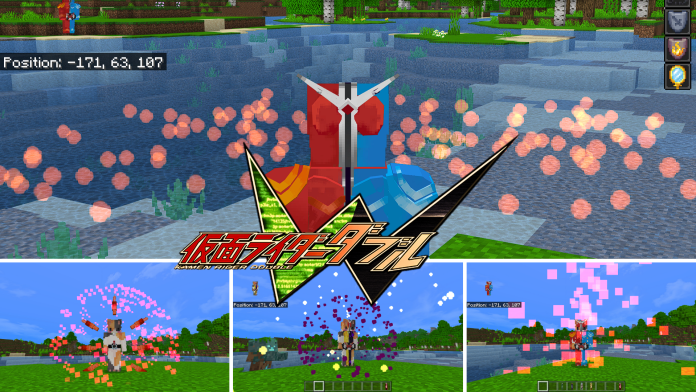
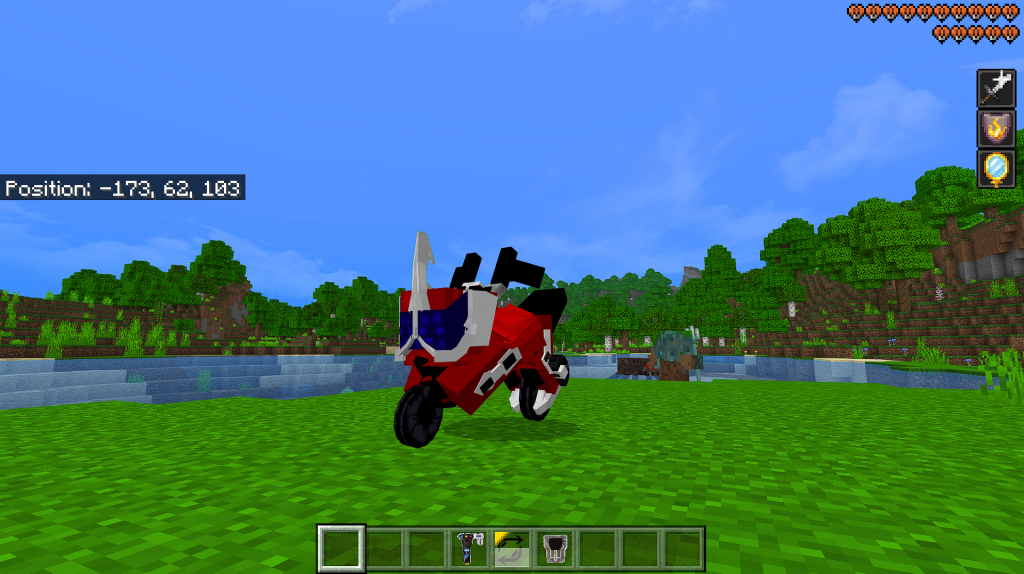
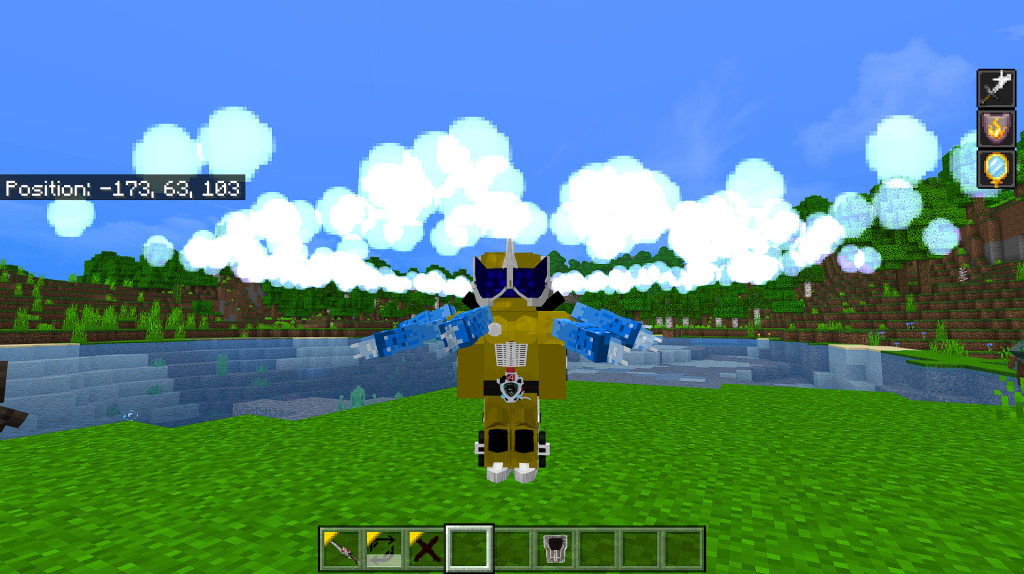
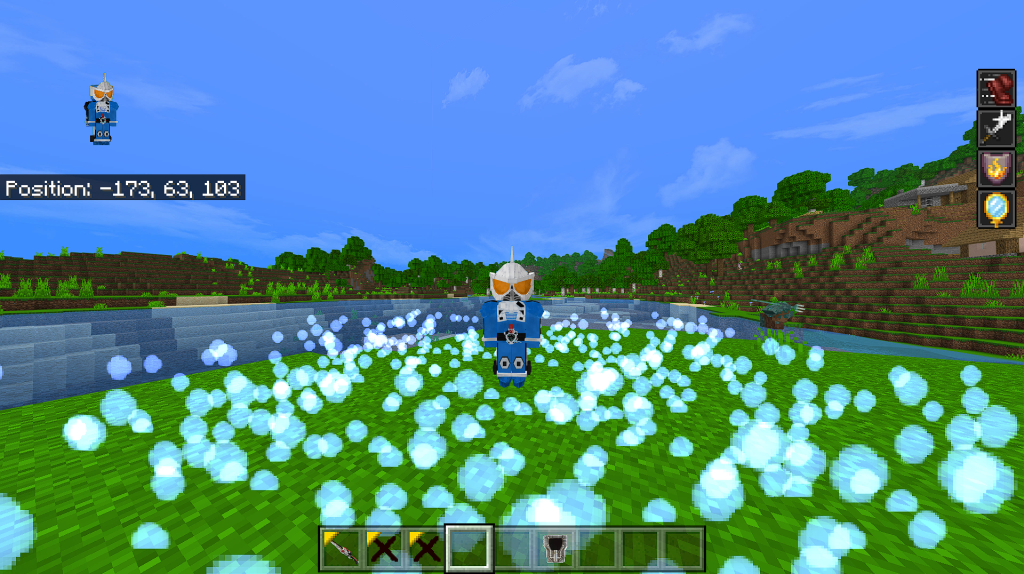
Masked World Decade addon enables you to transform into the hero: Masked Rider! You can transform into different special and powerful riders in this addon, you can also use special skills and weapons to fight the monsters! Come in and take a look.

Creator: 鸥吃鱼 (Youtube)

Masked World Decade

How to get started?

First of all, TURN ON ALL EXPERIMENTAL GAMEPLAYS!!! 

How to transform into the rider?

To transform into the rider, first thing you need is a DecaDriver. Right click/ long press the DecaDriver to put it on.

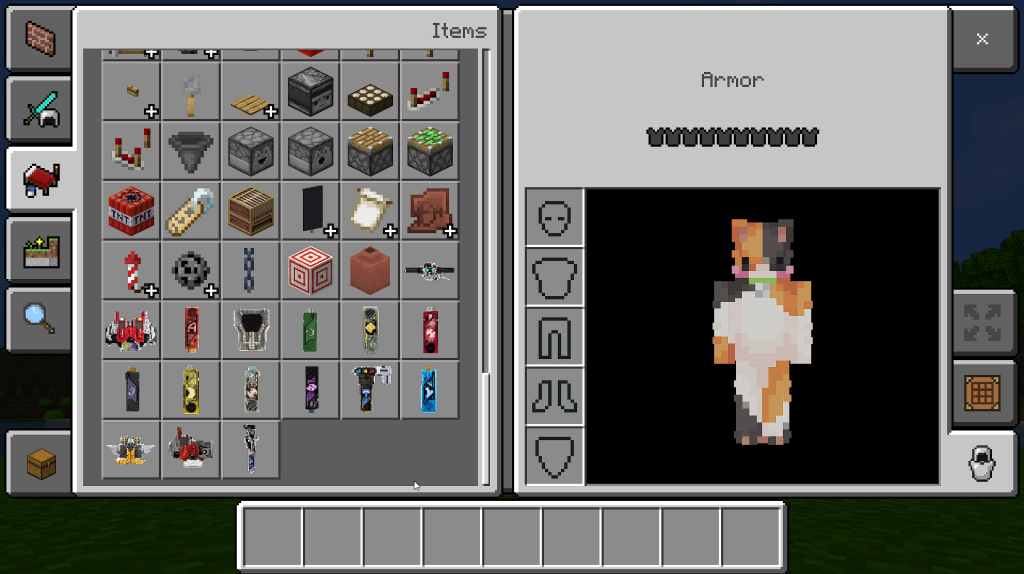
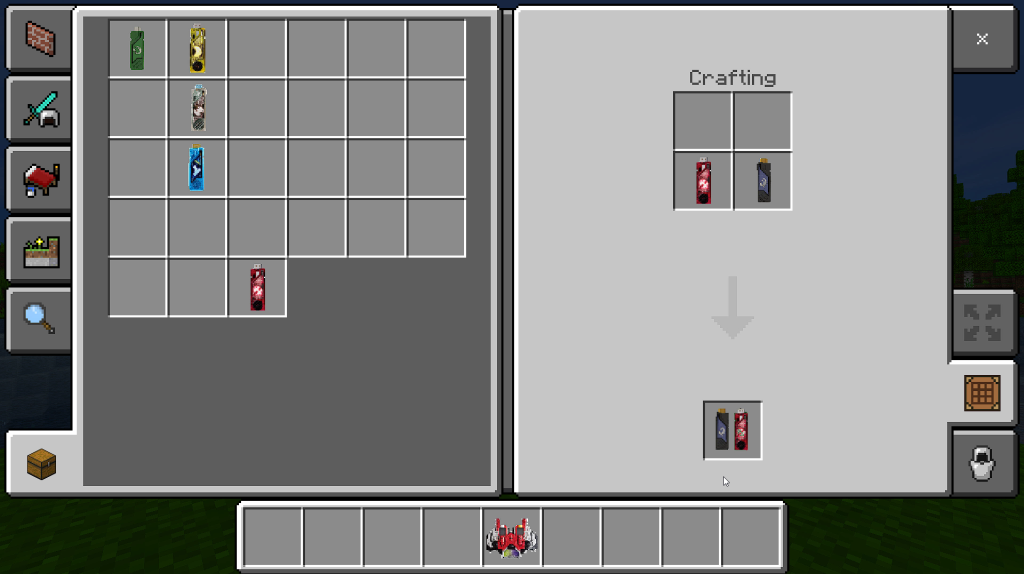
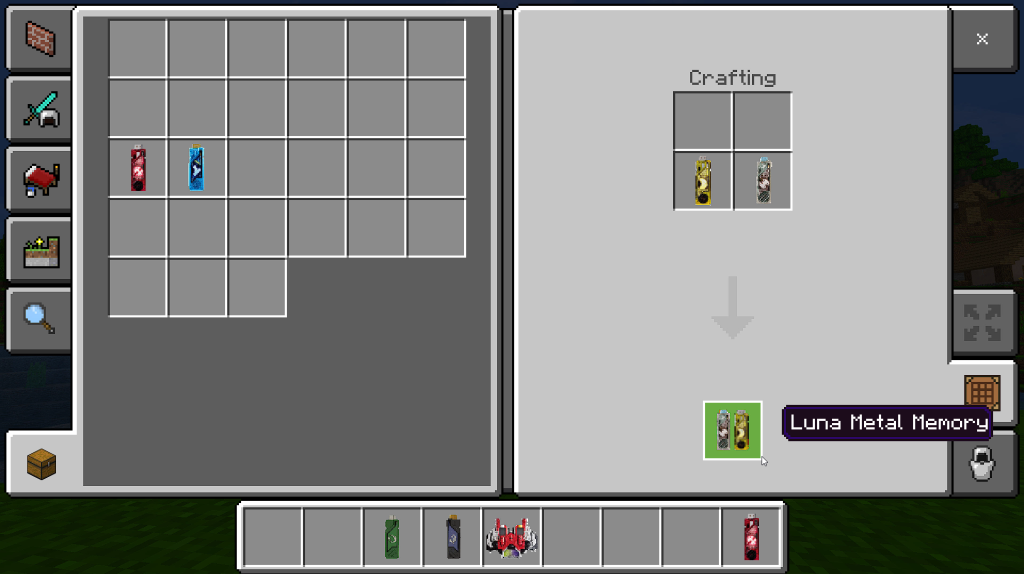
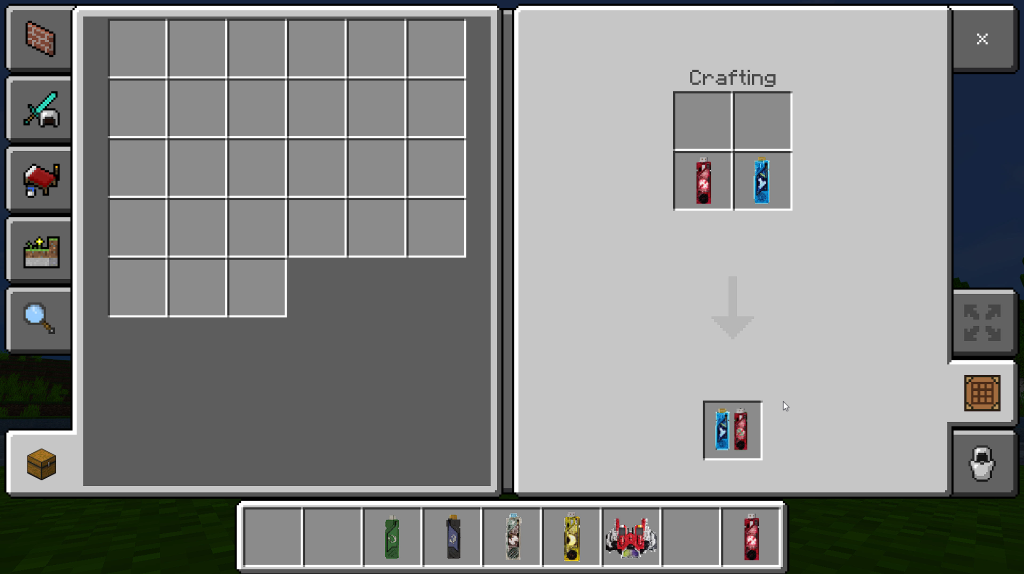
To transform into the rider, you also need a KamenRide card. In this version we can get 9 cards.

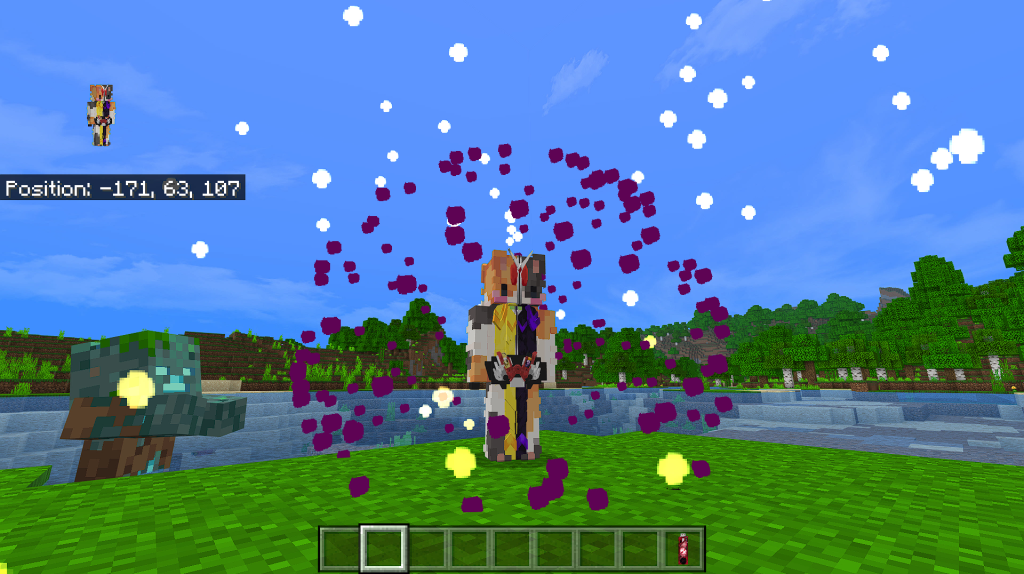
After we getting the DecaDriver and the KamenRide card, we can transform into the rider now!

First, start your DecaDriver. Sneak to start it.

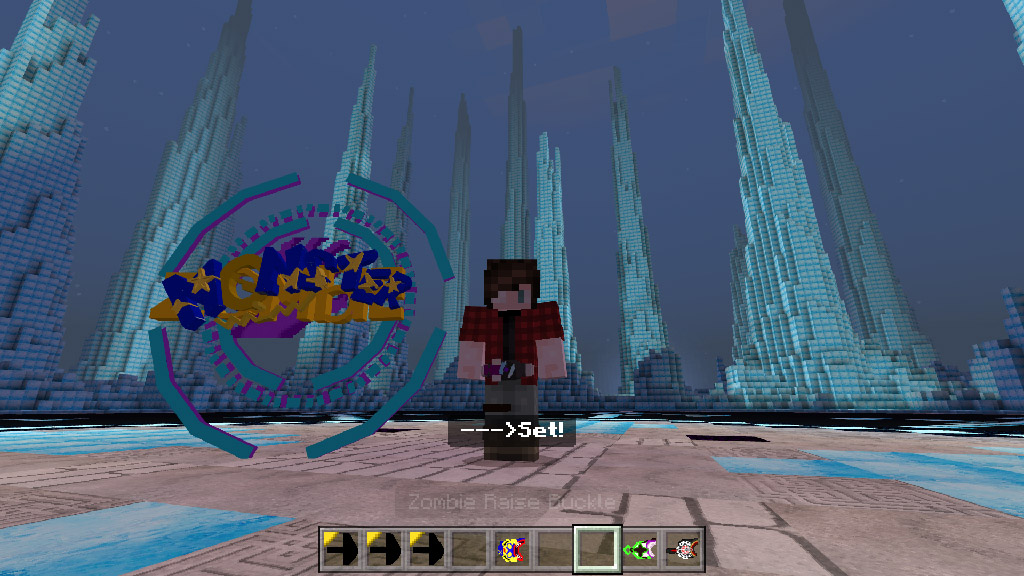
Second, put the card into the driver. Long press/ right click the card to put it into the driver (the driver must be started)

After putting the card into the driver, the driver will stand by and show some mysterious words.

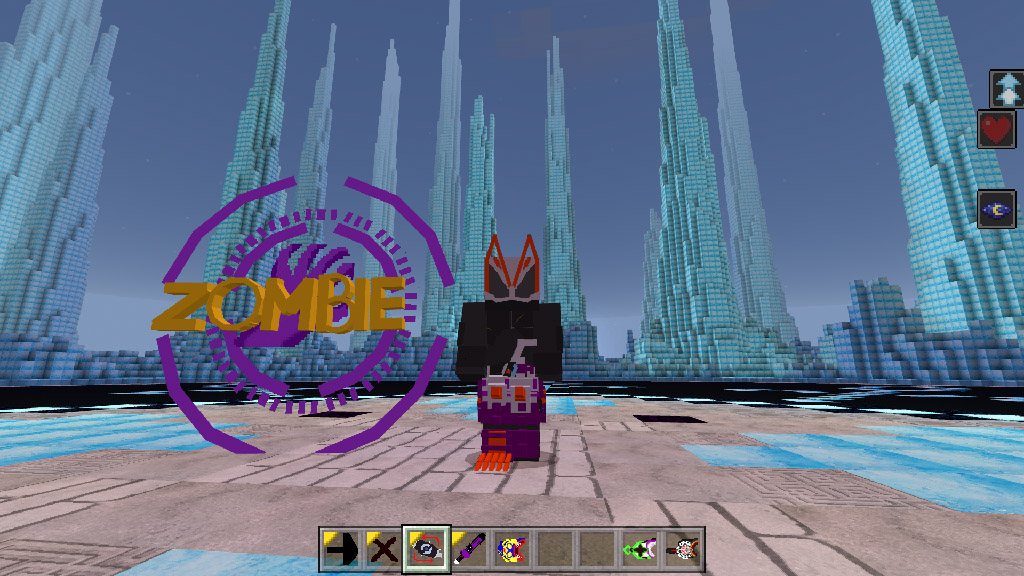
Now you need to let the driver read the card. Sneak and punch the ground to read the card.

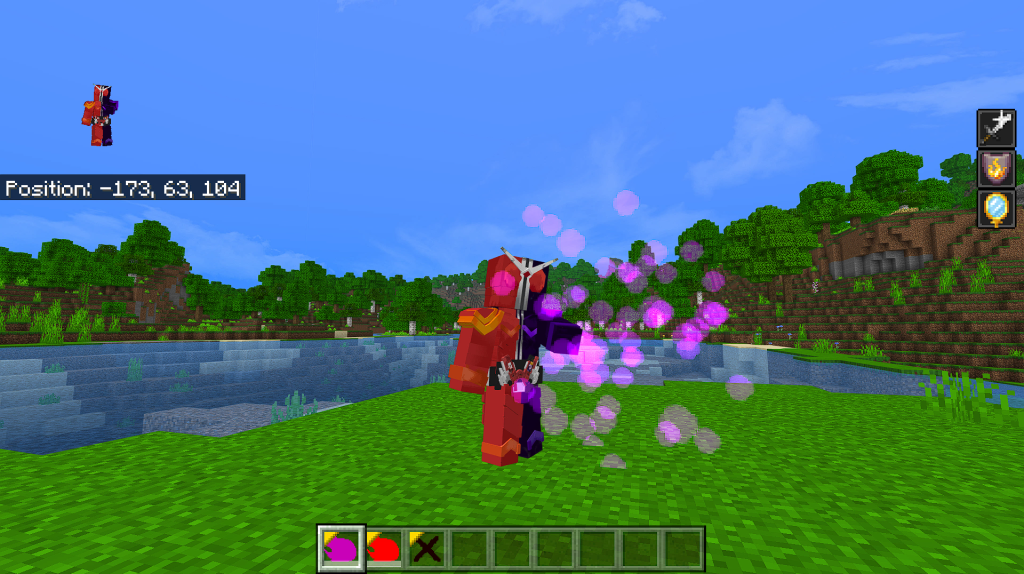
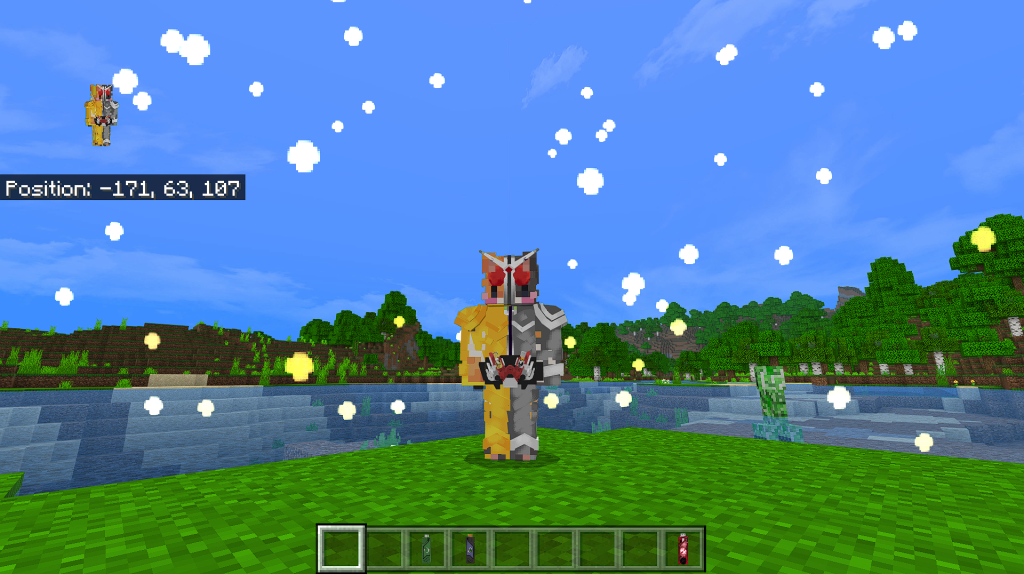
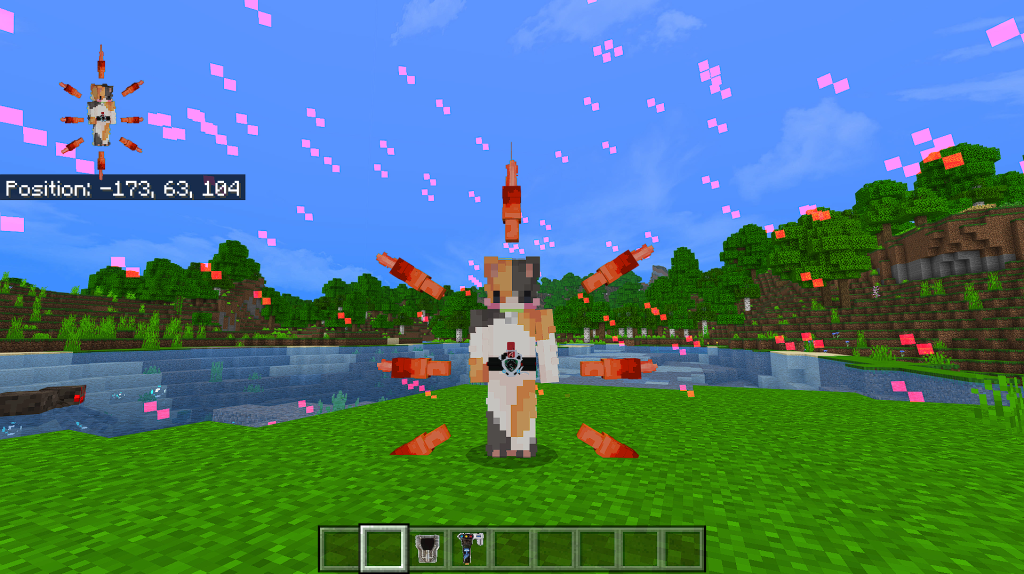
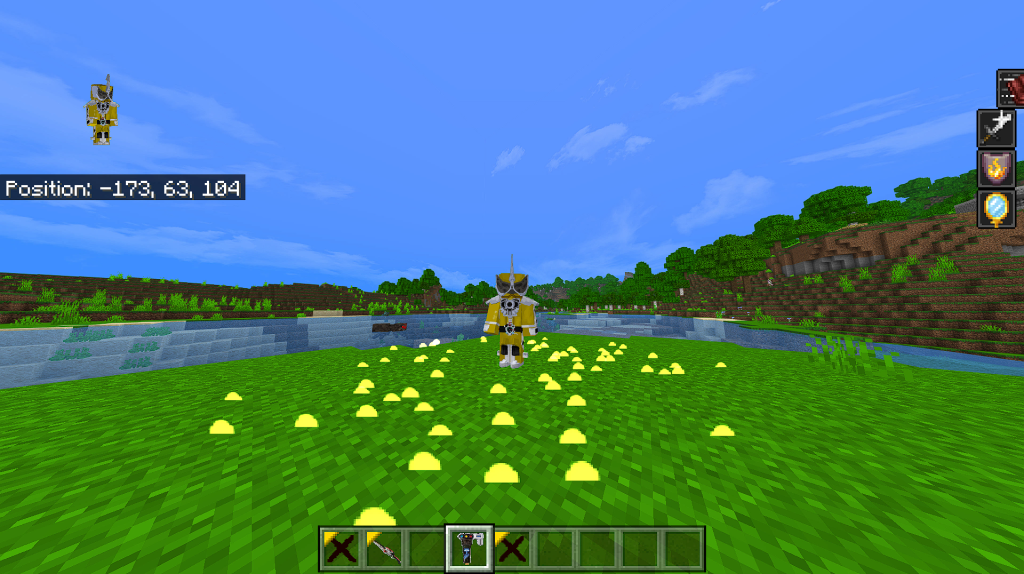
Now your transformation is done. If you don’t want to wear the armor anymore, just unwear the DecaDriver.

So when you need to transform into a rider, you need to sneak, long press the card, sneak again while punching the ground. This way works for almost KamenRide cards.

But there are 2 riders who are special, they are Diend and dark decade.

Here’s the way you transform into Diend.

First, put Diend’s KamenRide cards in your left hand.

Then, sneak and punch the ground with DienDriver to put the card into the driver.

Finally, long press/ right click the DienDriver to transform.

Here’s the way you transform into Dark Decade.

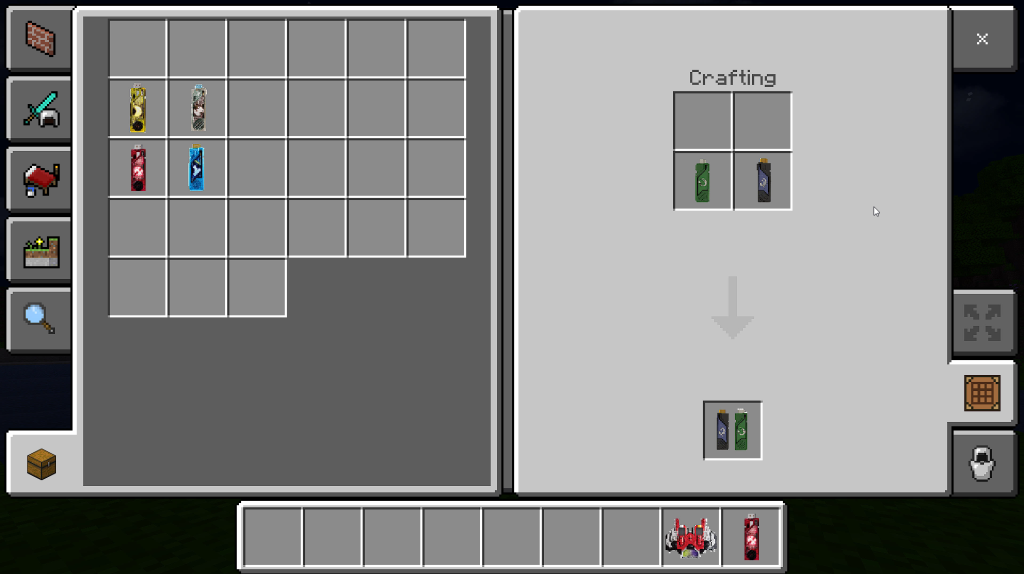
First, you need a Dark DecaDriver.

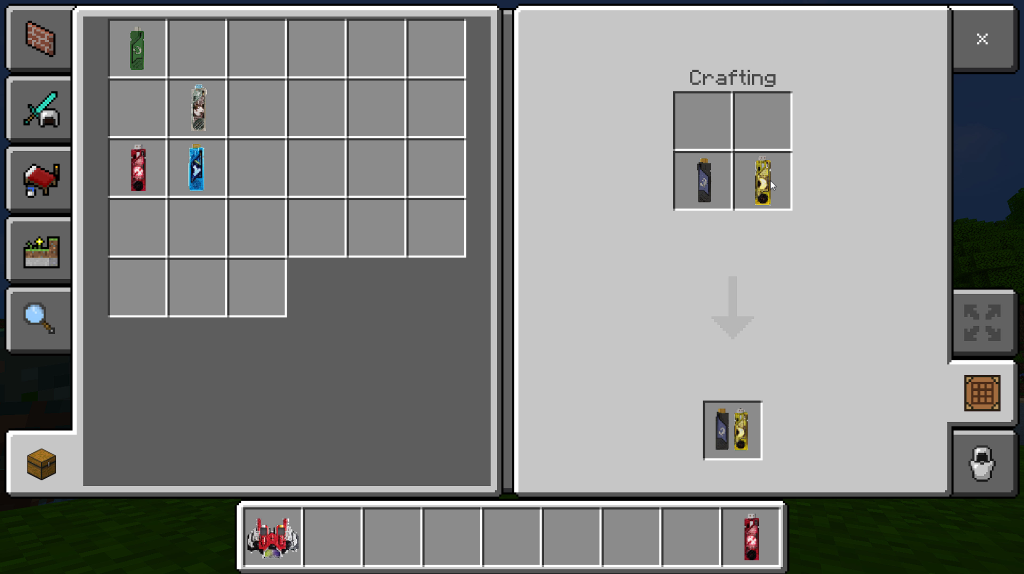
Then you can transform into Dark Decade in the same way you transform into Decade.

How can I use speical skills?

Special skills require AttackRide card, literally, these cards are used for attacking.

It’s easy to use, just like the KamenRide cards.

First, start the driver by sneaking. (You must transform into a rider first)

Second, Right click/ long press the card to put it into the driver.

Third, punch the ground while sneaking to let the driver read the card.

(If the card is read properly, the name of the ability you are using will be shown on your screen)

Congratulations! You used an AttackRide card successfully.

So when you need to use special abilities, you need to sneak, long press the card, sneak again while punching the ground. This way works for all AttackRide cards.

*You need to collect AttackRide cards first, when you get one AttackRide card, Right click/ long press it to collect. If you didn’t collect the card before transform into the rider, there will be no AttackRide cards in your inventory, and you can’t use the AttackRide card either. So collect it before you transform.

Diend don’t use AttackRide cards in this way. Diend has his own way to use AttackRide cards.

First, put the AttackRide cards in your left hand.

Second, sneak and punch the ground with DienDriver.

Then, punch the ground, the card will be put into the driver.

Finally, right click/ long press with the driver, now you have used your AttackRide card successfully. It needs some practice to grasp this way.

What’s FormRide cards?

FormRide cards are used for transforming into other forms, so only riders who can change forms can use this kind of cards, for example, Kuuga and Agito. To transform into different forms, knowing how to use FormRide cards is necessary. I will give an example of Kuuga.

First, you need to transform into Kuuga. If you have collected 4 FormRide cards (yes, just like AttackRide cards, you also need to collect FormRide cards before using them), there will be 4 cards in your inventory.

There are 3 FormRide cards and 1 Final AttackRide card.

To use the FormRide card, sneak to start the driver first.

Then right click/ long press the card to put it into the driver.

Finally, Sneak and punch the ground to let the driver read the card. If the card is read properly, the name of the form you are changing will be shown on your screen.

*If you want to change into other forms, you must be in Base Form first (Base Form is the first form you transformed into). For example, when you are in Dragon Form and you’d like to change into Titan Form, you must change into Mighty Form first, then you can change into Titan Form.

Can you show me all special abilities?

Sure.

Masked Rider Decade

1.Slash

Decade will make an AOE attack. CD: 22s

2.Blast

Decade will aim the nearest target and shoot it. CD: 28s

3. Invisible

Decade will become invisible for 8 seconds. CD: 36s

4. Illusion

Decade will summon 4 minions. CD: 65s

If you use this item to attack your target, all minions will attack the target.

And all minions will follow you if you are holding this item in your hand.

5. Final AttackRide

Decade will float high above and kick the target. CD: 40s.

Masked Rider Diend

1. Speed Up

You will get a lot of buffs that let you jump higher and run faster. CD: 15s.

2. Invisible

Diend will become invisible for 8 seconds. CD: 36s

3. Illusion

Diend will summon 4 minions. CD: 65s

Just like Decade, there are also 2 items for Diend to controll his minions.

4. Barrier

Diend will summon a barrier to block all attacks and hostile mobs. CD: 56s.

5. Final AttackRide

Diend will aim the target and shoot it. CD: 45s

Also, DienDriver can be used as a gun. Right click/ long press to shoot.

Masked Rider Kuuga – Mighty Form

1. Rider Punch

Sneak and punch the ground to open it. Sneak and jump to close it. After open the ability Rider Punch, every 3s your punch will be buffed.

And after 3 buffed punch, your next punch will be changed to a more powerful combo. CD: 3s.

2. Final AttackRide

Kuuga will float high above and kick the target. CD: 35s.

Masked Rider Kuuga – Dragon Form

1. Dragon Stick

When you are holding something long, like a stick in Dragon Form, you can punch the ground with it to turn it into your weapon: Dragon Stick.

Everytime you hit a mob, your energy point will rise 10.

And after it rises to 150, your next attack will be buffed and turn into a 3 hits combo. CD: 10s

2. Final AttackRide

Kuuga rushes to the nearest target and hit the target with the stick. CD: 35s.

Masked Rider Kuuga – Pegasus Form

1. Pegasus Crossbow

When you are holding a crossbow in Pegasus Form, you can punch the ground with it to turn it into your weapon: Pegasus Crossbow.

Right click/ long press the Pegasus Crossbow to shoot.

*Every time you shoot, you need to reload it. Punch the ground with the crossbow to reload.

2. Sudden Dodge

When you are holding the crossbow, you can jump to dodge attacks. CD: 7s.

3. Final AttackRide

Changelog

1. Improved Decade and Diend’s Transform’s special effect.

2. Improved Kuuga’s all forms’s texture.

3. The Riders’ eyes can glow at night now

4. You can drink milk to clear the night vision in the rider mode.

5. The items in the table are cheaper now.

6. Now the rider kick won’t give you the floating effect, instead, it will give you jump boost effect. You will have to jump yourself and find chances to kick.

7. We added 3 new songs in the MP3.

8. Added 5 new Riders.

Somne addons Minecraft PE you can check in Mcpeaddons.com:

Download Masked Rider Decade 2.0

Download Masked Rider Decade 2.0 (Link backup)
- Advertisement -

Pi xiaolang Addon (Khứa áo xanh)

0

Pi xiaolang Addon with name The blue shirt who has the Chinese name 皮小狼, pronounced in Sino-Vietnamese as Pi Xiaolang. He is a young man born in 1997 and raised in Guizhou province, western China.

Pi xiaolang Addon

He has a cool, funny look and is known as Khue in blue shirt because he often wears a full-length blue suit, bright yellow shoes, and lets his hair down.

Currently, Khua Ao Xanh is storming the Chinese Douyin platform with more than 2 million followers of his page. The videos of the blue shirt often have entertaining and humorous content and often revolve around love situations, betrayal in love.

Some addons Minecraft PE you can check more in Mcpeaddons.com:

Download Khua Ao Xanh Addon (Mediafire)

Download Khua Ao xanh Addon (Link backup)

- Advertisement -

Prairies & Grasslands

6

*Not all information is on here because you have to play to find all features.

Prairies & Grasslands Addon that adds prairies and plants. The prairies are new biomes similar to plains biomes. All of the information is down below. The Addon is in beta so it isn’t its best. The Addon will be updated from time to time. I will take some ideas in the comments. I was inspired by the prairie behind my house.

Creator: CriticalDagger4

Prairies & Grasslands

Prairie

A new biome that adds a new wood set, mobs, items, and more.

Cottonwood Wood Set

Cottonwood is a new wood set that isn’t finished yet. So far the only things in the set are logs, leaves, planks, saplings wood, trees, stairs, fences, stairs, and slabs. The leaves can drop cotton, cottonwood saplings, and sticks.

Snowberries

Snowberry bushes can drop snowberries for food.

Cotton

Cotton is a new item that drops from cottonwood leaves.

Burs And Bur Weeds 

Burs are an item that drop from bur weeds. They can be crafted into stitch.

Stitch

Stitch is made from burs. It can repair any leather armor.

Prairie Grass 

Prairie Grass is found in prairie biomes.

Violets

Violets are a new flower found in prairie biomes.

Dragonflies

Dragonflies are a new mob found in prairie biomes. They fly around and drop nothing.

Robins

Robins are birds that fly around.  They can drop feathers.

Worms

Worms are new mobs you can feed to robins.

Ducks

Flightless birds that drop eggs randomly.

Cottonwood Set

Cotton

Prairies & Grasslands

Snowberries

Burs item

Bur weed

Prairie Grass

Robin

Worm

Prairie Dogs

Dragonfly

Some addons Minecraft PE you can check in Mcpeaddons.com:

Download Prairies & Grasslands

- Advertisement -

JOMARU Texture Pack

0

JUMARU texture pack is a Bedrock texture pack created by jumaru. This resource pack is a work in progress, about 85% blocks have been modified with a resolution of 120x.

Creator: Jomaru (Youtube)

JOMARU Texture Pack

It is designed for bedrock Render Dragon on PC and console versions (1.19.70) and was tested on the Windows version with RTX and Xbox series s.

All the images shown were taken from windows edition with RTX activated. Email ([email protected]) for suggestions or bug reports.

This pack is 100% free, but if you like my work and want to support me with a donation, I’ll leave you a PayPal link, it would help me for future projects.

https://www.paypal.com/donate/?hosted_button_id=7VVALQRWBRU6W

JUMARU pack RTX is version 1.0 and is open for future updates

With this pack he changes most of the blocks in the game, trying to give it a more realistic and clean touch.

The pack was developed in minecraft windows edition and is suitable for pc (bedrock, with graphics card with RTX or without RTX) or xbox in multiplayer.

The objective of this pack is to give a bit of realism to minecraft textures taking into account the limitations of the bedrock version without compromising performance at a 128X resolution.

All screenshots were taken directly from “minecraft Bedrock 1.19.70” using “JOMARU Pack RTX”

It is designed and tested on Render Dragon engine on PC and console versions (1.19.70), was tested on Windows Bedrock version with RTX and XBOX series S console.

Water is balanced between reflections and color so it can be viewable with or without RTX.

Textures are intended to be realistic within the limitations of bedrock editing and 128X resolution to balance visual quality and performance.

The ores have a new design and glow for better identification in the dark.

All the flowers were replaced and the grass block (grass_top and grass_side) were modified to visually be a full cube of grass and it was given a minimum of brightness so that it was visible at night, the seagrass changed and has movement

This pack is 100% free, but if you like my work and want to support me with a donation, I’ll leave you a PayPal link, it would help me for future projects.

https://www.paypal.com/donate/?hosted_button_id=7VVALQRWBRU6W

Some Textures Minecraft PE you can check in mcpeaddons.com:

Changelog
  • Fixed red sand texture            
  • Fixed sandstone bottom texture
  • Added raw gold block
  • Added lantern texture and soul lantern
  • Added red nether bricks texture
  • Added sugarcane texture
  • Ice texture changed 
  • Added ender chest texture .             

Installation

How to install JOMARU RTX “PC”

1. Download “JOMARU RTX Pack”

2. Open the mcpack file, minecraft should open automatically with a texture pack import notification

3. Go to settings > global resources and activate “JUMARU Pack RTX”

4. Done

On xbox it can be shared by someone who has the pack and a world on pc in multiplayer

1. On pc, go to edit world > resource packs > check “JUMARU Pack RTX” > check the box “require players to accept resource packs to join”

2. Join the world from xbox and it will ask to download the global resource pack when you join the world

Unfortunately the console version does not have RTX

Download JUMARU texture pack v1.2 or Link Backup

Download JUMARU texture pack v1.1

- Advertisement -

One Piece Addon [Compatible with Integrated Minecraft v1.19]

5
Minecraft

One Piece addon allows you to enjoy the world of One Piece with Minecraft.

Creator: aaausus

One Piece Addon

How to play

In-game “How to Play” explains how to use items.

Devil Fruit

・Each devil fruit has a certain probability of dropping from the corresponding gifted mob.

 Example: Luffy → Gum-Gum Fruit

– In Survival Mode, you will die if you eat two types of Devil Fruits .

At that time, the ability of the devil fruit that was eaten later will be obtained.

 On ‘Peaceful’ and ‘ Easy , you can gain later abilities without dying.

– If a gifted person eats the item “Reset”, he or she will no longer be a gifted person.

Item

Usage of items is basically one of “Attack”, “Right click”, “Press and hold right click (charge)”, “Crouch”, and “Equip on body”.

– Various swords can be sheathed and drawn by crafting.

Weapon -colored Haki

・Speak to Rayleigh with the straw hat on your head.

・It is activated by placing Haki in the Haki slot on the left end of the hotbar.

Bounty

・If you defeat a mob, a Wanted Poster (provisional) will drop.

 Using it will give the user a bounty equal to half the value of the item name.

Mob Spawn

– The type and number of mobs that spawn will change depending on the difficulty level.

 On Hard difficulty all mobs spawn. (except mobs that don’t spawn)

Fewer mobs spawn at once on Easy difficulty.

Mobs drop items

・Drop items other than Devil Fruit will only drop when the player or their pet defeats them.

One Piece Addon

Download

Download One Piece Addon (Ver 1.19.51)

Download One Piece Addon (Ver 1.19.70)

Download One Piece Addon (Creator Website)

Browse for more Minecraft Addons PE with us!

MCPE Addons
- Advertisement -

Item Lore +

0

Are you looking for an addon that allows you to modify your items? Then check out Item Lore + addon, it gives you the maximum customization of your item in a very simple way. Easy to install and use, with a unique and simple interface.

Item Lore +

Creator: Death_Aruban (Youtube, Twitter)

To Use Item Lore + activate these settings.

Item Lore + With the menu: Requires the experimental mode.

Item Lore + With the menu: Disable ‘Stealth Mode’ in settings for mobile and console devices.

To start using the lore, type the following command in the chat:

/Function Lore

If everything goes well, you will be notified and given an item in your inventory.

Right-click with your mouse or press and hold the screen to open a UI with three buttons:

  1. Edit Lore Item
  2. Rules
  3. Credits
Item Lore+

To modify your item, click on ‘Edit Lore Item’. If everything goes well, you will be notified in the chat.

To modify the item, simply crouch on the item of interest and add the name and its lore.

To create a new line of text for the bottom of the lore, add ‘-n‘ to send the text to the next line. For example: ‘Lore Item-nFire x10’. (thurmondeye.com)

After making the modification, click on ‘send’ to confirm.

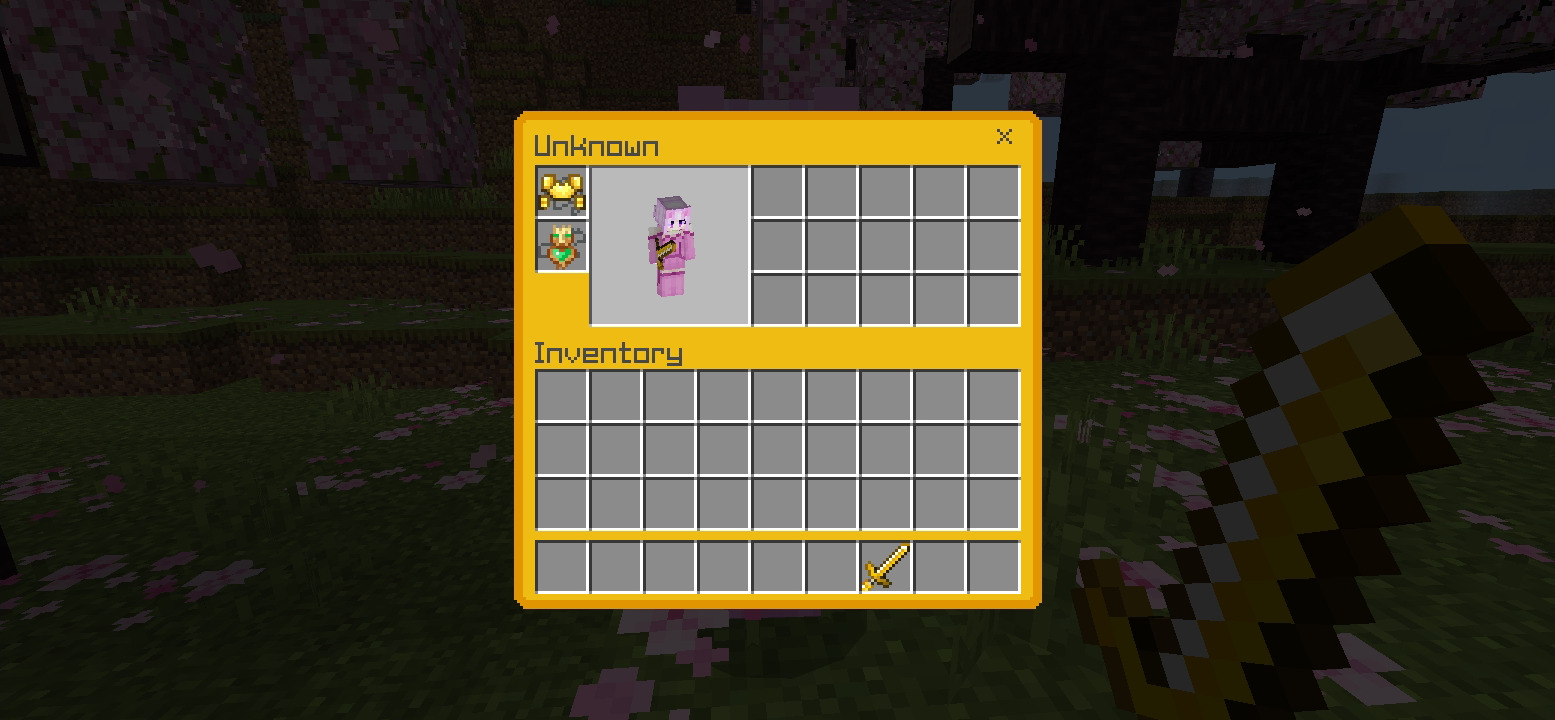
The result will be similar to this, but you can customize it as you wish:

To exit from the lore modification mode, simply click on the ‘Lore Item’ and then click on ‘Exit’.

I hope you enjoy this addon. If you want more addon updates, please support the project by giving it a star and following me on social networks.

IT IS FORBIDDEN:

  • To re-upload our content on other platforms without authorization
  • To add your own shorteners or ads to download our content
  • To remove creator credits
  • To modify or steal our content
  • To post direct download links of our content

YOU CAN:

  • Share our work on gameplays or reviews, as long as you include our credits and original download links in the description
  • Modify our content for personal use only
  • Report users or platforms that are violating these terms and conditions.

If you want to learn more about how to use it, please watch this video.

Installation

To install the pack:

Windows: Click on the downloaded file to start the automatic installation.

Android/Ios: You need to have a File Manager, such as RS File Manager. Once you have downloaded the texture, extract it and move it to the games/com.mojang/resource_packs folder.
Console: Import the pack through the Realms.
Some addons Minecraft PE you can check in Mcpeaddons.com:


Download Item Lore +

Download Item Lore (Link Backup)

Create guns, furniture, animations in ONE toolbox. Try now:


- Advertisement -

The great world of LAMY the llama v3 final battle arc (new mode snake man)

3

LAMY the llama addon you help you more mobs in Minecraft Game. List of mobs such as simon, butterfly man, regular bear,….

Creator: philipingram5

LAMY the llama

LAMY the llama

Regular bear the bear ain’t that strong but he still can use the tree of life

Void lamy the llama is the void king yet, he’s still learning how to manifest devoid the ability

He’s a boss. He can instant kill anything his full power state he can teleport you inside a box and he can cause a lot of destruction his mode is coming soon

Simon, the blue penguin can use the stone slicer ability and the eternal ability. This makes him sort of invincible both sort of weak

Butter man is a unfinished character but I let you use his abilities but it may has mass three, two of butter shuriken and can some and butter clones and once death he can kill everything cuz he’s sacrificed

2 years of training bear the bear he now master his real life ability and and then this is the unfinished character he will learn how to manifest abilities

Baby Jael is strong and he uses the eternal power

The ascendant entity can use any ability in this add-on

Slowness the slot is an alternate version of speedy sloth

Butterfly pink sparkles can make you levitate and can fly

Burglary bear has a aura that makes him untouchable

Speedy the sloth He’s weak, but he’s faster than a speeding bullet

Sakura Cortez is a boss but it can break your game

The Shadow creature is unfinished

This is Panda Killer’s ability

Mastery 2. Butter shuriken

concentration bow

Alternate slowness timeline

A butterfly wand

Vaxball rubber bandanas ability

The godslayer the godslayer

Electric staff

Full concentration

Grass blade mastery 2

Eternal Laser

Eternal blade

Simon’s mix power staff

buttermans ability

Ascended sword

Normal grass blade

The void sythe only be wielded by the void king

The tree of life arm of justice manifestation

Some addons you can check in Mcpeaddons.com:

- Advertisement -

Dinos! by ThreadyPilot

0

I meaaan…who doesn’t absolutely LOVE dinos?!…well this skin packs contains 14 different dinosaur skins, in all colors of the rainbow so you can use them with your friends to have matching skins!!

Creator: ThreadyPilot (Instgram)

Dinos! by ThreadyPilot

This skin pack will allow you to choose between 14 different skins, (7 girls and 7 boys)

First we have…

Also the black and white, the red, the orange and the yellow one! 

If you like for some color to be added, or anything you can write it in the comment section!

Installation

1.Click the download link.

2.Once you are in Linkvertise, click “Free acces with ads”

3.Wait 5 seconds.

4.Pres the “X” after the 5 seconds.

5.Click in “Free acces”

6.Once you are on Mediafire click the big blue download button.

7.Enjoy 😉

Some Skin pack Minecraft PE you can check more in Mcpeaddons.com:

Download Dinos! by ThreadyPilot

- Advertisement -

Reddy’s Skin Pack

0

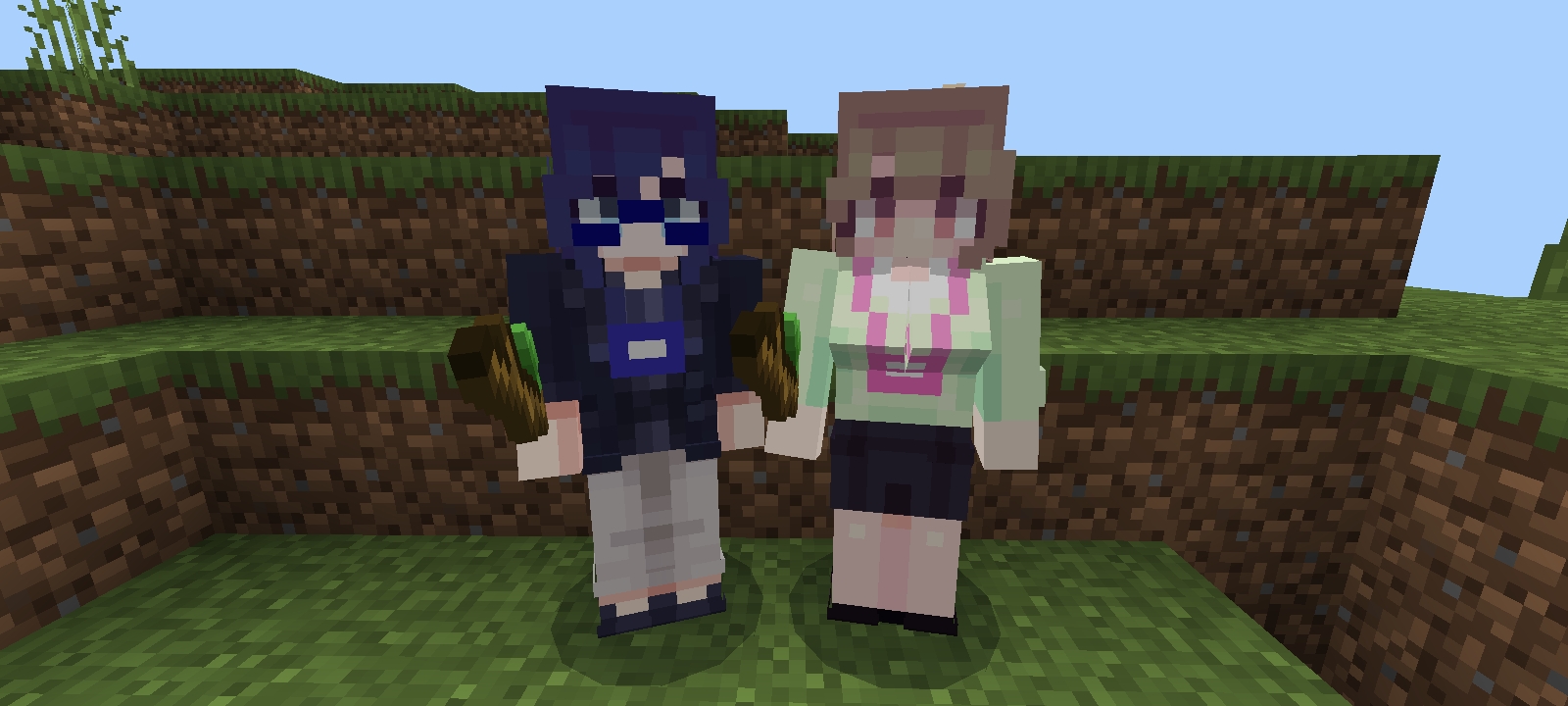
This is a collection of skins made by me included in a single skin pack. As i create more skins, i will add them here. Have fun with them!

I spotted this pack on a website that isn’t MCPEDL. To counter this imma just leave the mcpedl link lol

Creator: ReddyGamer12

Reddy’s Skin Pack

This pack features: Myself (Has a lot of versions to choose from), Cat guy, Pingu, Gamer Creeper, Shiny Hisuian Zorua, Fuecoco, my old skin, Sculk, Allay, Redstone Powered Creeper (Has it’s original texture and my updated one) and Tails Doll.

Images & Screenhots
Reddy's skin

Some skin pack you can check in Mcpeaddons.com:

English isn’t the only language included within the pack! Later i’ll add more translations, however YOU can help me translate it too!

List of languages:

  • English (United States)
  • Portuguese (Brazil)
  • Spanish (Spain) (done with Google Translator so may be innacurate)
Changelog

Made a new skin, which will (probably) be my second main skin.

Also changed the hair of my other skins to be more like the new one, which i think they are better with this change.

Before updating, please delete the old pack! If it’s your first time downloading, then you’re fine.

Download Reddy’s Skin Pack

- Advertisement -

Demon Slayer Skin Pack v1.2

0

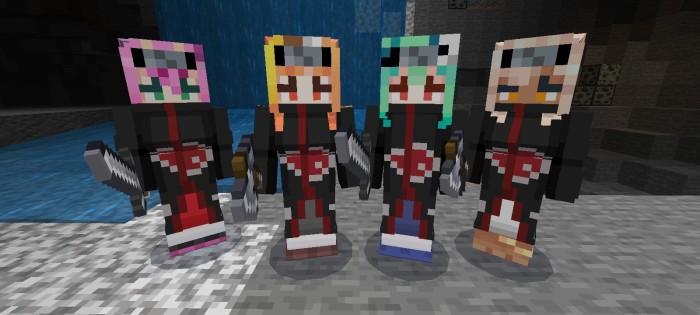
Enjoy this skin pack based on the anime Demon Slayer Skin pack (Kimetsu No Yaiba), with our main characters such as: Tanjiro, Nezuko, Zenitsu and Inosuke, these skins are made in HD. We hope you enjoy this skin pack and that you like it.

Creator: Bubble Studio (youtube, twitter)

Demon Slayer Skin Pack

If you adored anime and wept over its characters, we offer you this wonderful skin pack to bring them back to life in the world of Minecraft. You may role-play as any of the characters with your friends and write your own storylines, from the most heartwarming to the most heartbreaking.

Discord: https://discord.me/twitchtube-
Facebook: https://www.facebook.com/TwitchTubePage
Twitter: https://twitter.com/TwitchTube_SC
Instagram: https://www.instagram.com/twitchtubecreators/
Web Site: https://twitchtubecreators.com/

Welcome to the Demon Slayer skin pack

https://twitter.com/TheGhostStudio?s=09

Twitter de Y4HIRX RPS:

https://twitter.com/Yahirx_Rps_MC?s=09

Some other skin packs you can check in Mcpeaddons.com:

Changelog

List of changes:

-Fixed a compatibility issue with some devices.
-The plugin presentation image and its 3D title have been changed
-Addon updated to the latest official version of the game.

Installation

HOW TO INSTALL Skin Pack? (.mcpack)

1- Download .mcpack 

2- Open the file and wait for it to automatically import into Minecraft

More infohttps://twitchtubecreators.com/como-instalar/

- Advertisement -