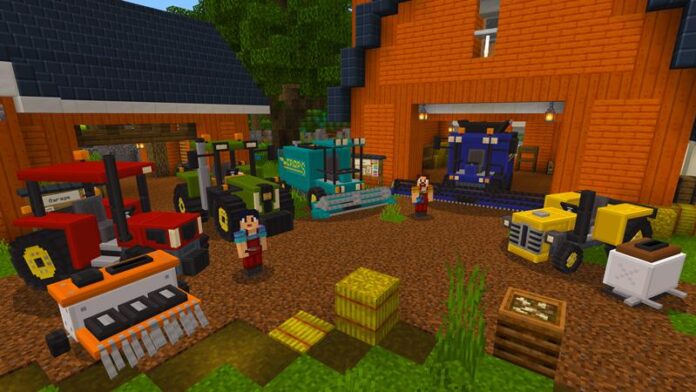
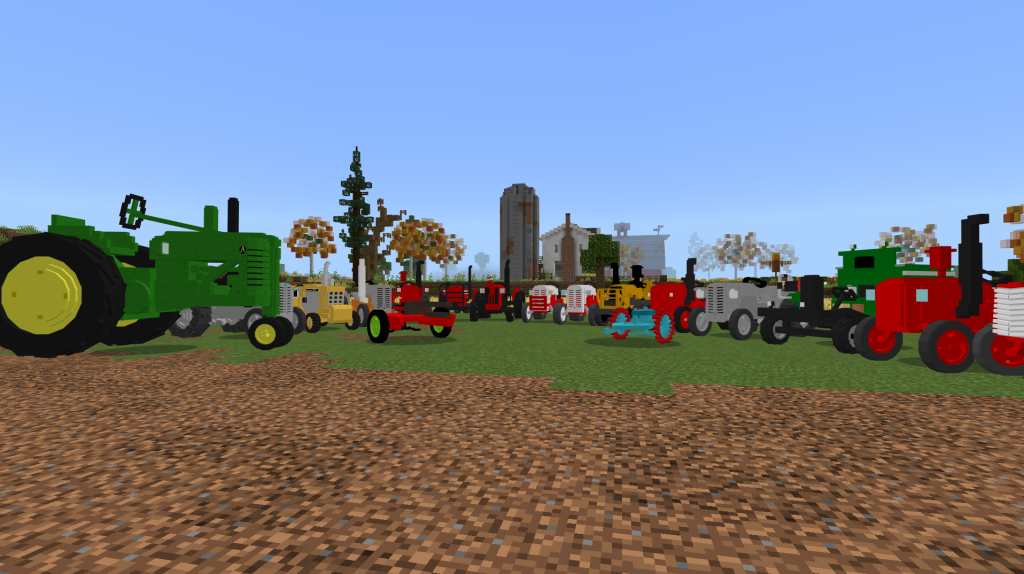
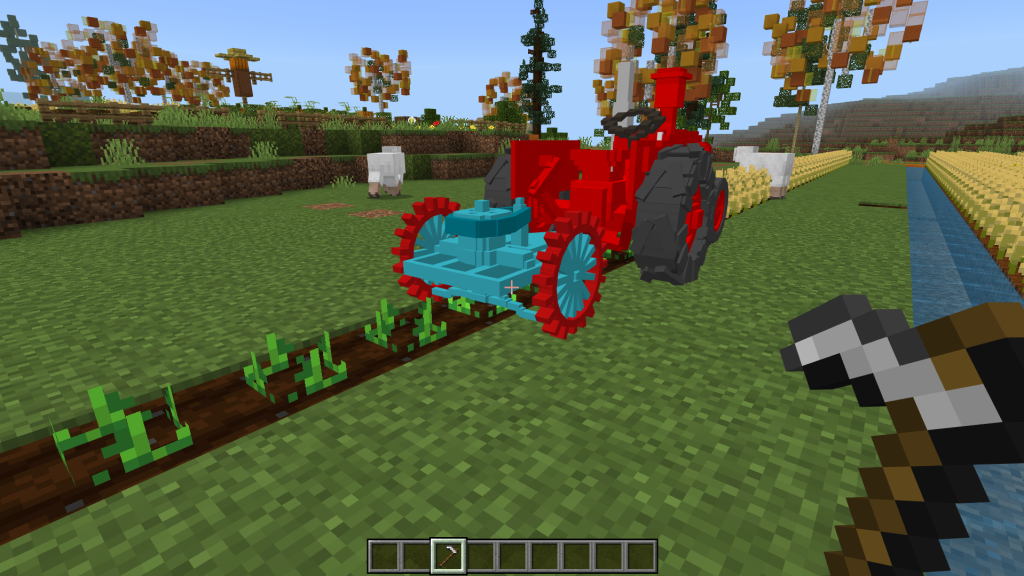
Tractors addon which is really useful for your farm, supports harvest, cultivate or make farmland,… Include 15 new tractors and easy to obtain in survival mode.
These tractors can help players grow various things such as carrots, potatoes, watermelon, wheat, etc. You can also add a cart to the tractors to transport the entire harvest with its extensive inventory
Tractors Characteristics
Health: 40
Maximum speed: 30km/h
Passenger capacity: 1
Inventory capacity: 16 slot, can be expanded up to 32 slot using a cart
How to prepare land for cultivation
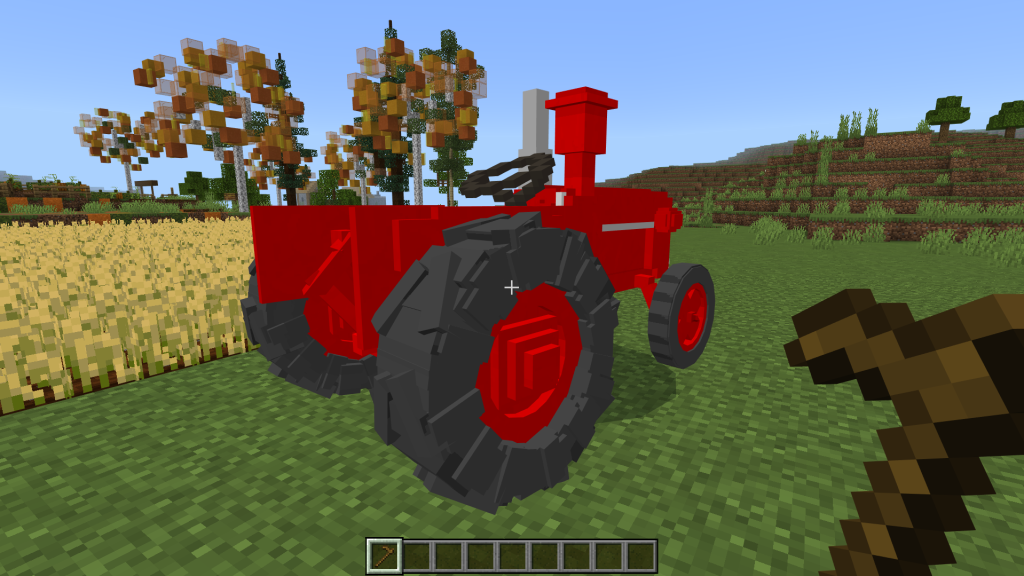
1. Grow vegetables or plants: use a tractor in normal mode (in prepare crop land mode you will not be able to grow vegetables). To convert each mode, use a wooden hoe, then crouch down and press/click on the tractor that you want to convert to normal.
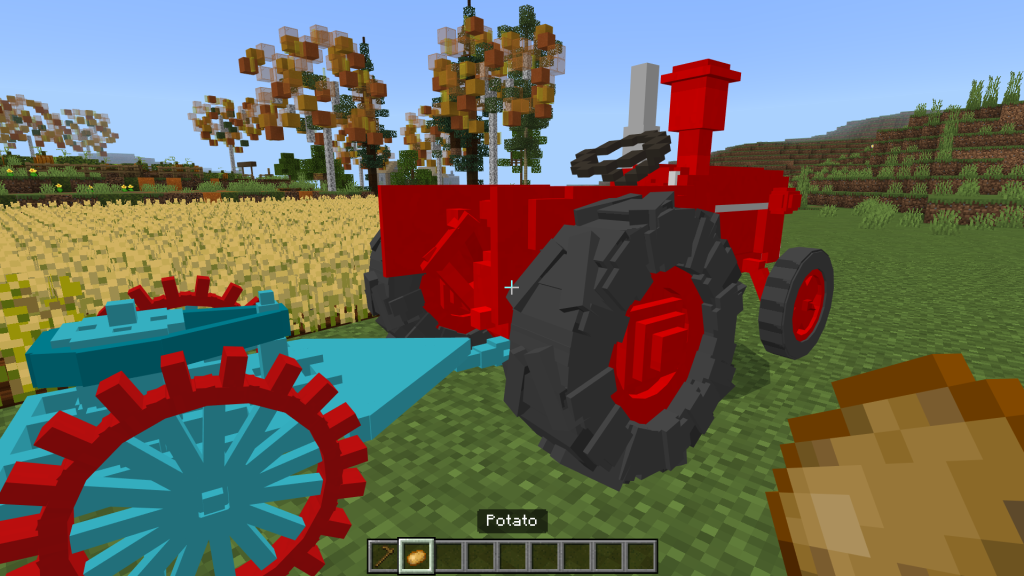
2. Grow vegetables: need to have a carrot, potato or any plant you want to grow, then crouch down and press/click on the tractor and you will be able to grow (to grow the plants/vegetables, you will need to go over the cropland so that the tractor can cultivate the plants since if the soil is not ready to be cultivated the tractor will not be able to sow.)
How to convert the tractors to harvest mode?
Use an Iron Hoe in your hand, then crouch down and press/click on the tractor to go into harvest mode, and you will be able to harvest all your crops.
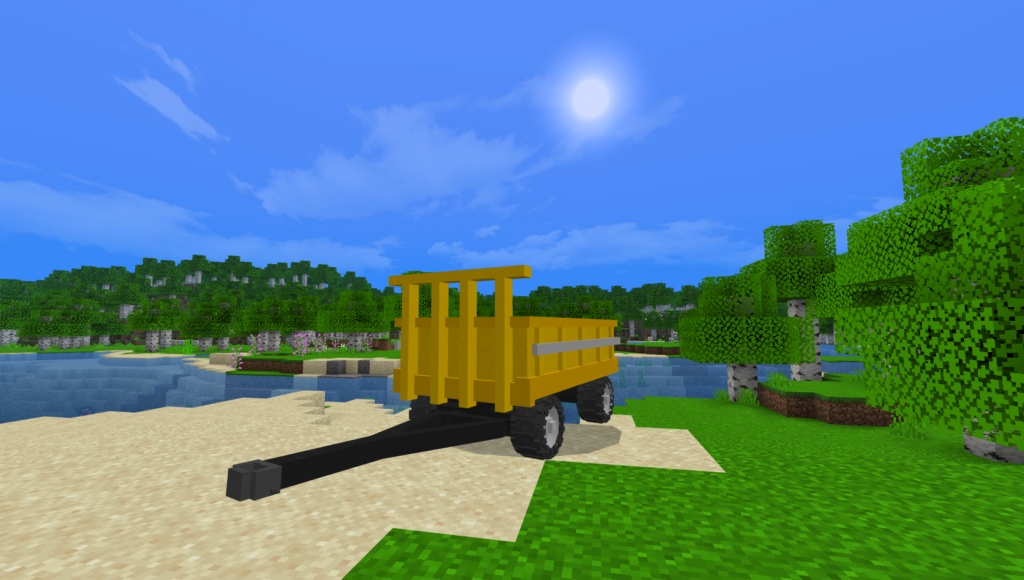
How to place a cart on the tractors
Note: you can place a cart on any tractor except tractor 13 in Tractors addon.
First you need a cart item, then crouch down and press/click on the tractor to place the cart on it. The cart will allow the tractor to have more inventory to move the cart harvest somewhere
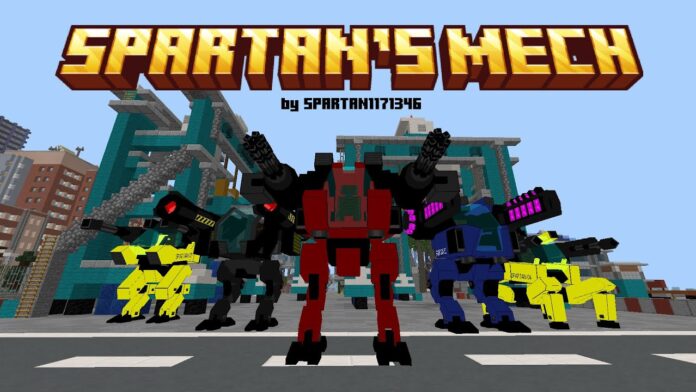
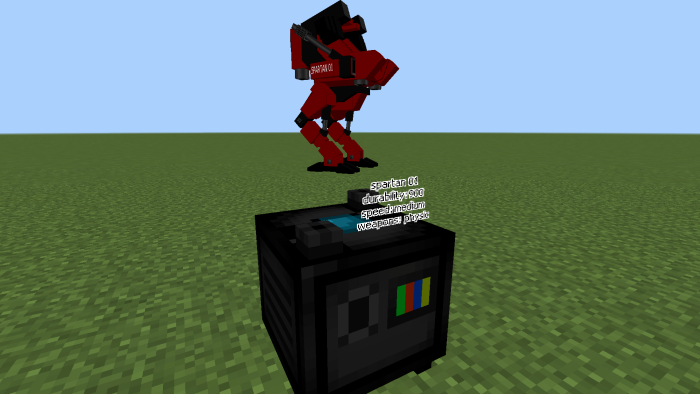
This Spartan’s Mech “Speeder and Enforcer” allows you to get into your robot, pick your favourite weapon, and destroy your foes. This addon allows you to create a robot! With him, you will be invincible; the dragon, wither, and warden will be nothing compared to your strength! 5 Mech + 10 Weapons.
This Spartan’s Mech addon contains Mech to which you can equip powerful and lethal weapons.
They must first find a mechanic before purchasing robots or weapons. He’ll emerge anyplace in the world. To trade, you will need “components”, which will be dropped by the addon’s foes.
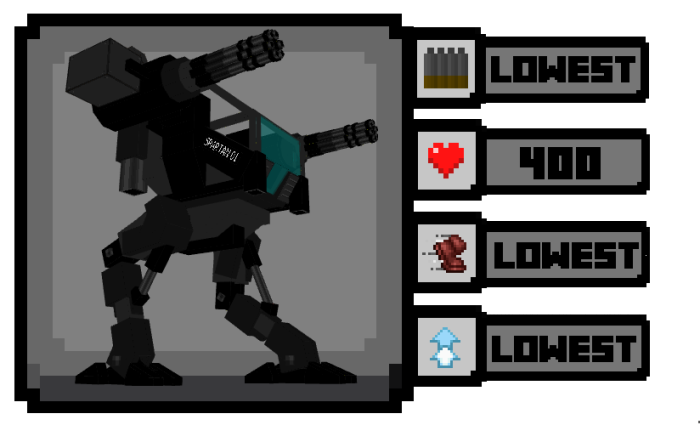
Spartan “PROTOTYPE”
WEAPONS
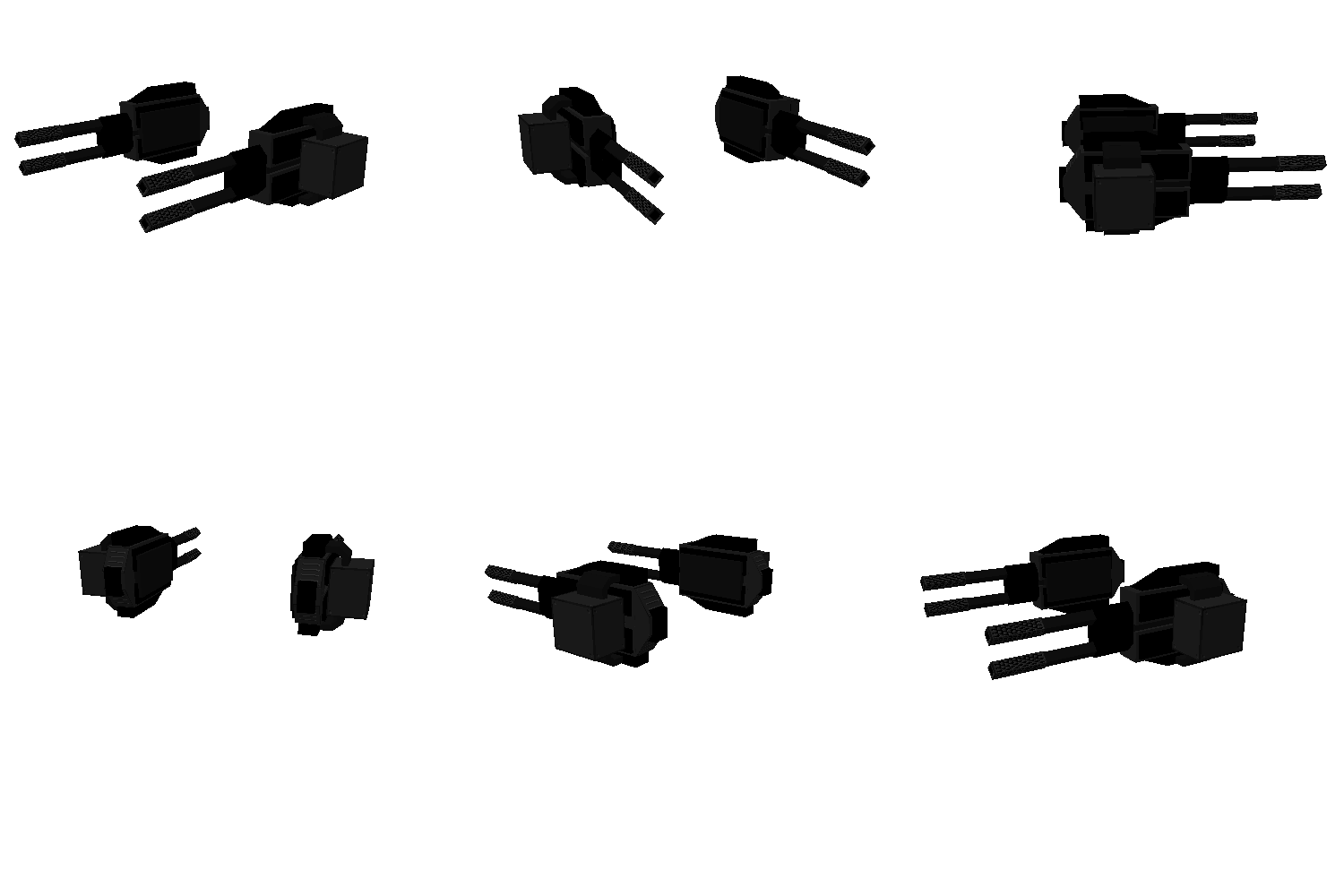
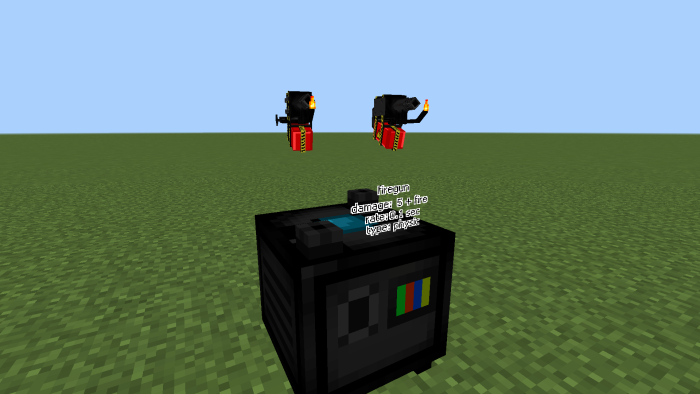
Double cannon
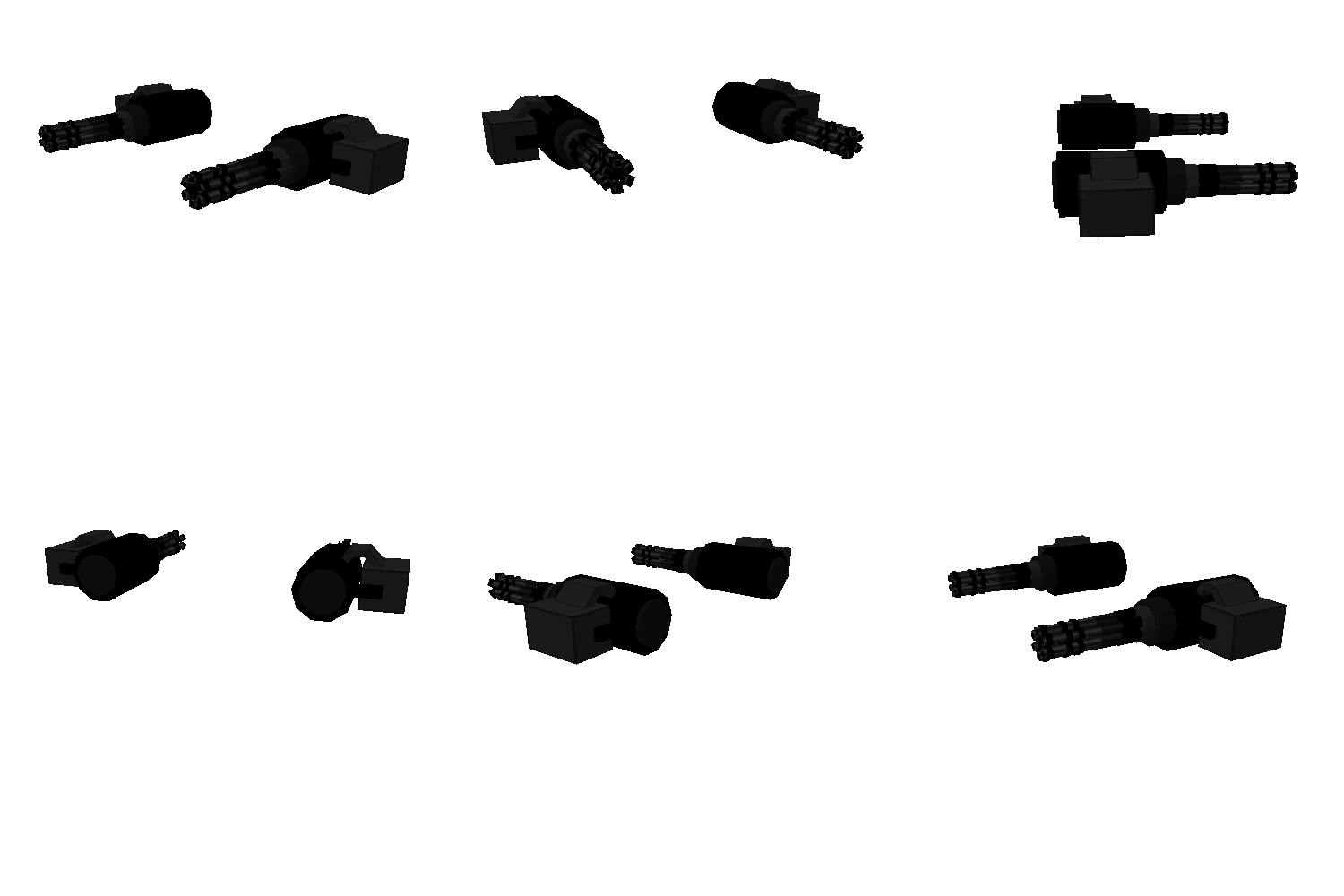
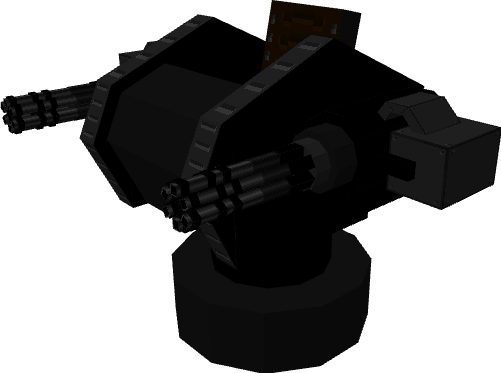
Gatling
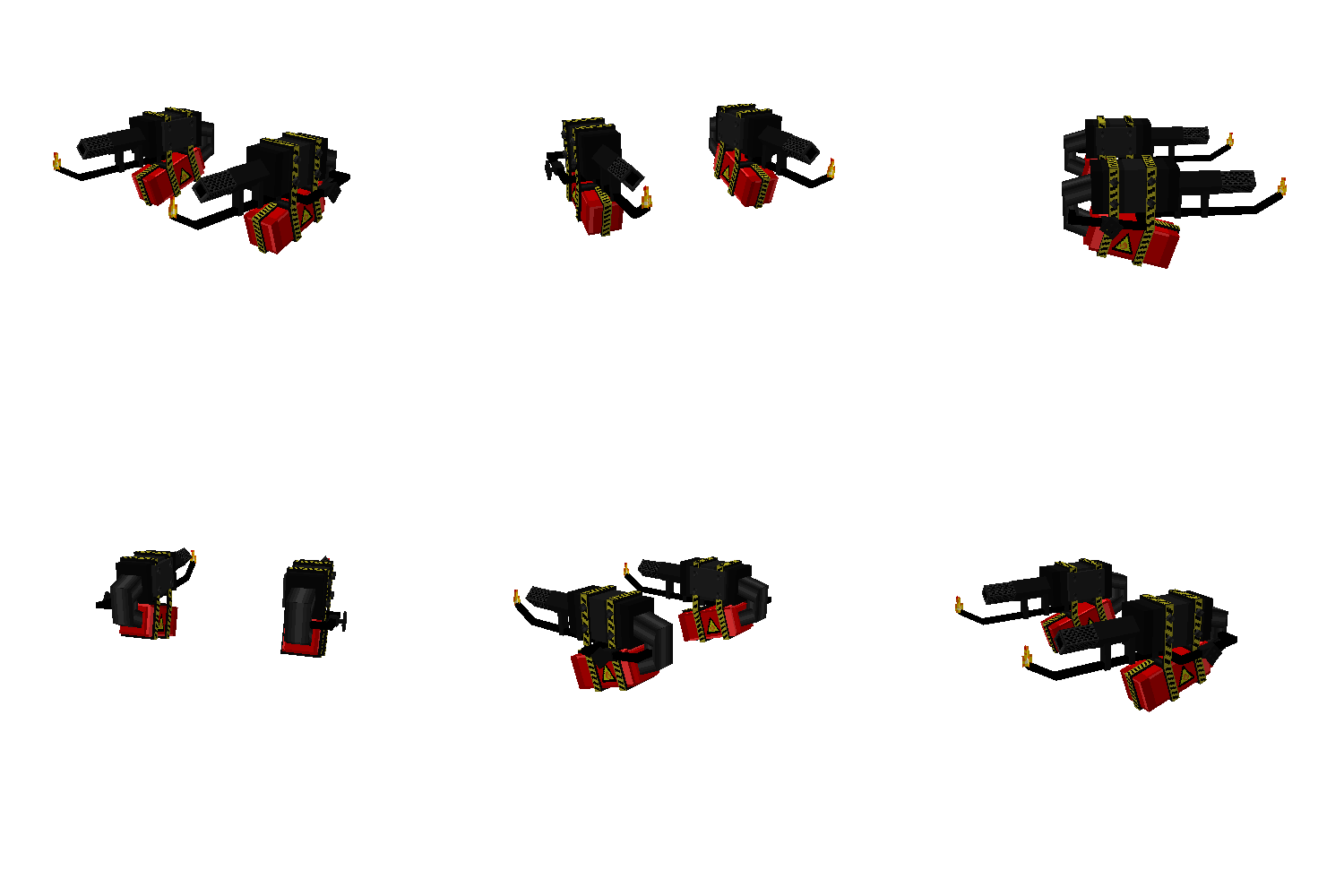
Firegun
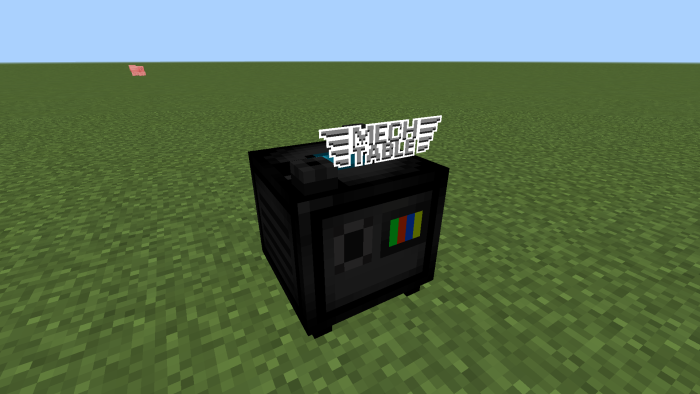
Mech Table
This table will give information about the weapons and robots that can be obtained, it can be obtained from the mechanic.
ENEMIES
They attack villagers and players.
they appear naturally during the day.
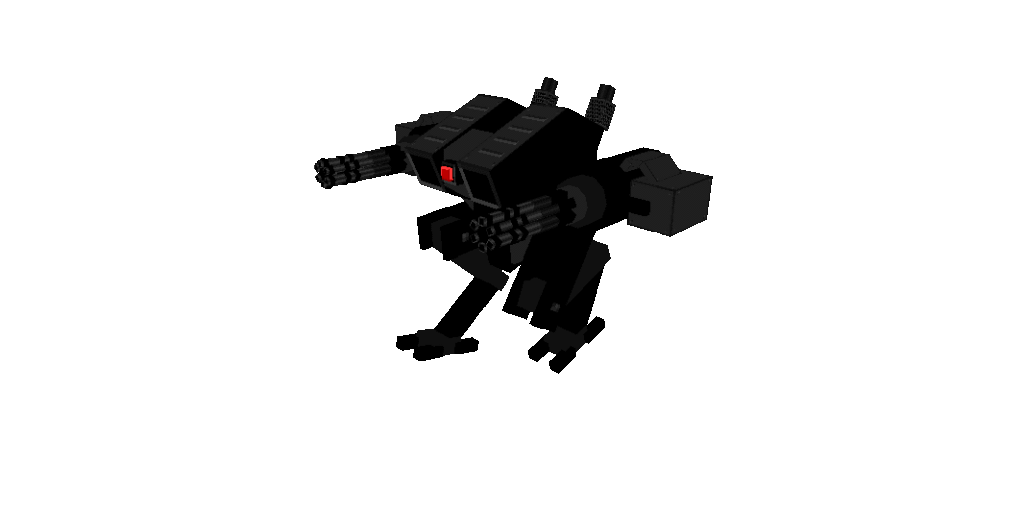
robot soldier: 30 hp.
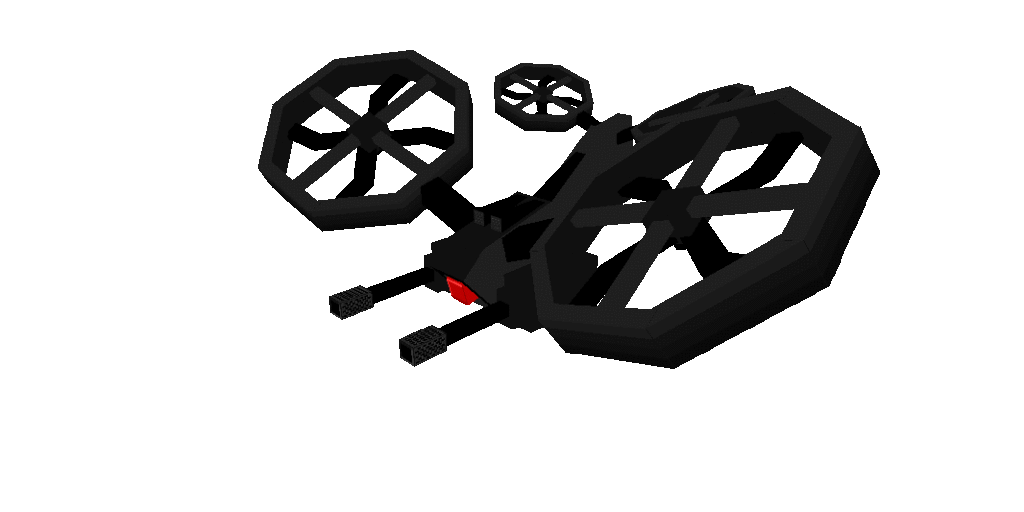
drone: 20hp.
deals 2-5 damage per shot.
drop item: “component”. It will be used to trade with the mechanic in exchange for robots and weapons
Robot Soldier
War Drone
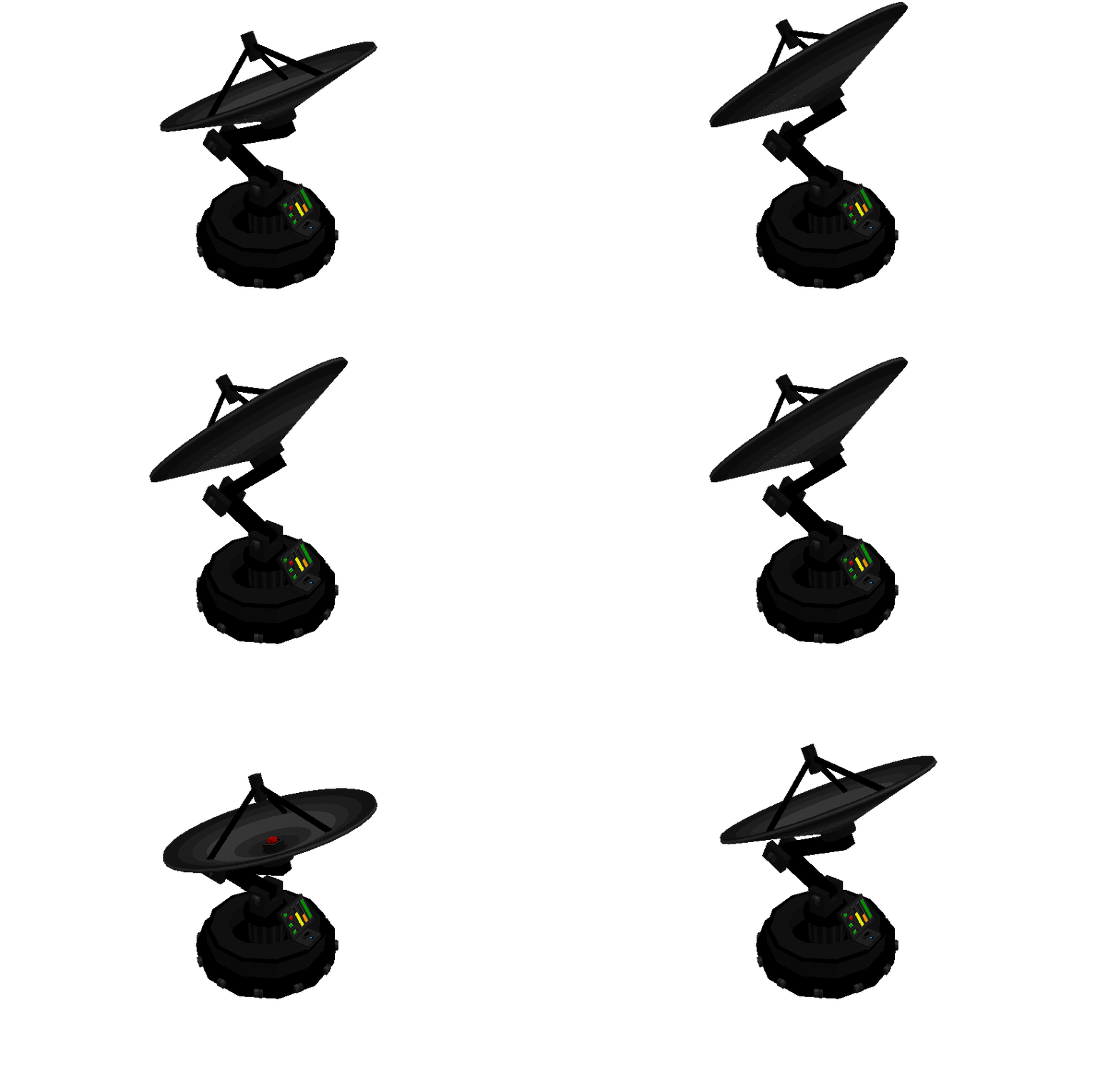
Radar
The Radar entity will summon waves of enemy robots while downloading data, when it finishes downloading it will release the full USB item that will be used to trade with the mechanic
Garden breeze BE is ported by Pinkgummibaerchen, now you can see is garden themed. plenty of flower vases, baskets of flowers, hanging plants, bikes, flower wheelbarrows, outdoor furniture sets, swings..basically anything i could put a flower in.
Most items have many color variants, so you never get bored!
This time, however, wooden, stone and brick items will take the texture pack you use. in my case, i use Mizuno’s 16 craft, but if you use Vanilla, for example, those items will look like Vanilla
if you have trouble installing this pack, please note that you need an anvil to rename items for the CIT to show up in your game!
Some Minecraft furniture mod you can check in Mcpe addons:
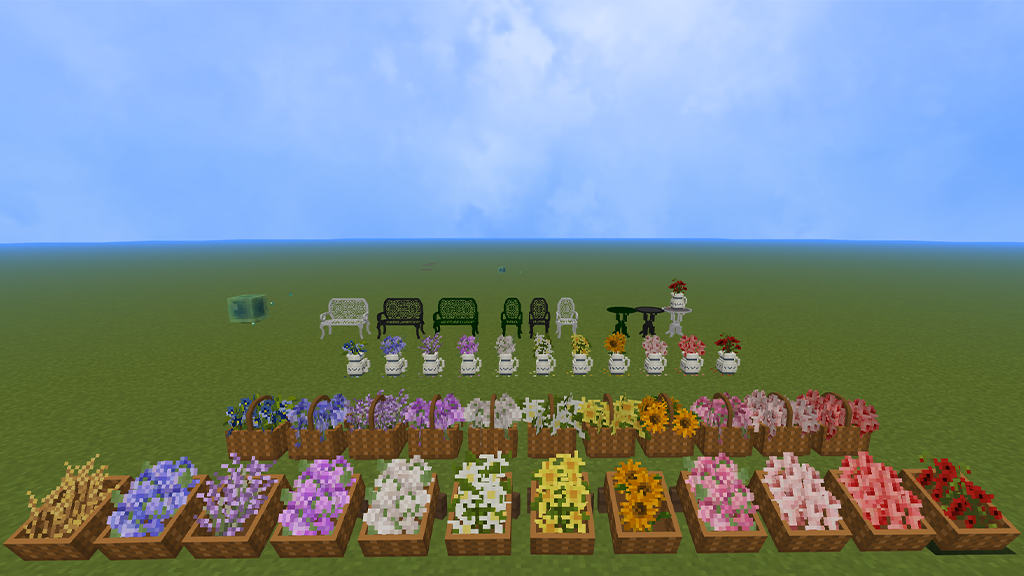
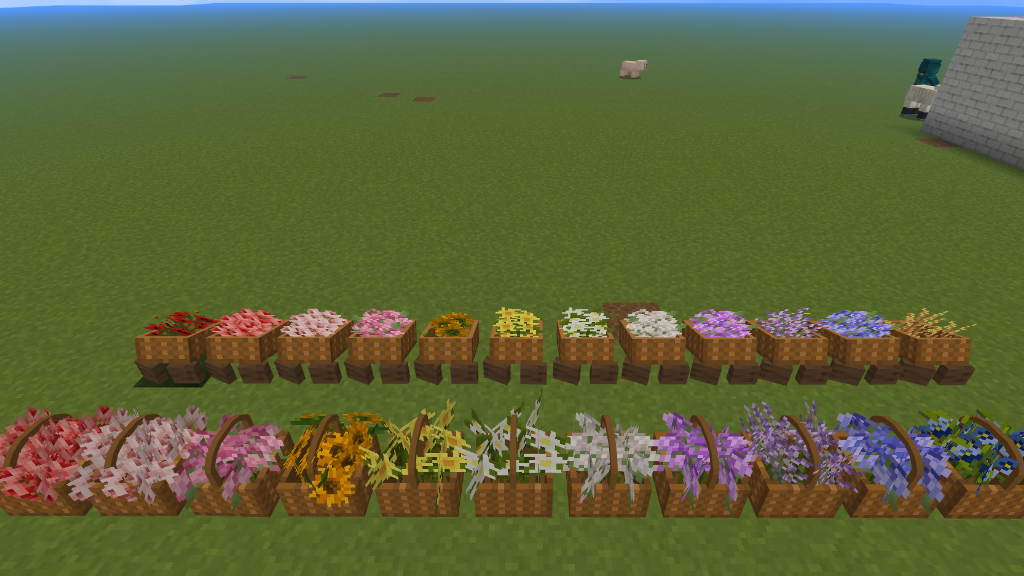
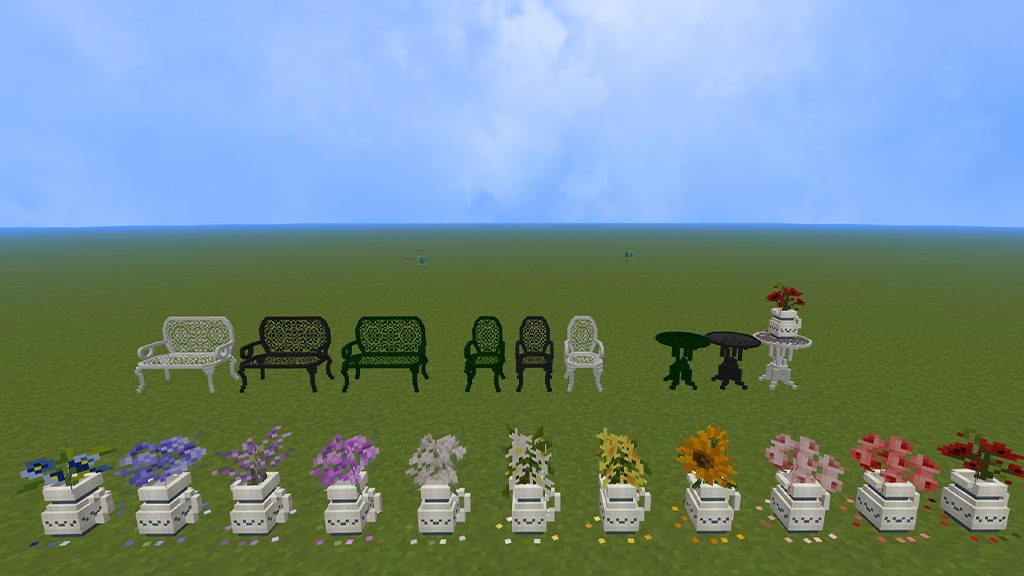
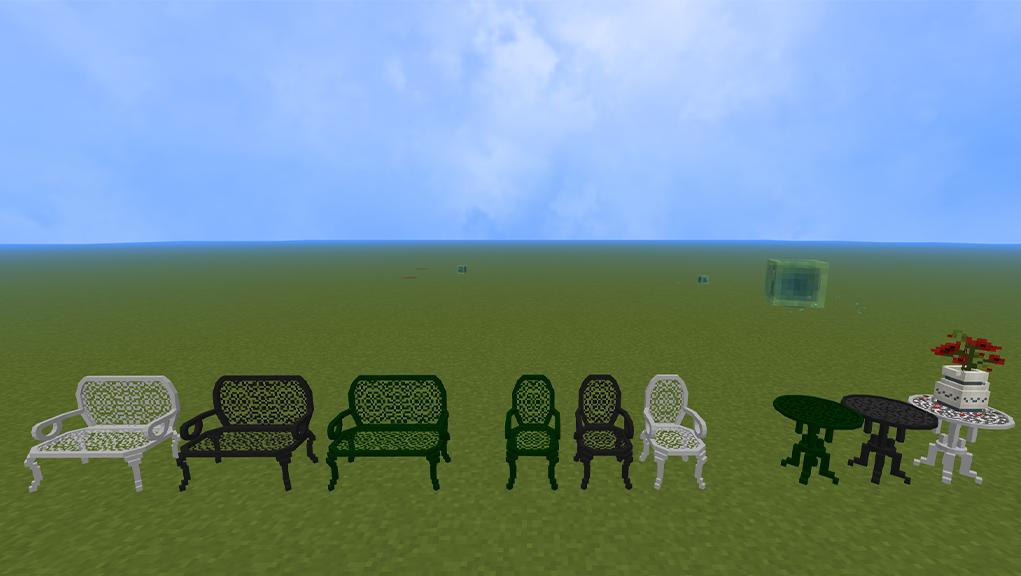
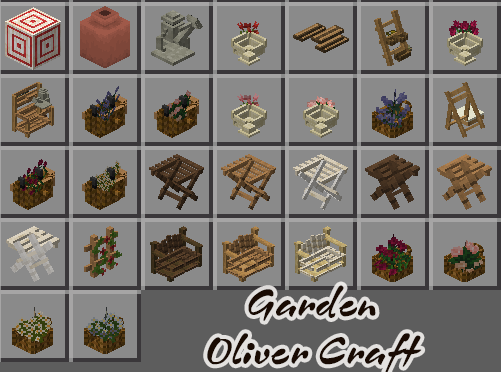
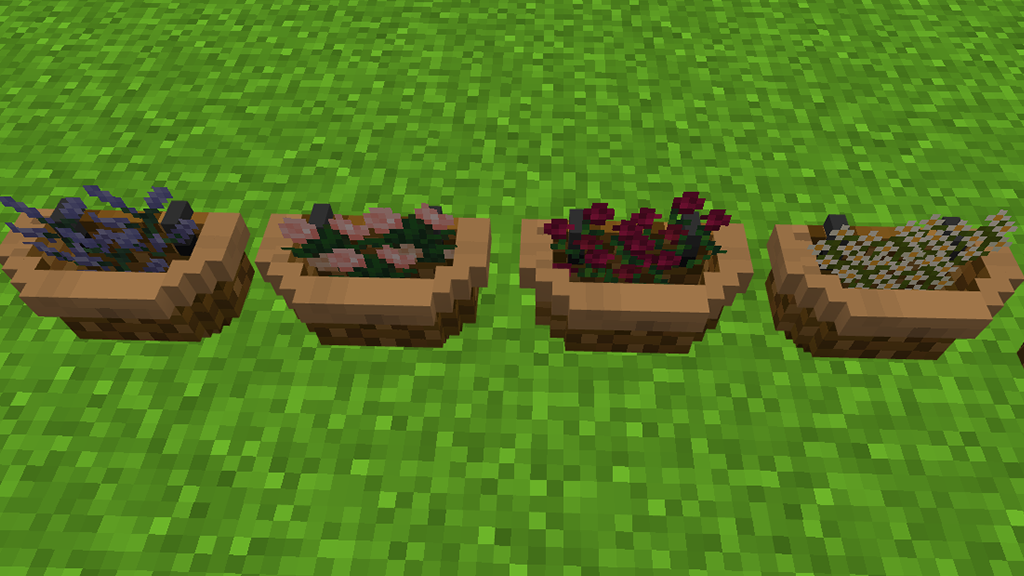
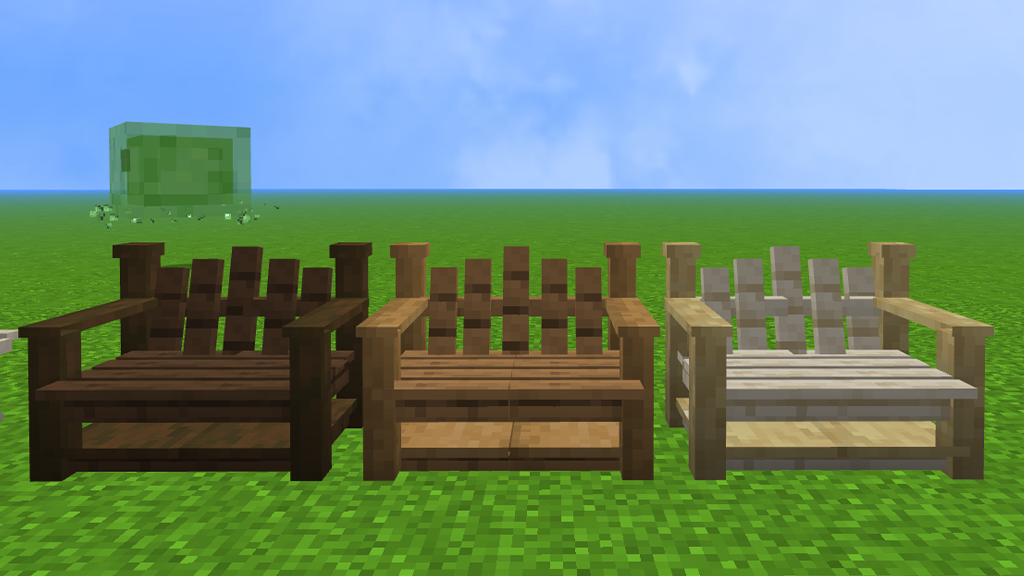
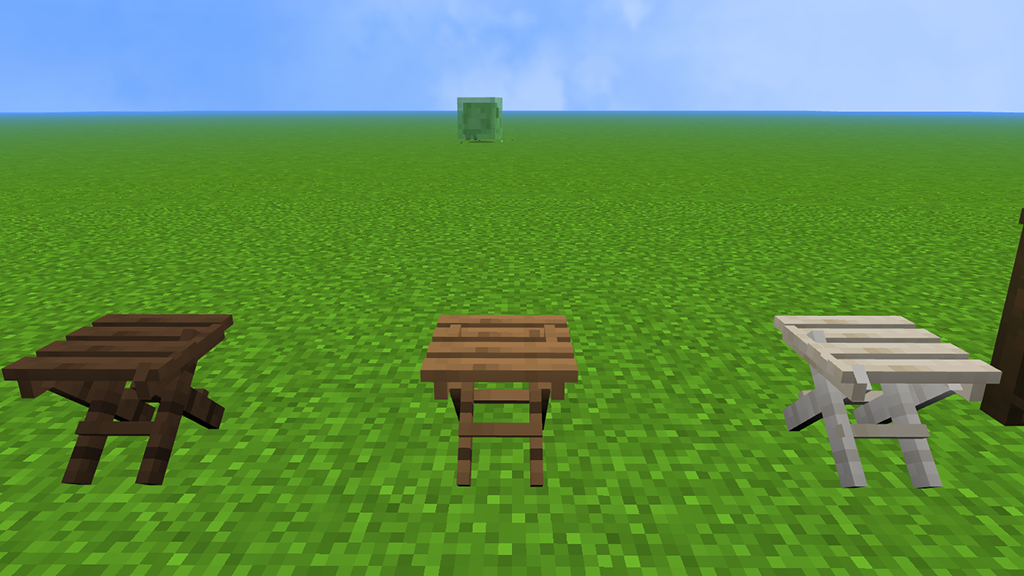
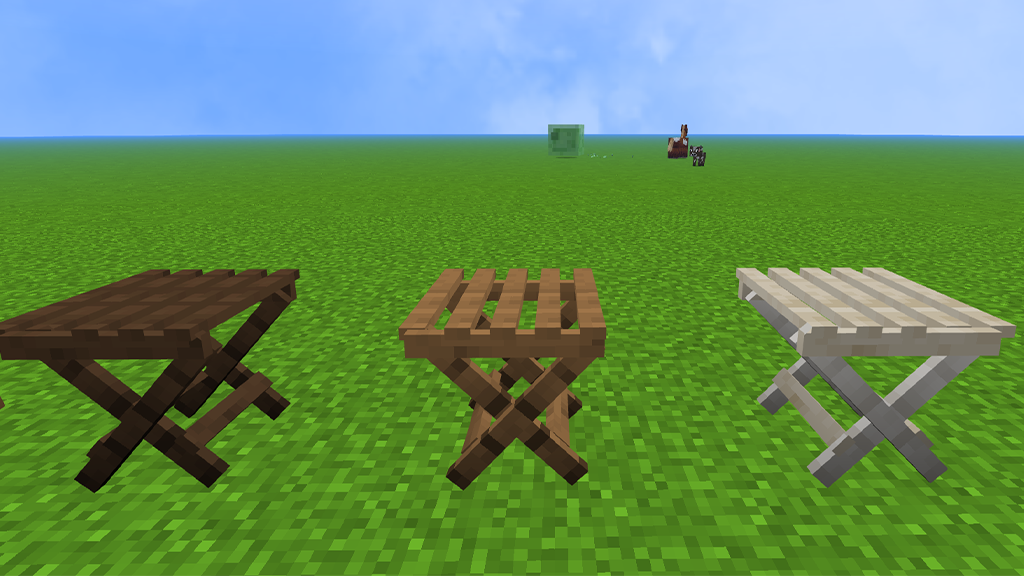
Hello everyone! Today I wanted to showcase Oliver Craft [Garden] is created by Ashiee’s MC! This is add you 28 items include chair, fence, watering can, bench, pot of flower,….to decor your garden. I was so happy when I saw this release!
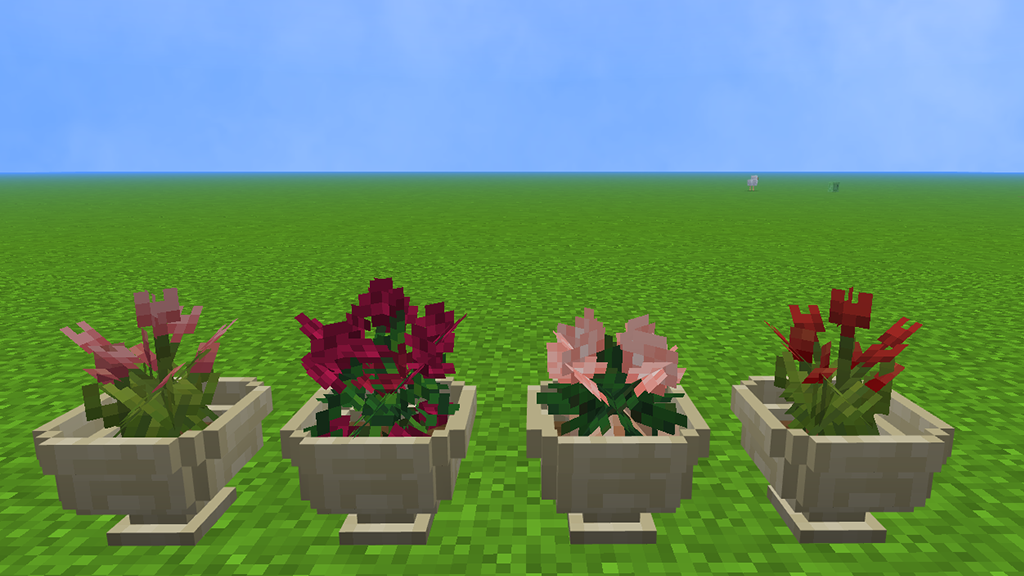
Oliver Craft [Garden] includes a total of 28 super cute garden ornaments! The flower pots, benches, and fences were my favourites. The fact that there are no broken models in this bundle means you will not have to worry about any invisible objects, which is another fantastic feature!
How to use: You can locate these models at the bottom of your creative inventory or find it with search bar.
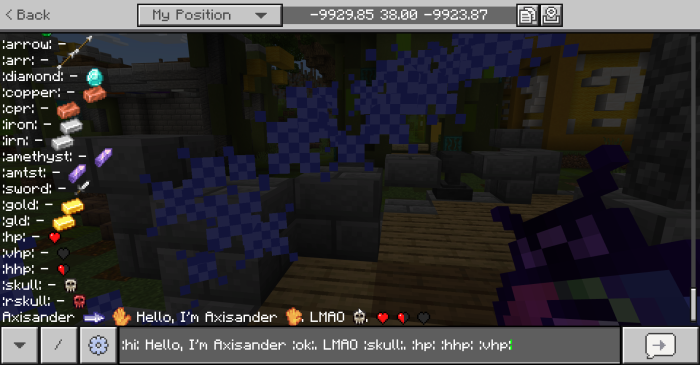
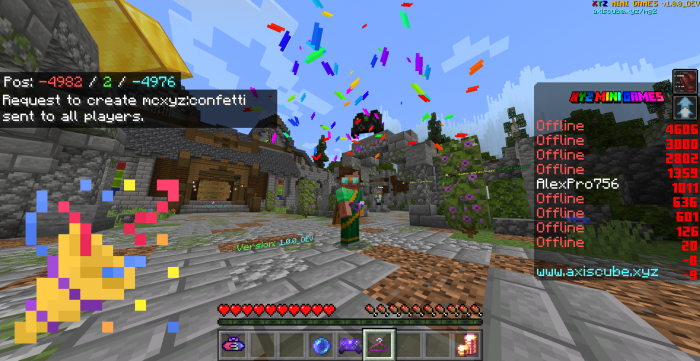
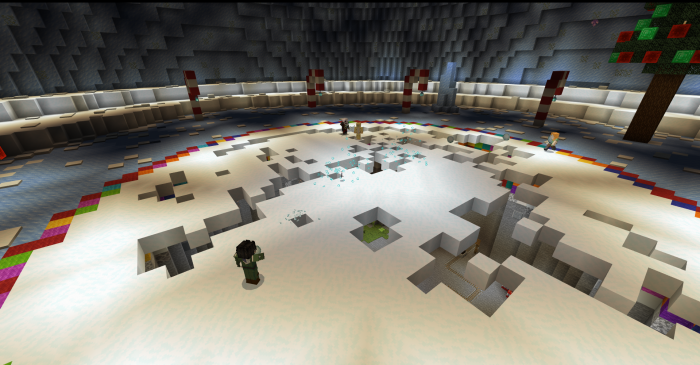
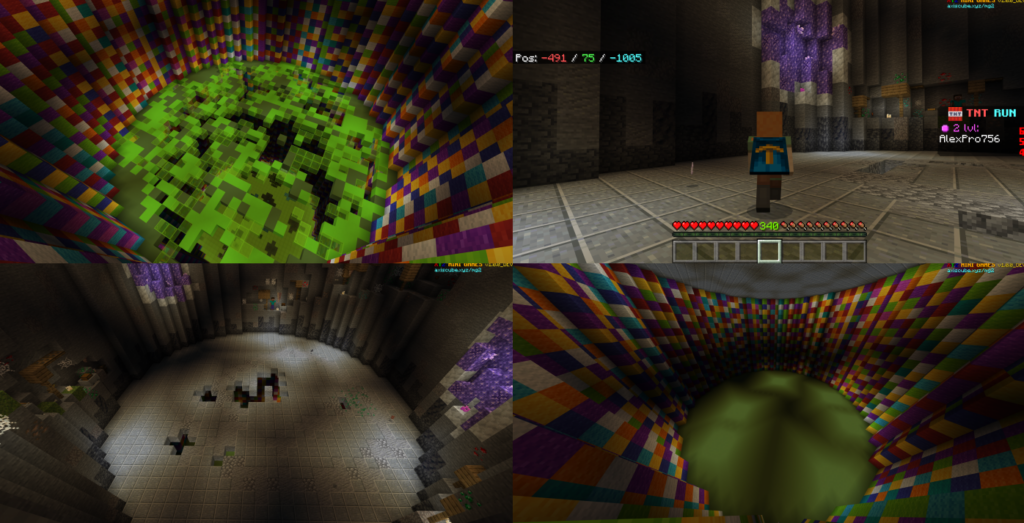
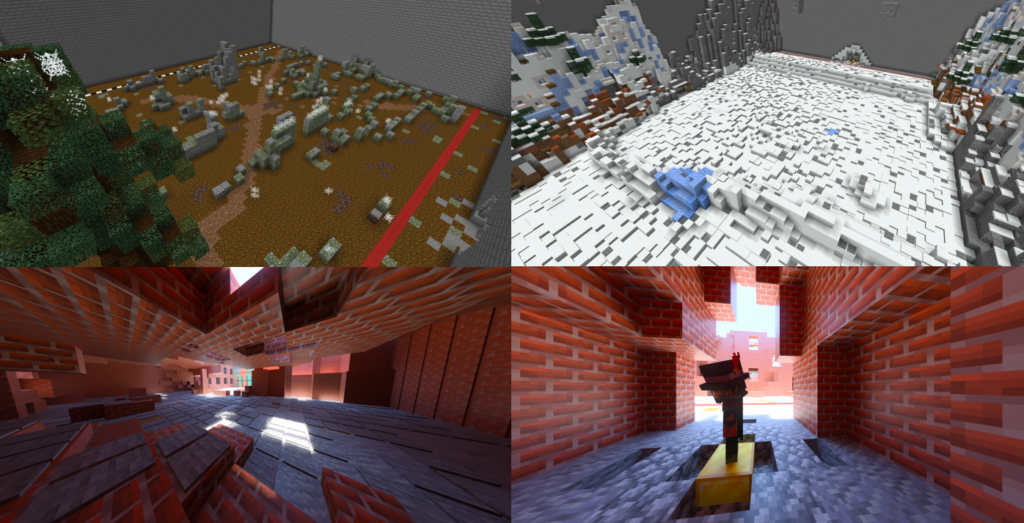
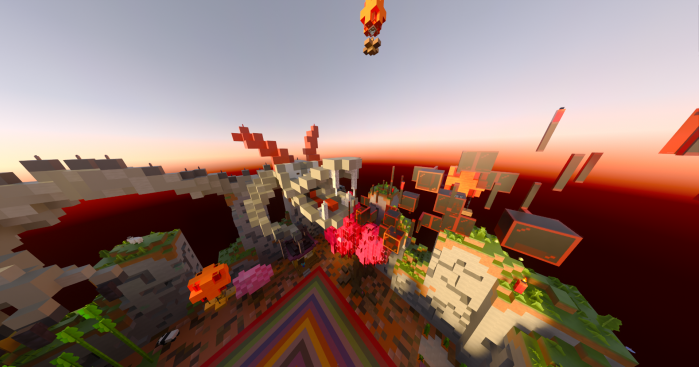
XYZ mini games map contains 19 mini-games and more than 30 micro-games for MicroGames! Supports localization! And almost everything is translated into any Minecraft language
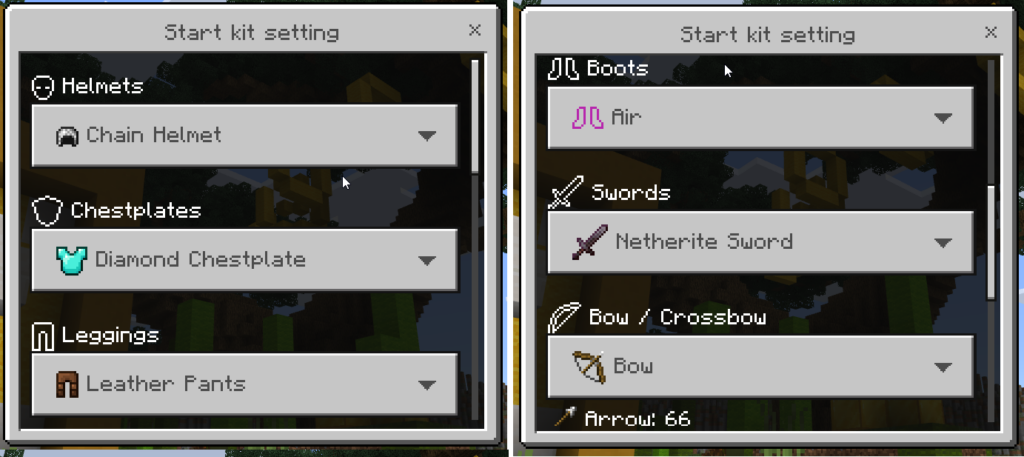
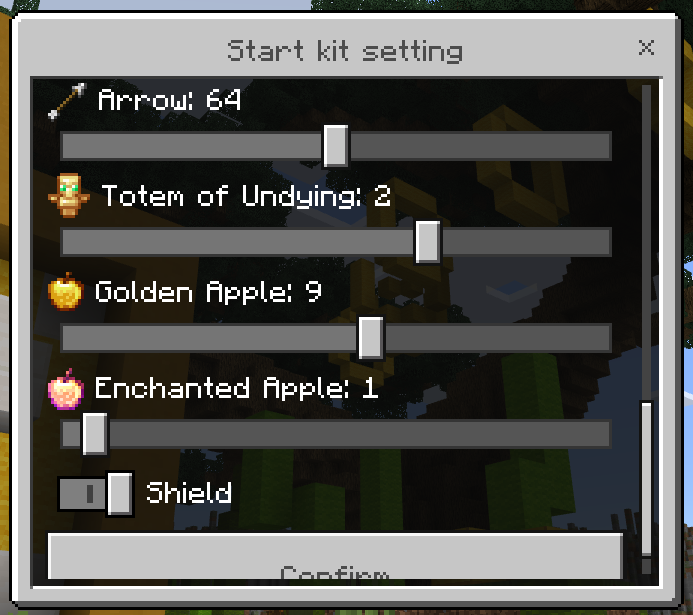
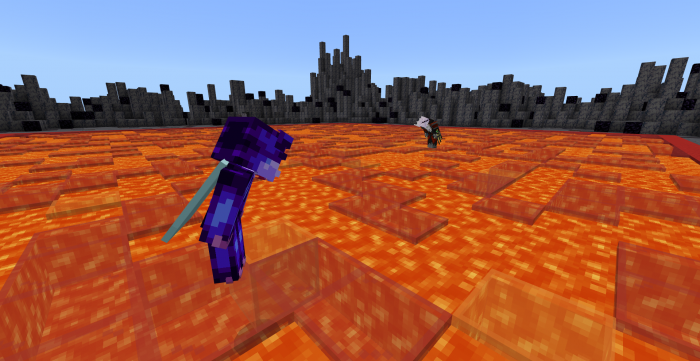
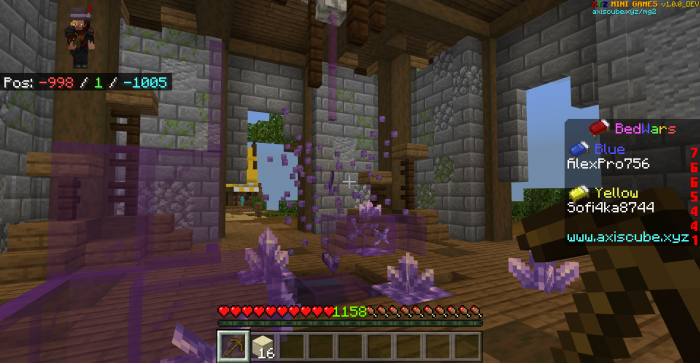
-> Customizable BedWars (not ‘mini’, TeamChat support), PVP (CUSTOM KITS), CTF, SkyWars (classic and LuckyBlocks), DeathRun, Hunger Games, TNT-RUN, Parkour, Floor is lava, Games from the TV series The Squid Game and others.
Cre: AxisCube
XYZ MINI GAMES
This map supports 26 languages which determined through your language in Minecraft
14. PVP Games (Duel, PVP Team, Survival) 15. Hunger Games
16. SkyWars
17. SkyWars: LuckyMode
18. MicroGames (30 micro-games)
19. FlagWars: Bridges
30 Minigames of Microgame
Emeraldy The Right Tool BridgeUP Tower up Jump Wars Platform Poseidon To the moon Spartan rain Cactus battle Until the Last One BlockParty mini Hunger games Do it Button finders Sumo Snowboom Door killer Bridge builder
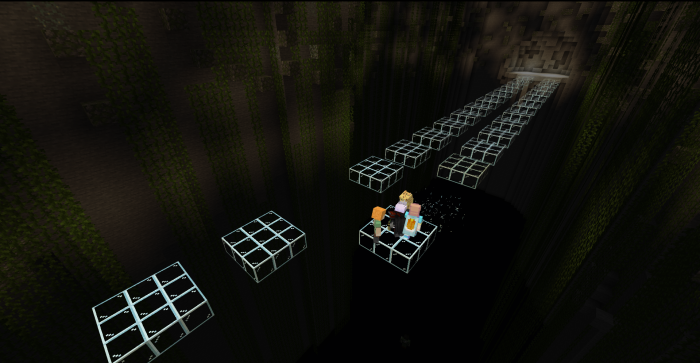
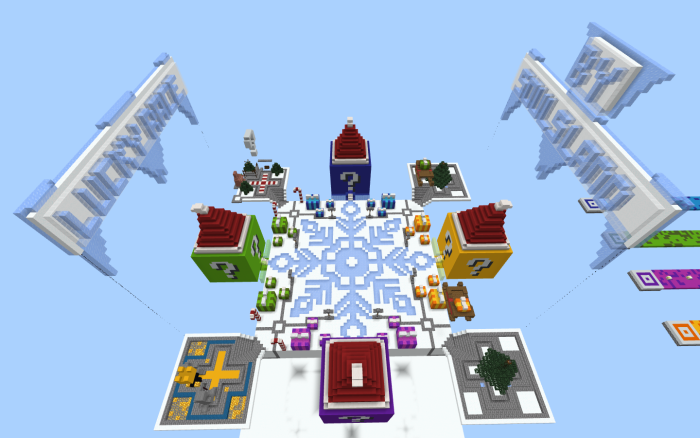
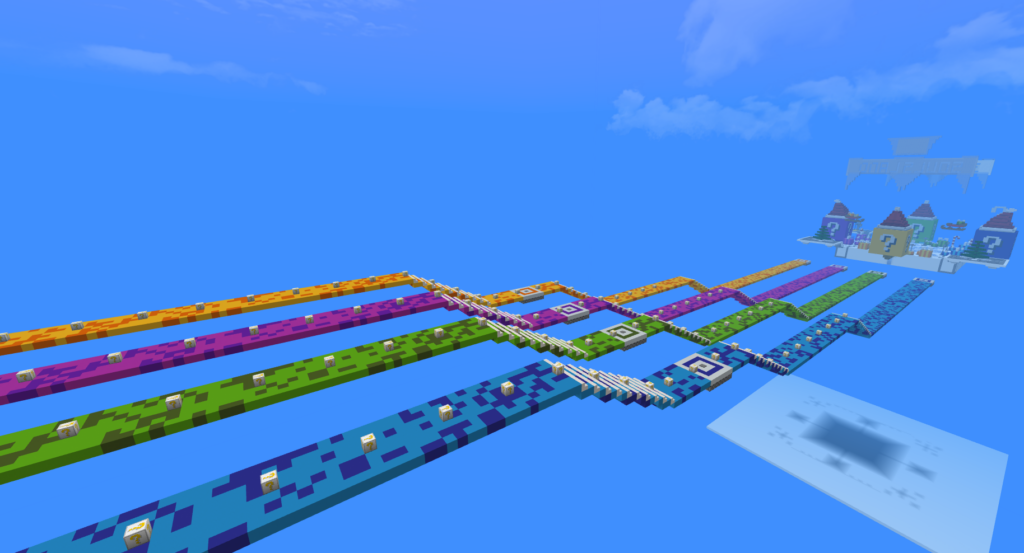
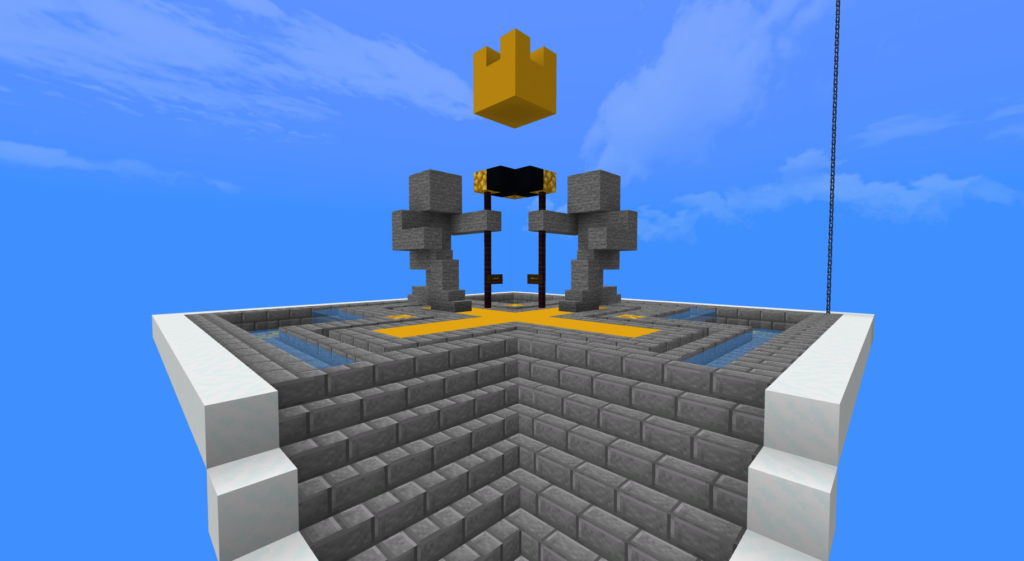
Compete against friends and see who will become a winner. This Lucky Race K Block map will bring Minecraft players a lot of random abilities, leading you to win gold!
This racing map was designed by Kadiz/SoulsLand
Cre: Kadiz
Lucky Race K Block
Start with Race Mode, enter the madness of luck and become the luckiest in this game! If you still wonder, let’s get started.
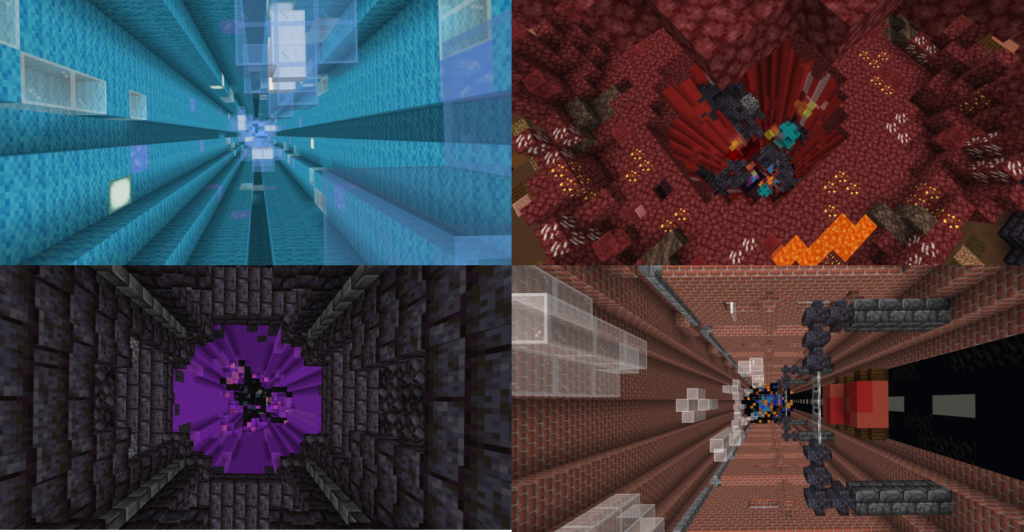
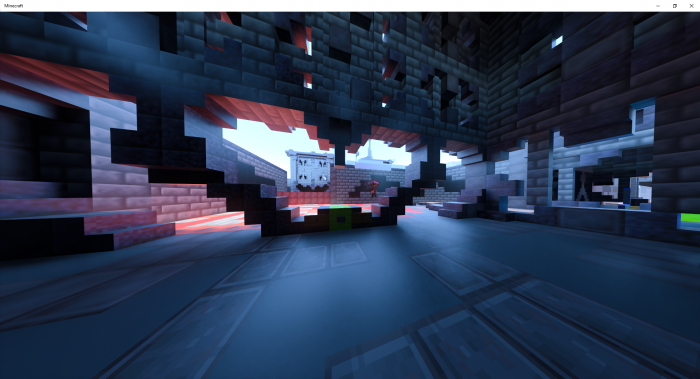
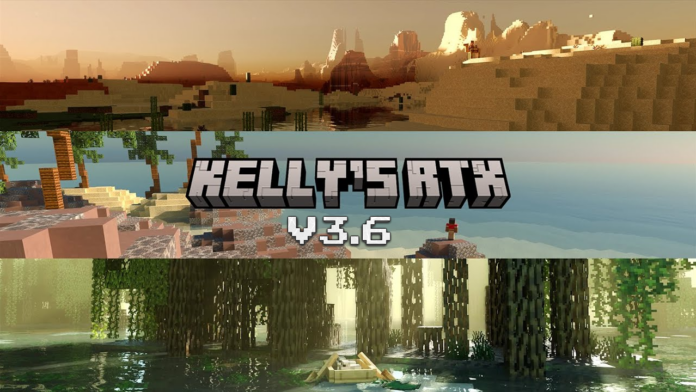
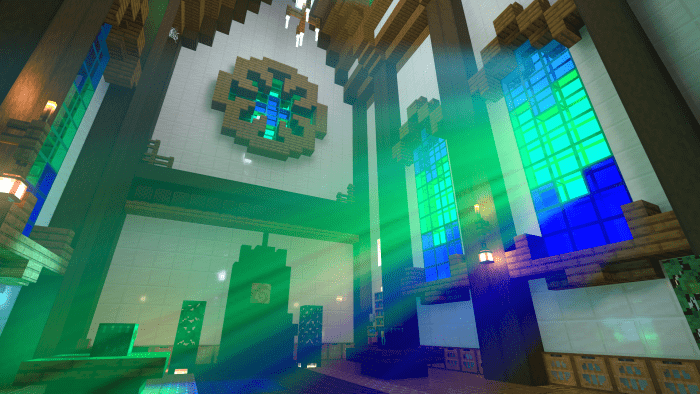
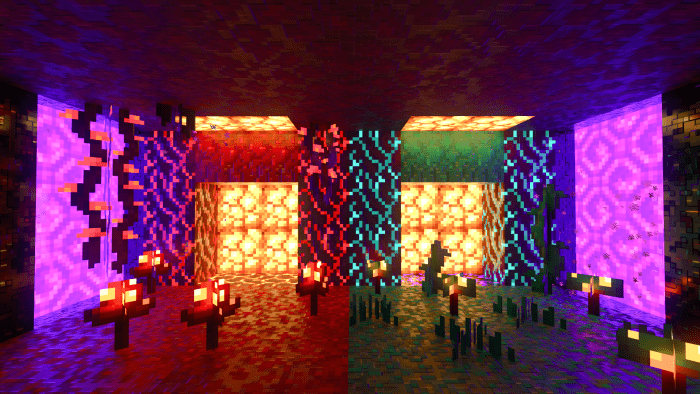
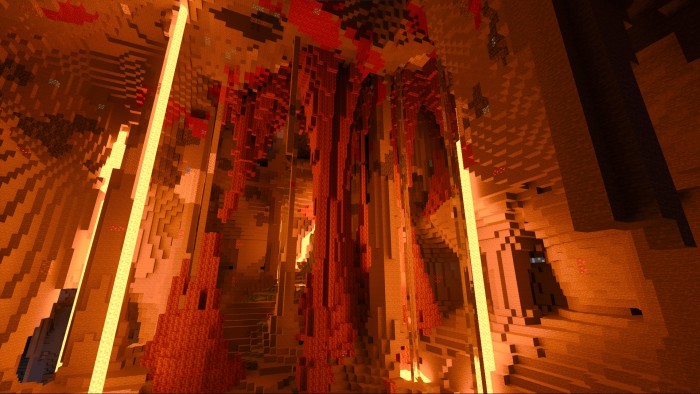
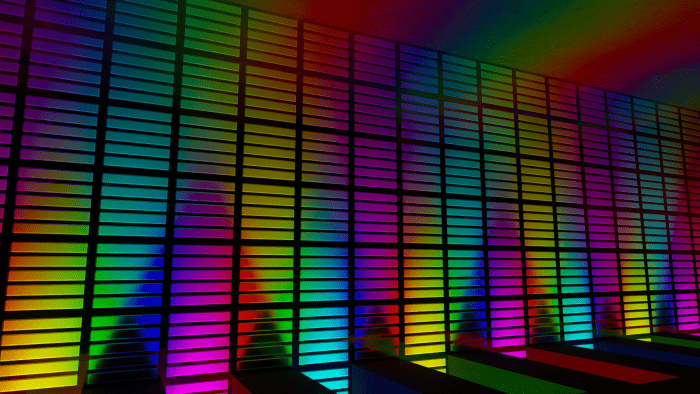
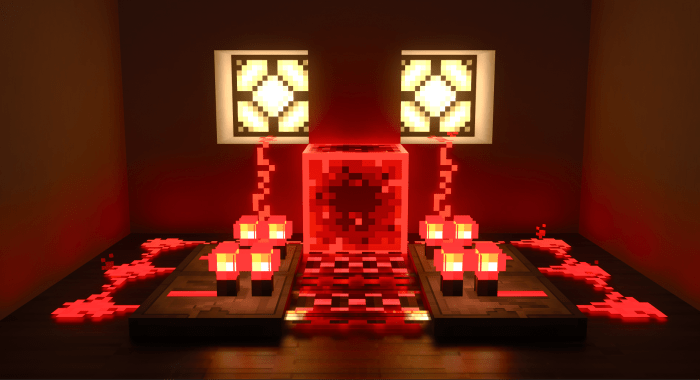
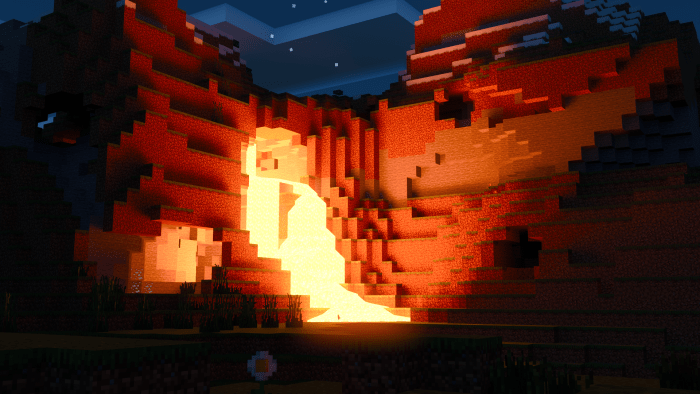
This Kelly’s RTX pack has a few special, and fun glowing blocks! They can be used for testing, or they can be used for fun scenes. It’s up to you really. It is excellent for worlds that were normally vanilla, that you wanna add a very nice touch too!
The extra blocks include may colors of lights, a warm and cold version of a white light, an EXTREMELY bright spot light block, a few disco and colorful tiles, along with a few fun materials like brushed Aluminum, and Copper!
For the latest version of the pack/addons, Go into my discord, and look at the pinned messages in the “Texture-Pack-Downloads” channel! Lately i’ve been somewhat unmotivated to post on this website, because of people having to sit and wait for the links and such, and frankly I found that quite annoying. With the latest update the ENTIRE pack has been revamped, almost every texture. There’s been a LOT of fixes, as well as tweaks/addons! I will probably add the update here soon enough, and get rid of the clutter and such.
[[PLEASE READ THIS, THIS IS INCREDIBLY IMPORTANT!!]]
If you play on mobile, or on any other platform, this will not work. You have to have an RTX-Series card for it to work. This will also work with the newer AMD GPU’s, sadly Minecraft only has DLSS as an upscaler – Which the RTX series can only do, so performance may not be as nice.
To download, you simply click on the download link and open the file with Minecraft, and it will install itself. REMEMBER! If you’re installing a new update, delete the old version!!
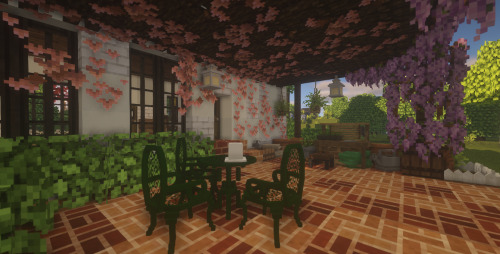
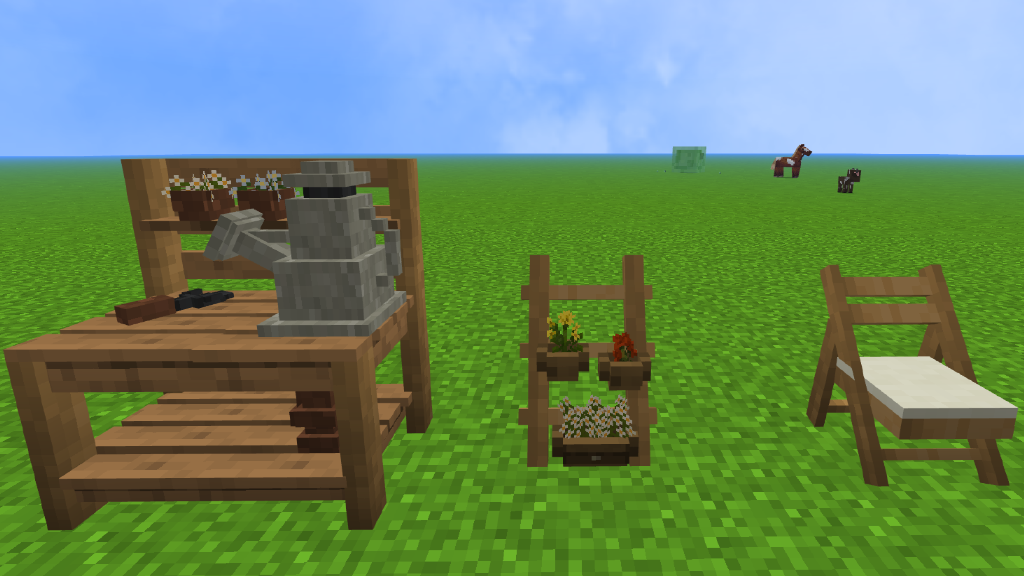
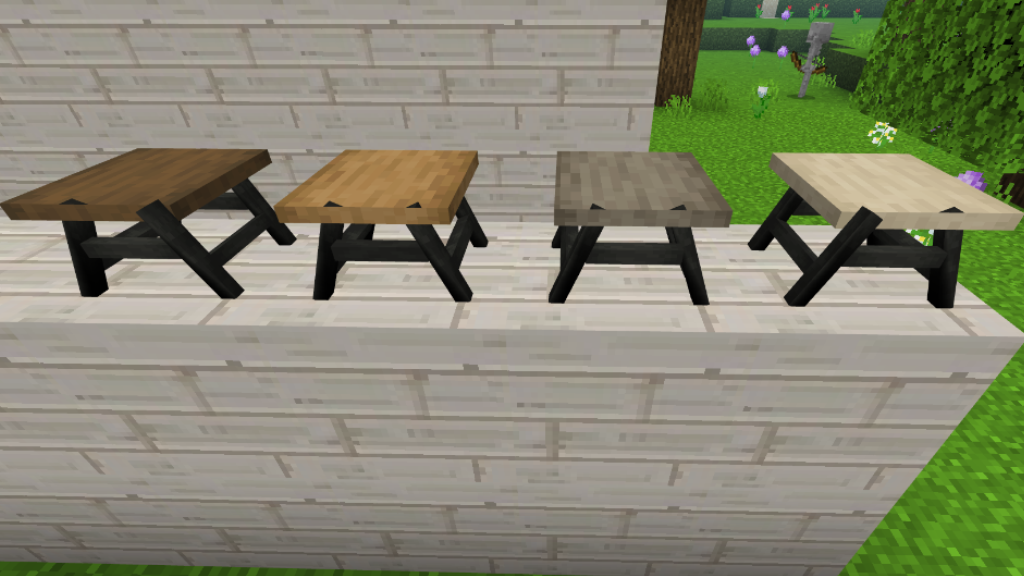
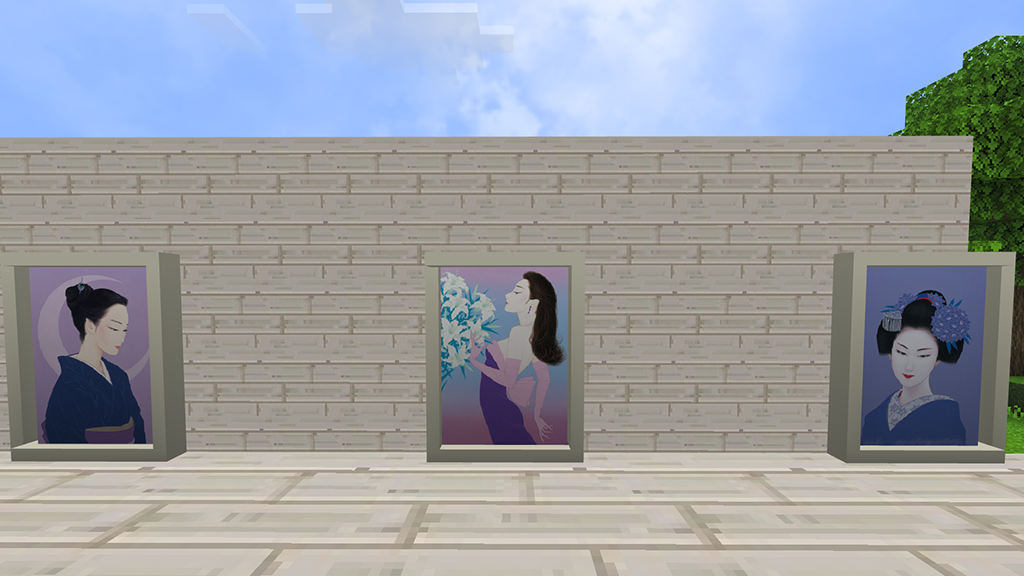
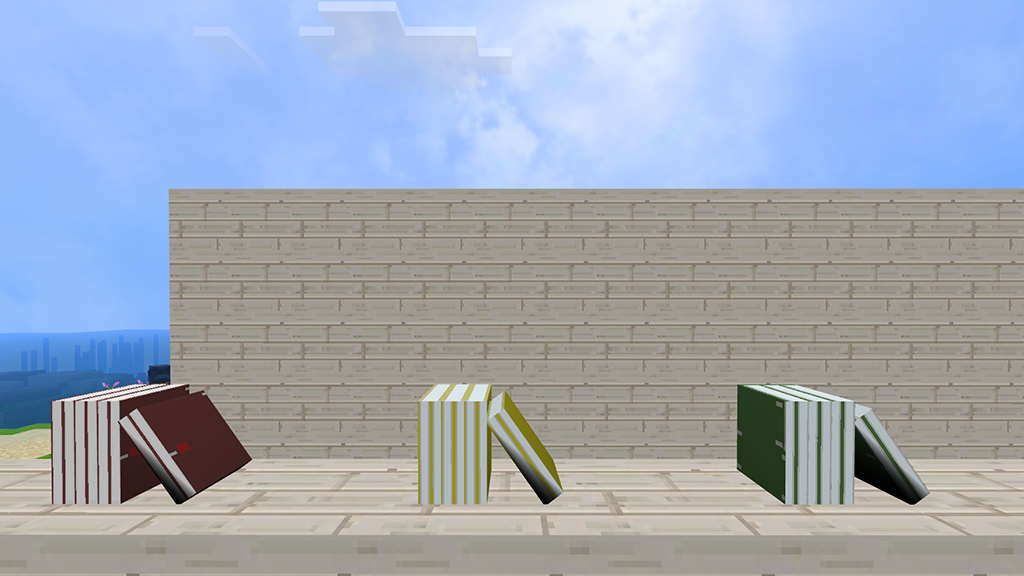
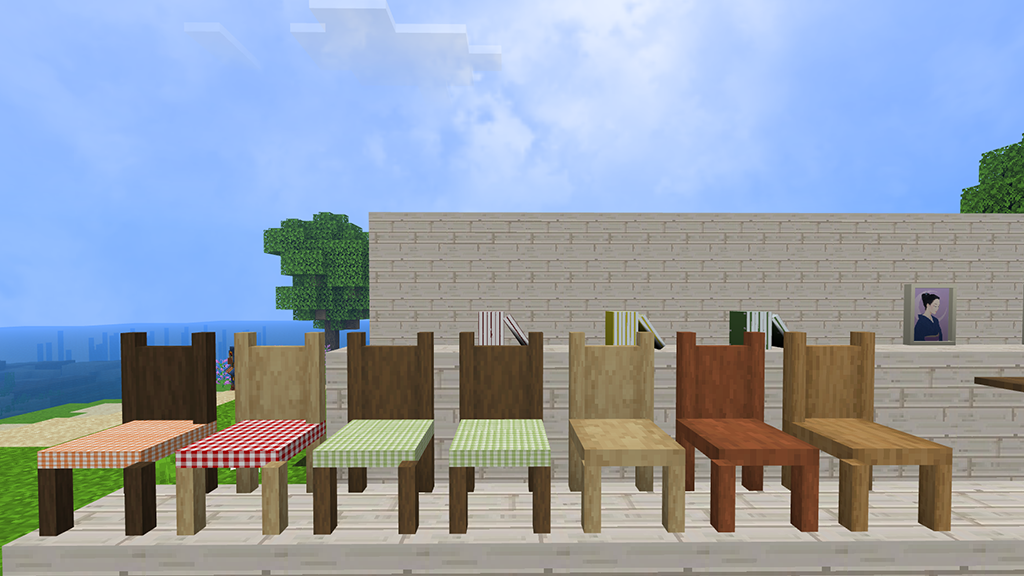
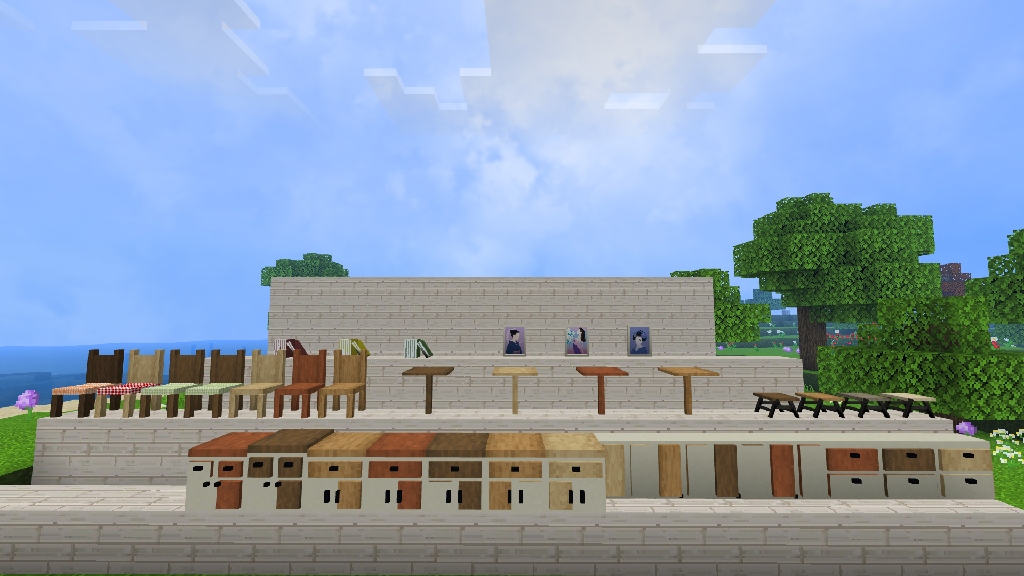
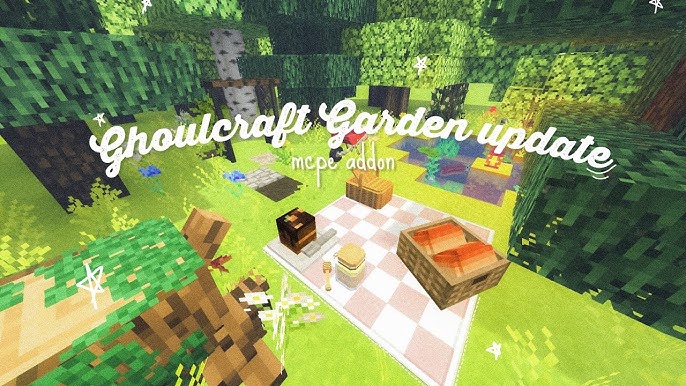
A Minecraft addon is called Ghoulcraft Graden Pack BE. Awnings, Lattices, Apiaries, Animal Coops, Plants, Lattices, Shutters, Windowboxes, Garden Tools, and many more objects with an outdoor and garden theme are included in this set!
The official port of MissGhoul’s Ghoulcraft CIT for Java is called Ghoulcraft BE. A CIM pack, or data-driven block add-on pack, is what Ghoulcraft BE is. This adds a ton of additional decorations and blocks to utilize in your environment!
These are only decorative blocks that cannot be used in any way. This is meant for Creative players only; at this time, there is no method to access the blocks in Survival without using commands.
Ghoulcraft BE’s textures has been recolored to match the popular resource pack Mizuno Craft. Ghoulcraft BE can be used with vanilla minecraft but it will not match some of the block’s color.
Some items can be placed with other functional blocks (like chest) and give the illusion that they are functional.
Playing with Ghoulcraft BE
For more info, visit Ghoulcraft BE’s Item Catalog to see the list of all currently included items in the pack(s).
Ghoulcraft BE only works on Windows 10, Android, & Apple Devices – Running Minecraft Bedrock/Pocket Edition 1.16.200+ and above. It doesn’t work on consoles!
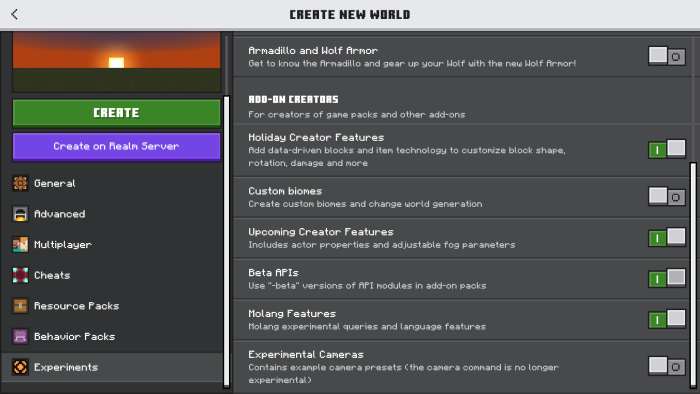
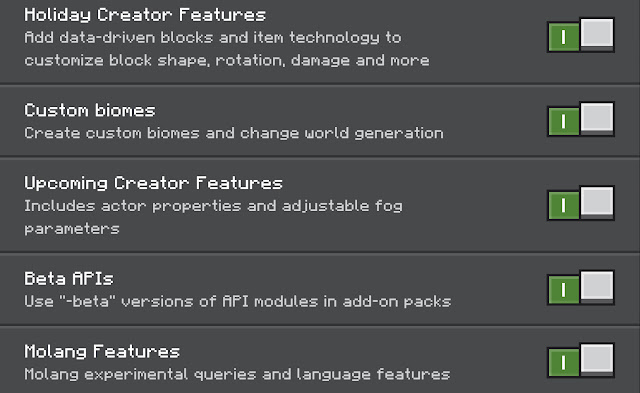
The following Experimental Options also needs to be turned on in order for the pack to work.
Holiday Creator Features
Additional Modding Capabilities
Cheats
Ghoulcraft Terms Of Use
All Models created by Ghoulcraft are the intellectual property of MissGhouls, unless otherwise noted (ie: Contest models created by other artists, and several other models/textures owned by Mizuno).
Do not redistribute the pack as your own, or claim it as your own creation. (This includes re-porting the pack to BE/PE)
Do not modify the pack without express written permission from MissGhouls.
Do not upload the packs to any websites.
Do not claim the models or textures as your own.
Do not modify the models or textures without express permission from MissGhouls.
Do not steal the models & make “remix” packs.
Failure to abide by this TOU can be met with legal action by both MissGhouls, and Mizuno. Please contact MissGhouls via email for any inquiries regarding translating the pack into other languages, remixing it, recoloring it, etc.
Notes
The original models belongs to MissGhouls, who have given me permission to port the pack into Bedrock!
MissGhouls does not give permission to use her models in mods, to upload Ghoulcraft to any other websites, or to use the name “Ghoulcraft Resource Pack” without asking her privately first. Ghoulcraft is found only on Ghoulcraft.com, PMC, and MCPEDL!
*Do not download Ghoulcraft from any other website, as we cannot guarantee the safety of the link!