Home Blog Page 26

Kamen Rider Build Addon | Minecraft Addon PE

0

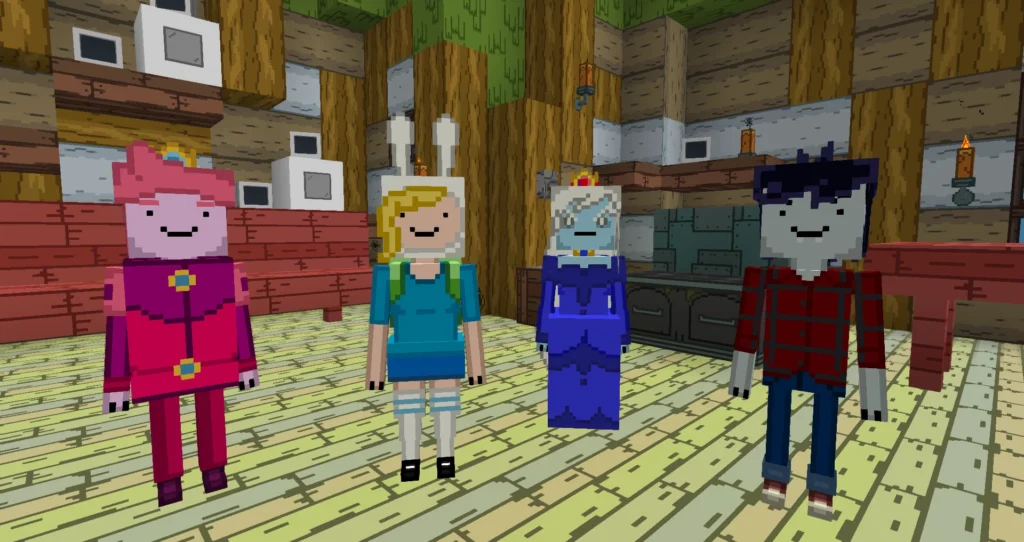
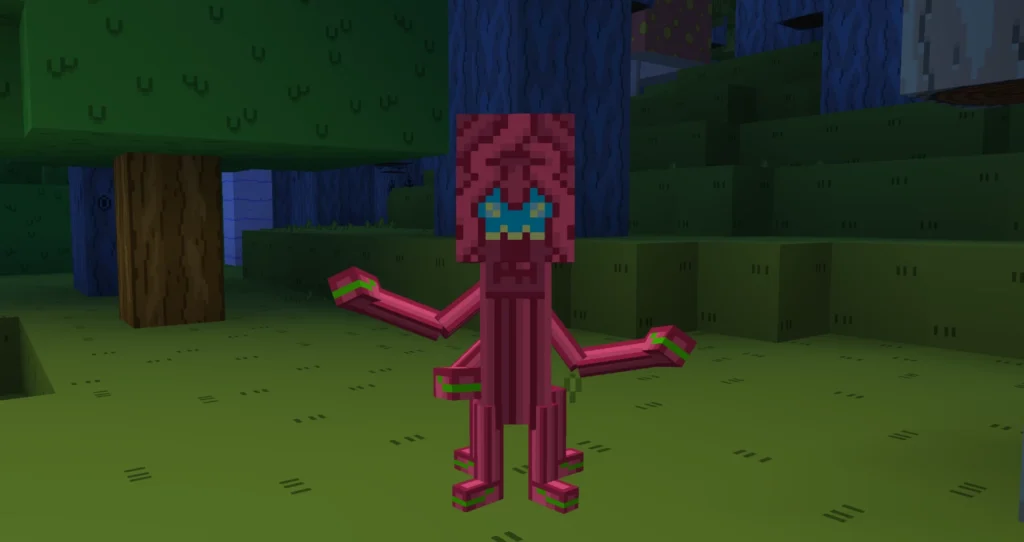
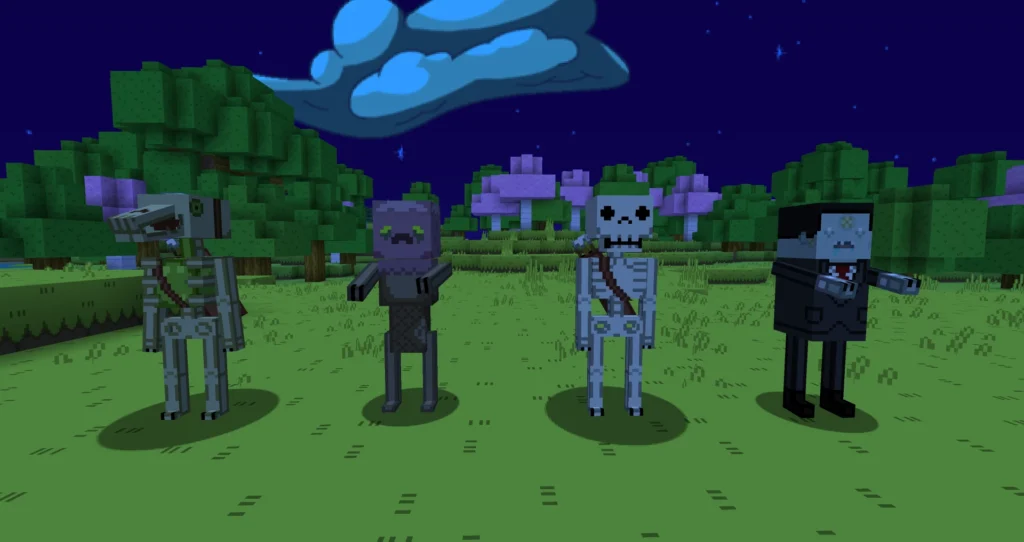
Kamen Rider Build addon is created by Azka Afkari collaborate with terradyzz. In this Minecraft addon, there are several items such as the Kamen Rider Build and its motorbike, namely the Machine Builder.

Creator: Azka Afkari & terradyzz

KAMEN RIDER BUILD ADDON

Screenhots:

Kamen Rider Build Addon

Some Minecraft Addon PE you can check in Mcpe addons:

Download Kamen Rider Build (Resource pack)

Download Kamen Rider Build (Behavior pack)

- Advertisement -

Banner Map Markers | Minecraft Bedrock 1.21+| Similar to Java

0
Banner Map Markers

You have seen Banner Map Markers in Minecraft Java Edition and wished it would work in Minecraft Bedrock. This pack will let you add Banner Map Markers to your Minecraft 1.21 world with just a few clicks. Simply click on the map banner to generate a marker at that location.

Creator: ayy star

Thanks to the creator for creating a great addon for players on Minecraft Bedrock. 😍😍😍

Anywhere on the Minecraft maps you can mark the location with different colors banner. Make your minimap come to life by installing this addon.

Follow the tutorial Banner Map Markers

1. Position a Banner or navigate to an existing Banner.

Banner Map Markers
Banner Map Markers

2. Grab a brush and apply it to the Banner.

Banner Map Markers
Banner Map Markers

3. A dialogue box will pop up, choose the color and press submit.

Banner Map Markers

4. A Marker in the chosen color will be displayed.

Before

Banner Map Markers

After

Banner Map Markers

5. To erase it, click once more on the same Banner.

🤲 For example, change the pink banner to a purple banner.

Banner Map Markers
Banner Map Markers

👉 You may iterate this procedure until you achieve the desired color 👈

6. View the banner markers marked on the Minimap

Banner Map Markers

If you want to know more details about this tutorial, you can watch the video on YouTube:

Installation

MCPE Download

Banner Map Markers .mcaddon

Back up link

Some Minecraft maps you can explore at MCPE Addons or suggestions below:

- Advertisement -

Herobrine SMP Minecraft 1.21 (with Gaming House &Fleet Statue)

0
Herobrine SMP

Here is the most recent and up-to-date version of the Herobrine SMP world in Minecraft 1.21. It includes the new Gaming House, Herobrine Statue, The Court, Herobrine Tower, and other features. Further details are provided below for your enjoyment.

Creator: YSphantom

Some Images of Herobrine SMP World

1. Gaming House (Made by Rawknee)

The most recent addition to Herobrine SMP is the Gaming House, where each member has their room adorned with their chosen logo.

Herobrine SMP

2. Herobrine Statue (Made by Fleet)

This statue, crafted by GAMERFLEET, depicts the legendary Herobrine and stands proudly atop the main town hall. It is a tribute to the Herobrine, after whom the SMP is named.

Herobrine SMP

3. The Court

Following the disclosure of the truth, Ajjubhai accused Ujjwal and Fleet of harboring ambitions to dominate the SMP, a claim they refuted. Consequently, a court hearing was convened, resulting in Ajjubhai being found guilty and subsequently punished.

Herobrine SMP

4. Herobrine Tower

The primary highlight of the entire SMP is the iconic HEROBRINE TOWER, constructed collectively by all members who each have their own designated rooms within. This towering structure is renowned as the tallest in the SMP, boasting glass and quartz construction.

Herobrine SMP

5. Sword Portal

This creation by Ajjubhai stands out as one of the finest builds in the SMP, featuring a nether portal designed in the shape of a sword. Not only does it look incredibly impressive, but it also serves as a major attraction within the SMP.

Herobrine SMP

6. SmartyPie’s Islands

SmartyPie, after the war, chose to create a symbol of peace by constructing his own residence. To achieve this, he crafted a collection of floating islands in the sky to serve as his dwelling, resulting in a truly stunning abode.

Herobrine SMP

Not only this, all the structures are currently made in the SMP, and the creator will update this world week by week, and you all guys can enjoy the new structures and latest content from the SMP.

Members Of SMP [Youtubers]
  1. Ujjwal       – Techno Gamerz
  2. Ajjubhai    – Total Gaming
  3. Pammi      – Chapati Hindustani Gamer
  4. Anshu       – GamerFleet
  5. Rawknee  – The Rawknee Games
  6. Hitesh       – Yessmartypie
  7. Onespot   – Khatarnak Onespot
  8. Bixu          – I.M. Bixu
  9. Andero     – Andreobee

Installation

MCPE Download

Herobrine SMP v1 .mcworld

Some of the SMP Minecraft worlds you can explore at MCPE Addons or below:

- Advertisement -

Capybara Skin for Minecraft 1.21

0
capybara skin

Capybaras have been the most popular animal because of their cuteness and friendliness. Thready Pilot Creator has transformed Capybara skins into colorfully decorated in Minecraft 1.20 & 1.21+. This skin pack includes 43 Capybara skins that you can use to roleplay with your friends!
Creator: ThreadyPilot

Explore different Capybara skins

ThreadyPilot has created Capybara Minecraft skins for the digital age from 5.0 to 8.0. Here are the Capybaras in ascending order.

Capybara 5.0

Artist, chef, doctor, and two new plumbers Capybara!
capybara skin
capybara skin
capybara skin
capybara skin
capybara skin

Capybara 6.0

Presenting…THE ARMORED CAPYBARAS! plus the KING CAPYBARA 

capybara skin
capybara skin
capybara skin
capybara skin
capybara skin
capybara skin

Capybara 7.0

capybara skin

Capybara 8.0

capybara skin

Other Capybaraskins

capybara skin
capybara skin
capybara skin
capybara skin

What’s new in Capybaras Version 1.1.3

-3 new skins added 

-9 new beach skins added!             

– 5 new skins added!

– Improved skin textures and colors!
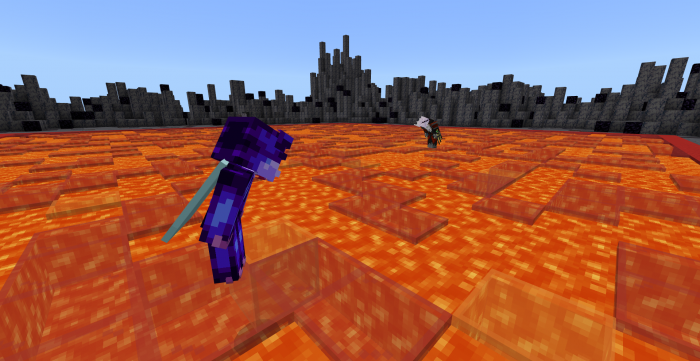
– NEW BUFF CAPYBARA!
– NEW MECHA CAPYBARA!

Installation

MCPE Download

Capybara Skin .mcpack

Back up link

mcpe skins

If you want to change skin of Capybaras, you can choose Skin Maker for Minecraft PE for free customization. This application will help you extract each individual skin. You easy to edit with Blockbench, preview in 3D combined with fun animations. In addition, you can save thumbnails or skins you have edited to your phone. Let’s explore the amazing skin editor for Minecraft now!

Some Minecraft skins 1.20 & 1.21 suggestions for you to explore:

- Advertisement -

Duck SkinPack for Minecraft 1.21

0
Duck SkinPack

Have you ever desired a skinpack featuring ducks? This duck skinpack offers 6 duck-themed skins for your pleasure. Each skin is inspired by the attire worn by individuals in their daily lives (except maybe the robot). Click on the bar below to view all the skins included in the pack.

Creator: Unthink0 Studio

Showcase Duck Skinpack | MCPE 1.21

Duck Skinpack

Duck

Duck SkinPack

Fancy Duck

Duck SkinPack

Holiday Duck

Duck SkinPack

King Duck

Duck SkinPack

Robot Duck

Duck SkinPack

Worker Duck

Installation

MCPE Download

Duck Skin .mcpack

Back up link

mcpe skins

You can import directly this Duck Skinpack into Minecraft through application Skin Maker for Minecraft PE.

Some amazing Minecraft skins suggestion for you try:

Other addons, maps at MCPE Addons you can combine with various skin above:

- Advertisement -

Ice Scream 8 Addon Official Release

0

Greetings from the spooky realm of “Ice Scream 8 Minecraft Addon,” an exciting spoof based on the well-known horror game franchise created by Keplerians. Enter a blocky version of the eerie Ice Scream 8 adventures, brought to life by the creators of Minecraft.

The acclaimed Minecraft universe is enhanced with the spine-tingling gameplay of the original Ice Scream series thanks to the “Ice Scream 8 Minecraft Addon.” The recognizable aesthetic of Minecraft has been used to generate a world full of well-known personalities and unsettling situations for players to encounter. Explore frosty settings, work puzzles, and avoid the dreadful Rod, who has been remade as a blocky monster in the Minecraft universe.

Creator: VinzLwiz

Ice Scream 8 Addon

Ice Scream 8 Addon

Official Release Video:

Some addon Minecraft PE you can check in Mcpe addons:

Changelog

Official Release 1.0

Enemies:

• Rod

• Sister Madeline

Friends:

• J

Weapon:

• Electrogun

Blocks:

• Cage

• Cage Locked

Installation

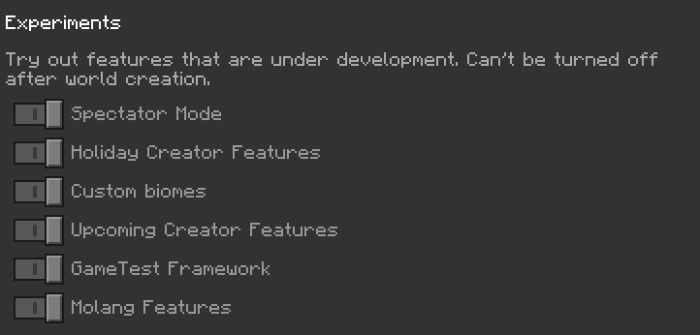
Experimental Features is a must!

Download Ice Scream 8 Addon

- Advertisement -

Structure Block Import and Export Button | Minecraft House Building App

0
Structure Block Import and Export Button

You see cool structures for Minecraft 1.21 and want to place them anywhere in the Minecraft world. Creator NSPG911 has created a great pack to help you do this. This pack will give you a Structure Block Import and Export Button into Minecraft Bedrock Editon. Follow how to do it right below.

Creator: NSPG911

The functionality to export and import file structures is available on Windows 10 Edition Exclusive, so the creator makes this Pack for people who play Minecraft on their mobile phones. The user interface closely resembles that of Windows 10. Refer to the illustration provided below.

How to use Structure Block Button in Minecraft 1.21?

Structure Block Import and Export Button mcpack will add 2 buttons “Import” and “Export” when you click Structure Block.

– First, you need to type the command /give @s structure_block so that the block appears in your hand.

– Next, you need to place it on the ground, then press the block structure.

– The images and examples below will guide you in using these two buttons.

1. Structure Block “Export Button

In Save Mode, you should see an Export Button between the Save Button and the Reset Button.  If you click on it, you will be directed to your Files app where you can proceed to save your mcstructure file.

Structure Block Import and Export Button

2. Structure BlockImport Button

In Load Mode, you should see an Import Button between the Load Button and the Reset Button. If you click on it, you will be directed to your Files app where you can proceed to import your mcstructure file.

Structure Block Import and Export Button

After the file path is uploaded, you will see the Load button light up. Then, you can click the Load button to build your structure in the Minecraft world.

Structure Block Import and Export Button

IMPORTANT !!!

This pack is not compatible with IOS Devices and Console. It appears that they are unable to handle it and cause the game to crash instantly. Despite this, you can still import mcstructure files, although the usefulness of this feature is unclear. It is recommended to be aware of these limitations before downloading the pack.

How to active Structure Block Import and Export Button?

We have mcpack available at the House Builder for Minecraft PE application.

Structure Block Import and Export Button

Go to How to Build -> Choose How to Create -> Select Structure Block Import and Export Button, it will immediately be exported to Minecraft. Your task is to activate the Resource Pack and use it.

Installation

MCPE Download

Structure Block Import and Export Button .mcpack

Back up link

Structure Block Import and Export Button is a mcpack that helps you easily export and import structures for Minecraft in just one click. Thanks for the Creator NSPG911! This mcpack help Minecraft house builders build great structures as quickly as possible.

Some other guides for you to build minecraft houses are suggested below or explore more at MCPE Addons:

- Advertisement -

Disciples of The Void Volume III

0

Are Boss Fights to your liking? Are you a fan of LORE? You need Disciples of The Void Volume III addon! The Disciples of the Void series comes to an end with this installment. a group of additions that will give your Minecraft world over 15+ Bosses in total. However, everything must come to an end.The DOTV series has reached its conclusion with this episode. The Second Creator has summoned strong entities to try and eliminate you permanently after eliminating the second group of disciples and humiliating The Second Creator.

Creator: ItsDarkwolf6

Disciples of The Void Volume III

If you enjoyed the trailer or my content in general, feel free to subscribe! Join me on my journey to be a Minecraft Marketplace Creator! I release bonus stuff related to addons on my channel so if you want to feel free to come along!

Want to support me? Tip or commission me on Ko-Fi!

(there is going to be free stuff there too!)

This addon does not require any experiments to function.

Boss Music

Disciples of The Void Volume III

This addon contains custom music made for each boss fight. If you would like to disable the tracks during each fight you can craft these special headphones. When used, it will toggle if boss music plays or not. This item does not effect boss music discs.

This addon is split into multiple chapters. Below contains all available entries.

CHAPTERS:

CHAPTER I: The Residuals.

Chapter One introduces the final set of Disciples. Mutated overworld beasts made to be fought against mobs and players. However, these mobs have been made to serve a being trying to be seen as a god. These beings are not meant to serve and will make the process much harder for him to orchestrate his final goal.

In this chapter, you fight this person’s right hand crooks, along with mobs stolen from other timelines.

Triox, Legend Reborn

This boss is summoned by the Familiar Headset .

Triox is a beloved DJ from an alternate universe dragged here by a mysterious mythical entity with the ultimate goal of taking the player out. Triox will use his mastery in music and fighting to attempt to defeat you.

  • When attacking, he will put his fists up and fight you like any other normal mob. Along with this, he has two other moves he can do:
  • He will summon speakers around himself to play music. After a short amount of time these speakers will charge up and explode, damaging mobs in the nearby area.
  • Occasionally, Triox will start blocking. When he is blocking any damage delt to him in this state will be put back into the player. However, if hit in this state he has a chance of being thrown out of this state and taking a significant amount of damage.

When at half health, Triox will get angry. Making his attacks more aggressive and do more damage.

Faevia, Token of Balance

This boss is summoned by a Crown of Balance

Faevia is a fae type creature obsessed with the idea of purity. She will attack any entity she views as “corrupted”. Faevia will utilize her ultimate control of light and dark in order to end your spread of impurity.

  • Faevia has two attacks. While she has one ability she is still deadly nonetheless. When attacking, Faevia will summon a beam of light. Shortly after summoning this beam, a scythe will shoot from the ground causing medium damage. These attacks are normally chained in large circles that spawn in short waves.
  • At half health, Faevia will lose her purity, rotting into a shell of her former self. In this state, she will be more aggressive and start teleporting.

Legatus, Archdemon of Legacy

This boss is summoned by the Shattered Halo

  • Legatus is a wither skeleton that has gone through multiple mutations. Ultimately stopping in his evolutionary cycle at a crimson boned, netherite-like tough skeleton frame, and a heart full of anger. His rage knows no bounds, and unfortunately you have to deal with it.
  • Legatus along with straight up attacking you, will also summon runes to inconvenience the player. The runes do the following:
  • One rune Legatus will cast will rather be fired off in a line of a circle. When spawned it will instantly be set on fire and cause tick damage to any mob nearby.
  • Another rune Legatus can summon makes a shield around him, protecting him from damage for a short time.
  • At half health, he will drop his glowing bones in his melee phase, darken the arena, and teleport around you to catch you off guard.

Roxanne, Archangel of Envy

This boss is summoned by a Archangelic Feather

Roxanne is a widowed robotic valkyrie who has reached perfection in her evolutionary cycle. She is the queen of the brand of robots known as “The Cyber Valkyries”, machines dedicated to protecting their owners. However, this version is dead set on destroying the player at the command of her owner.

  • Roxxane attacks like any other mob (Shocker) but also has a set of abilities just like any other disciple.
  • When attacking, Roxxanne has a chance of flying up into the air and slamming onto the player. She can also chain this attack.
  • She uses her wings to perform a spin attack and moves towards you, causing lots of tick damage when touching her.
  • She does a spin attack, but instead of causing tick damage, she fires a barrage of arrows.

When Roxxane goes below 10% health, she flees into the air and causes an ambush. In this state, explosive markers spawn in the immediate area. After a short time she herself will slam into the ground for the final strike, finally defeating her.

Chapter One Weapons

Each boss drops a weapon associated with their theme and character. Each sword has its own unique ability and perk. Collect them and all to find out what they do!

Chapter One Music Discs

Each boss drops a special music disc that will also allow you to play their boss theme at will with a jukebox. Now, these ARE custom discs made through scripting so they do act a bit unique.

You can place them in a jukebox like normal and it will play, but in order to stop the music you have to use the disk again on the jukebox.

Some addon Minecraft PE you can check in Mcpe addons:

OST

Chapter One

This addon contains a number of boss tracks made by myself to really sell the personalities of each boss. If you would like to stream some songs, there are links below! (Along with a couple of bonus tracks, Thanks to RickyTheGamer69!)

Disciples of The Void, Chapter One OST

(Deluxe Edition) Disciples of The Void, Chapter One OST

ENDING

Disclaimer: The official Disciples of The Void, Volume III is created by ItsDarkwolf6. If you think there is any infringement, please leave a feedback right below, I will take reasonable actions immediately. Thank you!

Changelog

Disciples of The Void III, Update v1.0.2

  • Addon has been updated to Minimum Version 1.20.60
  • Addon no longer requires Experimental Toggles
  • Boss Music Muter stack size reduced from 64 to 1
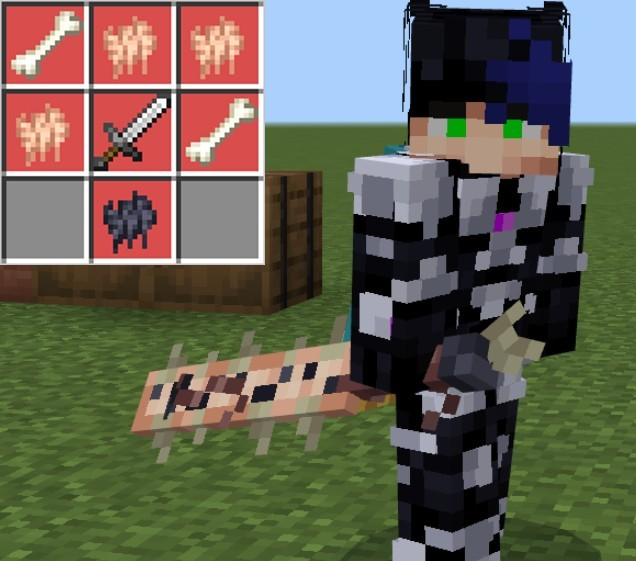
  • Updated Incorrect crafting graphic for the Noise Cancelling Headphones
  • Two boss tracks have been updated
  • Roxxane now drops loot 100% of the time in her ambush stage
  • Roxxane now has a death message
  • Primordial Dubtrox no longer plays his second phase music to players in creative when transforming

Download Disciples of The Void, Volume III

- Advertisement -

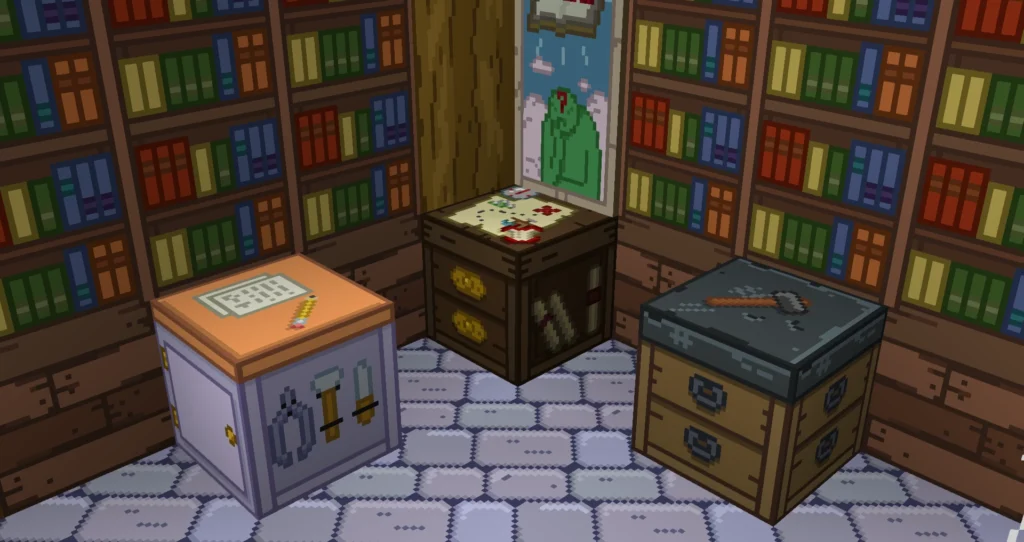
Blossom Decorations CIT Addon [Melanie Update]

0

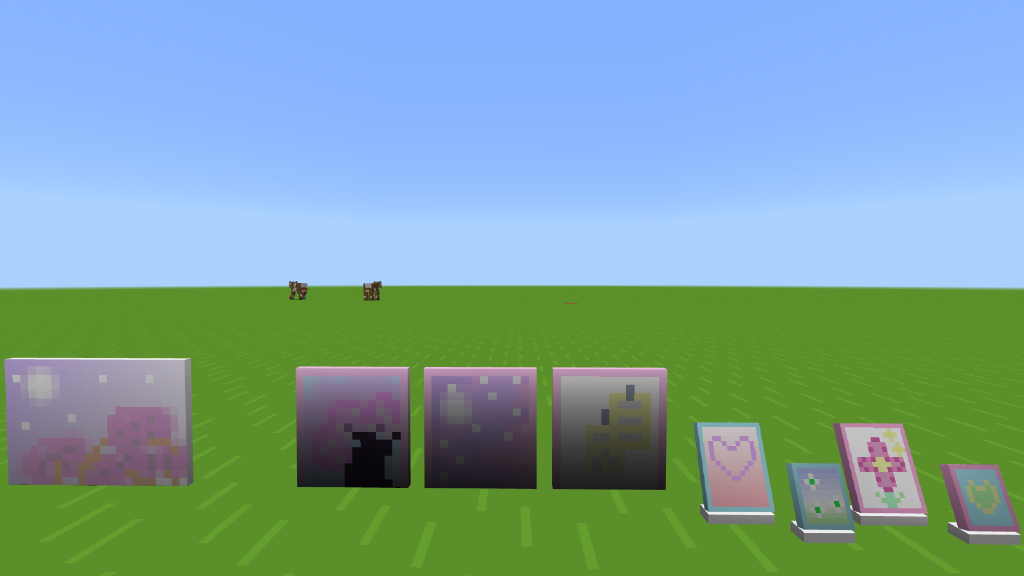
Hi there! Let me introduce myself as Blossom from the BlossomCraft channel and invite you to download my amazing Blossom Decorations CIT Addon! Melanie Martinez’s ability served as inspiration for the first version, and I am excited to share this special experience with you. I have some exciting news for you that I am sure you will love. Get the download today to explore this enchanted world that I painstakingly built. Do not pass up this chance to add even more personal touches to your gaming experience!

Creator: BlossomCraft🌺

Blossom Decorations CIT Addon

Blossom Decorations CIT Addon

DECORATIONS:

The addon adds:

  • 36+ types of decorations
  • Found on helmets in the inventory
    You will use the armor stand as a base, and it will be invisible. I modified it so that it can float, removing gravity, and be used at any height without falling.

The addon is simple, as it is the first version and is not the official one. This initial version will serve as a base. In future versions, more original, uninspired decorations will be added.

Anyway, this was the add-on and I hope you have fun with it.

Some Minecraft furniture Mod you can check in Mcpe addons:

Changelog

In this first version, I focused only on the decorations inspired by Melanie. But stay tuned, we will have more soon.

Installation

When importing, make sure you activate the resource pack and behavior pack and have experiments enabled

Download Blossom Decorations CIT Addon

- Advertisement -

Skyden SkyBlock 2024

0
Skyden Casual

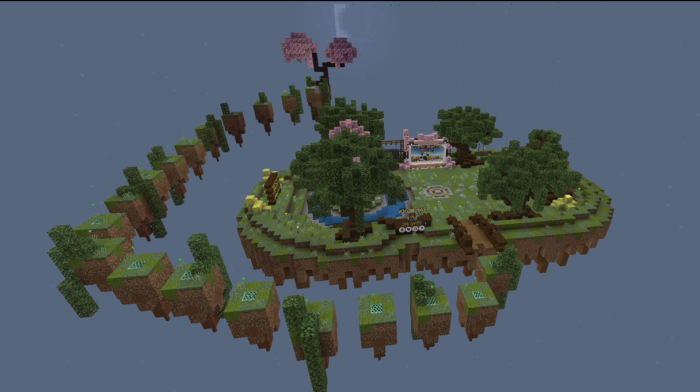
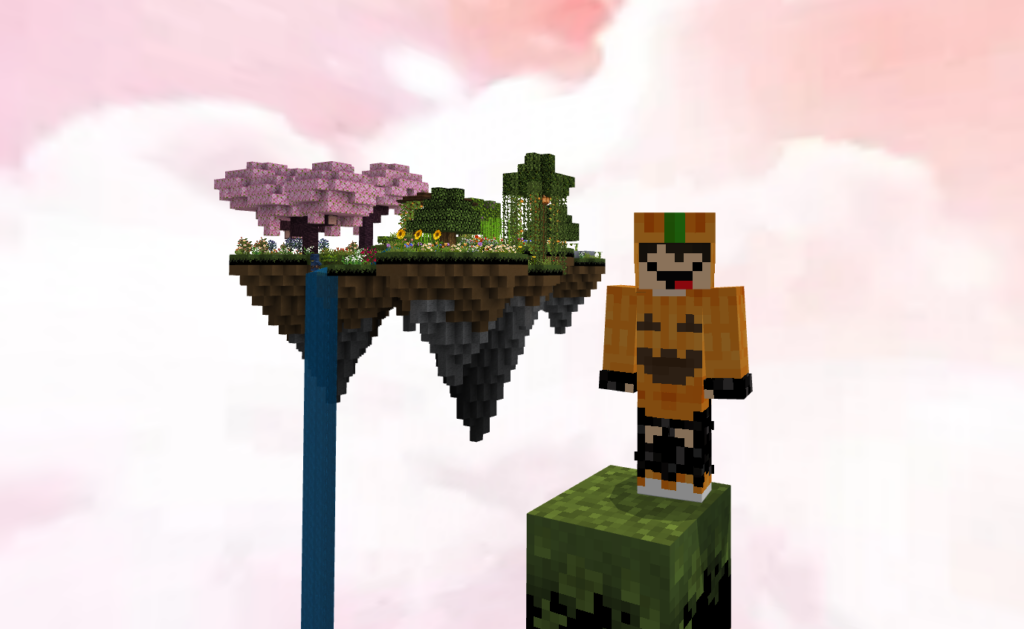
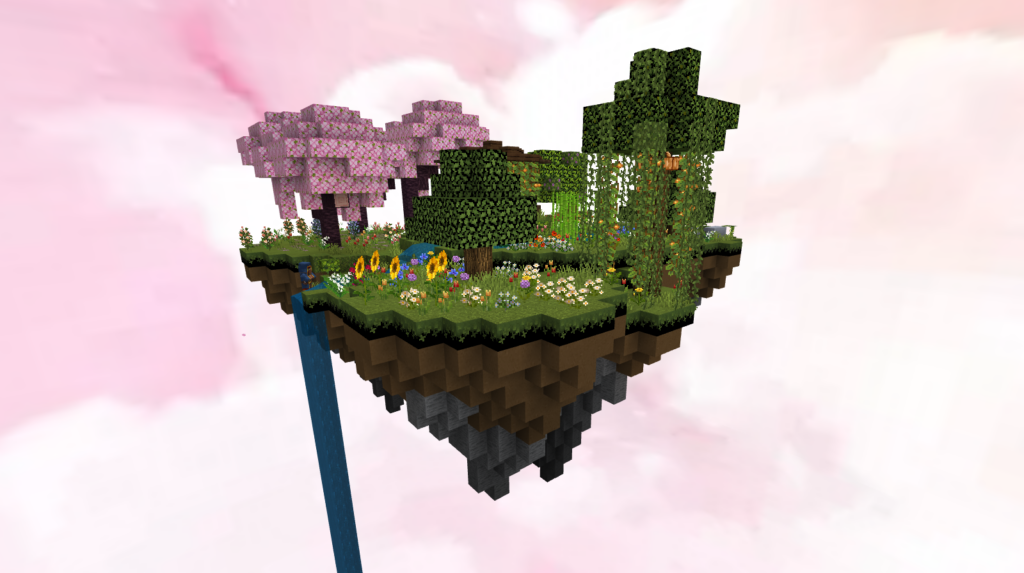
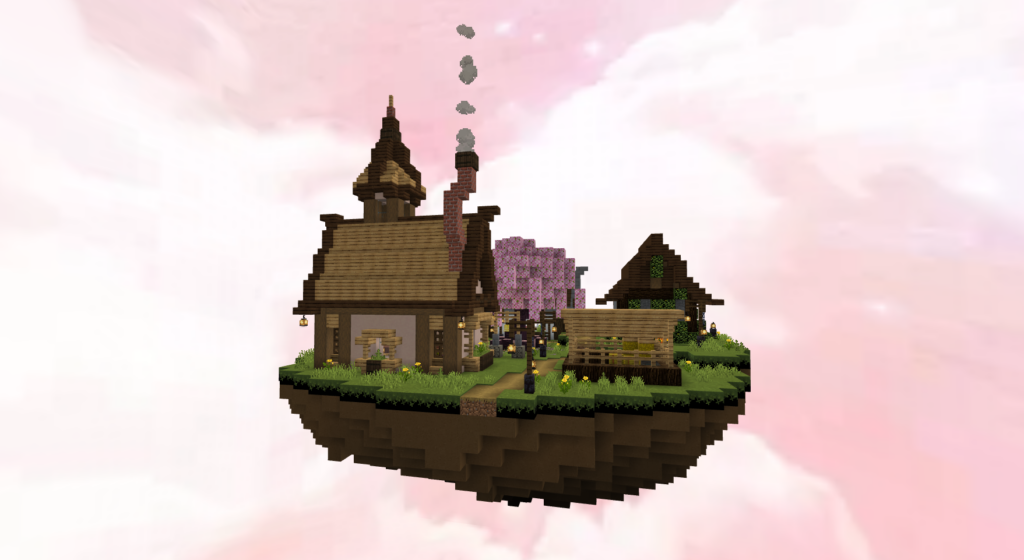
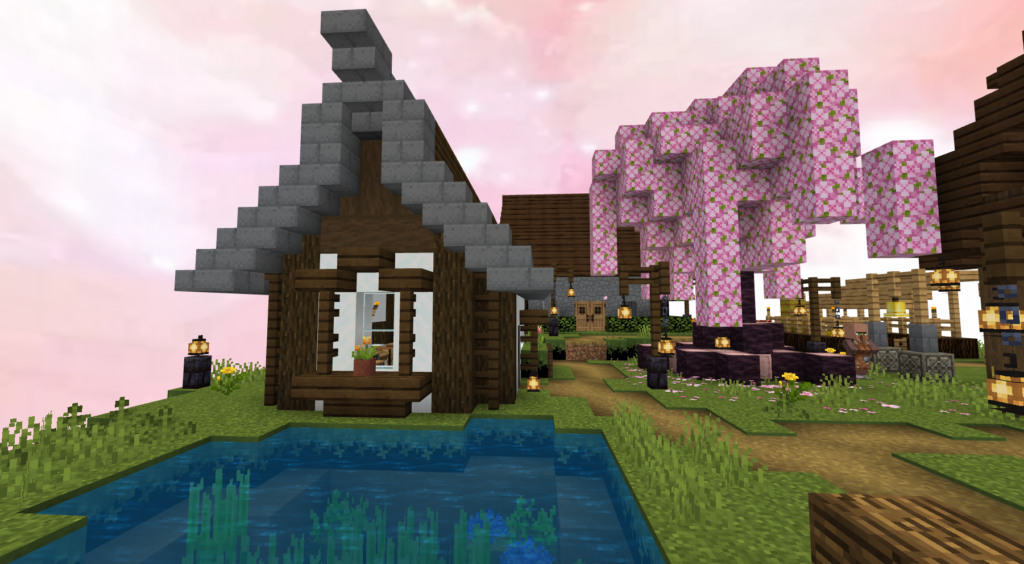
As you see on Stampylonghead and Squaishy Quack’s 2014 series. This skyblock map will simulate a few gameplays on Minecraft 1.21 like exploration and achievement, the Skyden temple and its quest crew will enable you to do just about anything!

Cre: Holey

Skyden Map

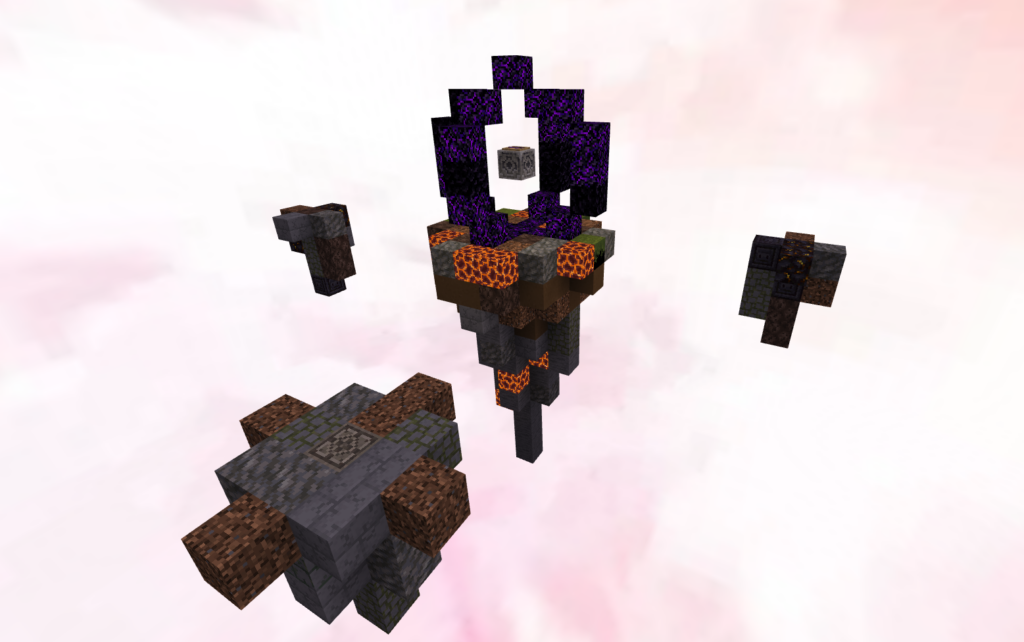
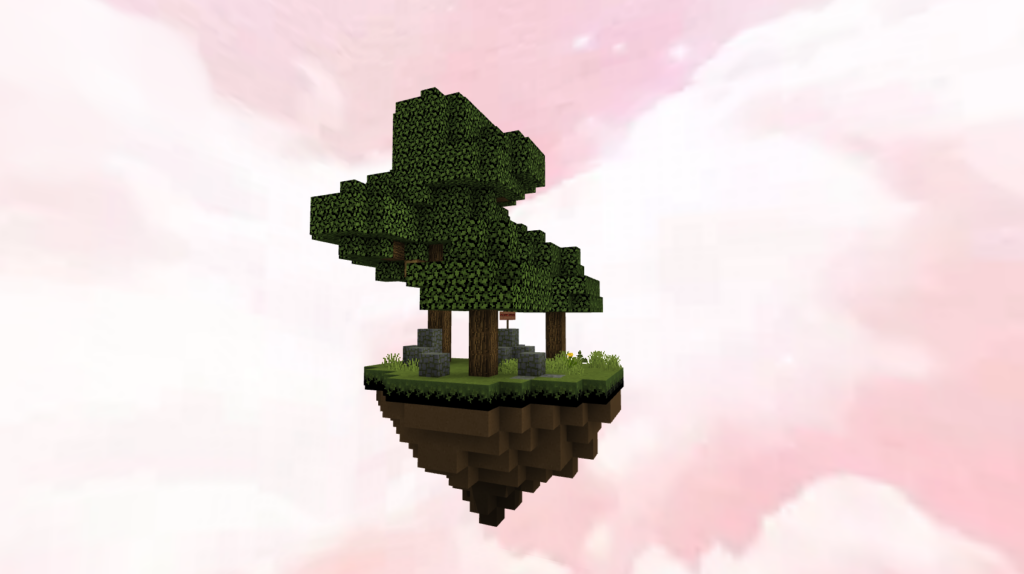
The Overworld:

Starter island – The island on which you spawn, next to a dark dirt hut, your first challenge.

Mycelium island – On this small island lives a fun guy.

Skyden – In the sky itself, you will be supplied quests by a mostly friendly crew of quest givers, some of which you can trade with for valuable items after you complete their challenges.

Portal island – Your gateway to the challenges that await in other dimensions.

Secrets – The joys of discovery! These are dotted throughout the overworld, just out of sight.

The Nether: Starter island – Wart growth – Blaze spawner – Quest garden – Arena – Risks

How to play

  • Casual mode – Reduced difficulty of certain missions and end features, replay achievements won’t count towards total achievements.
  • Challenge mode – Involves more puzzle solving, a thankless ender dragon battle, and full completion of achievements will require several play-throughs.

Downloads

Skyden mcword

More Minecraft Map you might like:

- Advertisement -