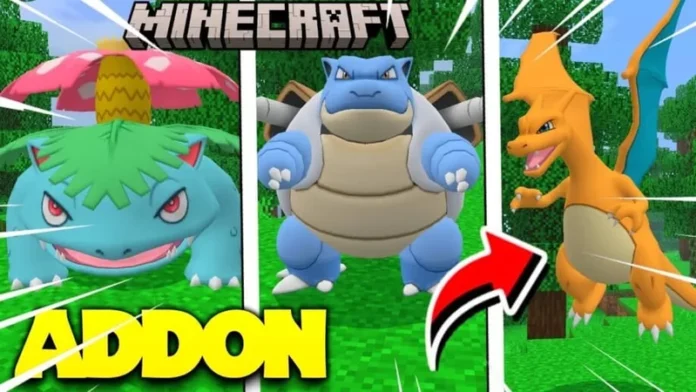
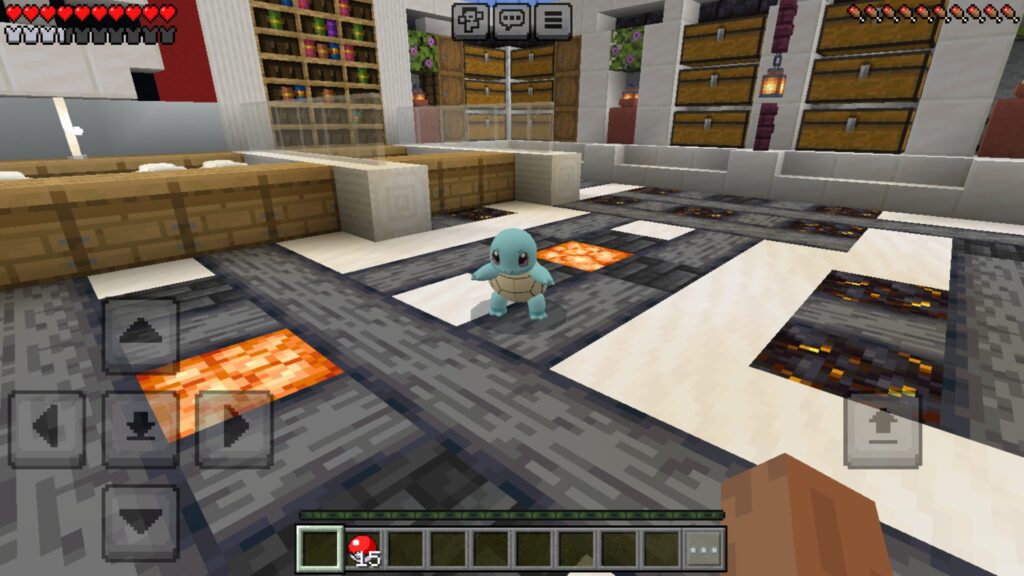
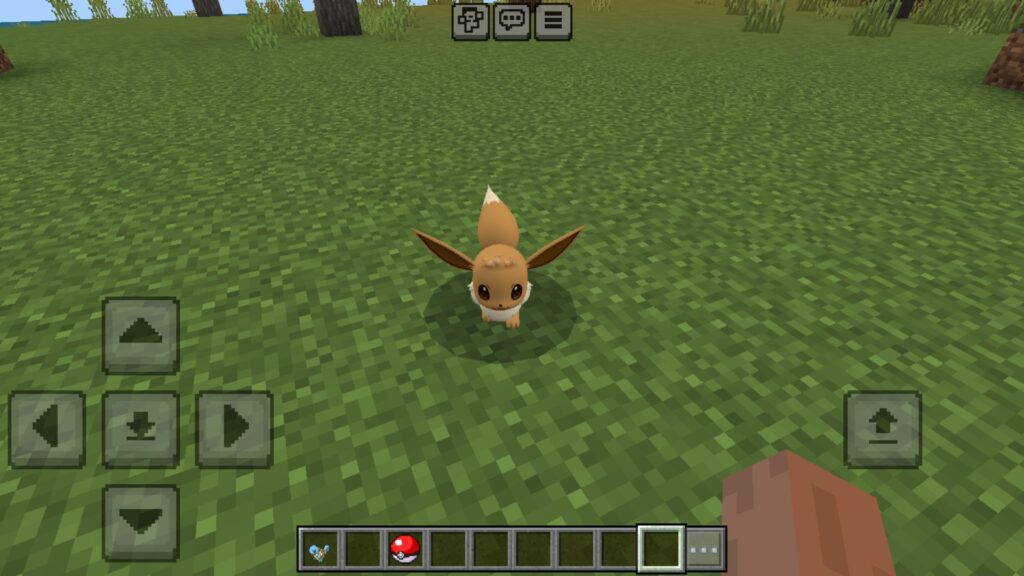
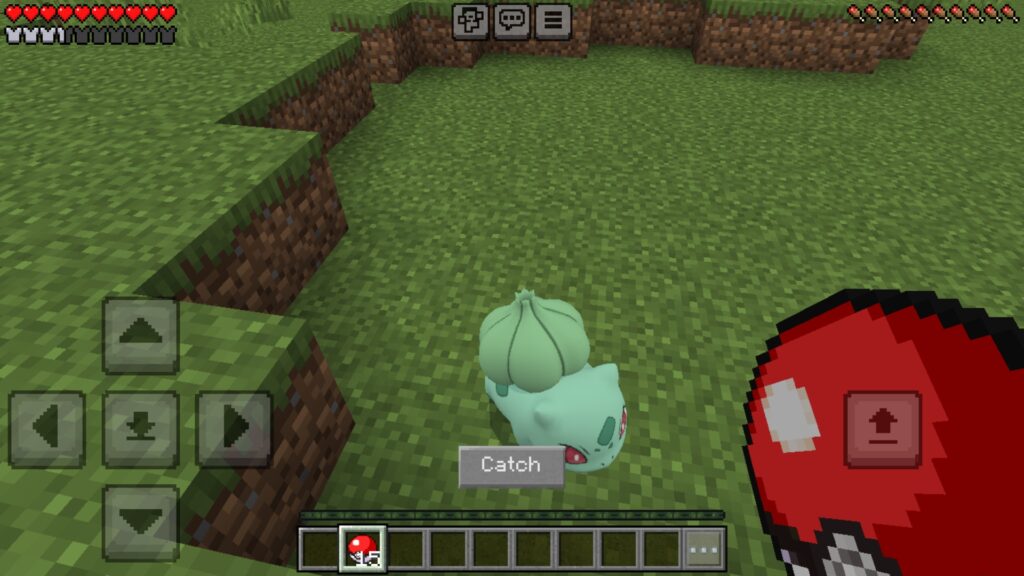
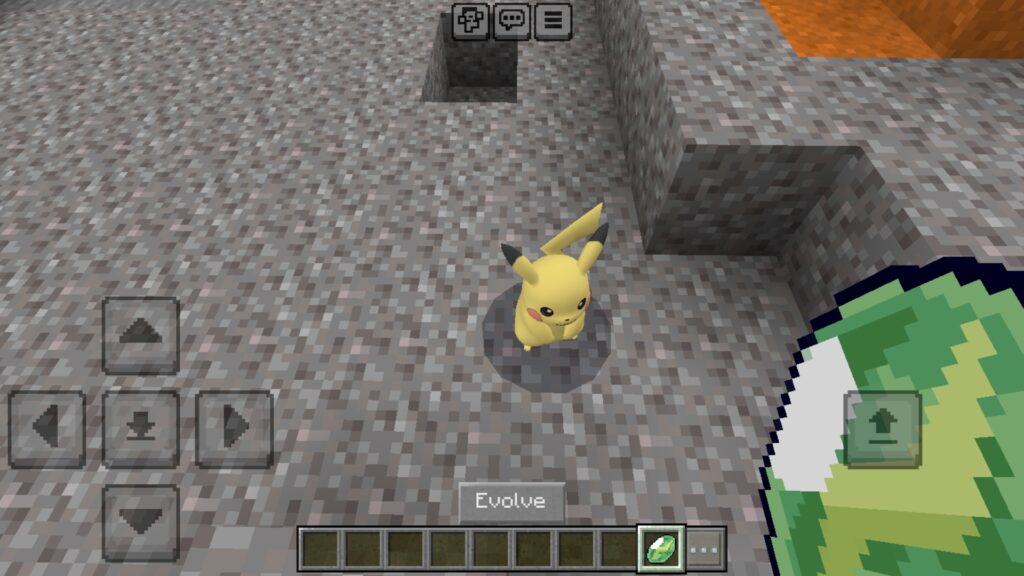
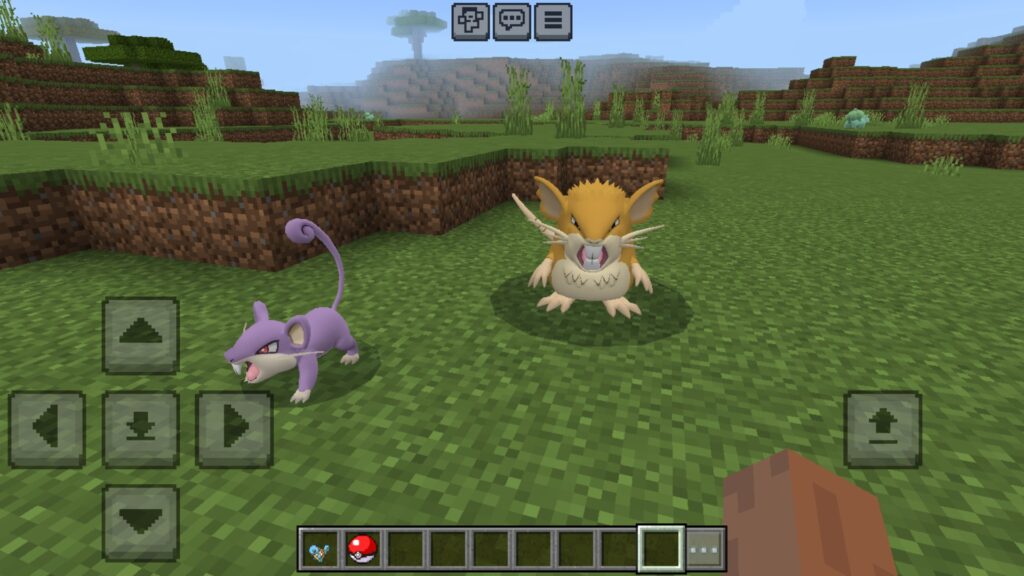
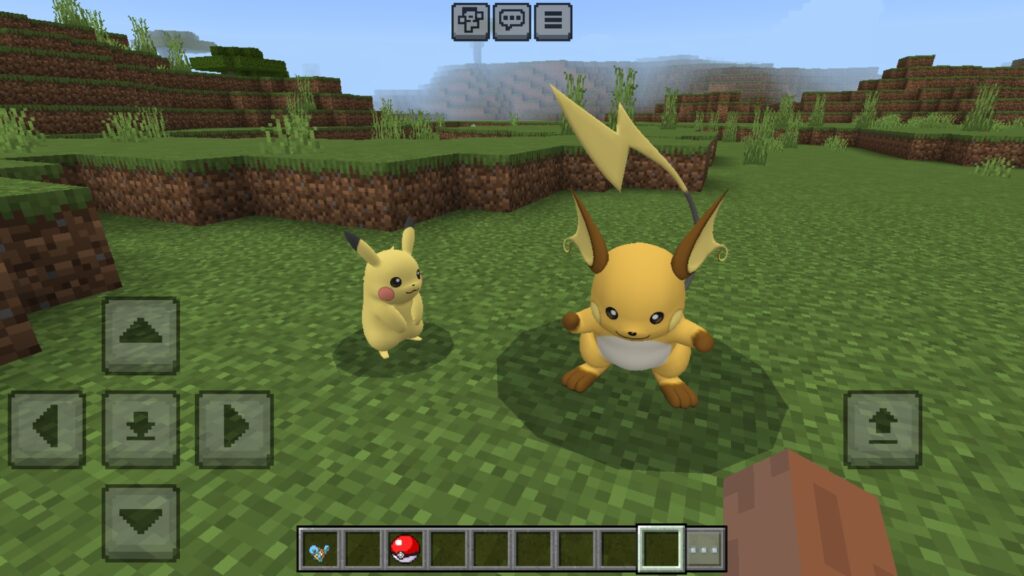
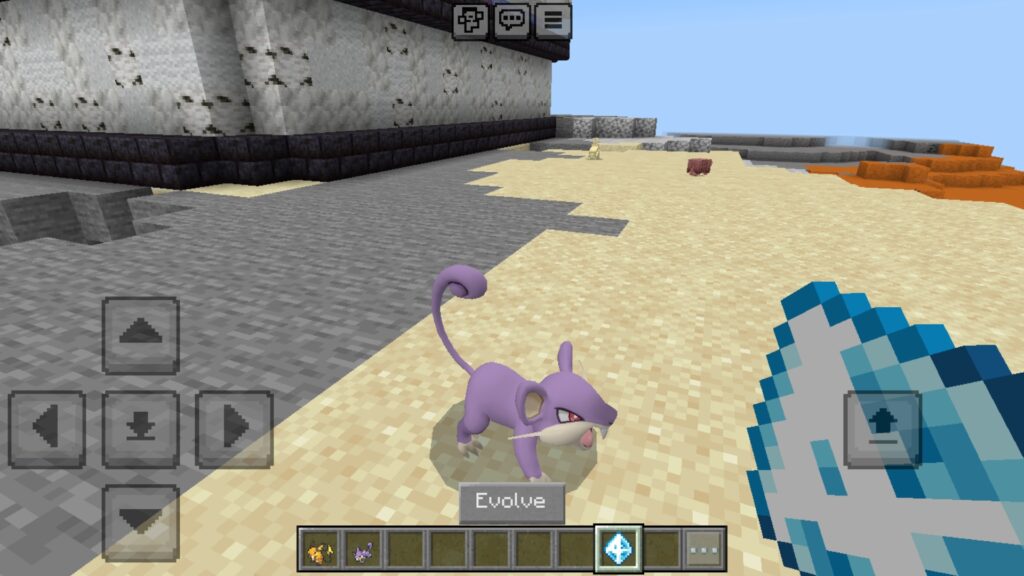
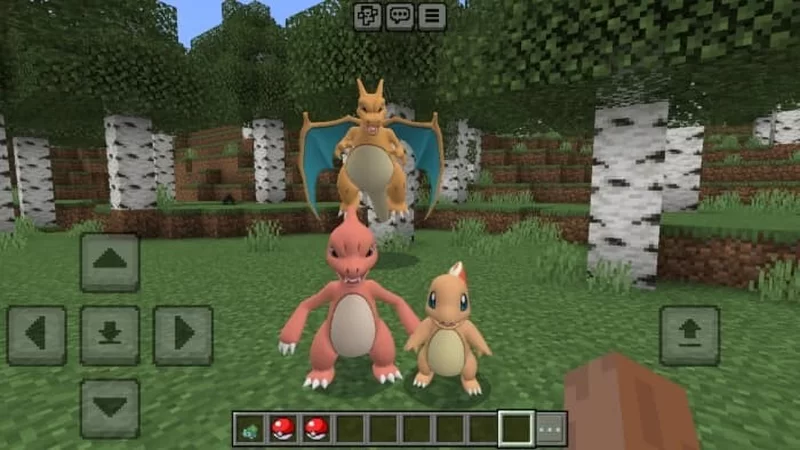
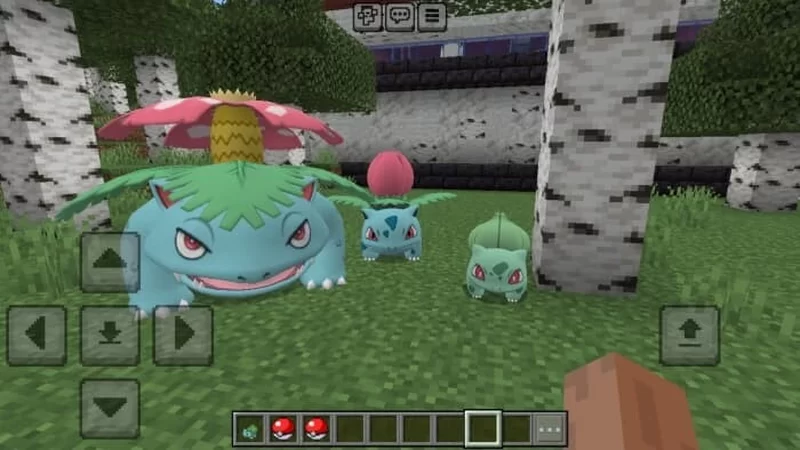
Introduce your favorite Pokémon into the world of Minecraft Bedrock with the exciting PokéMC Kanto Addon! Update addon!
PokéMC Kanto Addon
PokéMC Kanto Addon! Update is an amazing add-on for Minecraft Bedrock 1.21 that brings the world of Pokémon to your game, inspired by the Pixelmon style. In this update, you’ll find Bulbasaur, Charmander, and Squirtle, along with all their evolutions, Rattata, Raticate, Pikachu, Raichu and Eevee, all designed with realistic models and detailed animations that bring these creatures to life.
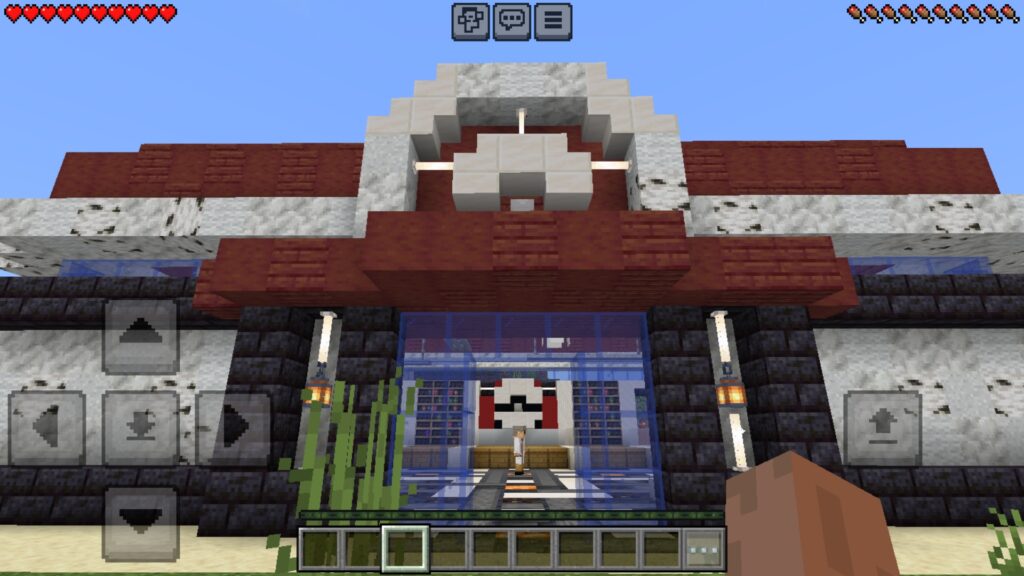
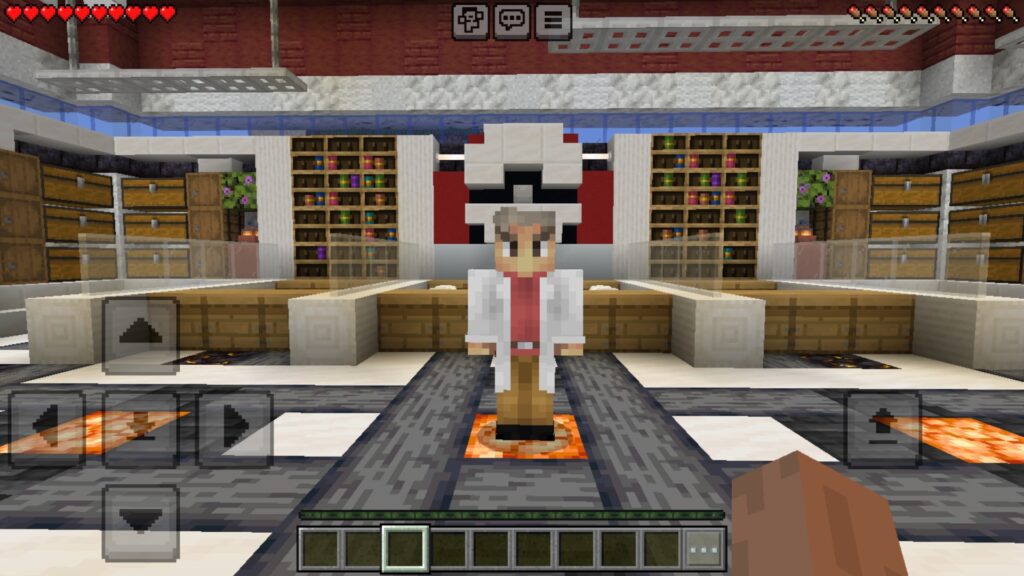
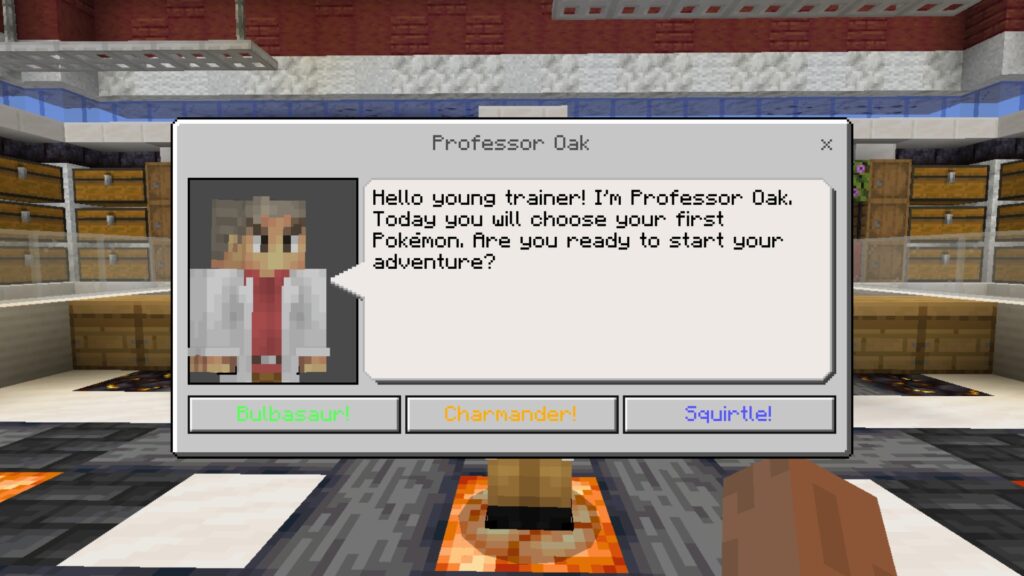
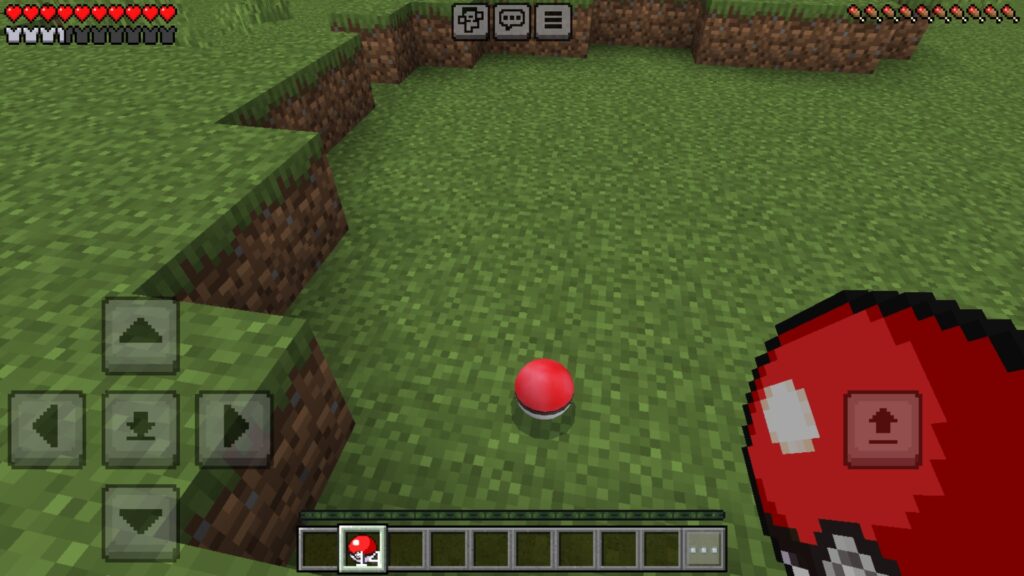
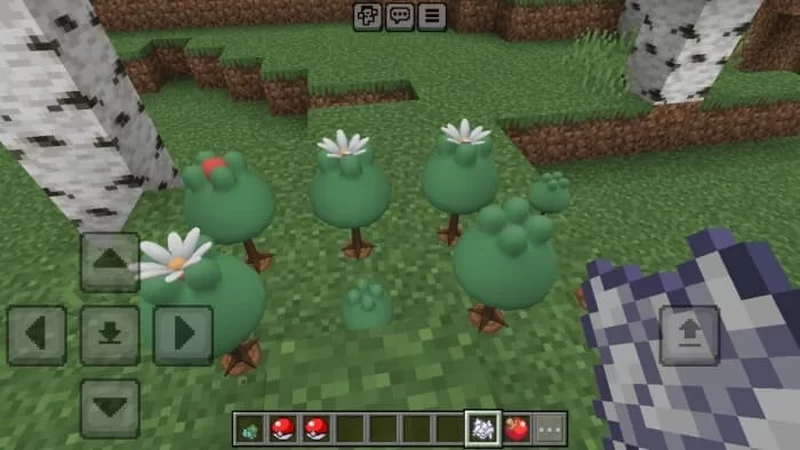
Additionally, the add-on includes Apricorn trees that allow you to craft Pokéballs to capture Pokémon. You can also visit the Pokémon Center to heal your companions and meet Professor Oak, who will help you choose your starter Pokémon.
Dive into the Kanto region with PokéMC Kanto! Update and enjoy a unique Pokémon experience in Minecraft Bedrock.
Some Minecraft Addon PE you can check in Mcpe addons:
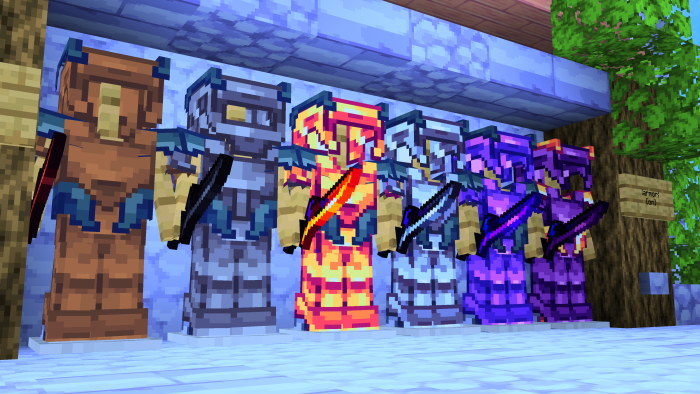
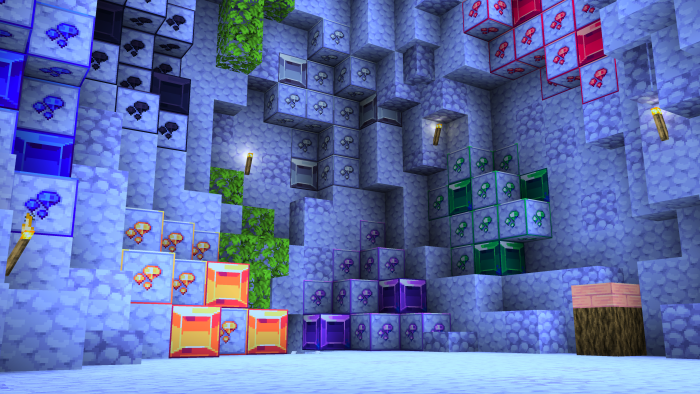
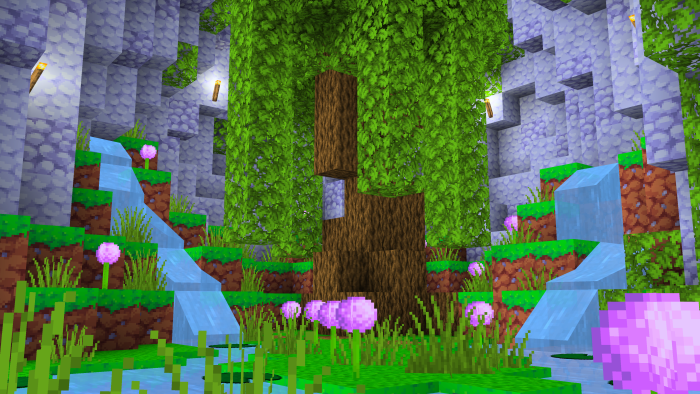
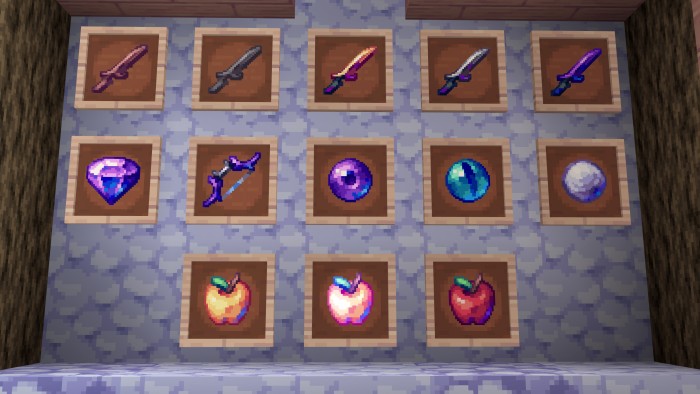
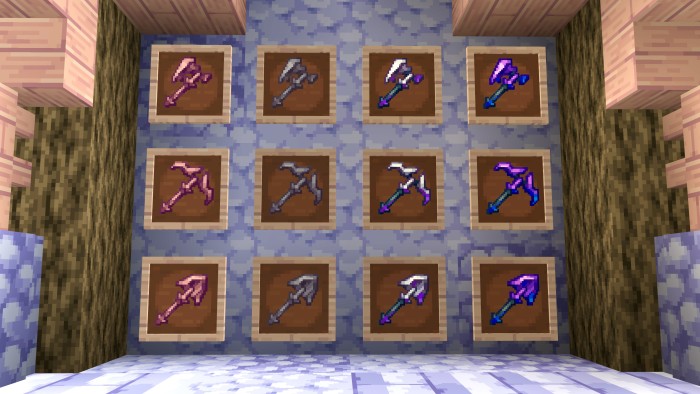
Lyrian [32x] is a purple Sci-Fi themed PvP pack for minigames like Skywars, Bedwars, and more. Player now can upgrade PvP experience with the most futuristic texture pack to exist.
Cre: sparkskye
Lyrian 32x
This texture pack is created by Shadow_Eagle°, sparkskye, and ZaneWasFallen.
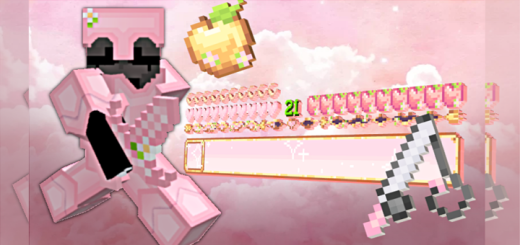
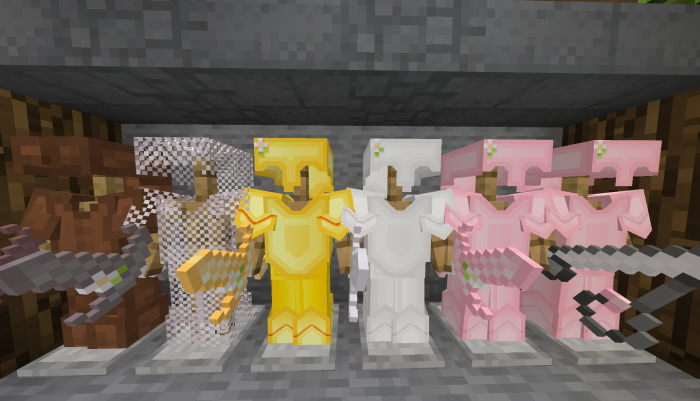
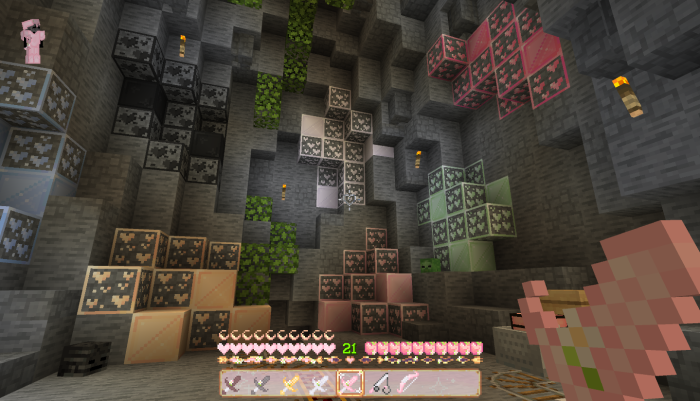
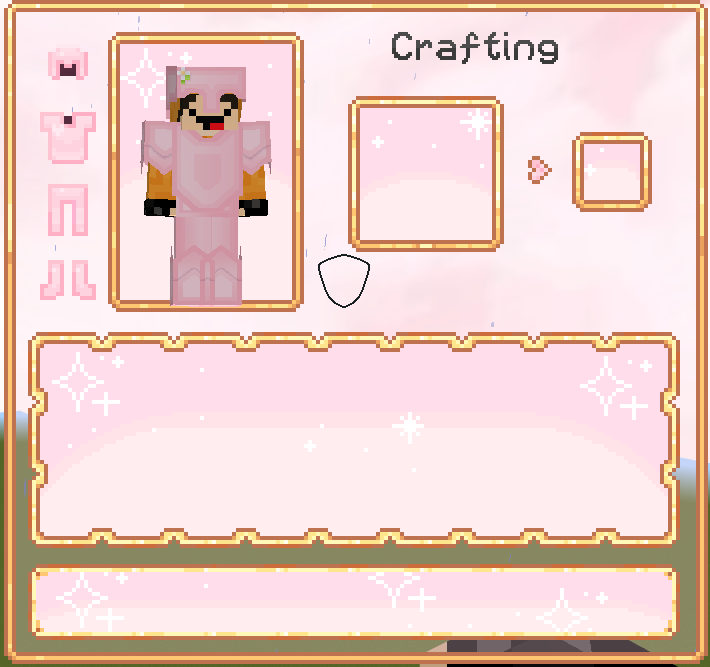
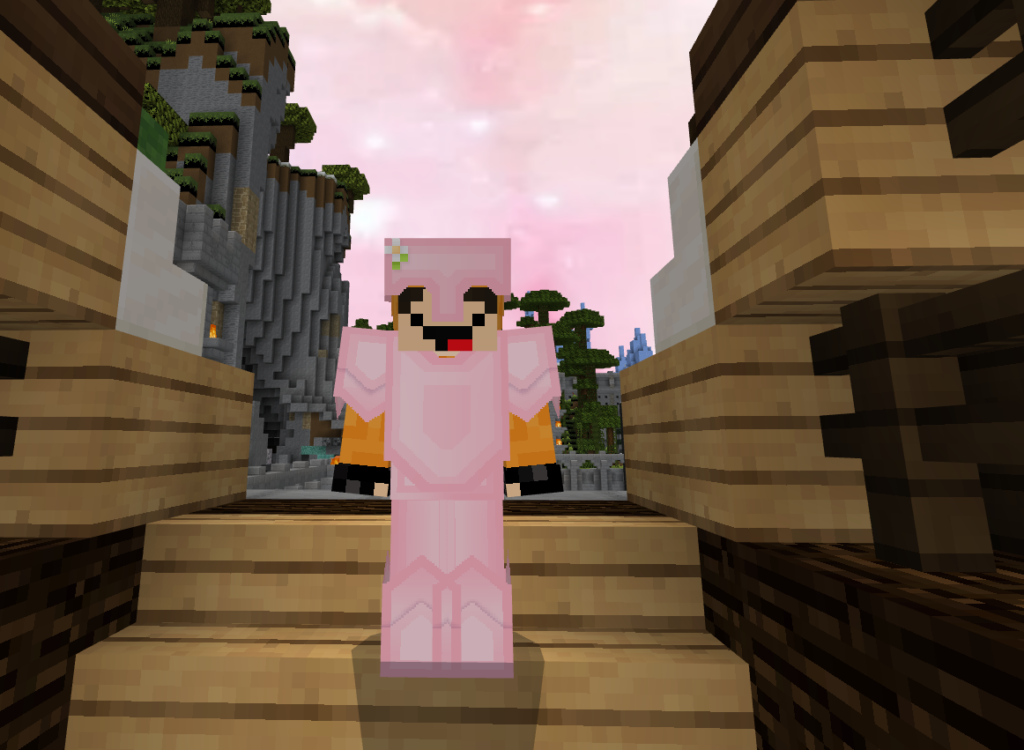
A cute pvp texture pack to k…ill everyone ❤. This sweetin 16x will change UI, GUI, cute pvp weapons and armor, hotbar, heart crosshair and some new items look.
Cre: Lillvy
Sweetin 16x
Other credits:
♡uwucraft by urfoul (inspiration) ♡ Imaginary [16x] by yuzure (inspiration + used as base) ♡Menu buttons of stone by Cornbread buttons help c: ♡Dream Catcher 32x by eunesia – (inspiration + used as base) ♡cape physics by Xqtalyst – no cloack cape animations ♡chat animations by Chainsketch – smooth animation ♡v6 PvPPack by BySumas – texture inspo ♡Mizuno’s 16x pack by Mizuno – some blocks + block inspo ♡PvPSounds by Hybred – some sounds in packand more textures that was my inspiration <3
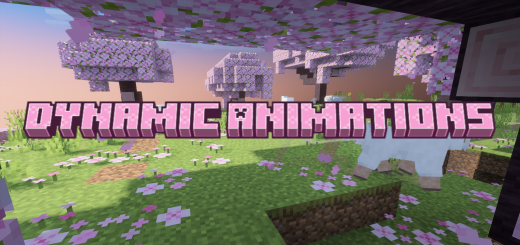
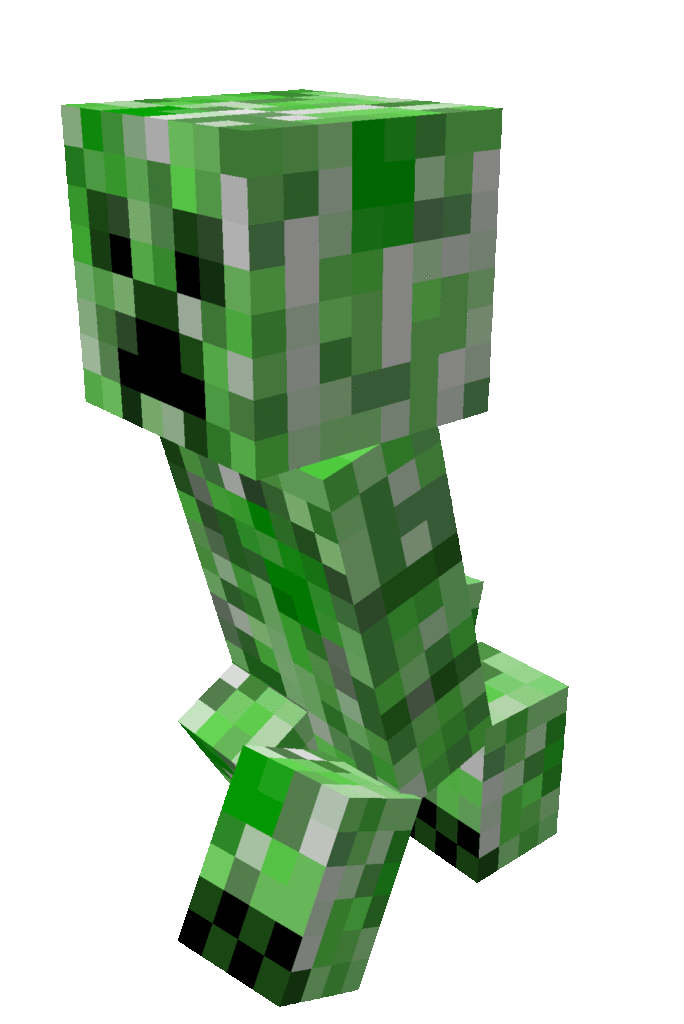
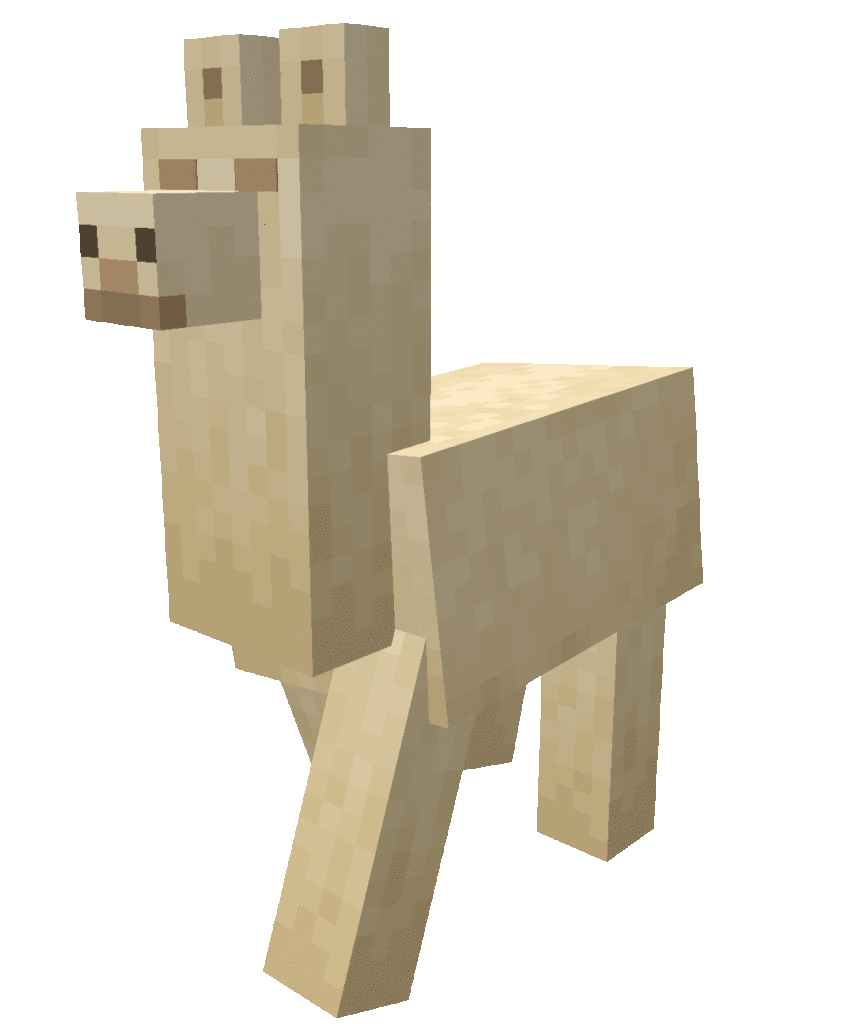
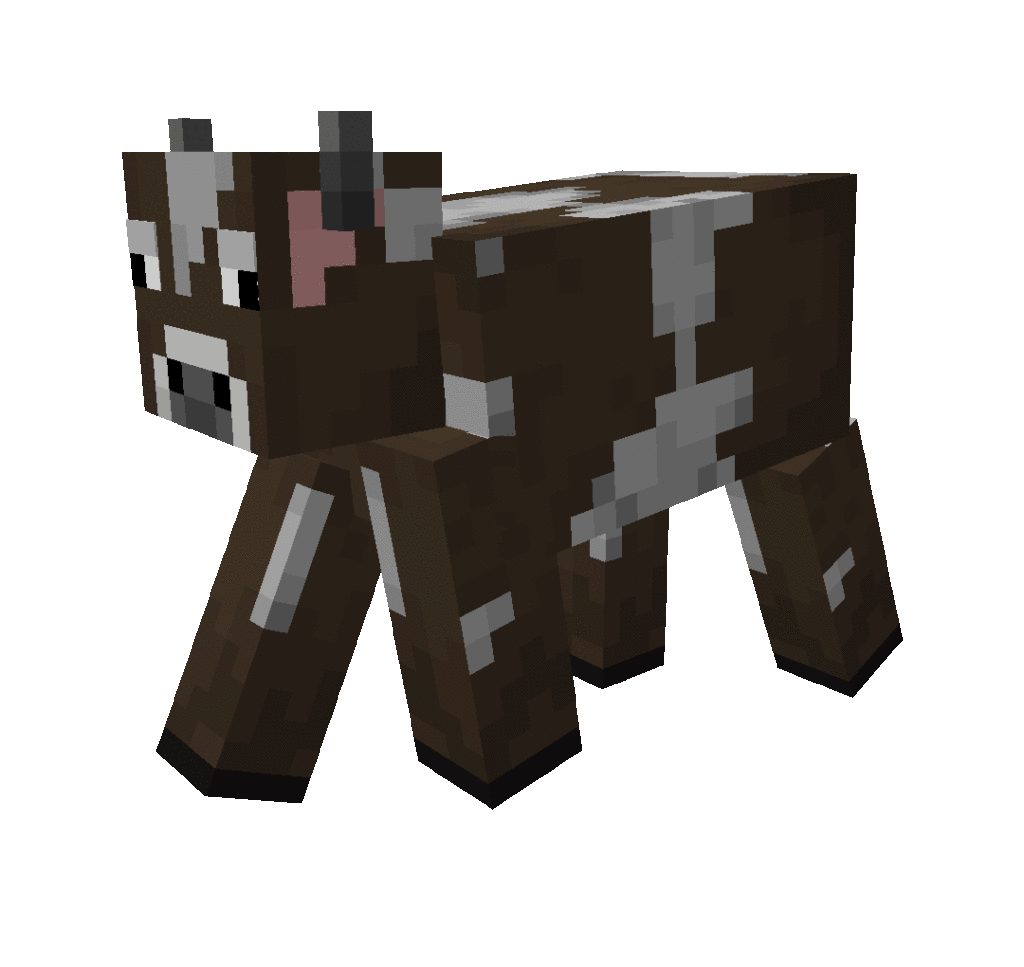
This resource pack improves the animation of the game’s mobs, making them more lively and in a sense realistic.
Creator: Dysprosium66764
Dynamic Animations
List of updated mobs:
Cow
Enderman
Evoker
Creeper
Sheep
Pig
Phantom
Fox
Chicken
Cat
Zombie villager
Wandering trader
Villager
Pillager
Vindicator
Iron golem
Zombie
Ocelot
Witch
Skeleton
Mooshroom
Drowned
Strider
Spider
Husk
Hoglin
Zoglin
Blaze
Stray
Llama
Ravager
Bee
Horse
Panda
Wolf.
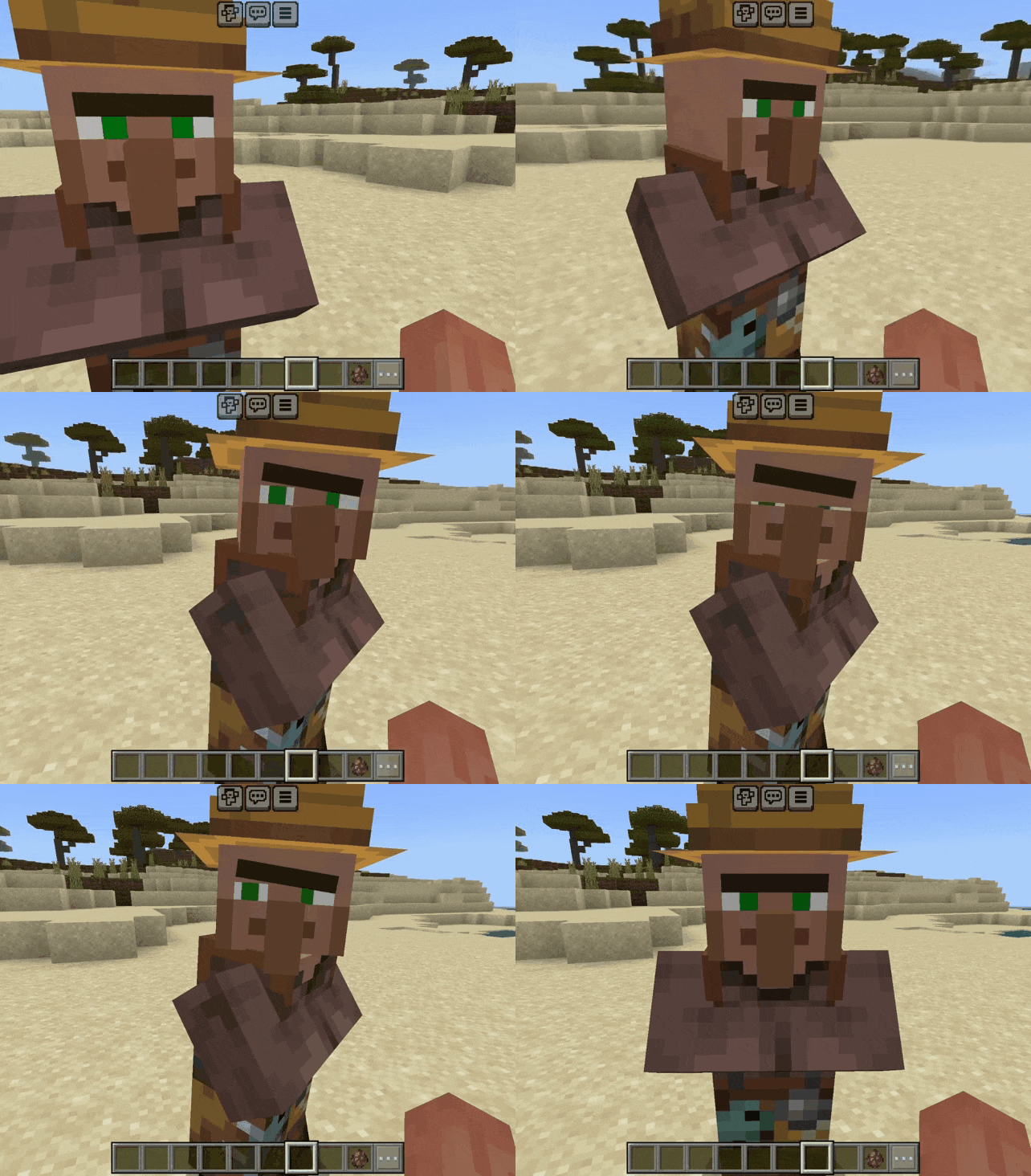
The eyes move looking at the target:
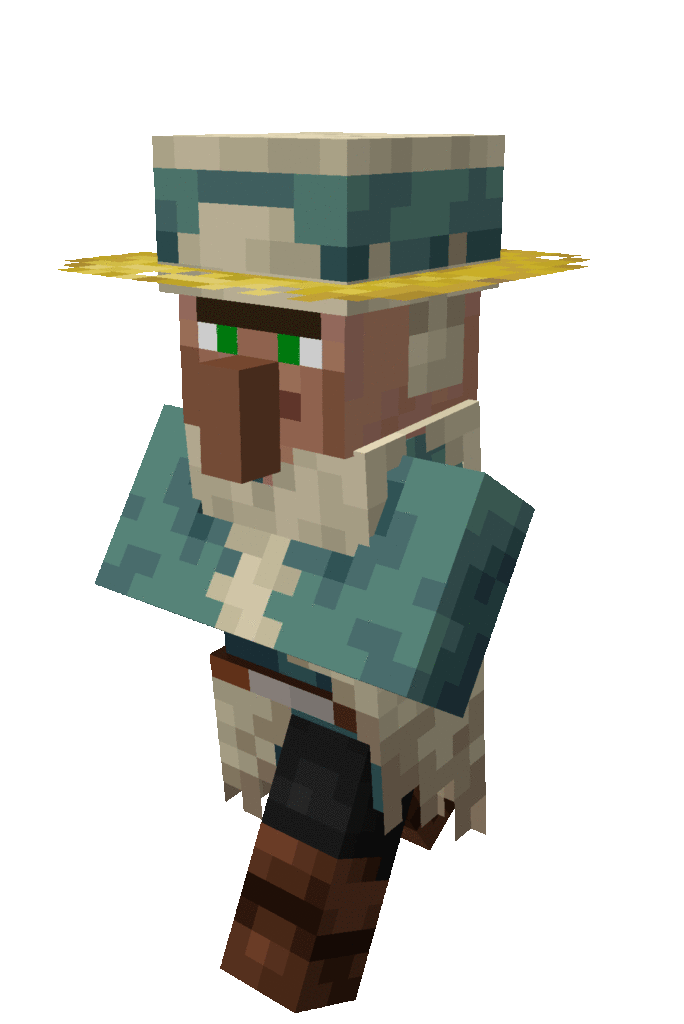
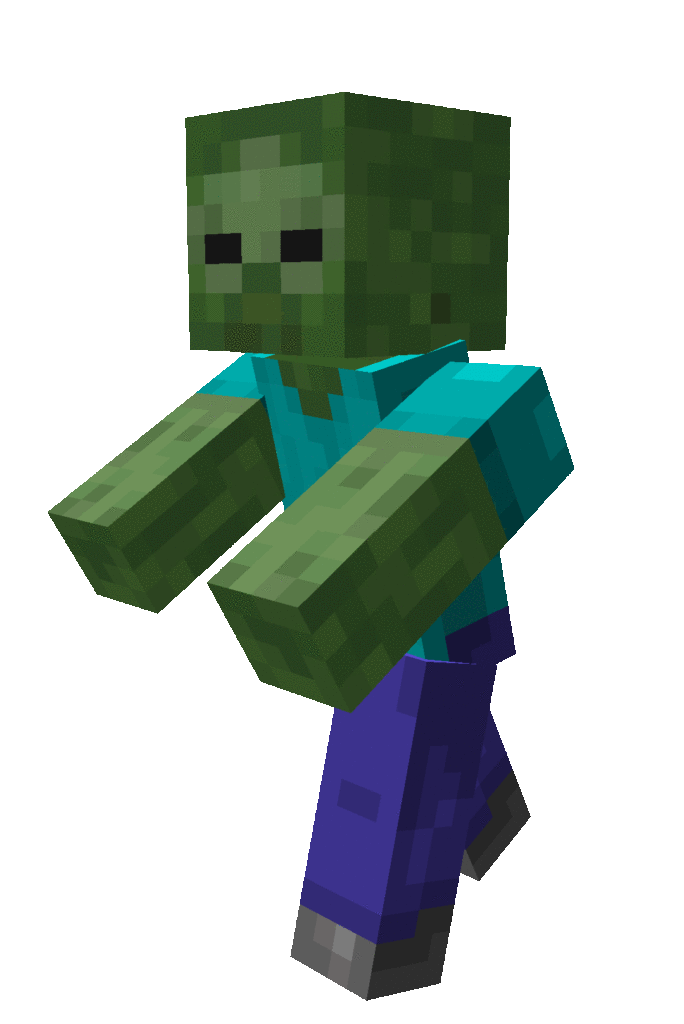
Animations:
Changelog
V1.1.0
Wolf animations have been added, the armor on dogs does not work, I will try to fix it in the next updates.
V1.2.0
Several bugs have been fixed, namely:
Ravager and panda’s eyes are now working properly, The objects in the fox’s teeth are now displayed correctly, The horse’s animations are now working, The texture of sheep’s wool is now fixed.
V1.2.1
The sheep fur bug was fixed.
V1.2.2
A bug fixed to the clothes of a villager with the profession of a weaponsmith has been changed.
version 1.2.2 fixed some bugs.
At the moment, I am preparing a huge update for Dynamic Animations, the eye animation system will be redesigned, animations will become more pleasant and idle animations will appear to make mobs more alive
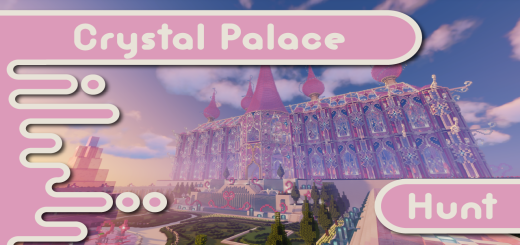
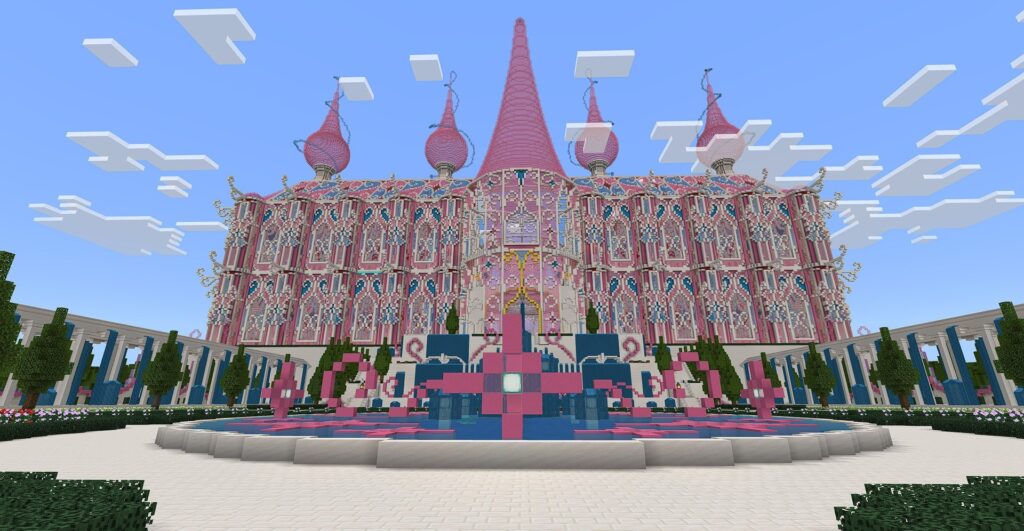
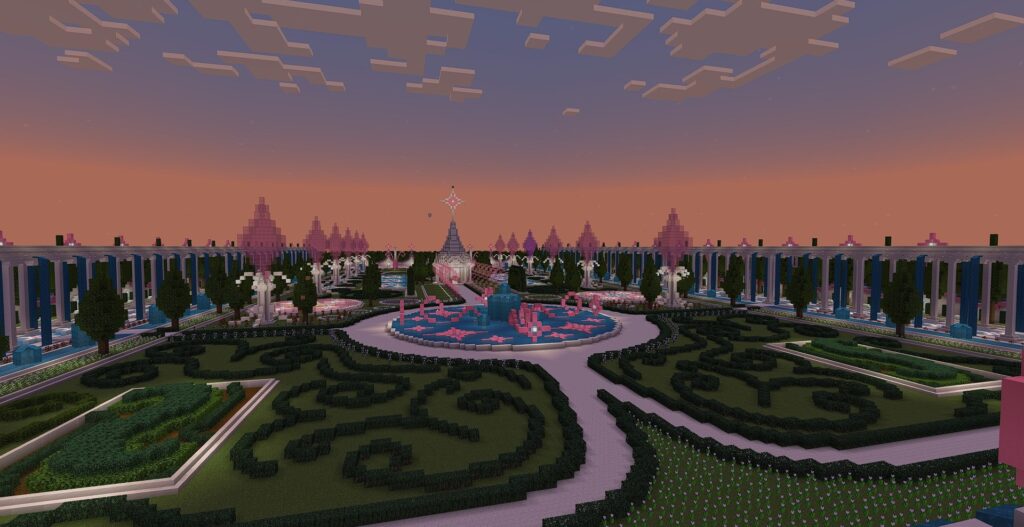
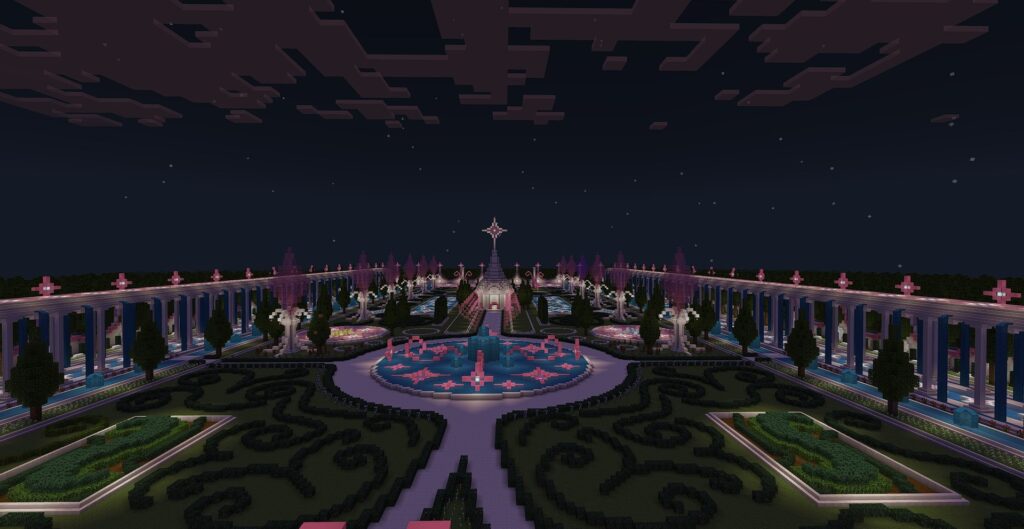
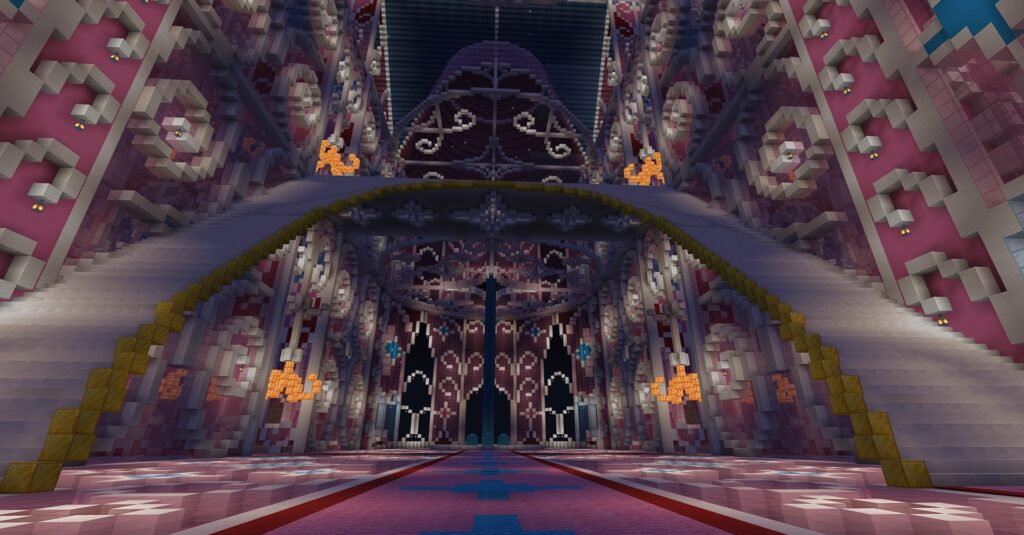
Are you prepared to embark on a scavenger hunt within this magnificent glass palace, surrounded by a stunning garden – Crystal Palace Hunt? You can compete against friends or engage in solo play to discover how many items you can locate on this Minecraft map.
Creator: Potassiumola
Explore Crystal Palace Hunt!
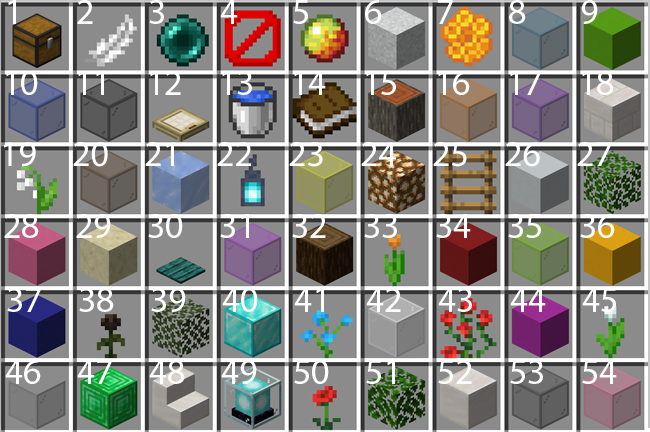
Your objective is to collect as many of the 54 hidden items as possible. These items will be concealed within barrels scattered throughout the map. The first individual to reach a barrel will obtain the enchanted item in the center, which holds double the value. Inventory management is enabled.
There are 3 points you can get:
1. Find all items first (or the most items by the end)
2. Find the most enchanted items
3. Be the first to get the Lily of the Valley
The rules in Crystal Palace Hunt
You can select only one of each item from the provided list.
Refrain from removing items from item frames, books from lecterns, flowers from pots, or interacting with entities.
Additionally, do not use any items you discover from the list.
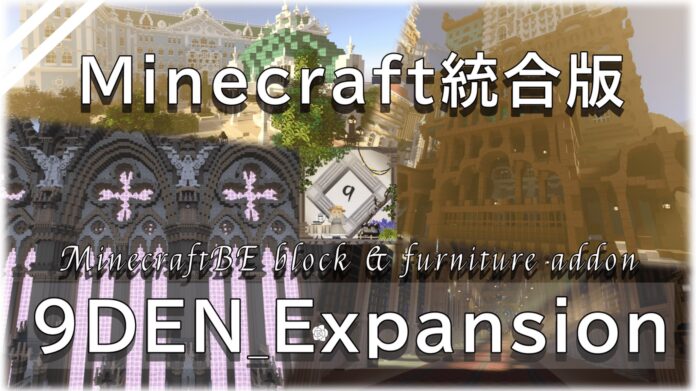
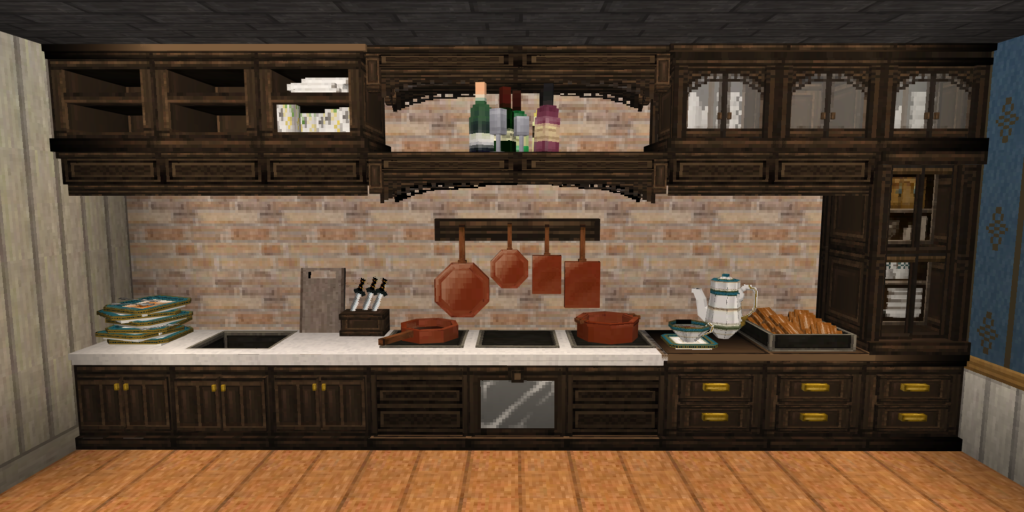
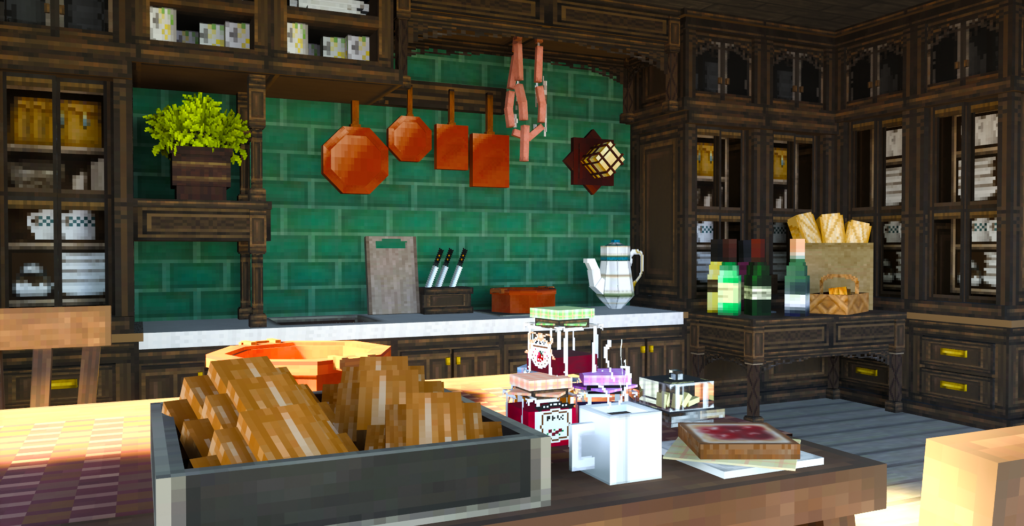
Good afternoon ladies and gentlemen! This is a building-specific expansion addon that adds over 15,000 blocks to Minecraft. Pick up this 9DEN Expansion Pack and enjoy building at its best! This pack is for creative play only.
Please check the precautions listed below before use.
[About 9DEN Expansion Pack]
This add-on Pack is a resource pack jointly devised and created by the game group.
It is recommended to use with 9DEN_texture distributed by this group.
We cannot be held responsible for any troubles that occur when using this resource pack.
【 Regarding the posting of images on social networking sites 】
The use of #9DEN_texture is mandatory when posting on social networking sites.
Please note that posting without using #9DEN_texture is a violation of the guidelines.
※It is up to you to decide whether to include the following statement on this page of the APP
As long as the above statement is on it, we are fine with it.
———————————–
【 Prohibited matter 】
・Second distribution
・Self-made remarks
・Paid sales
– Extract some textures, use them to distribute and sell as new resource packs, and make your own comments prohibited.
———————————–
[For personal use]
・For personal use, it is possible to mix 9DEN Expansion Pack with other resource packs.
・When using, please refer to the terms and conditions of the pack as well as those used for other resource packs.
———————————–
[About multiplayer]
It can be used in multiplayer.
When using this service, we ask all multi-server participants to read these terms and conditions.
Also, as mentioned above, in the case of MIX packs, please refrain from using them in multiplayer.
———————————–
[About use in videos and distribution, introductions, etc.]
・Although permission is not required for use during play, if you contact us, we will be happy to contribute in a something manner, such as by viewing videos, streaming, or publishing future update information in advance I will consider.
・For pack introduction videos and distribution, please check the DM of @vimwo_mee Twitter account. If you cannot confirm this, please refrain from using the video in question.
———————————–
【Video Posting with Profit Distribution Blogging】
For the above items, etc.
Please be sure to include the URL of the video introducing the 9DEN Expansion Pack: https://youtu.be/PNE4cofM2S4
———————————–———————————–———————————–
[About “Today’s Tea Party”]
・“Today’s Tea Party” is a game group consisting of 5 people. I mainly work on creating the integrated version of Minecraft of gameplay addons.
・If we determine that the act violates copyright or causes significant damage to the activity, such as self-authored statements, impersonation, secondary distribution, etc., we may take corresponding measures.
The copyright of the blocks models images in this pack belongs to DAIZU_soy & KONBOU.
・If we determine that the act violates copyright or causes significant damage to the activity, such as self-authored statements, impersonation, secondary distribution, etc., we may take corresponding measures.
*This texture uses some images from “Fluffy_texture”, but The author, little GIZMO X(old Twitter) @gizmo_little, has transferred the copyright and usage rights of the texture to DAIZU_soy. Therefore, the copyright of the same texture has not been waived. Please note.
——————————-
【Things involved in development】
【official author】
・vimwo X(old Twitter) @vimwo_mee
・DAIZU_soy X(old Twitter) @daizuoniku0602
・npatchi X(old Twitter) @n_patchi_craft
・Konbou X(old Twitter) @k0n6ou
・koa X(old Twitter) @__xko4x__
【official tester】
・akaneko X(old Twitter) @Gemini13_A
・yakiniku X(old Twitter) @yakiniku_0607
・P-suke169 X(old Twitter) @P_sukenic005
【Special Thanks】
・NYANKUN X(old twitter) @NYANKUN18
・gebo(shimohaha)
・offloskey
・tibizou
・goruden
・663(rokurokusan)
——————————-
Thank you for downloading.
Reproducing all or any part of the contents is prohibited.
Hello everyone, I’m RealTik and I just started making my own addons. Now my country is being bombed and destroyed. They also started turning off my lights, which is why I started making addons.
and I really like making addons and it gives me joy everything was written through a translator. I’m sorry for the mistakes
Now I’m busy with my items+ addon, yes, it’s terrible and literally all the content is taken from this app. but the point of the addon is a large amount of content.
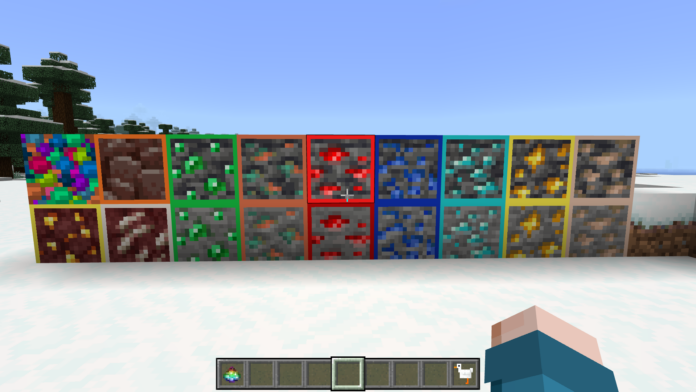
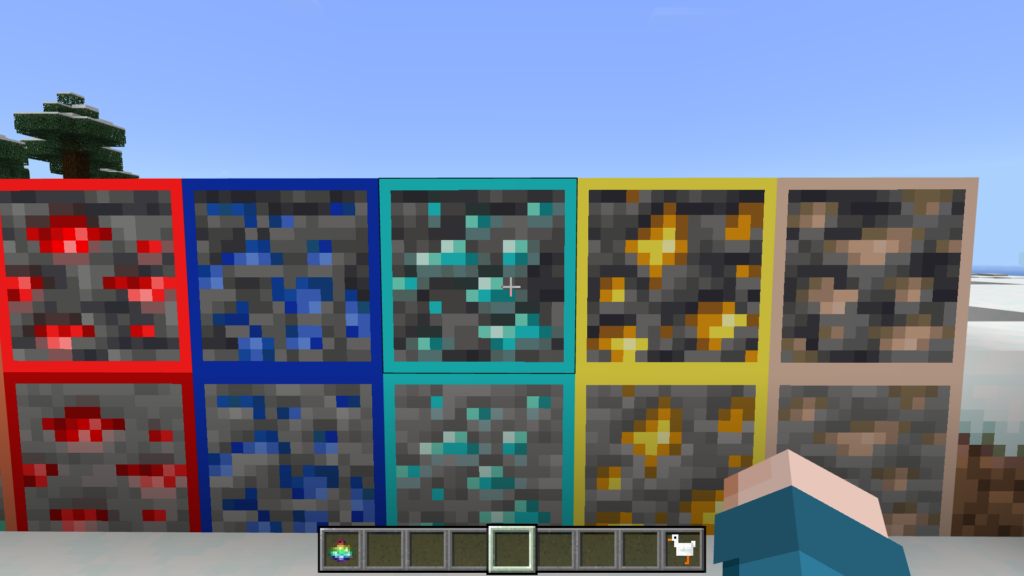
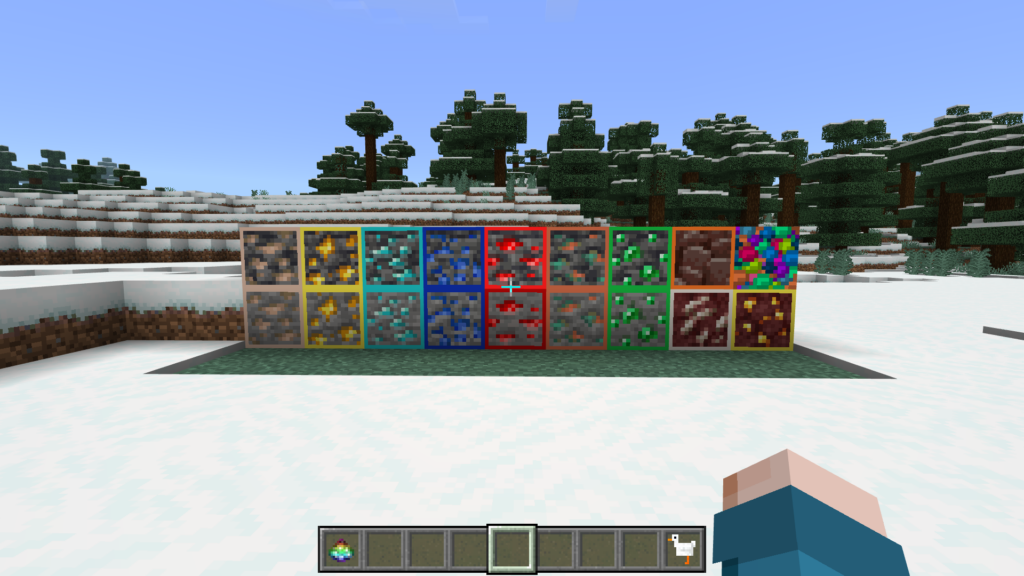
This mod makes ores – ores in caves or anywhere else – more visible. Translate To Indonesian: “Mod Ini Membuat Ore – Ore Yang Ada Di Cave Atau Di Mana Pun Terlihat Lebih Jelas”
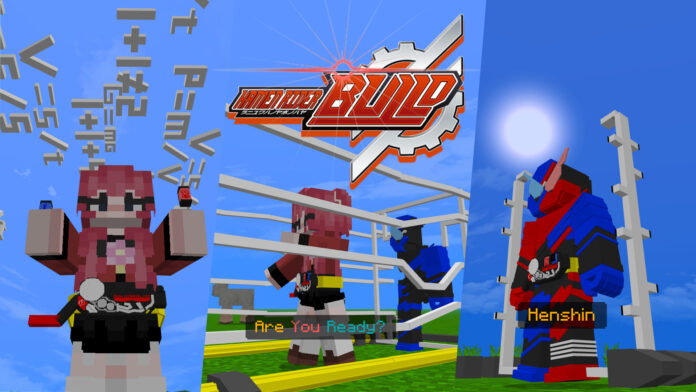
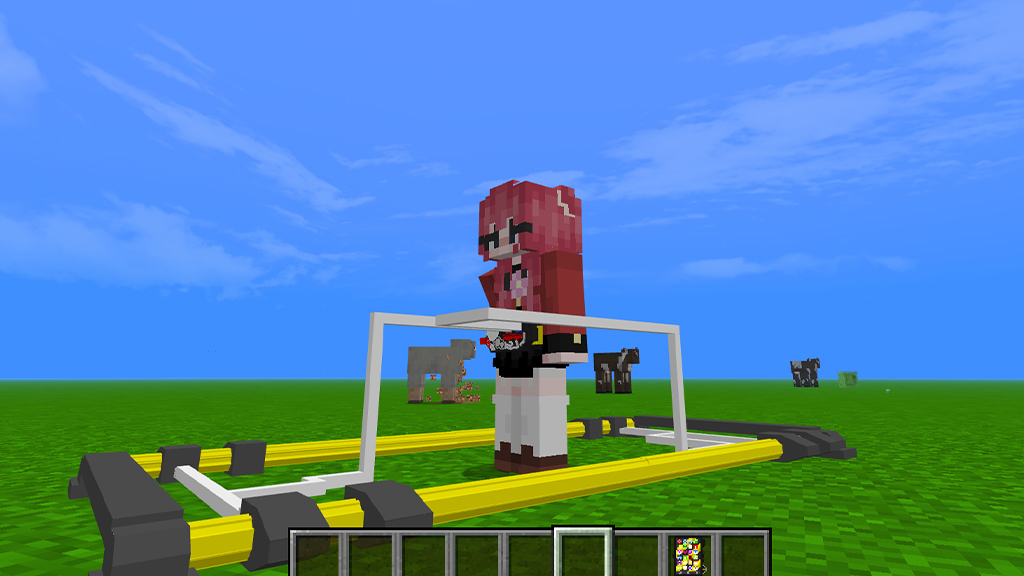
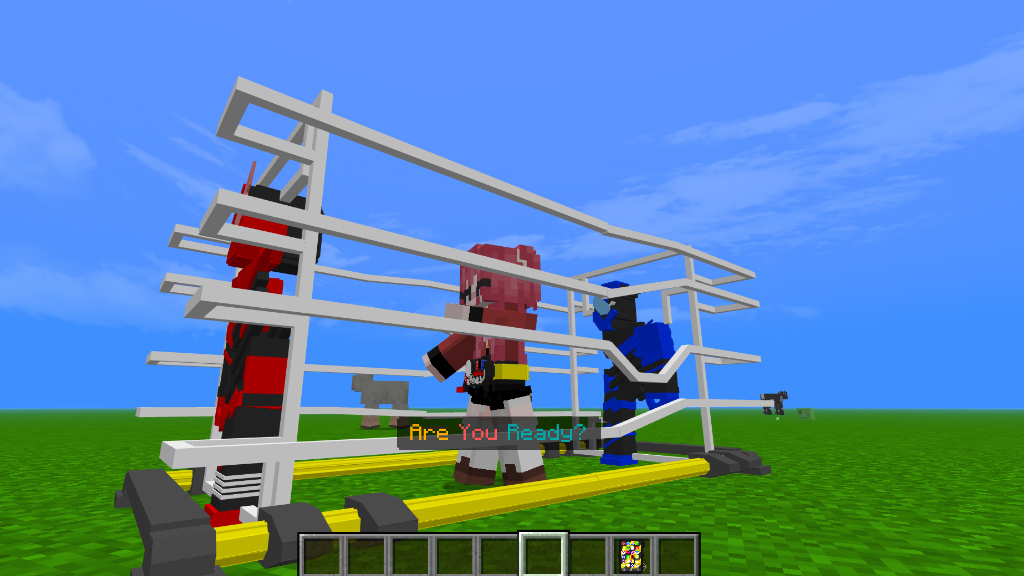
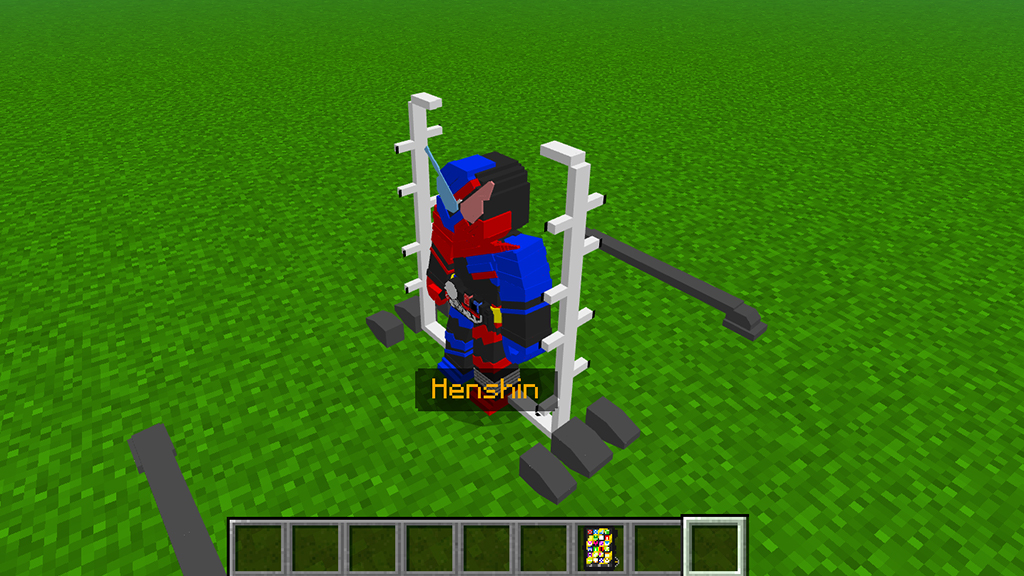
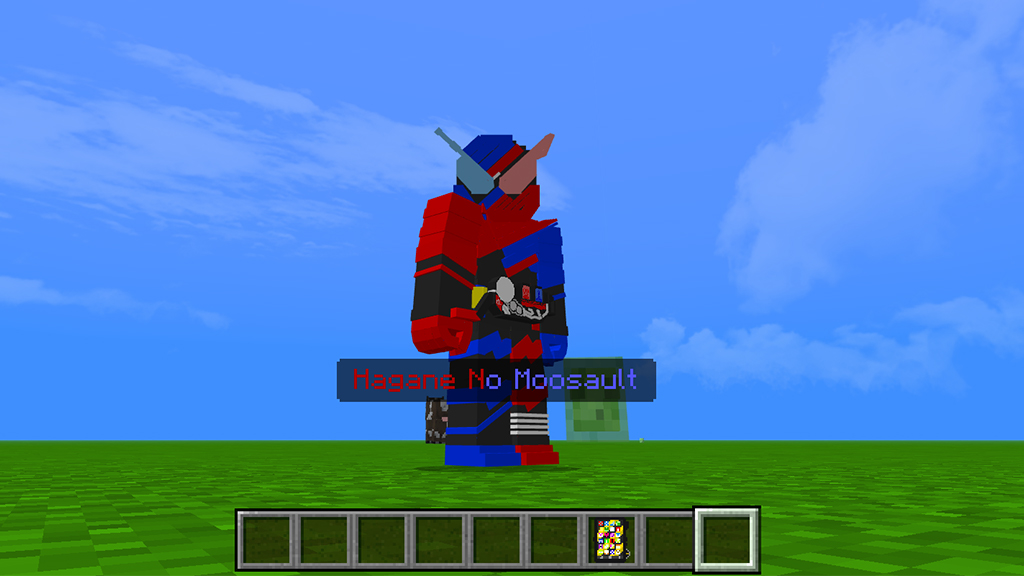
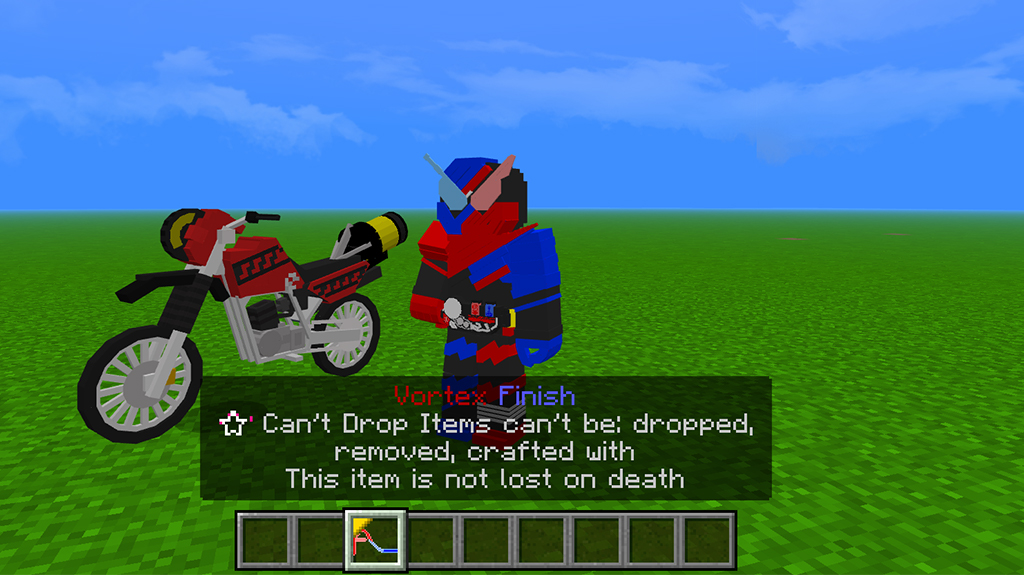
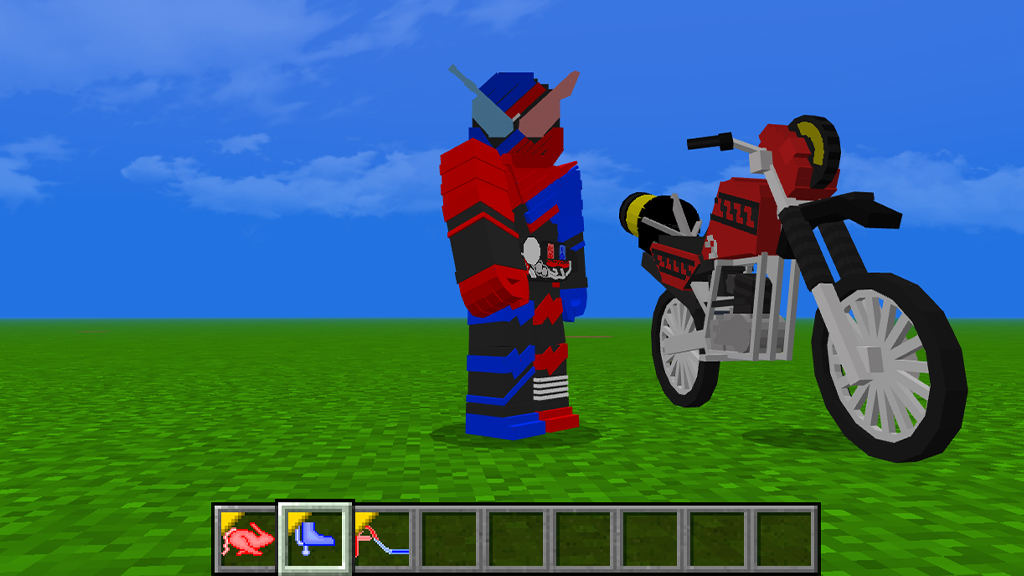
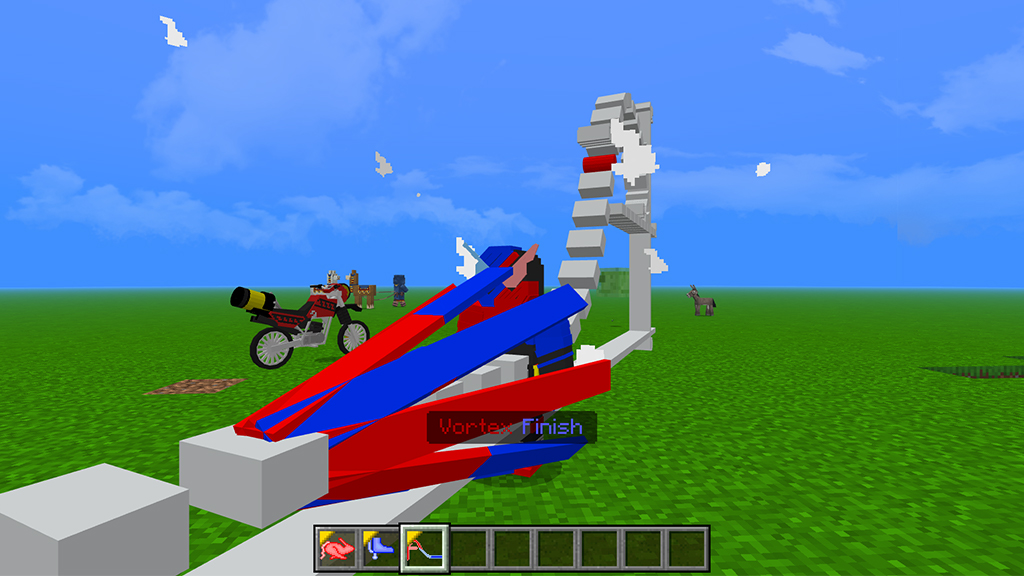
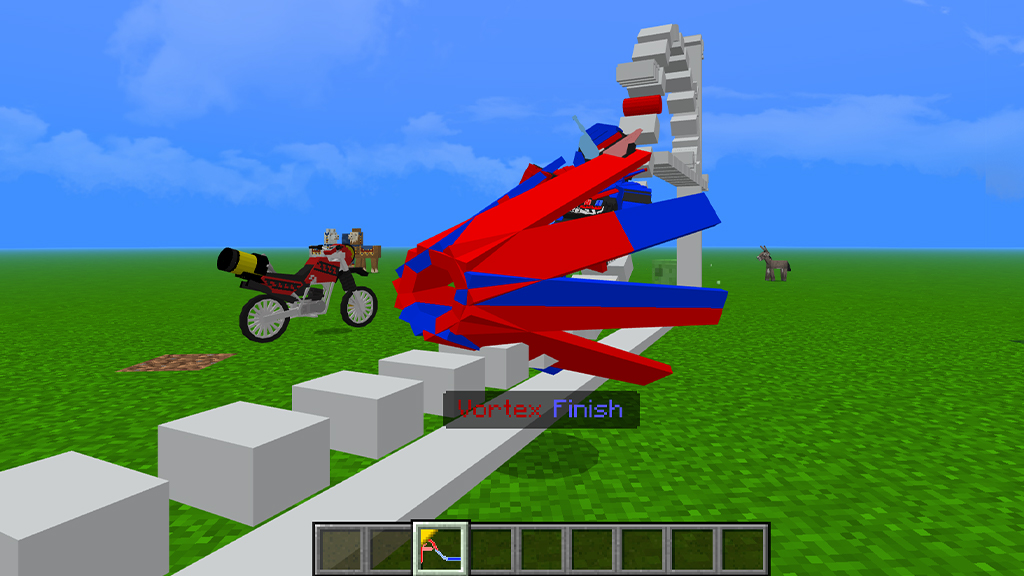
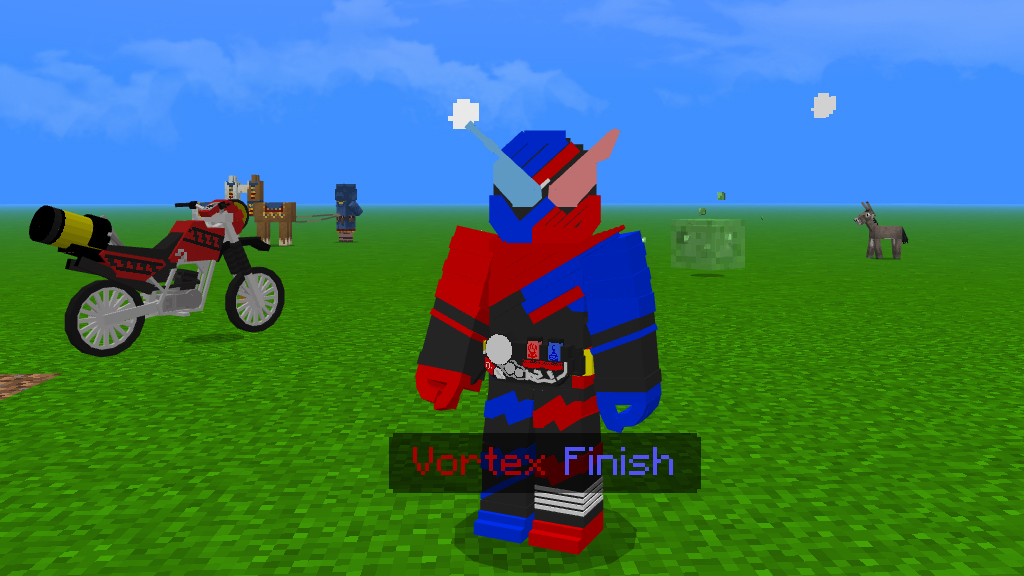
Kamen Rider Build addon is created by Azka Afkari collaborate with terradyzz. In this Minecraft addon, there are several items such as the Kamen Rider Build and its motorbike, namely the Machine Builder.
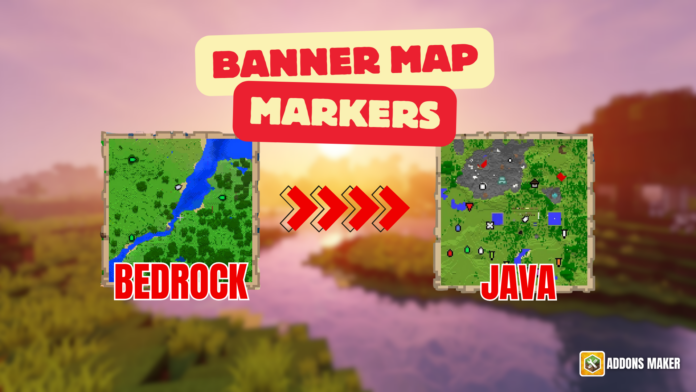
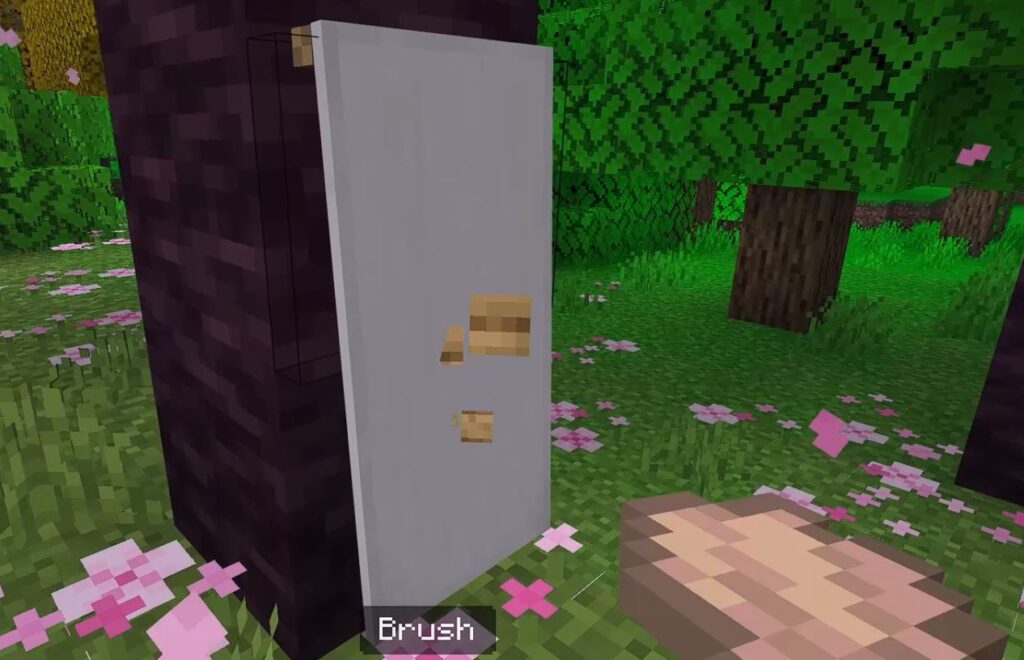
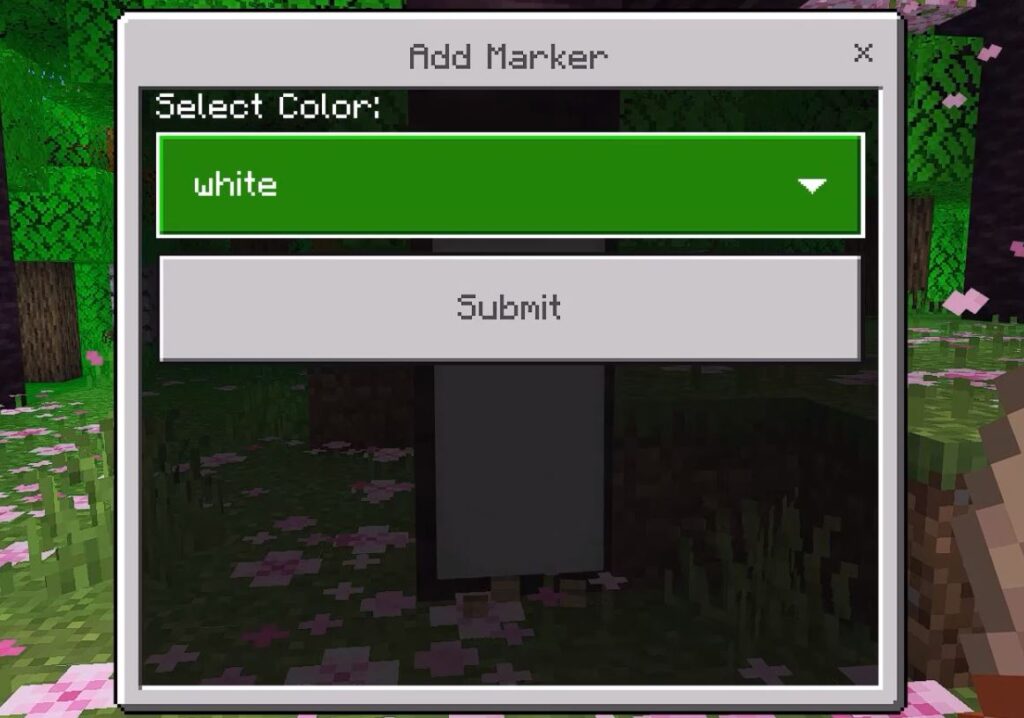
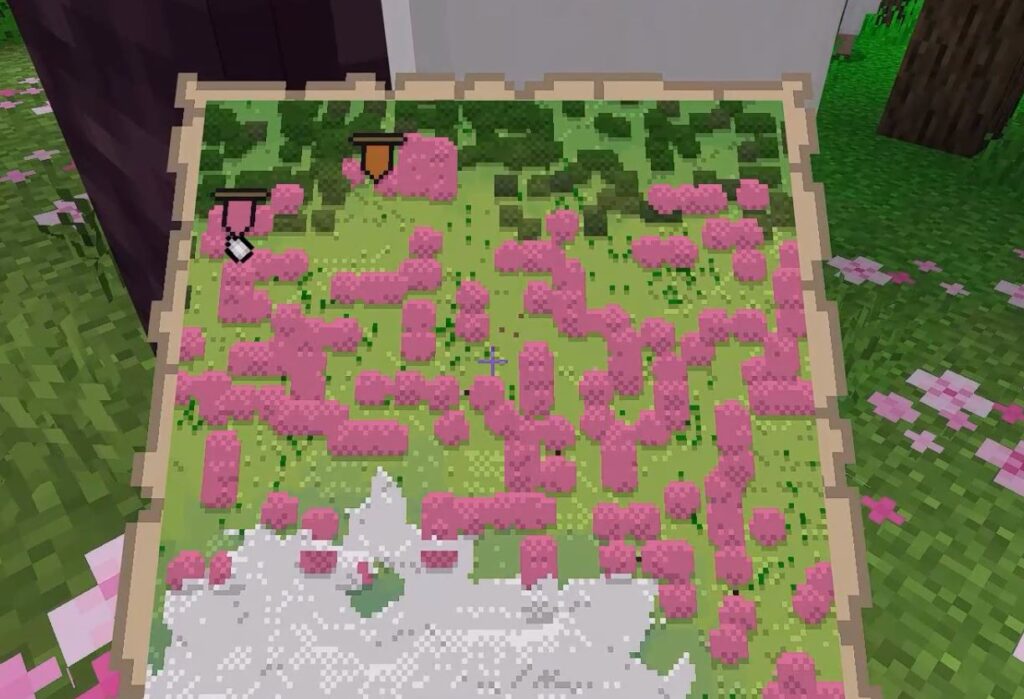
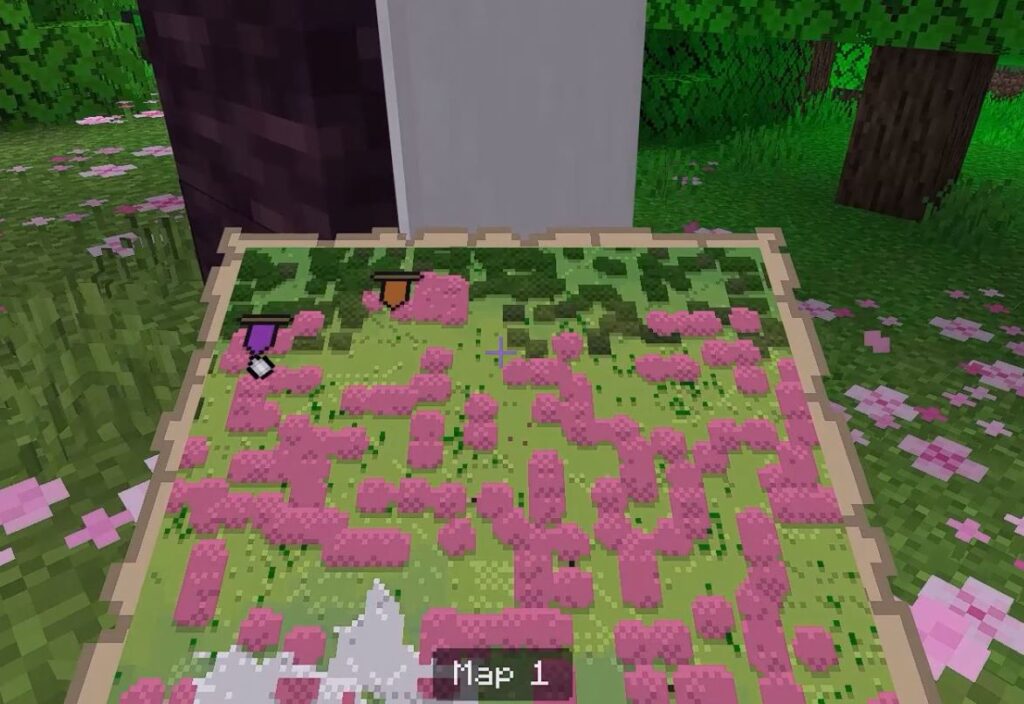
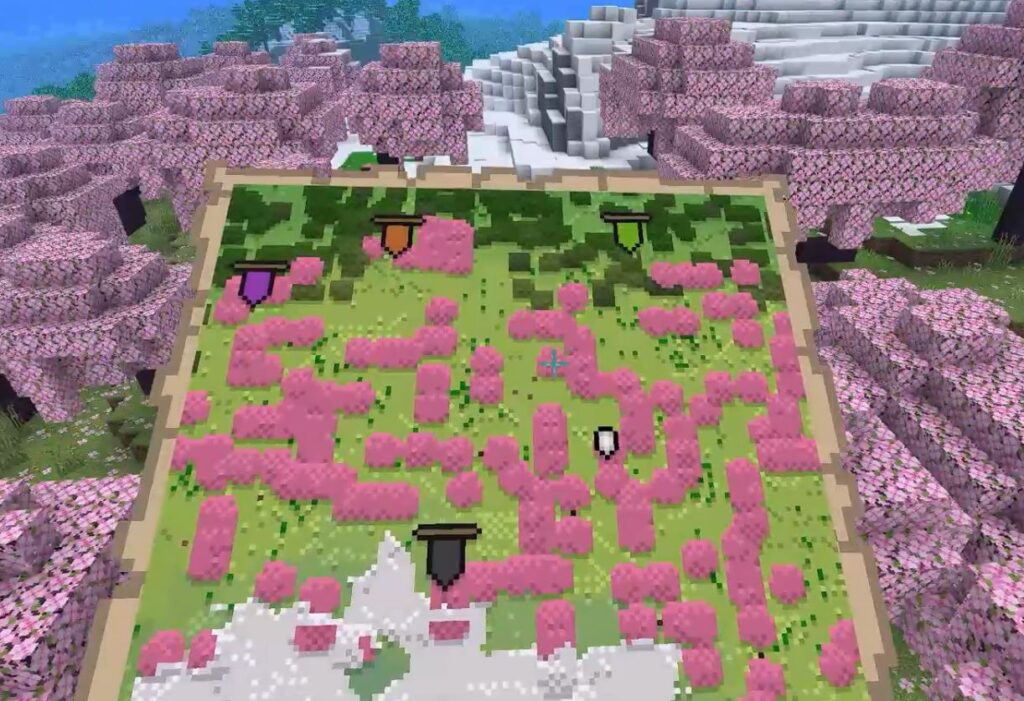
You have seen Banner Map Markers in Minecraft Java Edition and wished it would work in Minecraft Bedrock. This pack will let you add Banner Map Markers to your Minecraft 1.21 world with just a few clicks. Simply click on the map banner to generate a marker at that location.
Creator: ayy star
Thanks to the creator for creating a great addon for players on Minecraft Bedrock. 😍😍😍
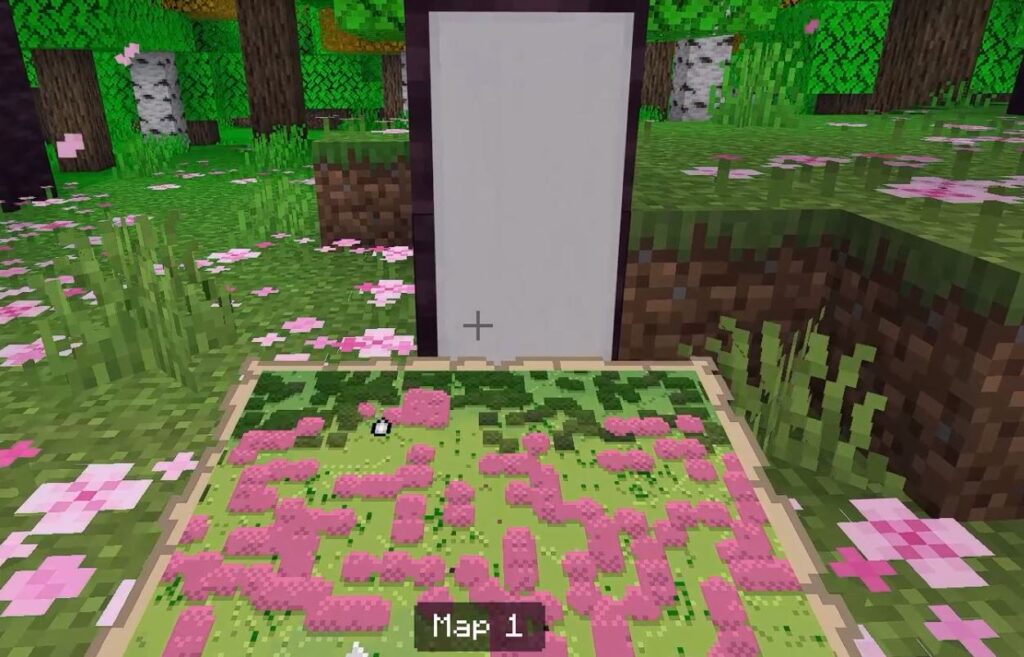
Anywhere on the Minecraft maps you can mark the location with different colors banner. Make your minimap come to life by installing this addon.
Follow the tutorial Banner Map Markers
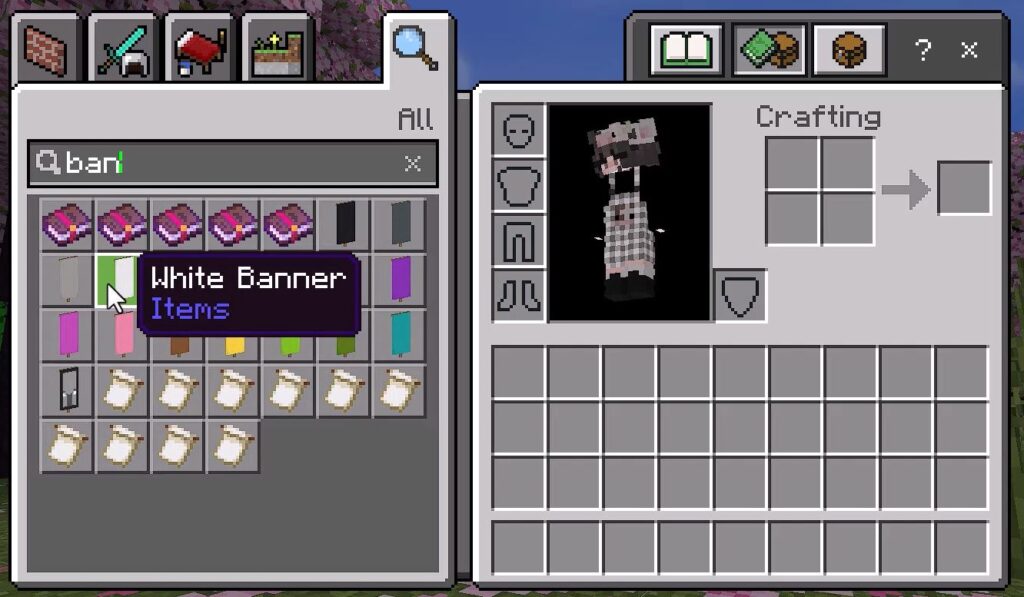
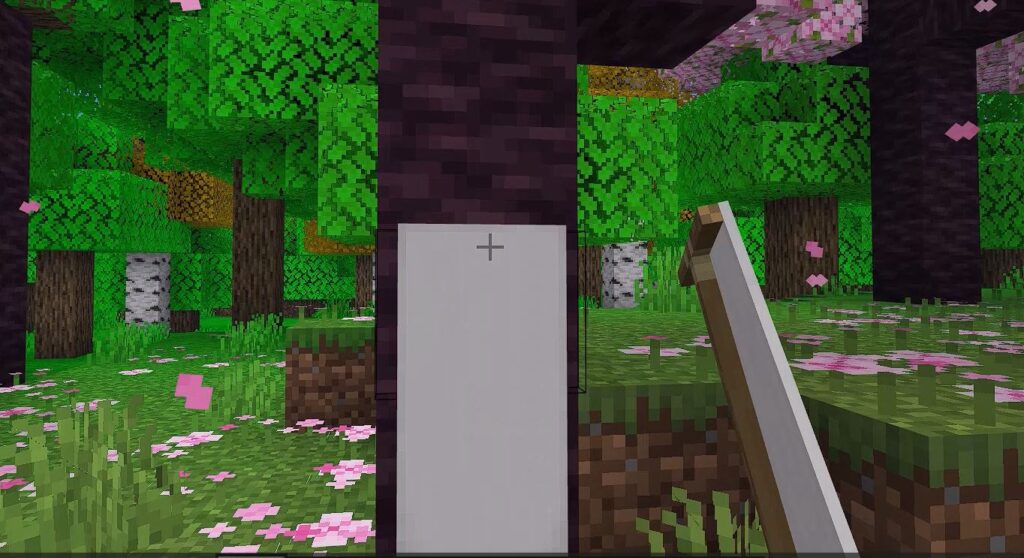
1. Position a Banner or navigate to an existing Banner.
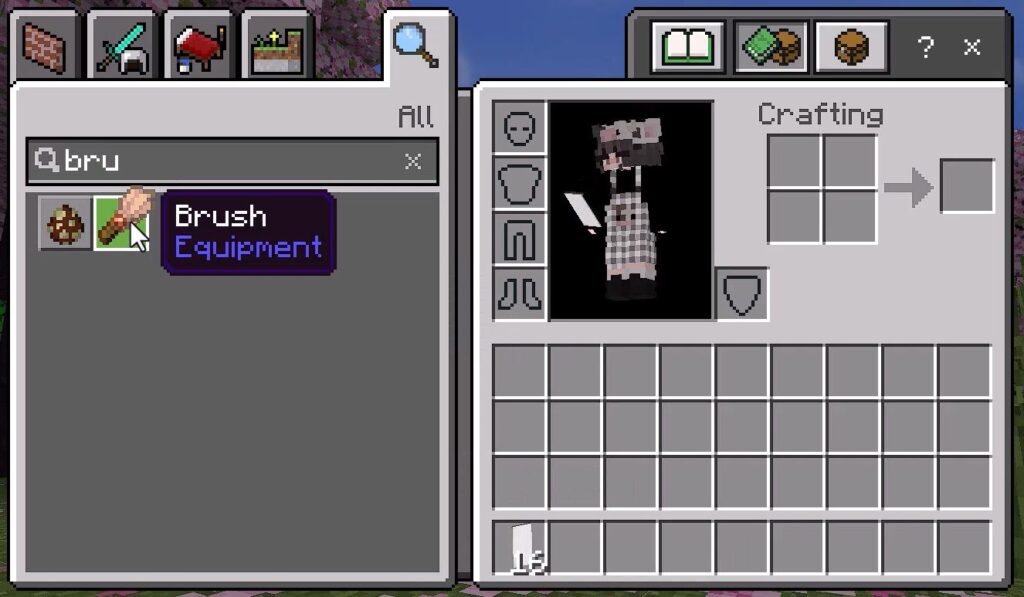
2. Grab a brush and apply it to the Banner.
3. A dialogue box will pop up, choose the color and press submit.
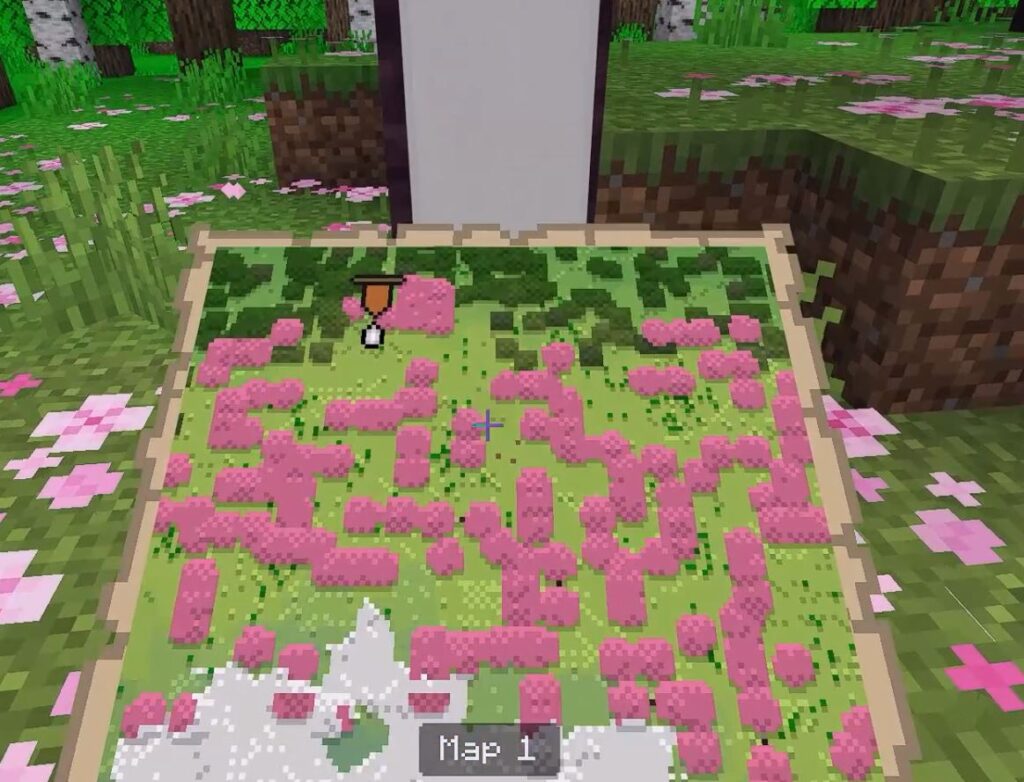
4. A Marker in the chosen color will be displayed.
Before
After
5. To erase it, click once more on the same Banner.
🤲 For example, change the pink banner to a purple banner.
👉 You may iterate this procedure until you achieve the desired color 👈
6. View the banner markers marked on the Minimap
If you want to know more details about this tutorial, you can watch the video on YouTube: