Home Blog Page 139

Christmas Village Map (Restored)

0

Christmas Village map for you. Have you ever wished for a place to call home for the holidays? Maybe a world where you can decorate your own Christmas Village at your leisure?

Cre: LiamTheDiamondPlayer14

Christmas Village Map (Restored)

This is a restored ancient MCPE map that was created in the years 2015-2016. However, you can no longer download the original map because the original URL was corrupted. As a result, I restored it and want to share it with you all.

Overview of the Map

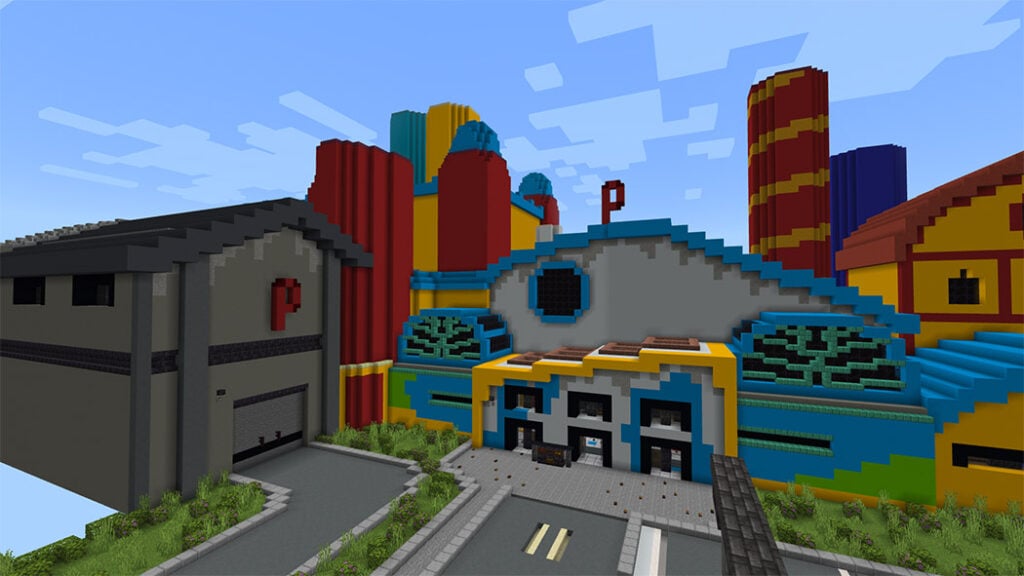
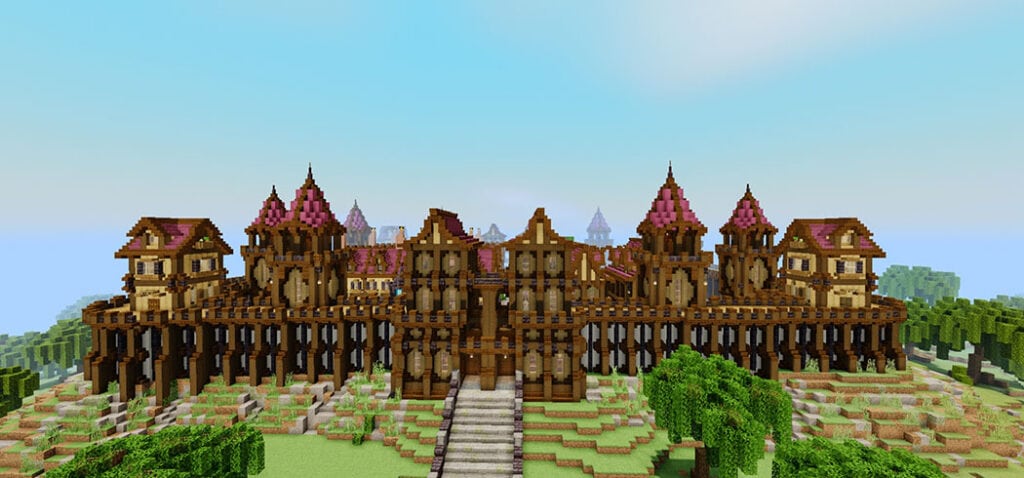
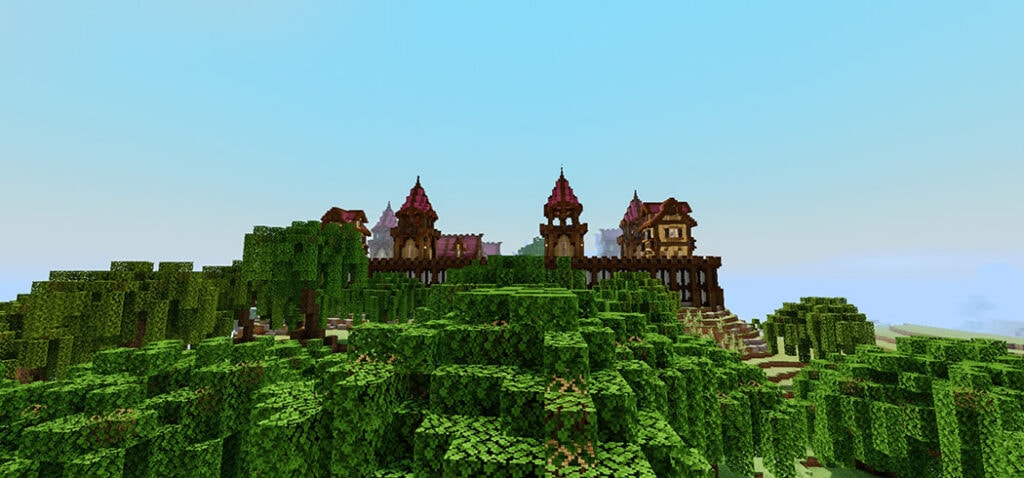
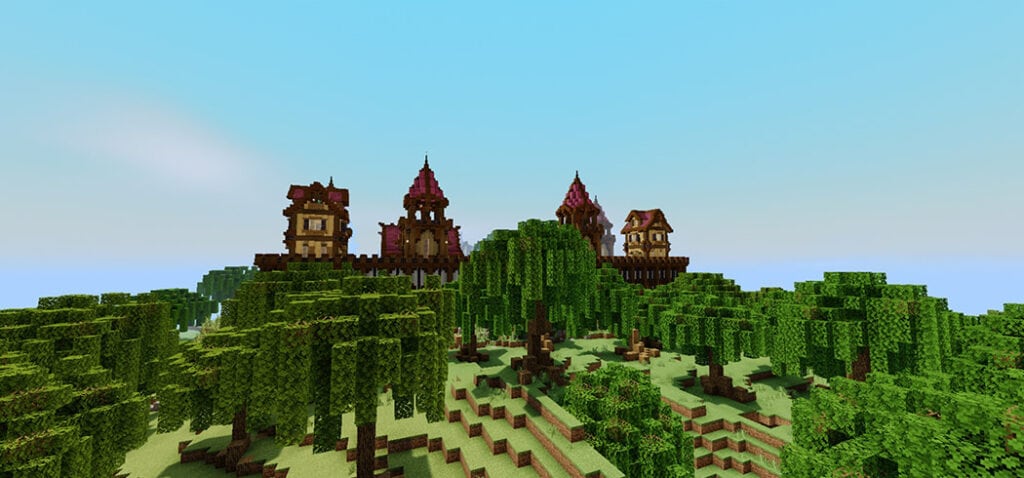
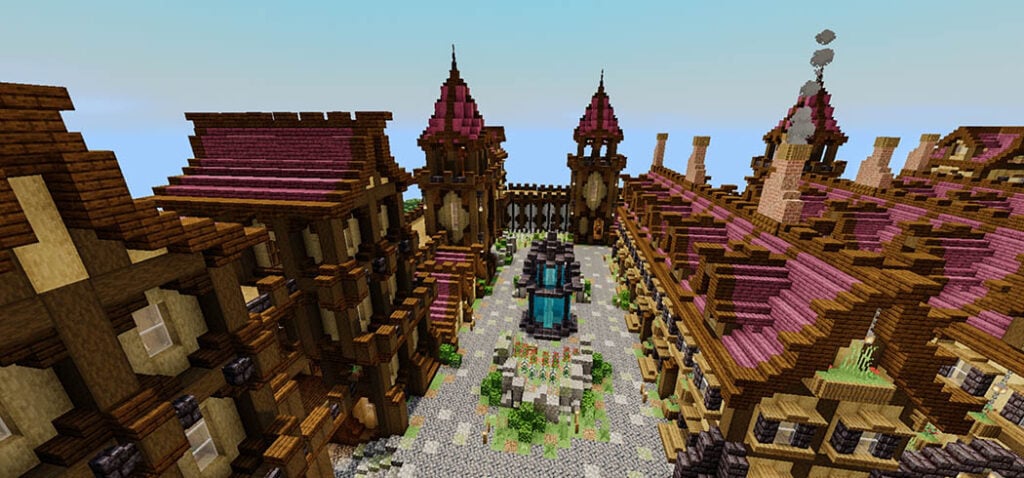
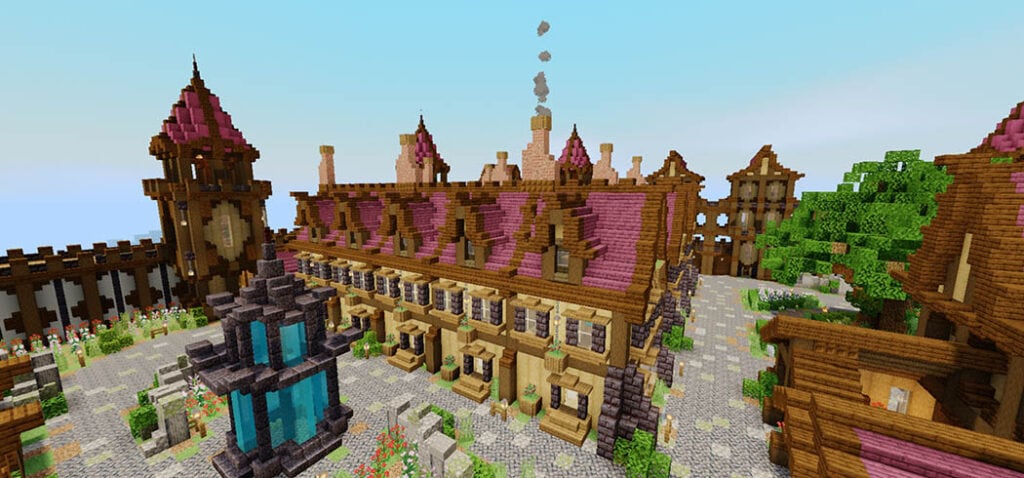
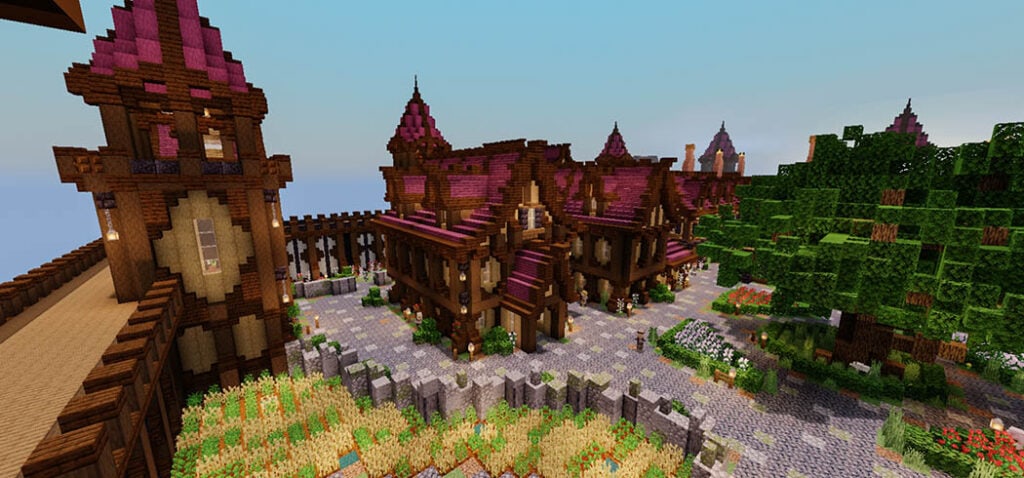
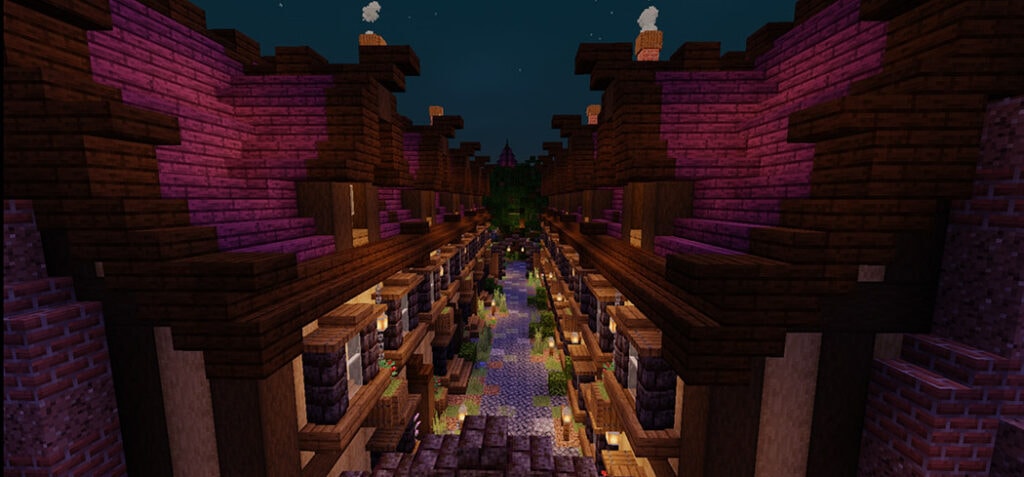
This is a Christmas Village construction map. Snowy houses, gigantic candy canes, Christmas trees, snowmen, and churches are just a few of the sights you see throughout the Christmas season.

Some other Maps Minecraft PE you can check in Mcpeaddons.com:

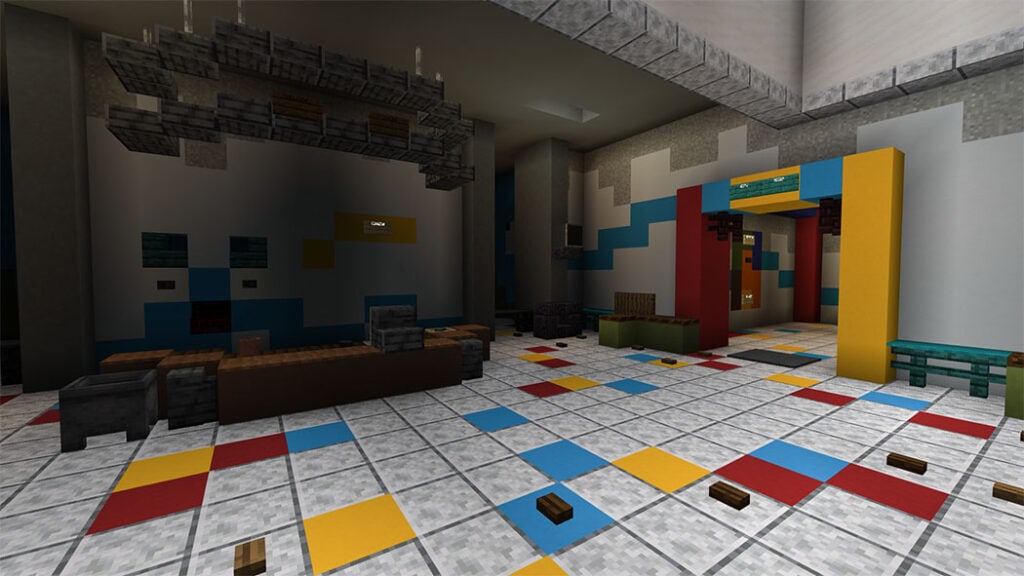
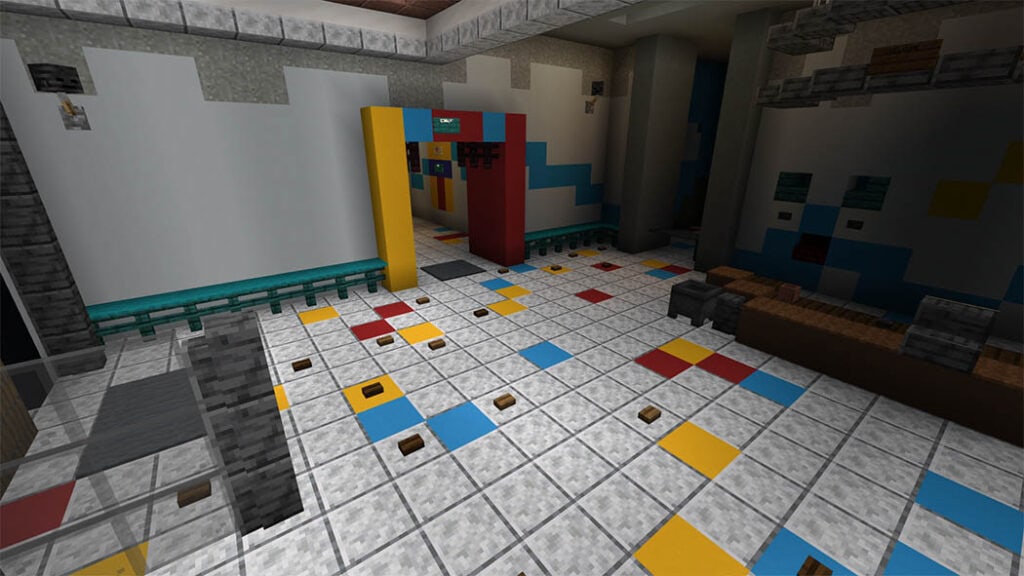
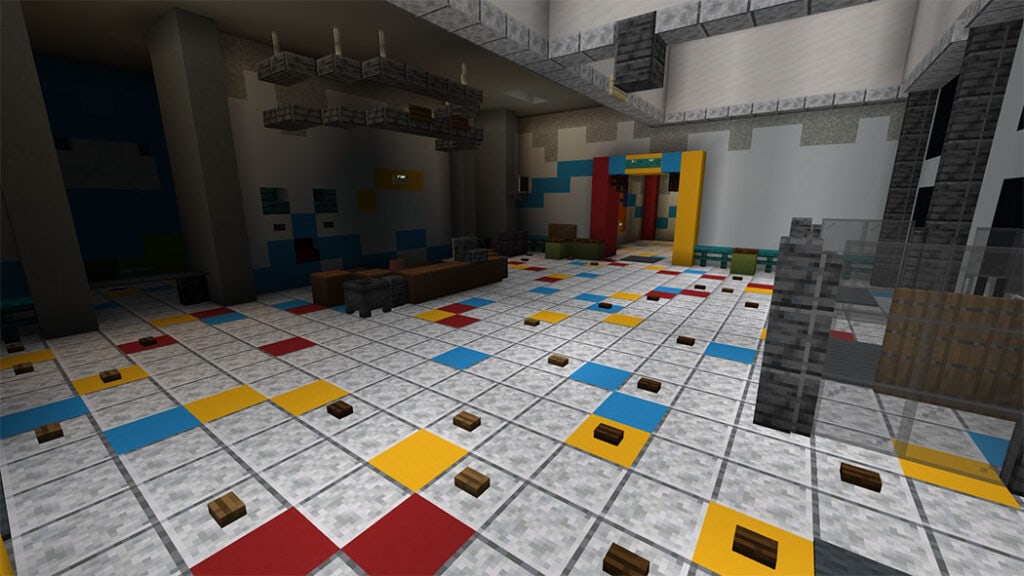
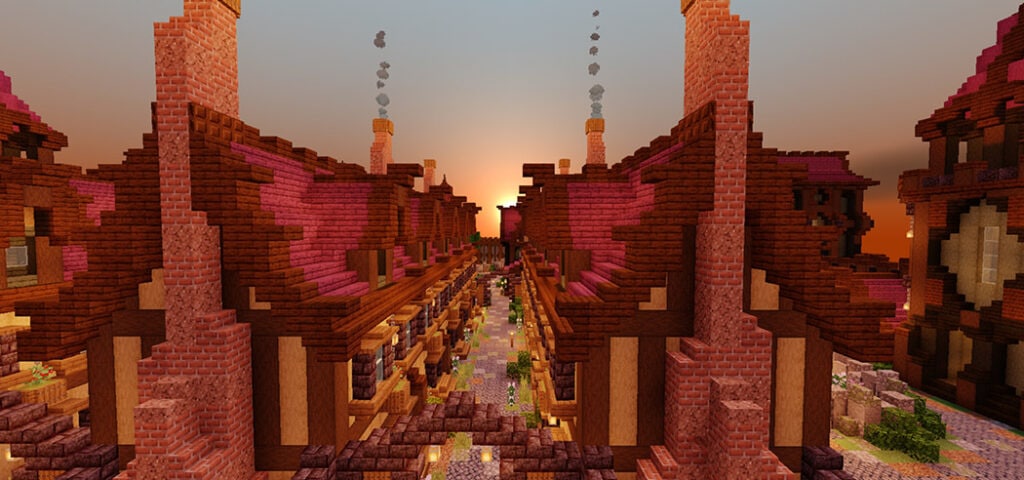
Screenshots of the map:

Christmas Village Map

Everyone has a wonderful holiday.

Please let me know if you come across any flaws or errors in this world in the comments section below.

Download Christmas Village Map

- Advertisement -

Christmas Seasonal Decorations Addon V2 (TBOI’s)

0

TBOI’S Christmas seasonal decorations addon added much stuff for decoration like items, costumes, pets, and mounts that are high-quality and vanilla-friendly holiday-themed.

Cre: The Big Onion Institute,

Christmas Seasonal Decorations

This addon is come out to celebrate the festival season with dozens of quality and beautiful Christmas blocks, items, costumes, and much more. In the newest Christmas seasonal decorations addon version, there are some pieces of new stuff added. If you want to get into the spooky spirit, this addon also provides you with some Halloween decorates.

Quick overview:

All of these decorations are made to fit with the base Minecraft game from design to color, style

Christmas seasonal decorations addon will make your world look good outside of the holiday season! If you are looking for more Christmas add-ons, you can also check out other ones in mcpeaddons.com such as Christmas Texture Pack HD Minecraft PE

How to Obtain

There are three ways to obtain the things in Christmas seasonal decorations addon

  • The first way, you can use the “Spawn All items” item included in the creative inventory, this is the easiest way. There will generate two-barrel that includes everything inside
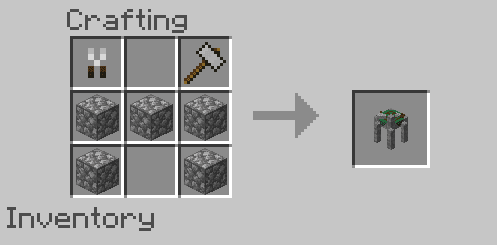
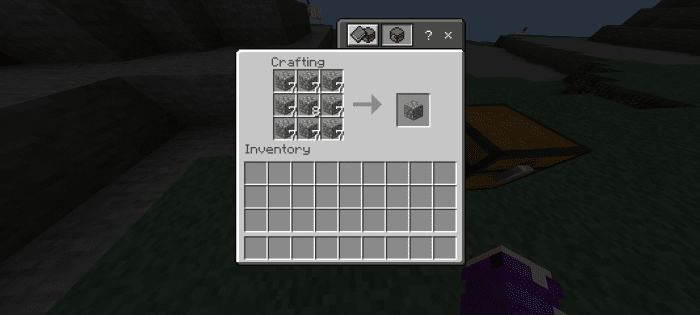
  • The second way for survival mode, you can buy them from a Seasonal Trader or Craft them from a Seasonal Crafting Table.
    • Seasonal Traders are similar to wandering traders, the different point it spawns under certain condition.
    • Halloween traders will spawn at night time so they will not appear during the day.
    • Christmas Traders spawn in cold biomes, a part of obtaining seasonal crafting table which helps craft decoration.

 📌Download Seasonal Decorations Addon V2 .mcaddon

Christmas Seasonal Decorations: Top snow

Snow block is crafted from Seasonal Crafting or bought from a Trader. Place snow block, it will cover any block beneath like a regular snow cover grass bocks

You can change the shape of snow by clicking/tapping on it to shape the block you want. For example, click on it using a stair block to get it to be the shape of a stair. There are some variants in snow block, you can click multiple times to cycle through each different block type.

It works for Slabs, Stairs, Fences, and Wall

Halloween Decorations

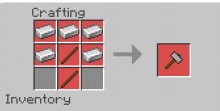
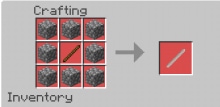
Craft recipes

Note: These things only work at Seasonal Crafting Table

Broomsticks

The rare flying mount that you can obtain from Seasonal Traders. Although expensive, it is worth the price to buy. You can control them like a horse except when jumping, they will fly up or down base your look point

To get off, just punch them!

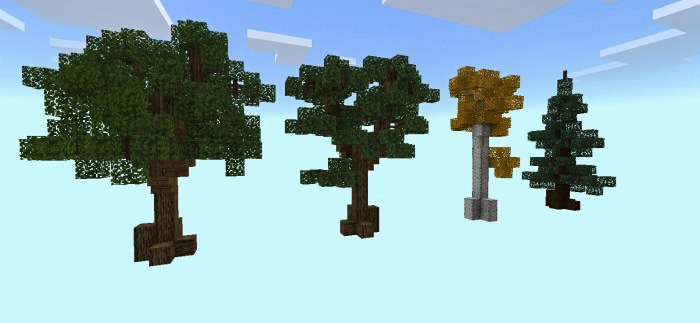
Autumn Trees

There is a new type of tree added in the Christmas Seasonal Decorations addon, their sapling can be bought from the seasonal traders

Effect Blocks and Sound Blocks

The new thing to the Christmas Seasonal Decorations addon is effect blocks and sound blocks. They are toggleable blocks (create sounds and particle effects at their location)

When you interact with them, you can cycle through their different states to achieve the desired effect. Do you want to establish a spooky mood for your build? And don’t forget to check out Fog machines!

👉 If you are looking Christmas-themed, don’t miss these addons in MC AddOns:

Changelog

– Fixed: minor performance problems when spawning many nutcrackers.
– Updated various item sprites.

Downloads

mcpeaddons download

Christmas Seasonal Decorations Addon V2 or here (gg drive)
Download Showcase worlds .zip

#PixelArtMinecraft #HalloweenPixel2022

- Advertisement -

Joey Gaming Studios NPCs Addon (Christmas Update)

0

NPCs (non-player characters) can be added to Minecraft with Joey Gaming Studios NPCs Addon. Many people use their buddies to participate in Minecraft skits, but with this plugin, you can make Minecraft films more effectively.

Cre: Joey gaming (Youtube, Twitter

Joey Gaming Studios NPCs Addon

Joey Gaming Studios NPCs Addon adds 21 Spawn Eggs or 104 NPCs to Minecraft, with many more to come in future releases.

How do these NPCs work?

Right now there is only 1 type of NPC however many more variants will be added later in updates. The one we will talk about is called the Background NPC

This NPC will have 1 heart of health and won’t walk around, it will look at entities though. The purpose of this NPC is to be a Background Character and to be removed easily.

Here are the current NPCs 

Joey gaming (NOTE: the watermark will not be in the addon)

Some Minecraft addon PE you may be like in Mcpeaddons.com:

Why should I download this NPC addon when MCPEDL has so many others?

Why should I download this NPC addon when MCPEDL has so many others?

Our objective is to become the most advanced NPC addon by 2023, and we’ll be doing it with monthly updates that include more NPCs and new features.

There will be two different kinds of updates. Feature Updates and Skin Updates are the two types of updates. Feature Updates provide new functionality to the addon, while Skin Updates simply add more NPCs.

Make a skin for the addon.

Join the Joey gaming Studios Discord server and look for the #npc-texture-submission channel if you want your skin to be included in the addon. Include some information about your skin.

https://discord.gg/HGHkFSs

NPC Variants in the Future

Background NPCs are similar to Stationary NPCs, except that they have 10 health, much as regular players.

Roaming NPCs: These NPCs have ten lives, may open and close doors/gates, flee if assaulted, and seek shelter at night.

NPCs who attack hostel mobs and enemy NPCs are known as friendly NPCs.

NPCs who attack the player and friendly NPCs are known as enemy NPCs.

Download Joey Gaming Studios NPCs Addon (Christmas Update) 

Download Joey Gaming Studios NPCs Addon (Christmas Update) (Drive)

- Advertisement -

Compliance 32x | Texture Minecraft PE

1

Minecraft textures with two resolutions. Compliance 32x is a 32x resource pack for Minecraft Bedrock, Java, and Dungeons that aims to deliver higher-resolution textures while remaining loyal to the vanilla Minecraft textures.

Cre: Compliance (Twitter)

Compliance 32x

Compliance 32x is a 32x resource pack in the Jappa style that aims to deliver higher-resolution textures while remaining loyal to the original Minecraft textures. The majority of our artists have a lot of experience creating 32x Jappa-styled textures and have worked on a lot of other packs you’ve probably heard of.

Compliance is a community-driven resource pack group, which means that anyone can contribute (although it is also community decided, so people vote on your textures). You are more than welcome to add to the pack by creating an add-on. You can also have your add-on recognized by submitting it to the Compliance Extras Discord server for inclusion on our site.

Website: https://compliancepack.net/

Main Discord: https://discord.gg/sN9YRQbBv7

Extras Discord: https://discord.gg/qVeDfZw

GitHub: https://github.com/Compliance-Resource-Pack

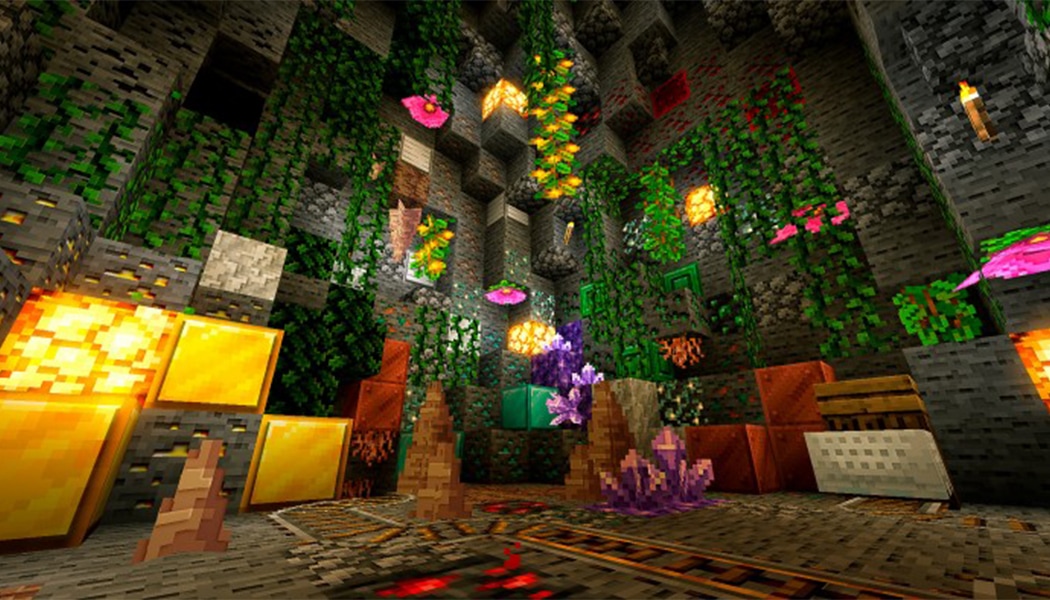
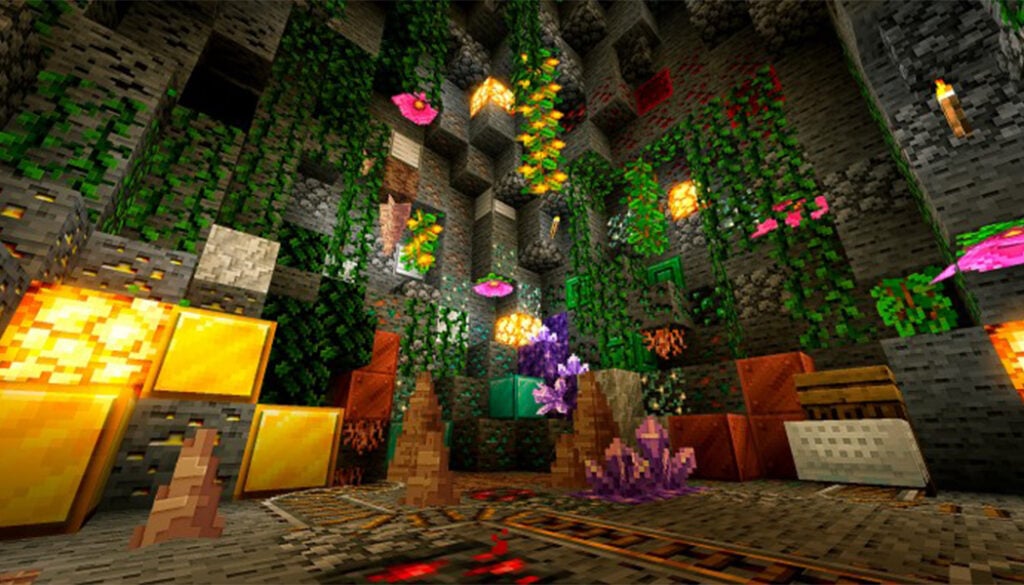
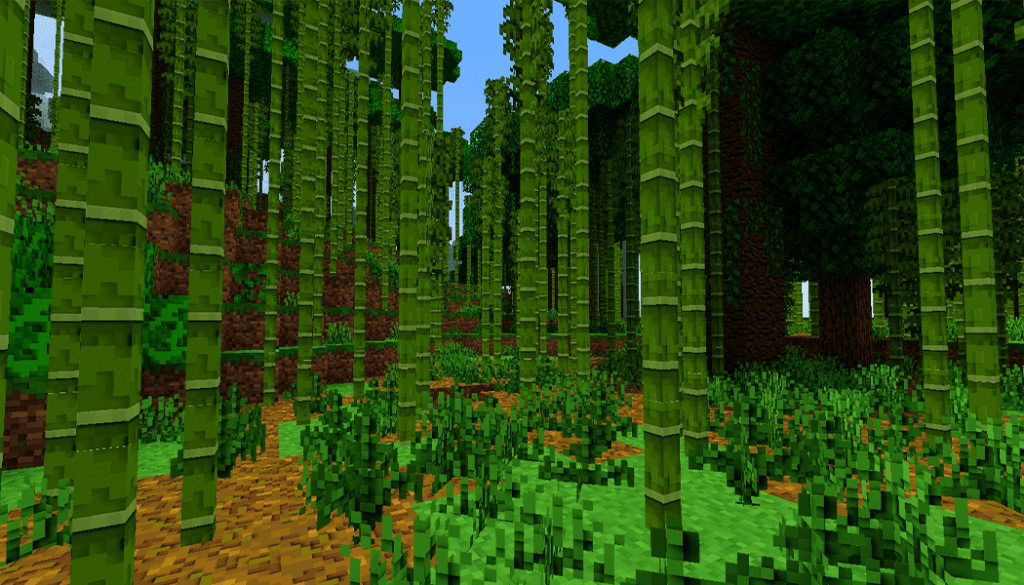
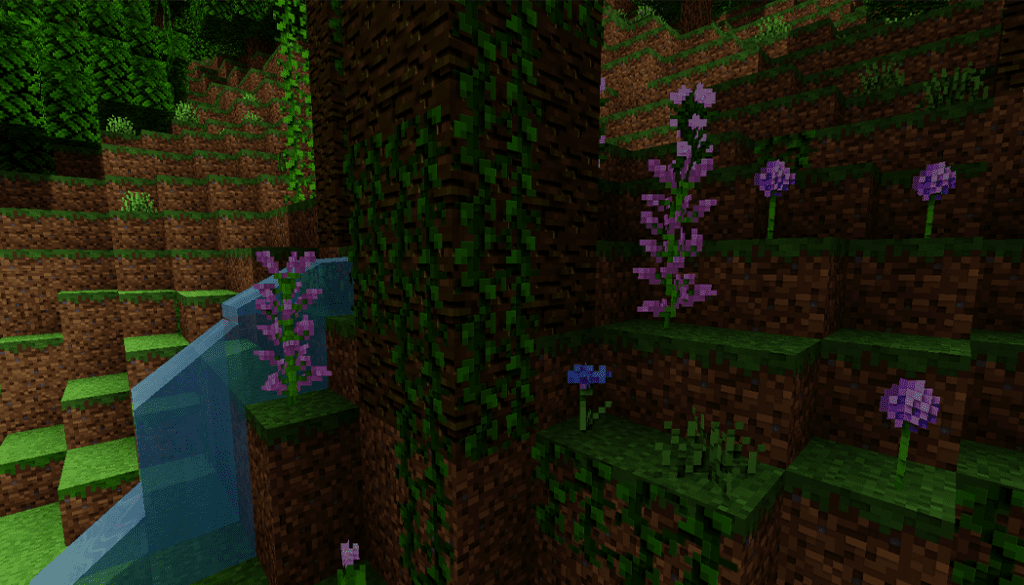
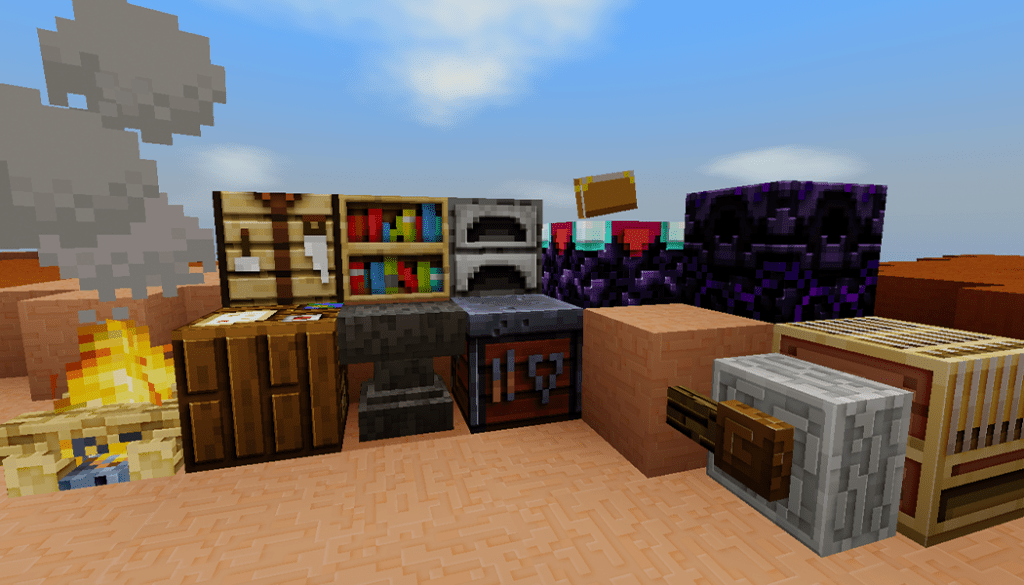
Some screenshot from Mcpe addons for this texture:

Compliance 32 texuture

Some texture pack Minecraft PE you maybe like in Mcpeaddons.com:

Two resolutions of Minecraft textures. Compliance 32x is a 32x resource pack for Minecraft Bedrock, Java, and Dungeons that promises to give higher-resolution textures while keeping the vanilla Minecraft textures in tact.

Compliance 32x is a Jappa-style 32x resource pack that seeks to provide higher-resolution textures while remaining true to the original Minecraft textures. The bulk of our artists have extensive expertise generating 32x Jappa-styled textures and have contributed to a number of other well-known packs.

Compliance is a community-driven resource pack group, so anyone can participate (although it is also community decided, so people vote on your textures). You are welcome to contribute to the pack by developing an add-on. You may also submit your add-on for inclusion on our site by submitting it to the Compliance Extras Discord server.

mcpeaddons download

Download Compliance 32 texture pack (Bedrock Beta)

- Advertisement -

Bum Crops V1.6.5 [1.19 Supported]

0

Are the vanilla crops in Minecraft is bored to play? And you want something fresh and new? Bum Crops is added to your world, improve your game with the finest crops addon for Bedrock Edition!

Creator: ClouddSpiderr (Twitter)

Bum Crops Addon

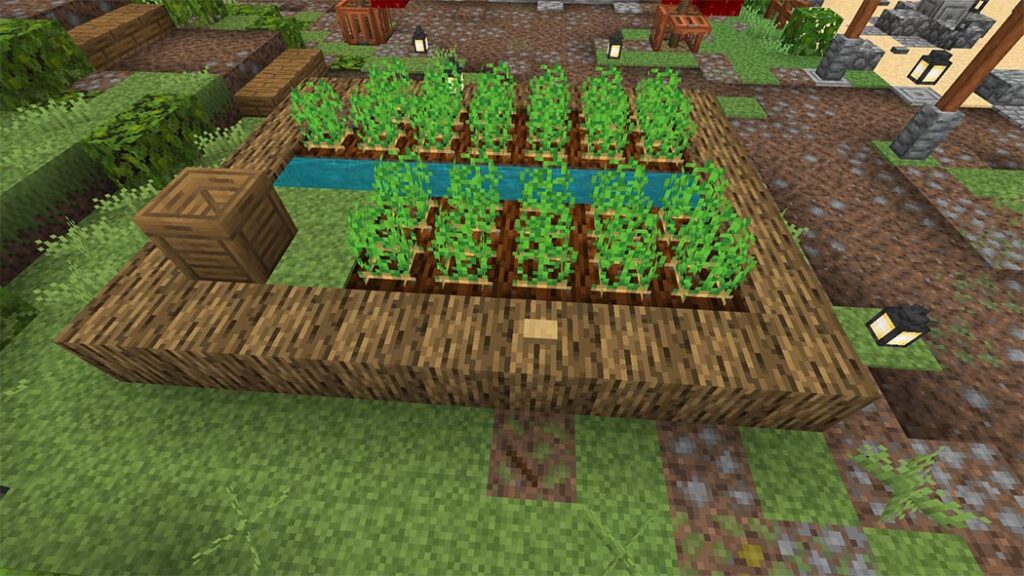
Bum crops introduce 14 new crops to your Minecraft world, that can be accessed both in survival and creative modes! These crops are actual blocks and behave identically to the vanilla crops, being planted with seed and then gradually growing over time until ready to harvest! Just like vanilla crops. you can also use bone meal to speed the process up – If you’re impatient. There is a lot of effort was put into both the textures and behaviors; ensuring it blends seamlessly with vanilla assets and mechanics. In addition to crops, this addon adds a new brewing mechanic, as well as a multitude of new craftable foods that will be sure to spice up your survival!

Asparagus

A delicious, healthy crop that is the best served fried!

  • Has 5 stages, and grown from Asparagus Seeds
  • ONLY grow on Sand
  • Cook Asparagus in Smoker or Furnace

Corn

The tall, hardy corn plant, a staple of diets everywhere! Perfect for corn mazes!

  • Corn crops grow to be two blocks tall
  • Has 7 stages, grown from Corn seeds
  • ONLY grow on Farmland, Dirt, or Podzol
  • Cook Corn in Smoker or Furnace

Grapes

Grapes are a classic, sweet fruit grown on vines!

  • Has 6 stages, grown from Grape Seeds
  • ONLY grow on Farmland, Dirt, or Podzol
  • Grapes are key ingredient in the brewing of Wine
  • Can be used to craft Grape Jam

Hops

Hops are an ancient crop essential in the production of beers and ales

  • Has 5 stages, grown from Hops seeds
  • ONLY grow on Farmland, Dirt
  • Hops are key ingredient in brewing of Ale

Pepper

Peppers – providing flavor, and regret through the centuries!

  • Has 5 stages, grown from Pepper seeds
  • ONLY grow on Farmland, Dirt, or Podzol
  • The primary ingredient for crafting Chili

Pineapple

The iconic tropical fruit, delicious, healthy, and tangy!

  • Has 3 stages, grown from Pineapple seeds
  • ONLY grow on Farmland, Dirt, Podzol
  • Can be used to craft Pineapple Jam

Red Cabbage

Red Cabbage is essentially just normal cabbage, but more fabulous

  • Has 5 stages, grown from Red Cabbage seed
  • ONLY grown on Farmland, or Dirt
  • The primary ingrdient in Cabbage Stew

Rhubarb

Easily one of the most delicious crops you’ve ever heard of!

  • Has 3 stages, grown from Rhubard Seed
  • ONLY grow on Sand
  • The primary ingredient to crafting Rhubarb Pie

Shrooms

Healthy, Educational, and Fun!

  • Has 3 stages, grown from Other Shrooms
  • ONLY grow on Mycelium, or Podzol
  • Grants jump boost, slow falling, and nausea
  • Harvesting will sometimes also produce Yeast

Strawberry

The sweet summer classic! Who doesn’t like strawberries?

  • Has 4 stages, grown from Strawberry seeds
  • ONLY grown on Farmland, Dirt, Podzol
  • Can be used to craft Strawberry Jam

Tomato

Once thought to be poisonous, now a staple in foods from nearly every culture!

  • Has 5 stages, grown from Tomato seeds
  • ONLY grow on Farmland, or Dirt
  • Can’t be eaten, but can be thrown

Turnip

The humble, strong Turnip! Strong like Ox, comrade

  • Has 5 stages, grown from Turnip Seeds
  • ONLY grow on Farmland, Dirt
  • Can be cooked in a Smoker, Furnace

Zucchini

One of the most delicious vegetables there are! Second only to Squash!

  • Has 5 stages, grown from Zucchini seeds
  • ONLY grow from Farmland, Dirt, Podzol
  • The primary ingredient to crafting Zucchini Bread

Cherries

A classic, sweet berry grown on trees. Commonly seen atop Ice Crean

  • Grown from Cherry Trees
  • Cherry Sapling can be gotten from wild cherry tree leaves or the Crop Trader

Got Bum Crops Addon here:

mcpeaddons download

There’s also a whole slew of recipes you can craft by using the crops, with more to come! All recipes can be found in the recipe book!

All items are obtainable in survival. While some stuff can be crafted or found in the overworld, most seeds and items can be purchased from a custom Crop TraderThe Aimless Horticulturist. She’s a wonderful, friendly trader who wells and buys seeds and crops! She only carries five items at a time so be sure to check up with her stock whenever you see her! She can spawn anywhere that animals can spawn and is fairly common!

There are also a few structures that will generate naturally in your world. One is a small farm shack with a few of the custom crops planted outside of it.

The other is just the Cherry Trees

THE BREWING UPDATE

In version 1.6.0. the Brewing Update was brought to Bum Crops! This update brings a brand new, and complex brewing mechanic that allows players to brew various types Ale, Mead, and Wine. There are currently 27 different possible brews, each with its own ingredients and effects! The process for brewing is slightly complicated and requires a few precursor ingredients, depending on what type of brew you’re trying to make. I will give a brief explanation of the process below.

First of all, no matter what we’re brewing, we need to start with some water and sugar to prepare the yeast for fermentation. At a Crafting Table, use bottled water and sugar to craft Sugar Water. Once you have the Sugar Water, we’re going to move to a Brewing Stand.

Put the Sugar Water onto the bottom slots and the reagent, we’re going to put Yeast. By mixing Yeast and Sugar Water, we’re priming the yeast for fermentation and producing Activated Yeast. If you don’t have any Yeast, it can be sometimes found as a byproduct when harvesting shrooms. Alternatively, you can produce Yeast with bottled water and wheat at a Brewing Stand

Now, depending on if you want to make Ale, Mead, or Wine, this next step will be different. for the sake of simplification, I’m just going to show Ale. You will want to keep your Activated Yeast in the bottom slot of the Brewing Stand, and for brewing Ale, you will put in Hops as the reagent. For wine, replace Hops with Grapes, and for Mead, use Honeycomb. This will produce a base for your final brew. With Ale, you get a Wort Base.

Now that you have your Wort Base (or fermented grapes/fermented honey) you will need a Keg block. If you don’t have one, you can craft a Keg with a Barrel at a Crafting Table. Once you have your Keg placed, interact with it and you will see a bunch of recipe options in your recipe book for producing “Ale”. Each recipe will produce a unique blend with unique effects. To get the most out of your brews, you’ll want to keep track of what batch is what and what effects different ingredients produce! Learn to master the brew!

Works great on servers and is perfect for economy roleplay! Figure out a good recipe? Brand it and sell it to other players. STONK! Before you know it, you’ll have competing breweries on your server! We have plans to expand and add even more brew types and recipes in the future so please share your opinion and ideas!

NOTES: Bum Crops Addon requires 1.16.100+. And remember to turn on all Experimental toggles:

  • Holiday Creator Feature
  • Creation of Custom Biomes
  • Additional Modding Capabilities
  • Upcoming Creator Features

Changelog

  • Version 1.6.1
    • Verified 1.18 support
    • Aimless Horticulturist can buy and sell shrooms and yeast

Download Bum Crops:

mcpeaddons download

Download bum_Crops Addon V 1.6.5 (Mcaddon)

Download bum_Crops Addon V 1.6.5 (Zip)

DOWNLOAD BUM CROPS ADDON

If you like Bum Crops Addon, I will show you more addon:

- Advertisement -

Christmas Texture Pack HD Minecraft PE

1

It’s the holiday season, so how about a lovely and well-made texture to adorn your Minecraft Bedroock? Christmas decorations, blocks, and paintings! And there are a few Christmas tunes playing in the background as you play and enjoy this lovely texture!

Cre: Pedrinho1799 (Youtube, Twitter)

Christmas Texture Pack HD Feature

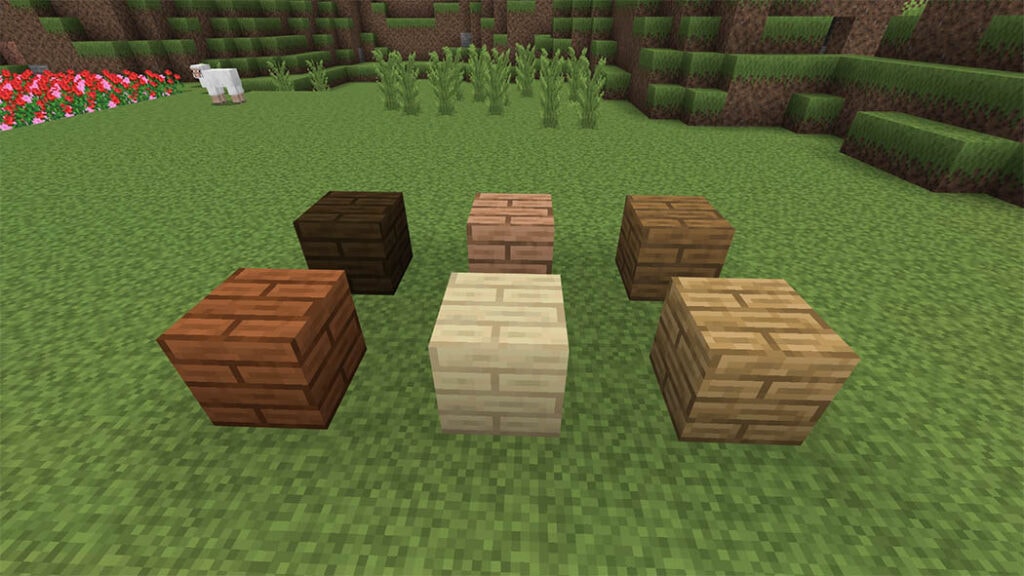
Christmas Texture Pack HD custom texture will decorate your Minecraft Bedroock with a variety of Christmas decorations! The trap doors can be used to create decorations, paintings, and other stuff. The Dyes have been turned into Christmas ornaments, which you can use to decorate your Christmas tree using the Frame. Custom heads have been made into gifts, and you can listen to various Christmas carols in the background while you play. And it’s snowing in every biome! There’s a lot more information accessible! Check it out right now.

Some texture packs are similar to Christmas Texture Pack HD maybe you can like in Mcpeaddons.com:

Christmas Texture Pack HD
CChristmas Texture Pack HD
christmas-texture-pack-hd-minecraft-pe

Download Christmas Texture Pack (Mcpack) or here (Drive)
Download Christmas Texture Pack Mcpack (No music)

.Zip

- Advertisement -

Zombie Apocalypse Addon Minecraft PE (v1.2)

1

ZOMBIE APOCALYPSE Addon lets you transfer the map’s experience into your own worlds! Defend yourself against swarms of zombies, shop for weapons, utility, abilities, and boosters, or even collaborate with your pals to build a castle! Play survival and live on the edge of your seat as Hordes spawn at any time! You may even use zombies as CHAINSAW ammunition! Custom UI, 3D Weapons, custom zombies, and more are available with this add-on.

Cre: JuliusScizzor (Youtube, Twitter)

Zombie Apocalypse Addon

Overview
Welcome to the ZOMBIE APOCALYPSE Addon edition of Apocalypse. The Map’s experience is brought into your own world with this add-on.

Slay zombies to earn Experience Levels, which you can then spend on weapons, utility items, and boosters to help you survive the apocalypse! Oh, and you can use zombies as CHAINSAW ammo.

A bespoke music system is also included in this add-on. The soundtrack changes with the time of day and the number of zombies around. The music can be turned on and off at any time by the World Host.

Credits & Copyrights
This addon is exclusively available on MCPEDL and will not be available elsewhere. Without my (JuliusScizzor’s) permission, it may not be published on any other websites or Minecraft Add-On programs.

All I ask is that you link to my MCPEDL page in your video descriptions and/or link to my YouTube channel if you use this for your content (YouTube videos, etc.).

Without my permission, you are not permitted to alter the code or use any of the assets. It’s fine to learn from the code, but blatant copying isn’t. Please contact me on Discord if you require images for fan-art or other purposes.

Share this map and my videos to show your support!

Special Thanks to:

Discord Community (Testing & Support)

Host system – Zombie Apocalypse

A Host system is included in ZOMBIE APOCALYPSE addon. The World Host will be the first player to join a world with this Add-On enabled.
When they first enter the planet, all players will receive the following items:

  • Full Iron Armour
  • Chainsaw
  • P250 Pistol
  • Personal Menu

The World Host will receive the following additional items:

  • Host Menu
  • Fix item
  • Safehouse
  • Chück Mover

Download Zombie Apocalypse Addon

Safehouse

Shop

To purchase goods, use your experience levels! Some unique objects, such as Boosters, may need the use of other resources, such as Diamonds or Lapis Lazuli Blocks.

To access the shop menu, simply right-click / tap & hold Chück.

Hot Menu

Difficulty, Music, Hordes, Display, and more options are available here.
This menu is available from any location. If something goes wrong, try using the fix item.

Some addons Minecraft PE that maybe make your Minecraft more interested and they are available in Mcpeaddons.com:

Person Menu

CHAINSAW

Chainsaw zombies to instantly kill them are the highlight of this add-on! Ammo is dropped by chainsawing, same like in DOOM:D.
It’s important to note that not all zombies can be chainsawed. However, you may save up for a Chainsaw upgrade so that you can also chainsaw Brutes!

HORDES

The feature of ZOMBIE APOCALYPSE addon is chainsaw zombies that can be instantaneously killed! Chainsawing will drop ammo, same like in DOOM:D.
It’s worth noting that not every zombie can be chainsawed. You can, however, save up for a Chainsaw upgrade so you can chainsaw Brutes as well!

Hordes last 3 minutes or until all zombies in the horde are dead. Sparkle particles envelop the horde zombies.
When you kill a zombie, it drops a particular number of points; the more points you acquire by the end of the horde, the more XP you receive.

Trading

The Dück Spawn Egg is made by mixing an egg with yellow dye. Ammunition or armour can be traded.

Totem Zombies

You can make a Zombie Totem and summon hordes of zombies whenever you want!

Do you want to have a boss fight? Johnny has the ability to conjure undead and even CHAINSAW YOU. The situation has shifted.

Watch Trailer Video!

Try out the map

Installation

INSTALLTION INSTRUCTIONS

  • Please add BOTH the Behaviour and Resource packs onto your world!
  • Please also remember to turn on the following Experimental Toggles as shown:
mcpeaddons download

Download Zombie Apocalypse Addon 1.2

Download Zombie Apocalypse Addon (Drive)
- Advertisement -

Grow Your Own Dragon ( Incubator Edition) Update

0

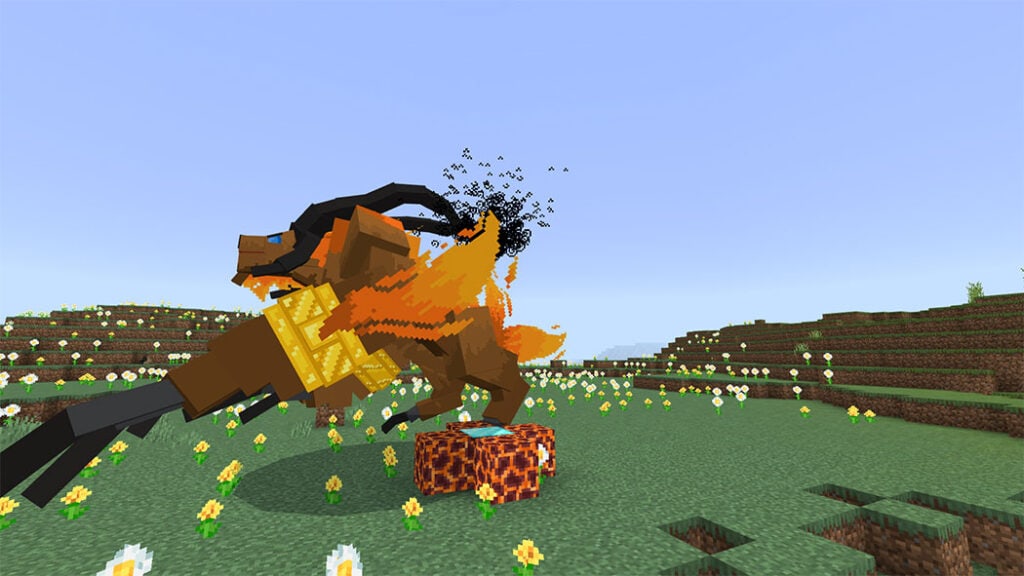
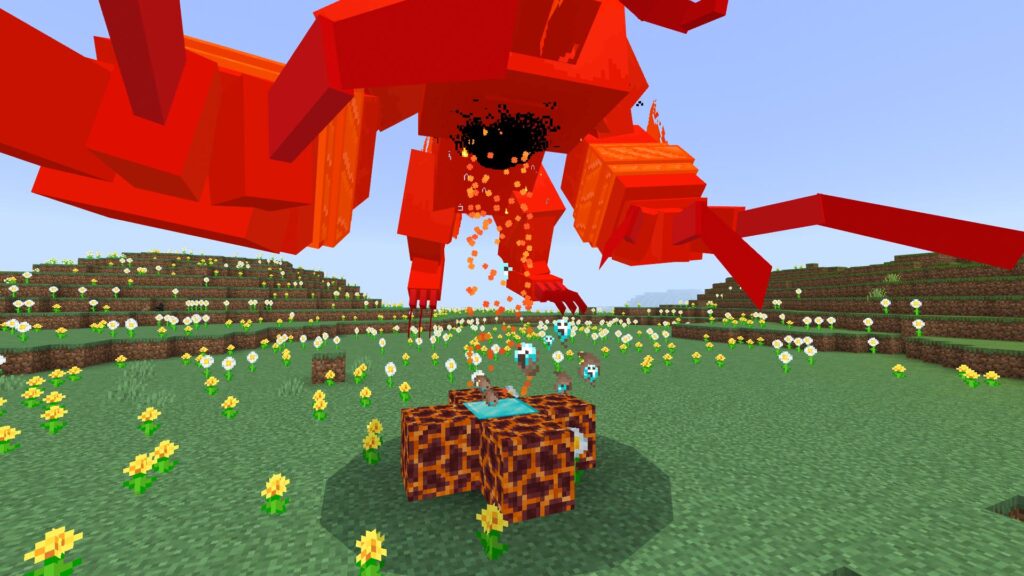
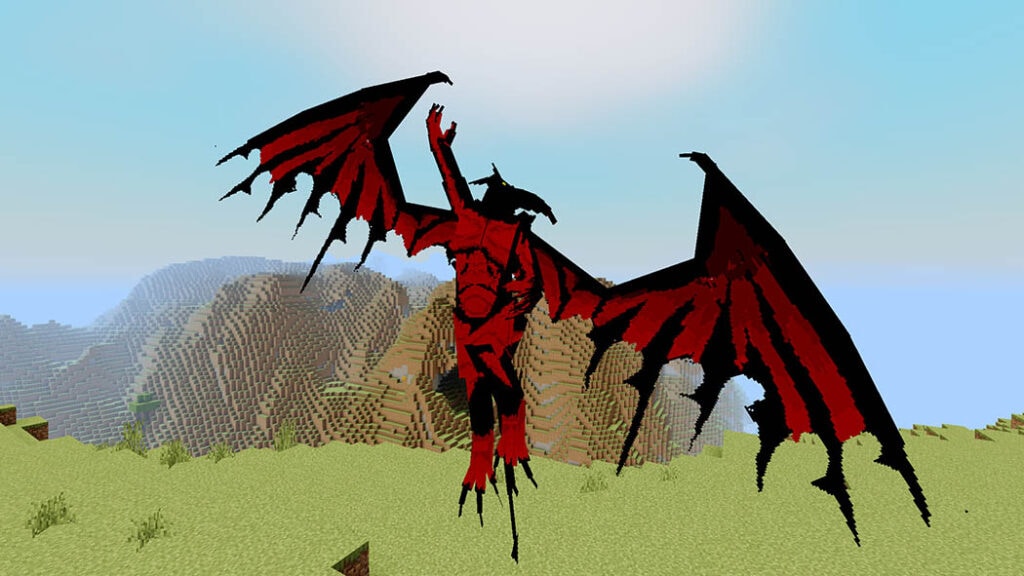
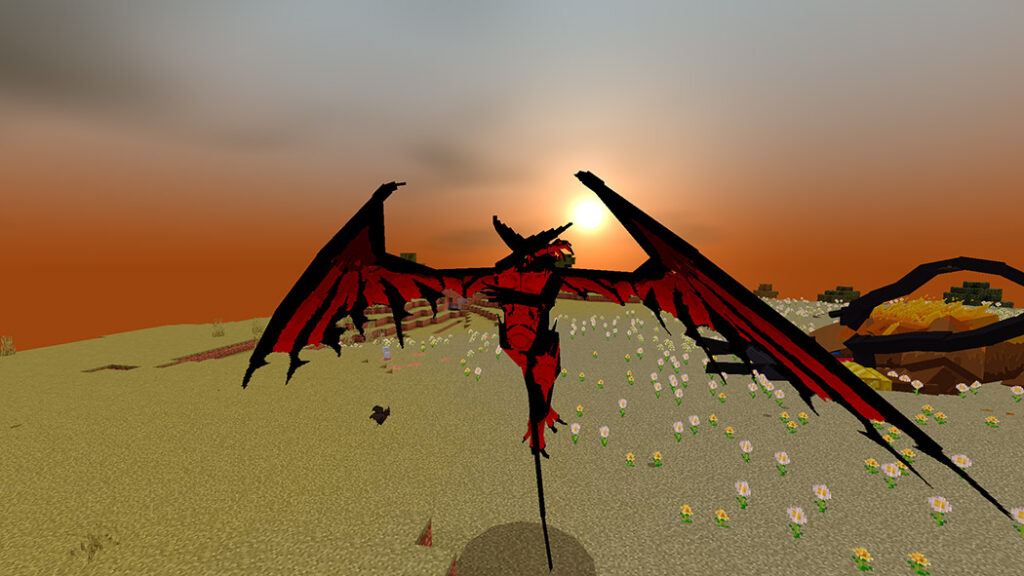
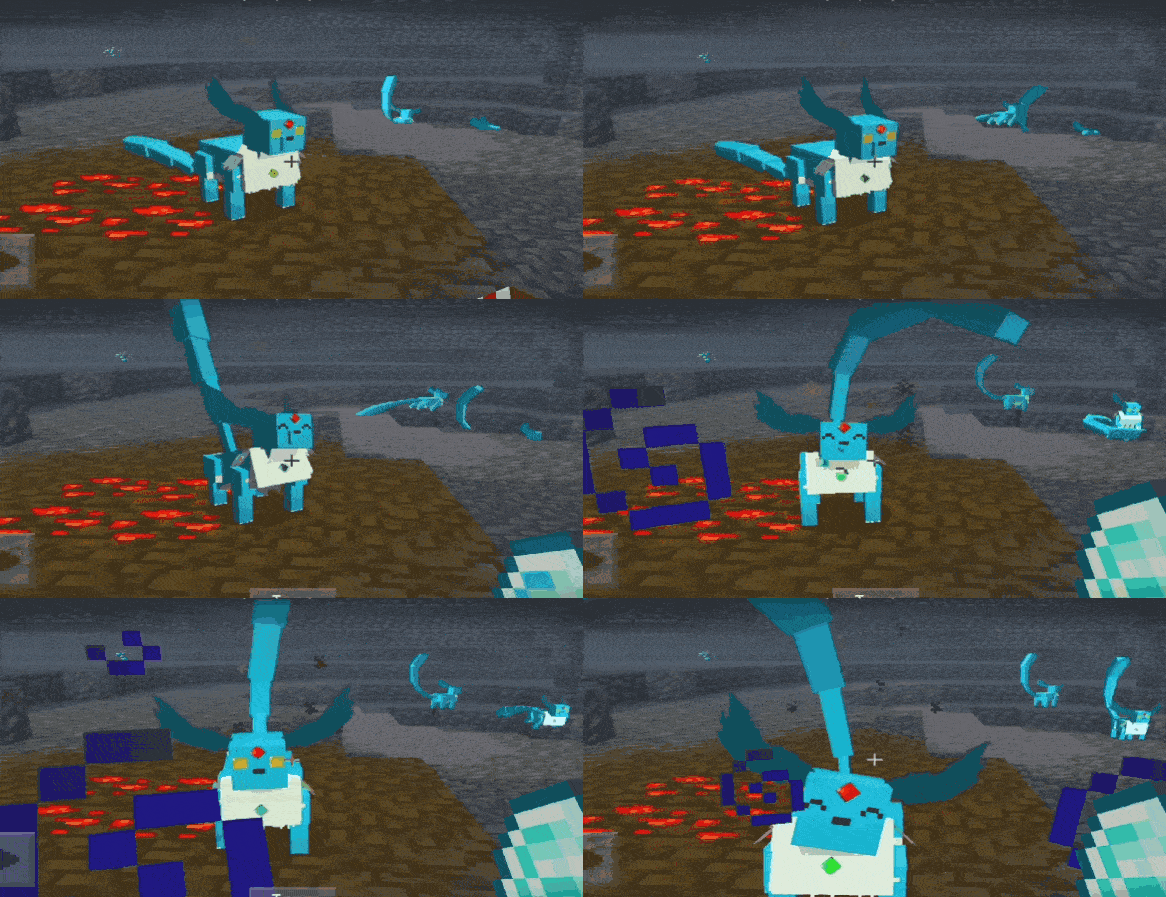
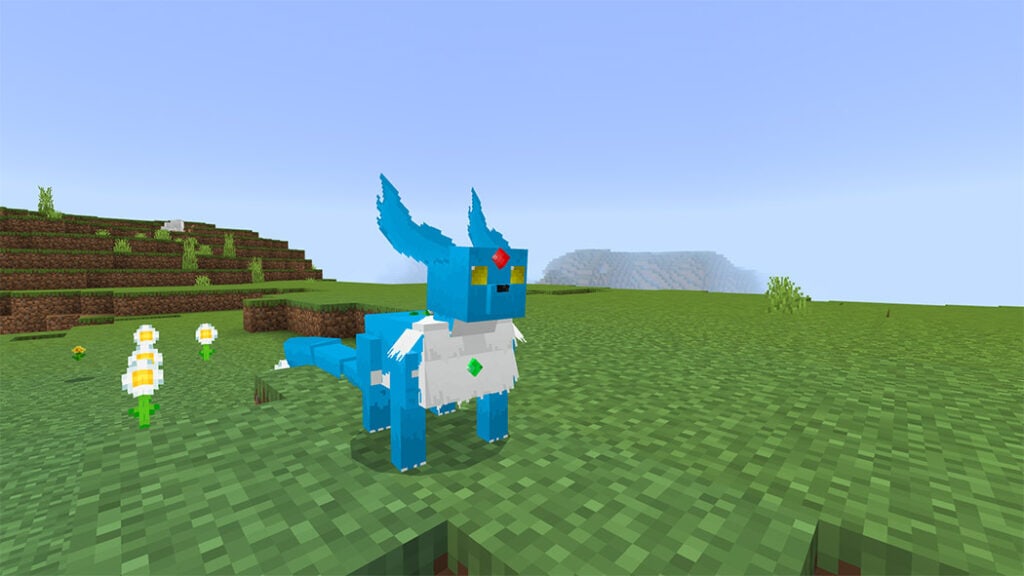
If you are looking for something that can grow your own dragon, maybe this addon is for you. Grow Your Own LIGHTNING Dragon from an egg, you can rescue it from the dreaded Troll, Rock Monster or Lumberbad. They can grow from a baby to a fearsome troll-eating beast, and even more.

Cre: mno (YoutubeTwitter)

How To Hatch Any Of These Dragons

If you have gone into incredible trouble facing unbelievable odds. Retrieved a dragon egg, only to have it explode or burn up or turn to ice, all for you! Using The Incubator which is crafted by obsidian, one netherite block, glass panes:

  • Place it down and interact with it while holding a netherite ingot.
  • It will consume the ingot and the incubator mechanism will spin for around 30 seconds.
  • Place down your eggs, anywhere, as soon as possible. You’ve got 20 seconds of reliable egg-hatching time, so be prepared!

How To Grow Your Own Light: Spark Dragon

  • Step 1: let defeat a Lumberbad which is a big tree monster and
  • get an Evil Wyvern spawn egg.
  • Step 2: Defeat the Evil Wyvern, it will drop a blue Light Spark spawn egg.
  • Step 3: After that put the egg down at night time, above ground.
  • Step 4: Wait for it to hatch (it will start to wobble when it’s almost ready).
  • Step 5: Can tame with Dragon Food. It took 11-20 minutes to grow, depending on size but you can speed up its growth with golden apples.
Grow Your Own Dragon - Light Spark Edition

To get “display egg”, at step 3 let interact with the egg whilst holding a bucket of lava. It will never hatch and you can chop it up, place it whenever you want.

Feature:

  • Spark Dragon isn’t especially fast but will achieve its top speed in dry biomes (mountain, desert) and slowest over ocean, jungle, swamp.
  • Moisture is bad for an electricity dragon.
  • Can’t wear armor but can shoot lighting bolts (Interact with your dragon while riding to shoot a bolt.)

How To Grow Your Own: Spitfire Dragon

  • Step 1: Defeat a Lumberbad and get an Evil Wyvern spawn egg
  • Step 2: Defeat the Evil Wyvern, it will drop a Spitfire spawn egg.
  • Step 3: Then put that egg down in a desert around noon.
  • Step 4: Wait for it to hatch
  • Step 5: Tame with Dragon Food. It took 11-20 minutes to grow, depending on size but you can speed up its growth with golden apples.

To get “display egg”, at step 3 let interact with the egg whilst holding a bucket of water. It will never hatch and you can chop it up, place it whenever you want.

How To Grow Your Own: Frostbite Dragon

  • Step 1: Defeat a Lumberbad and get an Evil Wyvern spawn egg
  • Step 2: Defeat the Evil Wyvern, it will drop a Spitfire spawn egg.
    Step 3:Then put that egg down in extreme hills (or Mountains) above level 220 around noon, which will make heat to hatch
    Step 4: Wait for it to hatch

To get “display egg”, at step 3 let interact with the egg whilst holding a bucket of lava. It will never hatch and you can chop it up, place it whenever you want.

You must tame it with Dragon Food and you can speed up its growth with golden apples.

Frostbite Dragon cannot use armor, it has generally low health and is quite slow (fastest in cold and frozen biomes, slowest in desert, swamp and savanna). However it can shoot huge ice-cubes! Perfect for crushing your enemies. You must interact with your dragon when riding it.

How To Grow Your Own: Hydra (aka Hydra Draconis)

  • Step1:  Visit a Windswept Forest at night and find Lumberbad
  • Step 2: Defeat this woody beast, you must ‘hit’ it with an iron axe before you can damage it (drops a Hydra spawn egg if you are lucky), even drop a forest dragon egg (rare) or drop a wooden trophy for posterity.
  • Step 3: Put that egg down in extreme hills above level 200 at night.
  • Step 4: Wait for it to hatch

To get “display egg”, at step 3 let interact with the egg whilst holding a poisonous potato. It will never hatch and you can chop it up, place it whenever you want. Enjoy Grow Your Own Dragon addon!

You must tame it with Dragon Food. Recipe: glow lichen and cod

You can heal all dragons with this stuff. Speed up the growth them with golden apples (ouch). Hydra dragons have the highest potential health (up to 250) and are fast over oceans. They’ll sleep at night too if you don’t disturb them.

How To Grow Your Own: End Dragon 

  • Step 1: Visit extreme hills, venture underground, find yourself a Rock Monster.
  • Step 2: Defeat this stony beast, it drops a Tenebris spawn egg.
  • Step 3: Put that egg down in The End (of course) and make sure it’s underground!
  • Step 4: Wait for it to hatch (it will start to wobble when it’s almost ready).
  • Step 5: : Tame with golden apples. Wait for it to grow up! Or, speed up its growth with Eyes Of Ender (for the impatient).
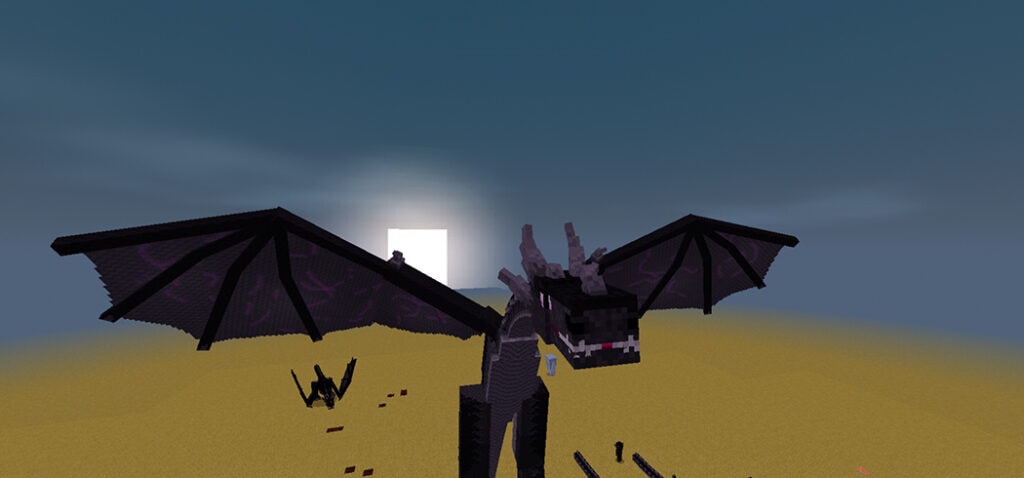
  • It is a medium-speed flyer but can only fly in the END (unless you do some trickery with teleportation!). You can heal them with Eyes of Ender, golden apples, end rods, ender pearls, beetroot and beetroot seeds. Specially feature, End Dragon is about to descend into the Void, they will fly straight up! Thereby guaranteeing they will never fall into the Void.

👉 Download Grow Your Own Dragon Addon

How to grow your own dragon: Lightning Dragon – aka Fulmina

Follow 5 steps below and get your dragon

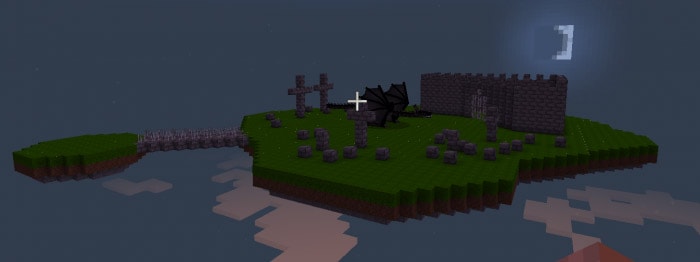
Step 1: find the extreme hills, venture underground and try to reach Rock Monster, he looks like this picture

Step 2: Start fighting Stony beast and if you are lucky, it will drop Fulmina spawn egg
Step 3: Find the extreme hills, underground, and below level 30, then put that egg down
Step 4: It needs a little time to hatch, wobble when it’s almost ready
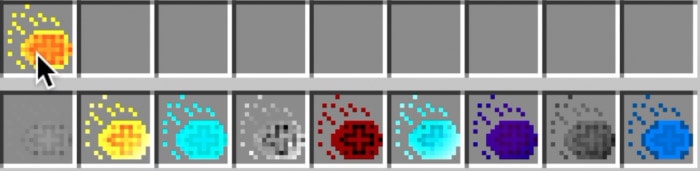
Step 5: Tame with fire charges and wait for it to grow up

Characteristic:

  • Medium-speed flyer, but can’t ascend as quickly as other dragons
  • Heal with fires charges, honeycomb, redstone and cod
  • Can attack with lightning strikes, but only at night time

There is the “display egg” which never hatch and you can chop it up, then place it wherever you like (you need to go back to step 3 and interact with the egg whilst holding a snow block)

How to grow your own dragon: Cave Dragon – aka Spelunca

  • Step 1: Find the extreme hills, venture underground and try to reach Rock Monster at night time
  • Step 2: Start fighting stony beast and if you are lucky, it will drop Spelunca spawn egg
  • Step 3 – 4 – 5 same as how to grow aka Fulmina

Characteristic

  • It looks a bit like a night owl, don’t like daylight so it won’t fly in the day
  • The hobby is sleeping during the day, but only if underground
  • Strenght point: run very fast at night
  • Heal with coal, coal blocks, charcoal, flint and netherwart.

This dragon is also the same as Lightning Dragon, it has the “display egg” which never hatch and you can chop it up, then place it wherever you like (you need to go back to step 3 and interact with the egg whilst holding a sea lantern or a glowstone block)

How to grow your own dragon: Forest Dragon – aka Nemus Draco

Troll beasts can be found in swamps at night in Grow Your Own Dragon Addon

When you start defeating him, it will drop a Nemus Draco spawn egg. Then you bring that egg to a forest and place it down above level 100. Finally, wait for it to hatch and tame with ark Oak Sapling.

Characteristic

  • This dragon is not much of a flyer, maybe the smallest and you can’t even put the saddle, however, you can still armor it.
  • When flying the bigger ones you might find getting them in the air a bit of a challenge. They’ll eventually plummet to the earth anyway, or if you get too high, the same thing.
  • Heal them with saplings, leaves, potatos, carrots, tall grass, beetroot seeds, beetroot, bread, poisonous potatoes, wheat seeds, wheat. Strict vegetarians!

It has the “display egg” which never hatch and you can chop it up, then place it wherever you like (you need to go back to step 3 and interact with the egg whilst holding a dead bush)

How to grow your own dragon: Sand Dragon – aka Sabulo

Visit a swamp at night time and find yourself a troll. Then defeat the troll and it will drop a Sabulo egg. Go to the desert and place them down (level 50). After that, just wait for it to hatch and can tame it with cooked cactus (green dye)

The Sabulo is generally a slower dragon, however in Savanna and especially Desert biomes it will be quite speedy!

How to grow your own dragon: Lava Dragon

Note: This is not easy!!

  • Step 1: find a swamp at night and find a Troll
  • Step 2: Defeat said troll and it will drop a Lava wyvern egg (or a glacio egg)
  • Step 3: Buckle up because here’s where it gets hard. Get to level 10 or below, if you attempt to place the egg above level 10 it will instantly dissolve into lava. Then just wait until midnight, if you attempt to place the egg when it’s not (around) midnight, guess what? It will instantly dissolve into lava. Once it’s midnight (use those generally-useless Minecraft clocks), and you’re below y level 10, place it down
  • Step 4: Set fire to the block when it’s resting on and immediately put the fire out or your egg will burn up. It doesn’t need much flame to wake it up.
  • Step 5: Wait, maybe until morning, maybe until the next night, it’s time to patience until it hatches! Enjoy Grow Your Own Dragon addon.
  • Step 6: Tame it with cod
  • Step 7: Time for Lava Dragon to grow up, maybe it will take a long time but you will see it getting bigger over time. There are three sizes, the biggest size taking the longest
  • Step 8: Saddle and armor it (you need netherite dragon armor, make it with a 2×2 netherite ingot recipe). Fly it around!

It has the “display egg” which never hatch and you can chop it up, then place it wherever you like (you need to go back to step 3 and bucket it with water)

How to grow your own Dragon: Ice dragon

This dragon is much easier than the Lava dragon

Same generally other dragons, defeat a troll in a swamp and get spawn egg. Then go to a cold or frozen biome, ascend to 90 blocks or higher, and place that egg down

Ice dragon can be tame with tropical fish! When it fully grows, you can put the saddle or armor on them. Hold a saddle or armor and right-click the dragon to saddle or armor them

It has the “display egg” which never hatch and you can chop it up, then place it wherever you like (you need to put down a spawn egg as above (‘y’ > 90) and bucket it with lava.)

👉 If you are looking for more addons, you can check out some other ones in MC AddOns

Note from Creator:

  • If you do review/showcase Grow Your Own Dragon addon, thank you. Please respect orginial link!

Changelog

Grow Your Own Dragon
– Added the Dragon Egg Incubator to make it easy (well, easier) to hatch eggs.
– Fixed:
+ How attacking some eggs would cause a faulty dragon to spawn
+ Sound issues with some eggs
+ The description for one of the Nemus Draco eggs

Downloads

mcpeaddons download

Grow Your Own Dragon addon v21 or (backup)
Download dragon2.18 (gg drive)

- Advertisement -

TOP 3 Best Vanilla RTX Resource Packs

1

What do you about the Top Best Vanilla RTX Resource Packs. This is the place to go if you’re tired with your Minecraft world’s textures and want to replace them with something fresh and more beautiful. It changes your world and provides your textures greater realism and clarity, followed by a new Truly Vanilla RTX texture pack that enhances your old textures using ray tracing and physically based rendering, or RTX and PBR.

TOP 3 Best Vanilla RTX Resource Packs

All is available in Mcpeaddons.com

Vanilla RTX Texture Pack 

Homa RTX is a Vanilla-based RTX texture pack that enables Ray tracing in your creations.

Vanilla RTX Texutre pack with feature such as:

  • Brighter Nether
  • Glowing Ores
  • Glowing Lapis/Redstone Block
  • Overall more light sources like honeycomb block, Honey block & more…
  • The light grey glazed terracotta is Mirror block
  • Torches/Glowstone/Sea lantern/Lava Emit lots of light, bringing an easier experience in survival worlds
  • Clear glass, good for playing around with light
  • Almost every block stays identical to Vanilla textures

CreatorCubeIR

Download Vanilla RTX Texture Pack (Final Update)

Kelly’s Minecraft Vanilla RTX Conversion Pack [16×16]

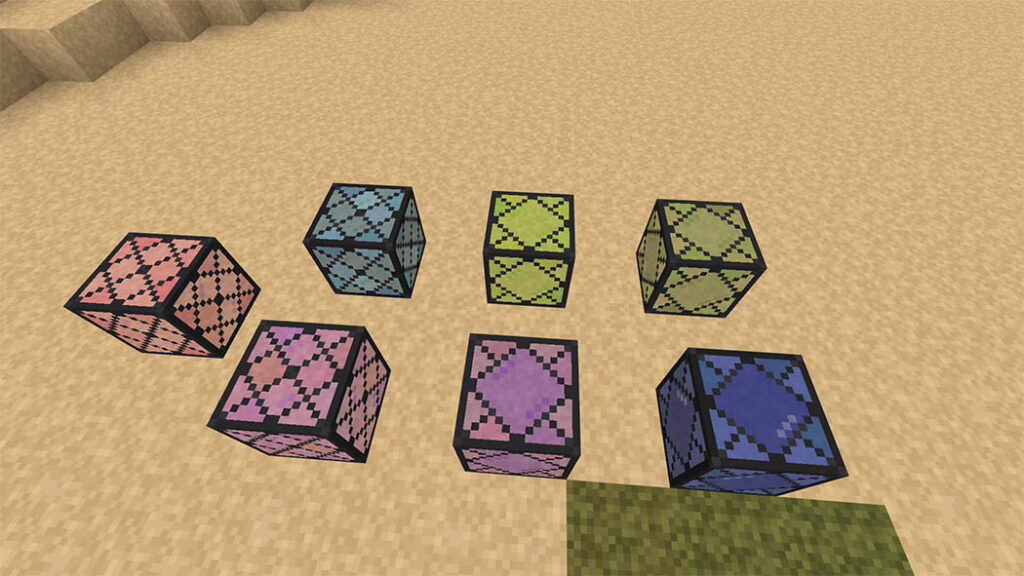
The RTX Conversion Pack is a simple texture pack for the Windows 10 version of RTX. With the glazed terracotta that has been mapped into Minecraft RTX, transformed into glowy blocks, and more, you can see some really stunning vistas…

It has been converted from simple vanilla to a very fancy, and flashy texture pack. Let watch some pretty glowing blocks below

The extra blocks in Kelly’s Minecraft vanilla RTX Conversion Pack include many colors of lights, a warm and cold version of white light. An EXTREMELY bright spotlight block, a few disco, and colorful tiles, along with a few fun materials like brushed Aluminum, and Copper!

Cre: KellyTheDerg (YoutubeDiscord)

Download Kelly’s Minecraft Vanilla RTX Conversion Pack

Vanilla RTX Normals

Vanilla RTX Normals (TVRTN), sometimes known as Truly Vanilla RTX Normals (TVRTN), is a map that uses PBR support and the Vanilla RTX Resource Pack / Texture.

When installing the addon, you can also try the subpack for Height Maps for a more bumpy-pixelated aesthetic (similar to Nvidia’s Crystal Palace).

Vanilla RTX is a 16x vanilla PBR resource pack featuring Ray tracing for Minecraft, as seen in the screenshots below. Reflectiveness and roughness have been given significant attention.

Creator: CubeIR (Youtube)

Download Vanilla RTX Normals for MCPE

With TOP 3 Best Vanilla RTX Resource Packs that Mcpe Addons recommend in this post hope you enjoy it with your friends. Follow us to explore more texture packs.

- Advertisement -

Brawl Stars Addon – S9 Brawlywood – Alpha

0

Brawl Stars addon adds all of the Brawl Pass Season 9 prizes to Brawl Stars, allowing you to enjoy all of the exclusive skins and reactions in a simple and enjoyable manner. Are you pondering what you should install? Please offer your thoughts and suggestions in the comments section. Dgamer 251 is the creditor.

Cre:Dgamer 251YT (Youtube, Twitter)

Brawl Stars Addon – S9

This season is incompatible with the previous one.

INSTALLATION

For world settings, you must activate experimental gameplay!

Don’t forget about the behavior pack!
Of course, there’s the resource pack, and then there’s the world to build!

BRAWLERS

Brawlers can be found in any box, and they can be tamed and utilized in battles of various rarities.

REWARDS
When the player presses the screen, the functionality of some of the following items is triggered.

PINS

9 exclusive pins from the season’s primary skin.

CHROMATIC BRAWLER

SKINS

There are 1 exclusive skins that you can use in battles.

GEMS

You have 90 gems to spend on anything you wish.

GOLD

500 gold to spend in the shop or a brawler to befriend.

PIN PACKAGE
One pin bundle contains three pins of varying rarities.

There are 100 boxes in total, each containing jewels, gold, brawlers, and power points.

LARGE BOXES

There are 30 huge crates with gems, gold, brawlers, and power points in them

MEGA BOXES

There are 15 huge crates containing gems, gold, brawlers, and power points.

LARGE BOXES

Download Brawl Stars Addon – S9 Brawlywood – Alpha

Download Brawl Stars Addon – S9 Brawlywood – Alpha (Drive)
- Advertisement -