Home Blog Page 96

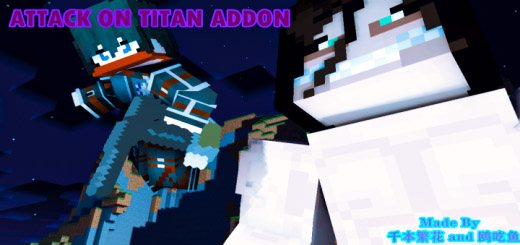
Attack On Titan Addon! (Attack System Update!)

0

You must fight those monsters to survive in this horrible planet.

You may now access the awesome Attack on Titan weapons thanks to this add-on. If you enjoy this anime, you should give this addon a try right away!

Cre: 鸥吃鱼 (YoutubeTwitter)

Attack On Titan Addon

Weapons

There are three weapons in Attack On Titan Addon, and you can manufacture them in survival mode. You’ll have an easier time surviving in this planet if you have these strong weapons!

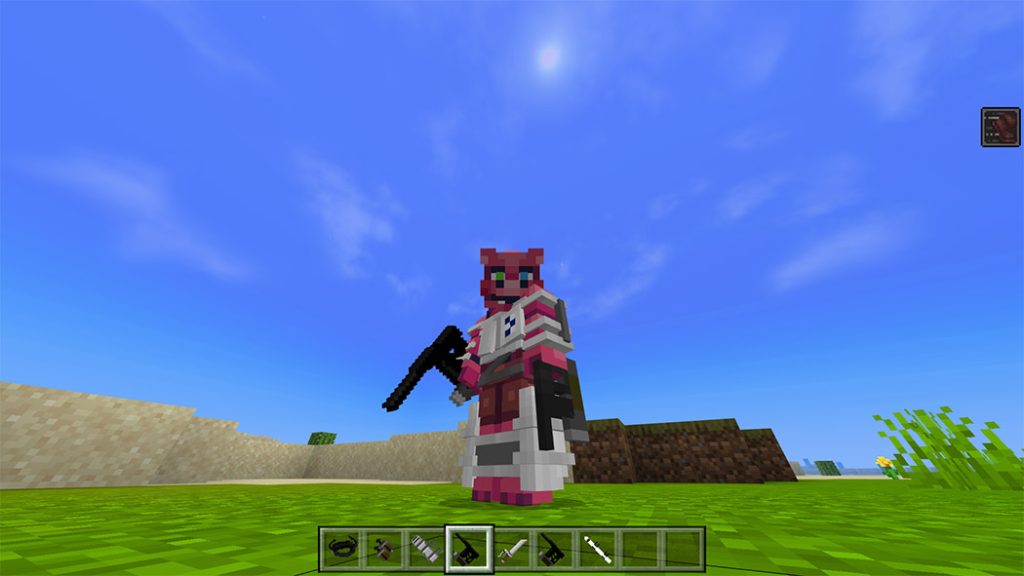
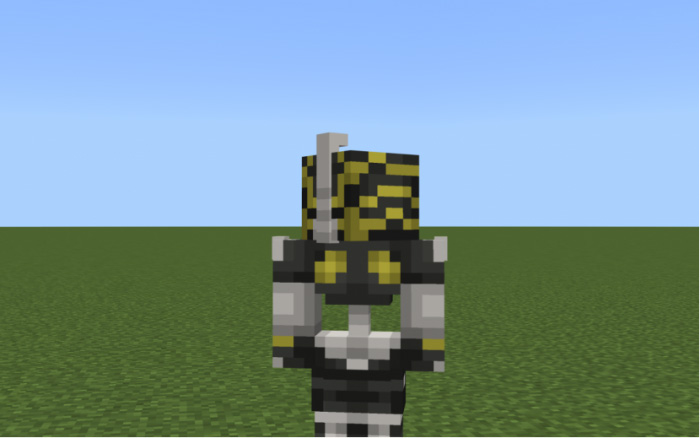
3D Maneuver Gear

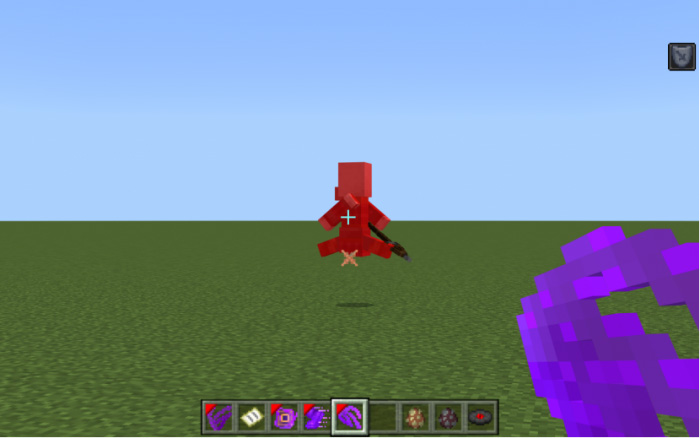
In the anime “Attack On Titan,” it is the most traditional weapon. You may fly while using this weapon to murder your foes with the blades!
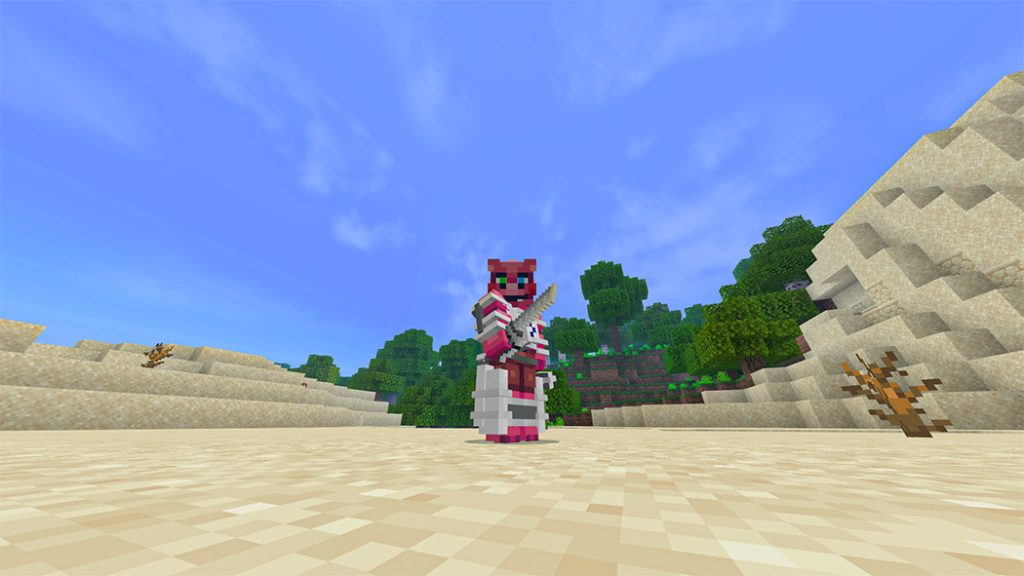
Attack On Titan Addon

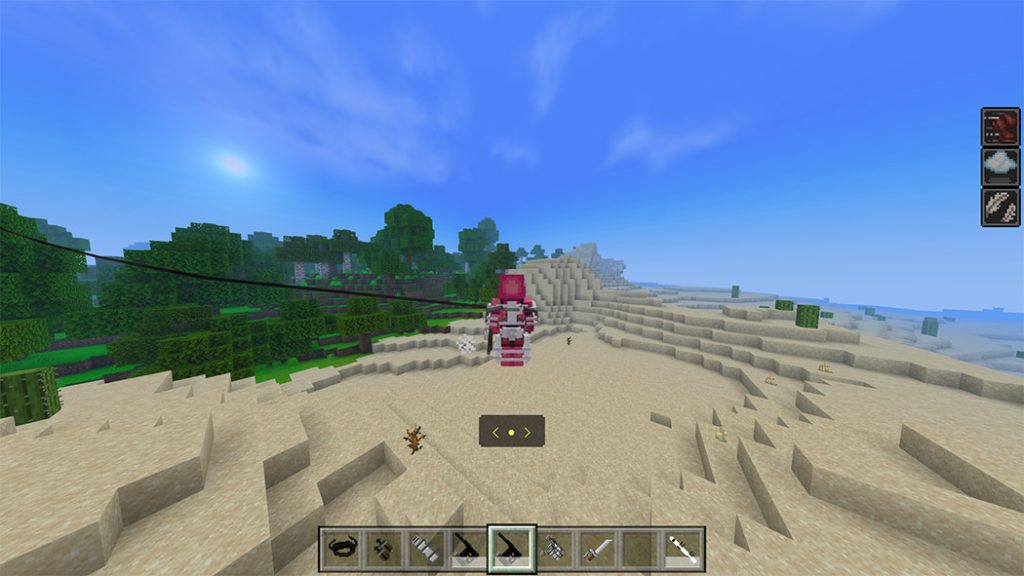
Use the gas bar to activate the 3D Maneuver Gear before using it.
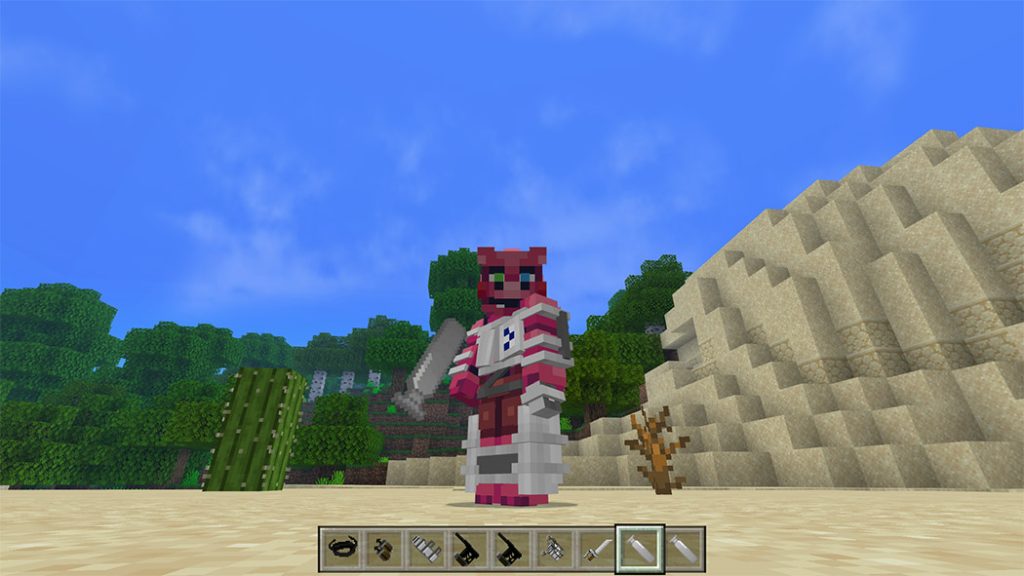
You can sneak to attack.
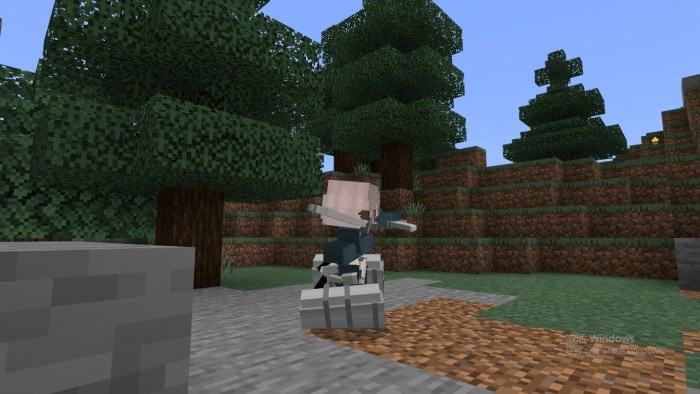
And long press on the screen (On pc, right click) to shot hooks and fly freely. If u are still confused, you can watch this video

千本繁花 use Maneuver 3D gear

Some Minecraft Addons PE you can check in Mcpeaddons.com:

Anti-Personnel Gear

It is the weapon used by Levi’s uncle Kenny and his teammates in “Attack on Titan.” It is a unique 3D maneuver that uses two shotguns!

  • To use Anti-Personnel Gear, active it with gas bar firs
  • Long press to fly, you will fly to where you are looking at.
  • Sneak to use shotguns.

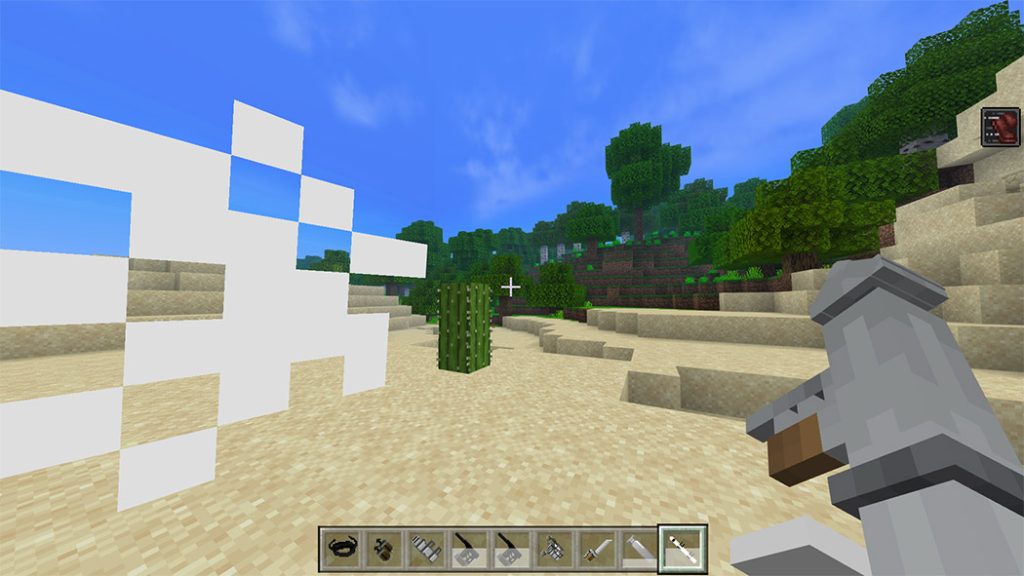
Thunder Spear

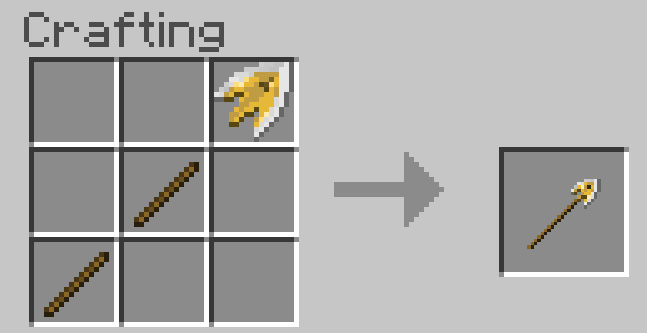
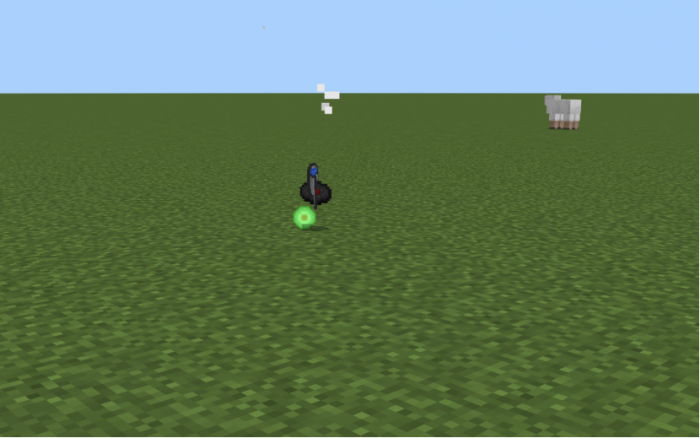
It is an explosive spear-like weapon. It can instantly kill a player since it is so strong!
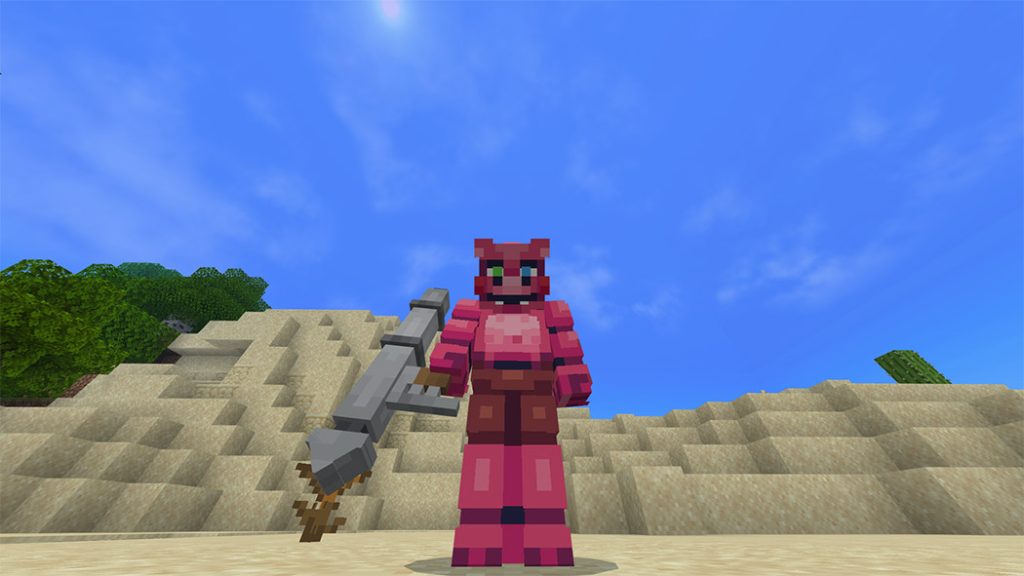
To use the weapon, long press the screen (or right-click on a PC). Because this weapon is not very accurate, you should use it with caution. In 4 seconds after hitting its target, it will detonate.
How to craft them?

Actually, the Weapon Crafting Table, Ice Energy Rock Furnace, and Ice Energy Rock/Black Iron Bamboo Crafting Table may all be used to make these three weapons.

The Weapon Crafting Table is the most significant of these three tables.

How to craft Weapon Crafting Table?
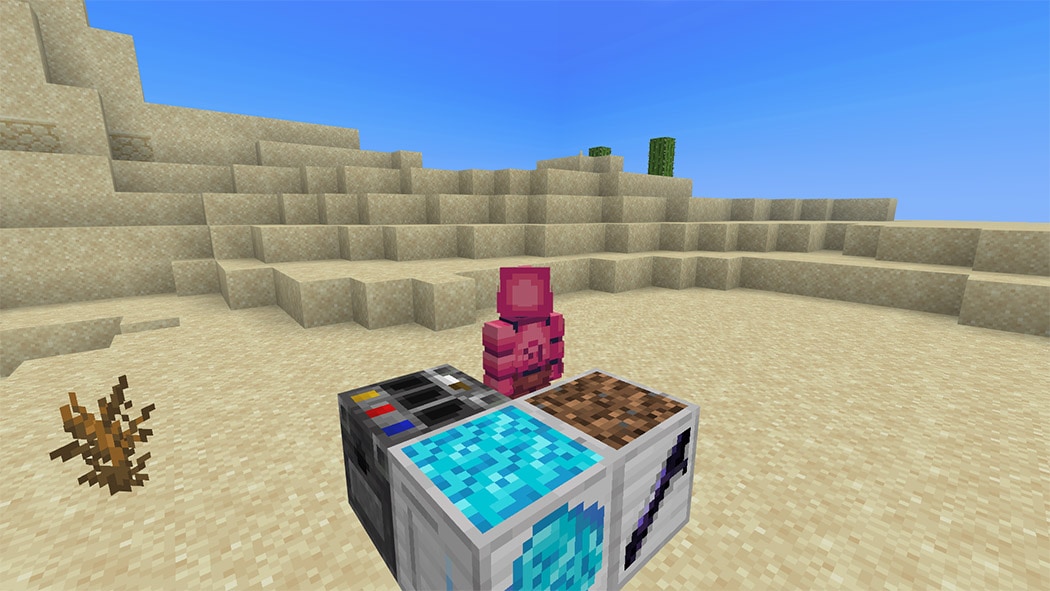
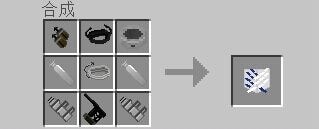
With a crafting table, you can create a weapon crafting table. The ingredients for 3D gears and the shotgun ammunition must then be obtained by creating an Ice Energy Rock/Black Iron Bamboo manufacturing table in order to obtain Black Iron Bamboo and Ice Energy Rock.
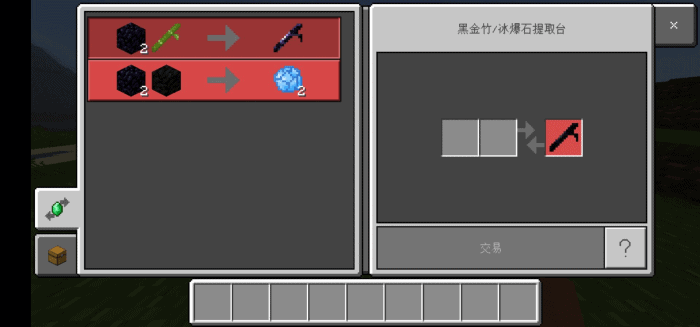
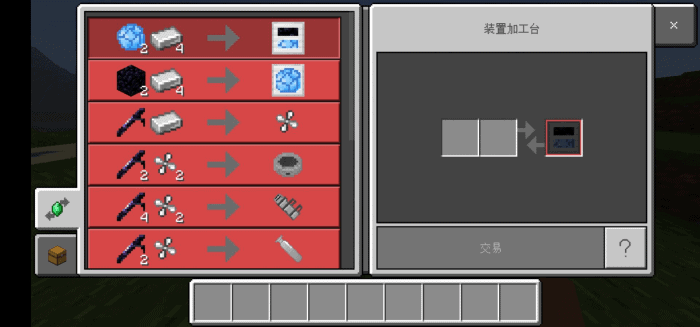
You can create the 3D gears in the crafting table after gathering all the resources with the weapon crafting table.
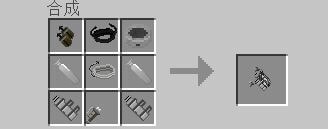
To put on the gears and obtain the knives/shotguns, long press the screen (or right click on a PC).

You can make an Ice Energy Rock Furnace and a thunder spear if you have enough Black Iron Bamboo and Ice Energy Rock. With a weapon crafting table, you can create this unique furnace.
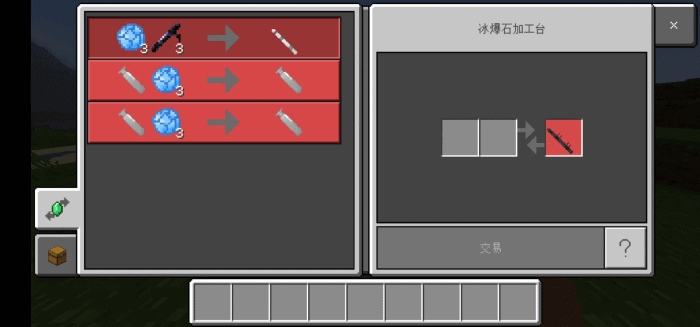
And u can craft gas bars and thunder spear with this furnace.

WARNING: THE 3D GEARS WILL BE USELESS WITHOUT GAS BARS, YOU MUST LONG PRESS THE SCREEN (ON PC, RIGHT CLICK) WITH THE GAS BAR FIRST IN ORDER TO ACTIVE THE 3D GEAR! NO ONE IS ALLOWED TO SHARE DIRECT LINK OF THIS ADDON!
告QQ群友们:请不要在群文件里面传播这个addon,关乎到作者的收益!

Code Support: 千本繁花
The crafting table’s codes are from EnderghostScale.
Thx a lot!

download-button

Download Attack On Titan Addon v 1.14.51.4 or Attack On Titan Addon Link Backup
- Advertisement -

Mushroom Gorge Racetrack!

0
Mushroom Gorge Racetrack!

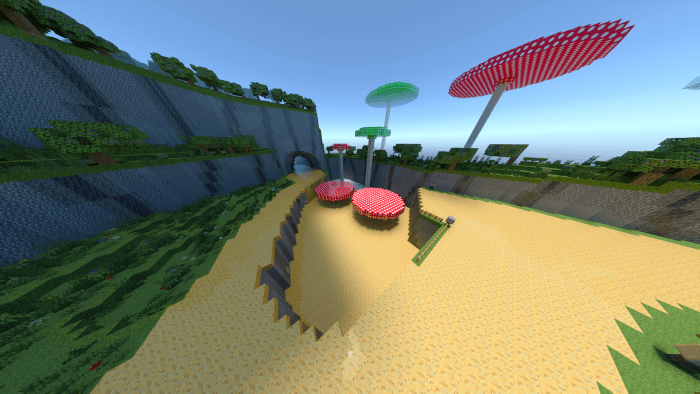
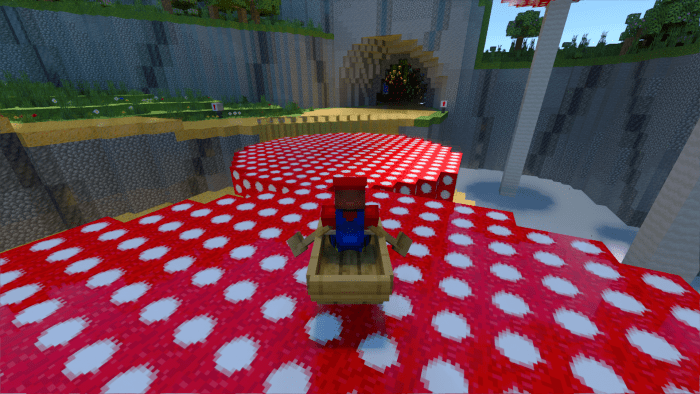
In the Mushroom Gorge Racetrack, race around a full scale replica of Mushroom Gorge from Mariokart Wii/7/8. You will e using a boat to pilot along a retextured ice track made to look like the original. The map can be played alone or with friends. This took ages for us to make so please do leave us a comment on how we can improve/update the map in the future.

Creator: Scurrminator808 (Youtube)

Mushroom Gorge Racetrack!

As you spawn into the map, simply follow the instructions as displayed on the signs. These will tell you how to play the map and maximize the awesome racing experience you will have! The lobby area also contains a map of the whole track. The map and the custom textures were made entirely by me and Dizzylake. The track has been designed to be both practical and beautiful with many cool details such as textured walls for the background and arrows pointing you in the correct direction when racing. Race as many laps as you wish but a quick word of warning is Ice Boat Racing is much harder than it looks and will require some practice before getting up to speed.

Get Mushroom Gorge Racetrack here!

Some Maps Minecraft PE you can check in Mcpe addons’ s site:

- Advertisement -

JOJO’s Bizarre Adventure: Stand Disc Addon v1.1.3 Crazy Diamond Update

1

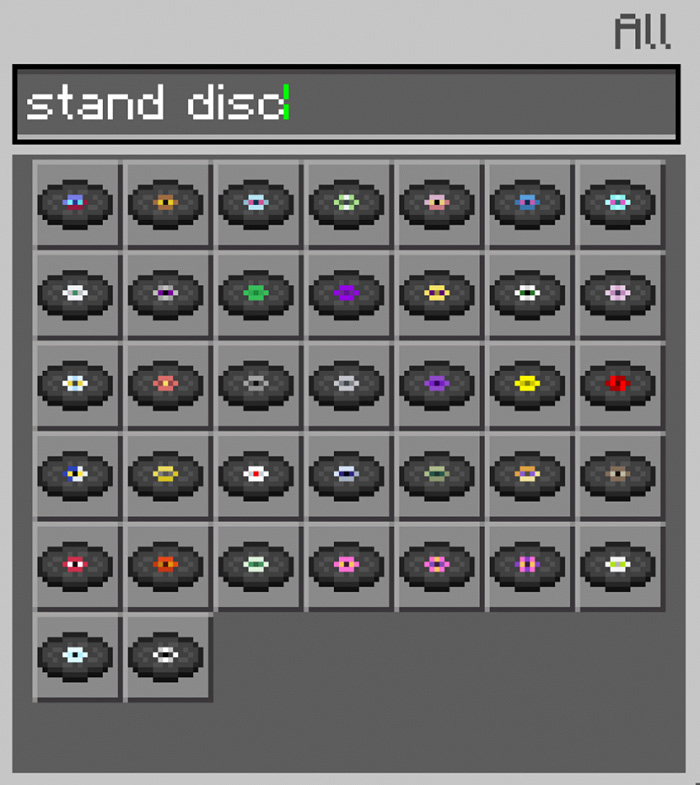
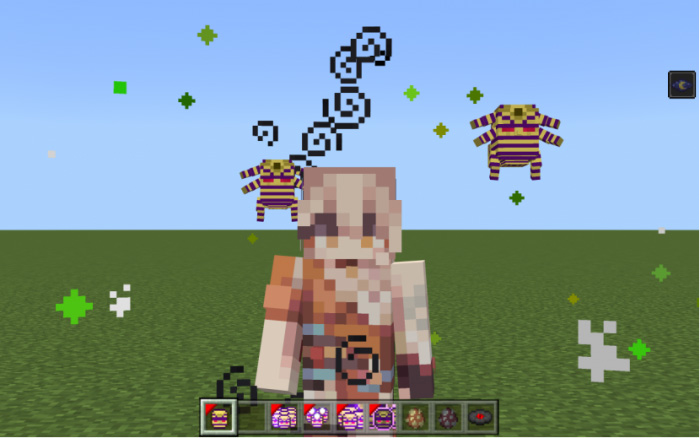
JOJO’s Bizarre Adventure enables you to use more than 30 different stands in the famous anime: JOJO’s Bizarre Adventure! You can use different skills to fight, and the stands are all available in survival mode! come in and take a look!

Cre: 鸥吃鱼 (Youtube, Twitter)

JOJO’s Bizarre Adventure

How to get started?

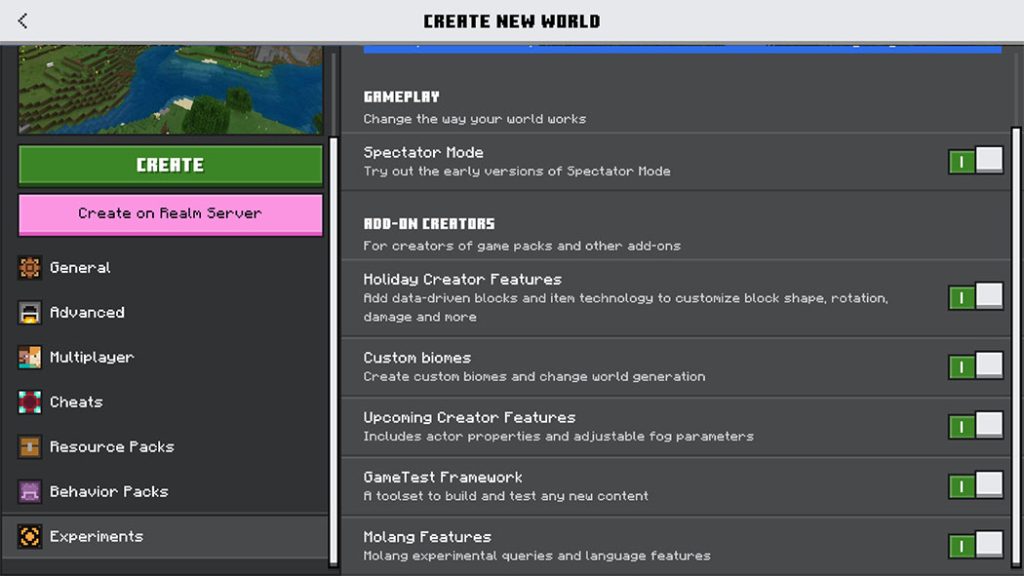
First of all, TURN ON ALL EXPERIMENTAL GAMEPLAYS!!!

How to get started?

Some Minecraft Addons PE you can check now in Mcpeaddons.com:

How to get started?

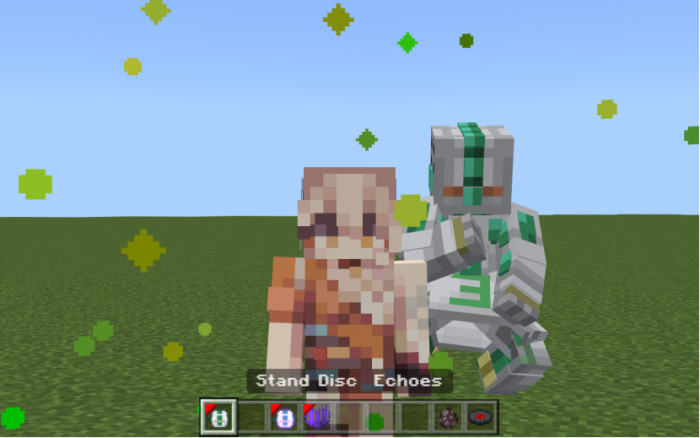
There are 2 ways to get your stand. The first way is to get stand discs.

JOJO's Bizarre Adventure
JOJO’s Bizarre Adventure

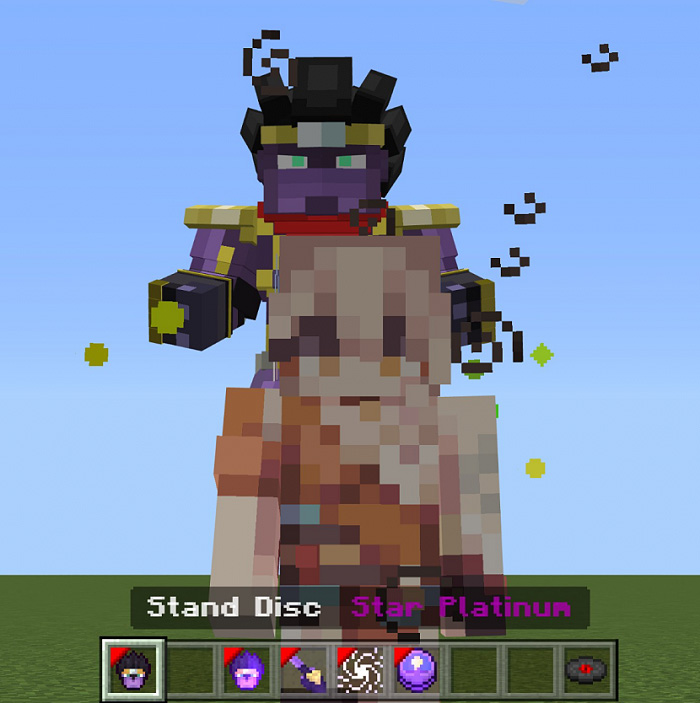
Right click/long press the Disc to summon your Stand.

And the skill of the stand will show up in inventory. To use them, right click/long press.

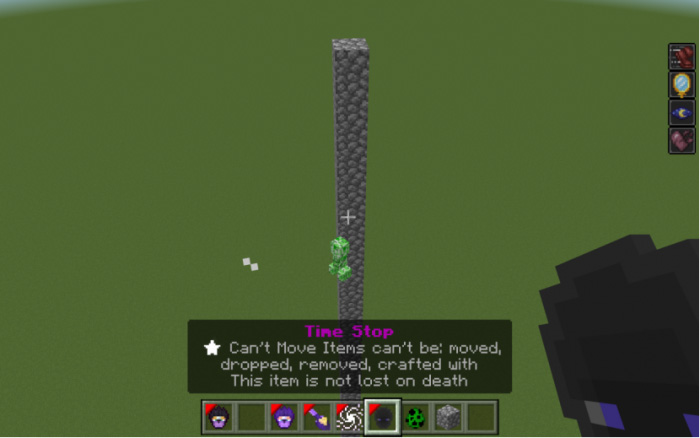
For example, if I want to use time stop of Star Platinum, I need to right click/long press the skill item, and then the time will be stopped.

And the 2nd way is to use the stand arrow. There are 2 kinds of stand arrow. The left one is a normal one, and the right one is a special one.

Right click/long press to use the arrow. If you are using the normal one, you will possibly get your stand, or get withering.

And if you are using the special one, you will 100% get one random stand.

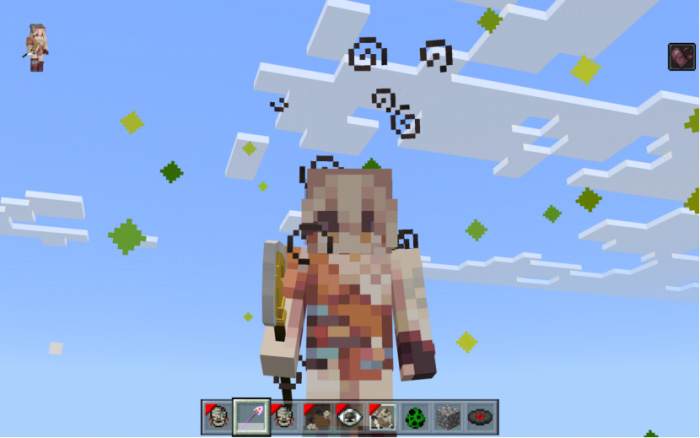
(I got the hanged man.)

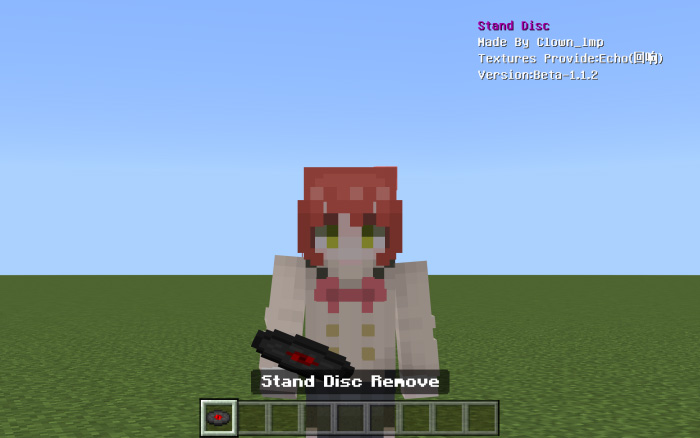
And if you don’t want the stand anymore, you can use the item ‘Stand Disc Remove’ to recycle it.

Right click/long press to use it. After using it your stand will be collected into a Stand Disc.

All stand

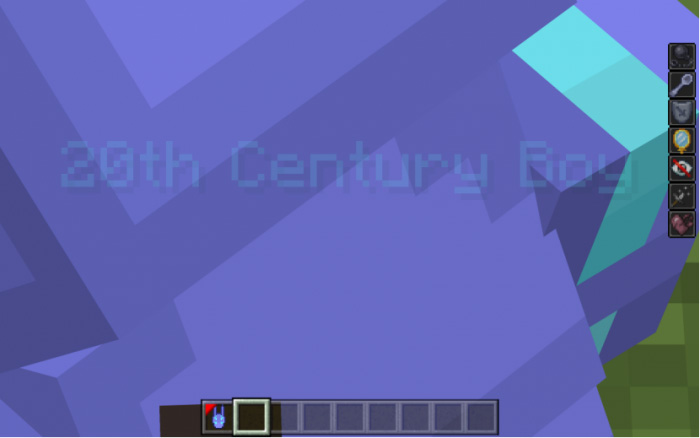
20th Centery Boy

After using this skill, you will be unkillable and unbreakable. But you will also freeze forever until you stop this skill.

Anubis Gold

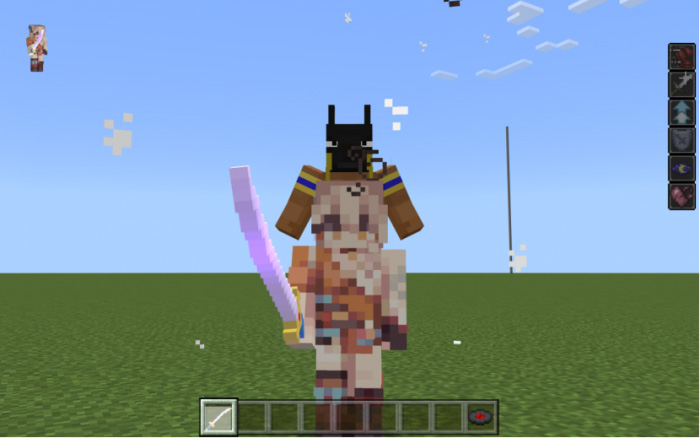
Use this disc and one machete to craft the Anubis God Weapon.

Right click it, Anubis God will appear on your back and you will get a lot of buffs.

Crazy Diamon update

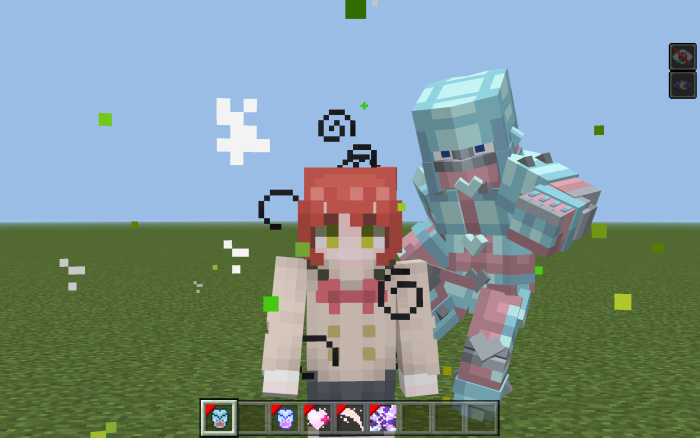
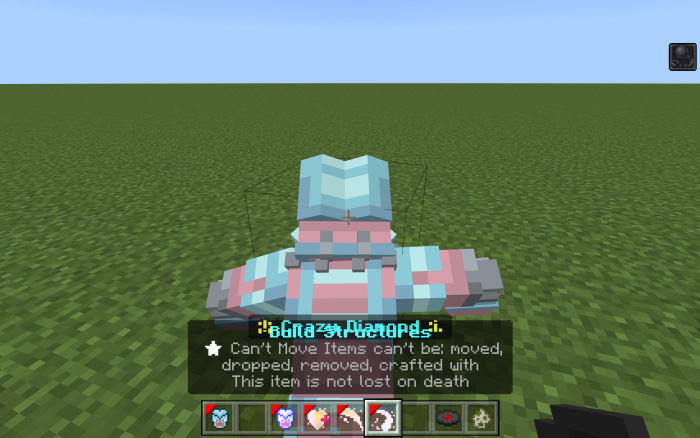
This stand can restore objects or organisms.

The 1st skill has 2 modes, the 1st mode is the usual barrage. When activated, it will change to the 2nd mode called “Divide the Part”. Use it to get a part of your target. It means you can use the 1st skill twice at a time.

(To divide the target’s part, you need to be REALLY close to the target)

The 2nd skill of Crazy Diamond is restoration, use the skill to heal the mob around.

With the 4th skill you can make a wall, just like the 1st skill, it also has 2 modes. The 1st mode is making a wall.

When activated, it will change to the 2nd mode. Use it, and it will send you back to the wall.

If you don’t understand how it works, I made a video on how to play this stand. Here it is:

C-Moon

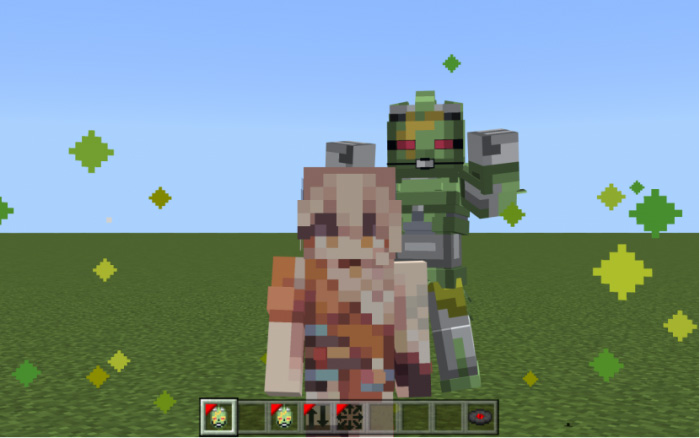
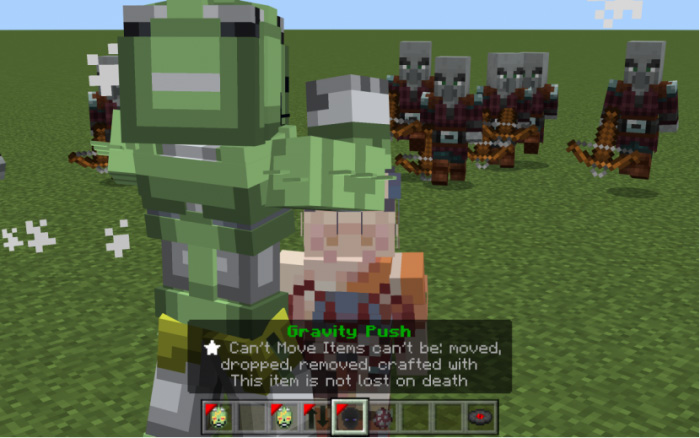
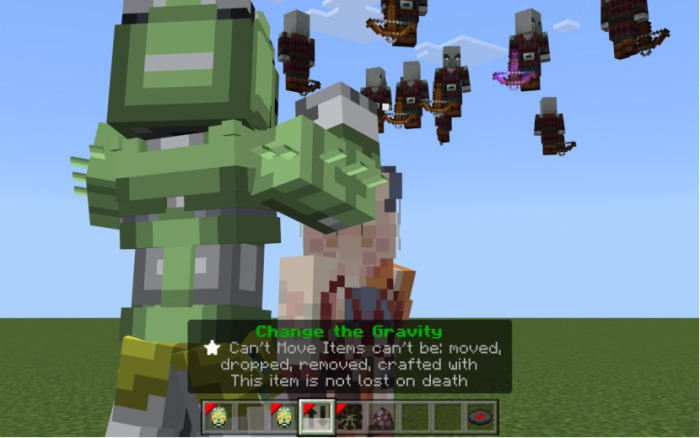
This stand can change the Gravity.

It can also control the Gravity to push the mob around it.

You can float for a moment with the 4th skill item.

If you fall down with this stand, you will also get the effect slow falling.

Cinderella

This stand can give the mob around it buffs by doing face-lifting for them.

You can also stop the face-lifting effect by using the 2nd skill item.

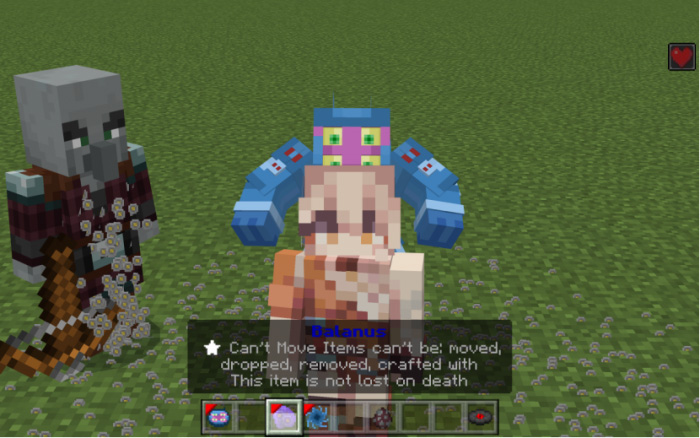
Dark Blue Moon

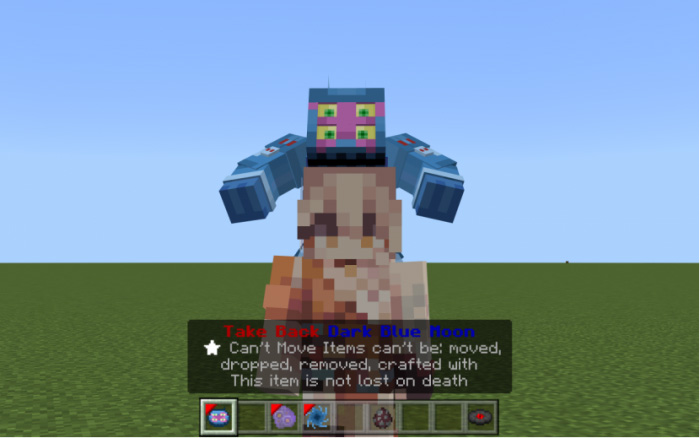
It can summon barnacles. Use the 1st skill item to put barnacles on the mob around you. The target will freeze and your HP will be recovered for a few seconds.

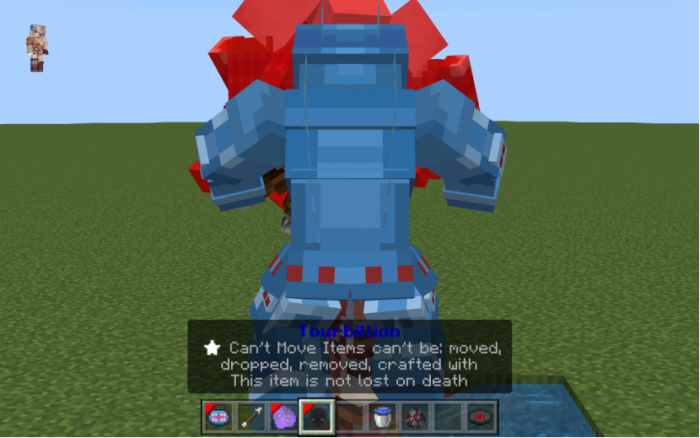
And if you are in the water, you can use the 2nd skill item called tourbillion. It will absorb the mob around it and kill them.

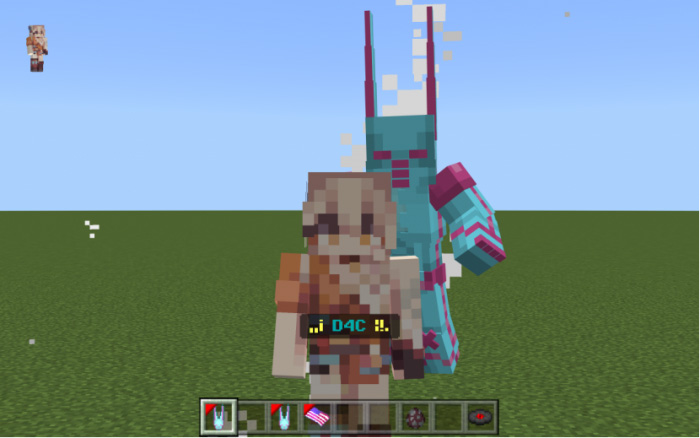
D4C

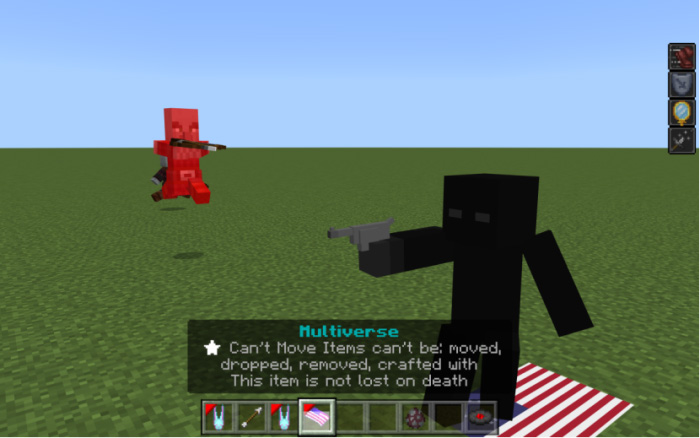
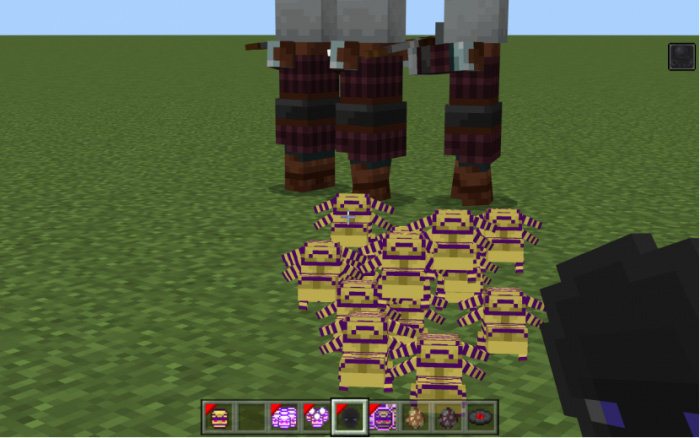
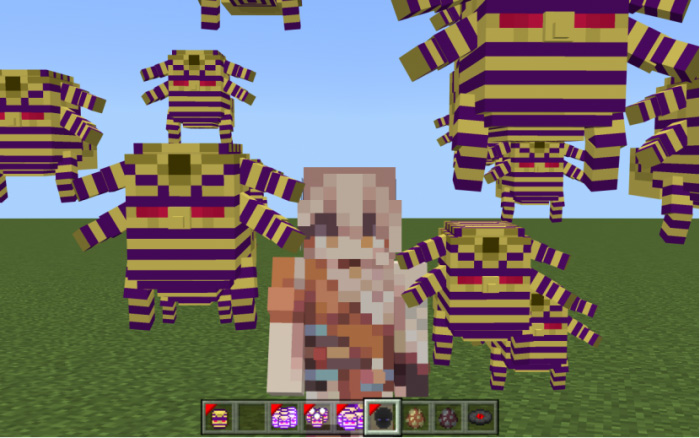
It is a stand which can travel through different universes. Its 2nd skill can summon the minion from multiverse.

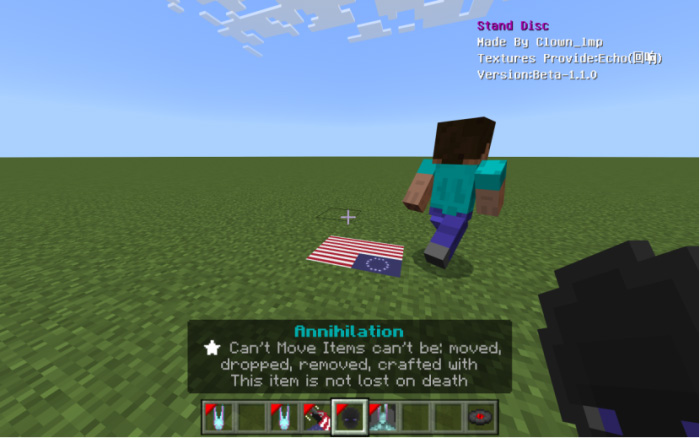
 Its 3rd skill is annihilation. It’s a powerful skill. After using it a steve from multiverse will show up.

 If anything get close to the multiverse steve, it will be damaged continuously until steve dies.

 Right click/long press the 4th skill item, you will change the body with you in multiverse. Your HP will be recovered and you will be unkillable during this time. But you will also freeze during the effect.

All mob around the light walls will be pushed away. And everything except you in the wall will be teleported to a random position.

Echoes

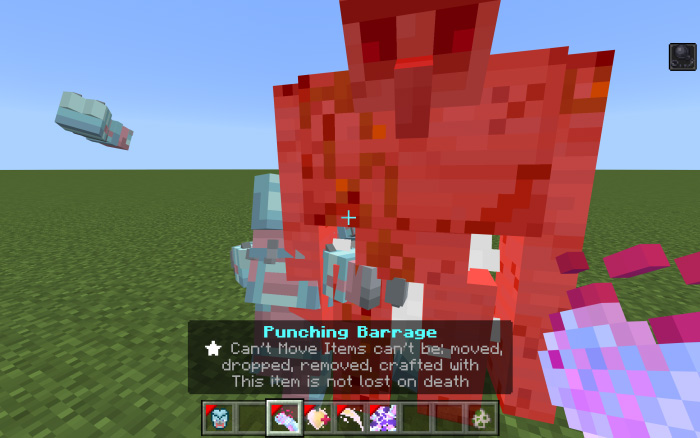
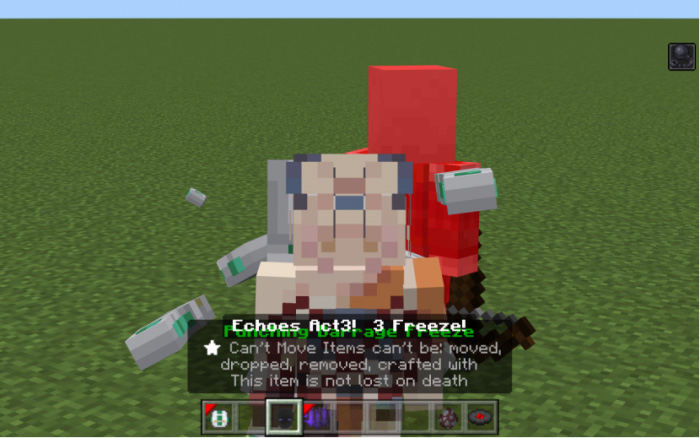
This stand can use gravity to control its target. To control the target we need to use the 1st skill item: Punching Barrage first.

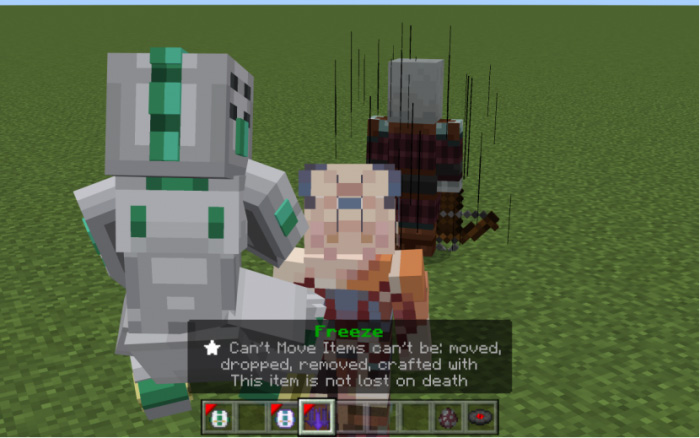
Echoes’ Punching Barrage looks normal, but it can mark the target. After marking the target we can use the 2nd skill item: Freeze.

The marked target will be forced frozen for a second. And if you freeze the target you marked, the mark will disappear and you will have to mark the target with Punching Barrage again.

Imperor

It is a gun with infinite ammo, right click/long press to shoot it. If you shoot it while sneaking, the pistol will follow the nearest target.

It is a gun with infinite ammo, right click/long press to shoot it. If you shoot it while sneaking, the pistol will follow the nearest target.

Hierophant Green

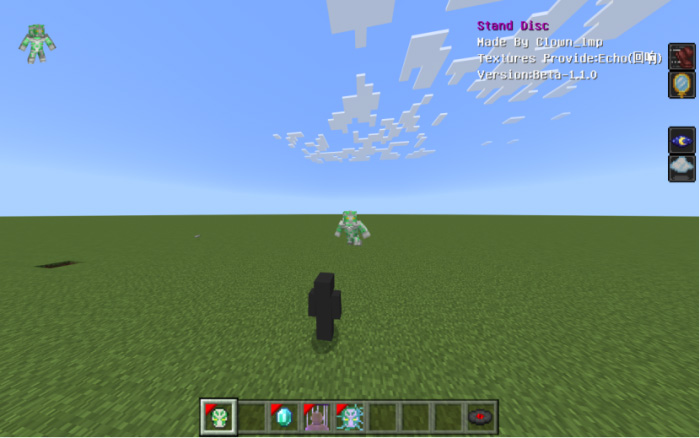
Use its 1st skill item to shoot emerald splash.

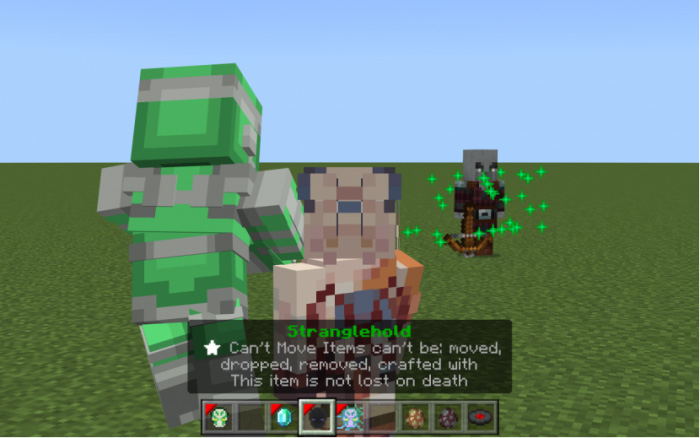
Its 2nd skill is stranglehold. Use it at your target to let it freeze for a few seconds.

The 3rd skill item is 20-Meter Radius Emerald splash. All mobs within a 20-block radius will be attacked.

Sneak the right click/long press the take back item, you will turn into Hierophant Green and be able to move freely.

Adjust the Angle of view to control the lift. And when you use the Hierophant Enchantment, you will be forced to be back to the user.

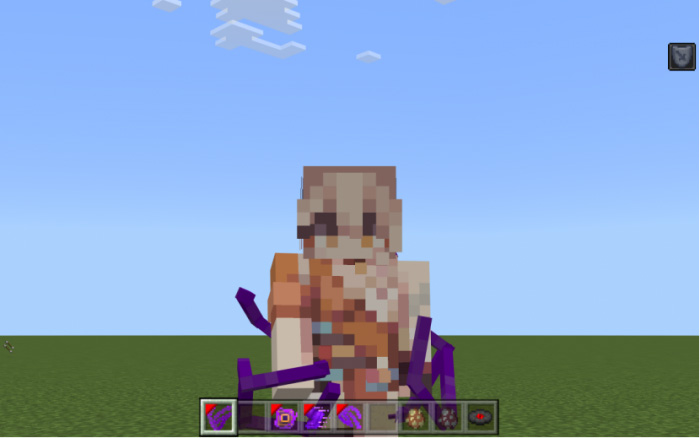
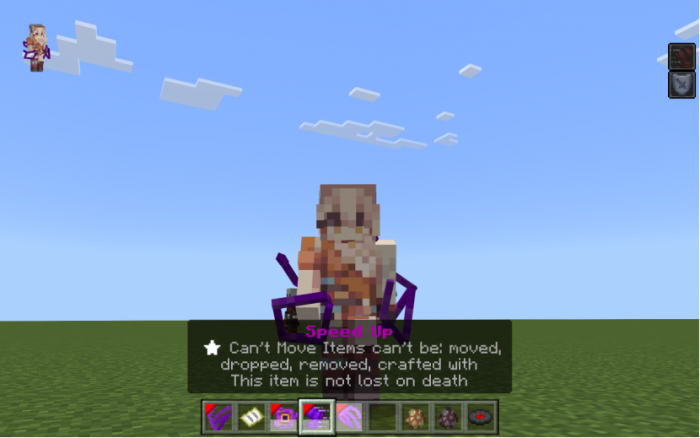
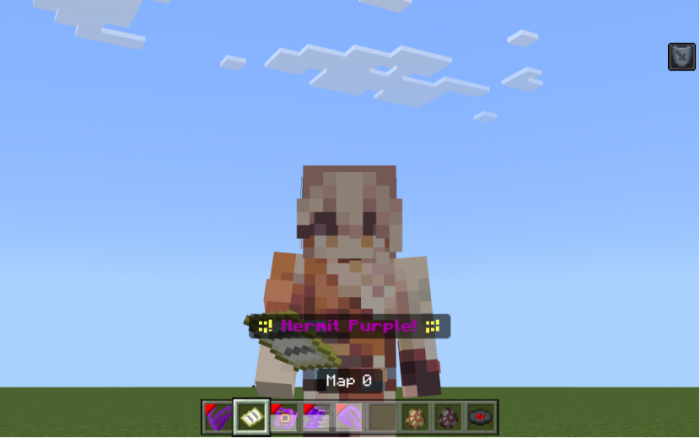
Hermit Purple

1st skill item: Divination, use it to get an empty map.

2nd skill item: Speed Up, use it to give yourself speed effect.

3rd skill item: Range Attack, use it to shoot the target.

Harvest

1st skill item: Move. You can sit on the stand to move quickly.

2nd skill item helps you collect the items on the ground.

3rd skill item will summon some harvest to impact the target and slow it down.

(Rush B XD)

4th skill item is poison attack. Use it, and there will be harvest summoned in front of you.

If they hit any mob, they will stay on the mob and give it the poison attack, like mosquito.

Justice

The 1st skill item will let the stand invisible.

The 2nd skill item is to make illusions. The mob around you will be slowed down.

The 3rd skill item is to control mobs, you need to use a pair of scissors to mark the target. Hit to mark.

After marking the mob, use the skill. The marked mob will be damaged and float up.

How to get the items in Survival Mode?

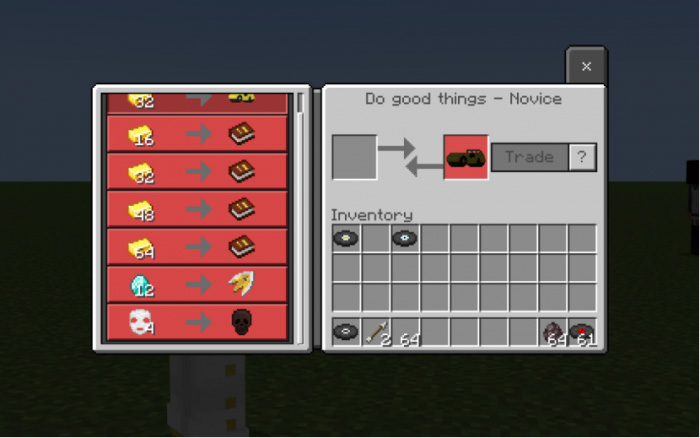
You can find Rohan to trade the item.

Around the water there will be foo fighters. Kill it to get Empty Stand Disc to collect your stand.

How to update the addon?

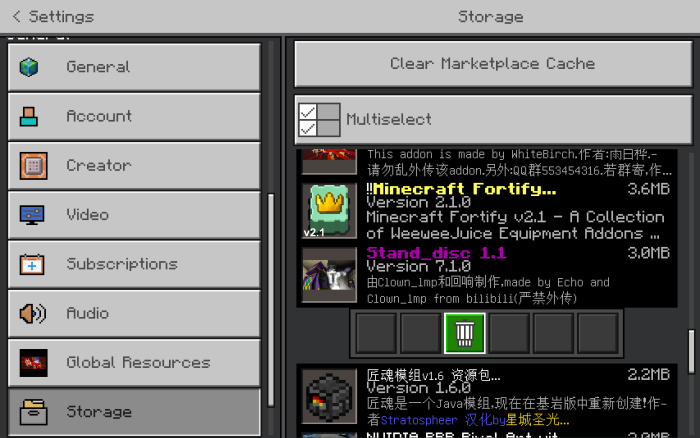
Go to settings – storage, you can see the old resource pack and behavior pack. You need to delete the old version first, and then you can import the new version. click to delete it.

Old Version

There are 2 ways to get your stand. The first way is to get stand discs.

After using the arrow, you will find 2 new items in your inventroy.

After using the arrow, you will find 2 new items in your inventroy.

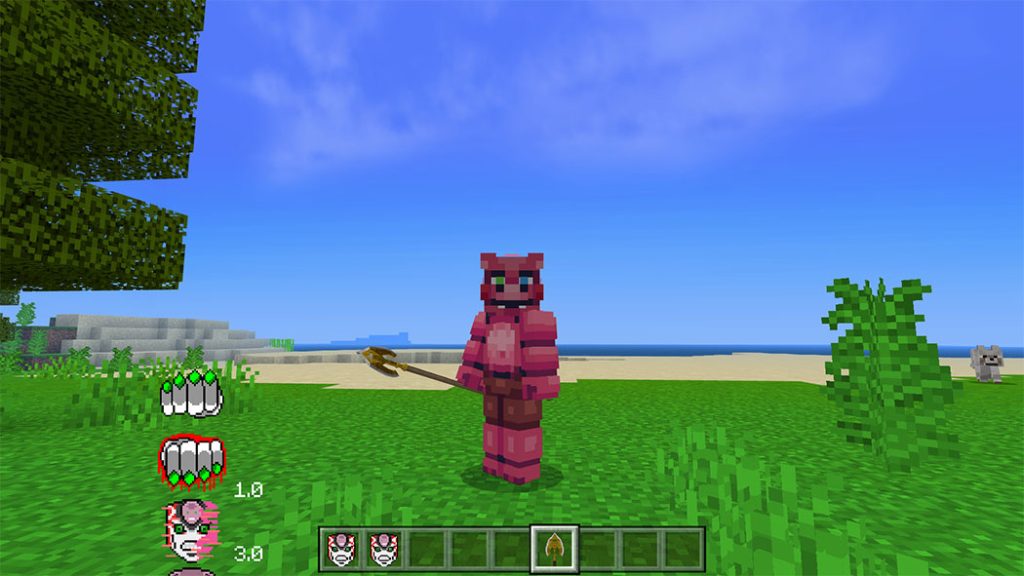
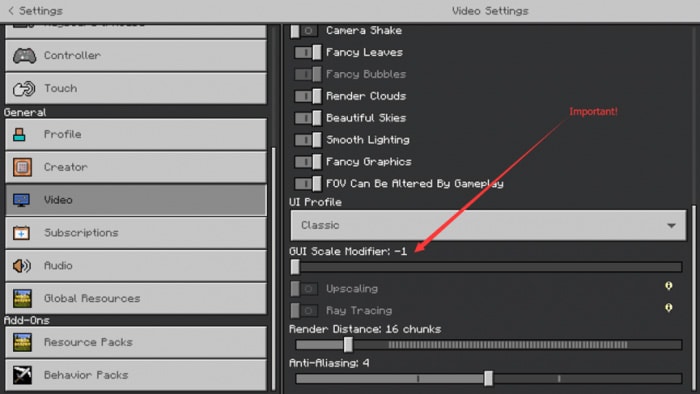
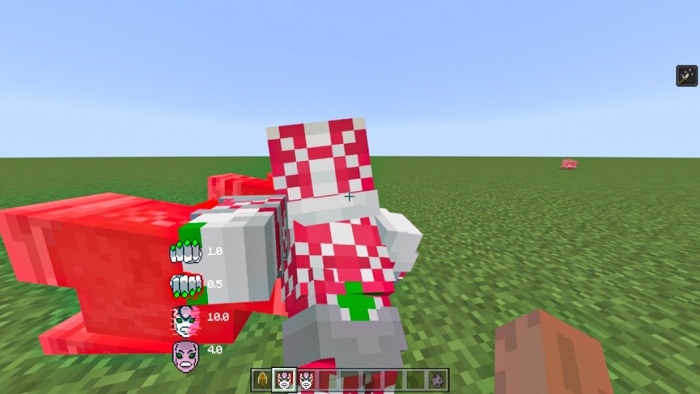
The CD for four abilities is displayed in the UI on the left. Please set the “GUI Scale Modifire” to -1 if the user interface is faulty. Also, if you are using Windows 10, please enable fullscreen.

Summoning the king crimson

You must first call the stand in order to use it. Hold the first object to call it (It will come out itself). It will vanish as you start holding other things. Therefore, always keep the first item in your hand initially.

Punching barrage

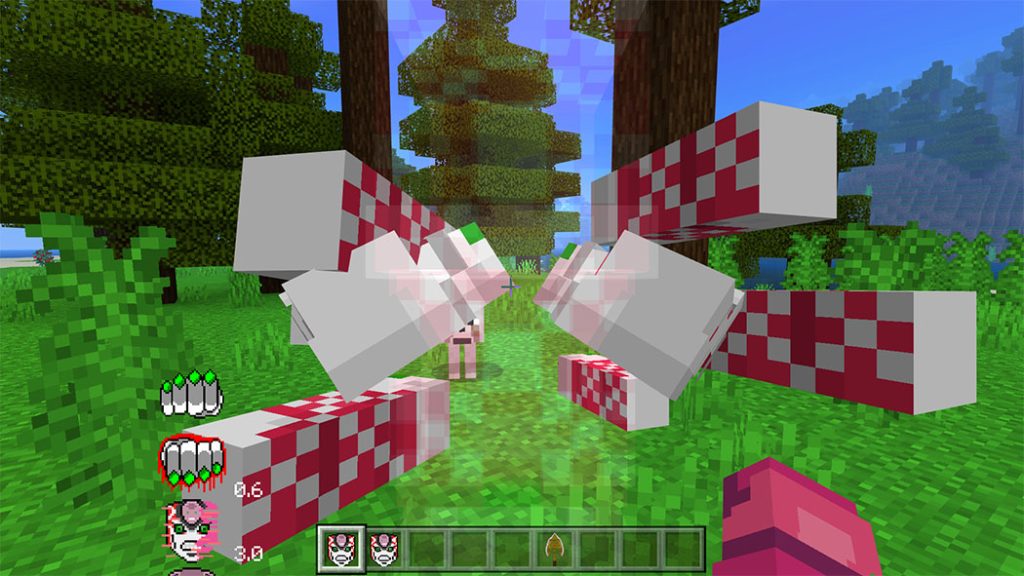
To utilize punching barrage, long press or right-click the first item. The punching barrage will stop once you put down the first object. It may last for up to a second (Also, you can block all projectiles with this ability).

1st person:

3rd person:

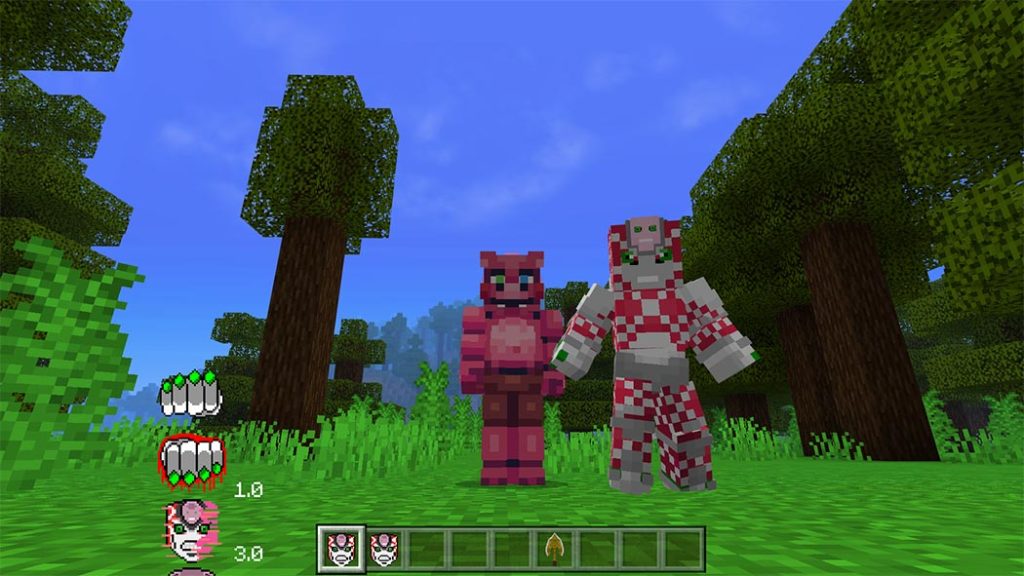
JOJO’s Bizarre Adventure King Crimson

Penetration Attack

To employ the penetration attack, sneak up on the target and tap it. It deals 19 damage and has a CD of 3 seconds.

1st person:

3rd person:

Time Erasing

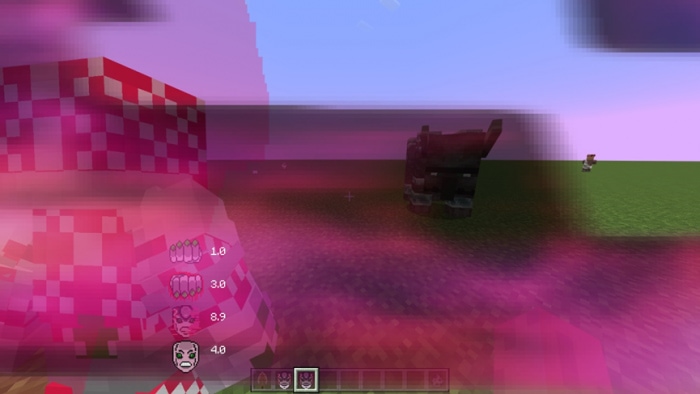
You can remove the time by using the second item. To make use of this potent skill, sneak with the second item. Keep in mind that if you cease sneaking, the ability will also stop working. You have up to ten seconds to delete.

When you reverse time, you may see what will happen next: demons will assault you. When you are erasing time, all you can do is move. You can start attacking after you cease erasing it.

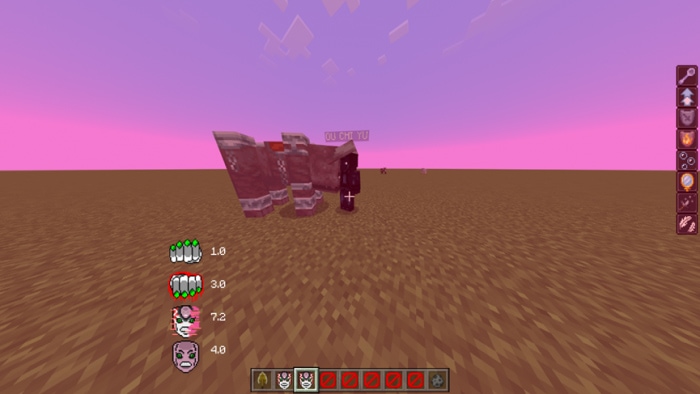
Using the Epitaphơ

The epitaph will activate for 4 seconds after you long press or right click the second item.

After activating the epitaph, there will be a face on your head.

You can use the power of epitaph to deflect every assault for the four seconds. 4 seconds comprise its CD.

Since it’s difficult to demonstrate this skill in photos, you can look at this tweet if you’d like to see an example of epitaph in action.

Please give me 5 stars if you love this addon! Made By Clown_IMP Team!

Changelog
  • Remade Crazy Diamond
  • Removed the watermark
  • Added Dio’s bone and Weather Report’s memory disc to the trade table
  • Added sounds of white snake, thx to @zendos
  • Added Russian Translation, thx to @Demerror228X
  • D4C’s 4th skill got a nerf
  • Updated King Crimson’s Texture, thx to @EDward
  • Fixed The Text bug of Purple Haze
  • The pilot move of WS and HG only works at 1.19.70 or higher

JOJO’s Bizarre Adventure: Stand Disc Addon v1.1.3 Crazy Diamond Update

Download JOJO’s Bizarre Adventure: Stand Disc Addon

Credit:

Download JOJO’s Bizarre Adventure King Crimson (English version) or Link Backup
Download JOJO’s Bizarre Adventure King Crimson (Chinese version)

- Advertisement -

EuForia Creative Worlds: The Nether Portal

0
EuForia Creative Worlds: The Nether Portal

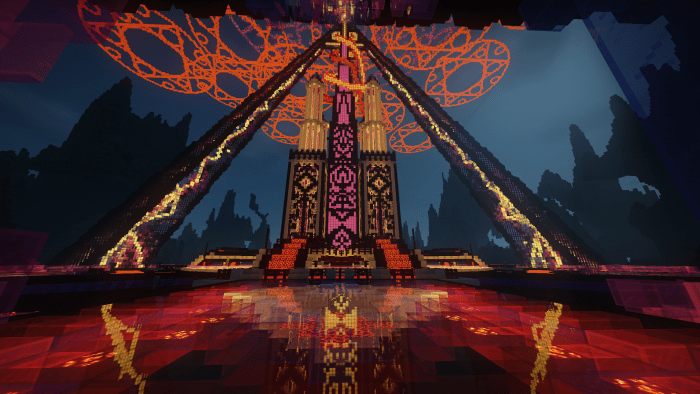
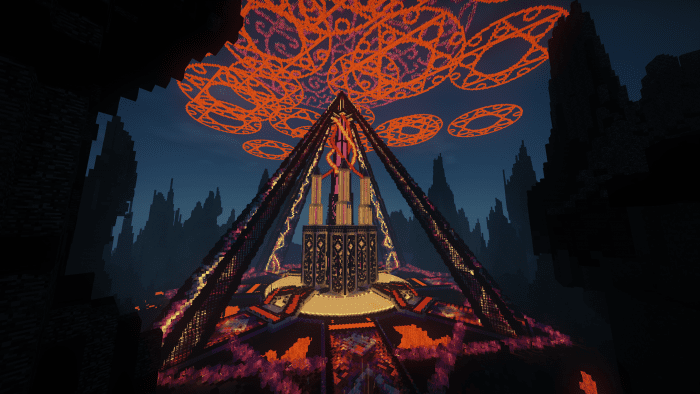
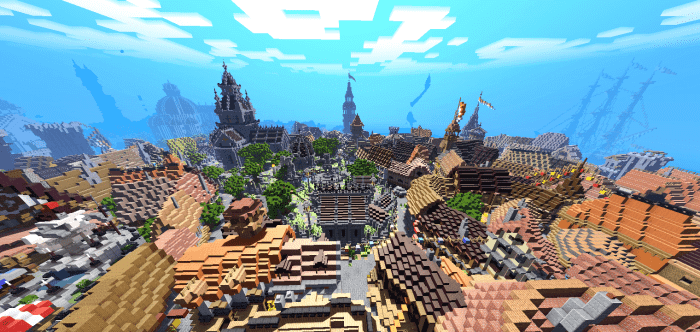
EuForia Creative Worlds: The Nether Portal is an incarnation of the idea of what would happen if here was a portal between the world and the nether realms in another area of the planet; of course, it would be a wonderful adventure and battle

Creator: Euforia_AlhaQ (Twitter)

EuForia Creative Worlds: The Nether Portal

The world is quite huge and appropriate for large-scale fighting arenas; exploring it in survival mode takes a long time

EuForia Creative Worlds: The Nether Portal

Some Maps Minecraft PE you can check in Mcpe addons’ s site:

- Advertisement -

High and Dry V1.2 Bug Fix Update

0

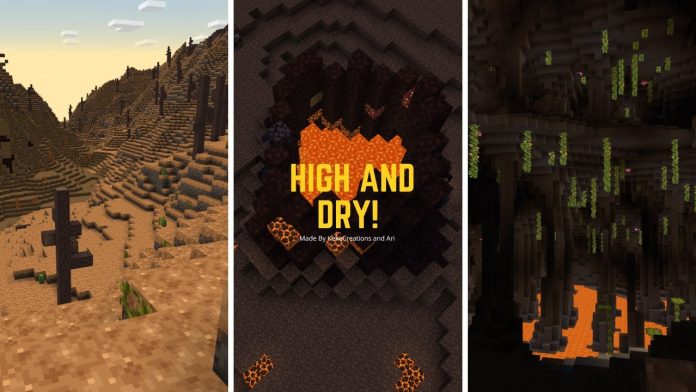
Have you ever wanted an add-on that changes your entire Minecraft experience? Have you ever wanted an add-on that adds new biomes and new concepts to your survival world? Have you ever wanted an add-on that changes the entire game? Have you ever wanted an add-on to have a story or lore that tie into the game? If you have, this High and Dry addon is perfect for you!

Creator: KekeCreations (Youtube, Twitter)

High and Dry Addon

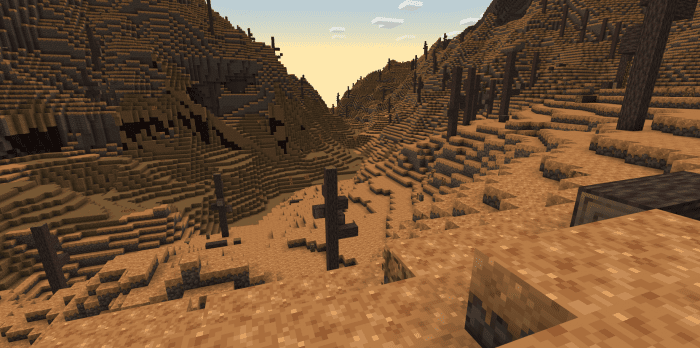
Lore: You crash land on an arid planet, you don’t remember who you are or anything from your past life. Now it’s time to decide who you want to be on this new hostile world! Keep moving across different biomes until you find the required parts to build your ticket out of here. You will be chased by mobs that either want you dead or want something from you and they won’t stop until they get it. The surface is dangerous, stay in the sun too long and you will become extremely fatigued or get crushed by the endless meteorites that hit the planer surface everyday or choose to hide underground and face the endless hordes of bugs that want you dead. This High and Dry add-on rewrites the Overworld and parts of the Nether and adds whole new progression system into the game with a whole new ending! Will you survive long enough to make it to the End?

Requires Minecraft Preview Latest Version.

This add-on uses player.json and will not work with any other add-ons that use this file

How to beat the game?

As you begin planning your escape from the hell you crashed into, you build a rocket with the goal to escape, but as you’d soon realize, not all things end as expected. You realize there’s no true way to escape the arid planet you must now call home.

New types of biomes

Dune Biome

  • Top layer block: Silt
  • Mid layer Block: Clast
  • Foundation layer block: Shale
  • In this biome, you can find sahauro cactuses and you can bone meal then for prickly pears! In this biome you can also find Panerba Mushrooms. When Panerba mushrooms are broken they drop pango which you can eat and cook in a furnace or campfire.

Dune Biome Mountains

  • Top layer block: Shale
  • Mid layer block: Shale
  • Foundation layer block: Shale
  • This biome has all the same features as the dune biome

Volcanic Biome

  • Top layer block: Tephra
  • Mid layer block: Volcanic Rock
  • Foundation layer block: Shale
  • Deepslate layer block: Volcanic Rock
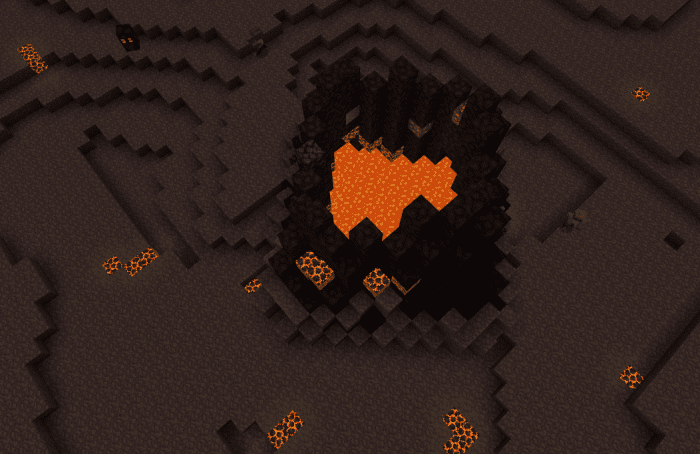
  • In this biome, you can find volcanos that have a few ores inside and if you’re lucky enough you may even find a couple of blazes inside a volcano! This biome also has magma cubes all over the place be careful!

Mobs and Mob Overhaul Info

  • Spiders now spawn everywhere but mostly spawn underground
  • Magma Cubes spawn in the Nether and in volcanic biomes
  • Blazer Spawn in the Nether and in volcanos
  • Husks spawn everywhere on the surface
  • Skeletons spawn in dunes but only on he surface
  • Endermans only spawn in the nether and the end now
  • Sclung (new mob)
    • Sclung are extremely hostile unless your holding a piece of malachite in your hand!
    • If you give Sclung a piece of malachite it will find nearby malachite ores

How the Heat Mechanic works?

Being out in the sun makes you hot. If you get too hot you will get 2 warning messages tell you o seek shelter if you refuse to take shelter you will become fatigued and receive slowness. You can cool down by seeking shelter under blocks or going inside caves

Cave Biomes

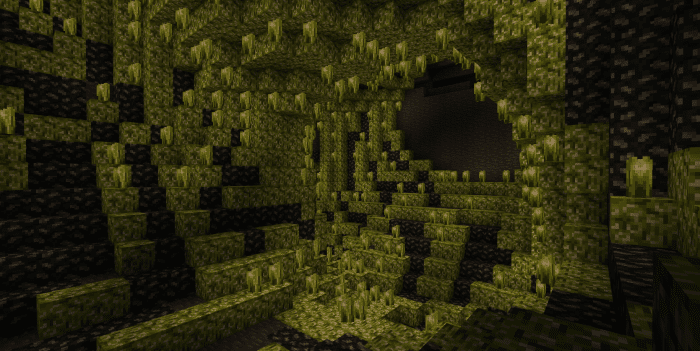
  • Lush Caves stays the same
  • Deep dark stays the same
  • Dripstone caves stay the same
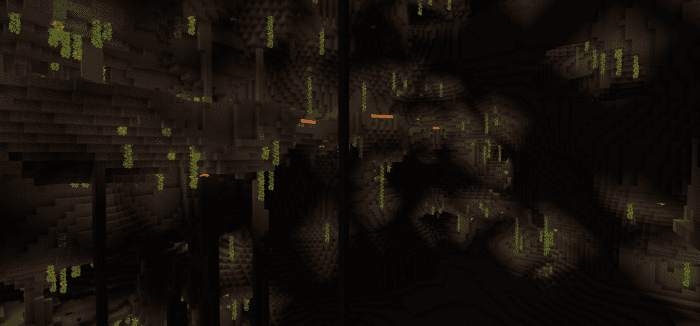
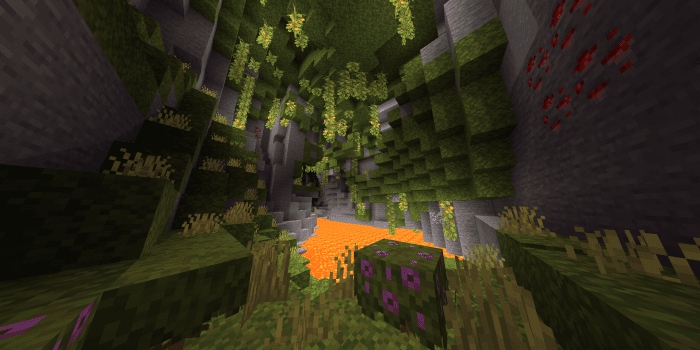
  • Amphibole crystal caves biome
  • Amphibole Clusters generate here
  • Amphibole Geode generate more often here
  • Sclungs spawn here
  • Foundation Material: Amphibolite

Weather

Meteorites

Meteorites crash land everywhere on the planet and you only safe from them underground. Meteorites can either crash land on their own or in clusters known as Meteor Showers

Ores

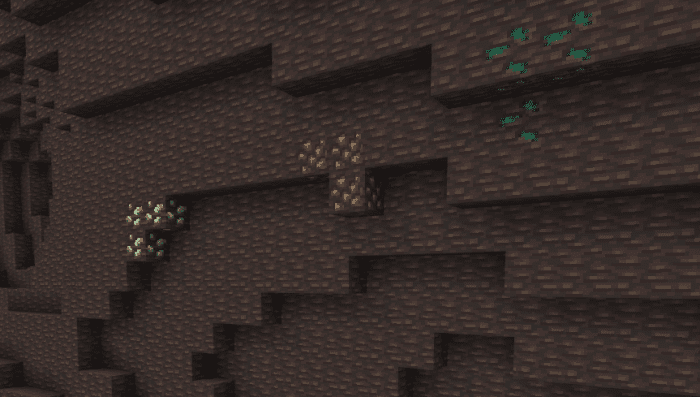
Tourmaline:

  • Tourmaline can be found anywhere
  • Tourmaline is a magical crystal you may find in the world, it is said to have magical abilities, able to give enchantments to tools

Malachite:

  • Malachite can be found anywhere deep underground
  • Malachite is a durable mineral you will when exploring underground, it’s great for cutting and hitting things, a great tl material

Iridium:

  • Iridium can only be found at crash sites or in the nether
  • Iridium is a metal you will find in your scrapzone as scrap metal in the crash site, even stronger than malachite, it’s heavy, and can handle extremely high temperatures, great for rocket making. Just remember, your iridium supply is limited, you might want to keep one or two ingots just in case.

Iron Ore

  • Iron is great for making starter tools
  • Iron can be found anywhere

Volcanic Iron Ore

  • Volcanic iron ore is a variant of the normal iron ore and can be found anywhere in volcanic biomes

Changelog

  • Polar Bears can no longer spawn
  • Foxes can no longer spawn
  • Zombie Horses can no longer spawn
  • Sclung health got changed from 40 -> 60
  • Sclung herd got changed from 3,6 -> 2,4
  • Sclung spawn weight got changed from 1450 -> 1500

Get High and Dry addon here:

If you like this High and Dry Addon, mcpeaddons has more addon for you:

- Advertisement -

AsaBetter

0

Do you think about Asbetter??? Do you find Minecraft Bedrock’s limited and uninteresting capabilities to be boring? Do you want to improve your performance? That’s correct, but I’m here to change that by giving you a fantastic Resource bundle. By altering the UI, Asabetter can improve your gaming experience. The resource pack is unique in that it has an anime motif. Details are in the following description.

Cre: Asaki Zuki (Youtube)

AsaBetter

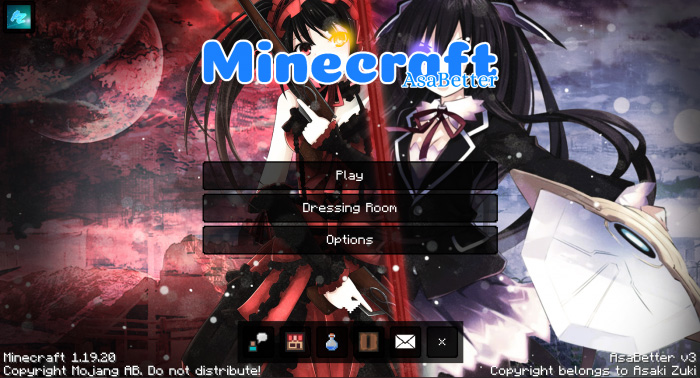
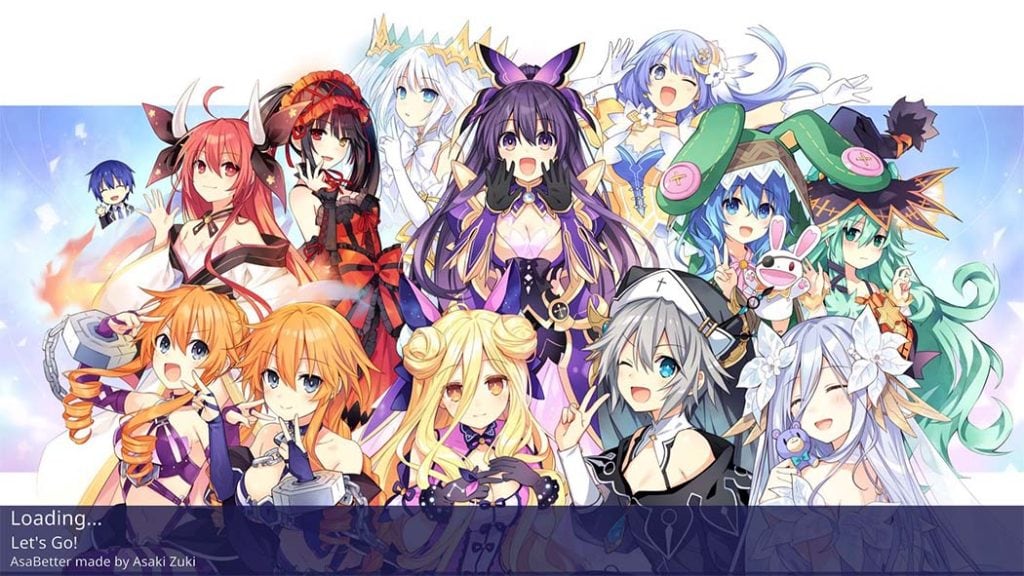
Start Screen Asabetter

Start screen will look cleaner

Asabetter

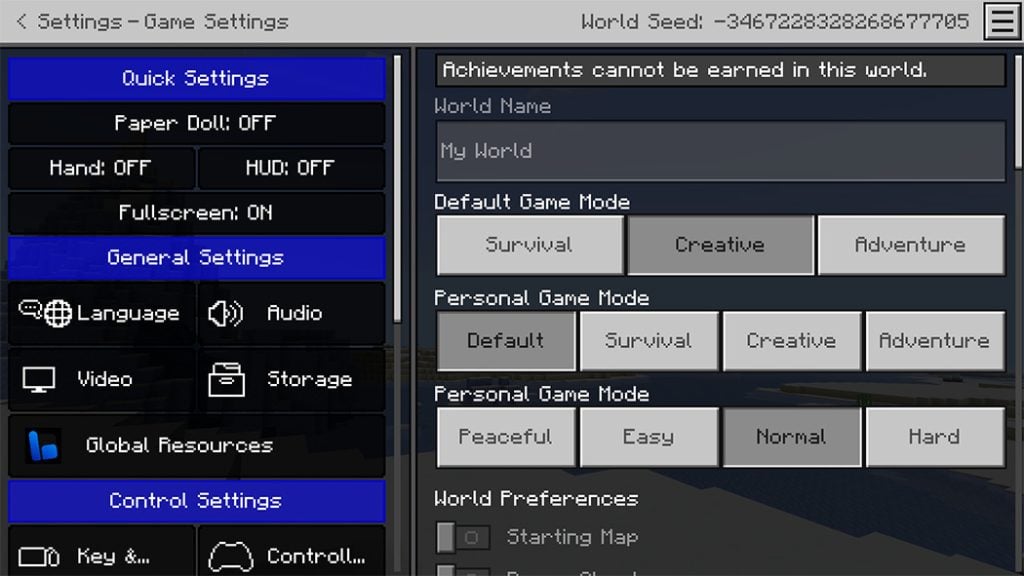
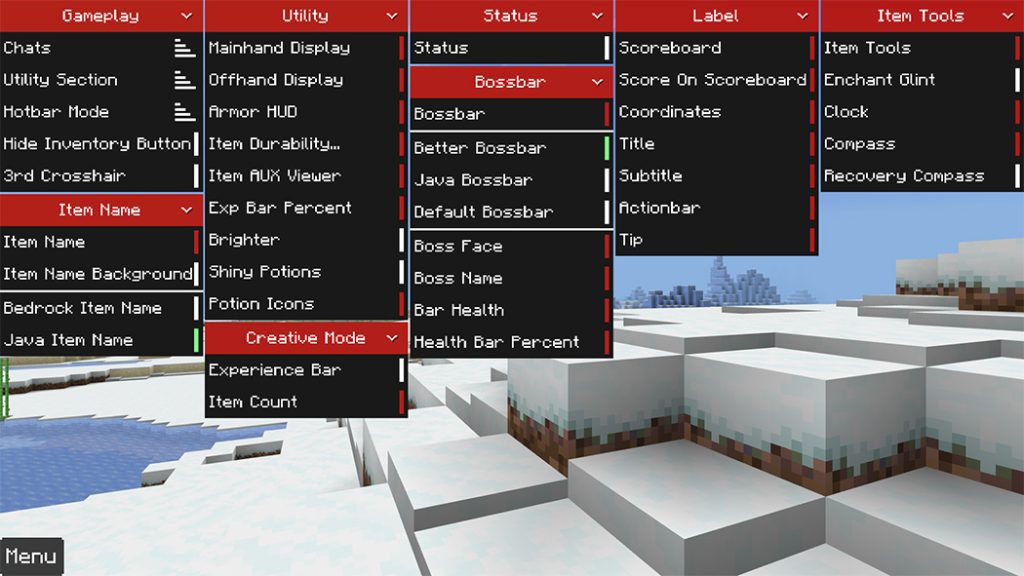
Setting Screen

There will be a quick setting panel for you to set up, the buttons will have the words ON/OFF for you to recognize

The quick setting button in the upper right corner will help you get to the settings screen faster

Some Minecraft Textures Packs you can check in Mcpeaddons.com:

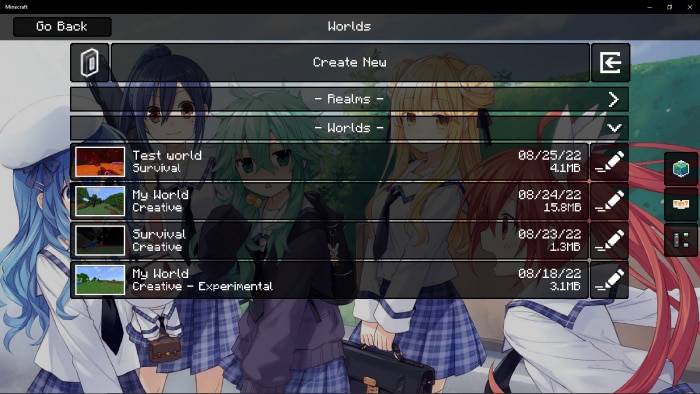
New Play Screen

New Progress Screen

New HUD UI

The bottom left corner of the screen will show which device you are using, gamemode, operating system (iOS/Android) and input

The bottom right corner has the Armor HUD, which tells you what armor you are wearing, is there any enchantment

The top right corner will show the compass and clock on the HUD

Next to Bossbar there will be Health Bar Percent

In Hotbar, there will be more Offhand Display, Mainhand Display, Item Durability Percent and Item AUX ID Viewer

There is an additional Mod Menu that can be accessed by double- clicking the Menu button on the Pause screen to assist you in configuring your HUD.

In mod menu.json, default settings can also be changed.

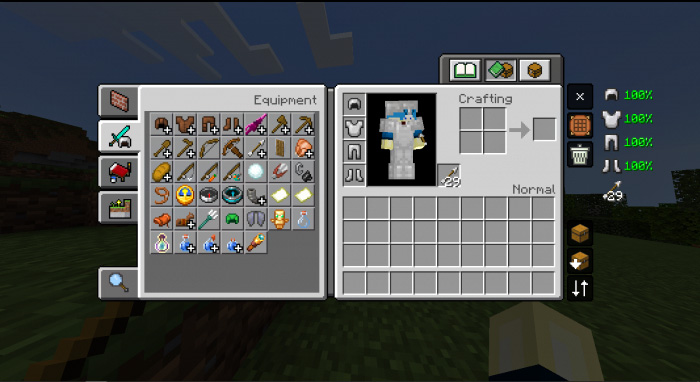
New Inventory UI, Chest UI

Quickcraft: Helps you craft faster

  • There are 3 modes for all container screens:
  1. Normal Mode
  2. Drop one mode: Helps you drop an item when clicking on that item slot
  3. Auto place mode: Helps you loot items faster

Quick Trade: Helps you trade with villagers faster

Trade UI
Makes all locked trades visibles and allows to see the locked item names and enchantments

Drop one item: Used to drop 1 item

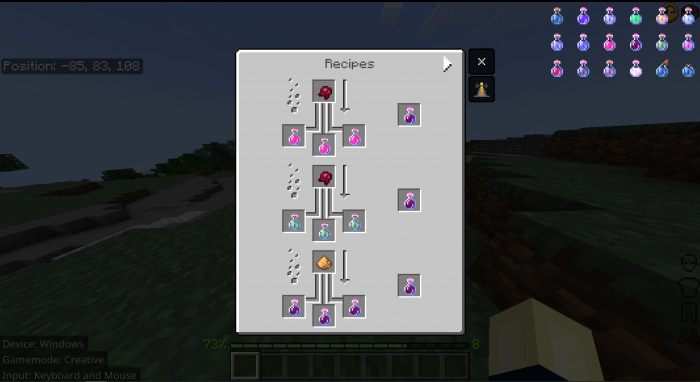
Brewing Screen

Brewing Screen will have a table of recipes on the side, you just need to click on the potion you need to brew and it will display the recipe for you

Pause Screen

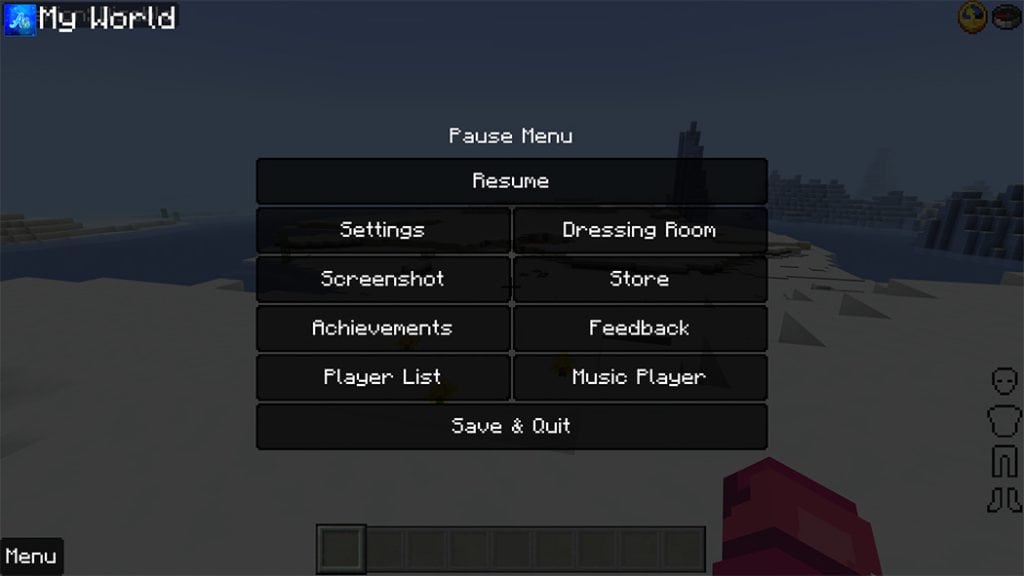
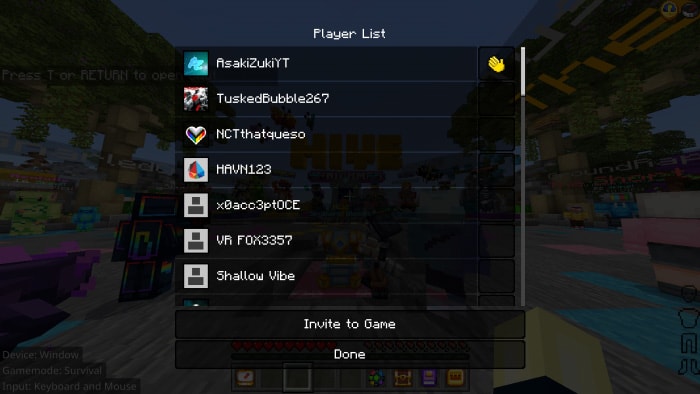
Player List will have its own screen

To prevent you from unintentionally hitting the Save & Quit button, a window will ask you if you want to depart the world before you do so.

Subpack

Added a subpack where you can select the pack’s theme.
Date Fans of this anime series can enjoy a live theme, but there won’t be any animated characters.

Thank you everyone for your interest in my pack, I have tried my best to make it and help you have the best game experience

Changelog

-Fixed an issue where the health bar and food bar were skewed to the side

-To be able to open the menu mods now have to double-click instead of single-click
-When you double-click on any item in the recipe book, you will either get that item (Creative Mode) or craft it (Survival Mode)

-Add Effect Status on screen

-Change the mod menu, when the main mod is disabled, the sub-mods will be hidden

Download Asabetter (Linkverstise)

Download Asabetter (Link Backup)

- Advertisement -

Quarantine Zone [Project Z Remastered] 1.19+

0

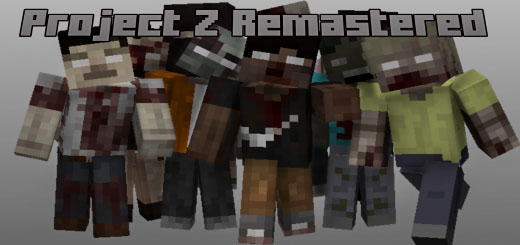
Hi, I’m Mark. Today I’m going to demonstrate the Project Z Remastered Quarantine Zone add-on. Let’s see what’s good in this add-on for the zombie genre, or for a world overrun by zombies, in the zombie game genre.

Cre: MarkKunCH (Youtube, Twitter)

Quarantine Zone

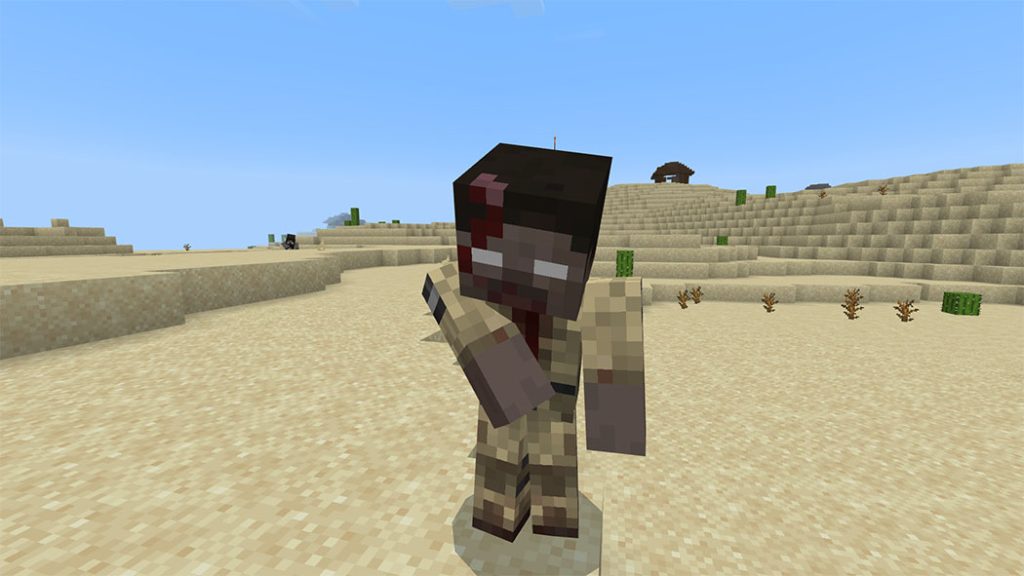
Normal zombie or common infected will everywhere

  • Damage 3
  • Movement speed 0.22
  • Attack Speed ​​1.5
  • Health 25
  • 40 skins
  • 44 types of clothes
  • everything will be random

Some Minecraft Addons PE you can check in Mcpeaddons.com:

Zombie soldiers or infected soldiers will spawn everywhere

  • Damage 5
  • Movement speed 0.22
  • Attack Speed ​​1.5
  • Health 50
  • 40 skins
  • 10 types of clothes
  • everything will be random

Doctor zombies or infected doctors will spawn everywhere

  • Damage 3
  • Movement speed 0.22
  • Attack Speed ​​1.5
  • Health 25
  • 40 skins
  • 5 types of clothes
  • everything will be random

Radiation zombies or infected radiation will spawn everywhere

  • Damage 3
  • Movement speed 0.22
  • Attack Speed ​​0.8
  • Health 25
  • 3 blocks away, inflicts poison effect.
  • 25 block death phase
  • 40 skins
  • 5 types of shirts
  • everything will be random

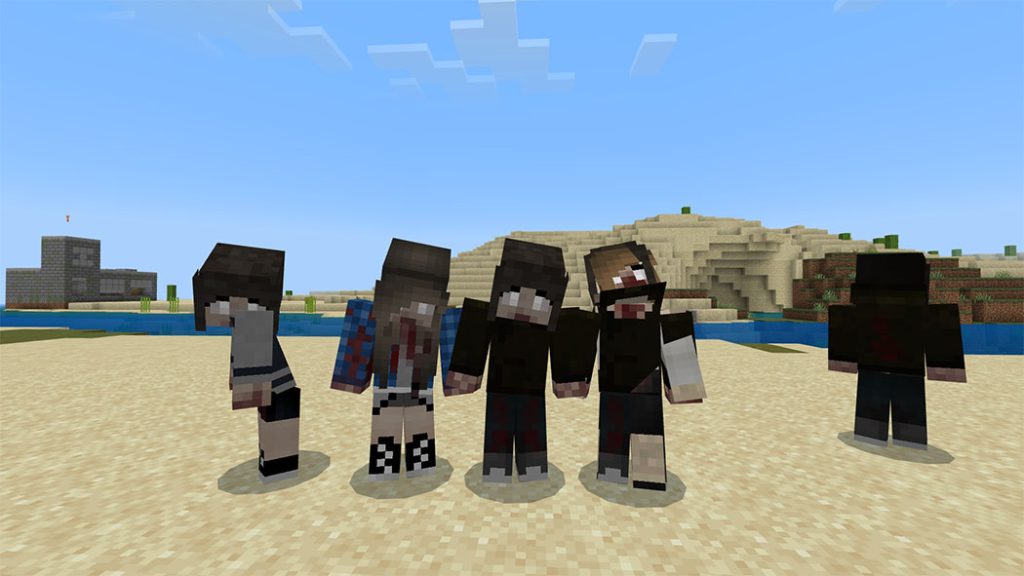
Female zombies, or infected female will spawn everywhere

  • Damage 3
  • Movement speed 0.22
  • Attack Speed ​​0.8
  • Health 15
  • 4 skins
  • 8 types of hair
  • 5 types of shirts
  • everything will be random

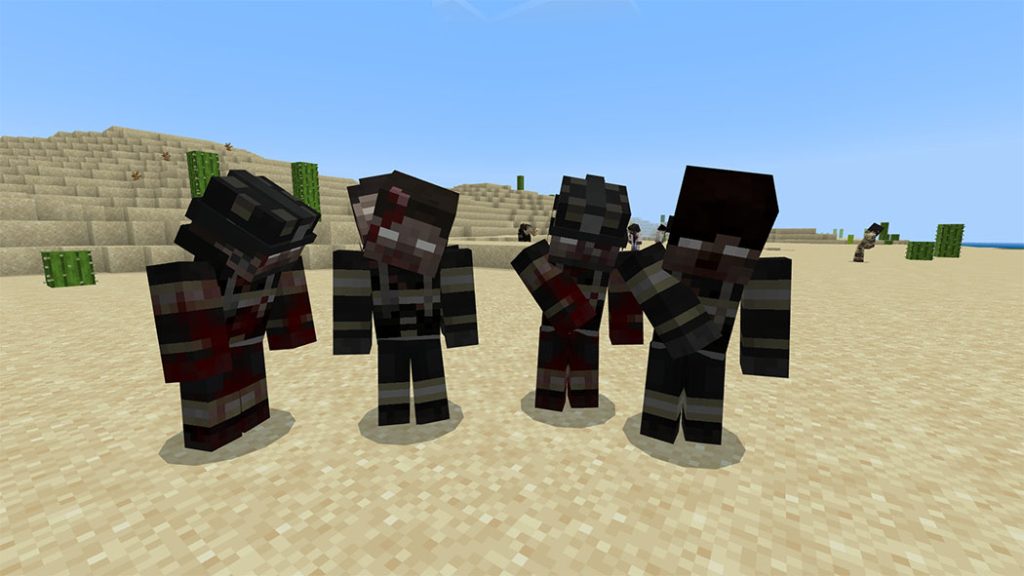
Firefighter zombies, or infected firefighter will spawn everywhere

  • Damage 3
  • Movement speed 0.22
  • Attack Speed ​​0.8
  • Health 15
  • 4 skins
  • 8 types of hair
  • 5 types of shirts
  • everything will be random

Bandit will spawn everywhere

  • A human that is not friendly to players and survivors.
  • Damage 1
  • Movement speed 0.22
  • Attack Speed ​​1.2
  • health 20
  • 5 skins
  • 5 types of shirts
  • everything will be random

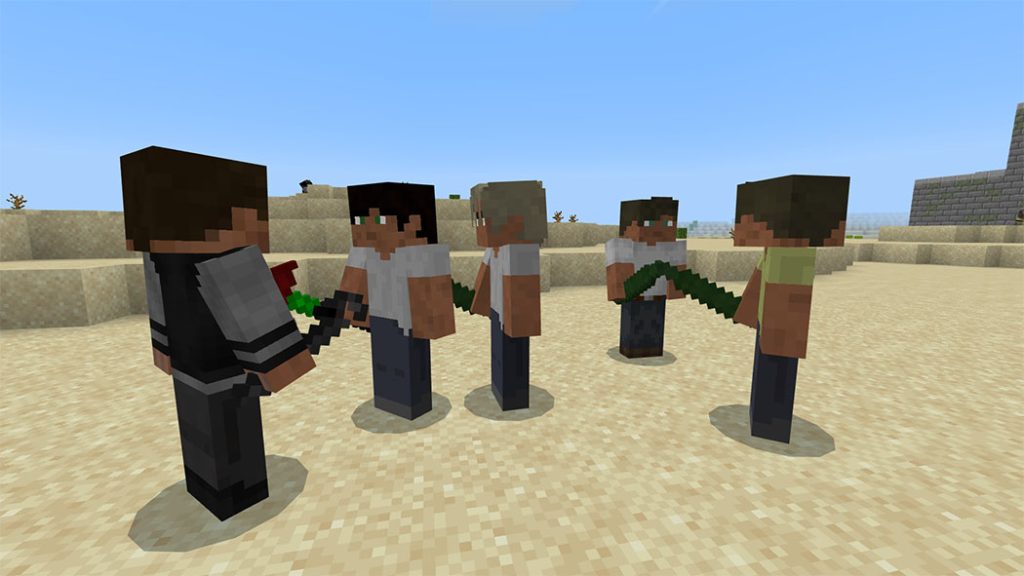
Survivors will spawn everywhere

He is a friendly human being with the survivors and can trade with it.

  • Damage 1
  • Movement speed 0.22
  • Attack Speed ​​1.2
  • health 20
  • 5 skins
  • 5 types of shirts

everything will be random 

Guns 

  • Ak47 
  • Ak12 
  • Glock15 
  • M16 
  • M4 
  • Mp7 
  • Mp5 
  • Usp 
  • Ump45
  • G36C 
  • Famas 

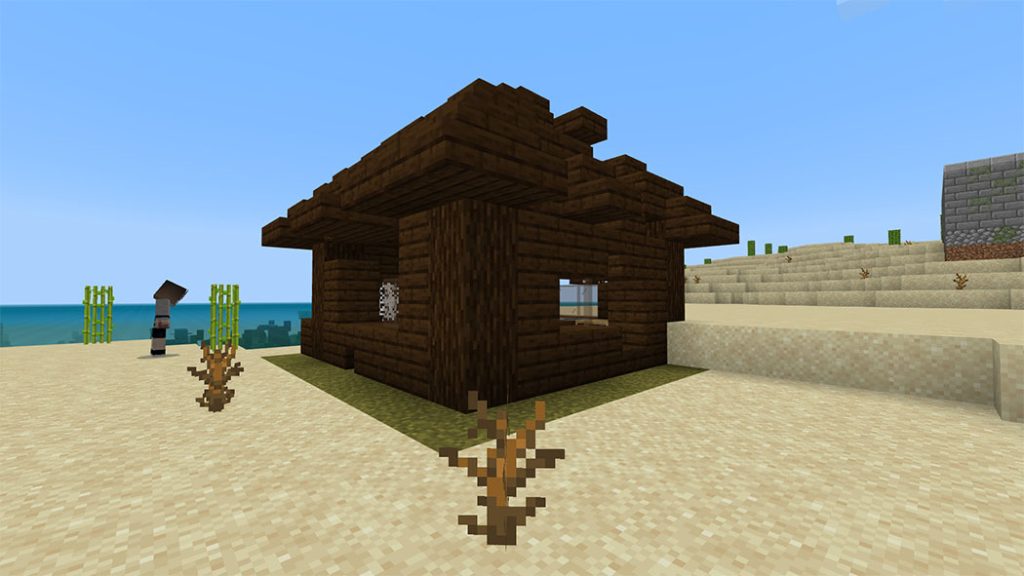
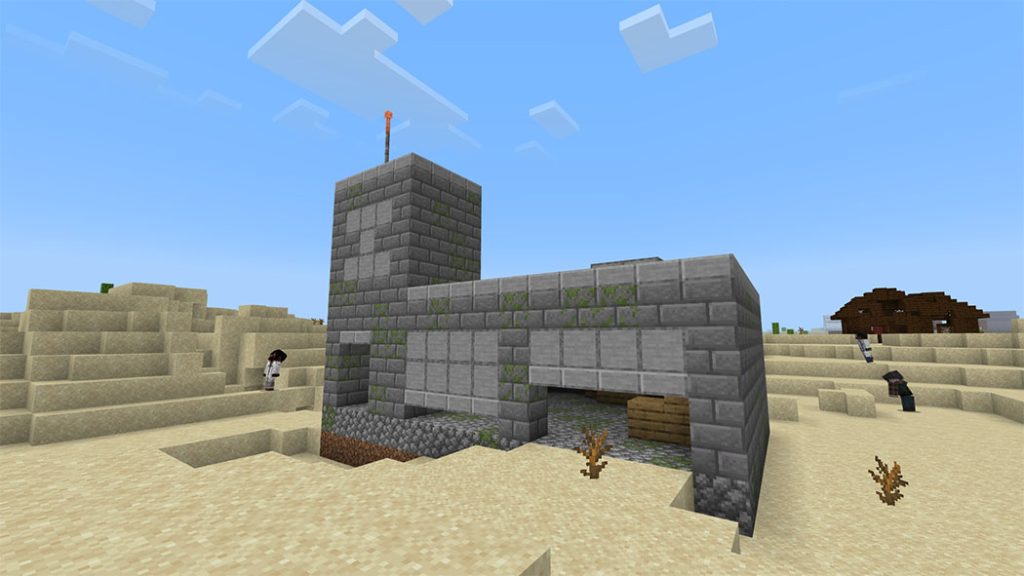
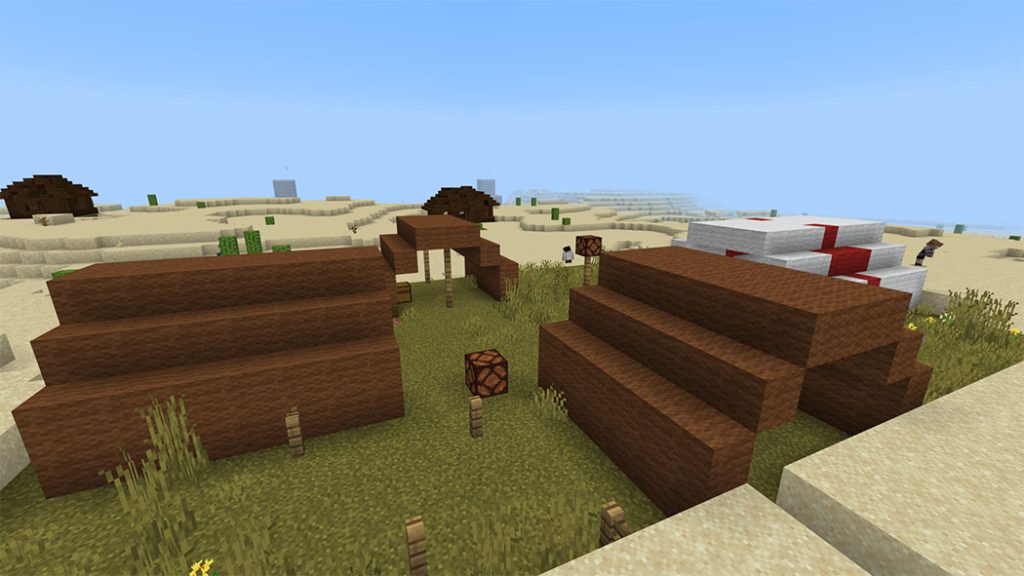
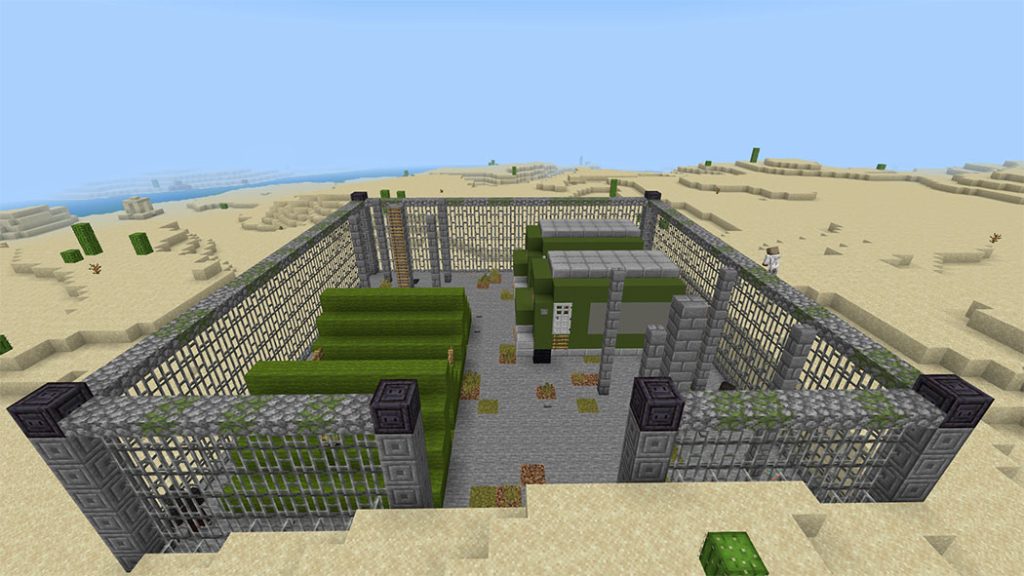
Structure 

Quarantine Zone
Quarantine Zone

Do not share links other than this link is strictly prohibited. If you do that, you’re terrible

have fun 

Credit 

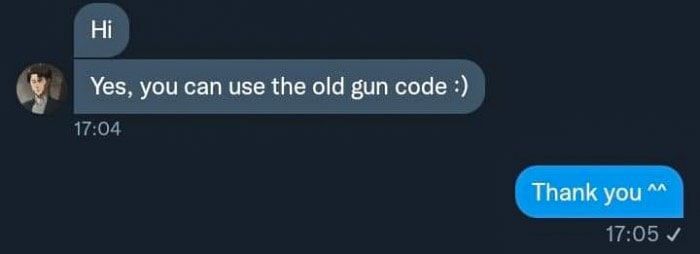
Thank you Gabriel Aplok for allowing me to use the gun code 

Thank you Krep for allowing me to use the 2.5D model and reload code

Thank you N^z for helping to draw the item 

Thanks you NickGamerTV for your help and advice

Changelog
Food item remake 
Adjusted the random balance of chests at military bases 
Change the reload gun code

Download Quarantine Zone [Project Z Remastered] (Link Backup)

Download Quarantine Zone [Project Z Remastered] (Linkverstise)

- Advertisement -

Aveo Dragon Addon V4 for Minecraft PE

0

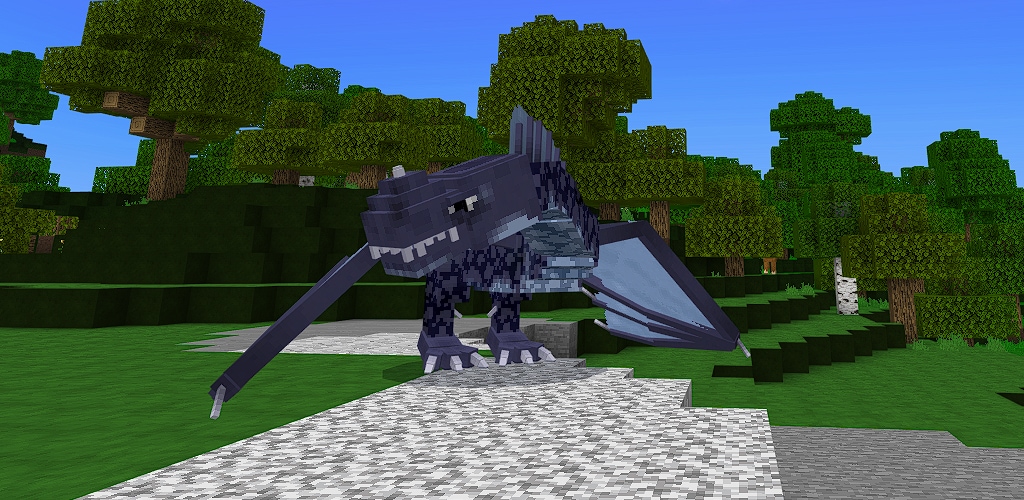
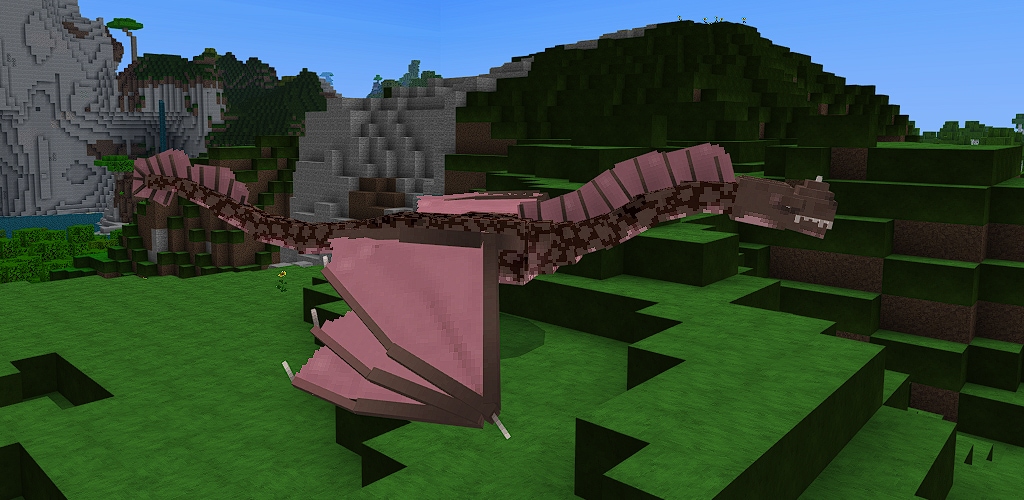
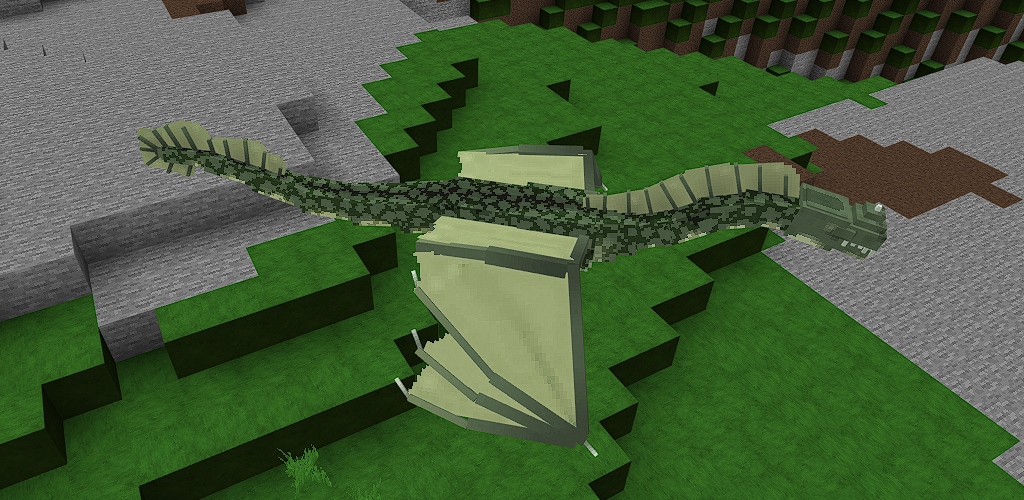
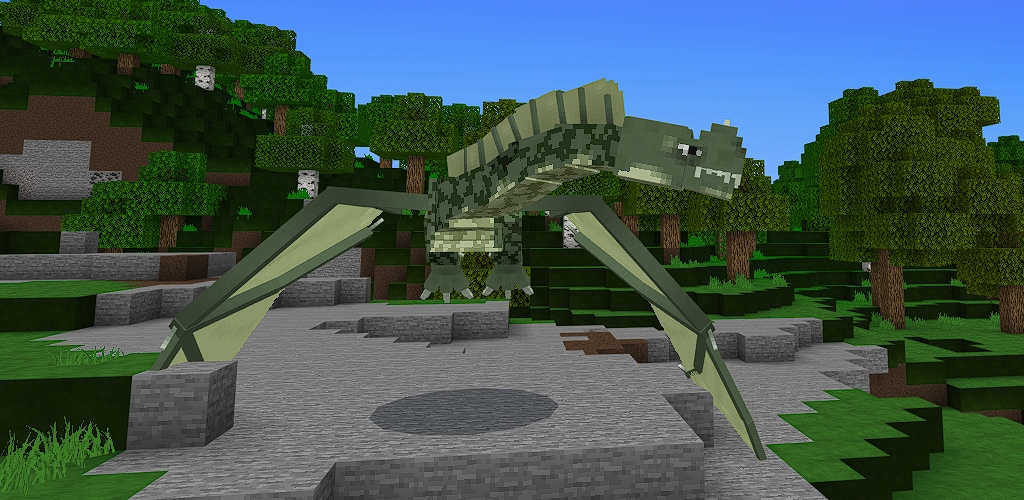
Too many dragons are not enough! The Aveo Dragon addon will add more dragons to your game. These long-necked, long-tailed, two-legged dragons of legend are here at last

Creator: MNO (Twitter)

Aveo Dragon Addon

Strays are the answer

But what’s the question? The question, of course, is how do you get one of these? Each stray defeated by a player has about a one in 45 chance to drop an Aveo spawn egg.

Place that spawn egg down, and in a puff of smoke (without the smoke), you’ll have an Aveo Dragon. You need to tame it though, and you can tame it with code, beef, or cakes (you didn’t know dragons like cakes?). If you approach an untamed one too closely, it will chase you and try to eat you. Good luck with taming it!

You can heal them with tropical fish, cod, salmon, beef, or chicken

There are six variants, just different colors, with no behavioral differences. They also come in four sizes

Armor

They take the same netherite armor as the other MNO dragons. Craft them with a 2×2 pattern of netherite ingots. Place them on your dragon by holding the armor and right-clicking (or long-pressing if you’re running mobile) on the dragon.

Saddle

Just hold a regular horse saddle and right-click (or long-press if you are running mobile) on the dragon

To remove either just hold a blaze rod, and right-click/long-press on the dragon

Changelog

  • Dragon animations greatly improved
  • Dragon spawn egg drop chance increased (slightly)

Some Minecraft Addons Pe you can check in Mcpeaddons.com:

- Advertisement -

Simple Magnets Addon for Minecraft

0

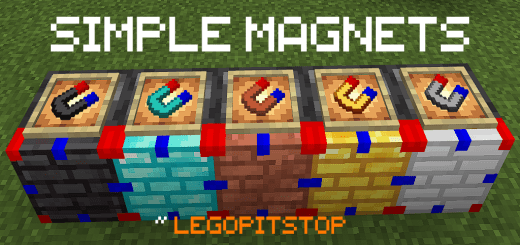
This add-on adds simple magnets including items and blocks that make gathering dropped items easier. Once you install the addon, your game will upgrade the magnet to make it reach further out. Collect items from your mob farm instead of using tons of hoppers

Cre: Legopitstop, Twitter, Youtube

Simple Magnets Overview

  • Upgradeable magnets.
  • Can teleport items to you (Item magnets)
  • Block magnets that can teleport items to the block and the front face of the block.

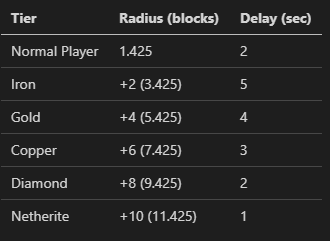
Magnet Tiers

The player can grab items that are in hard-to-reach places by using items. Or can move items from a mob farm to a central hopper to be collected.

How to use Simple Magnets

Magnet Item: Right-click on the magnet item to teleport all nearby items to you. There will be a delay time until you can next use the magnet item.

Magnet Block: Enable and it will teleport all nearby items to the block. Bring the items to the metal face for maximum control over where the item will end up.

  • To disable: just simply right-click/ tap the magnet block
  • To enable: simply right-click or tap on the magnet block already disabled magnet block.

There is a cooldown time where the magnet block will not teleport any items. Check the chart above.

Screenshot

The range of blocks that each tier can pick up items below:

Player pick-up range (1 block):

Iron Magnet (3 blocks)

simple-magnets-addon-for-minecraft

Gold Magnet (5 blocks)

Copper Magnet (7 blocks)

Diamond Magnet (9 blocks)

Netherite Magnet (11 blocks)

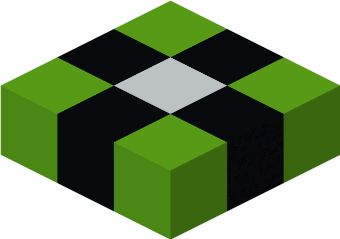
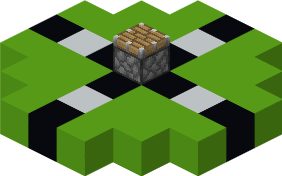
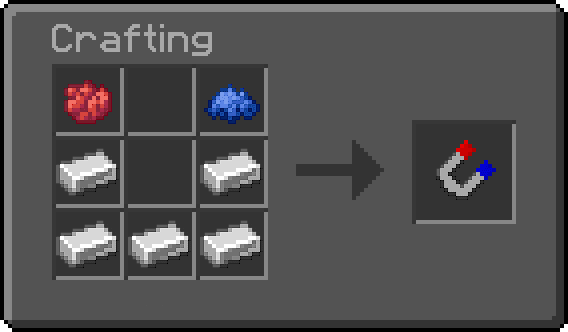
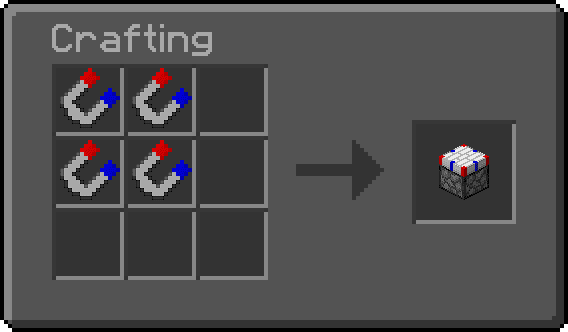
Simple Magnets Recipe

Iron Magnet Recipe

Iron Magnet Block Recipe

Note: Recipe Page

Repairing

If you use the Magnet Item, it will use one durability. So to repair the item:

  • Place the damaged item in the first slot in an anvil with another magnet of the same type or the ingot utilized to upgrade the magnet (diamond = diamond magnet, copper ingot = copper magnet, iron ingot = iron magnet, etc) in the second slot. In the last slot should be the repaired item.

Some Minecraft Addons Pe you can check in Mcpeaddons.com:

Downloads

Download Simple Magnets mcaddon
or here (backup link)
- Advertisement -

Top 3 Render Dragon Shaders Minecraft Windows 10 Edition 1.19.20
0

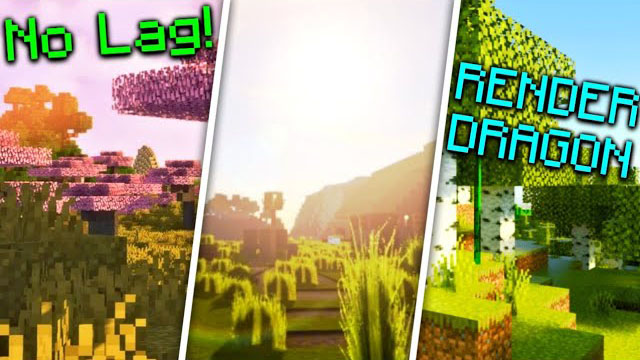
What are Top 3 Render Dragon Shaders Minecraft Windows 10 Edition 1.19.20? In our list of the top 3 Render Dragon Shaders for 1.19.20, I demonstrated that to you. Because these shaders utilize render dragon technology, they function flawlessly on the most recent Minecraft Windows 10 Edition versions that I have for you!
Top 3 Render Dragon Shaders Minecraft Windows 10 Edition 1.19.20

ReBuilt Shader

The renowned UltraMax Shader was replaced by ReBuilt Shader, a shader pack that was completely rebuilt. using cutting-edge rendering techniques to produce fresh, breathtaking graphics at a low performance cost.

Oh! Don’t miss:

Top 5 Render Dragon Shaders For Minecraft Bedrock Edition 1.19.11

ESTN Shader

ESTN Shader is a shader pack made to change your gameplay’s look through a shader. It will change water noise, plant waves, shader-based sun and moon, monochromatic weather, and much more!

ESTN Shader - Top 3 Render Dragon Shaders Minecraft Windows 10 Edition 1.19.20

Jared Shader 

Looking for a straightforward shader that maintains its Vanilla flavor? So you’ve already located it! This shader has an improved vanilla appearance. It has enhanced sky, improved leaves and water flow, generally accurate lighting and darkness, and more! In addition, this shader has a direct link without those pesky shorteners or ads:)

With Top 3 Render Dragon Shaders Minecraft Windows 10 Edition 1.19.20 that Mcpeaddons.com recommend in article hope you change your Vanilla world and enjoy with your friend.

- Advertisement -