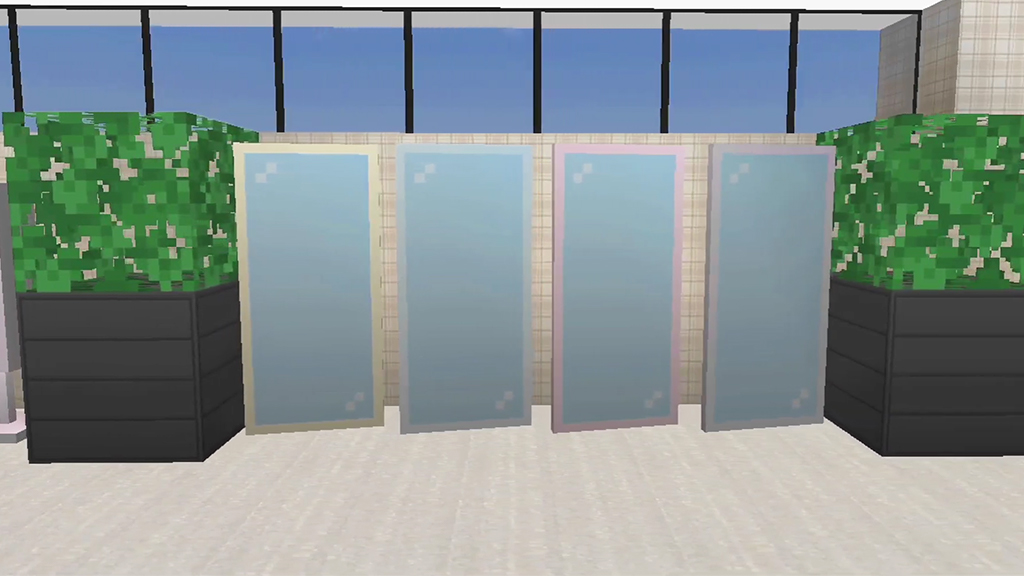
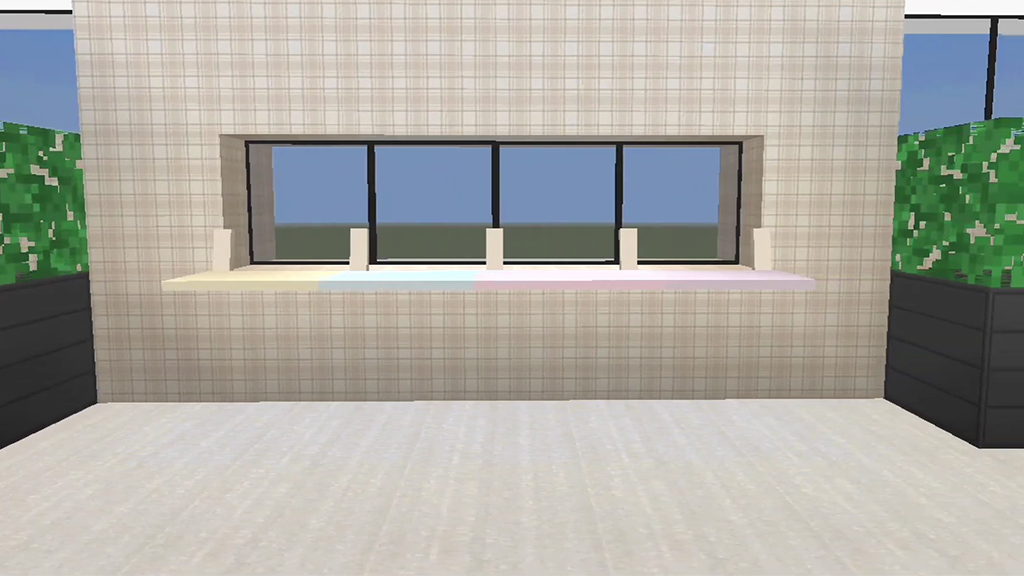
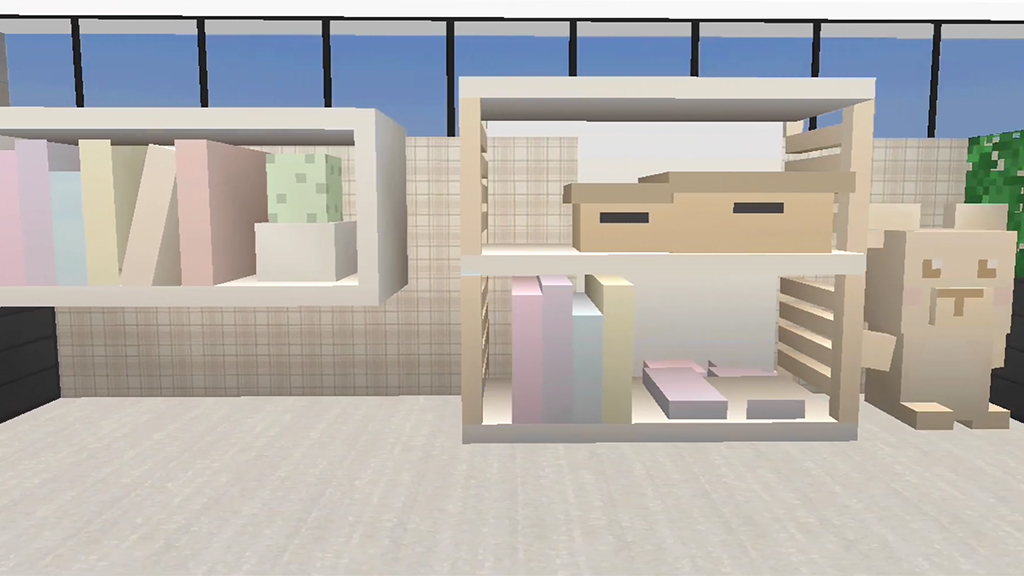
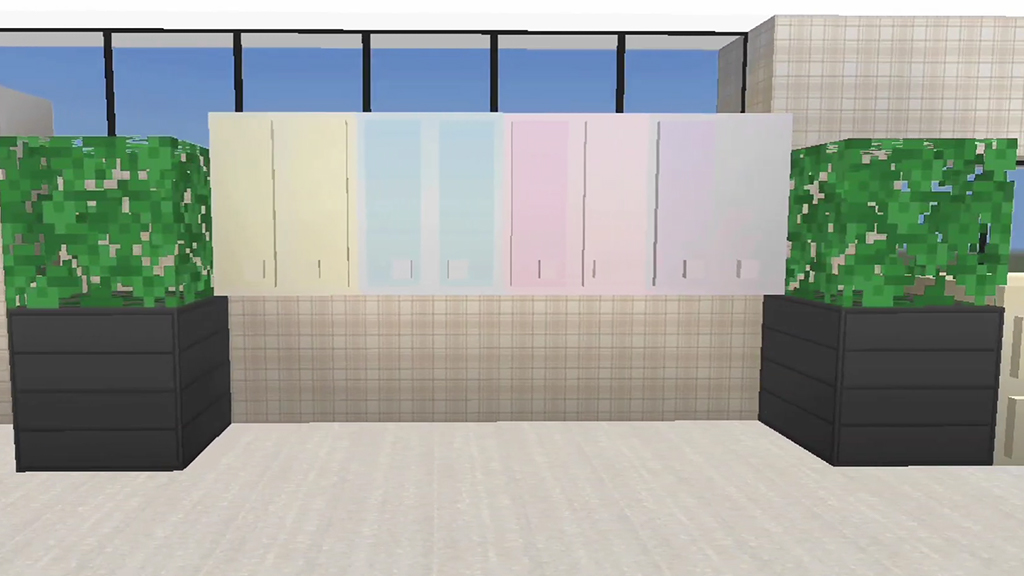
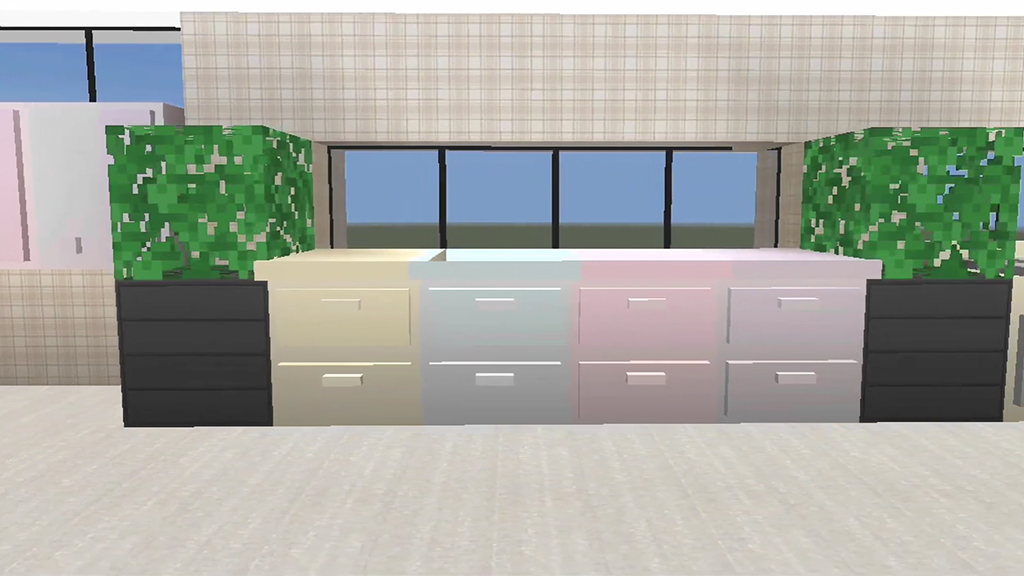
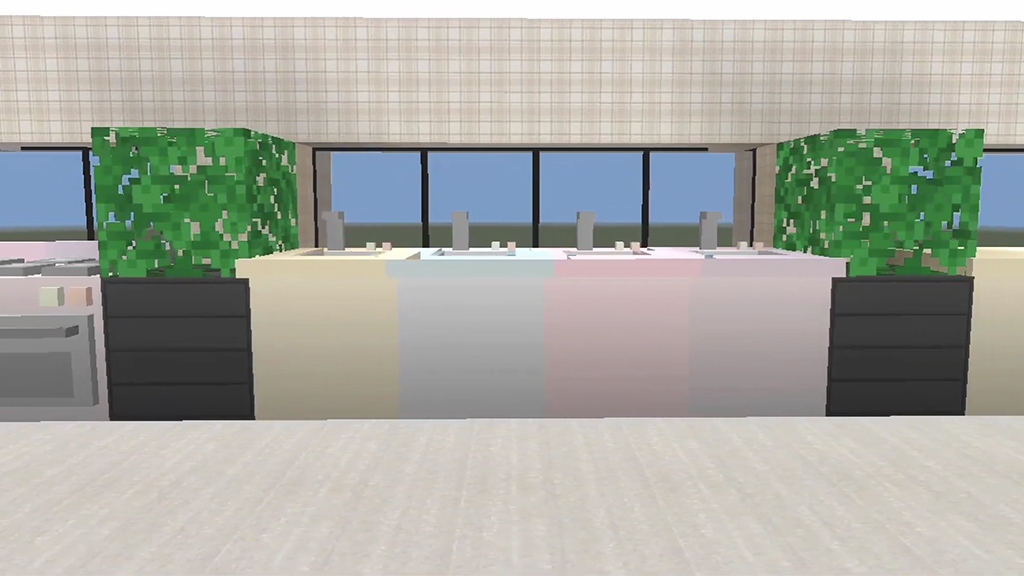
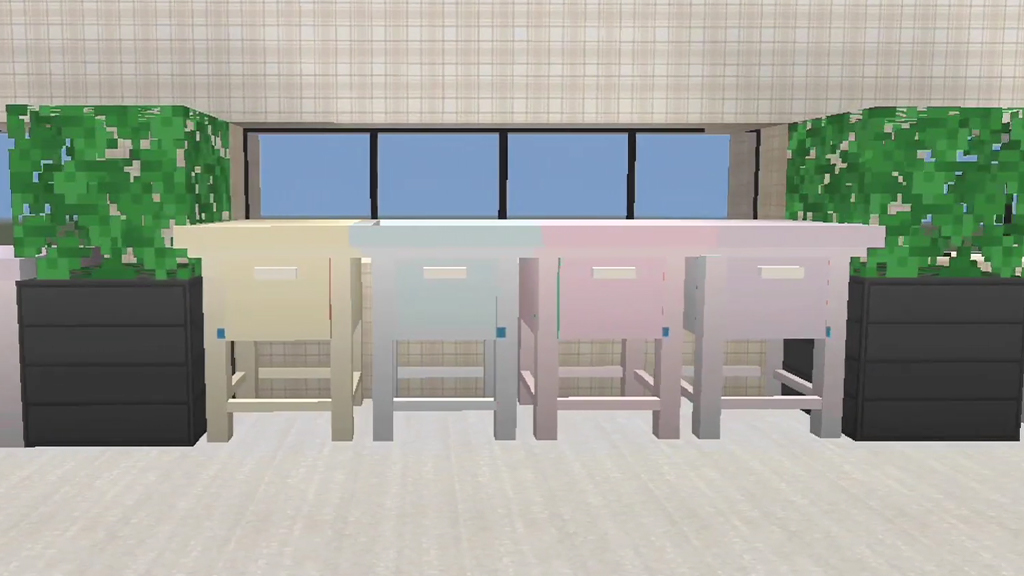
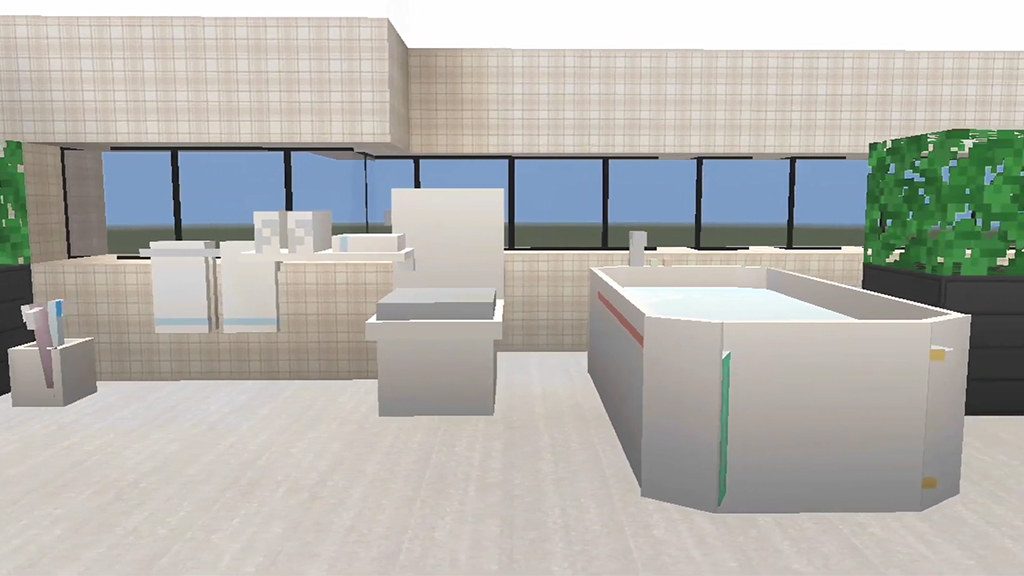
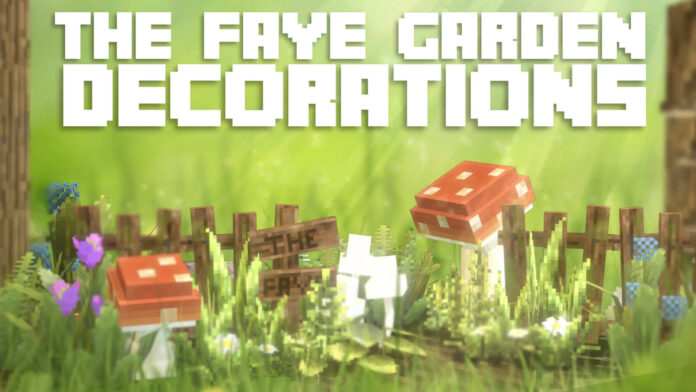
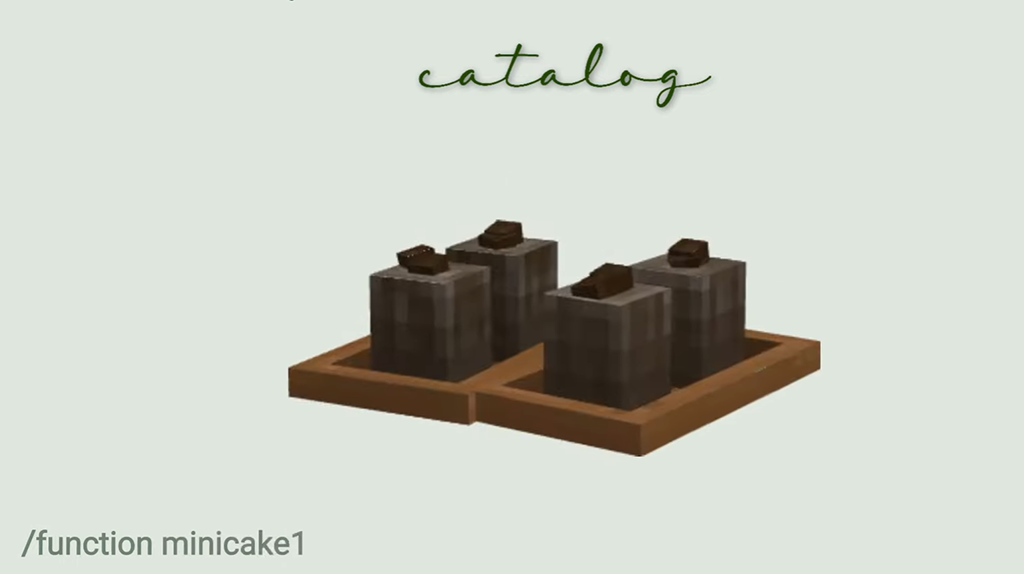
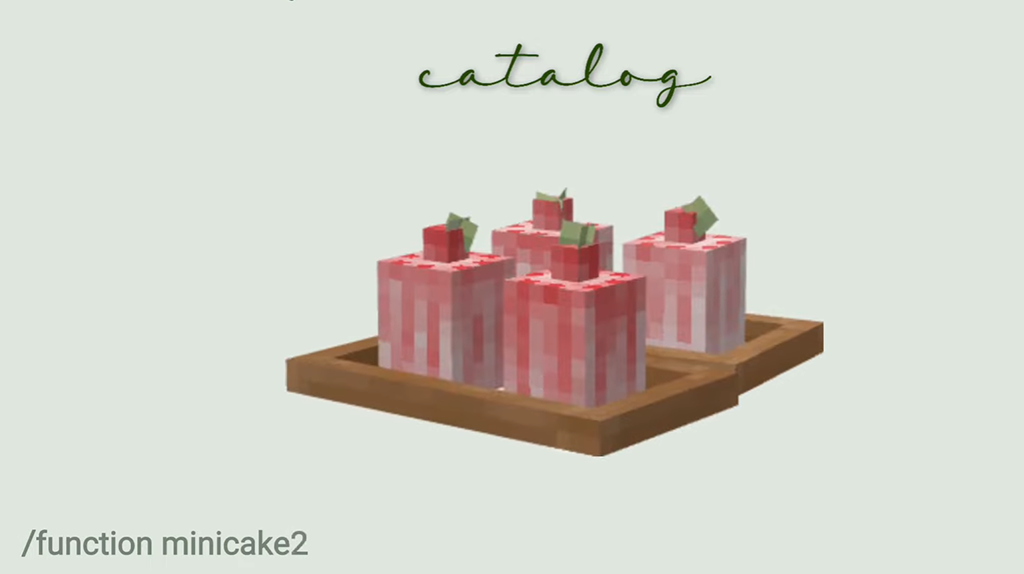
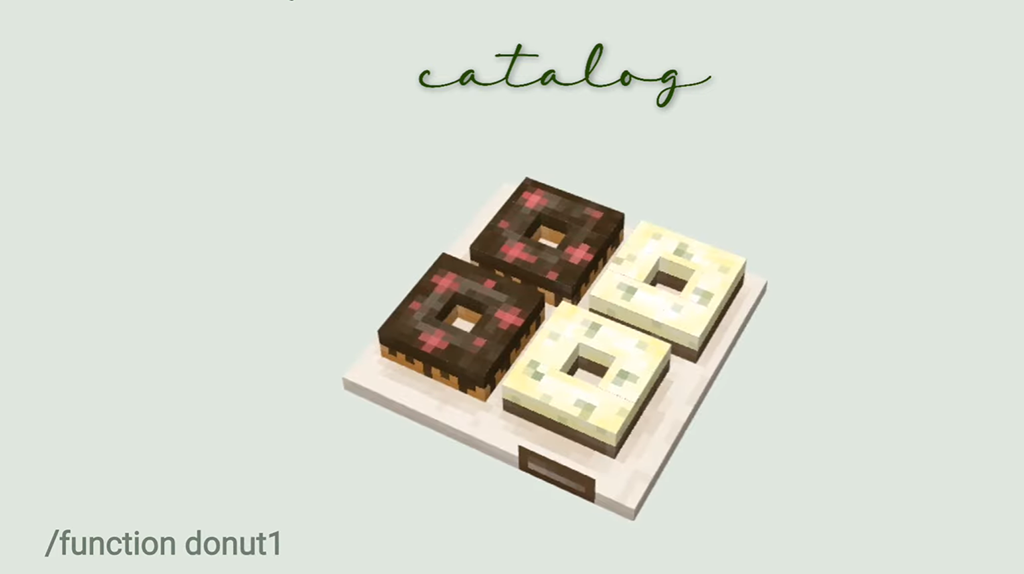
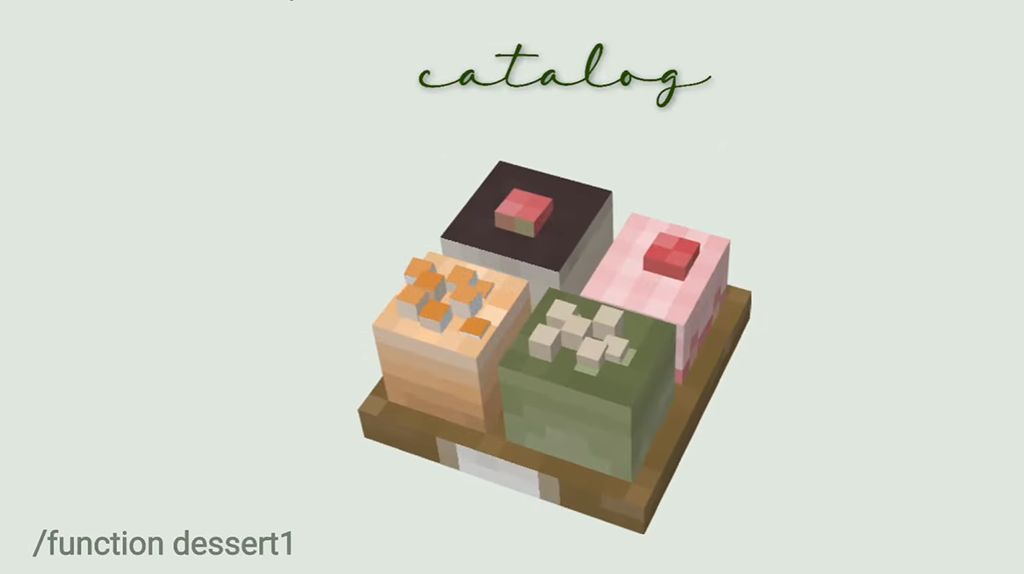
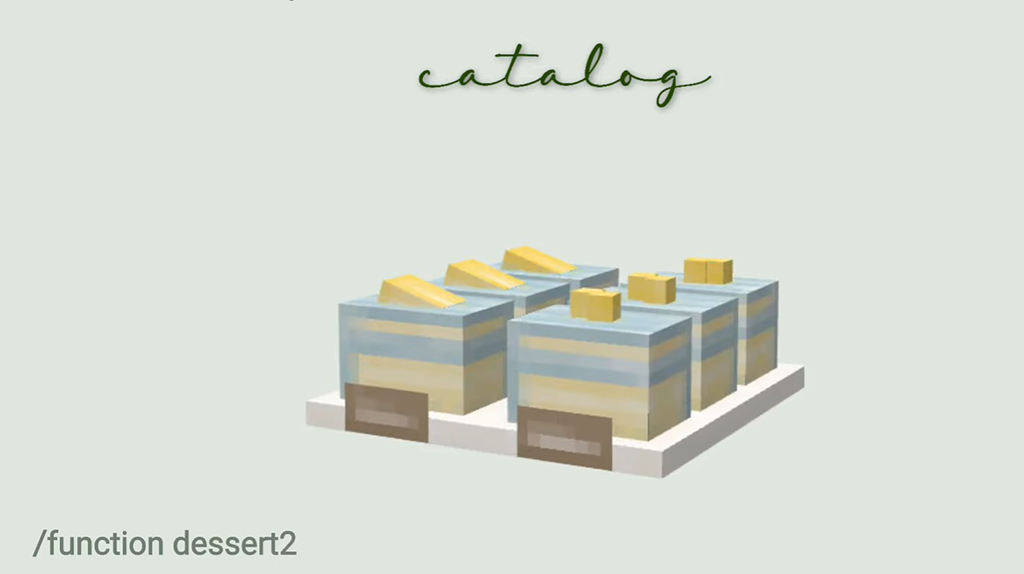
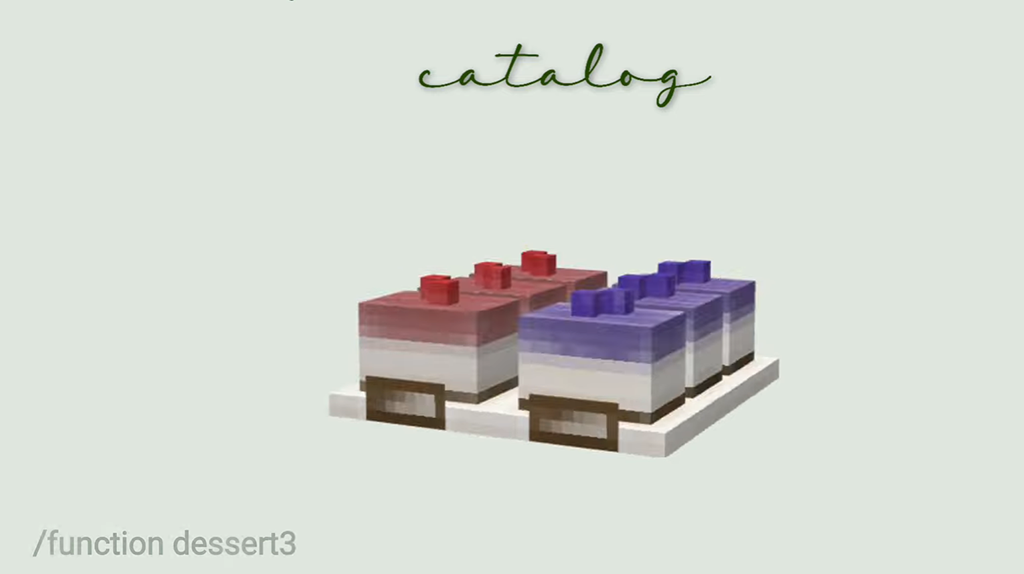
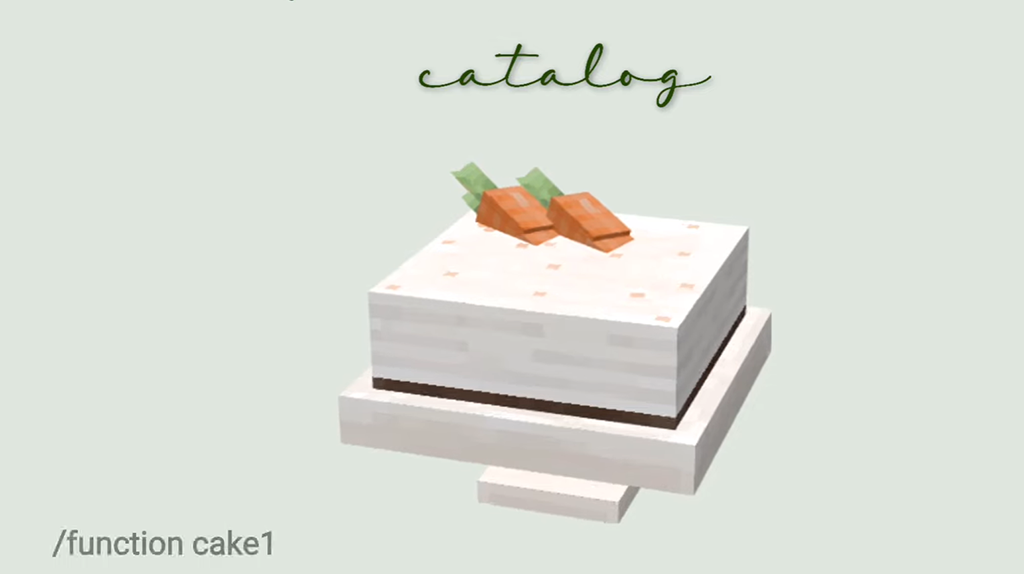
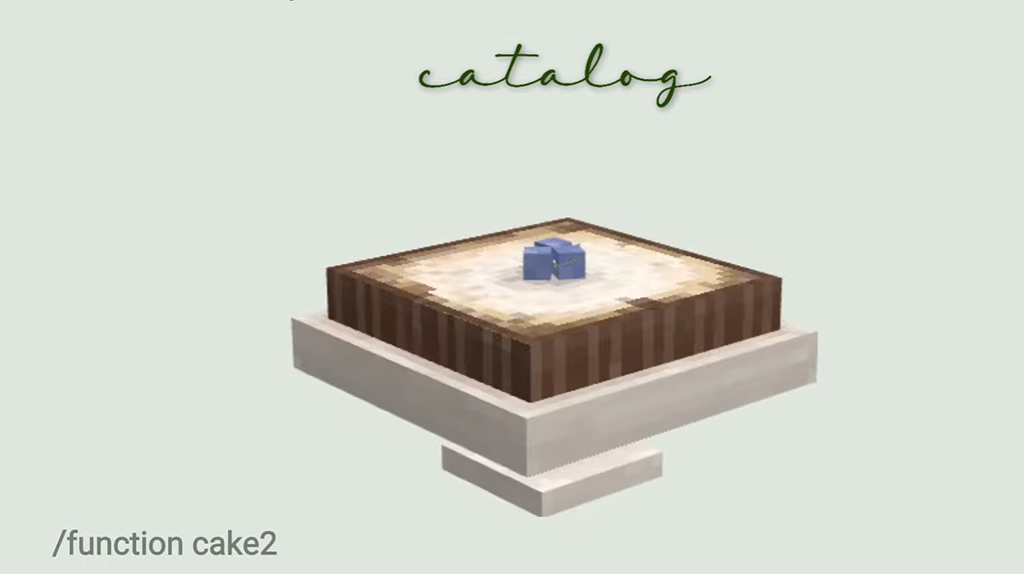
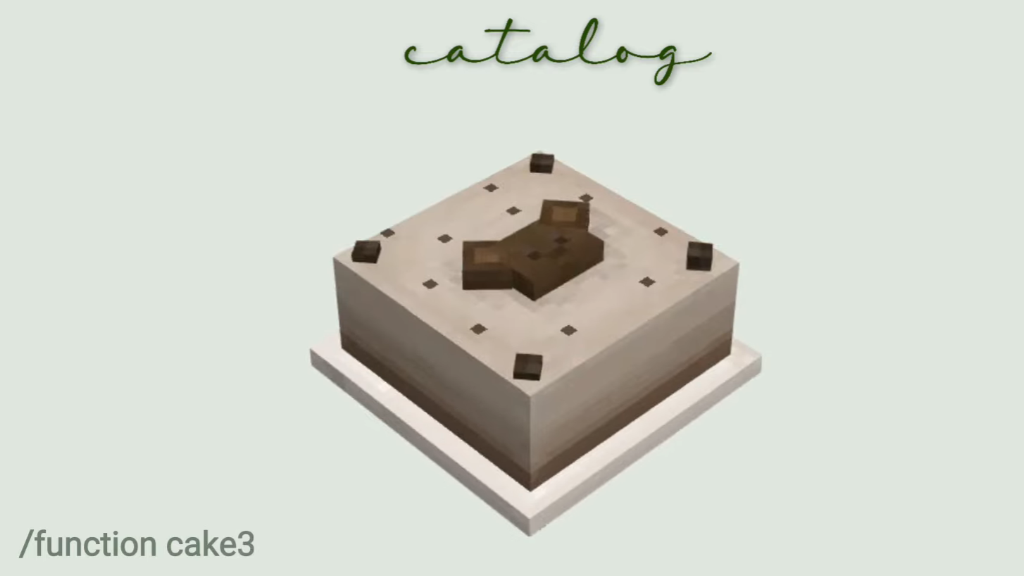
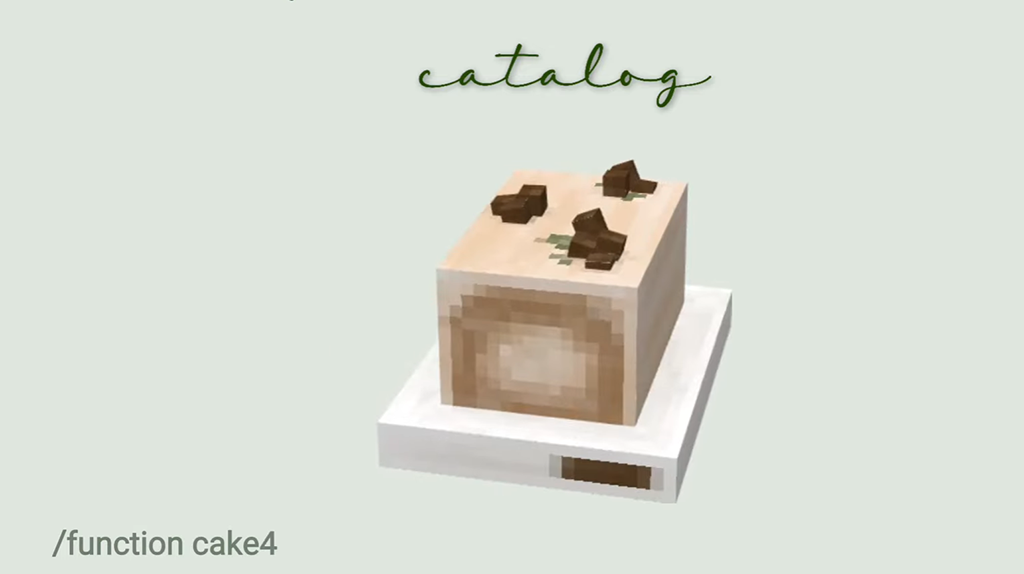
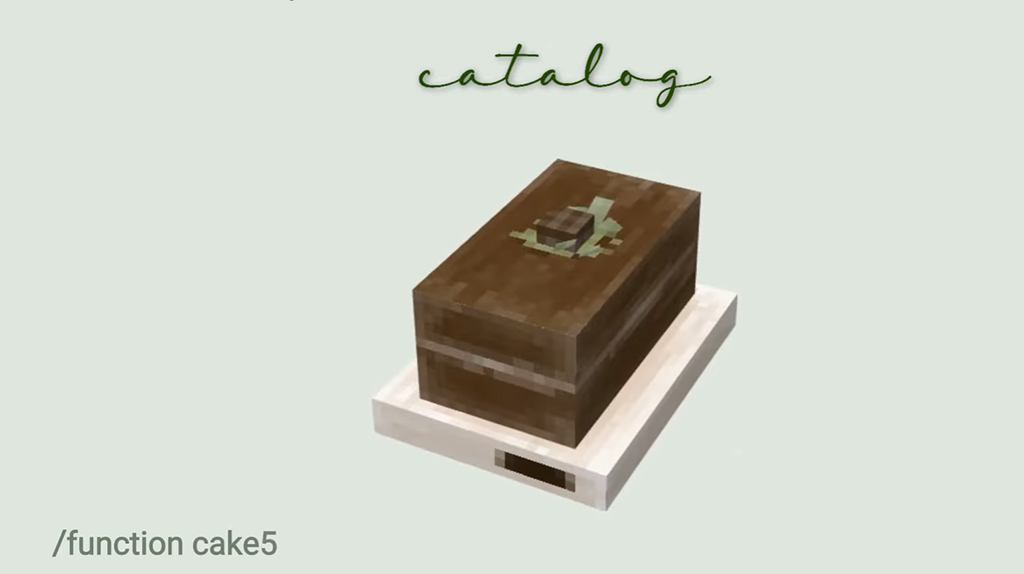
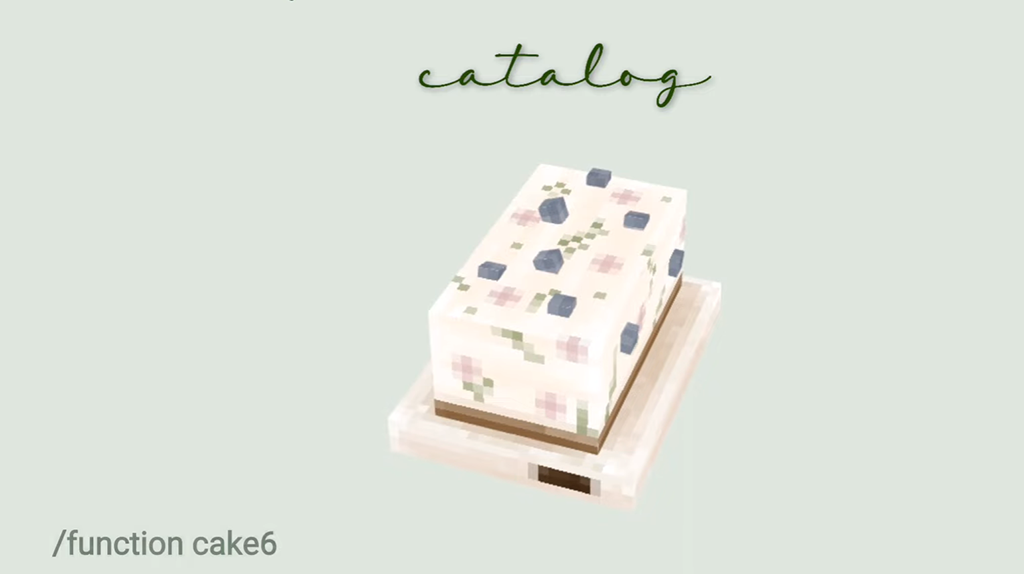
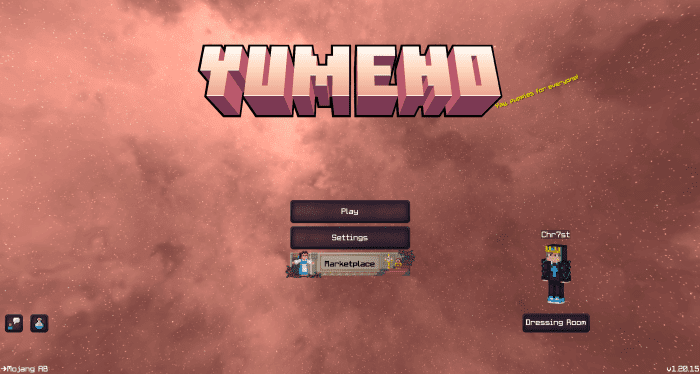
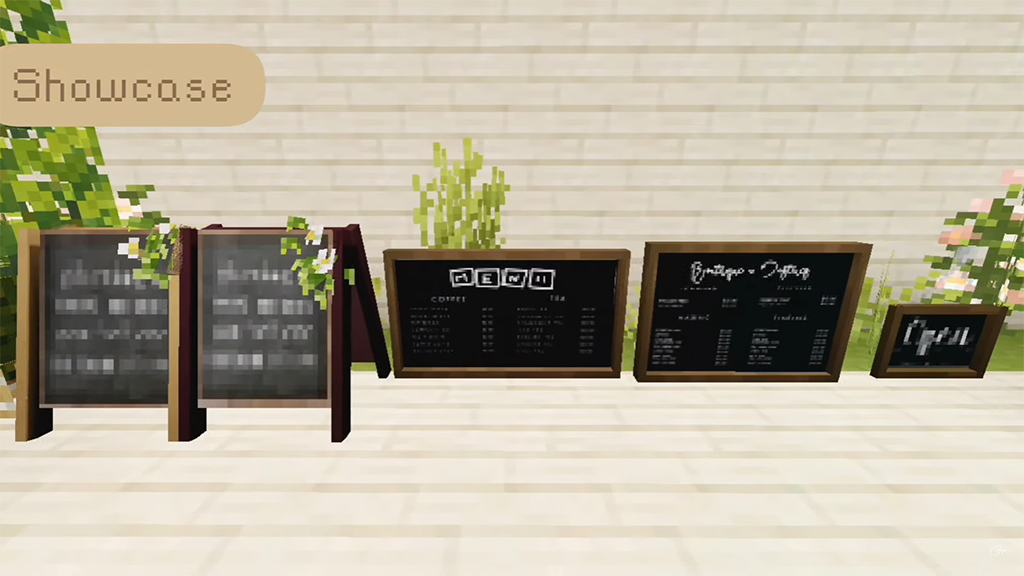
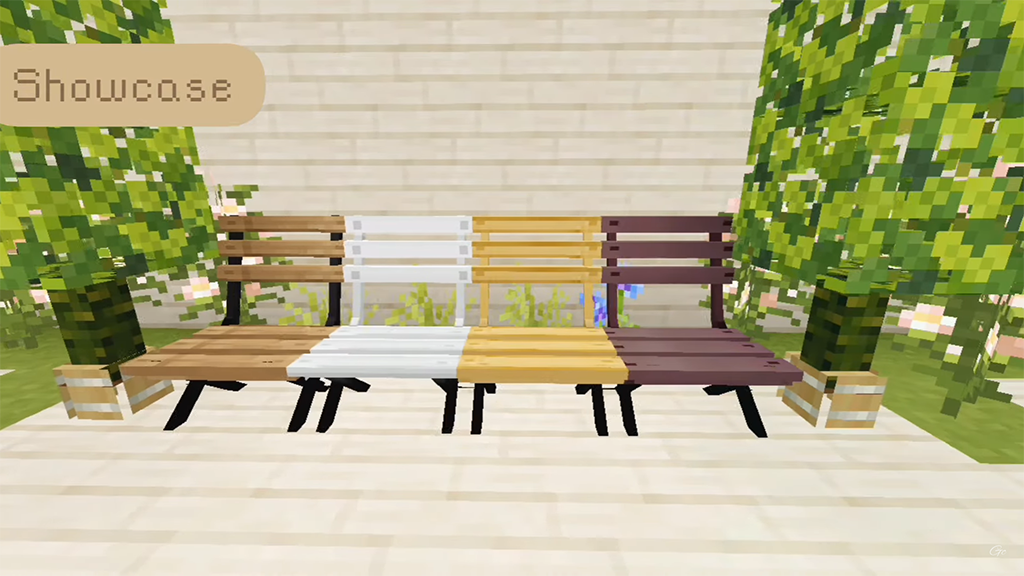
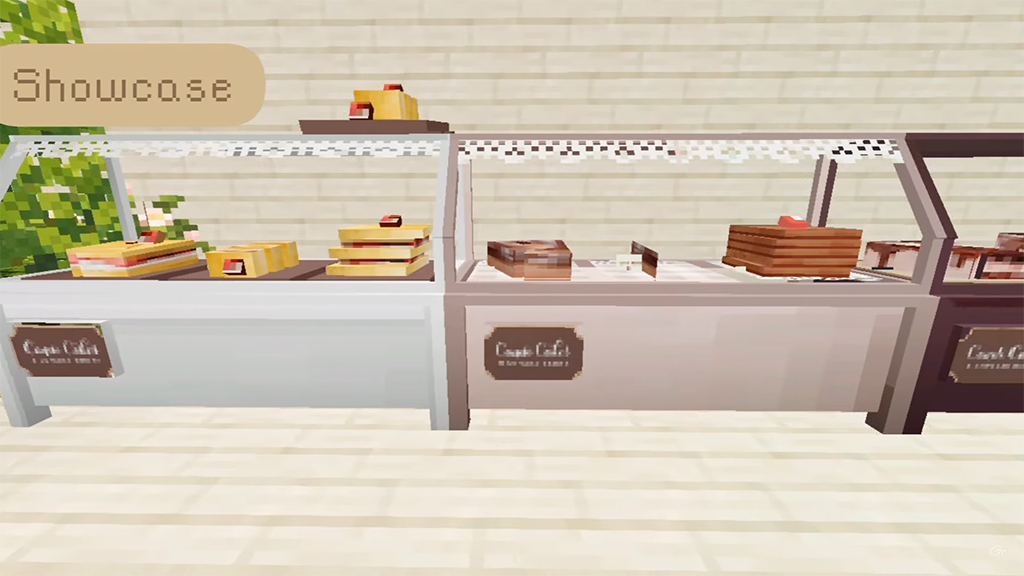
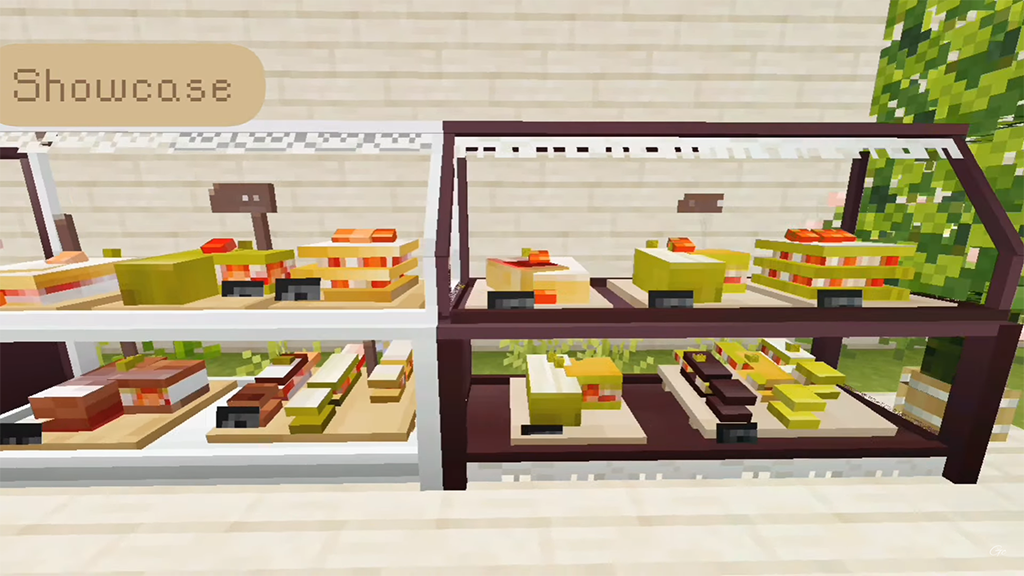
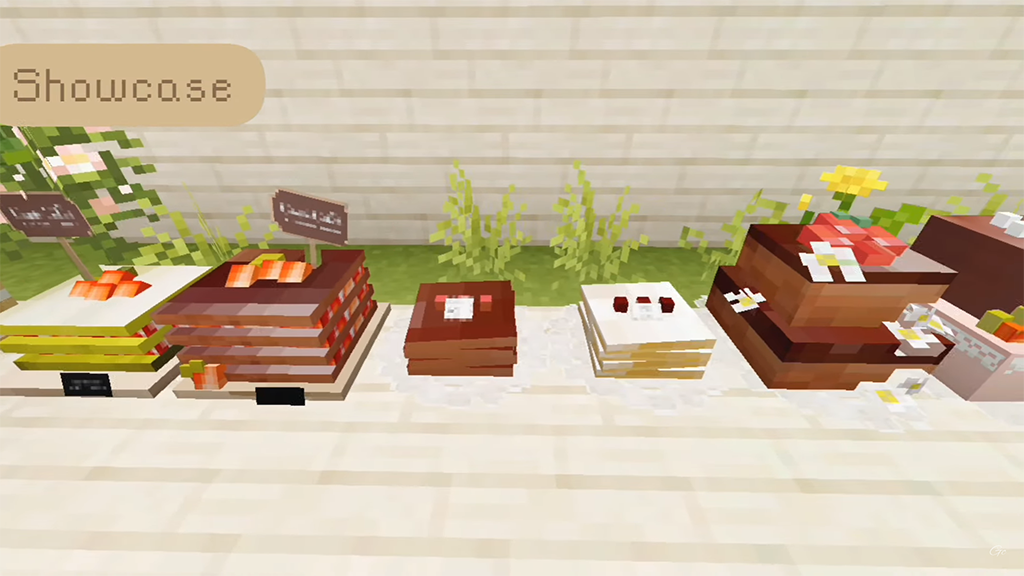
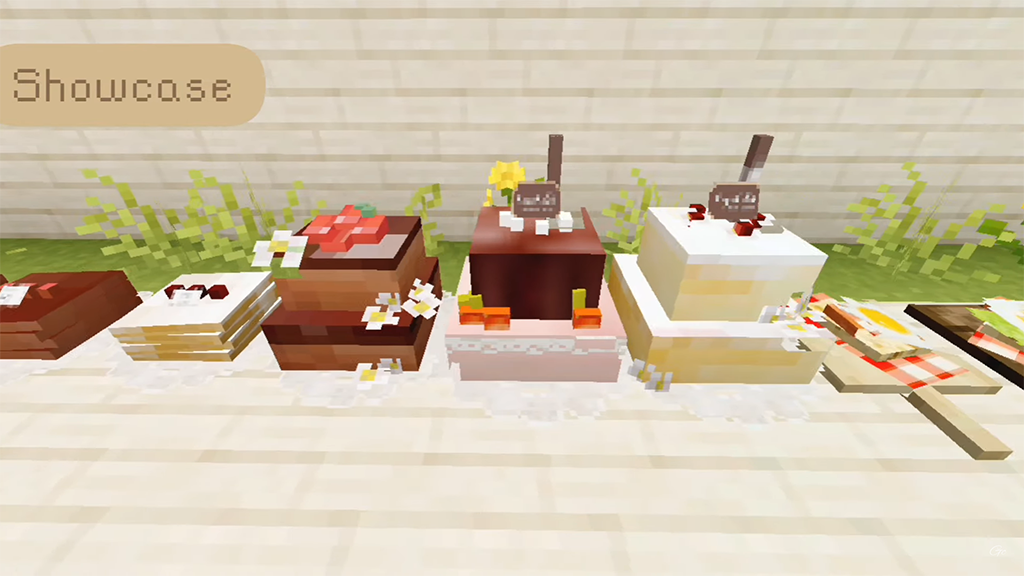
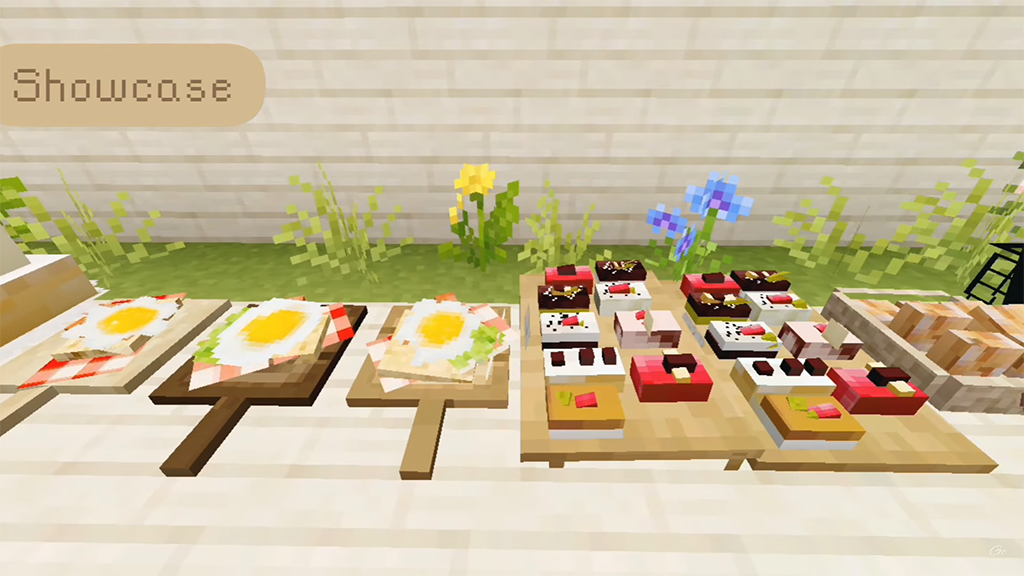
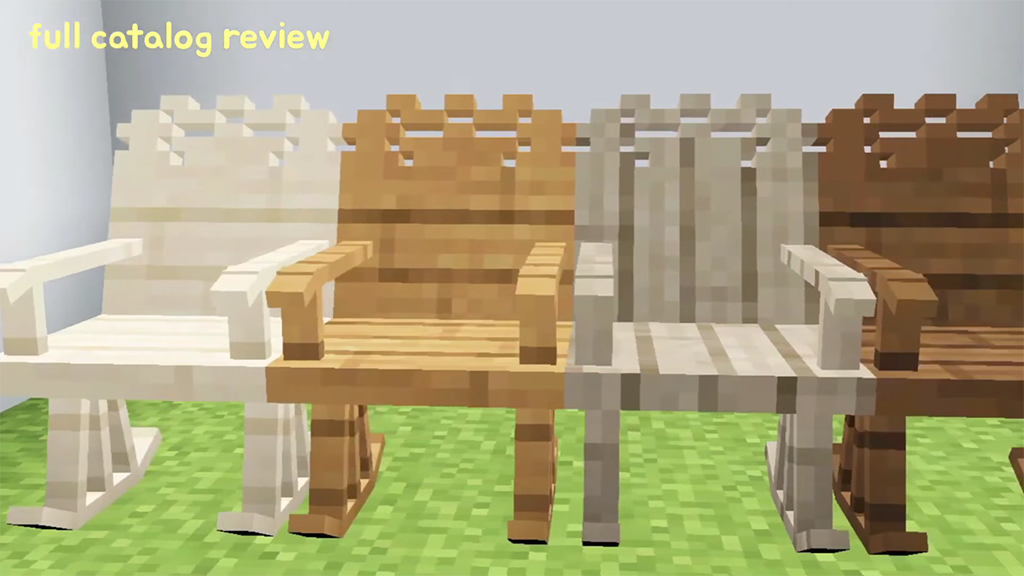
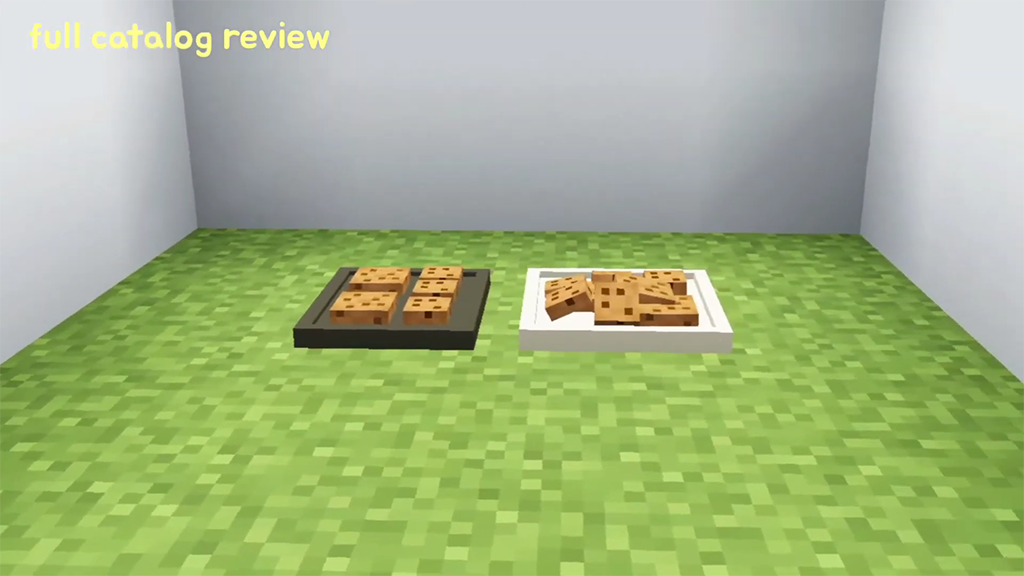
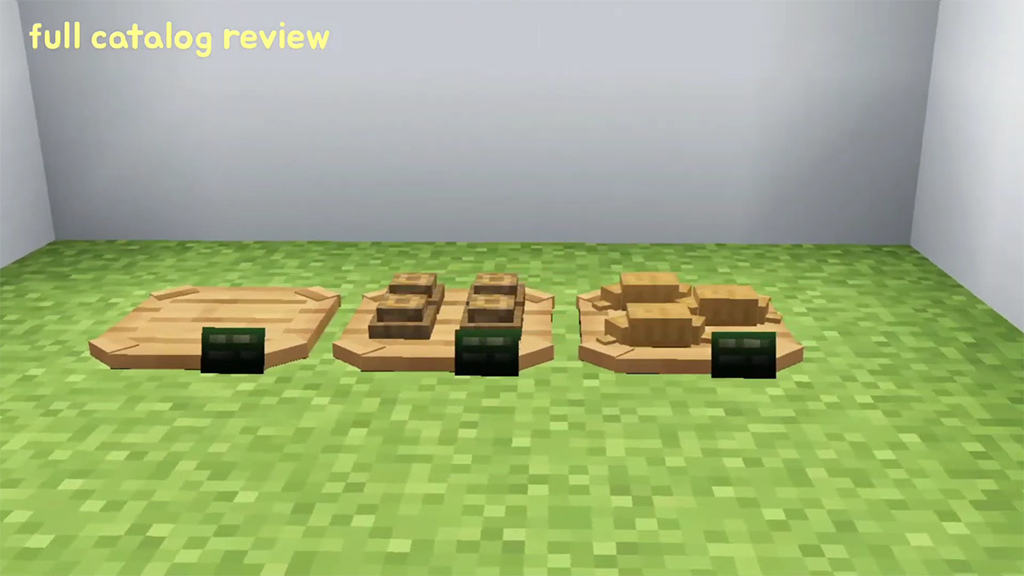
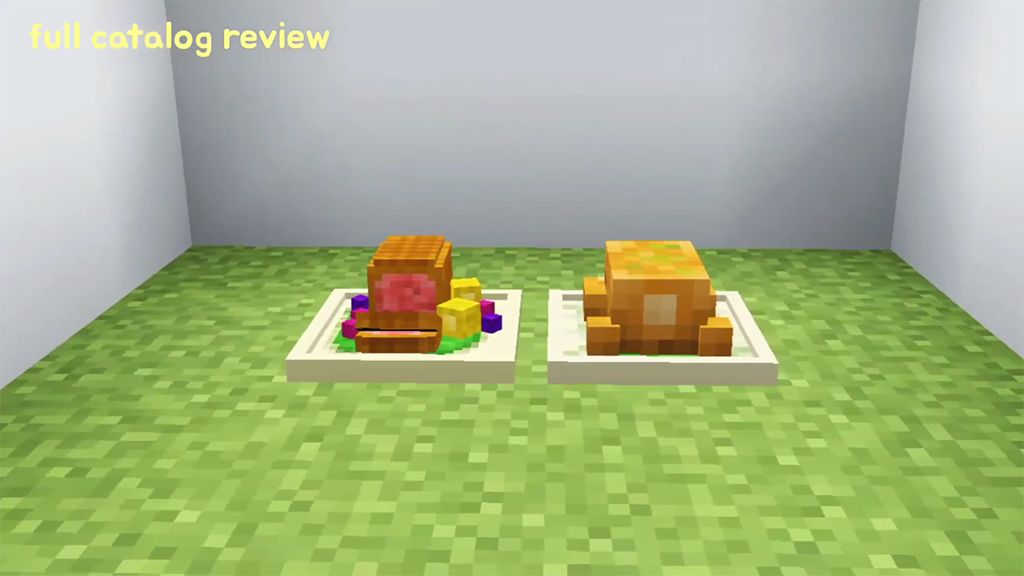
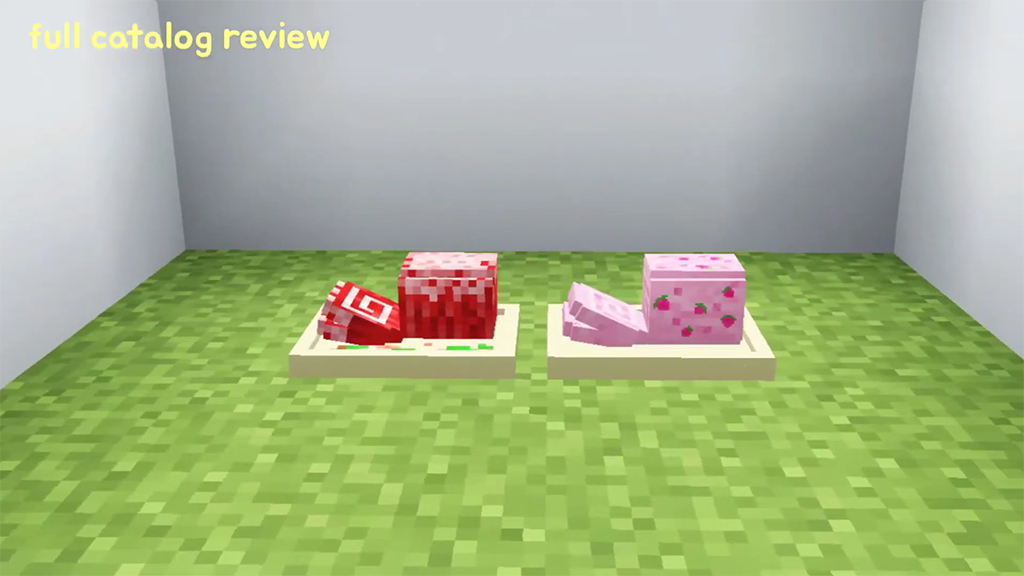
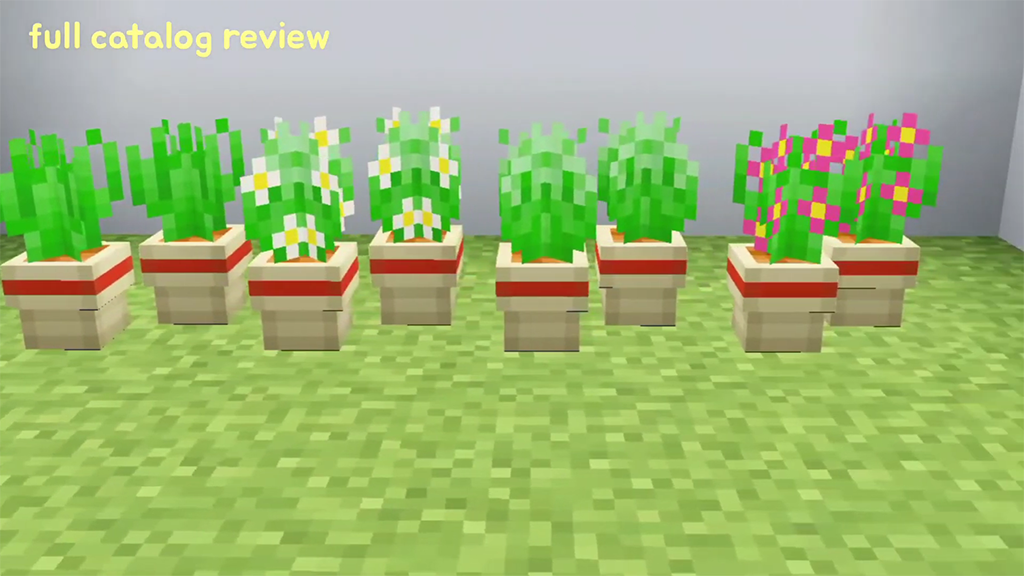
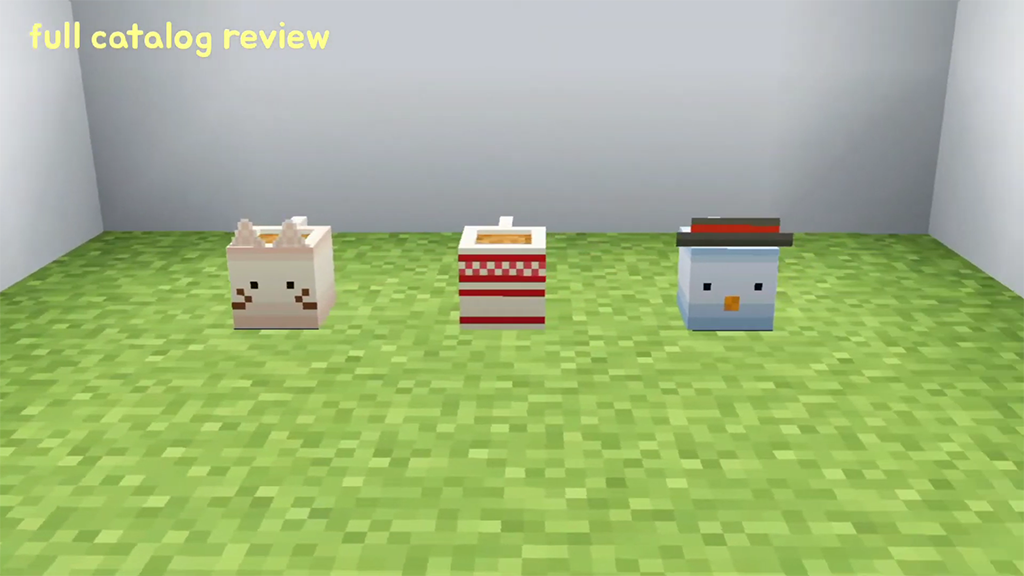
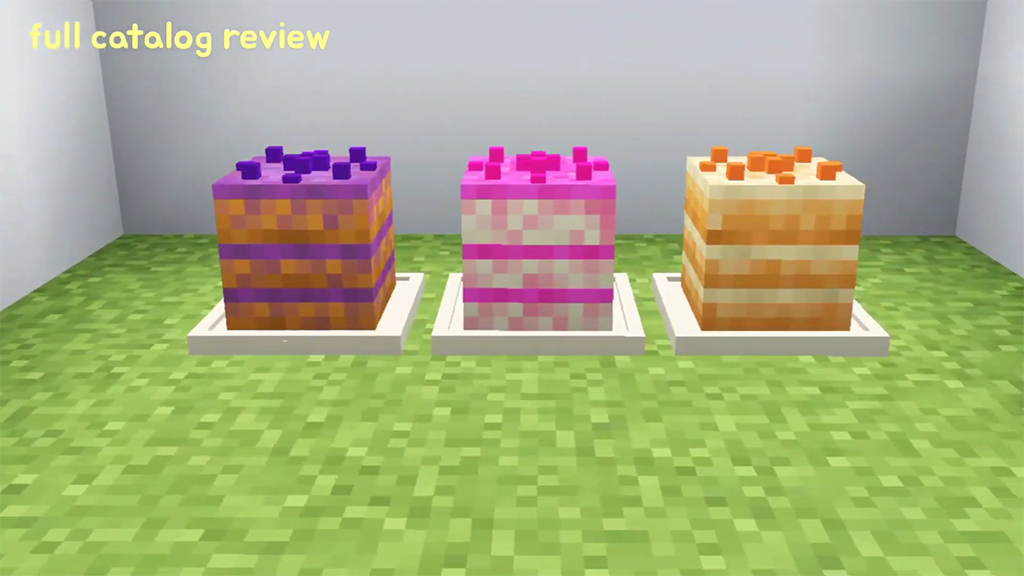
To add a little magic and wonder to your gameplay, we present the FAYE Garden Decorations Pack, an exciting addon series for fans of Minecraft Bedrock Edition.
The FAYE Garden Decorations Pack
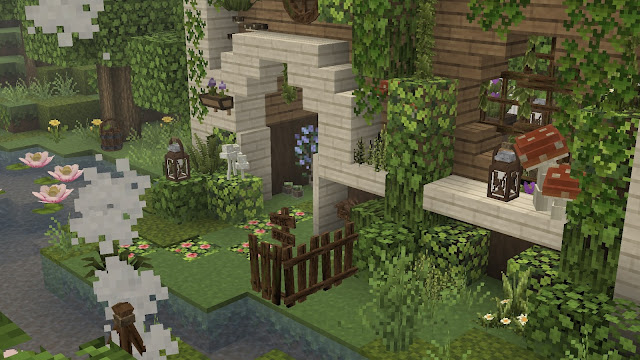
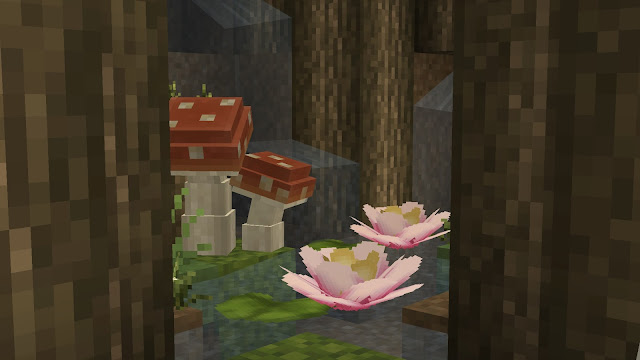
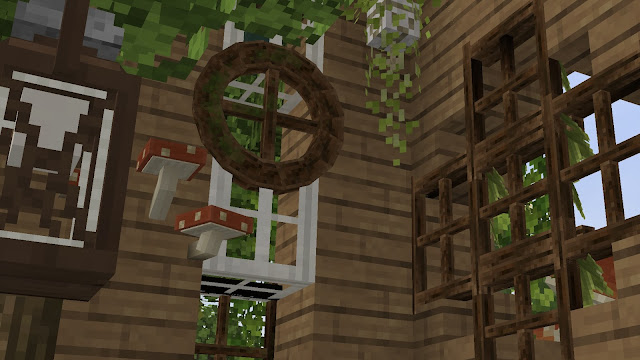
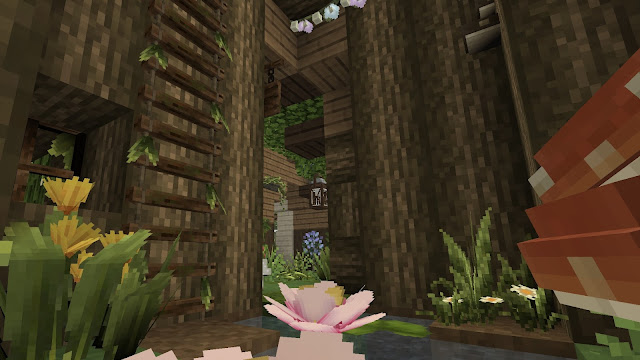
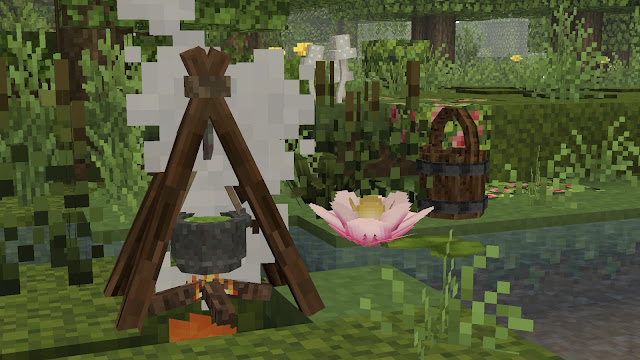
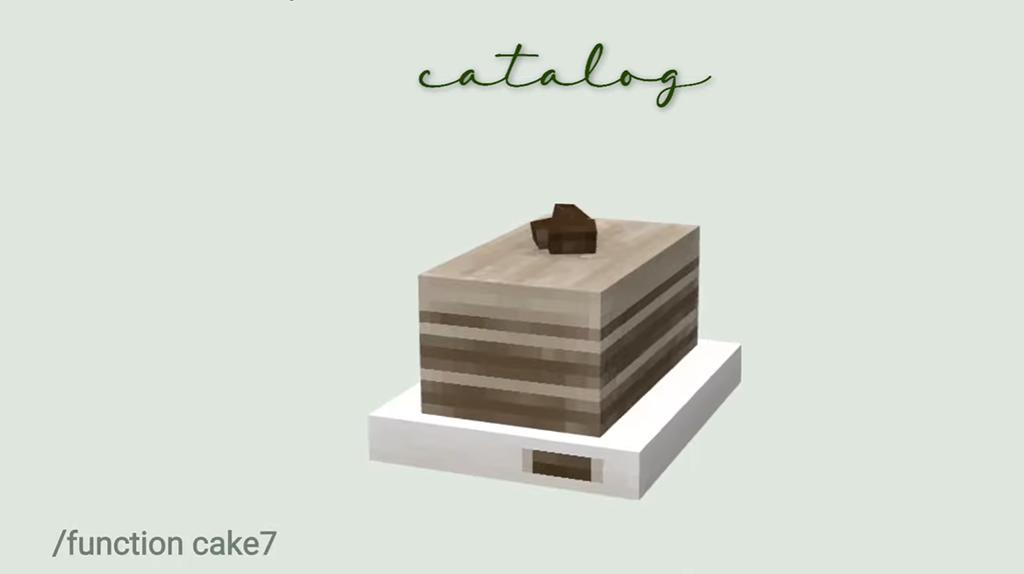
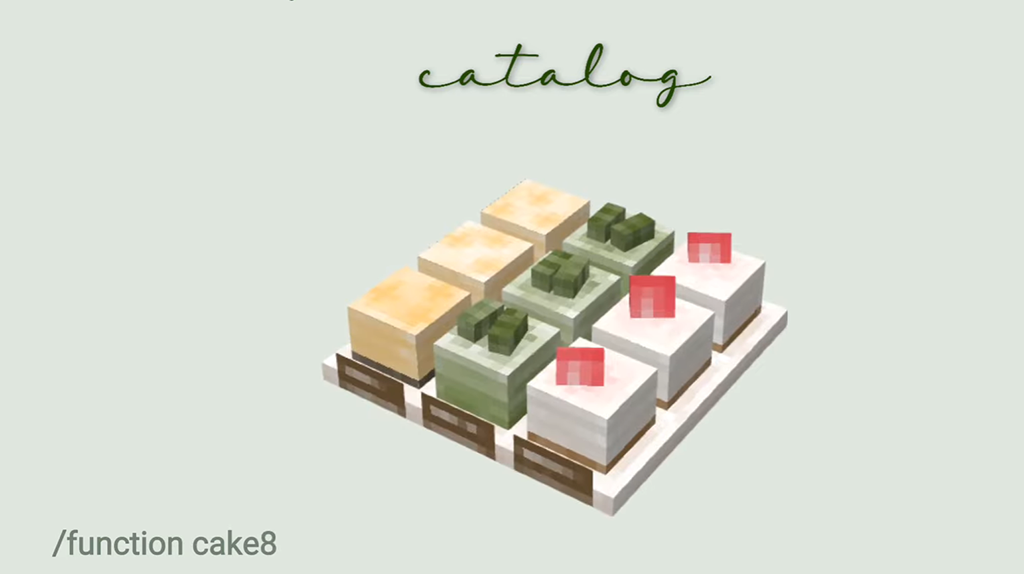
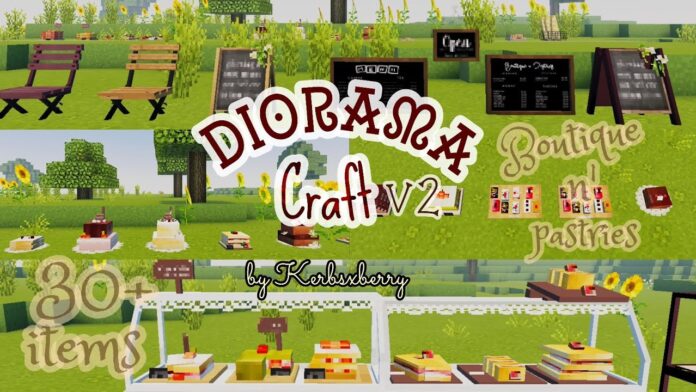
The first project in the series, the Faye Garden, includes the ‘Faye Garden Decorations’ add-on, which provides 29 decorative items that you can use in your Minecraft world.
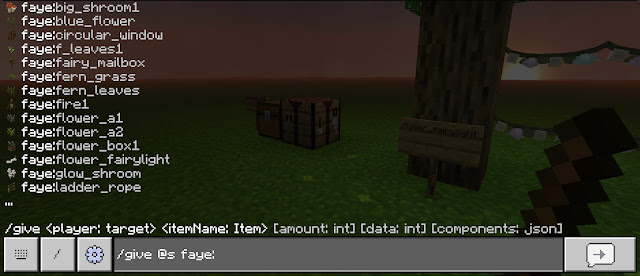
To locate pack items in your world, you have three options. The first is to access your commands bar and use the tag name ‘faye’ to obtain the items:
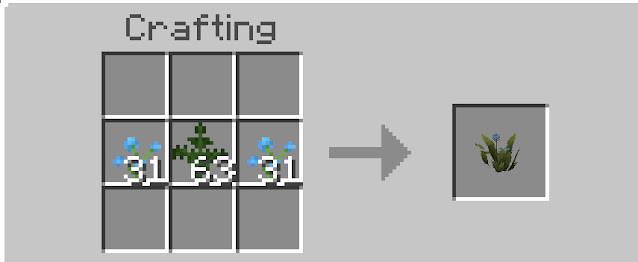
The second method is to use a crafting table. You can find all available recipes here: FULL RECIPE GUIDEBOOK
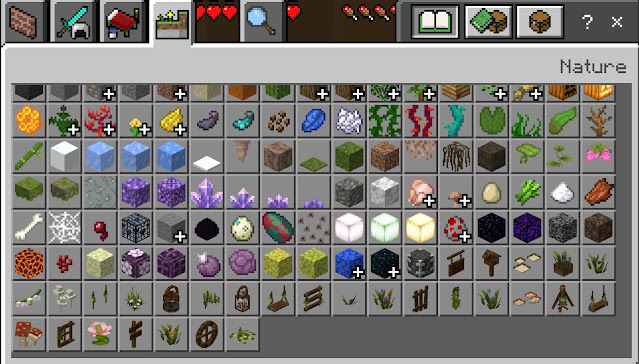
The third way is as easy as opening your creative inventory and finding the nature area. Alternatively, you can just scroll all the way to the bottom of the search bar.
TERMS OF USE POLICY
1. You are NOT allowed to re-distribute textures, models, or add-ons; regardless of modifications.
2. You are NOT allowed to upload any creations published on this site to another website or fan site without the author’s permission.
3. When images, videos, reviews, or any form of play using these published works are published and revenue is generated: you must also include the name of the distribution and the URL (https://www.thefayeproject.com) linking to this site.
4. All participants who use these works, whether indirectly through multiplayer servers or directly with friends, are also subject to these terms and conditions.
Changelog
Official version 1 release (29 decorative items): August 11, 2023.
Installation
REQUIRED SETTINGS:
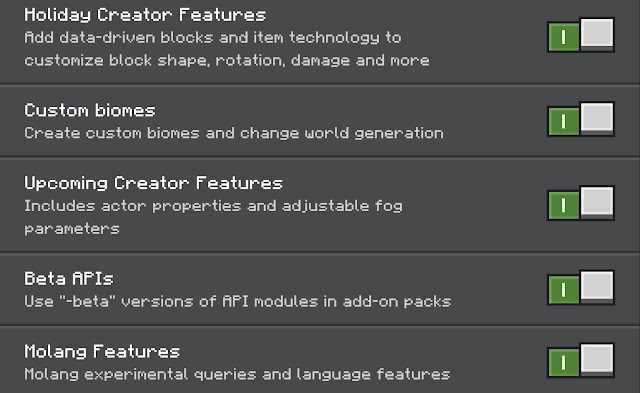
In order to use this pack in your world, you will need to ensure that you have both the resource and behavior pack activated. Additionally, the experimental settings and cheats must be enabled for the add-on to function properly.
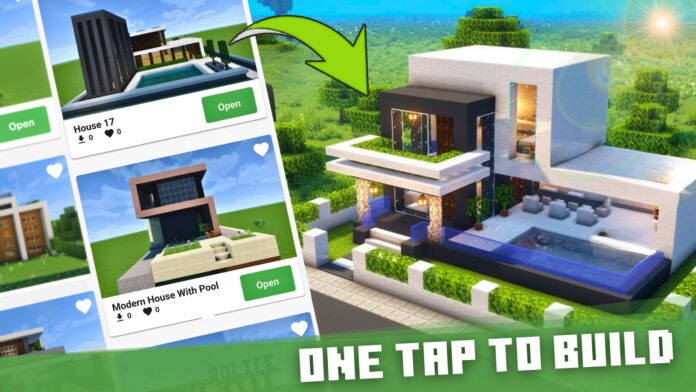
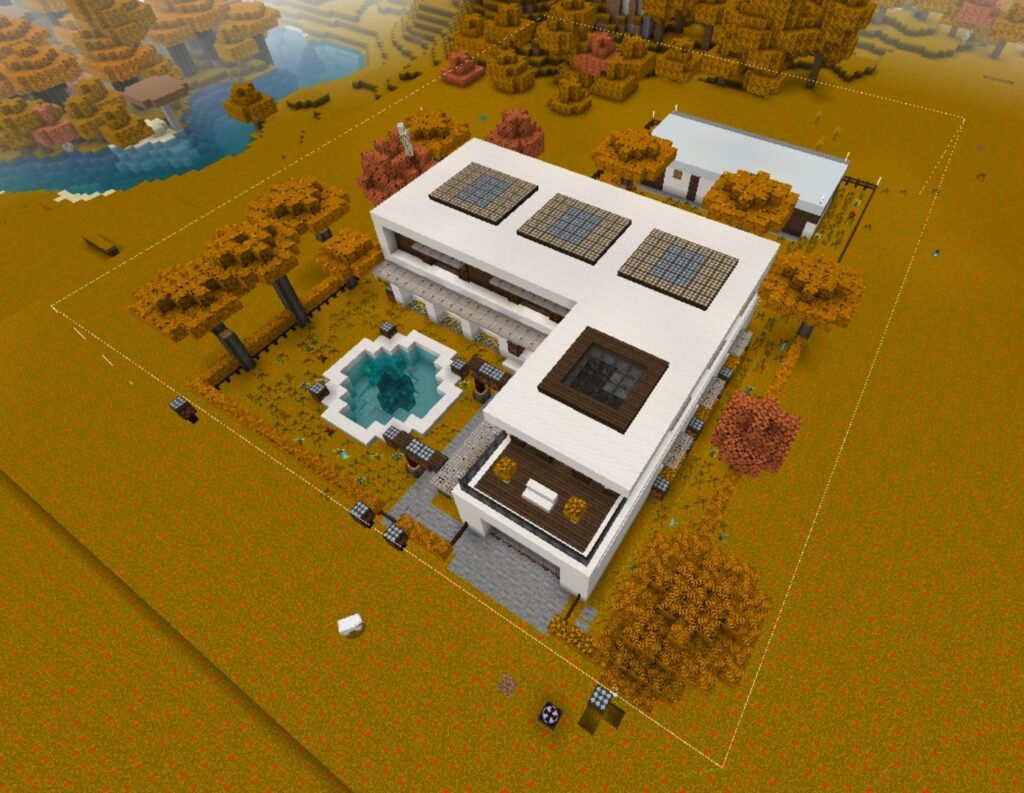
House Building for Minecraft PE is perfect for building Minecraft house mod on your map. It has tons of buildings for Minecraft 1.20+ and famous structures addons. Easily import, export, and edit your Minecraft building house in one click.
How to install House Buildings for Minecraft?
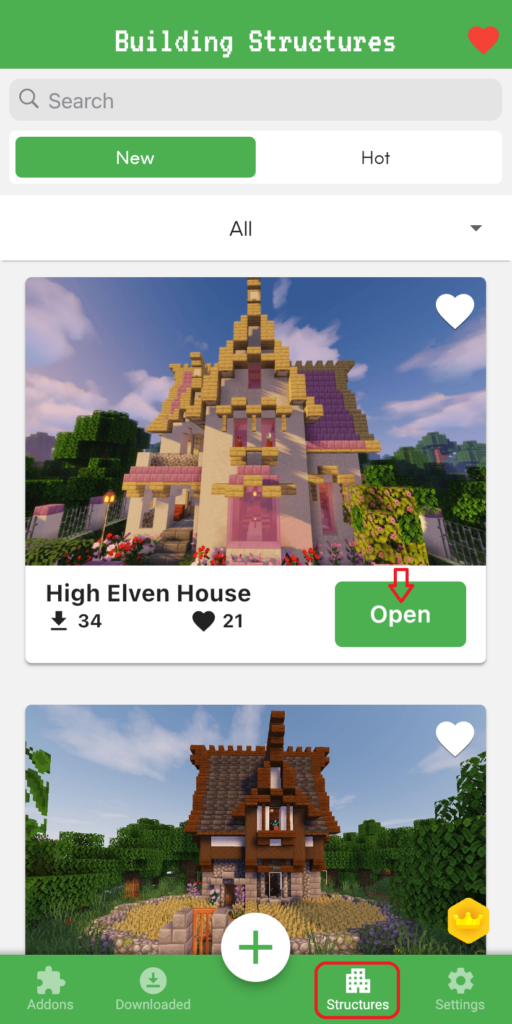
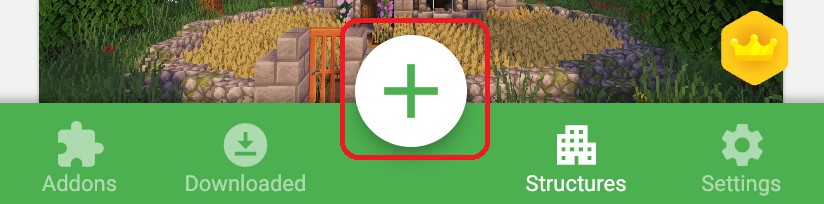
1. You select the STRUCTURES button. Tap Open any building Minecraft you want to build.
Automatically update Minecraft building from small to large size according to categories: houses, modern houses, medieval, creations, boats, ships, castles, floating islands, temples, and vehicles,…
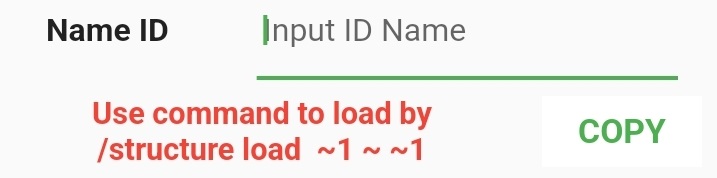
2. Change Name ID (if you want): This ID is used to load your structures into the Minecraft game.
3. Add ENTITY INTO BUILDING
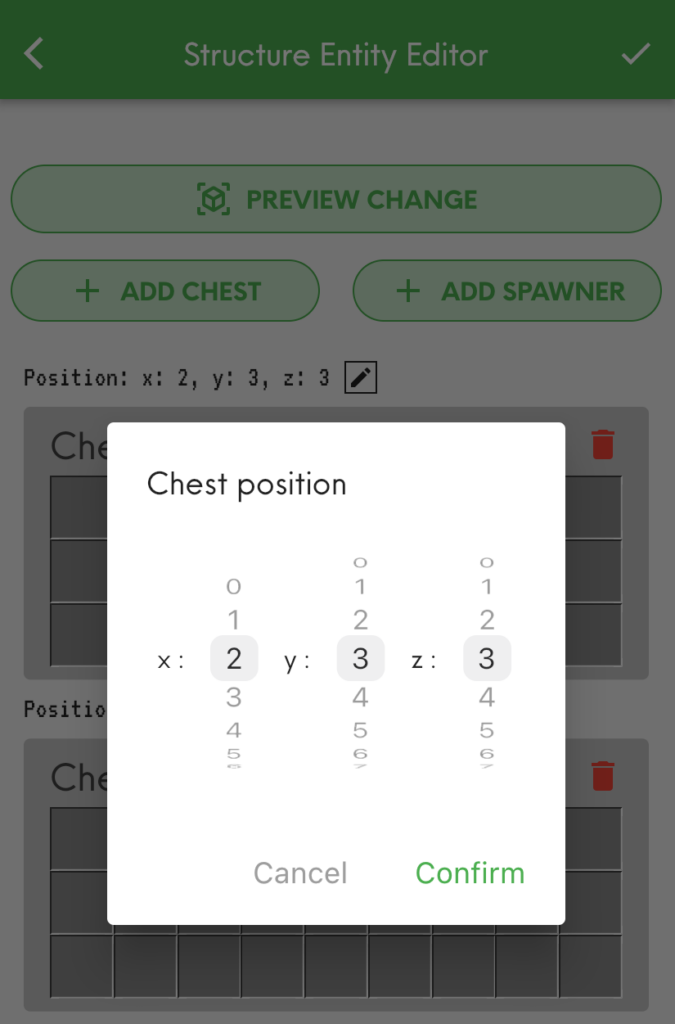
You adjust the x,y,z coordinates to put the Chest and Spawner in the building.
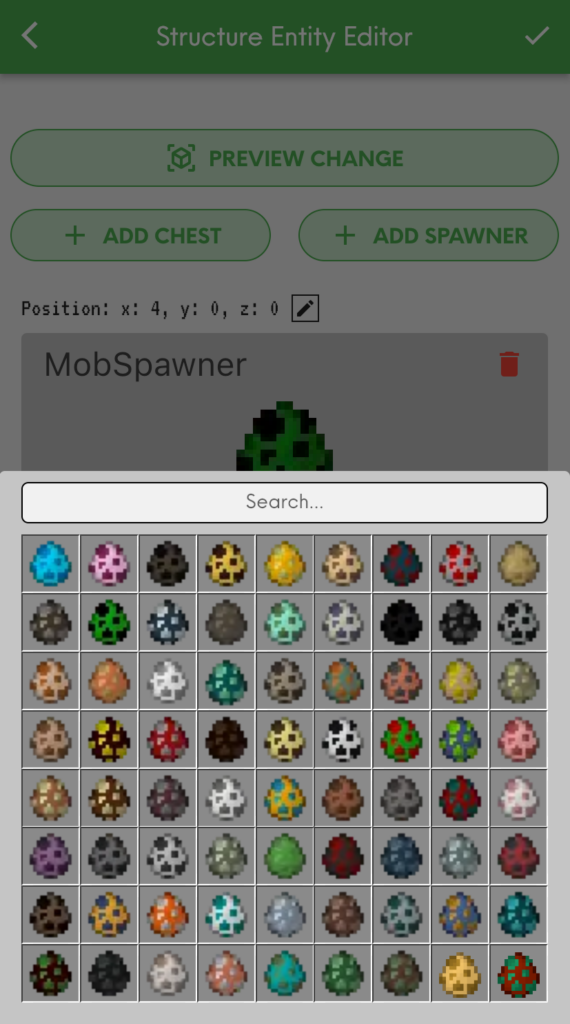
Then, choose any entity in the chest & mob for the spawner.
ADD CHEST: Add any entity to house building for Minecraft using CHEST such as furniture, armor, weapons, or food.
ADD SPAWNER: You can add Minecraft Mob Spawner with any mob you want. Easily search for mobs by the color eggs or type the name to appear immediately: Pig, Spider, Cave Spider, Silverfish, Magma Cube, Blaze, Skeleton, Zombie,…
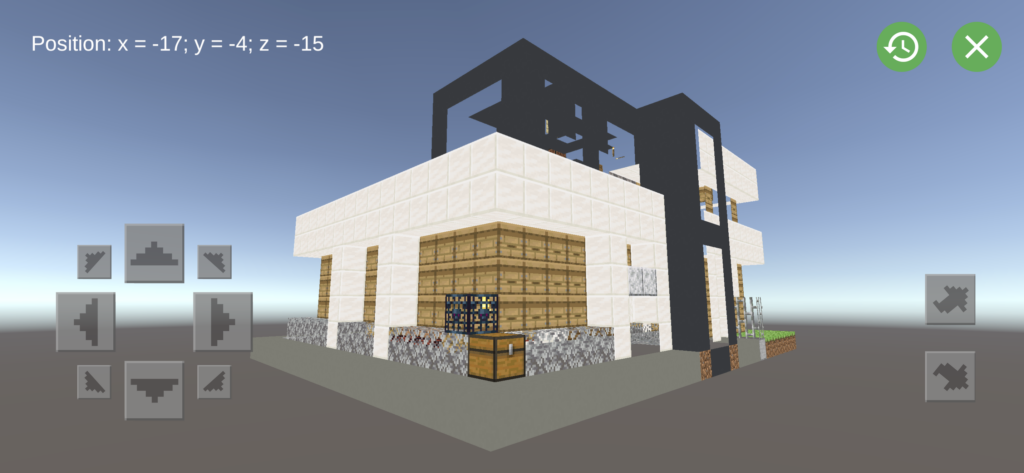
Structures, chest, and spawner are visually previewed in 3D. If you want to change location, you must change x,y,z coordinates outside.
4. Select or Add Biome
This Biome you choose will spawn structures in Minecraft world.
5. Modify Occurrence Density house building for Minecraft
Dragging the slider to the right means you are increasing the density of the structure’s appearance, and vice versa. Instead, you can enter the desired Occurrence Density density index.
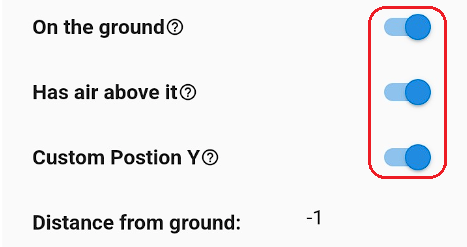
6. Adjusted the appearance of structures relative to the ground in the game
Based on the type of Structure, you can custom it to spawn On Ground or Air Above, even custom Position Y as you want.
7. Export Buildings into the Game
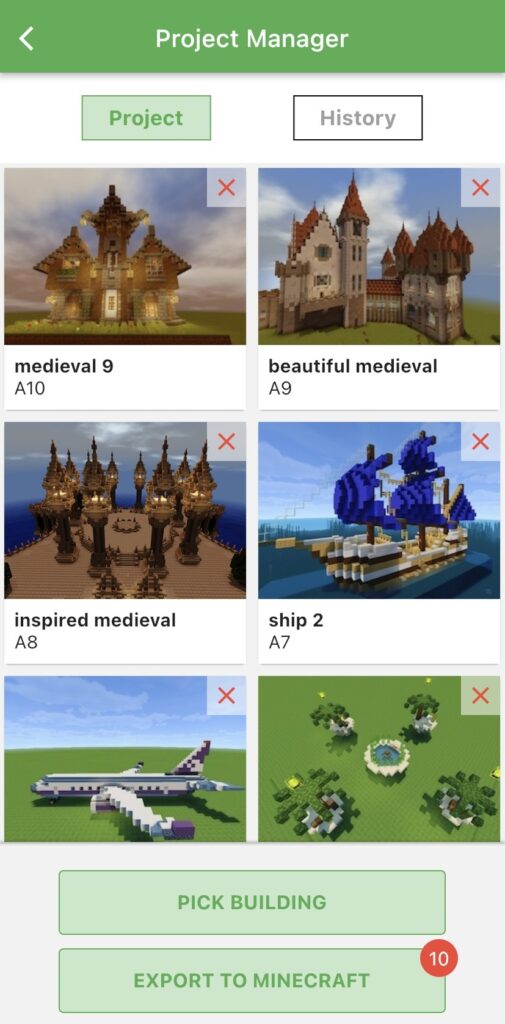
– Open Project Manager Screen
– Review your building: You can re-edit or delete your structures
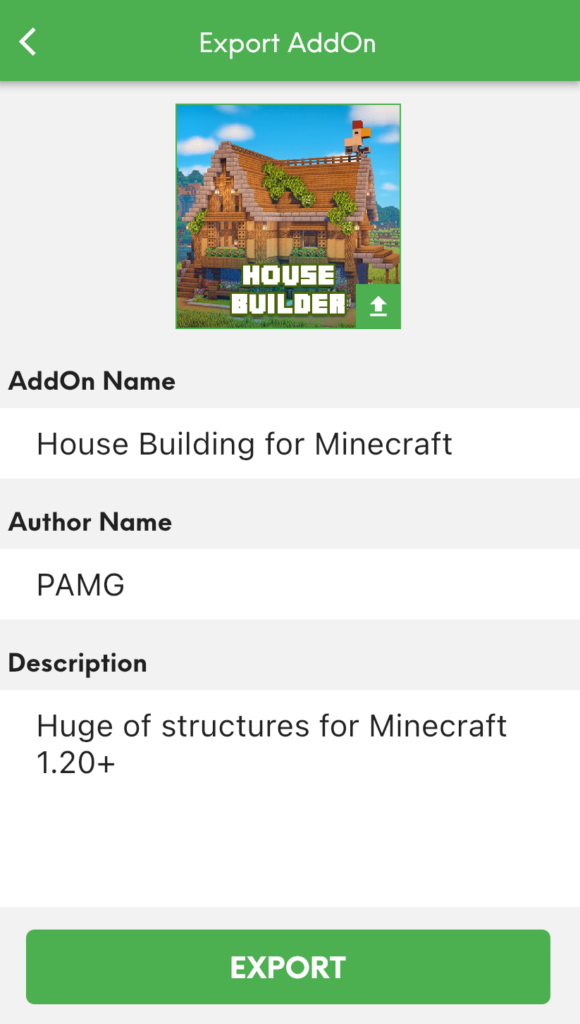
– Tap “Export to Game” button to open the export screen
– Fill information your your addon then click “Export”
If you possess genuine creativity, kindly transfer this house building for Minecraft to the MAM application to produce a wider range of impressive modifications.
Note: You can try importing your Minecraft building house into other games that allow third-party tools to edit behavior & resource packs: Crafting and Building, Eeskcraft, Craftsman, etc.
How to activate your House Building Minecraft?
1. Create a new world or edit an existing world
2. Enable “Experimental Gameplay” in the world settings
3. Tap on Behavior Packs & Resource Packs in the sidebar.
4. Open or Create a world and enjoy.
How to make your Minecraft building?
1. Import the “Structure Block” button into Minecraft (only for Android)
2. Use the command: /give @p structure_block
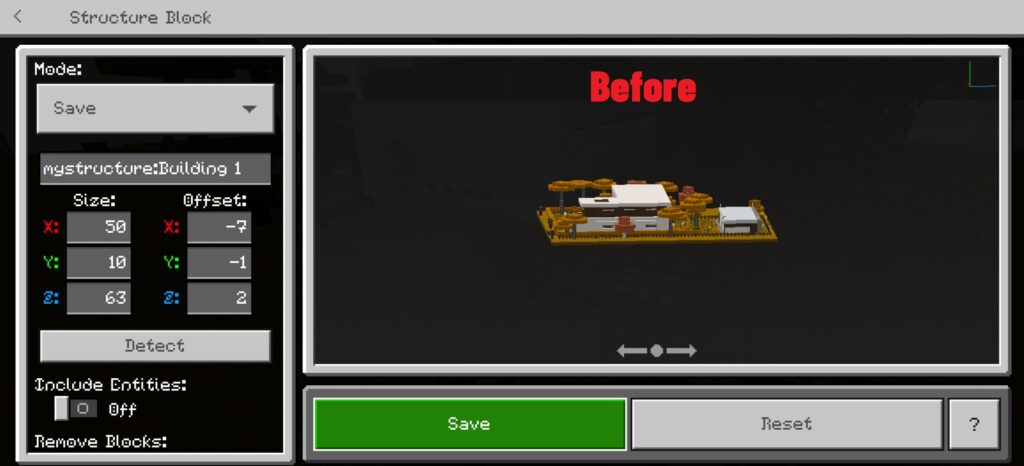
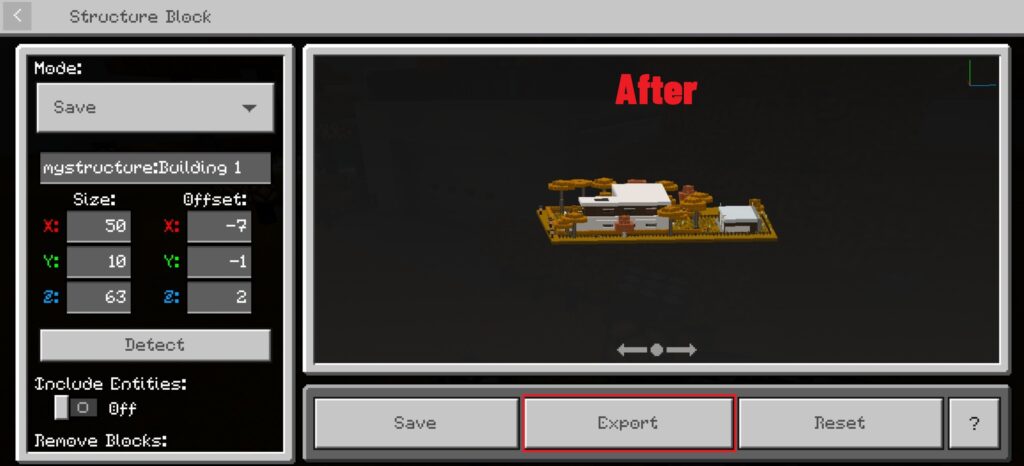
3. Cut and Save House Building for Minecraft
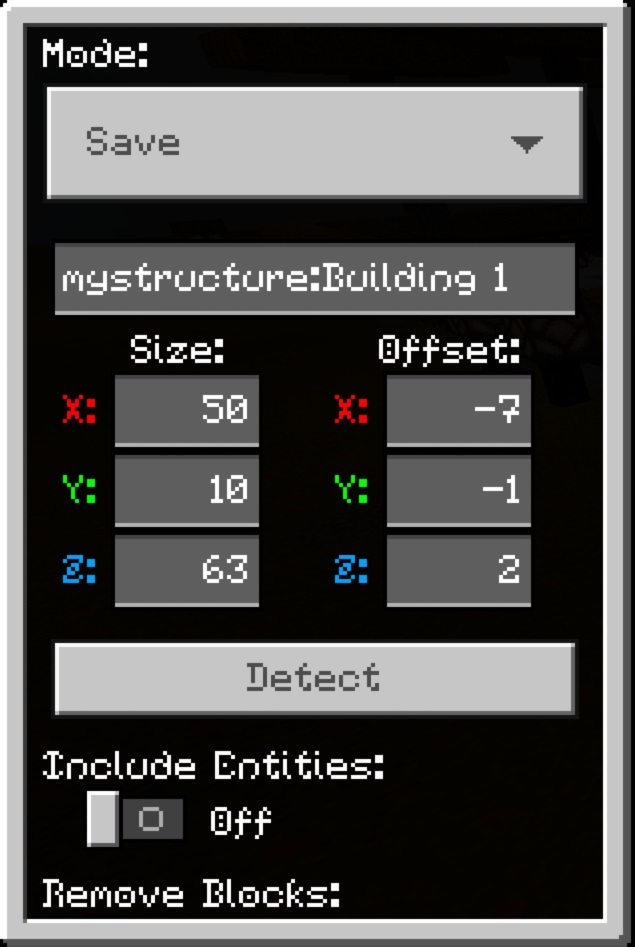
– Choose Mode: SAVE
– Fill in the name. Ex: “mystructure: building”
– Modify x,y,z coodinates. Maximum size 64×64 [except Height (Y)]
Note: During you cut structure, you need to save to prevent losing all numbers had typed before.
4. Export Structure file
House Building for Minecraft has all the perfect houses for MCPE. Whether a beginner or a pro, you’ll find something to love in our apps. So what are you waiting for? Become a master builder now with thousands of Minecraft blueprint houses!
What should I do when House Building for Minecraft is not working?
1. Check your Internet connection.
2. Make sure to activate the Behavior and Resource Pack in Minecraft.
3. Notice your Minecraft version! Because the Minecraft master game constantly had updates (1.19 and above) that affected all addons players added to their world. So some house building for Minecraft may not be working in the latest version of the game.
5. If everything is still not working, please leave a report at Form or email us at [email protected]
How to download Habeecraft – Review and Tutorial video addons furnituremod furnituremodforminecraft mcpeaddons minecraftbedrockedition minecraftjava furniture habeecraft viral #fypシ#cake#Adorable#Cute#food
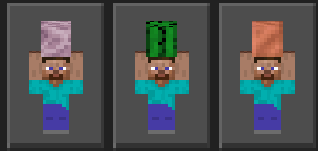
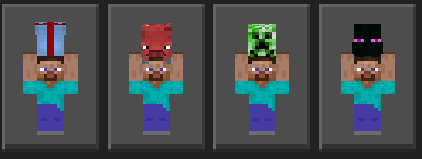
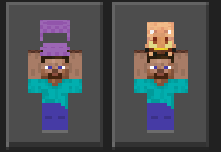
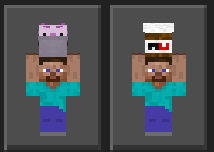
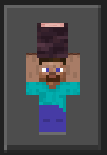
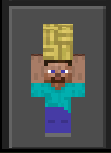
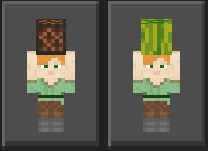
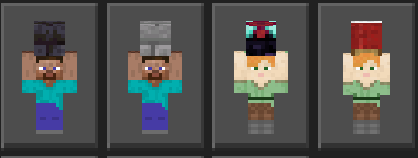
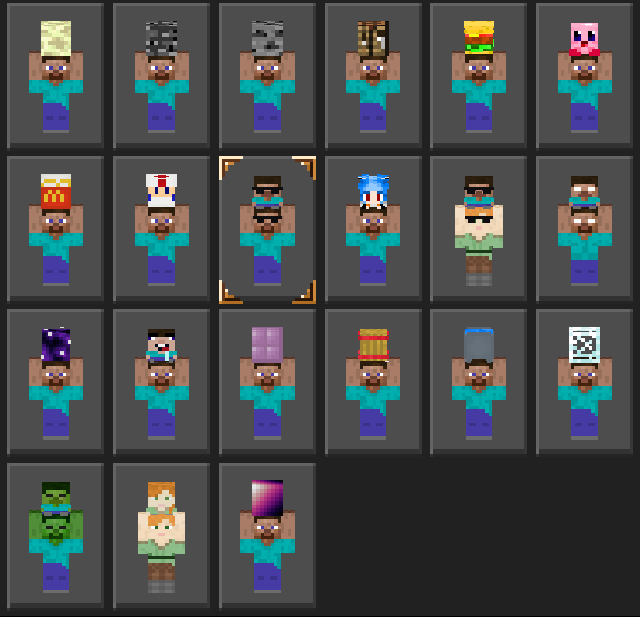
Steve and Alex are two typical characters in the game Minecraft (You probably already know this). However, Steve and Alex Holding SkinPack brings a lot of new things to the table in their unique look.
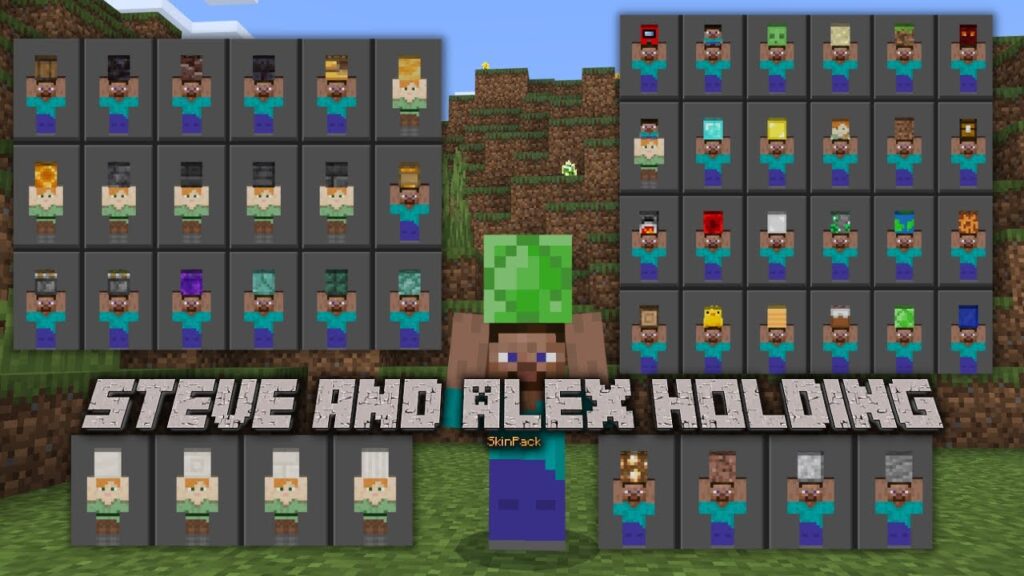
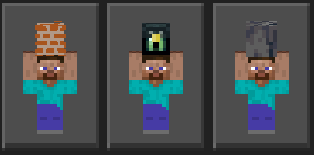
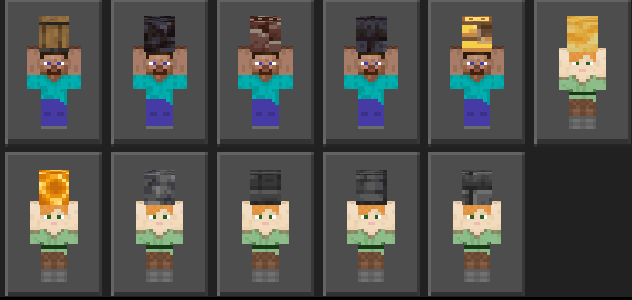
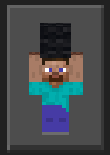
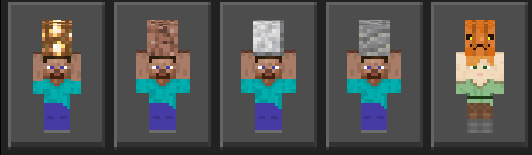
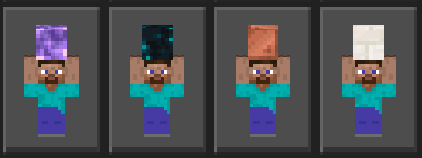
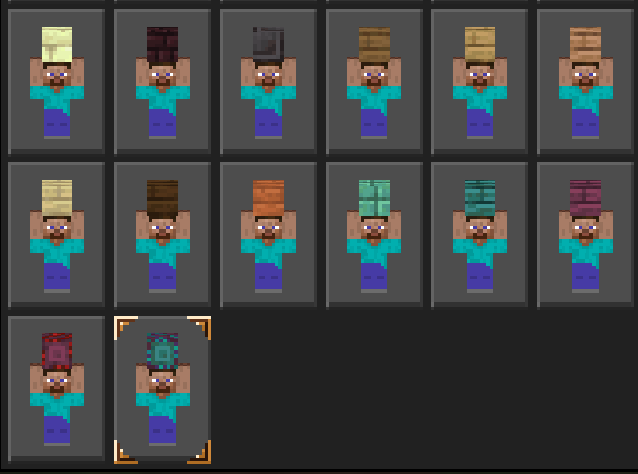
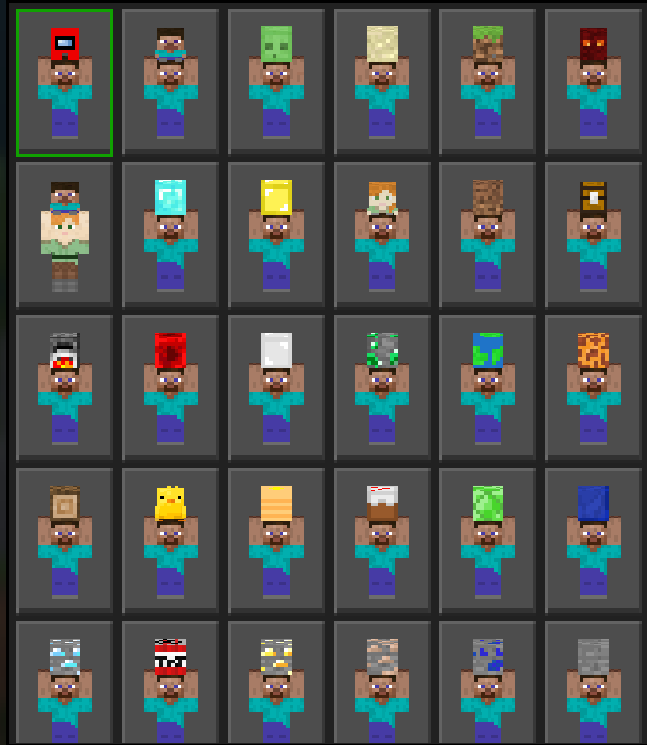
In this skin pack, Steve and Alex can carry anything, blocks, minerals, food, and even other living things. This pack contains various skins of Steve and Alex holding various blocks, whether they are iron, gold, diamond, emerald, red stone and more.
Updated Latest Steve and Alex Holding SkinPack | Version 2.6
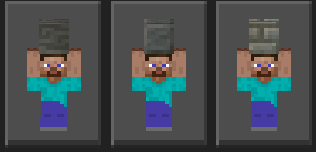
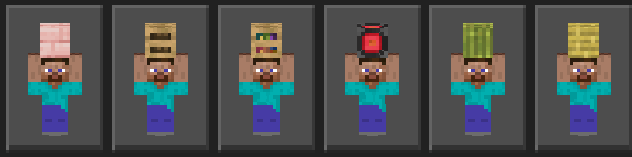
3 skins have been added, including: tuff bricks, chiselled tuff bricks and chiselled polished tuff.
Steve and Alex Holding SkinPack Updated Version before
Updated V2.5:
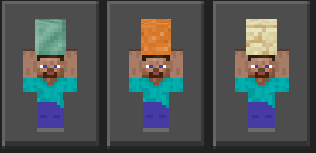
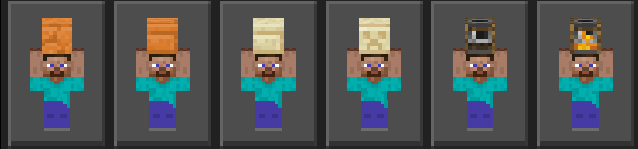
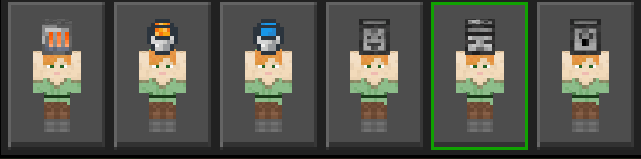
9 skins have been added, including oxidized cooper, red sand, sandstone, red sandstone, red sandstone smooth, sandstone smooth, sandstone carved, smoker off and smoker on.
Updated V2.4:
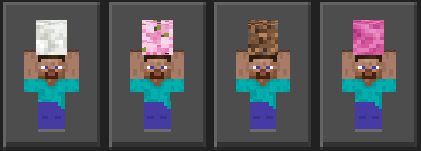
7 skins have been added, including: calcite, cherry leaves, coarsed dirt, coral pink, coral pink death, cactus and cooper block.
Updated V2.3:
6 skins have been added, including: gift box, strider, baby creeper, baby enderman, shulker box, baby piglin.
Updated V2.2:
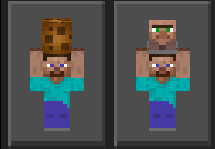
4 skins have been added, including: axolotl, nutella, cookie and baby villager.
Updated V2.1:
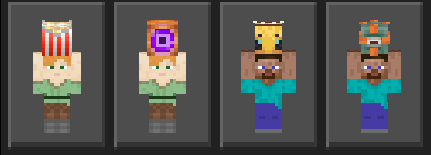
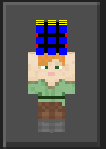
5 skins have been added, including: rubik cube, bee, popcorn, guardian, magic orb.
Updated V2.0:
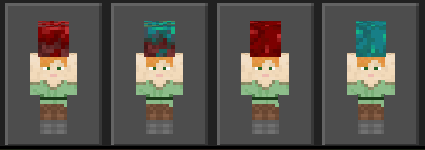
4 skins have been added, including: warped nylium, warped wart block, crimson nylium, nether wart block.
Updated V1.9:
5 skins have been added, including: cherry log, cherry planks, chiseled bookshelf and bamboo blocks.
Updated V1.8:
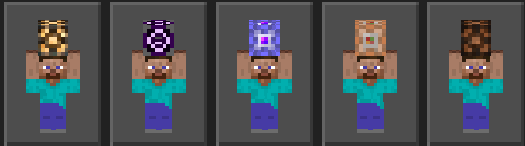
5 skins have been added, including: redstone lamp on and off, structure block, and commands blocks.
Updated V1.7:
8 skins have been added, including: melon, blast furnace, observer, dispenser, dropper, note block, buckets.
Updated V1.6:
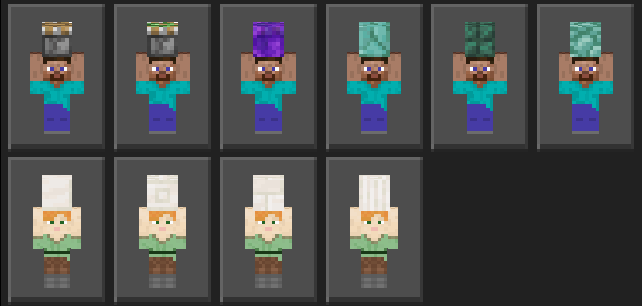
11 skins have been added, including: Pistons, Portal, Prismarine, and Quartz.
Updated V1.5:
14 skins have been added, including barrels, ender chest, deep slate blocks, and more.
UpdatedV1.4:
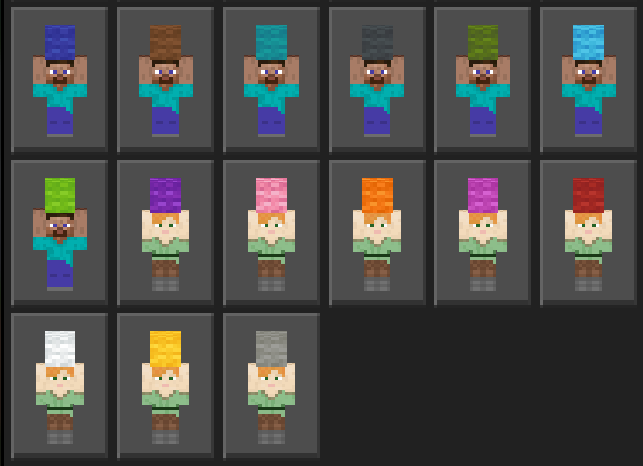
16 skins were added, which are blocks of wool of different colors.
Updated V1.3:
9 skins were added, among them: stone bricks, an enchantment table, a bed, and more.
Updated V1.2:
18 skins were added, among them are: different types of wood, mineral blocks, and more.
Updated V1.1:
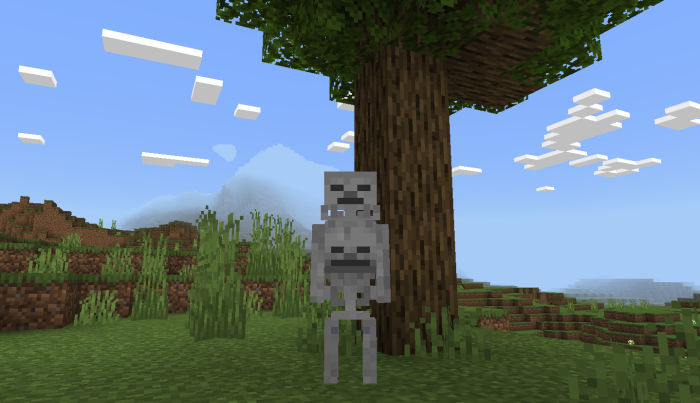
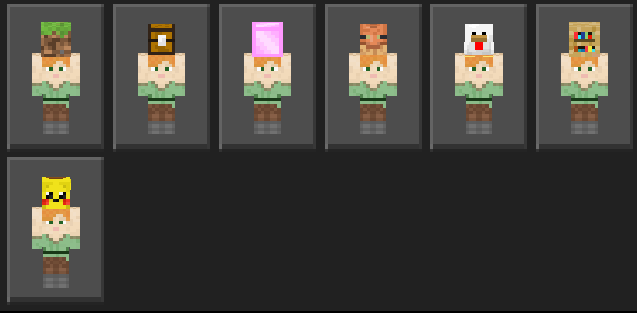
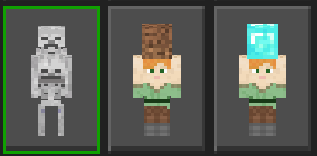
10 skins were added, 9 belong to Alex and the other is from a skeleton.
A skeleton holding a baby skeleton:
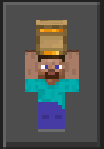
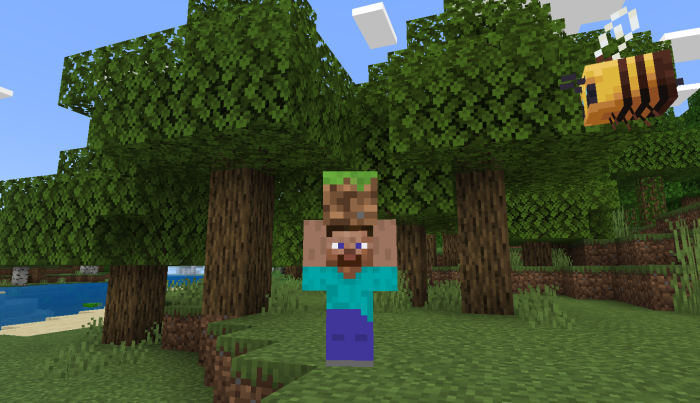
Steve holding a block of dirt:
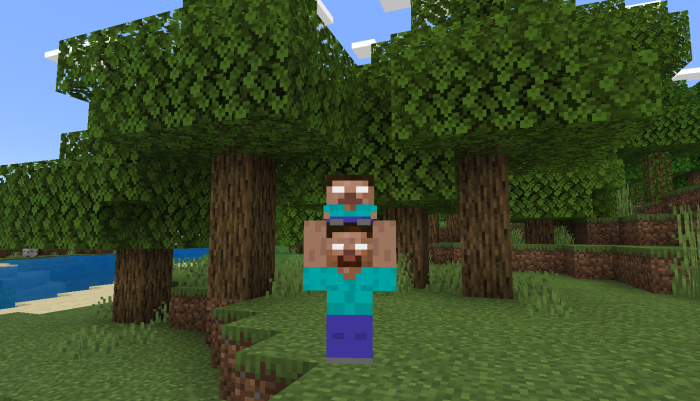
Herobrine holding MiniHerobrine:
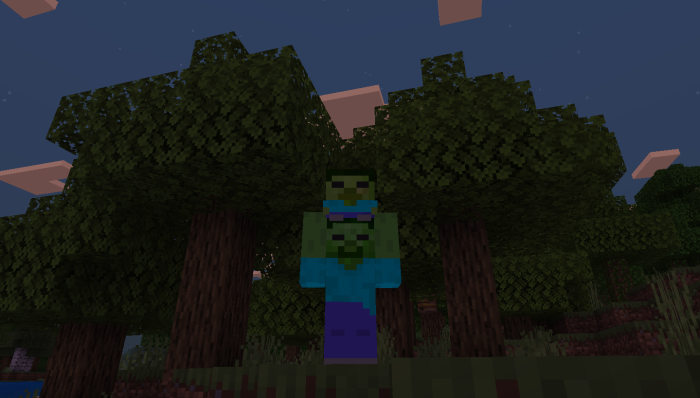
A zombie holding a baby zombie:
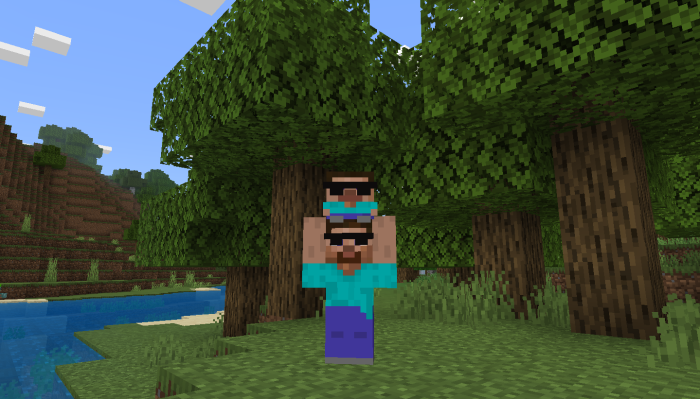
Steve cool holding MiniSteve cool:
And more:
Download
Explore more Steve and Alex Holding SkinPack at the link below:
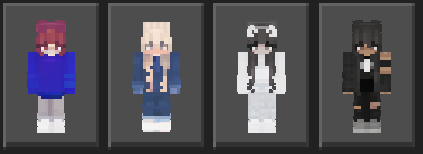
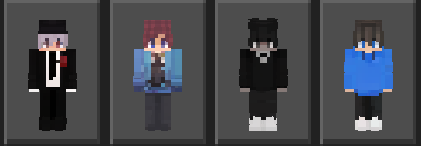
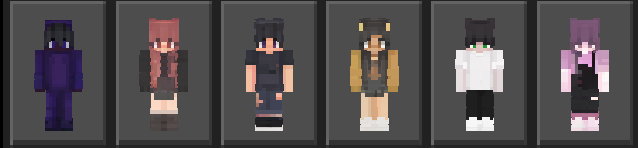
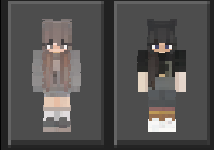
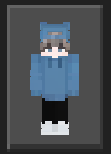
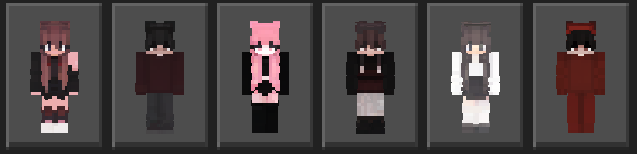
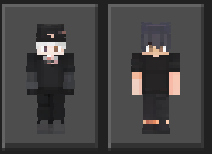
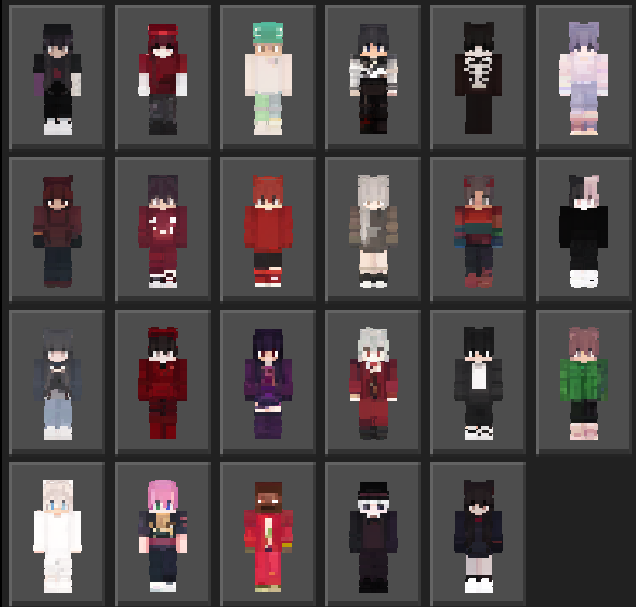
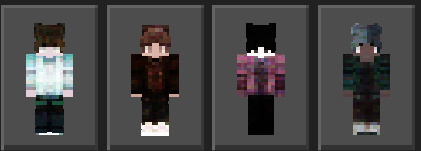
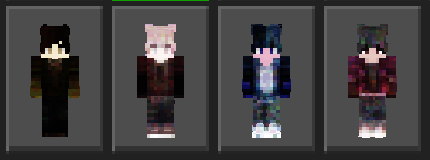
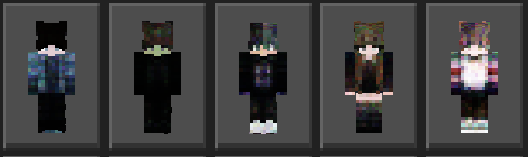
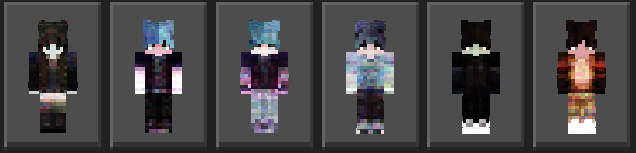
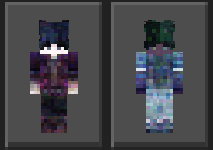
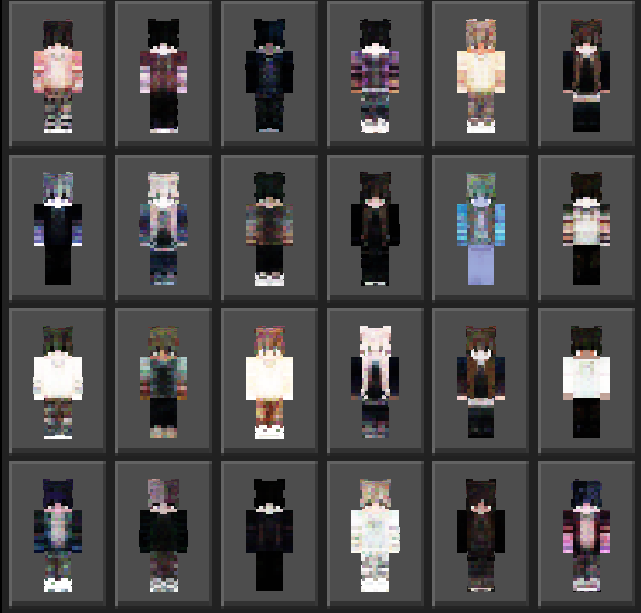
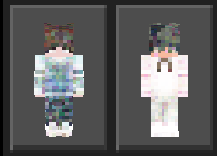
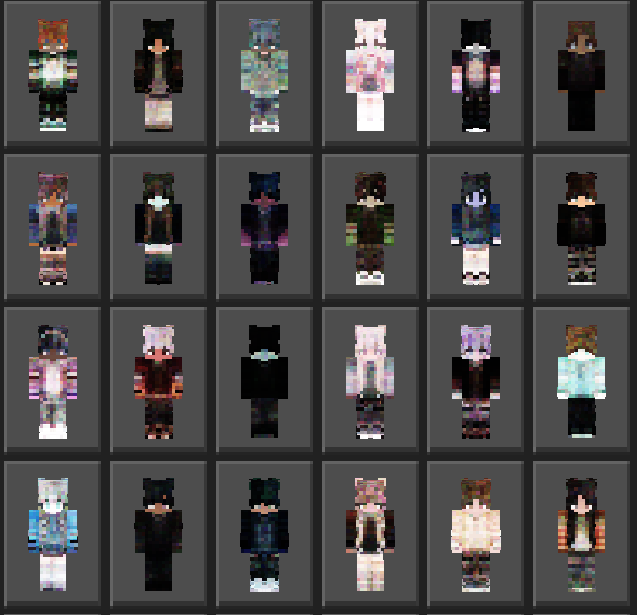
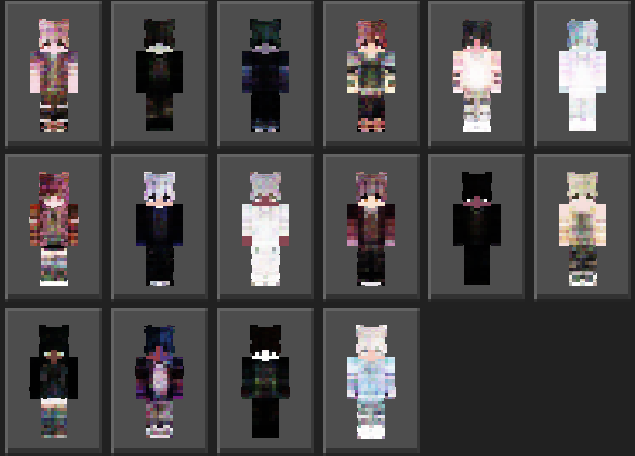
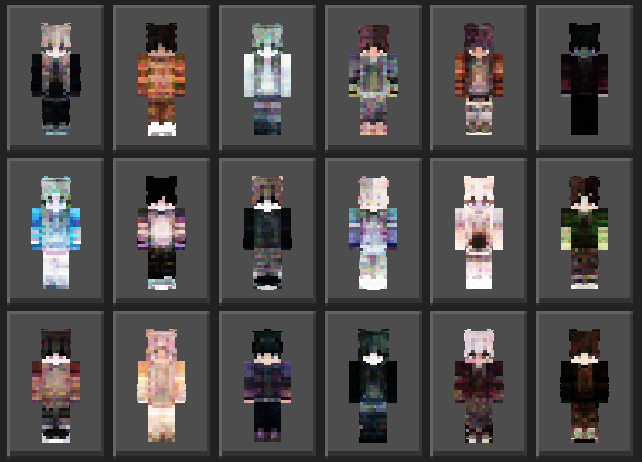
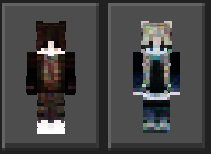
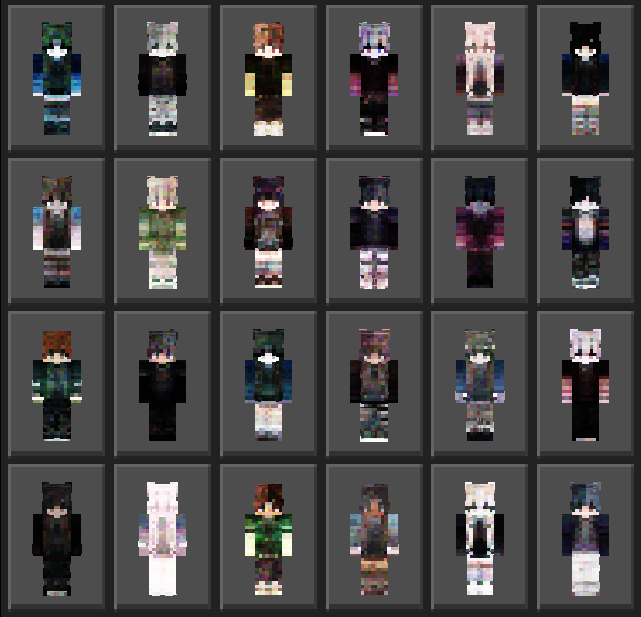
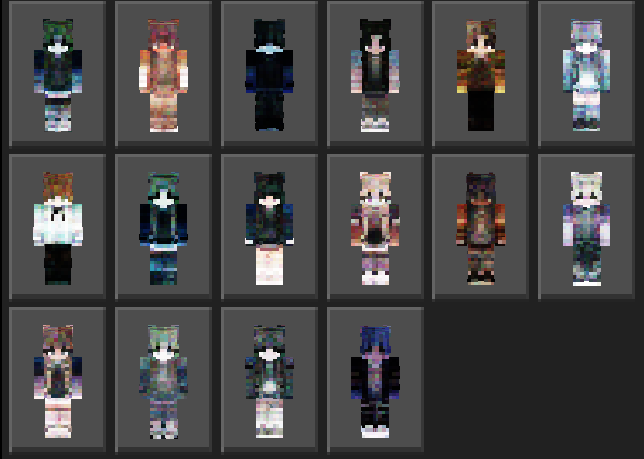
Don’t miss this skin pack if you are a Minecraft player who loves skin diversity. Aesthetic SkinPack consists of 40 skins based on the modern style. Many people love this kind of skin, you should check them out! Contains both boys and girls’ skins!
Updated Aesthetic Skin Pack V1.9
In this updated version 1.9, Aesthetic SkinPack has 8 new skins for you to try. Explore this new skin pack with the screenshots below:
Explore the Aesthetic Skin Pack version before
Updated V1.8:
Up to8 varied skins have been added, use the one you like the most!
Updated V1.7:
Up to 7 varied skins have been added, use the one you like the most!
Updated V1.6:
Up to 25 varied skins have been added, use the one you like the most!
Updated V1.5:
Up to 8 varied skins have been added, use the one you like the most!
Updated V1.4:
Up to 13 varied skins have been added, use the one you like the most!
Updated V1.3:
Up to 27 varied skins have been added, use the one you like the most!
Updated V1.2:
Up to 40 varied skins have been added, use the one you like the most!
Updated V1.1:
Up to 20 varied skins have been added, use the one you like the most!
V.1
This Aesthetic Skin Pack will bring new inspiration to Minecraft players. Download now at the link below:
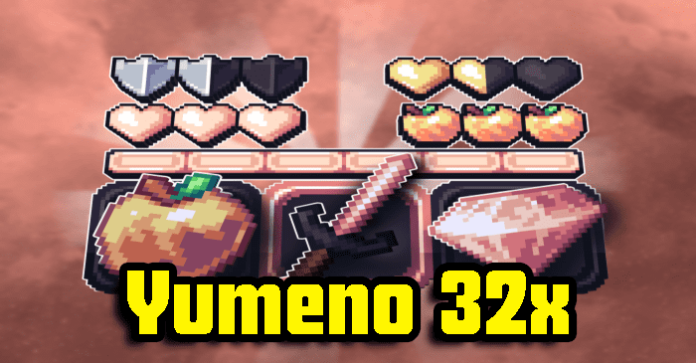
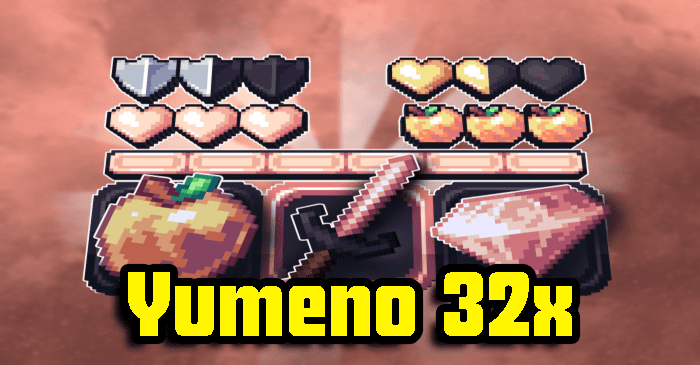
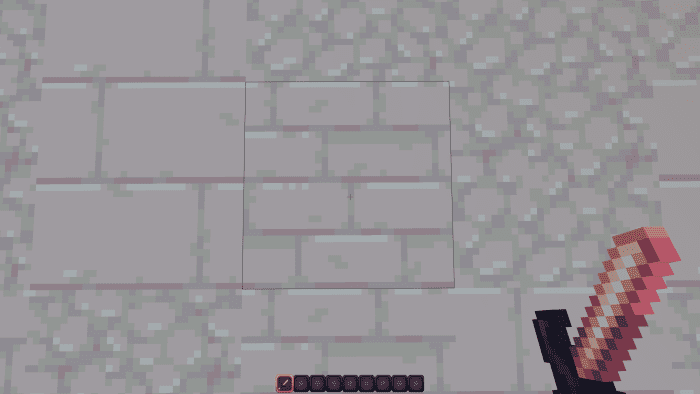
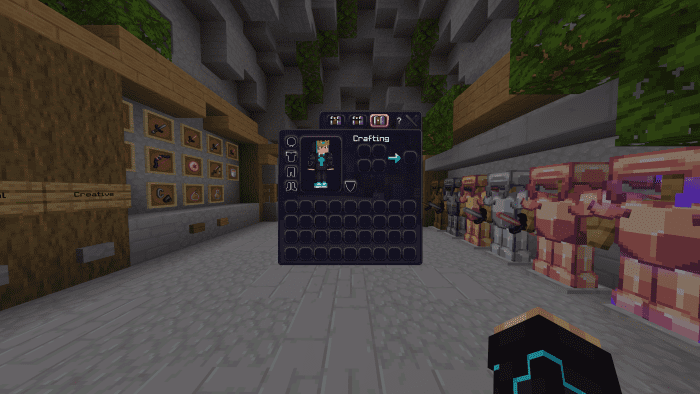
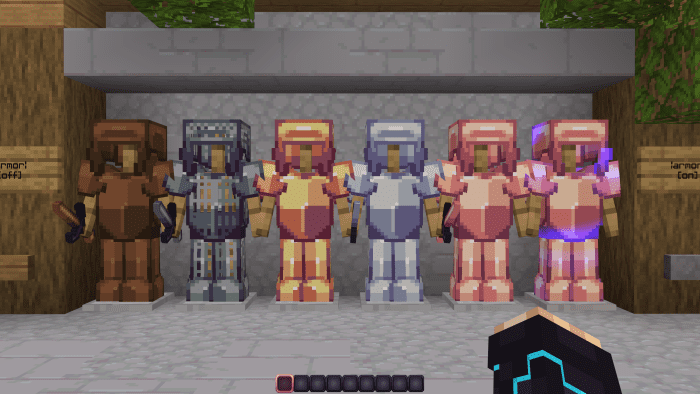
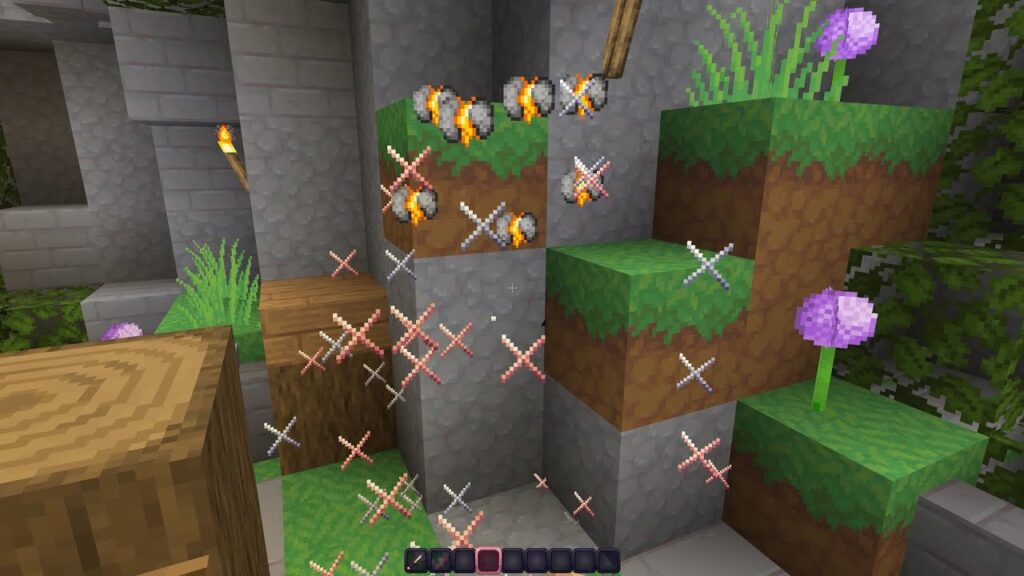
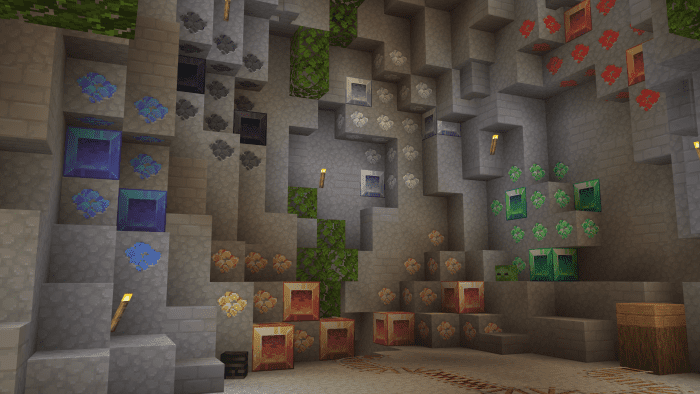
Greetings and welcome to Yumeno 32x Texture Pack (1.20, 1.19) – The best combination of PvP and stunning textures you’ll ever discover.
Creator: Chr7st
Yumeno 32x Texture Pack
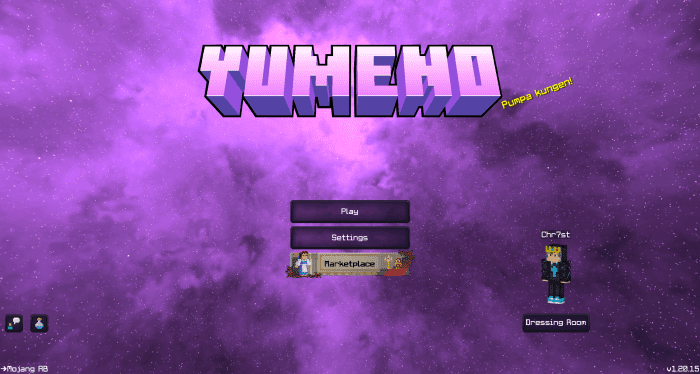
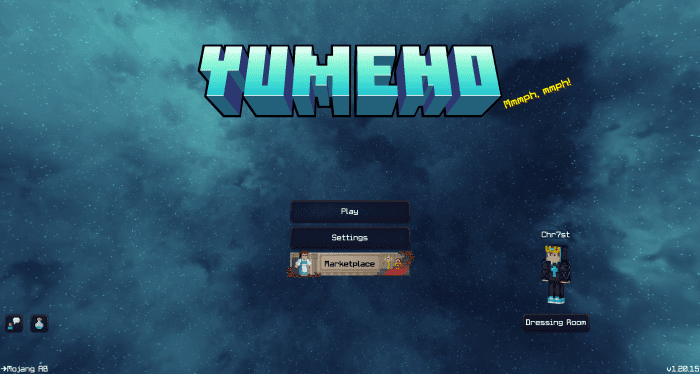
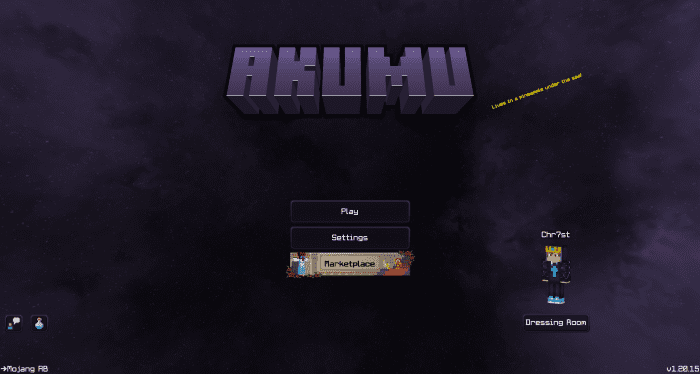
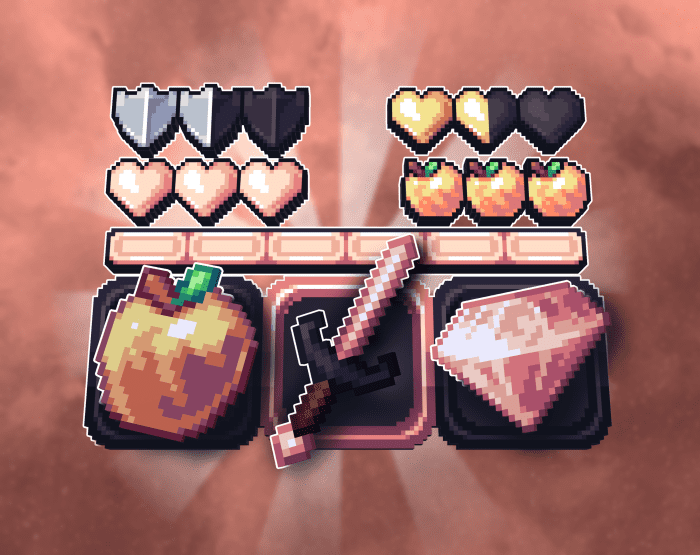
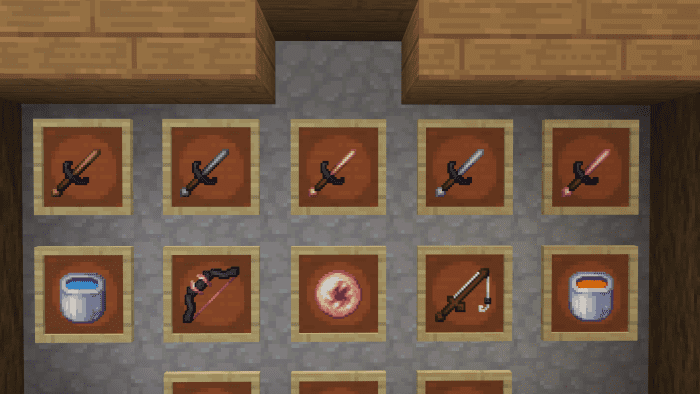
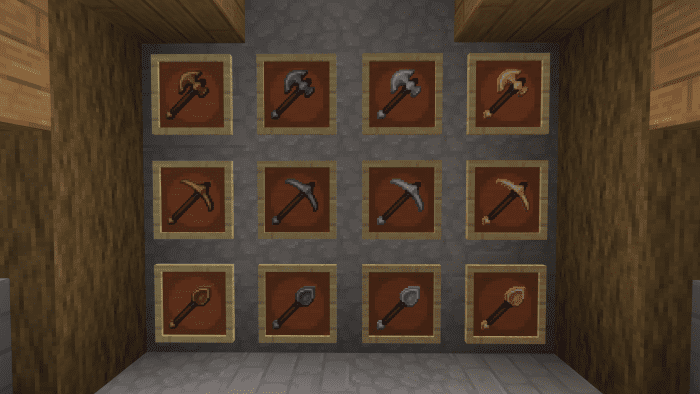
It is available in four various colors: blue, rose-gold, black, and violet. It includes PvP goods, Smooth Blocks, Custom Armor, one-of-a-kind Menu Designs, and much more! Take a peek at the video below!
Let’s start with the incredible Menu Screen, which features custom buttons, unique noises, and even custom title text:
This Clovis Furniture is created by Elysign, It features over 20 different furniture decorations. If you enjoy this addon, please let me know what more addons you’d like to see by drop a messager in comment.
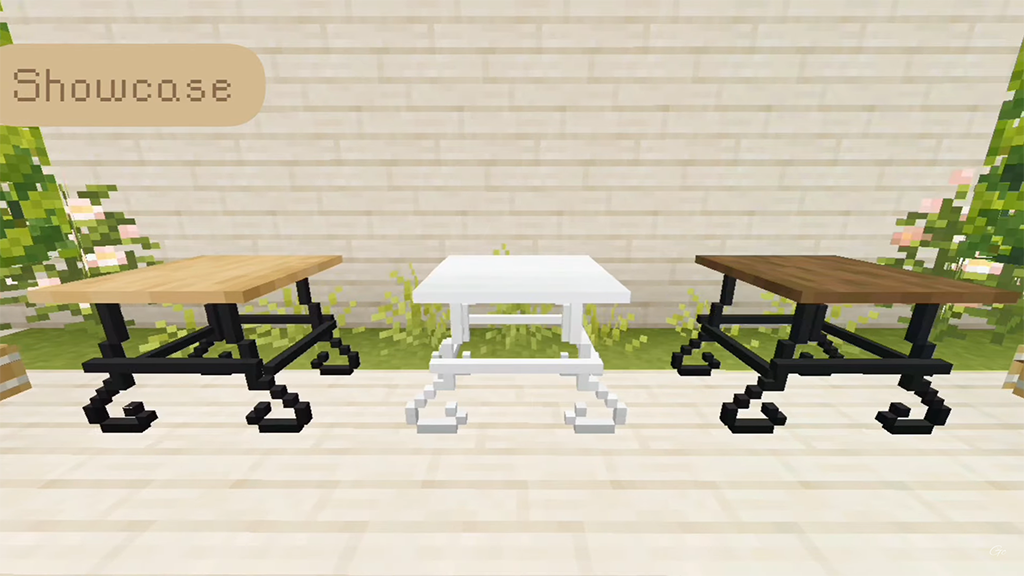
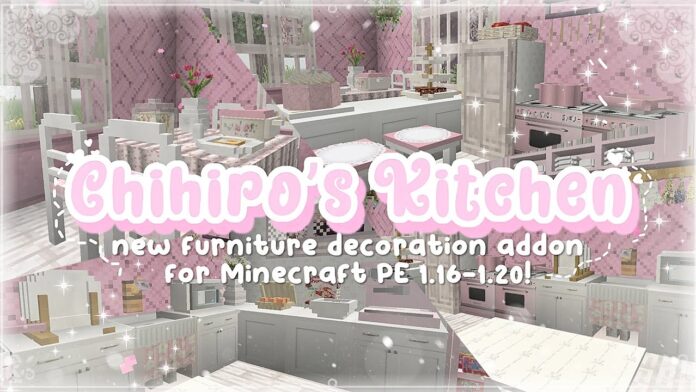
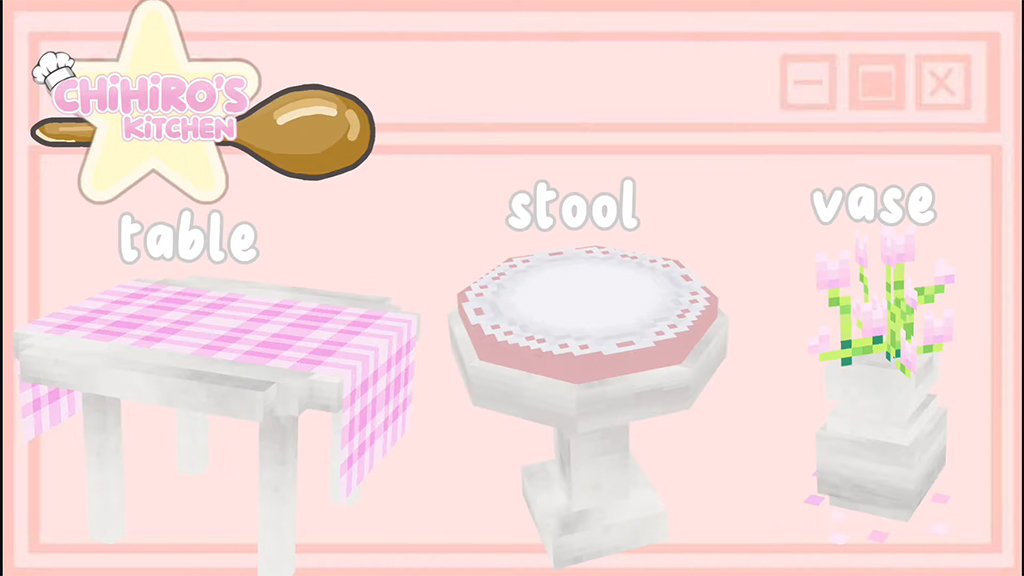
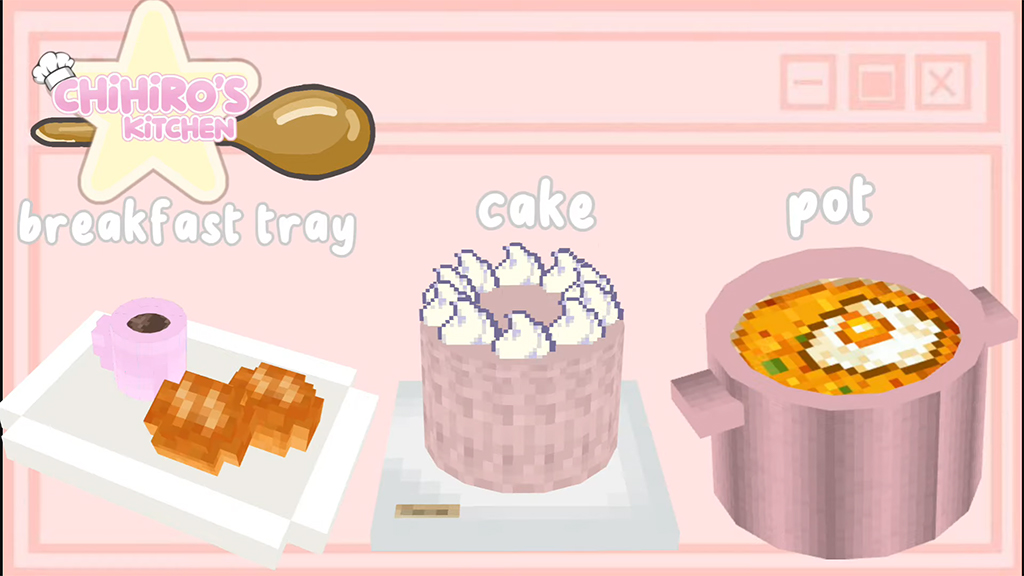
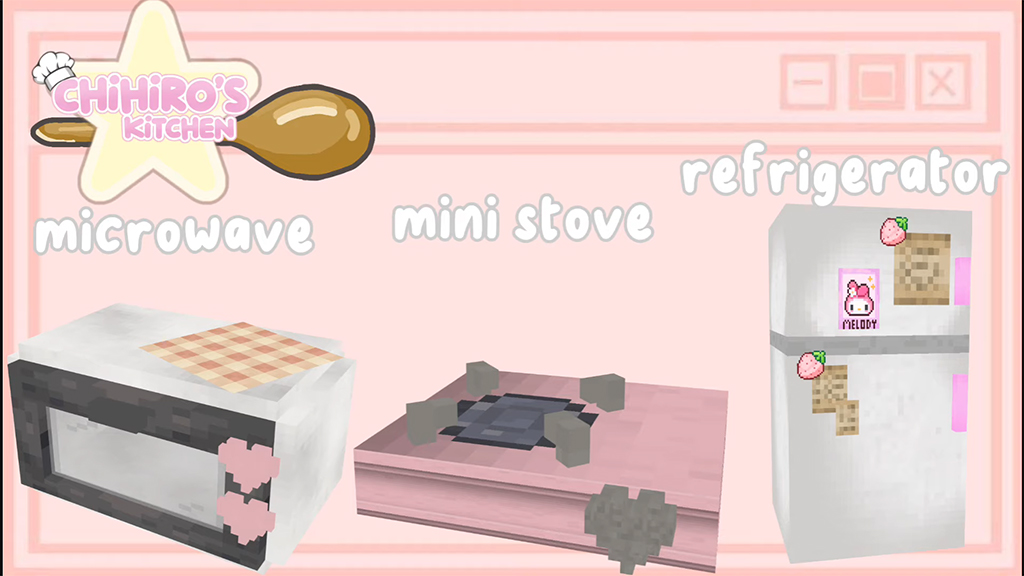
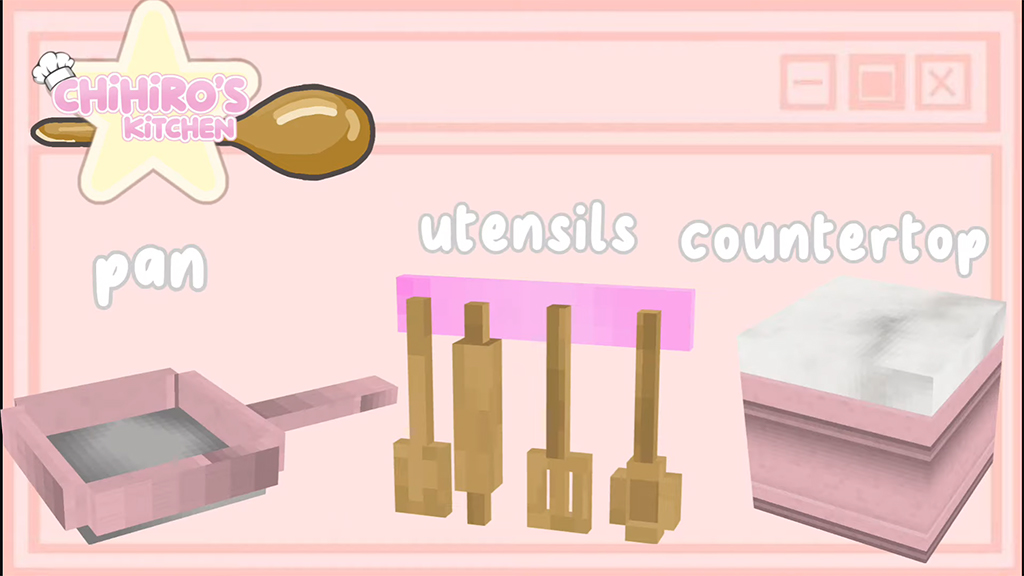
Chihiro’s Kitchen V1 add you 10+ adorable kitchen addon such as stool, pot, table, refrigerator, cake, stove, plate,….you can see some screenshots below: