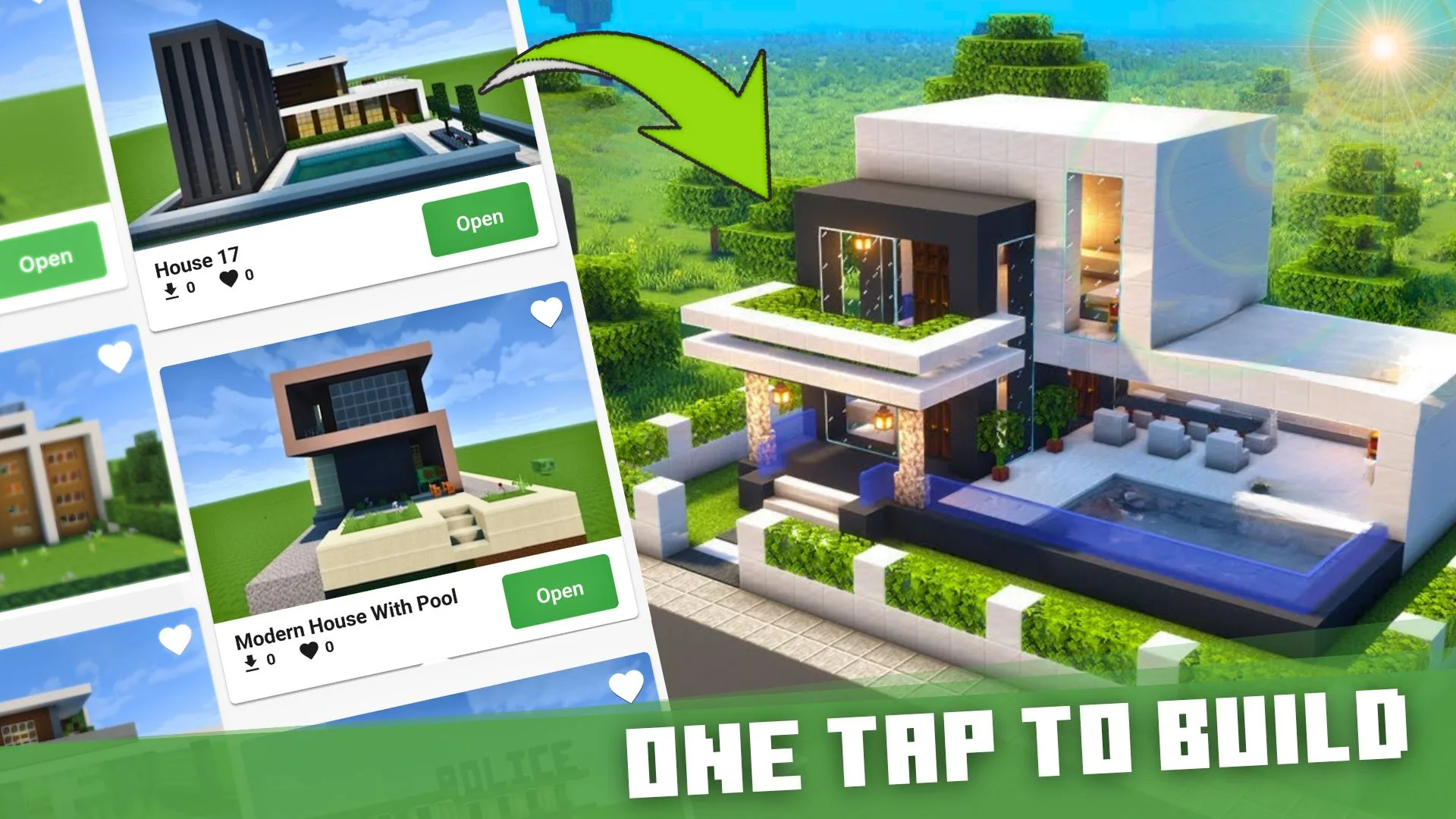
House Building for Minecraft PE is perfect for building Minecraft house mod on your map. It has tons of buildings for Minecraft 1.20+ and famous structures addons. Easily import, export, and edit your Minecraft building house in one click.
How to install House Buildings for Minecraft?
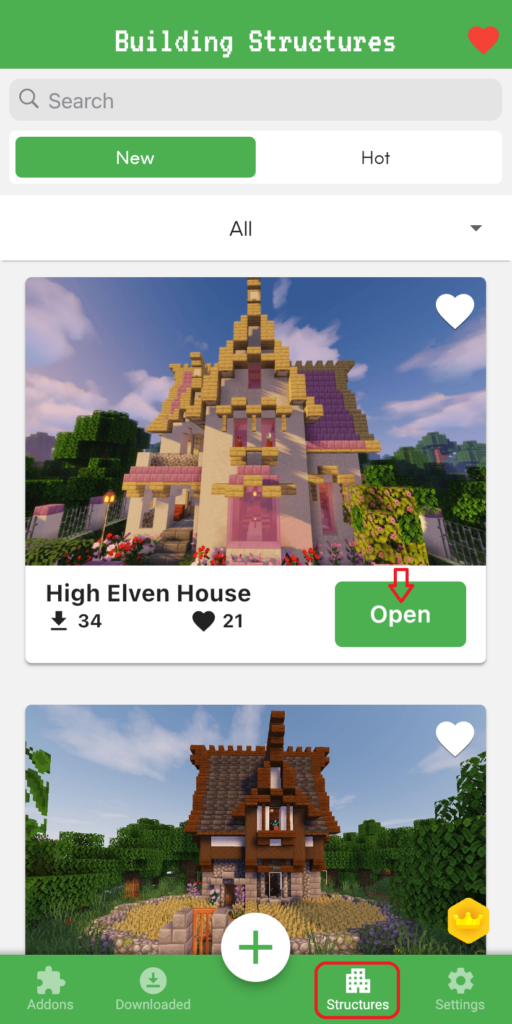
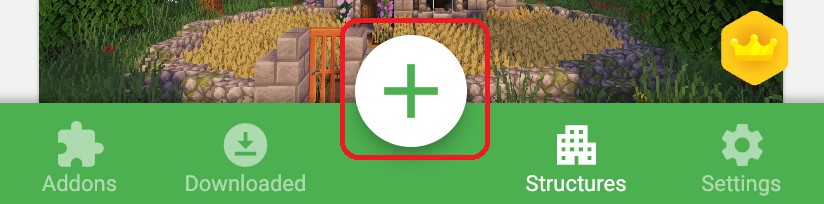
1. You select the STRUCTURES button. Tap Open any building Minecraft you want to build.
Automatically update Minecraft building from small to large size according to categories: houses, modern houses, medieval, creations, boats, ships, castles, floating islands, temples, and vehicles,…
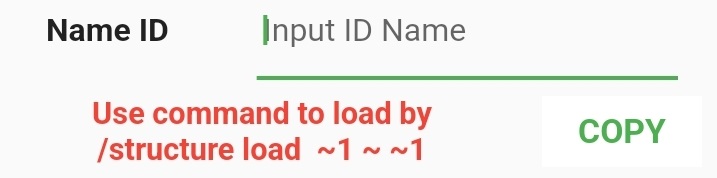
2. Change Name ID (if you want): This ID is used to load your structures into the Minecraft game.
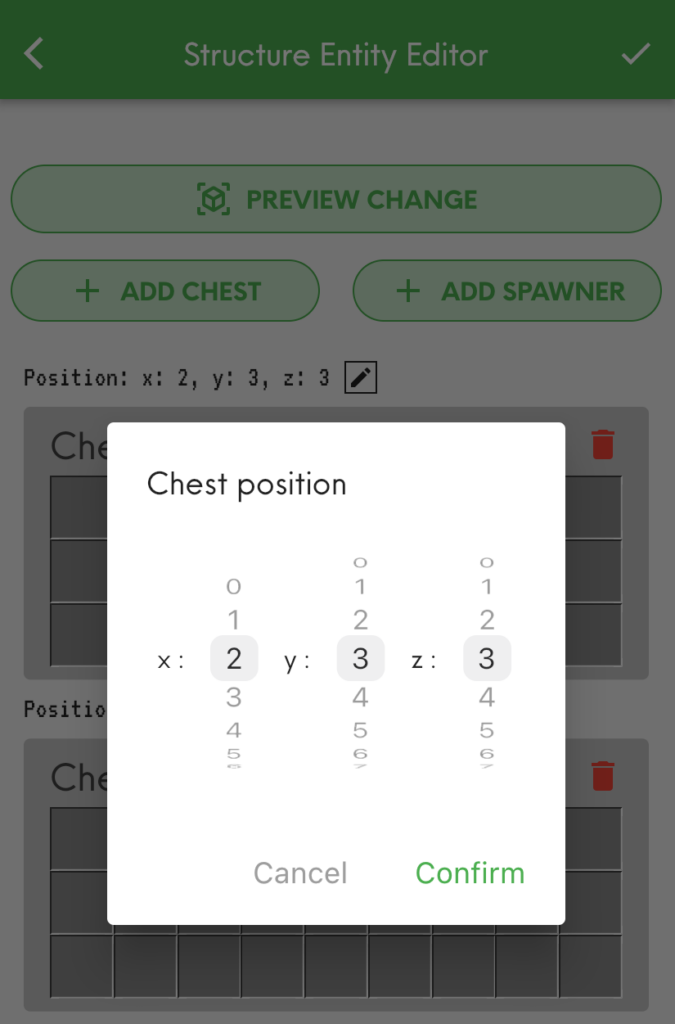
3. Add ENTITY INTO BUILDING
You adjust the x,y,z coordinates to put the Chest and Spawner in the building.
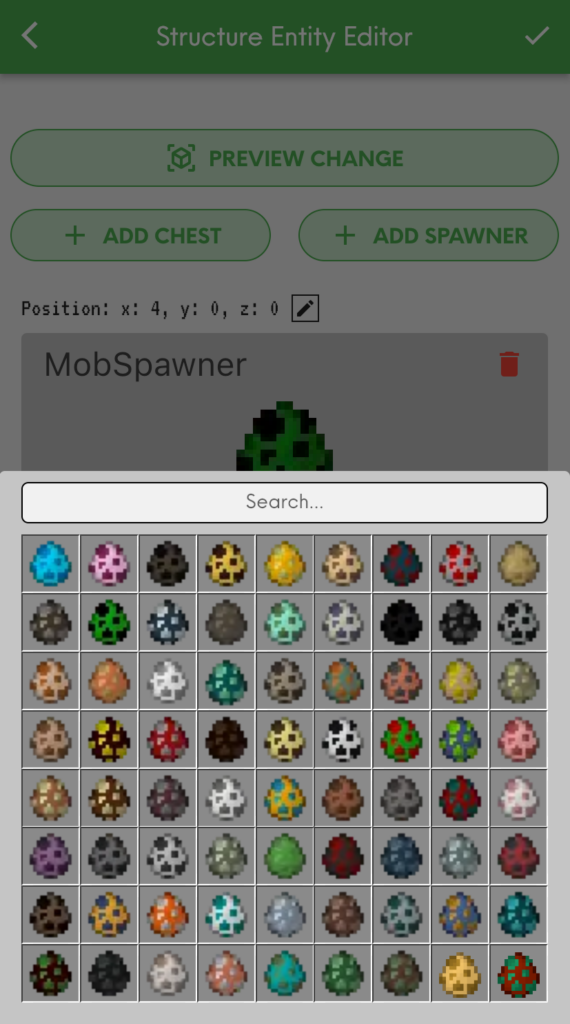
Then, choose any entity in the chest & mob for the spawner.
ADD CHEST: Add any entity to house building for Minecraft using CHEST such as furniture, armor, weapons, or food.
ADD SPAWNER: You can add Minecraft Mob Spawner with any mob you want. Easily search for mobs by the color eggs or type the name to appear immediately: Pig, Spider, Cave Spider, Silverfish, Magma Cube, Blaze, Skeleton, Zombie,…
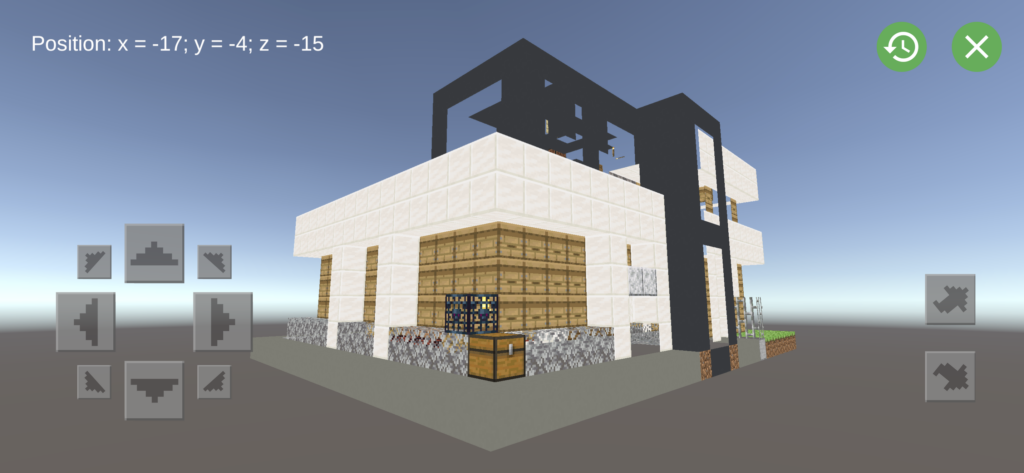
Structures, chest, and spawner are visually previewed in 3D. If you want to change location, you must change x,y,z coordinates outside.
4. Select or Add Biome
This Biome you choose will spawn structures in Minecraft world.
5. Modify Occurrence Density house building for Minecraft
Dragging the slider to the right means you are increasing the density of the structure's appearance, and vice versa. Instead, you can enter the desired Occurrence Density density index.
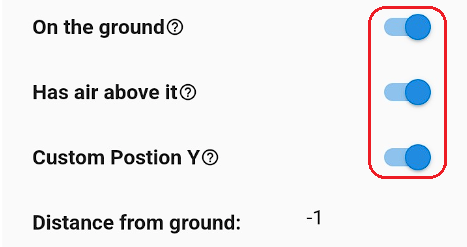
6. Adjusted the appearance of structures relative to the ground in the game
Based on the type of Structure, you can custom it to spawn On Ground or Air Above, even custom Position Y as you want.
7. Export Buildings into the Game
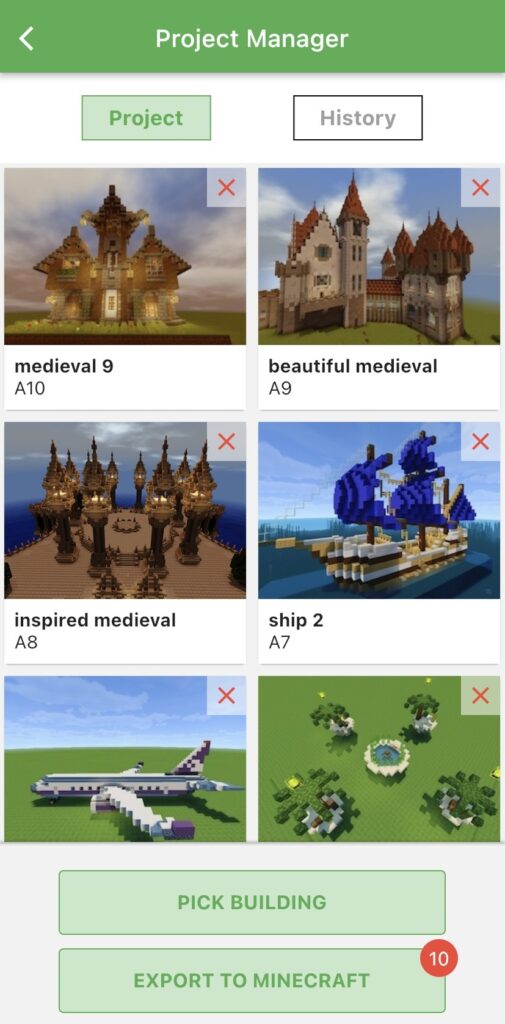
- Open Project Manager Screen
- Review your building: You can re-edit or delete your structures
- Tap "Export to Game" button to open the export screen
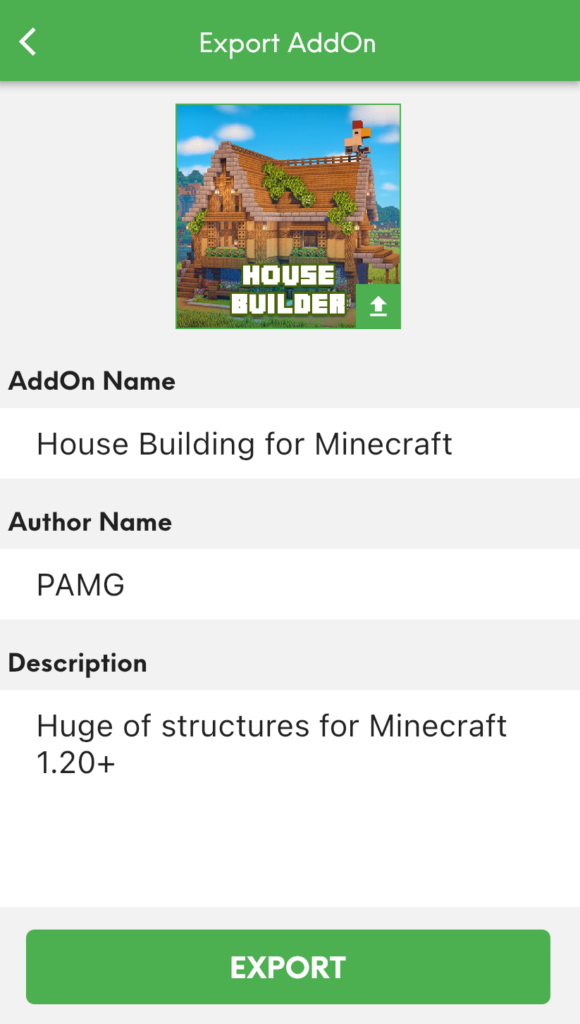
- Fill information your your addon then click "Export"
If you possess genuine creativity, kindly transfer this house building for Minecraft to the MAM application to produce a wider range of impressive modifications.
Note: You can try importing your Minecraft building house into other games that allow third-party tools to edit behavior & resource packs: Crafting and Building, Eeskcraft, Craftsman, etc.
How to activate your House Building Minecraft?
1. Create a new world or edit an existing world
2. Enable "Experimental Gameplay" in the world settings
3. Tap on Behavior Packs & Resource Packs in the sidebar.
4. Open or Create a world and enjoy.
Advertisement
How to make your Minecraft building?
1. Import the "Structure Block" button into Minecraft (only for Android)
2. Use the command: /give @p structure_block
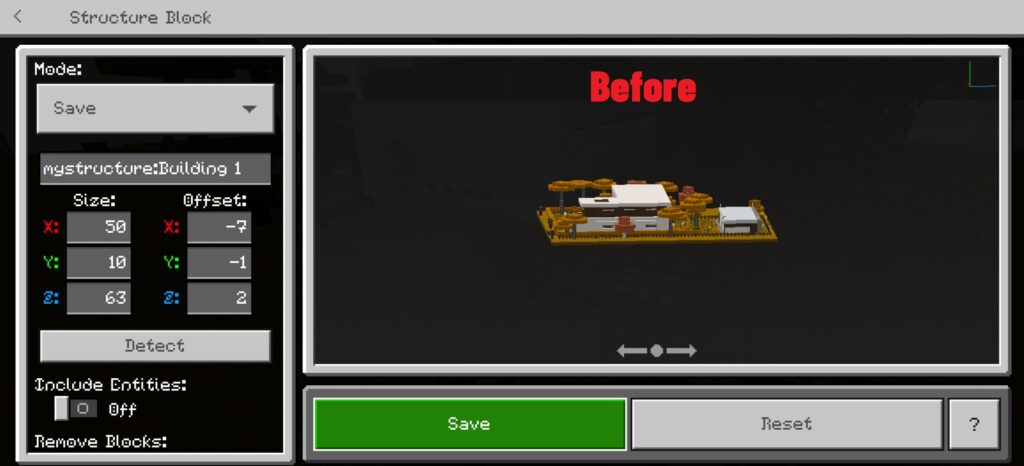
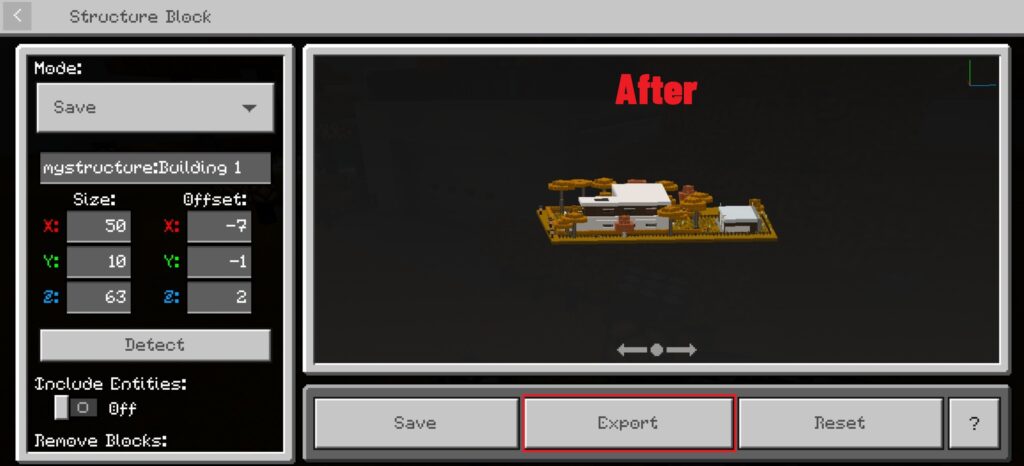
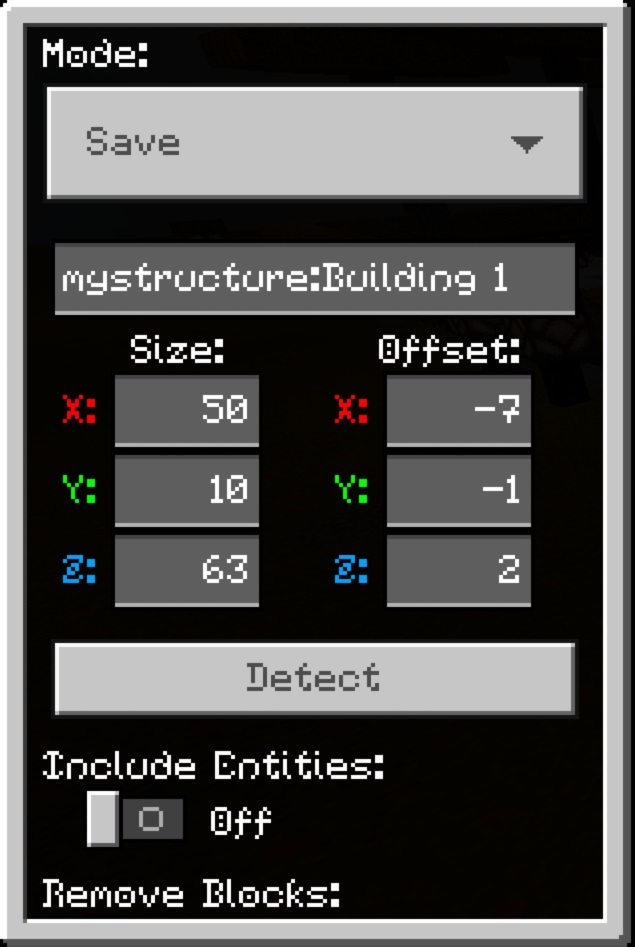
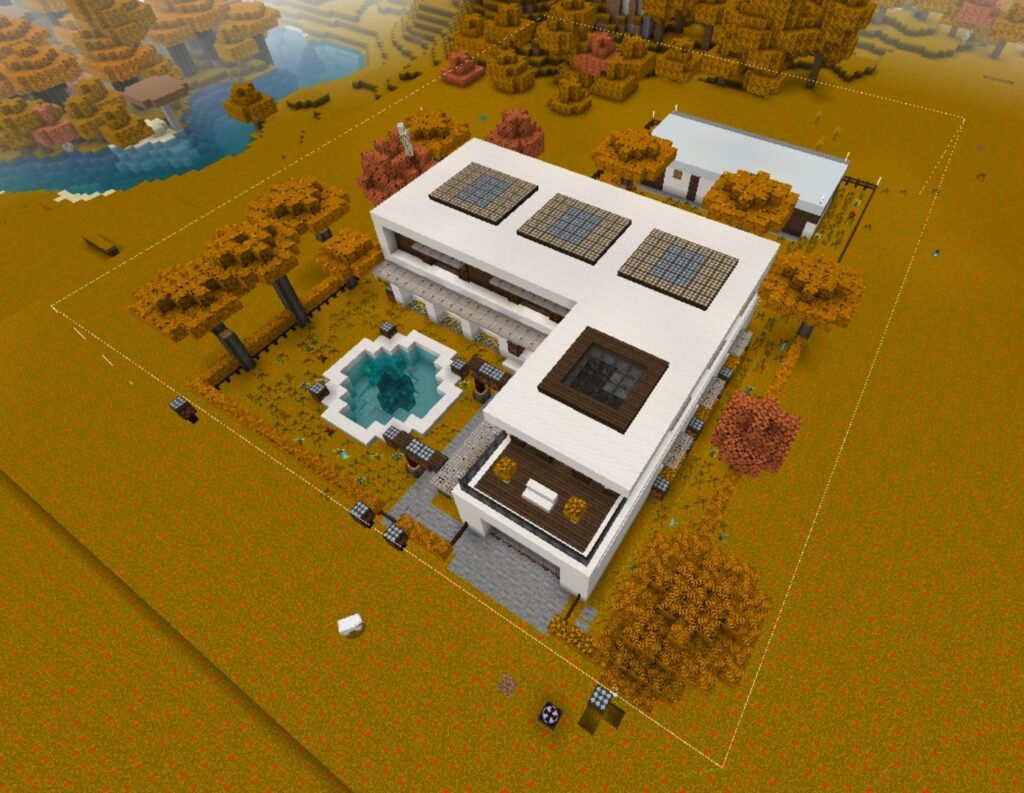
3. Cut and Save House Building for Minecraft
- Choose Mode: SAVE
- Fill in the name. Ex: "mystructure: building"
- Modify x,y,z coodinates. Maximum size 64x64 [except Height (Y)]
Note: During you cut structure, you need to save to prevent losing all numbers had typed before.
4. Export Structure file
House Building for Minecraft has all the perfect houses for MCPE. Whether a beginner or a pro, you'll find something to love in our apps. So what are you waiting for? Become a master builder now with thousands of Minecraft blueprint houses!
What should I do when House Building for Minecraft is not working?
1. Check your Internet connection.
2. Make sure to activate the Behavior and Resource Pack in Minecraft.
3. Notice your Minecraft version! Because the Minecraft master game constantly had updates (1.19 and above) that affected all addons players added to their world. So some house building for Minecraft may not be working in the latest version of the game.
5. If everything is still not working, please leave a report at Form or email us at [email protected]
You see cool structures for Minecraft 1.21 and want to place them anywhere in the Minecraft world. Creator NSPG911 has created a great pack to help you do…
Actual Gun Mod for Minecraft provides the best weapons mod for MCPE. Get full of guns Minecraft mods & modern weapon add-ons in your arsenal. Are you read…
If you are looking for an old version of Addons Maker - a.k.a Addons Maker APK - this post will gather all versions for you to choose from. Especially for…
Fill your arsenal with add-on gun mod for Minecraft game. Install modern weapons and elevate the creativity of gun mods with Blockbench to improve Minecra…
Are you a Minecraft fan looking to enhance your gameplay? Master Maps for Minecraft PE has launched a major update with a game-changing feature: Make Mine…
Schematics in Minecraft are digital blueprints of Minecraft builds that players can create, save, and import into their worlds. They allow you to replicat…
If you want to customize your Minecraft character with 4D cosmetic skin packs in Minecraft version 1.21.51+, this guide will walk you through the process …
Elevate your Minecraft skin customization with Skins Maker for Minecraft PE. With a NEW feature, Minecraft Skin Maker creatively edits with Blockbench, th…





 App1.21