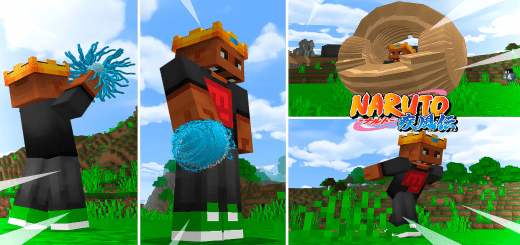
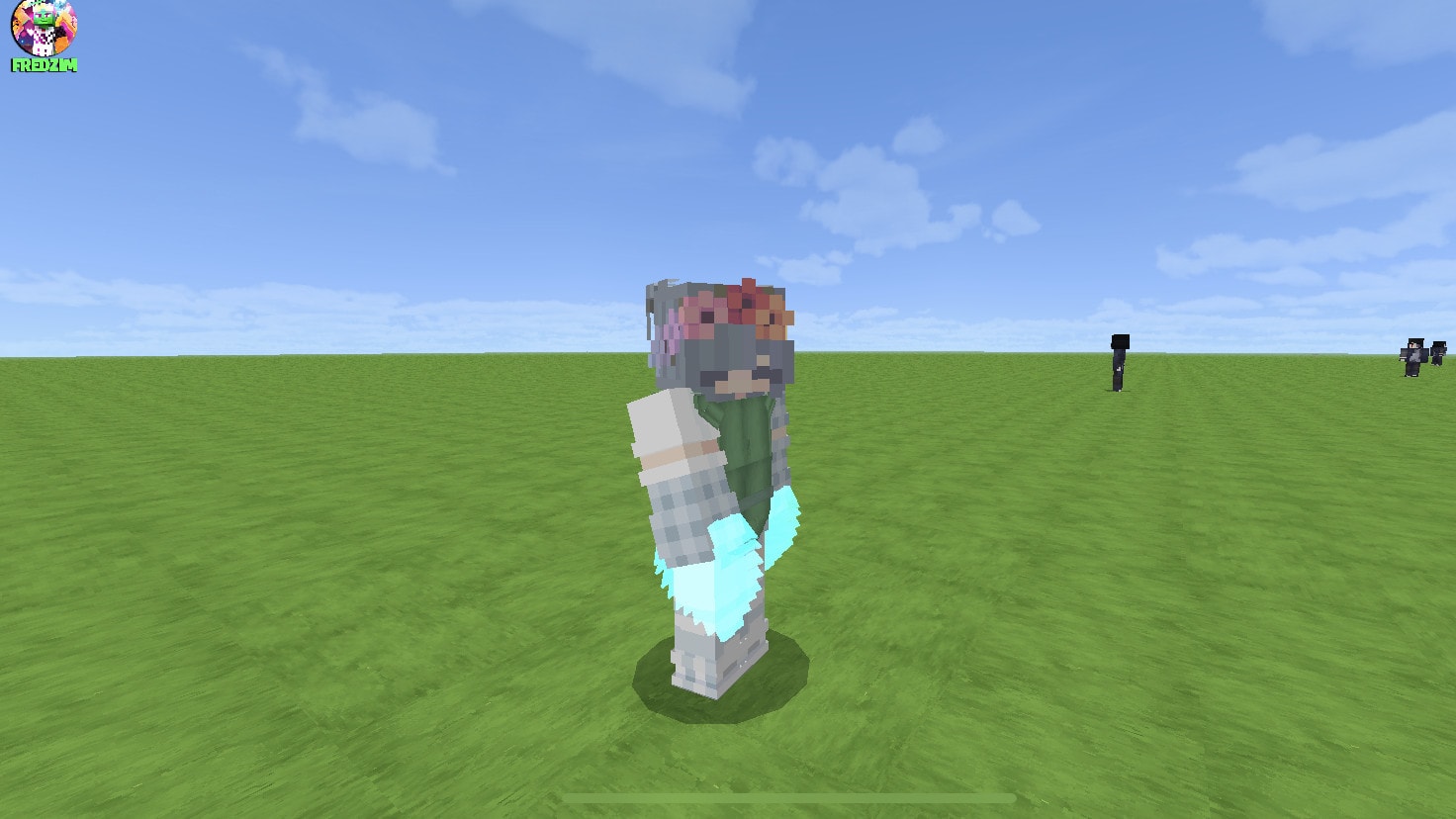
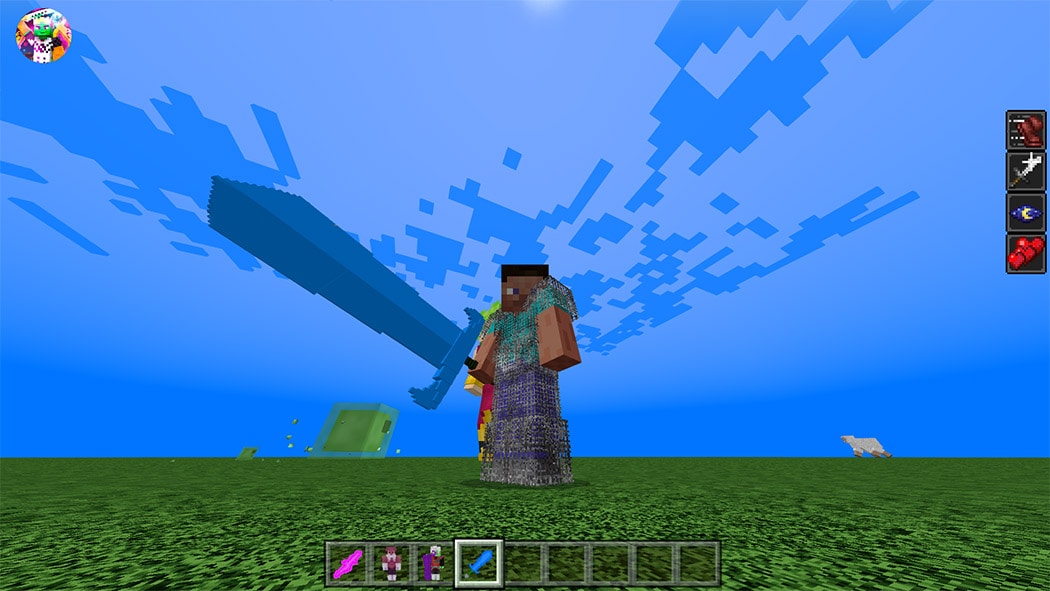
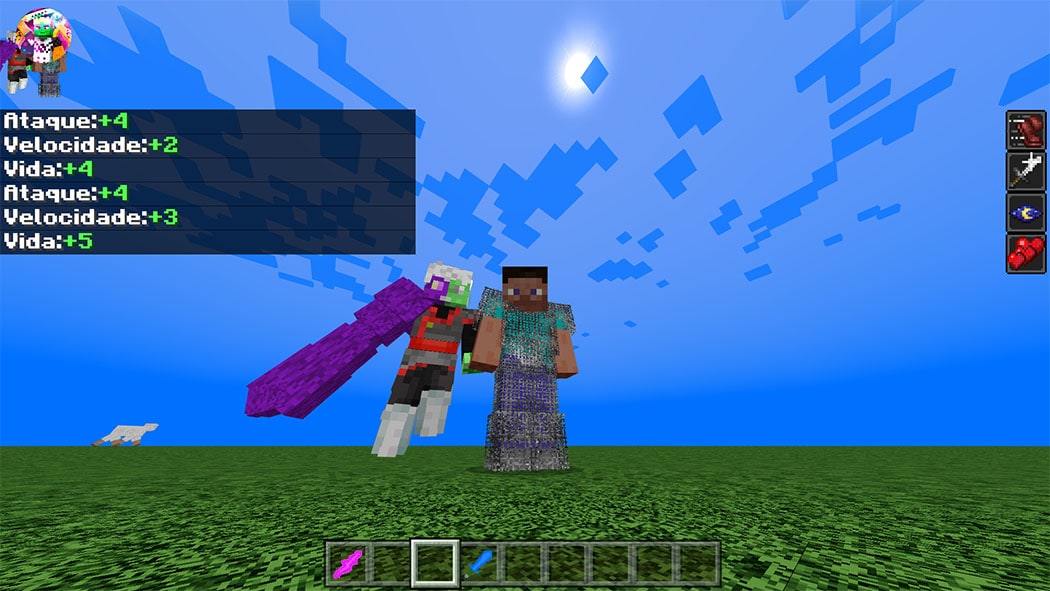
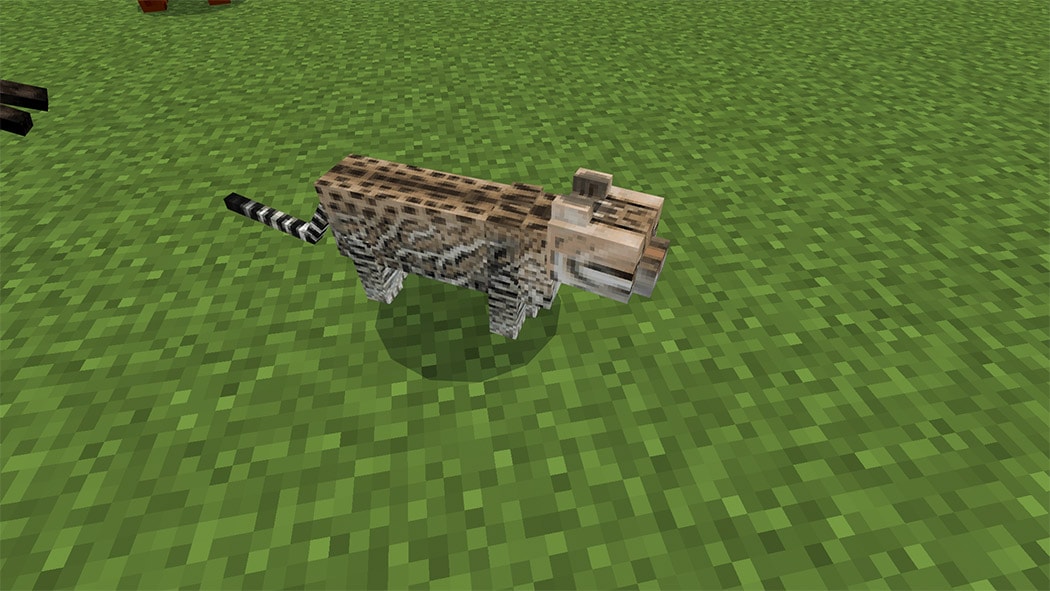
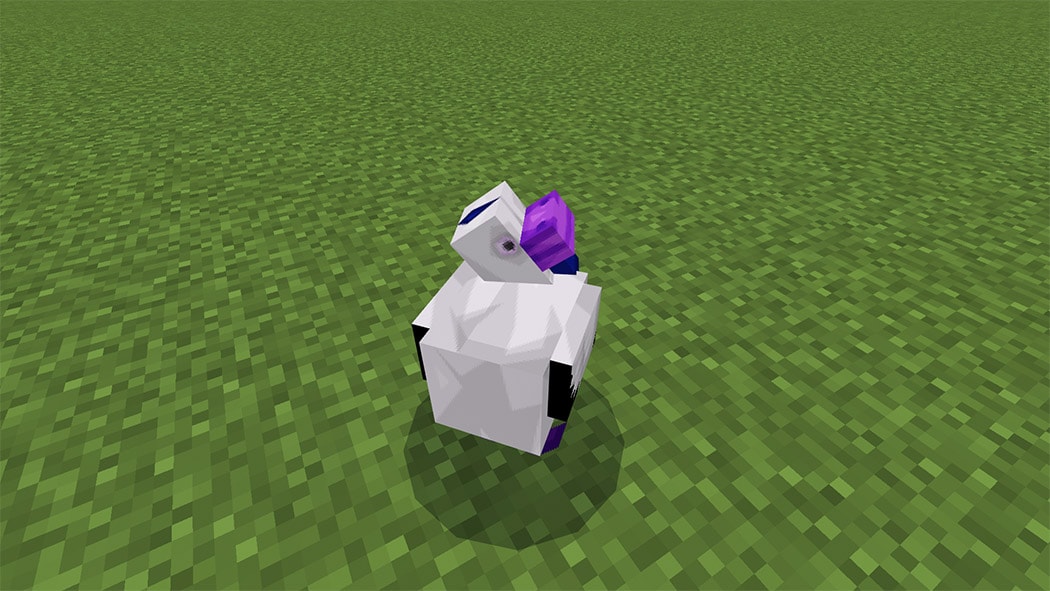
Naruto strike addon for Minecraft Bedrock Edition, with many jutsus from the anime Naruto Shippuden and also from the anime Boruto Next Generation, the addon was based on the game Naruto to Boruto Strike
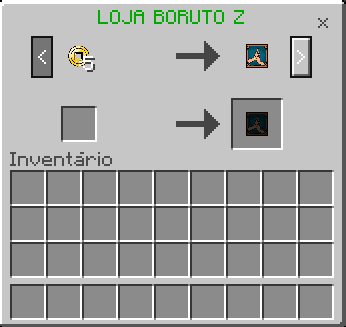
This Naruto addon contains 20 jutsus from the anime, which you can be using in survival, here you can buy all the jutsus addon that is sold by Sasuke, find him in your world and click to talk to him
When click, It will open the exchange menu
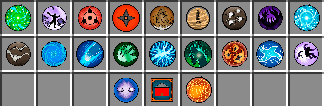
Here are some of the jutsus that are in the addon, but there are many more jutsus that you can use just by downloading the addon
Anime leaf uniform Naruto+ Kunai
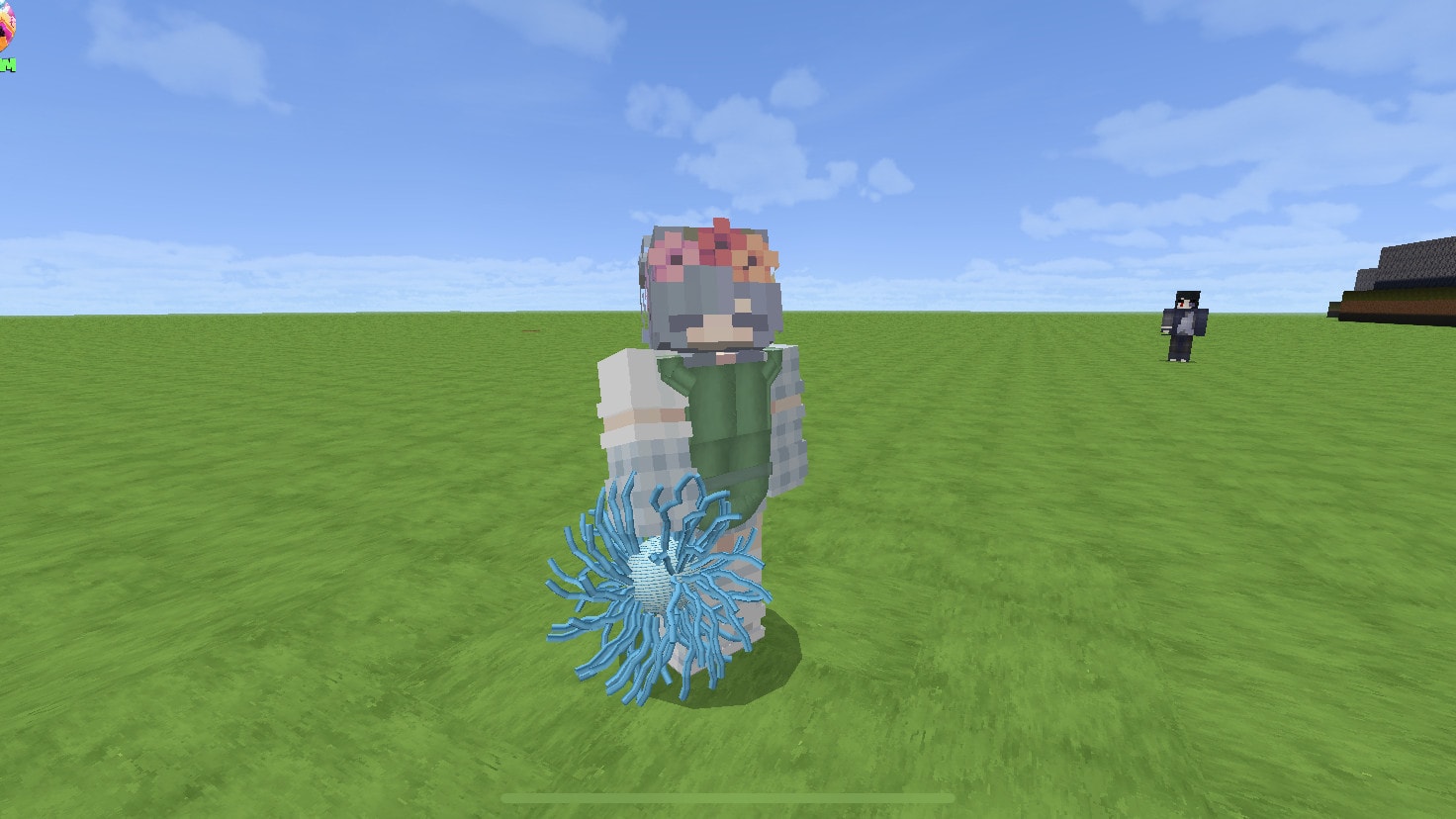
Gaara’s sand defense
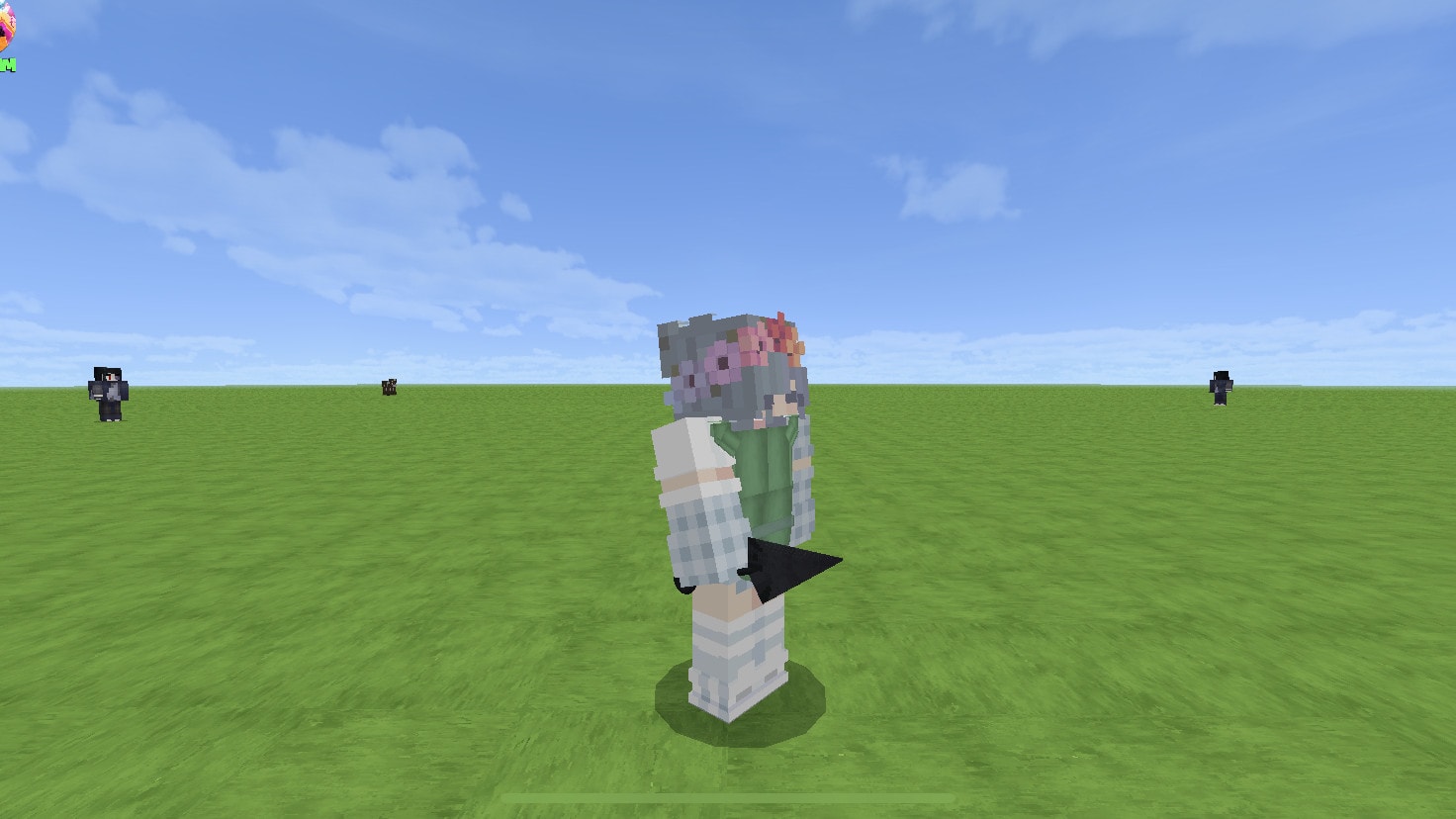
Kawaki science weapon
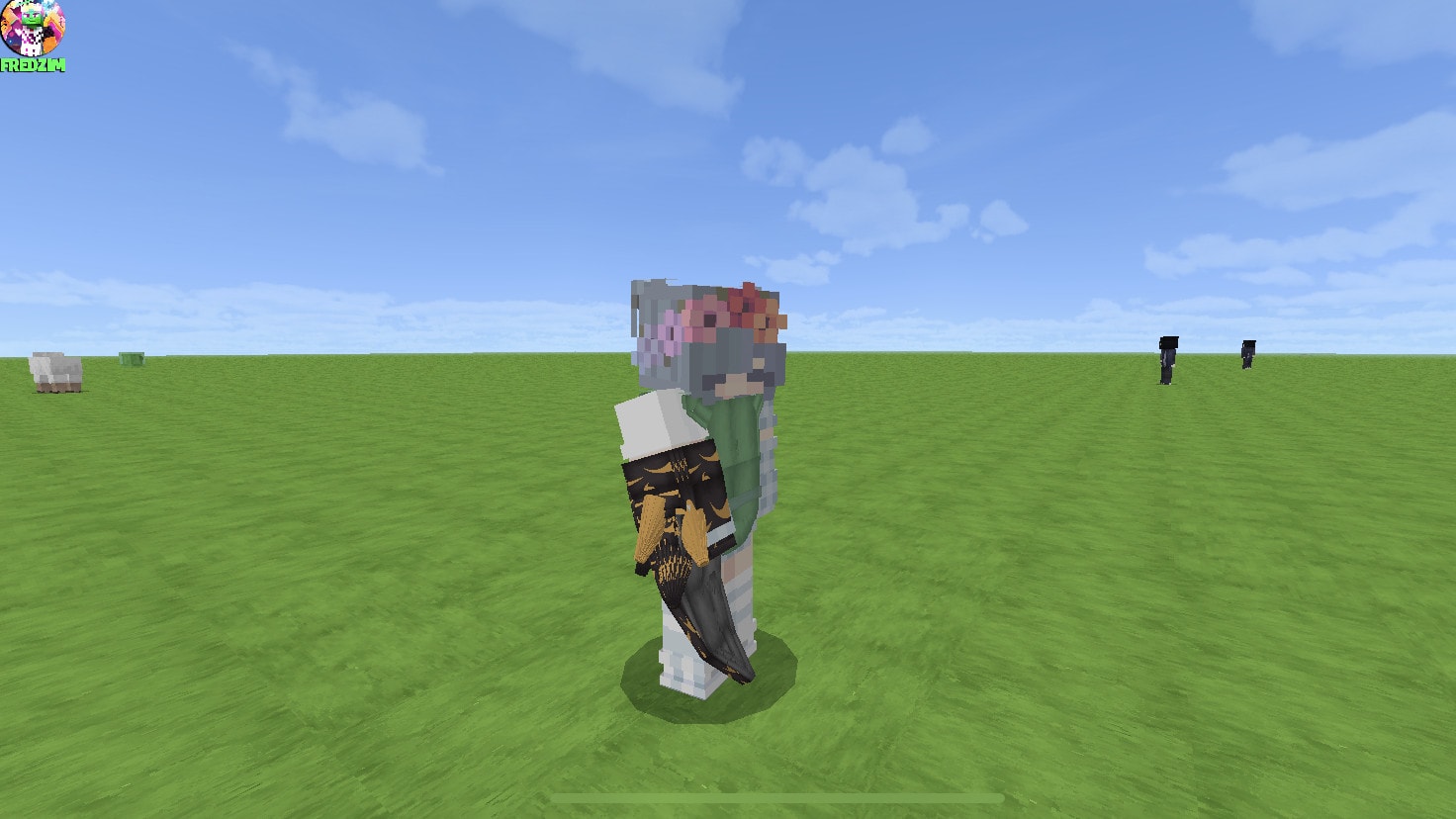
Kabuto chakra scalpel
Chidori jutsus used by sasuke and kakashi
These are more jutsus that are possible to use in this addon
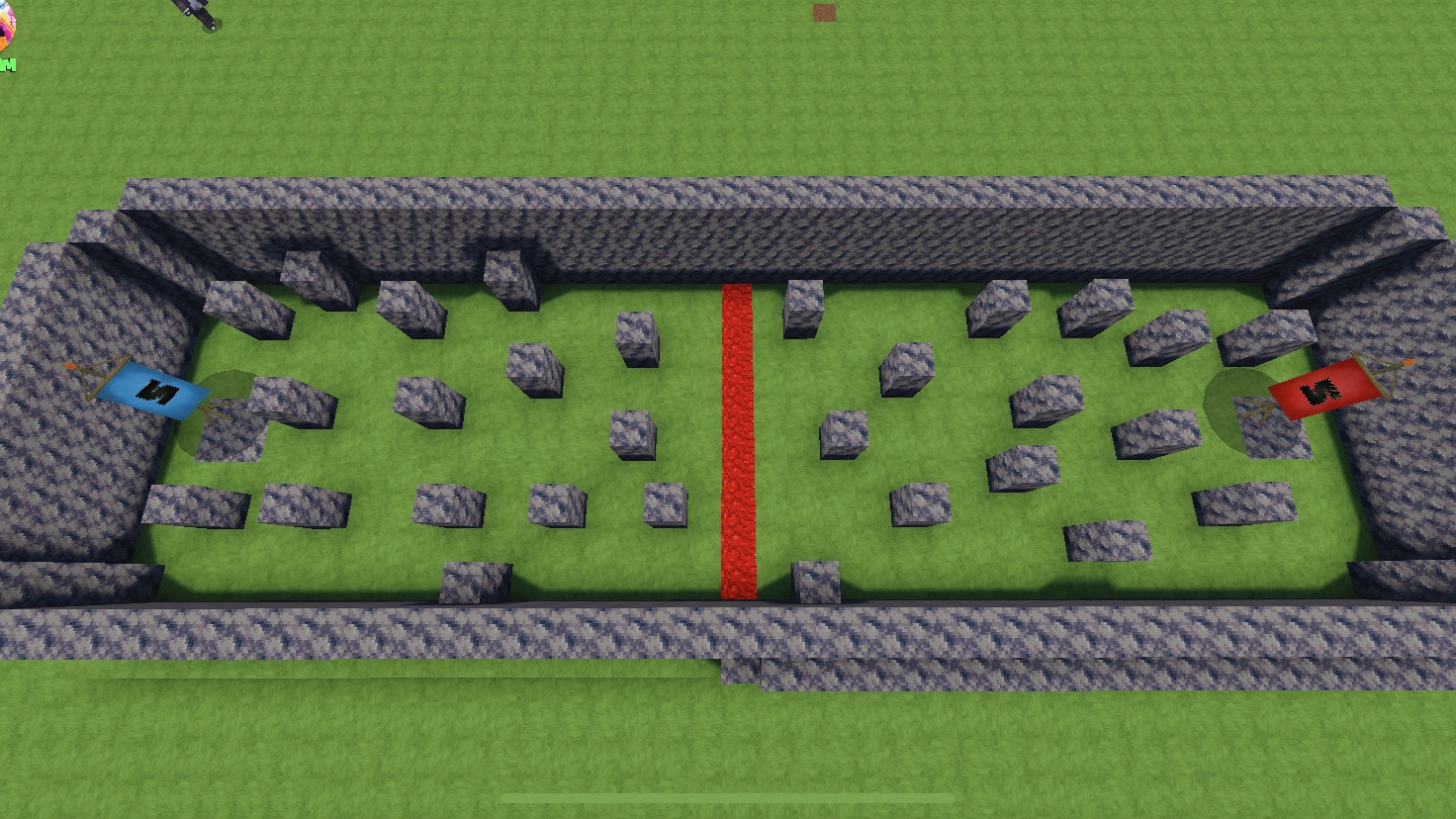
The addon contains PvP Arena to use the jutsus and duel against a friend
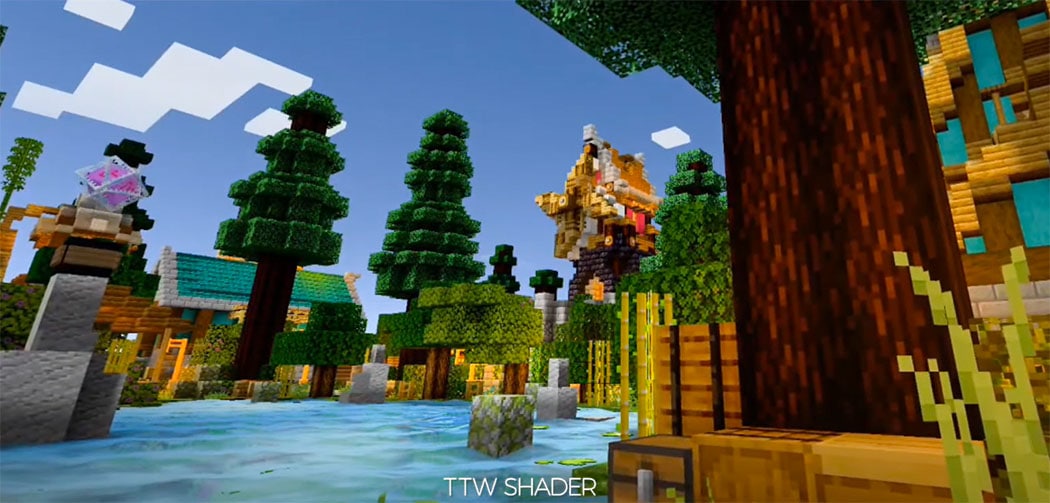
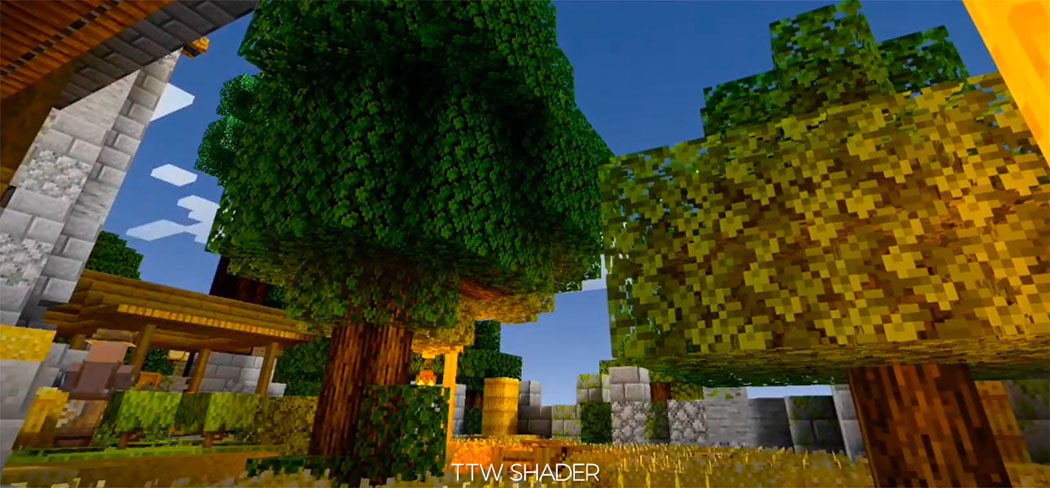
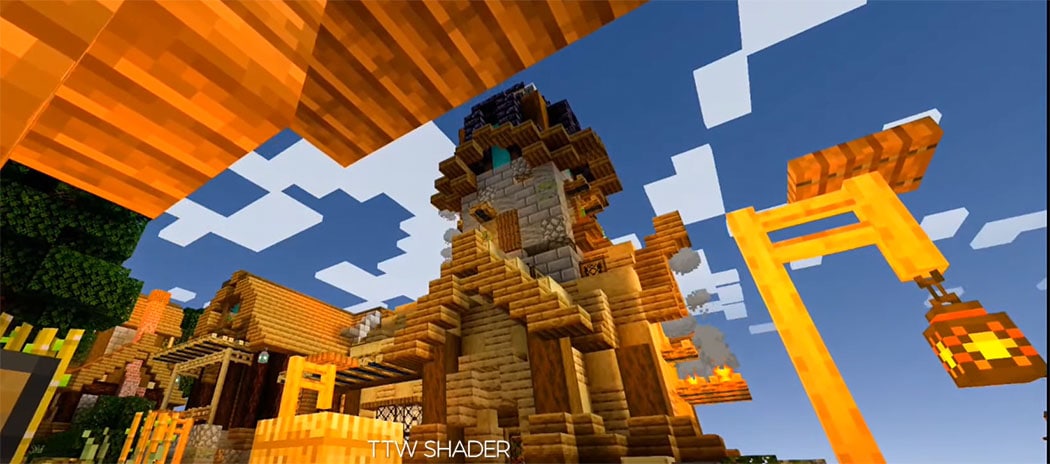
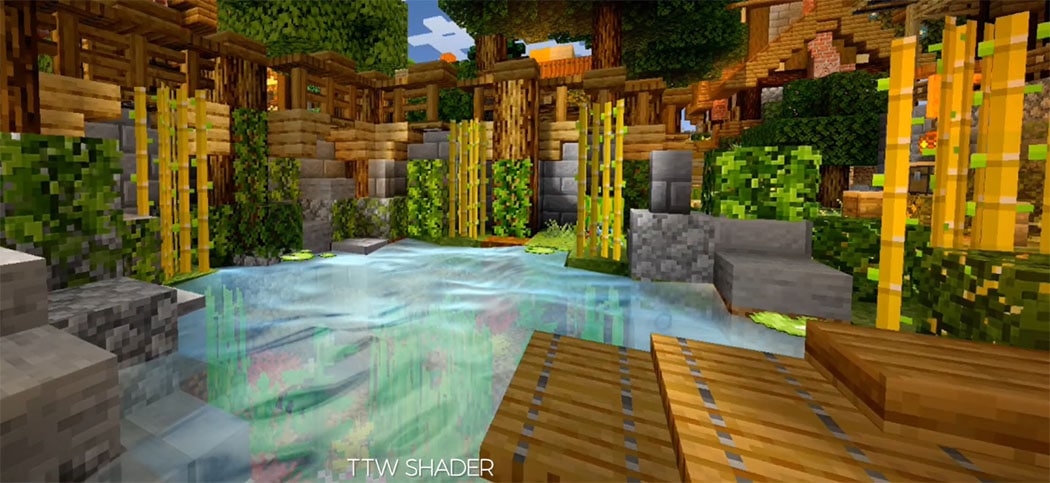
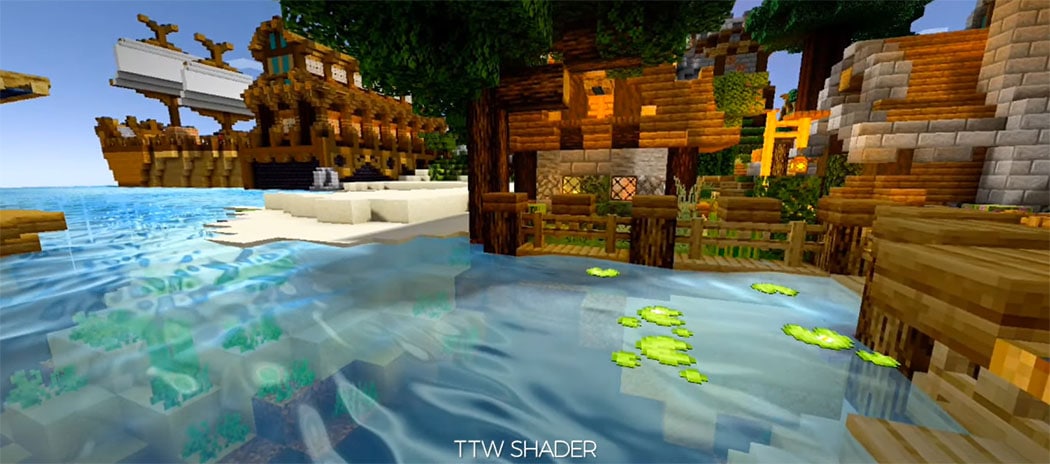
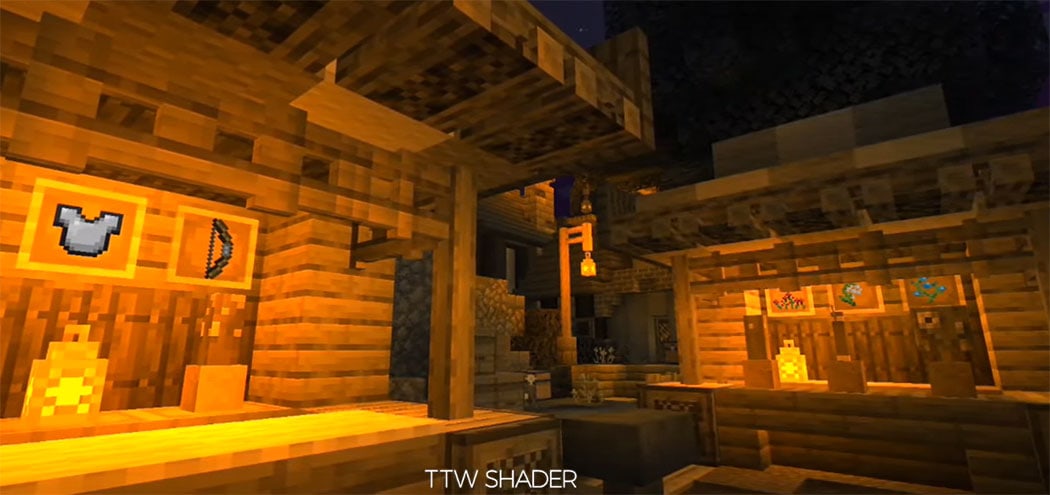
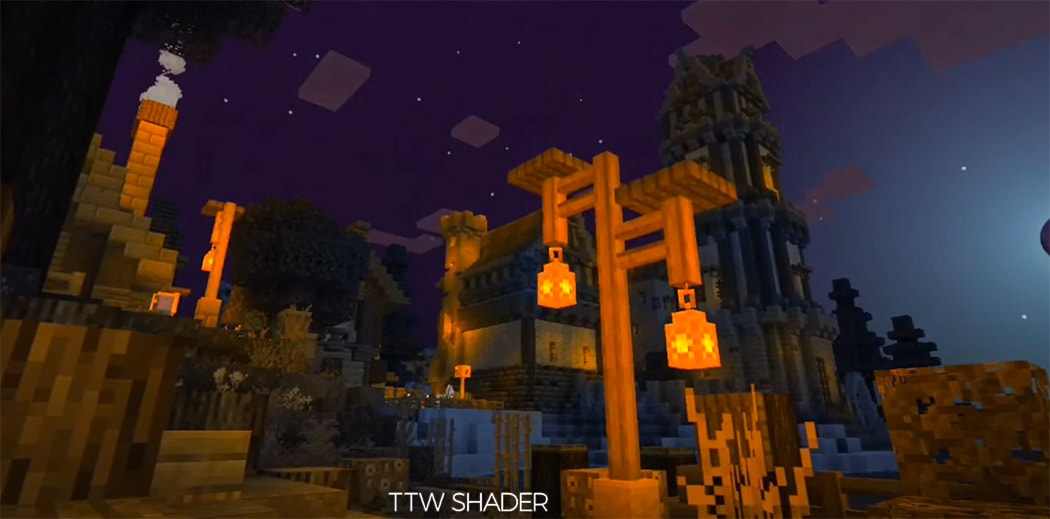
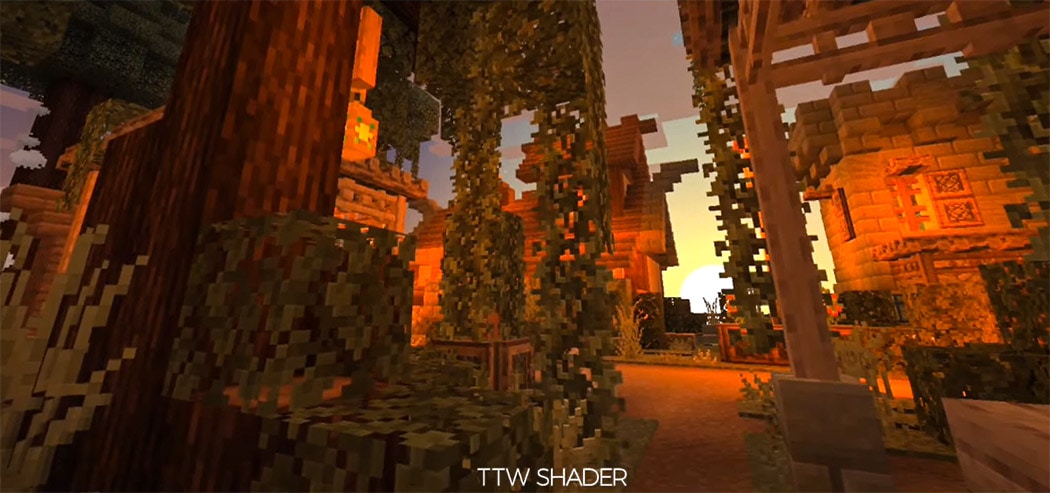
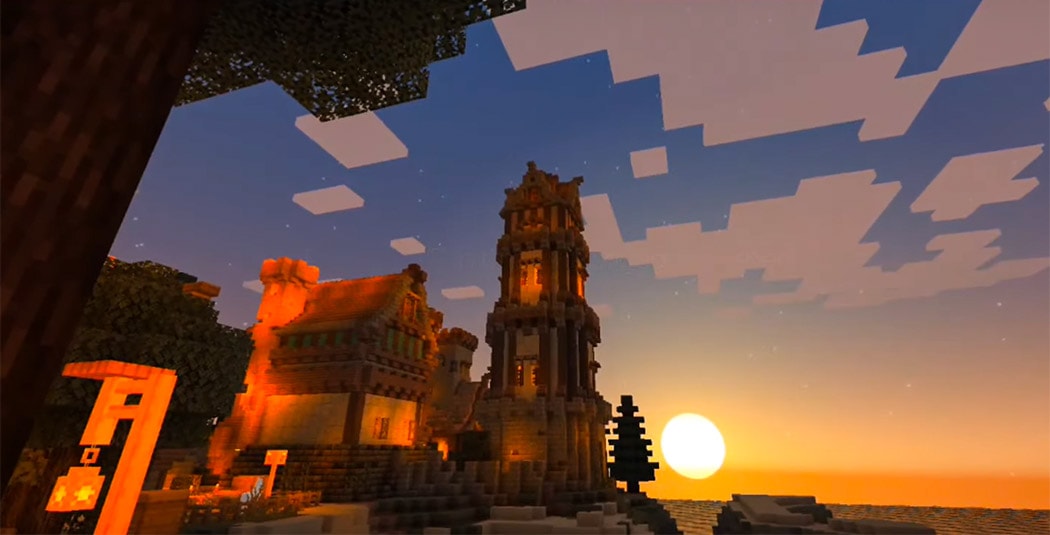
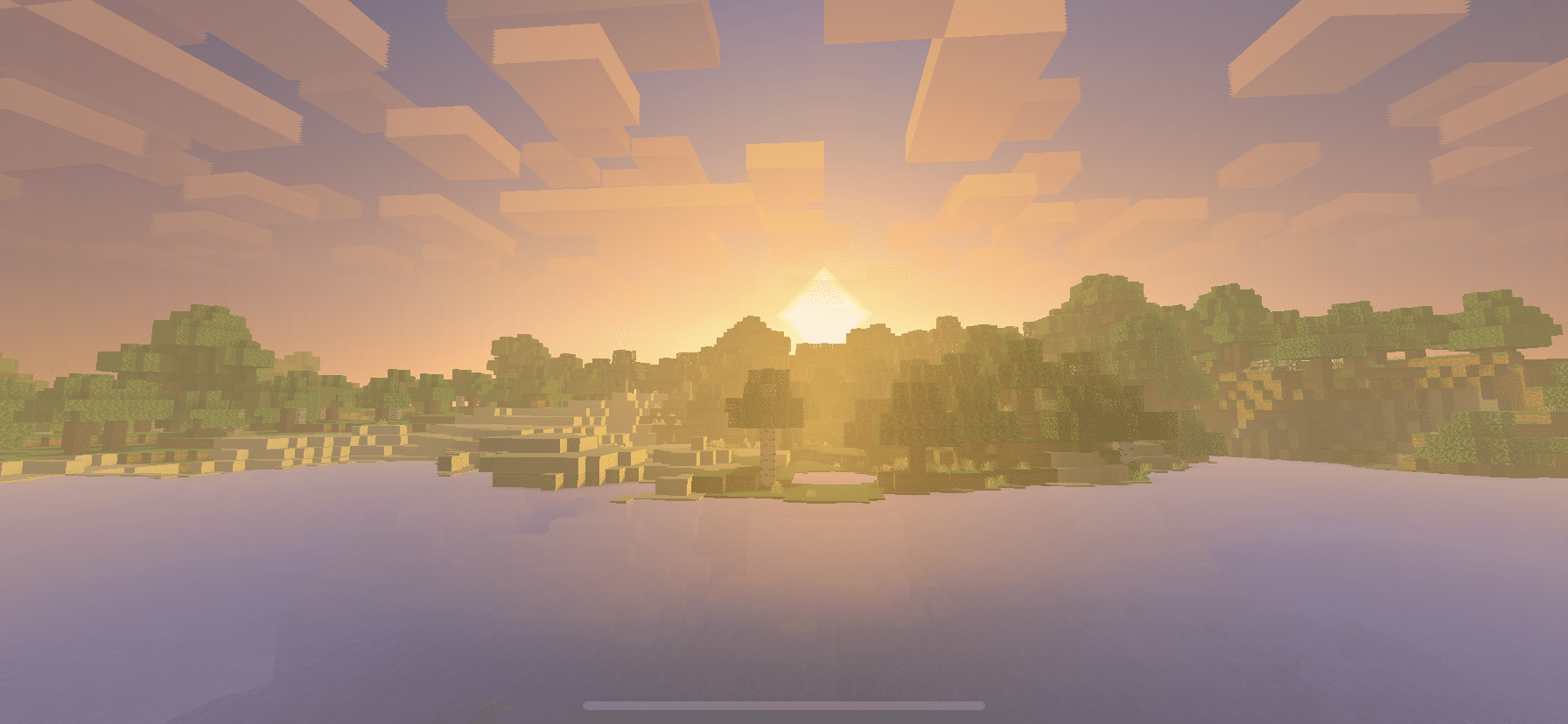
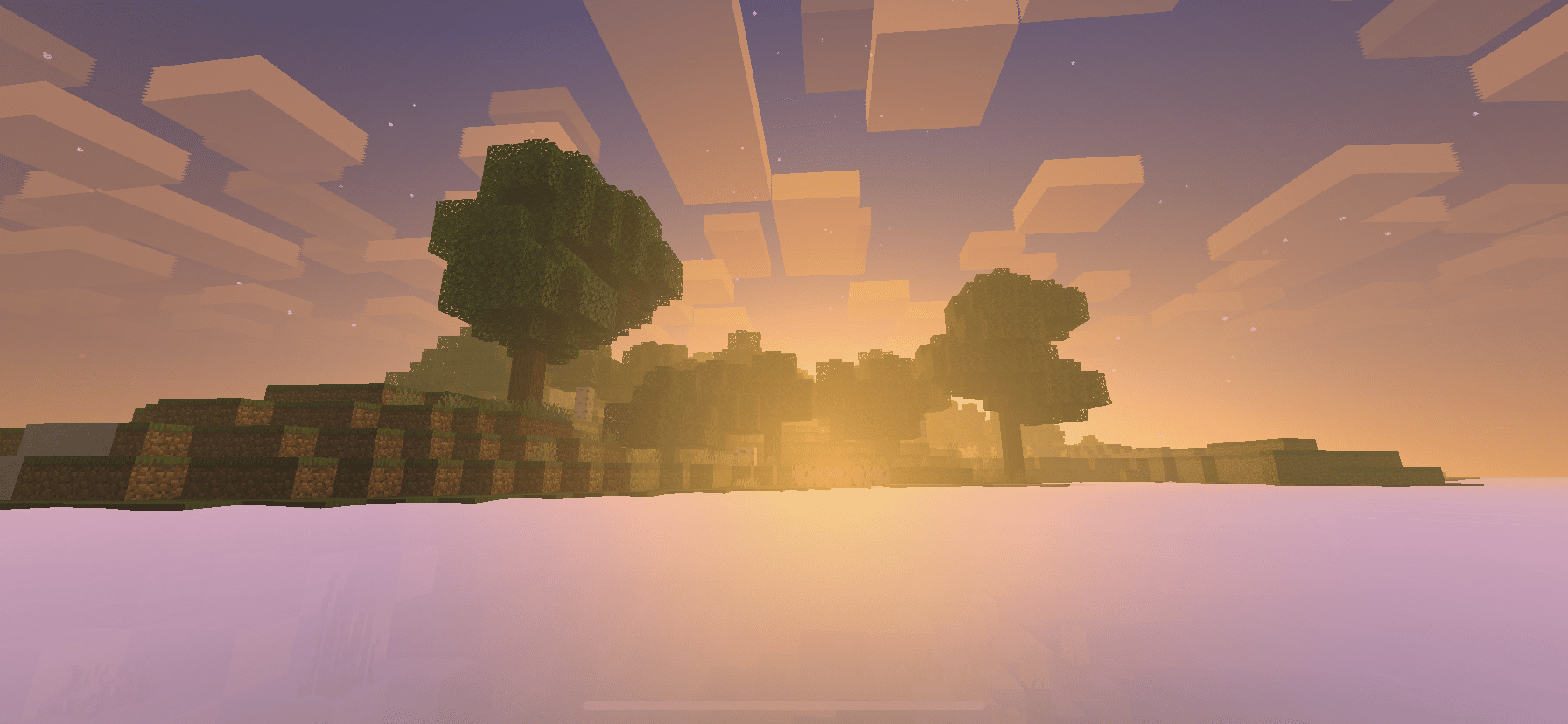
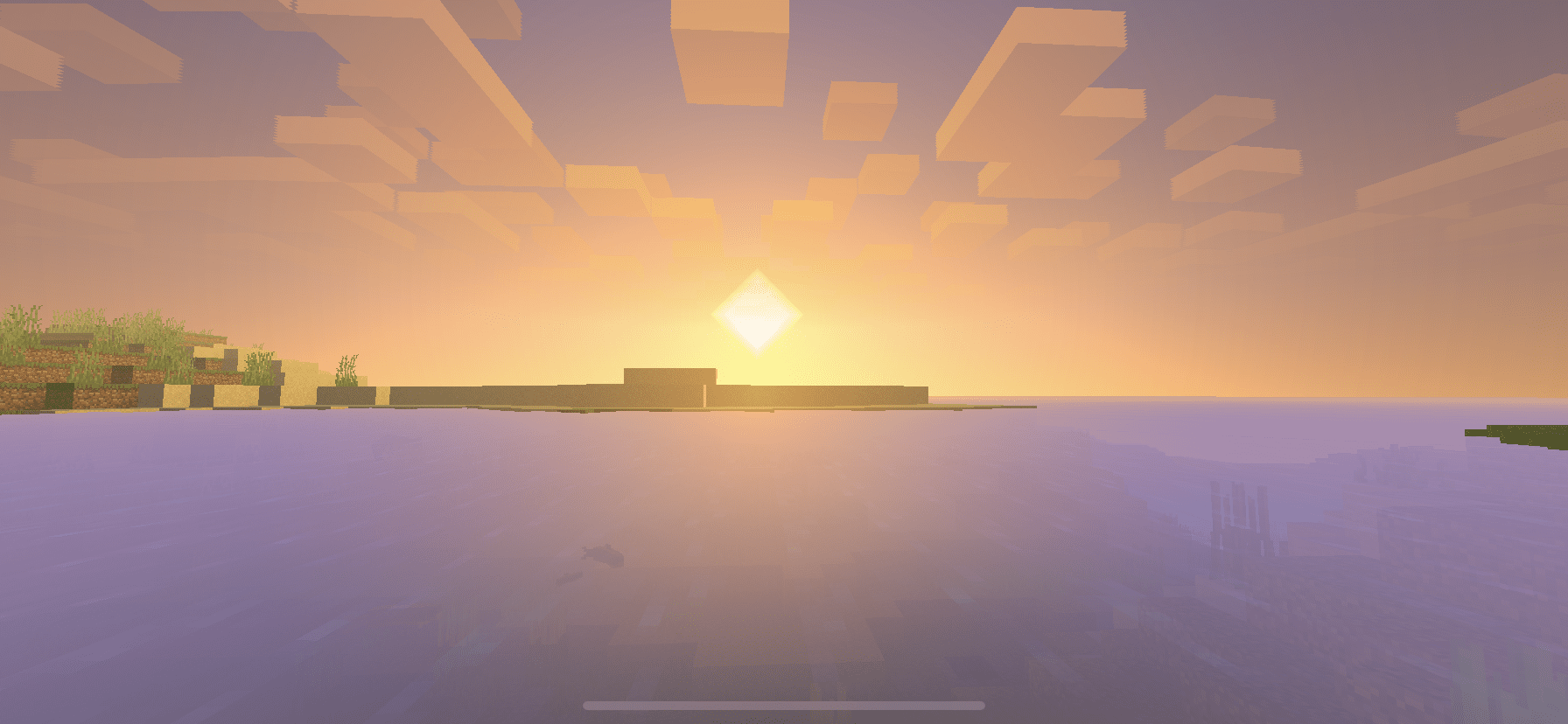
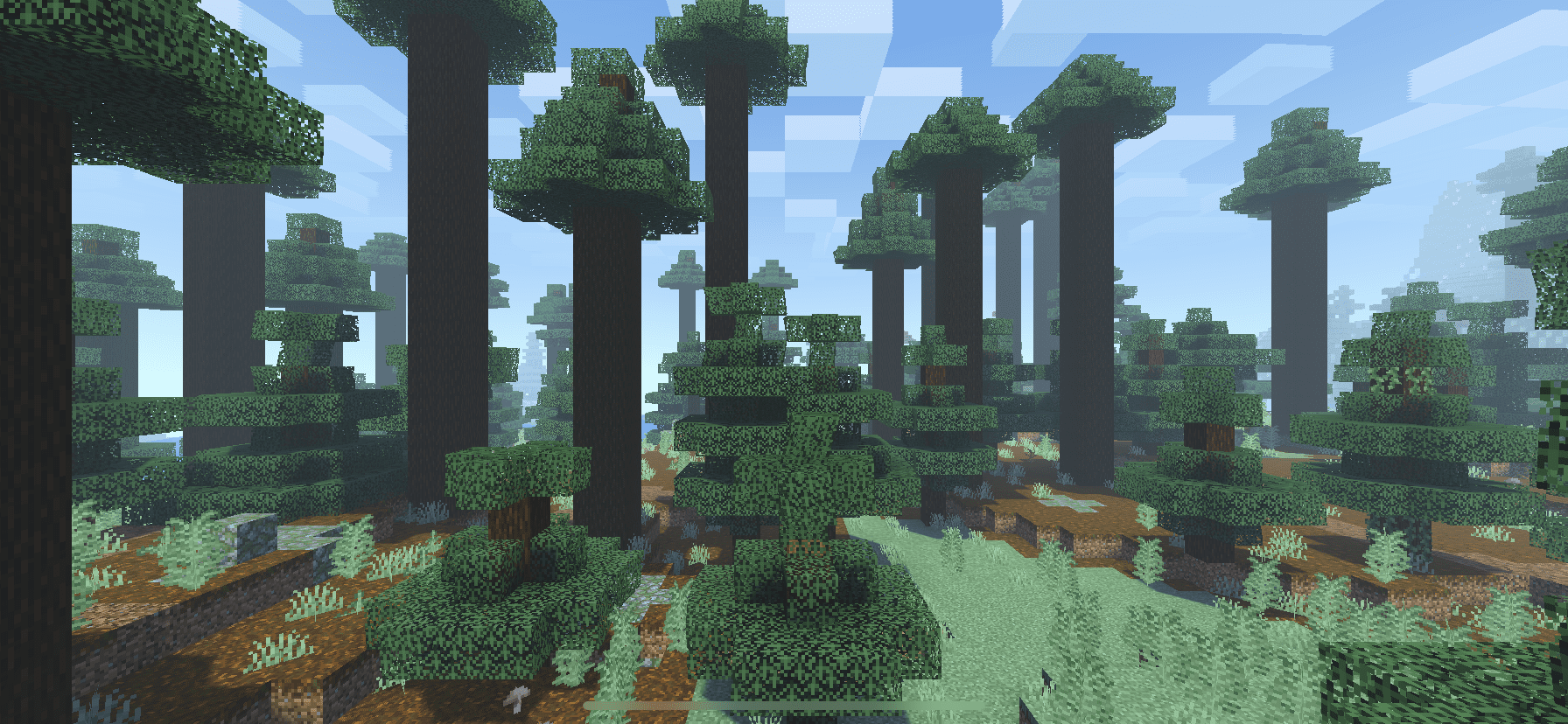
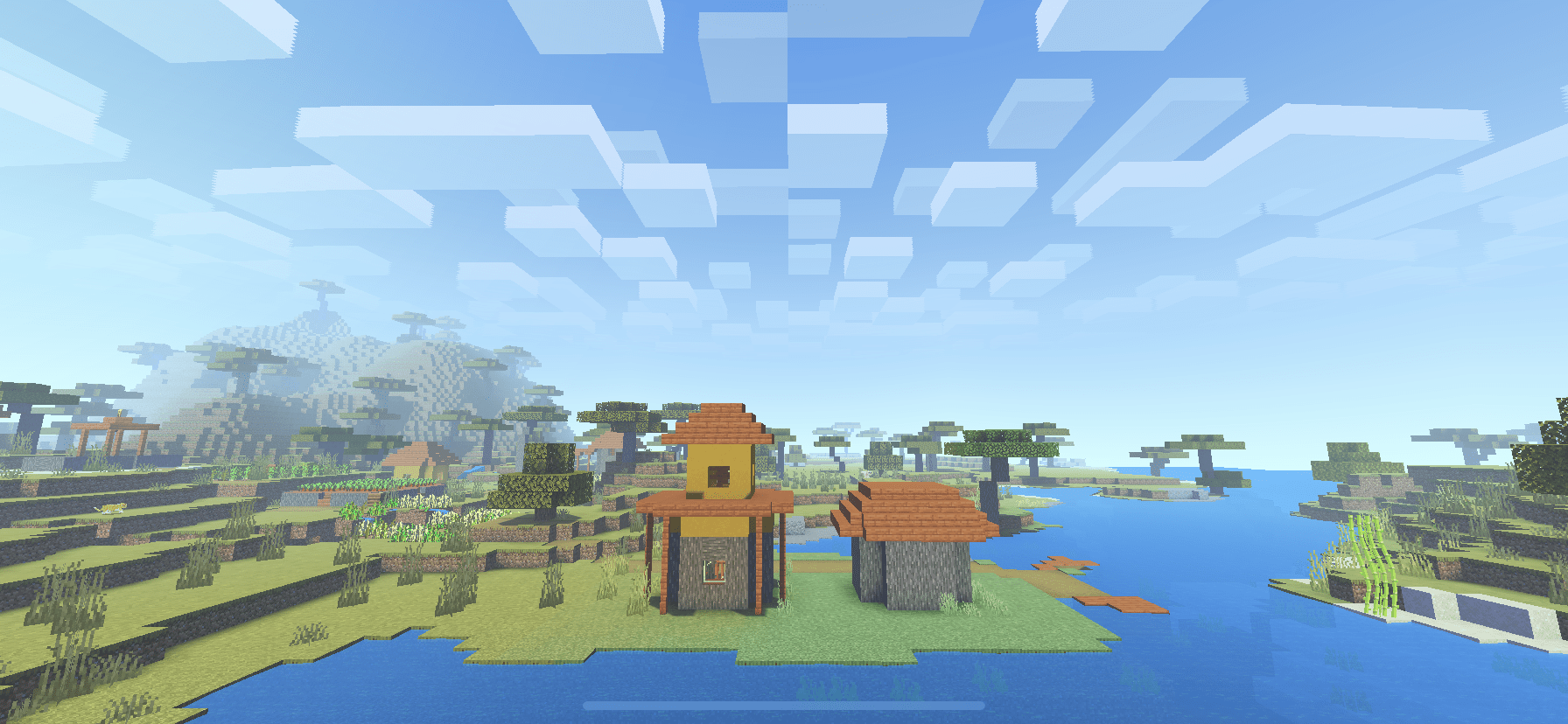
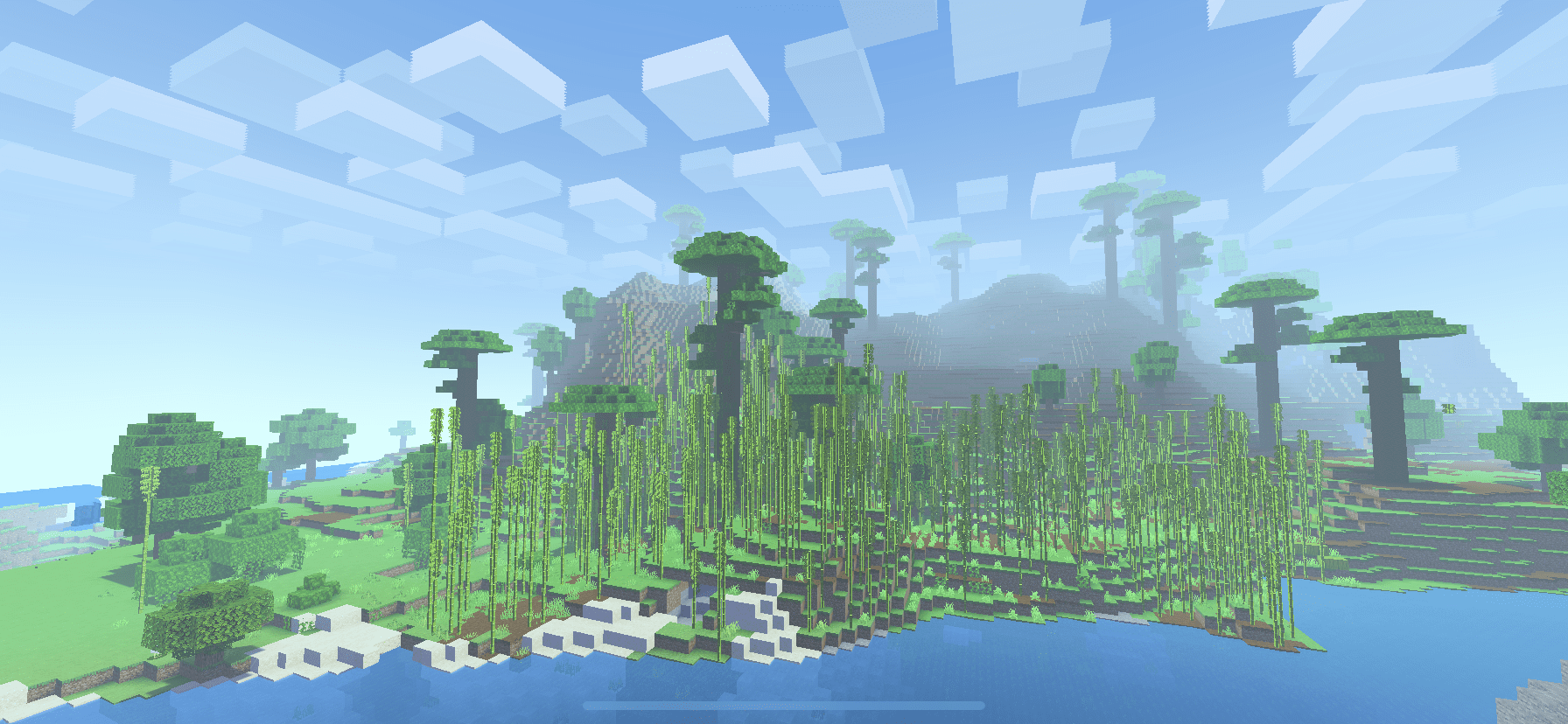
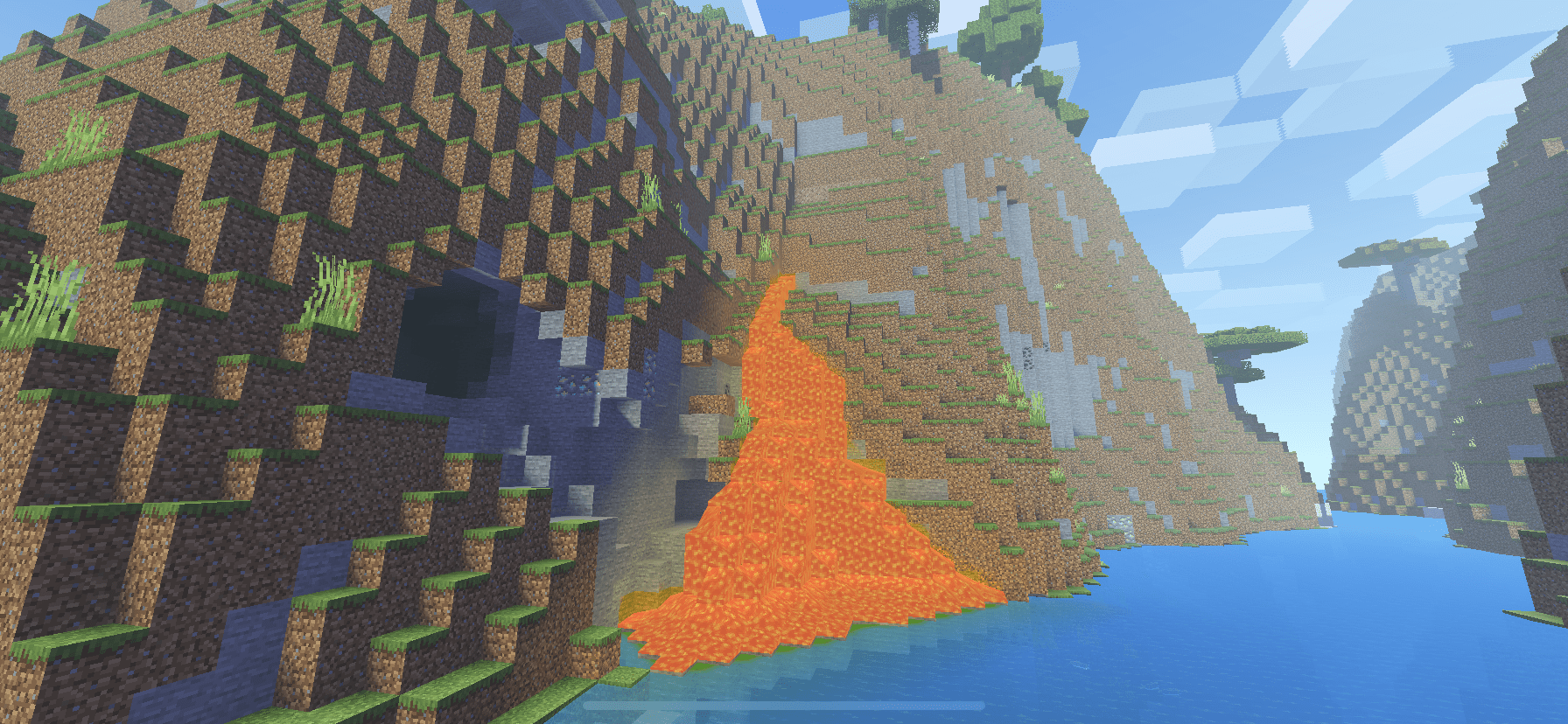
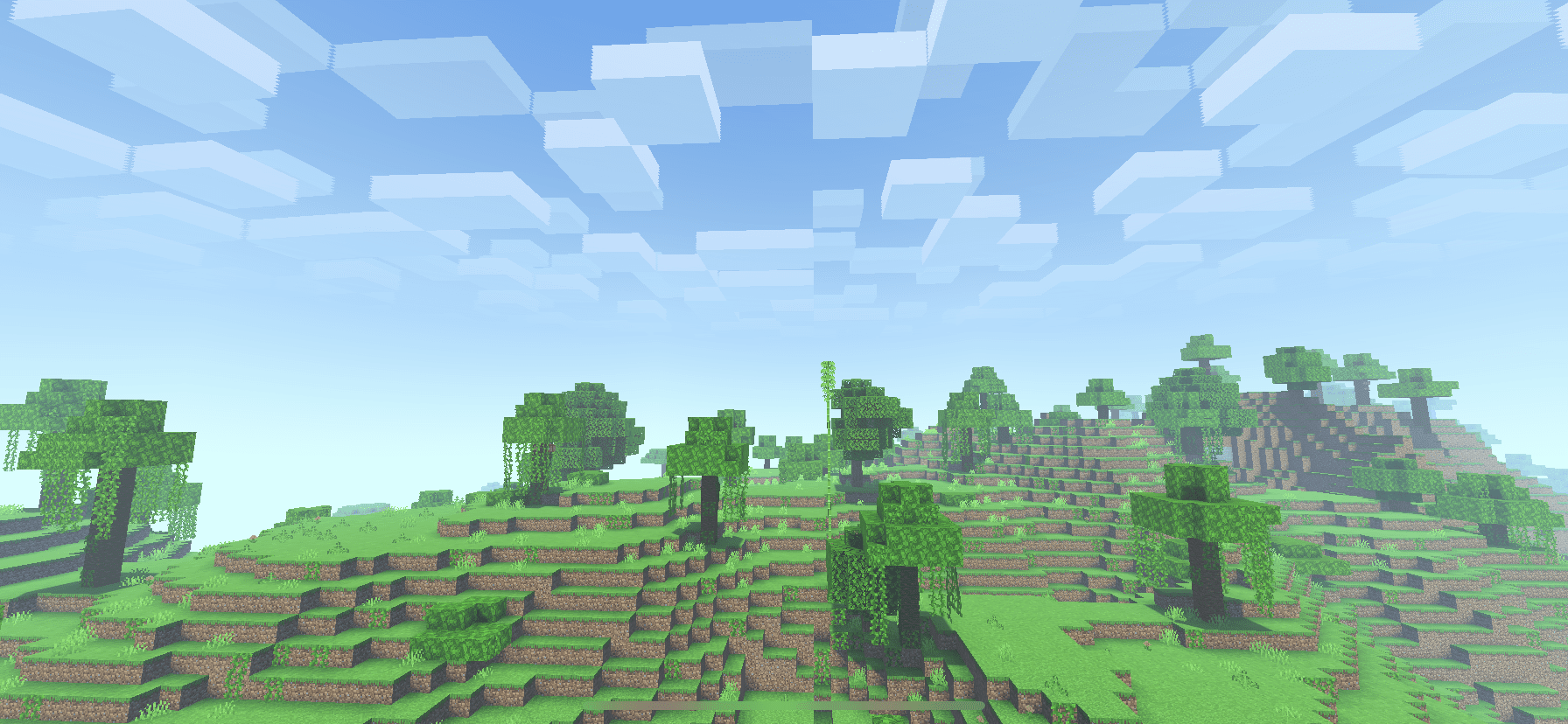
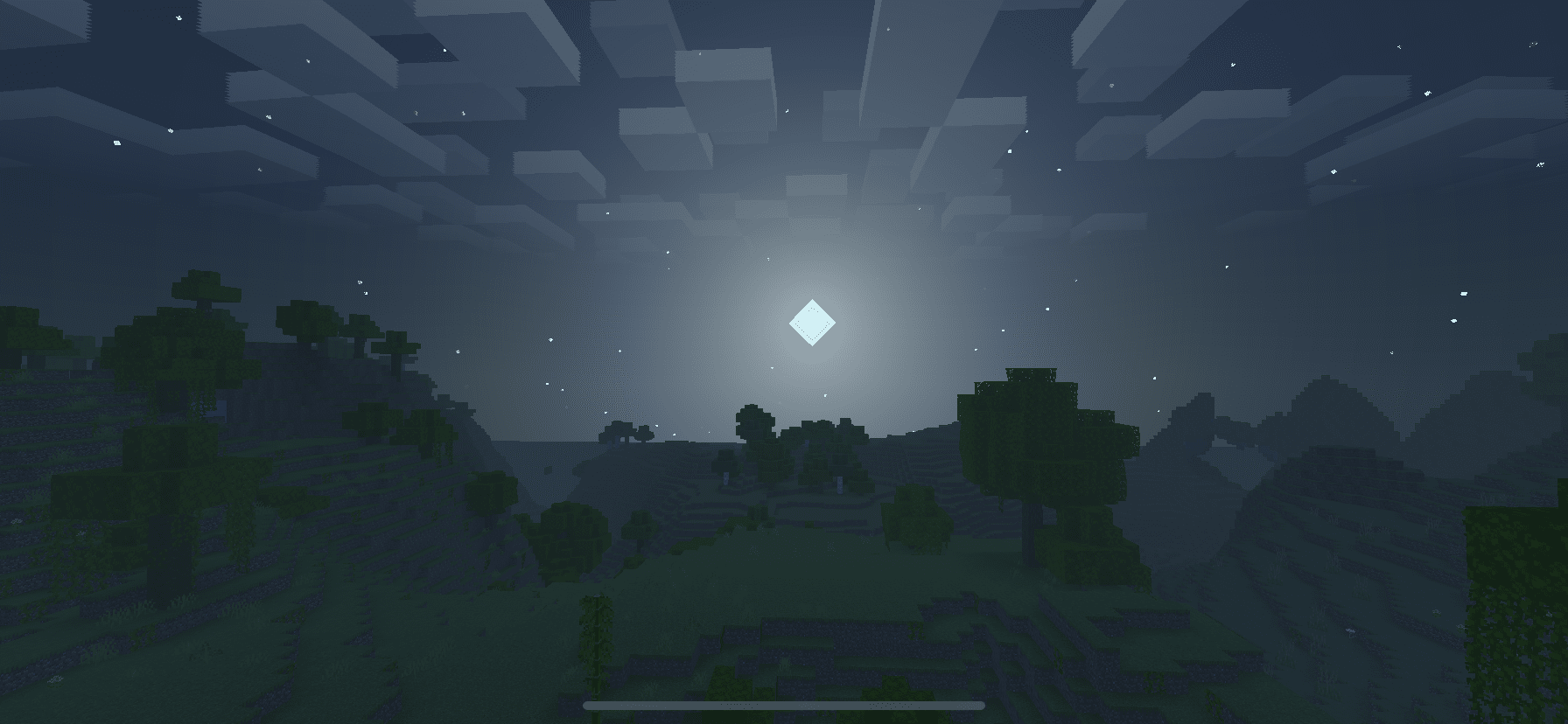
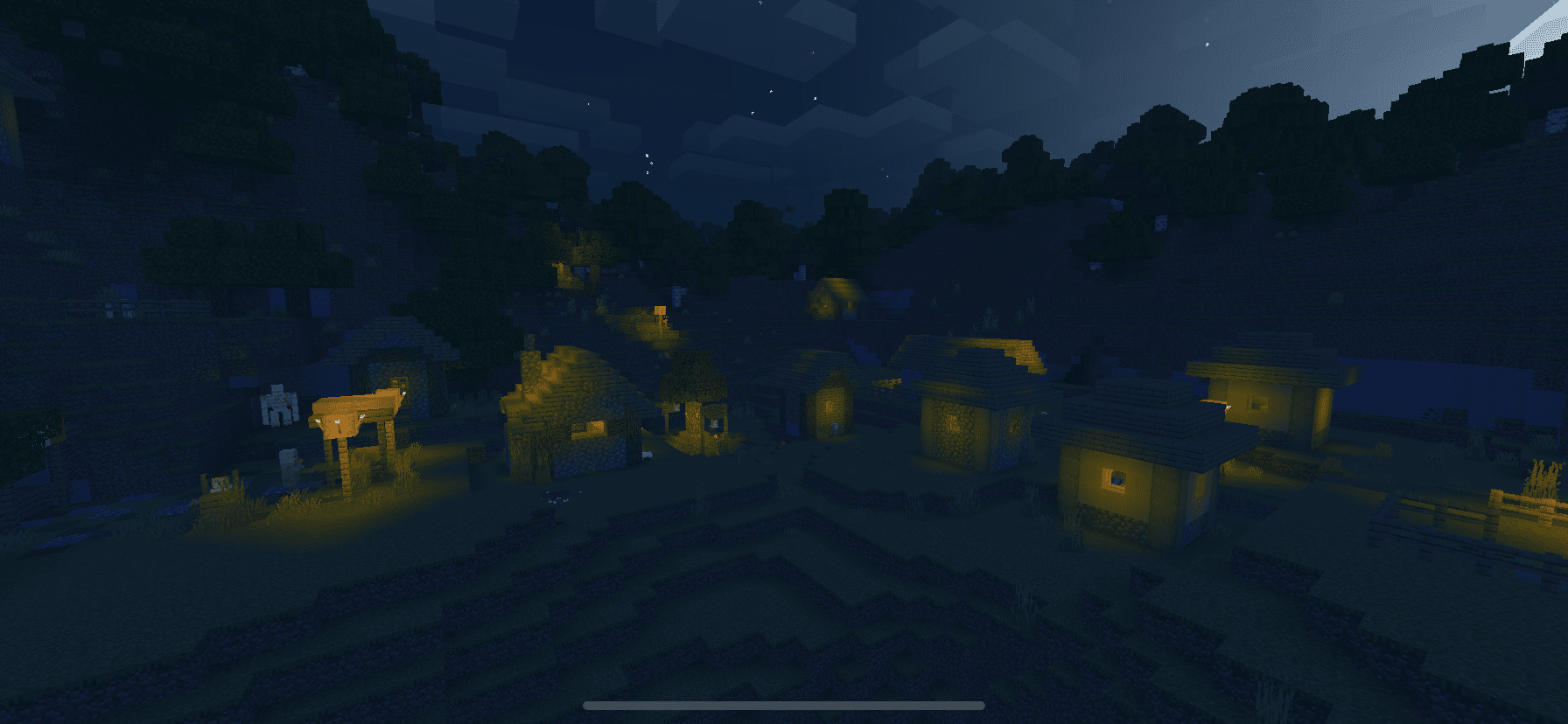
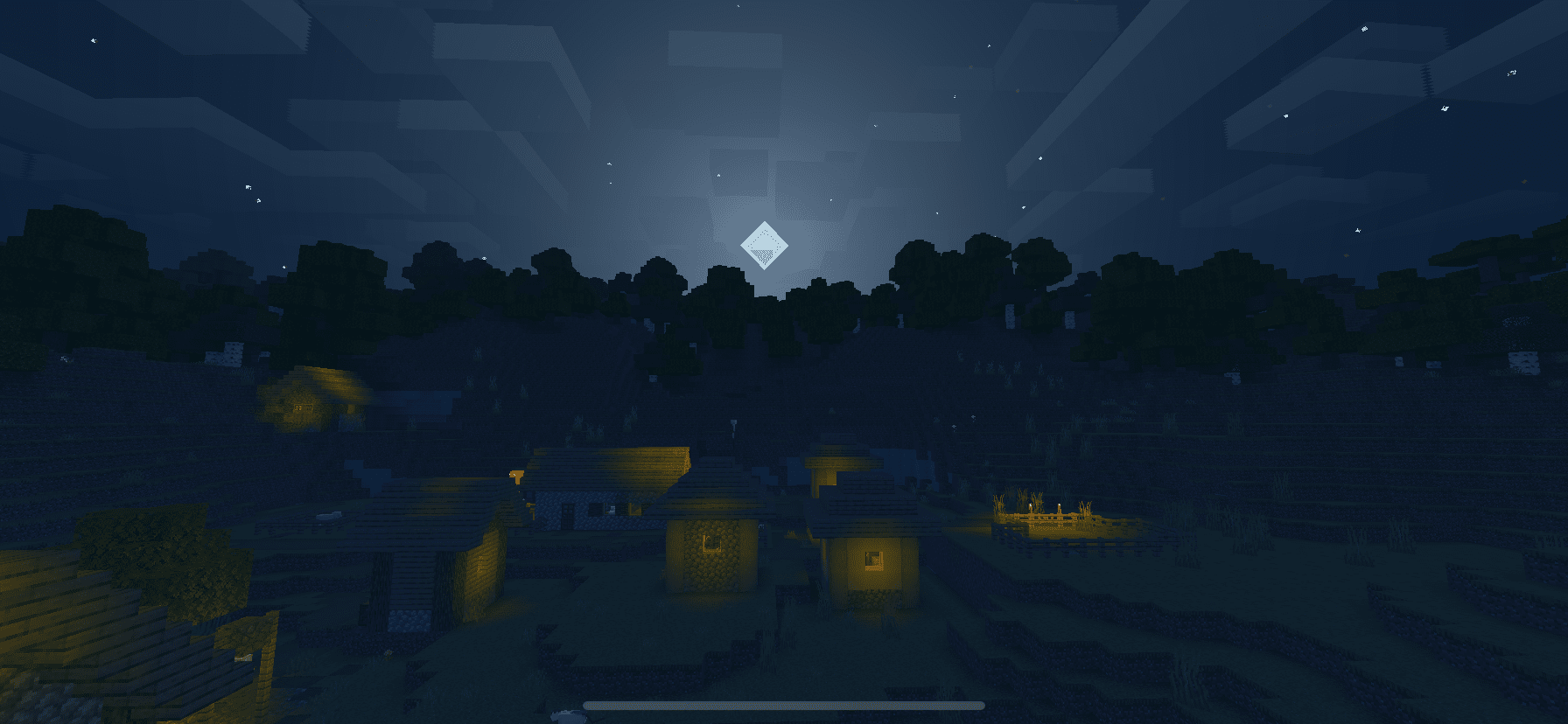
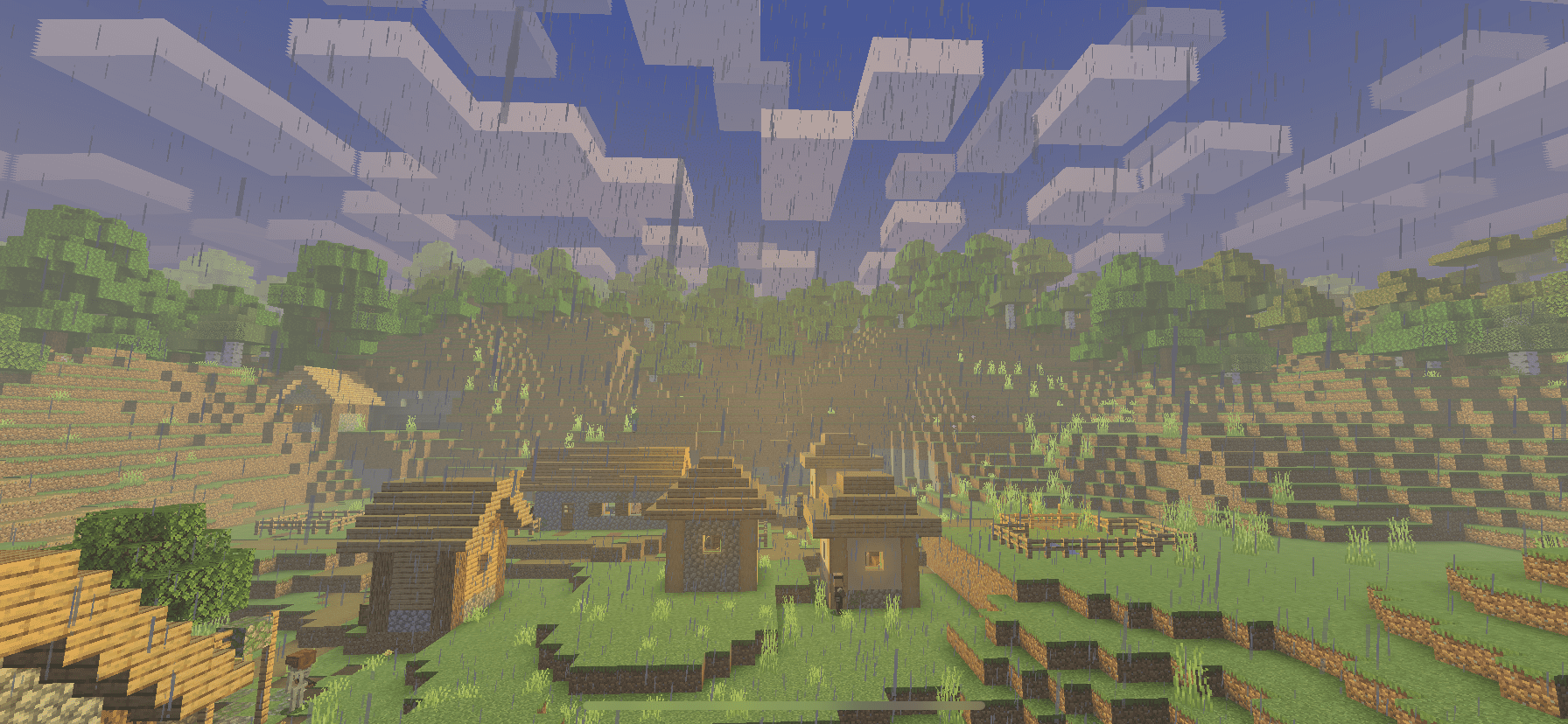
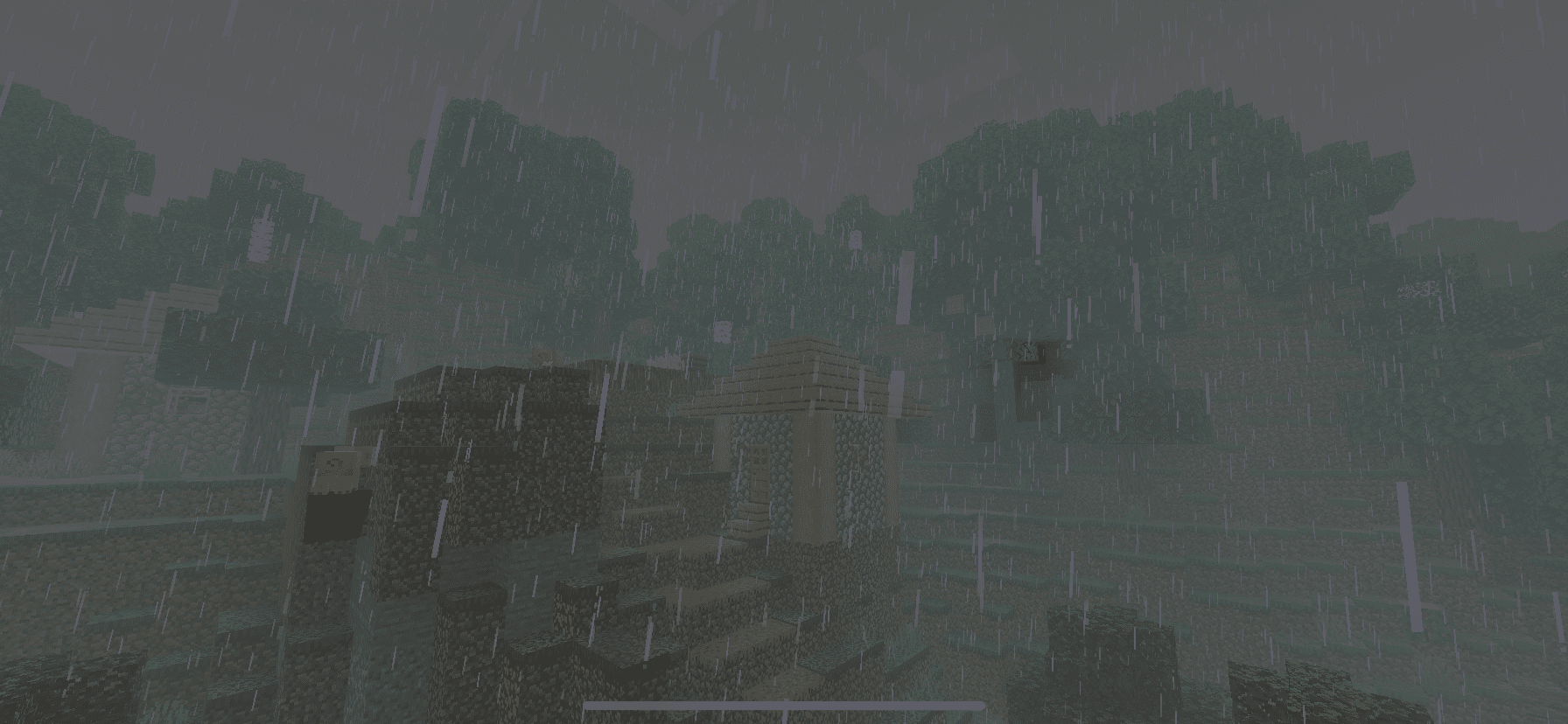
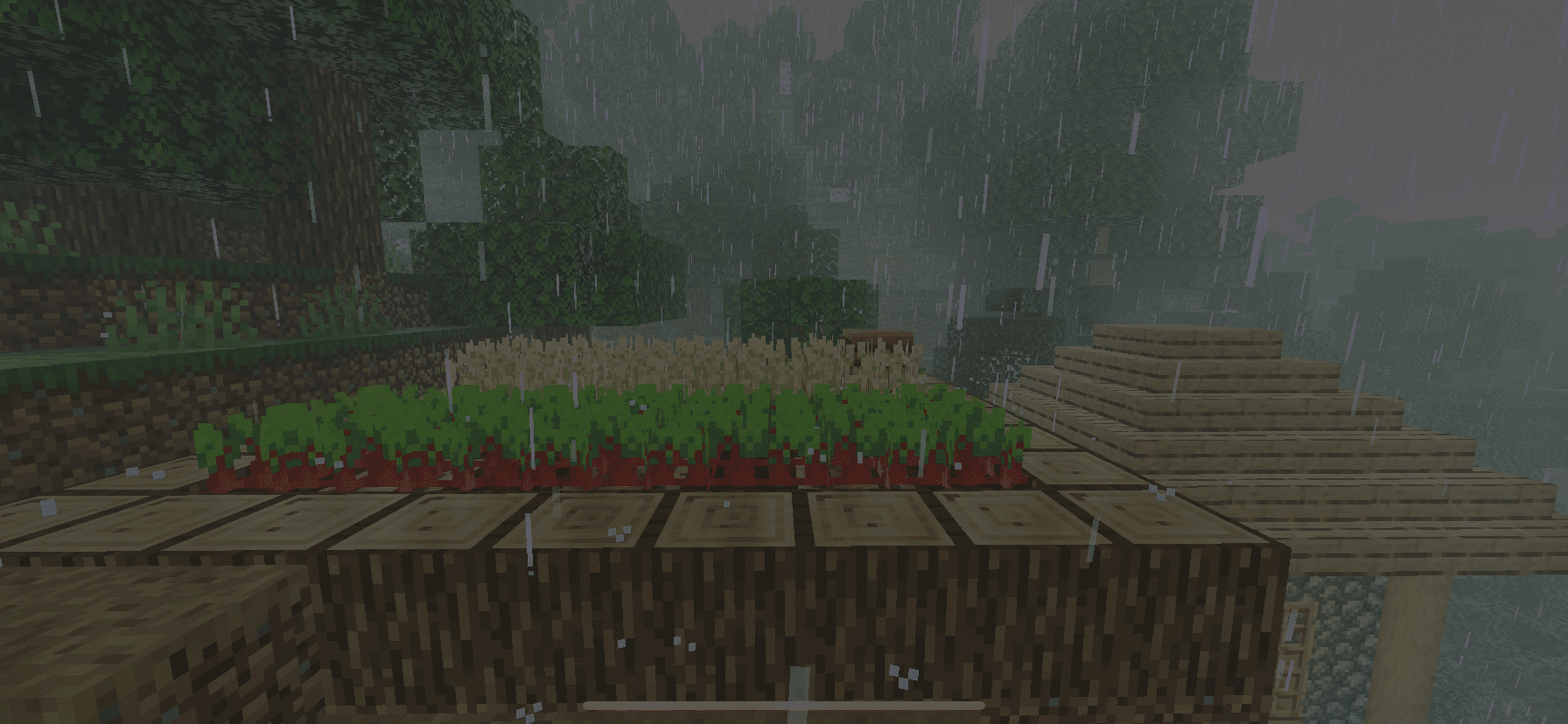
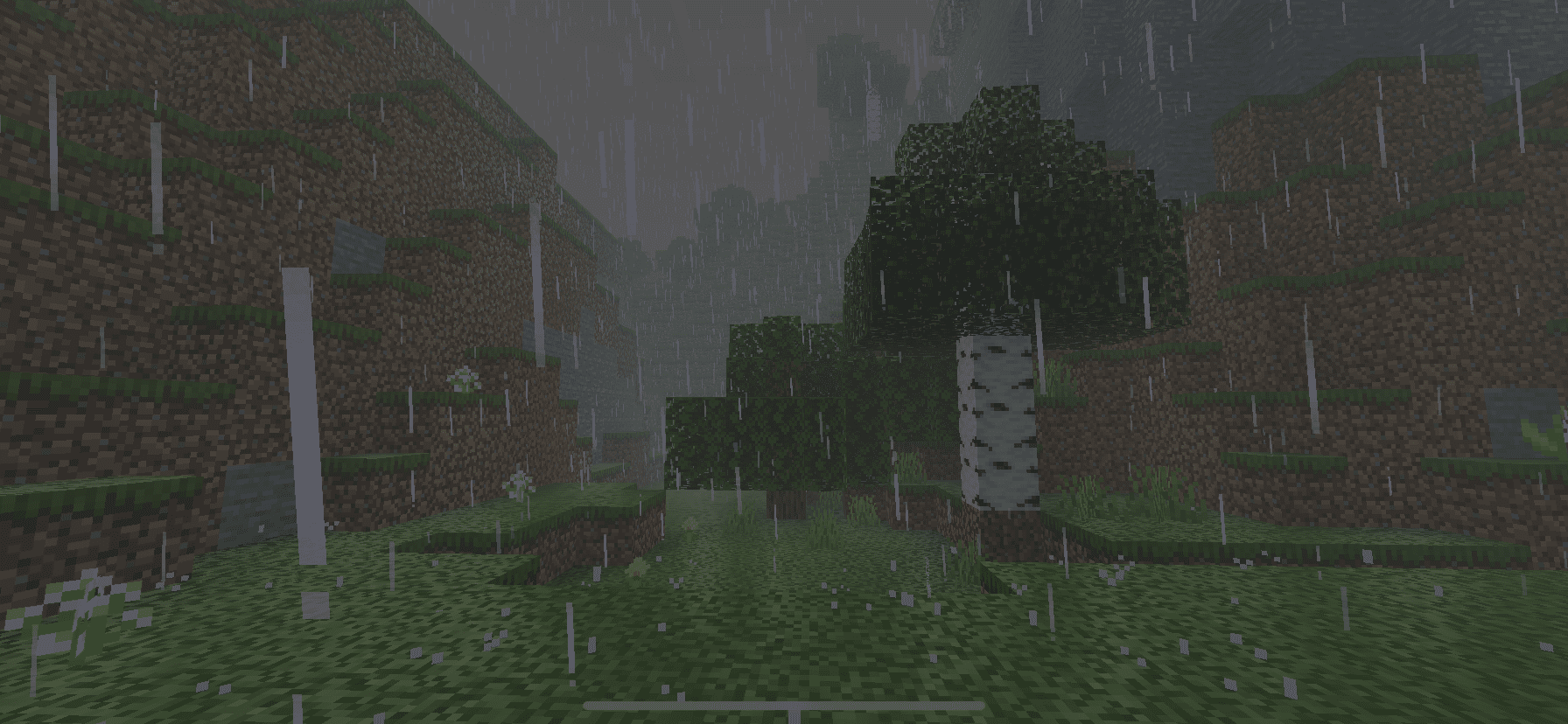
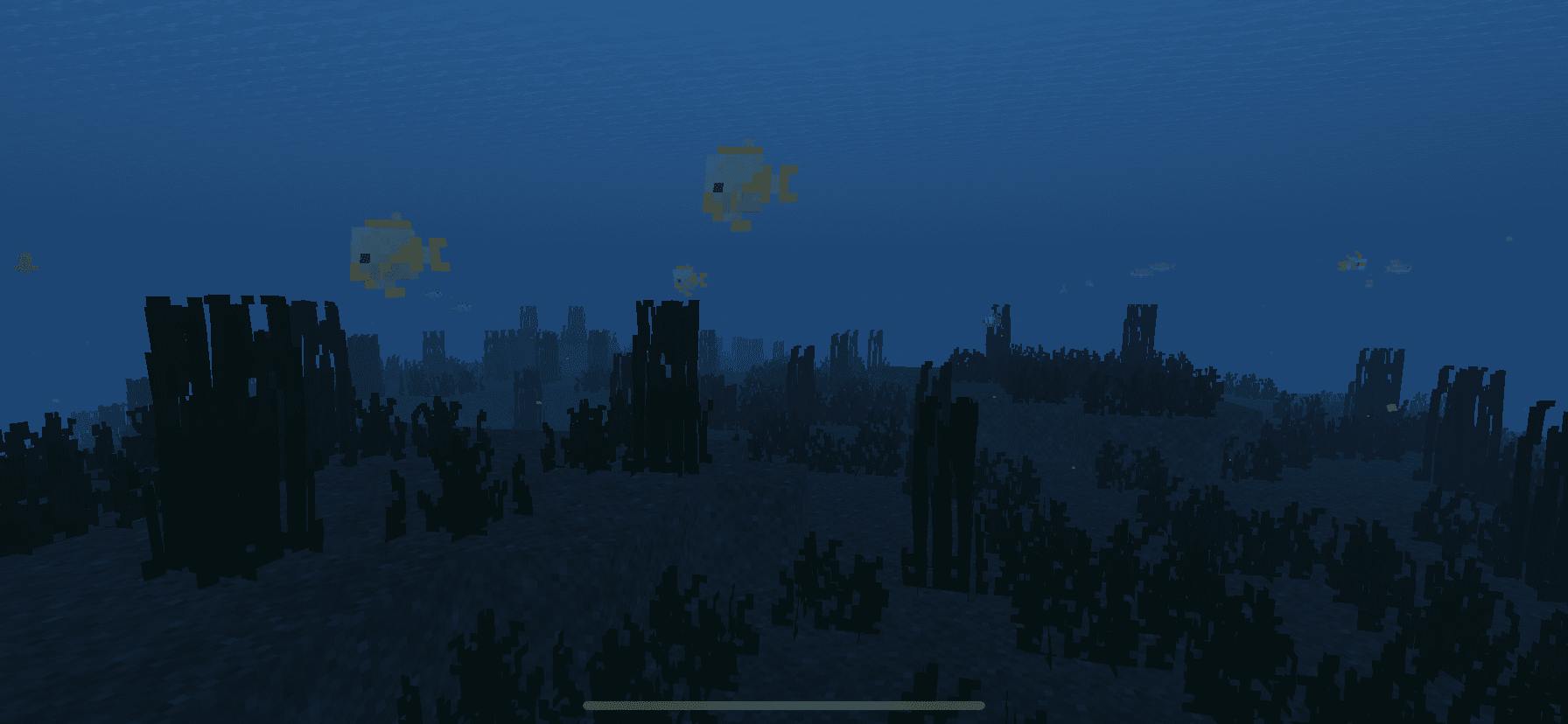
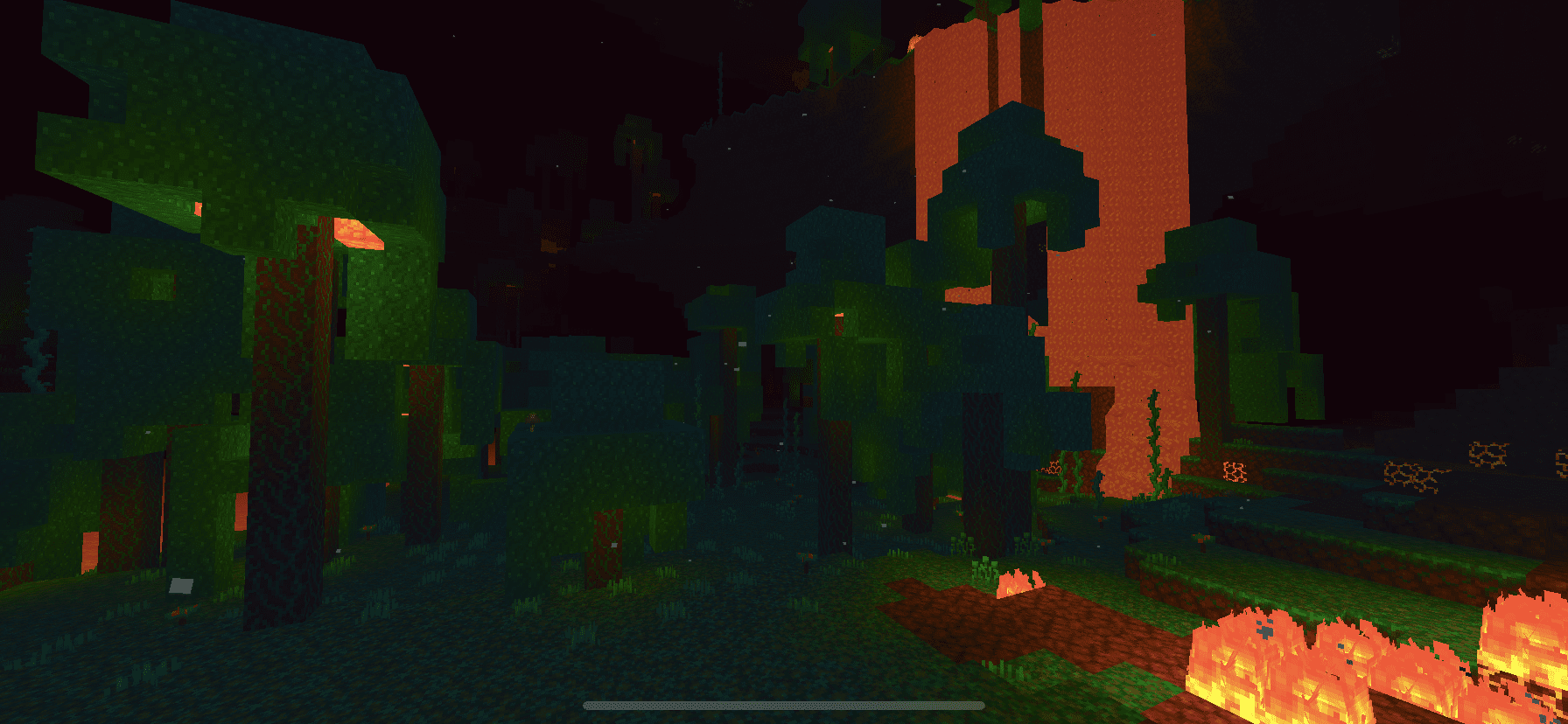
TTW Shader is a realistic shader with realistic shadows, gentle lighting, and magnificent skies that can operate on most low-end devices. Support for phones in the mid-to-low price range
Cre: Orsis MT
TTW Shader
Low Version: TTW Shader aims to offer Minecraft a new elegant and realistic look while also attempting to optimize it by minimizing texture changes so that it can operate on a wide range of devices.
Shadows that are realistic
This shader was influenced by others, and because I am new at shader design, I will attempt to correct any errors.
Because this shader is in alpha, it is likely to have flaws and defects, which you can mention in the comments.
If it doesn’t work on your device, let us know in the comments.
Your downloads are an inspiration to continue developing content, so please report any problems in the comments.
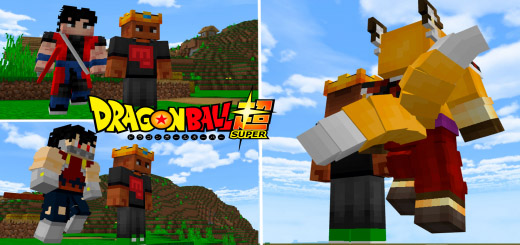
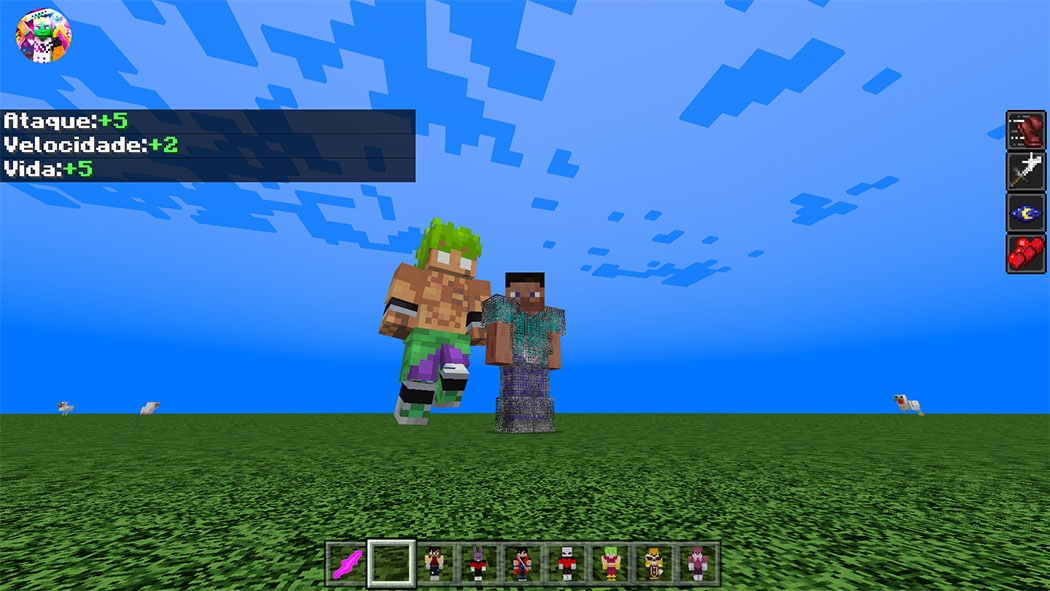
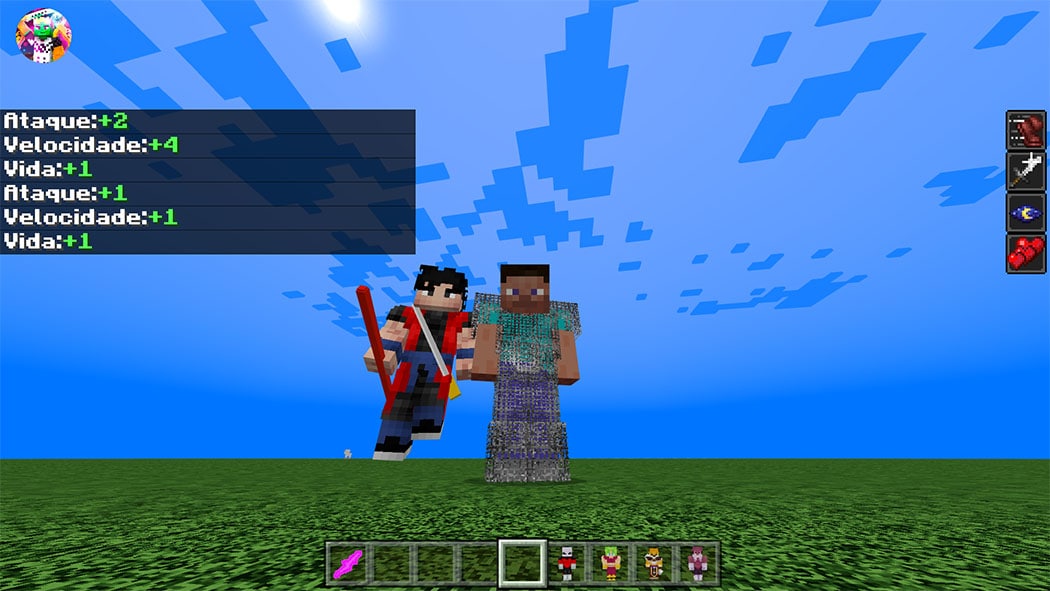
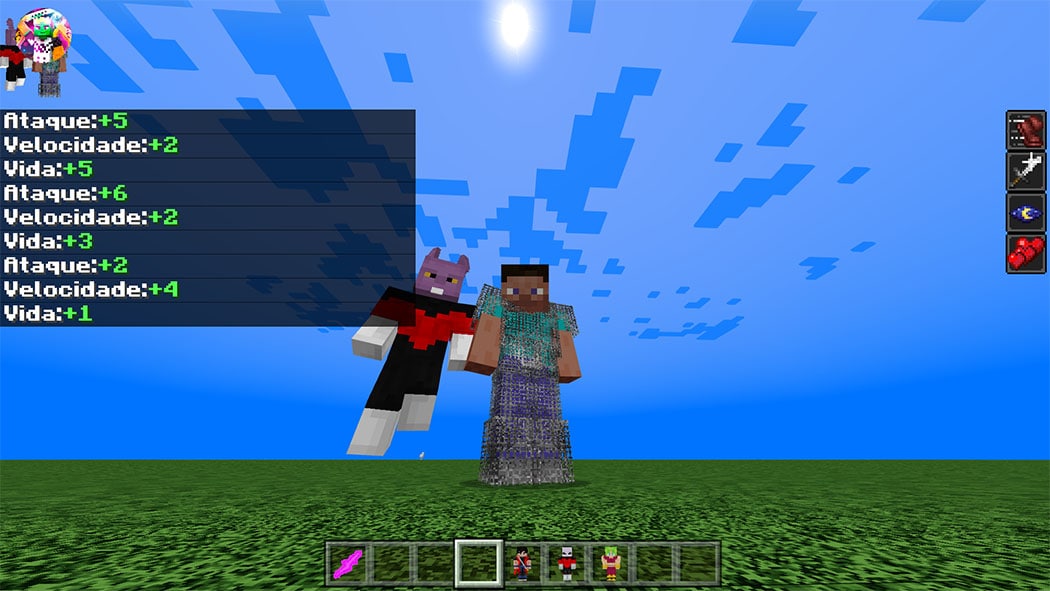
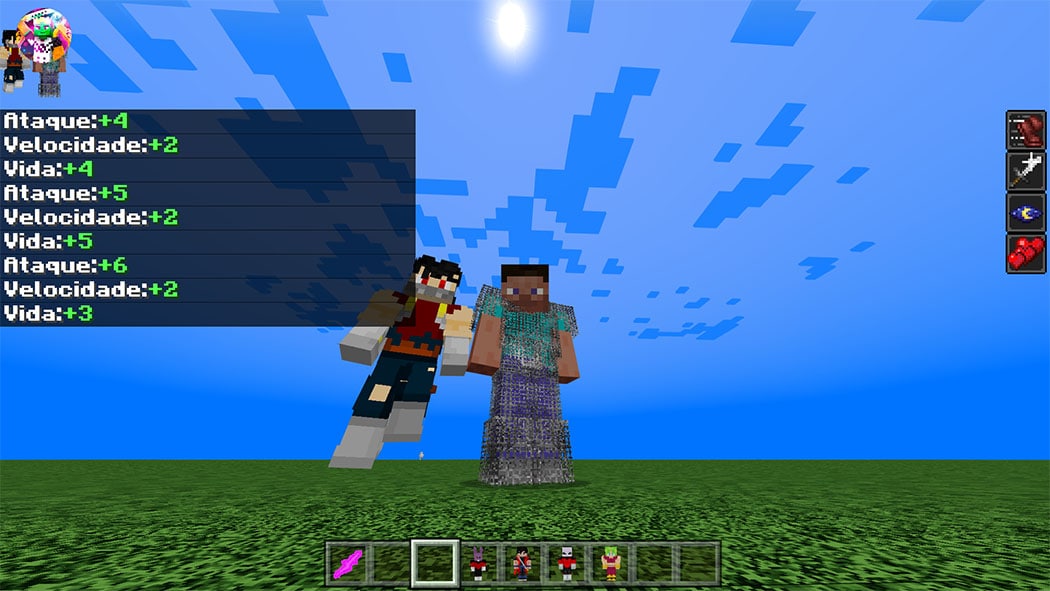
My new dragon ball addon for Minecraft Mobile adds stands similar to Jojo’s, except this version of the dragon ball addon adds 9 characters. Let’s explore.
To play Dragon Ball Z Stands Addon for Minecraft Bedrock, simply use the /fuction command to get all of the addon modes to play with your friends and do a good job pvp in your world. This version does not yet contain crafts, so it is not possible to play in survival, but using the /fuction command you can get all of the addon modes to play with your friends and do a good job pvp in your world.
Subscribe to my channel so you don’t miss the videos of updates, tutorials and news about addon
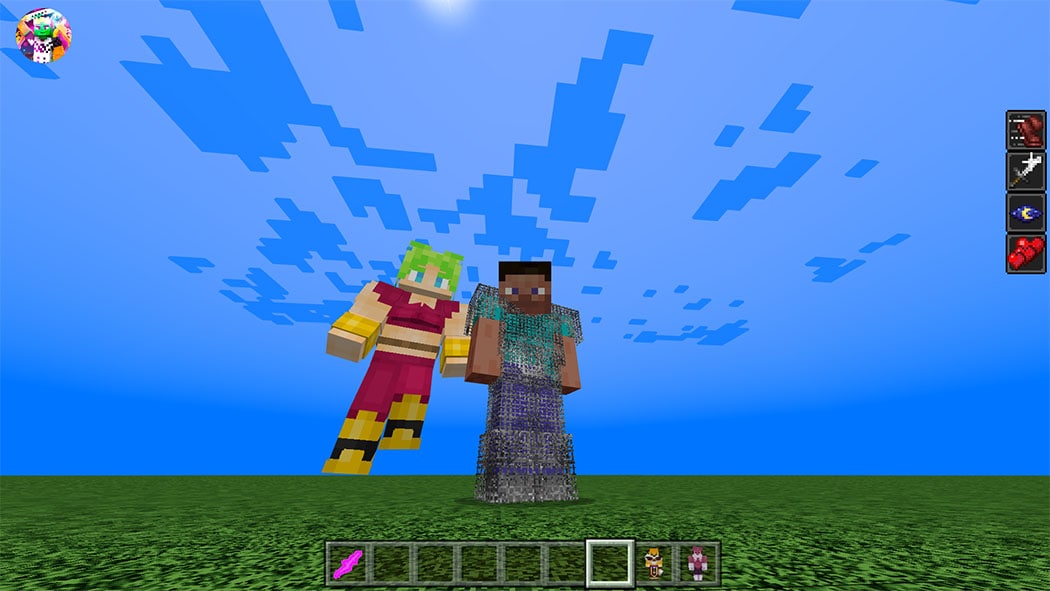
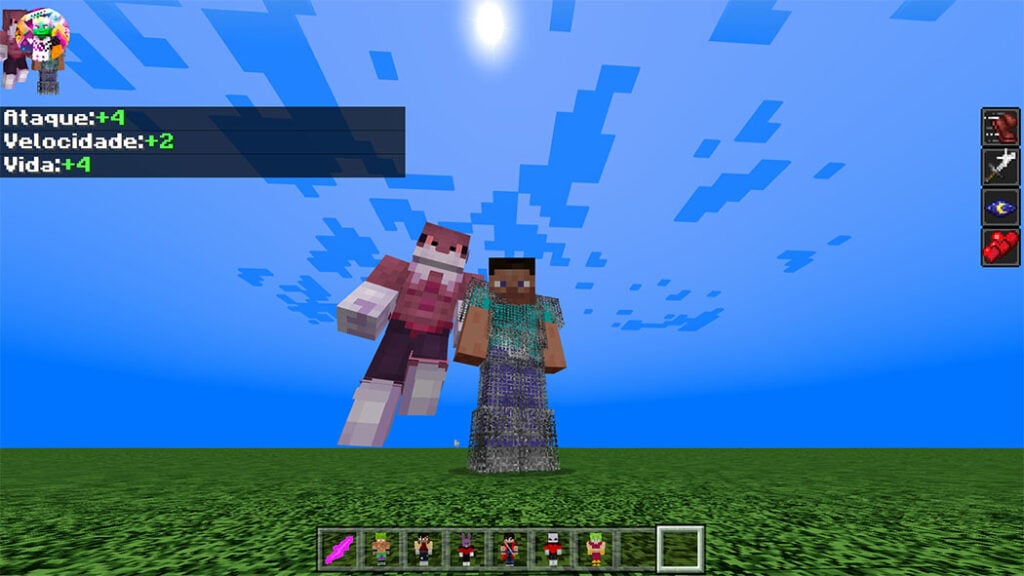
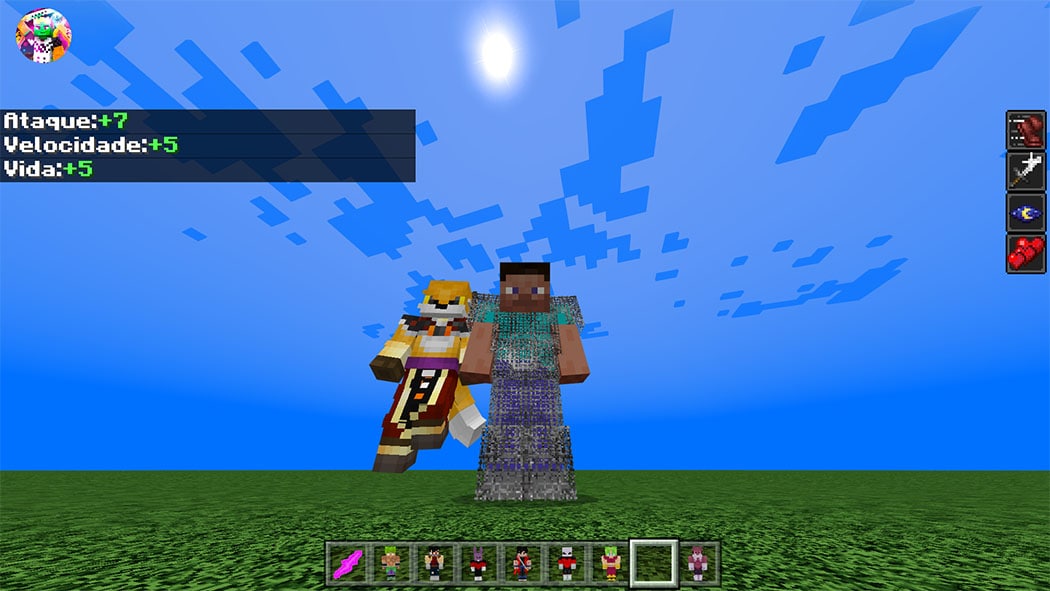
Dragon Ball Z Stands Addon adds versions of the main characters from Dragon Ball Super, Z, and Kai to minecraft bedrock edition. The addon offers a total of 9 characters for you to use and have fun with in minecraft; the characters are those seen below.
these are the 9 addons characters for you to use in your minecraft bedrock
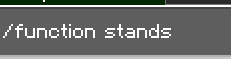
To get all the characters use the /fuction stands command, as shown in the image below
And once you’ve used the /function stands command in your Minecraft bedrock world, you’ll have all nine of the characters listed below.
These are all the characters that are added to the addon for now, but soon there will be an update where I’m going to put more characters from the dragon ball anime in minecraft bedrock
if it’s going to record, leave all the credits and don’t leave the medifire link, if it’s discovered, you’ll be punished
Changelog
new link to download dragon ball stands z addon and now it is possible to download it through the vertise link.
Harrington Shader (HSBE) is a shader that makes your Minecraft more vibrant and unique. This shader has many features but it’s vanilla + theme like vanilla clouds reflection and default sun reflection. This shader is only for Android and iOS users. And now it supports Minecraft bedrock V1.17
In the version under 3.0 of these shaders, there was a sub pack feature, but there were lots of lag complaints from users. And many users gave suggestions to make an option for these shaders. So in V3+ shaders, there is a feature called “option” where you can modify this shader. You can activate or deactivate some features of these shaders.
How to modify the option?
Mobile: Go to this shader file (Android>data>com.Mojang.minecraftpe>resourcepack)>shaders>glsl>lib>open “option.h” there is a way to use this option there.
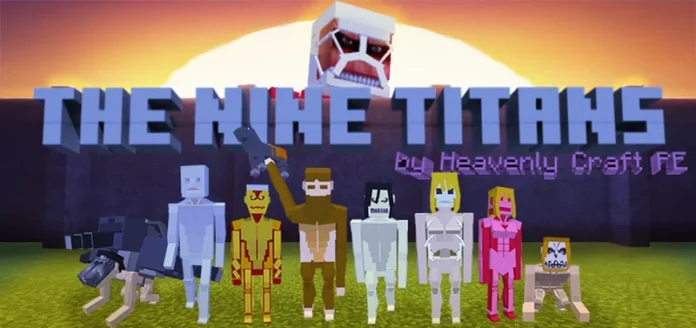
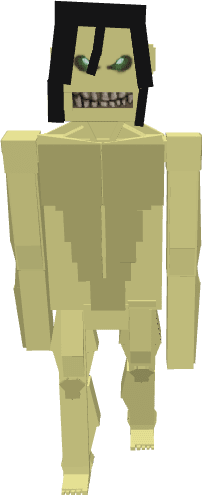
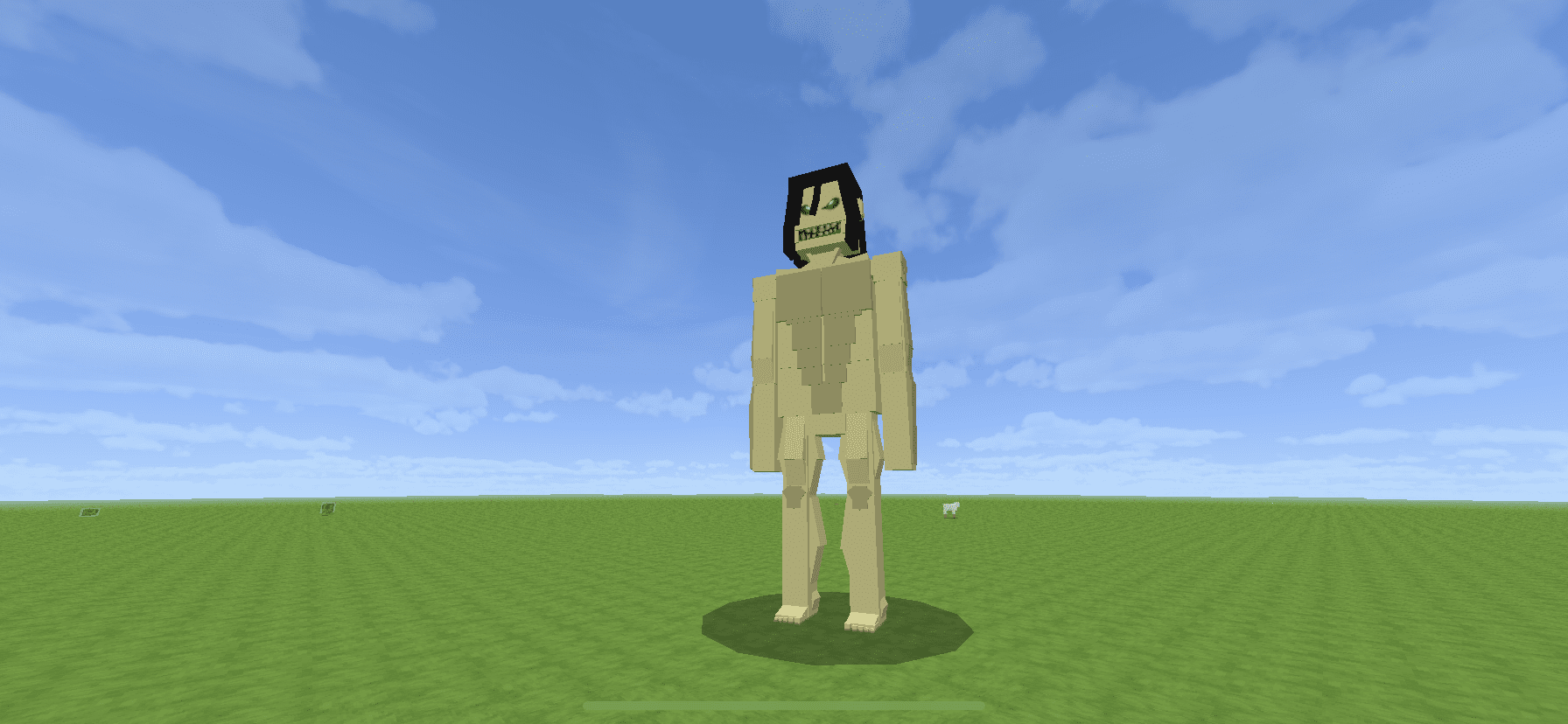
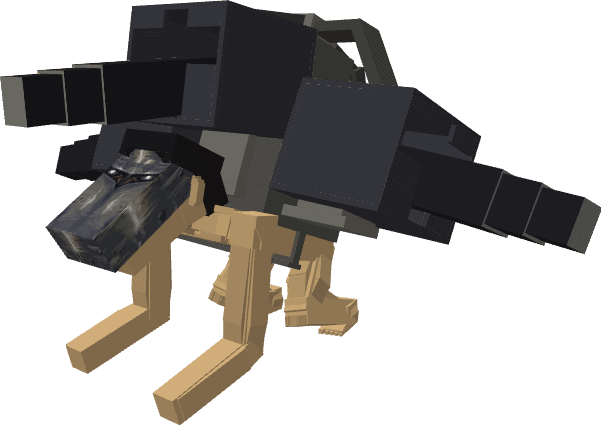
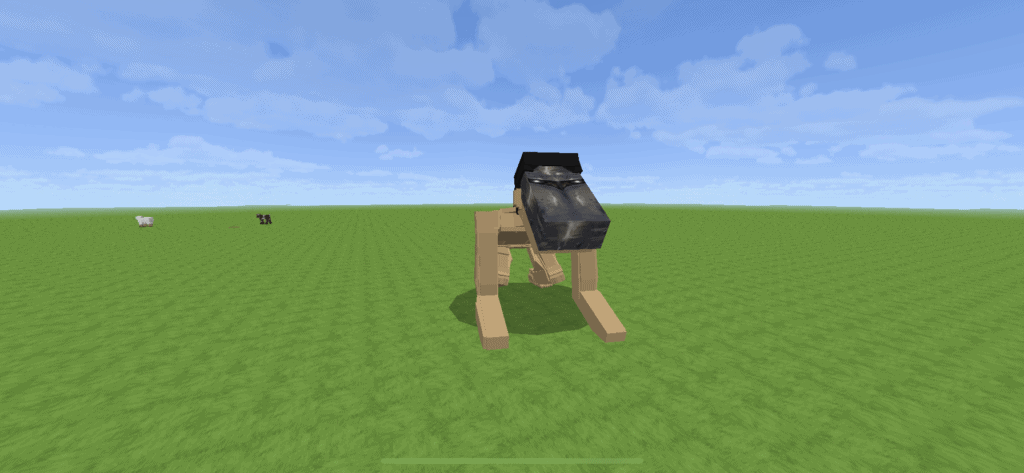
The Nine Titans Addon will bring to you the power of the Founding Titan, Armored Titan, Attack Titan, Beast Titan, Cart Titan, Colossus Titan, Jaw Titan, and War Hammer Titan from the series Attack on Titan (Shingeki no Kyojin), into your very own Minecraft world!
When you hear the roars of thunder on a clear night or day in your Minecraft world, run for your life or grab your ODM. An intelligent titan is probably nearby!
The Nine Titans Addon
The Founding Titan (始祖の巨人 Shiso no Kyojin)
In the series, it was connected to all subjects of Ymir and Titans via paths. When spawned in your world, a series of thunders roar with this titan.
The appearance of the Founding titan in this addon is based on Ymir Fritz’s founding titan.
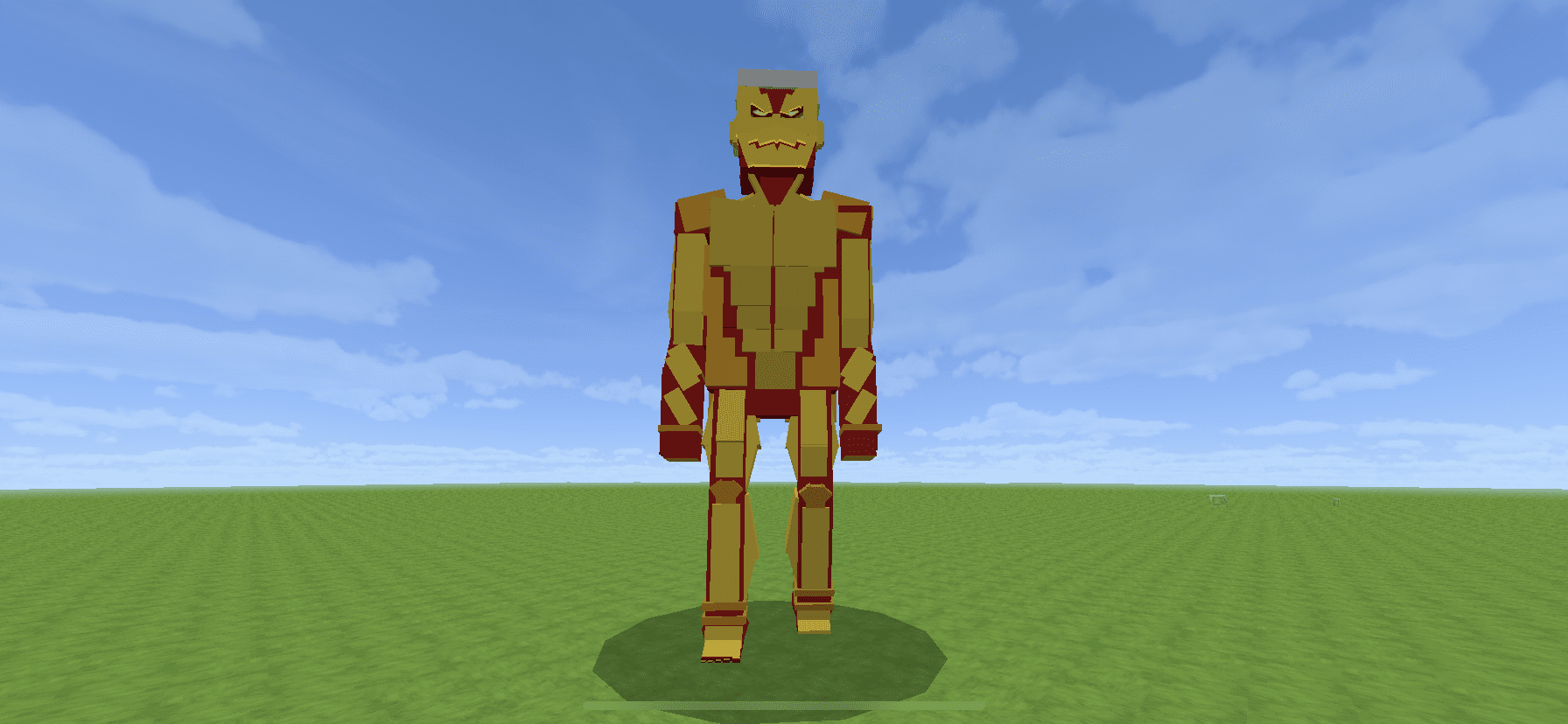
The Armored Titan(鎧の巨人 Yorol no Kyojin)
The appearance of this titan is like the one of the series: covered by hardened, armor-link skin, except in key areas necessary for movement. Based on Reiner Braun’s intelligent titan form.
The Attack Titan (進撃の巨人Shingeki no Kyojin)
The intelligent titan that moves ahead, fighting for freedom. Although in this The Nine Titans Addon, when you see him, you should probably move ahead, too. Run and just stay out of this titan’s sight!
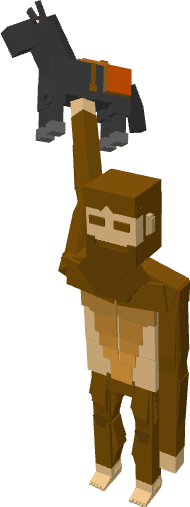
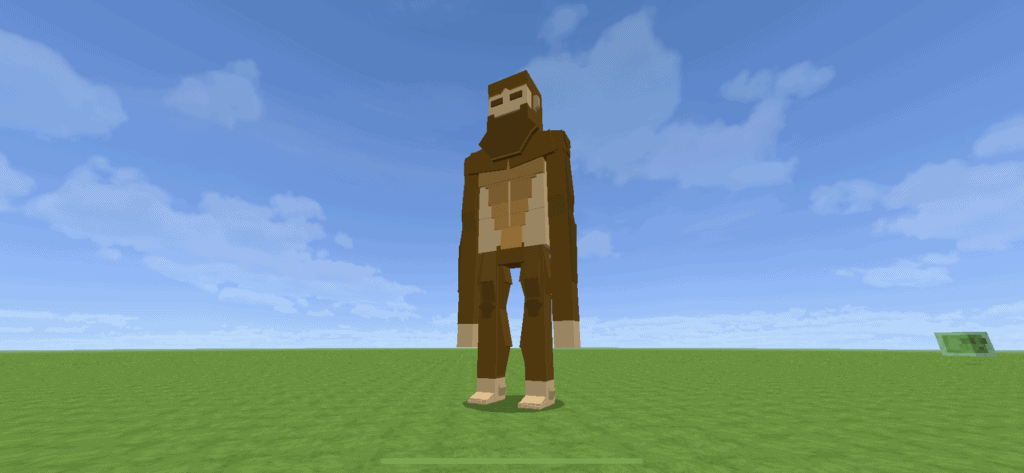
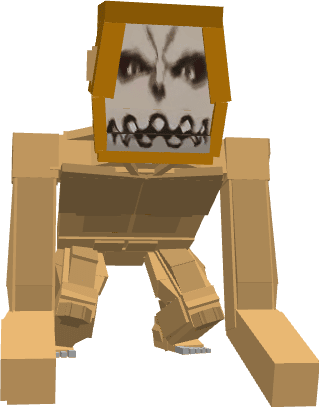
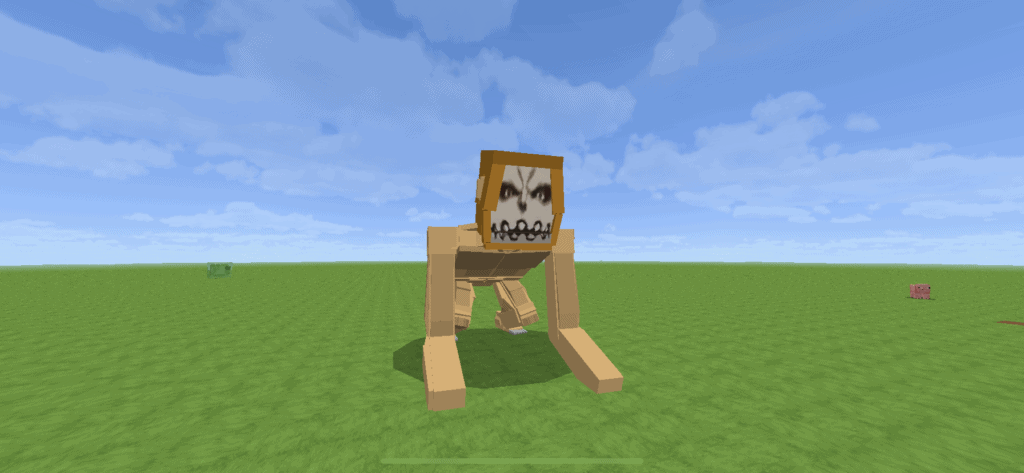
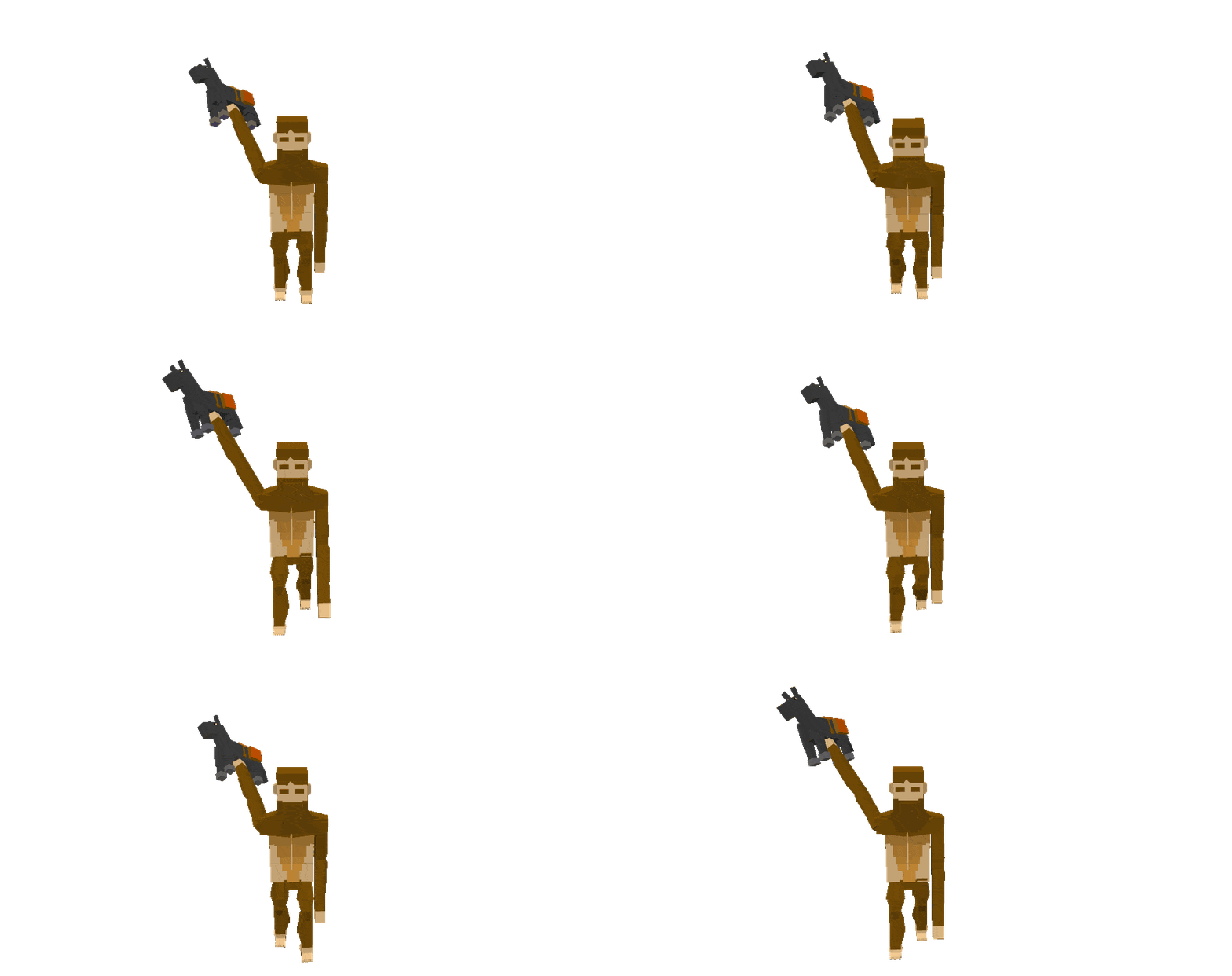
The Beast Titan (獣の巨人Kemono no Kyojin)
This titan will just randomly roam around your world, looking like an ape that just escape from his prison, only, that he’s gruesome and will casually throw horses at you at random times so be careful.
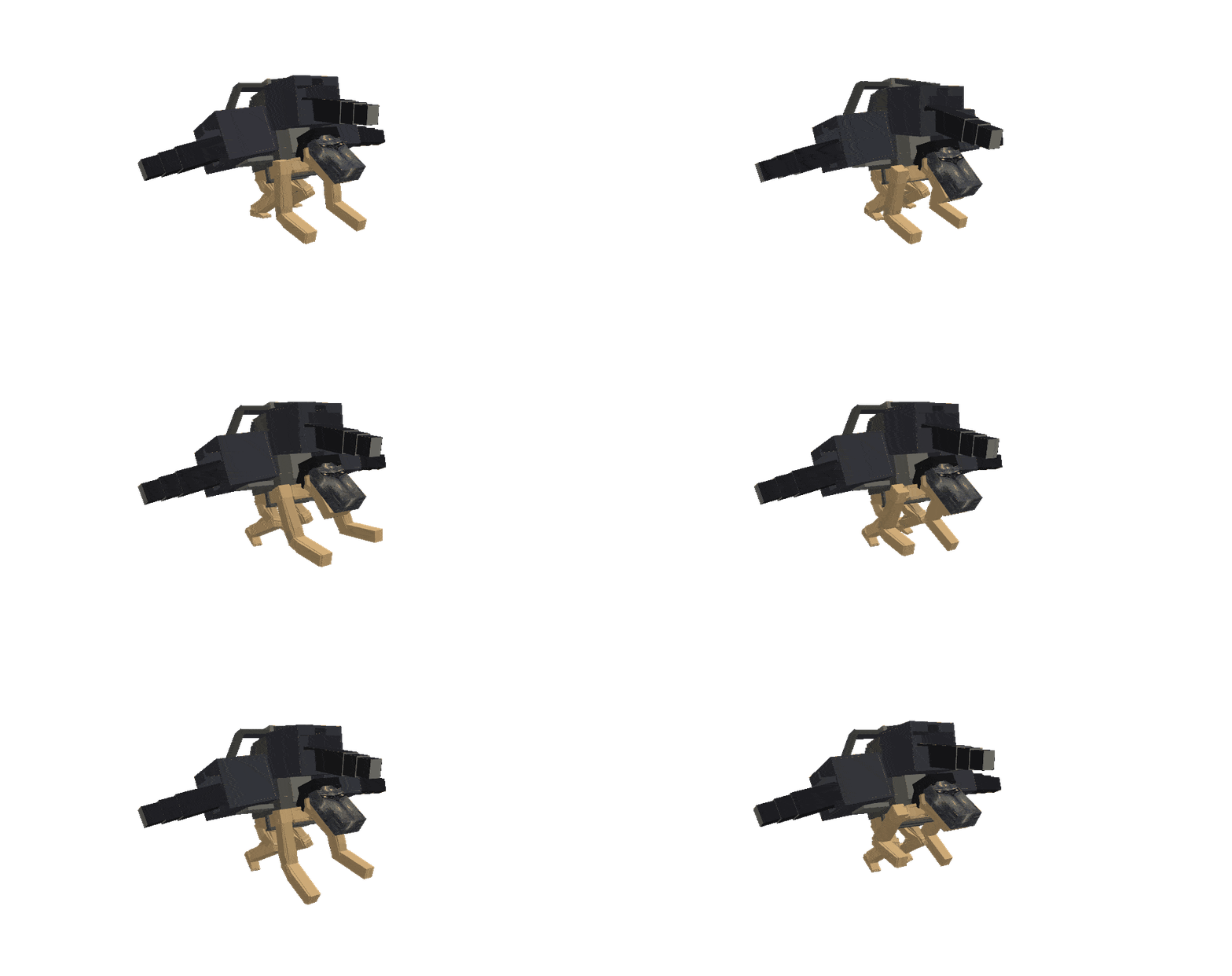
The Cart Titan (車力の巨人 Shariki no Kyojin)
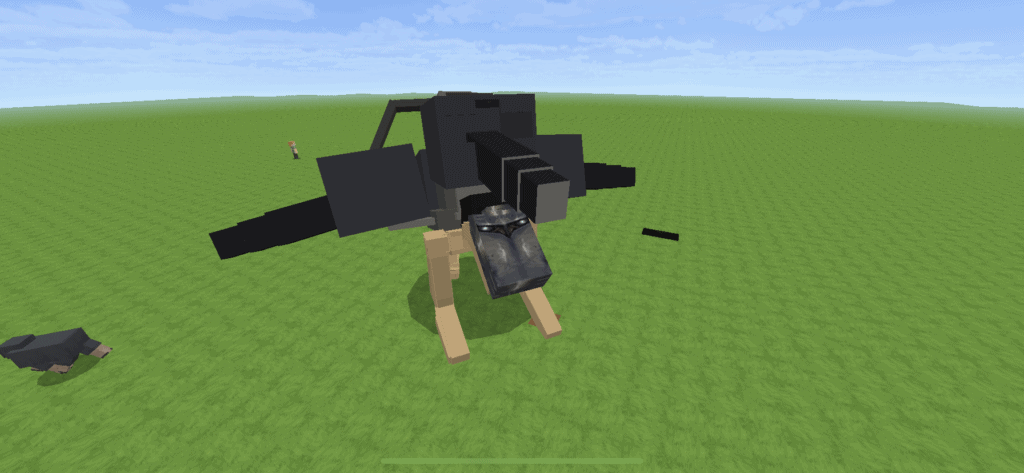
This intelligent titan may not be as tall as the other titans, but just look at those canons! You’ll just have to avoid being in her sight, she doesn’t hesitate to use fireballs.
Utilize the cart titan’s power by equipping the cannons!
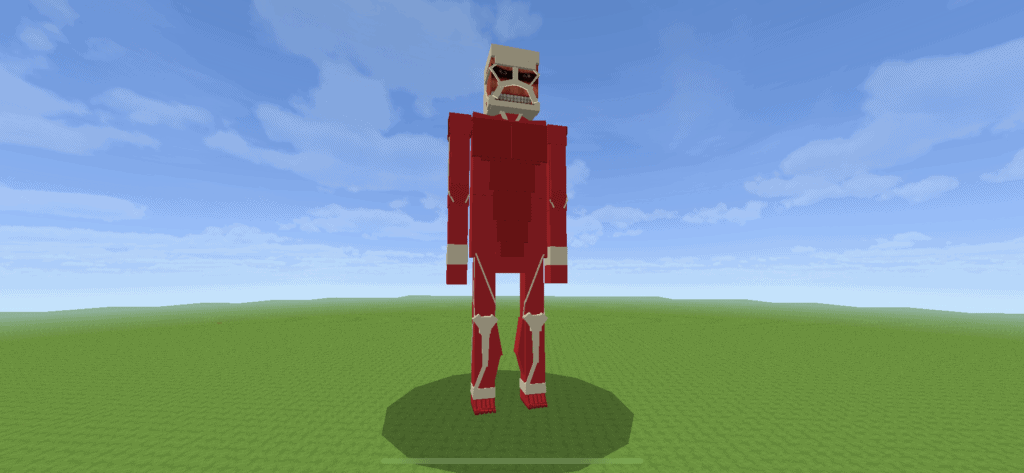
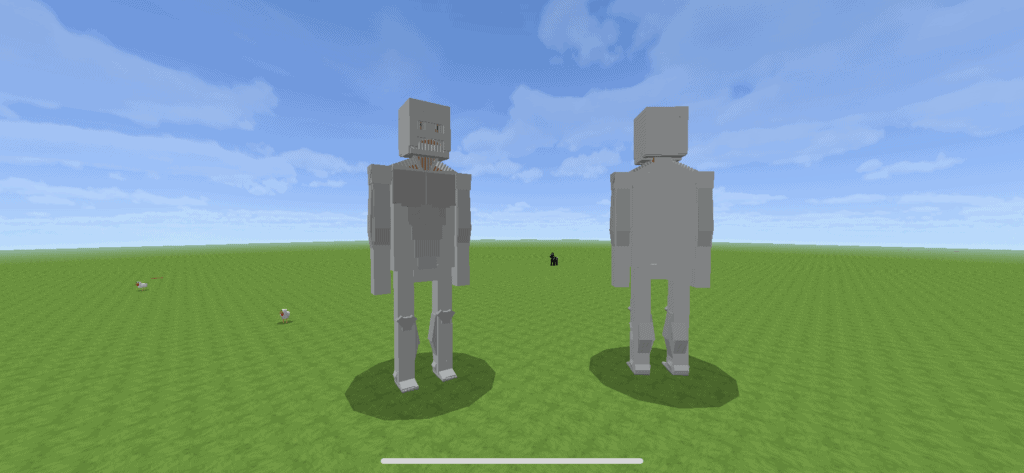
The Colossus Titan (超大型巨人 Chō ōgata Kyojin)
The intelligent titan is, of course, the tallest and might be the most intimidating of its sheer size of it. He might not move much, when this titan is around, an explosion occurs somewhere. Watch out for wool or wood structures as they might get burned.
Based on Bertolt Hoover’s colossus titan form.
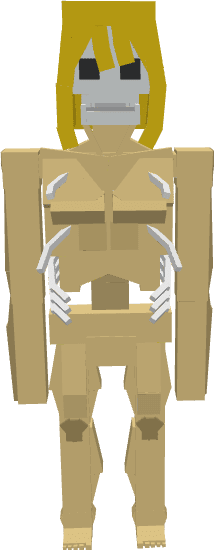
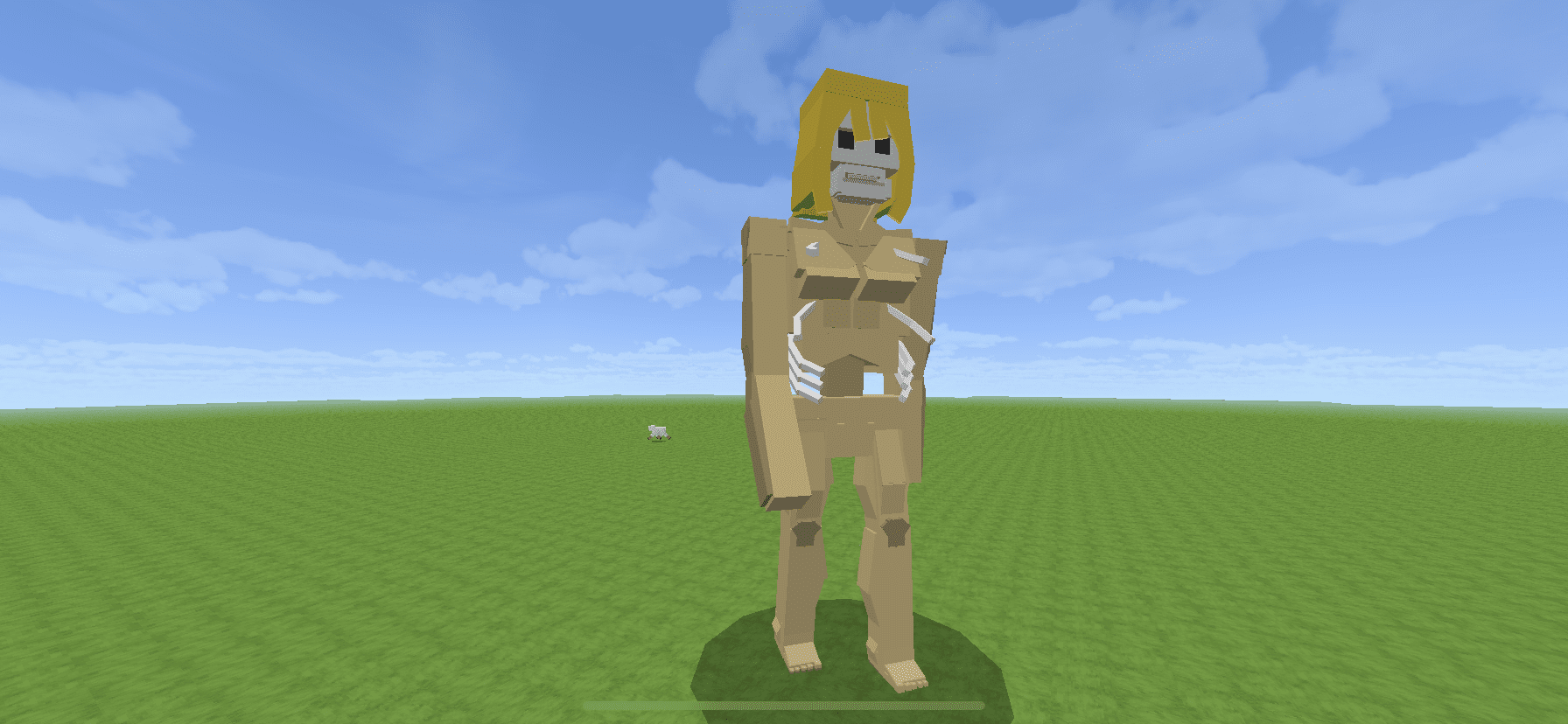
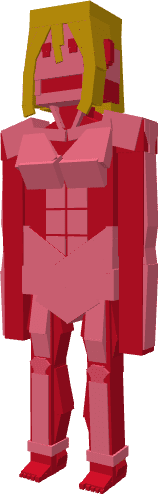
The Female Titan (女型の巨人 Megata no Kyojin)
This is intelligent titan would constantly try to hurt you. She’s got 100 health bars just like all the titans in The Nine Titans Addon, so be prepared if you plan on taking them down.
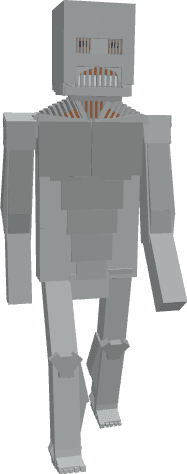
The Jaw Titan (顎の巨人 Agito no Kyojin)
Those sharp, hardened teeth might just be the end of you
The War Hammer Titan (戦鎚の巨人 Sentsui no Kyojin)
She may not have weapons to use on you (yet), but she will definitely cause you constant damage when you’re in her field of vision
Common features:
They are absolute giants
They will hurt anyone that hurts them
They have their own custom animations
A series of thunder appears when they are spawned
They will hit and set you on fire in survival mode, so be careful
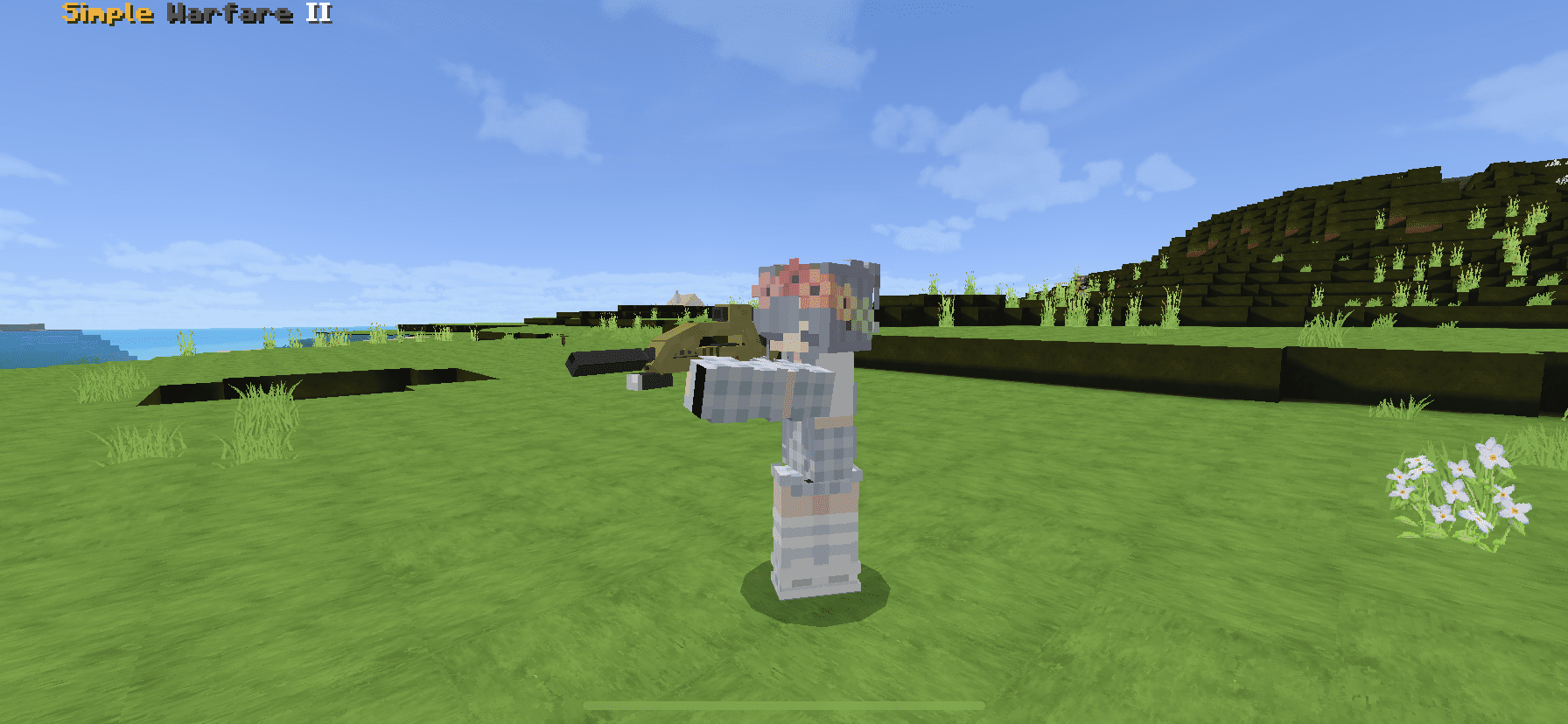
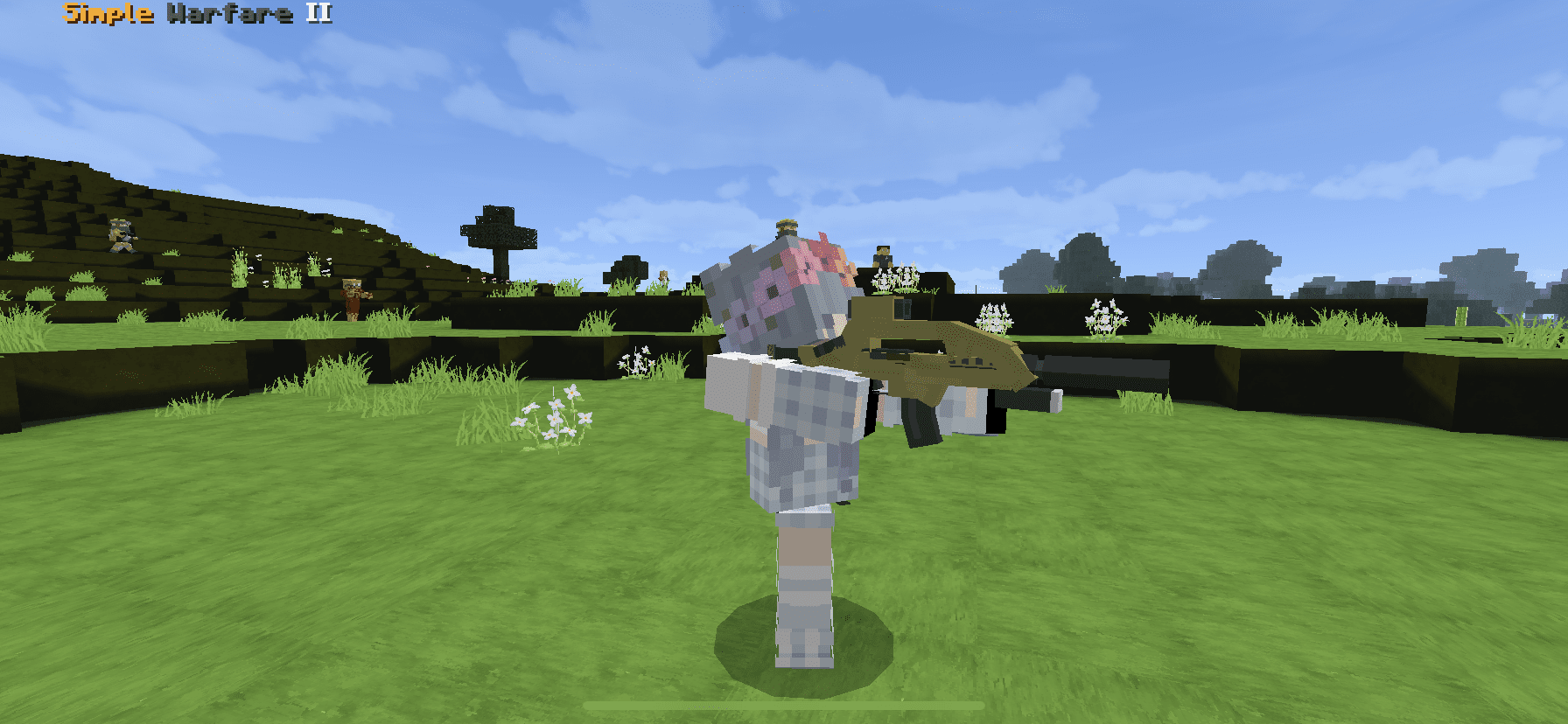
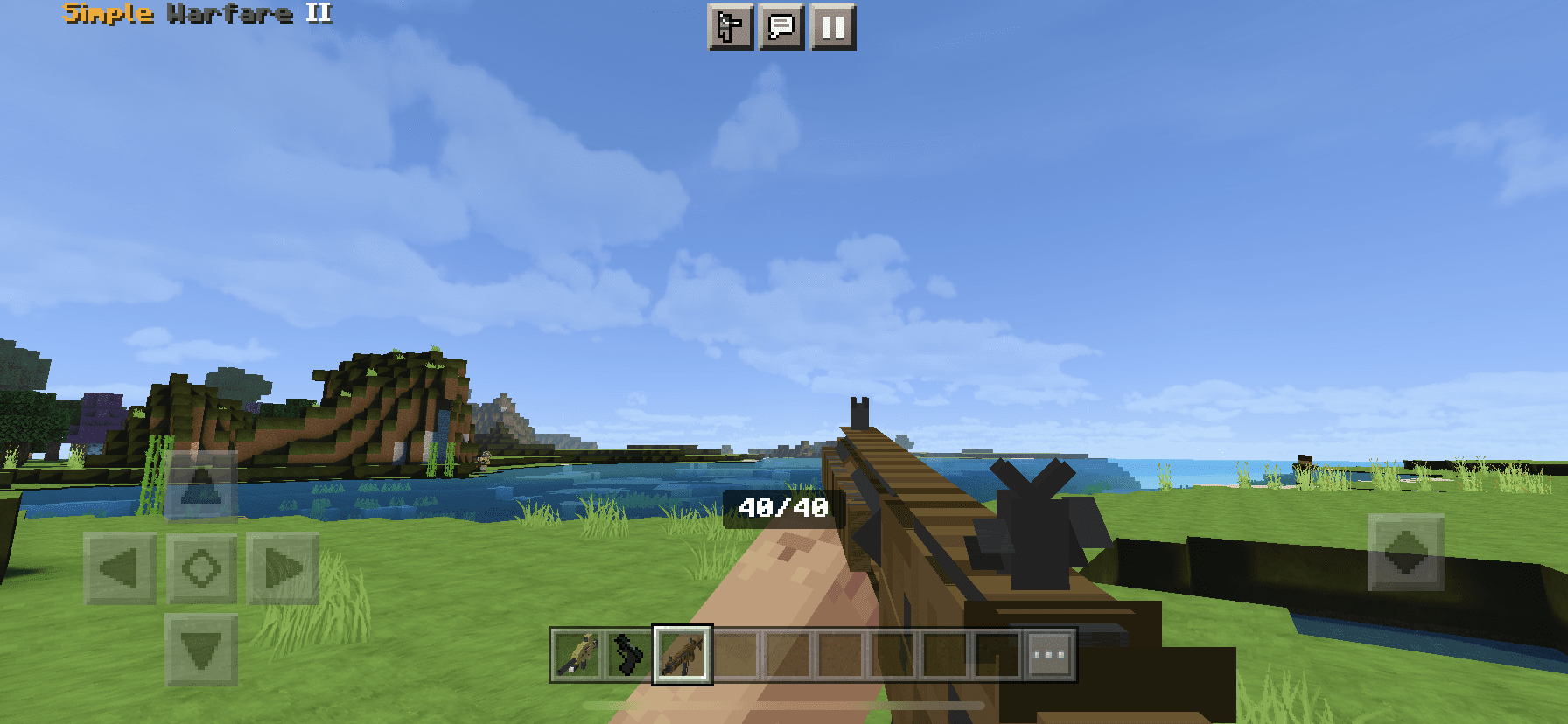
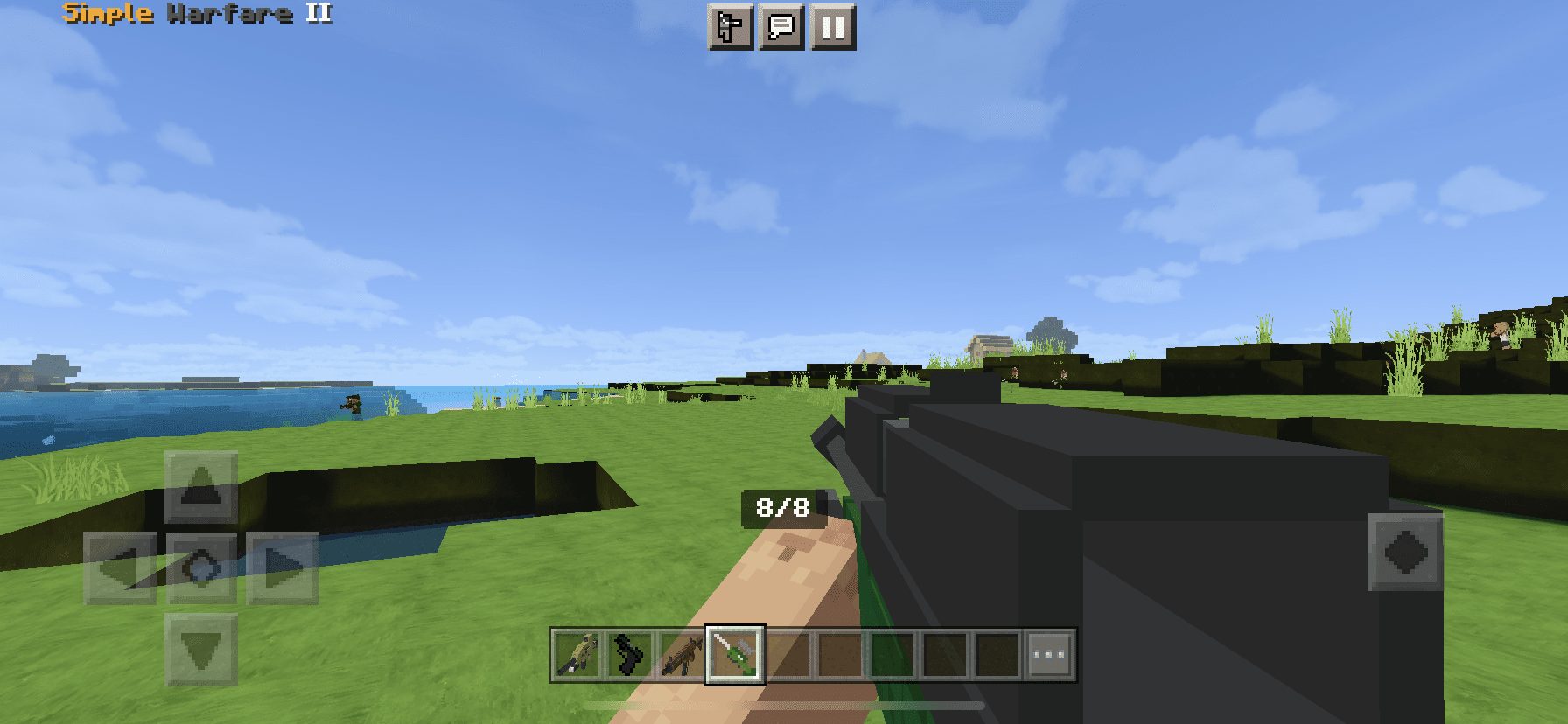
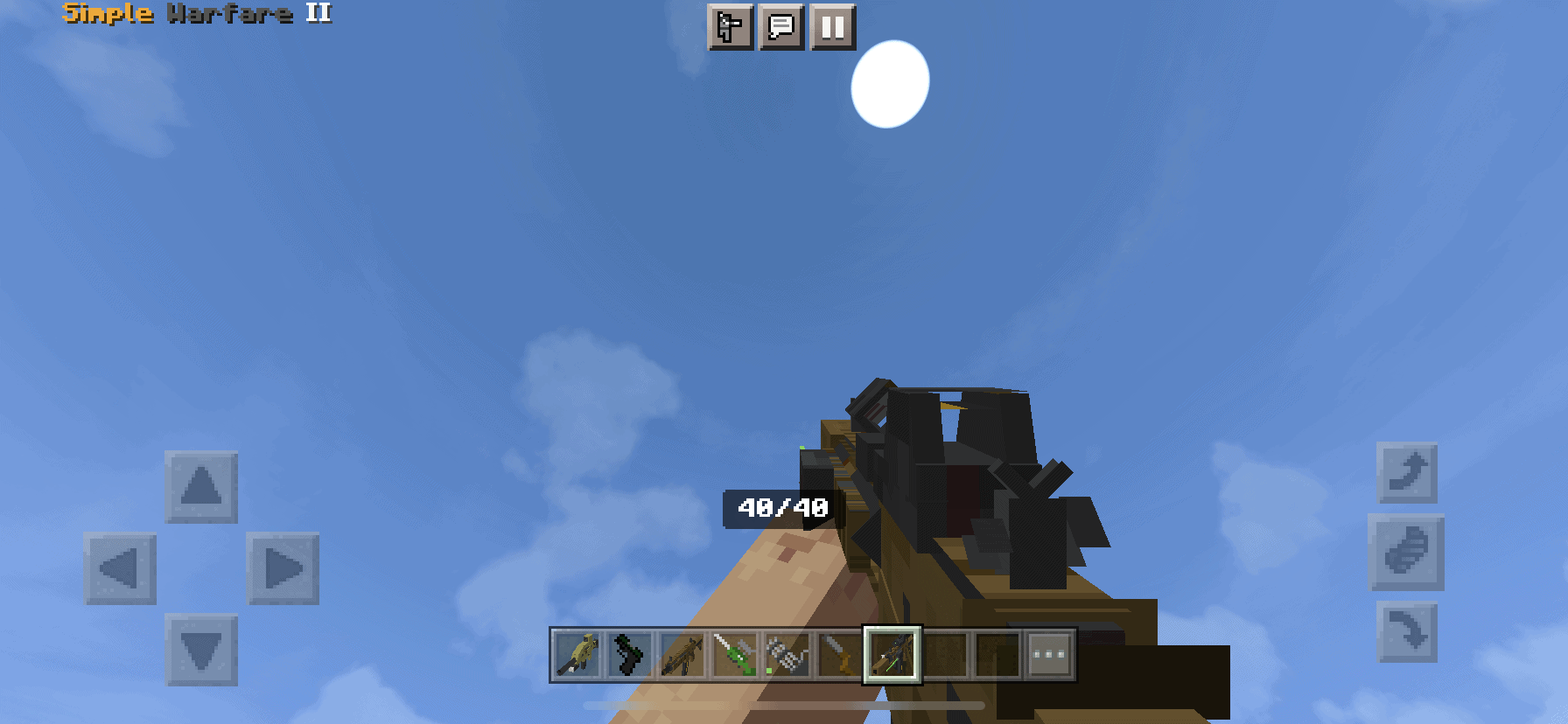
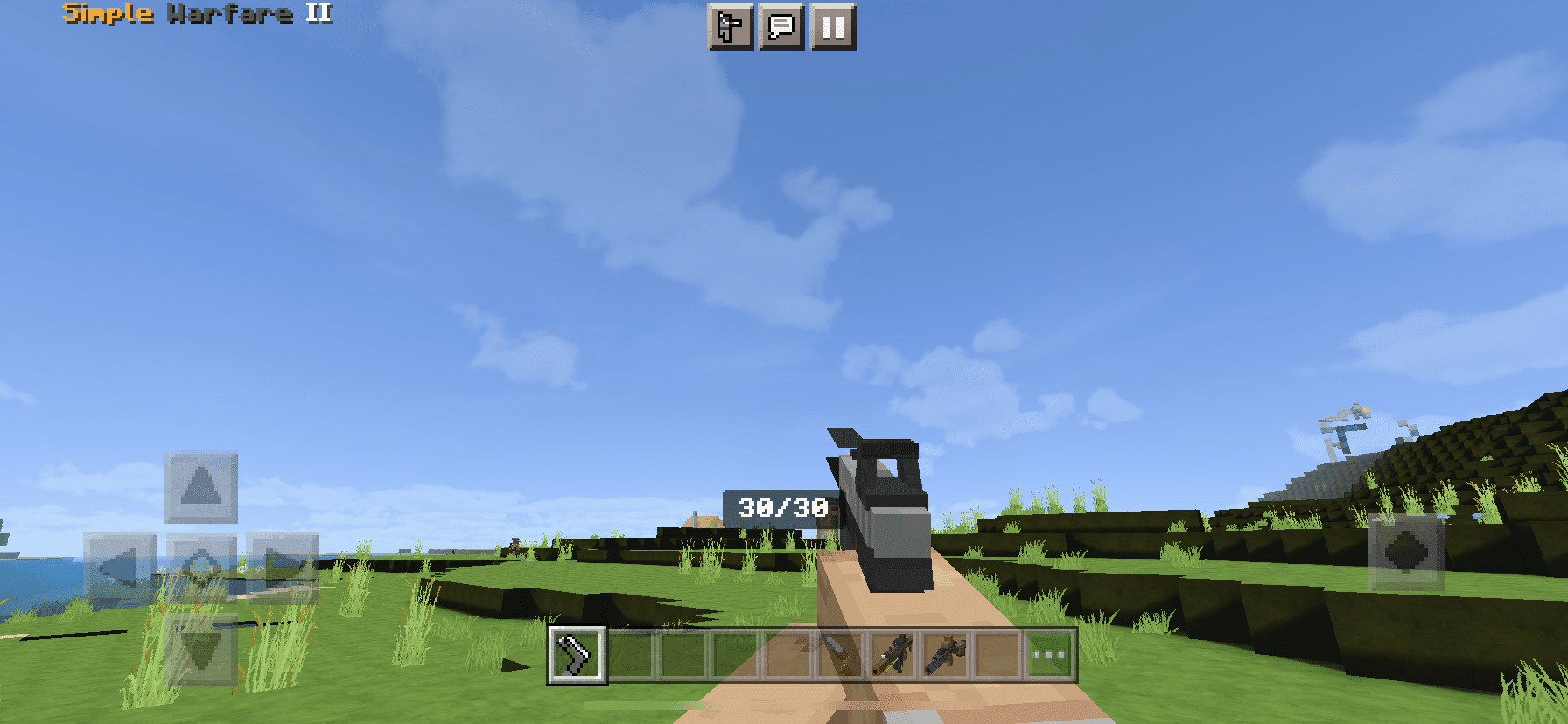
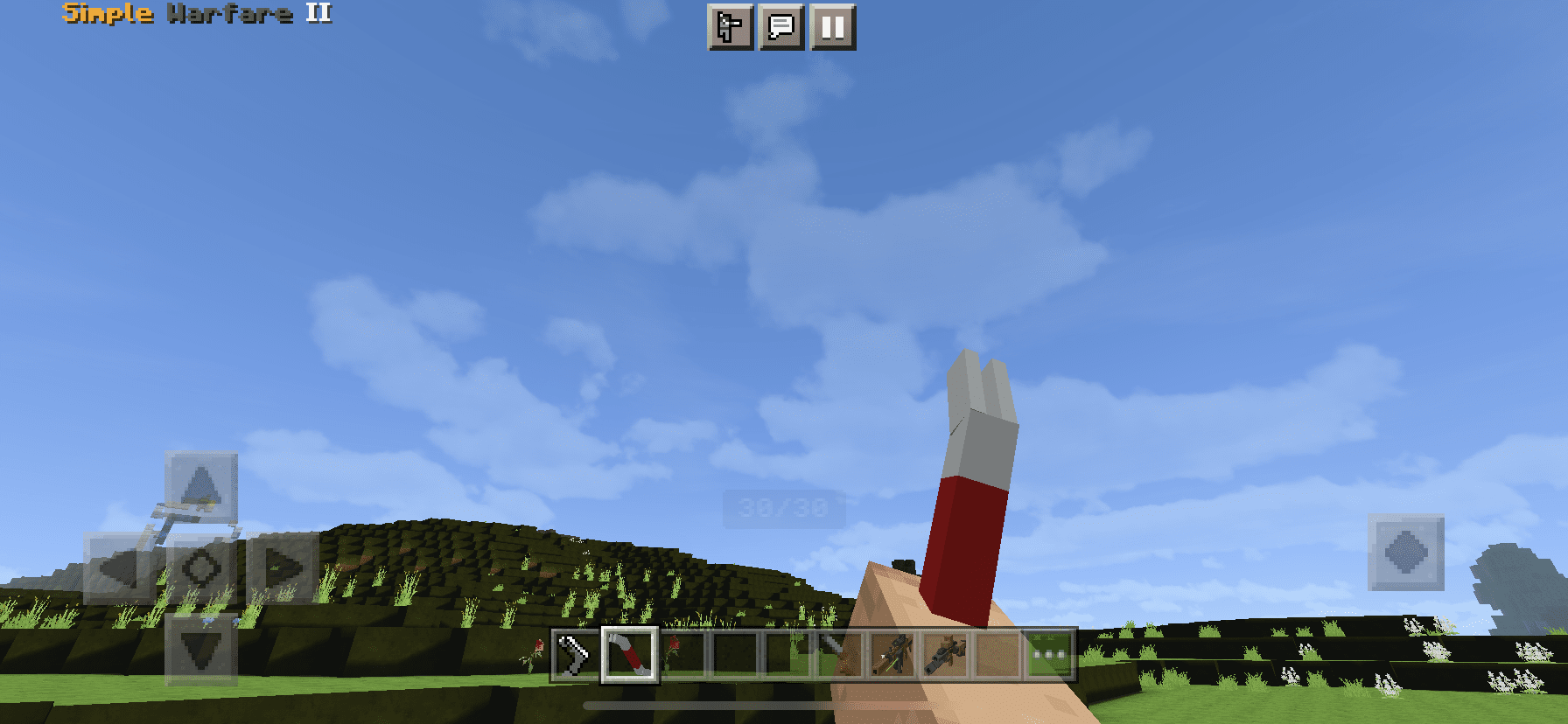
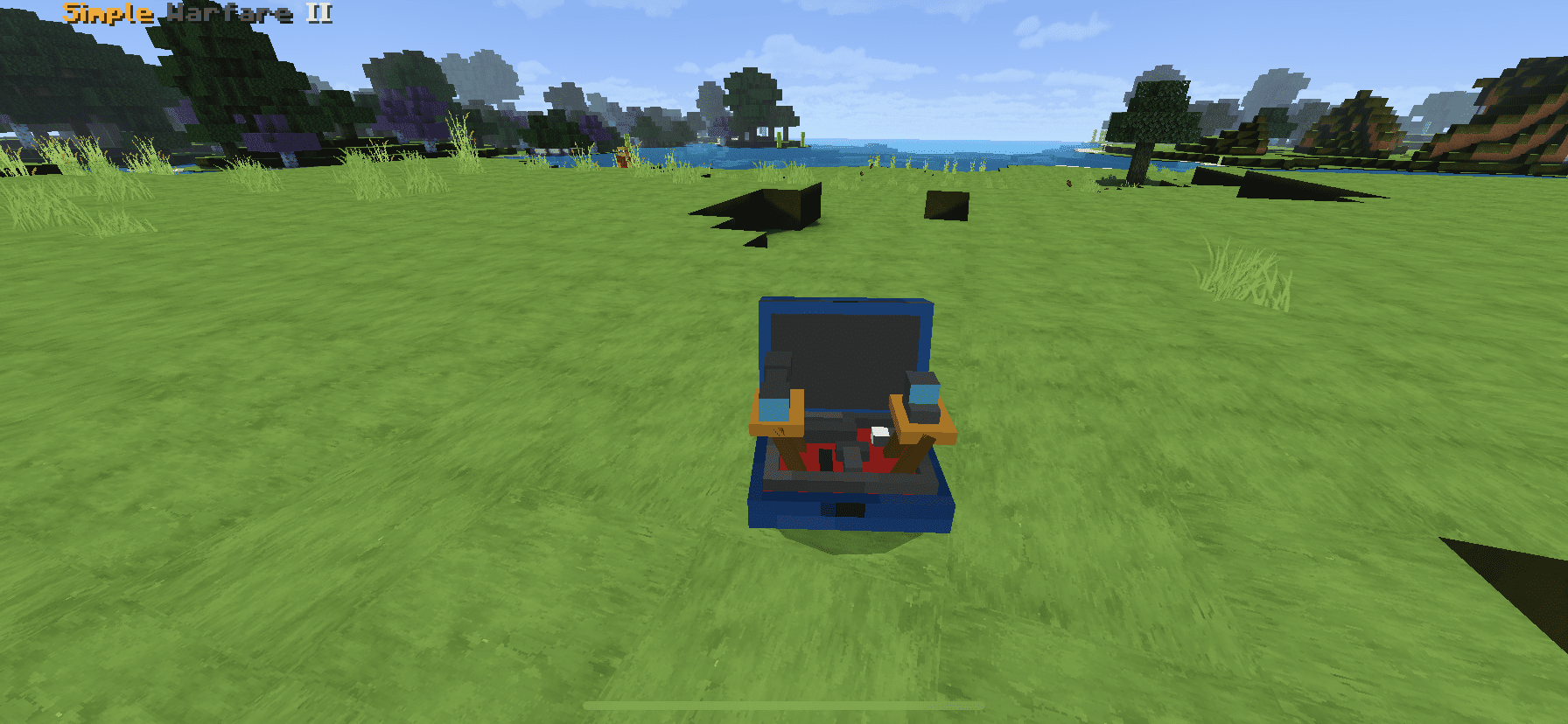
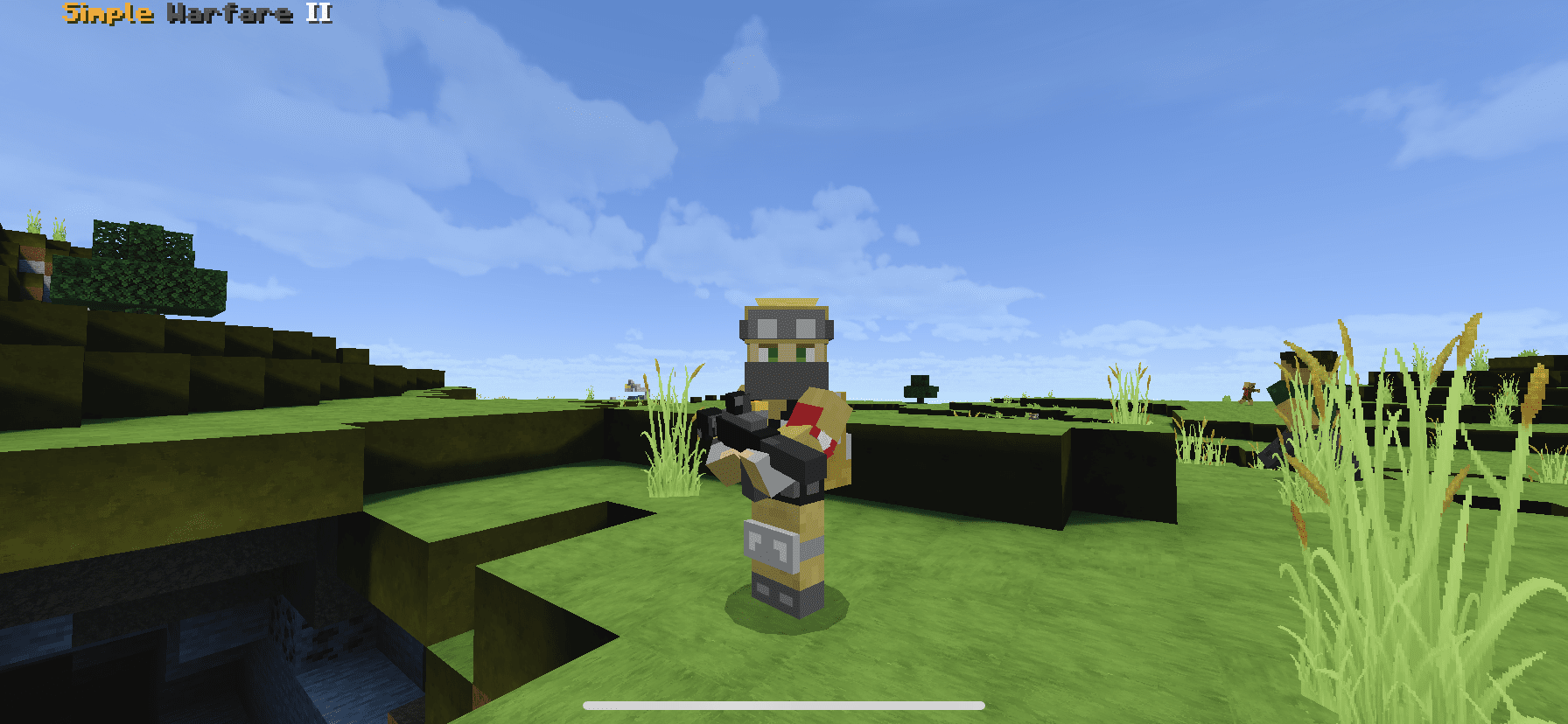
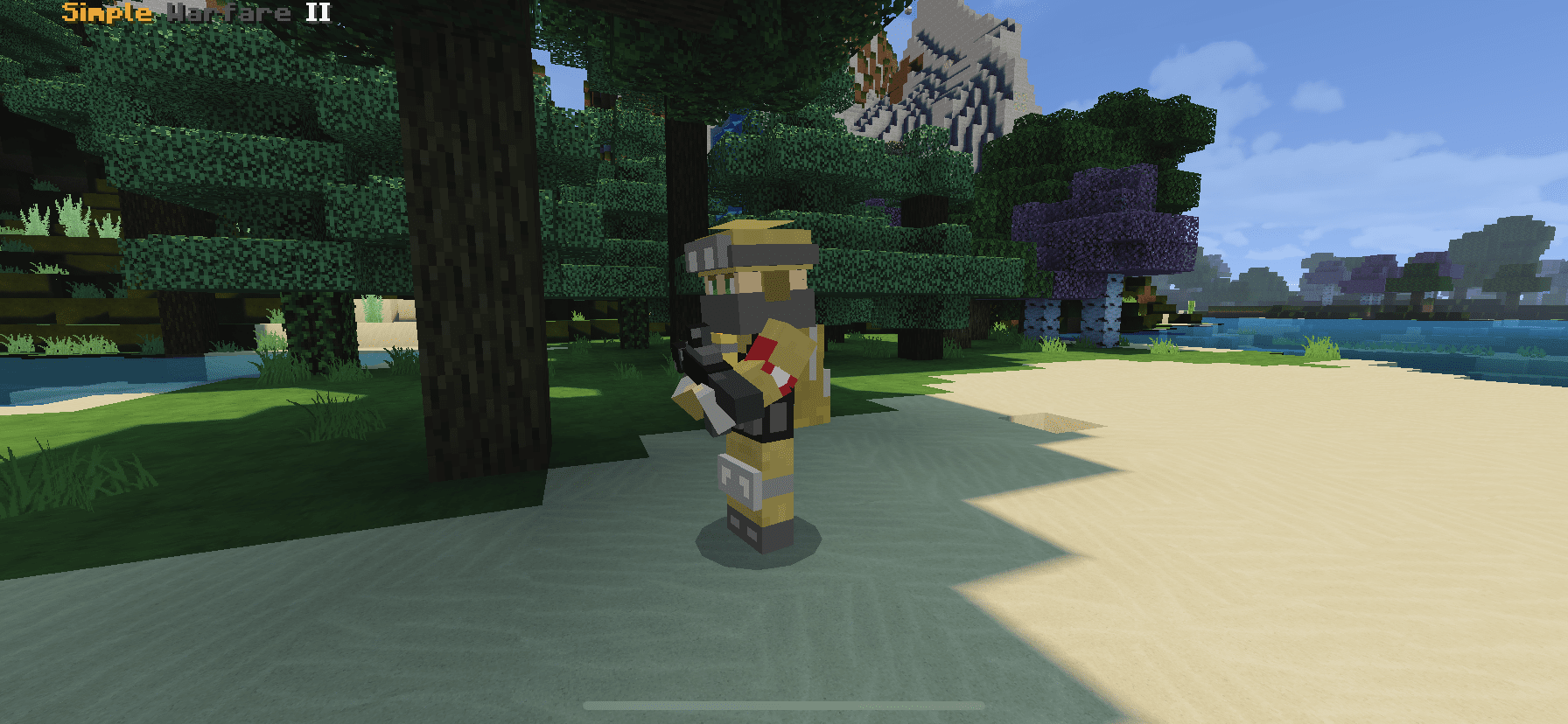
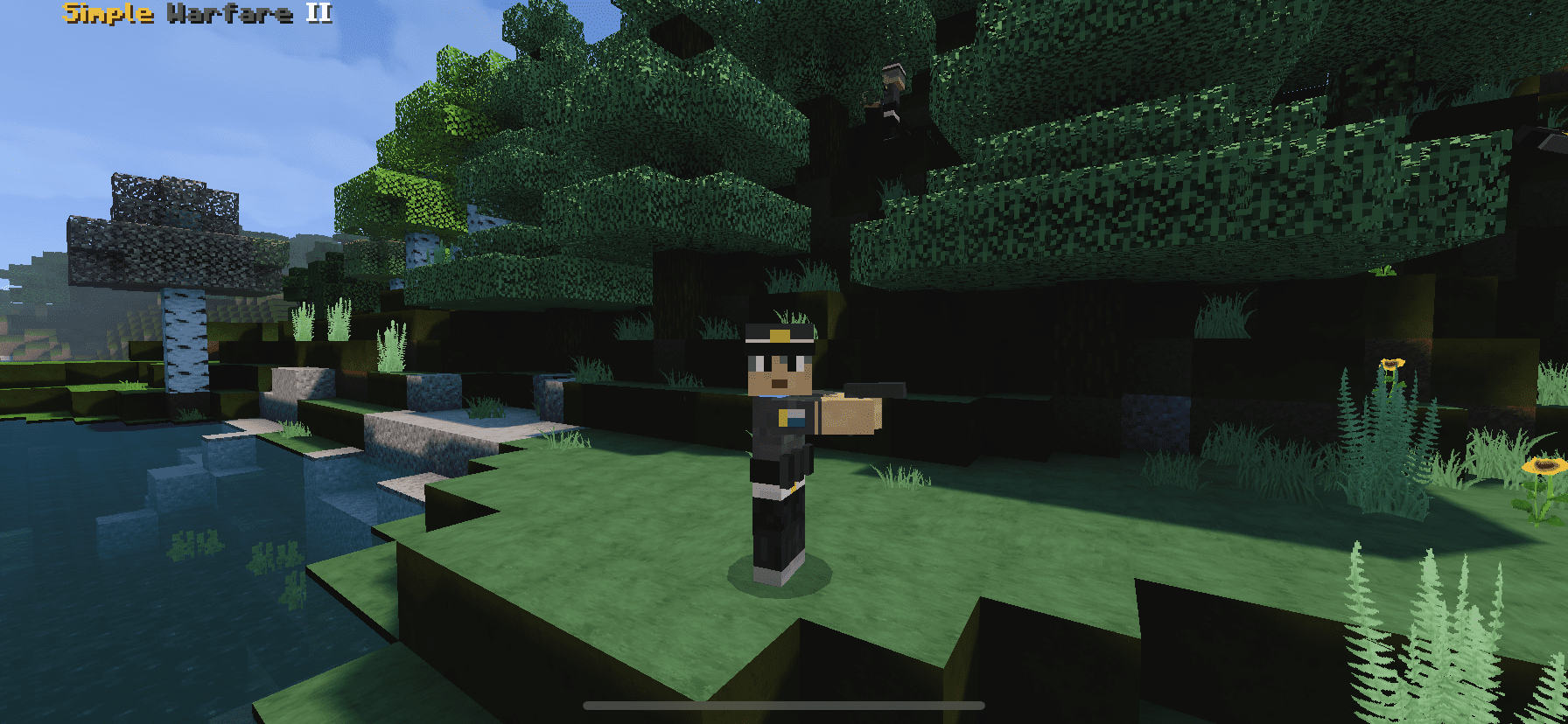
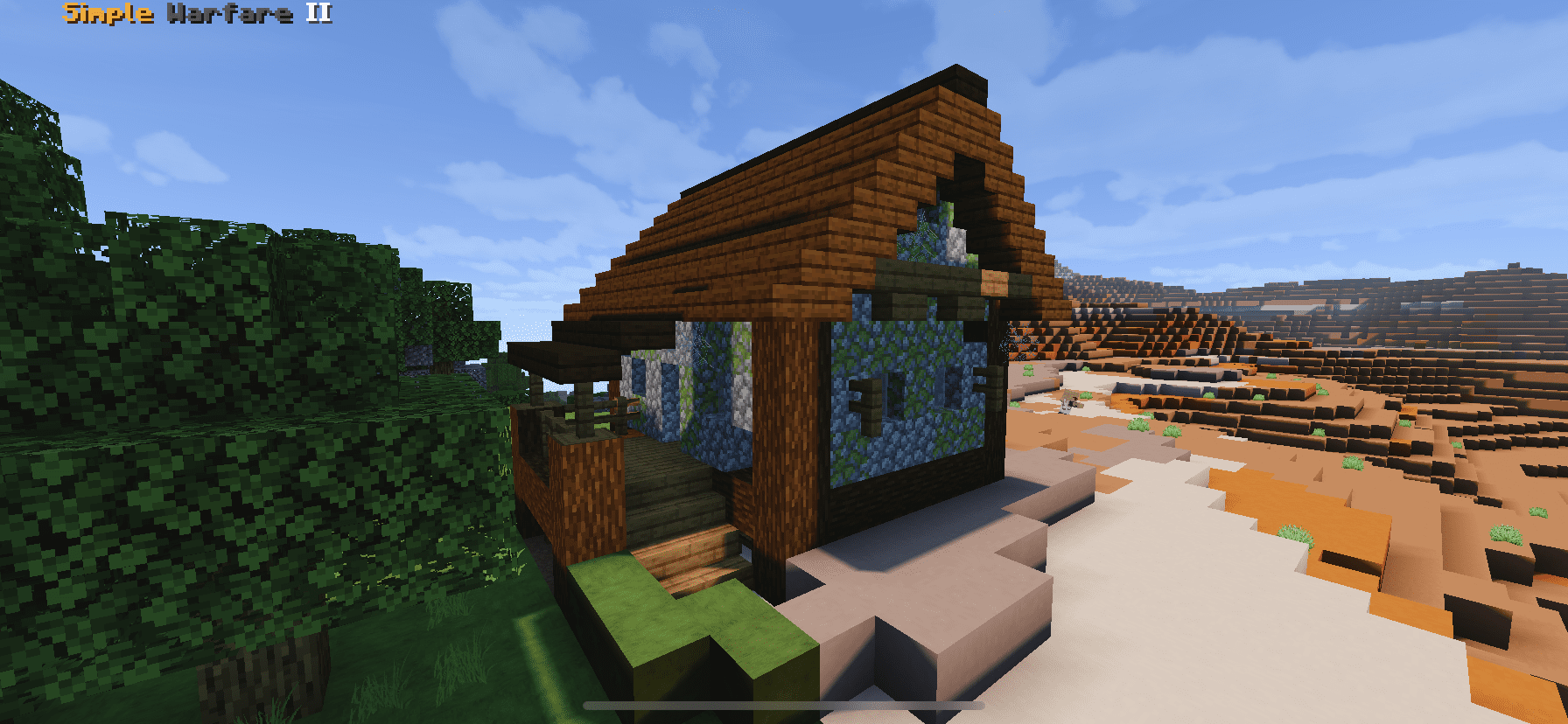
This addon will replace 3DSG Addon because that addon has many bugs and are annoying. So Simple Warfare 2 Addon in the new look that updated and changed many things such as new gun animation sound and effect, fixed many bugs,… But this is still in the process of improving so can be found a few glitches, the content is also not much like the previous simple warfare addon.
And now.. i updated SimpleWarfare II again in v2. In this v2, many minor bug like light block issue and grenade explosion issue has been fixed, i also add something new on this addon, and fixed some gun texture / animation
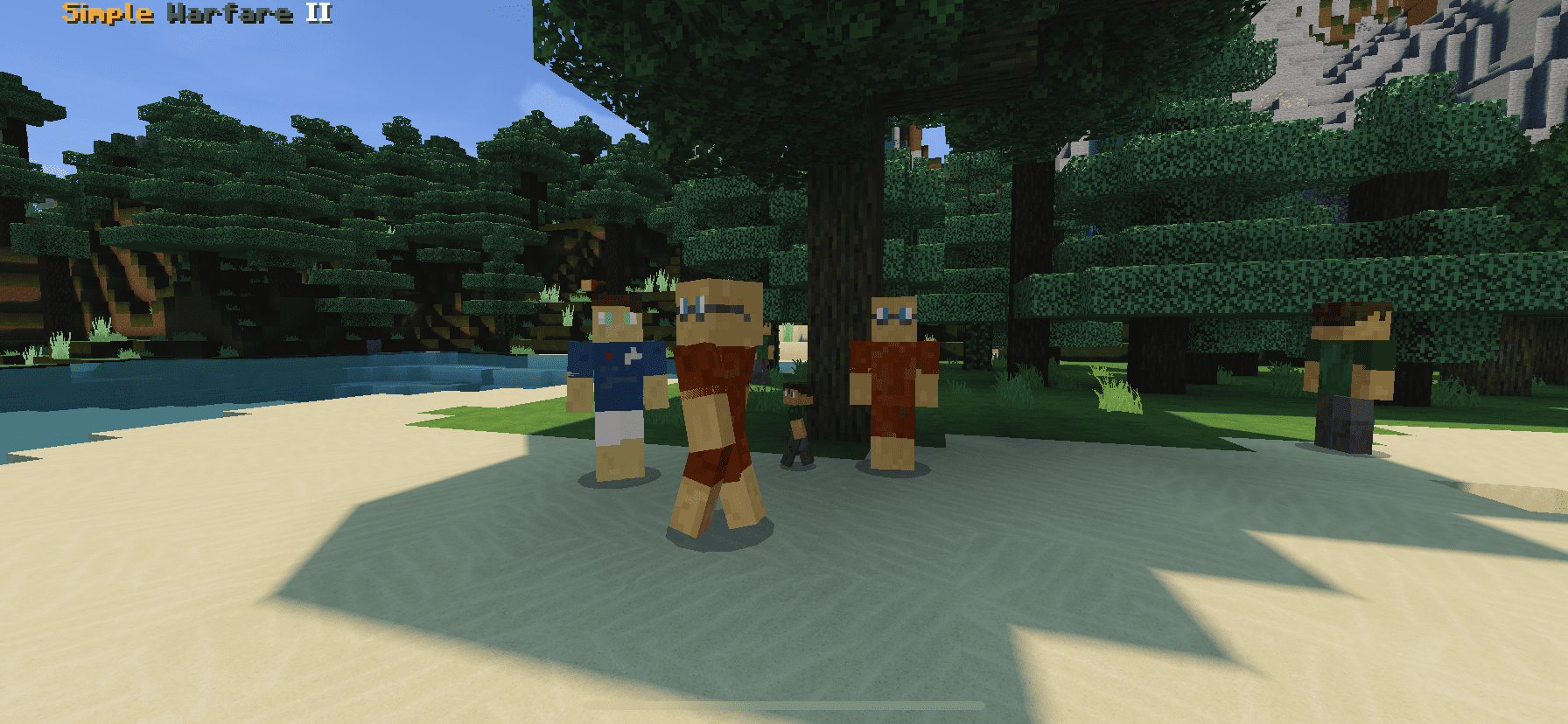
Okay lets see whats new on v3 vehicle and entity update
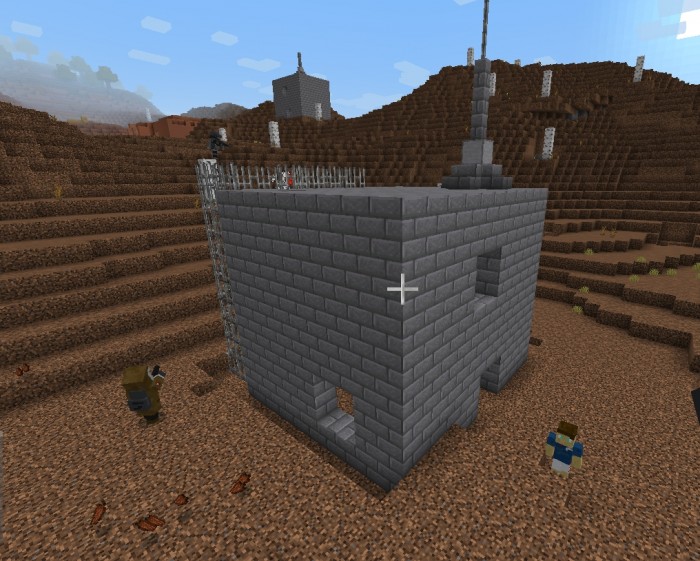
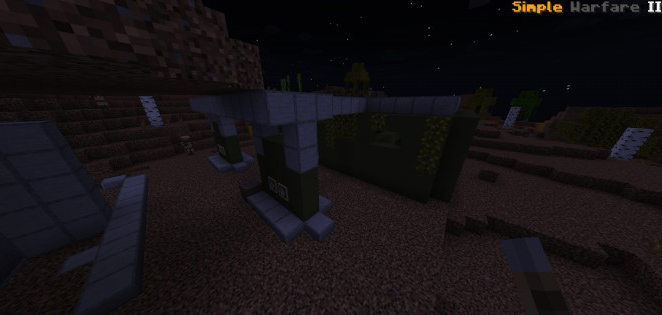
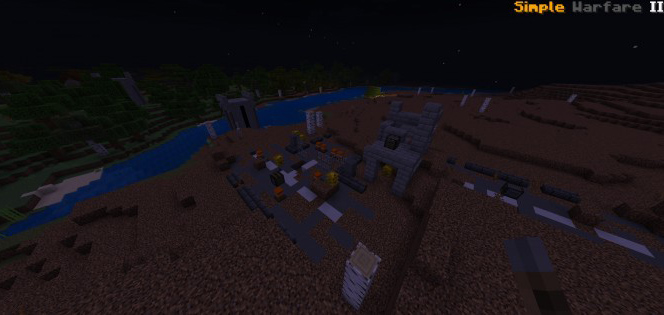
Finally a biome for simple warfare addon : Wasteland Biome
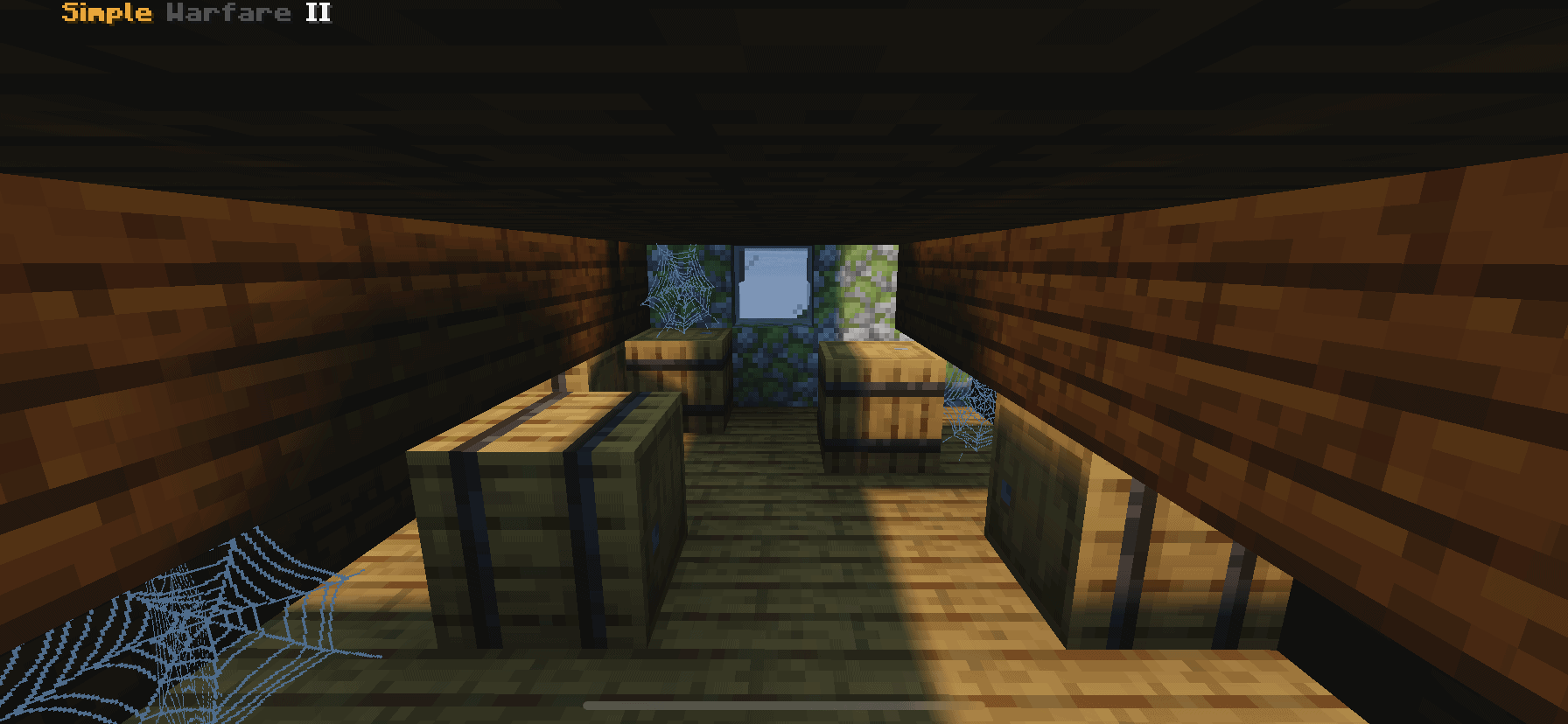
There are four new structures with various types of treasure in this biome, and this biome has exclusive structures that have new loot. For more details, click this site.
WEAPON
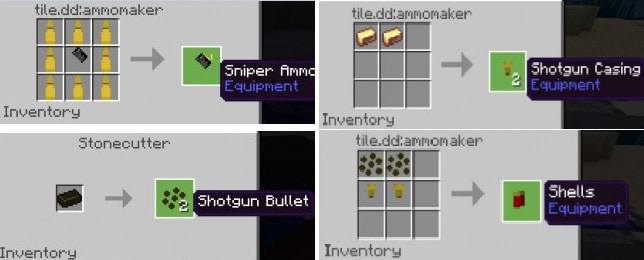
This update are focused on entity, so there are only 3 new weapon in simple warfare v3 update, MP5TAC, MP5 and Military Knife. The SMG mag/bullet recipe are same like v2 guns before.
MP5
Damage : 5
Bullet : 30/mag
This is the first SMG weapon on Simple Warfare addon, have rapid fire rate and low recoil
MP5 TAC
Damage : 6
Bullet : 30
Same like basic version but with silent gunshot and no recoil
Flare Bomb
Sorry no picture, there is a bomb that will secrete smoke and attract zombies arround it, explode after 10 second, soldier and civiliant will try to avoid when you place it.
Combat Knife/Military Knife
Damage : 10
This thing is unobtainable for now, next update i will make it obtainable on survival
Tec Nuke (Not Perfect)
I disable the “mob griefing” because it will caused lag while recording. The tecnuke will deploy a bom 50 block away on where you facing and if you are too close with the mushroom explosion you will get blindness effect and poisoned
ENTITY
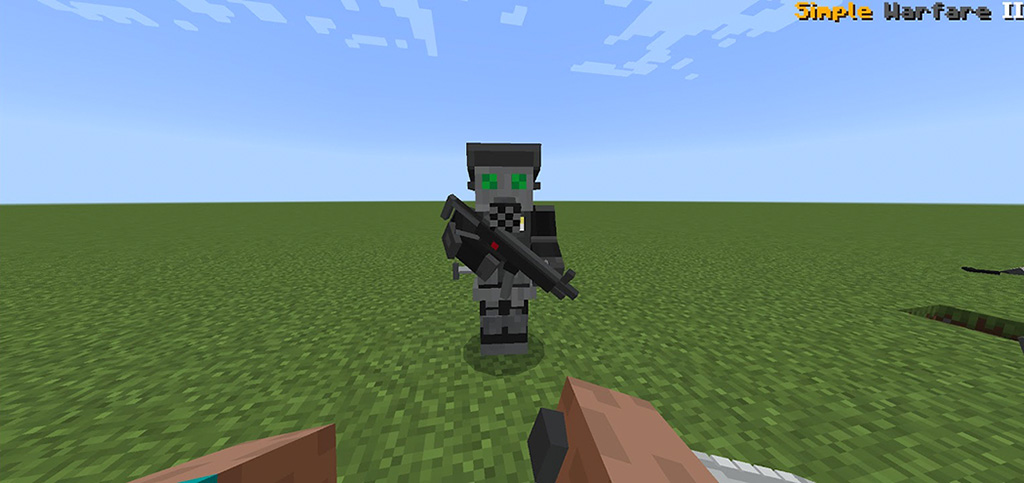
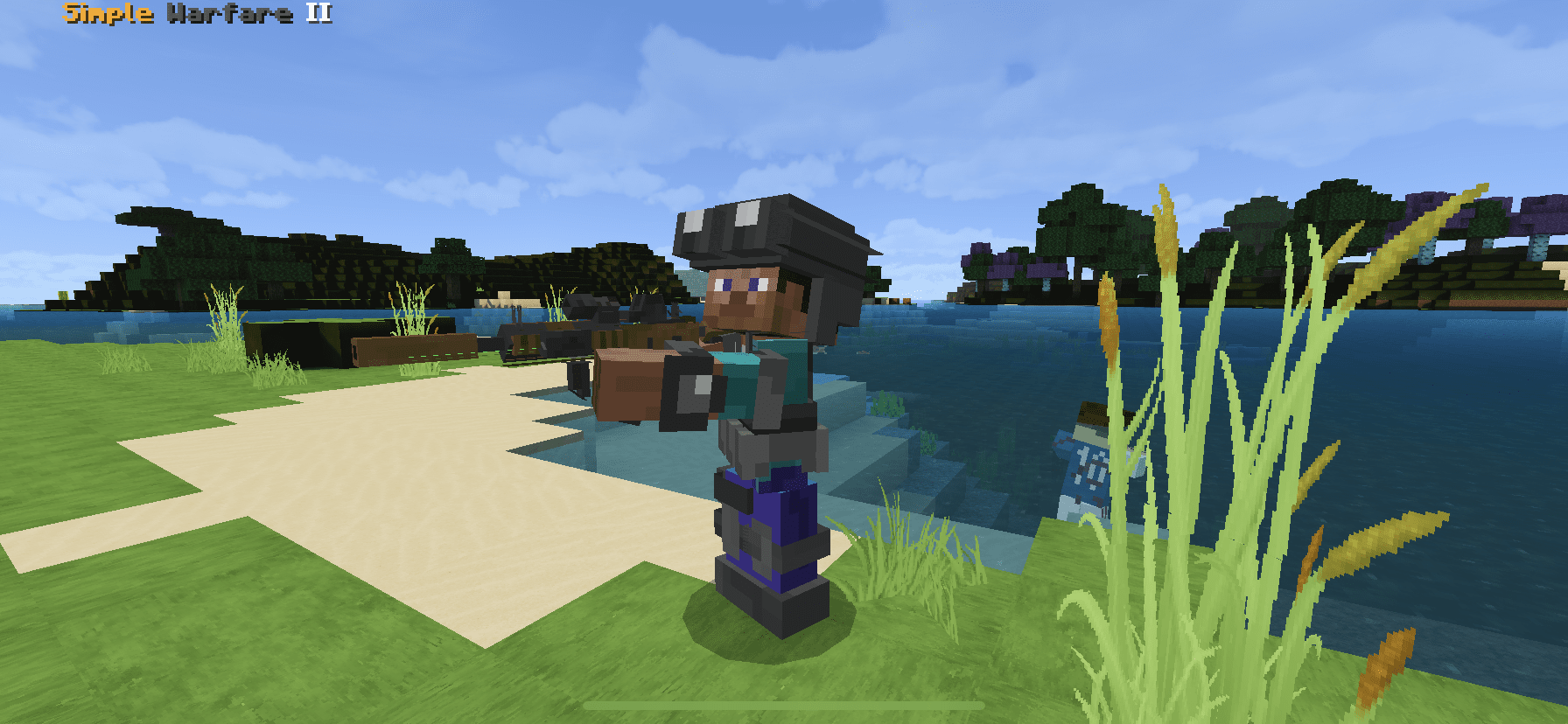
Soldier (Revamped)
Helath : 40
Ability : Shoot and Melee attack
(model is not by me) The soldier now can be tamed using gold ingot, can reload his weapon, and punch when the enemies are too close with him, he can also run if more enemies in front of him.
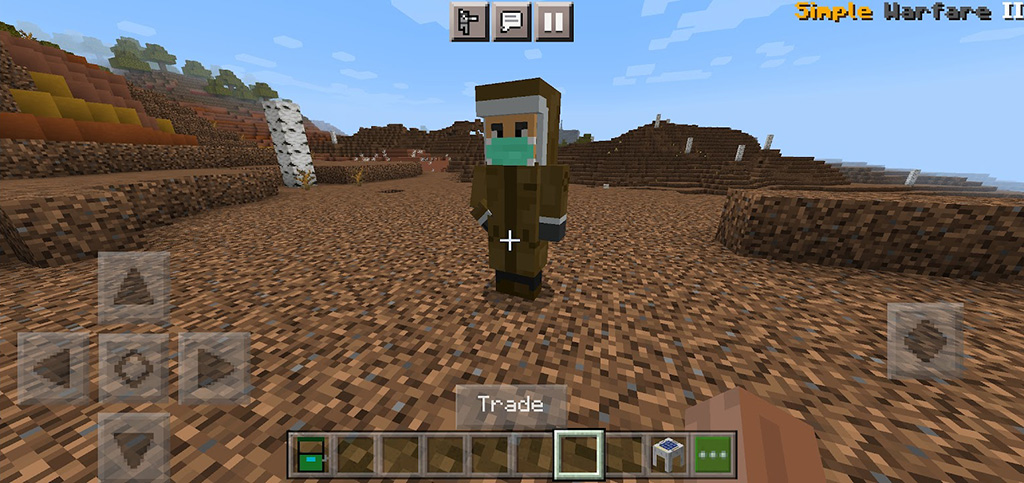
Enginer
Health : 30
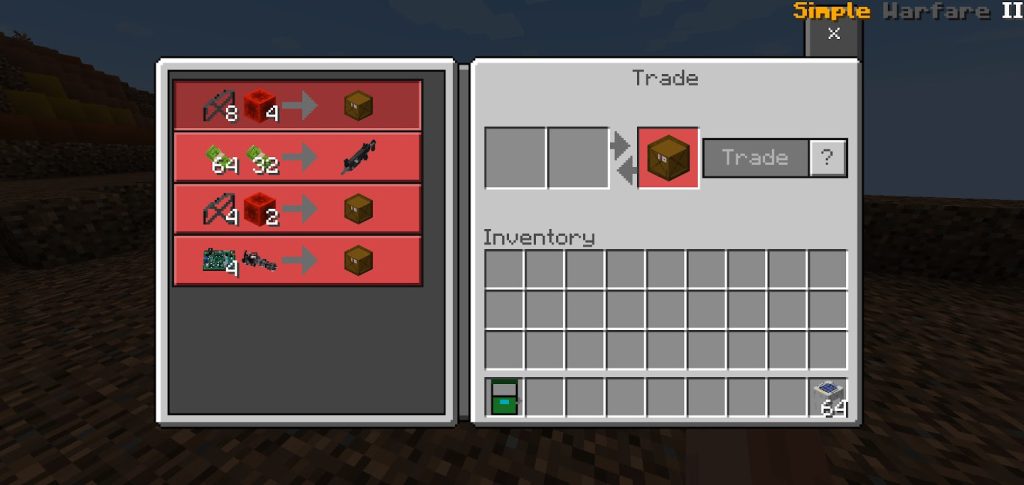
You will need him to trade your scrap into something usefull like turret and vehicle, you can also buy a gun from him. Armed with small pistol in his pocket, he can reload every 12 shot. Cant do a melee attack.
Crawler
Health : 15
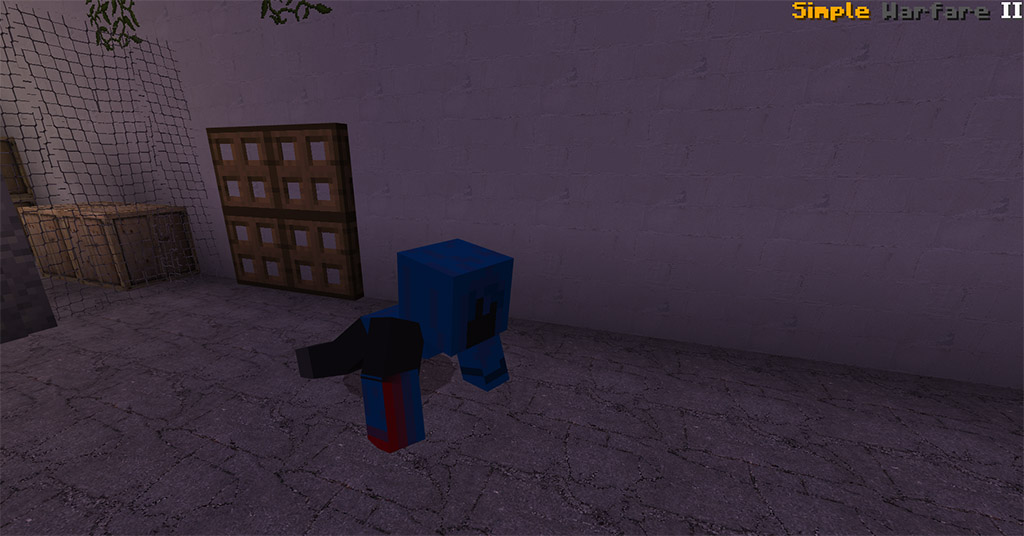
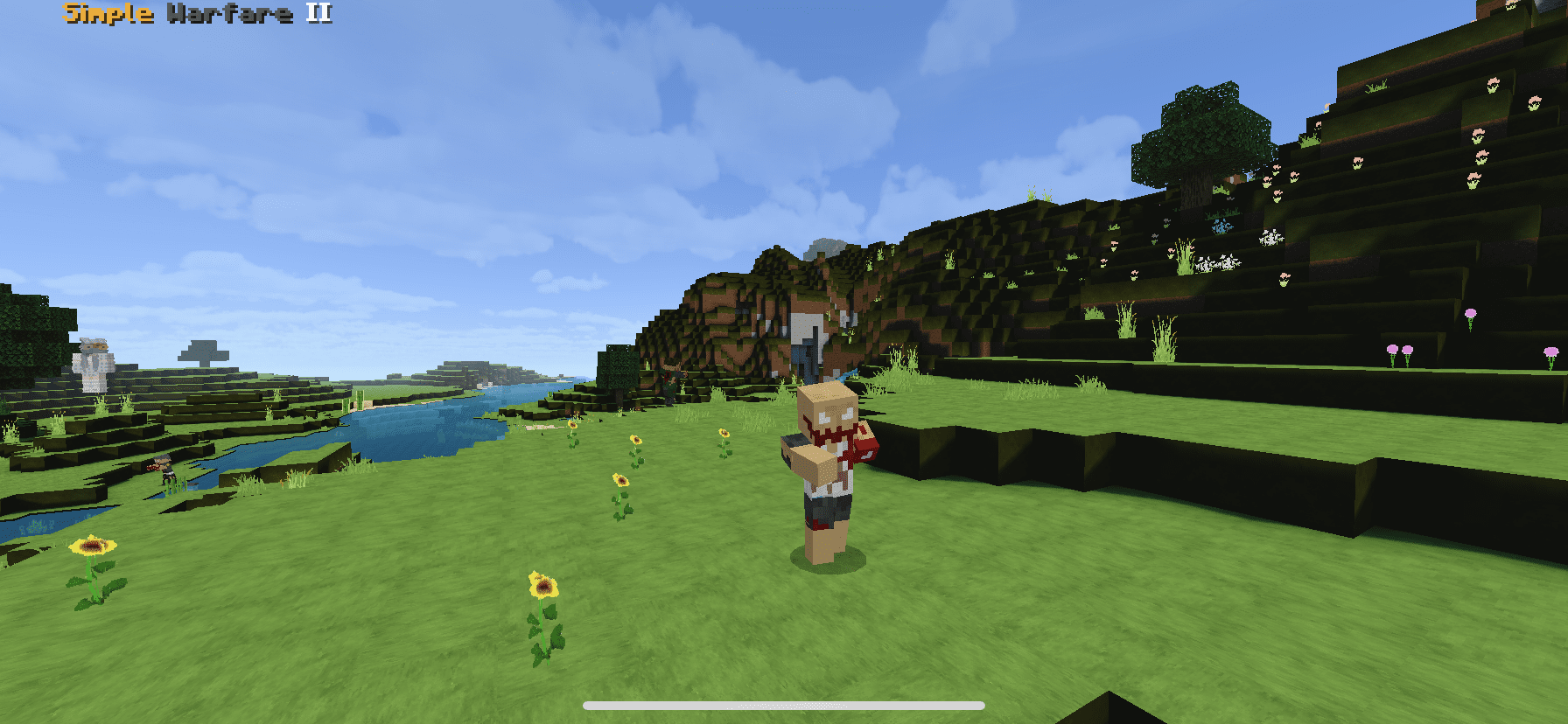
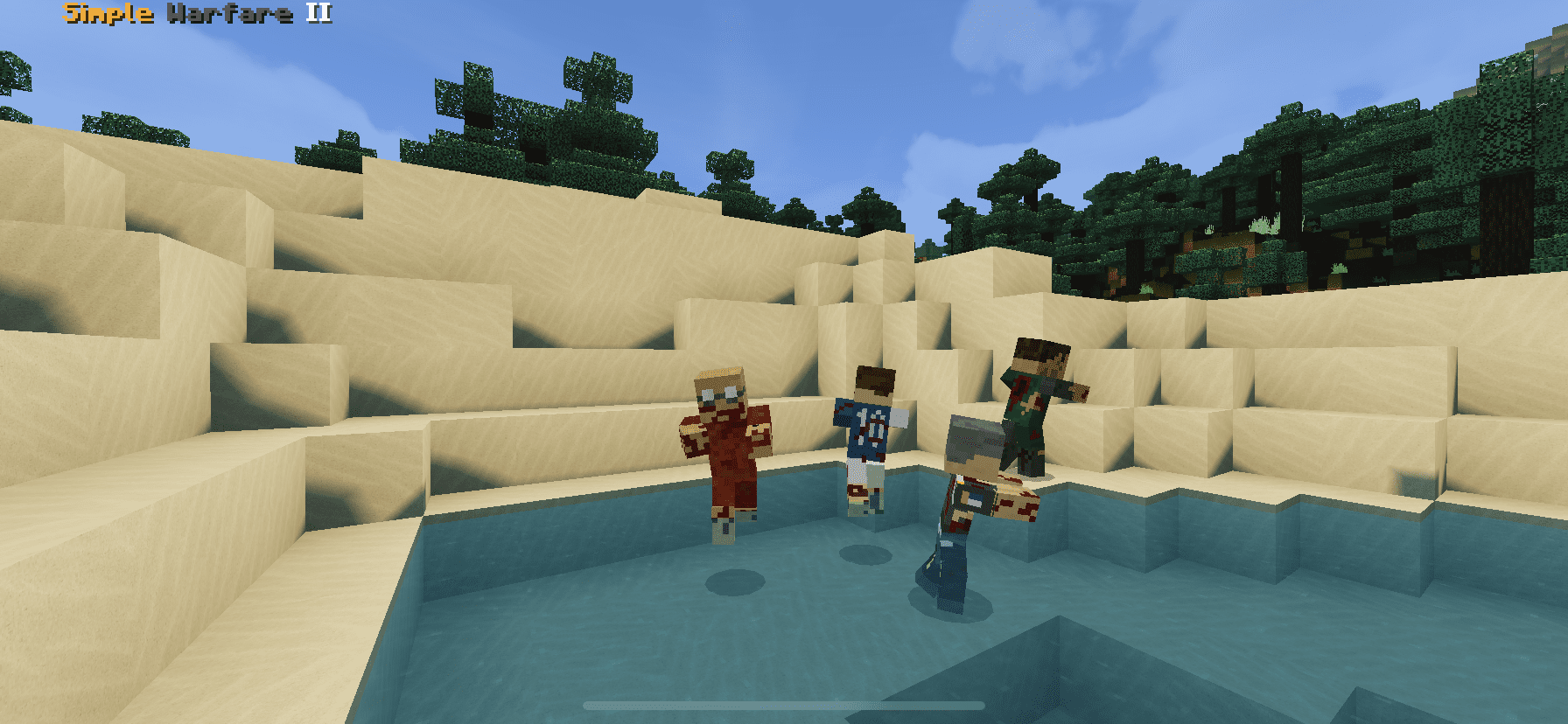
Walk very fast and can climb into a building, be carefull with him because he can put a poison effect on his target. spawn like a zombie
Boomer
Health : 45
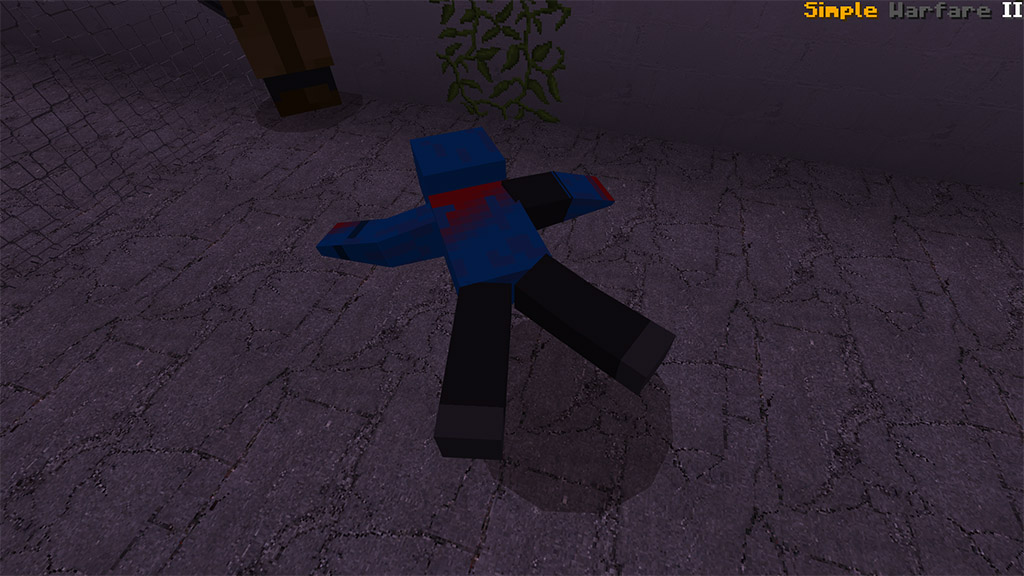
Walk slow but deadly, can throw acid into his target and will losing control with his body when near death, then explode himslef, make sure to keep your distance while facing him.
Black Juggernaut
Health : 200
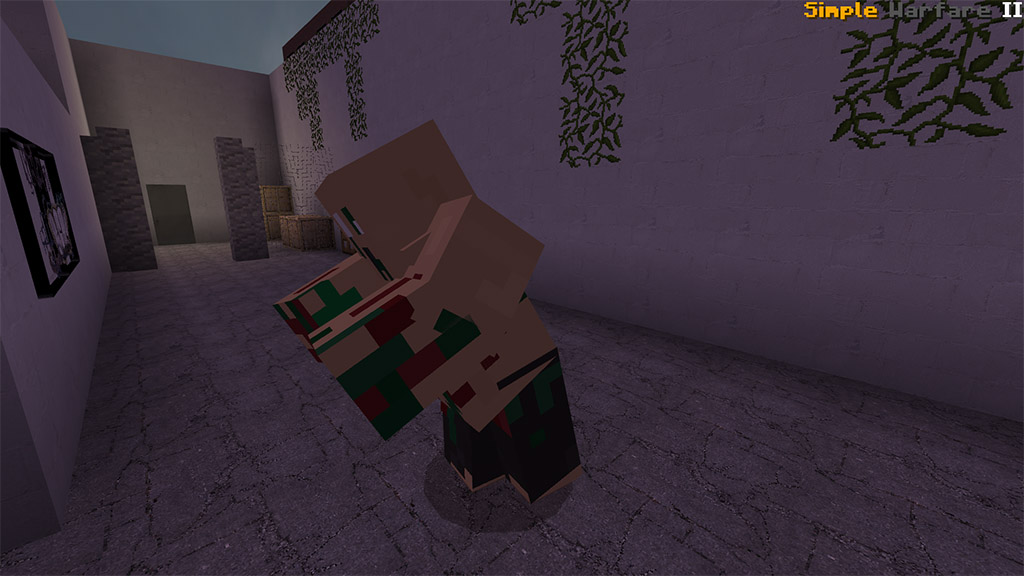
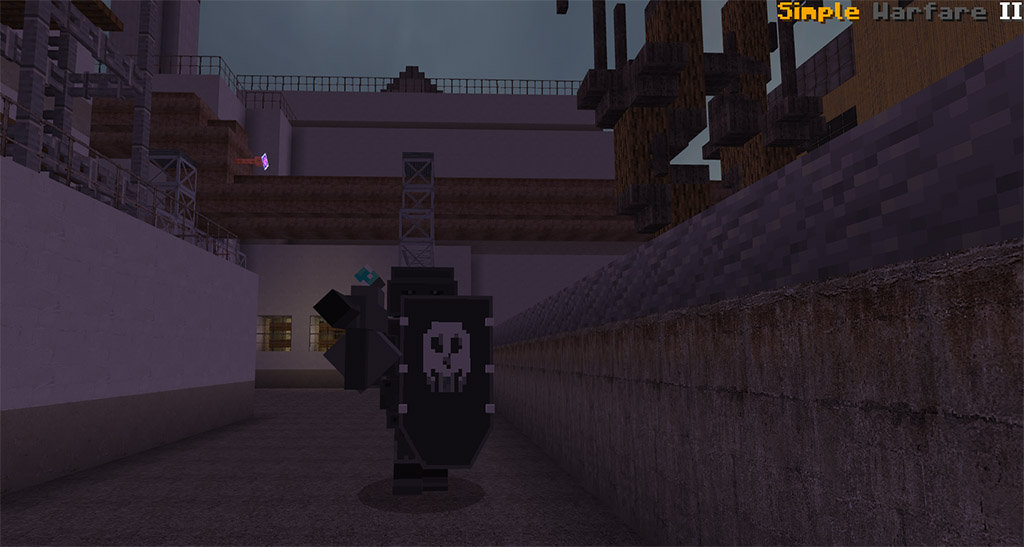
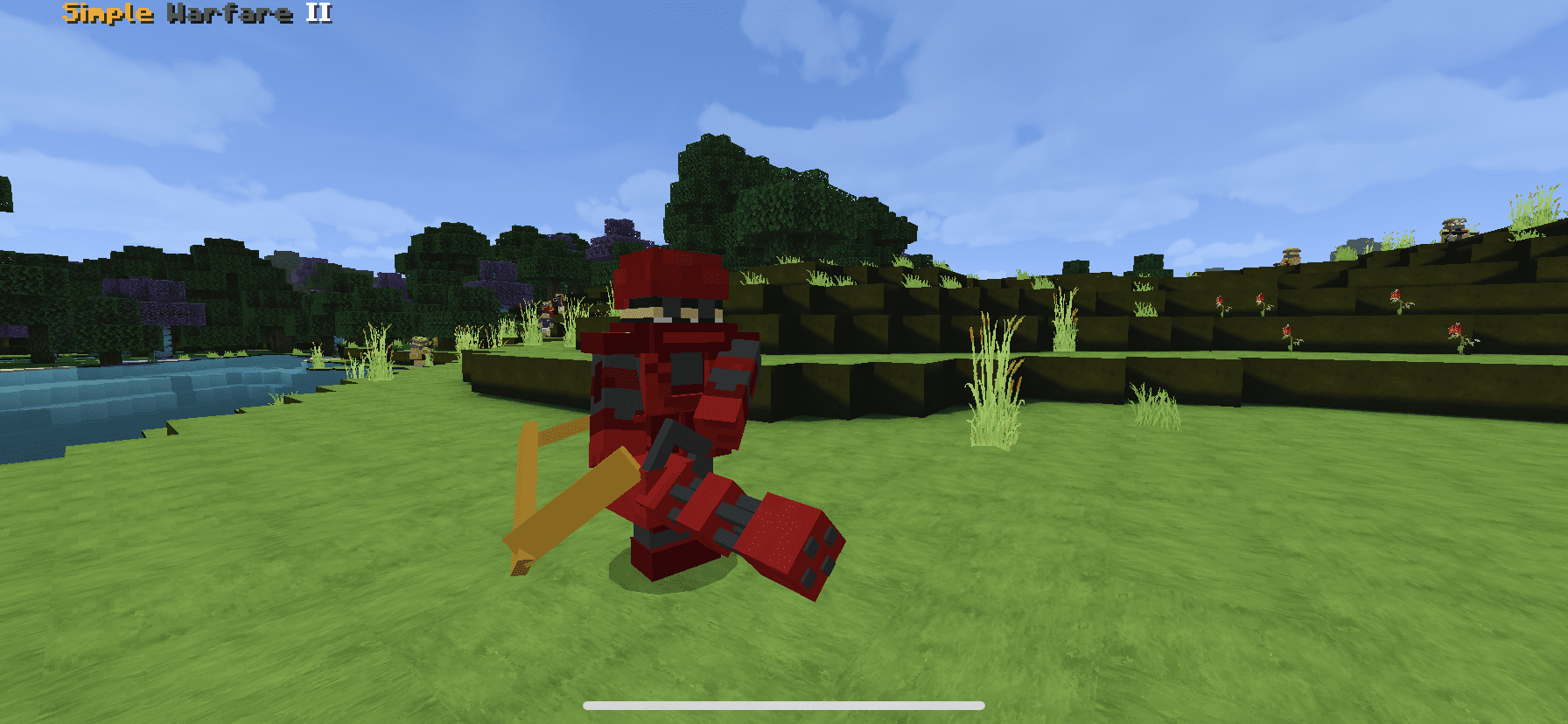
Strong and heavy, armed with deadly shotgun and big shield make him can be punched (knockback) and can “1 shot 1 kill” zombies, He also have kick ability that can give knockback area effect when the enemies are close with him.
VEHICLES
There are total 3 vehicles in simple warfare addon 2 is oobtainable in survival and that one are not.
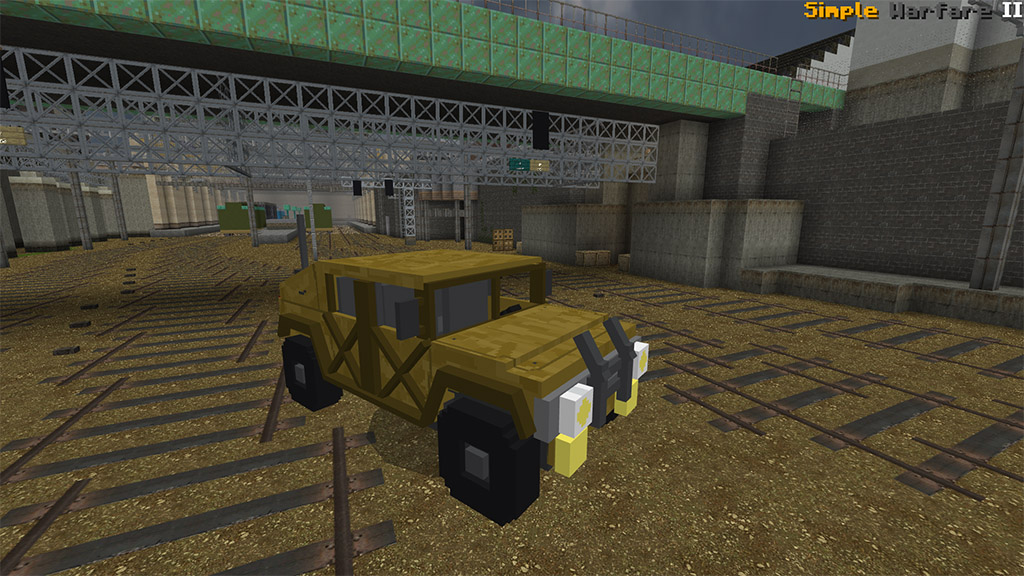
Humvee
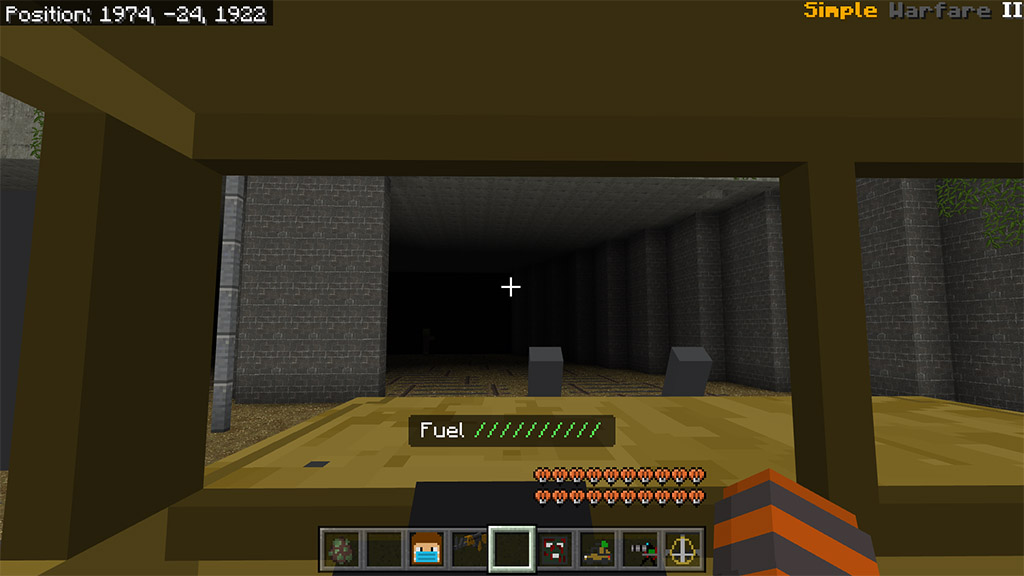
Have a fuel system and need 2 “fuel can” to fill the fuel bar full Sneak while interact to open the inventory. Make sure you take attention to your fuel when you go.
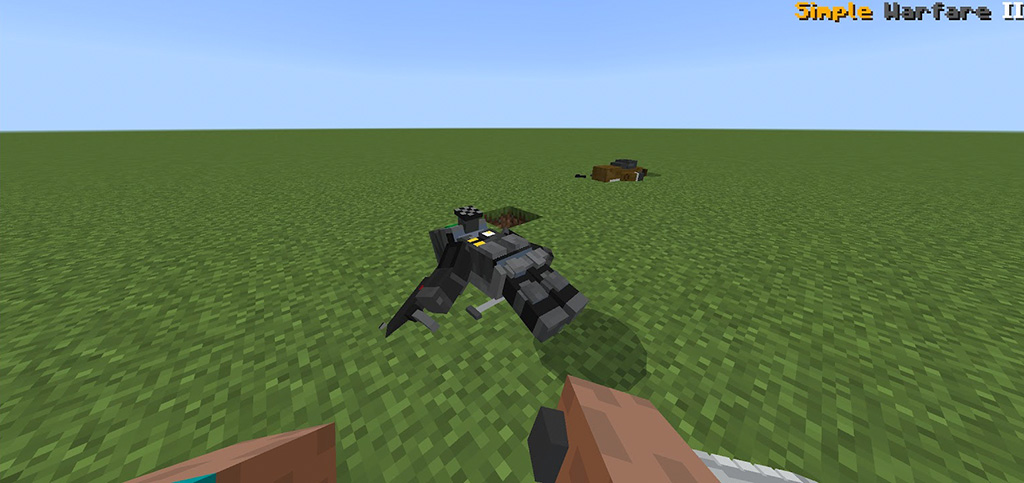
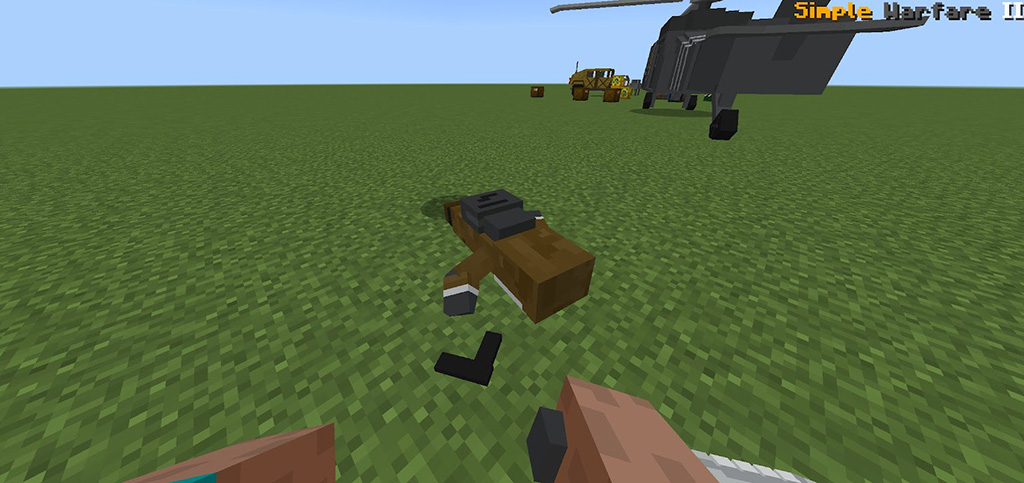
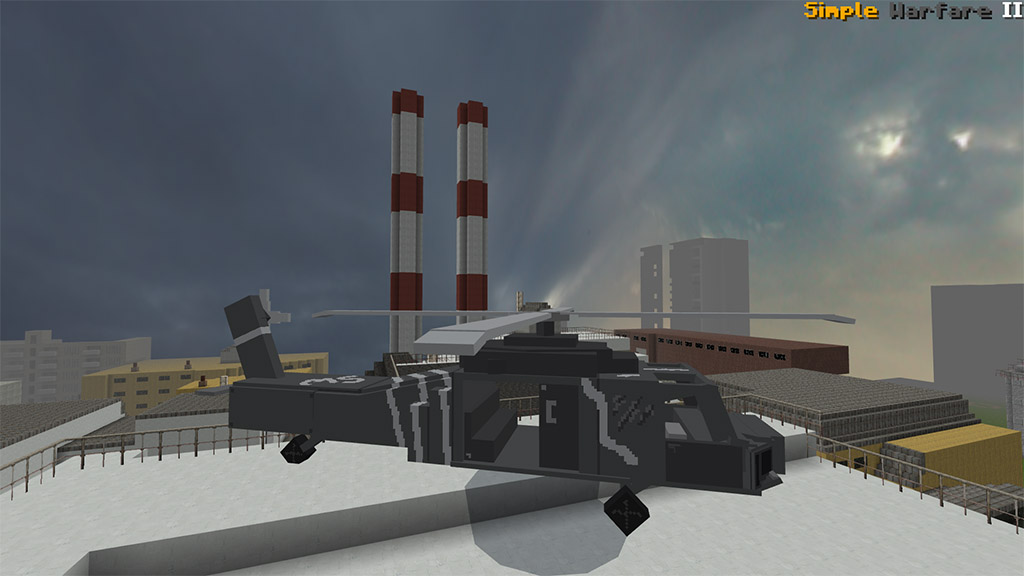
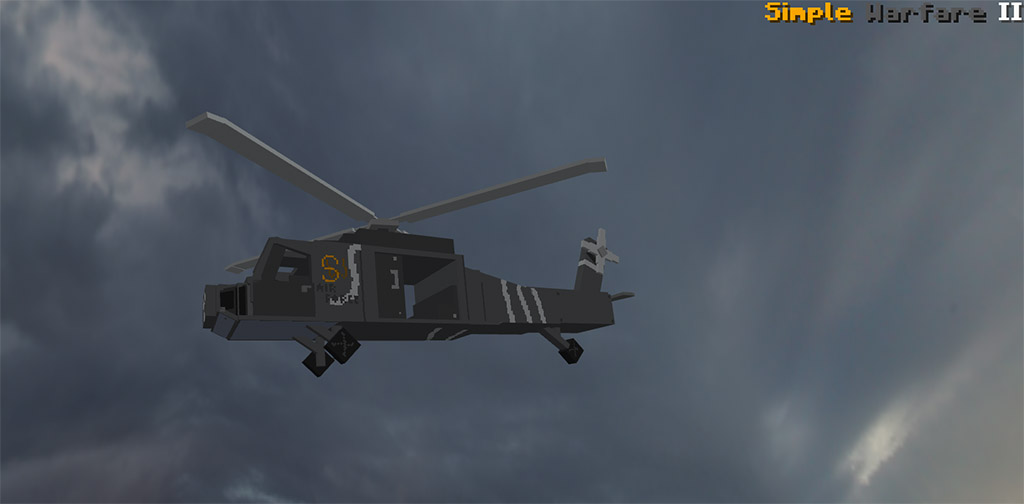
Helicopter
Now you can fly though your world using this vehicle. Can move when still on the ground, press jump first while riding then fly freely, look mid and up to glide and look down to glide, simple right? there is no fuel limit on this vehicle.
once placed it will call heli backup in 30 second, the heli will come in higher place so you cant place inside a room. The heli will deployed 2 soldier and 1 black juggernaut that can help your survival. You can only get the call item from structure only.
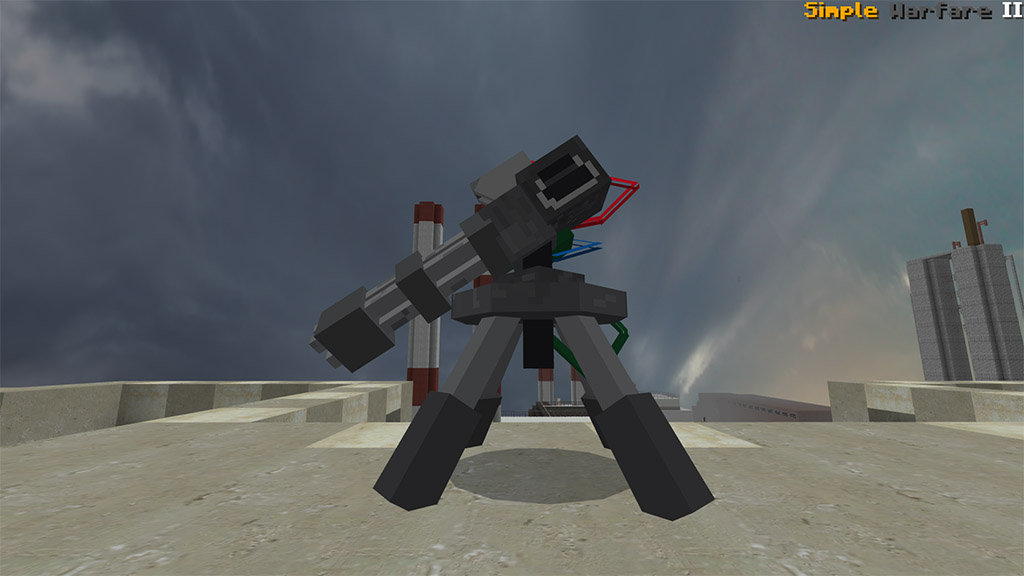
Turret
Health : None
Once Spawned from box, you need reload it first using ammo box (gatling’s ammo) then the turret will be active, once active, turret only have arround 300-500 bullet to shoot, so no need to worry if there is no enemies to shoot because the bullet wont decrease before he shoot, and after the bullet reach 0, the turret will be inactive.
BLOCK
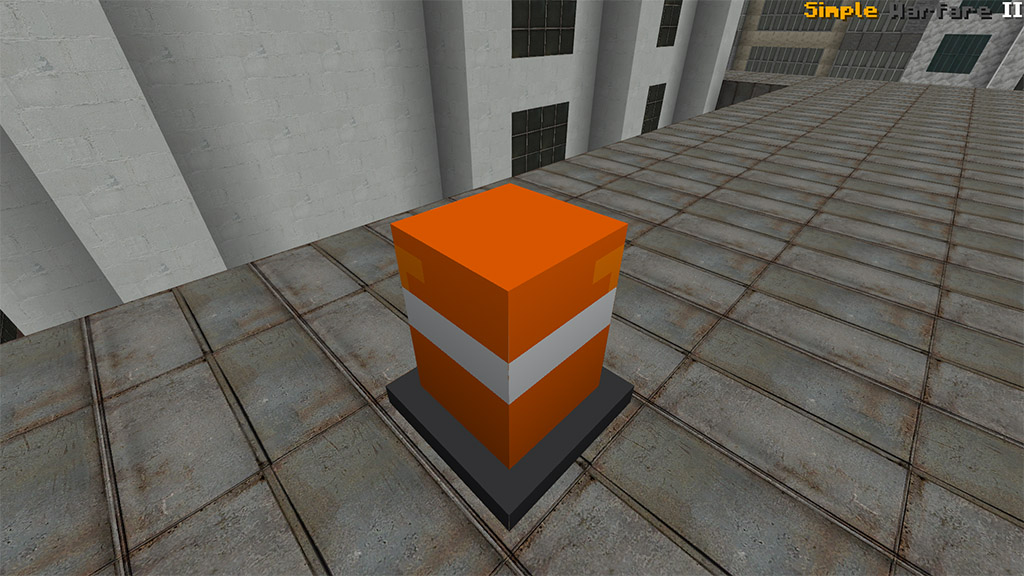
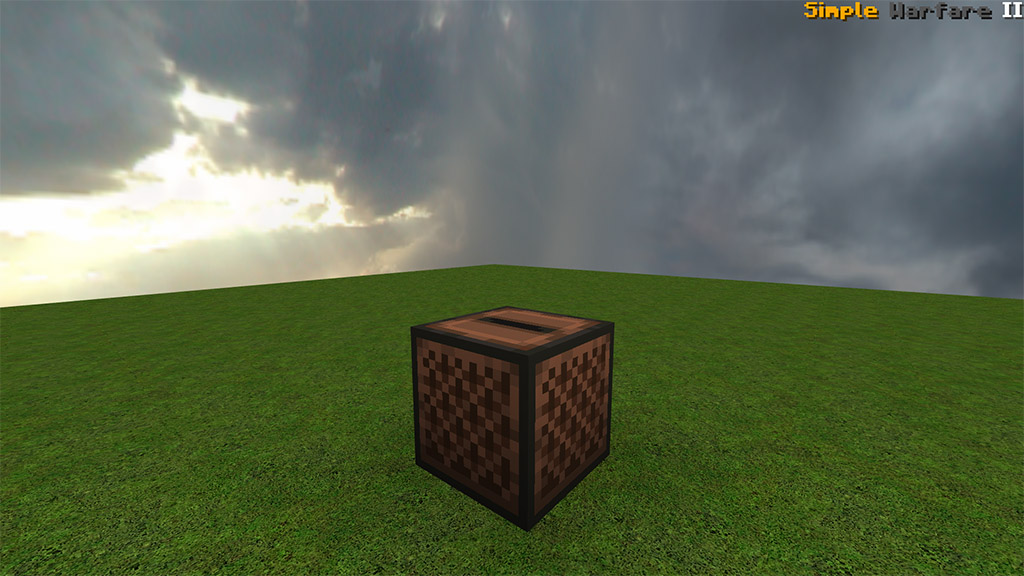
– Decorative Block (Barrel, and Cone)
Just a block for decor, more decorative block will be added in the future update!!
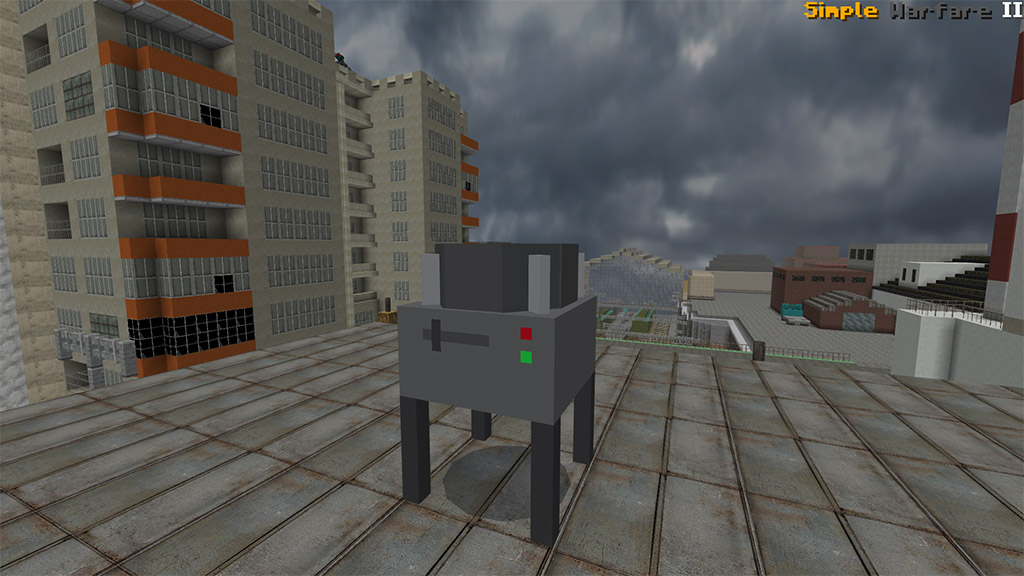
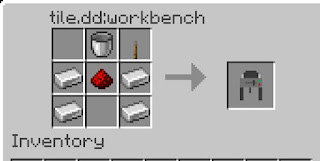
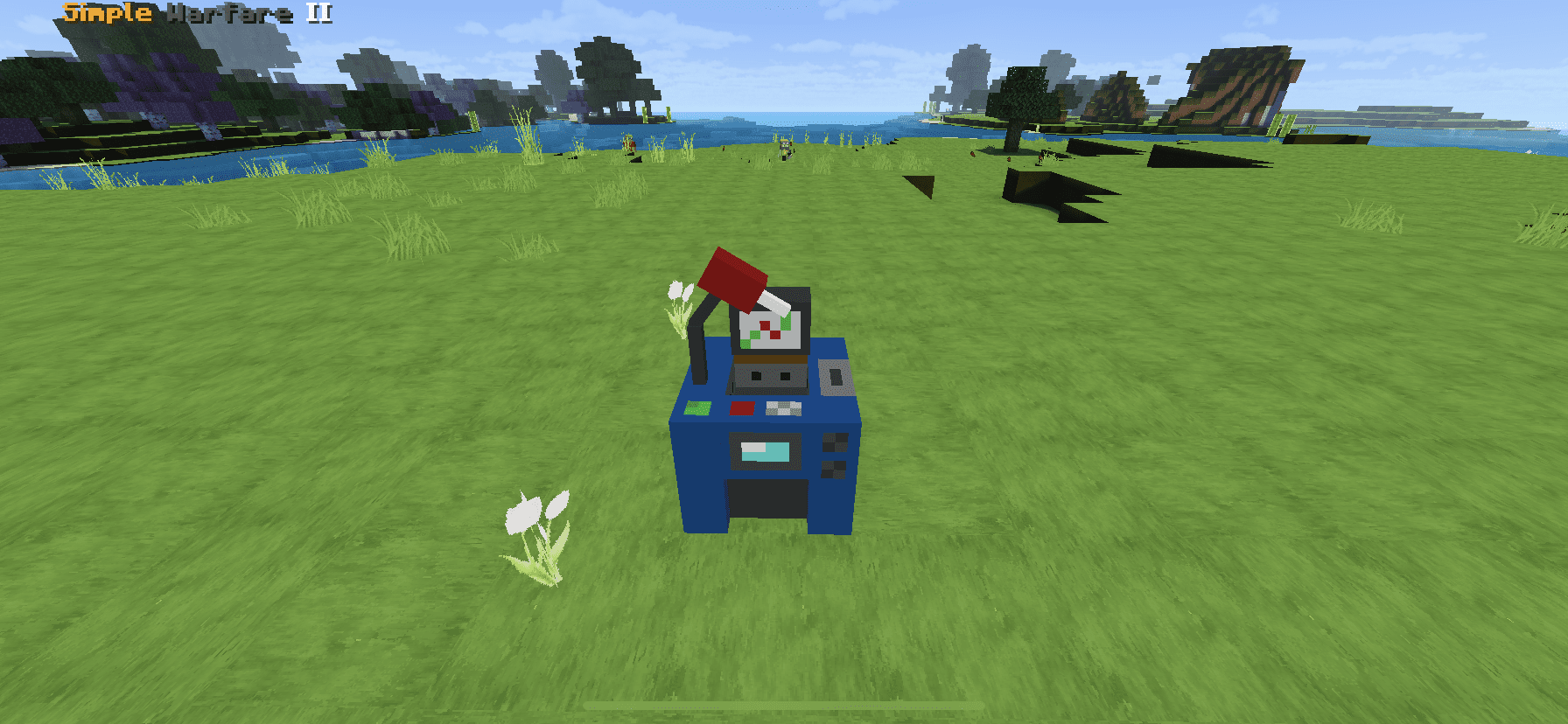
– Fuel Machine
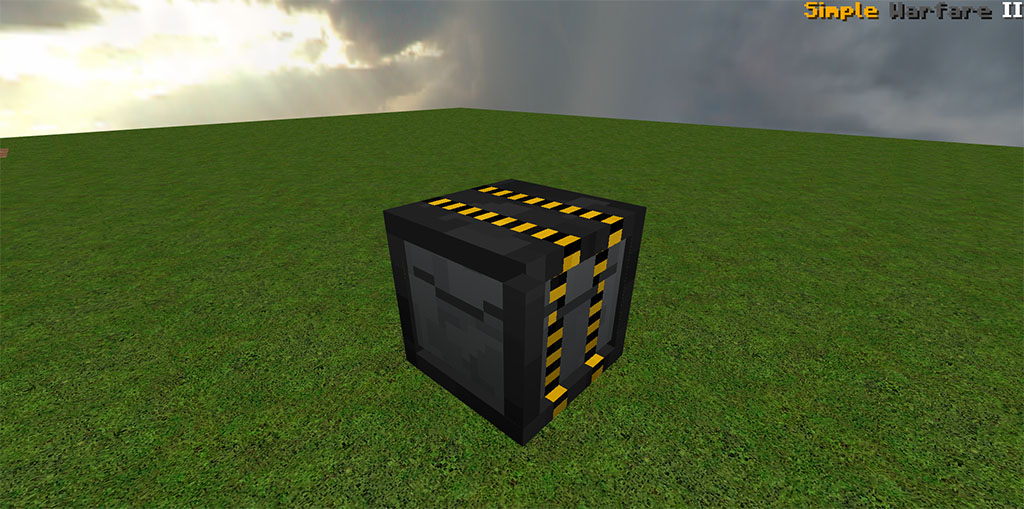
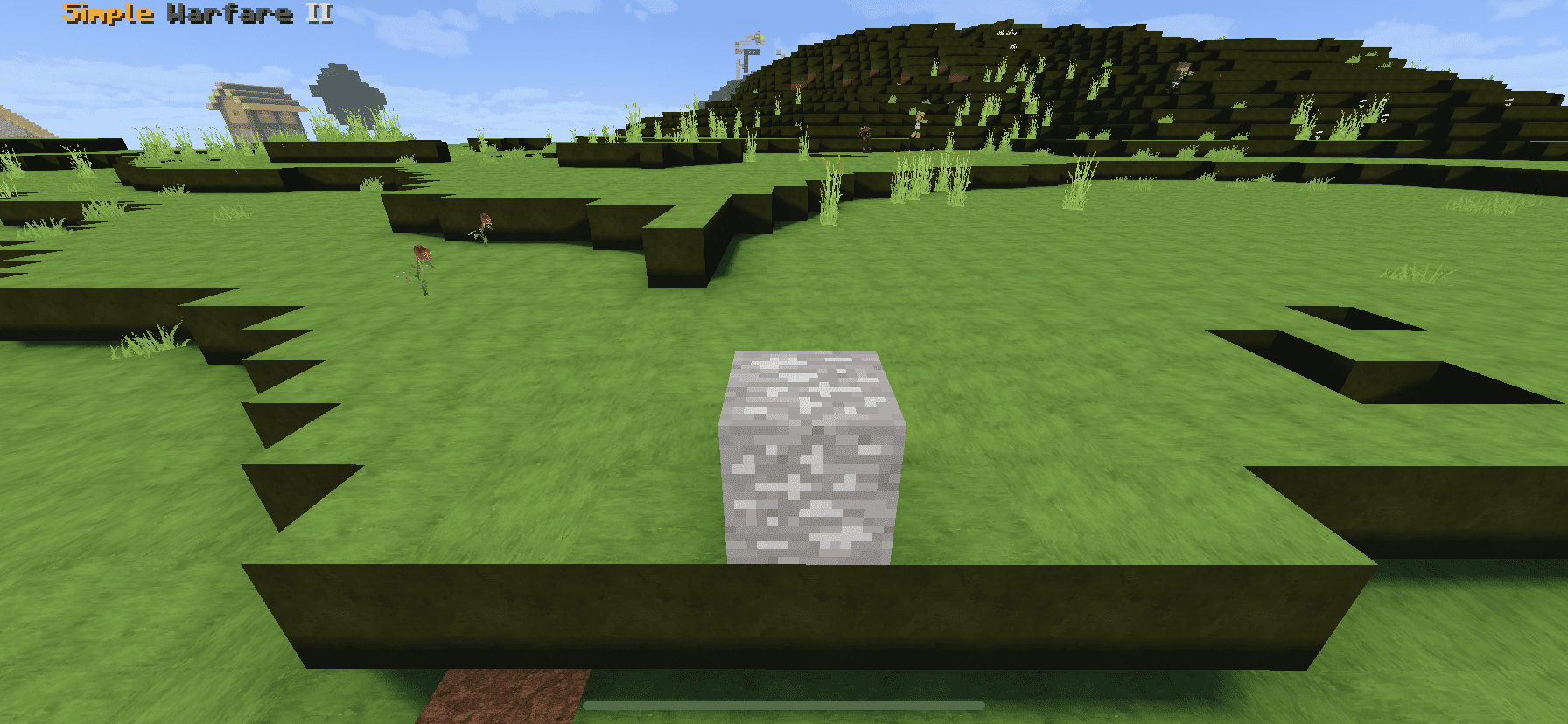
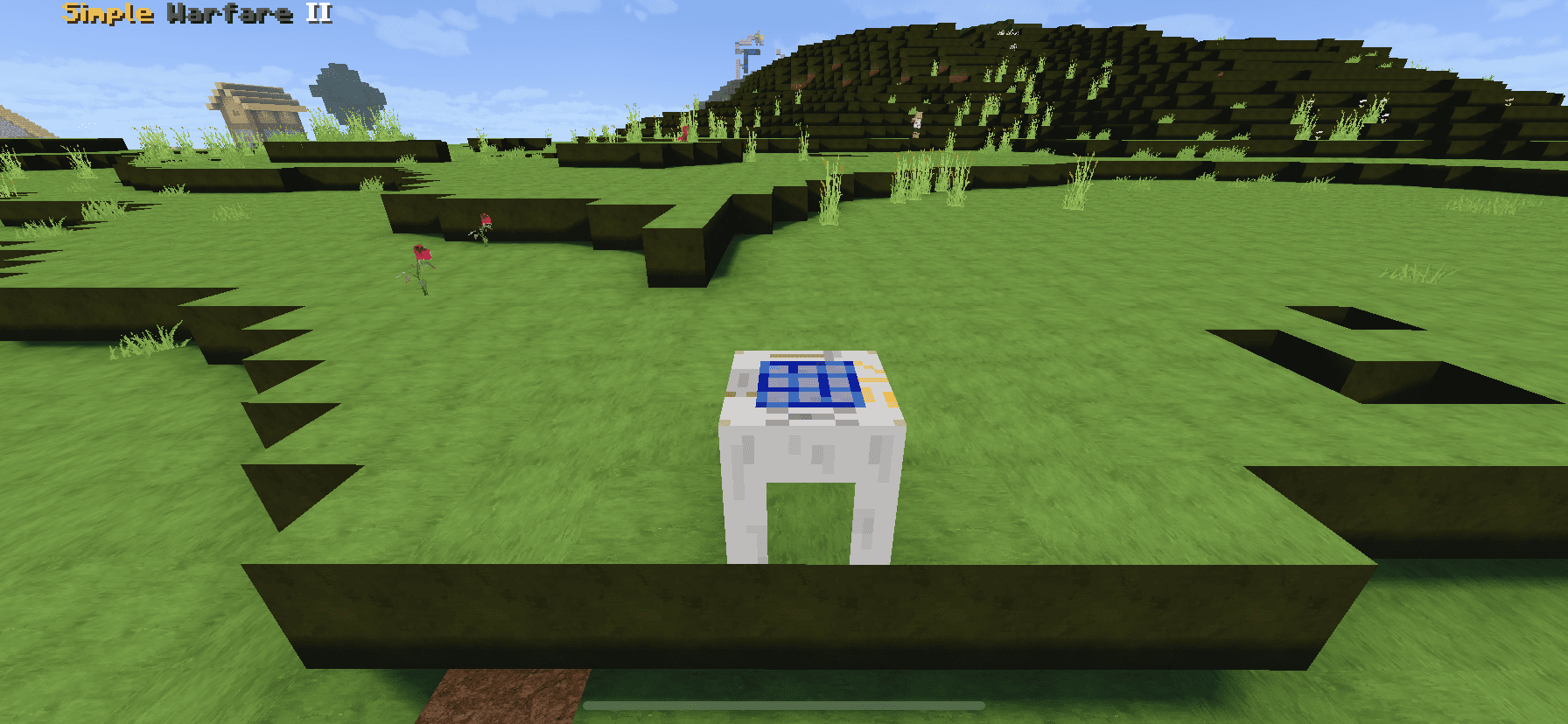
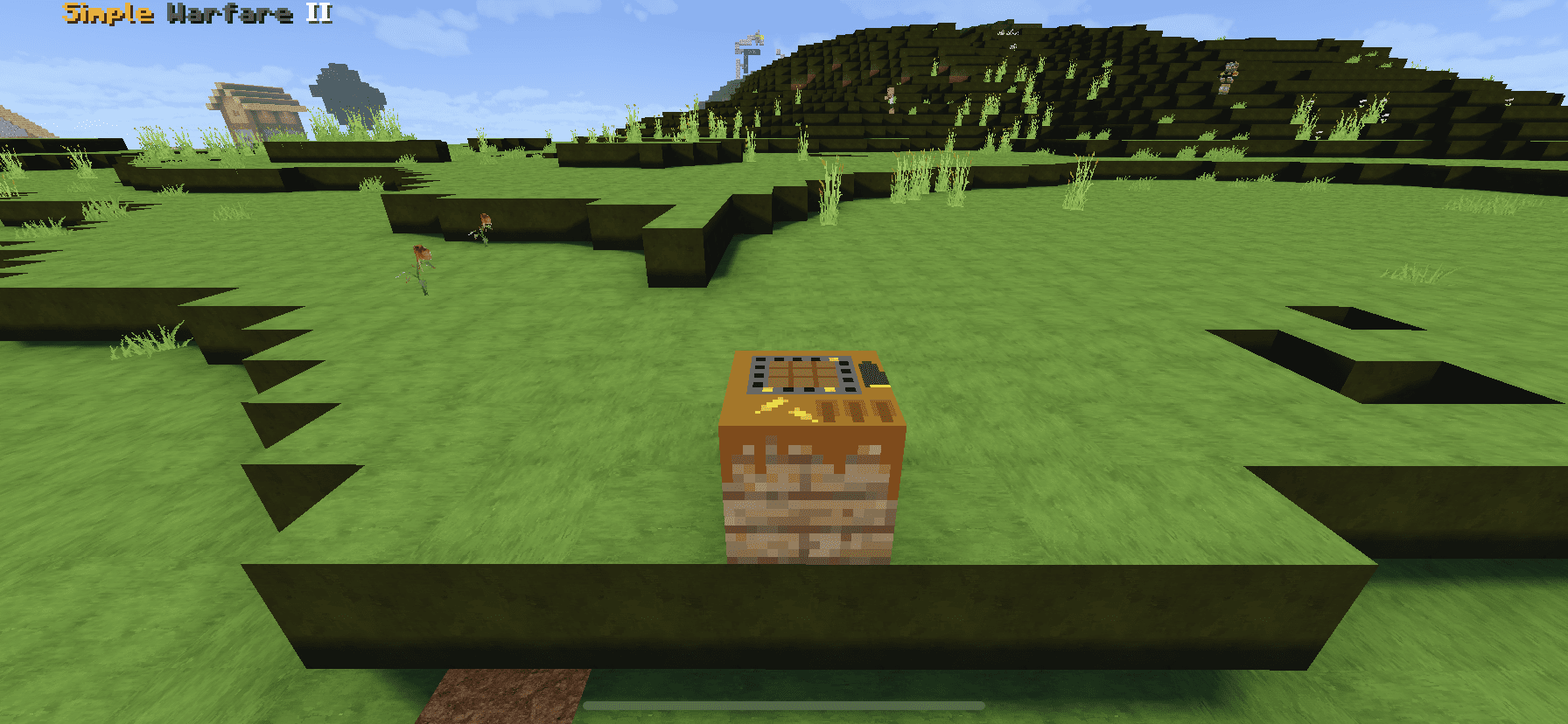
This block is used to get a fuel can, to use it, craft a fuel empty from a plastic then interact fuel machine while holding it, second craft a raw fuel using 2 coal 2 charcoal then interact with it, the machine while shaking wait for a second after stoped shaking, punch to get your fuel can.
You can craft fuel machine on workbench like this:
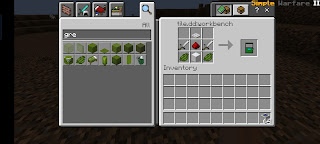
– Scrap Recycle
This block is used to recycle your raw scrap such like a wire, plastic and steel scrap
you can get this block by craft it from workbench like this:
– Box
A box that summon vehicle/turret depend on the box’s name when destroyed in survival/adventure mode. you can get it by trading with the enginer.
LOOT
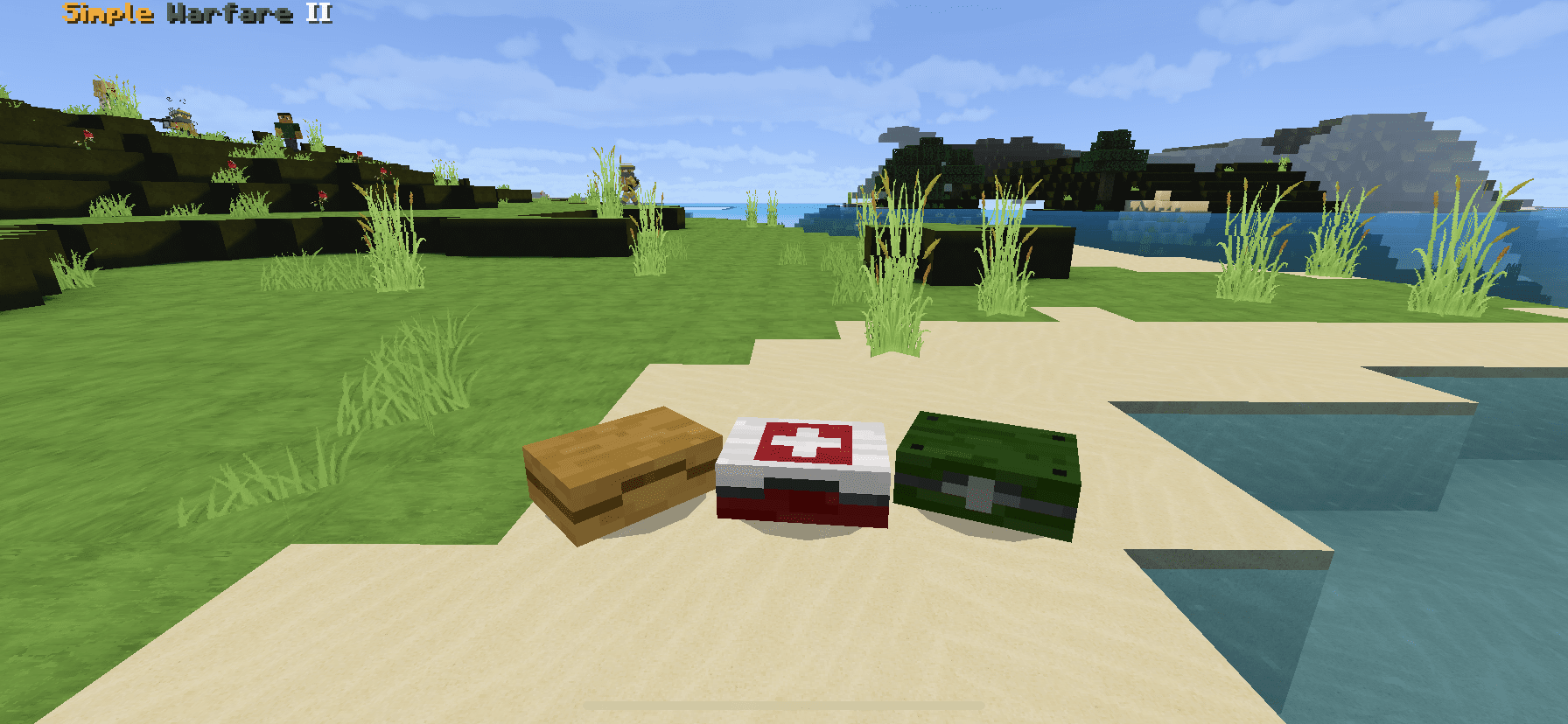
Loot Pack
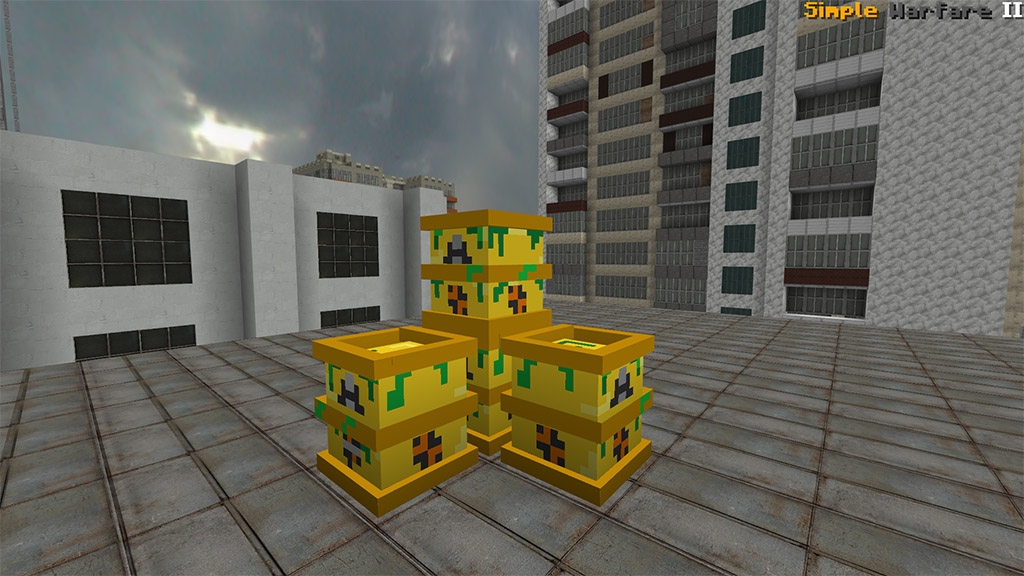
You can found this loot from structure that spawn in wasteland biome, when you destroy it, you will get decorative block and raw scrap (plastic, steel scrap, and wire)
Can be obtained from SteelPack loot – Damage: 8/ Bullet: 31 / Ammo: AR Rifle
Simplified Glock
A single shot but you can change it into full auto when sneaking, can be upgraded to tactical Glock. To reload Simplified Glock, you have to use Pistol Ammo
Damage: 5 / Bullet: 12 / Ammo: Pistol Ammo / FPP or TPP
Sneak to activate the full auto.
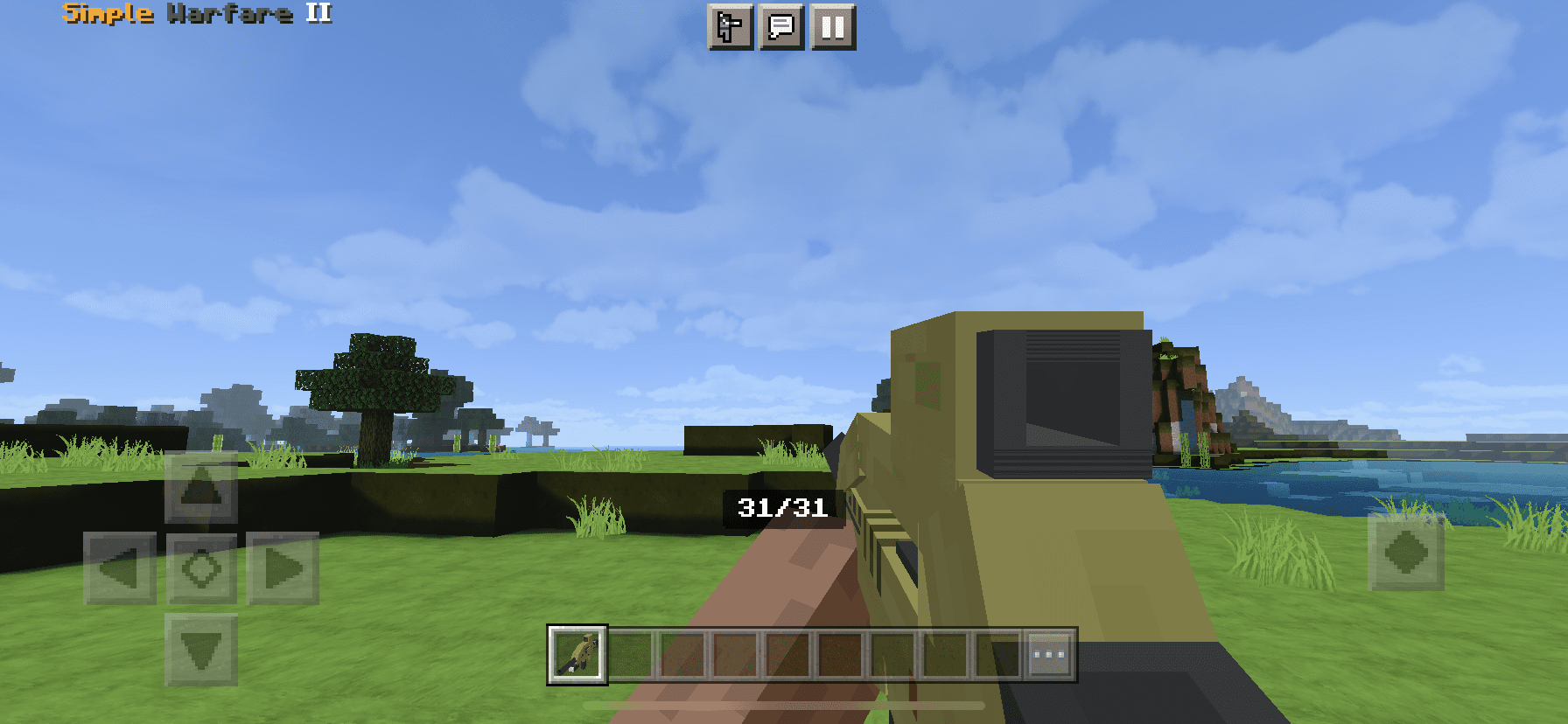
Simplified M4
This gun can craftable in survival mode, easy to upgrade into Tactical M4 using the toolbox (including muzzle effect)
Damage: 8 / Bullet:40 / Ammo: AR ammo
Simplified AWP
The best damage when shot, players can also piercing shot the target
Damage: 25/ Bullet:8 / Ammo: Sniper Ammo / Tpp/Fpp
Simplified Minigun
One of the guns in Simple Warfare 2 addon has a lot of ammo up to 150 bullets and is fit to wipe out many entities.
Damage: 8 / Bullet:150 / Ammo: Ammo Box
Simplified Double barreled Shotgun
There is only have 2 bullets but players can shoot spreading bullet, that is great to use against a horde of zombies!
Less recoil muzzle effect than other guns, more fire rates than basic M4 but less damage than M4
Damage: 6.5 / Bullet:40 / Ammo: AR Ammo
Steyr Grenade Launcher
This gun on the simple warfare addon has RPG, but in the simple warfare 2 addon has Grenade Launcher
Explore: 4 power/ Bullet: 1/ Ammo: GL Bullet
Tactical Glock
This is an upgraded gun from Glock in Simple Warfare 2 addon, so more ammo and full auto
Damage: 5 / Bullet: 30/ Ammo: Pistol Ammo
Crowbar
This is a 3D melee weapon on Minecraft that show in your hand. To craft it, you can use 1 Iron Ingot and 2 Shears.
Damage: 7 / Durability: 500
Adrenaline
Opening Medkit Loot to get this gun or buying a crate from civilian
Durability: 10 seconds
Grenade
It has animation but seems not working well, it is still in process of proving
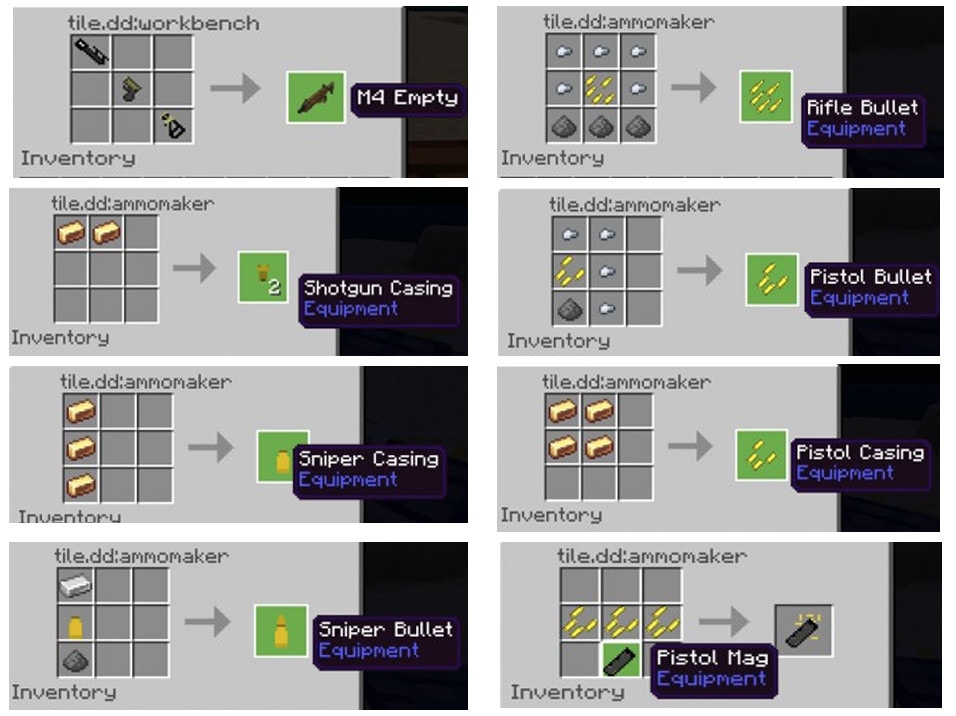
HOW TO CRAFT – Simple Warfare 2 addon
The recipe for each gun has the same way, only different ingredients except the shotgun.
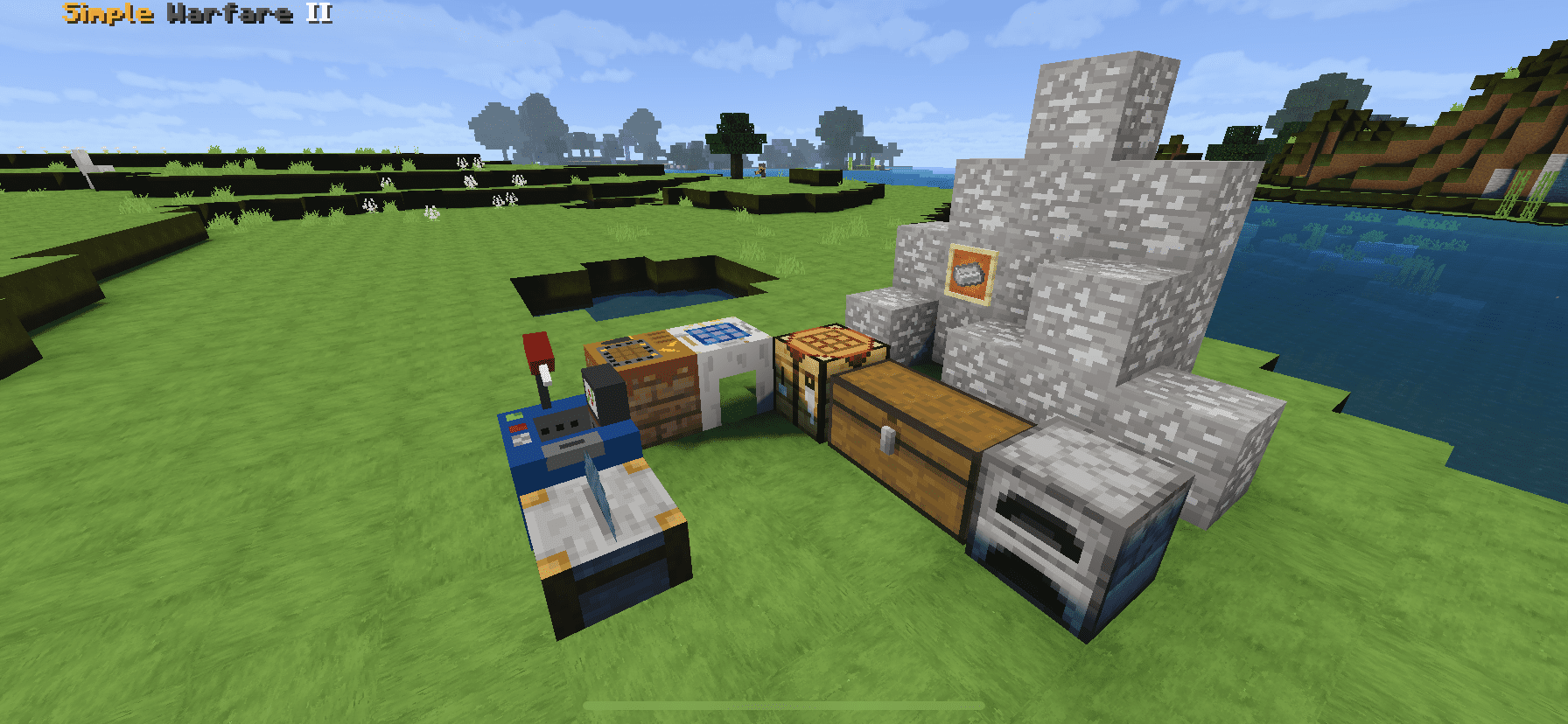
First, you have to mine metal ore to craft Steel Ingot (using 2 coal + 1 Iron Ingot with metal Ingot). This material helps you create a new crafting table like workbench ammotable, and tool station.
Don’t forget to craft Brass Ingot by combining Iron with copper to make bullet casings!
All recipe – Simple Warfare 2 addon
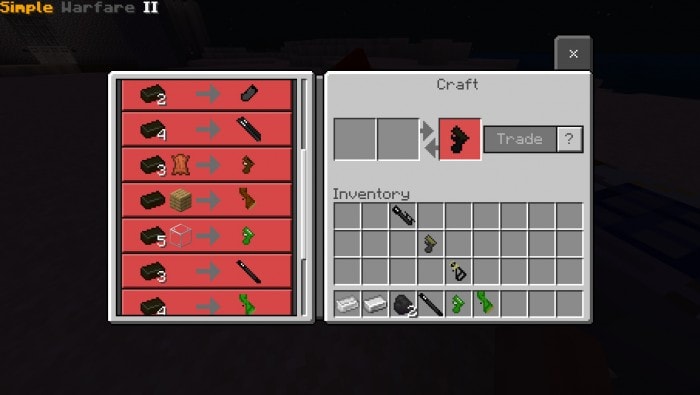
Toolstation: Trade to get Guns Part
Simple Warfare 2 addon – Block
Metal Ore
This is the main ingredient to crafting a gun, mine them on y=-60 height, smelt it to get metal ingot
Ammo Table
This is also an important block, you can use it to craft almost every recipes on simple warfare 2 addon
Ammo Table
Using it craft bullets and ammo for your gun
Toolstation
Using the steel Ingot and some other item (gun + magazine) to get a gun part
Toolbox
Upgrade and downgrade the gun in Simple Warfare 2 Addon, but only for M4 and Glock. To do it you have to hold the weapon in your hand. Finding Toolbox by loot drop from the crate (only y interact with this block while holding the right empty gun)
Crate
You can buy Loot Crate from Civilians, destroy this block and you will get loot like Medkit, supplypack and steelpack.
ENTITY – Simple Warfare 2 Addon
Simple warfare 2 addon has an entity, but it is in process of improvement to make a good entity with animation, so the entity may be glitching.
Civiliant Trade
STRUCTURE – Simple Warfare 2 Addon
All the structures in this addon are made by @zTshre3
LOOTS
There are 3 lootpack:
Supply pack drop food
Medkit drop honey bottle
Bandage and ad (random) and steel pack: drop random gun equipment/items
ARMOR
There is 2 armor on the Simple Warfare 2 Addon: combat armor – peacemaker armor. Recipe combat armor: can be crafted on workbench including Steel Ingot and leather.
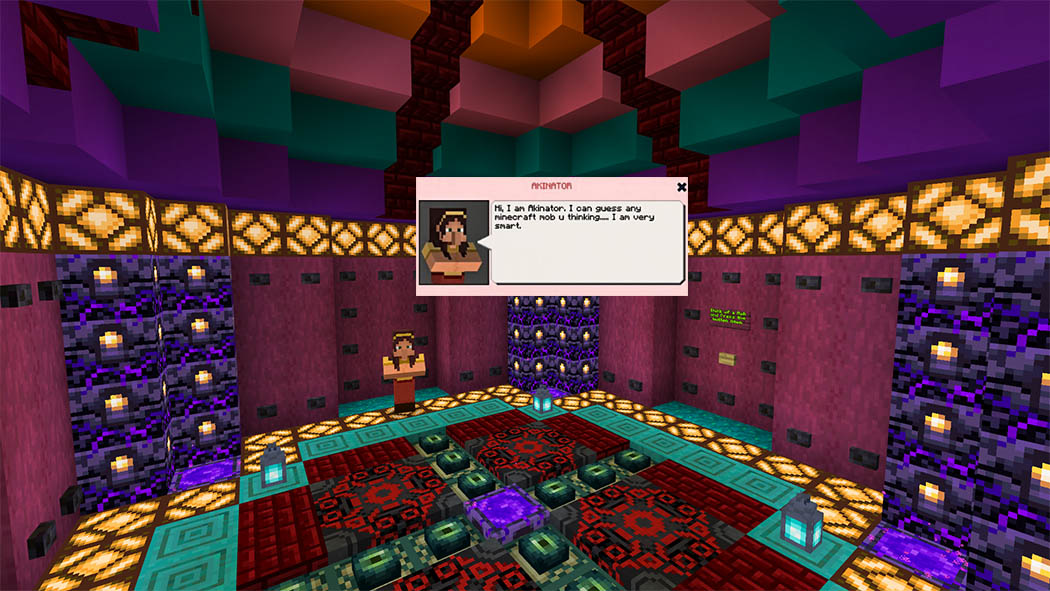
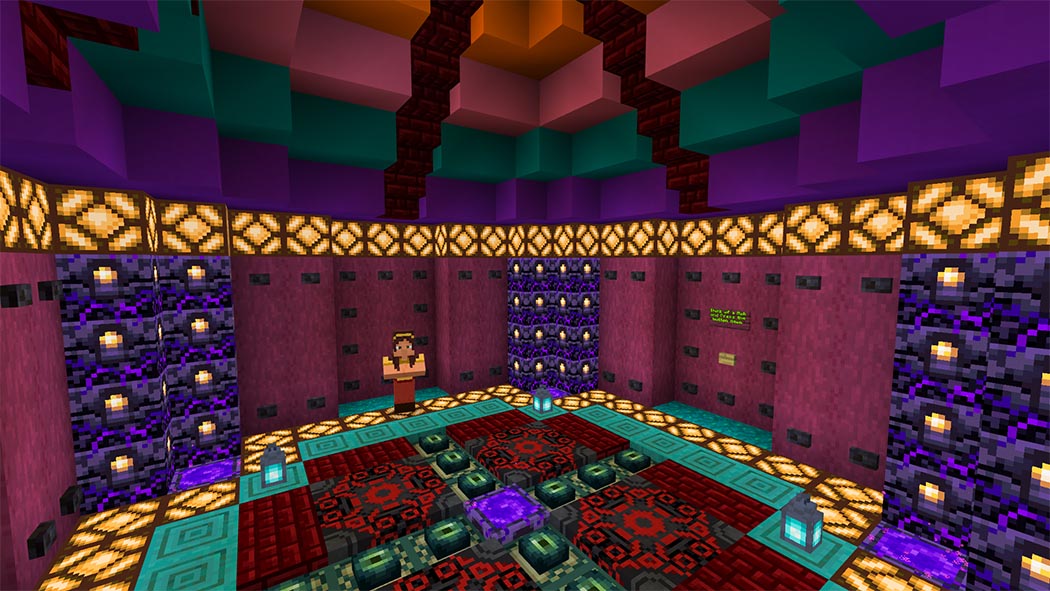
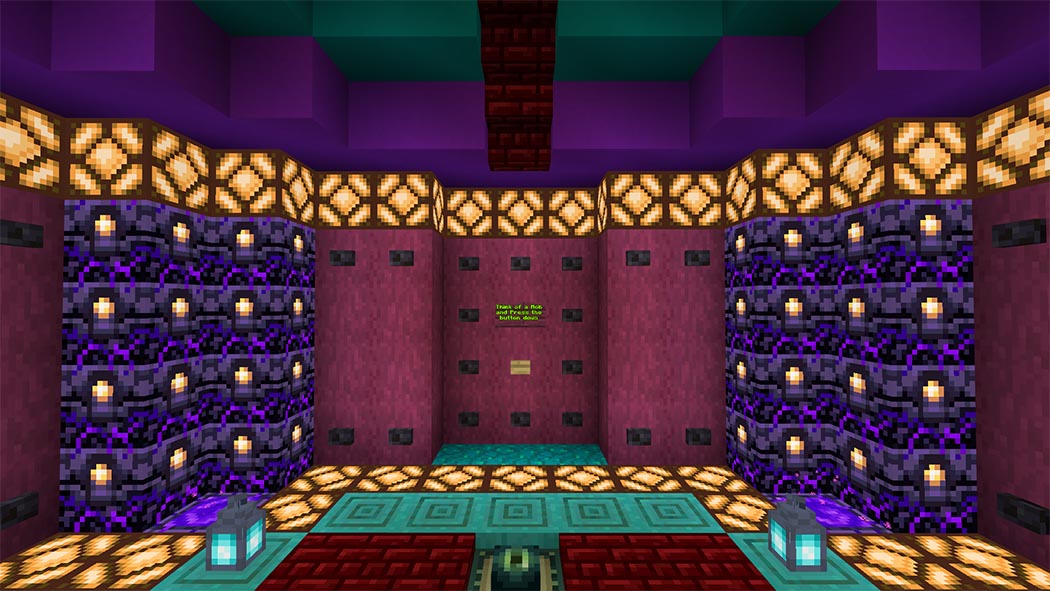
The Akinator can guess which Minecraft mob you’re thinking of in this map. Just answer a few simple yes-no questions, and there’s the gang you’re looking for. I hope you enjoy it.
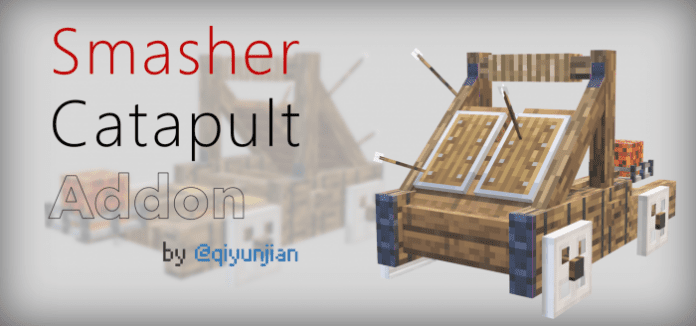
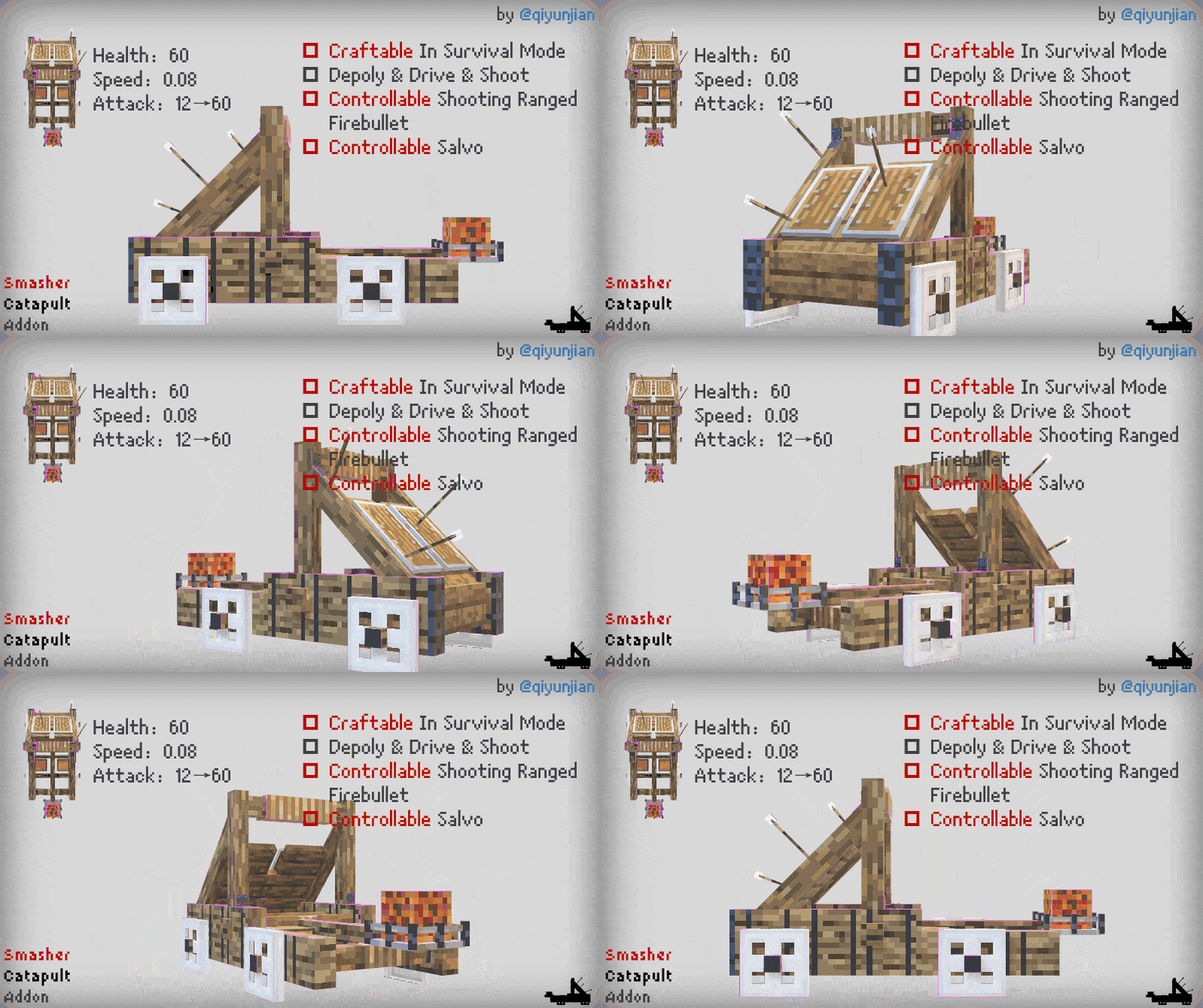
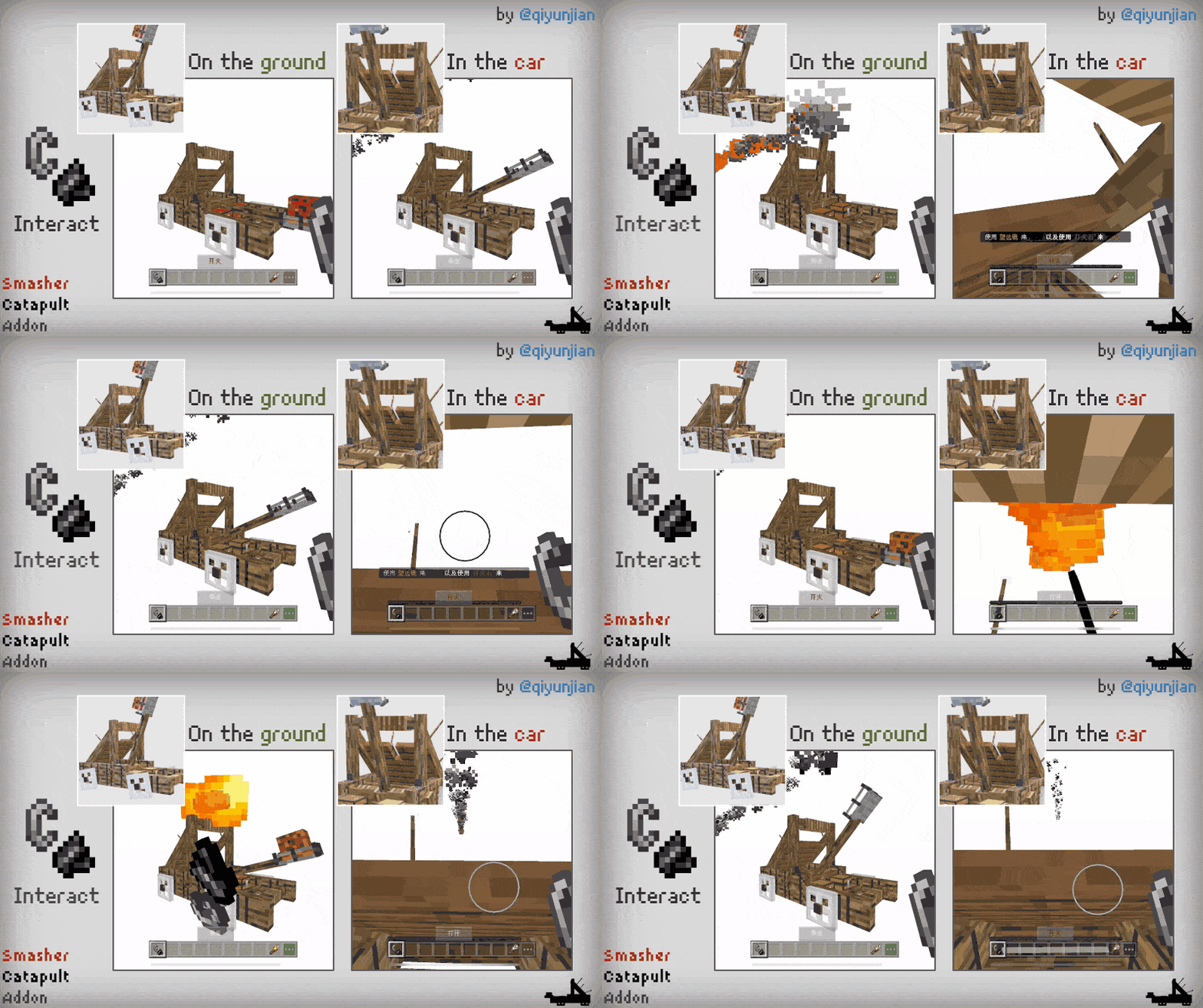
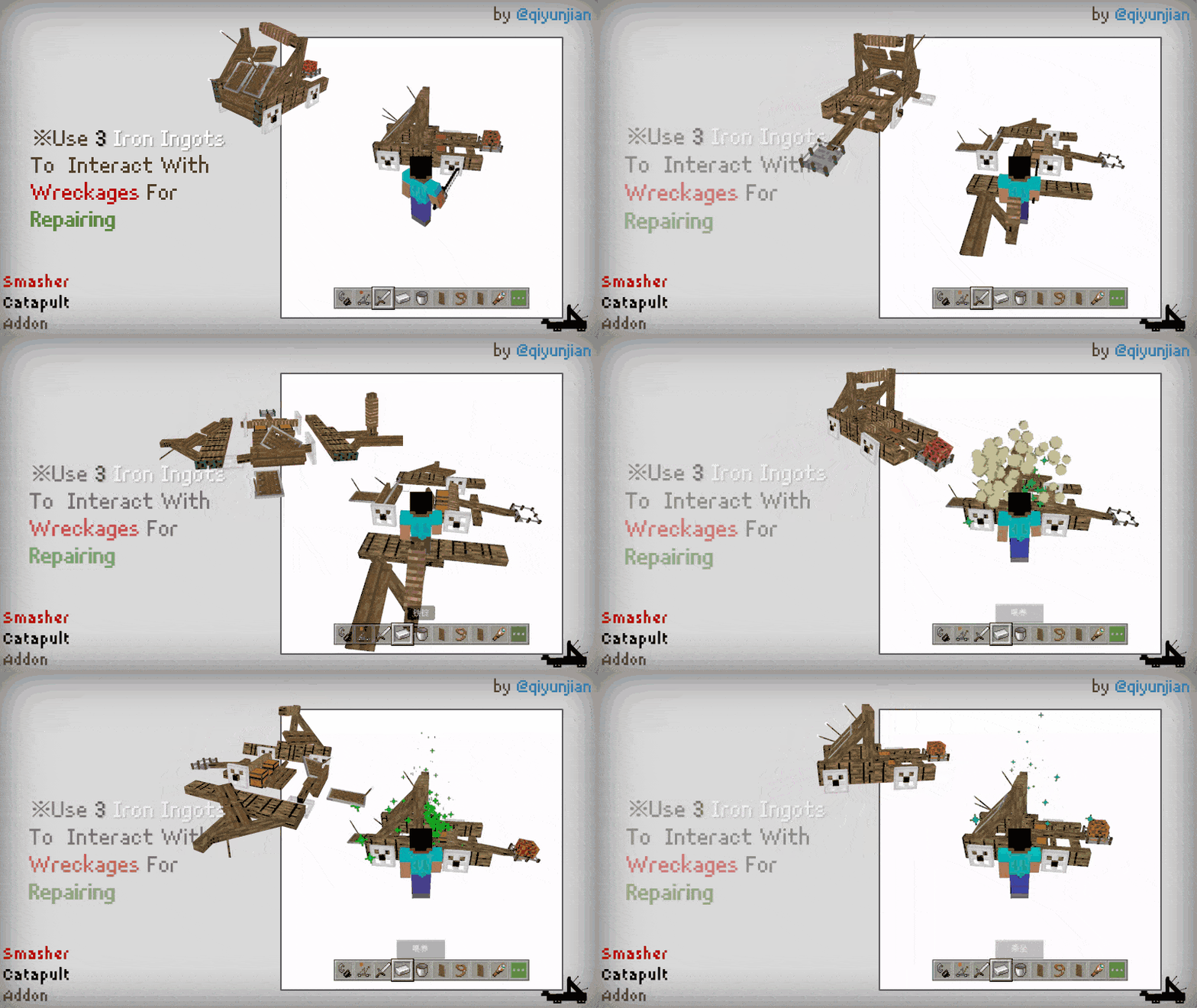
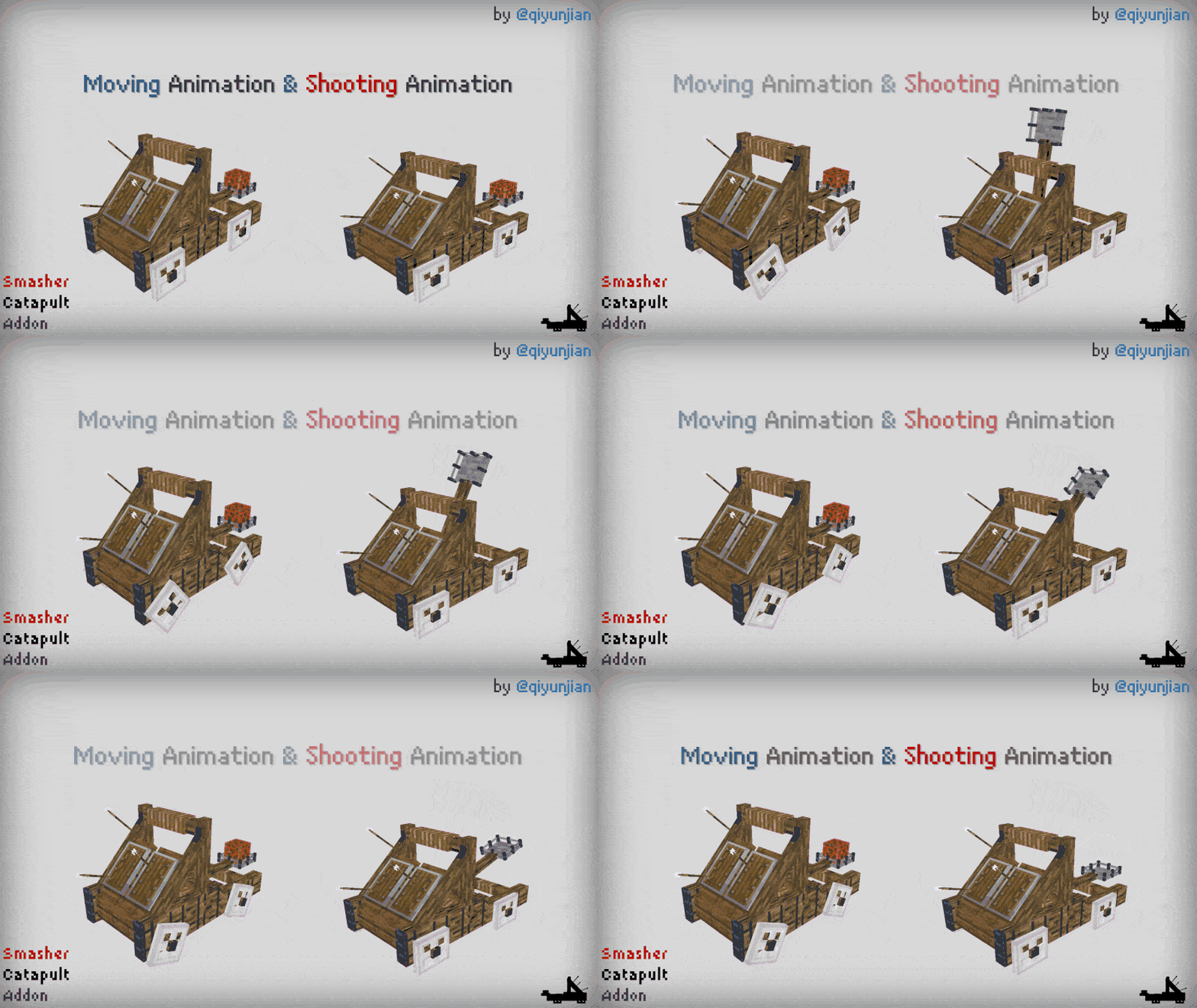
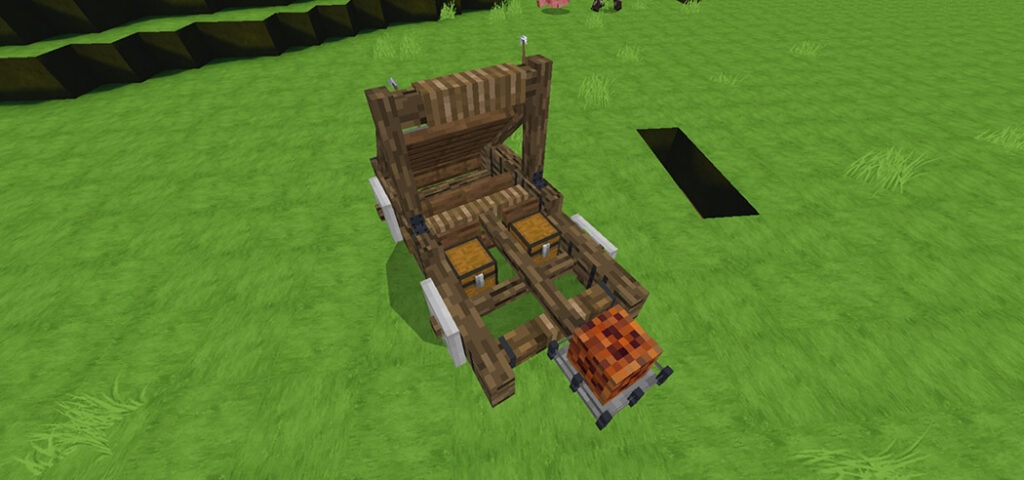
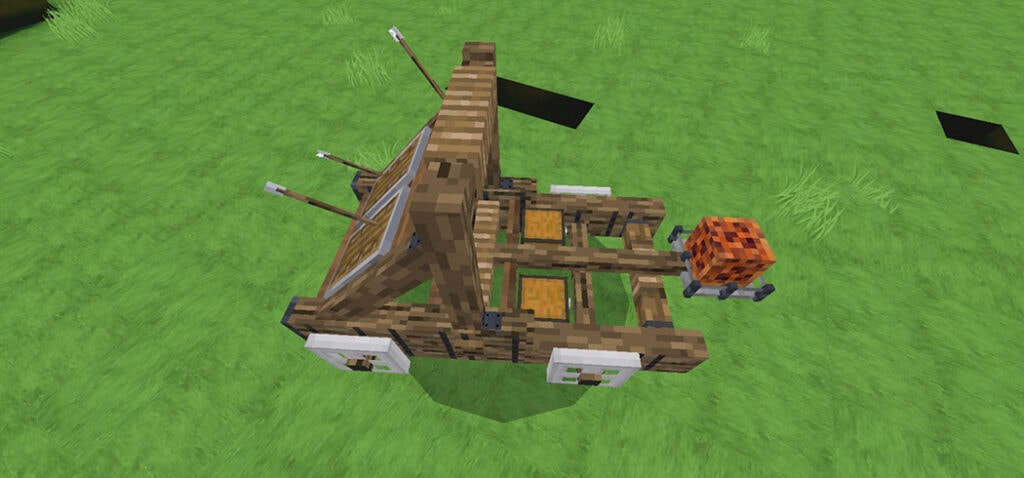
This is a Minecraft plugin for all medieval aficionados, where you may create and experience a strong catapult. If you enjoy medieval culture, don’t miss it!
Finally, thank you for taking the time to play my addon; if you have any questions or suggestions, please post them in the comments. If you wish to write a review or make a video on this content, at the very least give me credit in the video/description.
Changelog
I did not change anything please dont make me enter any changelogggggggggggggggggggggggggggg.
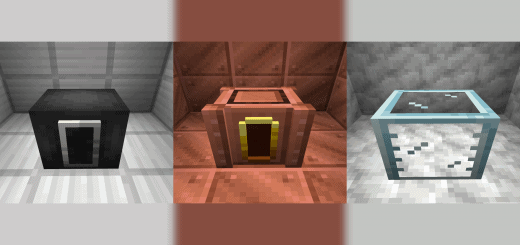
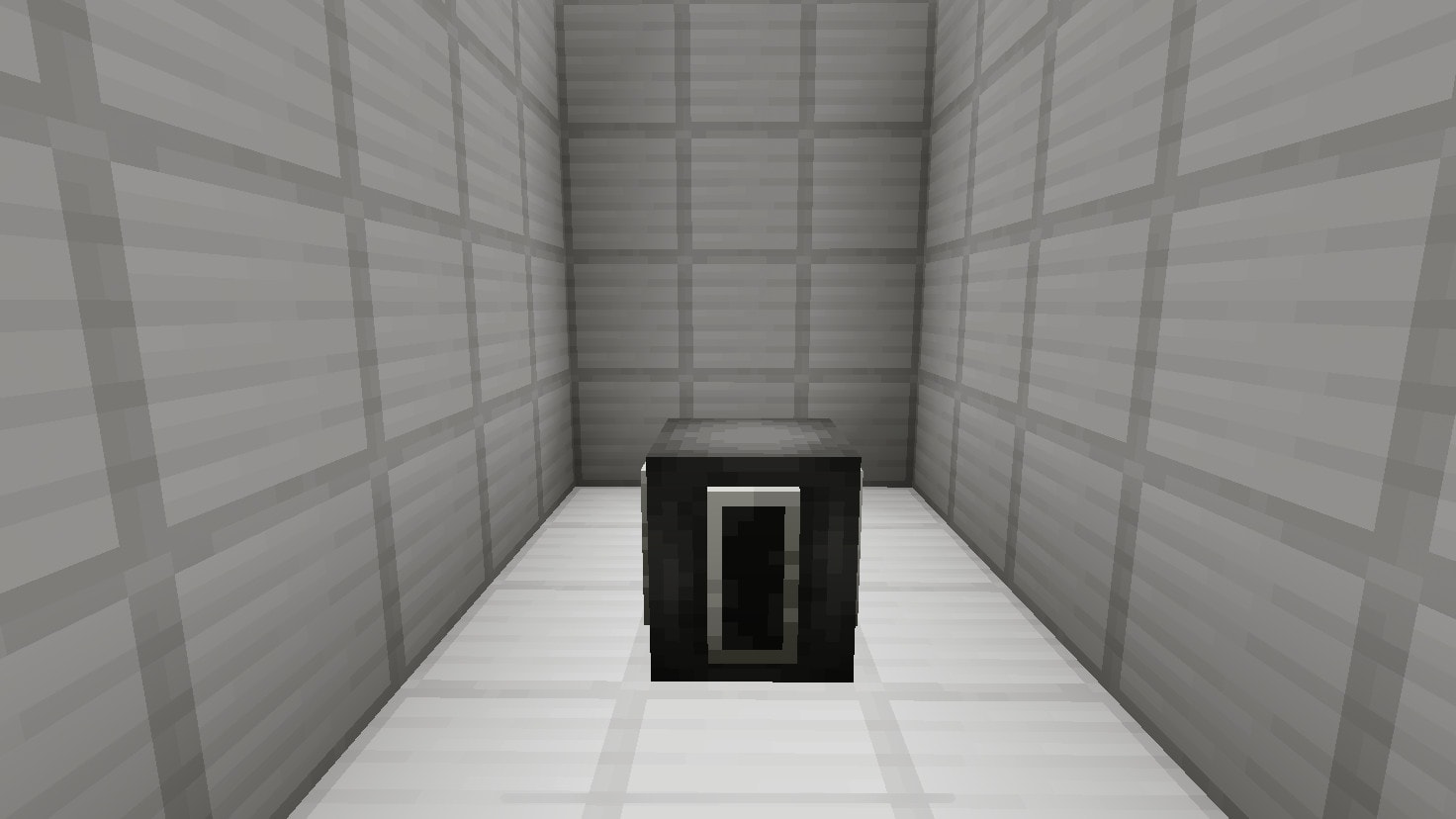
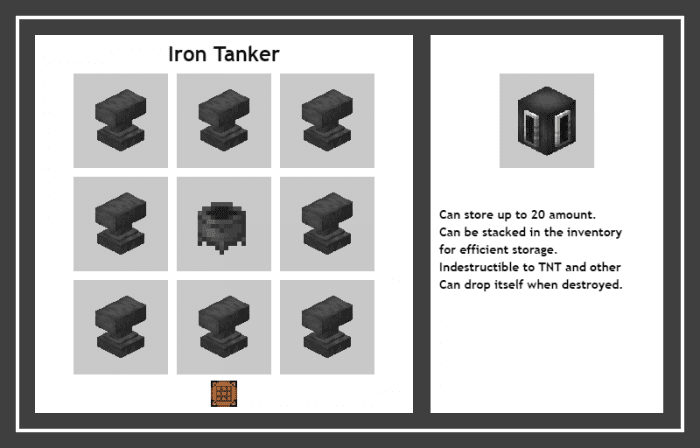
Tankers Add-on helps you store your liquids during travel using one entity. You can store up to 20 and you can stack them as well, this makes them useful and convenient at the same!
This is crafted by using anvils and a cauldron. Costs 255 iron ingots, because they’re indestructible (they can’t be blown up by TNT). They can store data when you remove them, even if you break them.
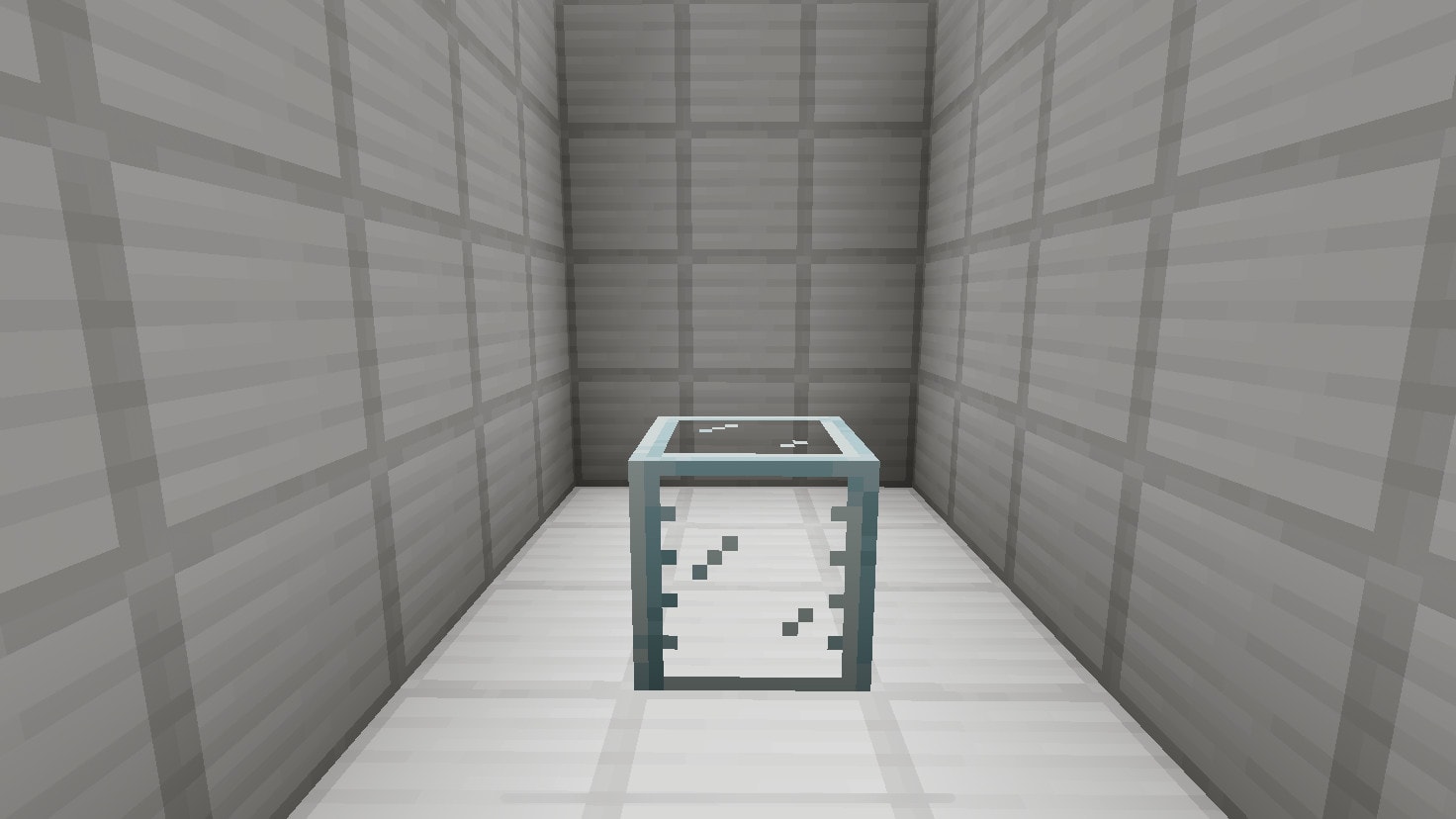
Glass Tanker
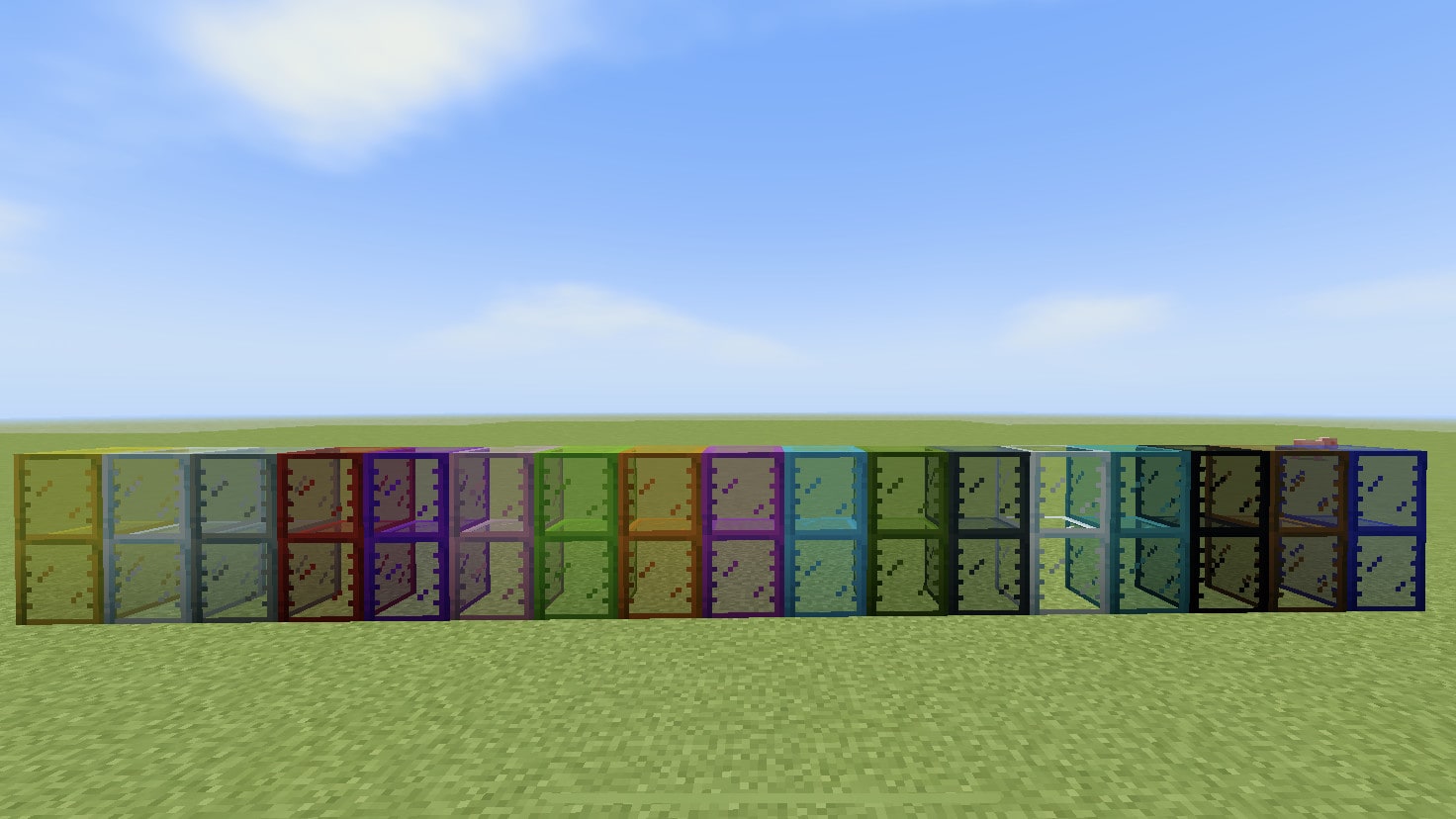
These are crafted using glass and a cauldron, this is only a cheaper alternative if you don’t want to gather as many iron ingots. There are also stained variants where you can use Stained Glass to craft them, they’re available in all 16 colors.
WARNING: Glass tankers don’t store data when broken, they are easily breakable too (since they’re made of glass)
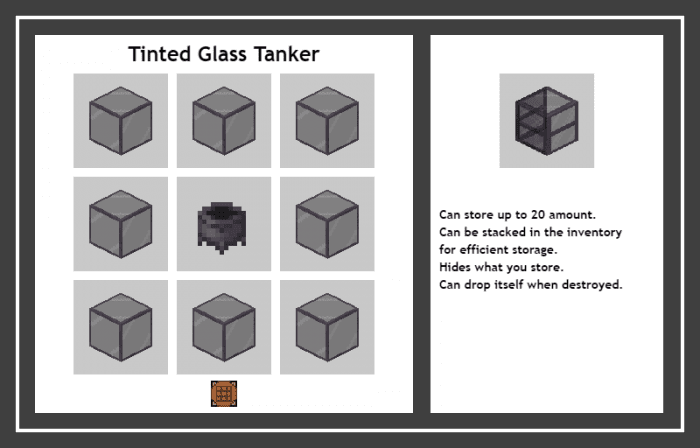
Tinted Glass Tanker
This tanker can hide what you store, even storing lava wouldn’t allow it to emit light. Breaking this tanker will still store the data as it is made of Tinted Glass
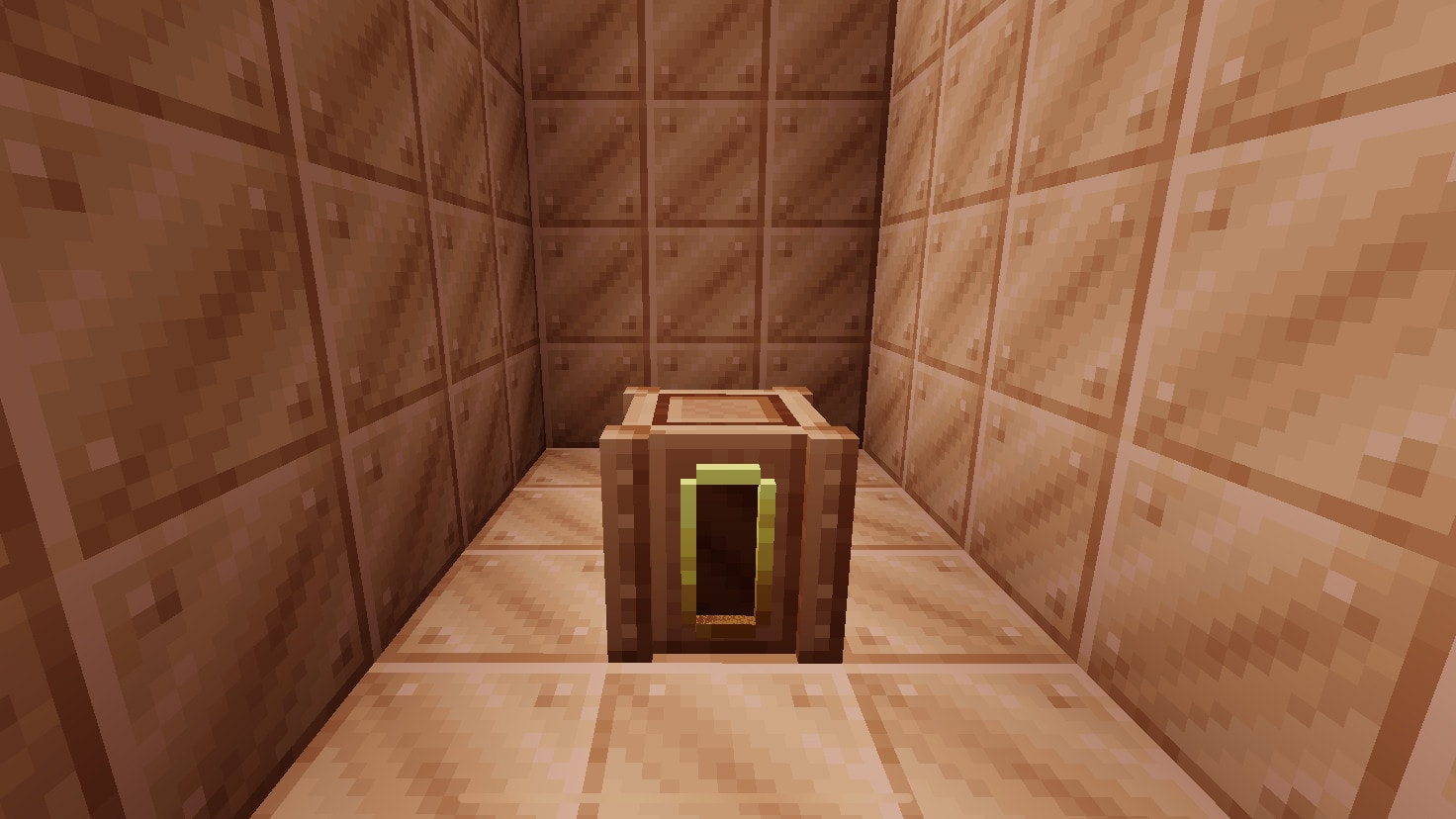
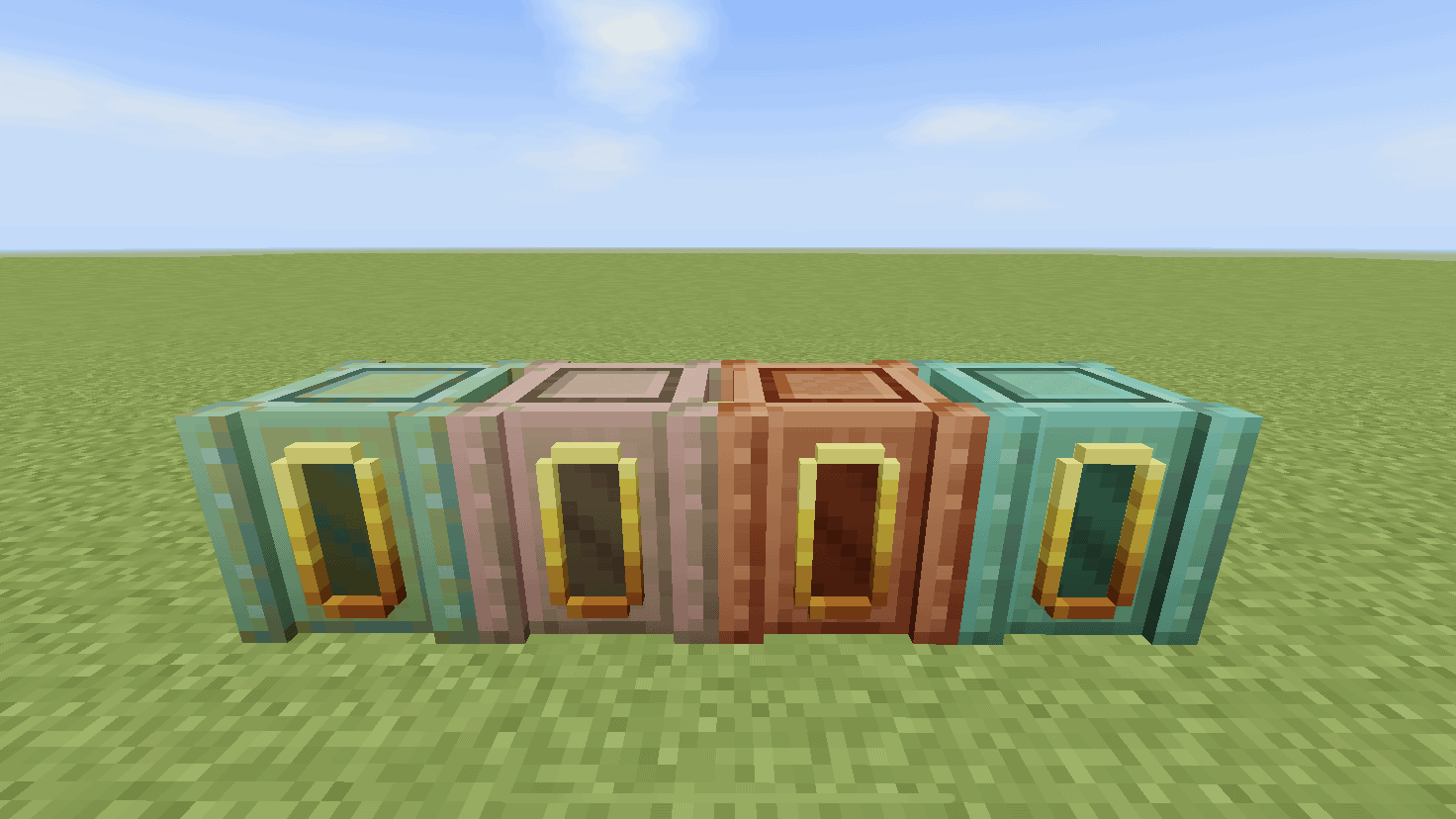
Copper Tanker
This tanker is cheaper than iron and still stores the data when destroyed. The Copper Tanker will oxidize over time and you can wax it like other copper blocks. The Copper Tanker can be crafted with Waxed Cut Copper blocks if you don’t want to wax them manually.
General Purpose
From the previous version, they’re entities. In the new update, they’re blocks
To stack the tankers (as seen from the previous image), sneak/crouch to do so
Don’t use a bucket if a tanker contains milk/water/lava if you want to remove it
Don’t use a bowl if a tanker contains beetroot soup/rabbit stew if you want to remove it
In one, inventory slot, you can have up to 1.280 buckets of water
To store a liquid, you can interact and store up to 20 of the following:
Water
Milk
Lava
Beetroot soup
Rabbit stew
Mushroom stew
Honey
Bottle o’ enchanting
Dragon’s breath
Powder snow
Changelog
Additions
Black Stained Glass Tanker
Blue Stained Glass Tanker
Brown Stained Glass Tanker
Cyan Stained Glass Tanker
Gray Stained Glass Tanker
Green Stained Glass Tanker
Light Blue Stained Glass Tanker
Lime Stained Glass Tanker
Magenta Stained Glass Tanker
Orange Stained Glass Tanker
Pink Stained Glass Tanker
Purple Stained Glass Tanker
Red Stained Glass Tanker
Silver Stained Glass Tanker
White Stained Glass Tanker
Yellow Stained Glass Tanker
Tinted Glass Tanker
Exposed Copper Tanker
Weathered Copper Tanker
Oxidized Copper Tanker
Waxed Copper Tanker
Waxed Exposed Copper Tanker
Waxed Weathered Copper Tanker
Waxed Oxidized Copper Tanker
Fixes
Fixed stacks of items disappearing when interacting with empty tankers (Honey Bottles and Dragon’s Breath)
Changes
Copper Tankers can now store lava
Copper Tankers can now oxidize over time, can be removed using axes
Copper Tankers can be waxed, can be removed using axes
Hello, there! I was bored in my car and decided to muck about with some of minecraft’s textures, which piqued my attention enough that I decided to devote myself to creating a “realistic texture pack” for minecraft.