Home Blog Page 28

Better Armor Stand | Minecraft Addons PE

0

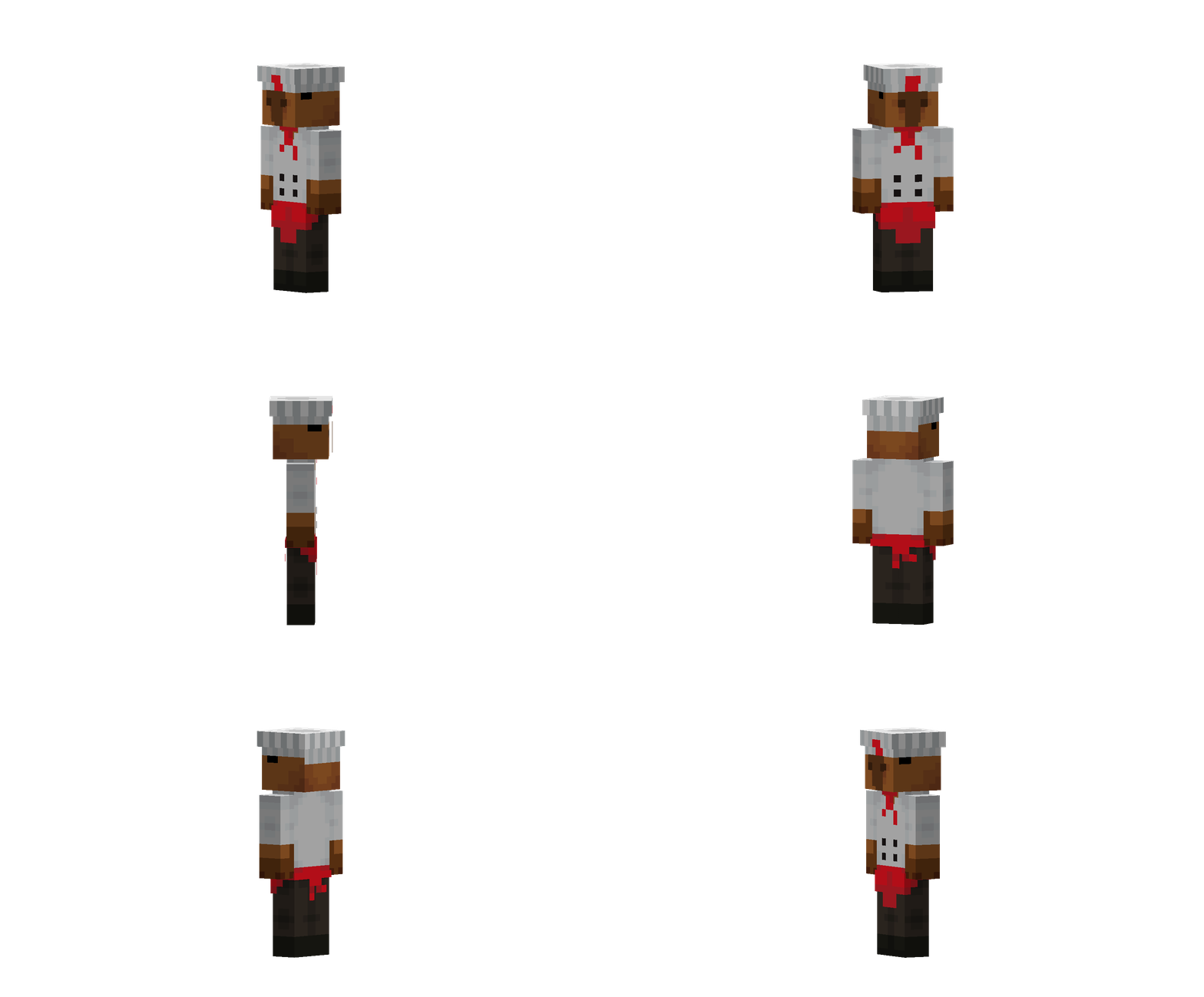
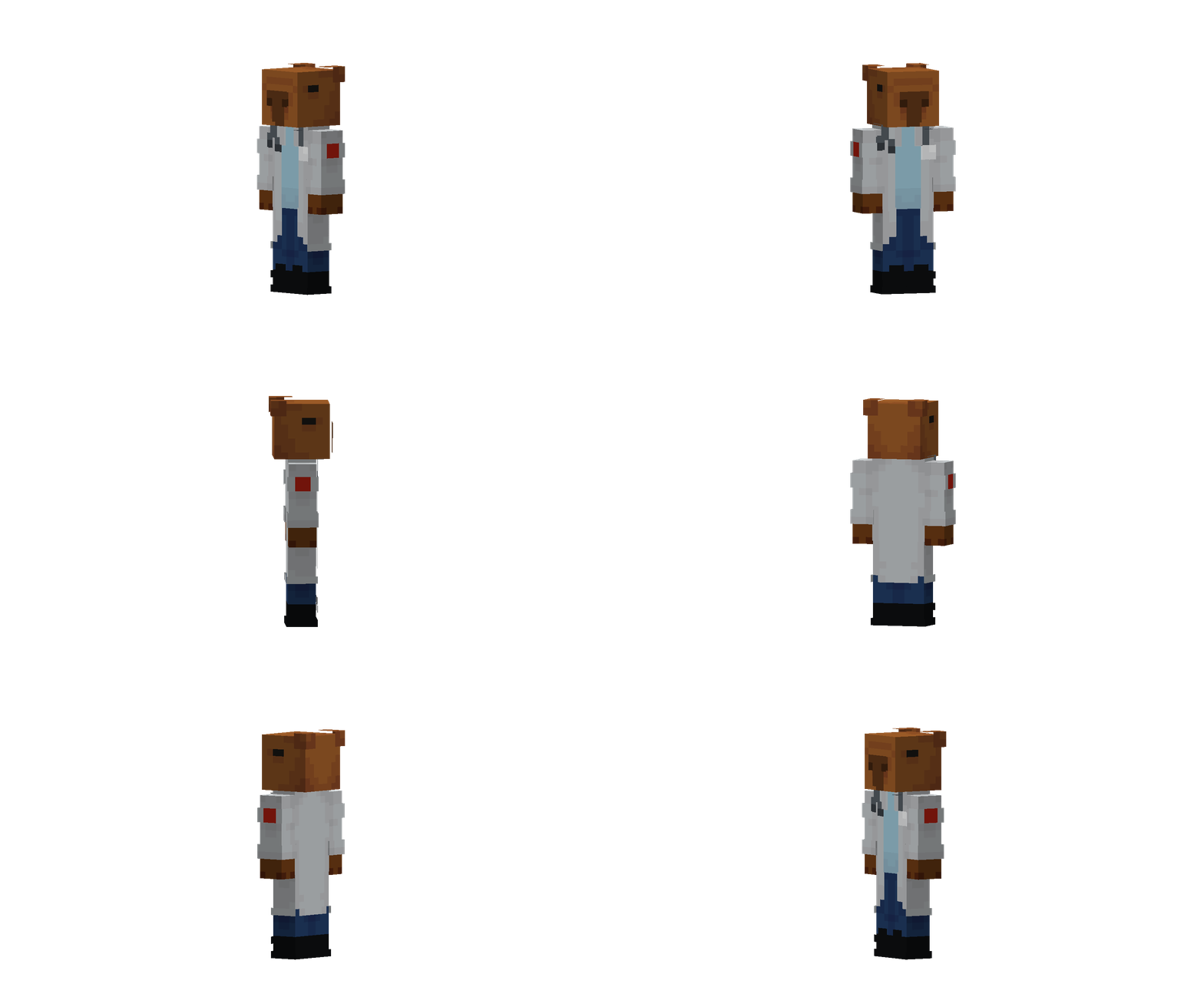
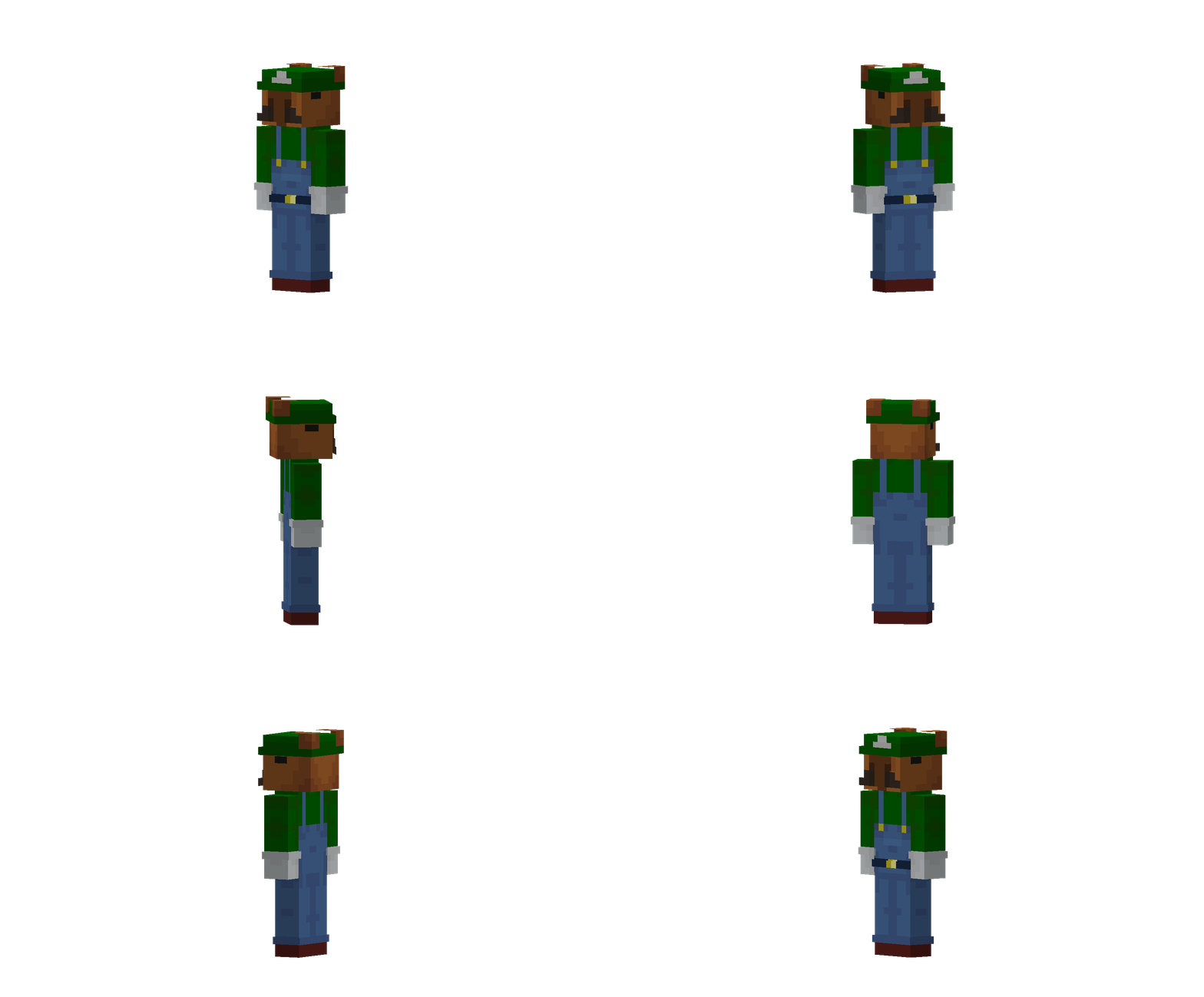
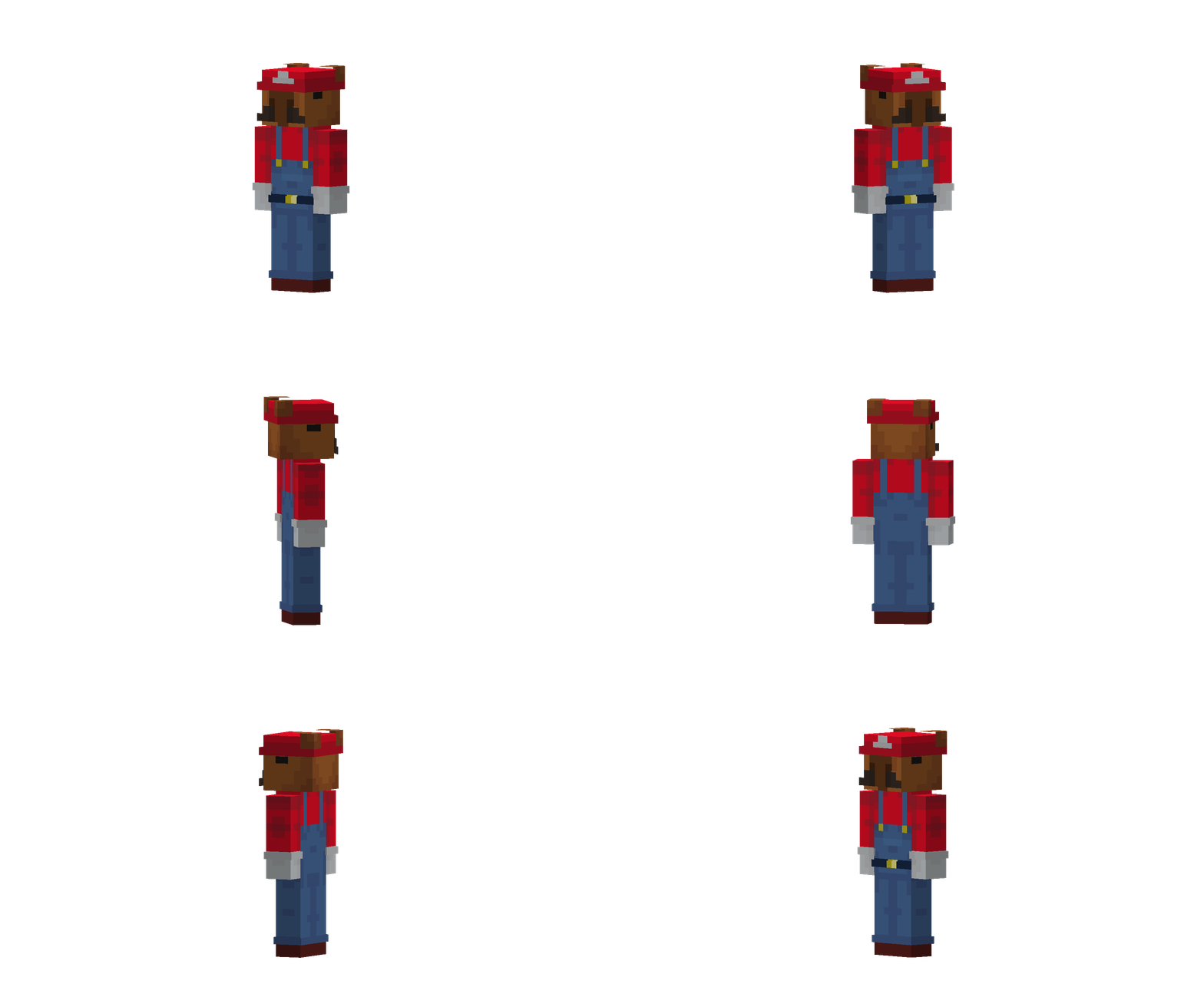
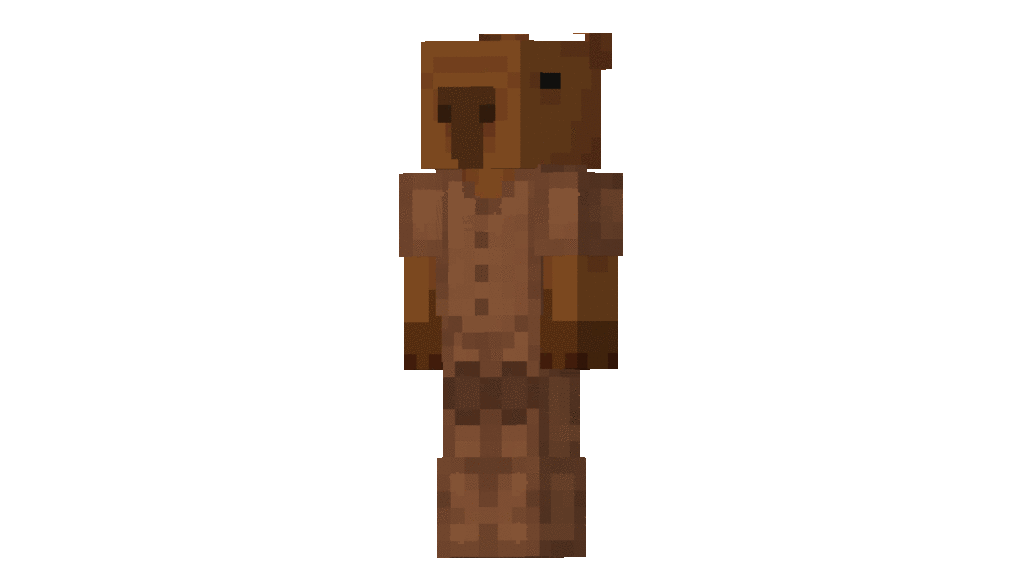
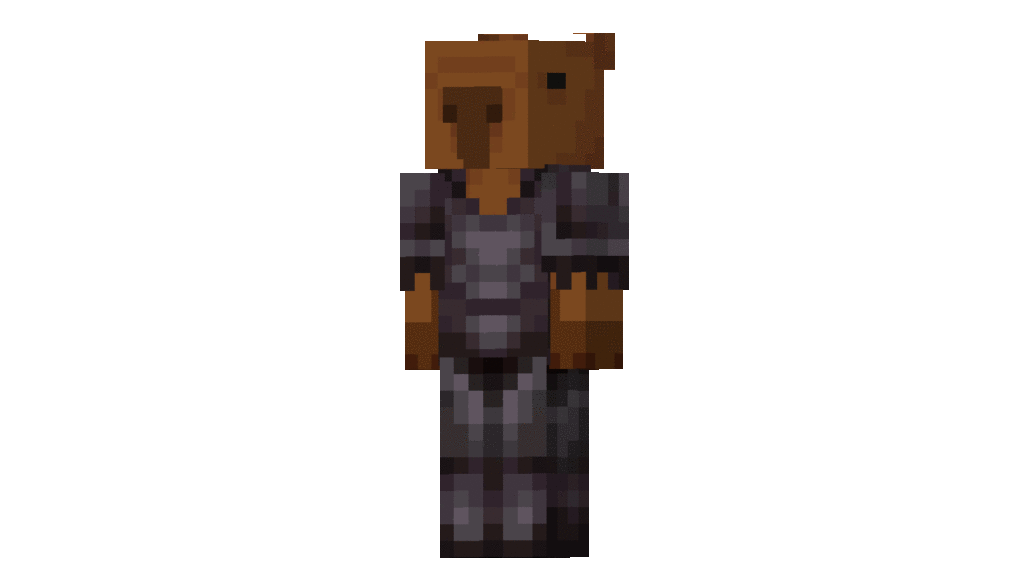
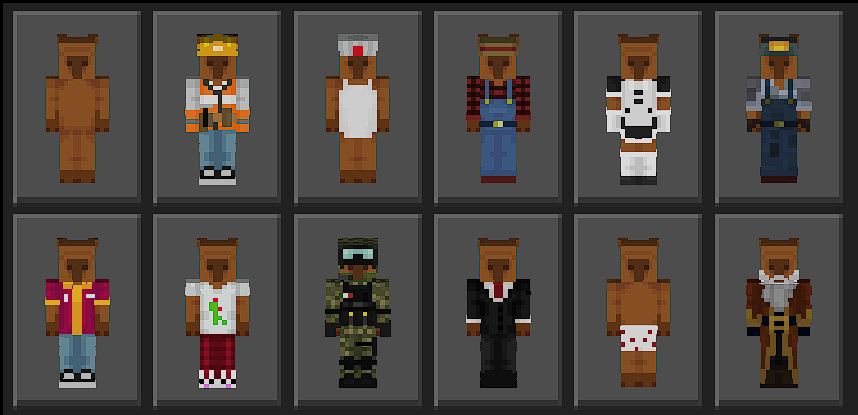
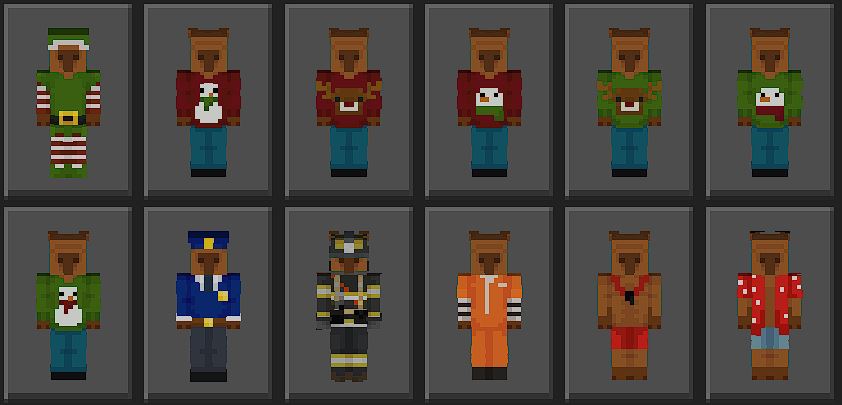
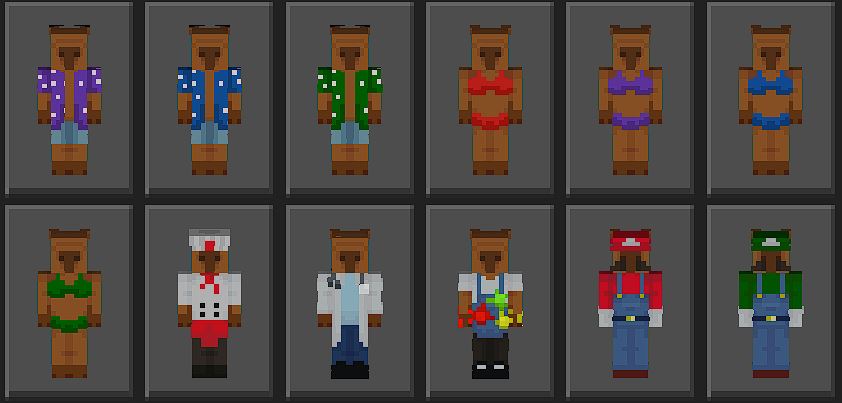
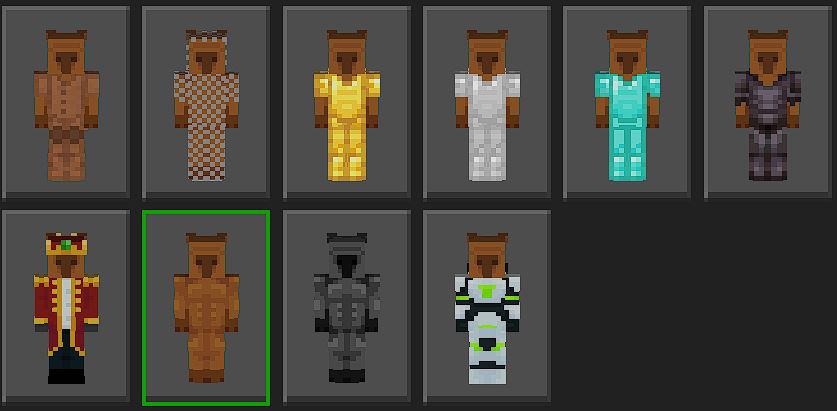
You can use this addon to your world, this addon is resources pack only.

Creator: Twobat

How to use it?
Rename the nametag 
-pan or Pan
-basket or Basket
-cup or Cup
-cutting_board or Cutting_board
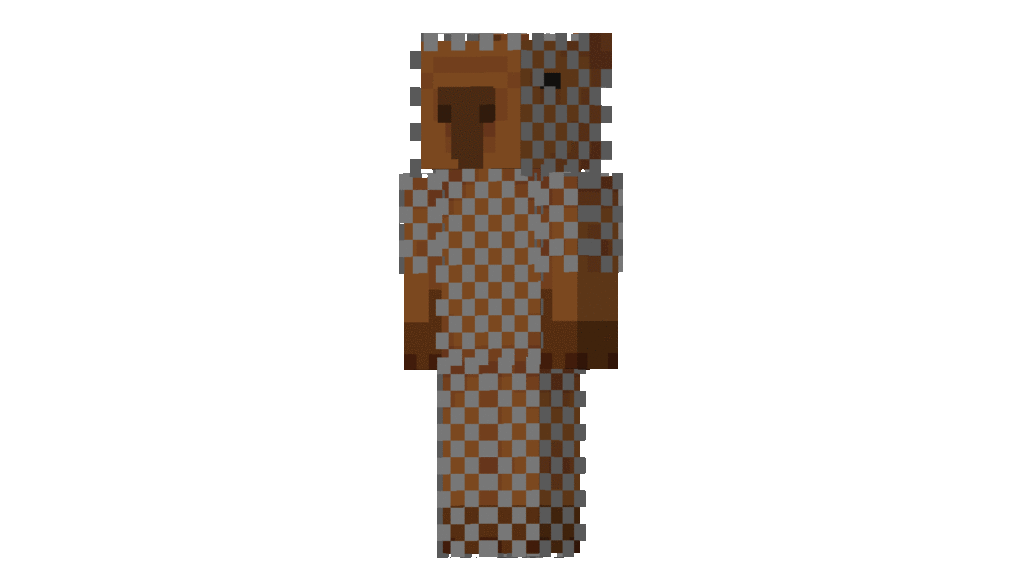
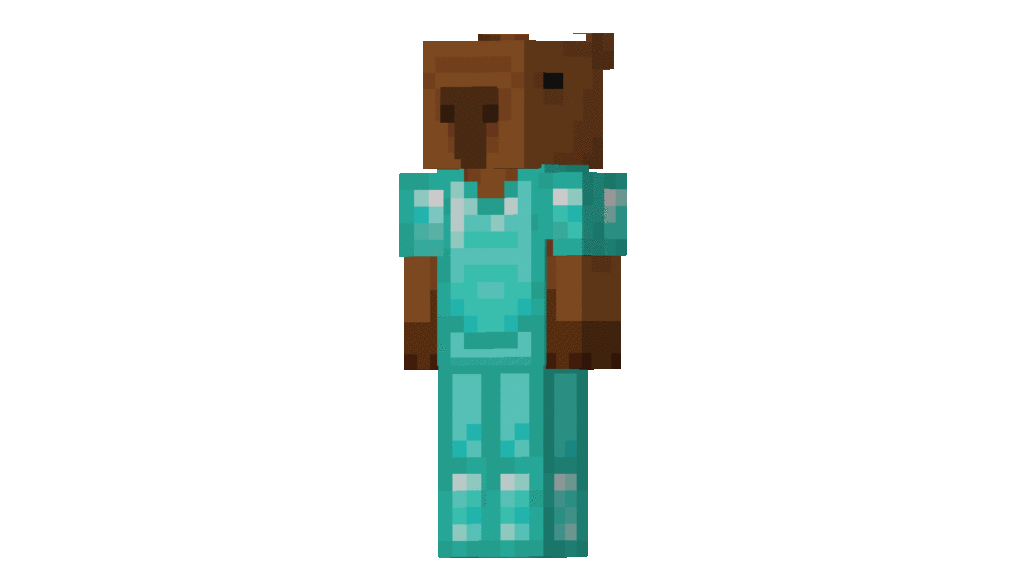
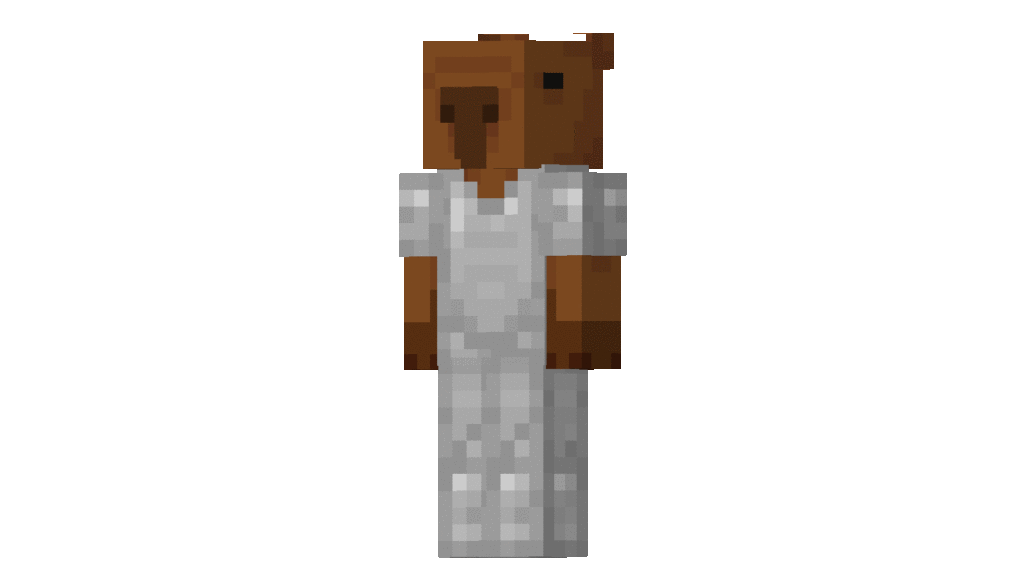
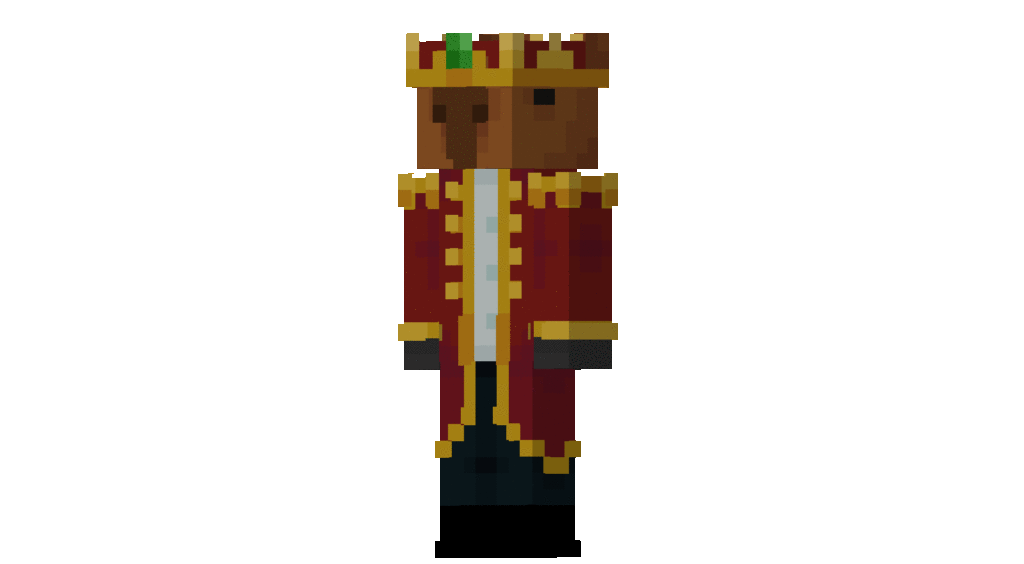
Better Armor Stand
Don’t steal my code or copy it thank you.

Download Better Armor Stand

MCPE Download

Download Better Armor Stand.mcpack here.

- Advertisement -

Minecraft Godzilla x Kong Addon | The best godzilla addon for mobile!

1
Godzilla x Kong Addon

GODZILLA JUNTO A LOS KAIJIS ATACAN LA CIUDAD
You can create the most epic and explosive battle between Godzilla and Kong!!!

Creator: Monster 122

Minecraft Best Godzilla x Kong

Installation

Available for Minecraft 1.21 Updates!

MCPE Download

Download Godzilla x Kong Addon

Discover many unique and newly updated addons at MAM Community!

- Advertisement -

Kamen rider cross Z Addon [Evol&Cross Update] || アドオン 仮面ライダークロスZ [エボル&クロスアップデート]

0

Minecraft add-ons 1.20 Kamen rider cross ZCross-Z Dragon (クロスドラゴン , Kurōzu Doragon) is a small dark blue flying dragon created by Sento Kiryu to assist Ryuga Banjou

Creator: Creator Addon Pemula

Kamen rider cross Z Addon

Kamen rider cross Z 

How to change?

Easy! You only need to use the driver 

Kamen rider cross Z Addon

Then hold an item called dragon in the left hand

And the dragon bottle in the right hand

After that press the dragon bottle item and it changes!

To get a weapon you only need to press the “give weapon” item

Skills

To change skills, you only need to squat and then jump

There are 4 skills

Skill 1 :Smash Hit

Skill 2 :Milion Hit

Skill 3 :Special Tune

And 1 finisher named “Dragonic finish”

The next rider is cross z muscle galaxy

Use the “Build driver” item then use the “mushle galaxy” item

Use item “Mushle Finish”

Mushle Finish

Galaxy Finish 2nd finisher

  • Use the “galaxy finish” item to access it 

Finisher 3 “Mushle Galaxy Finish”

  • How to access it also uses the “Mushle Galaxy Finish” item
  • The next Rider is Kamen rider “Evol Cobra”
  • The first step is to use the evol driver
  • Next, do it the way cross z changes
  • Use the item “cobra bottle” and “bottle system rider” And change!

This Rider has 1 Finisher

Some Minecraft Addon PE you can check in Mcpe addons:

Evol Kick Finish

And the next rider is Kamen rider build

Use the rabbit bottle in your right hand and the tank bottle in your left hand

And the last rider is the Hazard Rabbit tank

The first step to access this form is of course by installing the Hazard trigger first

Then use the rabbit tank item like when it turns into an ordinary rabbit tank

Changelog

What’s new?

-Mushle Galaxy

-Evol Cobra

-Build

-Build Hazard

And skills in each form except build

Download Kamen Rider Cross Z (Resource pack)

Download Kamen Rider Cross Z (Behavior pack)

- Advertisement -

Place 100 Foods Addon | Minecraft Addons BE

0
Place 100 Foods Addon

Food, food, and more food! The Place 100 Foods Addon pack comes with 100 unique, custom food items that you can decorate this world with! Whether it’s for your kitchen, a restaurant, or a full-on buffet, this pack gives you a huge variety of food choices!

Creator: EnchantedMob

Place 100 Foods Addon | Minecraft Addons BE

Well in this addon the foods is not for you to eat, what!? Yes the food is only decoration you can put it on blocks, and also you can remove the food

  • 100 Food Items
Place 100 Foods Addon
  • Food Remover

In order to remove the food you need this item

Place 100 Foods Addon

Installation

MCPE Download

Download Place 100 Foods Addon

More Food Addons with MCPE Addons:

- Advertisement -

Aether Dimension II Mod | For Minecraft Bedrock Edition

2

The Aether II mod is the sequel to the highly popular dimension mod “The Aether”, set in a hostile paradise miles up in the clouds, the Aether is an entirely different world from what regular players are used to, filled with fantastic creatures and mysterious structures, the Aether is a world brimming with life and history.

You’ll have to relearn key ideas as the Aether challenges you with twisted materials, terrifying monsters and deep lore if you want to survive and prosper in this strange new land.

Creator: sndbxgroup4765

Aether Dimension II Mod | For Minecraft Bedrock Edition

Build the portal and explore a whole new world inside AETHER DIMENSION II. Discover mobs, loot dungeons, and raid bosses. Journey through your sky paradise now in a world near you.

+ A whole new world

Explore new places, be somebody different, and discover new ways to play Minecraft. Here’s a look at what you’ll find in AETHER DIMENSION II

Aether Dimension II

+ 8 new biome-rich landscapes

Aether Dimension II
Aether Dimension II
Aether Dimension II

+ 20 new explorable dungeons

Aether Dimension II
Aether Dimension II

+ 5 New Aether Bosses

Aether Dimension II
Aether Dimension II
Aether Dimension II

+ 56 New Aether mobs

Aether Dimension II
Aether Dimension II
Aether Dimension II

Installation

  1. Find the Installation Location: Open the “Files” app or a file manager on your device.
  2. Navigate to the folder where your Minecraft PE files are stored.
    Typically this can be found under
    “Internal Storage” > “Android” > “data” > “com.mojang.minecraftpe” > “files” > “games” > “com.mojang” > “minecraftWorlds” for the modpack world.
  3. Move the MCWORLD: Copy or move the downloaded MCWORLD file to the folder (minecraftWorlds).
  4. Start Minecraft PE: Open the Minecraft Pocket Edition app on your device.
MCPE Download

Download Aether Dimension II Mod for Minecraft Bedrock

More adventure packs:

- Advertisement -

Reckon Sky Block v5 | Minecraft Map

0
Reckon Sky Block

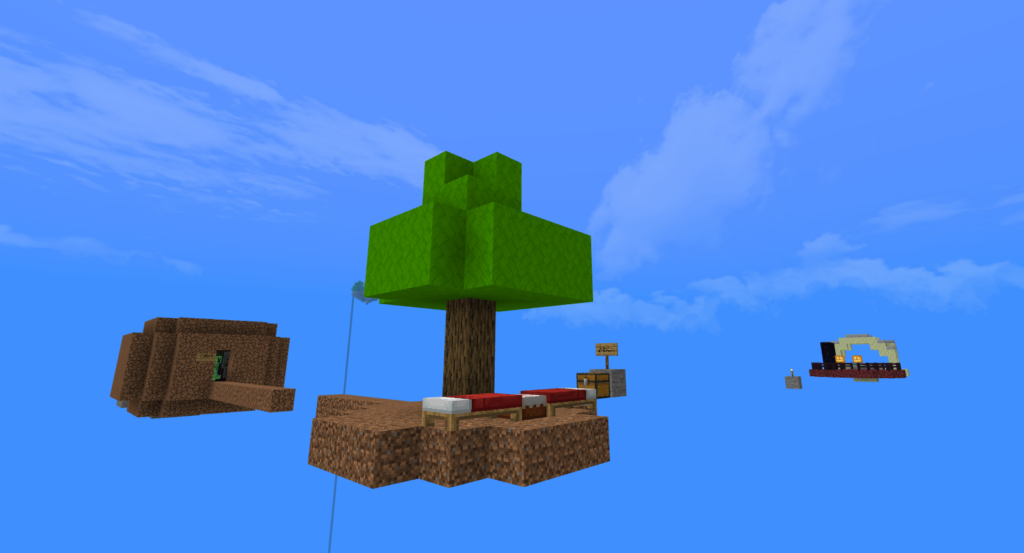
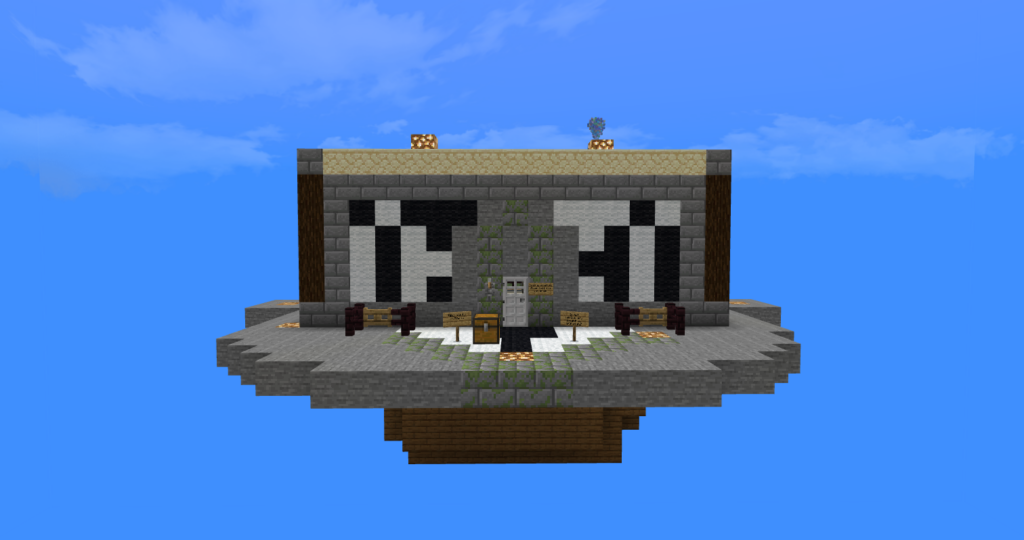
Ultimate sky block, let’s try Reckon Sky Block with a lot of structure like New Areas such as Ring Forest, Globes, etc… Supports Multiplayer.

Cre: ReckonsSoulGaming (Youtube)

Reckon Sky Block v5

This Minecraft map has so many things to explore. Main mission of this game is to survive with limited items and kill the ender dragon but you can do whatever you want to do, so get ready for an adventure game as there is so many unexpected outcomes in it might make you jump.

  • This map compatible for Multiplayer
  • Neither and End World also working.

You have 2 options to make that world more adventurous

  • Play it on Normal difficulty or above
  • Enable the Mob Griefing by using /gamerule mobgriefing true

Downloads

MCPE Download

Reckon Sky Block map

or here (backup link)

More cool Minecraft map:

- Advertisement -

One Blocco Map | One Block

1
One blocco

Harder version One Block map that everyone usually plays. This One Blocco map has more challenges that players have to mine blocks that are randomized and while at the same time keeping a lookout for a random mob that will randomly spawn once you mine a block.

Cre: Cyefi (Youtube)

One Blocco

How to play:

Spawn on one block, then you have to destroy or mine the block to get resources. Its unlimited and the item will not fall off!

You unlock more blocks once you get to certain levels in game.

You should carefully the mobs and TNT, they start spawning once you mine block when you get on to the next level at 10xp.

How to get money

You need emeralds, when you get to a certain level and you should unlock emerald gift boxes. Then use those emeralds to convert them into money. Simply stand on the particle at 0 1 0 and all those emeralds would automatically convert into Money. Check your balance on the right side of your screen.

You can access the shop through the menu item by right clicking on the item.

Downloads

MCPE Download

One Blocco Map .mcworld
or here (backup link)

More cool map in MC Addons:

- Advertisement -

Baby Ender Dragon | Minecraft Addon PE

0

Have you ever wished you could keep an Ender Dragon as a pet in Minecraft? That is feasible with Baby Ender Dragon! It is now possible to tame a newborn Ender Dragon to embark on adventures with you and protect you.

Creator: TEAM CUBITOS MC

Baby Ender Dragon

All is well with these cute dragons, until you attack them. They may be found in the Warped Forest biome in the Nether. You must feed them Nether warts in order to tame them, but you must act quickly because they often attempt to flee. After they have been domesticated, they will follow you and defend you by hurling damage balls at your assailants.

Features:
– Baby Ender Dragons will defend you once tamed.
– You can always give them a visible name.
– A tamed dragon will have a magenta outline.
– They have 50 health points.
– By feeding them with Nether warts, they are tamed and regenerate their life.
– They do not grow, they will always be babies.
– They are spawned in the Warped Forest biome of the Nether.
– You can also summon them with the command: /summon add:baby_ender_dragon.
– When killed, it can drop an ender eye.

Download this addon and add these fascinating dragons to your worlds! 

CREATOR : Andiuber
FACEBOOK : @AndiuberOficial
TWITTER : @AndiuberOficial
YOUTUBE : Andiuber
TIKTOK : @andiuber
PAYPAL :  paypal.me/Andiuber

TEAM CUBITOS MC

PREVIEW:

Baby Ender Dragon

Some Addon Minecraft PE you can check in Mcpe addons:

Changelog

Only the verification file that The creator requires from all users has been uploaded, with temporary and exclusive authorization for verification purposes, and without formal authorization for distribution.

Installation

Click to see installation information!

Attention!

If you share this work on YouTube or any other platform.
 Do not use direct download links
 Do not put your own shorteners
 Do not upload this content to websites or applications without our permission.

Just use this download link:
https://www.cubitosmc.com/2024/06/baby-ender-dragon.html

Thanks!

For more information read our:

LICENSE TO USE

©TEAM CUBITOS MC.

Download Ender Dragon Addon

- Advertisement -

How to make a map in Minecraft & track your location?

0
make a map in minecraft

The Minecraft world is so huge that losing track of where you are is easy. It can also be tough to find your way back to places you’ve been before. Making a map in Minecraft would help you in survival games.

Make a map in Minecraft and track places you’ve visited. Additionally, it allows you to anticipate the type of terrain you’ll face in advance, ensuring you have the necessary items prepared.

Making or Finding a map in Minecraft

In the game “Minecraft,” players have three options for acquiring a map: crafting one, trading for one, or locating one in a chest.

1. Crafting a map

In order to create a map in Minecraft, you will require a single compass and eight sheets of paper. Both the compass and paper can be crafted using the raw materials that you will need to mine and scavenge for in your world.

In “Minecraft Bedrock Edition,” players have the option to craft a basic map by combining nine pieces of paper. This map will display the surrounding land but will not show your exact location. Additionally, players can choose to begin a new game with a map already provided by enabling the “Starting Map” option in the World Preferences menu prior to world creation.

Firstly, paper: Crafting pieces of sugar cane together will give you paper.

When you arrange three sugar cane pieces in a line on the crafting table, you will receive three sheets of paper. Therefore, you will require a minimum of nine sugar cane pieces for your map.

make a map in minecraft

Secondly, a compass:

  • Both iron and redstone can be found in underground caves.

To create one of these, you will need four iron ingots and one piece of redstone dust. Iron ore and Redstone dust can be found easily while mining, particularly as you approach the lower levels of map in Minecraft. It is necessary to use an iron pickaxe or a better tool to mine redstone.

make a map in minecraft
  • Place ingots in each of the cardinal directions, and some redstone dust in the center.

After obtaining a piece of redstone dust and four blocks of iron ingot, proceed to smelt the ore in a furnace to obtain four iron ingots. Then, arrange four ingots around the center block at the crafting table where the redstone dust will be placed.

make a map in minecraft

Thirdly, create a map in minecraft:

After gathering your materials, you will be able to create a map. Position the compass in the central slot of the 3×3 crafting table space, and place a piece of paper in each of the remaining nine slots.

make a map in minecraft

2. Where can a map in Minecraft be found?

Maps can be found in chests. Besides luck, you can trust the following frequencies to find a map.
  • Sunken shipwrecks may contain treasure chests with an approximately eight percent chance of holding a map.
  • A stronghold’s library chest has an estimated 11 percent chance of containing a map.
  • The cartographer’s chest in a village has an almost 50 percent likelihood of holding a map.
make a map in minecraft

Using a map in Minecraft

We have generated a map, however, it’s empty. To populate the map, you must physically hold it, interact with the screen, or right-click to display the surrounding scenery on the map.

make a map in minecraft

Your location will correspond to the white arrow on the map. If you move, it also moves on the map.

make a map in minecraft

Naturally, the size of your “Minecraft” world extends beyond the boundaries of the map. If you venture beyond its limits, you have the option to create a new map to continue tracking your location, or expand the view of your existing map.

You have the ability to enlarge your map by adding eight additional pieces of paper at a crafting table, or just one more piece of paper at a cartography table. This process can be repeated up to four times, with each zoom level doubling the map’s coverage area.

Tracking your location in Minecraft maps
In order to place a marker, you must first create a banner. Banners can be crafted by arranging six pieces of wool of the same color in the top two rows and placing one stick in the bottom-middle slot of your crafting table. Additionally, you should name the banner using an anvil, which will require one experience point.

make a map in minecraft

After obtaining your banner, proceed to the desired location and set the banner on the ground. Next, while holding the map, interact with the banner.

If executed correctly, a marker will appear on your map, matching the color and position of the banner you placed.

make a map in minecraft

Apart from the markers you manually insert, there are not many other icons visible on the map. Your location is represented by a distinctive white dot. Similarly, other players will also be displayed with this identical white dot.

Making map in Minecraft will help you know the overall locations on the map. You can also easily find the locations you want to mark. Isn’t it amazing? Hope you will make your own map.

Suggestion Master maps for Minecraft PE:
- Advertisement -

Ty-el’s Vietnamese Language Pack | 1.21 Supports!

0
The Ty-el's Vietnamese Language Pack 1.21

Vietnamese language support for Minecraft Bedrock is added by the small yet useful Ty-el’s Vietnamese Language Pack. In order to make the vanilla “Mojangles” (also known as MinecraftSeven) compatible with Vietnamese characters, this pack also provides the necessary supports. The majority of translations match the level of Minecraft: Java Edition.

Creator: TLGM2308

Ty-el’s Vietnamese Pack

This pack follows Minecraft translating rules, which means, special names like Creeper, Redstone, Realm(s), Ghast, Piglin… will not be translated, and Minecraft Java Translation Project on Crowdin, but there might be some exceptions.

Features

  • 17,000+ “translatable translations” are translated and matches Java Edition of Minecraft’s Vietnamese language with more than 95% accuracy!
  • Fully translated How to Play sections:
  • Ty-el’s Vietnamese pack supports Chemistry Mode
    (can be enabled by turning on Education Edition in World Settings)
  • NEW! Early supports of Editor Mode (Preview)

To be able to apply Ty-el’s Vietnamese pack in Editor Mode, first in Minecraft Preview, activate the pack and set language to Vietnamese first, then open Minecraft Editor, go to world settings, activate the pack through World Resource Packs and enter the world. The game language will automatically change to Vietnamese as soon as the game load the world.

  • Text-to-Speech supports!

Things that can’t be translated:

– Achievements

– Marketplace Contents

– Realms/Realms Plus/Marketplace Pass terms, EULA, purchase info

– Credits, Ending Messages

– Add-Ons & custom translations in other packs (some might be supported out-of-the-box)

Fonts

This pack comes with 4 variations of font types (4 subpacks) you can edit it in pack settings. If you don’t like custom fonts from this pack, you can always change subpack settings to “none”.

  • MinecraftSeven (left page) and Unifont (right page):
MinecraftSeven was made by @fromgate and remastered by tlgm2308, to keep your Minecraft experiences nostalgic with some small changes to how texts were rendered.
  • MinecraftSeven (Smooth Variant)

This font is the smoothed version of MinecraftSeven, very ideal if you are using high-resolution texture packs or want a “cleaner” PvP experiences.

  • None (for custom font pack purposes)

How to change fonts (Restart game is required!)

Step 1: Press Pack Settings ⚙ button next to the Deactivate button

Ty-el's Vietnamese
Where’s the Pack Settings button?

Step 2: Change Ty-el’s Vietnamese pack settings by swiping the slider

Choose “MinecraftSeven” to apply MinecraftSeven font (default subpack)
Choose “MinecraftSeven (Smooth Variant)” to apply MinecraftSeven font (Smooth Variant)
Choose “Unifont + Noto Sans” to apply Unifont + Noto Sans
Choose “None” to ignore fonts from this pack, and you can place your own custom font packs at the top of Ty-el Vietnamese

Step 3: Exit Settings and Restart game!

Installation

If you update this pack, make sure you remove this old pack before updating to the latest version.

Supported Minecraft versions
1.21
1.20.80

MCPE Download

Download the Ty-el’s Vietnamese Language pack

(v1.6.2.mcpack)

Credits: @tlgm2308, @fromgate (creator of the original Minecraft Unicode font pack, remastered by tlgm2308), @CrisXolt (VDX UI translation supports), @ZouChenyunfei (Custom Pack Info in Pack Settings Screen)

Original translations and texts are from Microsoft and Mojang, AB. All rights reserved!

You can browse for more interesting packs with MCPE Addons!

- Advertisement -