Home Blog Page 33

Human Player Mobs | Minecraft Addon PE

0
Human Player Mobs

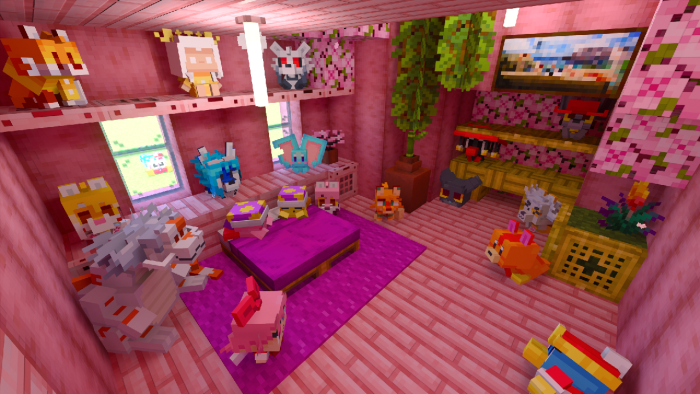
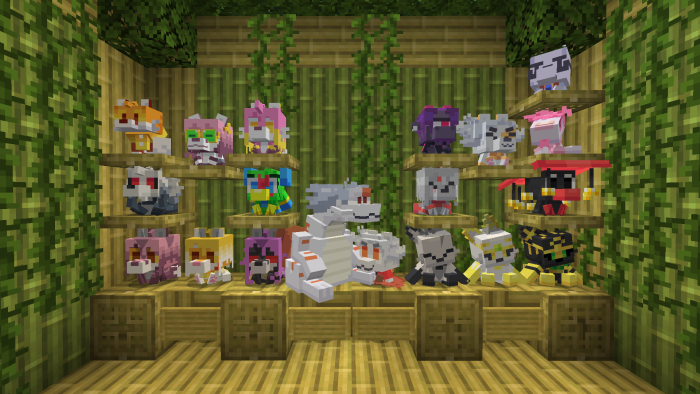
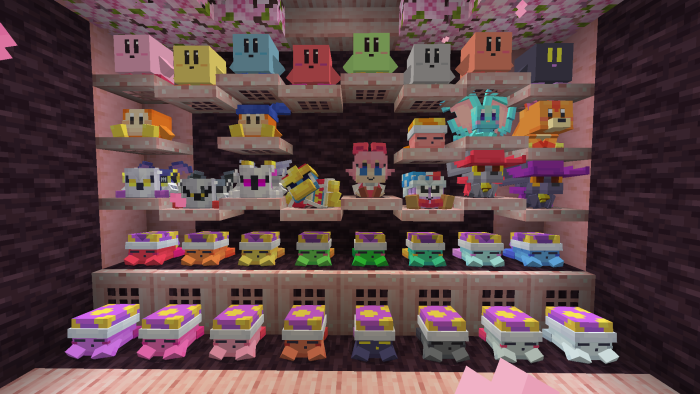
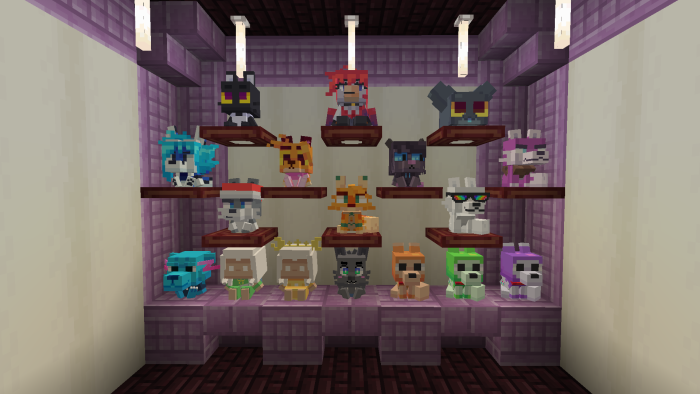
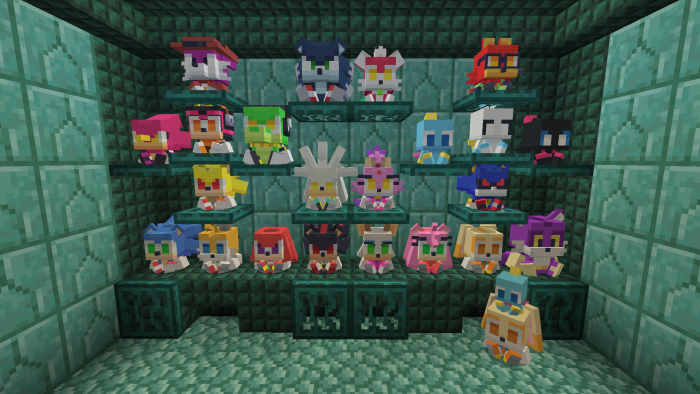
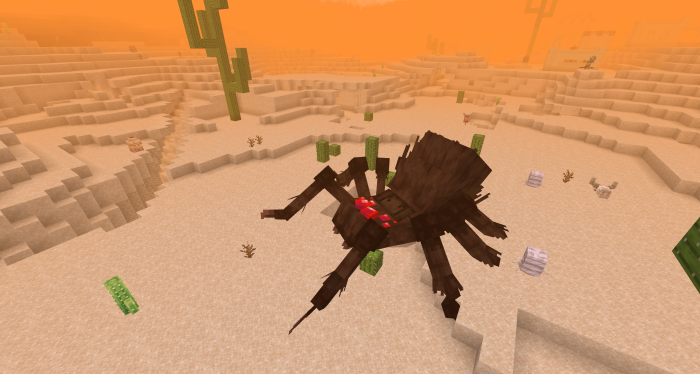
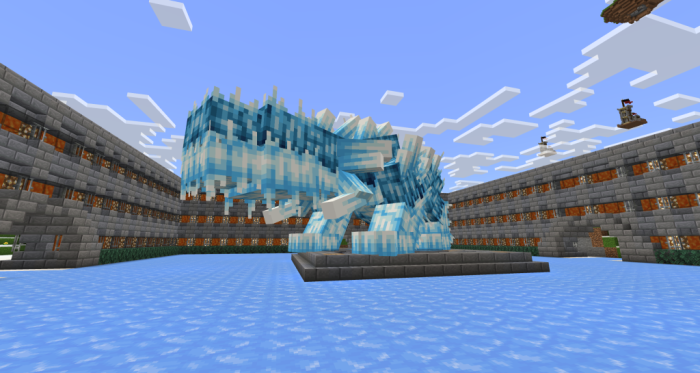
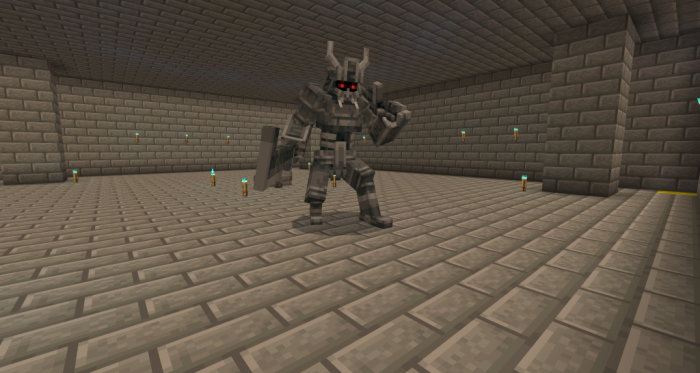
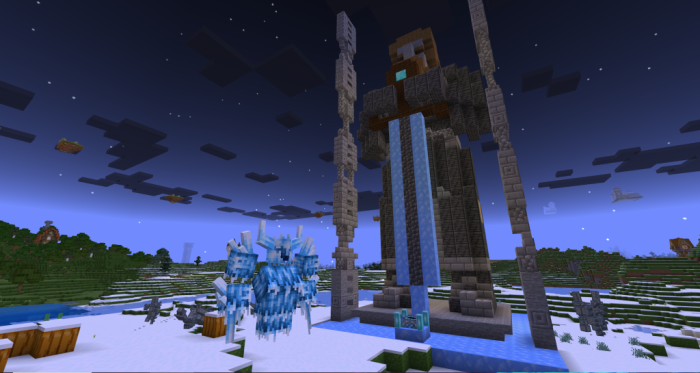
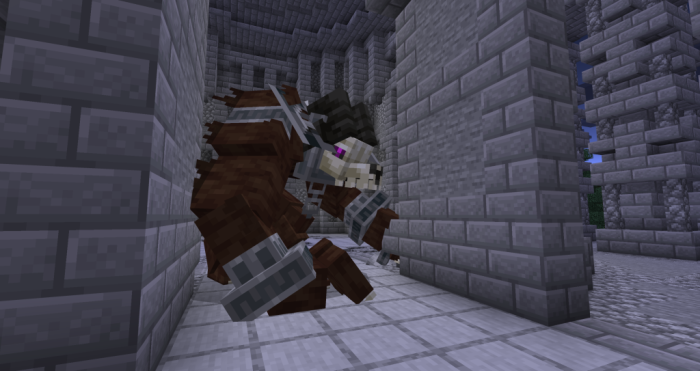
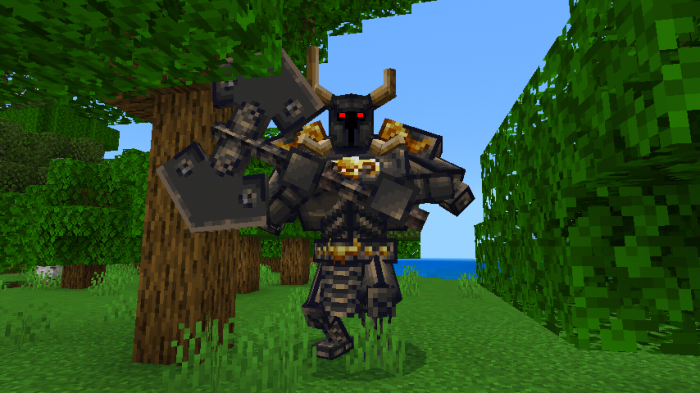
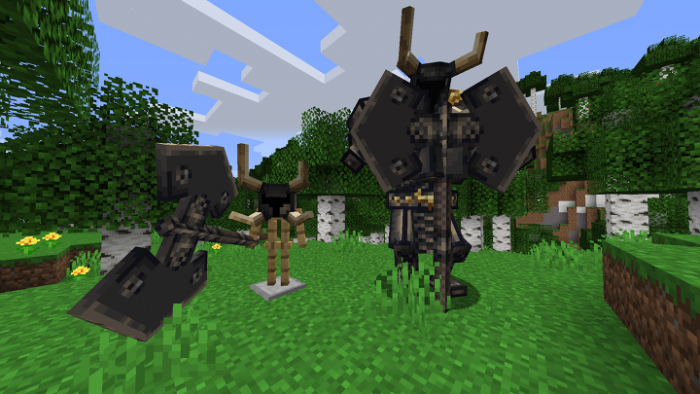
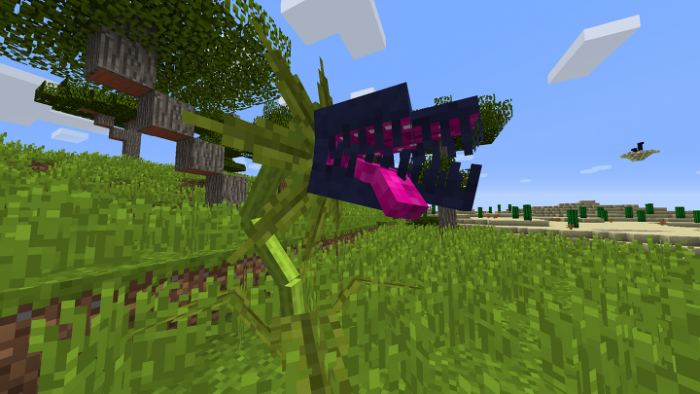
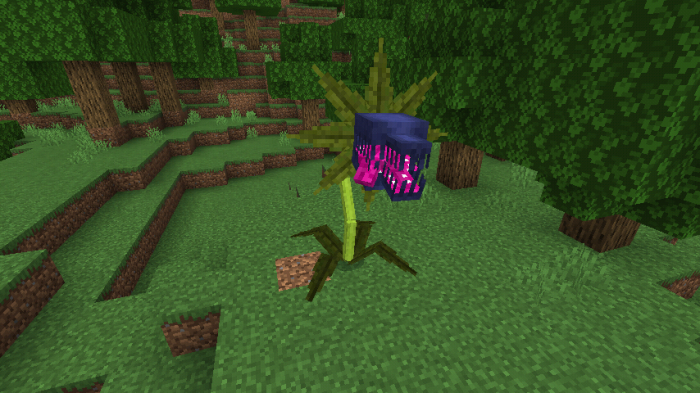
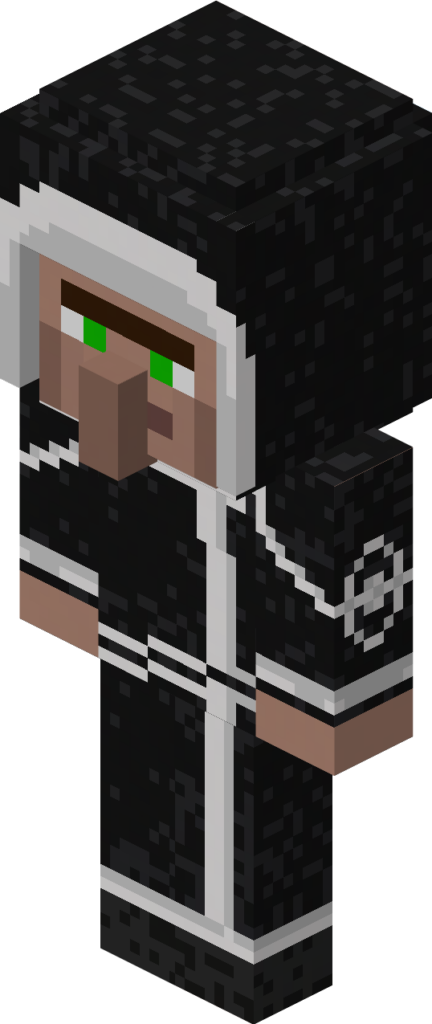
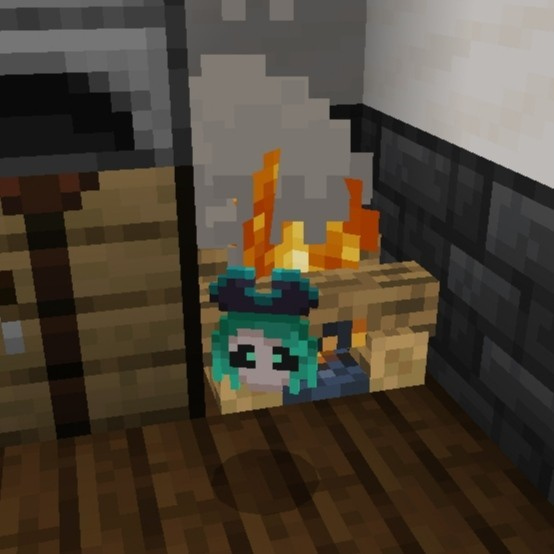
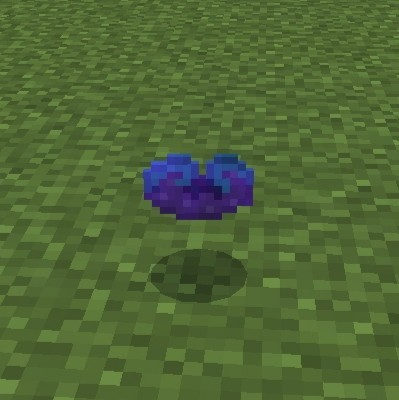
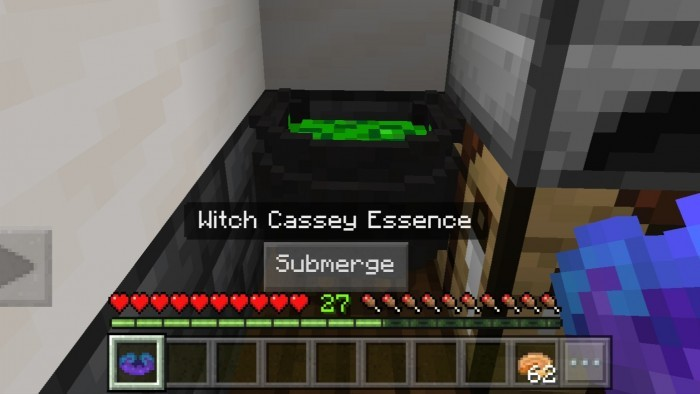
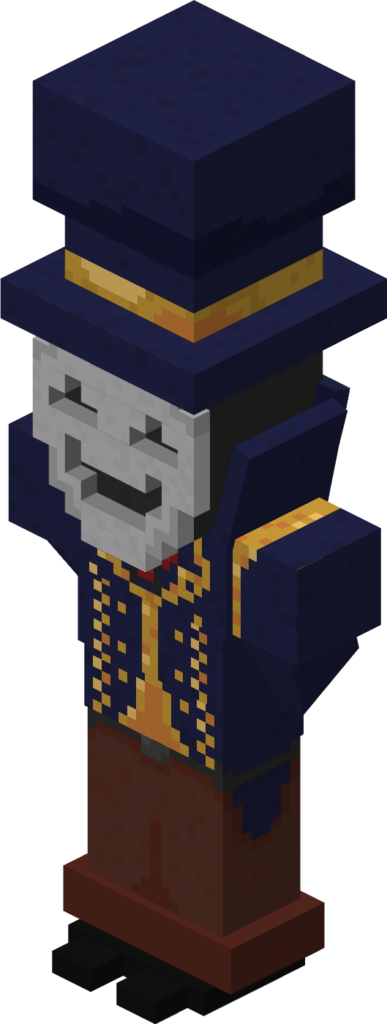
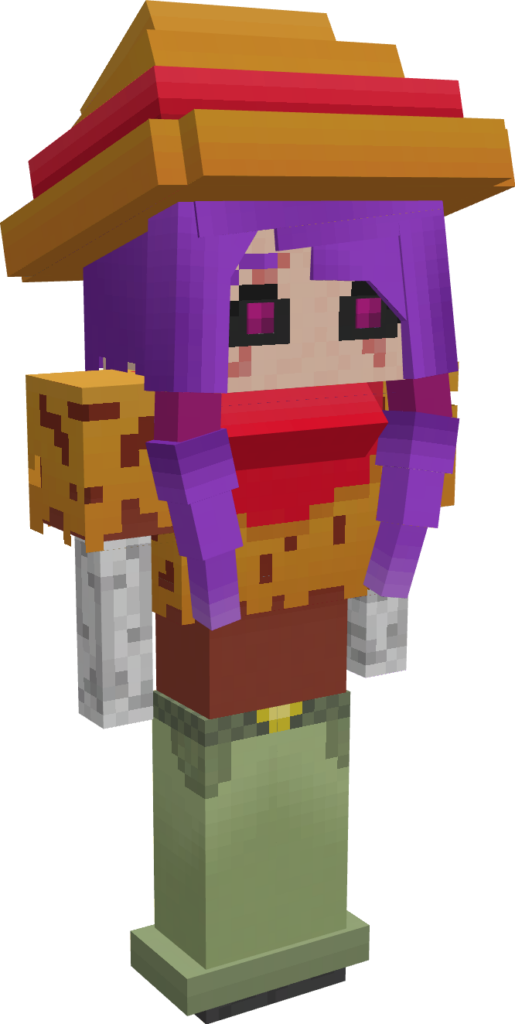
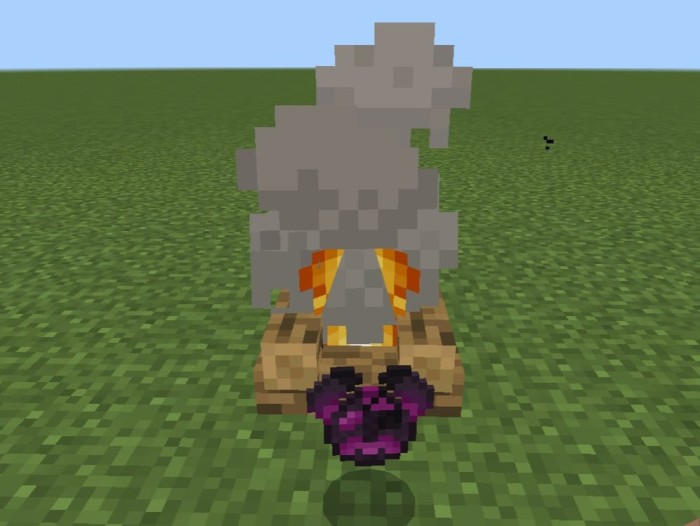
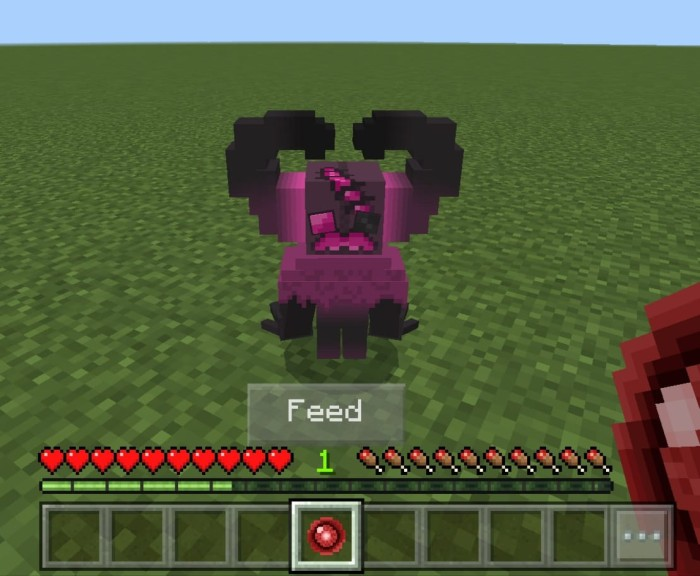
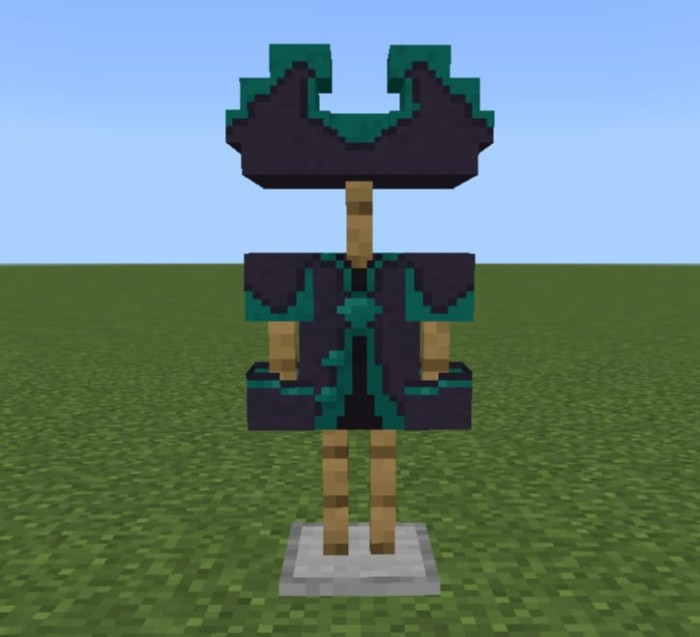
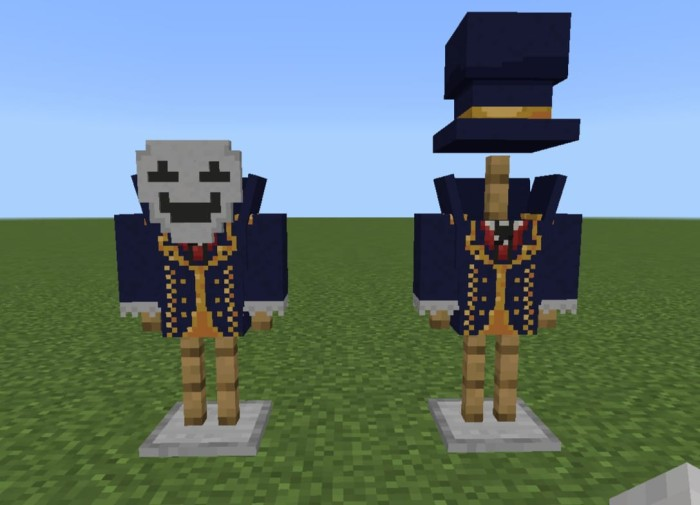
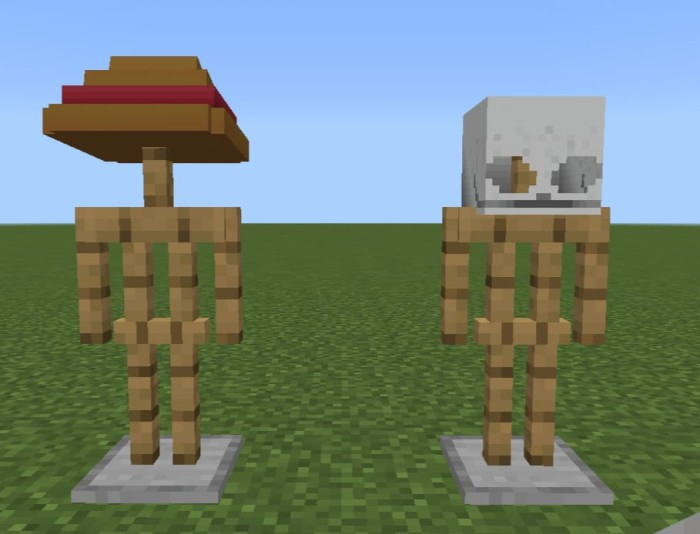
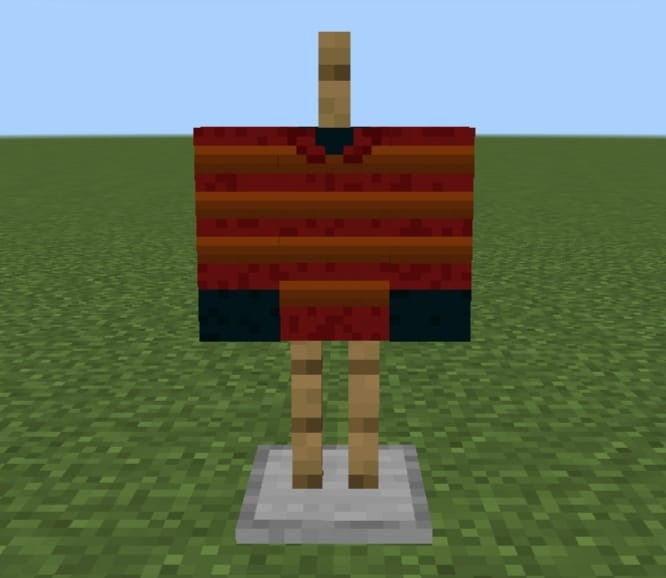
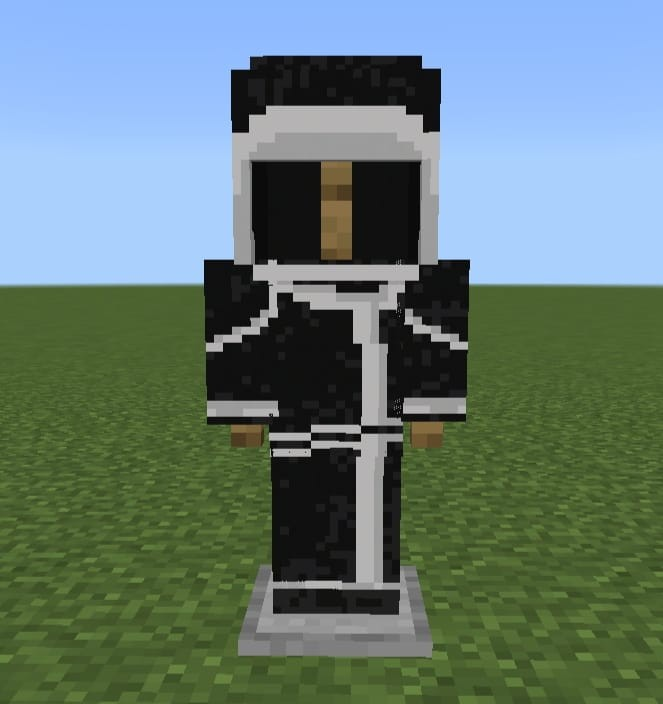
In order to meet the minimum criteria, Human Player Mobs converts the mobs into player models that mimic the model of a player model. Additional player models and additional words are also added.There are numerous variations; pictures will clarify.The fact that there won’t be as many mobs as in the Java edition is a drawback because some are still being developed (I have no idea what I’m doing).Regarding the villagers, you will need to access my profile to obtain the human player villager pack.

Human Player Mobs

Creator: KatyushaNugget

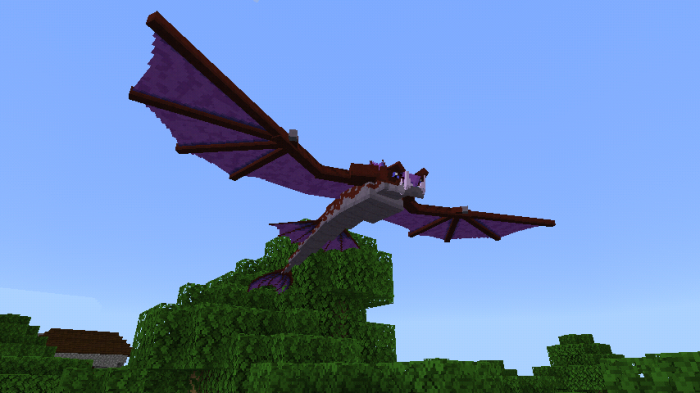
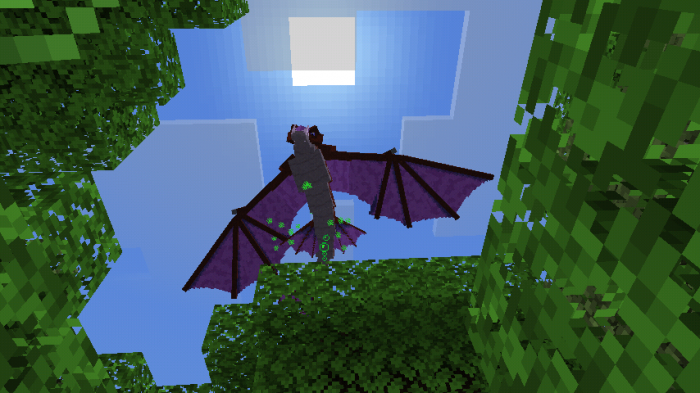
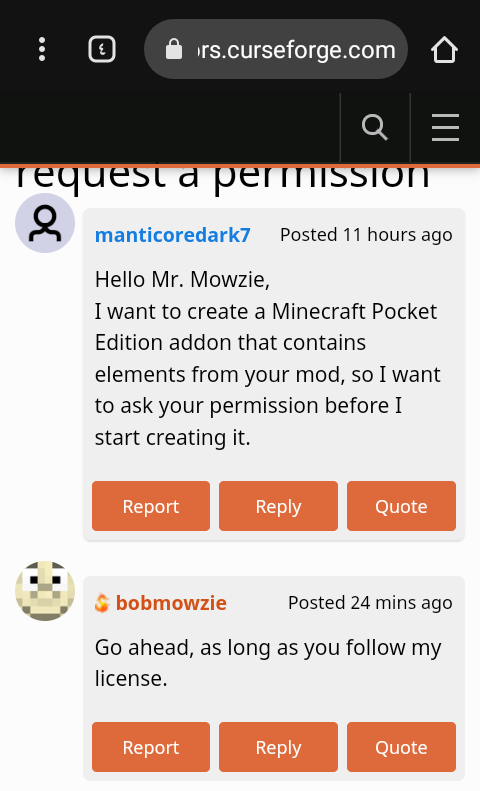
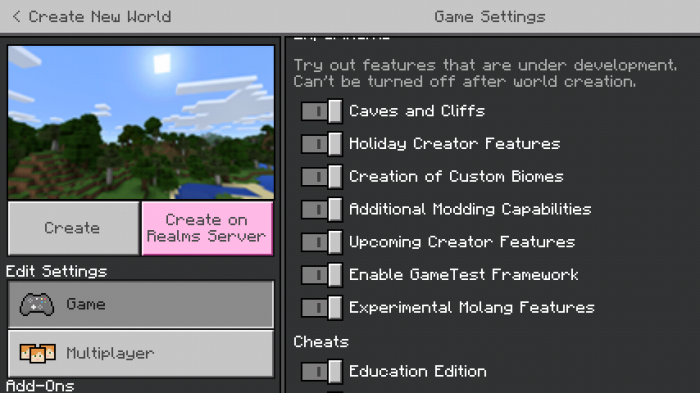
The first image serves as ownership verification so that the moderators can approve the submission; the images from the second to the last show the pack’s contents. (Not supported by Brave browser, but please give it a try.)

Human Player Mobs

Some Minecraft Addon PE you can check in Mcpe addons:

Changelog

First release, enjoy the pack and all, its still in development, will add the rest in the future

Installation

– Download pack

– Rename .zip to .mcpack (if you are on phone or laptop/computer)

– Enjoy

For console users, theres probably an instructions on youtube on renaming the pack extension from phone and laptop/computer, and then transfer it to your console

Download Human Player Mobs

- Advertisement -

Digimon Voltage Mobs | Minecraft Addon PE

0

Digimon Voltage Mobs adds digimon to your mincraft world. There are alot of digimon, some big some small, that can digivolve all the way to mega. There are a little different digivices to use on digimon, best used in peaceful mode.

Creator: MK-Bros

Digimon Voltage Mobs

Digimon Voltage Mobs

This is not all the eggs digimon 

There is in-tranning forms they used different digivices depending on the version some veemon may digivolve in to exveemon or veedramon

this not all the champions there is different versions some Koromons may take regular digivices some will take the virus versions there me and my team are not going to update this version me and my Partner will make a remake of this addon we will add your favorite Digimon in the remake like guilmon you need crest and blue cards ultimate drop energy surround the crest case with the energy in the remake we will make a way to select your first Digimon babies is tamed with egg chips and digivolve with packets eggs are hatched with egg chip and tamed with packets Megas drop data you use that data to digivolve from ultimate to mega . The armor Digimon evolve by standing on there respective eggs and eating it form below them. the new way to get their Digicore is to get a Stingmon and place it on top of the Digicore remover. (inspired by digicraft

Some Minecraft Addon PE you can check in Mcpe addons:

Changelog

I added new download link and new updated to this addon to fix bugs that were with it and added more entity and a way to I added more armor and DNA evolution new items. I remade the addon there is some old Digimon that is missing in the addon remake   remake some models got redesigns My partner and I remade some of the items . Digimon now use the Digimental eggs except sincerity. to get DNA you have to get an Digicore extractor. 

Download Digimon Revitalize v1 copy 2.mcaddon (2.06 MB)

- Advertisement -
Green Buster Ultimate Avali BETA 1.0

0

You Don’t Copy Me! Is Copyright! >:(

Creator: Aully

Green Buster Ultimate Avali Beta 1.0\

Hp : Infinity 
Attack : Infinity
Good LUCK

MCPE Download

green_buster_avali_1.0.mcaddon

- Advertisement -
Vanilla RTX Resource Pack | All blocks are covered!

0
Vanilla RTX Resource Pack

Vanilla RTX Resource Pack is the most popular ray tracing resource pack for Minecraft RTX. VanillaRTX is designed to provide an ideal default Minecraft RTX experience for all Bedrock Edition players.

Creator: CubeIR

Vanilla RTX Resource Pack

Vanilla RTX Resource Pack allows you to use Minecraft’s ray tracing features in your worlds and servers by layering quality PBR texture maps and configurations on top of the base game.

Without altering the vanilla experience, bringing complete ray tracing support for Minecraft’s original look while remaining as faithful as possible to all of the game’s different aspects and details.

Vanilla RTX Resource Pack uses 16x heightmaps with uniquely detailed materials. Vanilla RTX Normals features 16x normal maps instead.

  • Vanilla RTX & Vanilla RTX Normals cover every possible vanilla, creative, education edition or unobtainable block.
  • All blocks have highly detailed, unique material designs that remain consistent across different blocks.
  • Everything has been fine-tuned for Minecraft with RTX.

Vanilla RTX Resource Pack Support for Minecraft v1.21 (Tricky Trials) has been added!

Vanilla RTX Resource Pack gives each block its own custom RTX flavor, allowing you to fully utilize Minecraft’s ray tracing feature. All textures are meticulously cared for to ensure the highest level of detail and consistency.

Every block was uniquely designed to complement and preserve its vanilla style and function.

Vanilla RTX Resource Pack is regularly updated to include support for new blocks and improve the appearance of existing ones.
Most fog colors have been tuned to match vanilla game colors, but if you want to play Minecraft RTX without air fog, you can enable the ‘Fogless’ option in the resource pack’s settings.

Minecraft RTX Bug Fixes and Enhancements

There is now a third option in the resource pack settings. When enabled, this option activates a number of experimental work-in-progress features and updates. While these features improve overall visuals and address some of Minecraft’s issues, they may have drawbacks that are not suitable for everyone.

The spoiler section below contains all of the most recent information about the features included in the Experimental option, allowing you to decide whether or not to enable it.

Vanilla RTX Settings

Vanilla RTX Normals

An alternative standard Vanilla RTX experience, featuring handmade 16x Normal Maps for all blocks.

Installation

  1. Ensure that your system meets the hardware requirements on a supported platform, install your graphics card manufacturer’s latest drivers.
  2. Download and import Vanilla RTX Resource Pack by double clicking the .mcpack file and opening with Minecraft or Minecraft Preview.
  3. In your Minecraft’s settings, find Global Resources and activate Vanilla RTX Resource Pack, you can also optionally change to fogless or experimental options in this page by clicking on the gear icon, then exit to main menu to save changes.
  4. Enter settings again and navigate to Video Settings, scroll down and enable “Ray Tracing” option.
  5. Join any world, server or realm with ray tracing enabled.
MCPE Download

Download Vanilla RTX Resource Pack v1.21.20

Supported Minecraft versions
RTX Beta
1.20.80 1.20.70 1.20.60 1.20.50 1.20.40 1.20.30 1.20.12 1.20.10 1.20.1 1.20.0
1.19.80 1.19.70 1.19.60 1.19.50 1.19.40 1.19.30 1.19.20 1.19.10 1.19
1.18.30 1.18.20 1.18.10 1.18
1.17 (beta) 1.17.30 1.17.11 1.17.0.50 (beta) 1.17
1.16.230 (beta) 1.16.221 1.16.220 (beta) 1.16.210 (beta) 1.16.201 1.16.200

Credits

If you appreciate the time and effort that goes into making Vanilla RTX Resource Pack perfect and would like to see it continued into the future, you can support it on Patreon! https://www.patreon.com/cubeir

Source: CubeIR/Vanilla-RTX
License: Vanilla-RTX/License

- Advertisement -
FNaF Build & Decor Addon (Bedrock) | Minecraft Addon PE

0

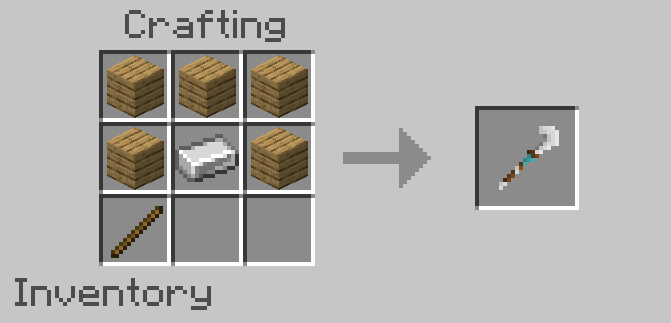
FNaF Build & Decor addon which you can recreate the restaurant from the famous FNAF game but now in Minecraft Bedrock! This addon is currently still under development, so there are missing blocks such as those of FNAF 2,3,4, etc…

FNaF Build & Decor Addon

Creator: Hirxs (website)

FNaF Build & Decor Addon

– You can create a pizzeria using a wide variety of blocks that will expand every wednesday
– The blocks have a function to change the variants of the blocks using the item Changer Tool
– Decorative blocks really well designed and added to avoid any bugs
– Good textures and de

Ever wanted to recreate the restaurant from FNAF 1/2 in Minecraft? Well, now you can do it with FNAF’s Decorations, this addon adds a wide variety of blocks to decorate, obviously inspired by the FNAF 1/2 restaurant, also in the future, blocks based on other FNAF 2,3 restaurants or even the house on 4 will be added!

Also, this addon you can use it in your maps based on FNAF 1/2/3, but you have to leave respective credits of Modrinth link of this mod

Join to FB&D Community Server!

Images

Some Minecraft Furniture Mod you can check in Mcpe addons:

Changelog

FNaF’s Build & Decor – Rotten Dreams | v4.2

Support

  • Now the add-on has support for 1.21

Changes

  • Redesigned F&F walls so they can have the same texture as FB&D java port walls
  • Redesigned FNaF3 floors
  • Redesigned party chairs so they can have the same texture as FB&D java port party chairs

Fixes

  • Fixed a bug where security cameras would sometimes not save assigned cameras

Advanced Walls | Experimental-features

  • Now the feature pack has support for 1.21
download-button
- Advertisement -

System Wyverns V1.8.5 | Minecraft Addon PE

0

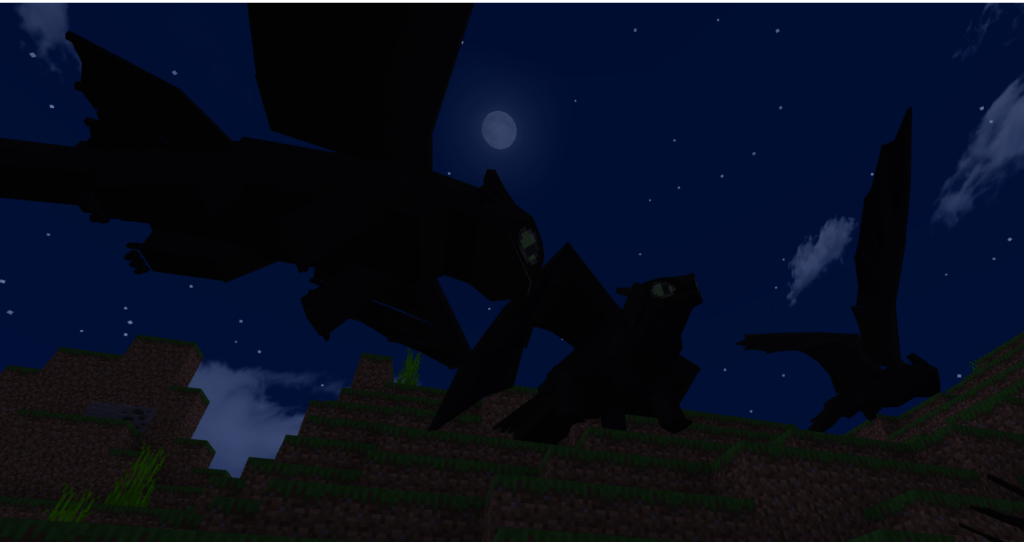
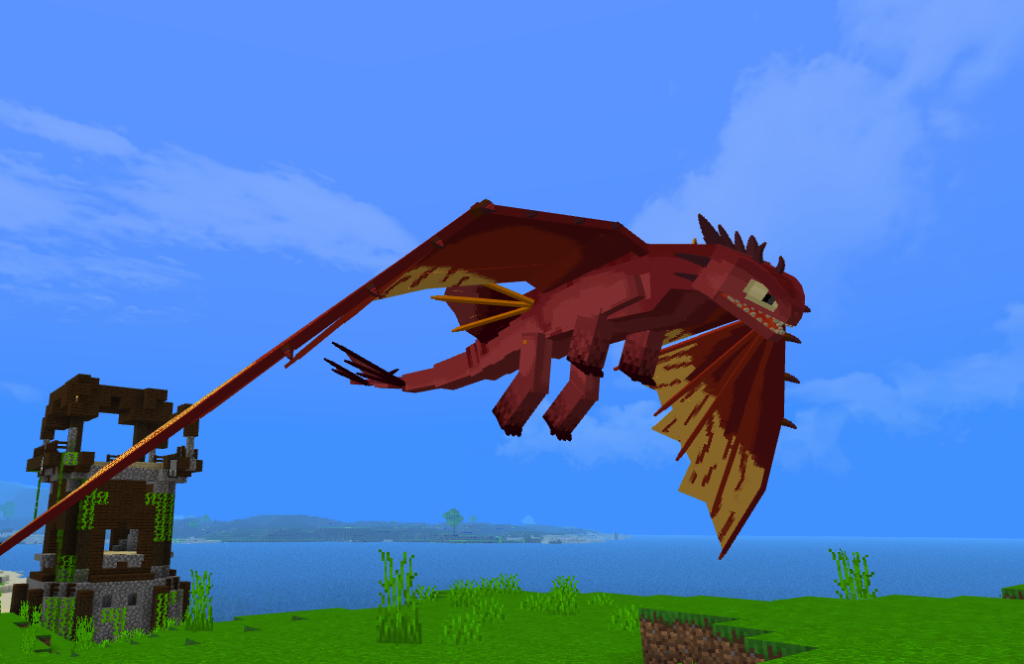
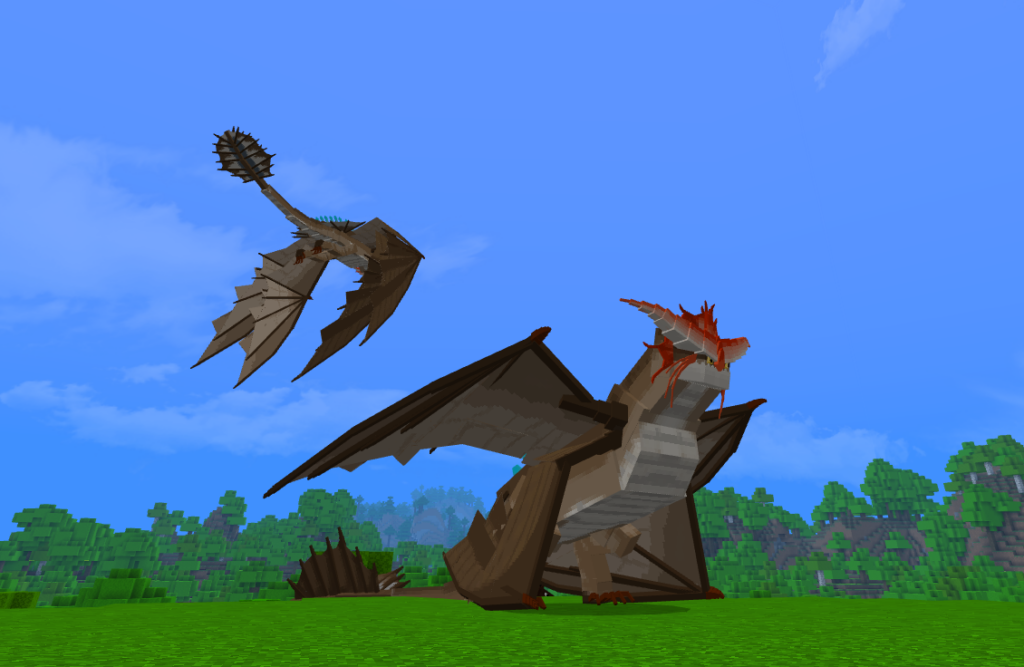
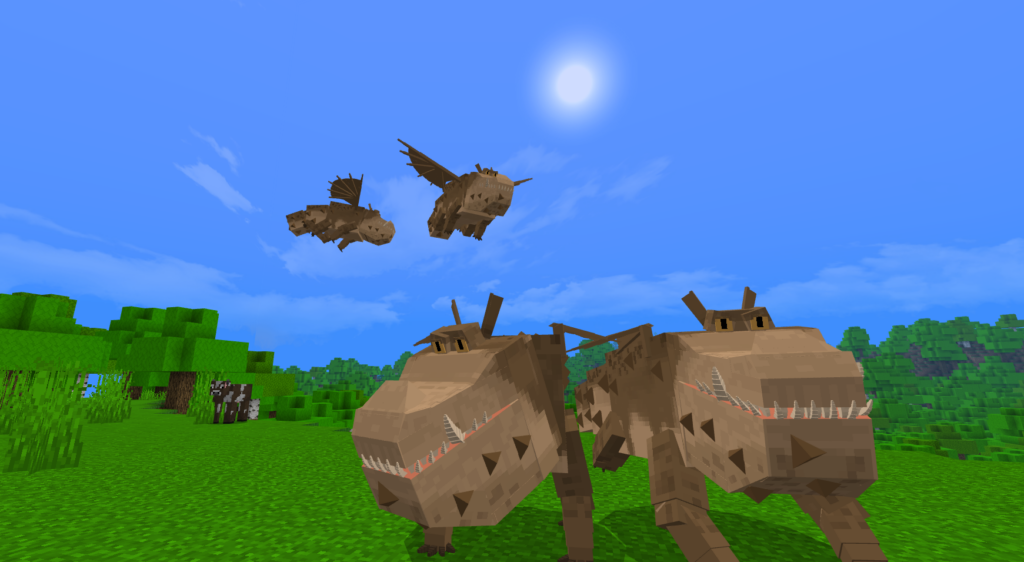
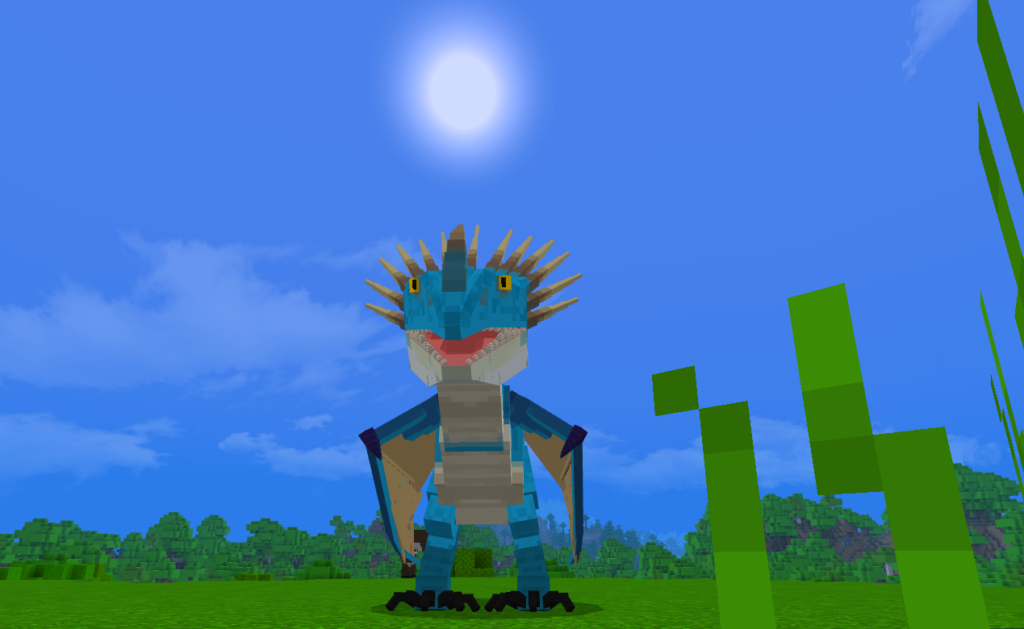
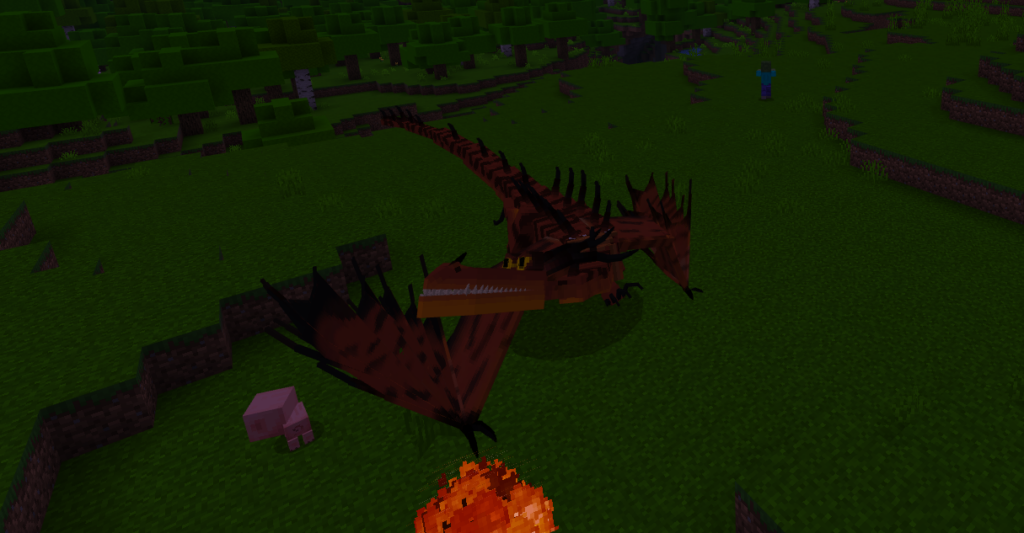
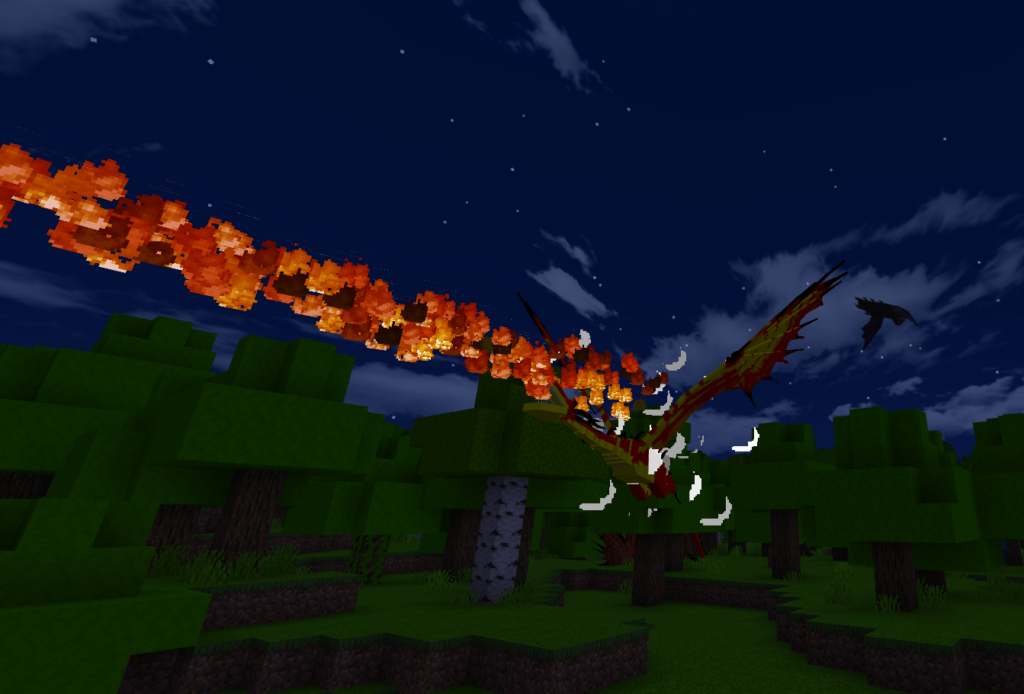
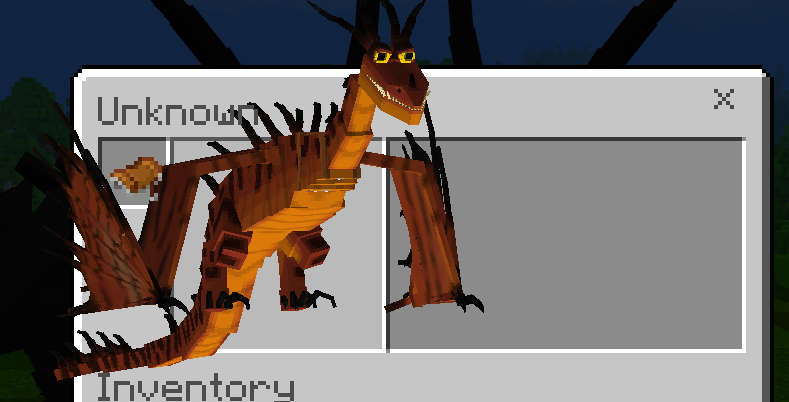
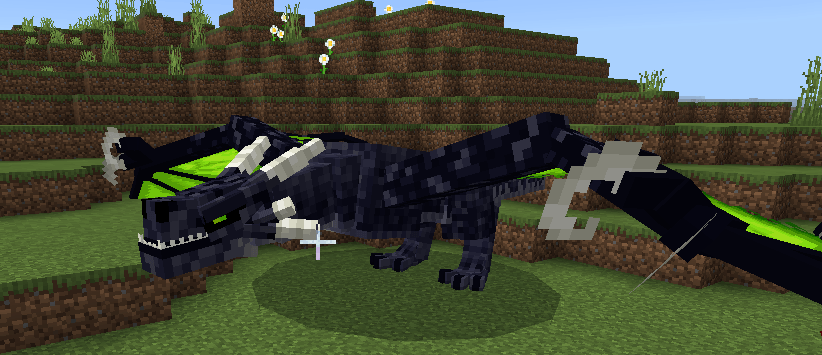
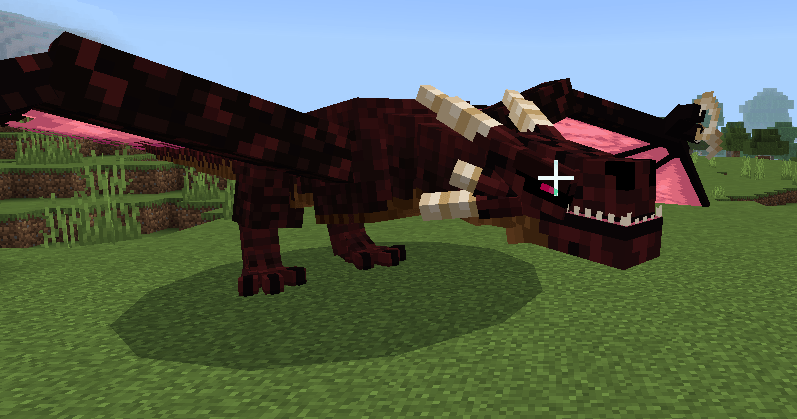
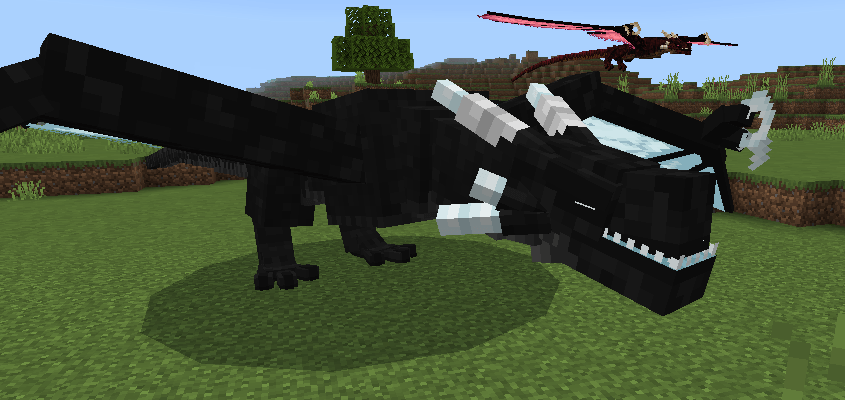
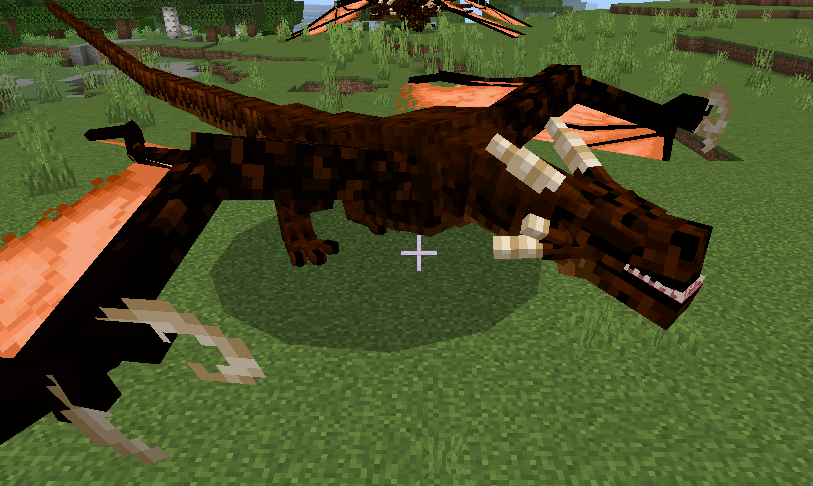
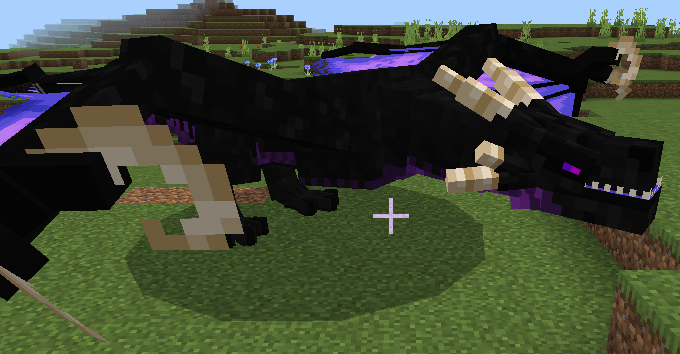
With System Wyverns addon, you can tame a variety of aggressive wyverns that will emerge in your survival world. These wyverns have three different sorts of attacks, which will be discussed later.

Creator: SystemTvツ

System Wyverns

Discord Server: https://discord.gg/Sp4JEGdbpT

-Compatibility✔️

You can use it with almost any plugin as this plugin DOES NOT USE PLAYER.JSON so it will be compatible with almost any plugin and you can easily put it at the end if you want.

-Experimental Games👾

Update V1.8!!!

Text has been added to indicate how long it will take for the wyvern egg to hatch; if it is broken, the timer resets.

Along with the addition of better static, seated, and walking animations, an animation bug pertaining to the wyvern’s flight was also rectified. Additionally, a new animation—the death animation—was included.

Now if your tamed wyvern dies you can revive it with golden apples

Update V1.7!!!

New Fly System

Spoiler

You can create new tools in the game that are far more durable and damaging than any vanilla item by using the wyvern bones that you can find by looking for wyvern skeletons scattered throughout the area.

Skeleton Wyvern 

Spoiler

The skeletons of wyverns can be found scattered across the landscape as decorations in this update. You can also locate some intriguing body stuff that can be used for crafting in the future.

Other Changes

Spoiler
  • The message that appeared in the chat every time a wyvern structure appeared was removed
  • The amount of scales you can get from killing a wyvern has been lowered to a maximum of 3 and a minimum of 1.
  • The flight system for the wyverns was changed and given a more functional one.
  • Added new tools made from wyvern bones
  • Wyvern bones were made useful
  • Added a wyvern skeleton that will appear throughout the world as a decoration and way to obtain wyvern bones.

Update V1.6!!!

Spoiler

In this version I was in charge of eliminating the natural generation of wyverns, which were quite unstable, and I decided to create structures that will appear throughout the world. The biomes will remain, but now the wyverns will only appear in these structures.

This is just an example, the materials vary depending on the wyvern and the biome, the ender wyvern will only appear in the end dimension along with its structure.

Update V1.5!!!

-Wyvern Dagggers

Spoiler

Three additional daggers from various wyverns have been added. They are the poison, wither, and frost daggers. Each dagger has a durability of 700 and can do a total of six damage when struck. You will require wyvern fangs—poison, wither, or ice—in order to make these items. Killing a wyvern will give you a 60% chance of getting a fang; if you are lucky, you may even get two.

Ice Wyvern Dagger

It will give the slownesss effect to all mobs that are hit with this dagger.

Poison Wyvern Dagger

It will give the poisoneffect to all mobs that are hit with this dagger.

Wither Wyvern Dagger

It will give the wither effect to all mobs that are hit with this dagger.

-Ender Wyvern Loot

Spoiler

When you kill an ender wyvern starting from this version 1.5 you will be able to obtain the ender wyvern eyes, you will have a 40% chance of obtaining 1 of its eyes

When you have a certain amount of these eyes, you can create the Ender Wyvern Wand that will allow you to launch projectiles that upon impact will launch the ender dragon’s roar effect through the area.

To launch a projectile using the Ender Wyvern Wand you have to right click if you are on PC, hold down the screen on mobile and on consoles you must press the button you use to interact with the crafting table, when using the wand you will have a cooldown of 3 seconds to use it again, and a total of 300 uses before it breaks.

-Fire Essense

Spoiler

You can obtain the fire essence when you manage to kill a Fire wyvern, it has a 60% chance of obtaining 1 to 2 fire essence

You can eat this item and it will give you the effect of fire resistance level 5 for 1 min and 30 secs.

-Other Changes

Spoiler

he wyverns’ graphics have been enhanced, and the withered wyvern model now has three heads. The textures of the eggs and armour have also been adjusted to match the new textures.

The function of breaking the wyvern eggs was added once you have placed it, you just have to hit it and it will break and you can place it somewhere else.

Update V1.4!!!

-Armor for Wyvern

Spoiler

Armor was added for the wyverns, once you have a sized wyvern you can add armor that you can craft at the crafting table, you have leather, gold, iron, diamond and netherite armor, of course it depends on the mineral, the protection will be better

As I previously stated, you need to have a tamed wyvern before you can add this armour to it. Once you have crafted the wyvern armour, all you need to do is move closer to your wyvern and use the item you are holding to right-click on it. On PCs, smartphones, and consoles, you must press the button to interact while holding the item in your hand. On PCs, a button to add the armour will appear.

Update V1.3!!!

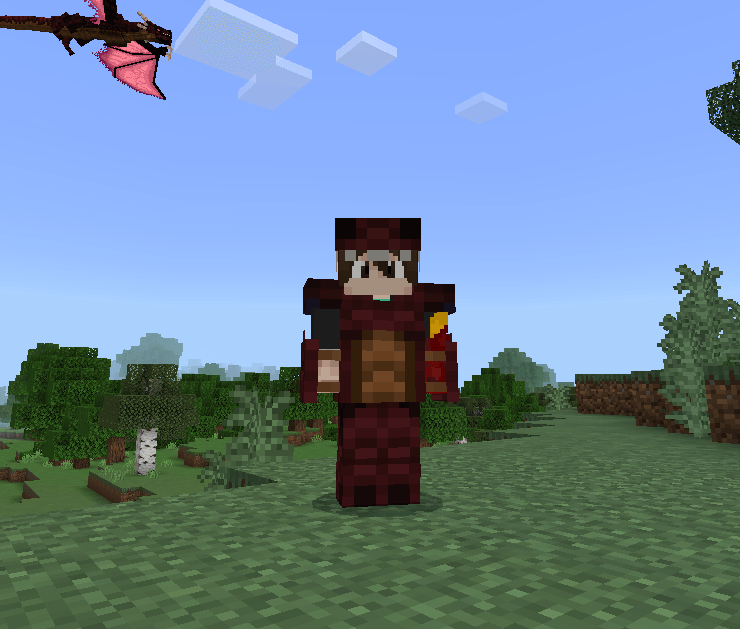
Wyvern Player Armor

Spoiler

Players now have access to wyvern armour in this version of the addon, which offers protection comparable to diamond armour but far greater durability. It may be crafted at the crafting table using a new item that was also added in this version.

As previously stated, you can craft these armours using the wyvern scales that you will receive from killing wyverns. There is an 80% chance of obtaining wyvern scales, and you can obtain 0 to 2 by killing a single one. Once you have enough, you can craft the armour using the crafting table; there are six different types of scales available for the various types of armour.

Update V1.2!!!

Wyvern System Shoot

Wyvern System Shoot

Spoiler

The ability to fire projectiles while riding your wyvern was introduced to this version of the addon. All you have to do to do this is right-click on the wyvern to make it shoot a projectile. You will find a button to carry out this action if you are using a cell phone. Pressing the button to interact with the crafting table is necessary for consoles.

Update V1.1!!!

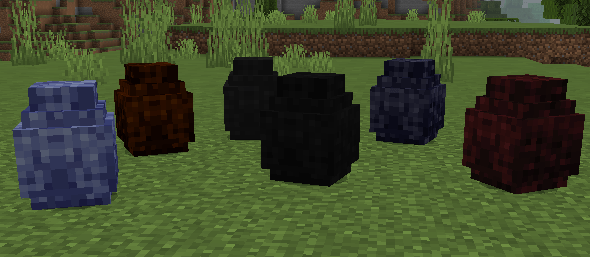
Wyvern Eggs

Spoiler

In this version of the addon, wyvern eggs were added, you can obtain them when you kill the wyverns, you have a 35% chance of obtaining one, once you get one of the wyvern eggs you have to place it on the ground and wait 10 minutes for you to hatch.

It is likely that after 5 minutes it will start to shake, this happens since it would take little time for it to come out, once the baby wyvern comes out you can tame it with beef.

Function

Wyverns Types

Spoiler

The addon has 6 types of wyverns that I will explain later, each one spawns in different places and situations, some have characteristics that distinguish them, they contain similar behavior.

Ender Wyvern
The ender wyvern will appear in the savanna biome and only during the night, this wyvern can launch a projectile capable of producing the same effect as the ender dragon by launching its dragon breath, you can obtain its eyes to make interesting crafts.

Fire Wyvern

The fire wyvern can be found in the extreme hills biome both during the day and at night. It is a very dangerous wyvern because it can shoot a projectile that can explode and cover any victim in flames. If you are able to kill him, though, you will find some interesting loot.s.

Ground Wyvern

In the desert environment, the ground wyvern will emerge at night or during the day. Compared to other wyverns, this one shoots a projectile with far greater force. Even if it might not have any negative effects, its potency remains unaltered. When it attacks, use caution. at a distance since one impact can be fatal.

Ice Wyvern

The ice wyvern can be seen in the ice biome both during the day and at night. This wyvern is really deadly, particularly when you are trying to get away from it. Should its ranged strike land a direct hit on you, you will experience the slowing effect, making it exceedingly Because he is so deadly in combat, getting away from him will be difficult.

Poison Wyvern

The most deadly wyvern inhabiting swamp biomes is the poisonous wyvern, which can poison everyone in its path with its venomous projectiles. It is terrible to have to worry about it if you already have to worry about this wyvern not touching you. because it poisons people.

Wither Wyvern

Wyverns Attacks

Spoiler

The way that wyverns attack is rather similar, so it is good to know a little bit more about these hazardous creatures that will show up in your world when you install this addon. If you intend to engage in combat with these beasts, you should be aware of the following.

Melee Attack

The wyvern will probably be in its melee attack mode when the combat starts. In order to deal as much damage as possible, the wyvern will attack using the grips it has on its hands. If you take it on without any defence, it can deal four hearts of damage.

Ranged Attack

The foundation of this attack is firing a projectile, and the secondary effect—poison, slowness, fire, etc.—depends on the kind of wyvern. Only when the person the wyvern is battling goes far enough away for the wyvern to use this attack—typically eight blocks away or more—will this mode be activated.

Fly Attack

This attack involves flying through the air and occasionally landing to strike the opponent with a powerful blow. Typically, he only uses this move when he begins to take a lot of damage during a melee attack, forcing the wyvern to alter course in order to obtain an aerial advantage.

Wyvern Tamed

Spoiler

The only thing you will need to tame a newborn wyver is beef, and feeding it will increase the chances of it becoming tamed by 10%. After that, you may either wait for it to grow or keep feeding it meat to encourage rapid growth.

Once you have tamed it, you can put a mount on it to control it.

You can also make him sit down if you crouch down and interact with him, so that he doesn’t follow you everywhere and doesn’t bother you on your adventure when you don’t need him.

Some Minecraft Addon PE you can check in Mcpe addons:

- Advertisement -
Climax Shaders – Climax Graphics [Deferred Rendering] | Minecraft Shaders Bedrock/PE

0
Climax Shaders

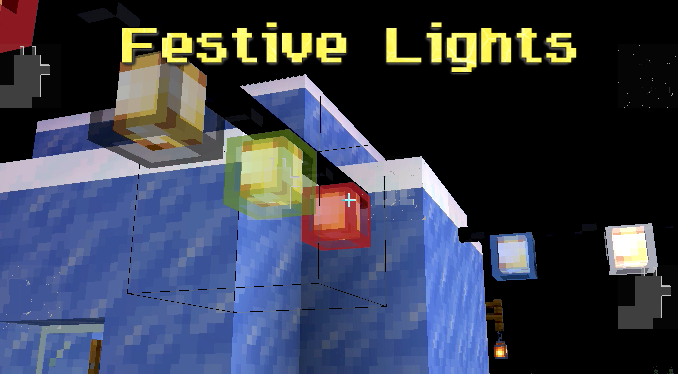
Climax Graphics (formerly Climax Shaders) makes use of Minecraft Bedrock’s new deferred lighting system. It adds shadows, beautiful atmospherics, depth to blocks, and makes hostile mobs’ eyes glow in the darkness. More content will be added as the Deferred Technical Preview is updated.

This pack is still in development. More content will be added in future updates.

Creator: HonKit26113

Climax Shaders Deferred Rendering

Lighting & Atmospherics

Climax Shaders
Sunrise at around 6:00 am in-game time.

Glowing Mobs

The goal of the pack is to add glowing eyes to all hostile mobs. However, as this pack is still a work in progress, they have been added to some mobs only.

Climax Shaders

Creepers & Spiders with glowing eyes. Charged Creepers also have a glowing charge effect.

Climax Shaders

A Skeleton, Husk, Zombie & an Angry Wolf with glowing eyes.

Climax Shaders

Guardians, Elder Guardians and Drowned can be seen with glowing eyes at the Ocean Monument.

Climax Shaders

Endermen and the Ender Dragon!

Blocks

Device Requirements

Climax Shaders Device Requirements

You also need to be on Minecraft Preview 1.20.80.20 or above, and be playing on Android, iOS, Windows 10/11, or Xbox.

Installation

Please keep in mind that both this pack & the Deferred Technical Preview are still very early in development, and can be unstable.

MCPE Download

Download Climax Shaders – Climax Graphics v0.6

**Deferred rendering is only available in the Preview. This is Mojang’s decision and I can’t do anything to change this.**

Supported Minecraft versions
1.20.80

Prizma PBR Deferred Pack

- Advertisement -
Zinkenite Mobs (Bedrock) | Minecraft Addon PE

0

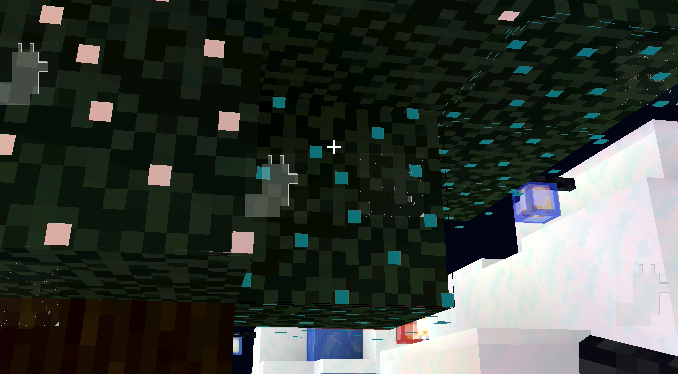
Zinknite Mobs | Xbox, Win10, MCP, and MBEZinkenite mobs offer some mobs other textures and alter parts of their models, such as giving the dragon a more frightening appearance, giving the skeleton a quiver, and giving the creeper a tnt in its breast, among other changes.

Creator: JollyMacChiato (youtube)

Zinkenite Mobs

Features:

– Blaze – improved model

– Cave Spider – improved model

– Chicken – improved model (w/random textures)

– Cow – improved model (w/biome dependent and random textures)

– Creeper – improved model (1 in 200 chance to get a Golden Creeper)

– Dolphin – random textures

– Drowned – random textures with glowing effect

– Ender Dragon – improved model

– Enderman – improved model

– Ghast – improved texture

– Glow Squid – improved model

– Guardian – improved model

– Pig – improved model (w/random textures)

– Sheep – improved model

– Skeleton – improved model (w/biome dependent and random textures)

– Spider – improved model (w/biome dependent textures)

– Squid – improved model (w/random textures)

– Stray – improved model

– Turtle – random textures

– Wandering Trader – random textures

– Wither – improved model

– Wolf – random textures (Normal, Border Collie, Golden Retriever, and Husky textures)

– Zombie – random textures

In the original version (java editon) iron golem has random texture but I can’t make it in bedrock edition.

Some Minecraft Addon PE you can check in Mcpe addons:

KAIJU MUTANT MOBS | Minecraft Addon PE

Coptaine Animation V1.5 | Minecraft Addons PE

Some images:

All the images came here: https://www.curseforge.com/minecraft/texture-packs/zinkenitemobs. I also got all the models and textures here, I just made some tweaking so that it matches the bedrock models.

If you experienced any bugs, just let me know.

Credit to Zinkenite31 and thanks for giving me permission.

Please if you’re gonna use this to your content give me and the original creator (Zinkenite31) credit.


Support my channel: JollyMacChiato

There are 2 slightly different files.

The Zinkenite mobs (Bedrock) addon is literally what is written in the description.

The Zinkenite mobs (Bedrock) resource pack has less feature which is the mob textures are completely random (no more biome dependent textures and golden creeper is now as common as green creeper.

I hope that should not confuse you.

Download Zinkenite Mobs (Bedrock) Addon

Download Zinkenite Mobs (Bedrock) Resource pack

- Advertisement -
KAIJU MUTANT MOBS | Minecraft Addon PE

0

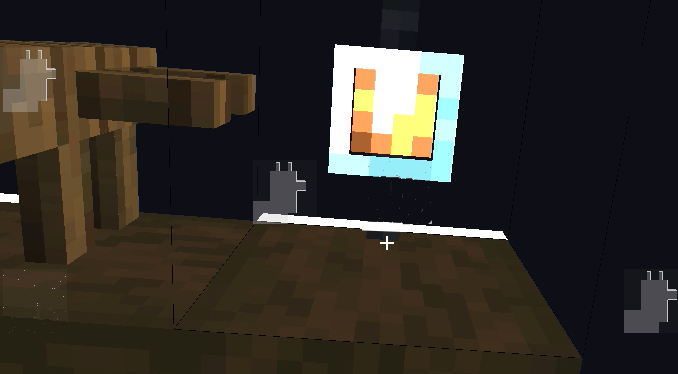
Kaiju Mutant Mobs has kaiju that have a Minecraft appearance; some of them are mutant versions of the game’s mobs. For those of you who are unaware, kaiju is a type of monster that resembles Godzilla, Kong, etc. Do not be alarmed; the kaiju here are not very strong and are suitable for survival. Please use this website as a download link if you would like to showcase this addition!

Credit :

Kaiju Mutant Mobs

NOT ALL FEATURE I EXPLAIN HERE

WadrenZilla

Warden + Godzilla??

Spawn in structure with Kong Axe

WadrenNautilus

Spawn in sea

Widora

Wither + Ghidorah?

Turtlgera

Rophantam

Rodan + phantom?

It can summon phantom upon battling

Mothree

Mohtra but Bee?

Give it some honey and it will give you something

Mosscrawler

Very aggressive mob

Iron Kong

Iron golem + king kong

Neutral mob, you can tame using redstone block


ITEMS AND EQUIPMENT

Manayum

Manayum Ore Spawn in Cave

Changelog
  • New mobs
  • New items
  • New equipment
  • New structure
  • New blocks

Some Minecraft Addon PE you can check in Mcpe addons:

Installation

Use latest version of Minecraft 

mcpeaddons download

Download KAIJU MUTANT MOBS (Resource pack)

Download KAIJU MUTANT MOBS (Behavior pack)

Explanation in Video

- Advertisement -
Lunar Client MCPE – The Best Client for MCPE

0
Lunar Client MCPE

Lunar Client MCPE 1.20 is one of the greatest clients for PC/Java Edition, and it is now accessible in MCPE/Bedrock Edition. This client has many fantastic features such as anti-cheat, mod menu, direction HUD, armor HUD, better UI, cosmetics (wings, capes, hat, bandana), potion status mod, crosshair editor, force coordinates, and more.

Credít: Lunar Client

Lunar Client MCPE

Lunar is not a Minecraft Texture Packs. It is a separate client from the Mojang client, with more visual and GUI settings.

What does Lunar Client actually do?

The Lunar Client Store is where you can purchase a wide variety of in game cosmetics, including: Cloaks, Emotes, Wings, and more! A number of your favorite creators also offer their own personalized cosmetics through the store, with purchases directly supporting the creator.

Is Lunar Client a hacked client?

Lunar Client is not a hacked client or cheat that grants players an unfair advantage.

Why is Lunar Client so popular?

Better Performance. Many content creators often struggle to record or stream Minecraft while also having high FPS. Luckily, Lunar Client provides a built-in performance boost so that you can freely follow your content-creating aspirations without being limited by your frame rate.

Does Lunar Client allow mods?

After starting Lunar Client, you will be presented with a large list of highly customizable Minecraft mods that can be enabled by simply clicking on the toggle.

Installation

MCPE Download

Download Lunar Client MCPE 1.20

- Advertisement -