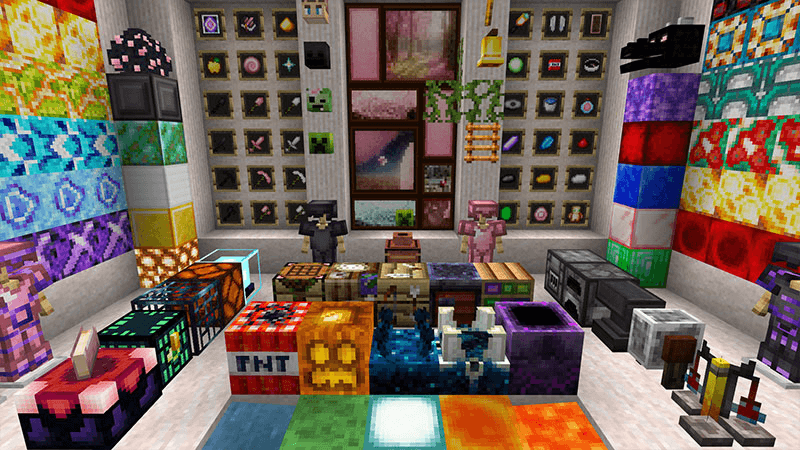
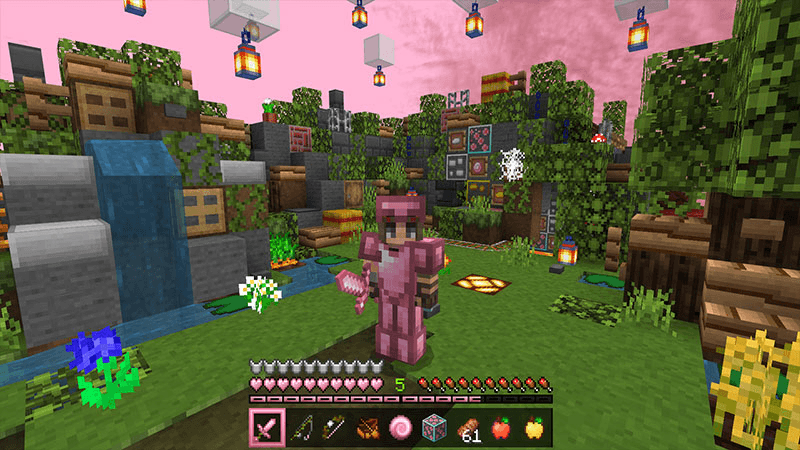
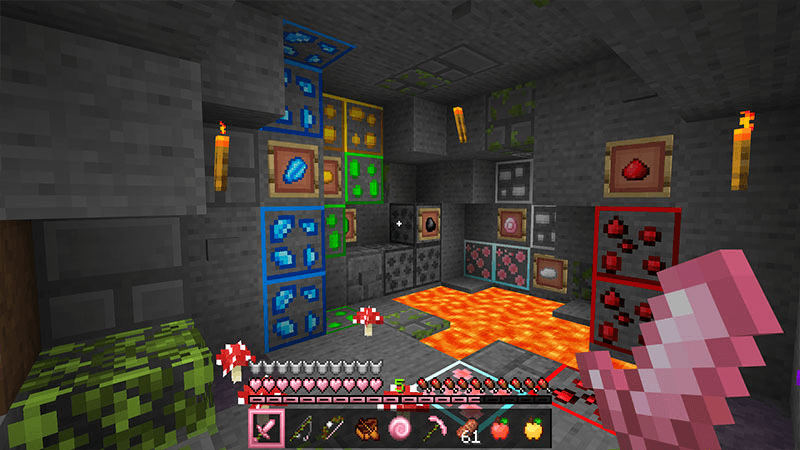
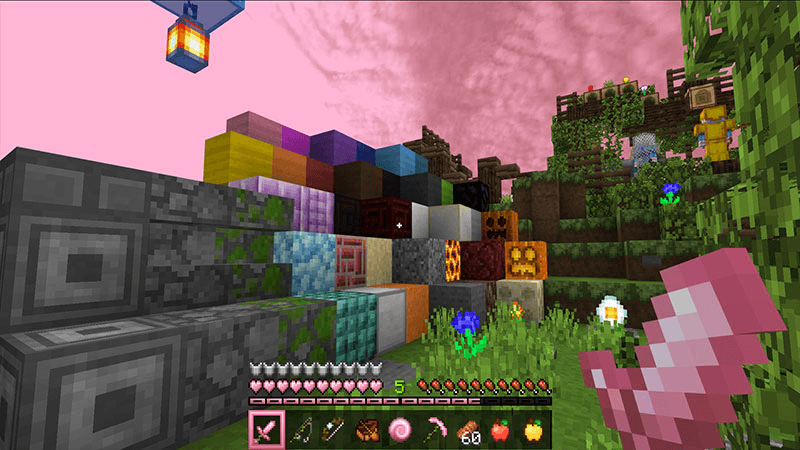
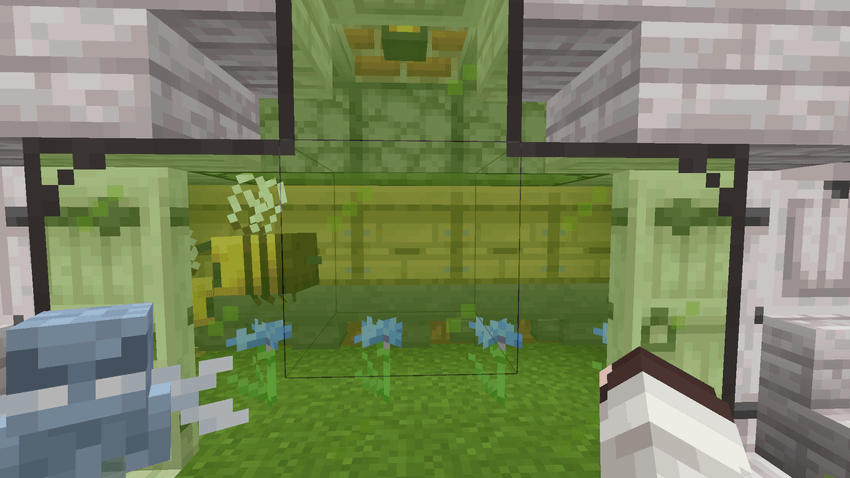
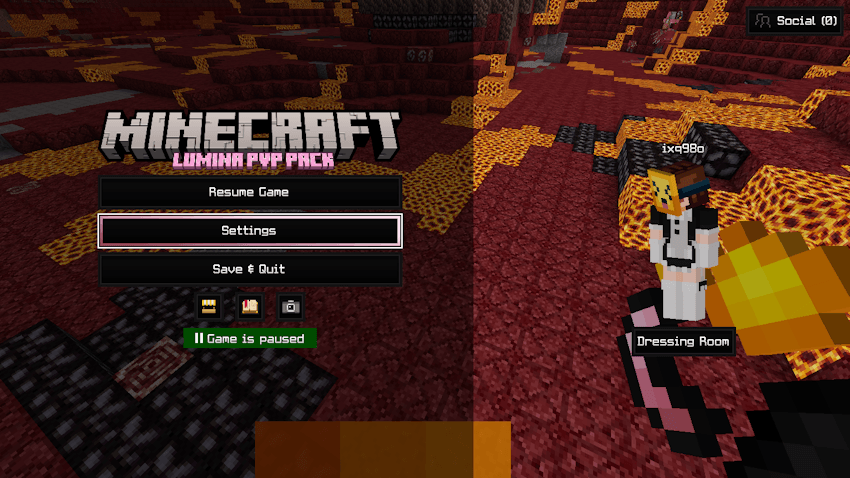
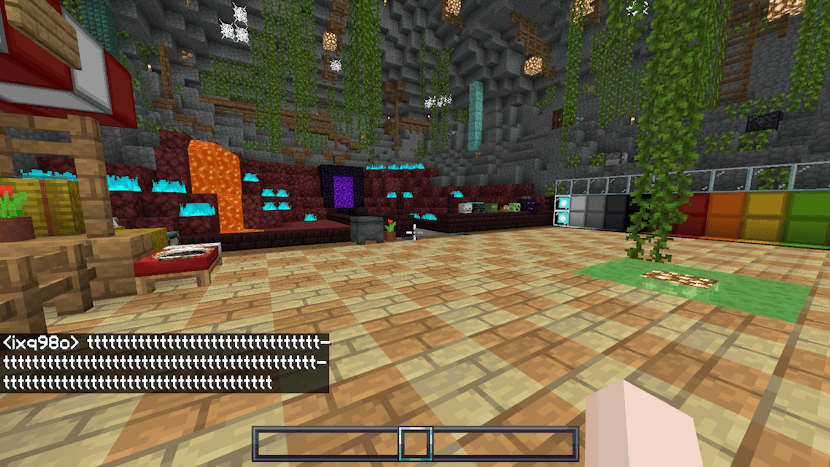
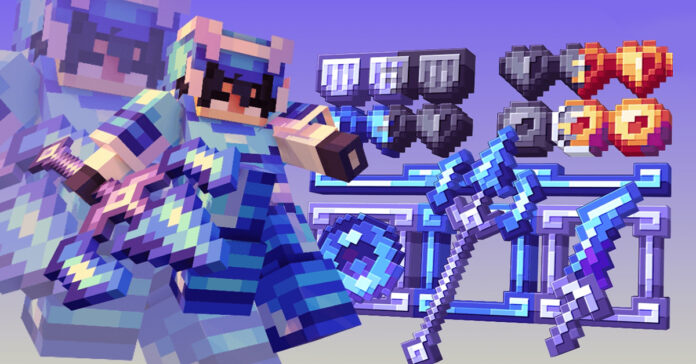
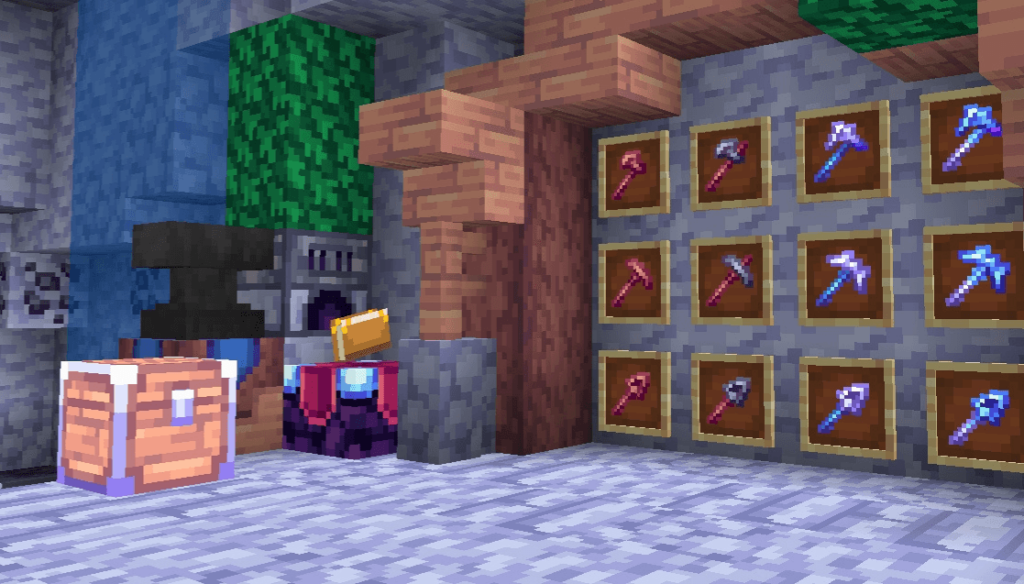
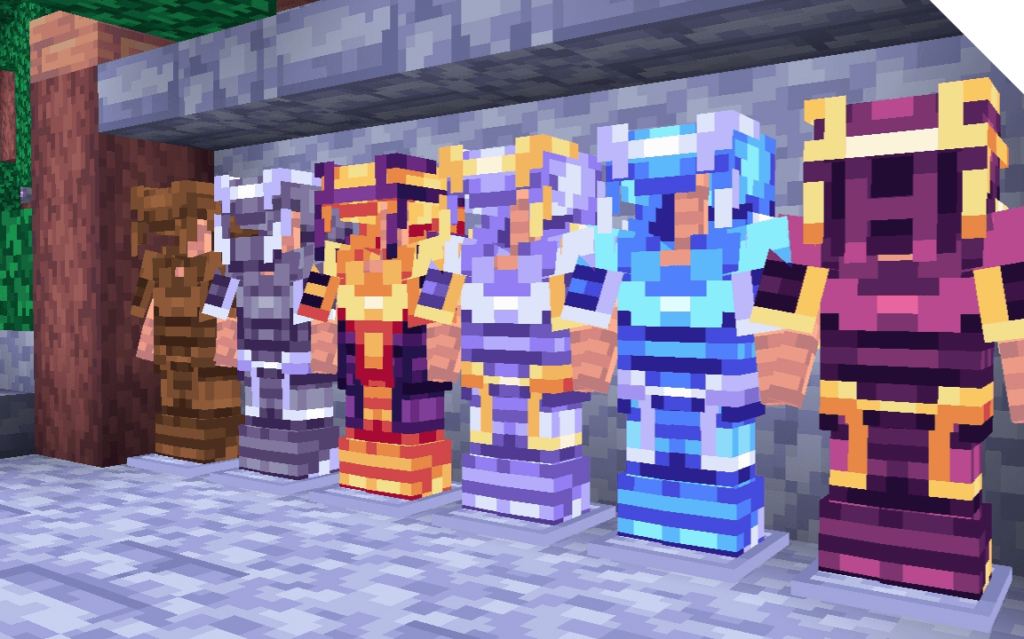
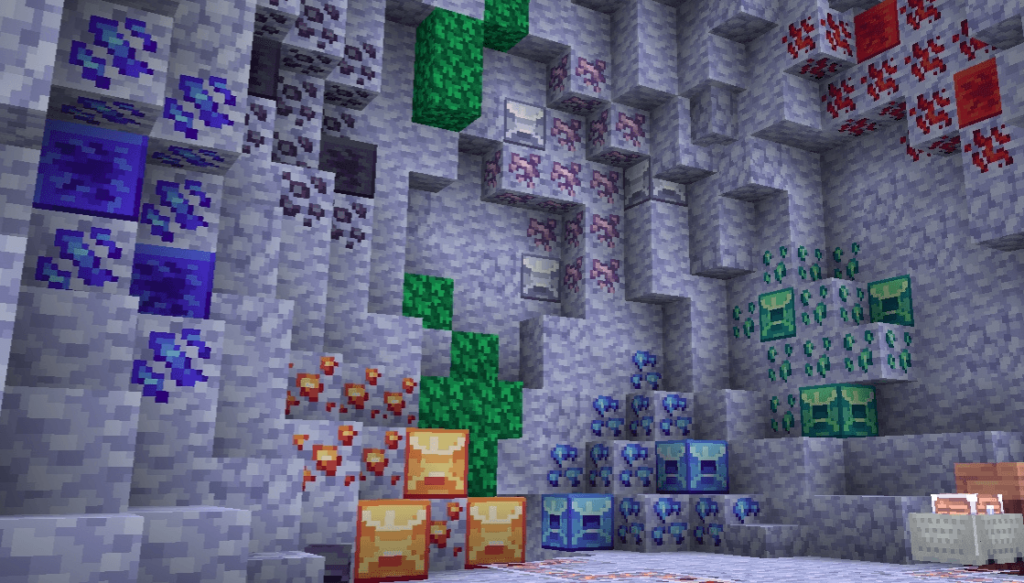
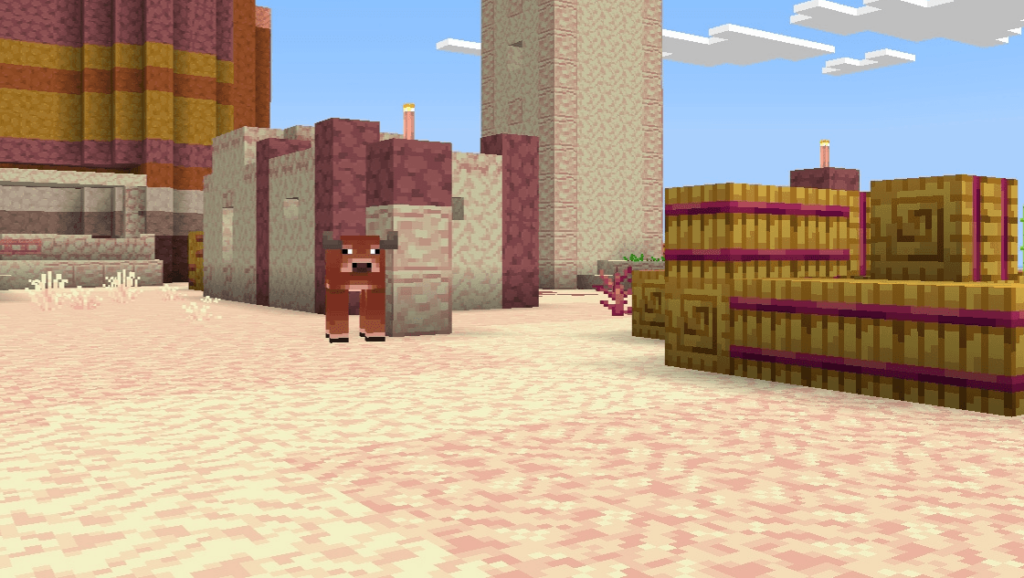
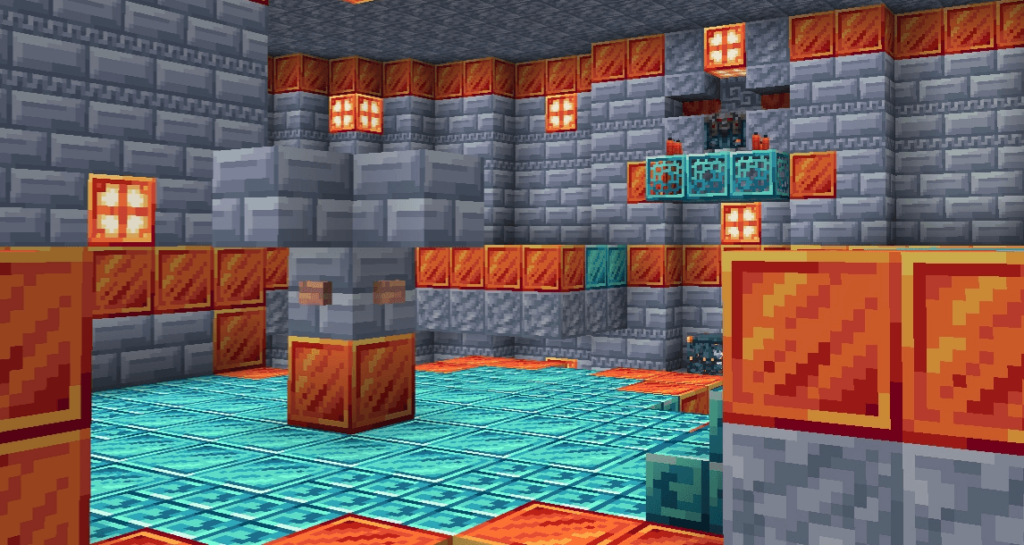
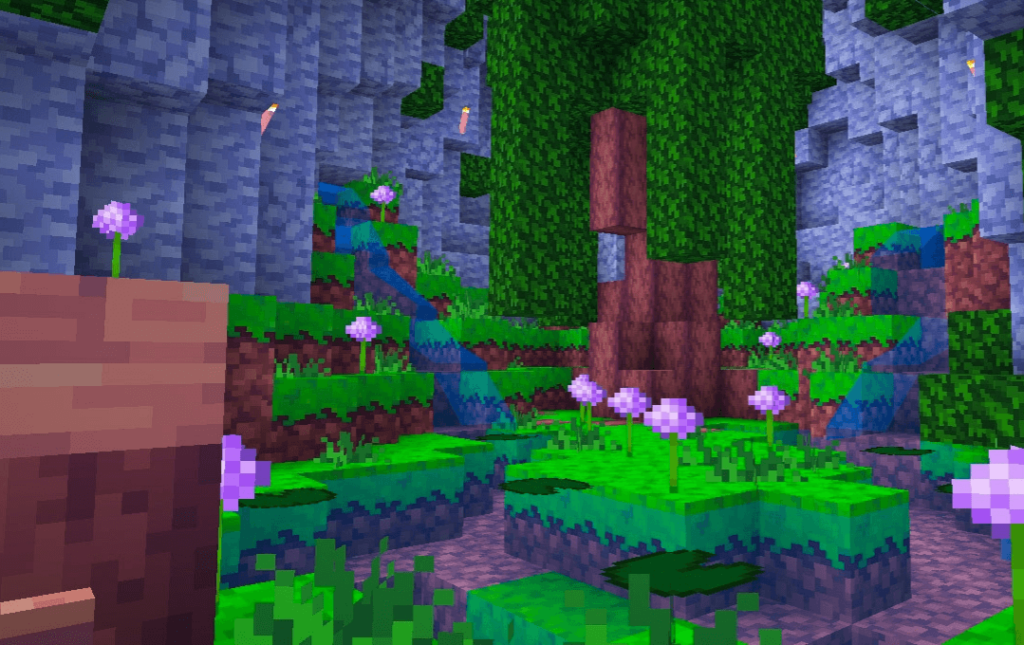
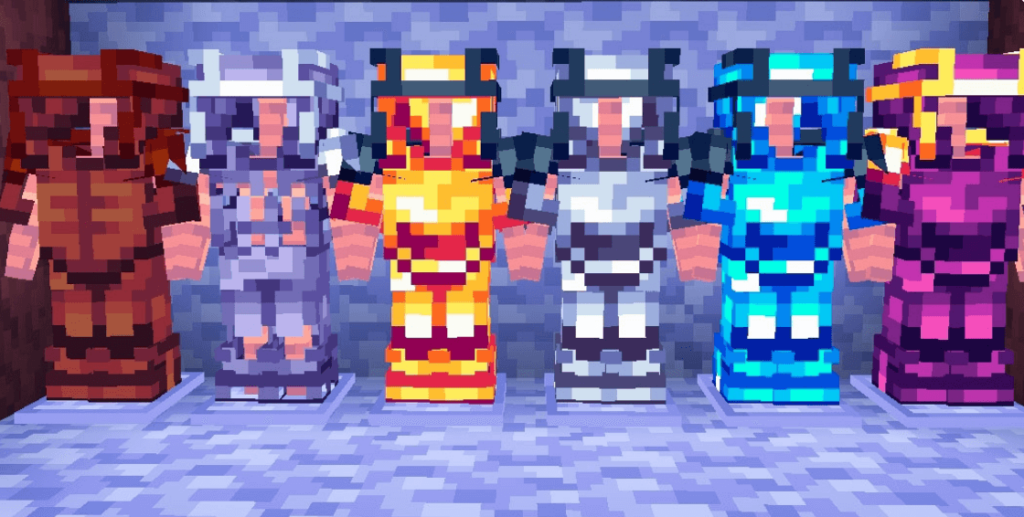
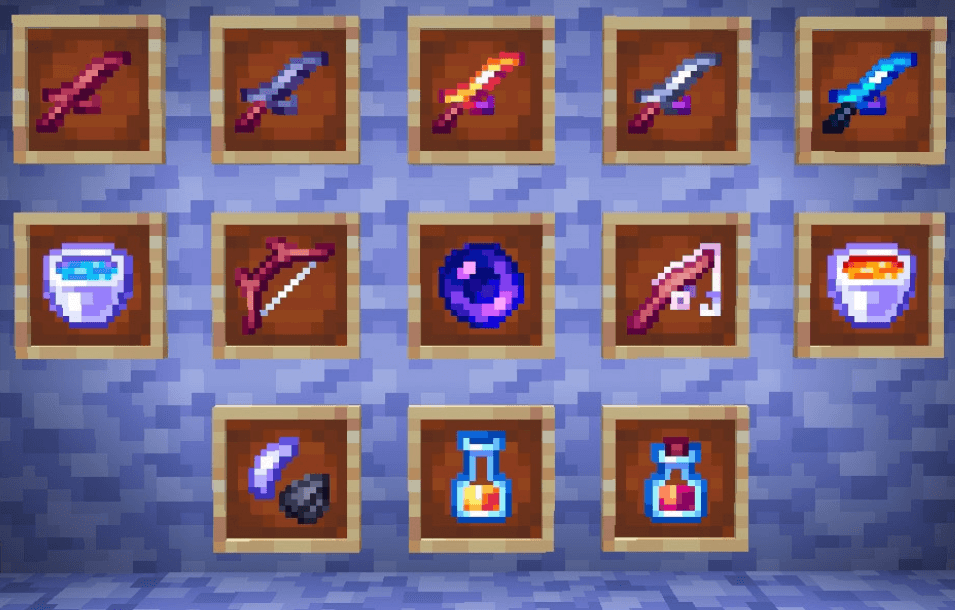
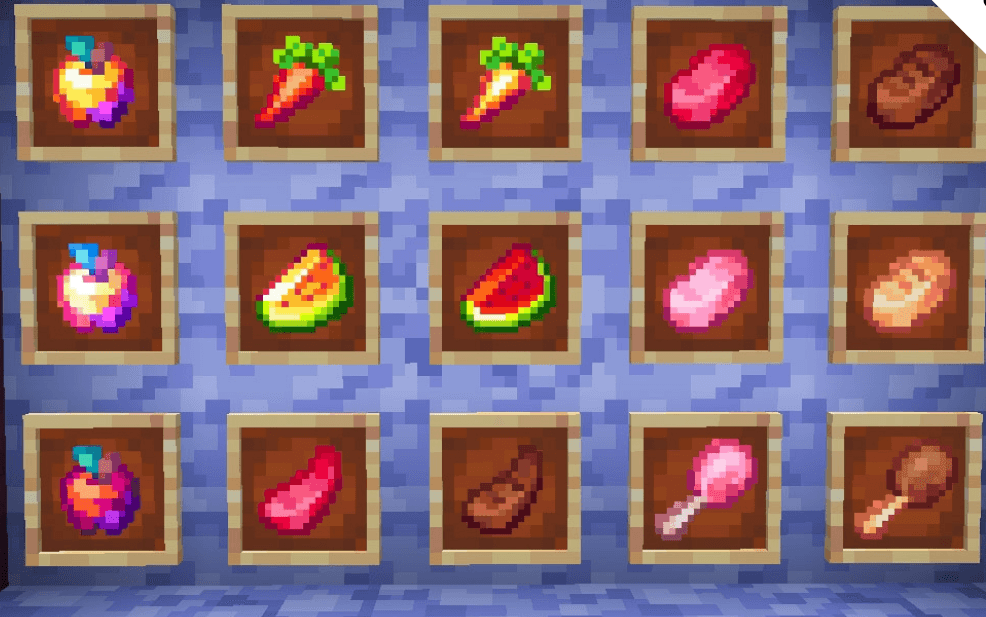
Lumina 16x (32x Scaled) is a clean, simple, and heavily optimized 1.8-based PvP texture pack for MCPE, packed with everything you need for the ultimate Bedwars experience.
Cre: AvexWho
Lumina 32x
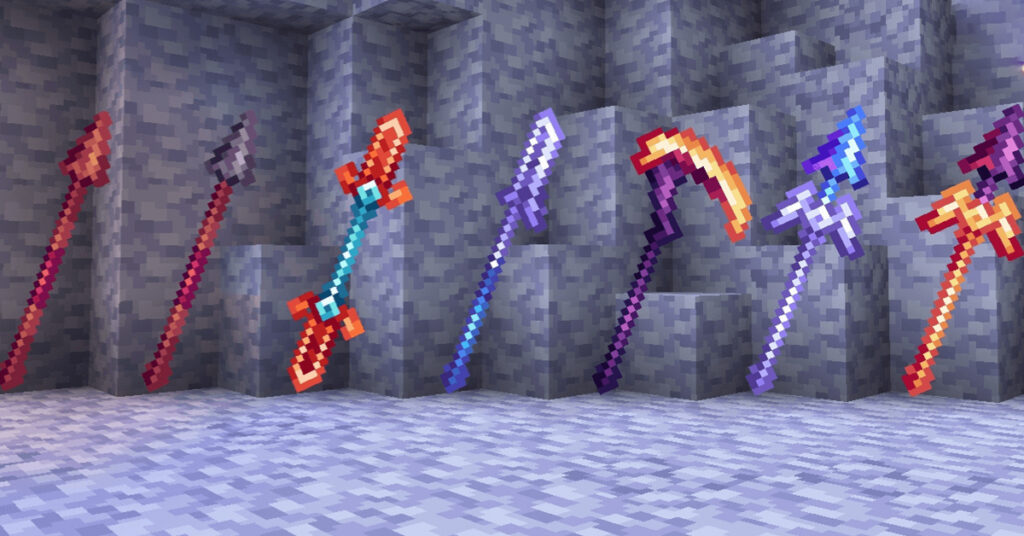
It features over 100 PvP and QoL upgrades, including a 3D mace, exclusive 3D Vex totem, Java chat, custom hit colors, translucent HUD, and 1.20 item fixes.
Items:
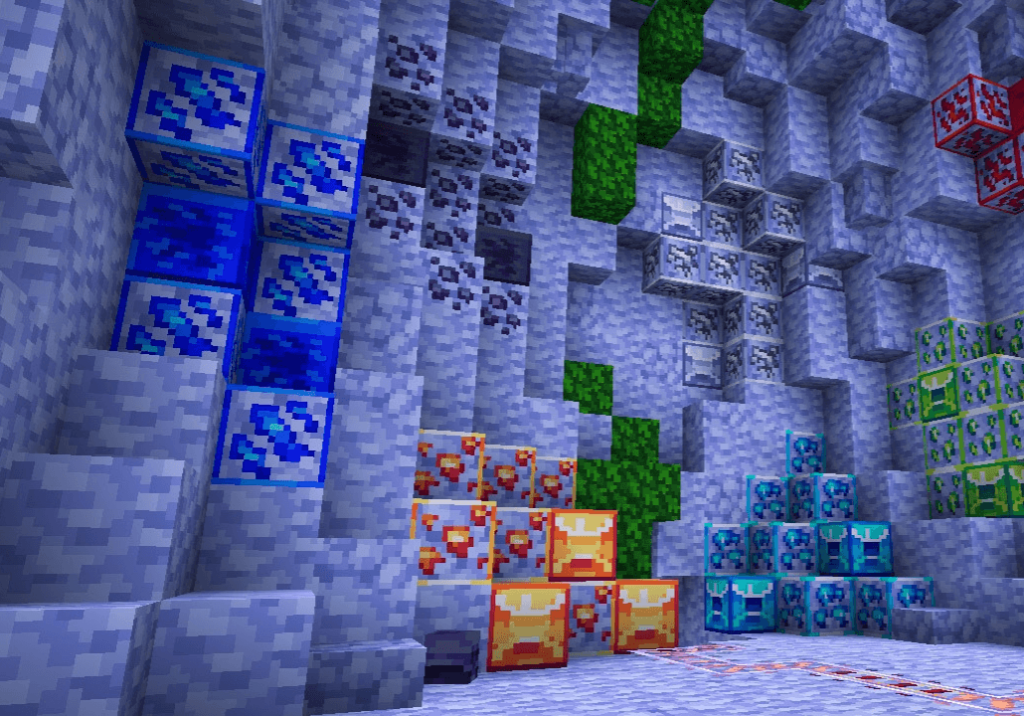
Ores:
Blocks:
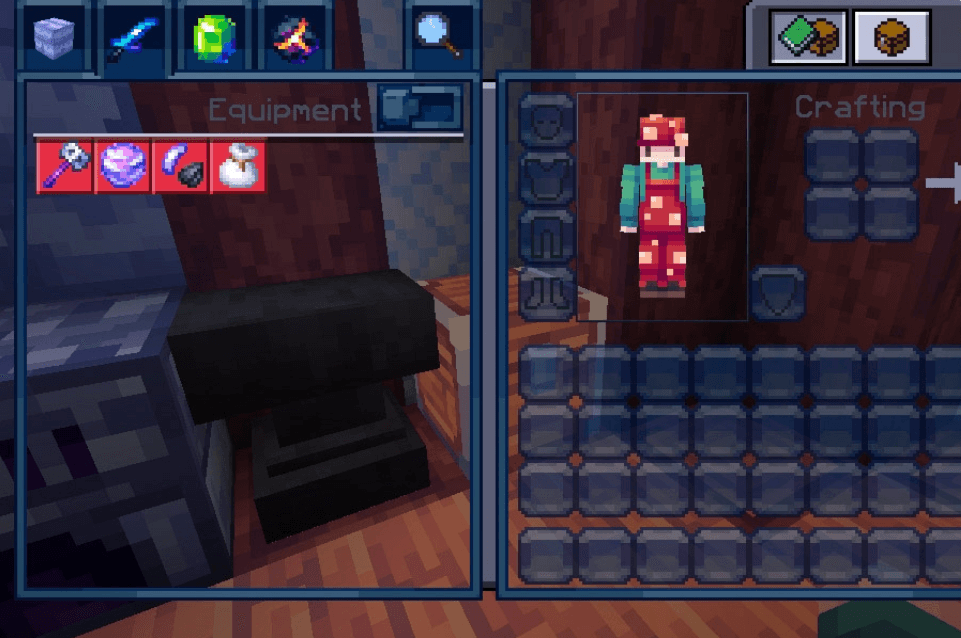
To boost your performance and visibility, it removes the potion HUD/bubbles, “How to Play” guide, pumpkin overlay, and nether fog, while adding a V-sync disabler, low fire, clear lava/water, clearer spyglass, Anti X-Ray, and custom PvP sounds. Plus, the marketplace button is replaced with settings for quick access, alongside many more PvP essentials! :3
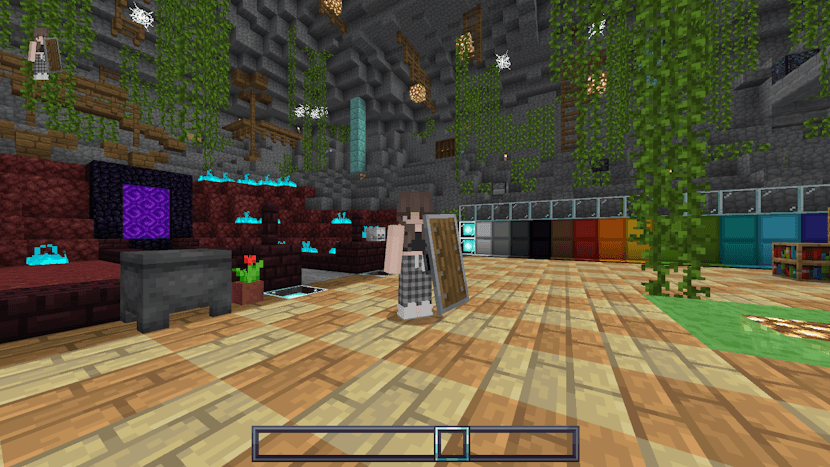
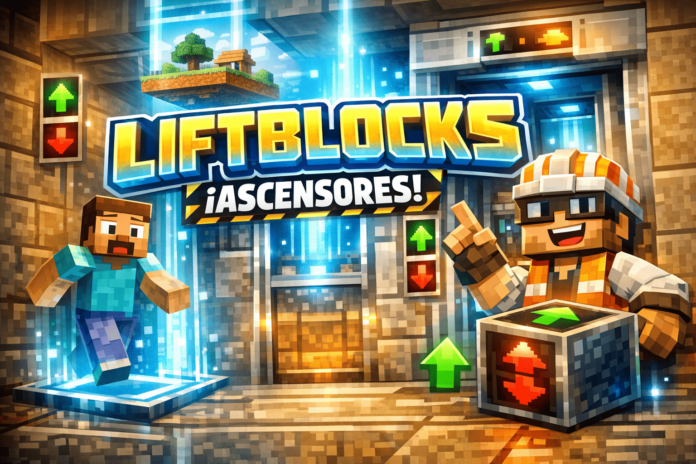
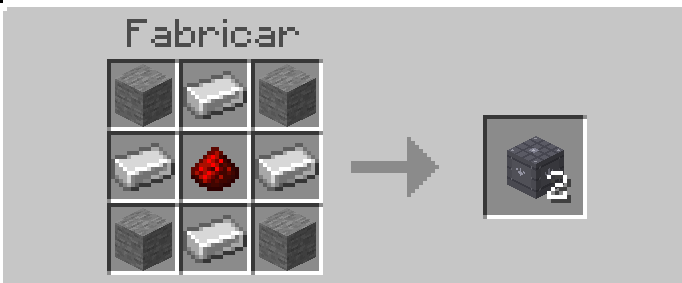
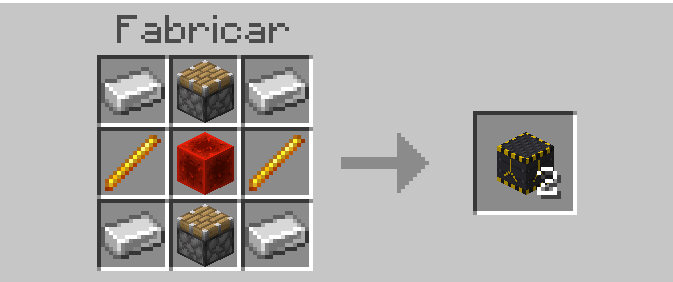
A functional elevator addon for Minecraft Bedrock that allows players to move vertically between connected elevator blocks with simple jump and sneak controls.
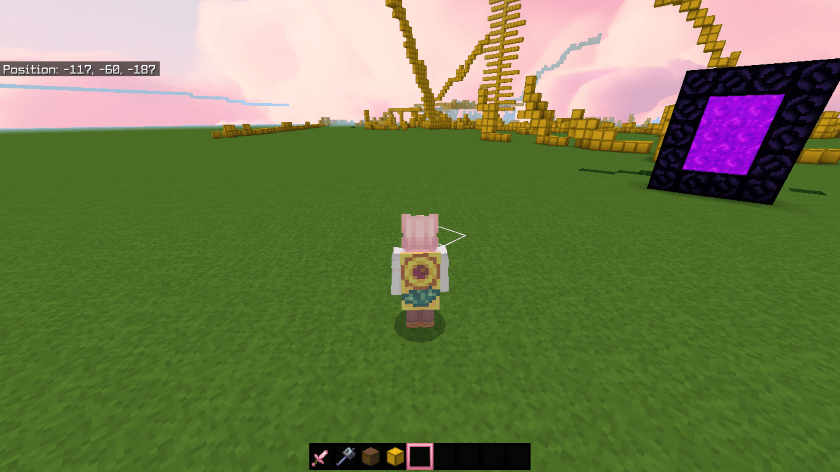
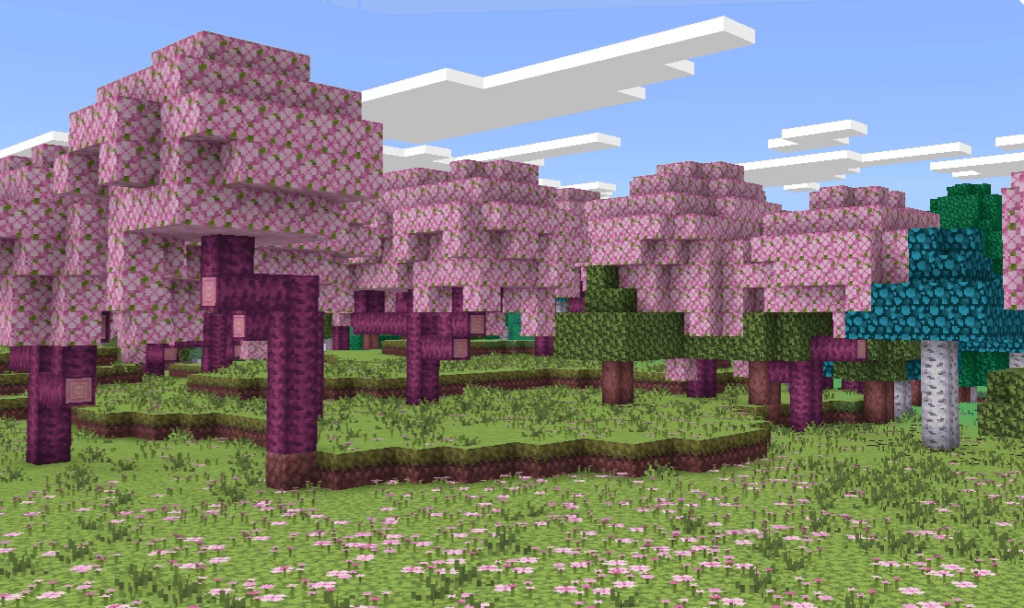
If your Minecraft world feels too dark, dull, or plain — and you want something bright, dreamy, and aesthetic, then Camys Cotton Candy Visuals Shaders might be exactly what you’re looking for.This shader transforms Minecraft Bedrock into a soft pastel world with pink skies, glowing light, and smooth visuals, giving your gameplay a completely different vibe.In this guide, I’ll break down everything — features, performance, installation, pros & cons, and whether it’s worth using in 2026.
What is Camys Cotton Candy Visuals Shader?
Camy’s Cotton Candy Visuals Shader is a lightweight MCPE shader pack designed to make your world look:
Soft
Bright
Dreamy
Aesthetic (Instagram-style visuals)
Unlike realistic shaders, this one focuses on color grading and atmosphere, giving your game a “cotton candy” look.
💡 Shaders in Minecraft improve lighting, shadows, water, and sky to make the game more immersive.
Key Features (Why Players Love It)
🎨 1. Pastel Color Grading
Soft pink, purple, and warm tones
Perfect for aesthetic builds & screenshots
Makes worlds look “cute” and vibrant
☀️ 2. Smooth Lighting & Glow Effects
Softer sunlight and shadows
Subtle bloom (glow around light sources)
Better brightness without harsh contrast
👉 Similar to modern shaders that add glow and cinematic lighting effects.
🌅 3. Beautiful Sky & Atmosphere
Colorful sunrise and sunset
Dream-like sky gradients
Enhanced clouds and fog
🌊 4. Improved Water Effects
Clearer water visuals
Slight reflections and smoother textures
👉 Many shaders enhance water and reflections for realism and immersion.
📱 5. Lightweight & Mobile Friendly
Runs smoothly on most Android devices
Doesn’t heavily reduce FPS
Ideal for low to mid-range phones
How It Works (Simple Explanation)
Shaders don’t change gameplay — they only improve visuals.
With this shader:
Lighting becomes softer
Colors become pastel-toned
World feels more “alive” and aesthetic
👉 It’s basically a visual upgrade without affecting survival mechanics.
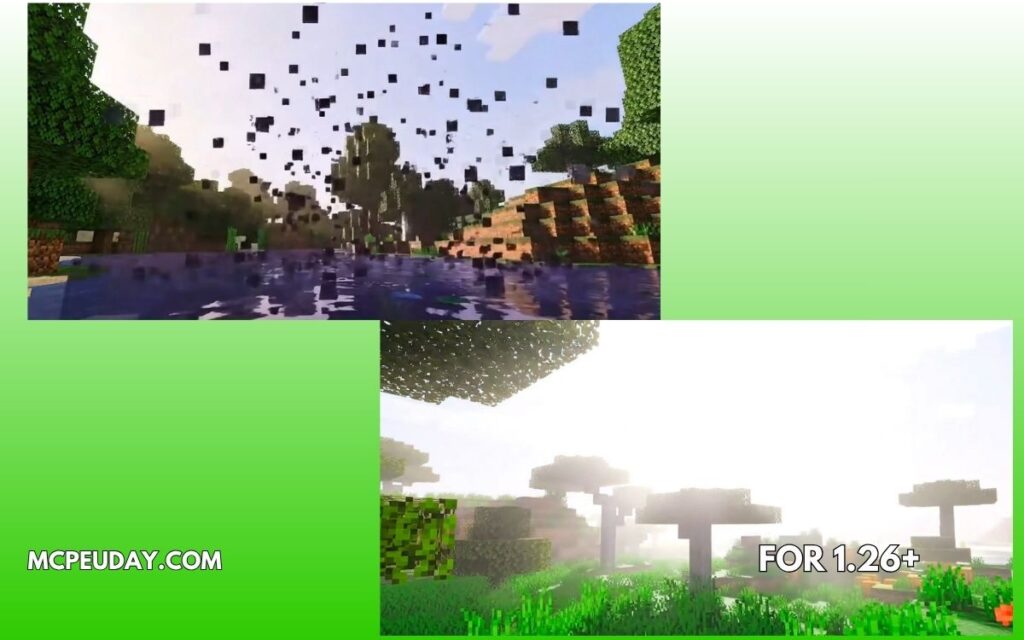
Screenshots:-
Supported Versions
Minecraft Bedrock 1.21
Minecraft Bedrock 1.20
Android, iOS, Windows
⚠️ Important: Modern Minecraft uses RenderDragon engine, so not all shaders work. Always use updated versions for compatibility.
Pros and Cons
✅ Pros
Very aesthetic & unique look
Lightweight (good FPS)
Perfect for builders & content creators
Easy to install
❌ Cons
Not realistic (more stylized)
Colors may feel “too soft” for some players
Limited advanced effects compared to heavy shaders
Creator: no idea
My Experience (E-E-A-T Section)
I tested this shader on a mid-range Android device while building a modern house.
👉 Without shader:
Flat lighting
Basic sky
👉 With Cotton Candy Shader:
Soft pink sky at sunset
Warmer lighting inside house
Screenshots looked instantly better
💡 Best use case:
Aesthetic builds
YouTube thumbnails
Roleplay worlds
Installation Guide (Quick Steps)
Download the shader (.mcpack file)
Open file → Minecraft launches automatically
Go to:
Settings → Global Resources
Activate the shader
Restart the game
Tips for Best Performance
Lower render distance if lag occurs
Use medium graphics settings
Avoid using with heavy mods
FAQs (SEO Boost Section)
❓ Is this shader safe to use?
Yes, it only changes visuals and doesn’t modify game files.
❓ Does it work on low-end devices?
Yes, it’s lightweight and optimized for mobile.
❓ Can I use it in survival mode?
Yes, it doesn’t affect gameplay — only visuals.
❓ Why is my shader not working?
Wrong version
Not activated in settings
Device not compatible
Final Verdict – Should You Use It?
If you want:
✨ Aesthetic Minecraft world
🎨 Soft pastel visuals
📱 Smooth performance
👉 Then Camy’s Cotton Candy Visuals Shader is a great choice.
It’s not about realism — it’s about style and vibe.
Author
By a Minecraft content writer who tests shaders and addons on real MCPE survival worlds, focusing on performance, visuals, and real gameplay experience.
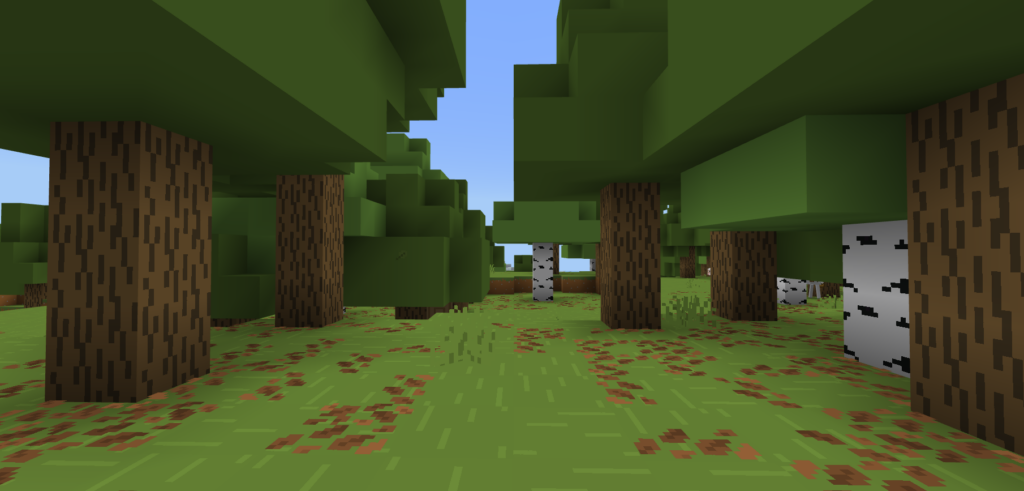
This Bare Bones Recolors comprehensive recolor streamlines Minecraft’s visual identity by flattening 100% of the game’s assets. By removing complex noise and focusing on high-saturation palettes, it delivers the exact vibrant, cartoonish look featured in official game trailers. It is the perfect choice for players seeking a clean, minimalist, and “Vanilla+” aesthetic.
Environmental Blocks: Every block—from common grass and dirt to rare ores and nether blocks—gets its grainy noise scrubbed away in favor of bold, solid color fills.
Items & UI: Your entire HUD is reimagined. Every inventory icon, health heart, and weapon sprite swaps realistic shading for thick borders and bright palettes.
Entities & Mobs: Creepers, zombies, and even the Ender Dragon lose their gritty textures and are redrawn with flat, animated-style color blocks.
Particles & Effects: Say goodbye to visual clutter. Smoke, fire, and potion swirls are simplified into clean, non-intrusive shapes for maximum visibility.
Bare Bones Recolors Overhaul:
Perfect Immersion: Enjoy a world with zero visual inconsistencies. Every block and item is unified under one clean, vibrant style.
Enhanced PvP Clarity: Designed for competitive play. High-contrast textures and simplified particles make it easier to track targets and dodge incoming attacks in the heat of battle.
Hardware Friendly: Flattening the color data of every single texture in the game severely lessens the processing load on your phone or low-end PC.
Build Your Legend with the Medieval Structures Add-on! 🏰
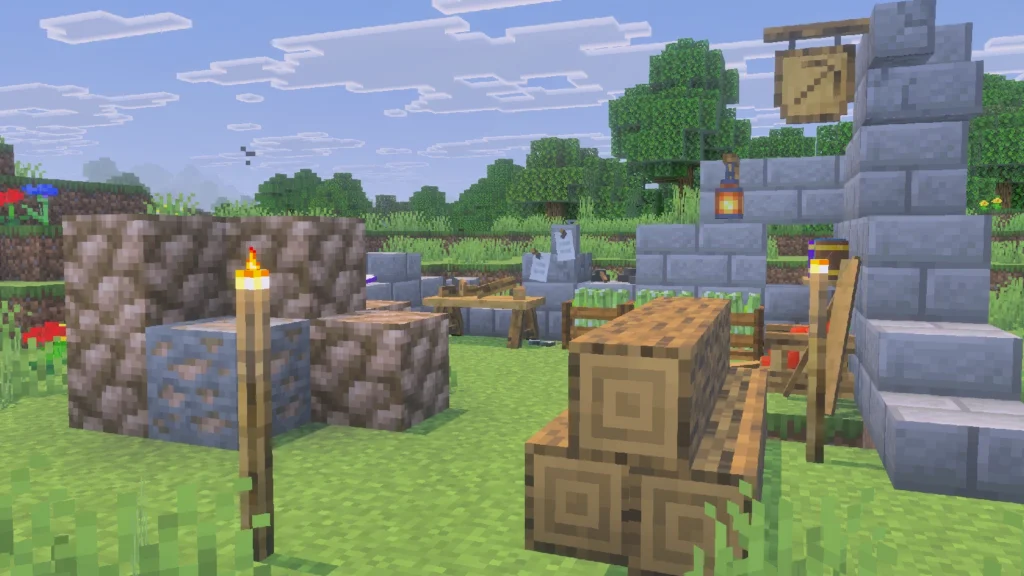
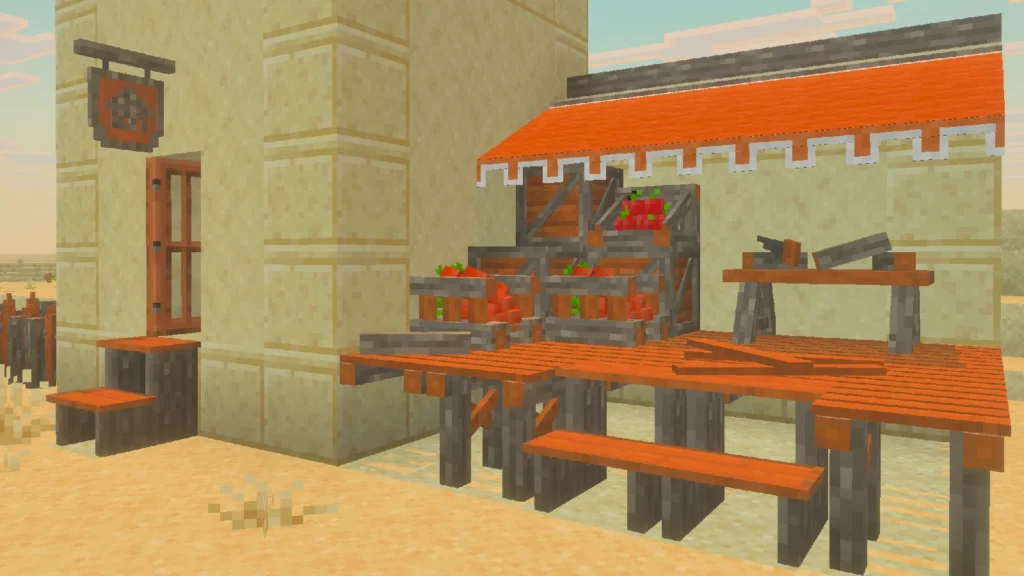
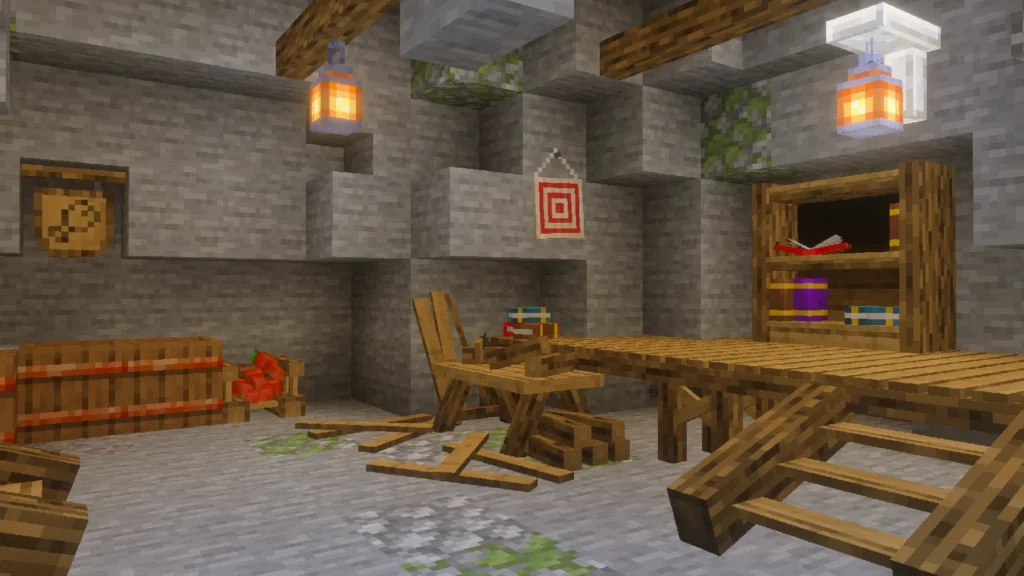
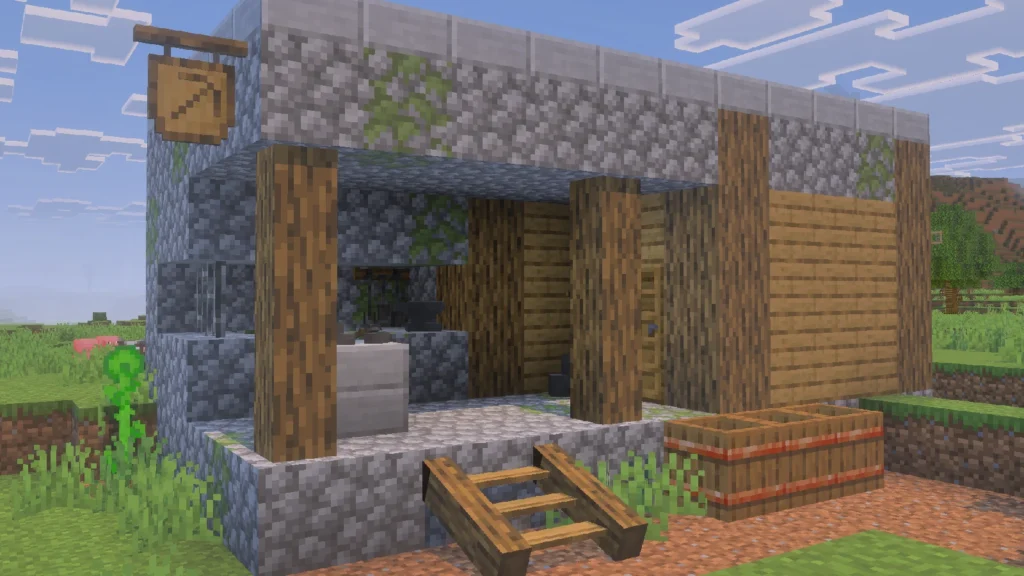
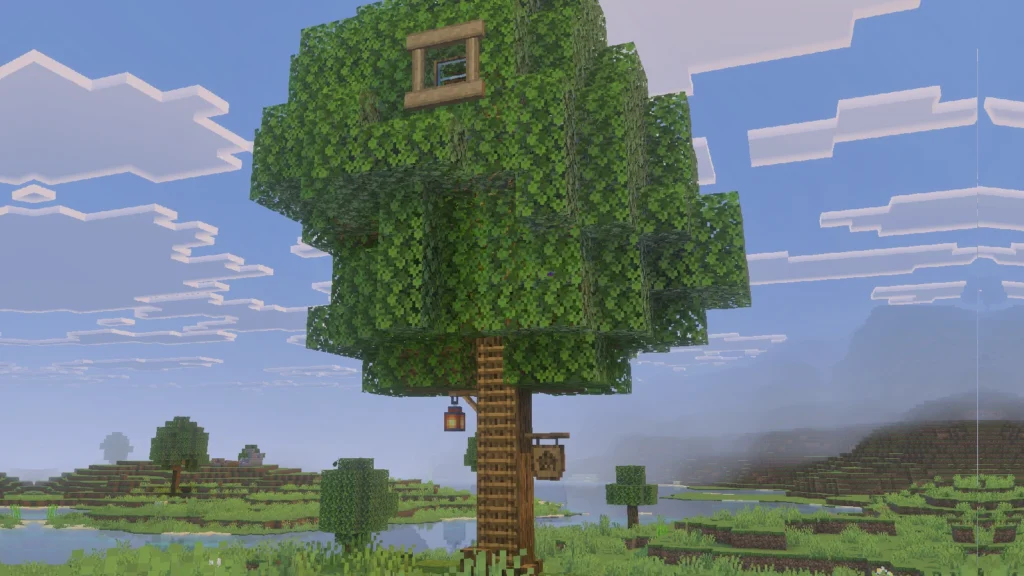
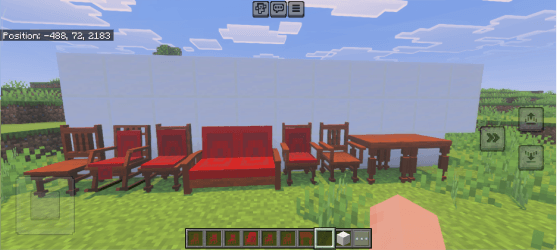
Ready to level up your survival world? Medieval Structures brings an array of immersive, period-accurate buildings to Minecraft Bedrock. Every structure is fully integrated with our Feudal Furniture add-on, ensuring that every room is as detailed on the inside as it is on the outside. Download now and start exploring!
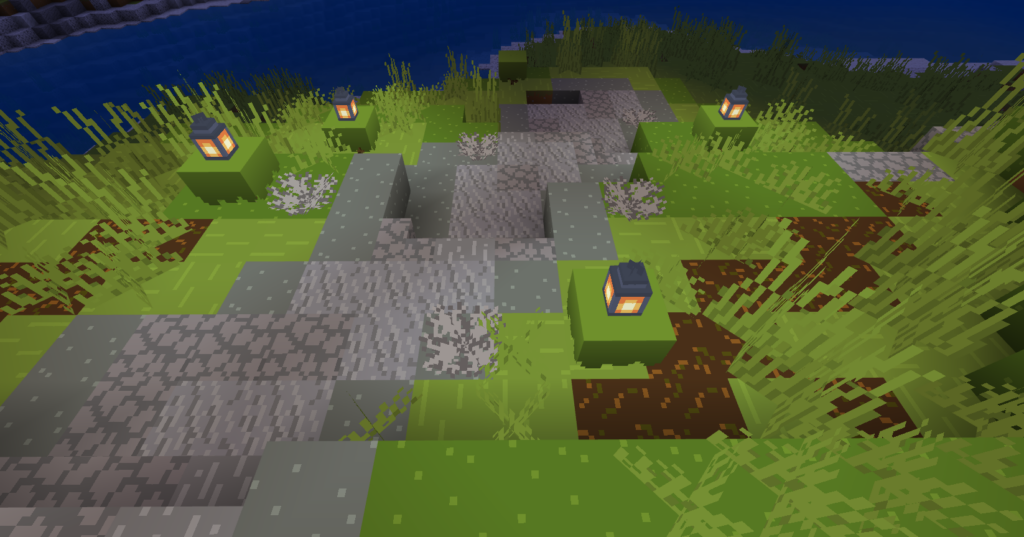
Structures are meticulously designed to blend seamlessly into your world. While many add-ons suffer from overcrowded spawns, unbalanced loot, and designs that clash with the game’s core look, this pack is different. We’ve focused on “Vanilla-plus” aesthetics to ensure every building feels like a natural part of the Minecraft universe.
Loot: Reduced by design. The best loot you’ll find is arrows, iron, or basic food. This is fully intentional to preserve the natural vanilla resource progression.
Design: Fully vanilla-friendly. Structures are small, compact, but carefully decorated and built using blocks from the Feudal Furniture add-on.
Frequency: Very low. These structures are meant to complement the world, not replace it. They blend into their surroundings by embedding into mountains, mimicking trees, or appearing in small, hidden areas across different biomes.
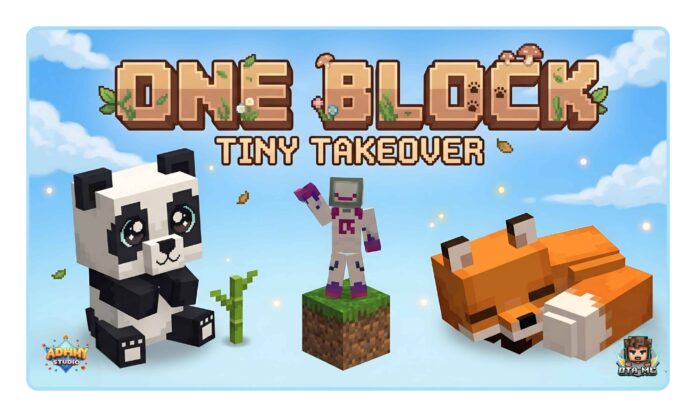
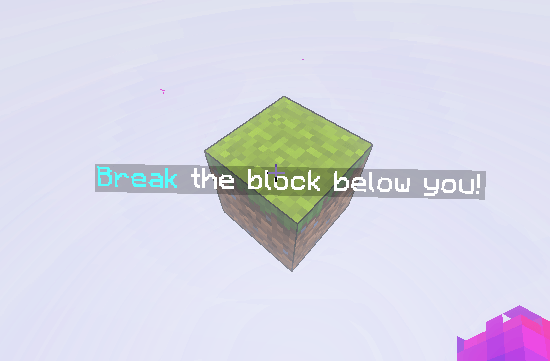
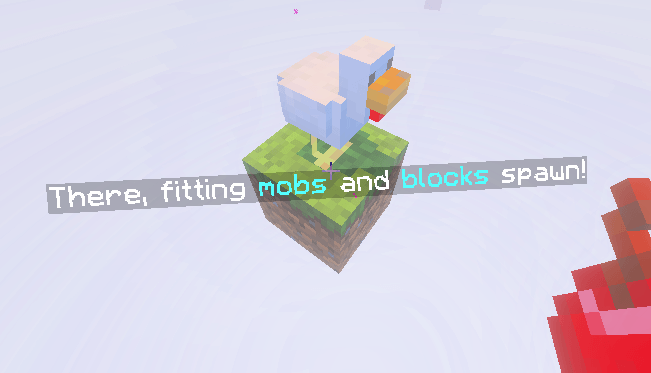
The Ultimate One Block Experience for Minecraft Bedrock!!!
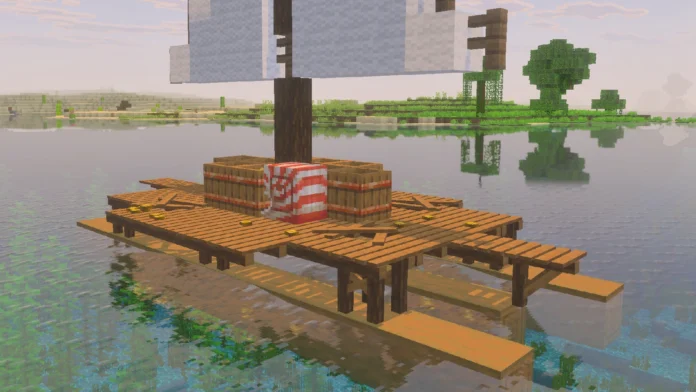
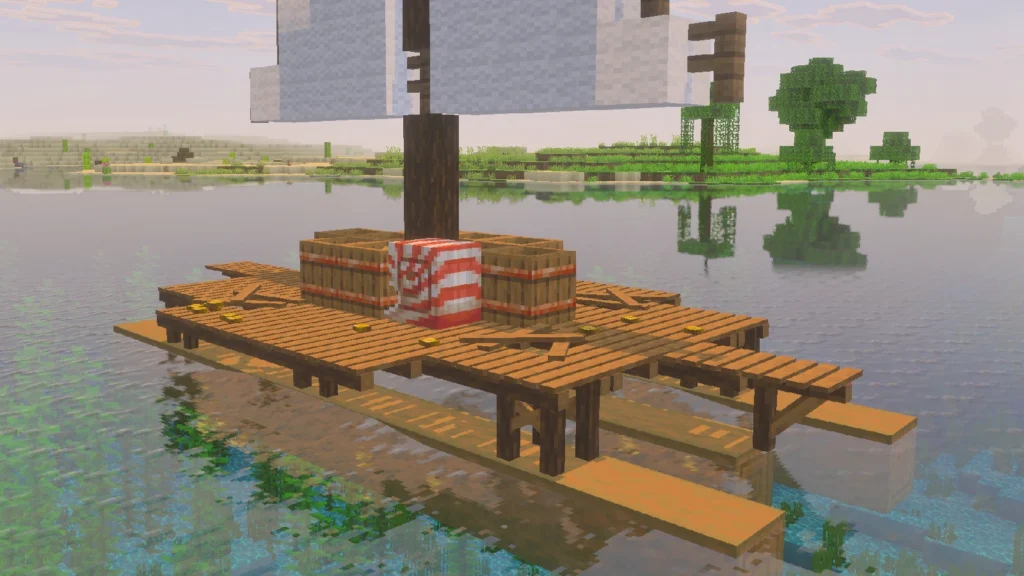
The journey begins with a single block in the void. As you mine it, your world expands, unlocking new tiers of blocks, unique mobs, and custom structures. Every level is carefully designed to introduce new challenges, keeping your survival experience fresh from the first break to the final stage.
Transform your Minecraft world into a feudal masterpiece with this Samurai-themed survival texture pack. Designed to bring a sleek, professional aesthetic to your gameplay, this pack introduces custom 3D textures and a complete overhaul of blocks, items, tools, and the environment. Immerse yourself in a world of ancient honor, with frequent updates planned to keep your journey fresh.
The Lyrian Pack Trilogy reaches its peak with Lyro PvP pack. This massive overhaul covers over 2,000 textures, including everything from GUIs and blocks to items and mobs. It offers the premium quality of a Marketplace pack, but it’s completely FREE. Experience a total world transformation without sacrificing a single PvP essential.
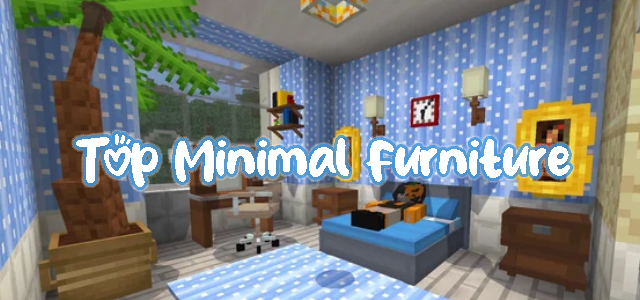
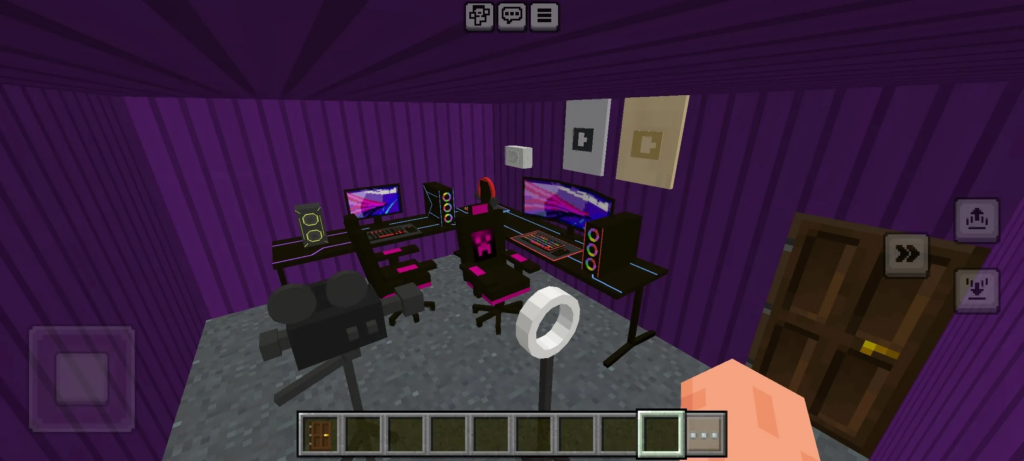
Upgrade your Minecraft 1.21 world with our Minimal Furniture Addon. Clean, functional, and lag-free 3D decor for the perfect modern aesthetic. Best minimalist mod for pro builders!
Minimal Furniture Addon
Fabulous Furniture
Creator: Hyrxs
Welcome to Fabulous Furnished, an add-on which allows you to explode your imagination and creativity in a better way.
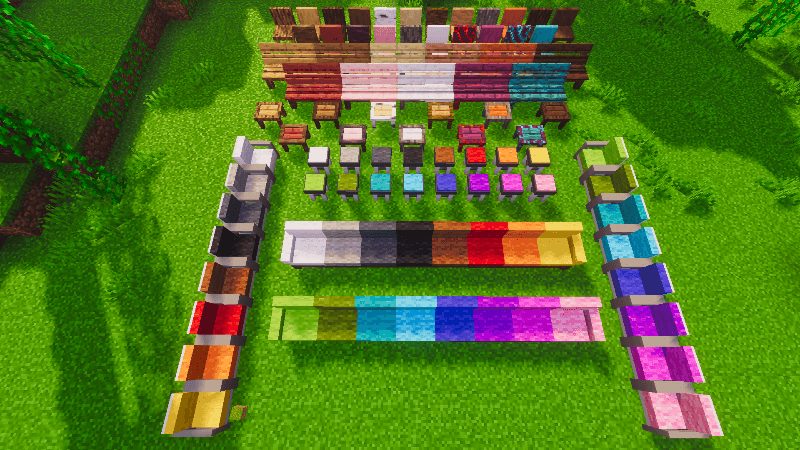
This is not just a furniture addon, it is an add-on which has the function of giving you extensive customization of your furniture and decorations, with support for the 16 vanilla MC colors, VFX effects on some blocks, connectable blocks and much more.
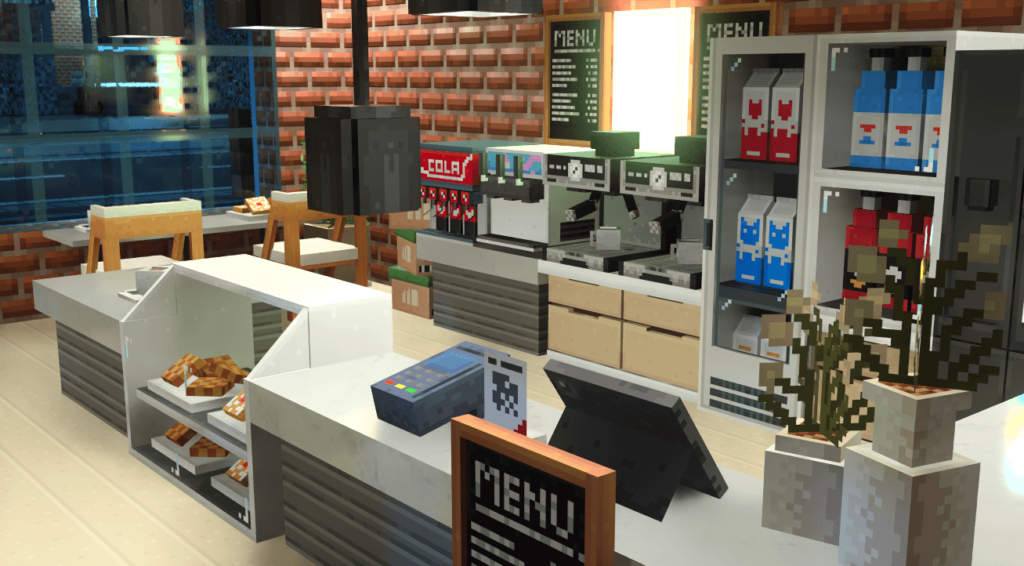
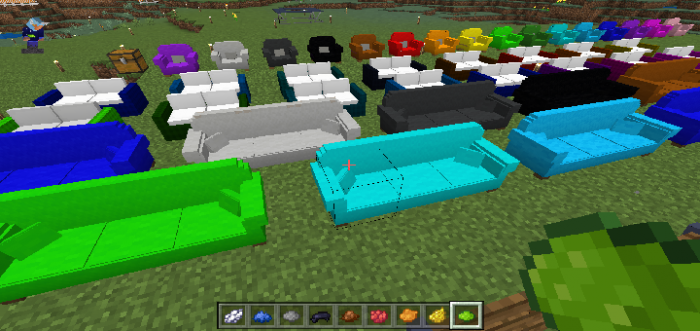
Elevate your Minecraft Bedrock builds with the Modern Furniture Add-On, the ultimate tool for decorating everything from cozy houses to city streets! Featuring more than 800 unique furniture pieces, this pack simplifies building with handy categorized boxes for sofas, armchairs, construction materials, and beyond.
Did you know that monoDeco Gen 7 is the only furniture addon you’ll ever need? Get everything in one single pack featuring almost 3,000 unique blocks! Whether you’re styling a sleek kitchen, a cozy bedroom, or an outdoor landscape, this pack lets you design any interior or exterior space with ease.
MrCrayfish’ Furniture Addon
Creator: Ported by EndXenocMC
This is an unofficial port of the classic MrCrayfish’s Furniture Mod, adapted for Minecraft Bedrock 1.21.60+. It brings over 400 iconic furniture pieces from the Java 1.19 version.
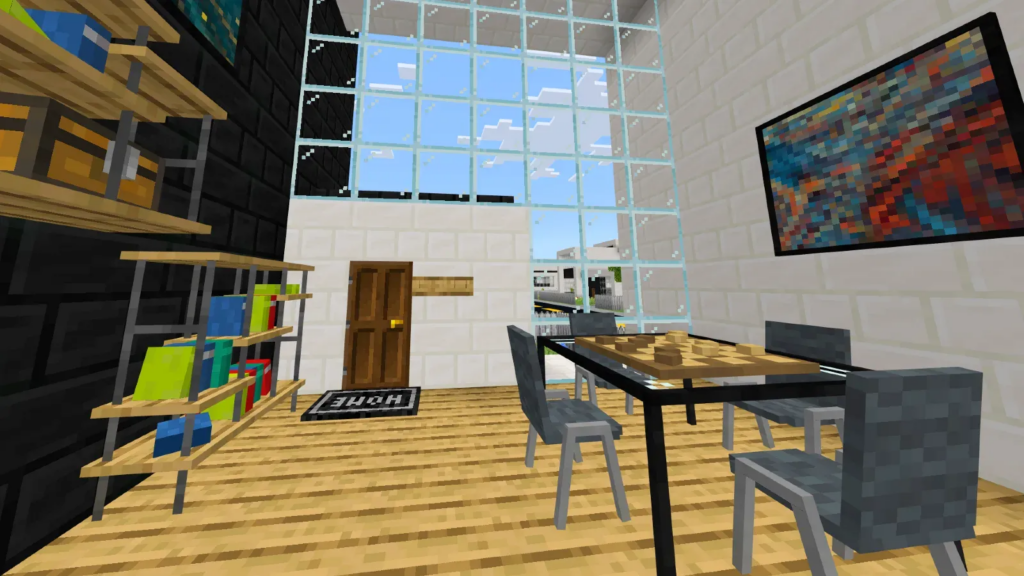
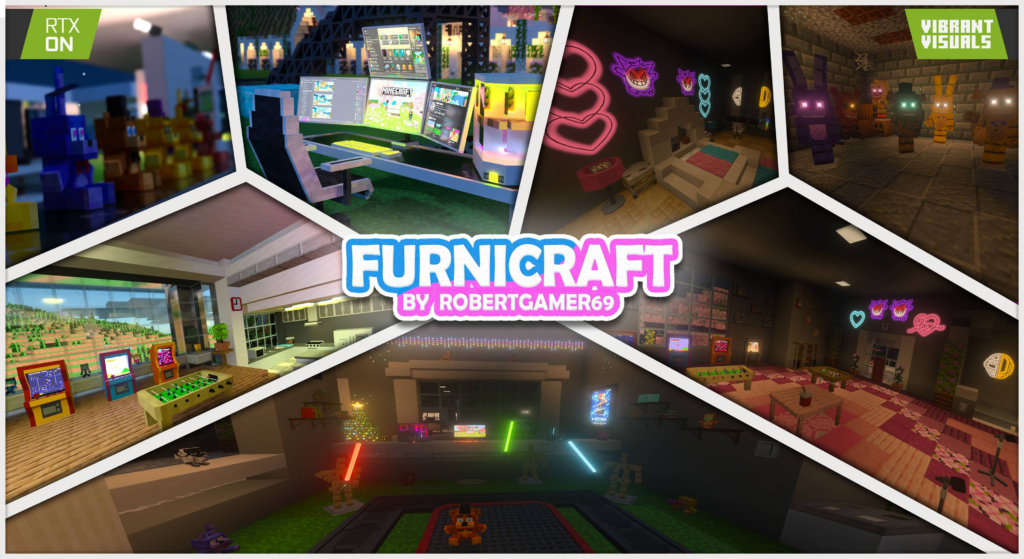
Enhance your Minecraft creations with this versatile add-on, featuring a diverse collection of modern and minimalist furniture. Beyond aesthetics, many pieces are fully interactive, offering a deeper sense of immersion. To elevate the realism, several items even include custom sound effects and particles, bringing your builds to life like never before.
This addon adds over 500 pieces of furniture to the game. There’s everything from kitchen utensils and bathroom equipment to things like a stove, shower,…
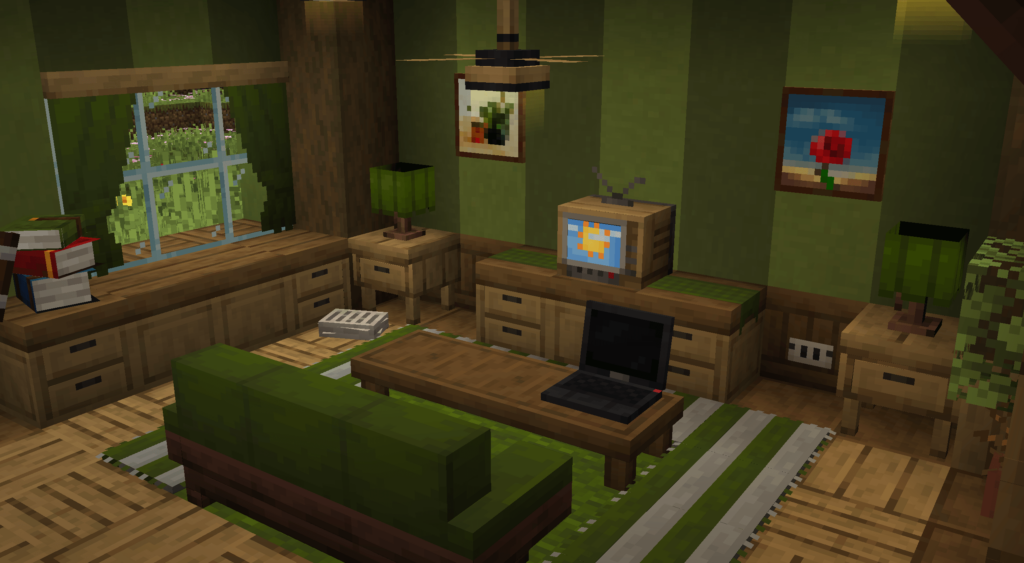
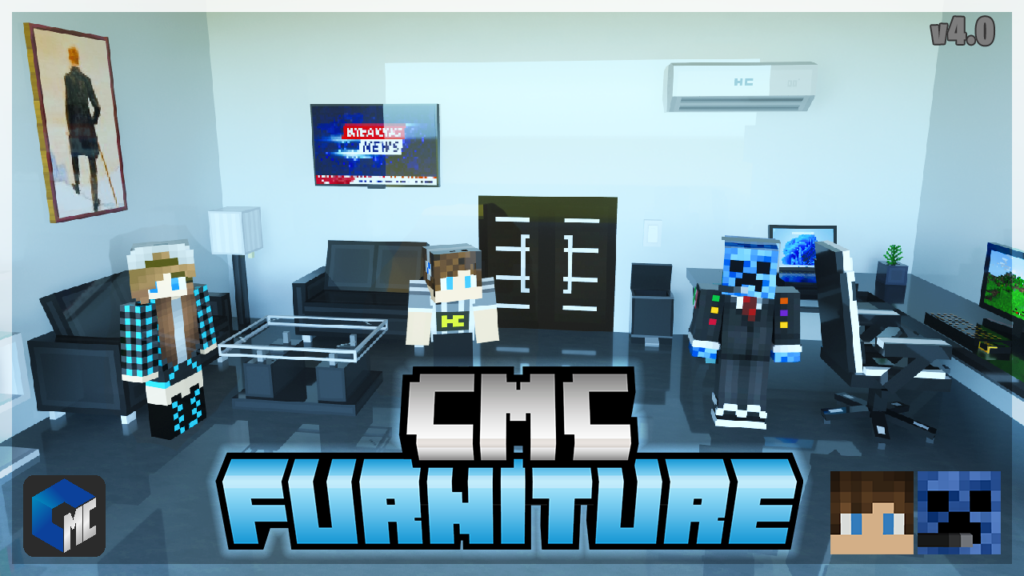
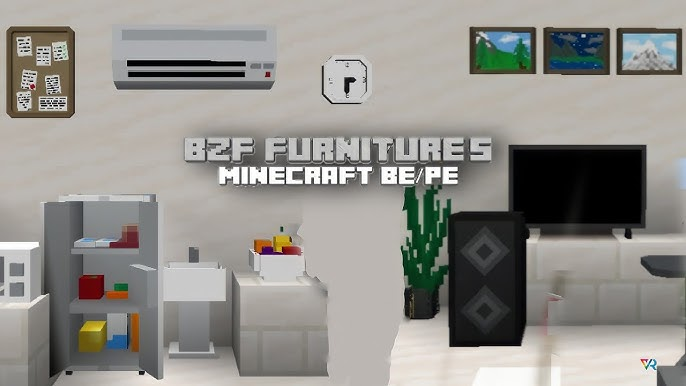
This furniture mod adds more and more minimal furniture items, more 140+ various pieces of functional furniture. Including chairs, couches, tvs, lights, stoves, toasters, and many other blocks, that you can use to design your environment.
Goodbye 👋 to old-fashioned building methods. With this add-on, the building process will speed up hundreds of times, as it adds tools such as terrain, building, deleting, copying and pasting, mountains, trees, rivers, roads, traffic lights, and everything else you need to build.
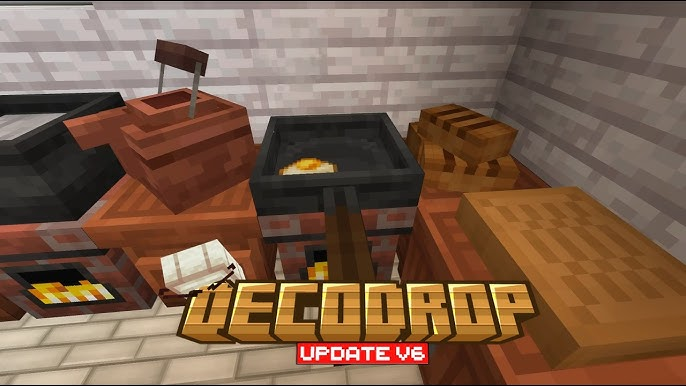
DecoDrop is a decoration-focused addon that brings your builds to life with hundreds of new blocks including chairs, tables, lamp posts, street lights, and more! Whether you’re designing a cozy home, a bustling city, or a medieval village, DecoDrop has what you need to enhance your world with detail and style.
Furniture Kraft The famous Craft Furniture adds to you 600 pieces of furniture for the whole house: the kitchen, the playroom, the bedroom, the bathroom, and the living room, with the ability to interact with the furniture, customize the colors, eat, drink, and prepare food.
Level up your world with the best Best Farming & Cooking Addons for Minecraft Bedrock. Discover new crops, advanced cooking systems, and custom mobs. Perfect for survival players wanting to build a dream farm!
BestFarming & Cooking Addons
Farmer’s delight (Unofficial Port)
Creator: Pupy200mine
Farmer’s Delight is a mod that gently expands upon farming and cooking in Minecraft. Using a simple cooking system and a few familiar ingredients.
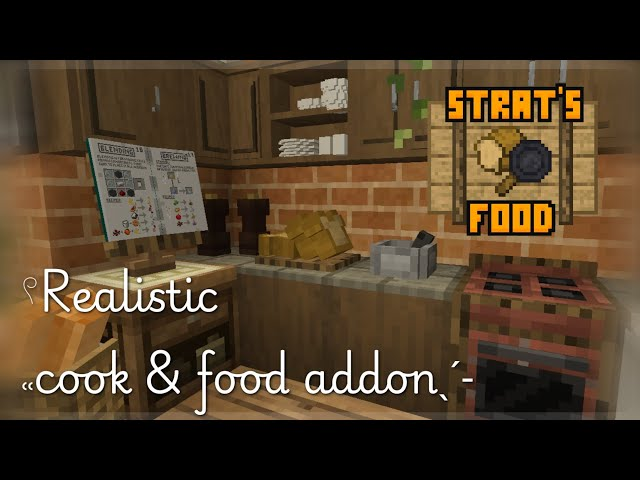
Discover and create new foods to give you the meals that your stomach deserves! This add-on was created to give you a challenge and make you eat more than just a few portions of beef every now and then.
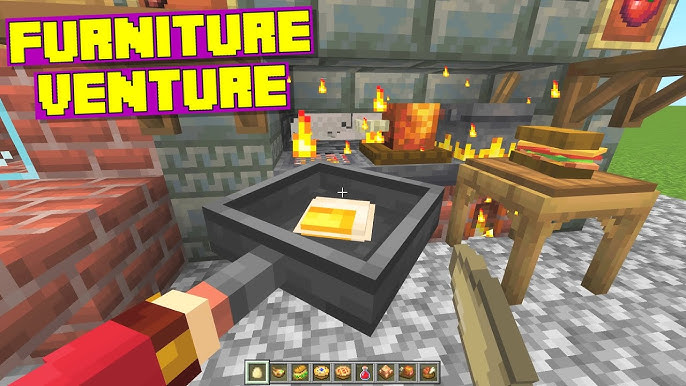
Furniture Venture has been greatly received by the community! So we are back with a new update! Furniture Venture V2! This update now adds farming and cooking features along with new mechanics from the well-known Java mod: Farmer’s Delight! However, if you haven’t played the original version before, you can click here!
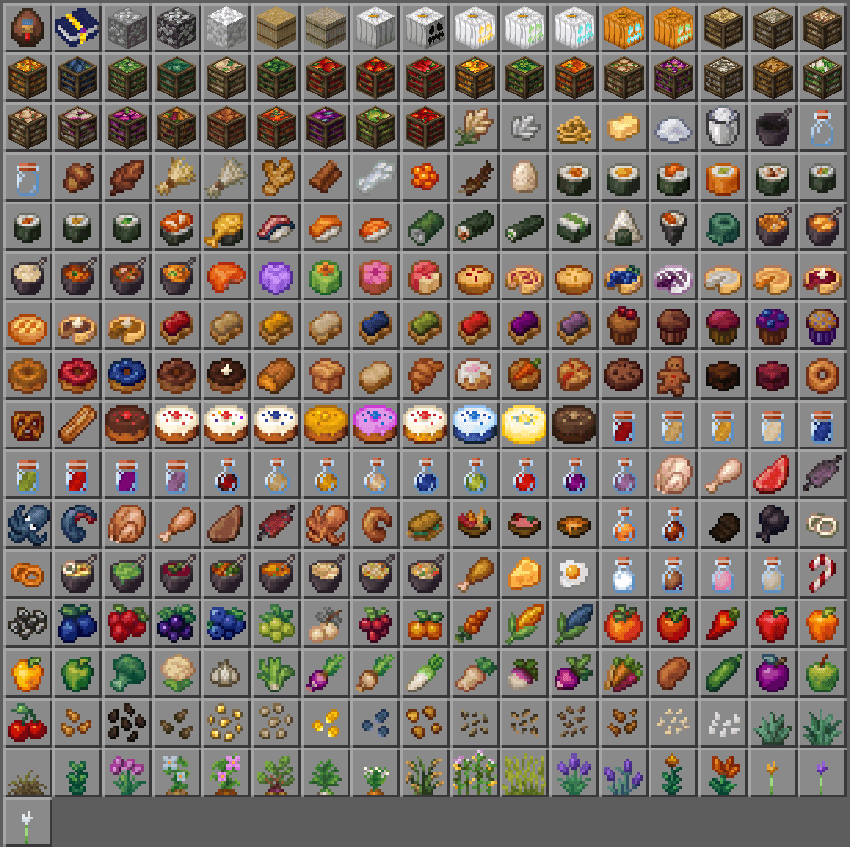
This addon introduces over 150 brand-new food items, 9 new berry bushes, 23 new crops, 18 new plants and multiple new block and mob drop to give your survival world more variety and purpose.
DecoDrop is a decoration-focused addon that brings your builds to life with hundreds of new blocks including chairs, tables, lamp posts, street lights, and more! Whether you’re designing a cozy home, a bustling city, or a medieval village, DecoDrop has what you need to enhance your world with detail and style.
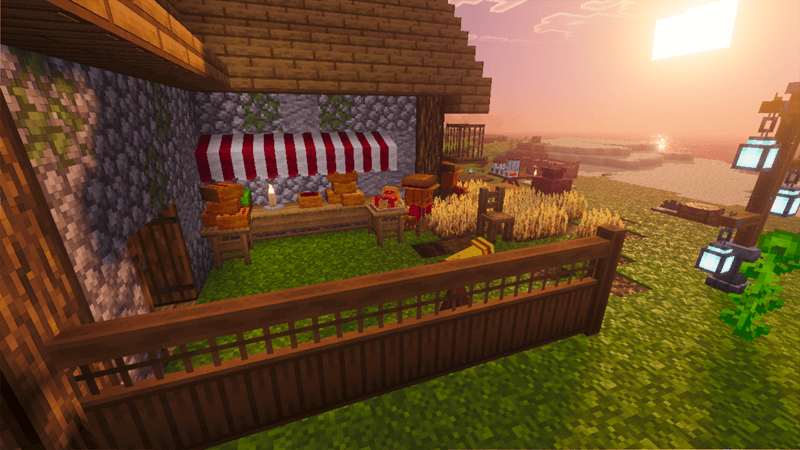
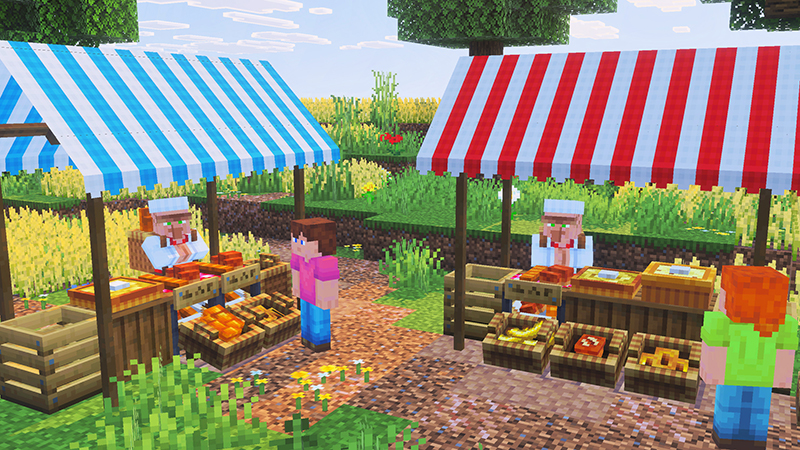
Live the complete farming dream with our Crops & Farms Add-On! Expand your homestead with NEW farm animals & PETS. Get growing exciting fresh crops, harvest with your tools and craft into your favorite dishes & items.
Live the complete bakery dream with our Cakes & Bakes Add-On! Expand your farm & homestead with awesome NEW cooking stations, rustling up sweet treats. Mix, Churn, Blend, Fry AND Bake ingredients into your favourite culinary delights.
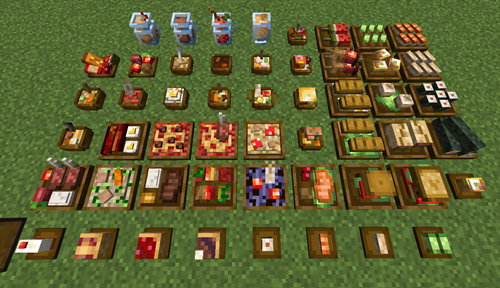
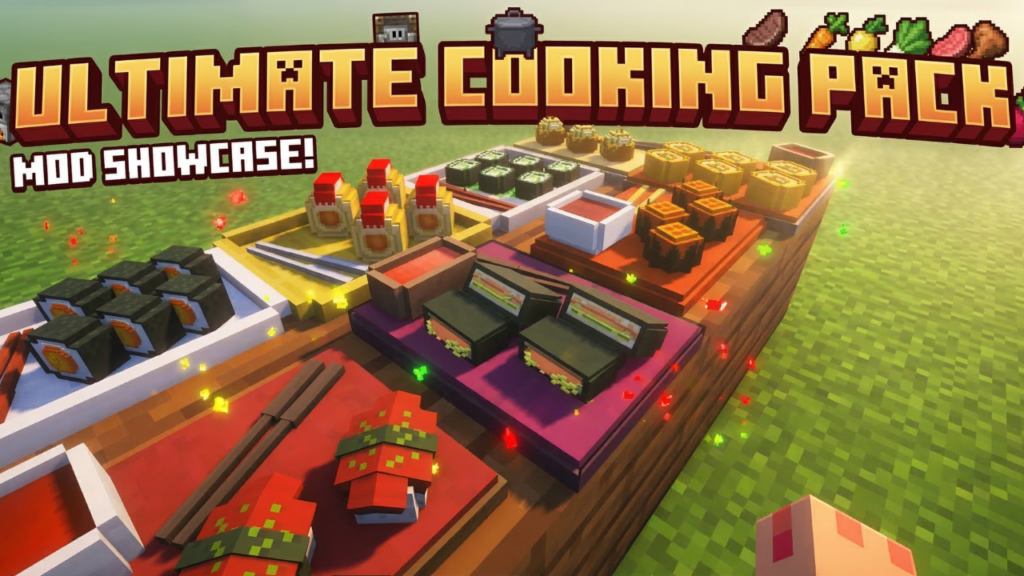
Become the head chef of your own restaurant! Cook gourmet meals, grow fresh ingredients, and more! – Bake, blend, boil, and sear your way through 100+ dishes – Build Banquet Halls to serve meals and earn XP and emeralds – Enhance your foods with over 20 new crops and 3 new creatures – Fill your world with Pizzerias, Smoothie Stands, and Sushi Restaurants!
Spice up your Minecraft meals with Master Chef, the ultimate food addon that brings a variety of Filipino flavors and sushi delights into the game, letting you expand your kitchen and enjoy a richer, more immersive culinary experience. +50 Items +35 Blocks