
 Shader1.19
Minecraft PE Patched | Fix all shaders added to game!
NEW UPDATE! Minecraft patched version 1.21 now available🗣️
ByDona 134k 45kMar 18, 2024
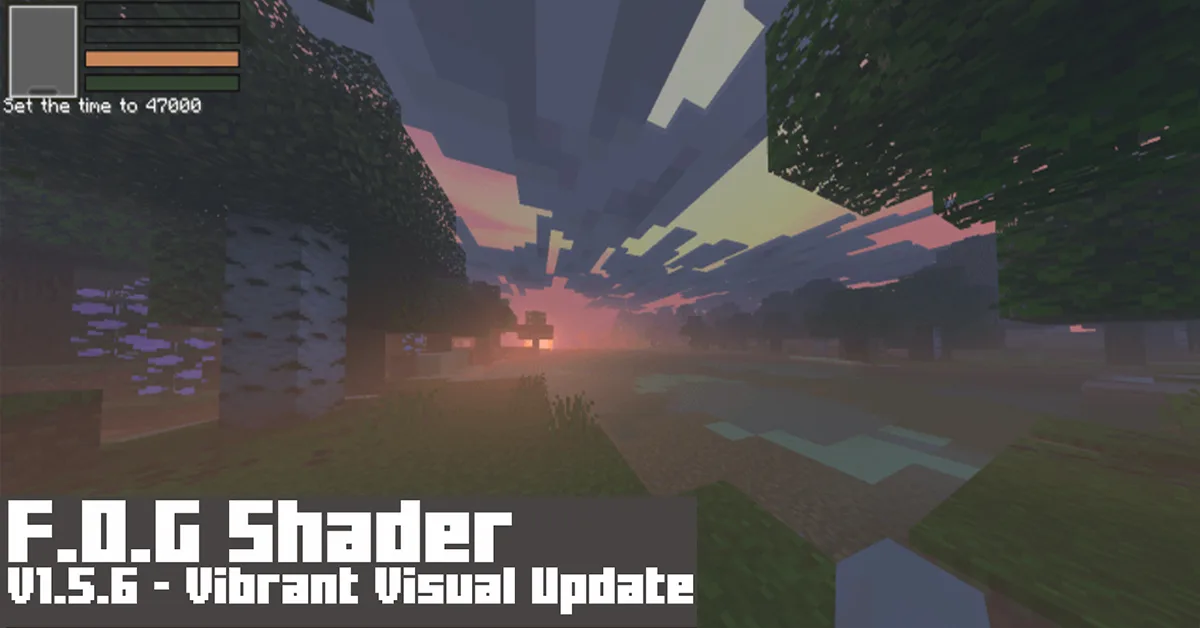
If you're seeking for Foggy, Scarry Shade-eerr, and other such things, this is the place to be. So this F.O.G Shader, it's not fancy, it simply makes the scene look more terrifying, un-vibrant, and un-colory, and Scary, wait, did I just say that?
Features/Settings:
To change the visual at Global Resources > Active the pack > click Gear icon.

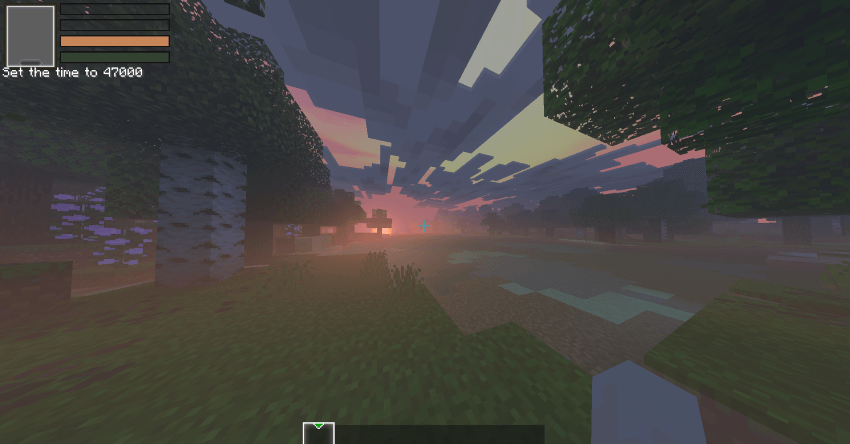
Default mode:
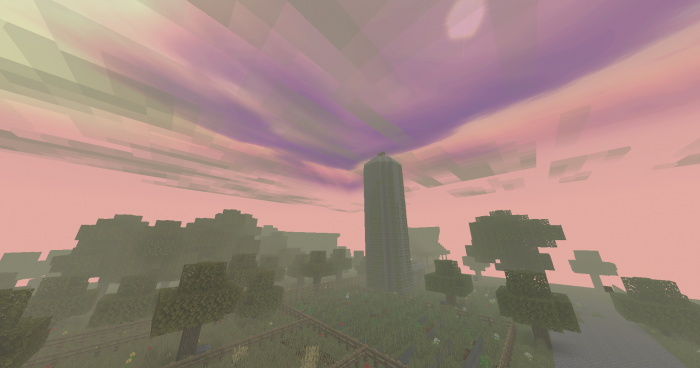

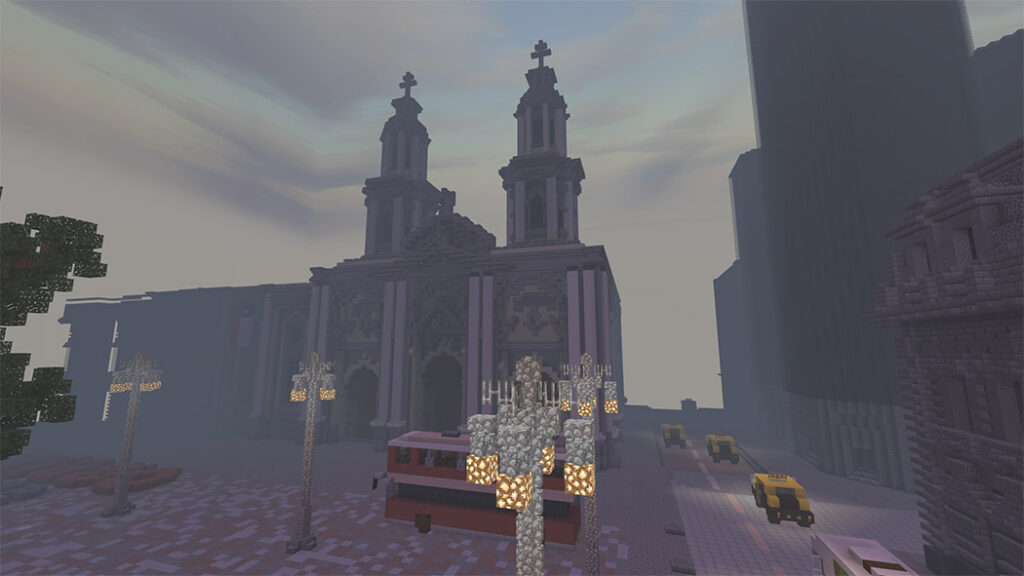

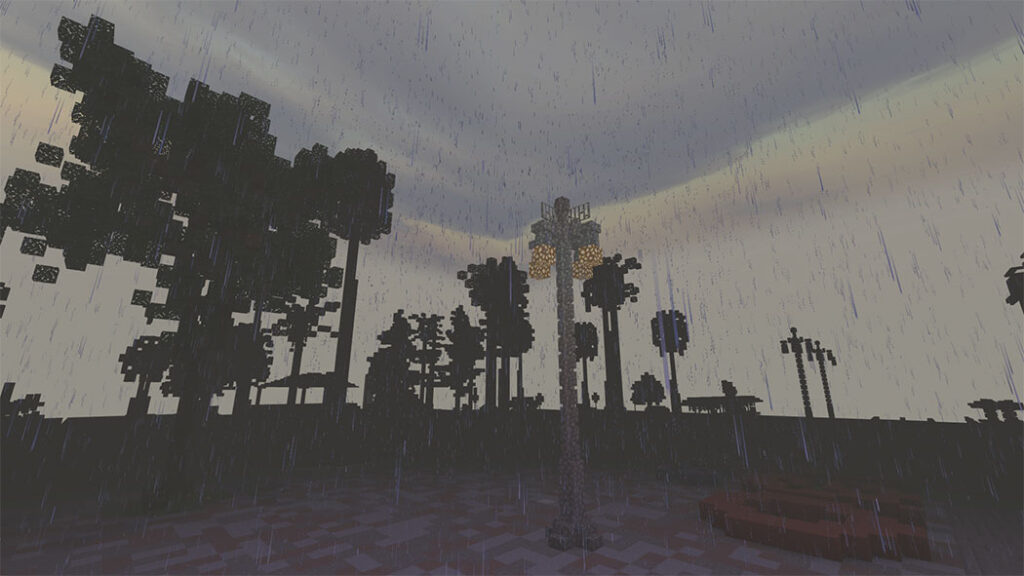
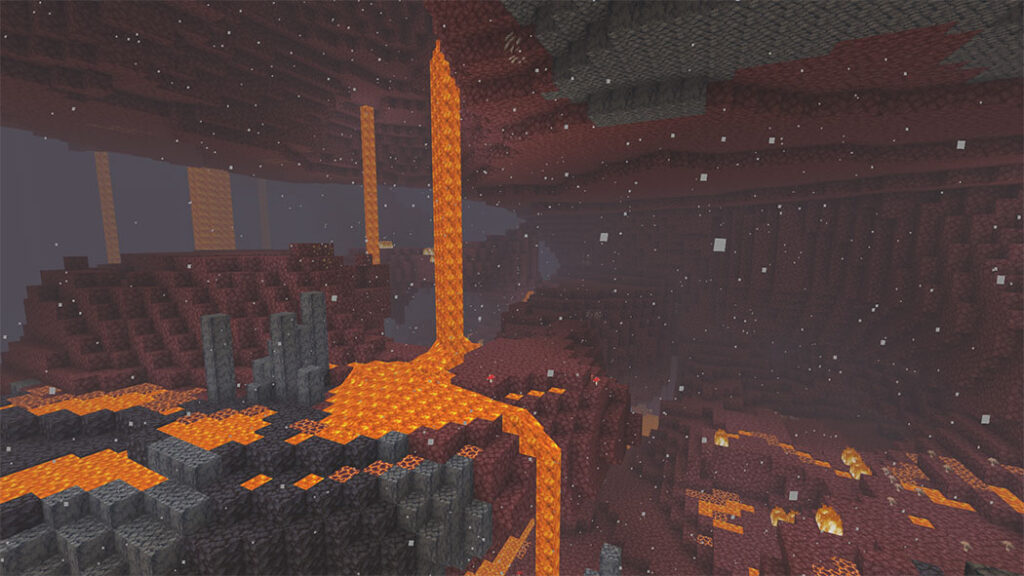
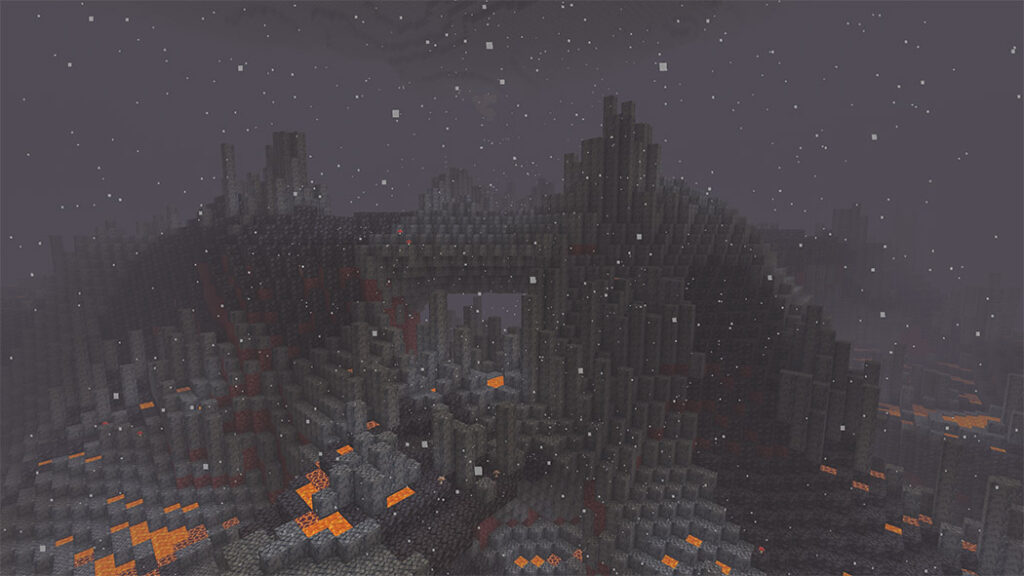
Winter mode
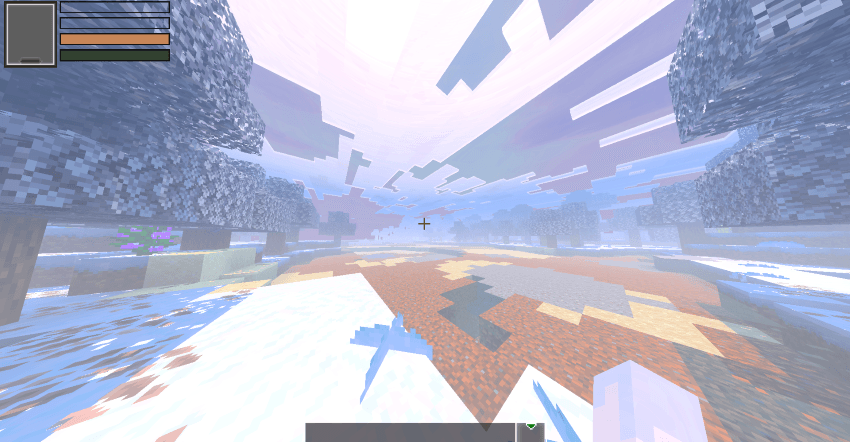
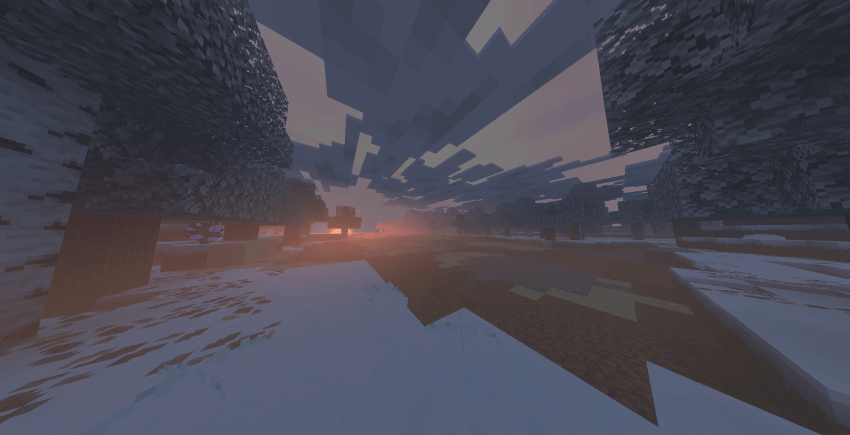
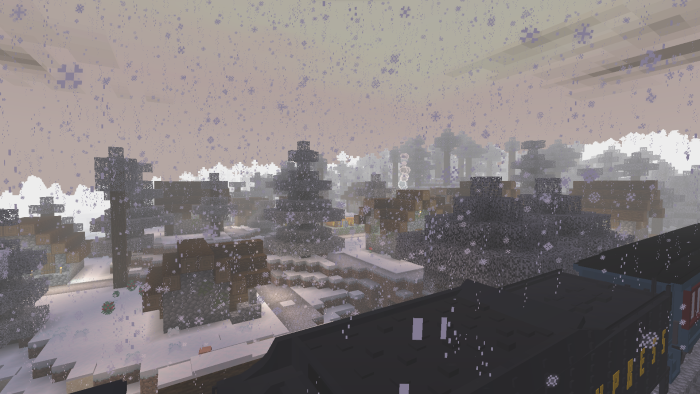
Note: This Shader can be used with Vibrant Visual and Fancy Graphic.
More Minecraft Shaders:
https://mcpeaddons.com/rg-shader-support-render-dragon/
https://mcpeaddons.com/how-to-use-action-and-stuff-v1-10-v1-21-every-new-feature/
Files are hosted by their creators. MCPE Addons links to them and does not re-host them.
Shader1.19NEW UPDATE! Minecraft patched version 1.21 now available🗣️
 Texture Pack
Want a more exciting elytra glider? The Elytra Models will change the original elytra in your game. Either for roleplay toy story, being small, be part ph…
 Texture Pack
If you're curious about how it works, it works by REPLACING some of the sounds made by mobs. They produce ambient sounds based on their biomes and spawnin…
 Texture Pack
RealSource RTX Pack is a new 3D texture pack for Minecraft PE that it change both Rtx texture Pack Bedrock and the Minecraft Java RTX texture pack! It's a…
 Shader1.21.0
Strawberry Deferred Shader needs additional textures to activate it, without additional textures Strawberry Deferred will never be active!
 Shader1.21
Luminous Dreams Shaders Minecraft Bedrock (1.21, 1.20) is a visionary Deferred Renderer Pack (or Shader) that has been precisely developed for the bright …
 Shader1.20.80
NEW UPDATE!! Solar Shaders V7 available for Minecraft 1.21
 Texture Pack1.19
The underwater caustic, 2D cloud, water reflection, water bump, and other features of the Bicubic Shader (1.19, 1.18) for Minecraft Bedrock Edition are in…