Home Blog Page 29

Immersive Fauna Taiga Update Addon

0
Immersive Fauna Taiga Update

Do not download Immersive Fauna Taiga Update addon if you already have the Immersive Fauna All Pack Biomes installed as it only contains aquatic animals in case you do not want to have the animals from the other biomes.

Creator: TayiNdz1011

Immersive Fauna Taiga Update

Do not download Immersive Fauna Taiga Update addon if you already have the Immersive Fauna All Pack Biomes installed as it only contains aquatic animals in case you do not want to have the animals from the other biomes.

No descargues este complemento si ya tienes instalado el Immersive Fauna All Pack Biomes ya que solo contiene animales acuaticos por si no deseas tener los animales de los otros biomas

Some Addon Minecraft PE you can check in Mcpe addons:

Ultimate X-Ray Addon | Minecraft Addons BE

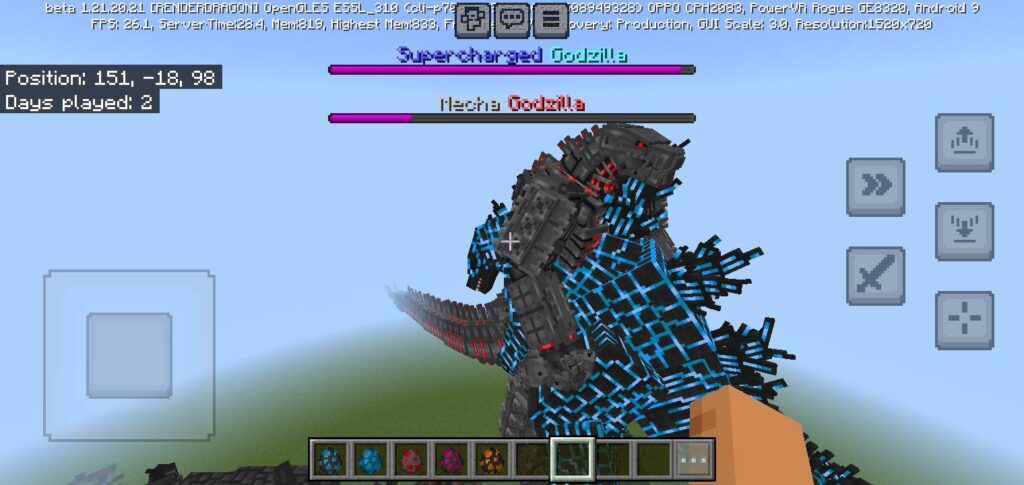
Minecraft Godzilla x Kong Addon | The best godzilla addon for mobile!
Infomation

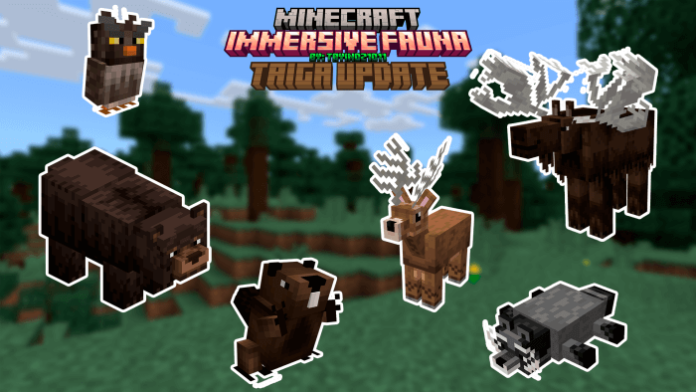
Are you sick of monotonous taigas devoid of diversity in fauna?Remain optimistic, as Immersive Fauna Taiga Update is not going away. Ten new creatures are added by this addon, and several of them have really intriguing mechanics! They spawn in the taigas!

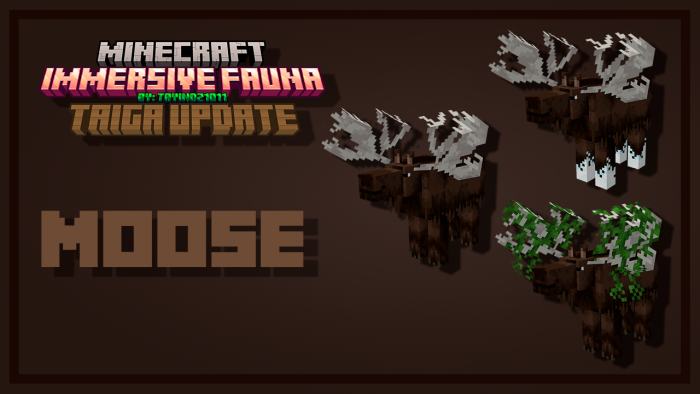
Moose

You can put villagers on the moose when they have the mount on and take them off when you take the mount off.

They are two blocks high so zombies won’t be able to kill your villagers.

They appear in taigas, snowy taigas and mega taigas.

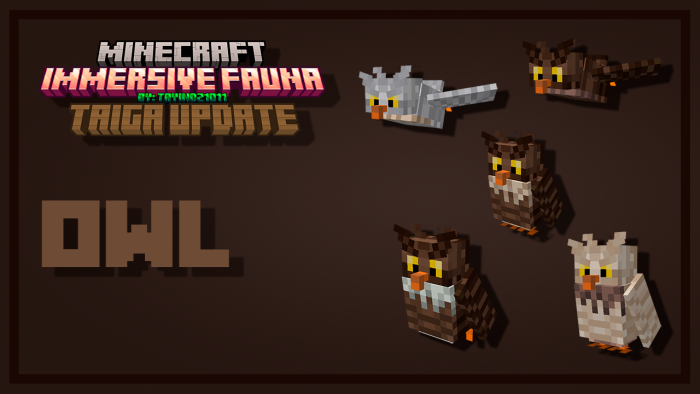
Owl

Spawn at night and hunt rabbit.

They appear in taigas, snowy taigas and mega taigas.

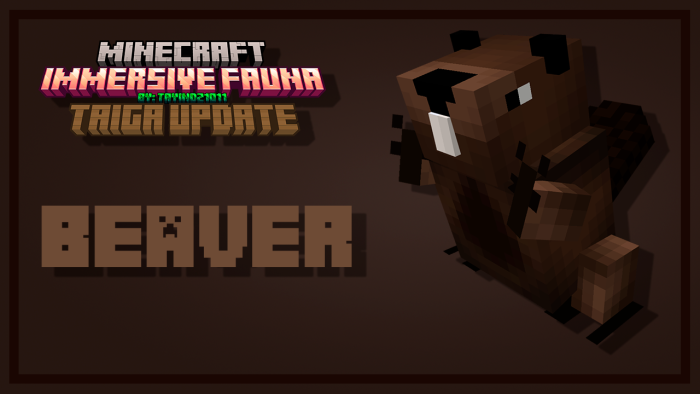
Beaver

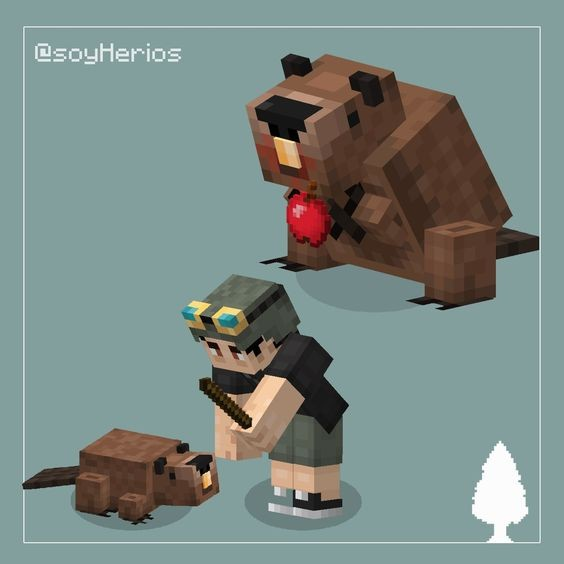
Beavers are animals that love wood, if you give them spruce log, they will give you its derivatives such as fir planks, wooden sticks, leaves or apples.

They appear in taigas, snowy taigas and mega taigas.

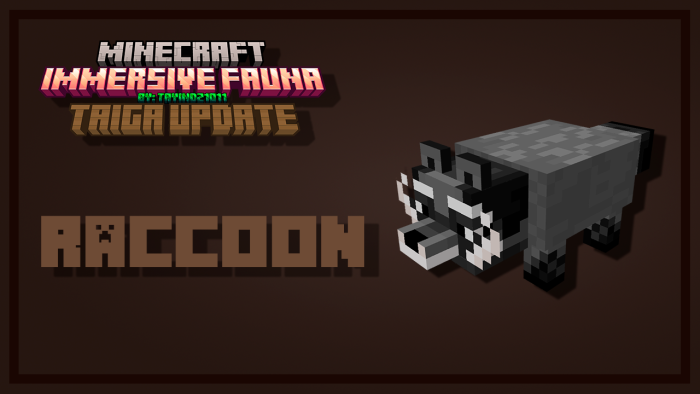
Raccoon

Raccoons are adorable creatures that will steal items you throw on the ground.

They appear in taigas, snowy taigas and mega taigas.

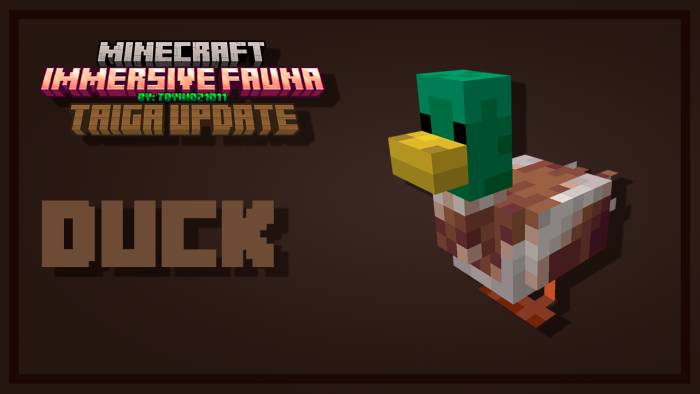
DUCK

Its a DUCK!!!

They appear in taigas, snowy taigas and mega taigas.

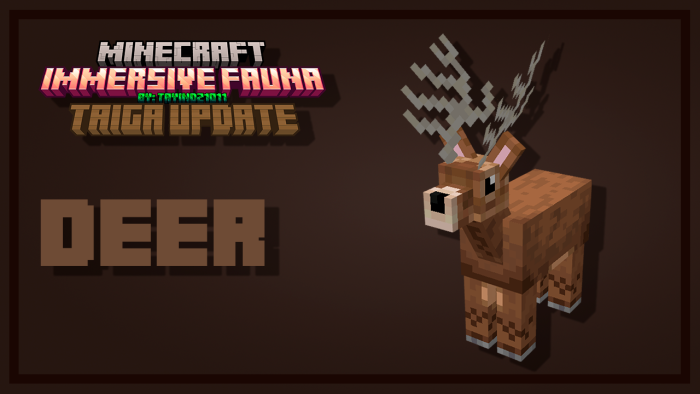
Deer

In addition to being beautiful, deer are a mount that you can take wherever you want.

They appear in taigas, snowy taigas and mega taigas.

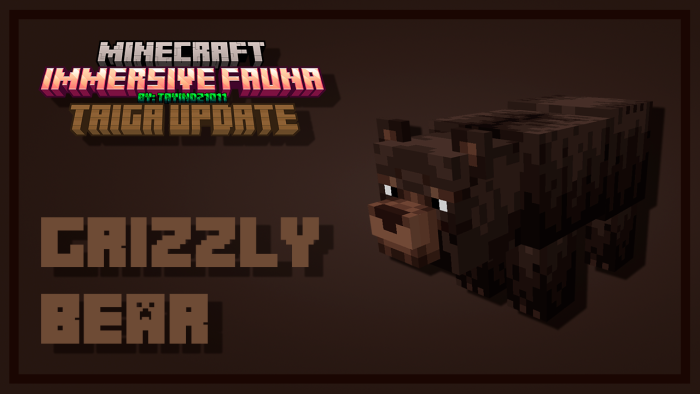
Grizzly bear

Grizzly bears are hostile creatures that will attack you if they see you, they also attack villagers, cows, deer, moose, sheep and pillagers.

When they are babies you can tame them with salmon and make them grow with honeycombs. You can ride them and carry wolves and foxes on their backs.

And you can cure it with salmon, cod or rabbit

They appear in taigas, snowy taigas and mega taigas.

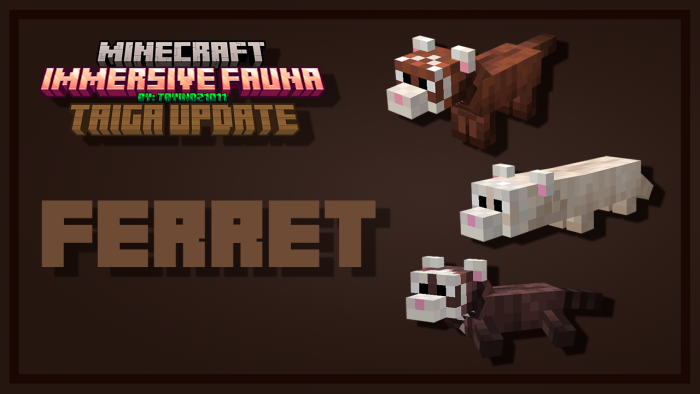
Ferret

Ferrets are passive animals that you can tame with sweet berries, they have three variants and one only appears in biomes where there is snow.

Ptarmigan

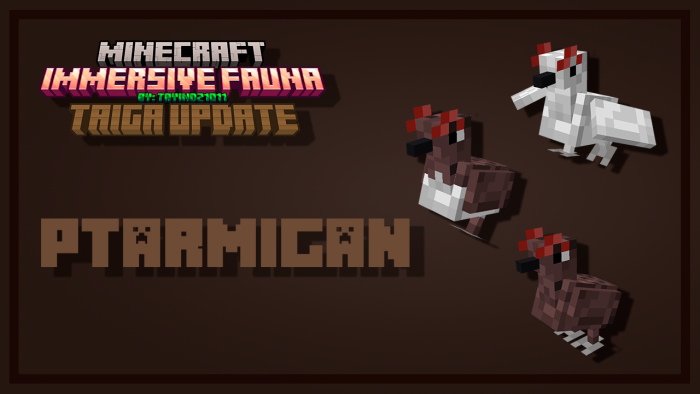
Ptarmigan are passive animals that are based on chickens, they drop chicken meat and reproduce with seeds. They have three variants and one only appears in biomes where there is snow.

Skunk

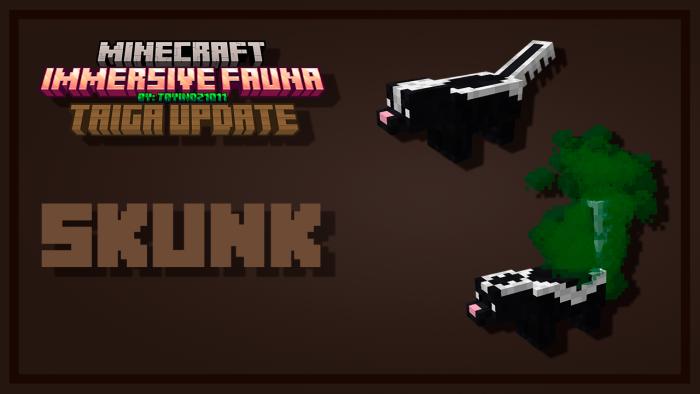
Skunks are neutral animals that release a nauseating gas that will last 8 seconds. Once they see an enemy they will run away throwing that gas. They have two variants.

Immersive Fauna Taiga Update addon

Feel free to add Immersive Fauna Taiga Update to your modpacks, just try putting the mcpdl download link or credits.

If you have any comments, questions, suggestions or bug reports, feel free to write to me on Instagram @tayindz1011.

If you share this work on YouTube or any other platform.

  • Do not use direct download links
  • Do not put your own shorteners
  • Do not upload this content to websites or applications without our permission.
CREDIT

The beaver design is based 95% on the concept of @SoyHerios

El diseño del castor esta basado 95% en el concepto de @SoyHerios

Changelog

Immersive Fauna Taiga Update Version 1.0.0
ADDED
Taiga animals:

*Moose / Alce

*Owl / Buho

*Beaver / Castor

*Ferret / Huron

*Raccon / Mapache

*Grzzly Bear / Oso Pardo

*Duck / Pato

*Ptarmigan / Perdiz

*Deer / Venado

*Skunk / Zorrillo

Installation

INSTALLATION:

No need to activate any experimental functions! / No es necesario activar ninguna función experimental!

Select unlock progress and wait 15 seconds

MCPE Download

Download Immersive Fauna Taiga Update addon

- Advertisement -

Gooblicraft Addon V3 | Minecraft furniture Mod

0

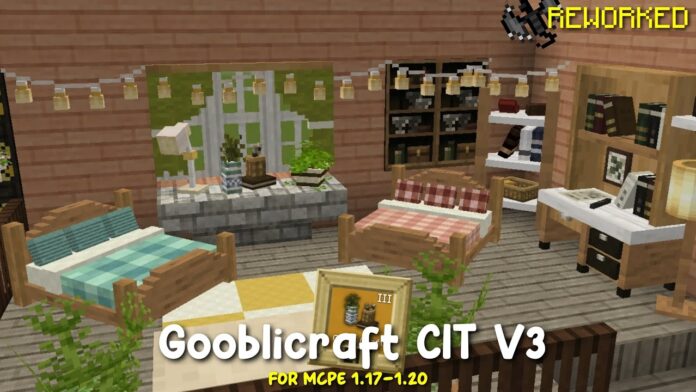
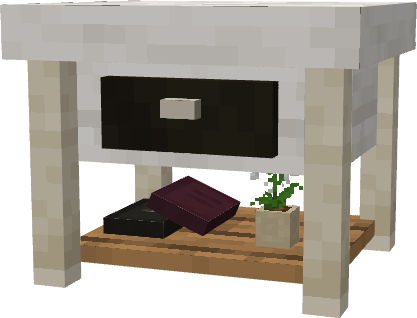
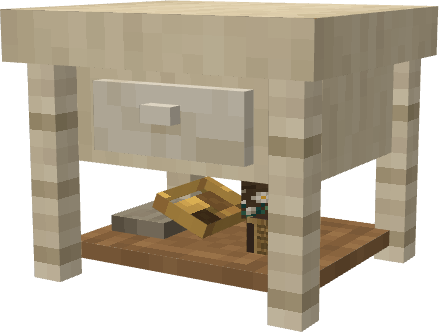
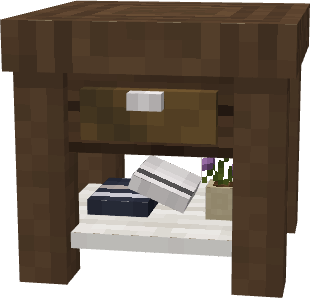
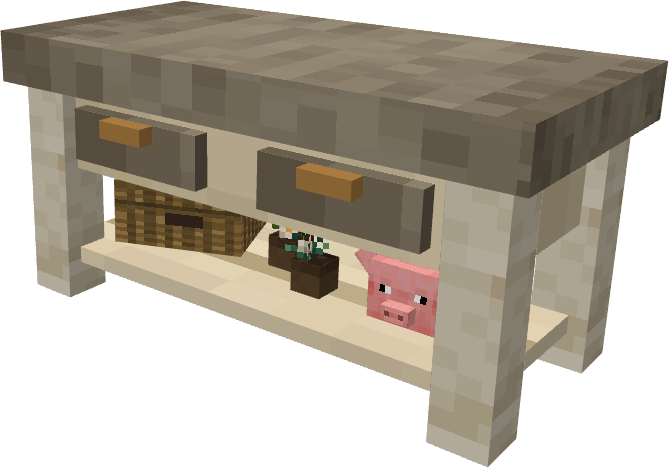
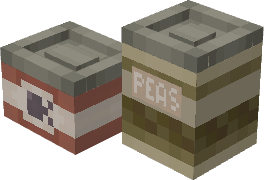
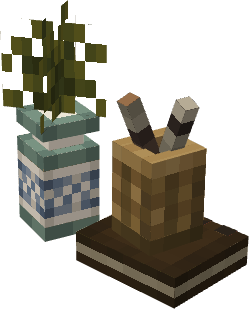
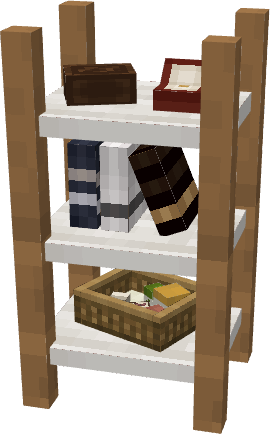
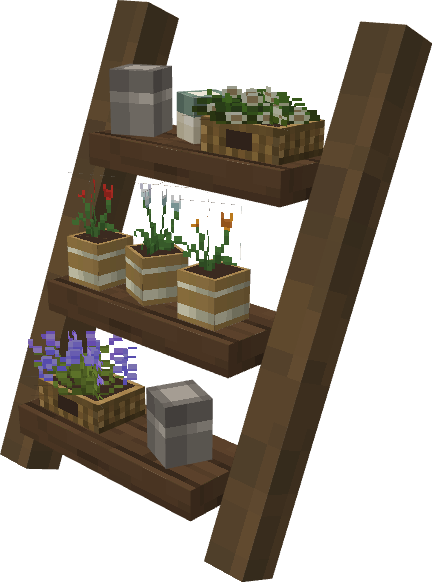
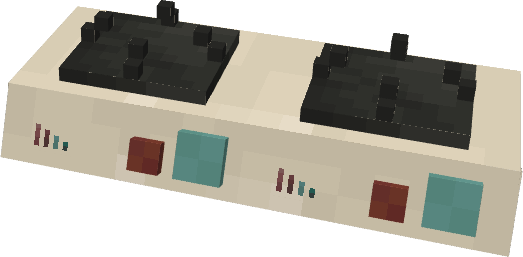
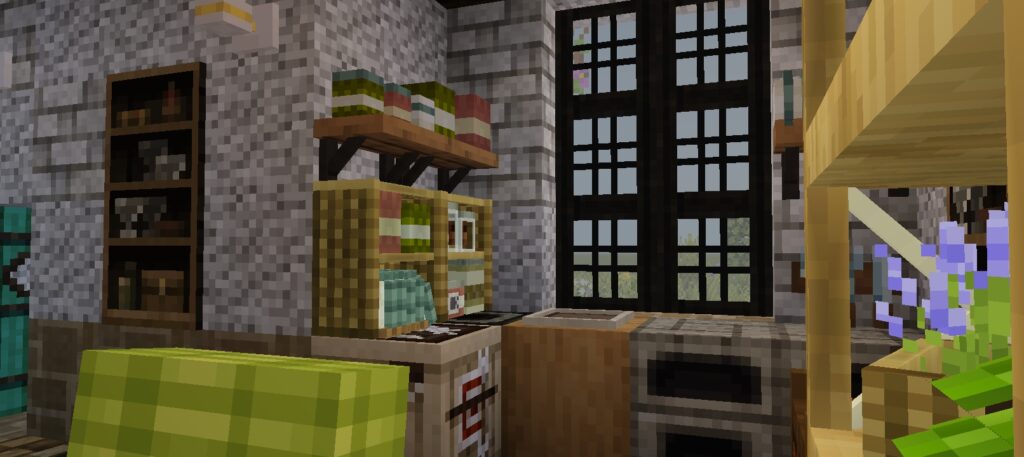
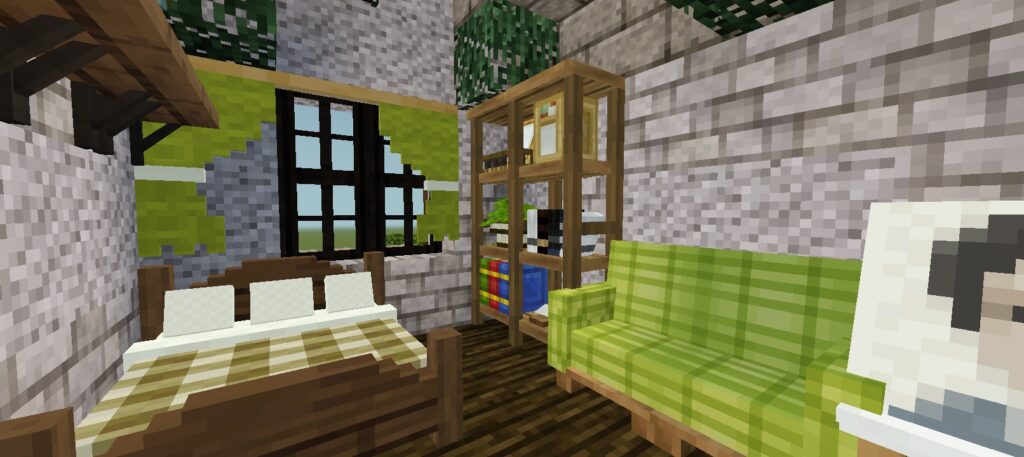
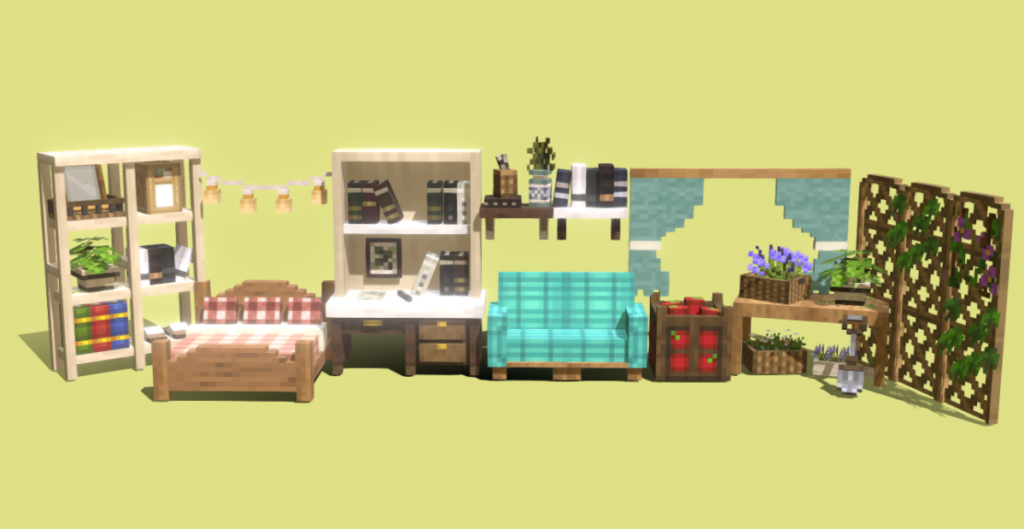
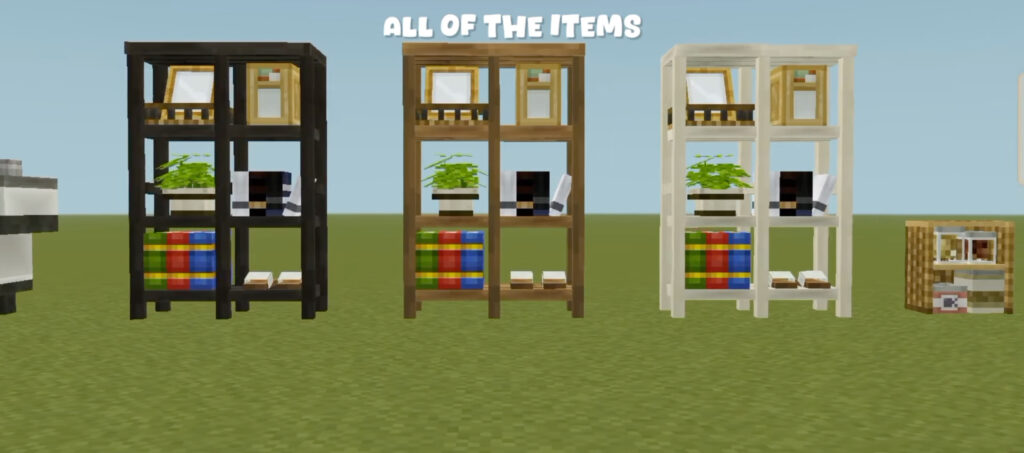
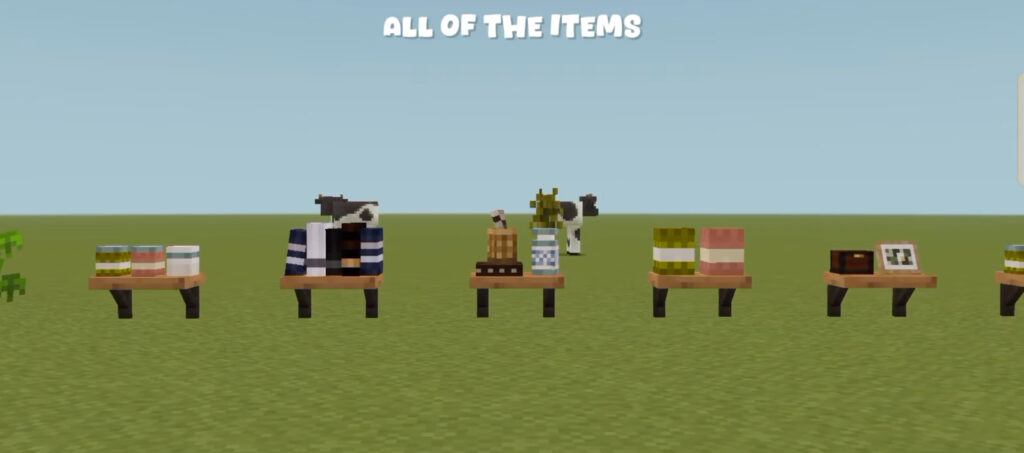
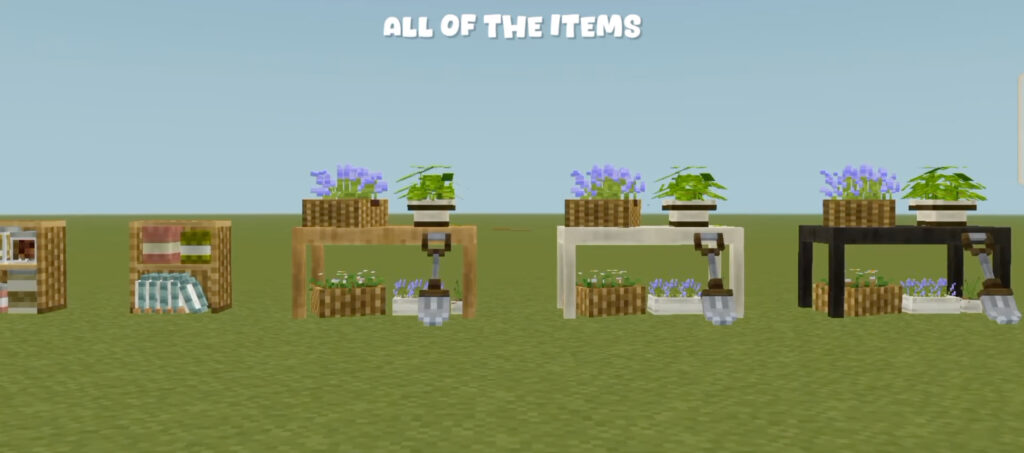
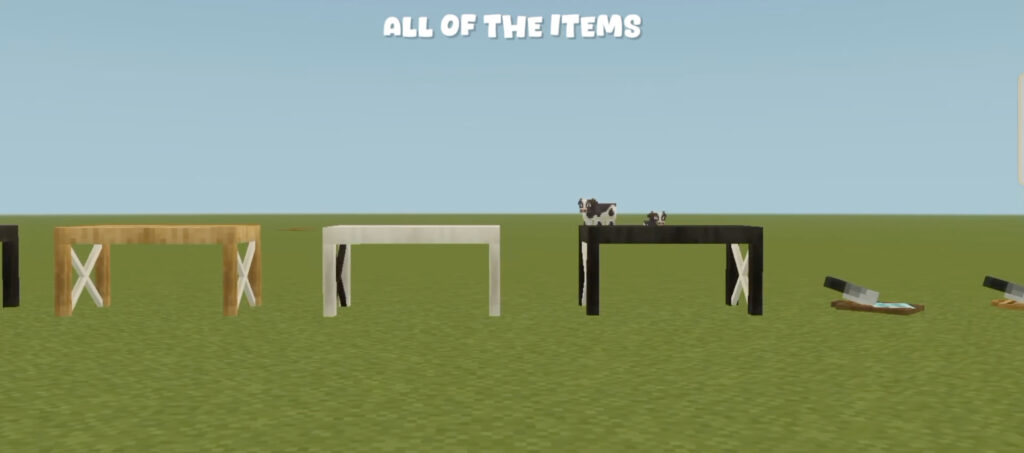
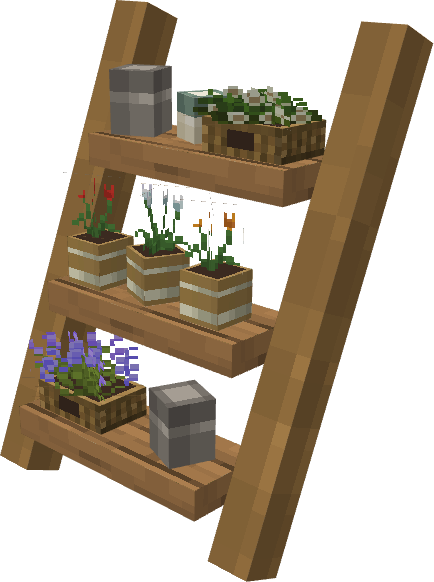
Gooblicraft Addon V3 is created by Gooblicraft, this addon add you 90 models include furnitures and plants decoration for mcpe with a tons of stuff to decorate your world.

Creator: Goobli craft

Gooblicraft Addon V3

Items:

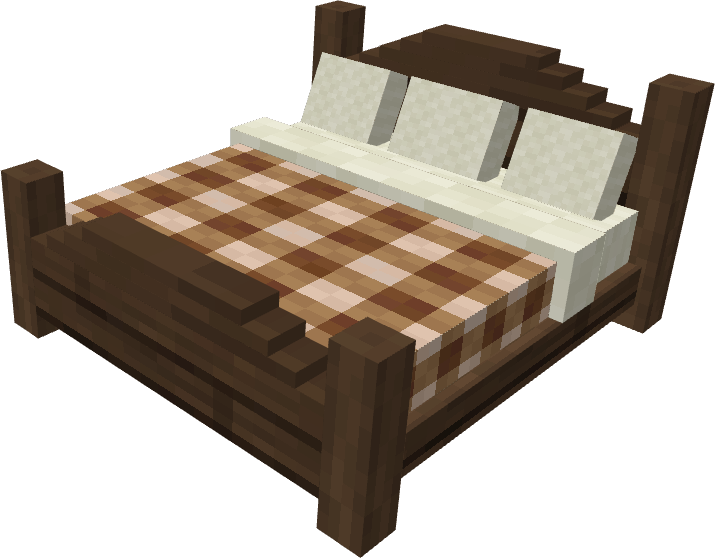
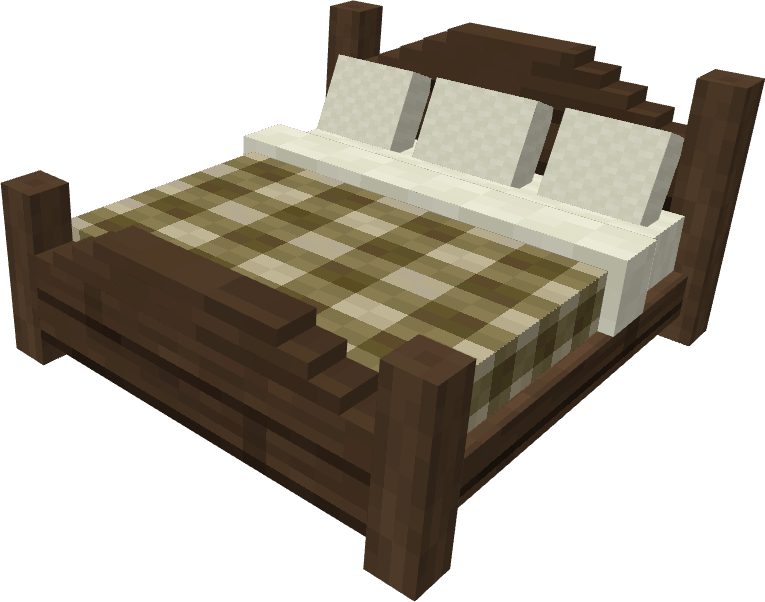
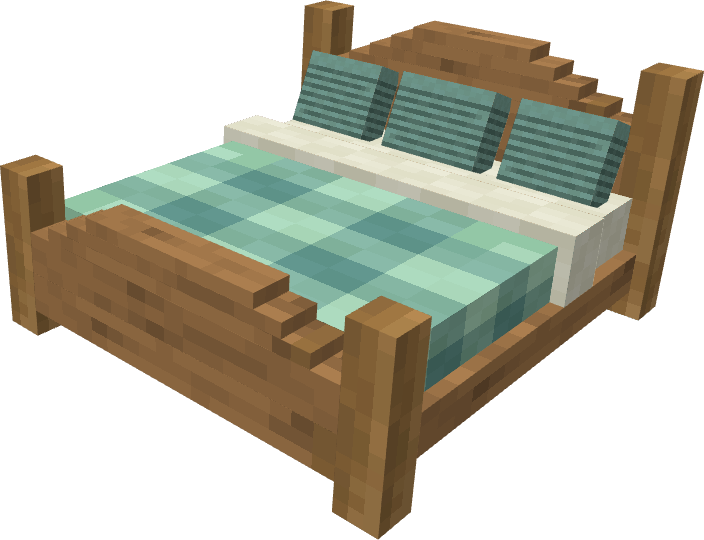
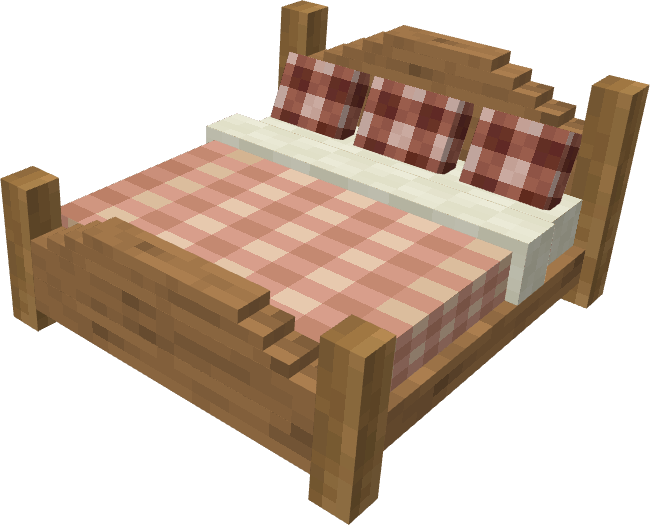
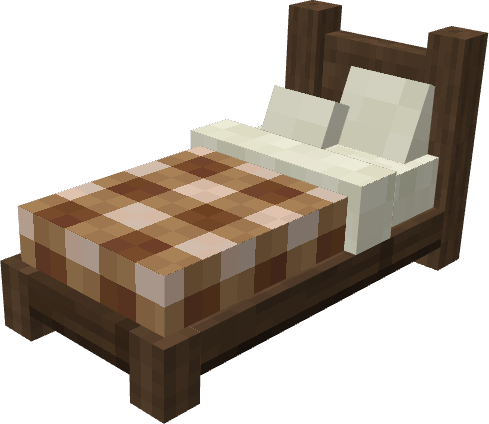
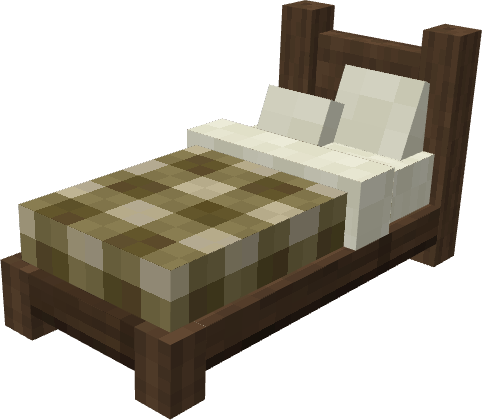
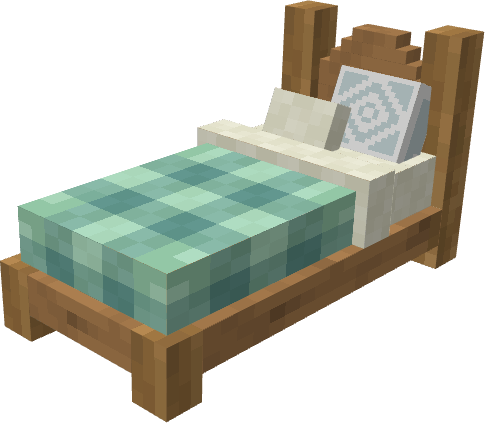
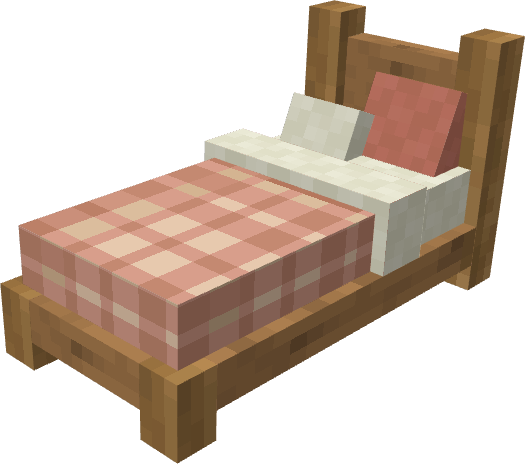
Bed

Gooblicraft Addon V3

Cabinet

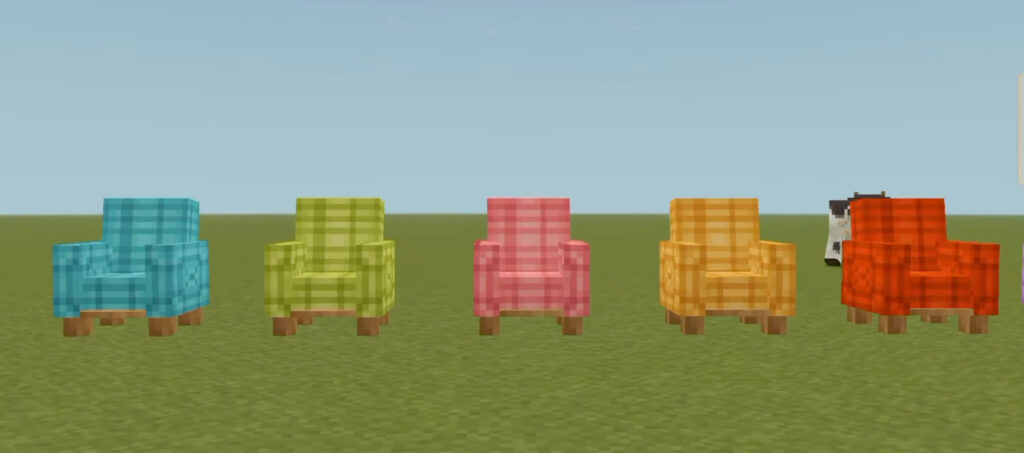
Sofa

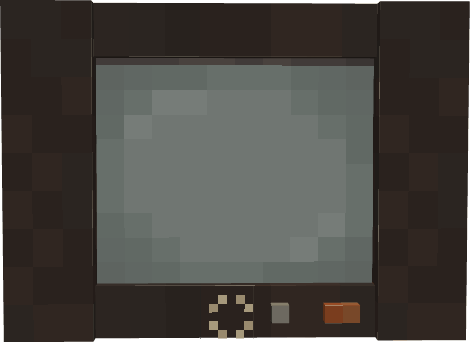
Old TV:

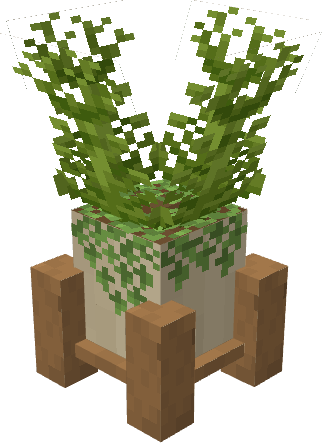
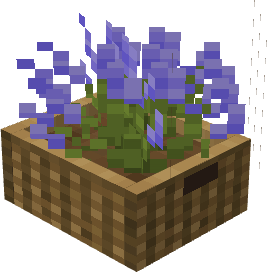
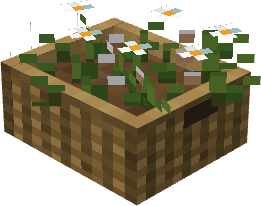
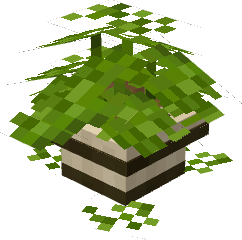
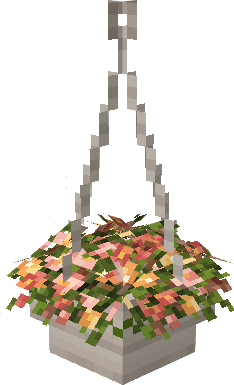
Plant and tree

Shelf

Some Minecraft Furniture mods you cn check in Mcpe addons:

MCPE Download

Download Gooblicraft V3 Addon

- Advertisement -

Ultimate X-Ray Addon | Minecraft Addons BE

1

Tired of strip-mining to find your diamonds and emeralds? Try Ultimate X-Ray Addon! With a bunch of incredibly useful tools, you can hack your way to your most desired ores easier than ever! What are you waiting for? Get diamonds faster than any of your noob friends!

Creator: Ultimate X-Ray Teams

Ultimate X-Ray Addon

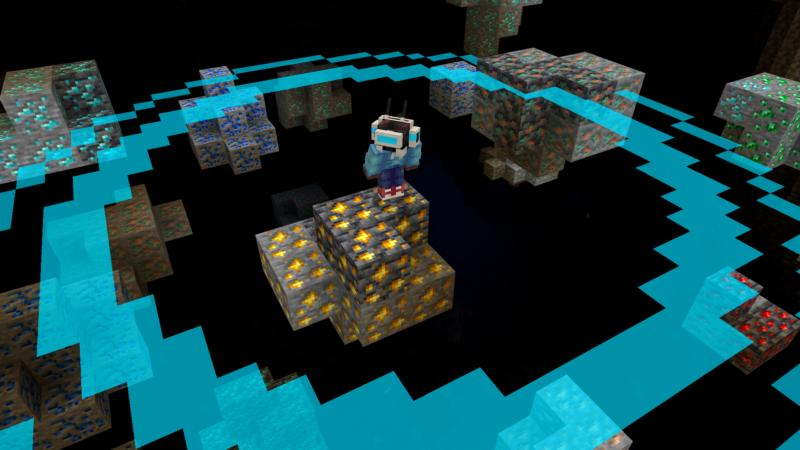
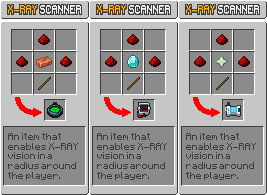
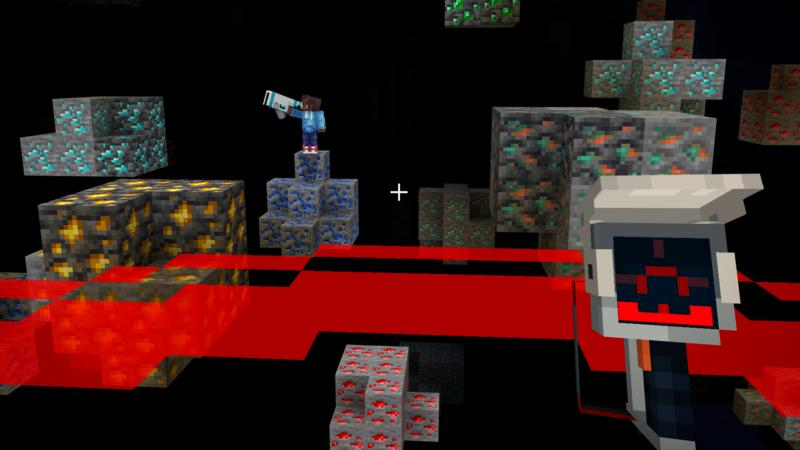
This is the easiest way to find diamonds! Be a hacker and explore a world where you can literally look through the underground to find ores, bases, spawners, caves, lava and a lot more. Have fun mining!

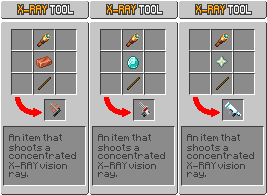
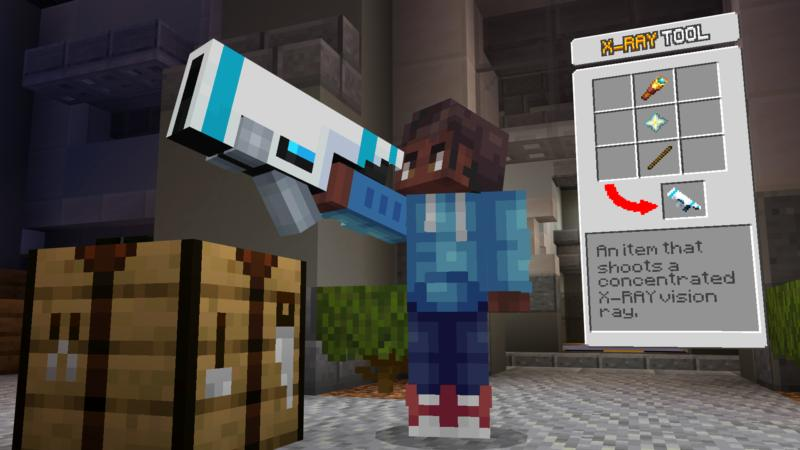
+ New X-RAY Items

  • X-Ray Tool
Ultimate X-Ray Addon
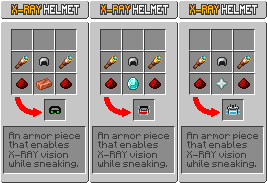
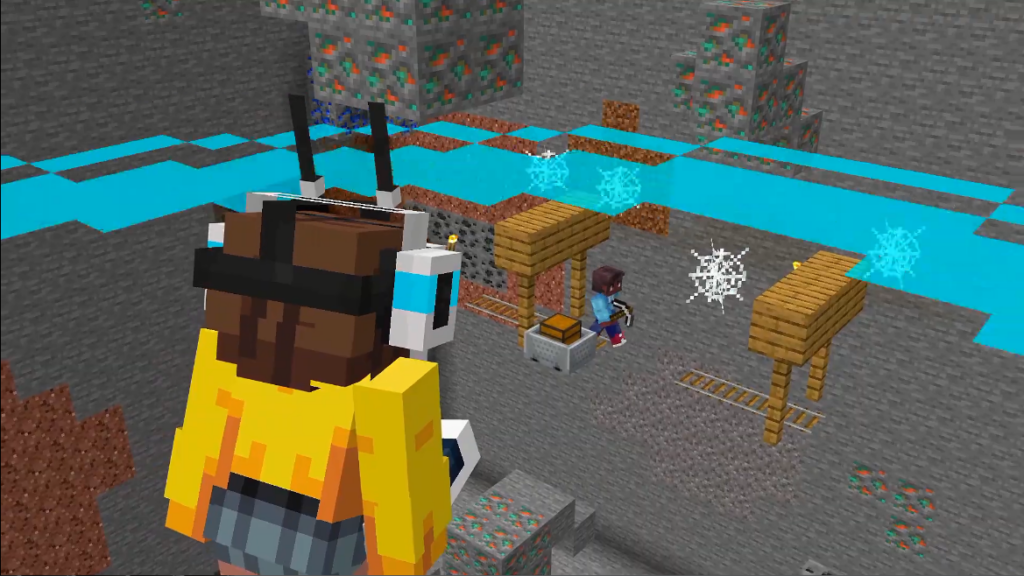
  • X-Ray Helmet

Note: Sneak to use the helmet!

Ultimate X-Ray Addon
  • X-Ray Scanner
Ultimate X-Ray Addon

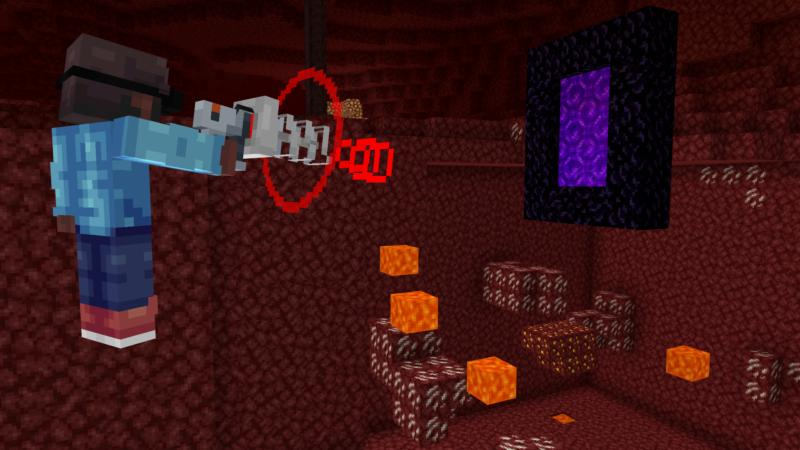
+ Works In The Nether

Note: Only works in “Nether Wastes” and “Crimson Forest”

Ultimate X-Ray Addon

+ Multiplayer Friendly!

Ultimate X-Ray Addon

Info: Each items and helmets has it owns level

Level 1: Low Range

Level 2: Medium Range

Level 3: Long Range

Some Addon Minecraft PE you can check in Mcpe addons:

Installation

  1. Find the Installation Location: Open the “Files” app or a file manager on your device.
  2. Navigate to the folder where your Minecraft PE files are stored.
    Typically this can be found under
    “Internal Storage” > “Android” > “data” > “com.mojang.minecraftpe” > “files” > “games” > “com.mojang” > “resource_packs” for textures and “behavior_packs” for behavior addon.
  3. Move the MCADDON: Copy or move the downloaded MCADDON file to the folder (resource_packs or behavior_packs).
  4. Start Minecraft PE: Open the Minecraft Pocket Edition app on your device.
MCPE Download

Download Ultimate X-Ray Addon

  • Select the Addon: From the game’s main menu, go to “Settings” > “Global Resources”.
  • There, you will find the MCADDON mod listed among the available resources.
  • Activate the Mod: Click on the MCADDON mod you want to use to activate it.
  • Make sure to disable the previous version of this addon if you have it.
  • Activate the experimental Holiday Creator Features and Mojang Features options.
  • Apply Changes: Click the confirm button or restart the game as prompted.
- Advertisement -

Vertical Slabs Addon | Minecraft Addon BE

1
Vertical Slabs Addon

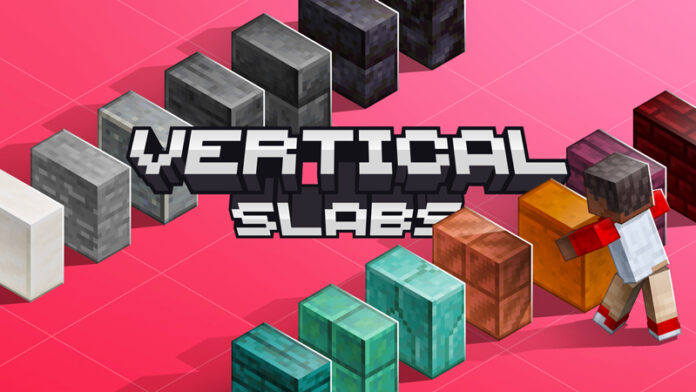
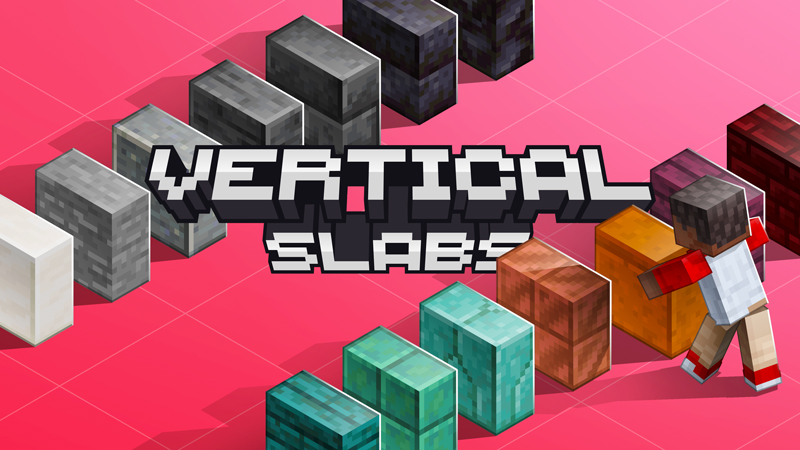
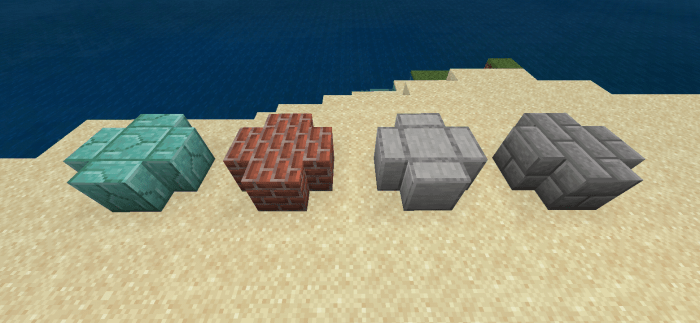
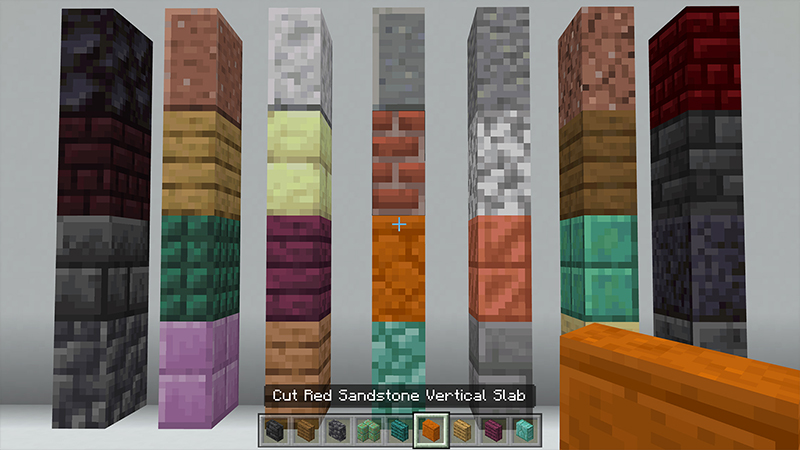
Vertical Slabs Addon adds 59 new vertical slabs to Minecraft, each one corresponding to a vanilla slab! During the development process, I tried to make these vertical slabs as close as possible to the vanilla slabs in terms of features, although some features are still not possible to implement due to API limitations, but they should be enough for building. I hope these vertical slabs can bring a more relaxed building experience in the game.

Creator: LPaicen

Vertical Slabs Addon

Vertical Slabs Addon

UNLEASH YOUR CREATIVITY WITH VERTICAL SLABS ADDON!

! These are NOT entities, the additions are BLOCKS!

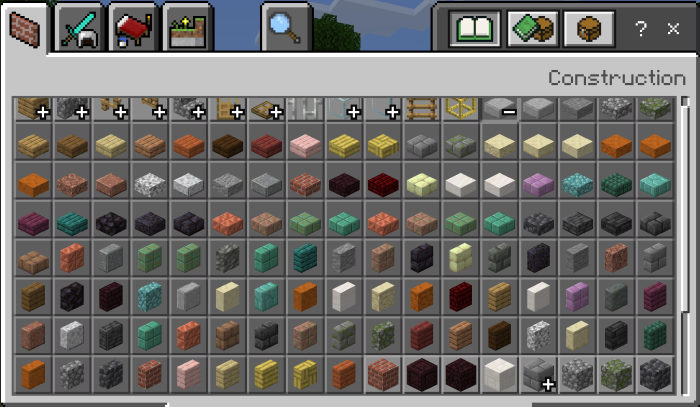
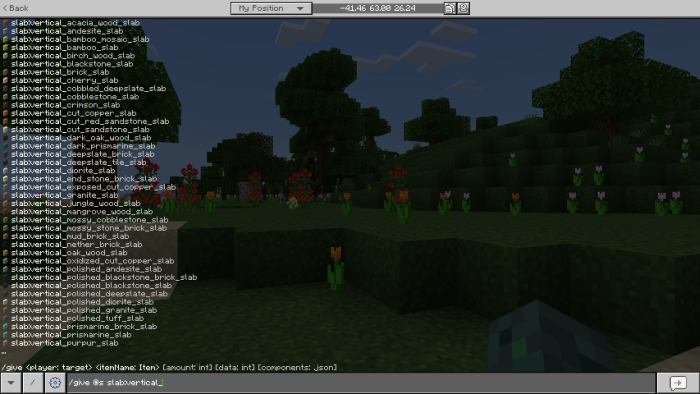
All Vertical Slabs

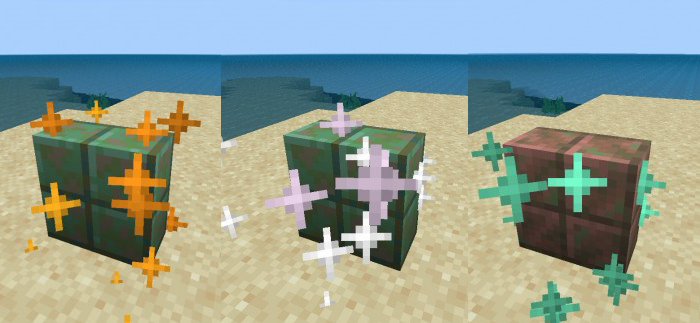
Note: The vanilla cut copper slabs have many features, and also these vertical slabs is simulated by features. These cut copper vertical slabs will oxidize (very slowly), and players can use honeycomb to prevent them from oxidizing further, or use an axe to remove wax or rust. But they cannot use dispensers to wax them, nor can they be struck by lightning to remove rust.

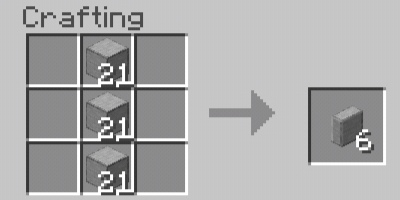
The crafting of vertical slabs is very simple, just place 3 ingredients in a vertical column in the crafting table slot, and each 3 ingredients can make 6 vertical slabs. 

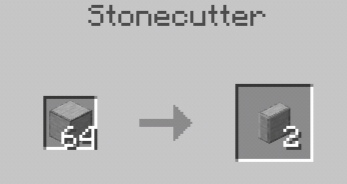
For stone materials, you can also use a stonecutter to cut them into vertical slabs.

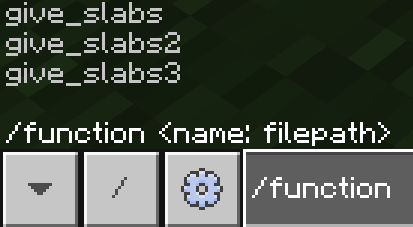
In addition, you can also use the /function command to get vertical slabs.

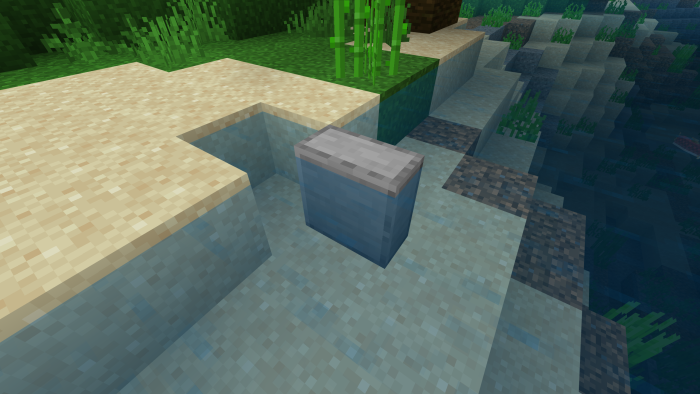
Each vertical slab has four orientations: east, south, west, and north, and their collision boxes are half a block in size, but due to API restrictions, blocks like torches can still be placed on top of them. Also, these vertical slabs can be waterlogged. If you add a resource pack, the textures of these vertical slabs will also change accordingly.

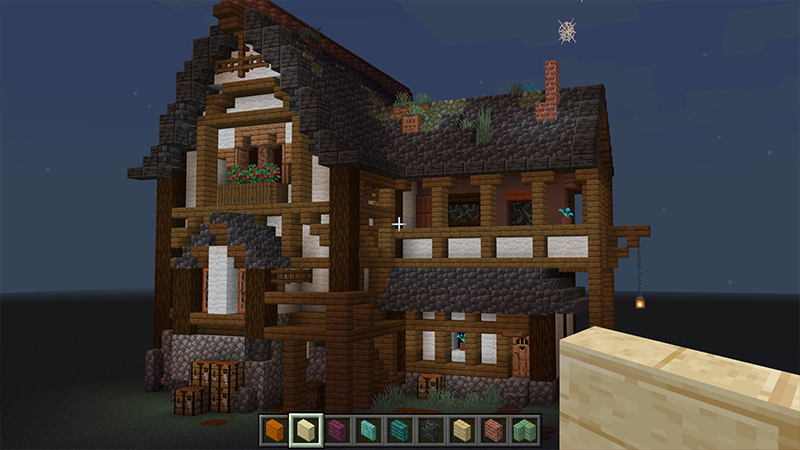
Previews with Vertical Slabs

Some Minecraft Addon PE you can check in Mcpe addons:

Installation

  1. Find the Installation Location: Open the “Files” app or a file manager on your device.
  2. Navigate to the folder where your Minecraft PE files are stored.
    Typically this can be found under
    “Internal Storage” > “Android” > “data” > “com.mojang.minecraftpe” > “files” > “games” > “com.mojang” > “resource_packs” for textures and “behavior_packs” for behavior addon.
  3. Move the MCADDON: Copy or move the downloaded MCADDON file to the folder (resource_packs or behavior_packs).
  4. Start Minecraft PE: Open the Minecraft Pocket Edition app on your device.
MCPE Download

Download Vertical Slabs Addon

  • Select the Vertical Slabs Addon: From the game’s main menu, go to “Settings” > “Global Resources”.
  • There, you will find the MCADDON mod listed among the available resources.
  • Activate the Mod: Click on the MCADDON mod you want to use to activate it.
  • Make sure to disable the previous version of this addon if you have it.
  • Activate the experimental Holiday Creator Features and Mojang Features options.
  • Apply Changes: Click the confirm button or restart the game as prompted.
- Advertisement -

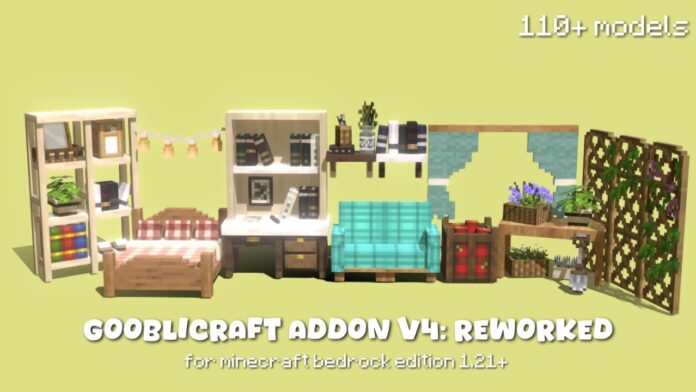
Gooblicraft Addon V4: Reworked | Minecraft Furniture Mod

0

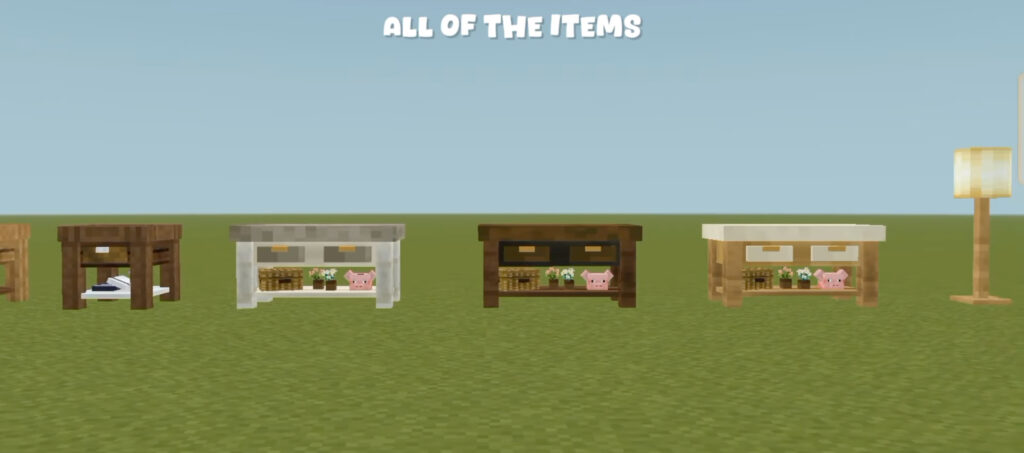
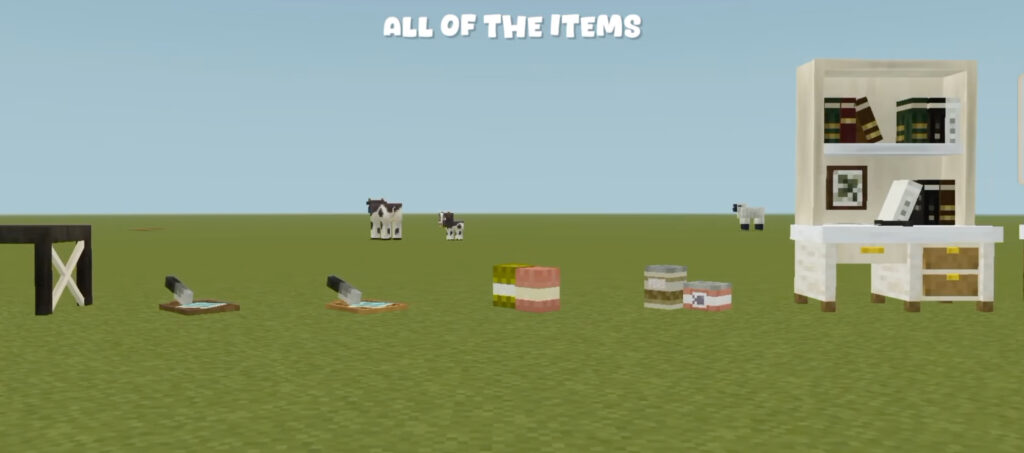
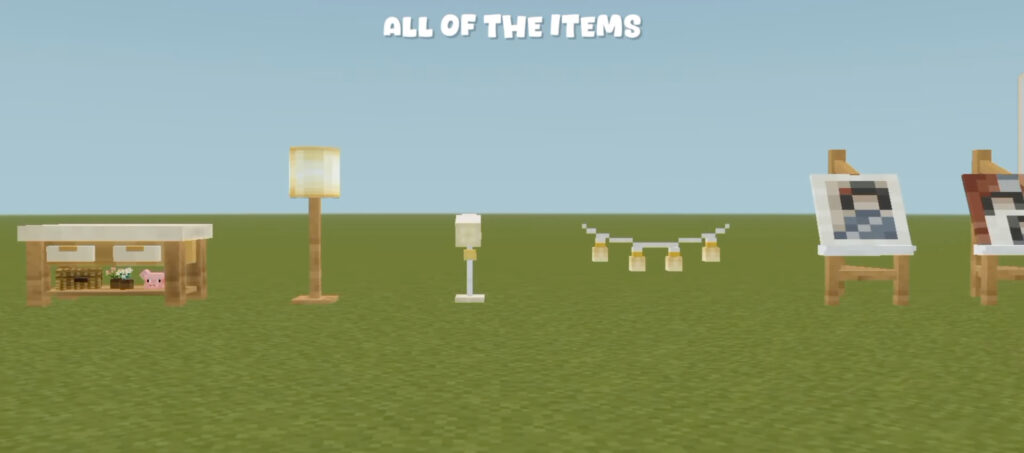
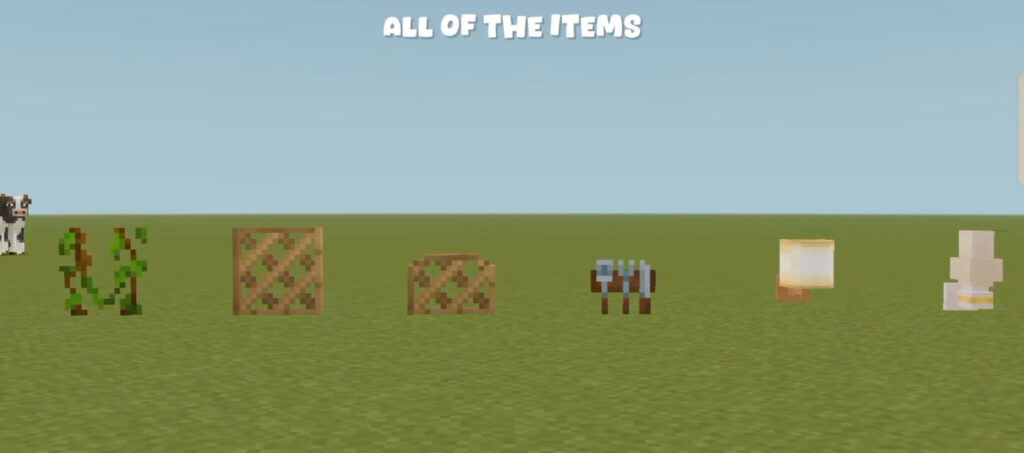
Gooblicraft Addon V4: Reworked addon adds items to your Minecraft to decorate your world cozy and aesthetic. With upto 110+ models this adds a lot to your Minecraft can be rotated and can be changed by tapping them with stick. Watch my YouTube video on how to download the pack and use it.

Creator: Gooblicraft

Gooblicraft Addon V4: Reworked

Gooblicraft Addon V4: Reworked

Video:

gooblicraft v4 addon

Some Minecraft Furniture Mod you can check in Mcpe addons:

Download Gooblicraft 4 Addon

- Advertisement -

ByronDev’s Left Hand Torch Addon and Dynamic Light | Minecraft Addons PE

0
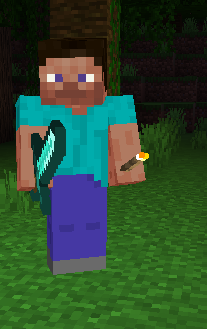
Left Hand Torch Addon

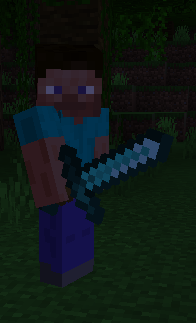
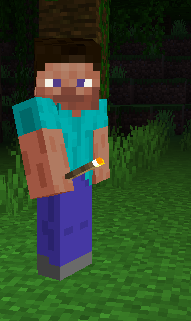
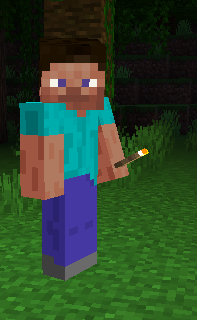
This Left Hand Torch Addon adds the Left hand torch and Dynamic light while holding light objects in your hand. With this addon you can explore the night, caves and dark places without spending torches.

Creator: ByronDev

Left Hand Torch Addon

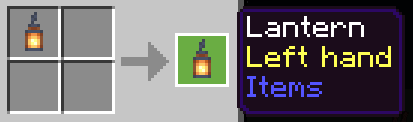
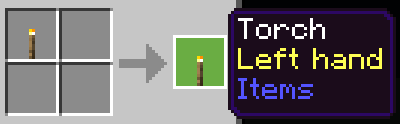
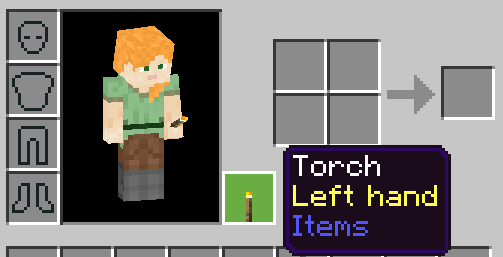
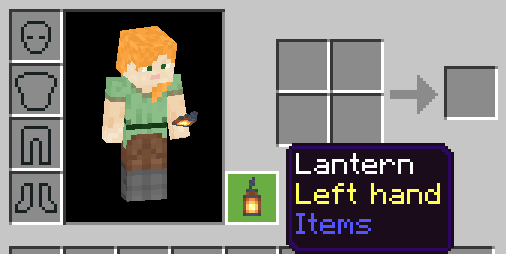
You can use the torch and the lantern in the left hand.

First put it in the crafting table or in the crafting of your inventory.

Then place it in your left hand.

-Torch

-Lantern

-Shroomlight

-Lit Pumpkin

-Sea Lantern

-Glowstone

-Campfire

-End Rod

-Beacon

-Lava Bucket

Medium Light:

-Soul Campfire

-Soul Torch

-Soul Lantern

Low Light:

-Redstone Torch

-Enchanting Table

Installation

1. Make sure to disable the previous version of this addon if you have it.

2. Activate the experimental Holiday Creator Features and Mojang Features options.

3. Install the behavior and resources packs in the conventional way.

MCPE Download

Download Left Hand Torch Addon

Supported Minecraft versions
1.20.80

- Advertisement -

Transparent Button Addon | Minecraft Bedrock 1.21+ [Hide every touch buttons]

0
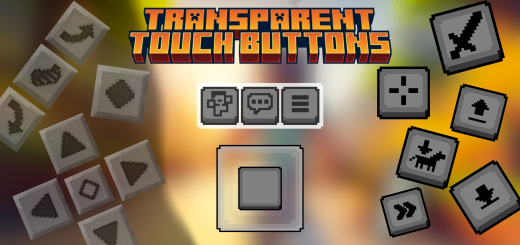
Transparent Button Addon

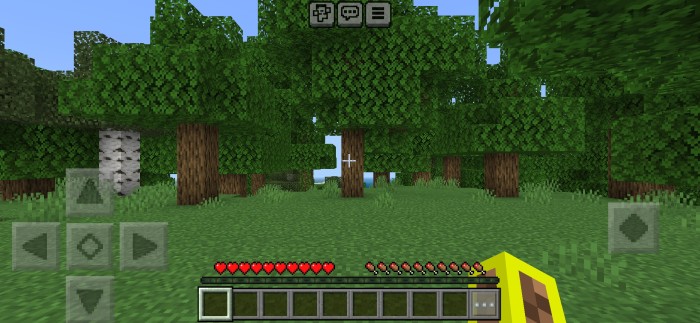
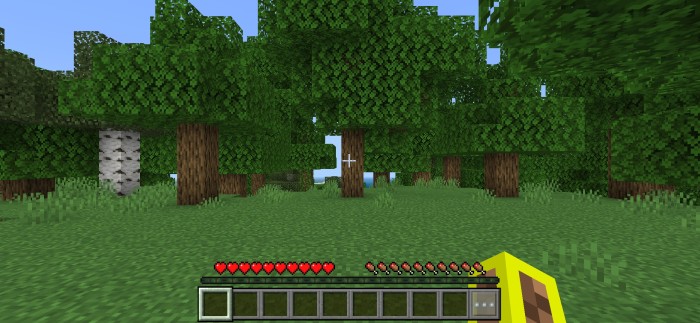
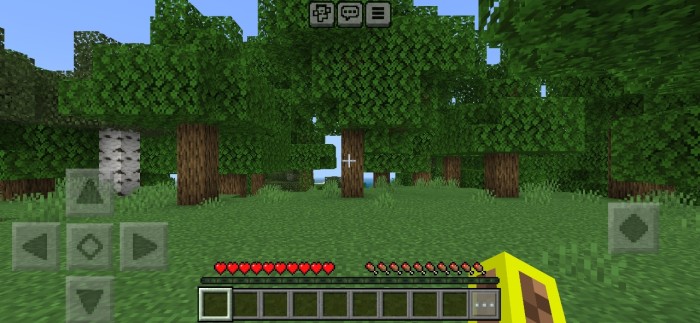
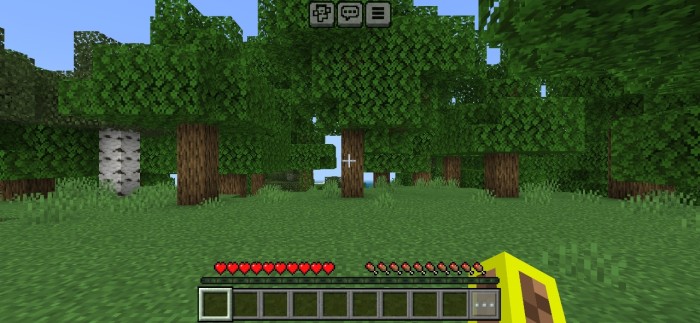
Transparent Button Addon is a resource pack hides all touch buttons (such as D-pad, joystick, chat, emote, menu, jump, crouch, atack, interact……,etc.) If you don’t like, how touch button reduce your visibility in Minecraft PE, then this pack is for you.

Creator: DarkBlock Gaming

Transparent Button Addon

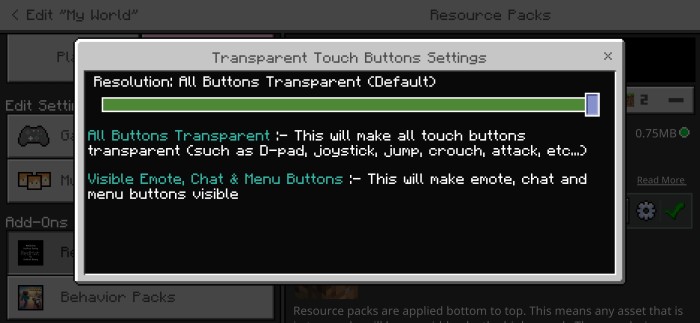
As you know, that we can Customize touch controls in 1.20, but in that way we cannot make buttons 100% transparent, and it only works for few buttons, that’s why you should use this pack even in 1.20+, because this pack makes all buttons transparent (such as chat, emote & menu buttons)

  • You can use this pack is servers, SMP’s
  • Works with other packs
  • Survival world friendly (it’s an RP)
  • Hides every single touch button
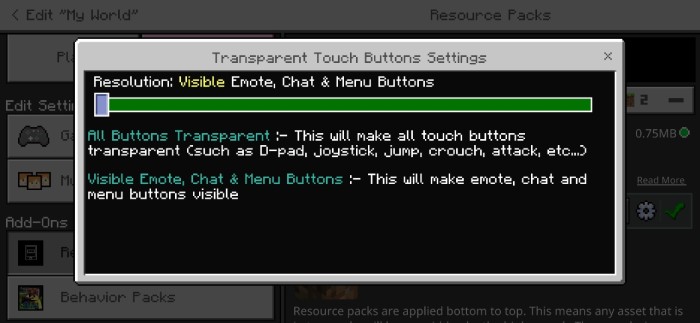
  • Has setting options for customisation

This pack only makes buttons transparent, which means all buttons will perfectly work and you can use them normally.

Installation

  • Download the pack
  • You will get an zip file, extract that file and
  • You will get an mcpack file,
  • Click on mcpack file and import it in Minecraft, and enjoy!
MCPE Download

Download Transparent Button Addon

- Advertisement -

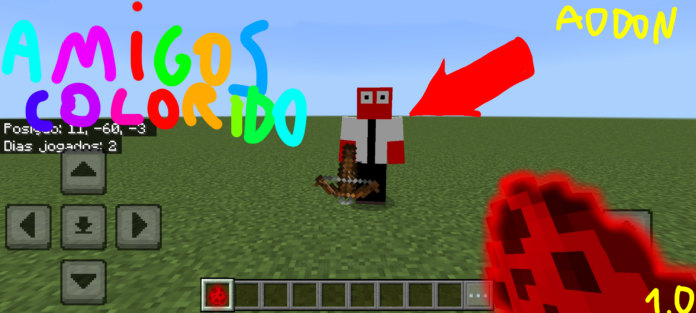
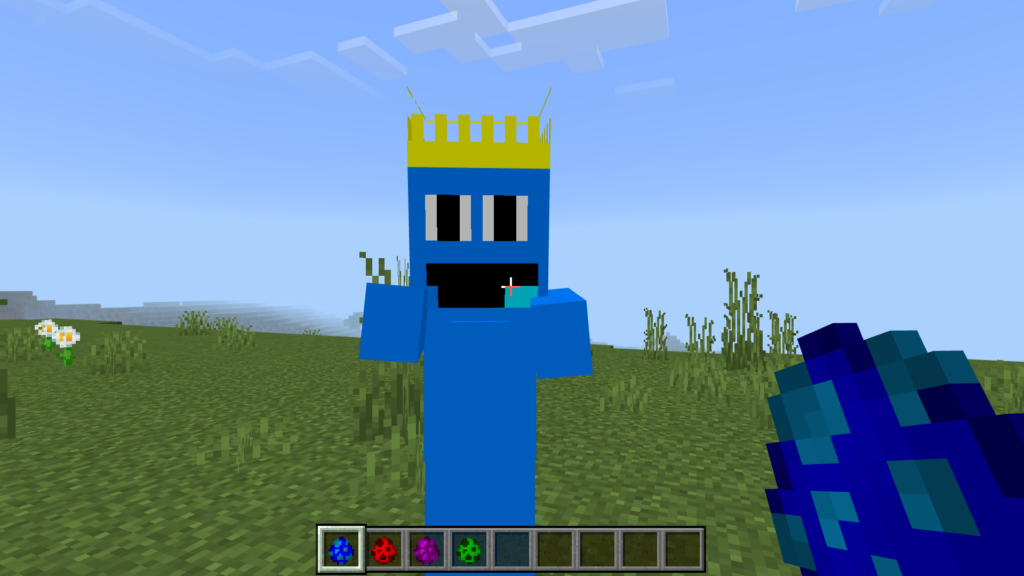
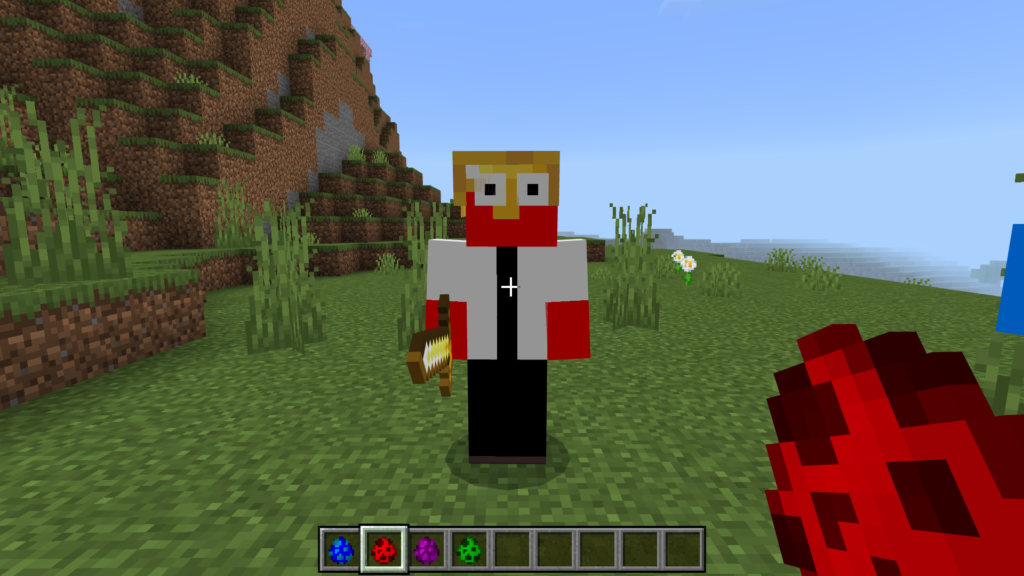
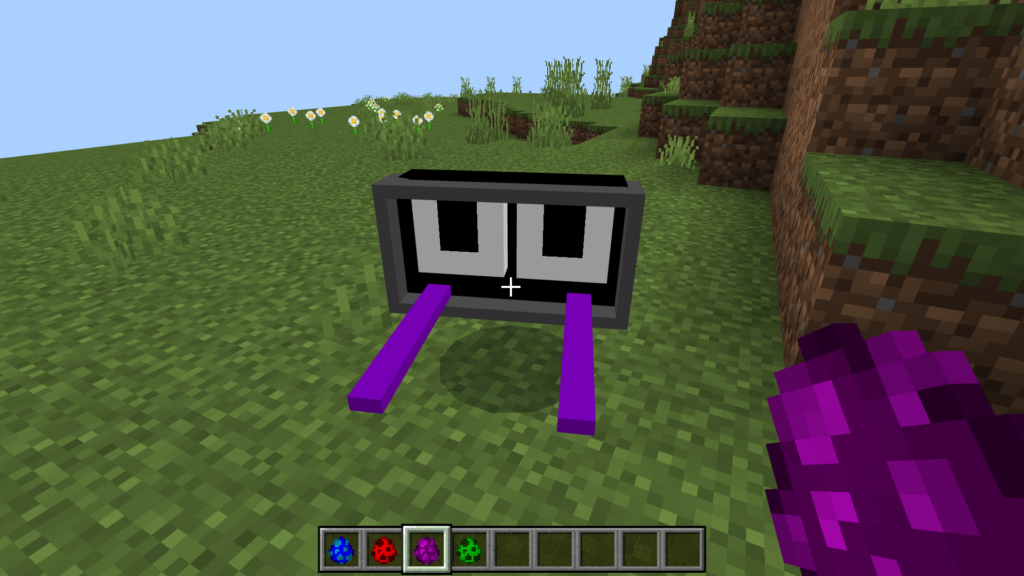
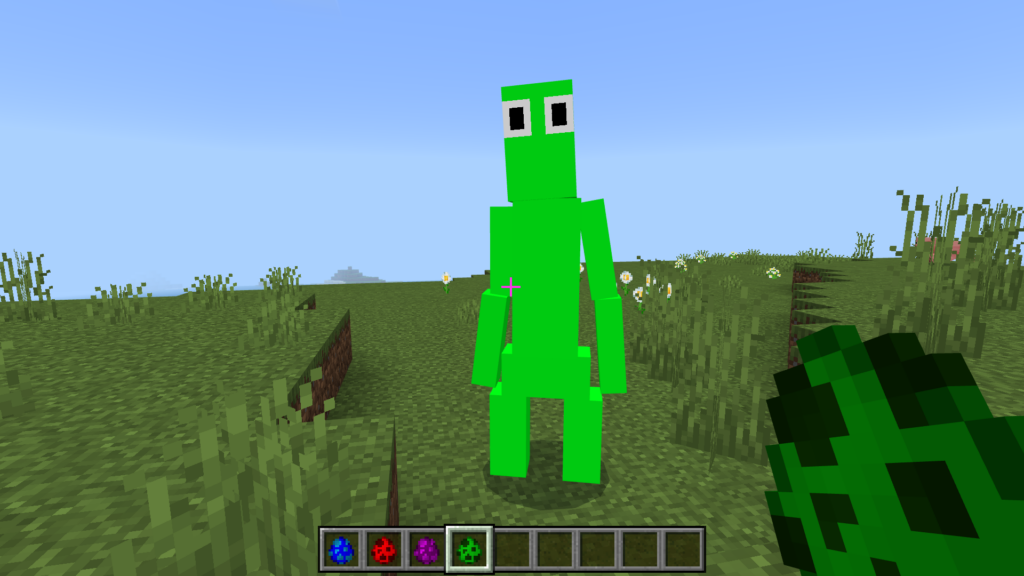
Rainbow Friends Addon | V1.0 BETA

0
rainbow friends 1.0 beta

Creator: Davidgames3d

This addon made by Addons Maker

MCPE Download

Download Rainbow Friends Addon V1.0

- Advertisement -

Better Armor Stand | Minecraft Addons PE

0

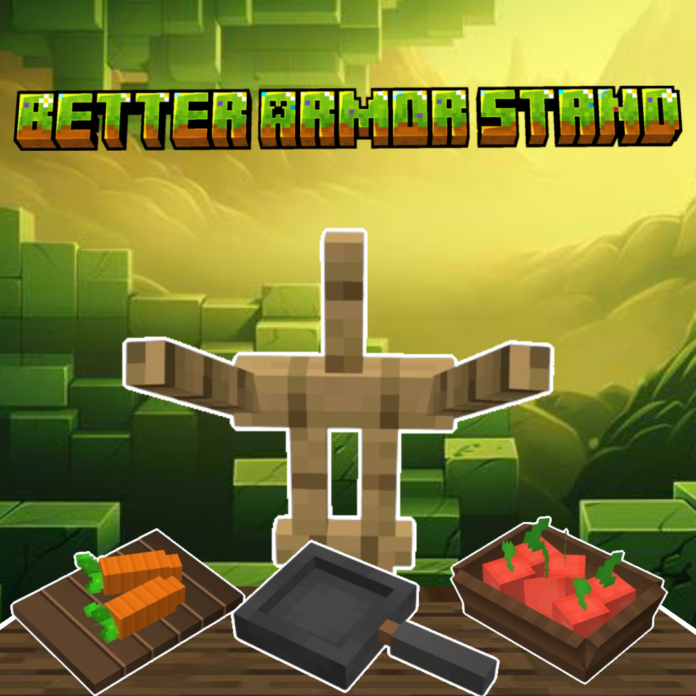
You can use this addon to your world, this addon is resources pack only.

Creator: Twobat

How to use it?
Rename the nametag 
-pan or Pan
-basket or Basket
-cup or Cup
-cutting_board or Cutting_board
Better Armor Stand
Don’t steal my code or copy it thank you.

Download Better Armor Stand

MCPE Download

Download Better Armor Stand.mcpack here.

- Advertisement -

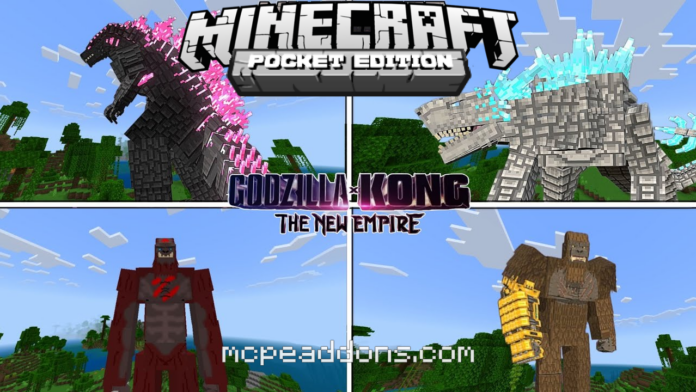
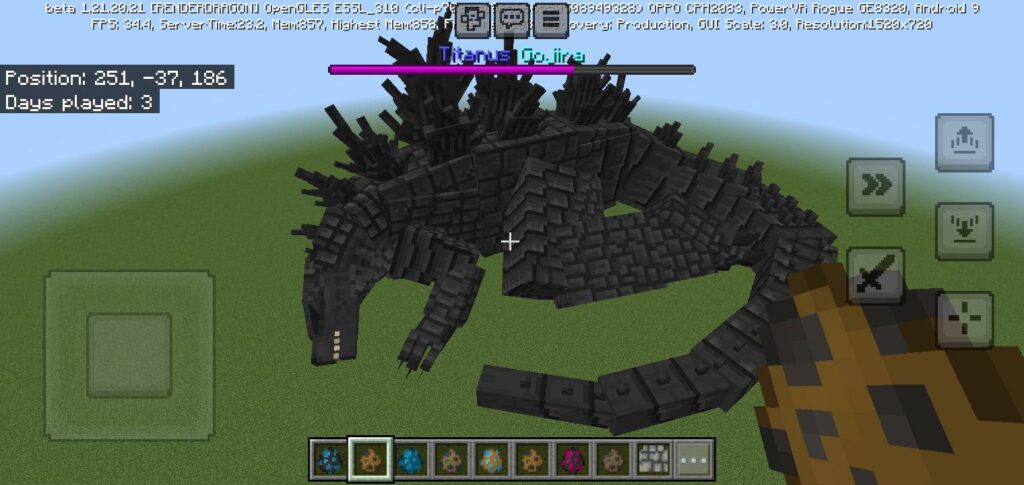
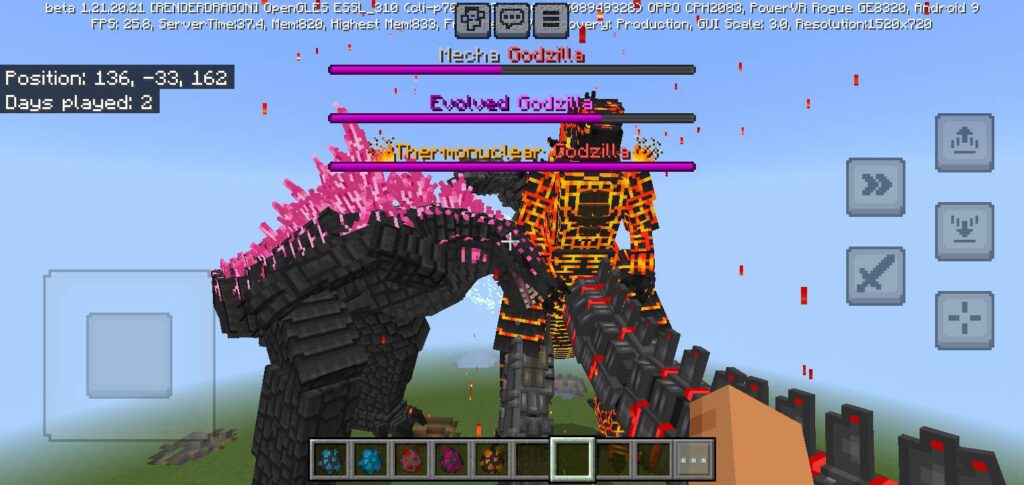
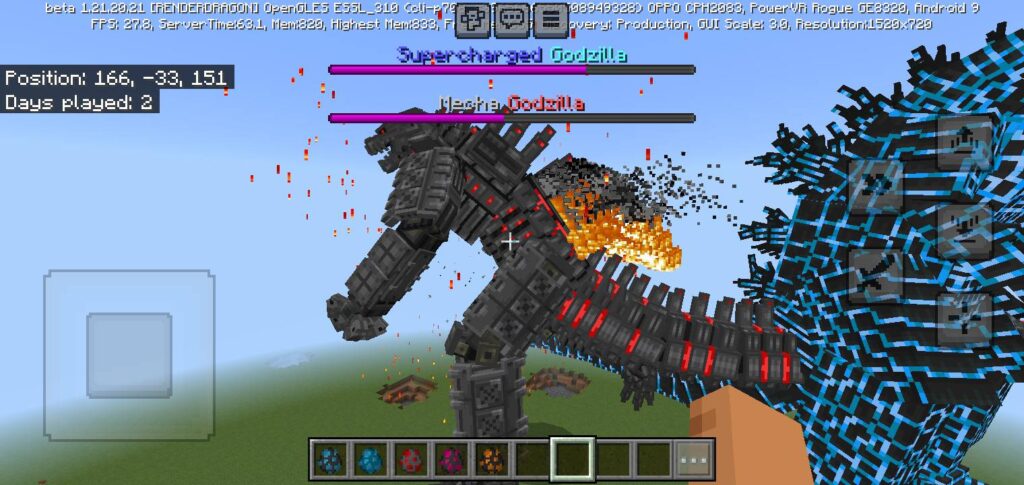
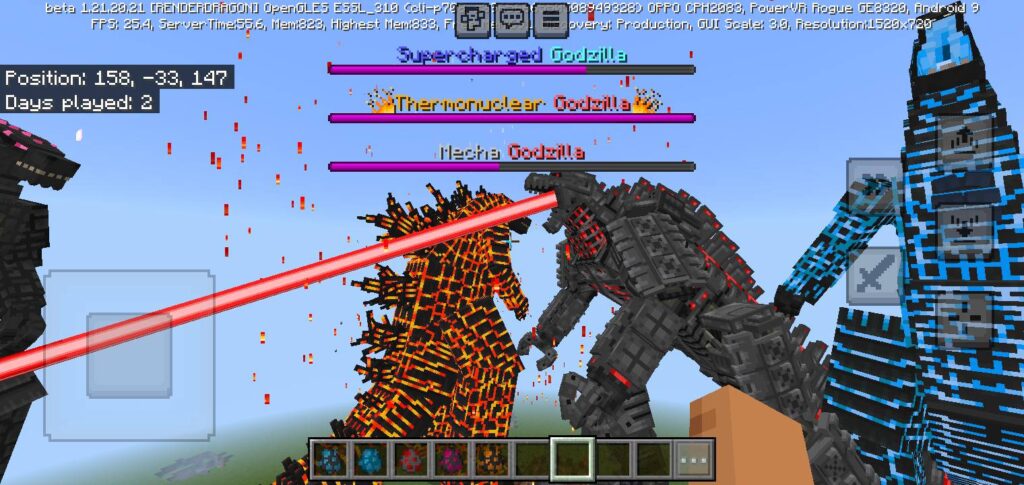
Minecraft Godzilla x Kong Addon | The best godzilla addon for mobile!

1
Godzilla x Kong Addon
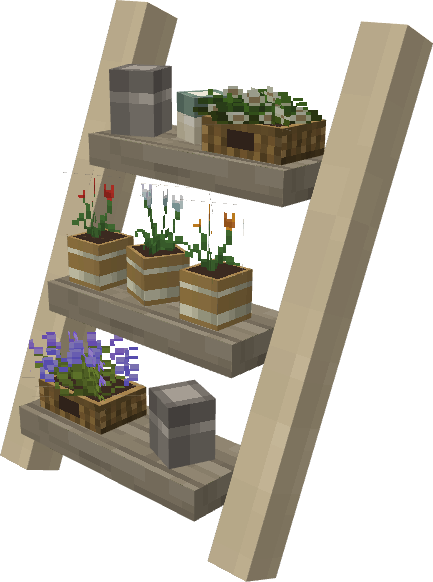
GODZILLA JUNTO A LOS KAIJIS ATACAN LA CIUDAD
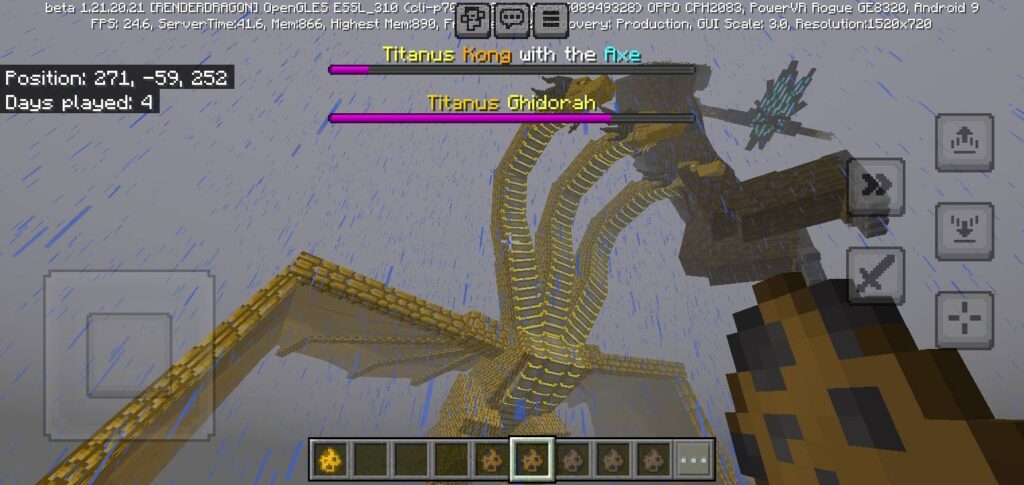
You can create the most epic and explosive battle between Godzilla and Kong!!!

Creator: Monster 122

Minecraft Best Godzilla x Kong

Installation

Available for Minecraft 1.21 Updates!

MCPE Download

Download Godzilla x Kong Addon
Discover many unique and newly updated addons at MAM Community!

- Advertisement -