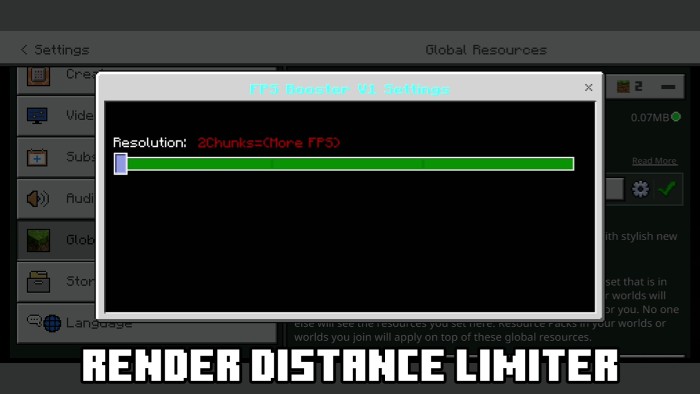
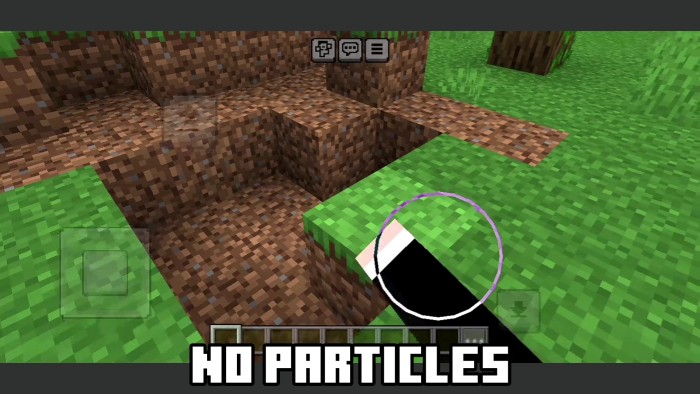
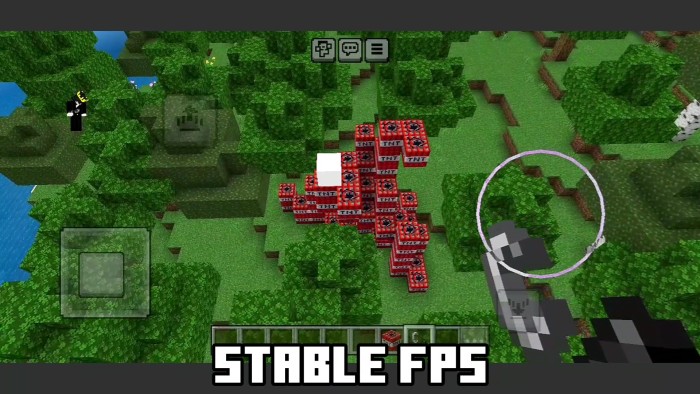
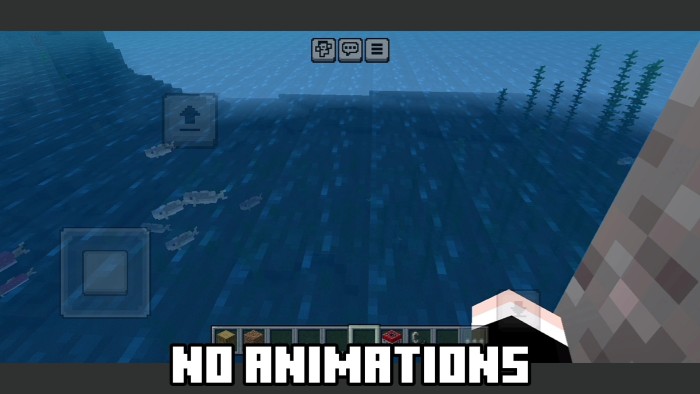
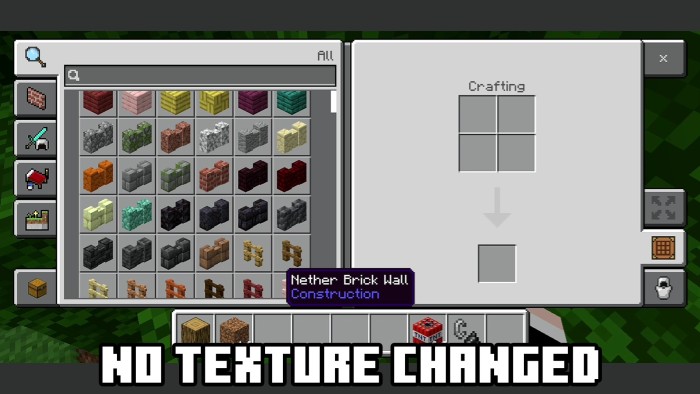
This is one of the best lag-reducing packs for MCPE, delivering maximum performance and unmatched optimization. Designed to work seamlessly with MCPE/BE, it supports all versions from Minecraft 1.16 to 1.21++. No other pack can rival its performance boost!
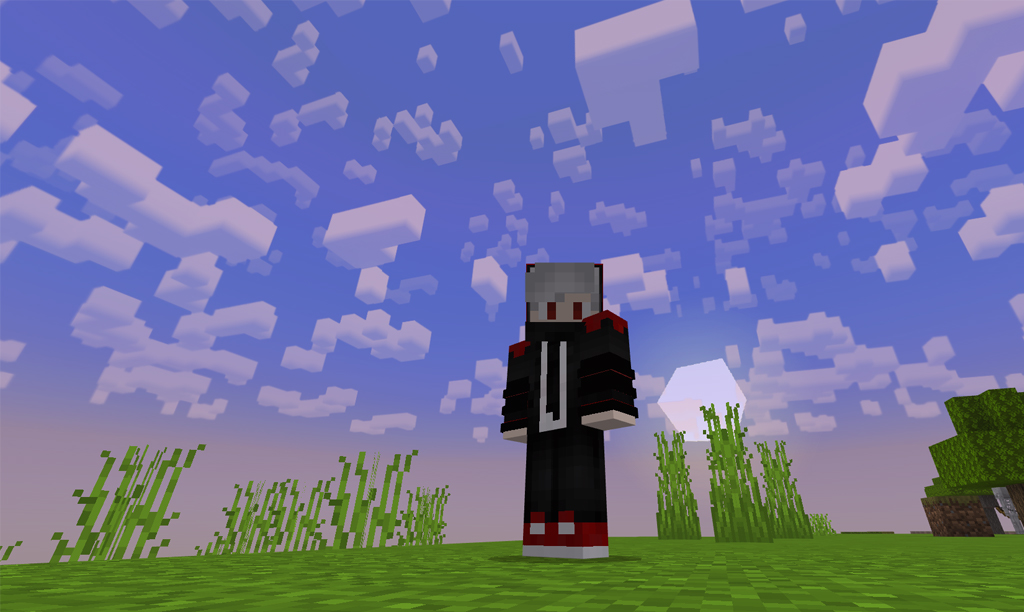
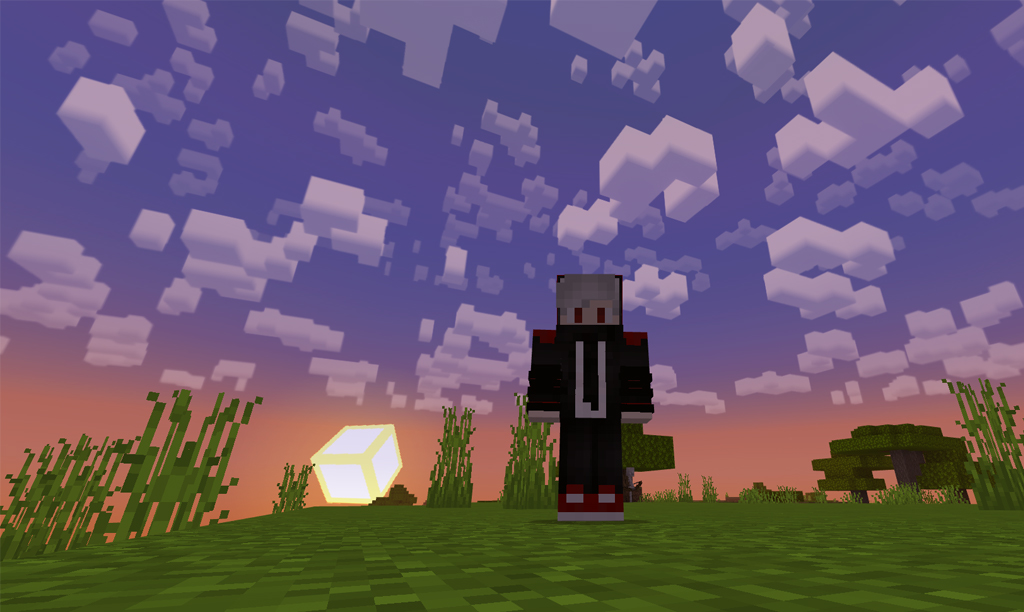
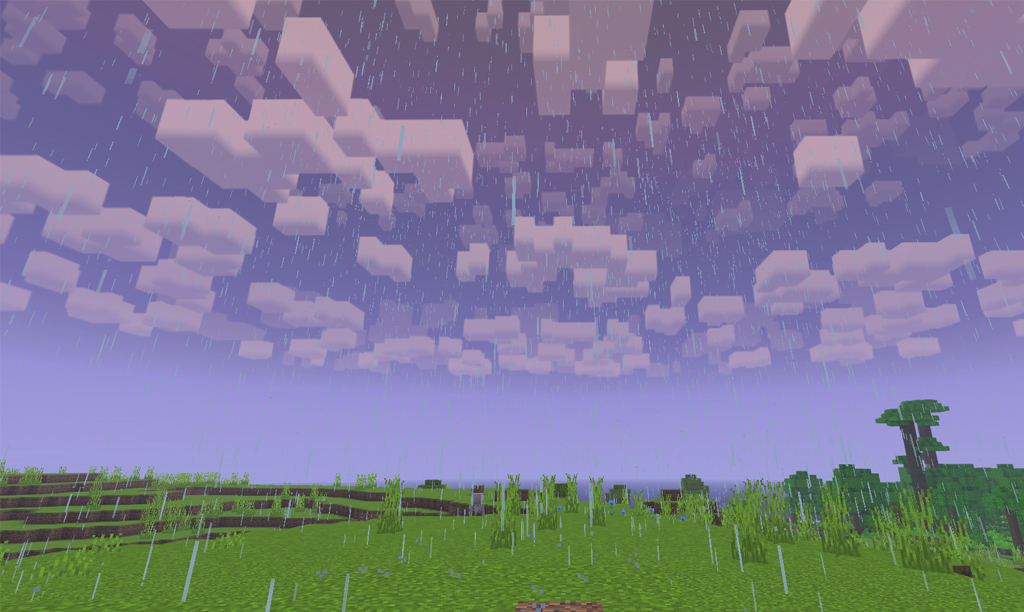
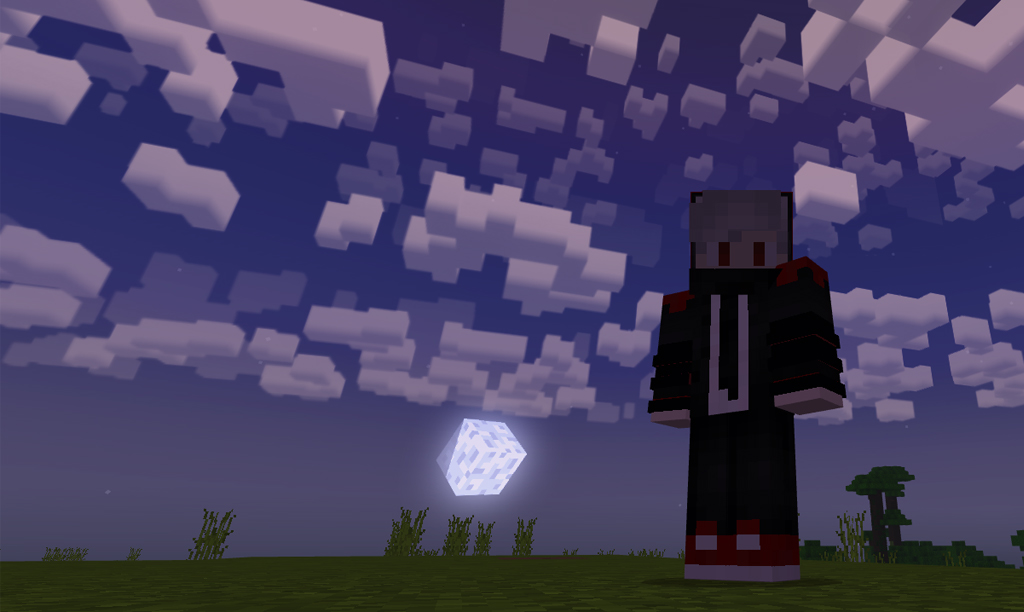
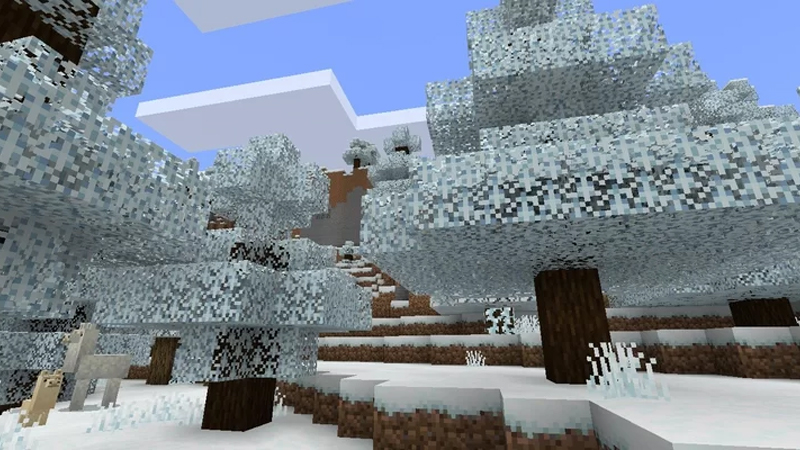
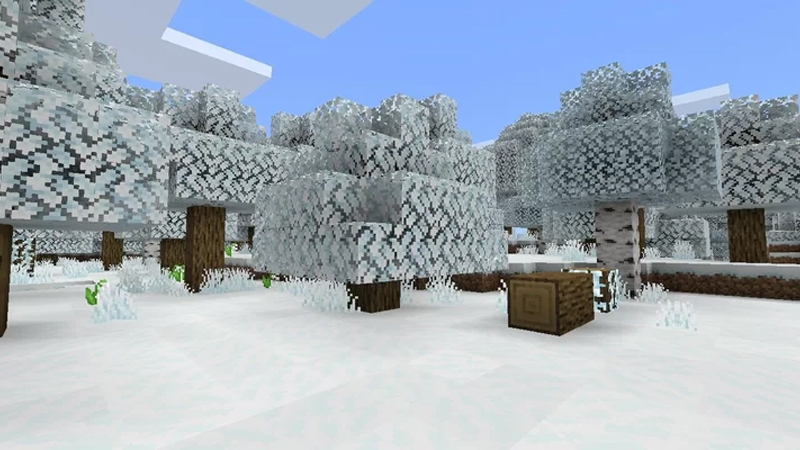
A stunningly simple pack that elevates your gameplay with a unique aesthetic. Enjoy a dreamy sky featuring silky 3D clouds, a charming purple hue, and misty volumetric fog, adding an enchanting depth to your experience.
Cre: B00g13_eat_grass
Stellar Graphics Reimagined
This pack is a reimagined version of Stellar Graphics, an unofficial modification of the original creation by the talented authors Sparskye and Smashzorrito. While preserving the signature 3D clouds, it introduces changes to other elements, crafting a distinctive aesthetic and style.
Feature
High compatibility with various pack
Friendly for survival and PVP users
Purple aesthetic filter on overworld
3d blocky clouds cubemap texture
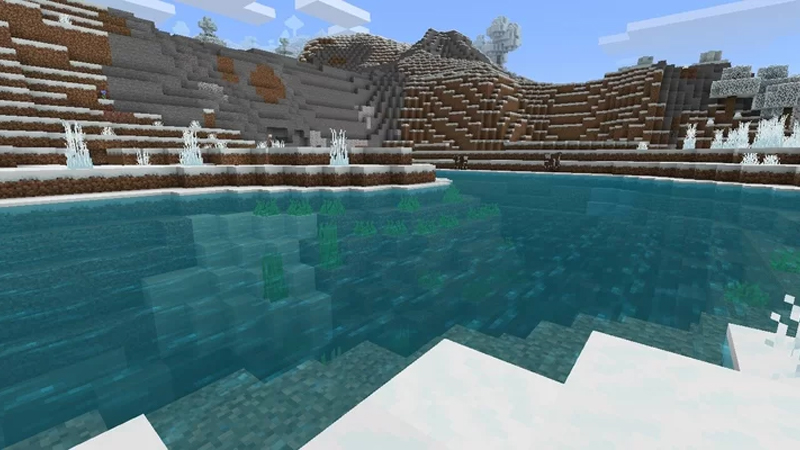
Systematic biome water transparency and color
Bright and vibrant foliage color
Volumetric fog
It is highly recommended to place this pack at the top of your active pack list and disable render clouds for optimal performance.
Credits
sparkskye and Smashzorrito (Original authors of Stellar Graphics ) : – Cloud cubemap textures.
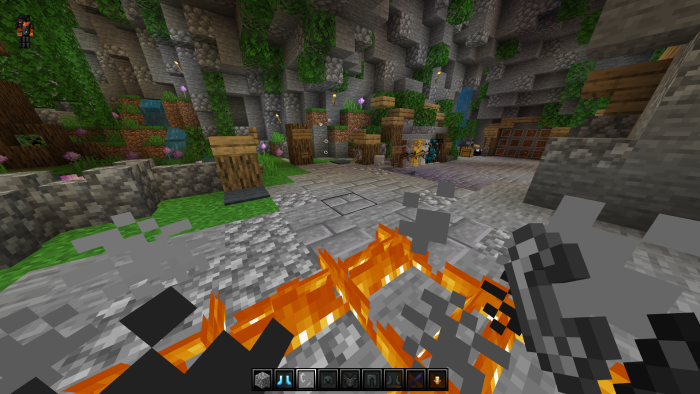
This Darkness Ultimate crafted resource pack enhances your Minecraft experience with a dark, immersive aesthetic that completely transforms your gameplay.
Enhance Minecraft PVP with this sleek pack for optimized battles.
Feature Darkness Ultimate
16x Enhanced Textures: Dive into a world of beautifully detailed textures that enrich your gameplay, delivering stunning visuals while maintaining top-notch performance.
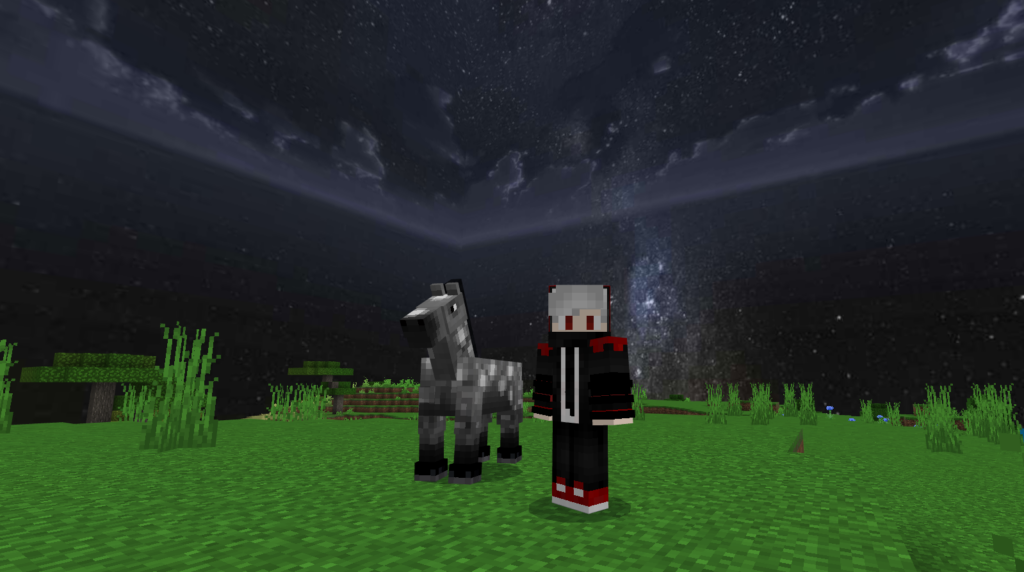
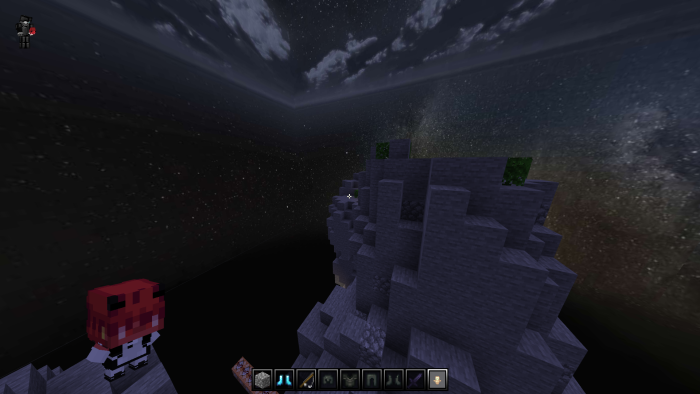
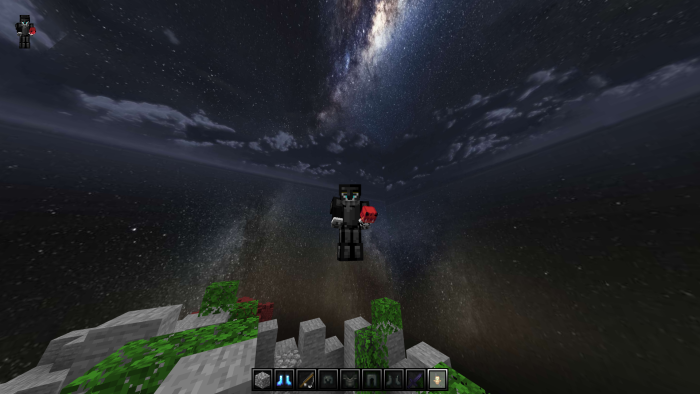
Atmospheric Dark Skybox: Immerse yourself in a moody, atmospheric sky that enhances the pack’s theme. Enjoy stunning night skies with starry horizons, creating the perfect backdrop for your adventures.
Low Fire for Focused Gameplay: Stay immersed in combat without the distraction of overwhelming flames. The low fire feature ensures clear visuals during intense battles, helping you focus on your opponents and strategies.
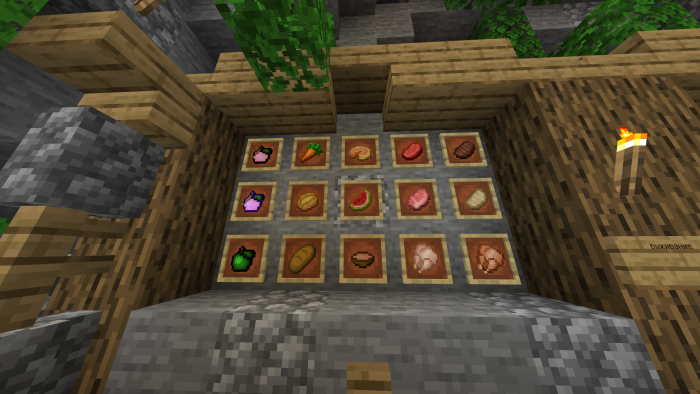
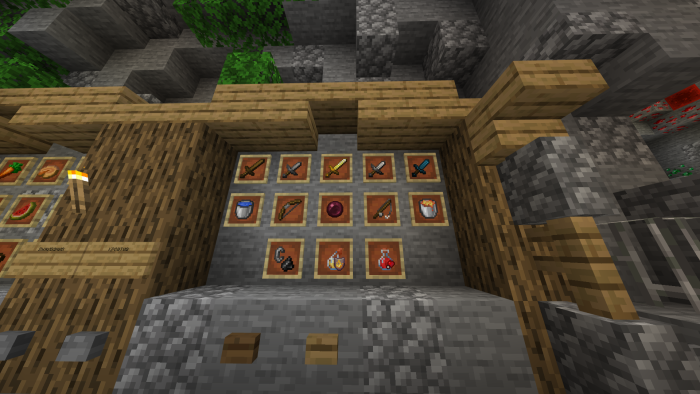
Unique Custom Textures: Explore a collection of meticulously crafted item textures that add a fresh perspective to your gameplay. Each item is redesigned to match the darker theme, enhancing both immersion and visual appeal.
Stylized HUD: Enjoy a revamped heads-up display with a sleek, polished design that seamlessly complements the aesthetic of Darkness Ultimate RP. Experience improved readability while maintaining a sophisticated style.
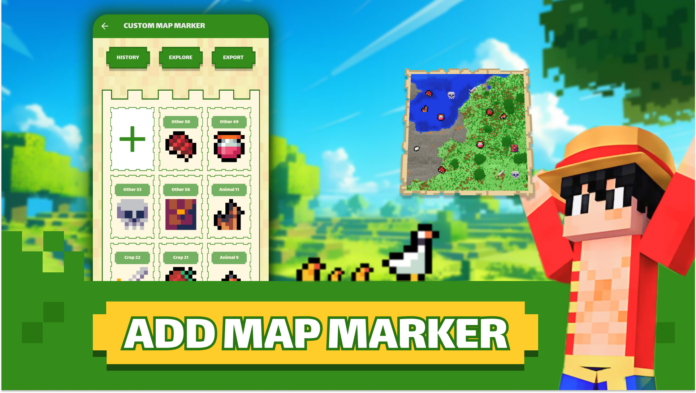
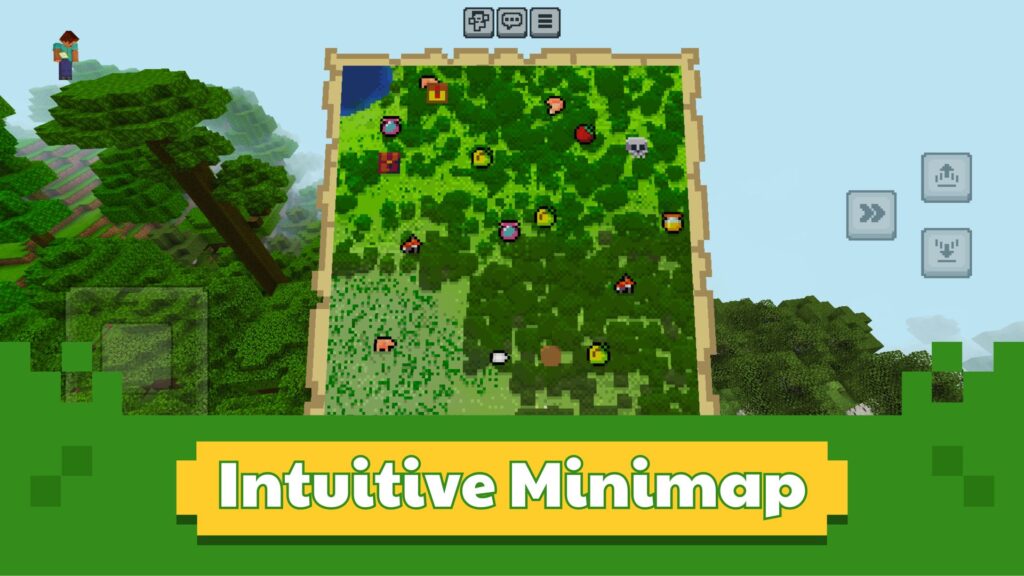
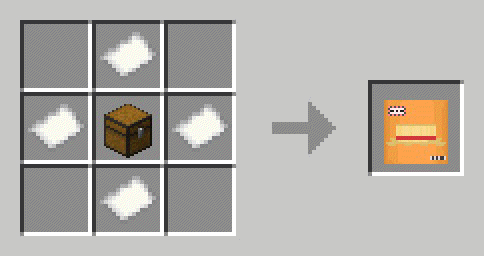
Are you a Minecraft fan looking to enhance your gameplay? Master Maps for Minecraft PE has launched a major update with a game-changing feature: Make Minecraft Map Markers Bedrock 1.21+! Inspired by the popular Xaero’s Minimap mod, this new function lets you create, customize, and manage map markers in your Minecraft worlds like never before.
How to Make Minecraft Map Marker?
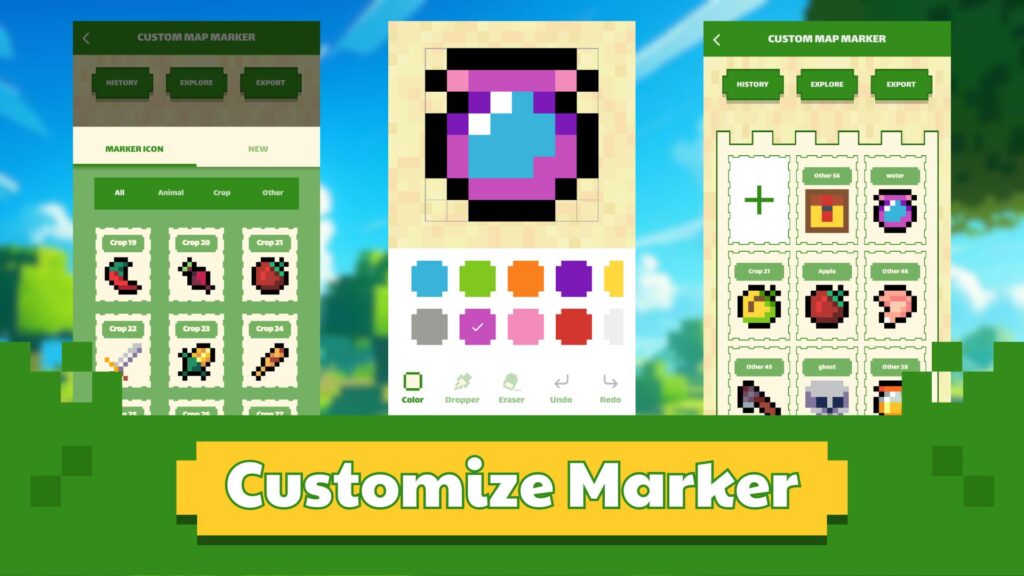
Customize Markers: Personalize your map with custom icons, names, and even unique shapes (up to 8 pixels) to mark key locations. Tailor your markers to fit your needs and make navigation more intuitive than ever.
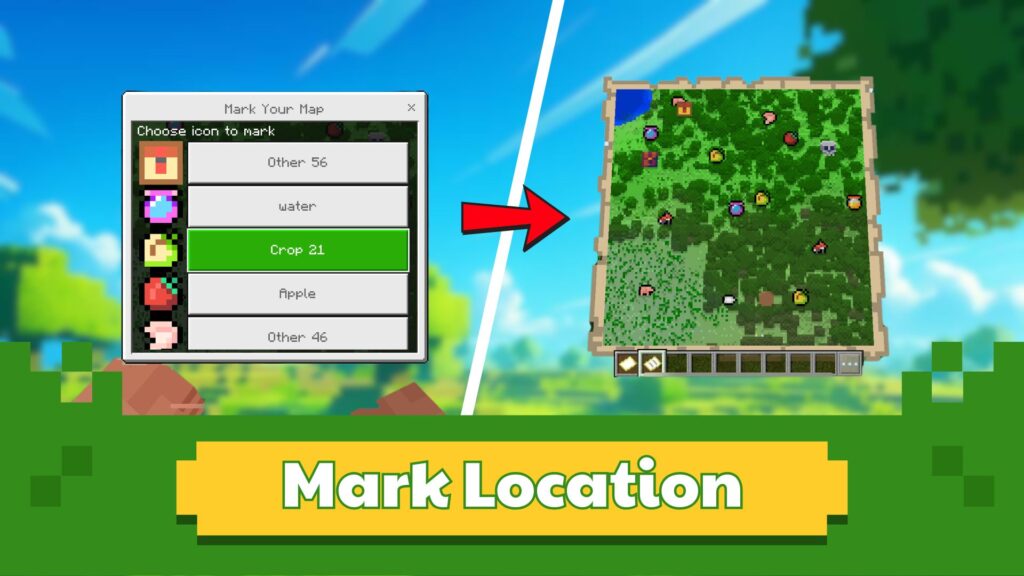
Organize Your Adventures: Highlight essential locations like your home base, hidden treasures, or mob spawners with precision. Need to adjust a minecraft map marker? No problem—easily undo previously placed markers to better suit your evolving exploration.
Enhance Exploration: Stay on track and never lose sight of vital spots while navigating survival or adventure maps. Map markers ensure that every landmark is just a glance away!
Discover more with Master Maps for Minecraft PE
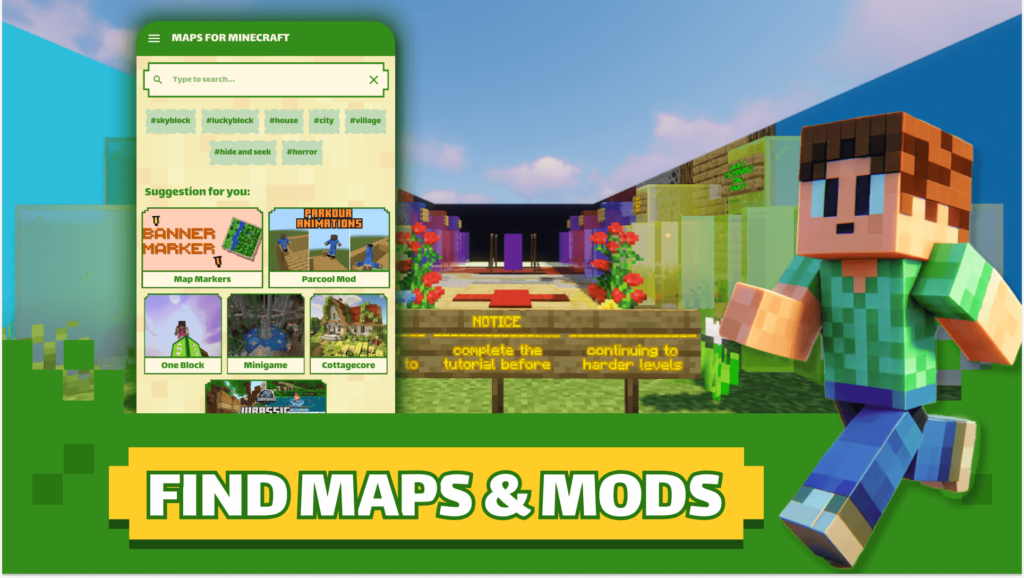
In addition to the new map marker feature, our app offers a massive library of Minecraft PE maps, including:
– Parkour Maps, Parkour Animation (Parcool Mod for MC) for testing your skills.
– Actions & stuff with Minecraft maps converted from Java to Bedrock Edition.
– Adventure and Survival Maps for exciting challenges.
– Creative Builds to inspire your next masterpiece.
Easy to Use for All Players
With Master Maps for Minecraft PE, installing maps and using the new map marker feature is effortless. Designed for Minecraft Bedrock Edition, the app is perfect for players of all ages.
Installation
Ready to revolutionize your Minecraft experience? Download Master Maps for Minecraft PE today and enjoy the power of minecraft map markers, alongside thousands of incredible maps.
Explore some Minecraft maps in MCPE Addons or read more below:
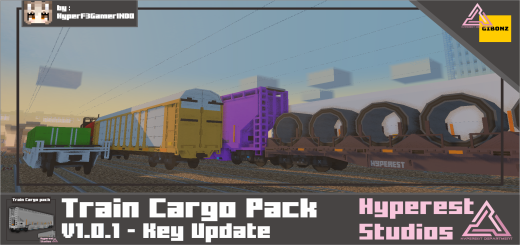
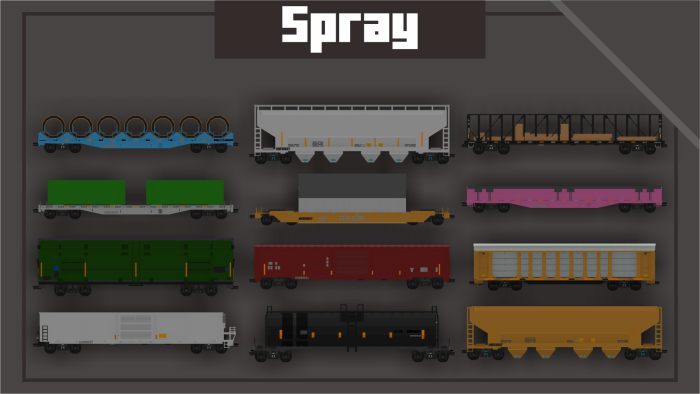
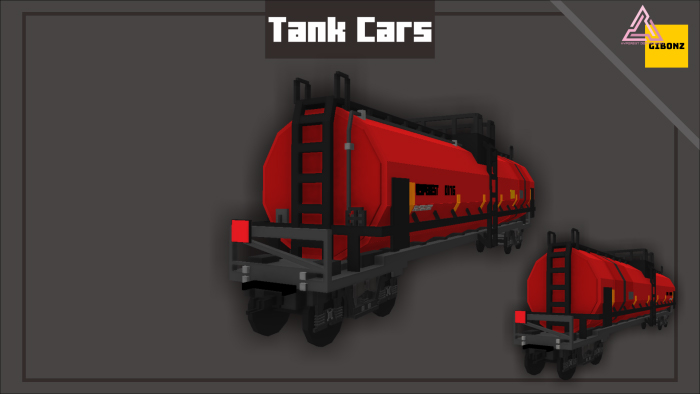
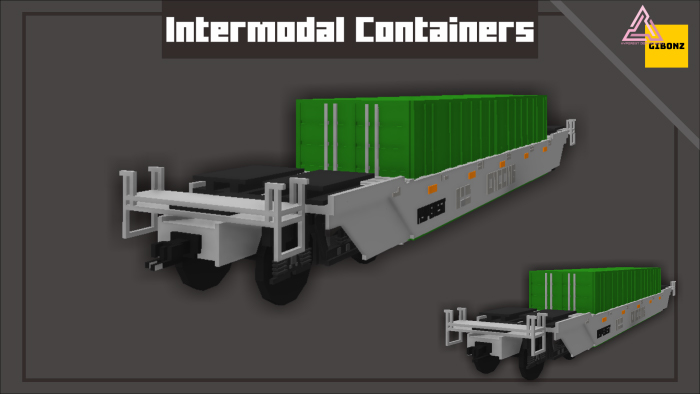
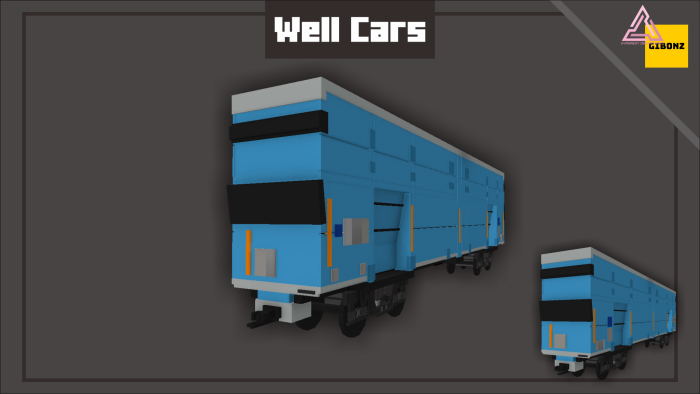
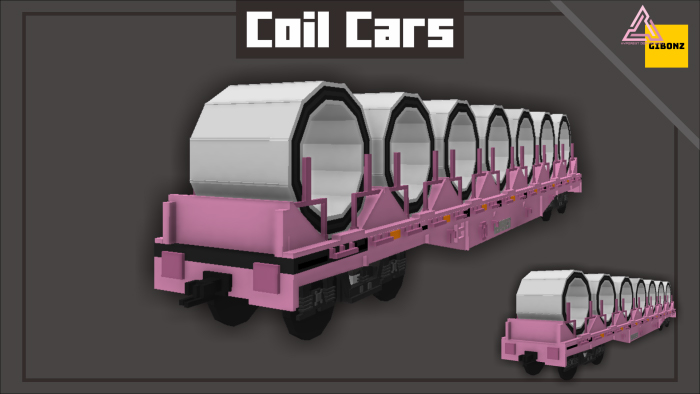
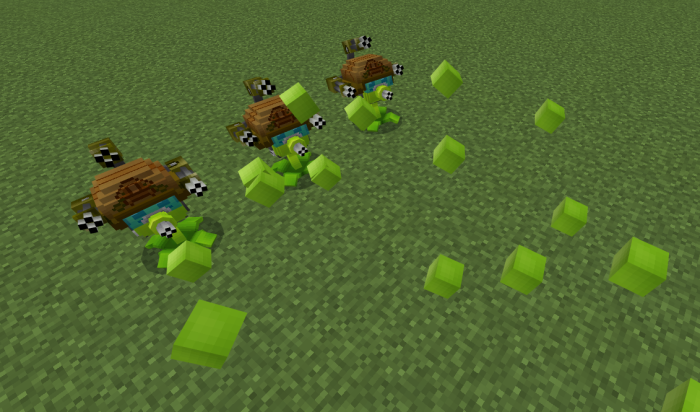
More trains to your world and make the world more lively. Let’s explore Train Cargo Pack with 7 different cargo. Mix and match the cargo to however your heart’s content.
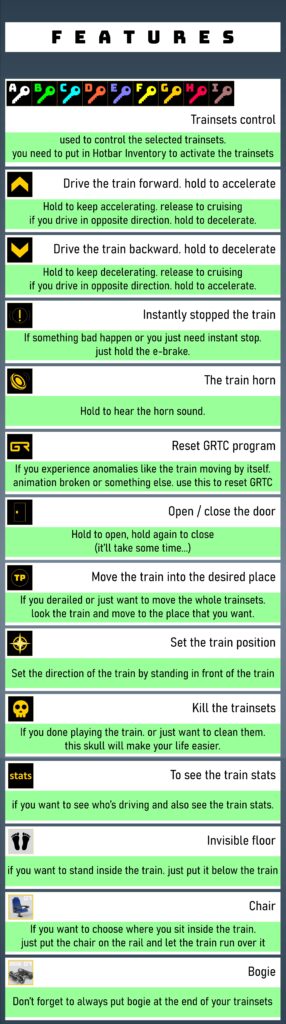
You Need GRTC to make this train to run you can read them at the website, the door had animation, just use items that we provide at controller. We recommended max 9 train to put because of Minecraft limitations, you need an anvil or nametag to rename the train.
Minecraft Bedrock Edition stores your world files in specific directories on your device. Knowing the exact Minecraft Bedrock World Location is essential for backing up, transferring, or modifying your saved worlds. Follow this comprehensive guide to locate your Minecraft Bedrock world files.
Why Find Your Minecraft Bedrock World Location?
– Backup and Restore: Safeguard your progress by creating backups.
– World Transfer:Move your creations between devices.
– Customization: Access your world files to add mods or manually edit data.
Step-by-Step Guide to Locate Your Minecraft Bedrock World Files
On Windows 10/11
1) Open File Explorer: Press Win + E to launch File Explorer.
2) Navigate to the Save Folder: Go to the following path: C:\Users\[Your Username]\AppData\Local\Packages\Microsoft.MinecraftUWP_8wekyb3d8bbwe\LocalState\games\com.mojang\minecraftWorlds
3) Identify Your World: Each folder inside the Minecraft Bedrock World Location has a random alphanumeric name. Open the folders to find your desired world.
On Android
1) Open File Manager: Use a file manager app on your device.
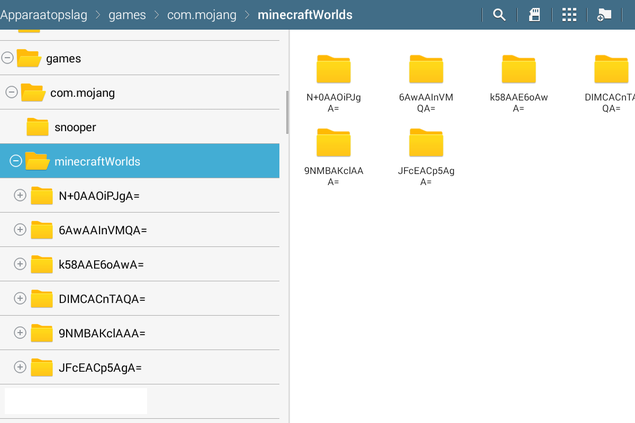
2) Navigate to Minecraft Files: Go to: Internal Storage > games > com.mojang > minecraftWorlds
3) Find Your World: Similar to Windows, each world is in a folder with a unique identifier.
On iOS
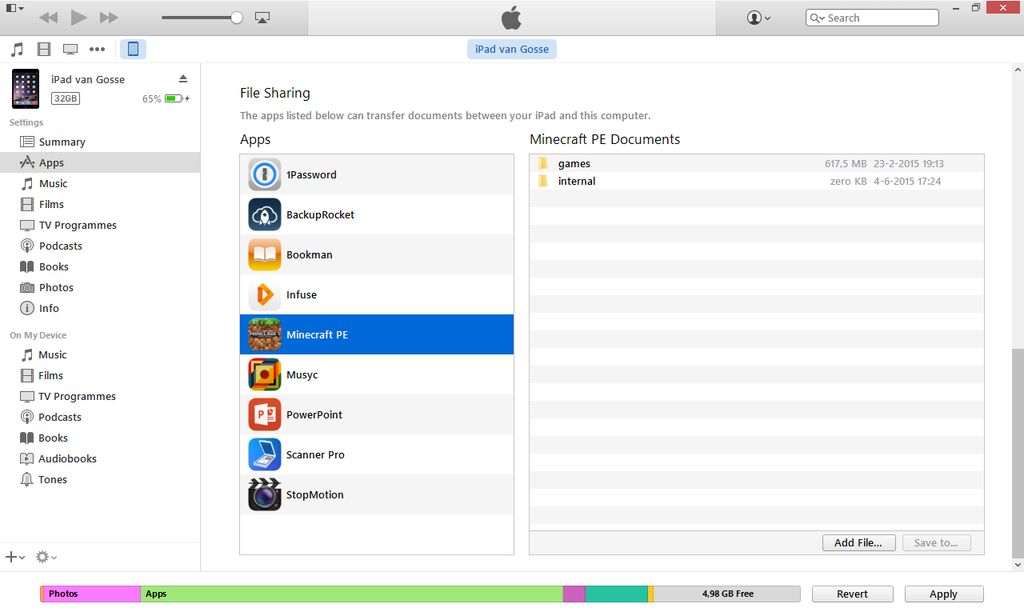
1) Use File App or Third-Party Software: iOS restricts direct file access, so you’ll need to enable file sharing in iTunes or use an app like iExplorer.
2) Locate the Minecraft Folder: The folder is typically under Apps > Minecraft > games > com.mojang > minecraftWorlds.
On Consoles (Xbox, PlayStation, Switch)
The Minecraft Bedrock World Location on consoles is inaccessible due to platform restrictions. Use Realms to upload your world and download it onto a compatible device. Follow tips on mobile by Minecraft Official.
Pro Tips:
– Backup Regularly:Always make a copy of your world files before modifying or transferring them.
– Use Cloud Services:Platforms like OneDrive, Google Drive, or iCloud make it easier to store backups.
– Organize Your Worlds: Rename folders or keep a log to identify your worlds quickly.
Start managing your Minecraft worlds like a pro! By knowing where your Bedrock Edition worlds are stored, you’ll unlock greater control and ensure your hard work is never lost.
Optimized for Minecraft players searching for step-by-step guides on accessing and managing Bedrock Edition worlds.
FAQs
1. Where is my Minecraft Bedrock World folder?
The world folder for Minecraft Bedrock Edition is stored locally on your device. Following the above.
2. How do you see your location in Minecraft Bedrock?
To view your current location in Minecraft Bedrock Edition:
– Enable Coordinates: Open your world settings and toggle Show Coordinates to “On.”
– Check In-Game: Your X, Y, and Z coordinates will appear at the top left of your screen, showing your exact position.
3. How do you locate in Minecraft Bedrock?
To locate specific places like villages or structures in Minecraft Bedrock Edition:
– Enable Cheats: Go to your world settings and turn on Cheats.
– Use the Command: Type /locate <structure_name> (e.g., /locate village) in the chat box.
– Follow Coordinates: The command will provide the exact location; use your coordinates to navigate.
4. How do you find old Bedrock worlds in Minecraft?
If you’ve misplaced or lost access to an older Bedrock world:
– Check the Save Folder: Go to your Minecraft Bedrock and save the location based on your device (see the first question).
– Look for Unlisted Folders: Your old worlds may still exist in the minecraftWorlds folder, even if they don’t appear in-game.
– Recover from Backups: If you’ve previously backed up your Minecraft folder, restore the files to the correct location.
– Use Cloud Saves: If you enabled cloud syncing (e.g., via OneDrive or Realms), check those accounts for saved worlds.
By following these steps, you’ll easily locate and manage your Minecraft Bedrock World Location, ensuring your creations are safe and accessible for future adventures.
You can explore other tips for Minecraft Maps 1.21 in below
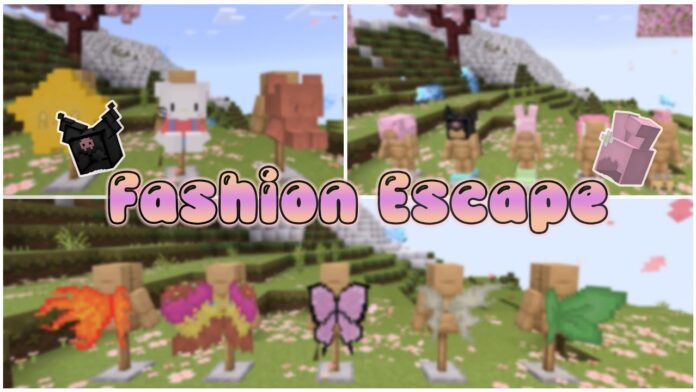
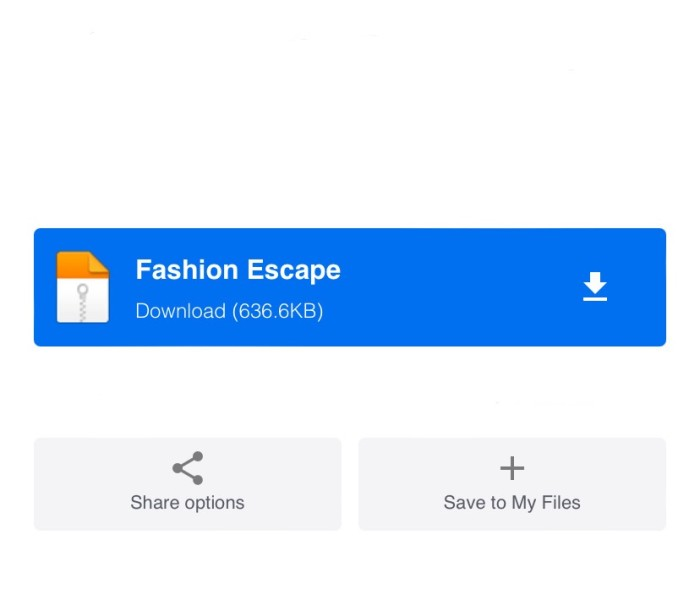
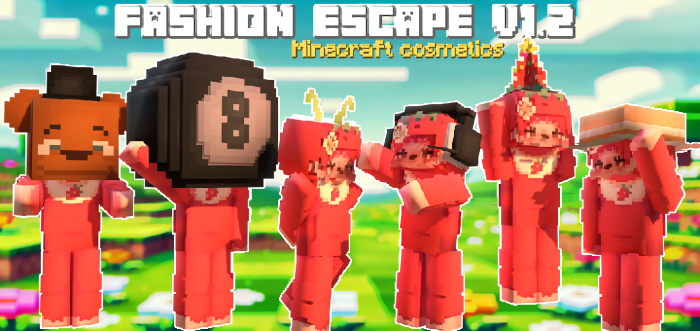
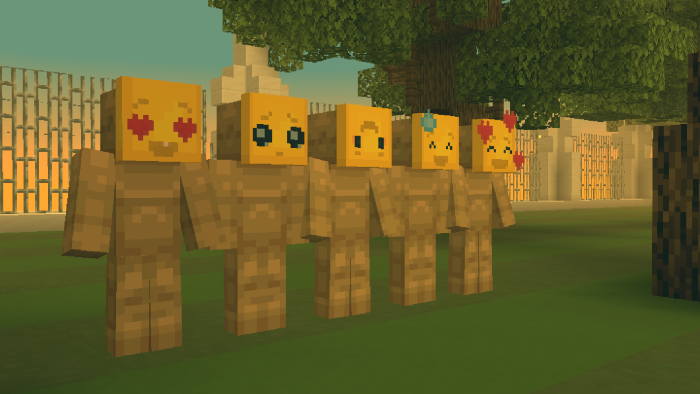
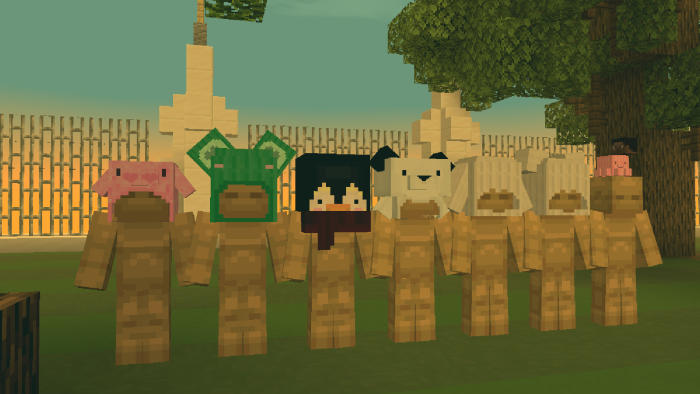
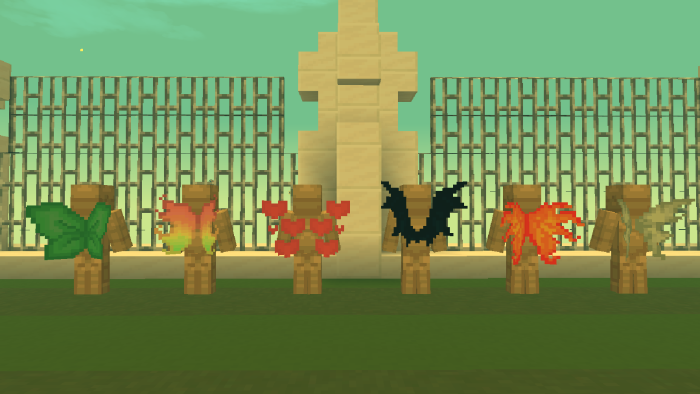
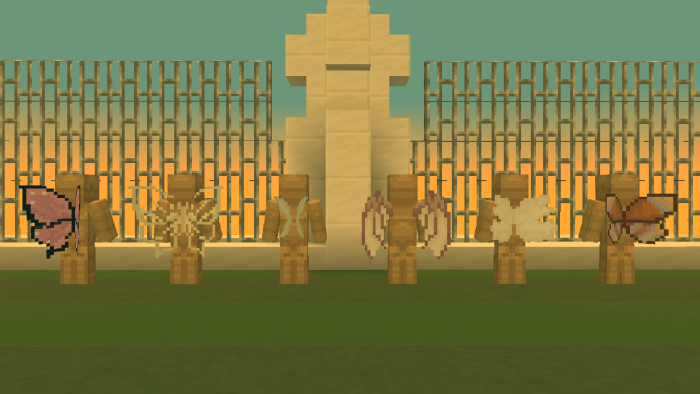
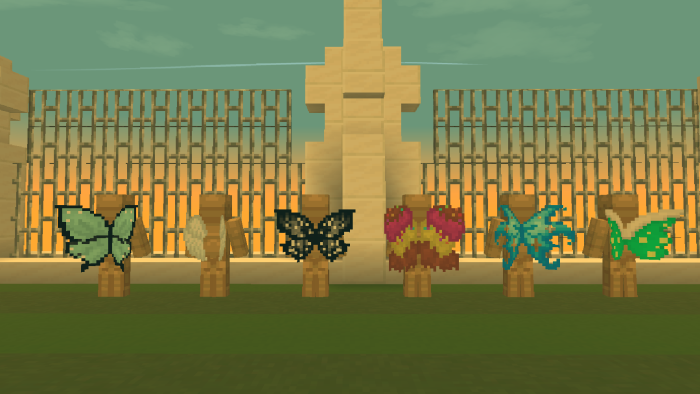
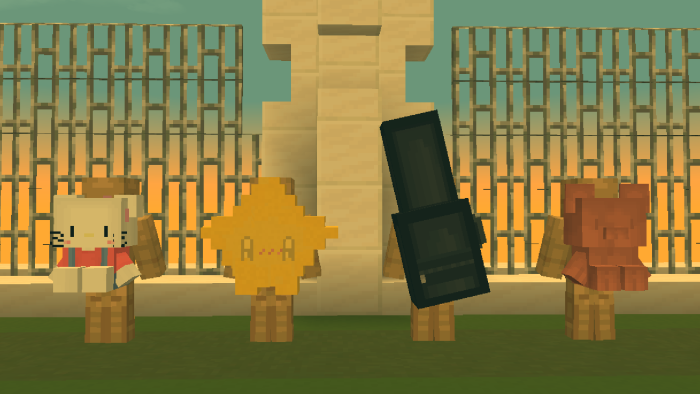
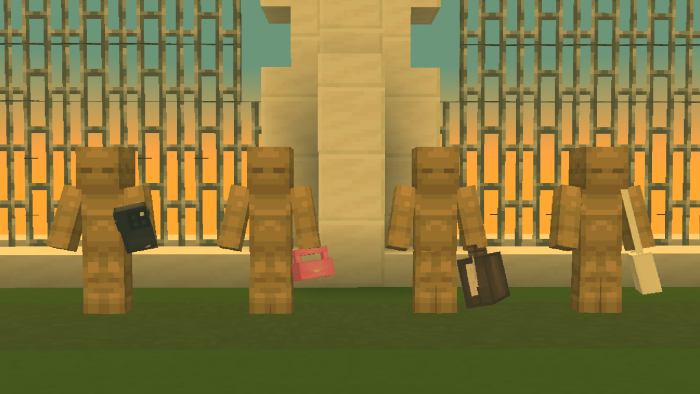
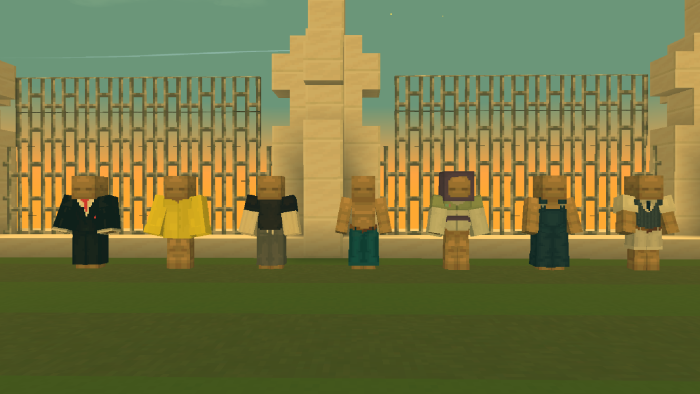
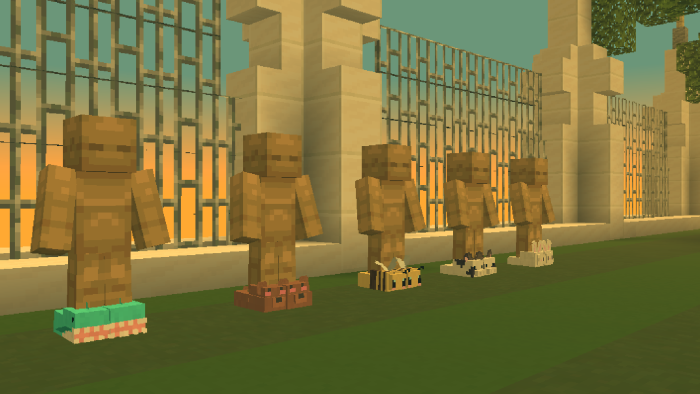
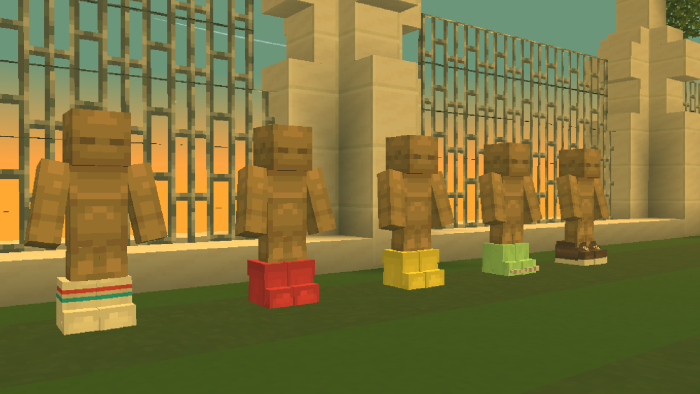
Hello, I am XELA. I made the Fashion Escape addon for Minecraft, which gives your survival world access to cosmetics. You may add flair and customisation to your gameplay by equipping fashionable objects that double as armor with Fashion Escape!
Creator: Xela
Fashion Escape
I’m no longer calling it ‘wings and accessories.’ I’m rebranding to ‘Fashion Escape.’ I think I got doxed; another account stole my submission!
Have a cosmetic suggestion? Join my Discord!
I’ll give it a go. ;-;
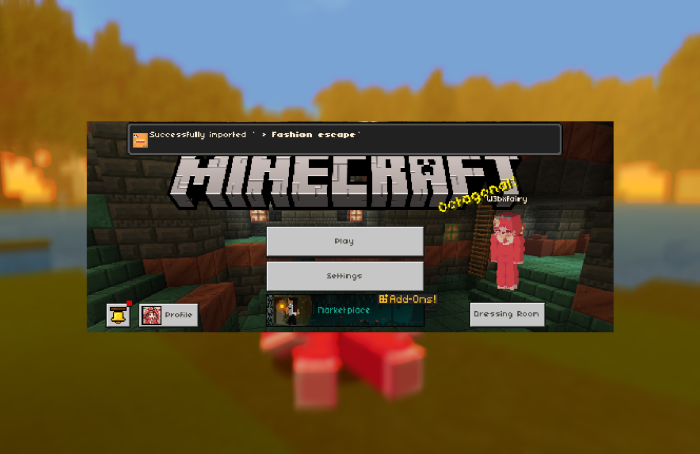
How to install
I’m still quite new to pixel art and other related projects, so I’m learning as I go. If you happen to notice any bugs or issues, please don’t hesitate to let me know. Your feedback is greatly appreciated!
– I’m using Loot Labs because I’ve had issues in the past with people stealing my content, which has been quite frustrating. I want to ensure my work is protected and respected. Your understanding and support mean a lot to me
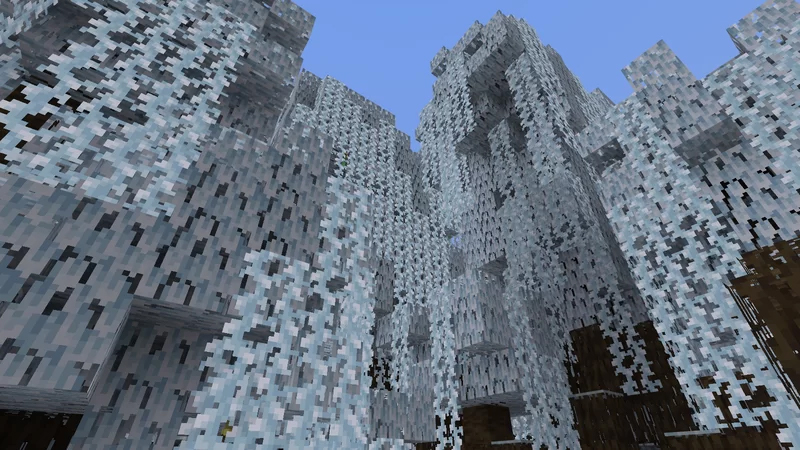
A resource pack that makes the world appear snowy! Y’all, It’s Winter. This pack is a standalone version of the Winter subpack from Y’all It’s Fall!! This pack is also available for Java Edition!
Y’all, It’s Winter!
Creator: Cornbread_Alphanumeric
Features:
(Features done using textures instead of json will be marked with double exclamation points.)
* OwO is that snow?? Grass Blocks become snowy regardless of biome or whether there’s a Snow Layer on them! [!!] Other grasses and leaves also become snowy! includes Azaleas and Lily Pads. [!!] The backs of Sniffers become snowy as well! It’s just snow on everything!!
Known Bugs:
Various bits of foliage aren’t colored properly in the inventory or when held / dropped.
Short Grass and other bits of foliage make snow sounds. This is because of limitations in Java Edition resource packs.