Home Blog Page 14

Fashion Escape v1.2 | Minecraft Addon PE

2

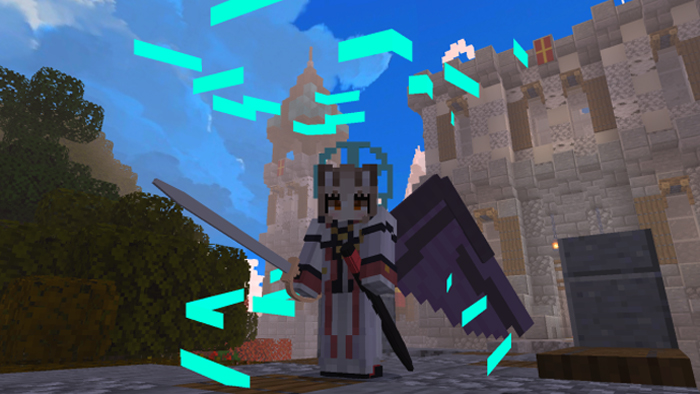
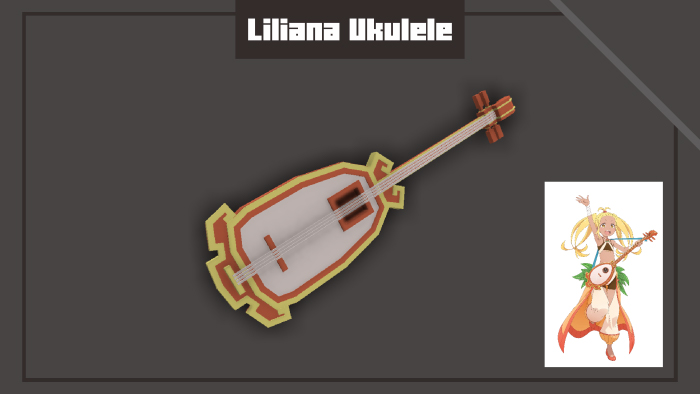
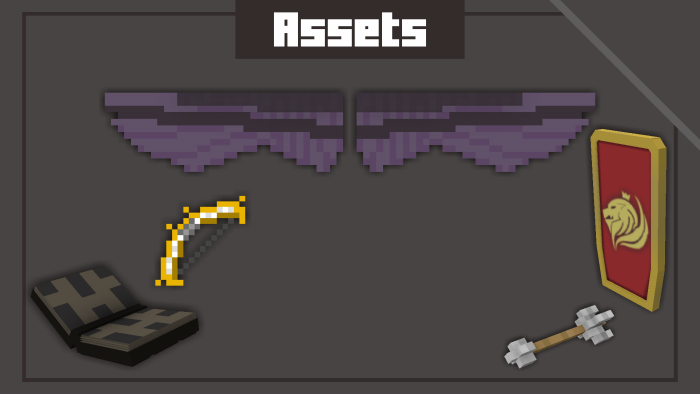
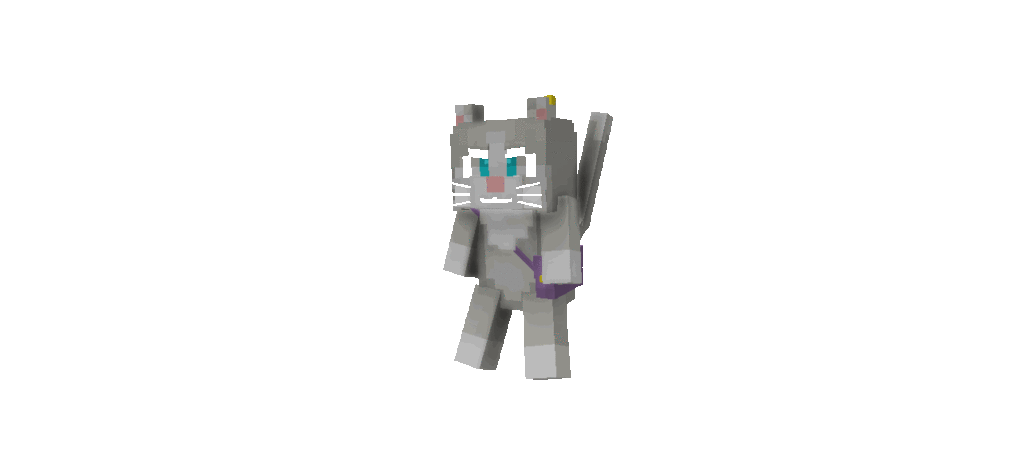
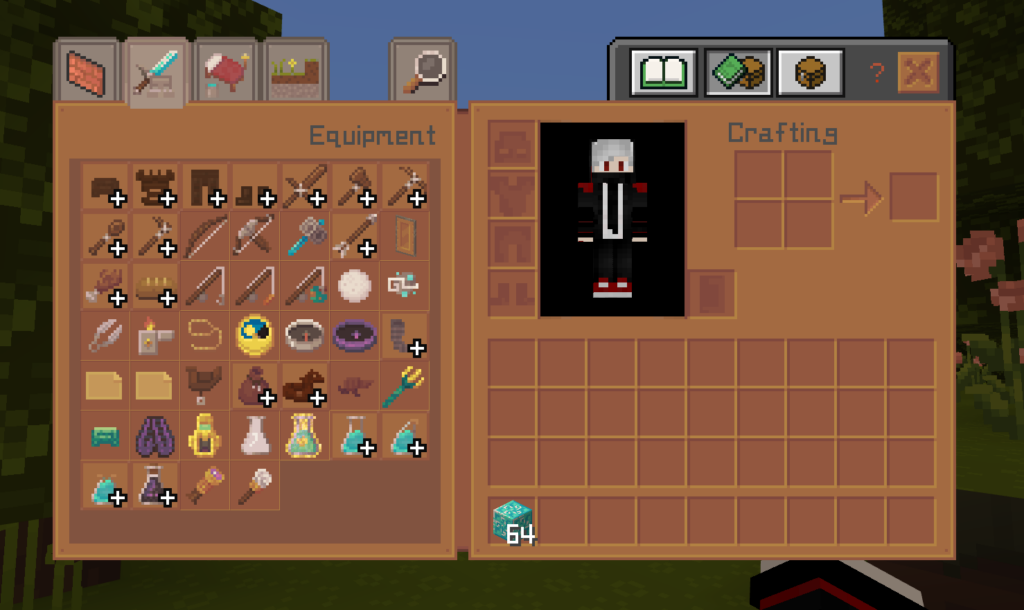
Hello, I am XELA. I made the Fashion Escape addon for Minecraft, which gives your survival world access to cosmetics. You may add flair and customisation to your gameplay by equipping fashionable objects that double as armor with Fashion Escape!

Creator: Xela

Fashion Escape

I’m no longer calling it ‘wings and accessories.’ I’m rebranding to ‘Fashion Escape.’ I think I got doxed; another account stole my submission!

Have a cosmetic suggestion? Join my Discord!

I’ll give it a go. ;-;

How to install 

Fashion Escape

I’m still quite new to pixel art and other related projects, so I’m learning as I go. If you happen to notice any bugs or issues, please don’t hesitate to let me know. Your feedback is greatly appreciated!

– I’m using Loot Labs because I’ve had issues in the past with people stealing my content, which has been quite frustrating. I want to ensure my work is protected and respected. Your understanding and support mean a lot to me

Some Minecraft Addon Pe you can check in Mcpe addons:

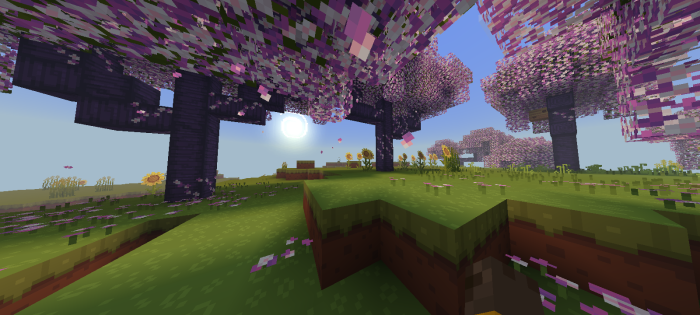
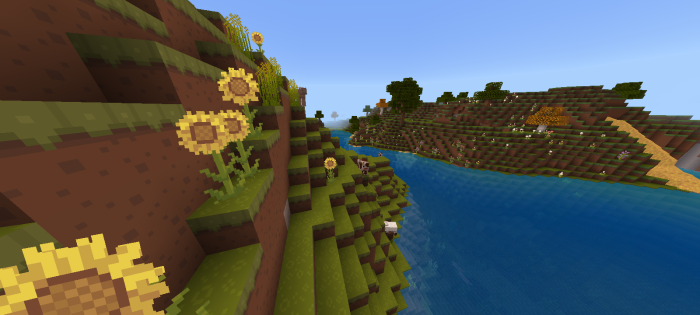
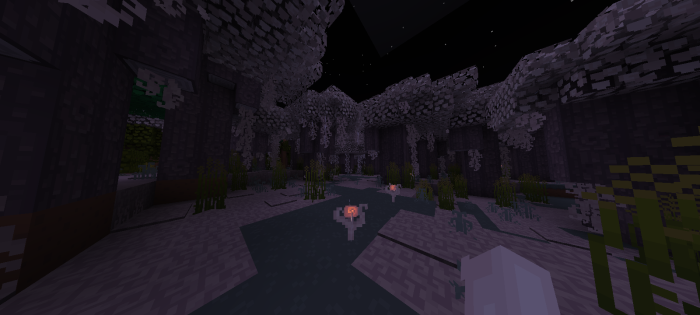
In game pics !!

Mask

Emoji Mask

Character mask

Hats

Wings

Backpacks

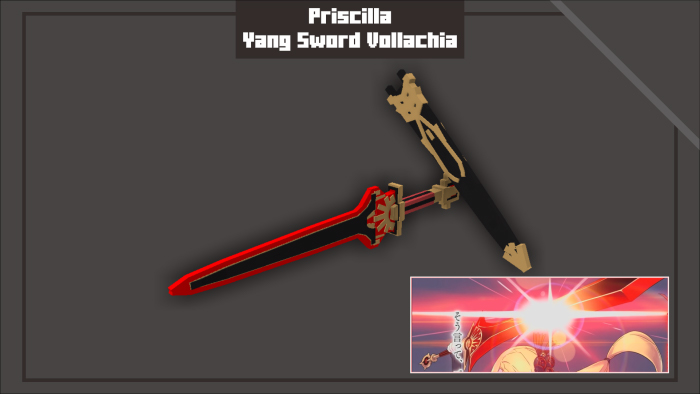
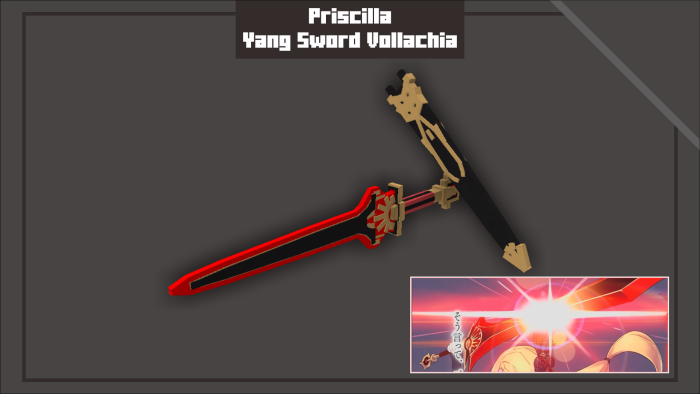
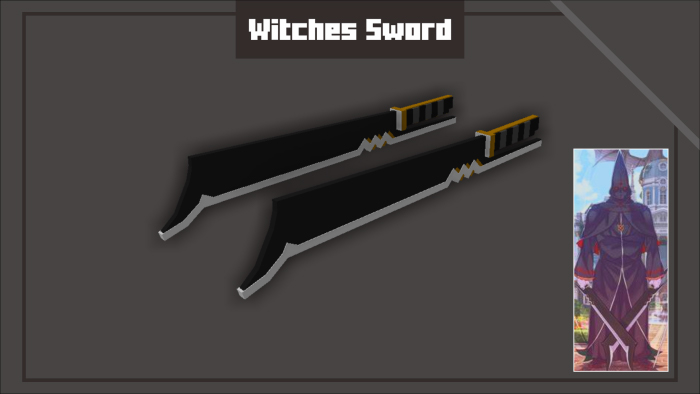
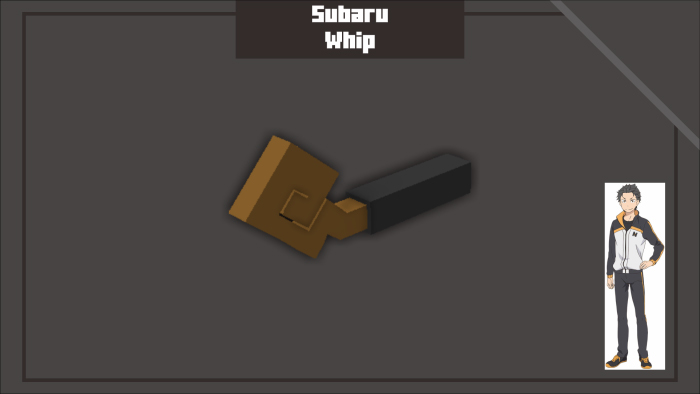
Special Items

Clothes

Slippers

Shoes

Changelog

  • mini Halloween update
  • Fixed geometry
  • earrings and elf ears still coming soon
  • boba not working :<
  • New cover art image 
  • Added socks

Installation

Crafting Recipes (Crafting table)

Boxes

MCPE Download

Fashion escape v.2 .mcaddon (Support creator)

Fashion escape v1.2 .zip

- Advertisement -

Y’all, It’s Winter! (Bedrock Edition)

0

A resource pack that makes the world appear snowy! Y’all, It’s Winter. This pack is a standalone version of the Winter subpack from Y’all It’s Fall!! This pack is also available for Java Edition!

Y’all, It’s Winter!

Creator: Cornbread_Alphanumeric

Features:

(Features done using textures instead of json will be marked with double exclamation points.)

Y'all, It's Winter
Y'all, It's Winter

* OwO is that snow?? Grass Blocks become snowy regardless of biome or whether there’s a Snow Layer on them!
[!!] Other grasses and leaves also become snowy! includes Azaleas and Lily Pads.
[!!] The backs of Sniffers become snowy as well! It’s just snow on everything!!

Known Bugs:

  • Various bits of foliage aren’t colored properly in the inventory or when held / dropped.
  • Short Grass and other bits of foliage make snow sounds. This is because of limitations in Java Edition resource packs.

Some Minecraft Texture pack you can check in Mcpe addons:

MCPE Download

Download y’all, it’s winter

- Advertisement -

How to load Minecraft Schematics on your phone? Build it in MCPE 1.21+

0
minecraft schematics

Are you looking to load Minecraft Schematics on your phone before building effortlessly in Minecraft Pocket Edition (MCPE) 1.21? This guide will show you how to load (Preview) and build schematics step-by-step in MCPE 1.21+.

What Are Minecraft Schematics?

Minecraft schematics are pre-made building plans saved as files. They allow players to import intricate structures—such as houses, castles, farms, or even redstone contraptions—into their Minecraft world with ease.

Schematic File Formats: These files typically come in formats like .schematic, .schem, or .mcstructure.

Benefits:

  • Save hours of building time.
  • Add creativity and functionality to your world.
  • Explore professional-grade builds with ease.

What tool can I use to load a Minecraft schematics file?

Step 1: Download a Compatible Schematic File

(1) Visit the best platforms to download schematics for Minecraft PE 1.21+:

McBuild

– A dedicated platform offering a variety of schematics for Minecraft Bedrock Edition.

– Focuses on mobile-friendly builds, perfect for MCPE.

– Provides categories like modern houses, medieval castles, and redstone machines.

Planet Minecraft

– A well-known community site with thousands of downloadable schematics.

– Includes builds for both Java and Bedrock Editions.

– Use search filters to find builds compatible with MCPE.

Minecraft Schematics

– A library of schematics created by talented builders worldwide.

– Features both simple and complex structures, from small farms to massive cities.

– Many schematics come with detailed descriptions for easier use.

(2) Download the .schematic or .schem file you want to use.

(3) Save the file in your phone’s storage, preferably in the Downloads folder for easy access.

Step 2: Install a Structure Import Tool or Add-On

Since MCPE doesn’t natively support .schematic files, you’ll need an external tool to load them. Here are two suggestions for you to do on your mobile device.

  • Master Builder for Minecraft (Android)
MCPE Download
Master Builder for Minecraft
  • House Builder for Minecraft (Android & iOS)

MCPE Download

house builder for minecraft

Feature for Both Apps

– Easily modify the position and Preview 3D visual Minecraft building.

– ADD CHEST: Add any entity to buildings for Minecraft using CHEST such as furniture, armor, weapons, or food.

– ADD SPAWNER: You can add Minecraft Mob Spawner with any mob you want. Easily search for mobs by the color eggs or type the name to appear immediately: Pig, Spider, Cave Spider, Silverfish, Magma Cube, Blaze, Skeleton, Zombie,…

Add chest into minecraft schematics house

Step 3: Import the Schematic File

📌 Option 1: Using Structure Blocks

(1) Enable Cheats in Minecraft: Go to your world settings and activate Cheats.

(2) Place a Structure Block:

  • Use the command /give @p structure_block to obtain the block.
  • Place the structure block where you want the build to appear.

(3) Load the Schematic:

  • Open the structure block and switch to Load Mode.
  • Enter the file name of the .mcstructure and press Load.

📌 Option 2: Using an Import Add-On

(1) Open the schematic import tool (See more in Structure Import Tool).

(2) Use the commands or structure block to load the schematic into your world:

Example commands:

/function <name function>

/function modern house

Example build by House Builder:

– Find a structure block with the name “House Builder” in the inventory.

– Place this block on the ground, and the menu constructer will be displayed.

– Structures are displayed visually with the name and avatar you have edited in the tool. Your house building operation becomes easier.

(3) Adjust placement as needed for your world (undo building)

– If you are not satisfied with the structure placement, you need to place the structure block “House Builder” and press Undo, immediately your structure will disappear and you will continue to build as you wish.

remove minecraft schematics

See more about how houses build themselves in biomes:

Tips for a Smooth Experience

  1. Backup Your World: Always back up your Minecraft world before importing complex schematics.
  2. Check Compatibility: Ensure the schematic is designed for Minecraft Bedrock Edition (MCPE).
  3. Use Proper Tools: Stick to reliable apps and add-ons for seamless imports.

Popular Schematic Builds for MCPE 1.21+

Here are some trending schematic types to download:

  • Survival Bases: Compact and resource-efficient homes.
  • Redstone Farms: Automate your farming tasks with advanced designs.
  • Medieval Castles: Iconic structures perfect for exploration or defense.
  • Adventure Maps: Ready-to-play maps with puzzles, quests, and dungeons.

Loading Minecraft schematics on your phone is a game-changer for your Minecraft Pocket Edition experience. With platforms like House Builder for Minecraft, Master Builder for Minecraft, you can access a world of creativity and save time on builds.

Follow this guide to download, import, and enjoy schematics in your Minecraft world today. Transform your gameplay and unleash your creativity in MCPE Addons!

- Advertisement -

DecoChristmas | Minecraft Furniture Mod

0

DecoChristmas Addon with Christmas decorations, Snowmen, presents, Christmas trees, socks, gnomes and animated garlands. All these decorations will add a magical atmosphere and holiday feeling to your world and buildings :]

Gifts, socks, gnomes don’t have any special features, they are just decorations.

DecoChristmas

Creator: Agaast

The gerland can be switched with a stick. They are flickering, off, and completely on. Turned off garlands do not give forth any light. The light level of the on ones is 9.

Christmas trees and snowmen are not blocks, but big mobs. Therefore, they can be placed with the help of an item.

Small spruce & Medium spruce

All decor can be scrafted, see the game itself for all the crafts.

Translate into:

English

Russian

Ukrainian

Some Minecraft furniture mod you can check in Mcpe addons:

Select version for changelog:

Changelog

This addon is an updated version of last year’s with the addition of new blocks and gerlands

Happy New Year!

Installation

Download DecoChristmas V1.0.0

- Advertisement -

[tacz]Timeless and Classic Guns Zero in Bedrock Edition | MCPE Gun Mod

18
Timeless and Classics Guns

Timeless and Classic Guns has long been a favorite mod among Minecraft Java Edition players, offering an exceptional blend of historical firearm designs and immersive combat features. Now, this highly acclaimed mod has made its way to Minecraft Bedrock Edition, bringing its signature gameplay to an even wider audience.

TaCZ port by project Zero

What Makes Timeless and Classic Guns Zero Unique [tacz]?

  • Authentic Firearm Designs: Immerse yourself in the charm of classic weaponry, inspired by iconic designs from history.
  • Easy Integration: This addon seamlessly fits into Bedrock Edition, ensuring smooth gameplay without lag.
  • Versatile Arsenal: Access a wide selection of timeless guns, each with unique attributes, suitable for every play style.
  • Enhanced Combat Dynamics: Enjoy balanced mechanics that make battles more engaging, whether in survival mode or multiplayer challenges.
Timeless and Classics Guns

Experience the thrill of classic firearm action like never before with Timeless and Classic Guns Zero, an exciting addon tailored for Bedrock Edition players. Dive into a world of vintage firepower, strategic gameplay, and seamless combat mechanics that breathe new life into your adventures.

Key Features You’ll Love:

  • High-Quality Animations: Feel the authenticity with smooth shooting, reloading, and aiming animations.
  • Customizable Gameplay: Adjust weapon stats and effects to match your preferred level of challenge.
  • Multiplayer Ready: Dominate the battlefield with friends or take on waves of enemies solo.
  • Perfect for Roleplay: Elevate your storytelling with weapons that fit historical or adventure themes.

Why Choose This Addon?

Whether you’re a history enthusiast, a strategy gamer, or someone looking to enhance combat in Minecraft Bedrock Edition, Timeless and Classic Guns Zero is the ultimate choice. It combines nostalgia with cutting-edge add-on technology, giving you a flawless experience.

Installation

MCPE Download

[tacz]Timeless and Classics Zero (Java)

[tacz]Timeless and Classics Zero (Bedrock)

Tacz Update [1.21+] (Bedrock)

Actual Gun Mod for Minecraft

Explore some Minecraft gun mods in MCPE Addons:

- Advertisement -

How to use Schematics in Minecraft PE 1.21+

0
schematics in minecraft (8)

What Are Schematics in Minecraft?

Schematics in Minecraft are digital blueprints of Minecraft builds that players can create, save, and import into their worlds. They allow you to replicate structures, whether simple houses or massive, intricate builds, without manually placing every block.

In Minecraft PE, schematics enable players to:

  • Save builds for later use.
  • Share creations with friends.
  • Import amazing builds from the Minecraft community.

This functionality is made possible through third-party tools or add-ons since schematics are not natively supported in Bedrock.

Tool support for Schematics in Minecraft PE

As previously noted, it’s important to find a tool that supports the schematics file type to build in Minecraft PE.

Master Builder for Minecraft (only for Android): Support uploading .schem .schematic files and allowing direct export to Minecraft.

House Builder for Minecraft (Android & iOS): Transform a .schem or .schematic file into a .mcstructure format, enabling you to create a building addon that can be imported directly into Minecraft.

How to use & install?

Here’s a step-by-step guide for the two tools that help you build Schematics in Minecraft PE.

Master Builder for Minecraft (only for Android)

MCPE Download
schematics in minecraft

Step 1: Import a Schem or Schematic File

– Open the app and navigate to the Create.

– Select from preloaded schematics or tap the Import Building button to upload your .schematic or .schem from your device.

schematics in minecraft (3)

Step 2: Preview 3D & Custom Your Structure

– This app allows you to view the structure in 3D. You can effortlessly navigate using the controls to explore the entire structure from every angle.

schematics in minecraft (2)

– Add Chest in Structure: You can add any item that exists in official Minecraft into CHEST. It’s simple to modify the coordinates of the CHEST you wish to position within the structure. Plus, there’s no cap on how many CHEST you can include!

schematics in minecraft (4)

Step 3: Import to Minecraft

The app only supports exporting a single schematic in Minecraft.

It is recommended that you create a new world. Remember to enable everything in the Experiments section, this ensures the addon works best.

House Builder for Minecraft PE (Android & iOS)

MCPE Download
schematics in minecraft

Step 1: Convert .schem .schematic to .mcstructure

– Launch the app and head over to the Toolbox.

– Choose Convert then upload schem or schematics file. Here you can see the details of the blocks that built this structure. Choose Start Convert if you are ready with your construction.

Step 2: Edit your schematics in Minecraft MCPE

All converted structures will be saved to the Manage section, here you can freely edit with other tools: Add Mob, Add chest, Add Spawner.

schematics in minecraft (5)

This tool allows you to add a list of your own structures, then you will choose from the Menu when directly building in the Minecraft world.

Step 3: Import Schematics in Minecraft

Creating a new world is a great idea! Don’t forget to activate all the options in the Experiments section to make sure the addon functions at its best.

Special feature: Can undo the built structure

schematics in minecraft (7)

Final Tips for Both Apps

  • Ensure your Minecraft version is compatible with the app and schematic file format.
  • Back up your Minecraft world before importing large builds.
  • Explore the apps’ libraries for additional structures, including castles, mansions, and more.

With Master Builder for Minecraft and House Builder for Minecraft, installing and using schematics in Minecraft has never been easier. Start building your dream structures today!

You can see other apps at MCPE Addons to explore amazing tools & mods for Minecraft!

- Advertisement -

Durability Tools Viewer | Texture Pack for Minecraft

0
Durability Tools Viewer

Curious about the durability of your items in survival mode? With this Durability Tools Viewer resource pack, you can easily track item durability! Customize the display to show either a percentage or a number—your choice. Download it now and take control of your gear!

Cre: DimzCraft (Youtube)

Durability Tools Viewer

Tool durability is displayed in the bottom-right corner of the HUD. When durability falls below 20% (customizable), a low durability notification pops up. In the inventory, chests, and similar interfaces, durability information appears in the hover text. For touch users, the durability text is visible in the selected item details—just make sure the item is selected!

Subpacks: 

  • Number
  • Percentage

Customizable

Downloads

MCPE Download

Durability Tools Viewer
👉or Here (backup link)

More cool Minecraft Texture Packs you might like:

- Advertisement -
Simjue Accessories – Headphone Addon for Minecraft Bedrock MCPE

0
Simjue Accessories - Headphone Addon for Minecraft Bedrock MCPE

The most aesthetic accessory pack for your MCPE world!

Creator: simjue

Simjue Accessories – Headphone Addon MCPE

Here are 2 different packs for headphones. It’s compatible with all version of Minecraft and support survival also. Let’s try it!

Y2K HEADPHONE ADDON

This is a addon project by NIKI and published by SIMJUE!

MCPE Download

Download Y2K Headphone addon mcpe

NOVA Accessories

This pack created by Simjue Craft Studios

Simjue NOVA Accessories
MCPE Download

Download NOVA Accessories

DONATE https://ko-fi.com/simjue

- Advertisement -

Raiyon’s Dynamic Lightning 1.21+

0
Raiyon's Dynamic Lightning

Raiyon’s Dynamic Lightning allows you to light up the area around you simply by holding an item that emits light, like a torch or a lava bucket.

Cre: Lord Raiyon

Raiyon’s Dynamic Lightning

Non Experimental Addon

Torch Offhand

This addon enables Minecraft’s vanilla torch to function in the offhand, fully natively, without modifications.

You can hold the torch directly in your offhand immediately after crafting it.

Some lightning items: The level of light will depend on the type of item!

With this addon, dynamic lighting isn’t limited to air—it also works underwater using the new Sea Torch and other light-emitting items like lanterns and light-emitting blocks.

It’s the only light source that can be placed underwater and, like the torch in this addon, it can be equipped in the offhand.

Mobs can also emit light when they are about to explode, are on fire or even underwater. 

Downloads

MCPE Download

Raiyon’s Dynamic Lightning

Supported versions 1.21

More cool Minecraft Addons you might like:

- Advertisement -
Newb x Memories Shader for MCPE | V5.0 Minecraft Patched only

0
Newb x Memories Shader for MCPE

Newb x Memories Shader enhance your gaming experience with this vibrant, fluid shader. There are two shaders in this shader; the first is for strong devices.

Creator: Ovenix

Newb x Memories Shader

Enhance your gaming experience with this vibrant, fluid shader. There are two shaders in this shader; the first is for strong devices. The standard version of Ray is 5.0, however this one is 5.1.

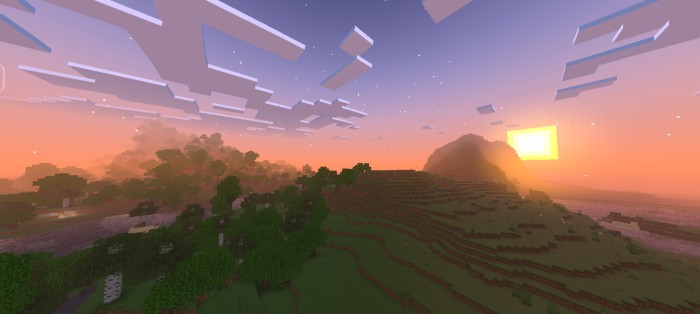
  • Beautiful sunrise in a comfortable color.
  • Moderate light green color of leaves.
  • Light blue sky color.
  • Moderate sun exposure.
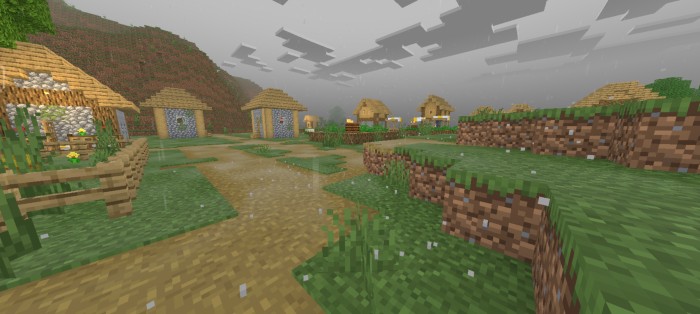
  • Soft rain.
  • Moving lantern.
  • Slight movement of plants.
  • Great sunrise.
  • Beautiful aurora at night.
  • 3D Moon with its daily changes
  • Glowing armors
  • You can change the subpack for many changes
  • Different wither skeleton and skeleton entity
  • Nice fog when it rains

Installation

From now, the shader will be divided into two versions: the sun and moon ray version 5.1 and the normal version 5.0

• glowing armors ( smithed armors )

• change skeleton and Wither Skeleton entity

• The rounded cloud steps have been raised slightly

• fix the blue sky to Gray sky ( it used to be blue when it rains on the old updates )

• Increase fog power when it rains

• Added no cloud in subpack for very weak phones

• Slight change in the color of the night sky

• the end have been changed slightly

MCPE Download

Download Newb x Memories Shader 5.0 (Minecraft Patched only)

NEWB X MEMORIES ray version build 5.1

Notice : Normal version for the very weak devices It has the same experience as the Ray version but the sun and moon are different.

Browse for more Minecraft Bedrock Shaders

MCPE ADDONS
- Advertisement -