


Are you looking to load Minecraft Schematics on your phone before building effortlessly in Minecraft Pocket Edition (MCPE) 1.21? This guide will show you how to load (Preview) and build schematics step-by-step in MCPE 1.21+.
What Are Minecraft Schematics?
Minecraft schematics are pre-made building plans saved as files. They allow players to import intricate structures—such as houses, castles, farms, or even redstone contraptions—into their Minecraft world with ease.
Schematic File Formats: These files typically come in formats like .schematic, .schem, or .mcstructure.
Benefits:
- Save hours of building time.
- Add creativity and functionality to your world.
- Explore professional-grade builds with ease.
What tool can I use to load a Minecraft schematics file?
Step 1: Download a Compatible Schematic File
(1) Visit the best platforms to download schematics for Minecraft PE 1.21+:
⛳ McBuild
– A dedicated platform offering a variety of schematics for Minecraft Bedrock Edition.
– Focuses on mobile-friendly builds, perfect for MCPE.
– Provides categories like modern houses, medieval castles, and redstone machines.
– A well-known community site with thousands of downloadable schematics.
– Includes builds for both Java and Bedrock Editions.
– Use search filters to find builds compatible with MCPE.
– A library of schematics created by talented builders worldwide.
– Features both simple and complex structures, from small farms to massive cities.
– Many schematics come with detailed descriptions for easier use.
(2) Download the .schematic or .schem file you want to use.
(3) Save the file in your phone’s storage, preferably in the Downloads folder for easy access.
Step 2: Install a Structure Import Tool or Add-On
Since MCPE doesn’t natively support .schematic files, you’ll need an external tool to load them. Here are two suggestions for you to do on your mobile device.
- Master Builder for Minecraft (Android)


- House Builder for Minecraft (Android & iOS)

Feature for Both Apps
– Easily modify the position and Preview 3D visual Minecraft building.
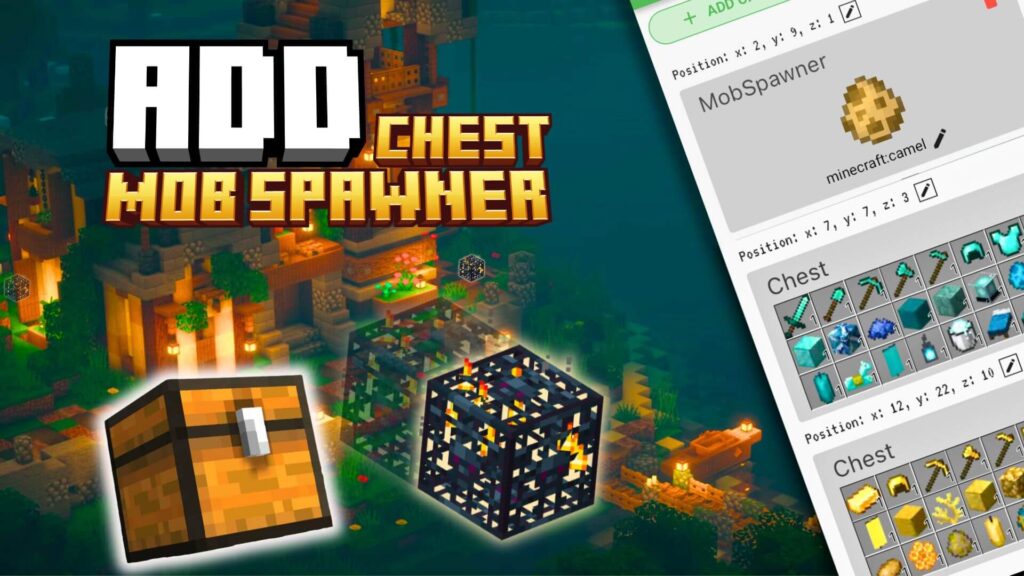
– ADD CHEST: Add any entity to buildings for Minecraft using CHEST such as furniture, armor, weapons, or food.
– ADD SPAWNER: You can add Minecraft Mob Spawner with any mob you want. Easily search for mobs by the color eggs or type the name to appear immediately: Pig, Spider, Cave Spider, Silverfish, Magma Cube, Blaze, Skeleton, Zombie,…
Step 3: Import the Schematic File
📌 Option 1: Using Structure Blocks
(1) Enable Cheats in Minecraft: Go to your world settings and activate Cheats.
(2) Place a Structure Block:
- Use the command
/give @p structure_blockto obtain the block. - Place the structure block where you want the build to appear.
(3) Load the Schematic:
- Open the structure block and switch to Load Mode.
- Enter the file name of the
.mcstructureand press Load.
📌 Option 2: Using an Import Add-On
(1) Open the schematic import tool (See more in Structure Import Tool).
(2) Use the commands or structure block to load the schematic into your world:
Example commands:
/function <name function>
/function modern house
Example build by House Builder:
– Find a structure block with the name “House Builder” in the inventory.
– Place this block on the ground, and the menu constructer will be displayed.
– Structures are displayed visually with the name and avatar you have edited in the tool. Your house building operation becomes easier.
(3) Adjust placement as needed for your world (undo building)
– If you are not satisfied with the structure placement, you need to place the structure block “House Builder” and press Undo, immediately your structure will disappear and you will continue to build as you wish.
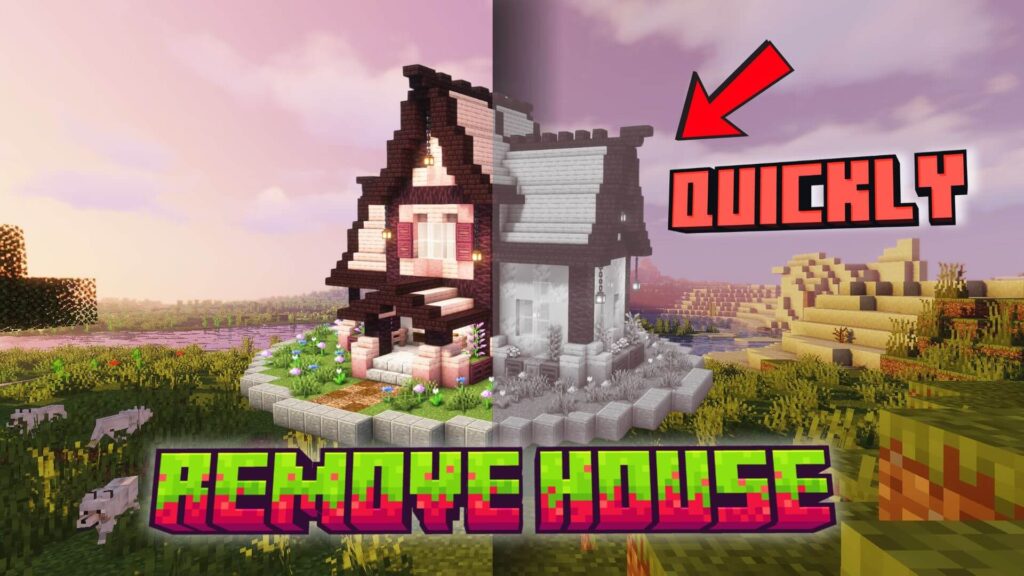
See more about how houses build themselves in biomes:
Tips for a Smooth Experience
- Backup Your World: Always back up your Minecraft world before importing complex schematics.
- Check Compatibility: Ensure the schematic is designed for Minecraft Bedrock Edition (MCPE).
- Use Proper Tools: Stick to reliable apps and add-ons for seamless imports.
Popular Schematic Builds for MCPE 1.21+
Here are some trending schematic types to download:
- Survival Bases: Compact and resource-efficient homes.
- Redstone Farms: Automate your farming tasks with advanced designs.
- Medieval Castles: Iconic structures perfect for exploration or defense.
- Adventure Maps: Ready-to-play maps with puzzles, quests, and dungeons.
Loading Minecraft schematics on your phone is a game-changer for your Minecraft Pocket Edition experience. With platforms like House Builder for Minecraft, Master Builder for Minecraft, you can access a world of creativity and save time on builds.
Follow this guide to download, import, and enjoy schematics in your Minecraft world today. Transform your gameplay and unleash your creativity in MCPE Addons!
