


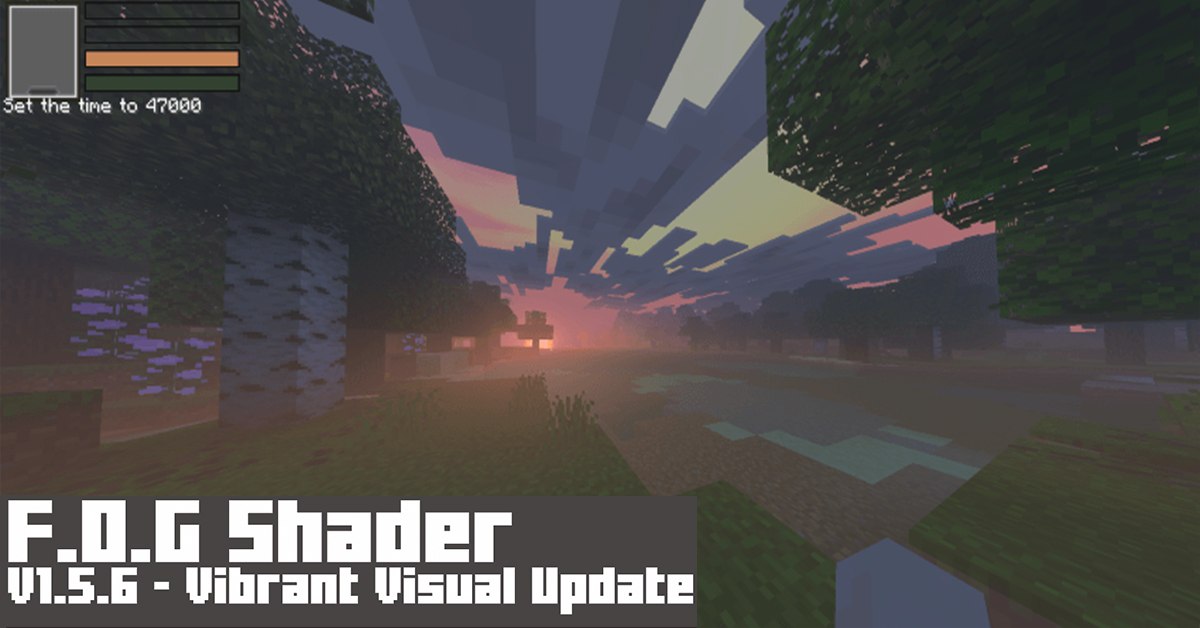
If you’re seeking for Foggy, Scarry Shade-eerr, and other such things, this is the place to be. So this F.O.G Shader, it’s not fancy, it simply makes the scene look more terrifying, un-vibrant, and un-colory, and Scary, wait, did I just say that?
Cre: Hyperest Studios | ファイ (Youtube, Twitter)
F.O.G Shader v1.5.6
Specifications:
Features/Settings:
- Set to Vibrant Visual, it’s ok if your device can’t run it, you can still enjoy it.
- Vibrant Visual Option: Shadow Quality: Low, Clouds: Medium, Volumetric Fog Quality: Low, Reflections: Low, Bloom: 50%
To change the visual at Global Resources > Active the pack > click Gear icon.

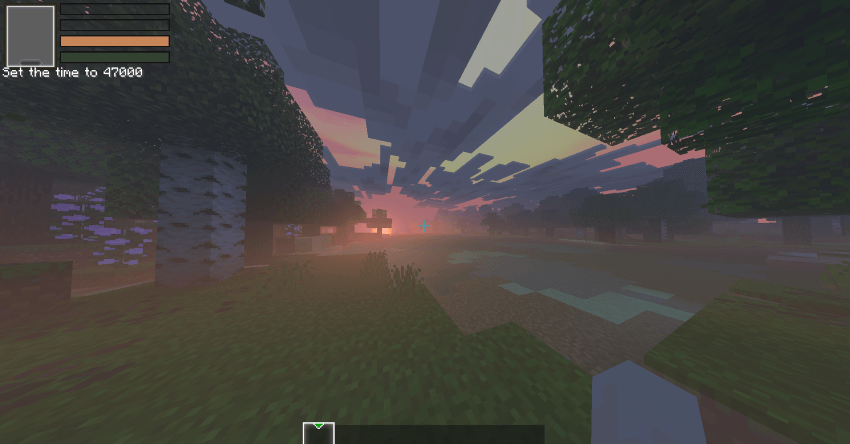
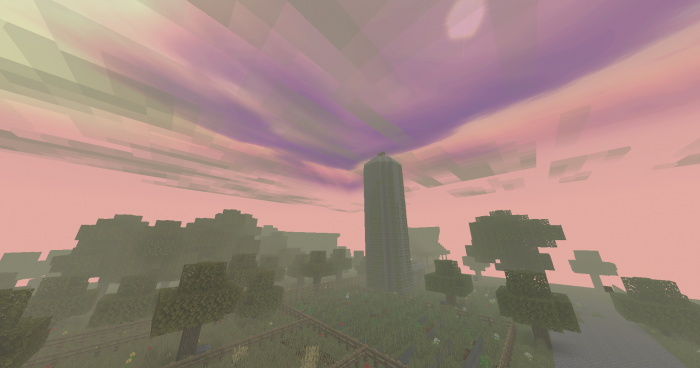
Default mode:

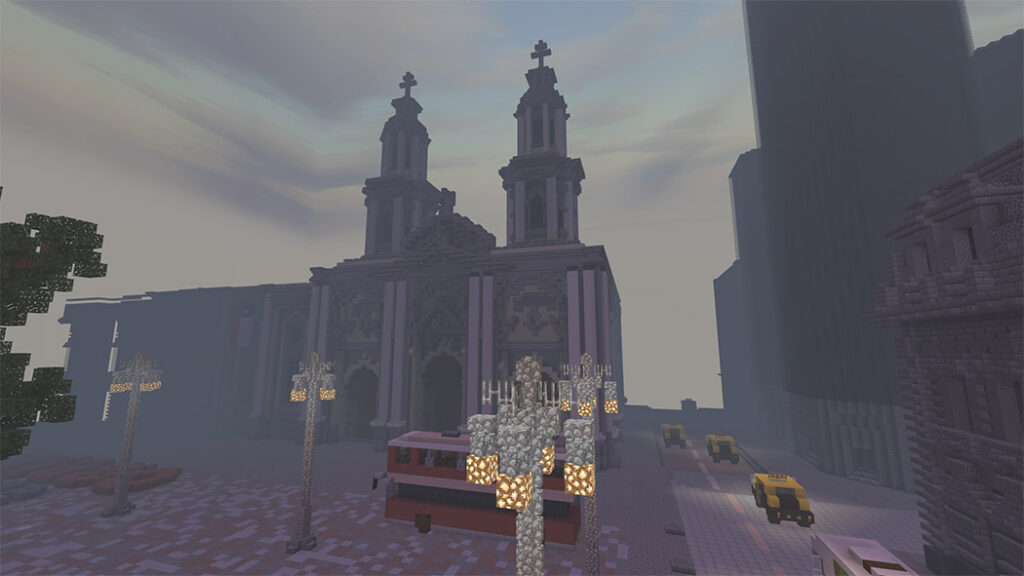

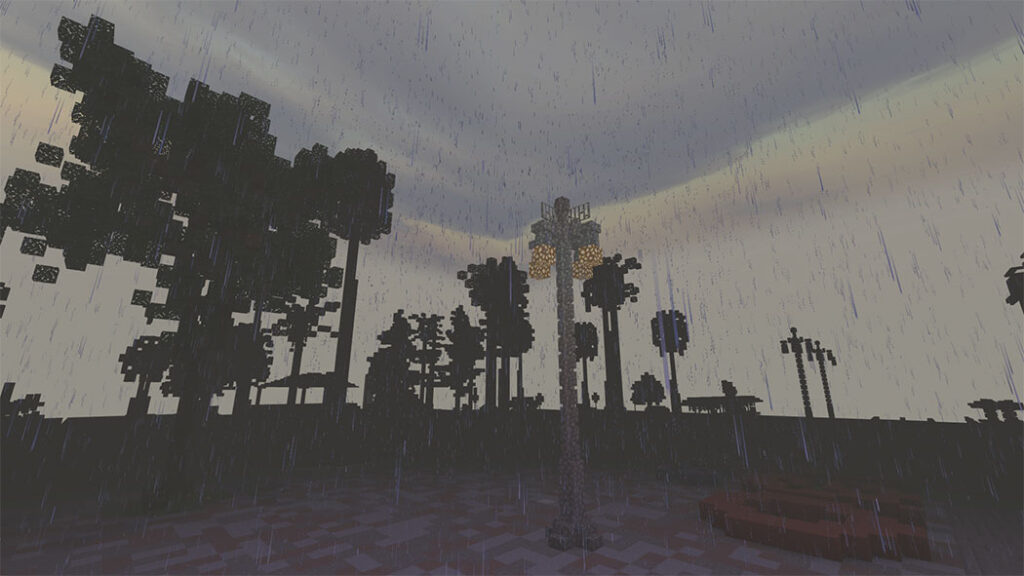
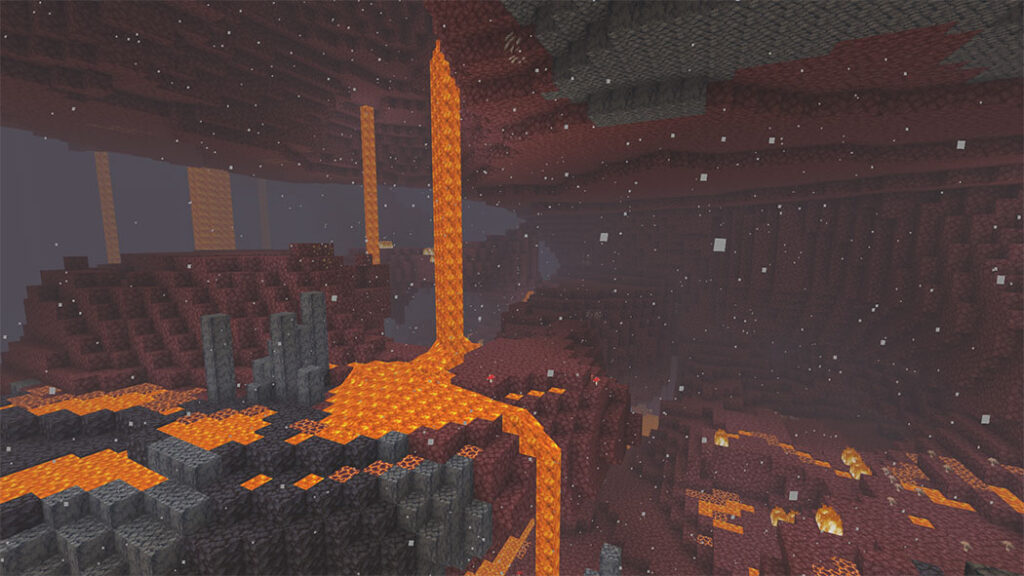
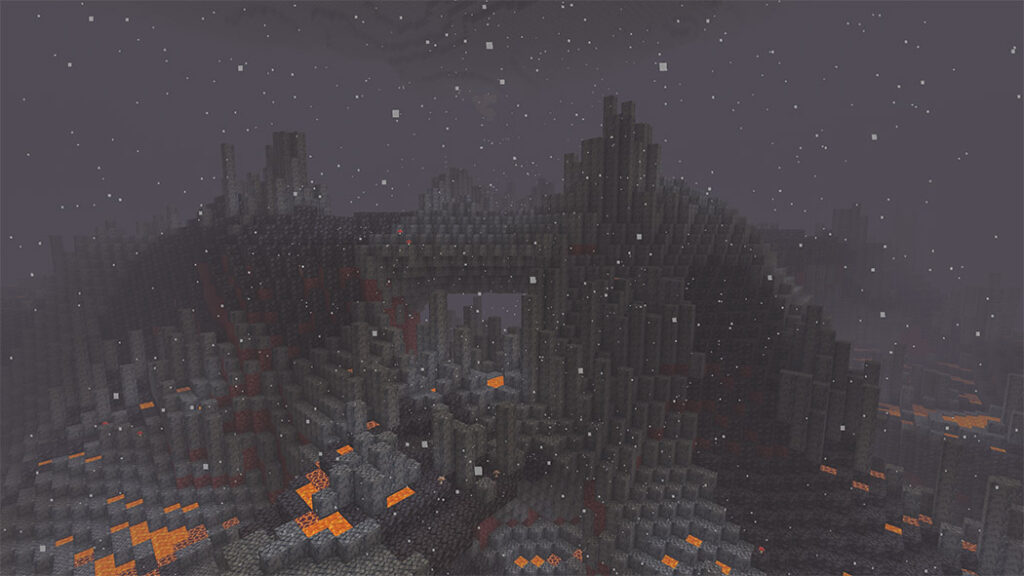
Winter mode
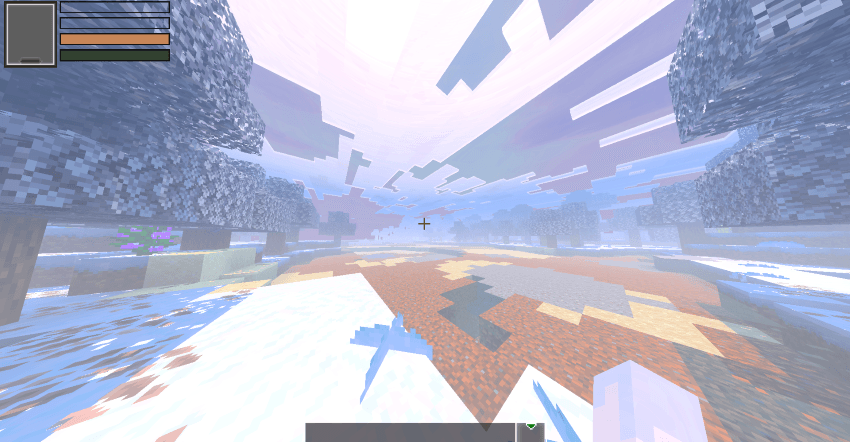
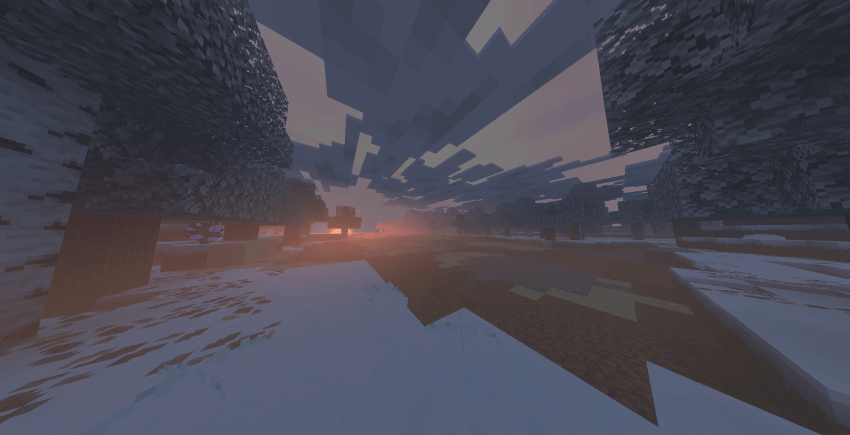
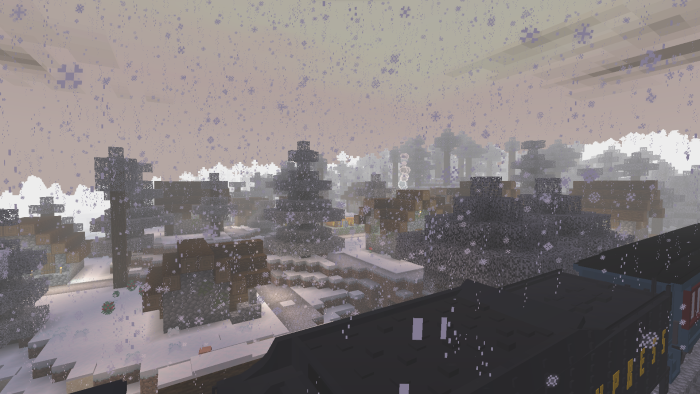
Note: This Shader can be used with Vibrant Visual and Fancy Graphic.
Downloads

More Minecraft Shaders:

