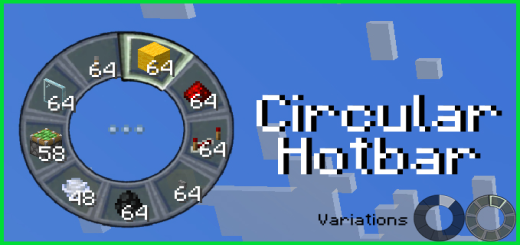
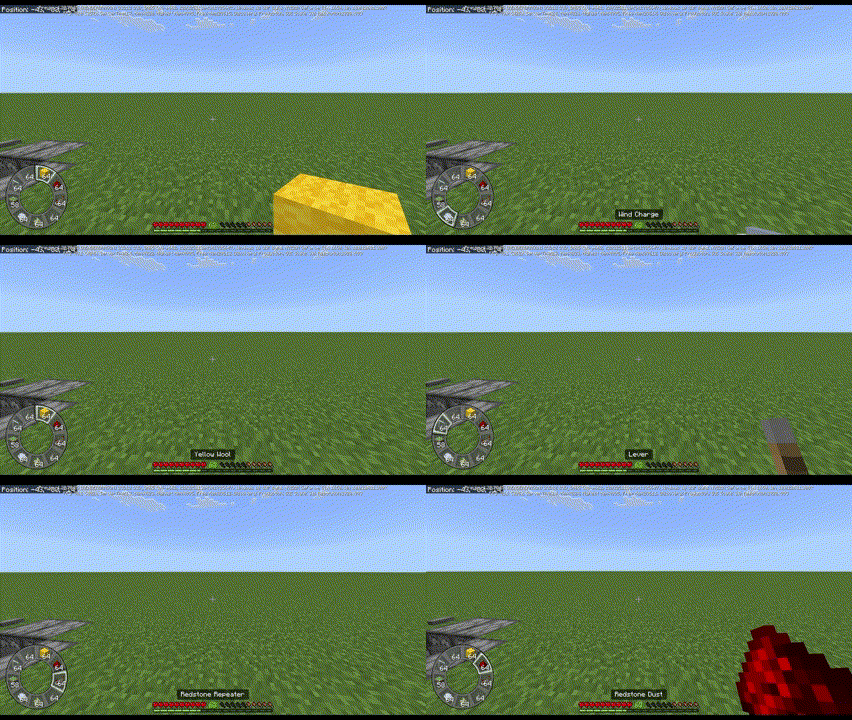
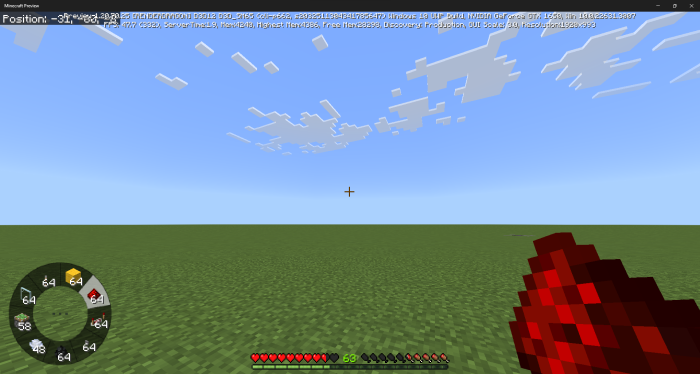
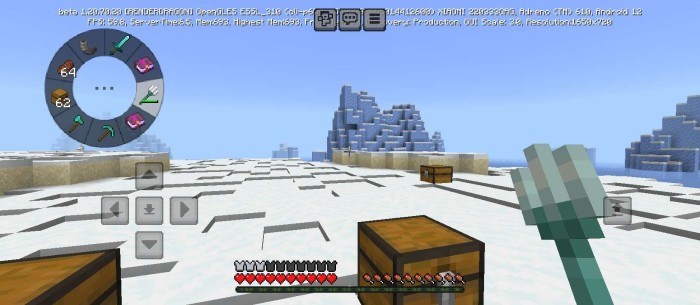
Creating a new gaming experience with a circular Hotbar, similar to in battle games. There are two variations available, and it can be easily moved to a different position without touching any code at all.
Creator: The Andromedarius
Circular Hotbar
On PC:
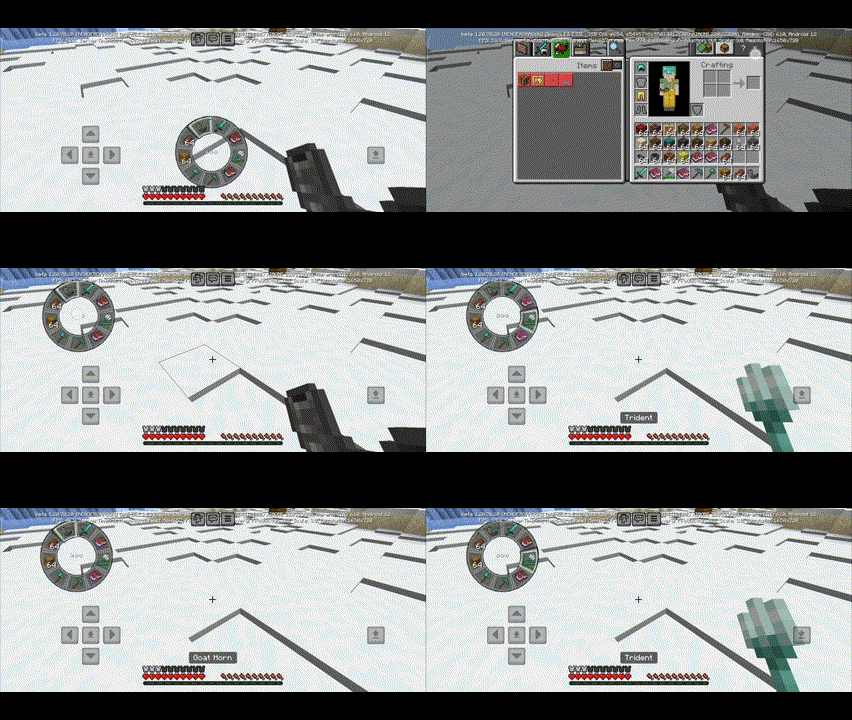
On mobile:
How to use:
Double-click the middle button to access the Inventory.
Hold and drag the middle button to move items.
If unable to click, point the cursor to the ground and click several times on any slot.
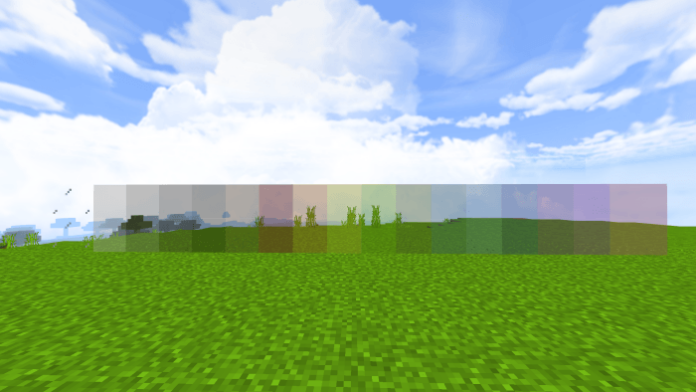
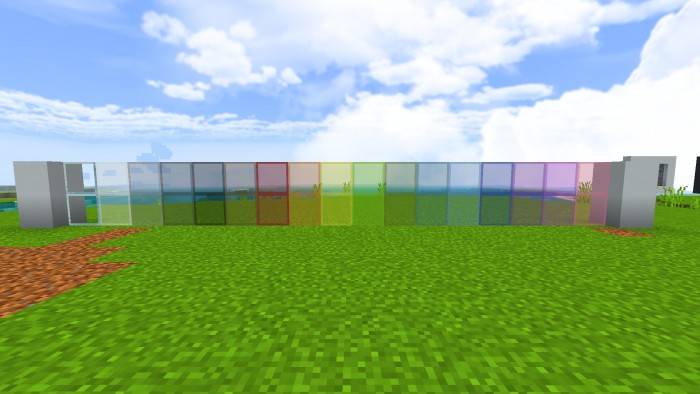
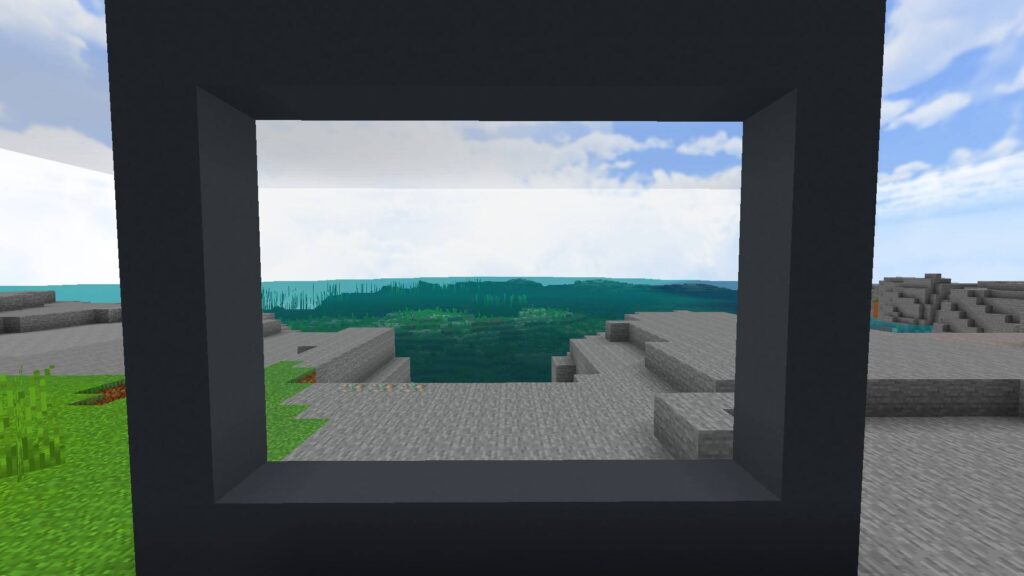
If you play Minecraft, you know how important it is to make your world look super good. You want to see everything clearly and beautifully. That’s why you need the Clear Glass texture pack.
It’s a simple but powerful Texture pack that can transform your Minecraft experience. Let me tell you how. The default glass block in Minecraft has a significant flaw. It’s not transparent enough. It has annoying pixels and outlines that obstruct your view.
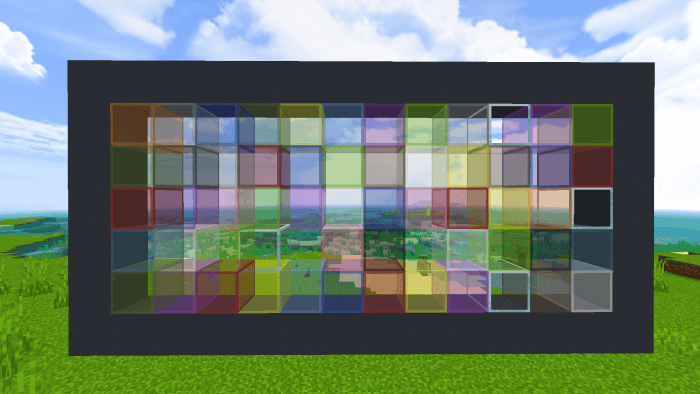
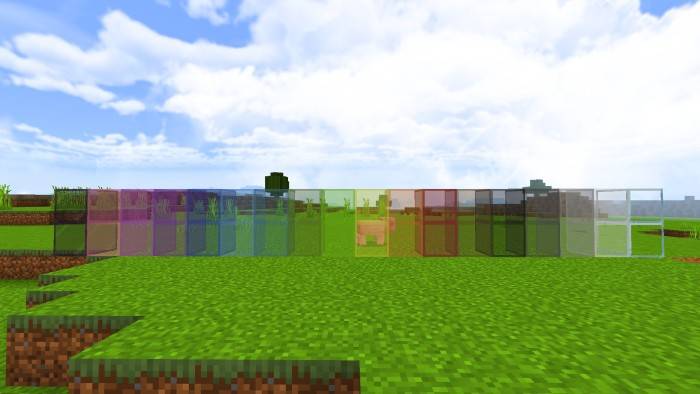
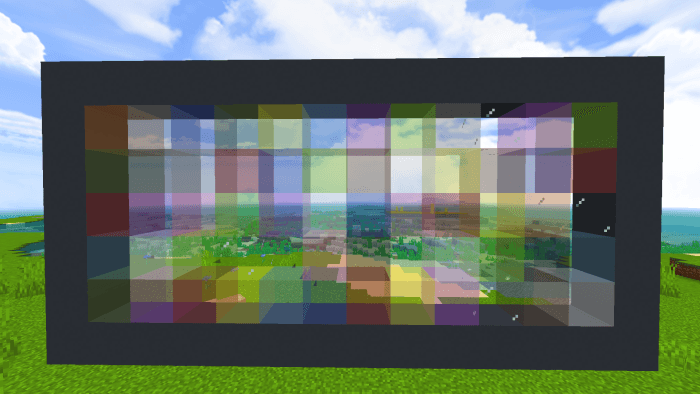
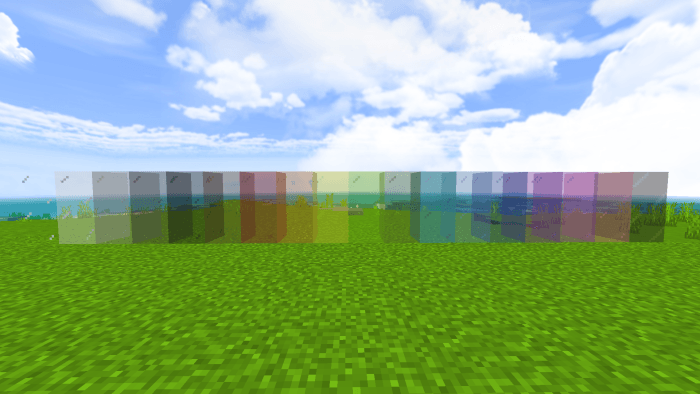
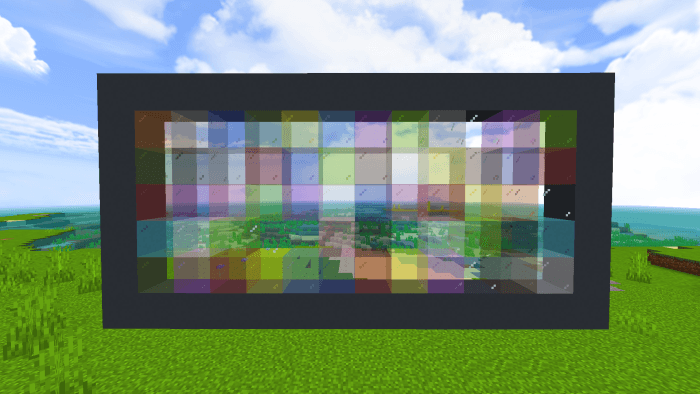
This can ruin your fun and even put you in danger. Imagine missing a creeper because of a smudged window. That’s not good. The Clear Glass texture pack fixes this problem. It removes all the pixels and outlines from the glass blocks and panes, making them crystal clear and smooth.
You can see everything through them without any distortion or distraction. You can enjoy the beauty of your surroundings, spot enemies from afar, and admire your creations.
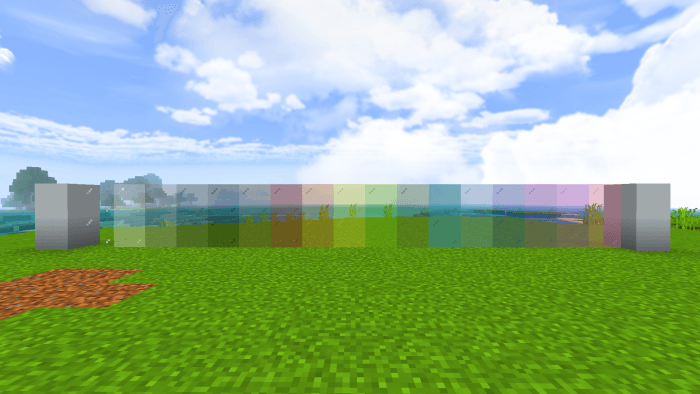
Clear Glass texture pack
The Clear Glass texture pack is designed to blend in with the original game, not to completely change it. It has a low 16×16 resolution, which maintains the pixelated charm of Minecraft.
The Clear Glass texture pack is also optimized for performance. It won’t slow down your game or cause any lag. It works smoothly on PCs and mobile devices alike.
The Clear Glass texture pack offers many advantages: it enhances your vision, improves your aesthetics, and boosts your performance. It’s compatible with all versions of Minecraft and other texture packs. It’s easy to install and use.
Don’t wait any longer. Download the Clear Glass texture pack today and see the difference for yourself. You’ll never want to play Minecraft without it again.
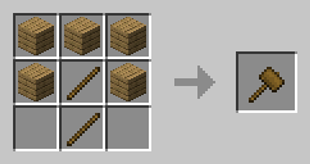
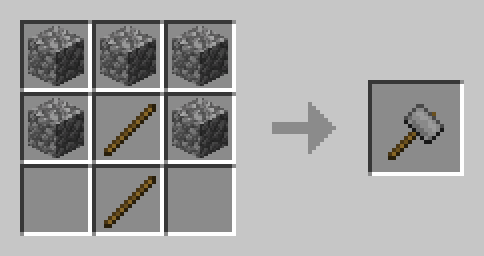
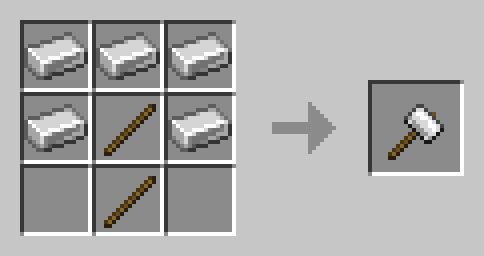
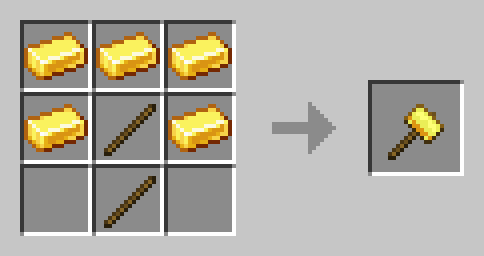
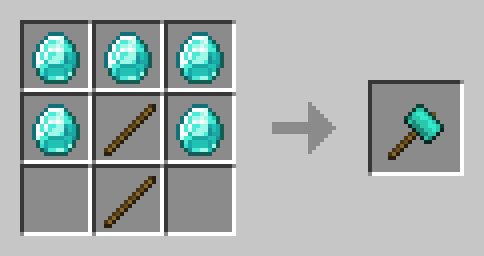
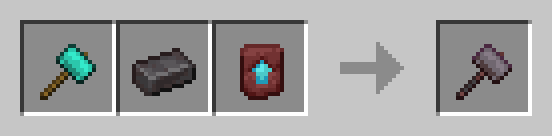
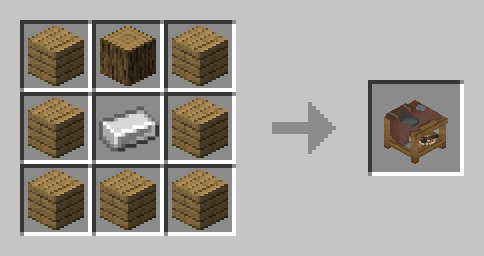
Gravel’s Hammers is a Minecraft Bedrock Add-On designed to align closely with the vanilla mechanics and values of vanilla pickaxes. This add-on enhances your ability to create large tunnels or to clear areas while maintaining the game’s balance.
Special thanks to Chikorita for the hammer textures.
Hammer Mining Modes
Wooden, Stone, and Gold Hammers: Can perform 3x3x1 mining modes when breaking a block.
Iron and Diamond Hammers: Can perform 3x3x2 mining modes when interacting on the target block and 3x3x1 for block break mode.
Netherite Hammer: Can perform 3x3x2 for block break mode and 3x3x3 for interact mode.
Dynamic Durability System
The hammers feature a dynamic durability system, which only reduces durability when the hammer breaks a block, preventing unnecessary durability waste.
Durability Values
Material
Durability
Wood
60
Stone
132
Iron
251
Gold
33
Diamond
1562
Netherite
2032
Enchantment Support
Gravel’s Hammers supports all pickaxe enchantments, including:
Fortune
Unbreaking
Silk Touch
Mending
Efficiency
Curse of Vanishing
Experimental Features
This add-on does not utilize any experimental features, ensuring stability and compatibility with future updates.
Dedication to Vanilla Mechanics
Hammers can be crafted from all the same materials as pickaxes, such as wooden hammers from all types of wood and stone hammers from deepslate.
Hammers break blocks at the same speed as their vanilla counterparts.
Hammers can be repaired using the same materials, with the same repaired amount.
They follow the same progression stages as vanilla pickaxes, e.g., wooden hammers cannot mine diamond ore.
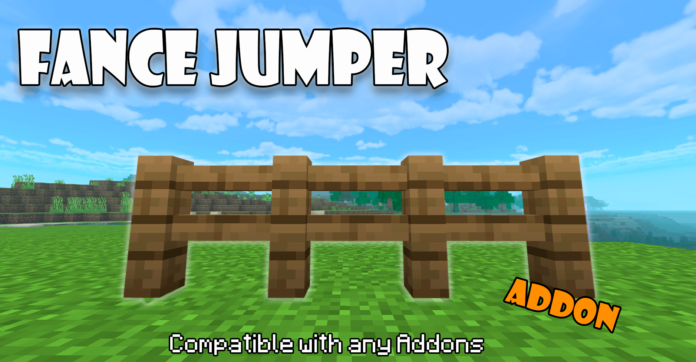
Have you ever wanted to jump the fences of Minecraft like the famous java mod? Well look no further, this addon is for you, available for Minecraft Bedrock.
With this addon you can jump over any type of fence in the game, this addon is based on the java mod that has the same function as this addon, the addon gives a small boost that will allow you to jump over the fences in the game that occupy 1.5 blocks of space.
Installation
You can use it with almost any plugin as this addon DOES NOT USE PLAYER.JSON so it will be compatible with almost any addon and you can easily put it at the end if you want.
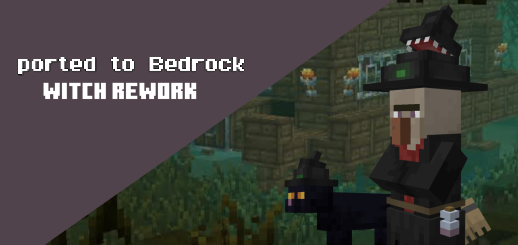
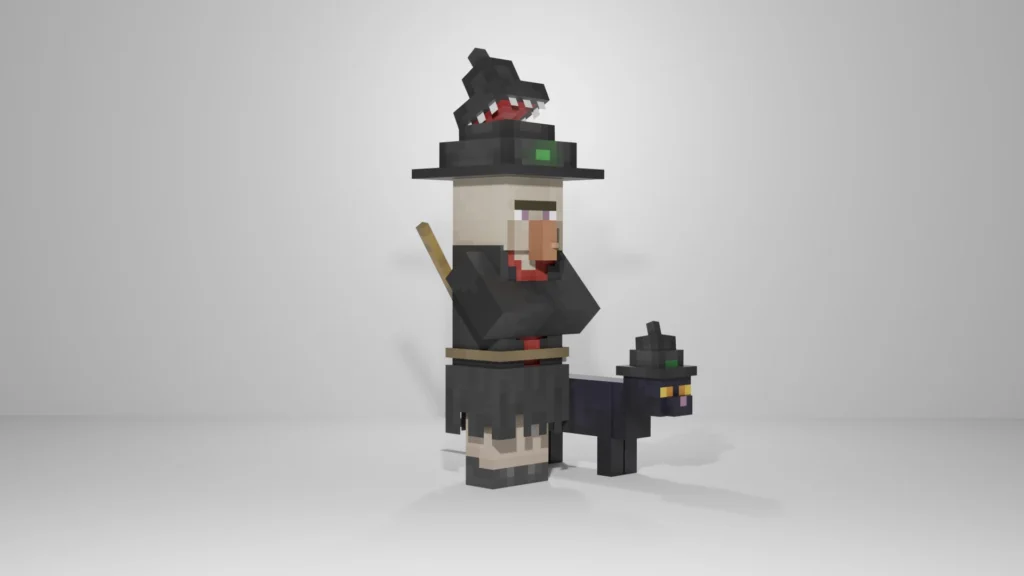
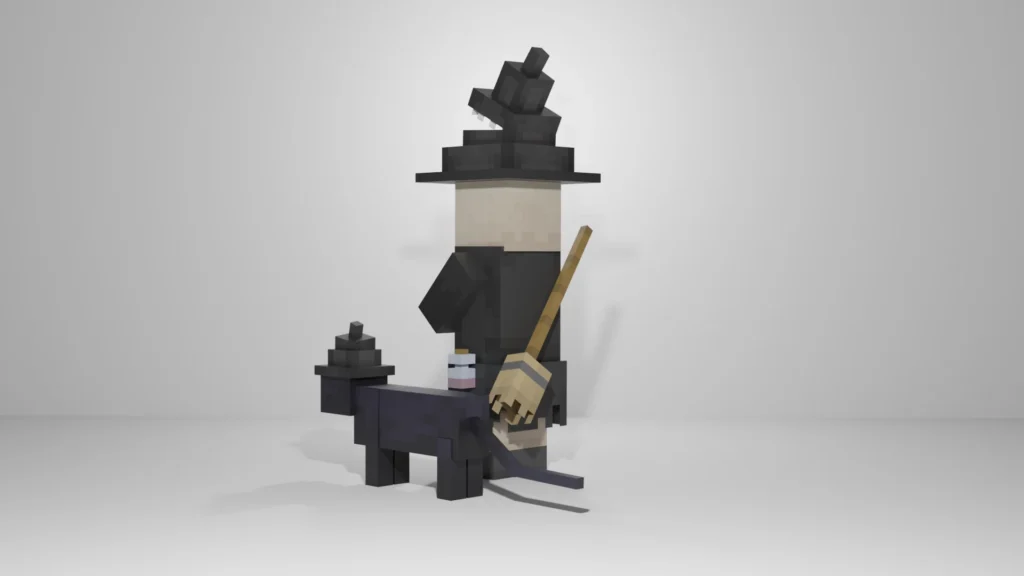
Witch Rework is a resource pack that changes the model and texture of a witch and a witch’s cat. This pack is originally created by Andrunya for Java Edition and was ported by Parzival to Bedrock Edition.
Now the witch has a black suit with a red shirt under it. Watch out! The witch’s hat is enchanted and she has a mouth, you should not put your fingers there.
Now the witch has a visualized bottle on her belt, moving when walking. The witch has not learned to fly, but she already carries a broom behind her back, just a little more she will take the next step in understanding the airspace.
Speaking of the cat, just look at his cute witch hat. Maybe it’s an enchanted witch?
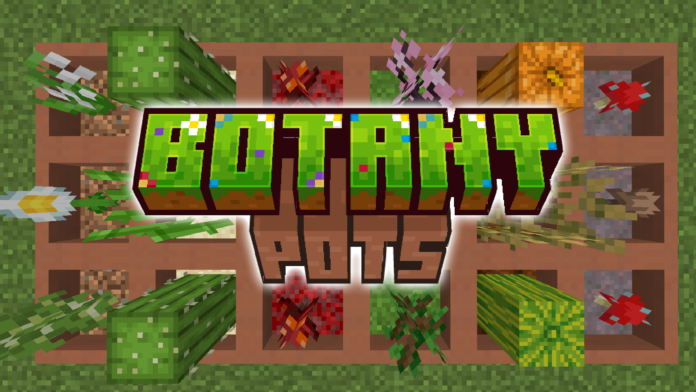
This addon introduces Botany Pots that allow you to grow almost any plant in Minecraft! You can cultivate crops, flowers, saplings, and more. The addon is compatible with Ore Trees!
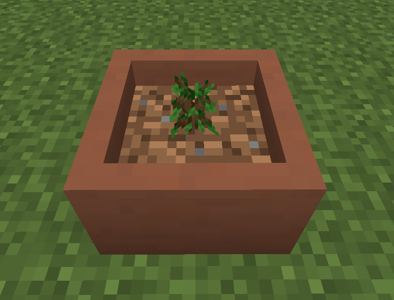
To use the Botany Pot, punch it from the top to place items inside. First, add soil (such as grass, dirt, sand, farmland, or crimson nylium), then add the seeds (like saplings, cacti, or flowers).
The crop will then grow. If you use a Hopper Botany Pot, the crop will be automatically harvested and can be collected via a hopper.
Botany Pot: is a square pot that can be used to grow crops or any type of growable plant while occupying only 1 block of space.
Hopper Botany Pot: is similar to the Botany Pot, but the crop will be automatically harvested and can be collected via a hopper.
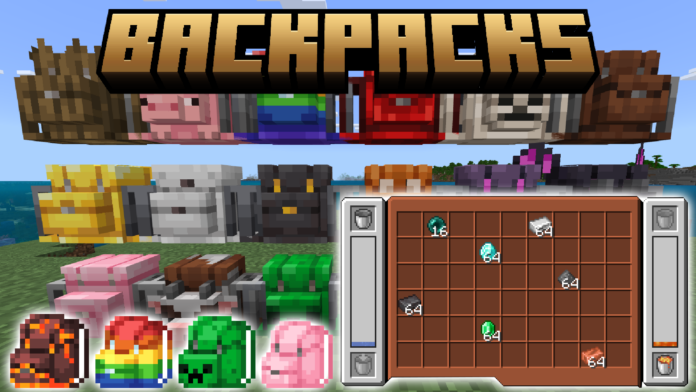
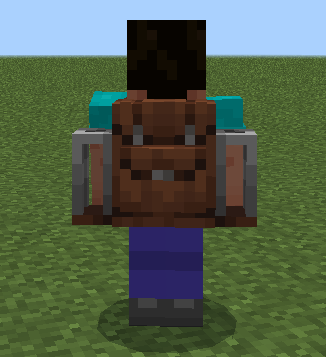
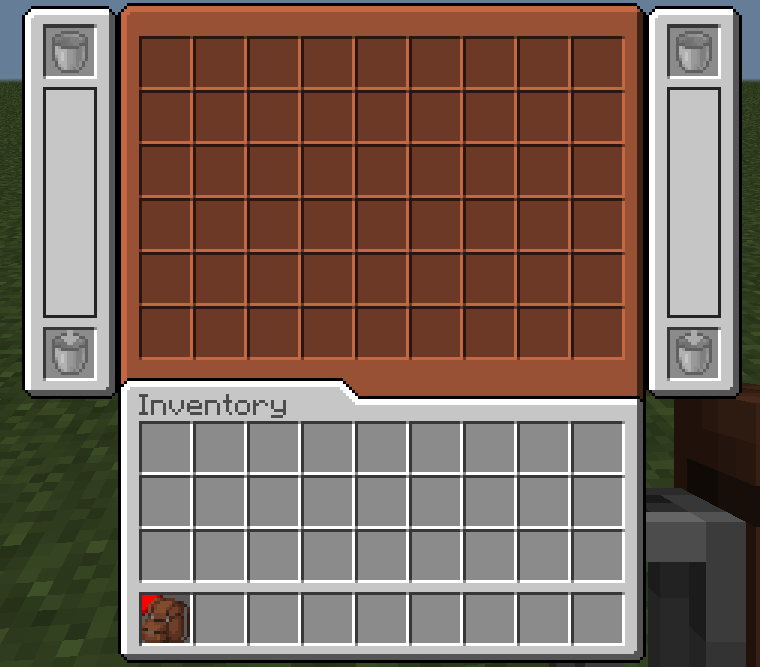
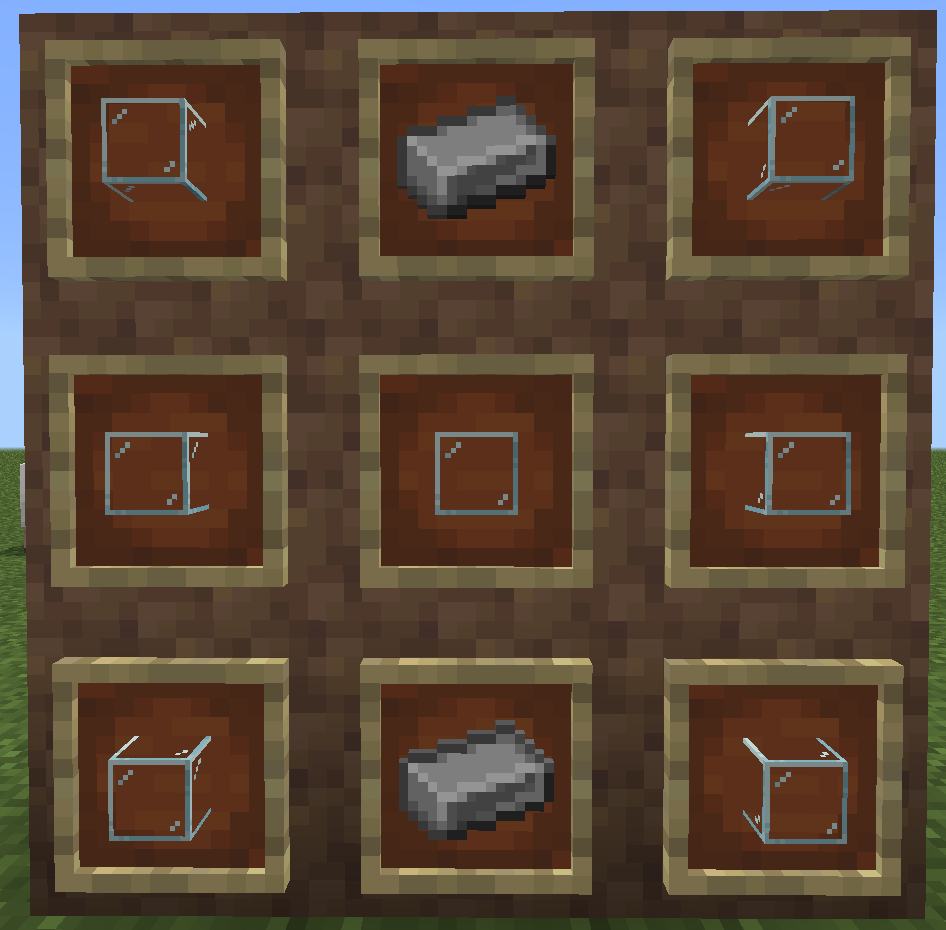
This addon adds over 20 new craftable backpacks with cool, unique designs. All backpacks have the storage capacity of a double chest and can hold a lot of lava or water. They can be placed on the ground or accessed through the inventory!
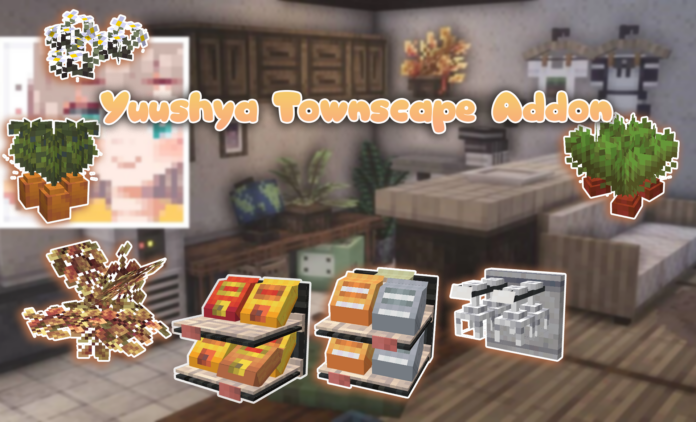
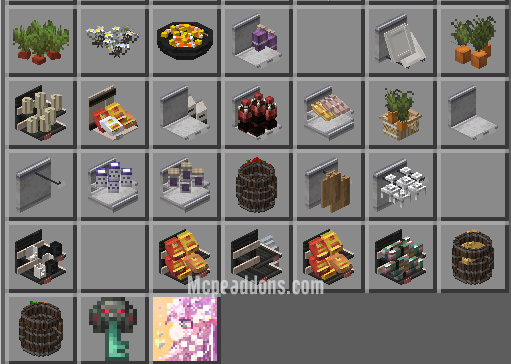
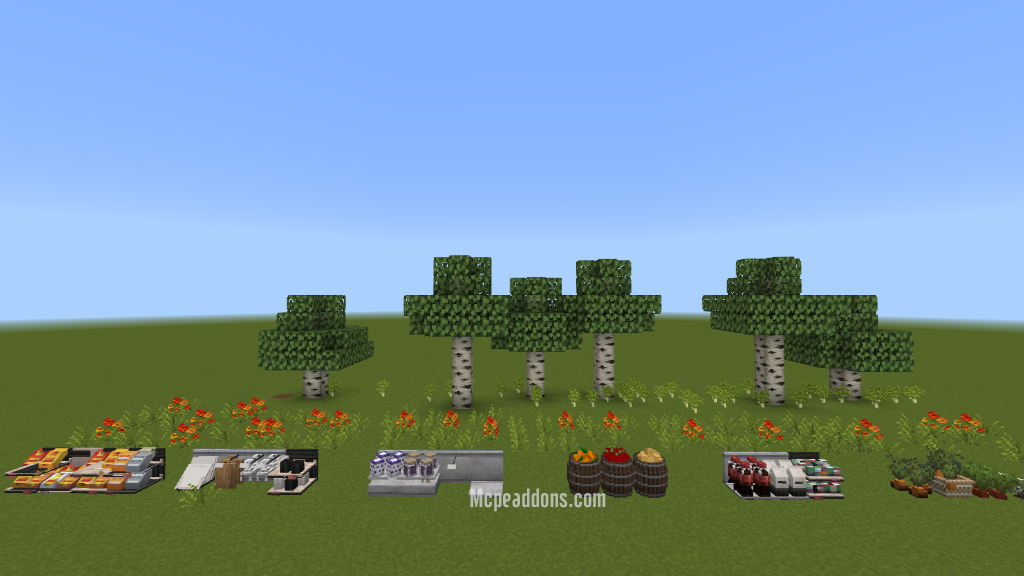
Yuushya Townscape Addon is an Addon that is ported by Aireen, inspired from Yuushya Java Mod. Yuushya Townscape Mod contains 2600+ delicate building materials and decorations with well-designed textures. However with Yuushya Townscape Mod for Bedrock you have 30 items to decorate your house. You can combined this addon with the Yuushya texture pack. With Yuushya, you can build small but lively townscape on your own.
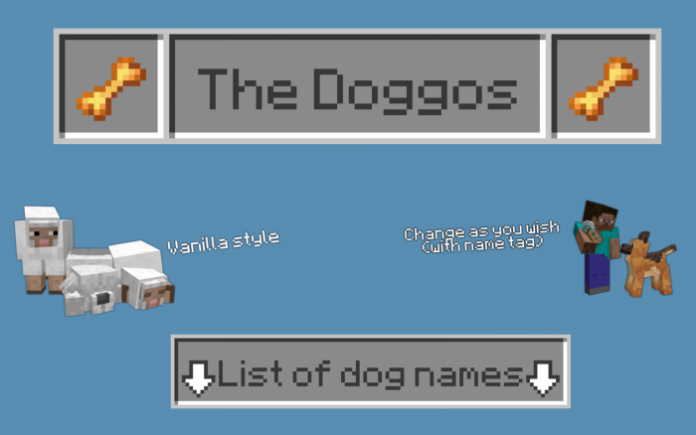
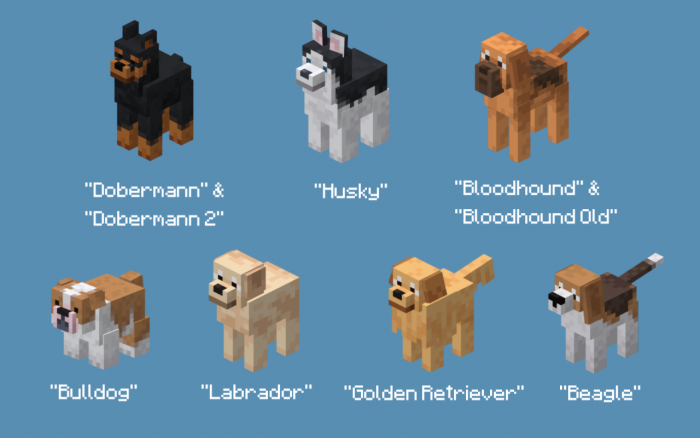
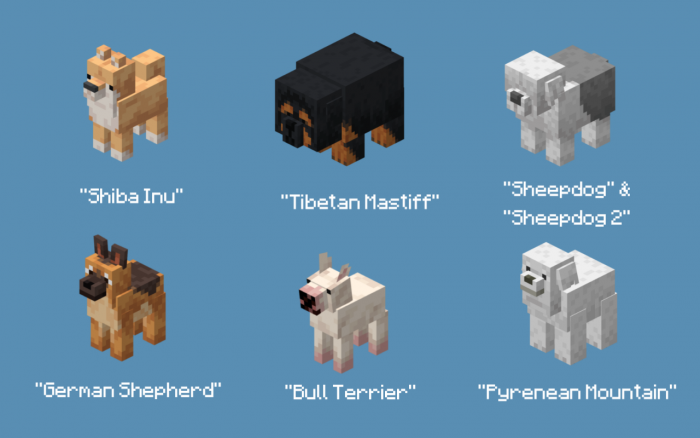
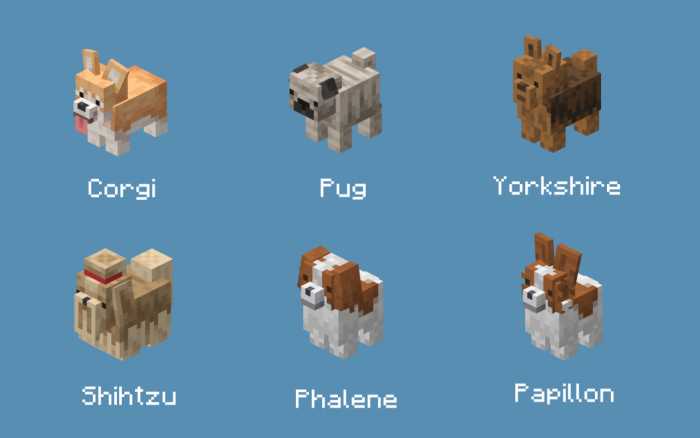
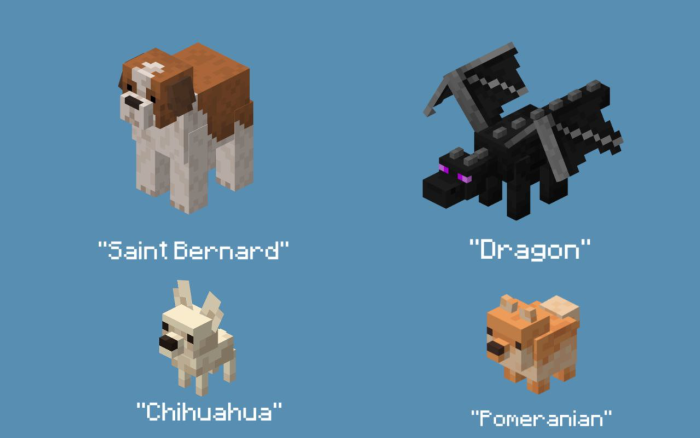
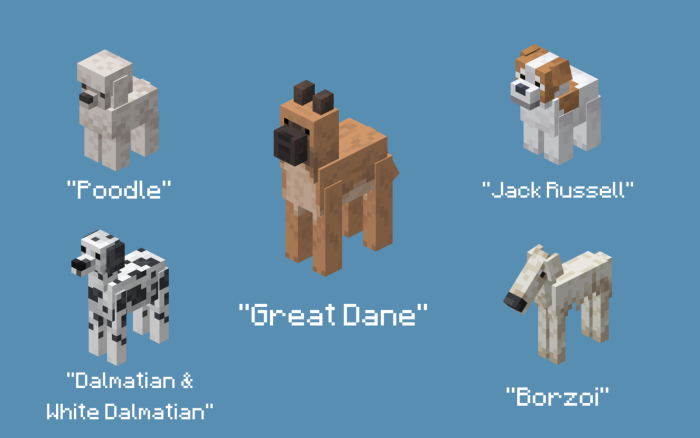
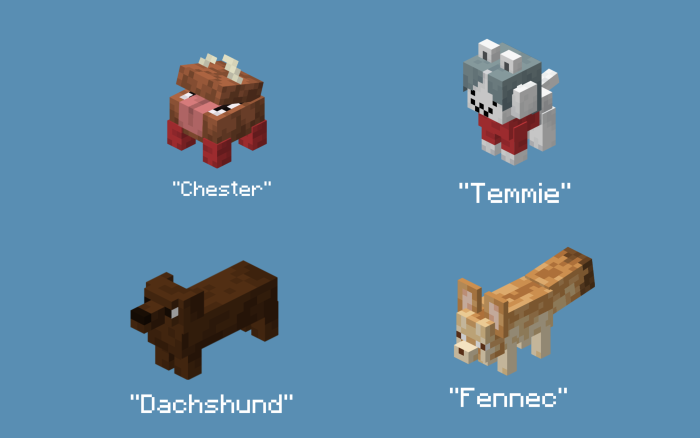
Wolves in Minecraft are kind of boring because they only have one texture. However, with The Doggos pack, you can have new wolves – or new dog breed textures! There are 41 tamed dog textures (33 dog types) that can be obtained by using a specific nametag on your tamed dog!
This pack is a bedrock port for PixalThePixeled‘s Java Edition Texture Pack. More dog breeds will be added soon.
Creator:Parzival_
The Doggos Addon v1.5
Put a name tag on an anvil. Rename it like this: “Dobermann.” Make sure the first letter of the name is uppercase, be aware of the spaces, and don’t include the quotes (“”). Use the nametag on a tamed wolf and finish!