

Do you love creating amazing structures in Minecraft but hate the slow, block-by-block process? The Easy Build – Mod Effortless Building is the solution you’ve been waiting for! With this powerful tool, Minecraft building becomes faster, smoother, and more enjoyable than ever before.
Creator: Gaos
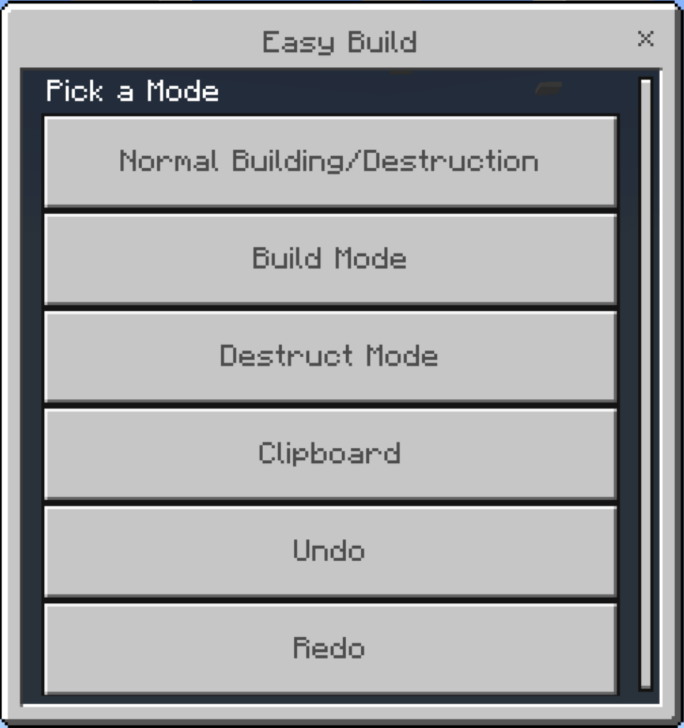
Easy Build Menu
The Mod Effortless Building is designed for players who want to speed up construction without losing creativity. Whether you’re making modern houses, castles, skyscrapers, or farms, this addon helps you place, copy, and arrange blocks with ease.
Instead of spending hours stacking blocks, you can now build large and detailed structures in minutes. Perfect for beginners who want simplicity and pros who want efficiency!
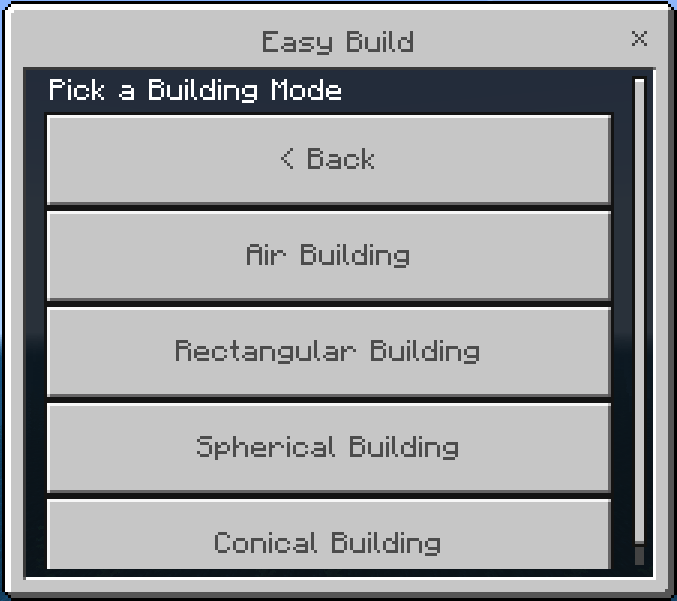
Building Modes
Air Building
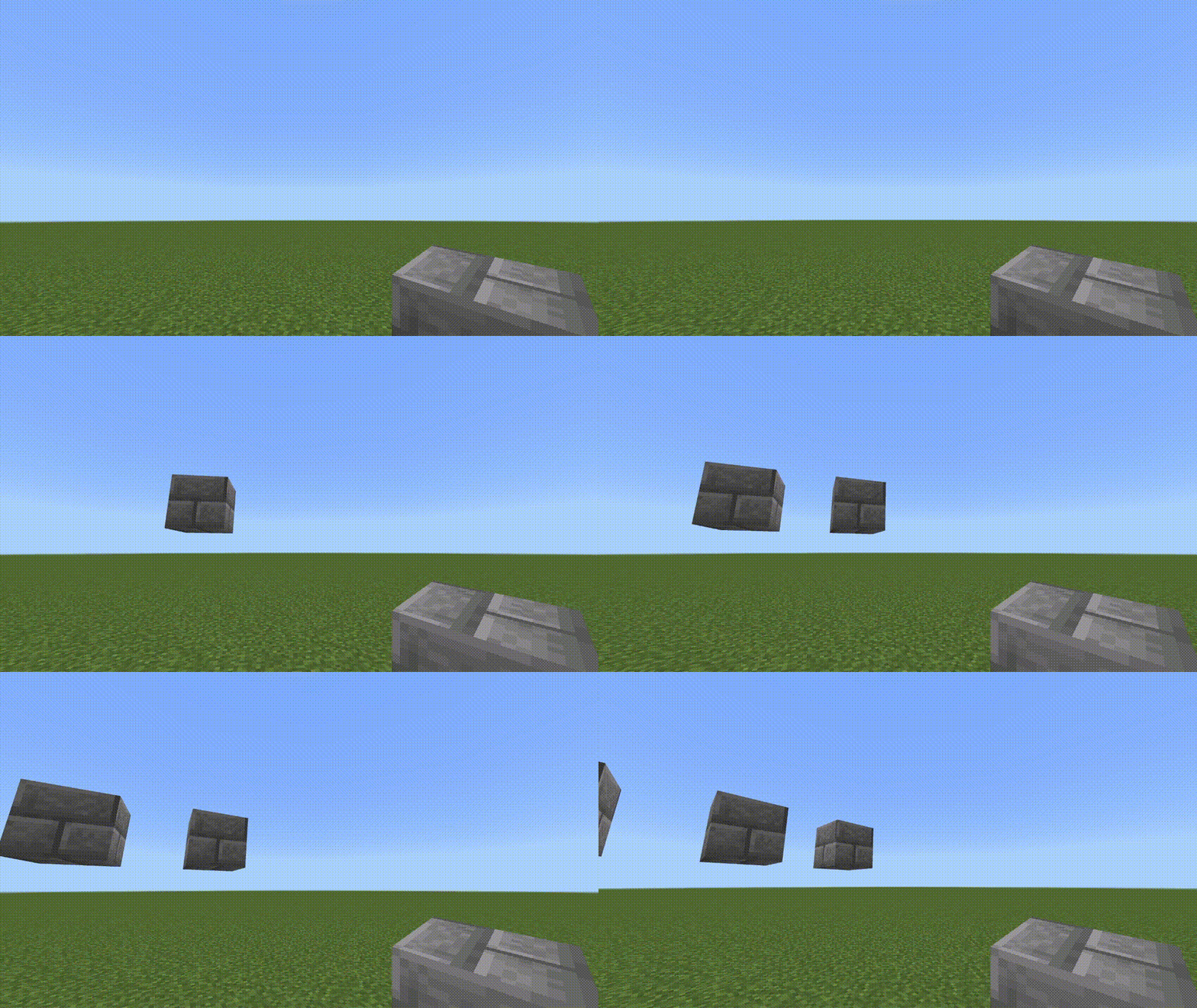
Rectangular Building
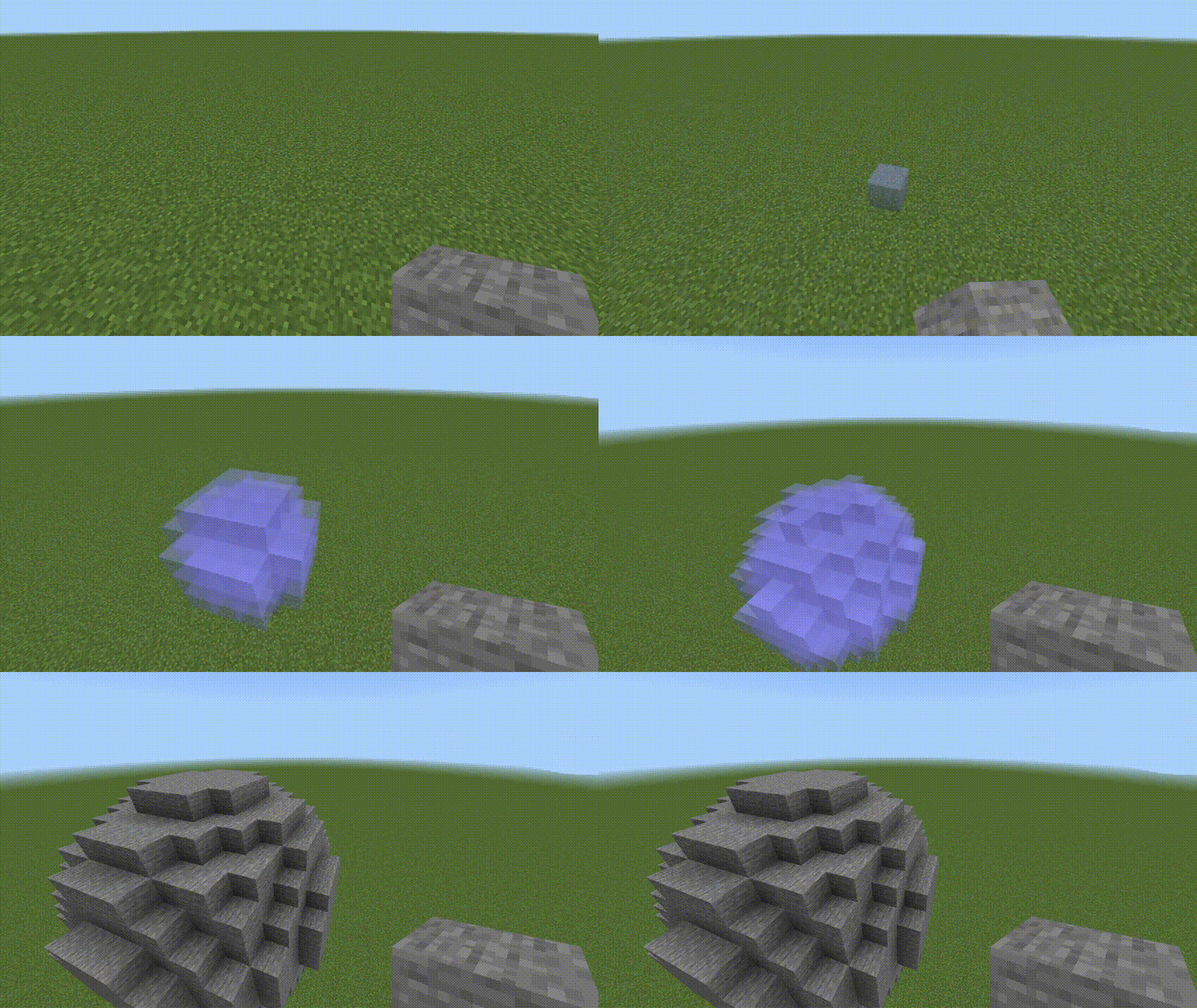
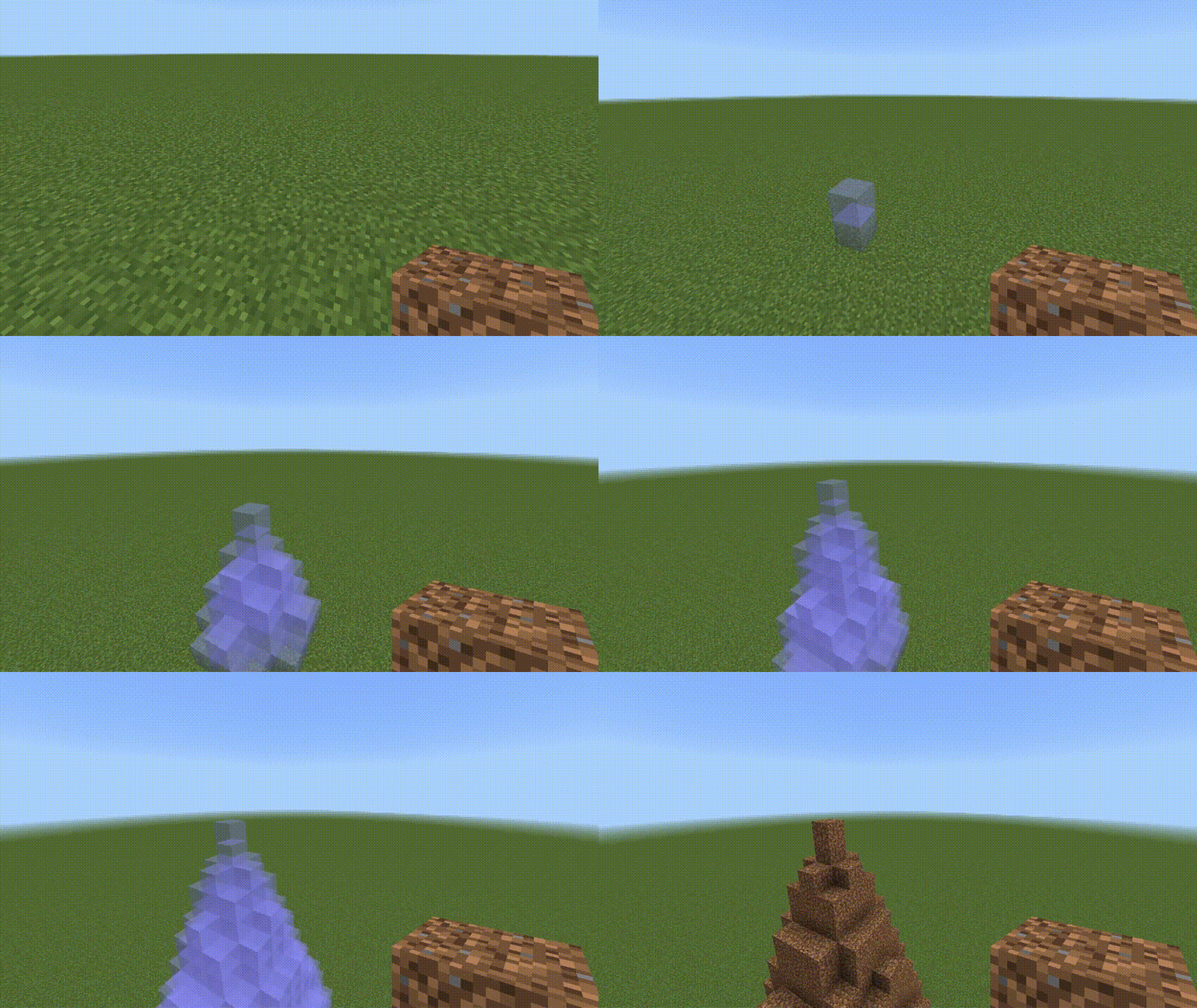
Spherical Building
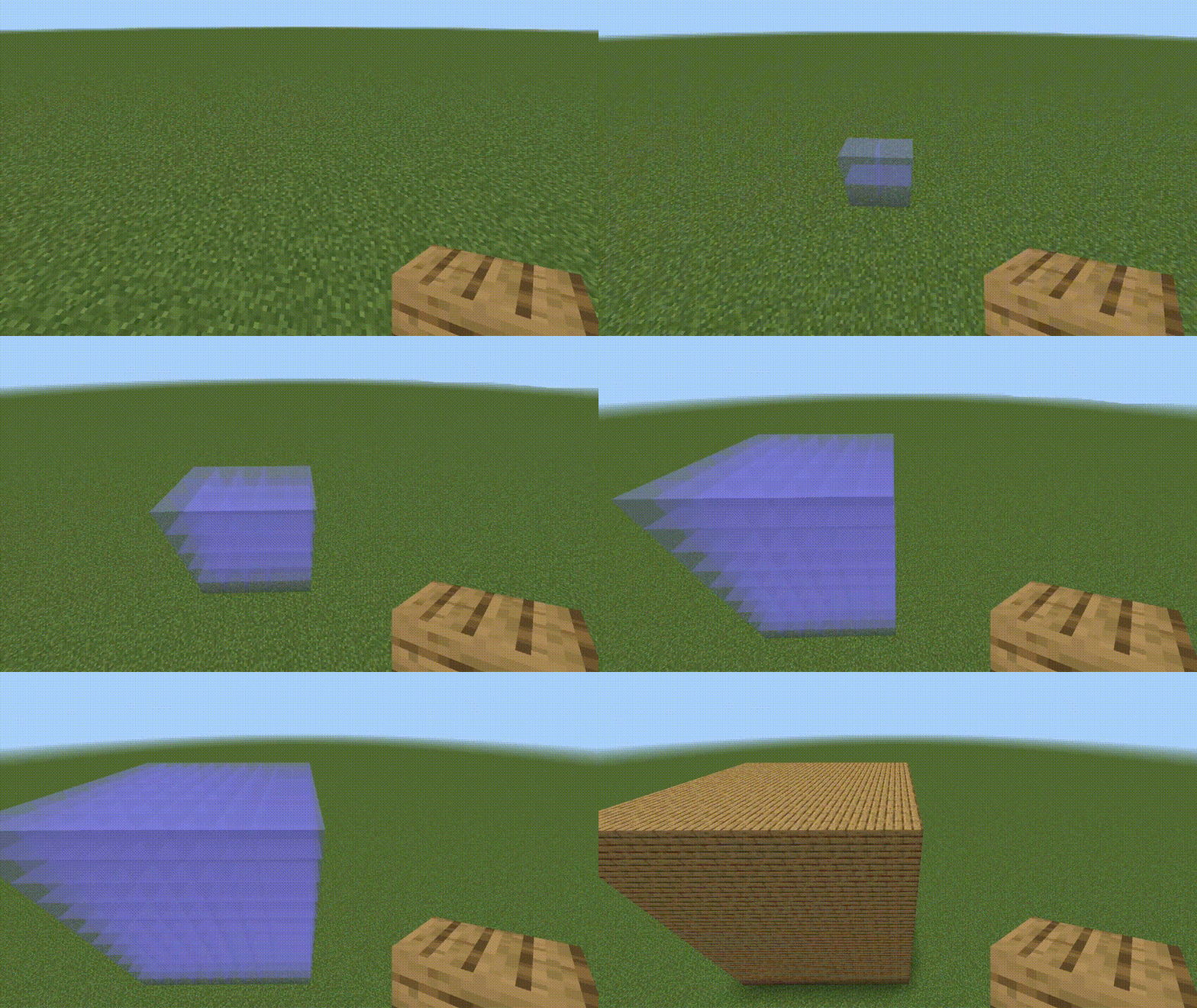
Conical Building
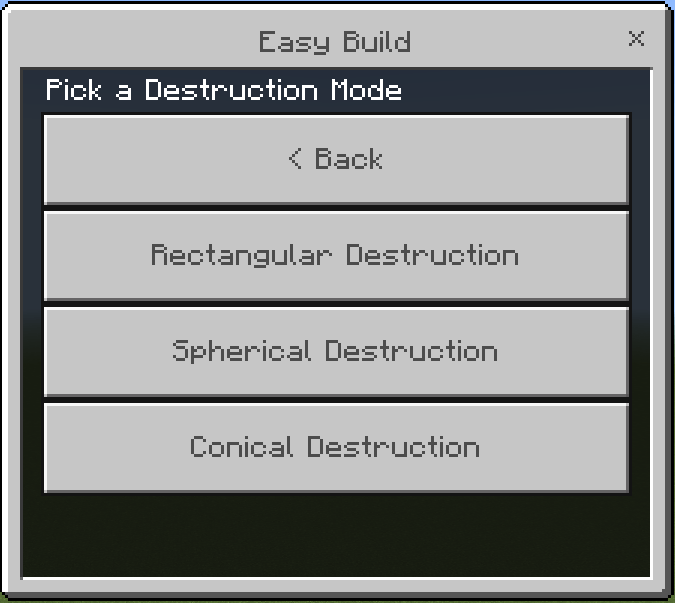
Destruction Modes
Rectangular Destruction
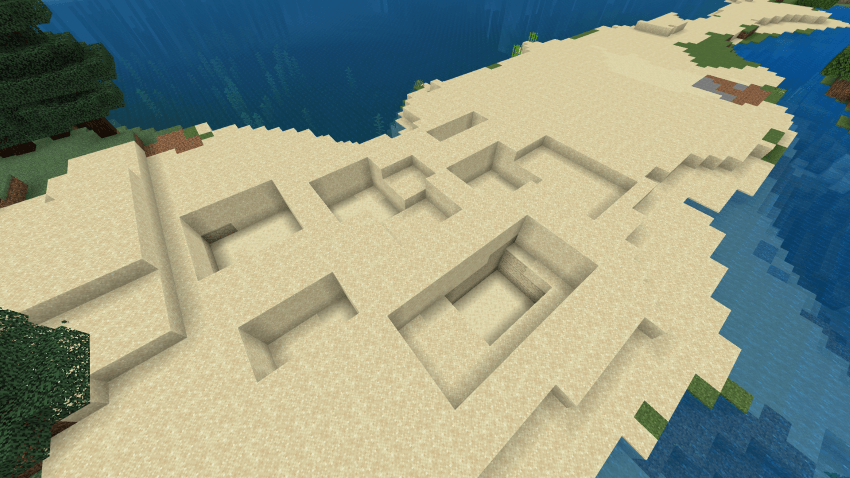
Spherical Destruction
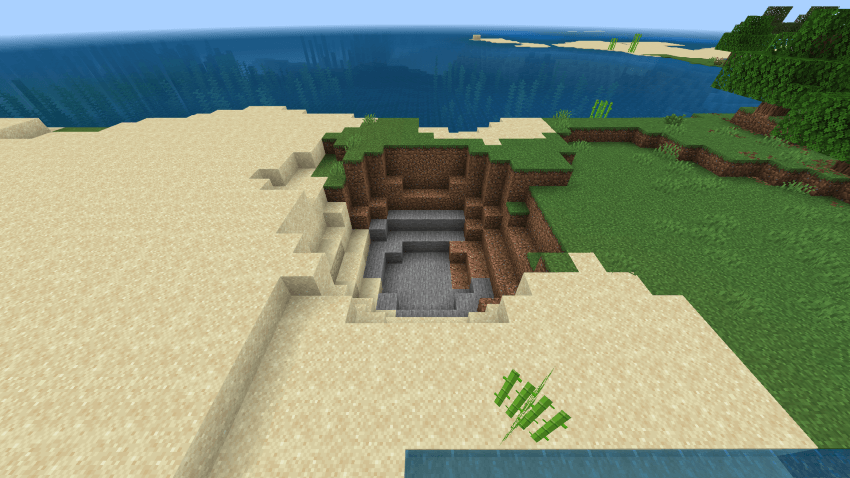
Conical Destruction
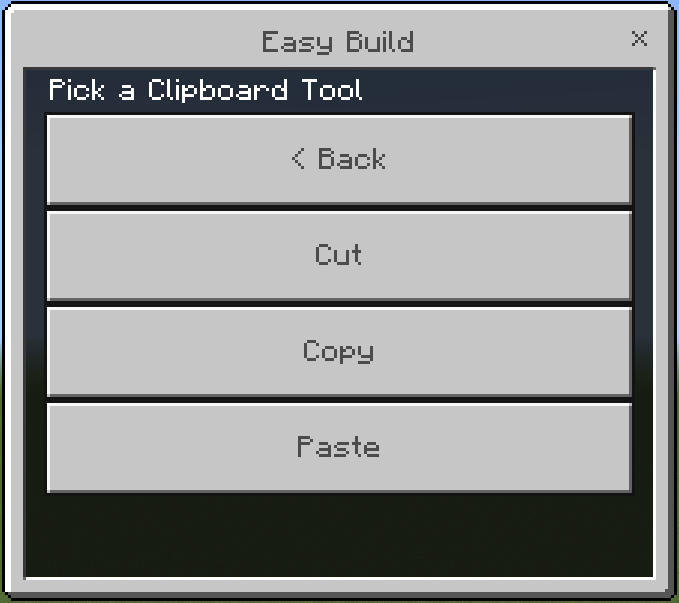
CLIPBOARD
Cut and Copy:
- Use a stick to set position 1 and position 2
- Then go to the menu and click Cut/Copy
Paste:
- Stand where you want the structure to be pasted
- Then go to the menu and click Paste
Undo and Redo
Settings: Fill Mode (Solid, Hollow, Outline)
NEW UPDATE
– Fixed Main Menu Bugs
– Fixed Icons for Settings, Undo, Redo
– Now Mobile Friendly, Instead of holding, use the interact button 2 times!
– Fixed Bug where the rotation of a block doesn’t follow the first block.
Installation

↳Easy Build [Effortless Building Bedrock]

How to Use Easy Build – Mod Effortless Building
- Download and install the mod in Minecraft Bedrock Edition.
- Enable Experimental Gameplay in your world settings.
- Open your world and start building with advanced placement tools.
- Watch your creations grow effortlessly!
Stop wasting time on repetitive block placement and start enjoying Minecraft building like never before. Download Easy Build – Mod Effortless Building now and create your dream world with speed and style!

w