
Home Blog Page 6

Feudal Furniture (Added +800 BLOCKS)

0

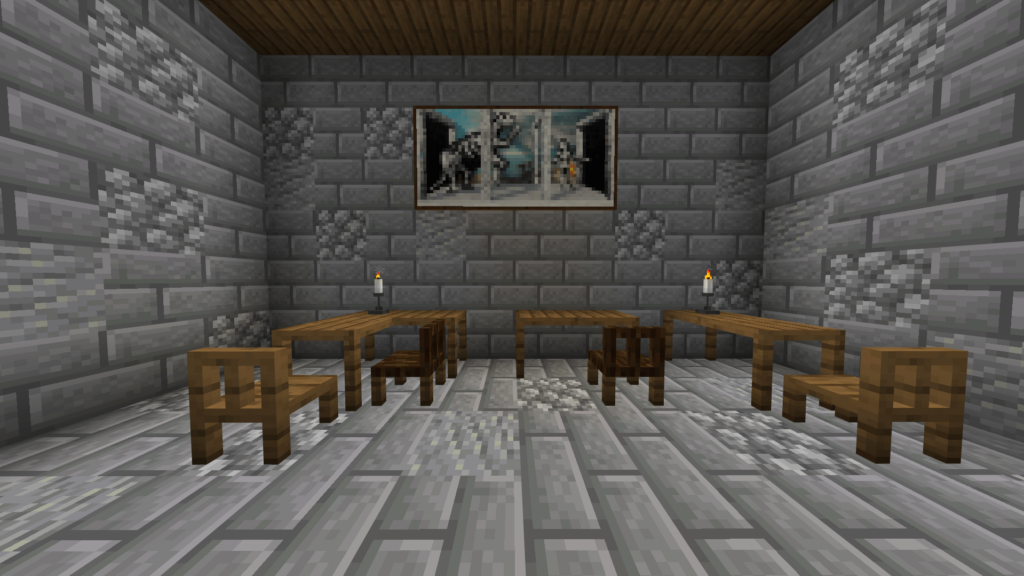
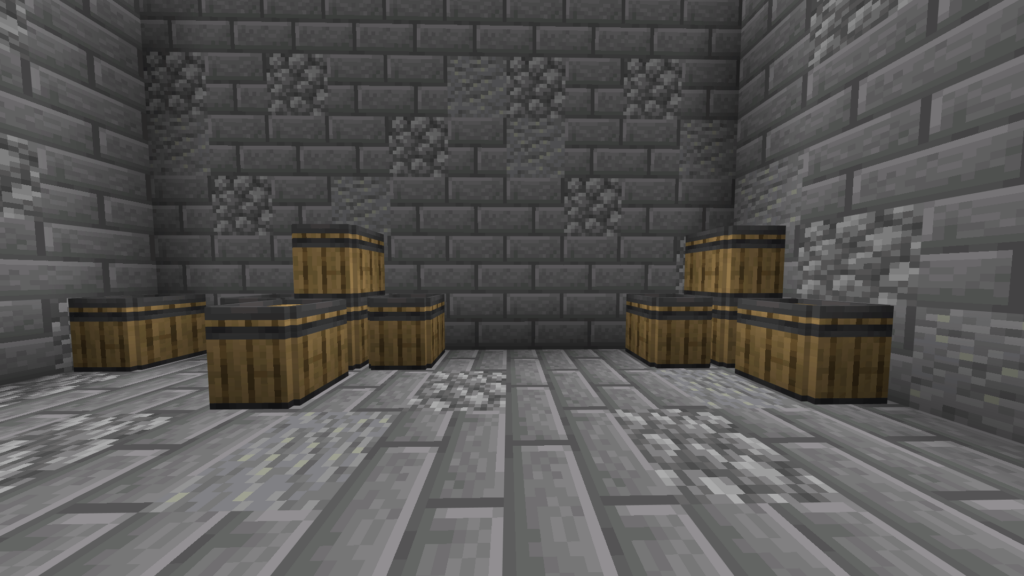
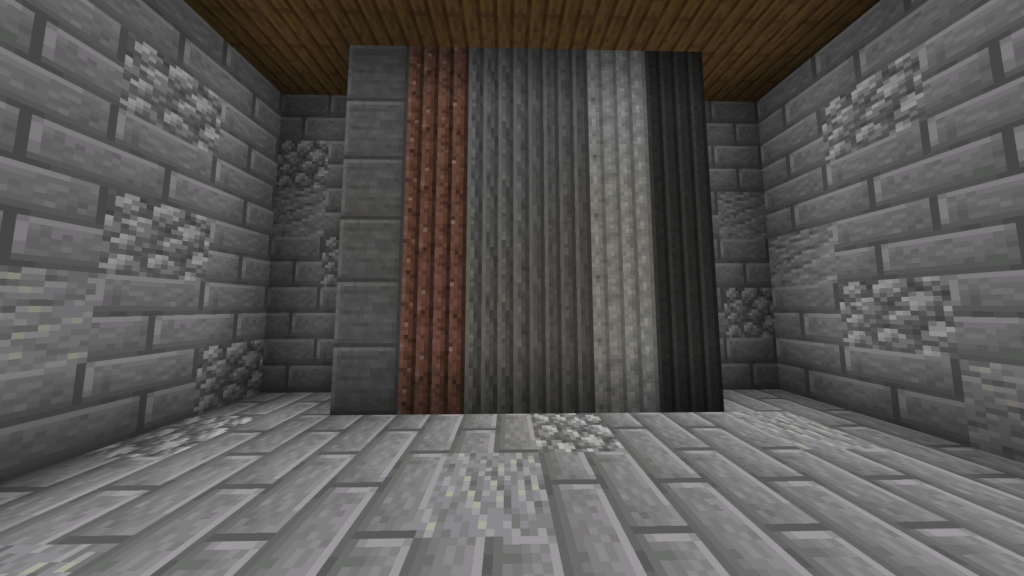
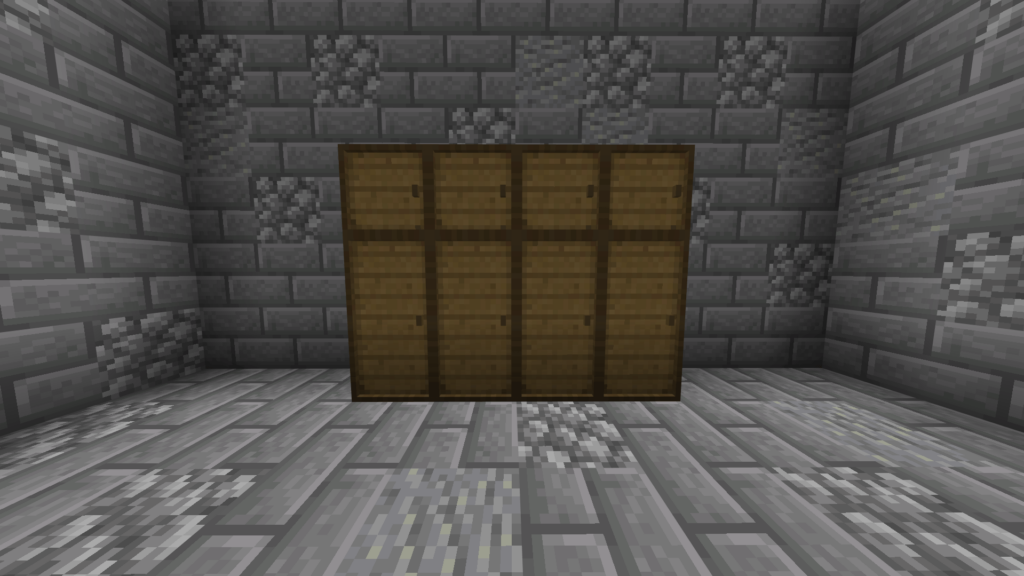
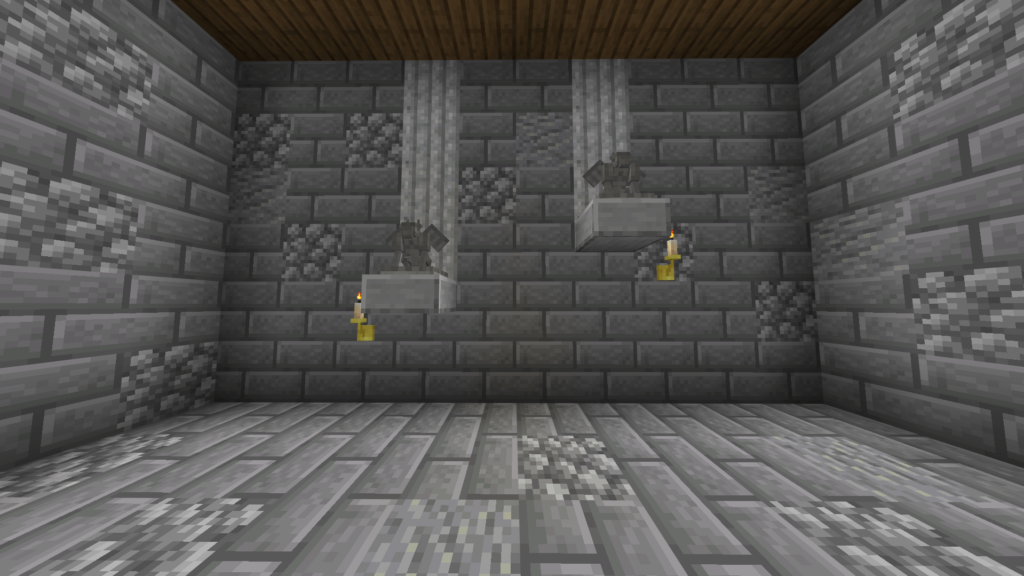
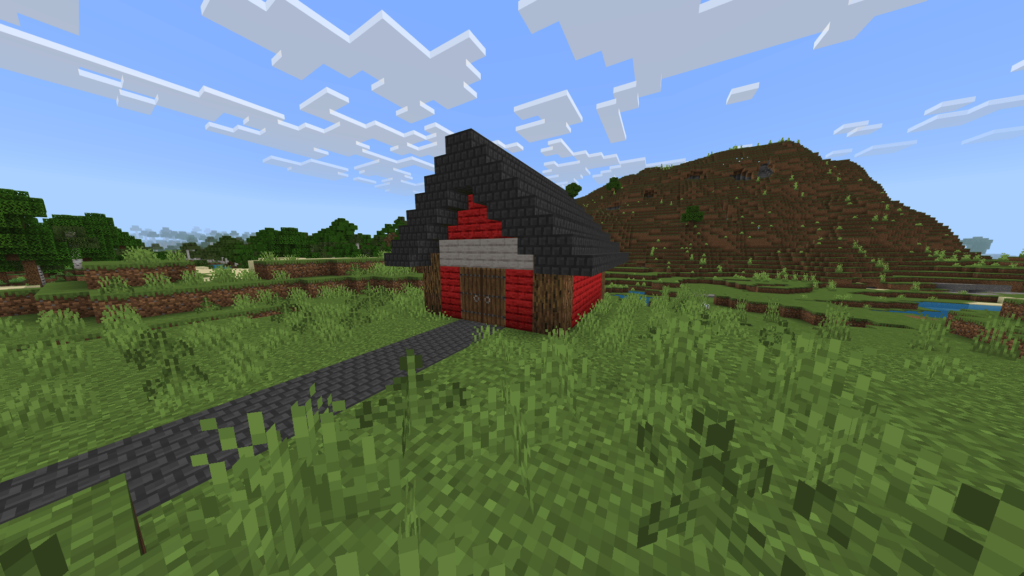
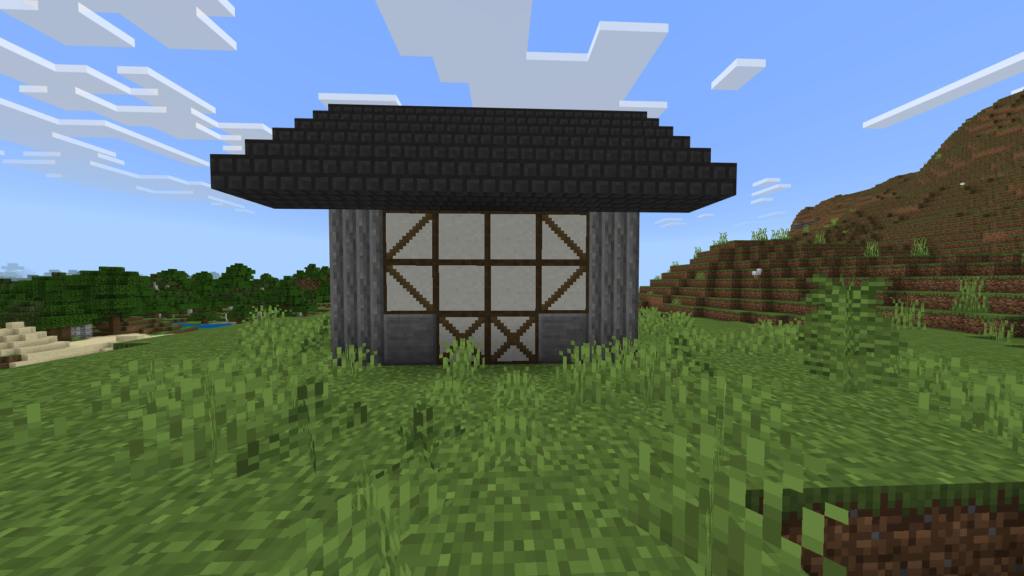
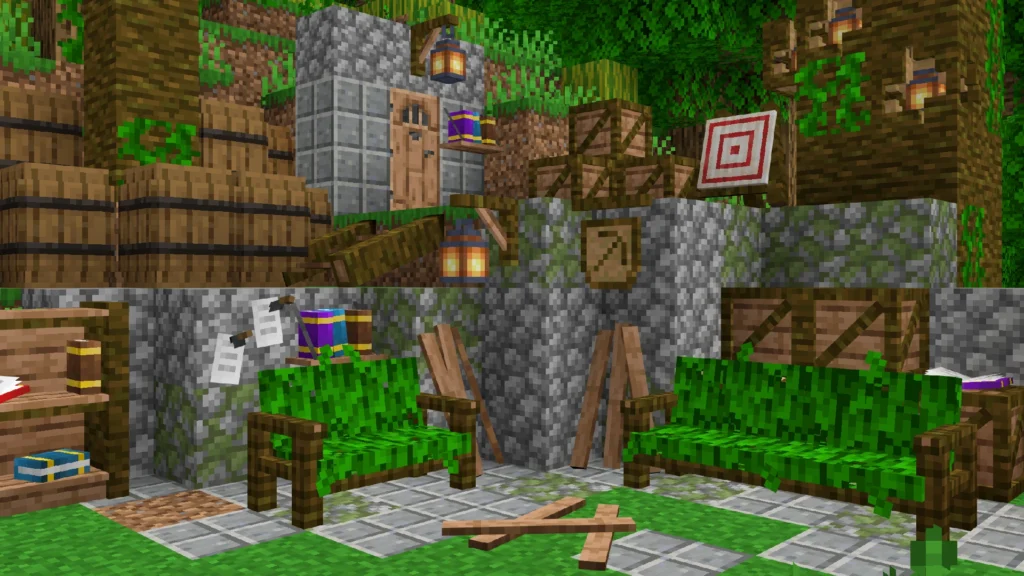
Elevate your world with Feudal Furniture, a massive expansion featuring over 800 unique pieces of furniture and decorations. Each item is meticulously crafted in a simple, vanilla-style aesthetic to blend perfectly with the Minecraft universe. Whether you’re furnishing a humble village, a secret base, a deep mine, or a grand castle, this addon offers endless possibilities to bring your medieval builds to life.

Cre: trotamundos872 (Discord)

Feudal Furniture
Key Features & Functionalities

  • 🪓 Spikes: Lethal and fully functional—perfect for crafting deadly traps for both players and mobs.
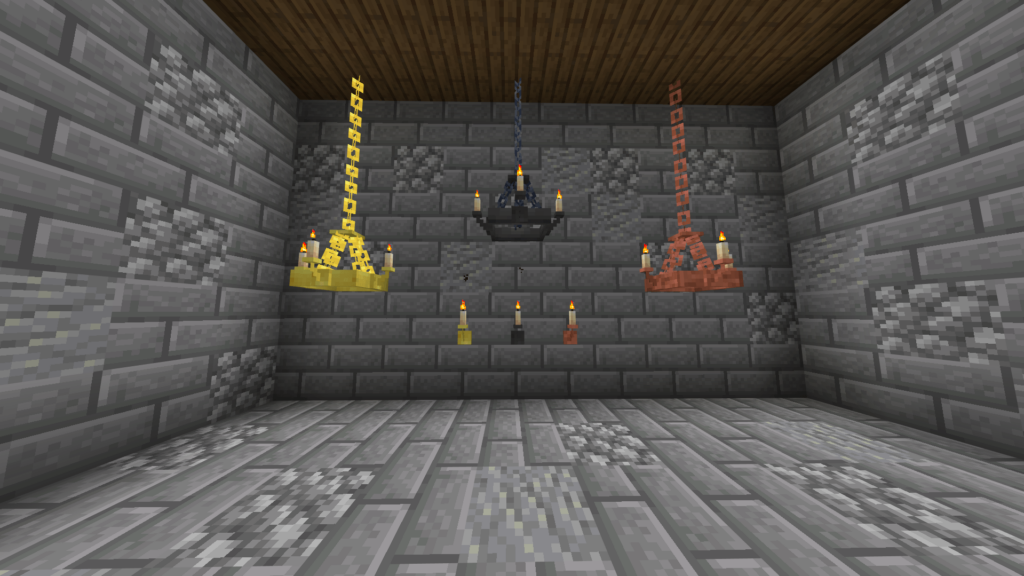
  • 🕯️ Medieval Lamps: Authentic light sources to illuminate your dark castle corridors.
  • 🧺 Interactive Baskets: Not just for show! These can hold items like apples, carrots, and other crops.
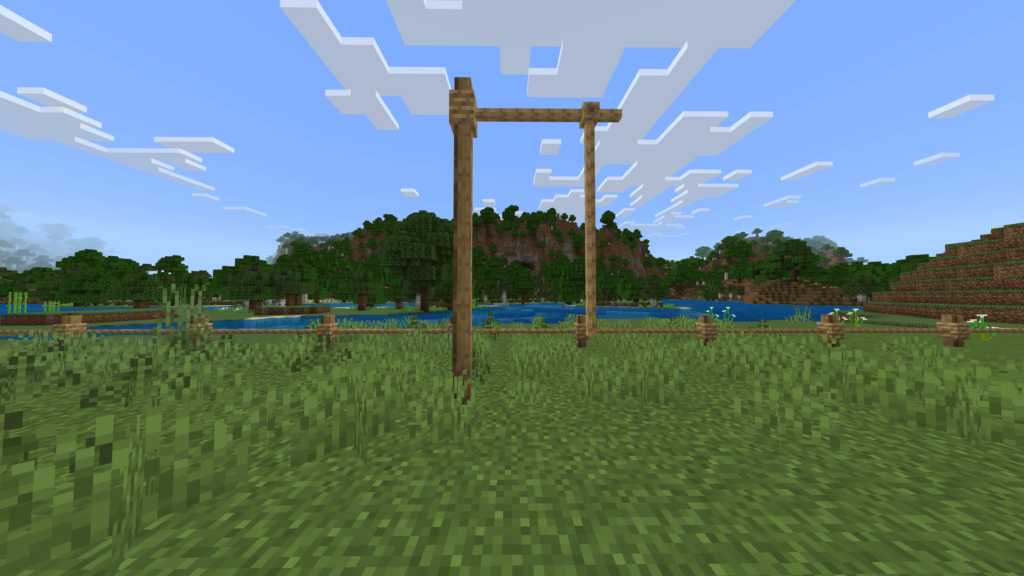
  • 🚪 Dynamic Gates: Fully operable gates that can be opened or closed manually for added security.
  • ⚙️ Automatic Trapdoors: The ultimate ambush tool. These trapdoors trigger automatically when a player stands on them.
  • 🔥 Immersive Fireplaces: Can be lit using Flint and Steel. Place a chimney above to see real smoke particles rise!
  • 🪑 Seatable Furniture: Take a break! All chairs and benches are fully functional for sitting.
  • 🏚️ Operable Windows: Enhance your builds with windows that can be toggled open or closed.
  • 📜 Wayfinding Signs: Includes directional arrows and specialized signs to mark your Inns, Mines, Markets, and more.
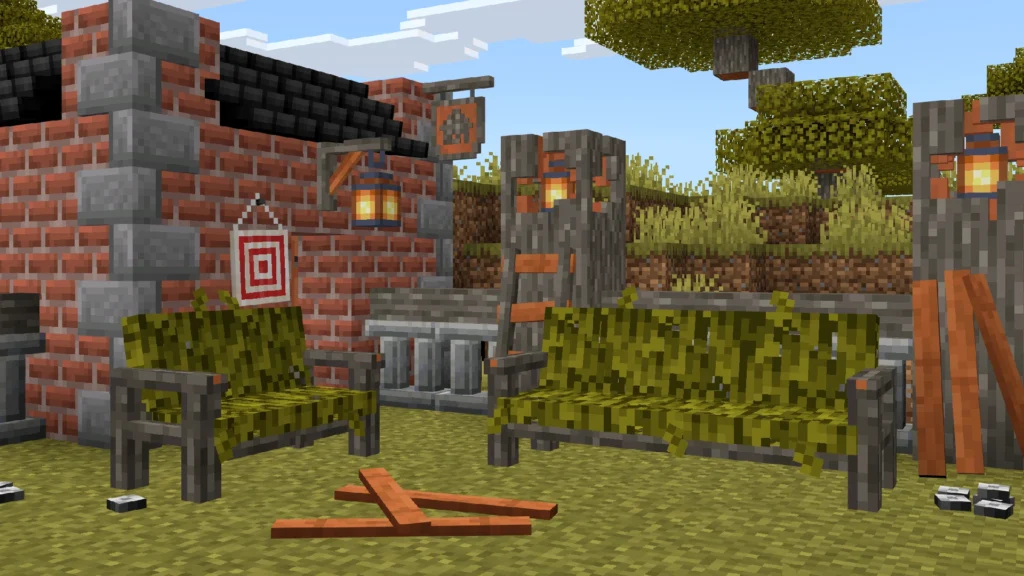
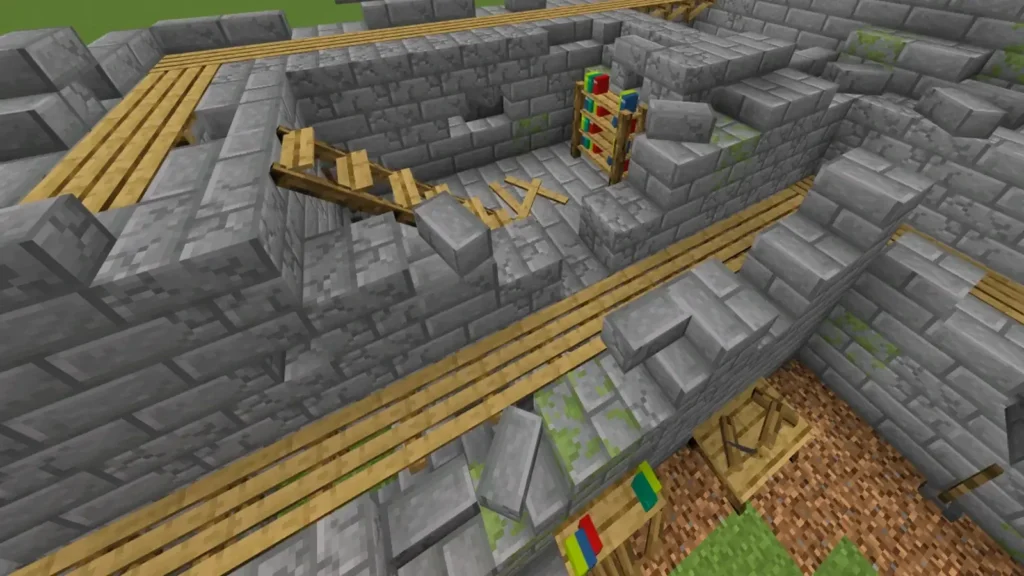
Feudal Furniture is highly optimized for Roleplay (RP) worlds. It provides the essential tools to build living, breathing environments—from functional markets, castles with trap systems, or abandoned spaces such as ruins or deserted castles.
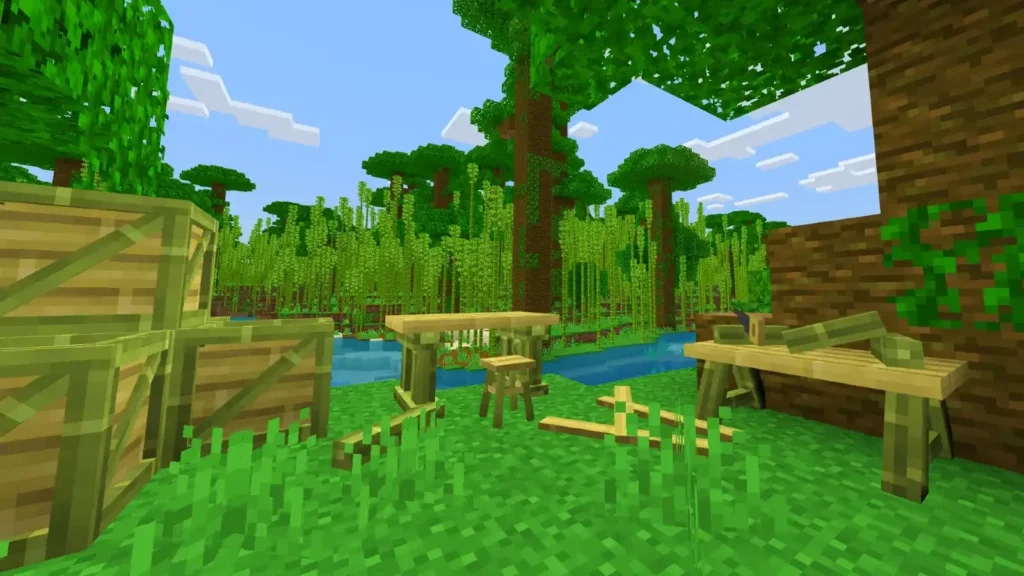
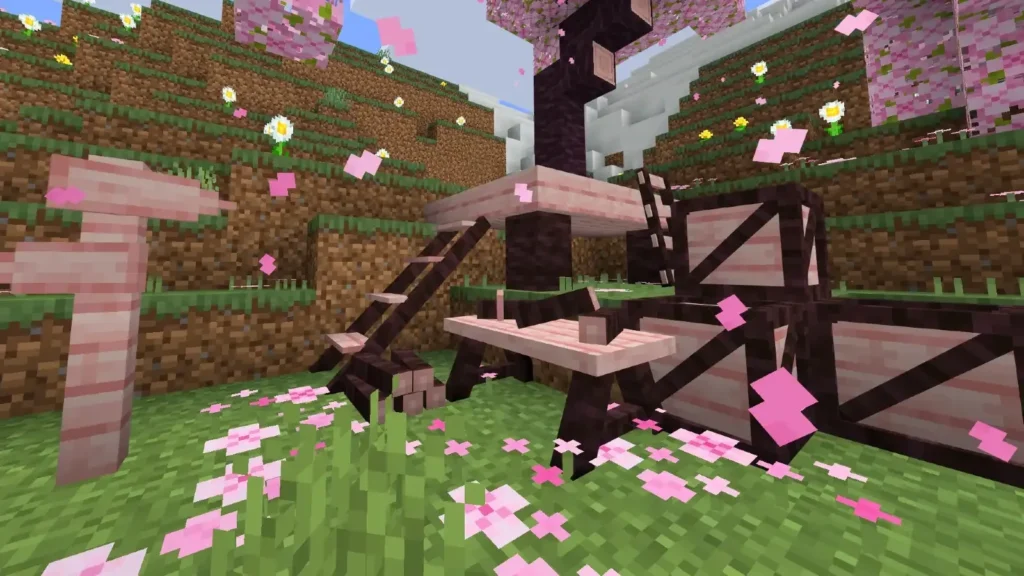
The categories of the boxes on Feudal Furniture:

  • Oak Wood Box
  • Spruce Wood Box
  • Birch Wood Box
  • Jungle Wood Box
  • Dark Oak Wood Box
  • Cherry Wood Box
  • Crimson Wood Box
  • Mangrove Wood Box
  • Acacia Wood Box
  • Bamboo Wood Box
  • Warped Wood Box
  • Pale Wood Box

Completing the collection is the Miscellaneous Box (also known as the Decorative Box). This essential crate houses all decorations that aren’t primarily wood-based. Inside, you’ll find various brick types, torch holders, functional trapdoors, and more. Visually, it features a compact design similar to the Oak Wood Box but in a smaller, more distinct version.

There is a wide variety of functionalities for the furniture, such as sitting on chairs, opening windows, using trapdoors, lighting fireplaces, and more. If you want to know if an item is functional before choosing it, a message with a hand icon labeled “Functionality” will appear next to its name. This indicates that you can interact with it.

Crafting – Feudal Furniture
🎮 How to Obtain: Creative Mode

  • Creative Menu: You can find the entire collection conveniently organized under the Construction & Decoration tab.
  • Commands: For quick access, use the /give command.
  • Syntax: /give @p ff:[item_name] -> (Example: /give @p ff:oak_chair)

⚒️ How to Obtain: Survival Mode (Crafting)
Crafting your medieval world in Survival is simple and immersive!

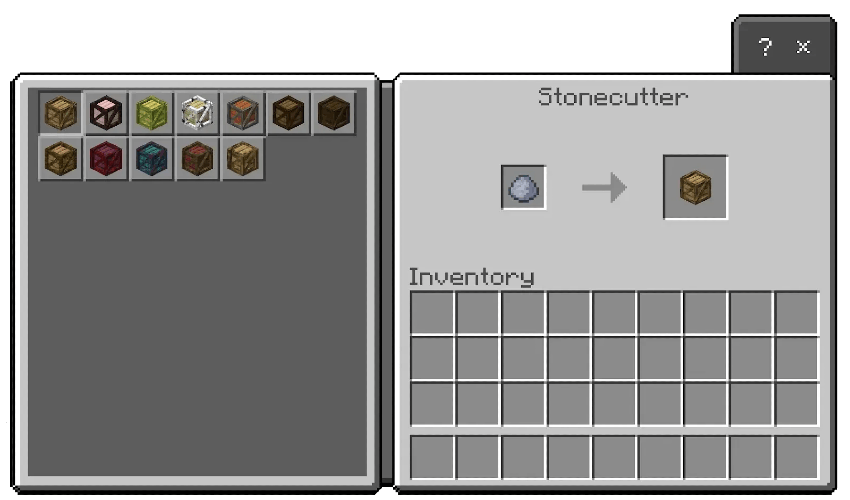
The Base Material: You will need Clay and a Stonecutter.

Step One – Select a Category: Place the Clay into the Stonecutter. A list of Furniture Boxes will appear, representing different wood types (Oak, Spruce, Birch, Jungle, Dark Oak, Cherry, Crimson, Mangrove, Acacia, and Bamboo).

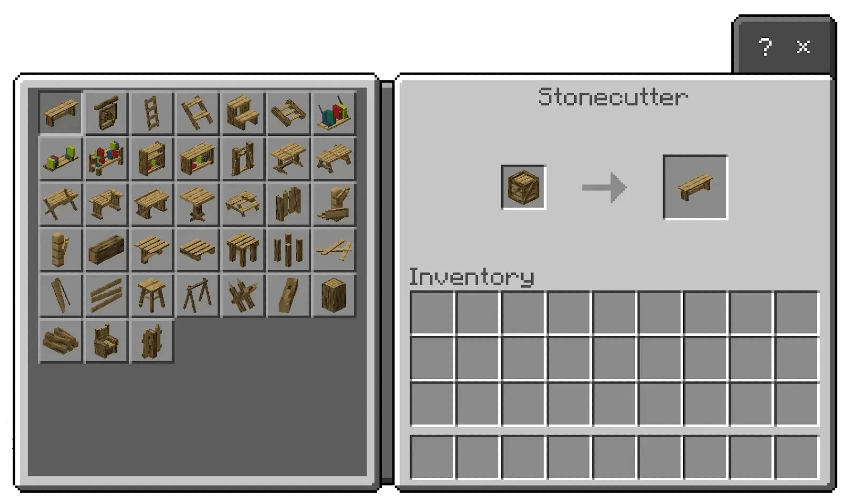
Step Two – Unbox the Furniture: Once you’ve selected your preferred wood box, place that Box back into the Stonecutter.

Step Three – Choose Your Decor: All available furniture pieces for that category will now be displayed. Pick your favorites and start decorating!
-> Support Creator: https://www.patreon.com/cw/trotamundos872

Downloads

MCPE Download

Download from Official Site
↪ or HERE: Feudal Furniture (mcaddon)

More cool Minecraft Addons:
- Advertisement -

Player Resizer (Change Player Size)

0

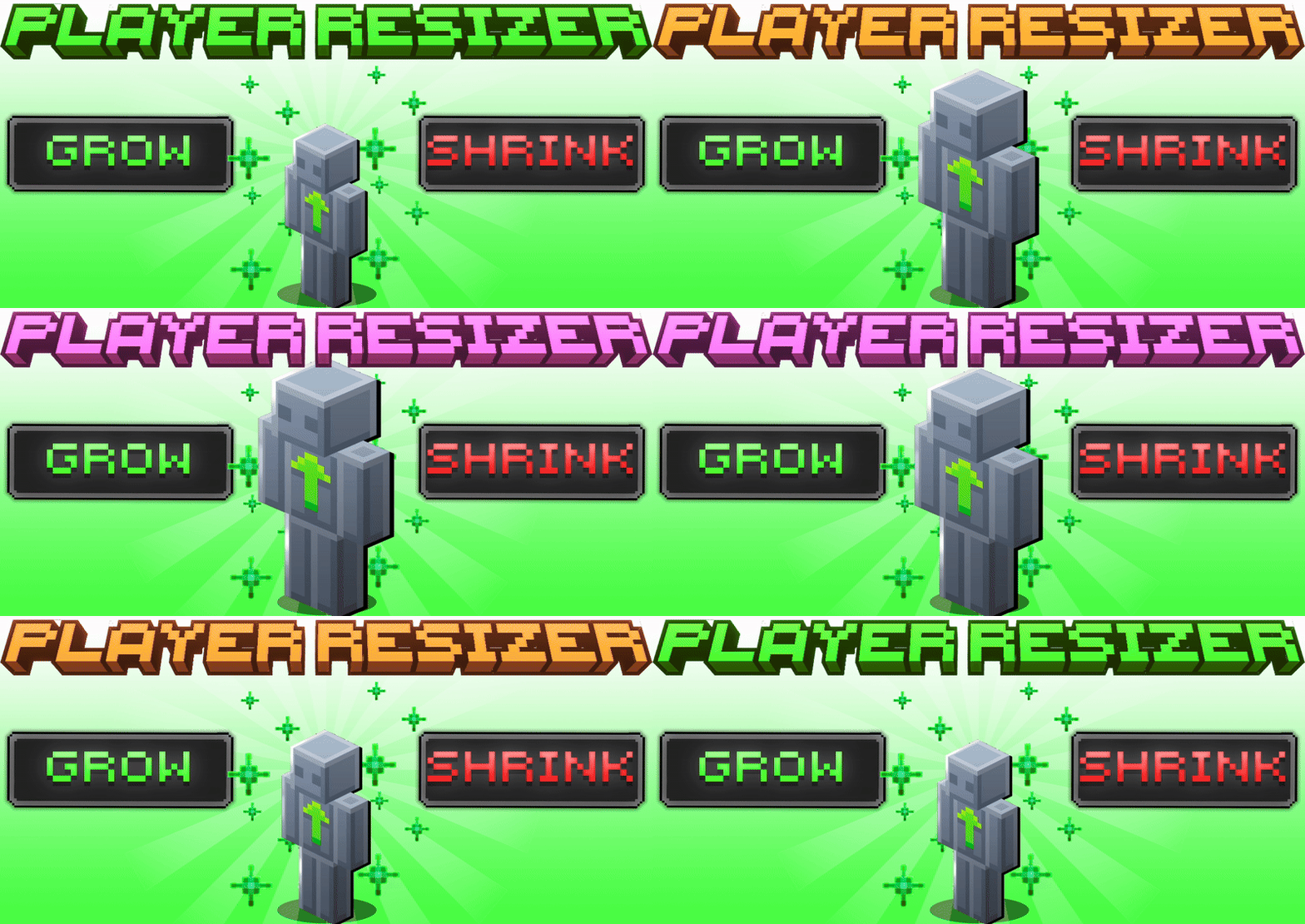
This simple addon lets you resize yourself to any size you want!

Cre: Tuff Golem (Youtube)

Player Resizer

How to use

Enable Beta API and Creator Cameras

📏 Custom Size Commands:

  • Change Your Size: Type #size [number] in the chat (e.g., #size 4). You can enter any value to find your perfect scale!
  • Reset to Normal: Simply type #size reset to return to your original size instantly.

🛠️ Advanced Command Syntax:

  • Camera Control: Add nocam at the end of your command to prevent the camera from locking into 3rd person mode. Note: The camera may clip inside the player model in this mode.
  • Targeting Players: You can specify a player by adding their Name to the command to change only their scale.
  • Global Scale: Use the @a selector to change the size of every player on the server simultaneously.

Downloads

MCPE Download

Player Resizer v26.11 .mcaddon

More cool Minecraft addons:

- Advertisement -

Rustic Agriculture v2 Addon

0

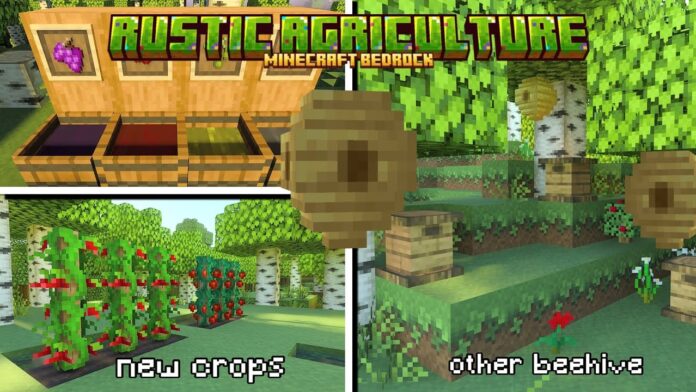
Rustic Agriculture is an unofficial Bedrock Edition port of the popular Minecraft Java mod, Rustic. Currently in active development, this addon focuses on bringing authentic medieval-themed content and rustic aesthetics to the Bedrock platform.

Cre: Salas (Discord)

Rustic Agriculture

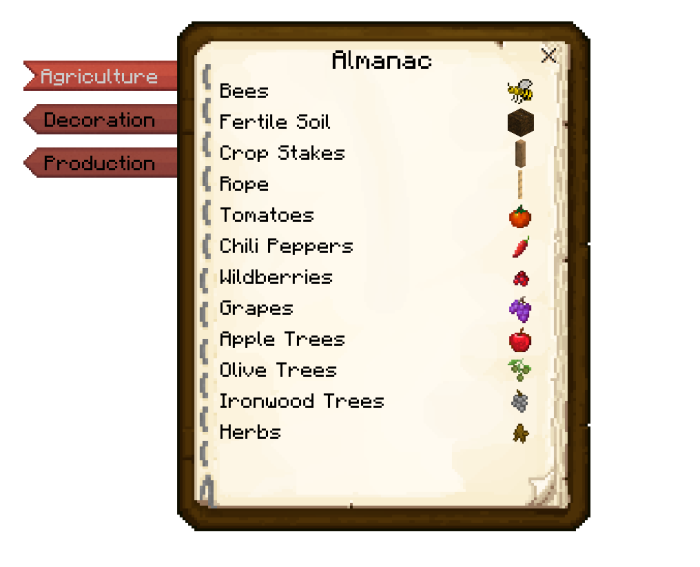
All information is here: on the official Wiki or game “The Almanac”

Almanac

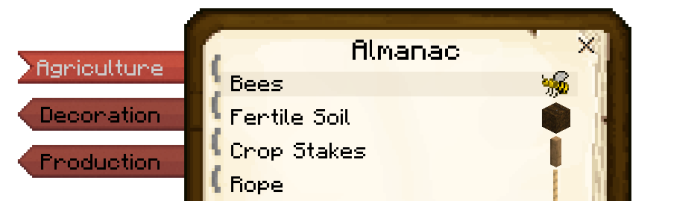
With the Almanac, you can easily access all the information you need regarding the new features, blocks, and items included in this addon. It is your essential companion for mastering medieval survival!

The book is divided into 3 sections: Agriculture, Decoration and Production.

DescriptionAdditional Info

Recipe

Translations:

  • English (US)
  • Español (ES)
  • Español (MX)
  • Chinese (CN) (Credits: @chinesezzy_87140)

Screenshots

Downloads

MCPE Download

Rustic-Agriculture v2 .mcaddon

- Advertisement -

Nico Item Expansion Minecraft 1.21

0
Item Expansion

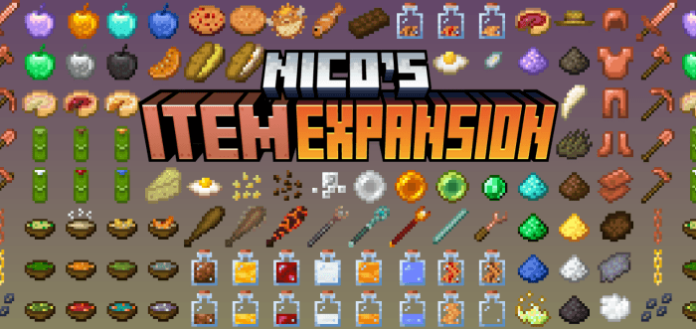
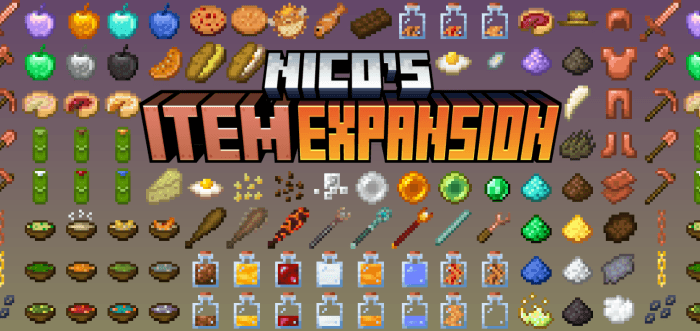
Elevate your Minecraft Bedrock experience with Nico’s Item Expansion! This feature-packed addon is designed for players who crave a more organized, aesthetic, and efficient survival world. From compact storage solutions to dynamic lighting and advanced off-hand mechanics, this expansion reimagines how you play the game.

Cre: _NicoTheKid (Youtube)

Item Expansion

🌟 Key Features:

🛠️ Technical Specifications & Compatibility
This addon is built for stability and performance, ensuring it fits perfectly into any modded world.

Version Support: Minecraft Bedrock v1.26.0 or higher.

No player.json: This is a clean addon! It does NOT use player.json, making it 100% compatible with other popular packs like Action and Stuff.

Fully optimized for Realms and Dedicated Servers. Just ensure both Resource and Behavior packs are installed correctly.

More information on Nico’s Item Expansion Addon

  • Potion can fill the Jar: Potion can be fill the Empty Jar or the Jar of Water (Half), and turn them into water.
  • Stripping wood sound: Custom axe doesn’t make a sound when stripping wood.
  • Magic Staffs swing animation: Magic Staffs no longer play the swing animation when you use them.
  • Can’t place directly on some of the custom blocks: Some custom blocks always act like interactable blocks and can’t place a block on them. The only way to place a block on them is when the player is sneaking.
    • To help resolve this issue, please vote on the bug on Mojang: MCPE-179928

  • Equipment model doesn’t show glints:
    • This refers to magic staffs.
    • Equipment model with a glowing texture doesn’t glint when it has an enchantment.
    • The enchantments are still applied to the equipment, but it’s just don’t show the glints in the model.

  • Non-solid custom blocks:
    • Vanilla fences and walls are connected to a non-solid custom block.
    • Grass block will transform into dirt when non-solid custom block is placed at the top of it.
    • Some of the non-solid blocks won’t break when the supporting blocks are broken.

Downloads

MCPE Download

Nicos Item Expansion (v1.14.1)

More cool Minecraft Addons

- Advertisement -

Advance Auto Totem (Achivement Friendly)

0

This Advance Auto Totem addon 100% compatible with your other favorite addons!

Cre: Zorrocraft1 (Youtube)

Advance Auto Totem

How to use:

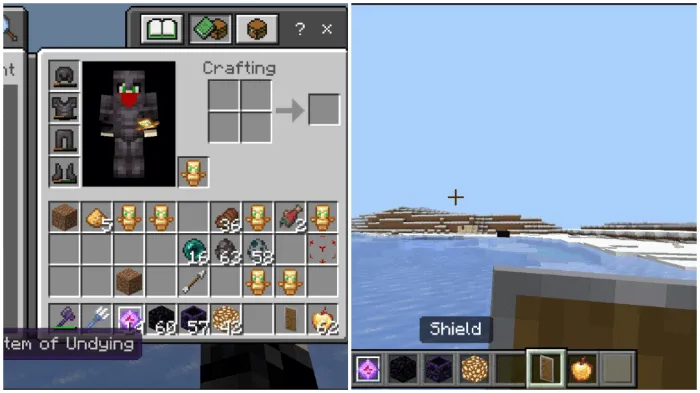
  • Turn on: To activate this feature, you must hold the Totem in your off hand.
  • On use: When you use a totem, this mod will automatically equip a new one in your off-hand.
  • Turn off: To deactivate this feature, you must hold the Shield in your off hand.

The totem just automatically switches your inventory totem to offhand.

Downloads

MCPE Download

Advanced Auto Totem 4.6

More cool Minecraft Addons

- Advertisement -

Bedrock Reimagined Addon for Minecraft

0

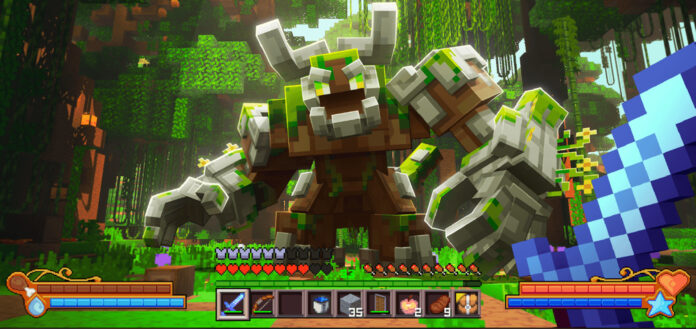
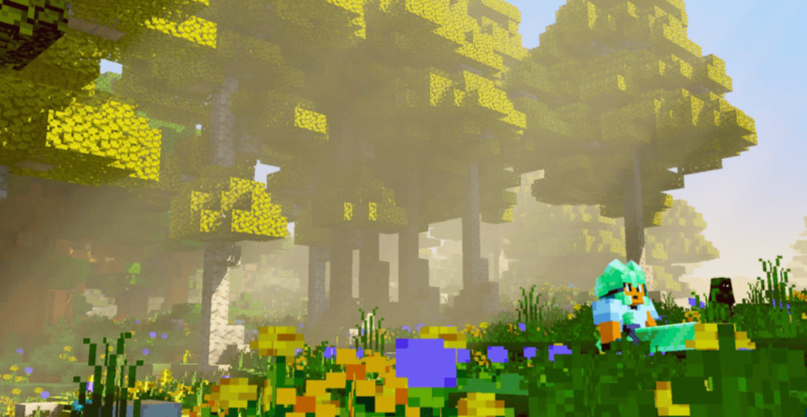
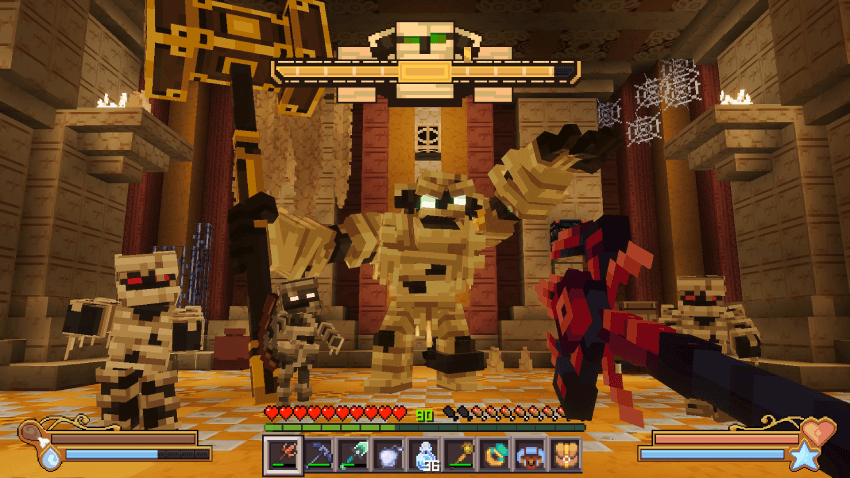
Elevate your Minecraft experience with a complete transformation of the Bedrock Edition. Discover new mobs, epic bosses, and hidden structures while mastering an all-new magic system. Featuring a custom resource pack with vibrant visuals and fluid mob animations, this Bedrock Reimagined addon introduces a revolutionary path to beating the game.

Cre: 5FrameStudios (Discord)

Bedrock Reimagined

Features

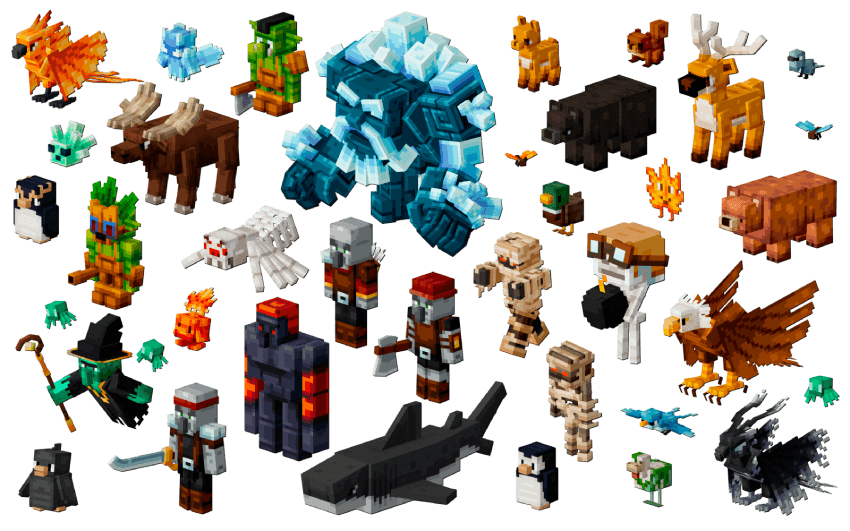
  • Epic Bosses & Mini-Bosses to challenge powerful adventurers
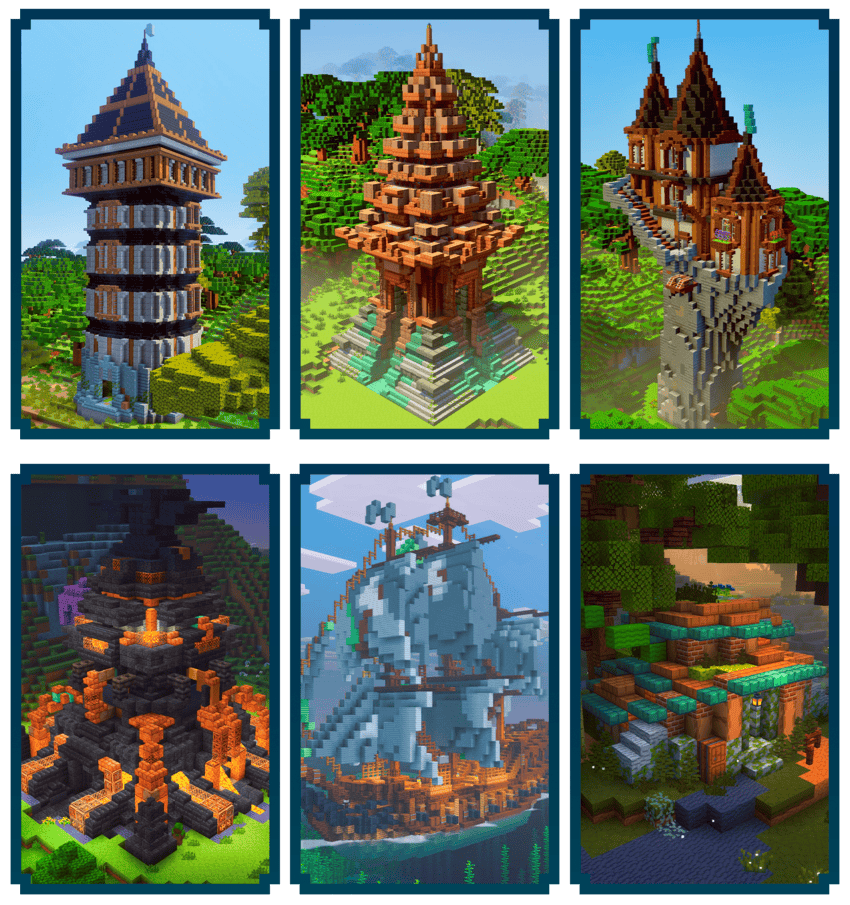
  • Custom Structures scattered across the world
  • Procedurally Generating Mineshafts full of mobs and loot
  • New Hostile Mobs to battle across every biome
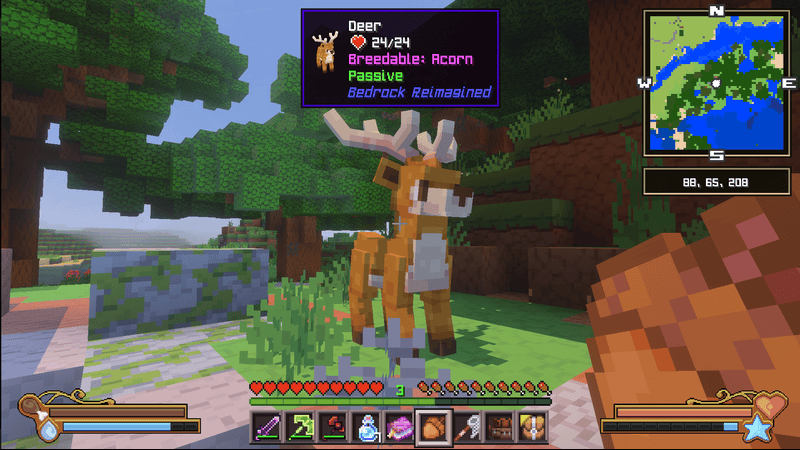
  • Pets, Passive Animals, and Ambient Creatures that bring the world to life
  • Magic & Mana System with powerful magical items
  • Machines, Pipes, Quaries, and Automation Systems
  • World Events like Sandstorms, Meteor Showers, and the Maple Event
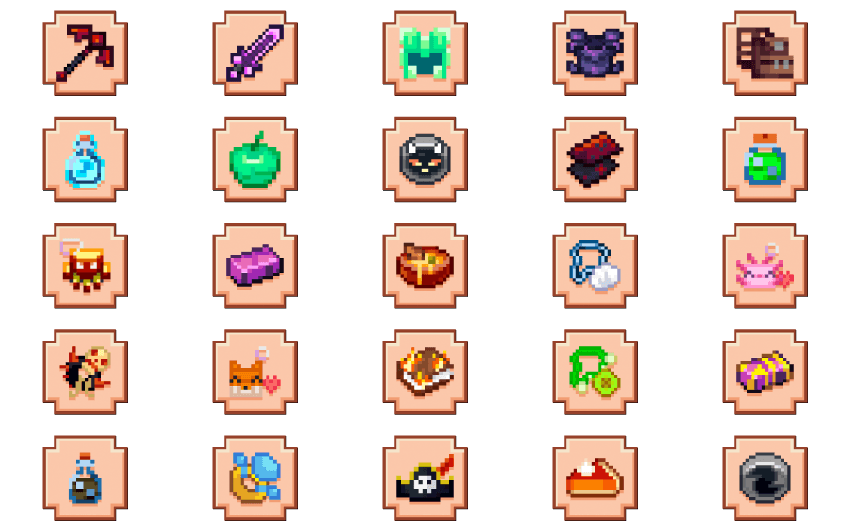
  • New Ores, Armor, Weapons, and Tools with progression integrated into vanilla gameplay
  • Custom Backpacks, Hats, and Charms to enhance your adventure
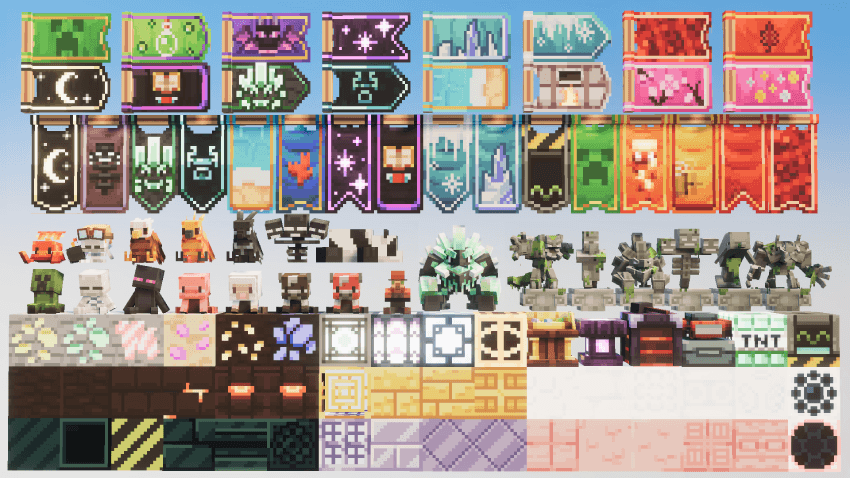
  • Hundreds of Decorative Blocks, including beds, banners, lamps, and more
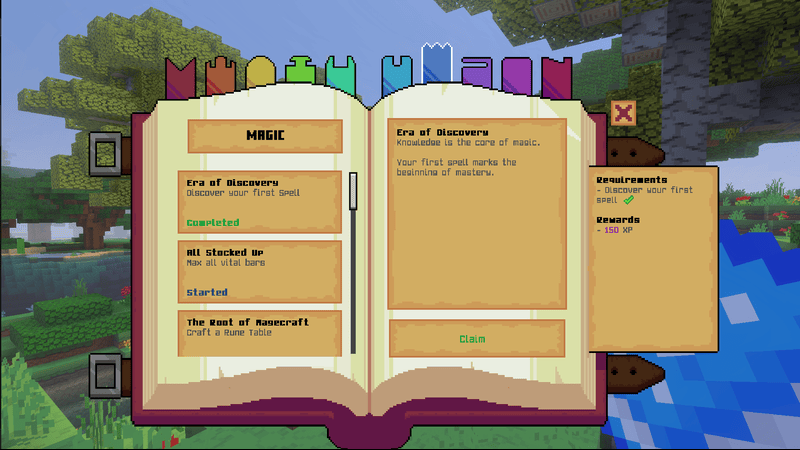
  • RPG-Style Quest System with unique quests and rewards
  • Custom Biome Generation with new biomes and enhanced vanilla generation
  • Custom UI Elements, including WAILA (What Am I Looking At) and a Minimap

Minimap

Dynamic Quest System / Custom Gameplay

Custom Structures

Custom armor

Custom biomes

Other images:

Downloads

MCPE Download

Bedrock Reimagined v1.0.82

More cool Minecraft addons:

- Advertisement -

System Dynamic Light V3.2

0
System Dynamic Light-feature.png

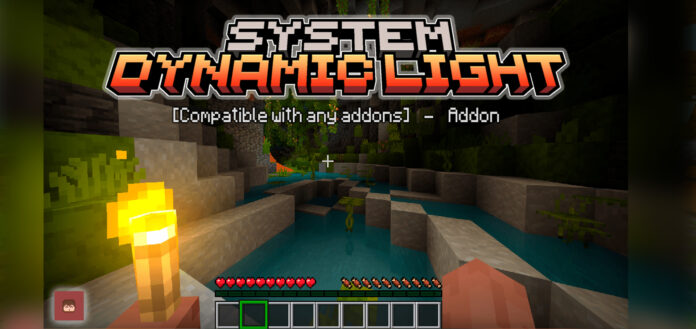
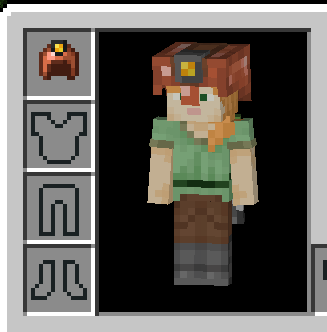
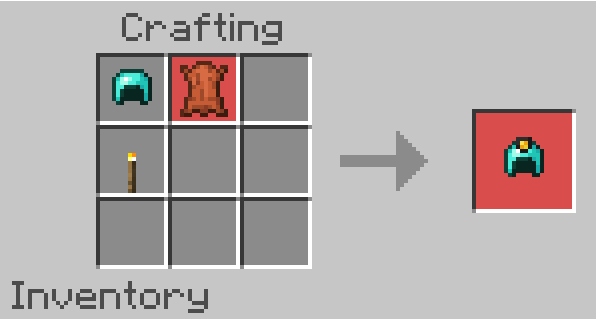
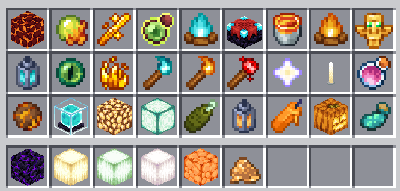
Light up your path hands-free! In this latest update, System Dynamic Light introduces the Lantern Copper Helmet, the perfect companion for dark caves. Simply combine a standard copper helmet, a torch, and a bit of leather on your crafting table to start your illuminated adventure!

Cre: SystemTv (Youtube)

System Dynamic Light

Technical Specs:

🌐 Fully optimized for any Addons – Realms – Action and Stuff
🏆 Does not disable achievements.
⚙️ No Experimentals: No messy settings needed to get started.
🛡️ Does not use player.json

-> You can now use this addon together with Action and Stuff and all your favorite animation packs! Ensured that custom textures and vanilla modifications won’t clash, giving you the ultimate, lag-free gameplay experience you’ve been waiting for.

Torch off-hand Mechanics

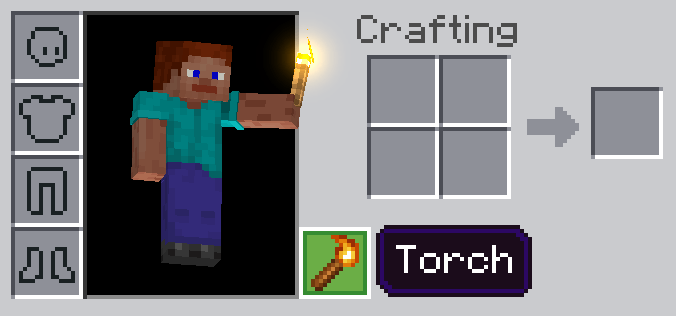
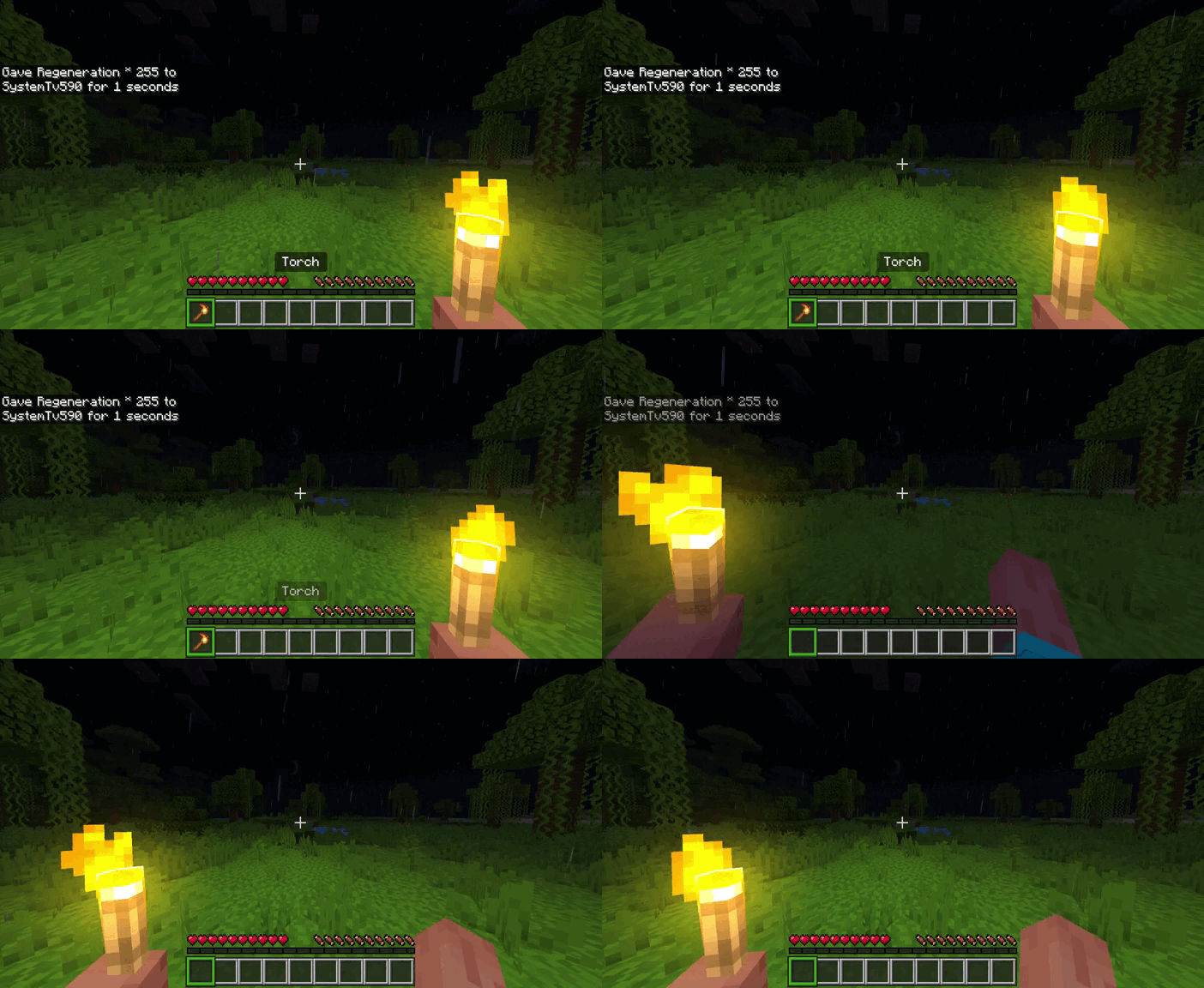
To equip items in your offhand, simply hold the item and “use” it (right-click/interact) while not looking at any blocks. Note: Manually placing items into the offhand slot will not work. If the item is placeable (like a torch or block), ensure you are looking at the sky or open space to trigger the automatic equip mechanic.

Miner Helmets

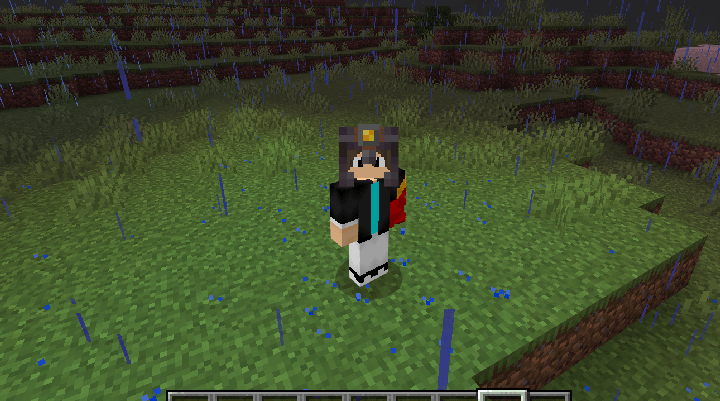
Conquer the darkness with the new Lantern Helmets, emitting a massive Light Level 15 while worn. These helmets maintain the same durability as vanilla versions and are fully compatible with Enchantments and Repairs.

⚠️ Important: To ensure a smooth crafting process, we recommend using a non-enchanted helmet as your base material, as existing enchantments will not carry over during the upgrade.

Items light up on the ground

In this version, it is added that the mobs when burning light up at night

It was also added that all items that light up will also be able to light up on the ground.

Mobs Lightning

Iconic creatures like Blazes, Magma Cubes, and Glow Squids now naturally illuminate their surroundings in the dark. These dynamic visuals bring a whole new level of atmosphere to your nighttime adventures and deep-sea explorations.

Underwater lighting

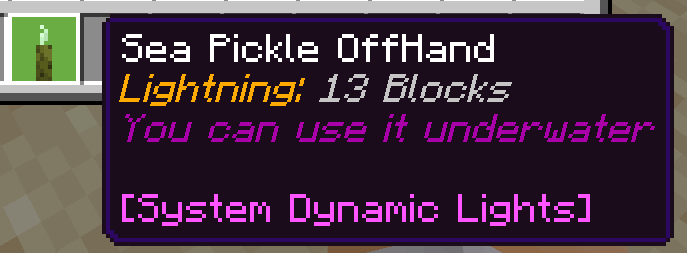
Brighten up your oceanic builds with enhanced Sea Pickles. There are a total of 13 lighting blocks and the ability to illuminate underwater.

This item can also be placed on the second hand and the underwater lighting is also 13 blocks.

System Dynamic Light Function

This addon allows you to illuminate with various items from vanilla Minecraft.

Downloads

MCPE Download

System Dynamic Light RP
System Dynamic Light BP

More cool Minecraft Addons:
- Advertisement -

Nico Block Expansion Addon for Minecraft

0
nicos-block-expansion-01

Maximize your survival efficiency with an addon designed for the organized player. This block expansion introduces a variety of practical, compact blocks crafted from everyday items—including Stick Piles, Book Stacks, Sugar Cane Bales, and Flower Bushes. Not only do these blocks dramatically save inventory and chest space, but they are also fully reversible, allowing you to extract your original items whenever you need them!

Cre: _NicoTheKid (Youtube)

Block Expansion

⚠️ Important Technical Information

  • Compatibility: Requires Minecraft v1.21.0+ (or 26.0+). This addon does NOT use player.json, making it highly compatible with most other packs.
  • Multiplayer Ready: Fully functional on Realms and Servers—ensure both Resource and Behavior packs are correctly installed.
  • Versions: Not yet optimized for Beta/Preview versions; minor bugs may occur.
  • Installation Tip: Always remove older versions before installing the latest update to avoid conflicts.
  • Content Creators: You are welcome to showcase this addon! Please provide credit and use the original download link. Do not re-upload or provide alternative mirrors.
Downloads

MCPE Download

↪ Nicos Block Expansion (v1.16.1)

More cool addons / maps / textures:
- Advertisement -

All In One Tools (Achivement Friendly)

0

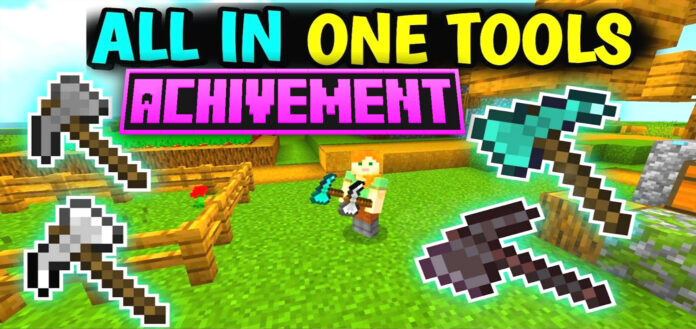
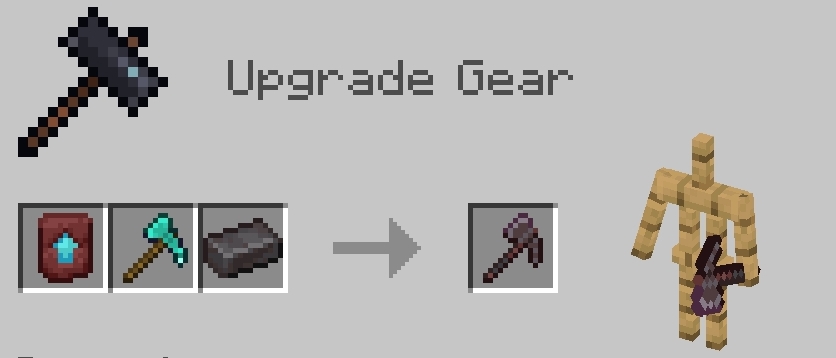
Simplify your inventory and supercharge your efficiency. This All In One Tools functions seamlessly as a pickaxe, axe, shovel, and hoe. Engineered for maximum performance, you can swap between tasks instantly with zero lag and total precision.

Cre: Zorrocraft1 (Youtube)

All In One Tools

Master Every Task: A single, versatile tool engineered for mining, digging, and chopping.

Streamline Your Inventory: Free up your hotbar while drastically increasing your gathering speed.

Universal Compatibility: Optimized to function perfectly on all block types and materials.

This All In One Tools is a perfect addon for builders and explorers who want to carry fewer tools without sacrificing utility.
They have decent attack damage so you can use them like sword.

Downloads

MCPE Download

↪ All In One Tool V4.0

More cool addons are here:

- Advertisement -

Villager Minion Add-on (Achievement Friendly)

0
Villager Minion Add-on

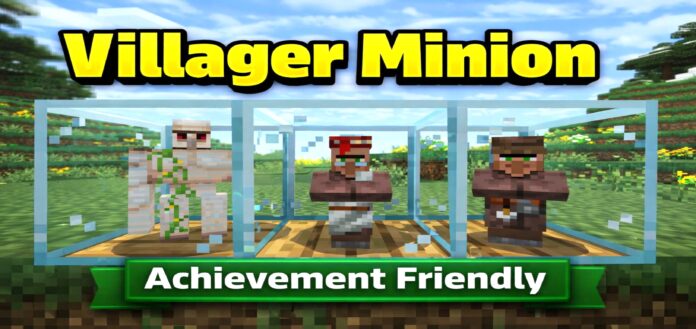
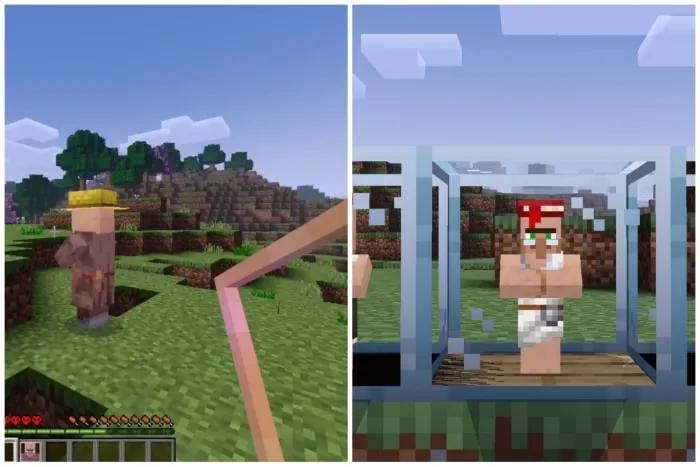
Say goodbye to the struggle of moving villagers! This Villager Minion addon allows you to safely capture villagers in portable cages, providing a streamlined way to trade and manage your workforce. Whenever you’re ready to relocate, simply break the cage to release them—trading has never been this efficient.

Cre: Zorrocraft1 (Youtube)

Villager Minion

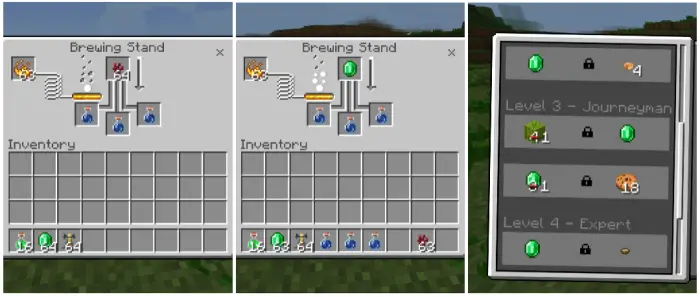
New Potion: Village Hero Potion — Unlock exclusive trade discounts for both caged and free-roaming villagers.

Librarian

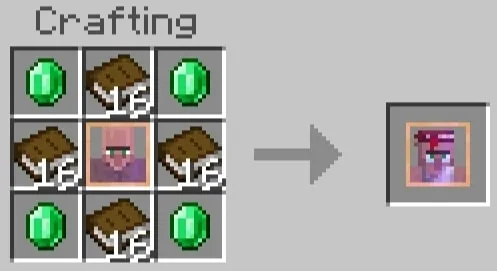
  • Added custom Librarian Villager
  • Get direct enchantment offers for just 30 emeralds 
  • No more trading problems with librarians 
  • Enchanting made easy

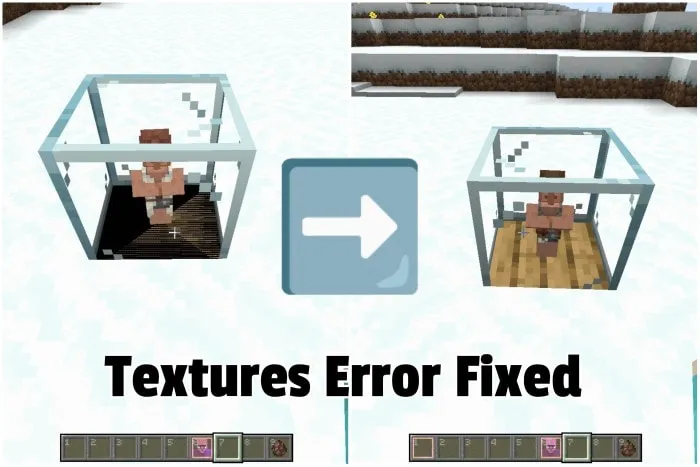
Textures Error Fixed!

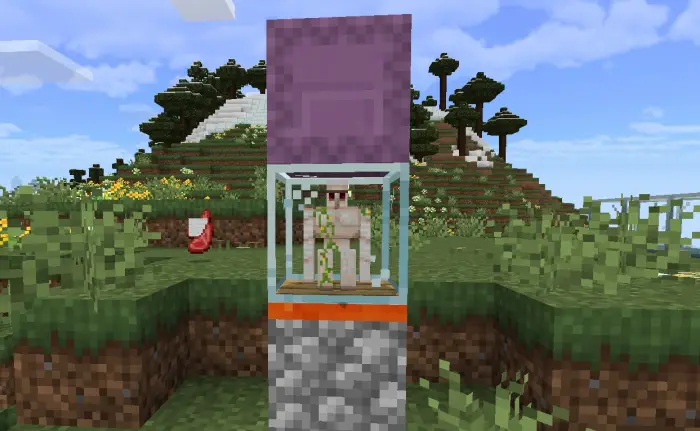
Cage Golem Setup

1. Place Killing block

2. Place Cage Golem on Killing Block

3. Place any contener block (like chest, barrel, hopper) 

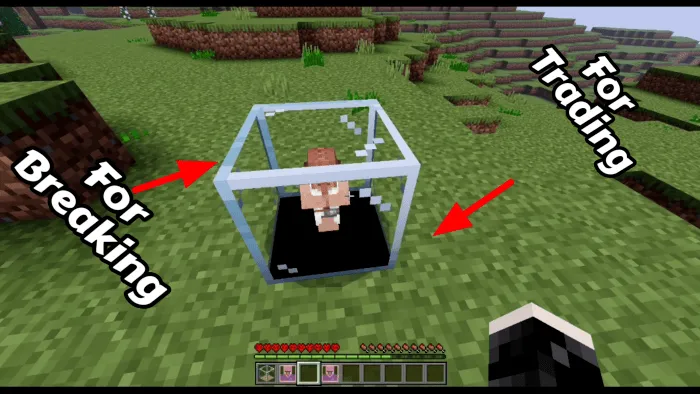
👉Summary: Capture Villagers with the Villager Cage, trade from below, and free them by breaking the top. Ideal for organized villager management!

How to capture

  • Obtain the “Empty Cage” item by crafting.
  • Stand close to a Villager while holding the Empty Cage.
  • Right click/long press on screen (old button) / click eat button (new control).
  • The “Empty Cage” will turn into a “Captured Villager” item.
  • Click on ground to place cage block.
  • Cage block down part is used for trading.
  • Cage block upper part is used for breaking.

Downloads

MCPE Download

Villager Minion V3.5

More cool Minecraft Addons are here:

- Advertisement -