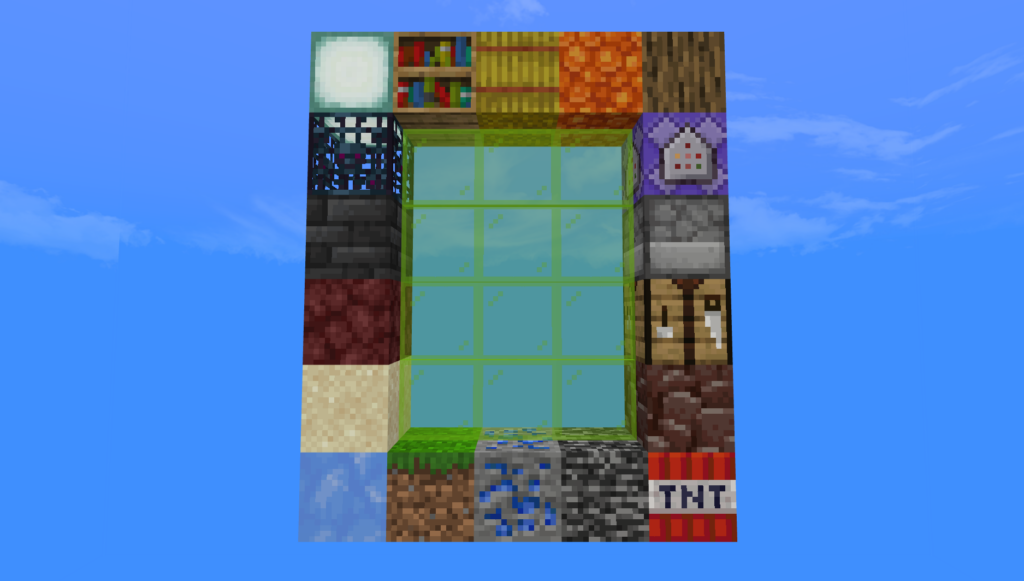
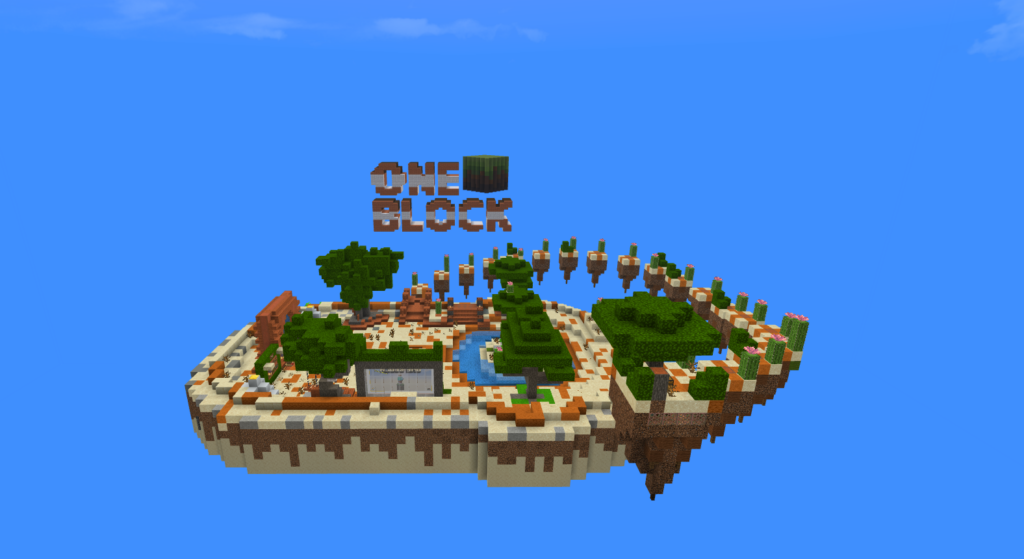
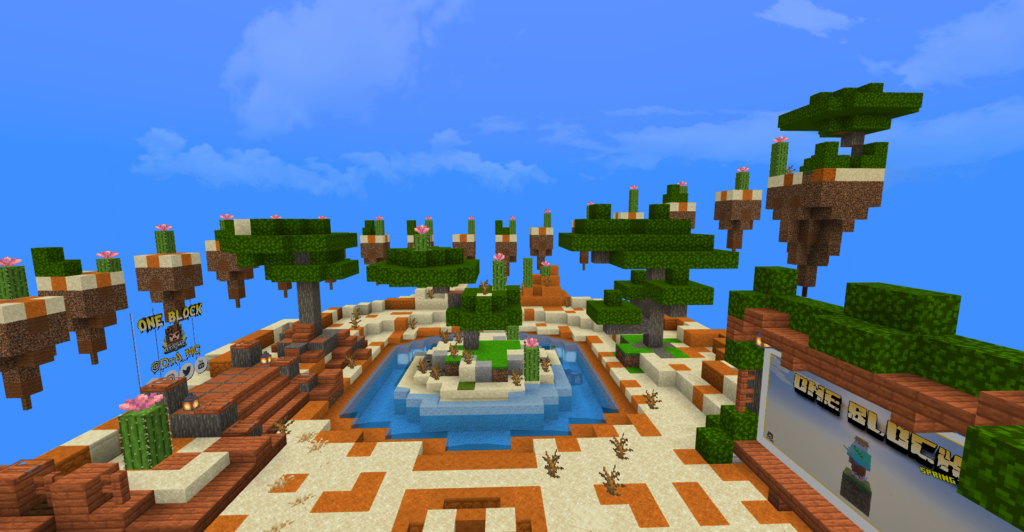
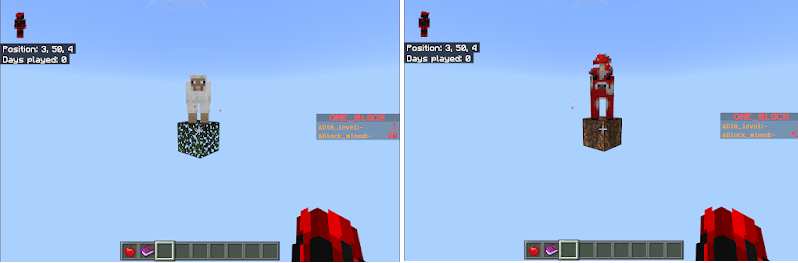
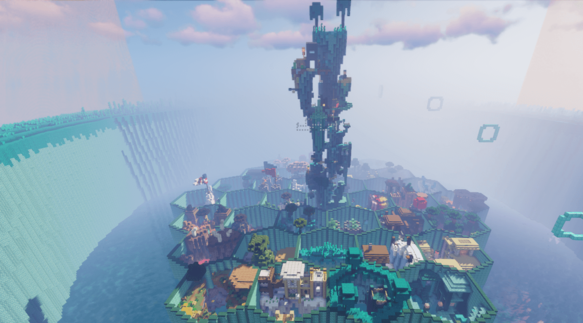
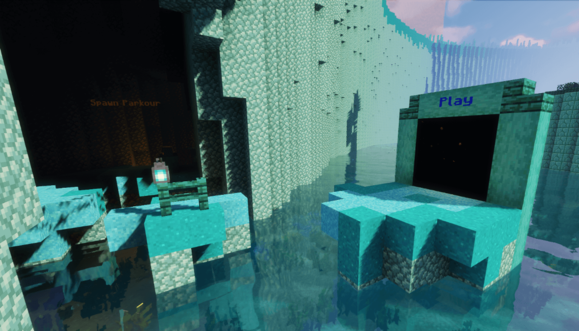
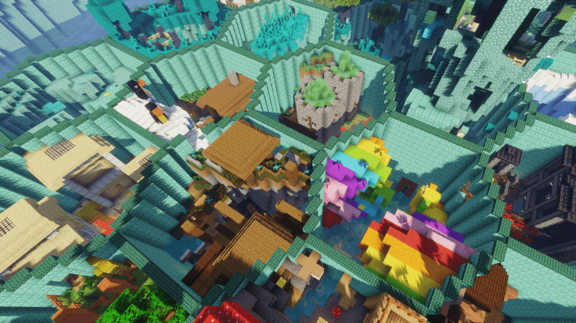
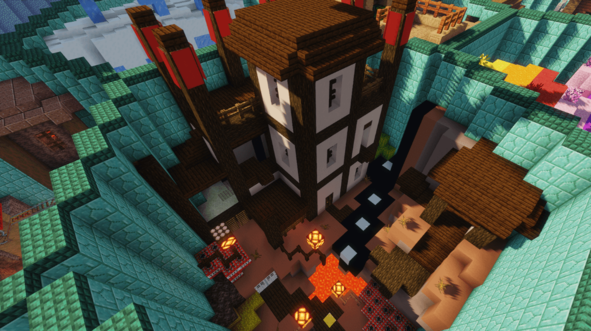
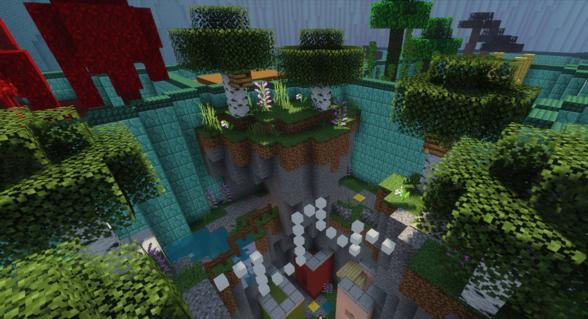
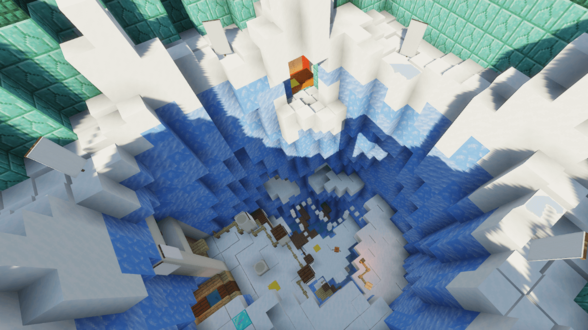
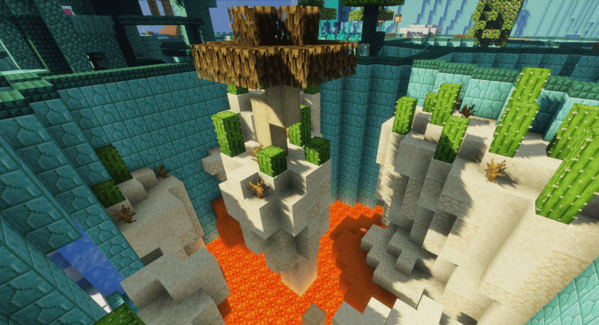
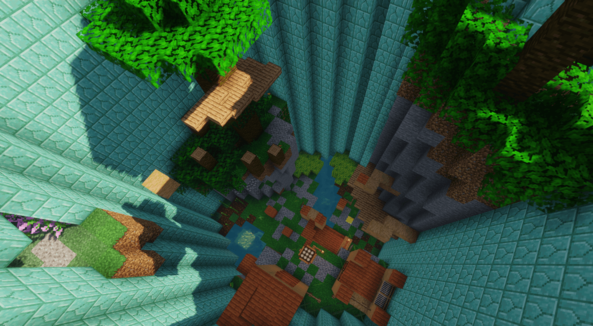
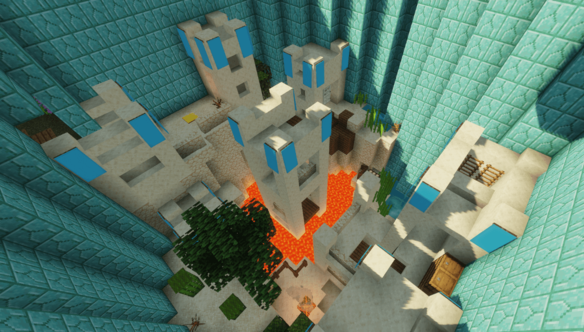
Welcome to the Ultimate Random SkyBlock Challenge! In this thrilling Minecraft map, the ground beneath your feet is never guaranteed—every 10 minutes, your island randomly changes, cycling through 180+ different blocks! One moment you’re standing on a stable stone platform, and the next… it could be lava, TNT, or even bedrock.
This unique mechanic keeps you on your toes, demanding quick thinking, smart planning, and adaptability. Will you rush to build before the terrain shifts? Or play it safe and prepare for chaos?
Whether you’re building, exploring, or surviving, every session is unpredictable, intense, and endlessly replayable. Get ready to test your skills in a SkyBlock experience like no other!
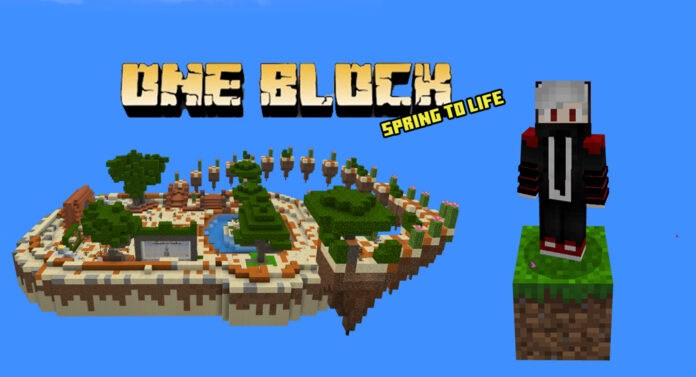
A Skyblock Map That Never Stays the Same!
Step into a brand-new twist on the classic Skyblock experience — where your island completely changes every 10 minutes. Forget slowly expanding a single floating island. In this map, you’ll need to think fast and adapt constantly as the terrain resets into a random new layout with every cycle.
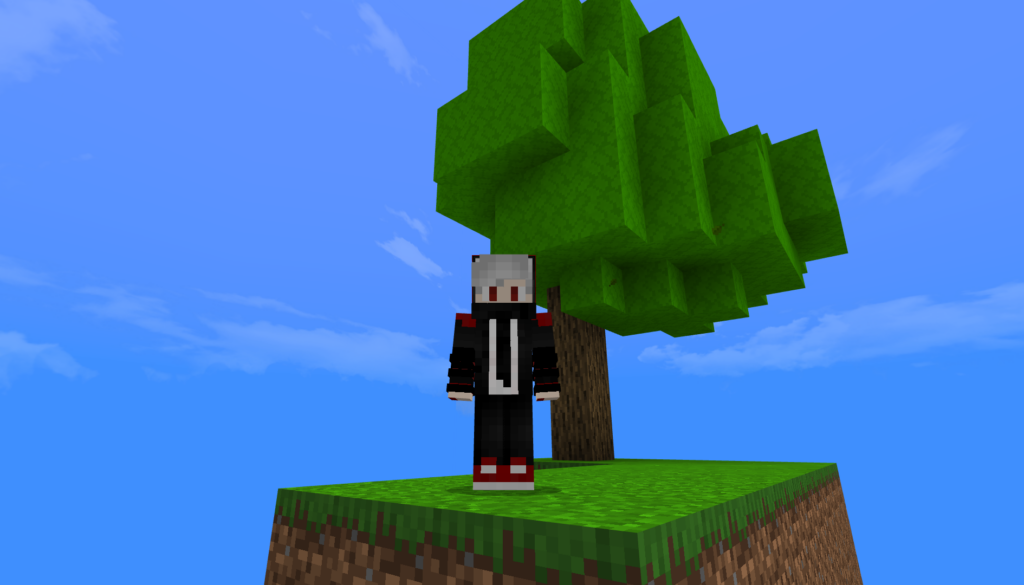
One moment, you’re farming peacefully on a grassy patch with a tree. The next, you’re stranded on a chunk of obsidian with a Nether portal — or worse, a single block of bedrock in a barren void!
Featuring 100+ unique island variations, each transformation brings new possibilities and challenges. Some islands are packed with ores and valuable loot, while others leave you scrambling for survival. Every decision counts: Do you harvest resources quickly, or wait for a better island?
With farms, spawners, and even entire structures shifting or vanishing, long-term planning is tough — but not impossible. The map rewards creativity, strategy, and quick thinking.
Whether you’re playing solo or with friends, this dynamic Skyblock offers an unpredictable, high-stakes adventure that will test your survival skills like never before.
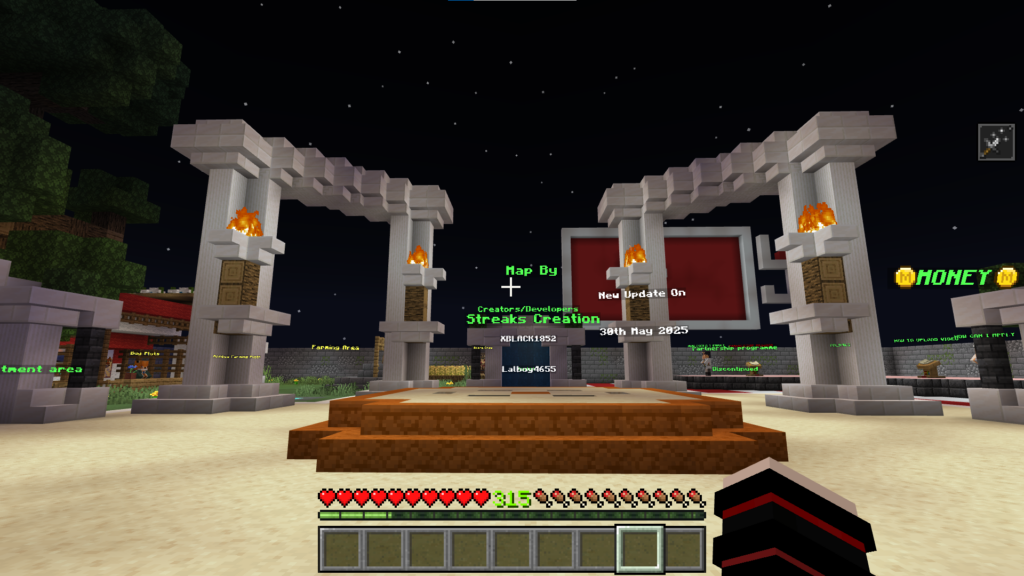
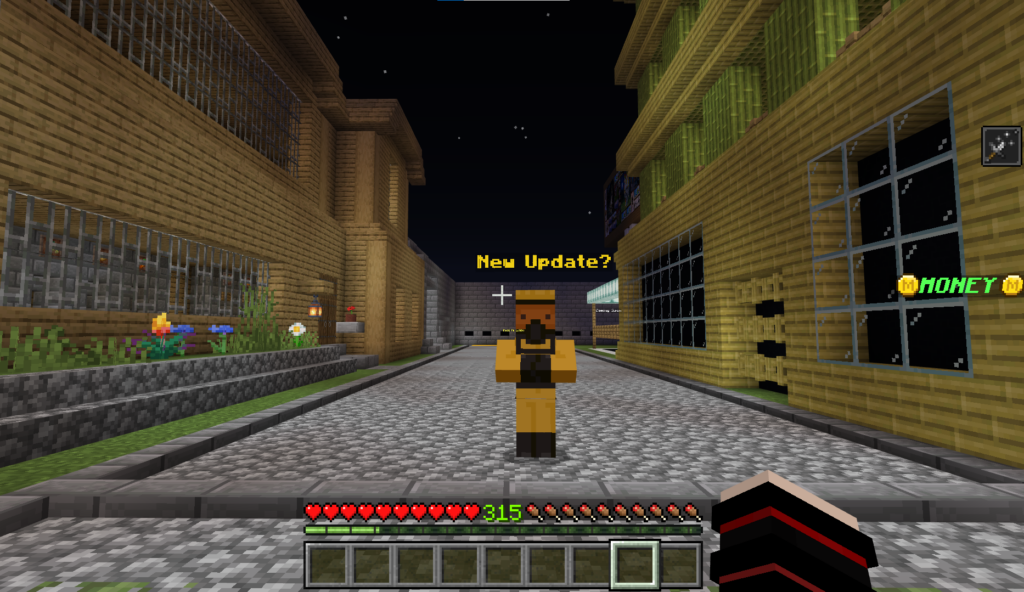
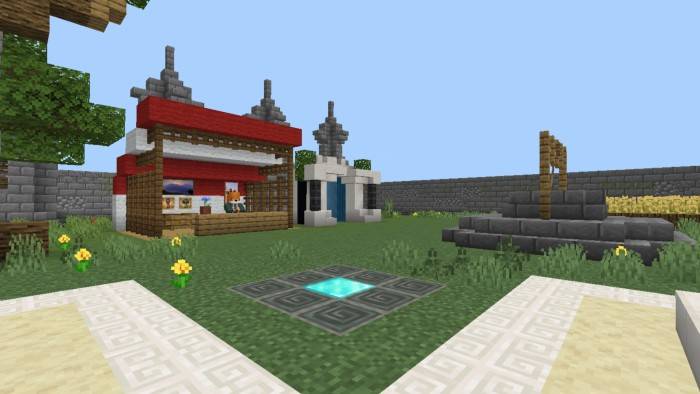
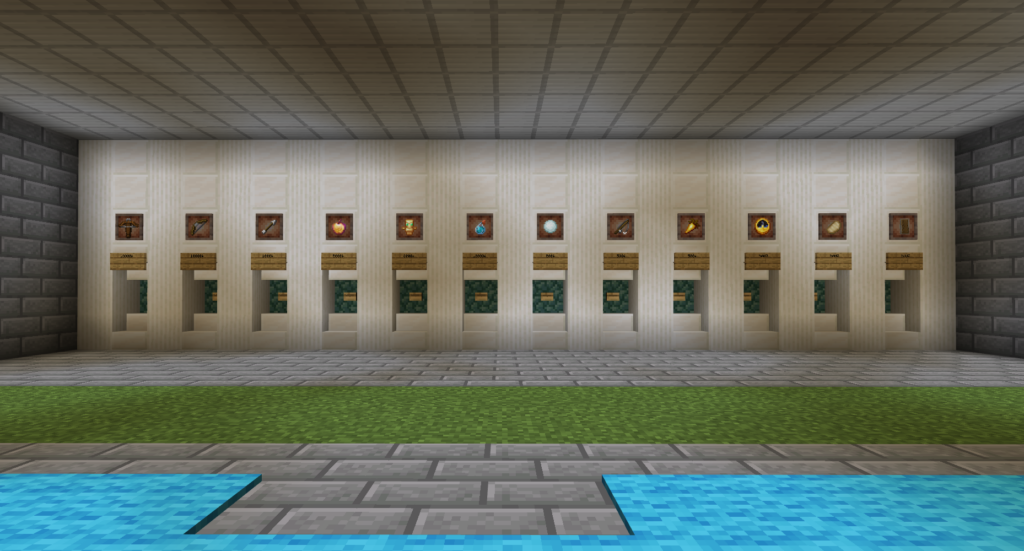
Skyblock Buy and Sell is a unique map where players can enjoy Minecraft with friends while building their empire. Start small, trade smart, and grow your wealth and power through various businesses. With no limits on creativity, this map supports roleplay and can be enhanced with additional mods for an even richer experience.
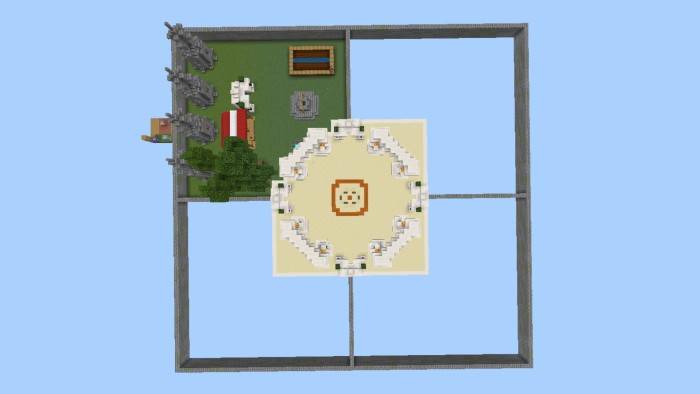
This map is currently in its beta stage with exciting new updates planned—next one dropping on May 30th! Dive into a dynamic world with four major zones: Mining Area, PVP Zone, Market Zone, and Enchanting Zone, each offering unique gameplay.
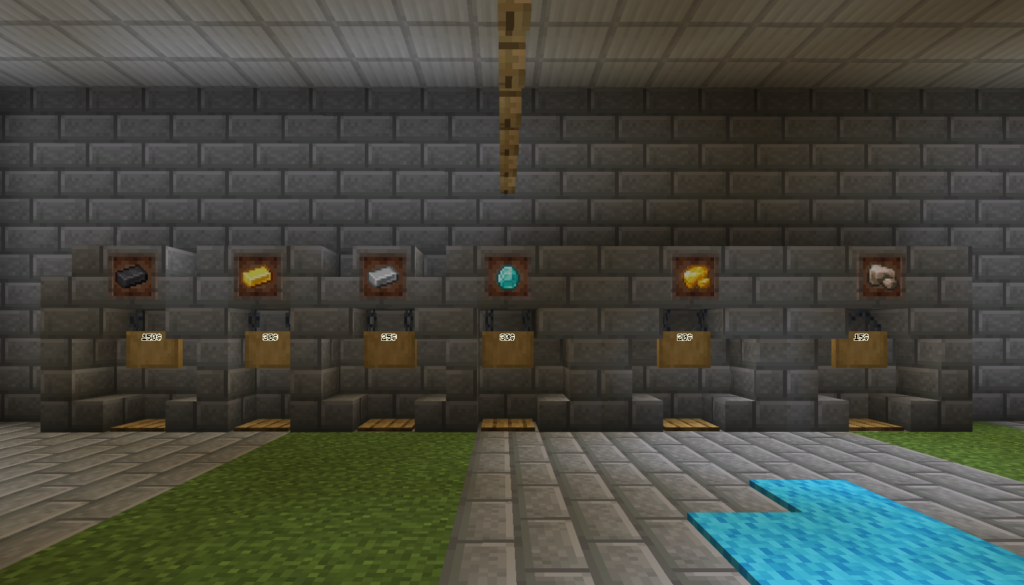
🪓 Start Small, Grow Big Begin in the Mining Area by grabbing a wooden pickaxe from the chest. Mine ores, smelt them, and sell for profit. As you gain experience, enchant your tools and upgrade your gear to mine faster and earn more.
💰 Build Wealth, Climb the Leaderboard Your journey to the top starts with earning your first $10,000. Use it to purchase your first farming plot, grow crops, and sell them in the market to multiply your earnings. The more plots you own, the more you’ll need to invest!
⚔️ Challenge Friends & Unlock Achievements Battle friends in the PVP Zone, unlock powerful items like the Mace, and complete fun challenges as you progress.
🏦 Coming Soon: Banking & New Currency! Future updates will introduce a Bank system and new currency to expand your adventure even further.
No limits, just creativity. Whether you’re playing solo or roleplaying with friends, this map is built for endless fun. Stay tuned for more updates!
There’s also a parkour course on this island — perfect for when you’re looking for something fun to do. It may look simple at first, but don’t be fooled — it’s more challenging than it seems!
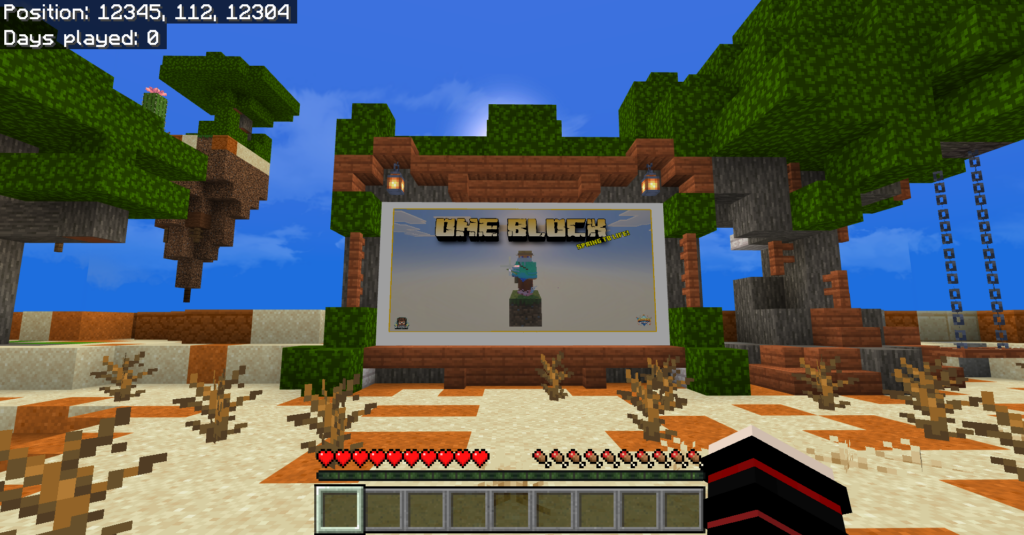
THERE ARE 16 LEVELS IN ONEBLOCK:
Plains
Underground
Deep Cave
Snowy
Desert
Jungle
Barren Lands
Ocean
Pale Garden
Swamp & Cherry
Mansion
Nether
Trail Ruins
Ancient City
Stronghold
Infinite {This is not a level}
Don’t use kill & scoreboard commands in Minecraft!
Aqua Parkour delivers a fresh, paradise-themed twist on classic parkour maps. Packed with custom mechanics and multiplayer support, Aqua Parkour Map is perfect for playing with friends or tackling solo challenges.
Creator: Teddyishappyl
🌊 Aqua Parkour Map (1.21.70+) – By Teddyishappyl
🔹 Key Features:
🧭 Original Builds: Navigate unique environments like underwater tunnels, floating islands, and cascading waterfalls.
🌀 Dynamic Design: Each area is crafted for visual immersion and exciting gameplay.
🧱 Challenging Courses: Test your parkour skills with a variety of clever obstacles and surprises.
👥 Multiplayer Ready: Team up with friends for shared fun or compete to see who finishes first!
Whether you’re a parkour pro or just getting started, this map promises a fun and scenic challenge.
Installation
Download now and start your splash-filled journey!
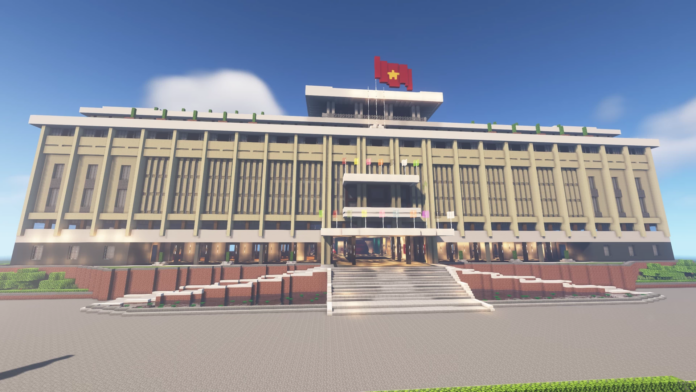
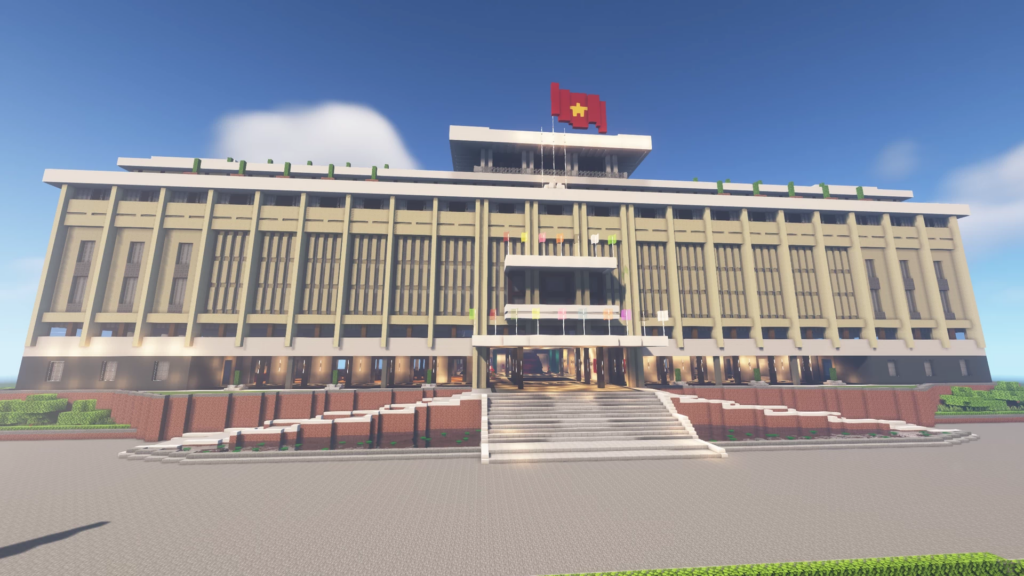
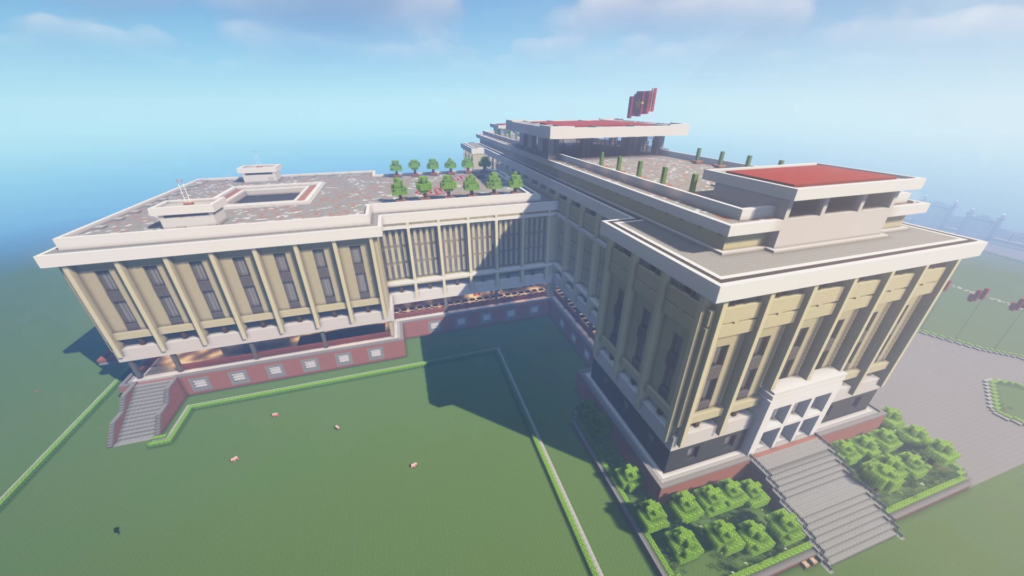
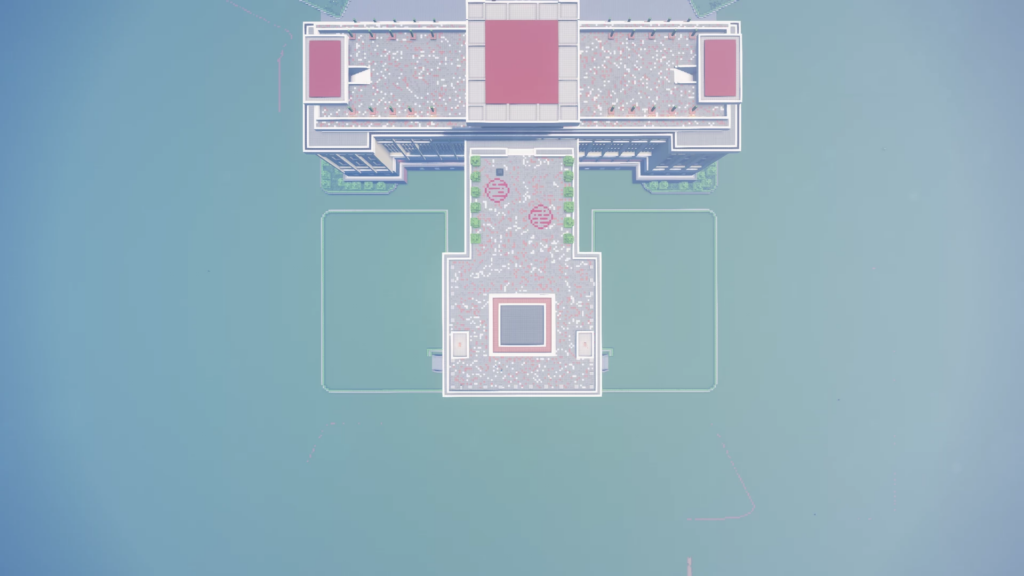
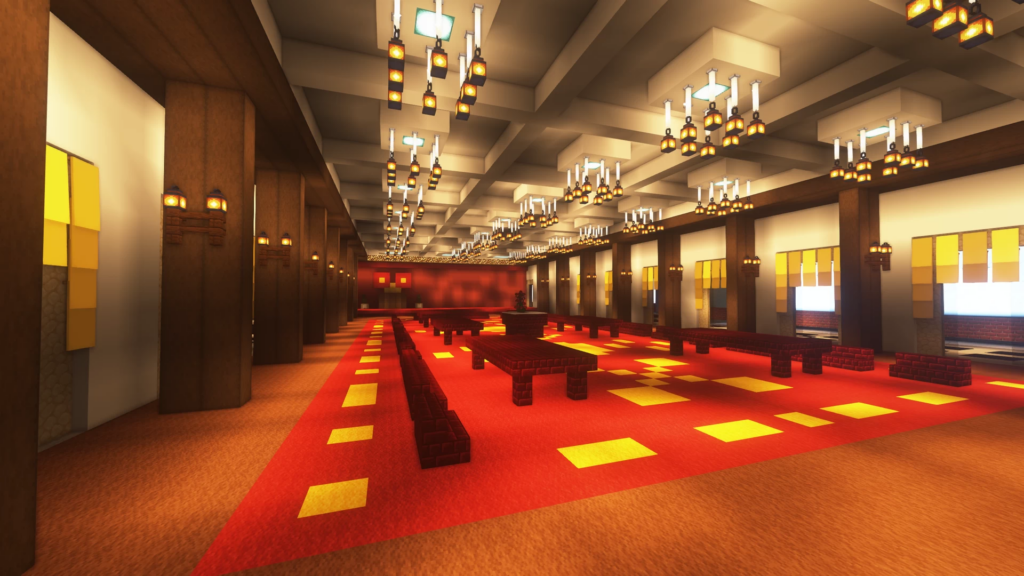
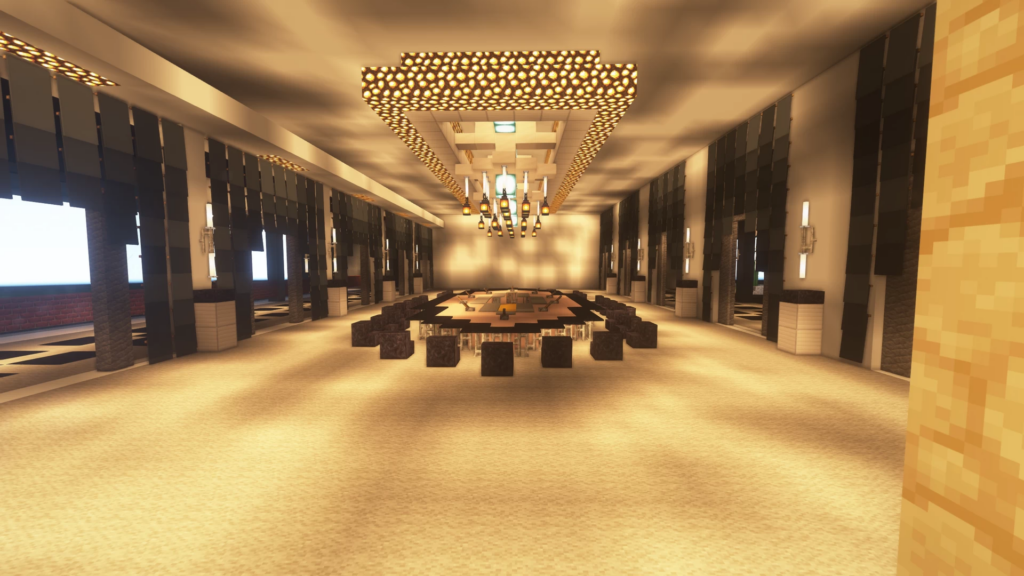
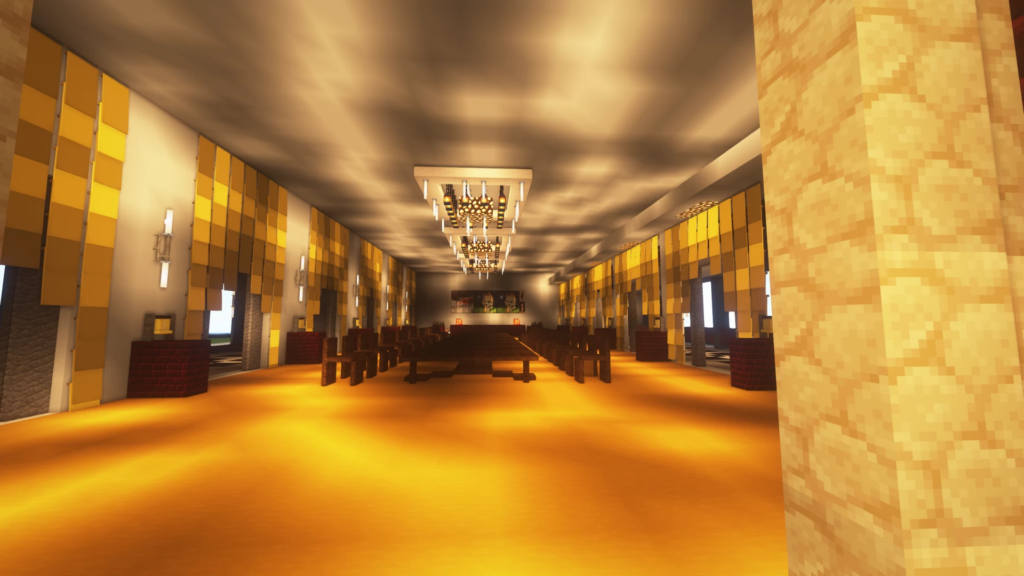
Explore Vietnamese history in Minecraft! Download the Independence Palace (Dinh Độc Lập) Map for Minecraft Pocket Edition (MCPE) and experience one of the most iconic landmarks in Vietnam—faithfully recreated for Minecraft Bedrock players.
Creator: MrQuan004
What Is the Independence Palace – Dinh Độc Lập?
The Independence Palace, also known as Dinh Độc Lập, is a historic building in Ho Chi Minh City, Vietnam. It played a central role in the Vietnam War and symbolized national unity and independence. Now, you can explore this cultural treasure in the world of Minecraft!
✅ Perfect for fans of historical Minecraft maps, Vietnam-themed builds, and educational gameplay.
Key Features of this Minecraft Map
– Realistic 3D build of the actual Independence Palace
🏗️ Add furniture mods and decor addons to customize interiors
🧩 Add war tank vehicle addons to reenact historical scenes,
🛡️ Use PvP addons for historical battles or zombie sieges
🧑🏫 Great for educational projects about Vietnam’s history and culture
Whether you’re into roleplay, historical builds, education, or just want a unique experience in Minecraft, the Dinh Độc Lập map is a must-have. Combine it with other mods, maps, and addons to build your perfect Vietnamese world.
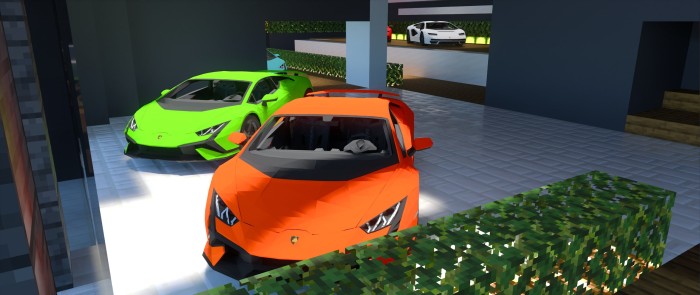
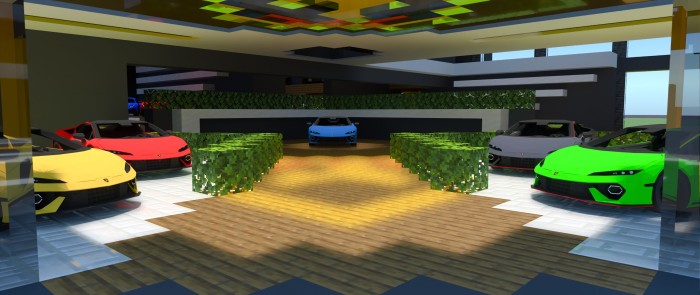
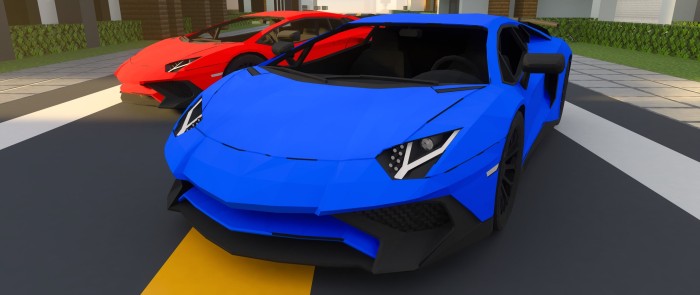
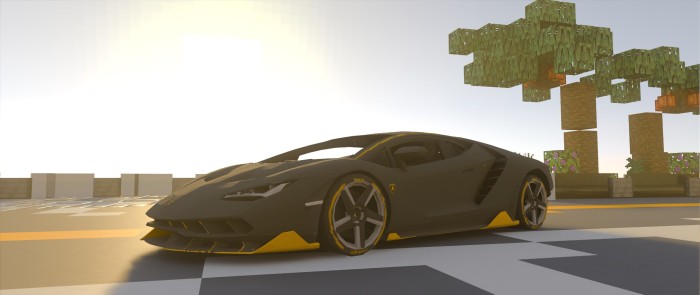
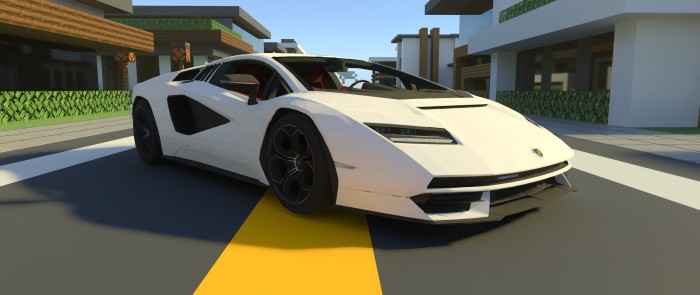
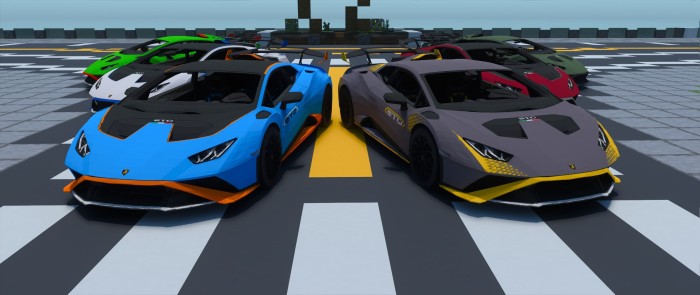
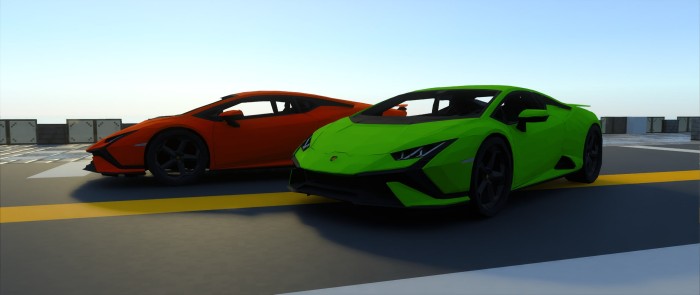
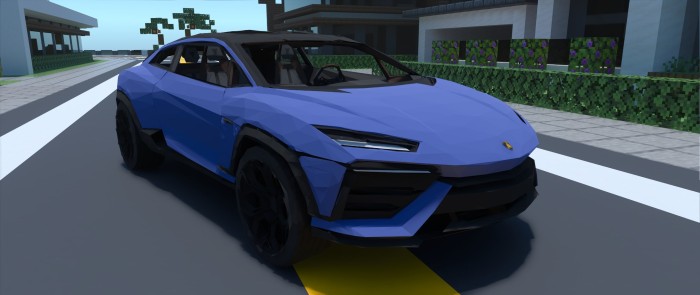
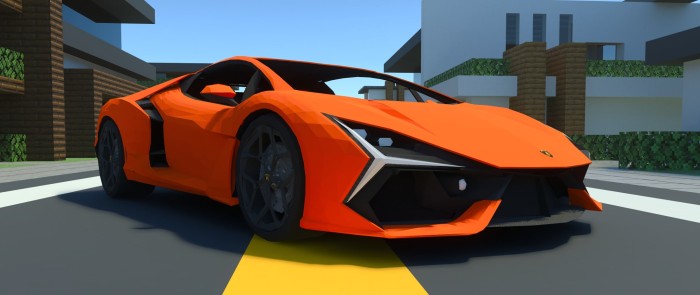
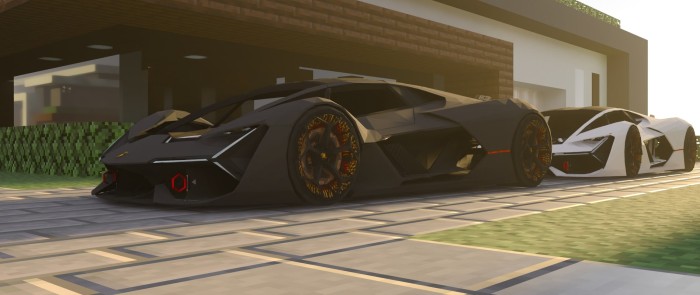
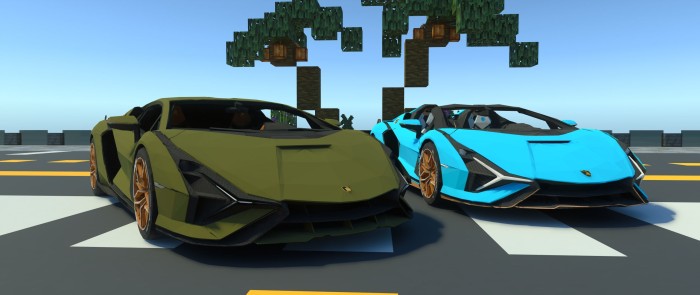
Lamborghini is a brand built on speed, power, and pure adrenaline. Its iconic designs and performance have inspired generations of car enthusiasts and marked the beginning of countless automotive journeys. From legendary race cars to cutting-edge concepts, Lamborghini delivers everything—if it’s fast, it’s here: Lamborghini Ultimate Car addon.
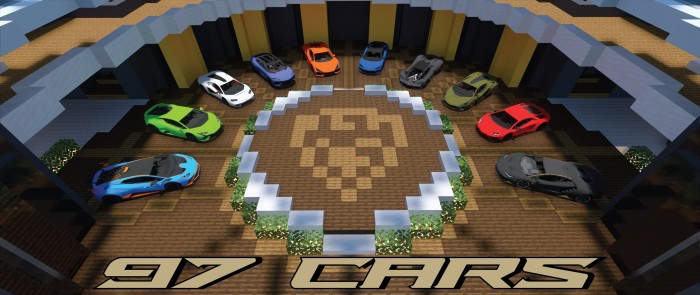
This lamborghini ultimate pack brings together all of my Lamborghini addons, including the Aventador, Centenario, Countach, Huracan STO & Tecnica, Lanzador, Revuelto, Sian, Temerario, and Terzo Millennio—a total of 97 cars. Now featuring RTX support and stunning animations! (Check individual descriptions for more details.)
Individual Car
Aventador SV | Colors: 16
Centenario | Colors: 9
Countach | Colors: 9
Huracan STO | Colors: 14
lamborghini-ultimate-car-pack
Huracan Tecnica | Colors: 8
Lanzador Concept | Colors: 7
Revuelto | Colors: 11
Sian & Sian Roadster | Colors: 8 – Terzo Millennio Concept | Colors: 7
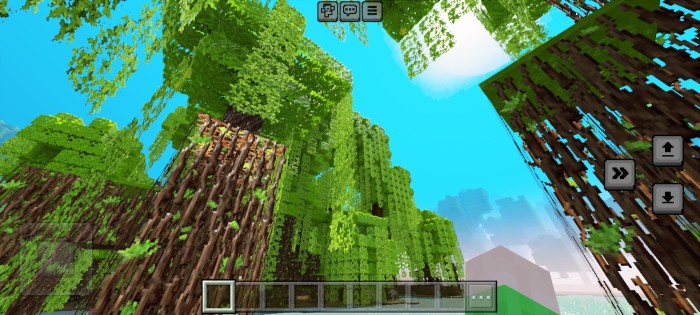
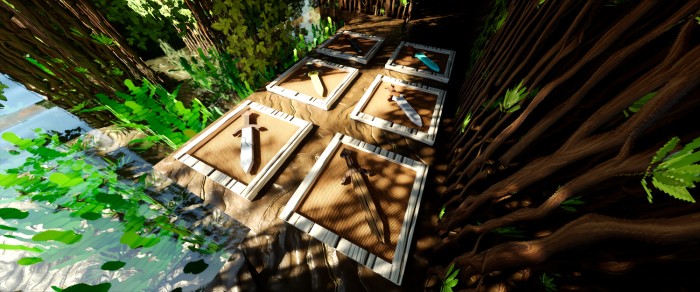
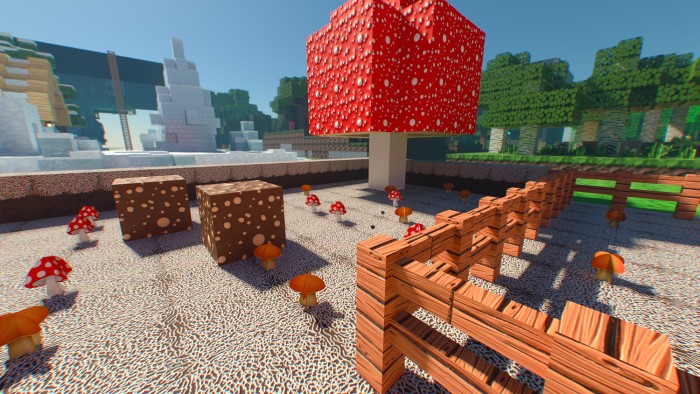
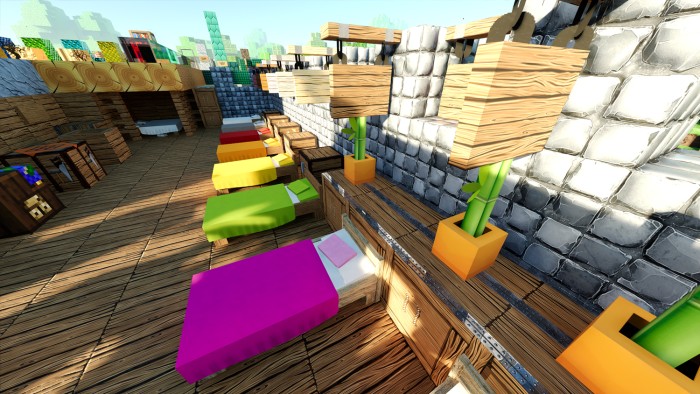
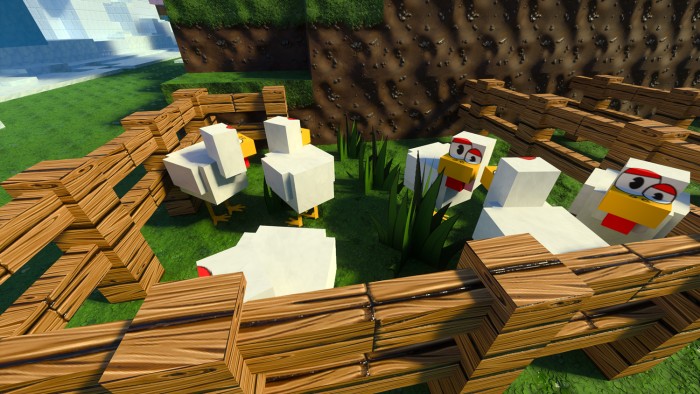
A fully cartoon-styled texture pack, available in both LOW and HD versions! Supports RTX and Deferred Rendering for stunning visuals. Every texture includes detailed PBR maps, complete with realistic surfaces and reflections for a vibrant and immersive Minecraft experience.
Cre: REALSOURCE RTX PACK
RealSource Cartoon RTX
Many new and modified textures
Transparent Ice and Slime blocks
Fixed many bugs
No more blue squares in textures
New blocks from Minecraft 1.21
Maximum possible settings for nice deferred rendering
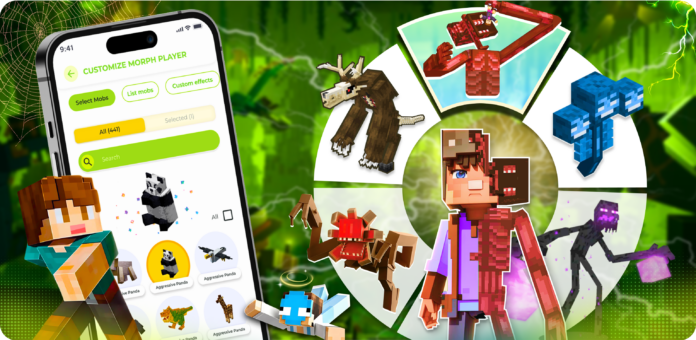
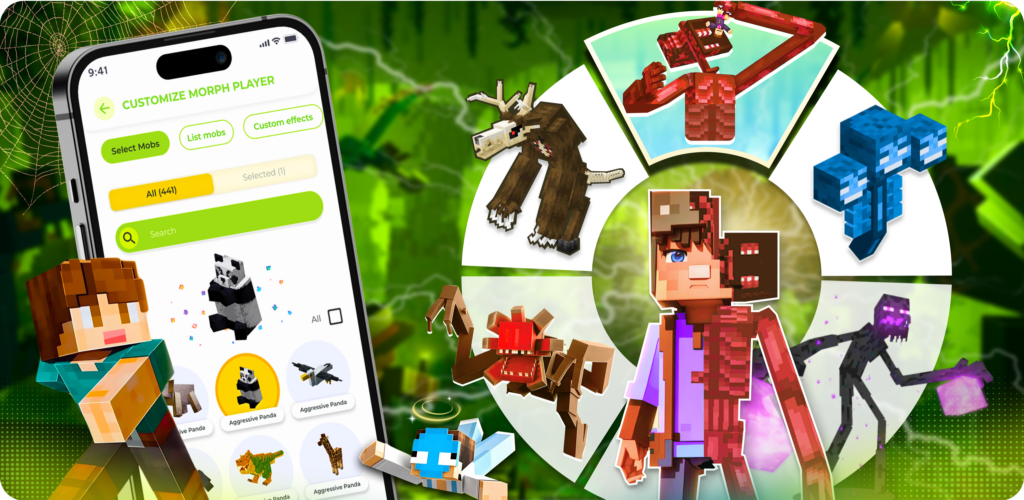
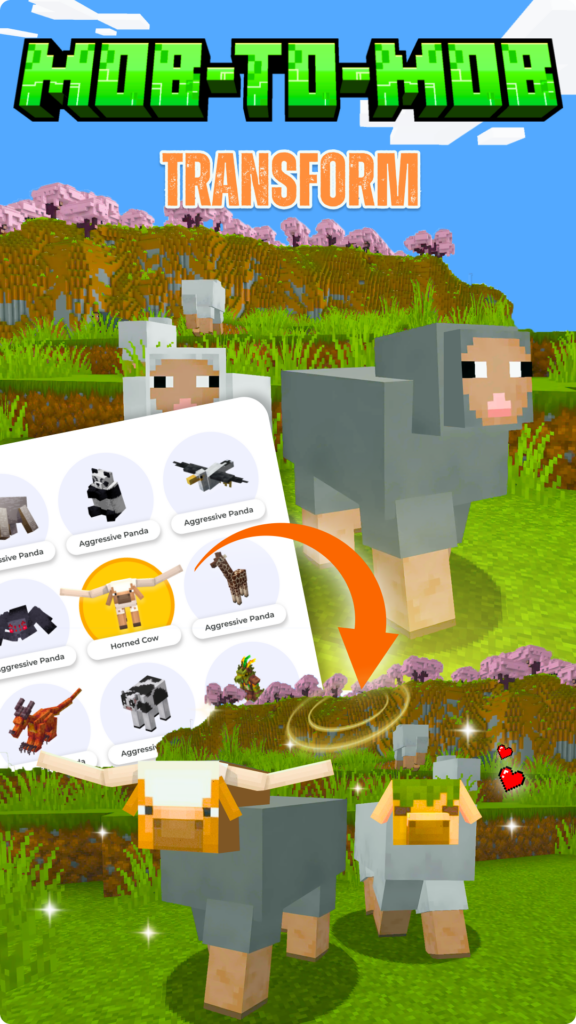
Morph Mod Maker for Minecraft is a Minecraft tool that lets you fully embrace the abilities of any mob. Whether you morph into a creature yourself or make mobs shift into entirely new forms, you gain the ultimate disguise and the freedom to transform at will—making gameplay more immersive, strategic and endlessly entertaining.
Morph Mod Maker for Minecraft
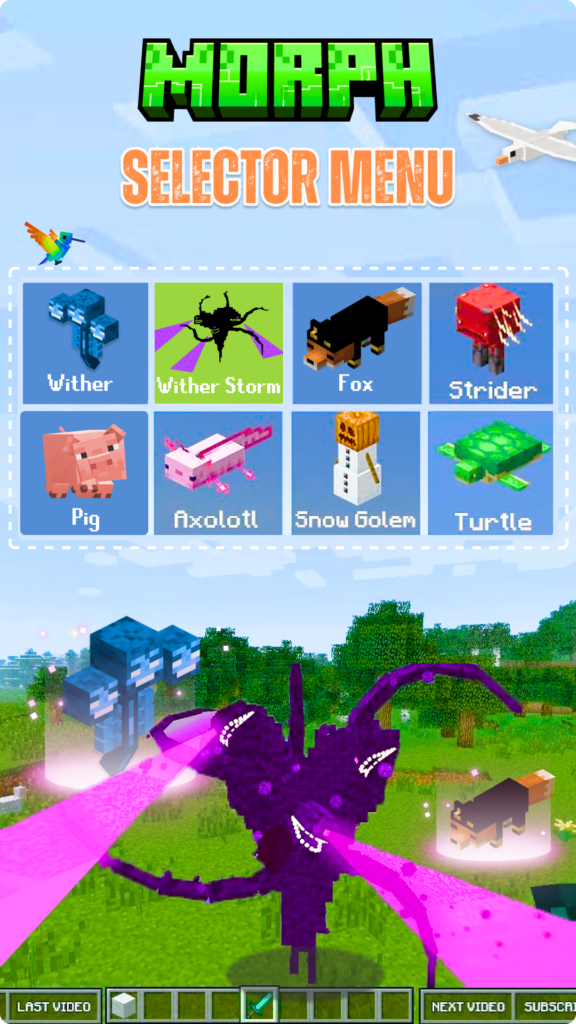
Features and Functionality 🕹️ Extensive Morphing with over 400 Mobs options 🐾 Switch identities easily with Morph menu 🛡️ Extensive collection equipment with “Multiples Mobs” feature. 🎮 Compatible for almost Minecraft version (1.21), other Addons. 🎨 Customize sound and Animation Mobs
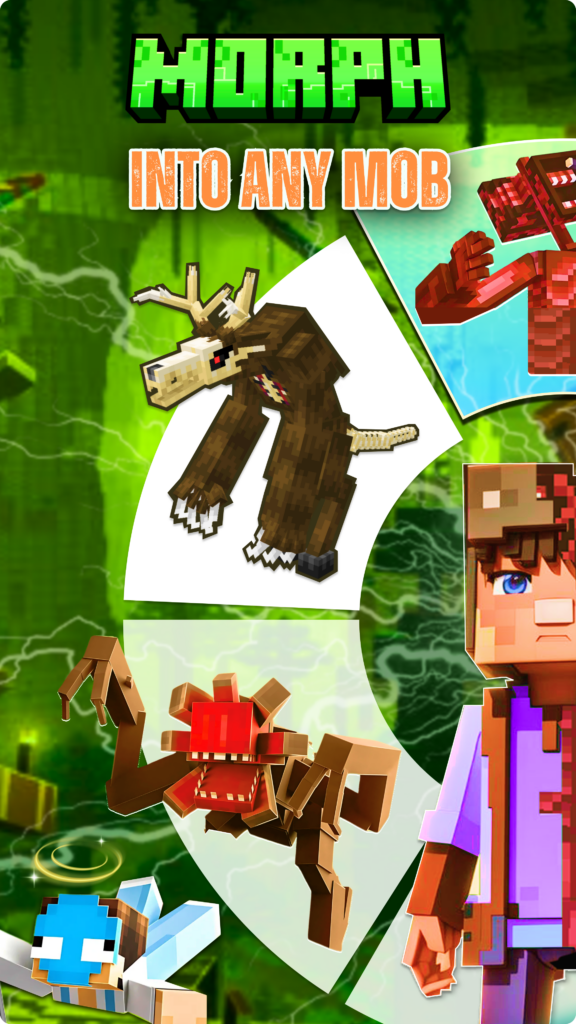
🔹 Player Morph into Mob – Transform into Any Creature Adapt to your environment by transforming into over 400 different mobs with Morph Mod Maker for Minecraft. It offers a truly diverse and immersive transformation experience, allowing you to become anything from familiar creatures like Zombies, Skeletons, and Creepers to rare and powerful beings like the Ender Dragon or Wither.
Video Introduce:
🔹 Mob Morph into Mob – A World of Changing Creatures Not only can Minecraft players morph—mobs can too! With Mob Morph into Mob, creatures can unpredictably transform, like a Creeper becoming a Blaze or a Villager turning into a Ravager. This feature adds surprise and excitement, perfect for those who love experimenting in both survival and creative modes.
List morphing Mobs: Axolotl, Bat, Bee, Blaze, Cat, Chicken, Cow, Creeper, Dorwned, Enderman, Fox, Ghast, Horse, Husk, Iron Golem, Pig, Sheep, Shulker, Skeleton, Slime, Snow Golem, Spider, Stray, Vex, Villager, Witch, Wither Skeleton, Wolf, Zombie, and …
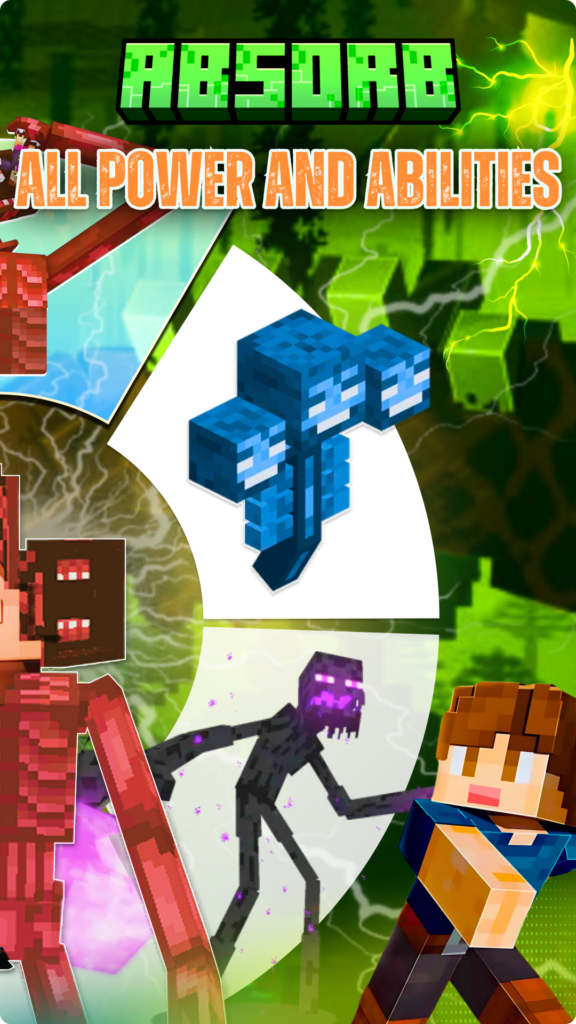
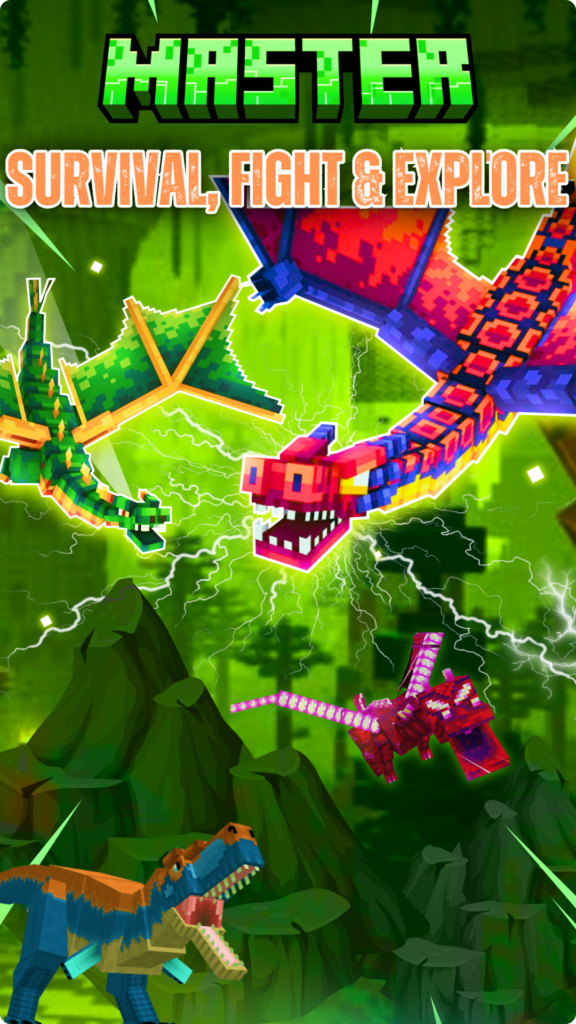
🔹 Unleash the Powers of Every Mob You Morph Into One of the most thrilling aspects of Morph Mod Maker for Minecraft is that every transformation isn’t just for show—you become the mob, powers and all. Scale walls like a Spider, rain down fireballs like a Ghast, or slice through the water like a Dolphin. With each form, new possibilities unfold, turning survival, combat, and exploration into an ever-evolving adventure.
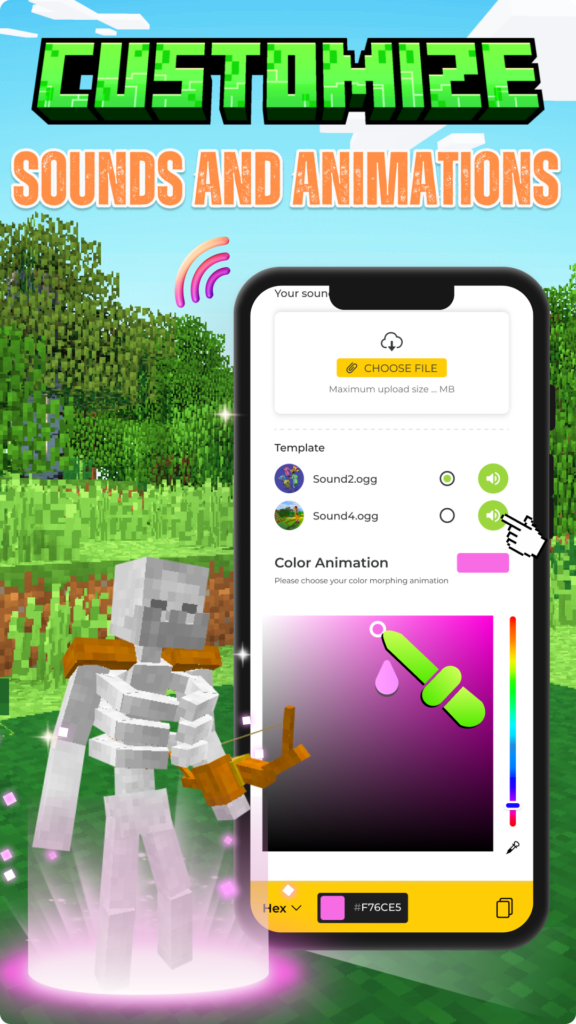
🔹 Customize Morphing Sounds & Animations To make morphing even more immersive, the mod allows you to fully customize the transformation process. Adjust sound effects for a richer experience, change the Minecraft morph animation color to suit your style, and create seamless, cinematic transitions between forms.
Go beyond the limits of ordinary Minecraft and enter a world where transformation unlocks new adventures. Get Morph Mod Maker for Minecraft today and experience the game like never before—because in a world of endless possibilities, why stay the same? Warning: You must interact with or kill at least one mob for the morph menu to appear.
Disclaimer: NOT AN OFFICIAL MINECRAFT PRODUCT. NOT APPROVED BY OR ASSOCIATED WITH MOJANG OR MICROSOFT. This app is an unofficial add-on for Minecraft Pocket Edition and is not affiliated with Mojang AB. The name Minecraft, the Minecraft trademark, and assets related to Minecraft are the property of Mojang AB or their respective owners. All rights reserved. Please note that this app is compliant with http://account.mojang.com/documents/brand_guidelines.
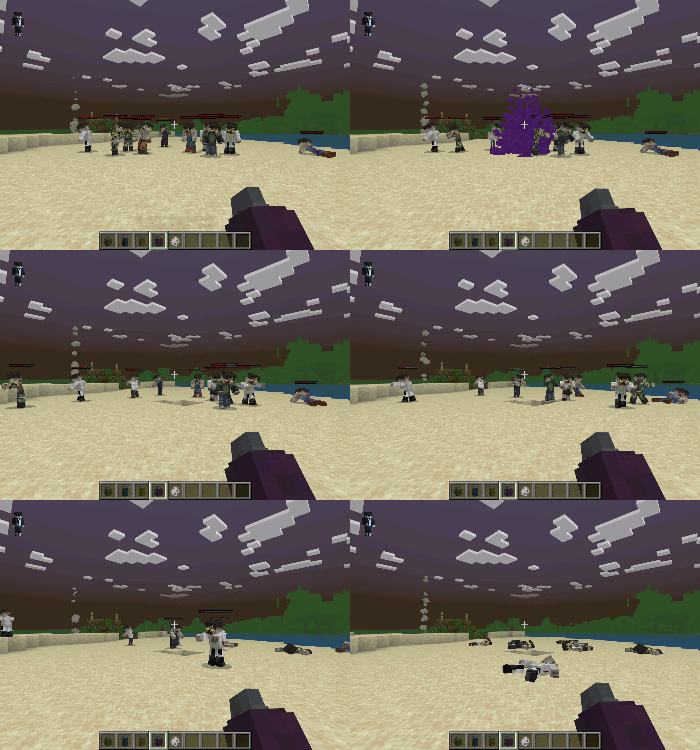
Zombie Apocalypse LITE is a LITE version of the add-on, optimized for low end devices like Mobiles and Tablets. If you would like to play the full version you can download it here!
This add-on is designed to be as hard as possible with little chance of survival, every feature added or edited has been done for a reason. To the amount of Zombies to how many Drinks you can find has been designed to be difficult. The add-on is very survivable but only if your good enough.
This add-on DOES NOT require experimental features but avoid mixing it with other add-ons that use the player.json files to avoid errors.
The player.json is used in this add-on
If you have any questions or queries try asking on the Discord Server.
Your First Day!
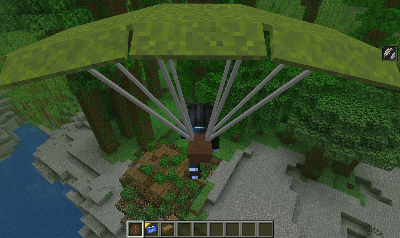
Every Player will start their game falling from the sky with a Parachute attached, this is so you do not get spawn killed on your first day choose a good spot to land and get going.
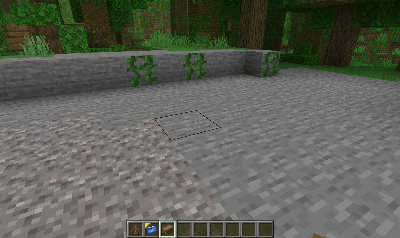
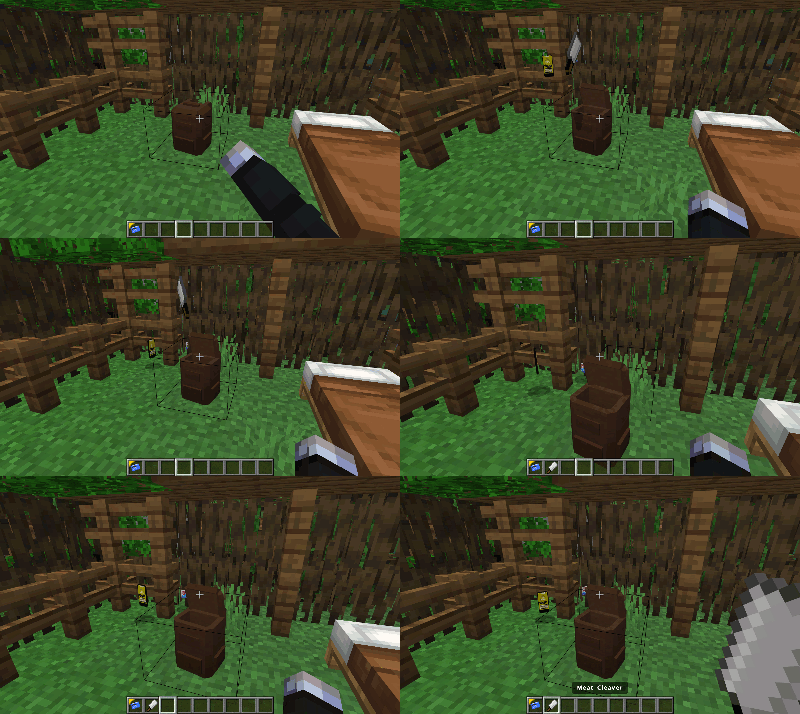
As well as a Parachute you will be given a Starter Kit, place it down and open it to obtain a few items to get you started.
Getting Food!
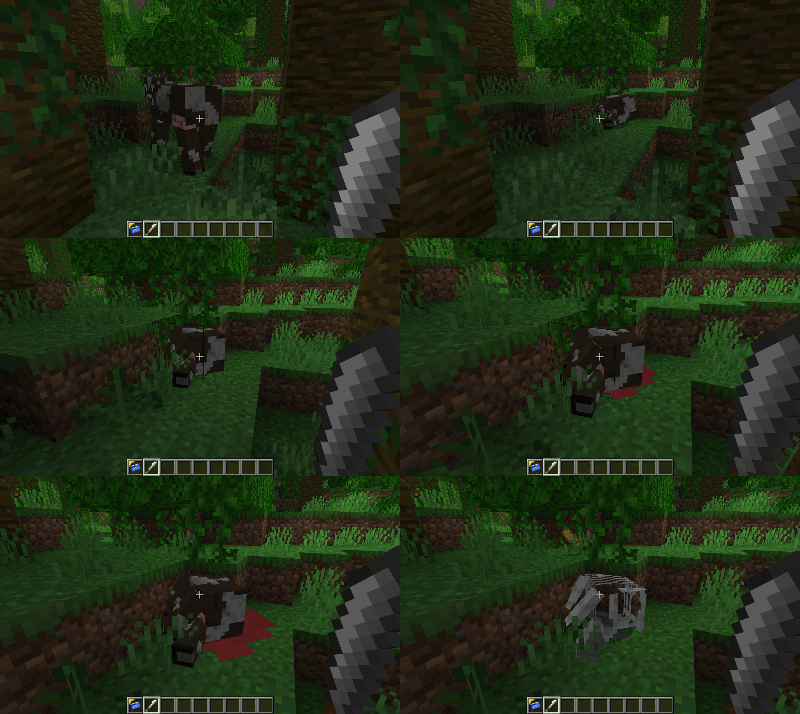
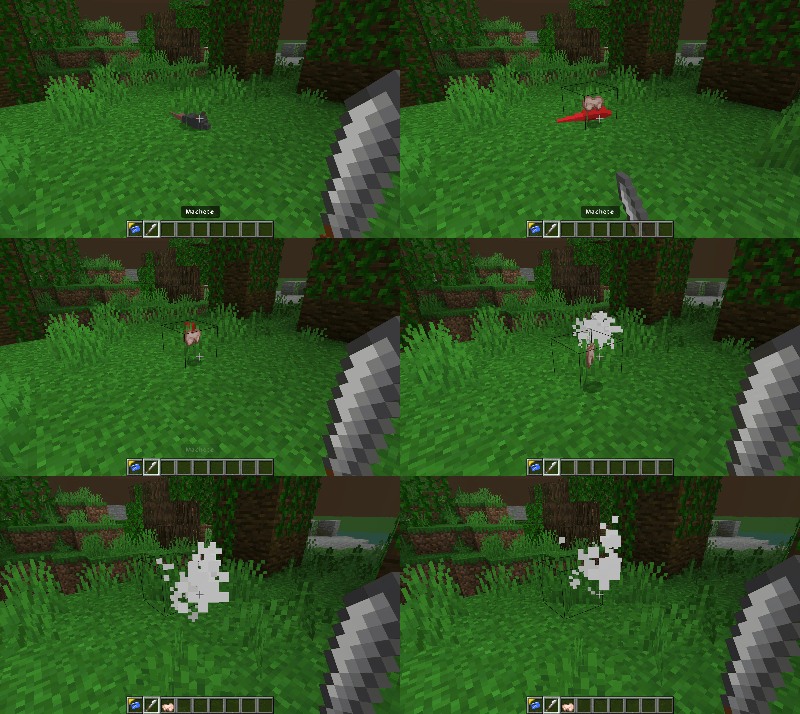
Animals will not give you food just because you killed them, you will need to use a Sharp Tool to get the meat from the Animals manually, if the aniamls has not been vaccinated then you will only get Contaminated Meat from them. Contaminated Meat has a high chance of giving you the Hunger effect.
Your main source of food will come from looting Food Boxes and Food Cupboards in Structures
Rats and Crows can be killed for thier meat, cook it first though.
Get Tooled Up!
By looting Structures you will come across some basic tools to help you kill the Zombies, things like Screwdrivers, Hammers and Baseball Bats.
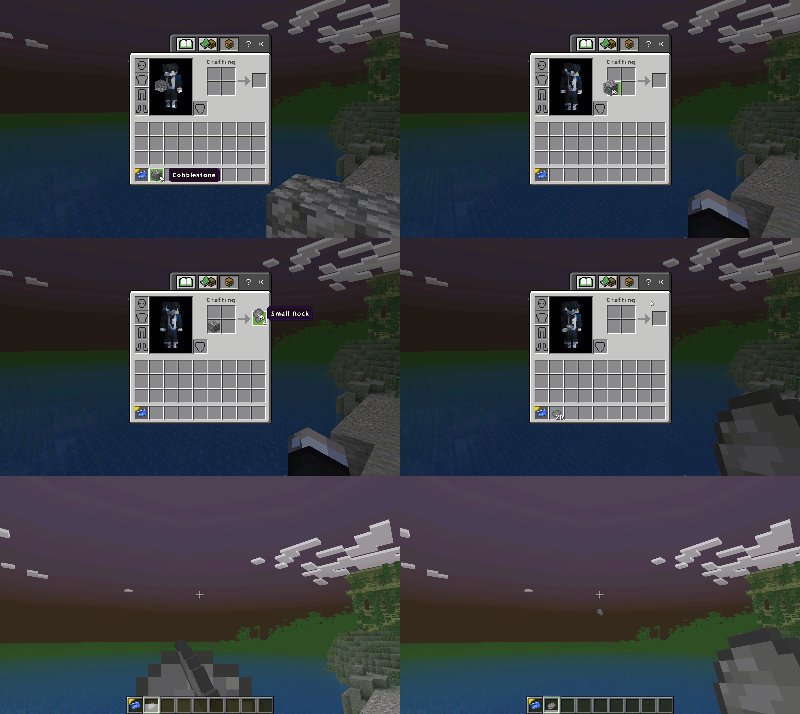
If you are unable to find a Tool try mining some stone to turn into Small Rocks to throw at the Zombies.
Trade Items!
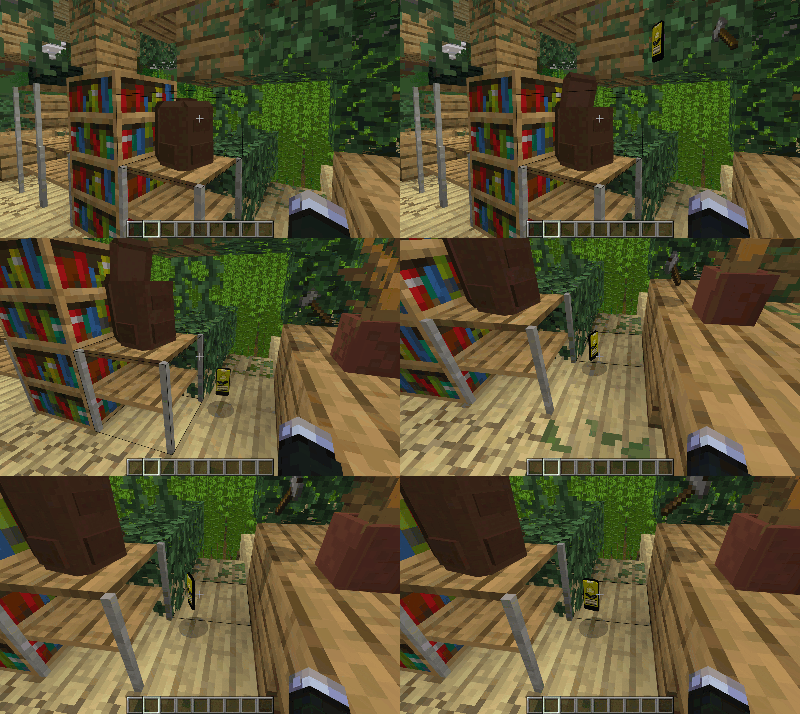
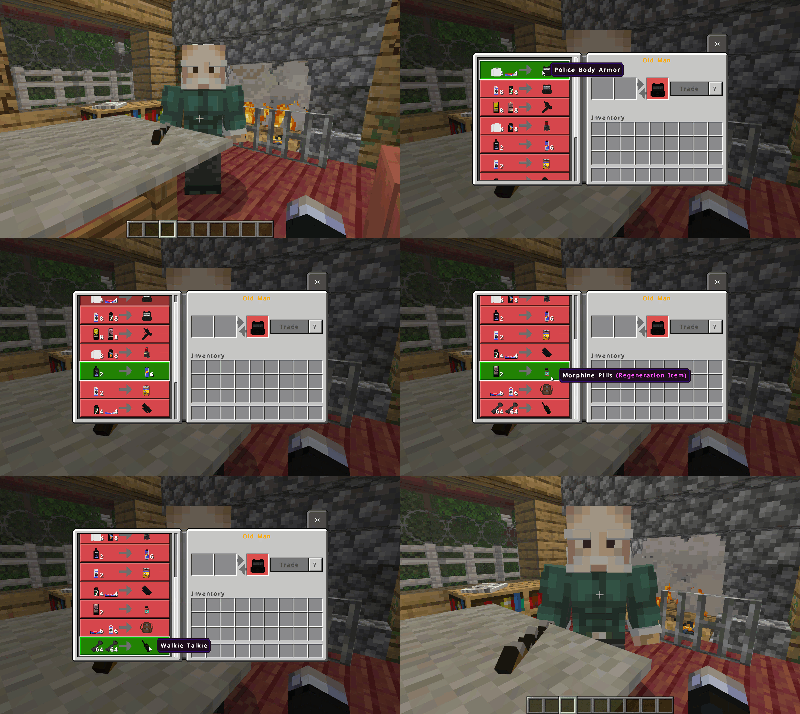
As you loot more and more Structures you will notice items like Shampoo and Toilet Roll, they may seem like completely pointless items but they are probably the most imortant as they are the items used to trade with other Humans, collect all these items as they will be useful in the future.
Humanity!
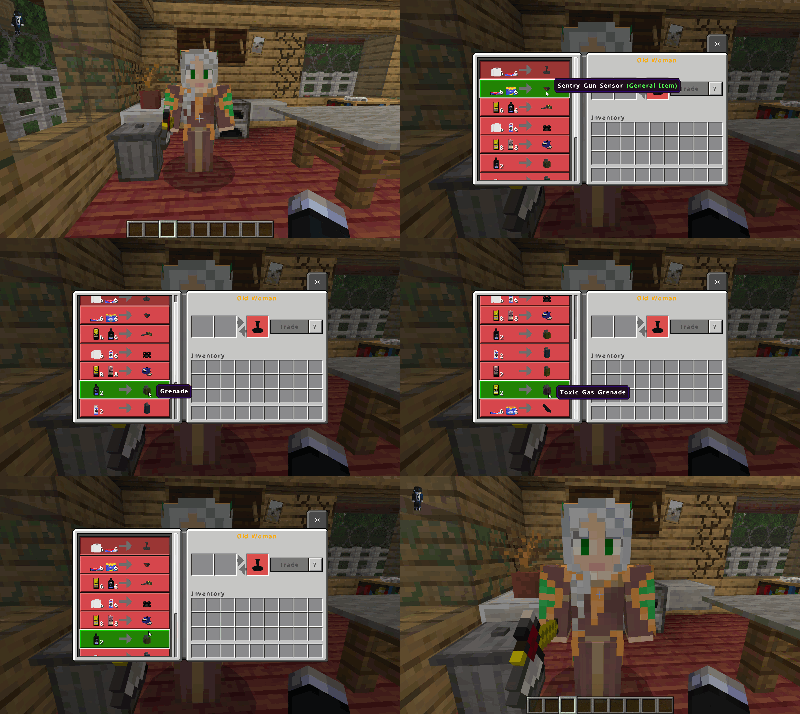
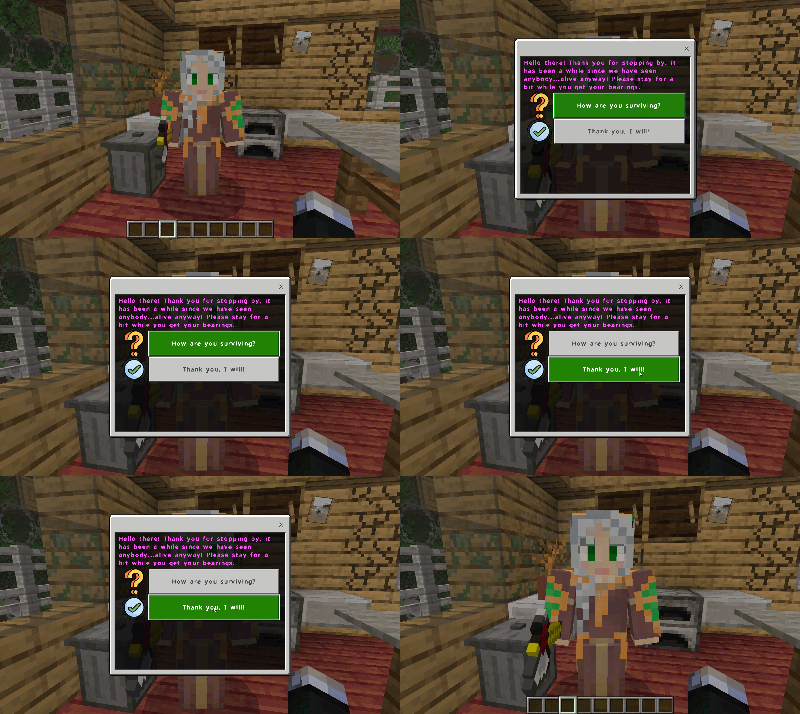
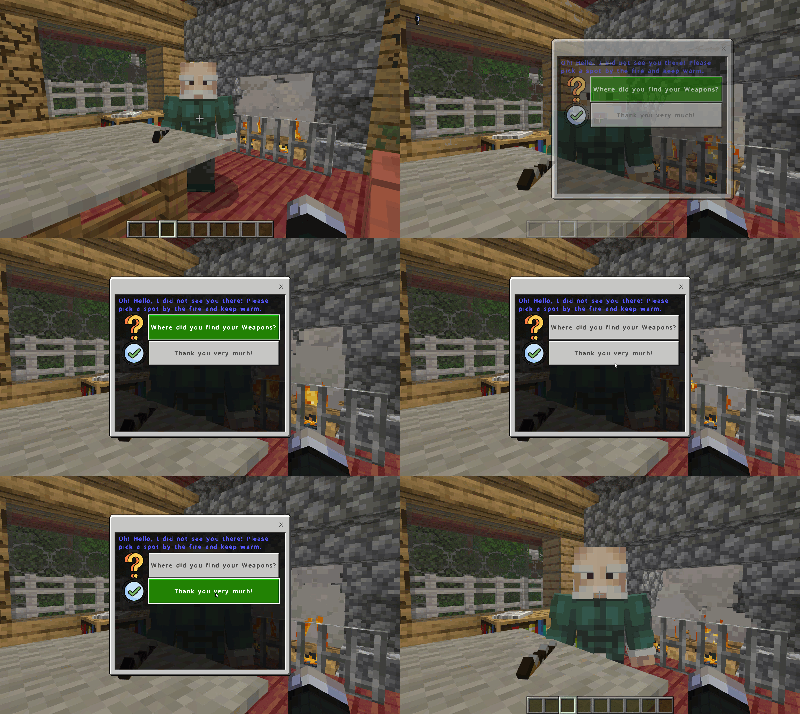
On your travels you will notice more secure less run down Structures, these are other Humans who are surviving the Apocalypse. These Humans will have some items to trade you,
If your stuck on what to do next try speaking to the Survivors, they will have hints and tips to give you clues on where to go. Sneak and Interact to talk to the Survivors.
Shoot em’ all!
Guns are a big part of staying alive in a Zombie Apocalypse. Hand Guns can be found in Military Crates in Structures, more powerful guns will need to be traded or found in a Supply Crate.
Guns will only shoot if the player has the correct ammunition in their inventory. Each Gun requires it’s own ammunition which can be found or crafted.
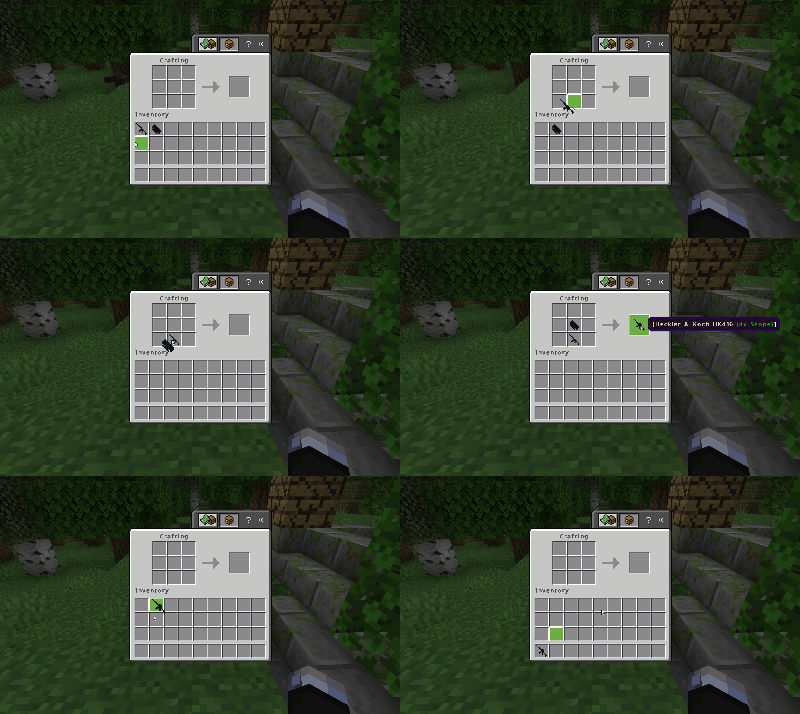
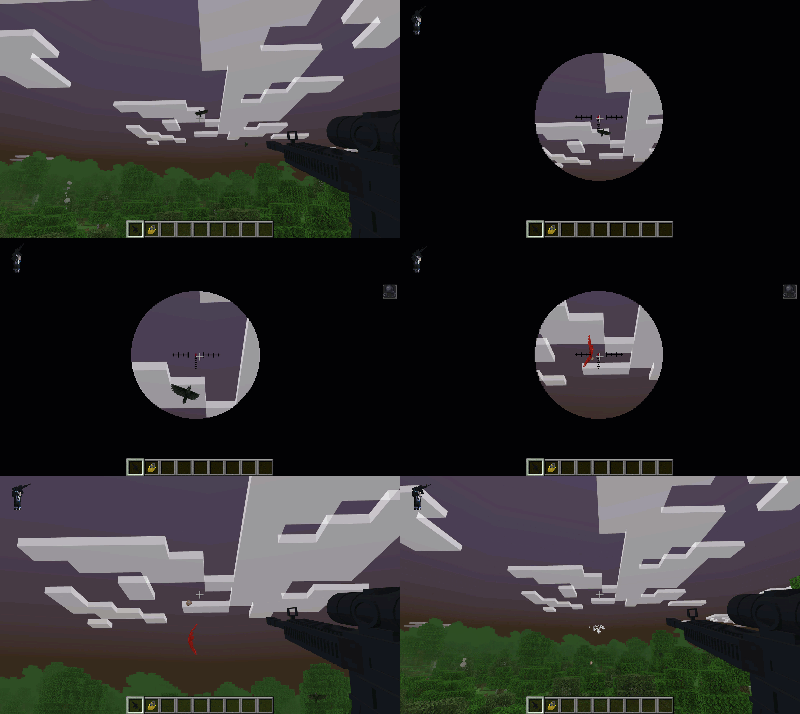
The Assult Rifles can be equipped with scopes,
Gunpowder!
Finding ammunition can get a little tedious, as finding more and more Structures can get harder.
Creating your own ammunition is the best way of making sure you never run out.
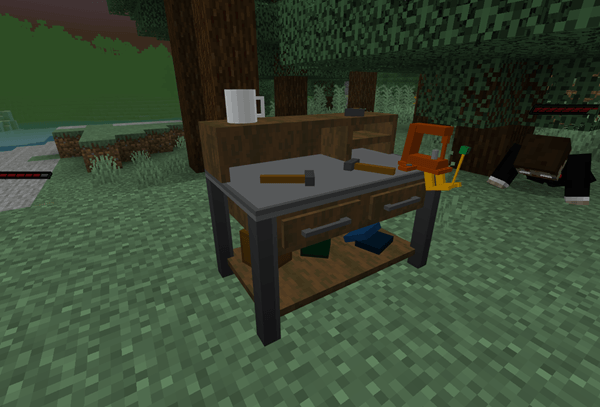
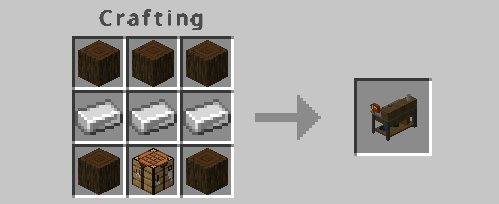
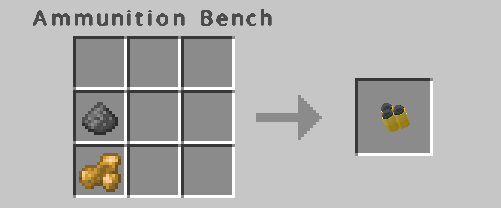
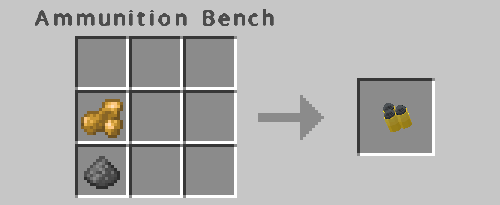
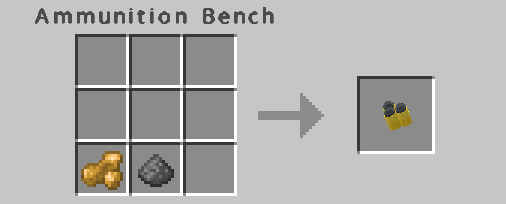
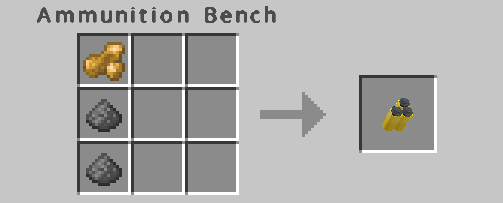
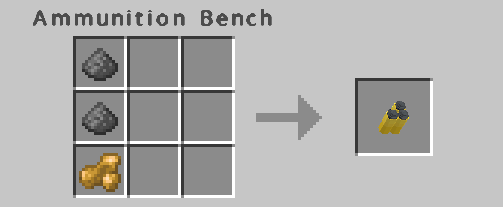
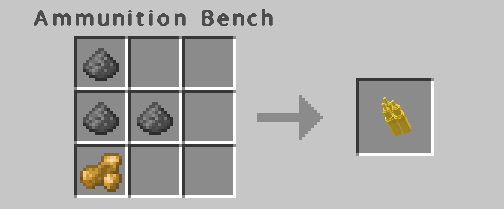
Anything to do with ammunition creation will be done on an Ammunition Bench.
You will need a few materials to create your own ammunition.
You will have to go mining for all the ingredients for ammunition creation, Sulfur and Potassium Nitrate ore both generate in warm Biomes like the Desert, Savanna and Mesa at around 30 on the “Y” axis.
Potassium Nitrate
Sulfur
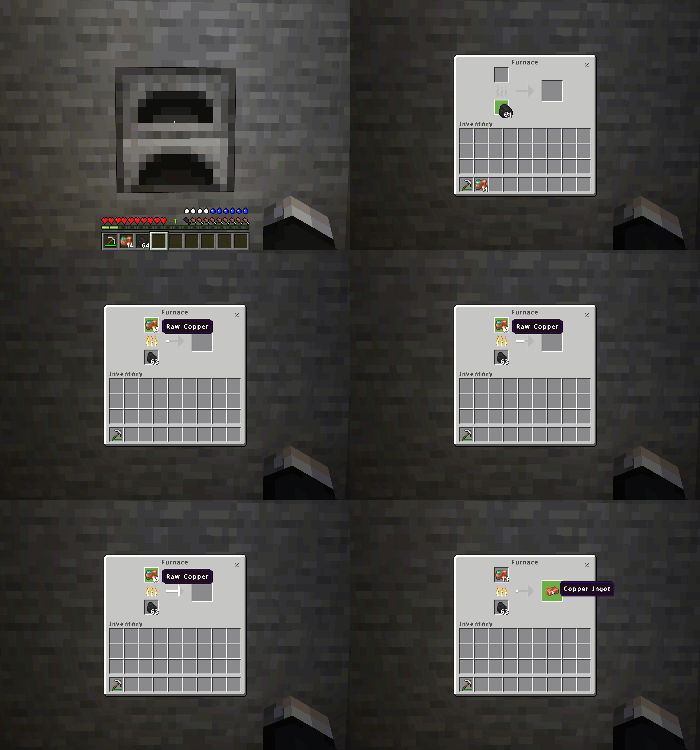
You will also need Melted Copper for the Bullet casing.
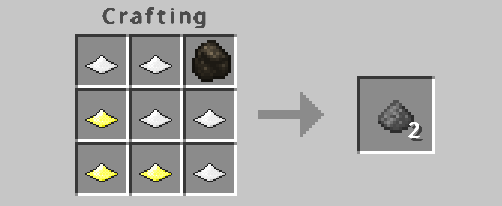
Craft the Potassium Nitrate, Sulfur and a little Charcoal together to create Gunpowder.
M9 Ammunition
M1911 Ammunition
Micro UZI Ammunition
MK16 Ammunition
HK416 Ammunition
AK47 Ammunition
Other Weapons!
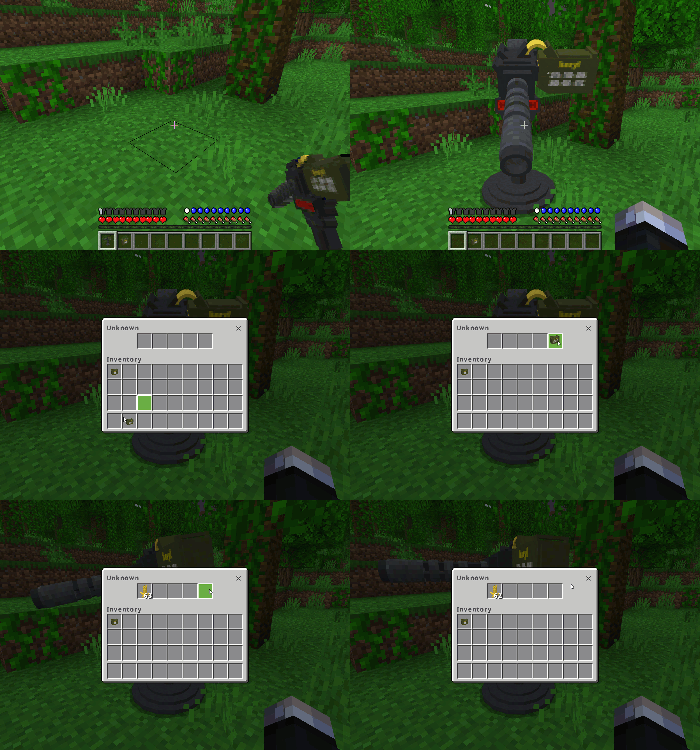
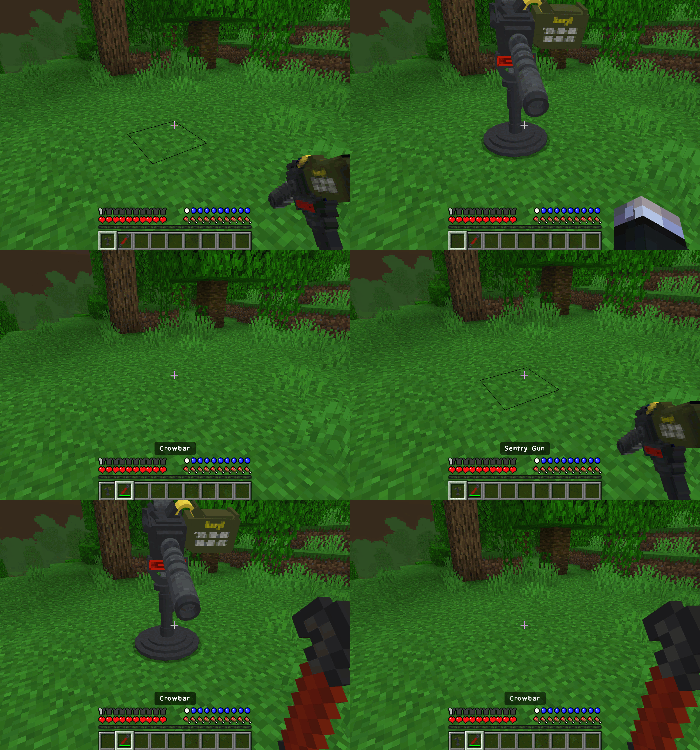
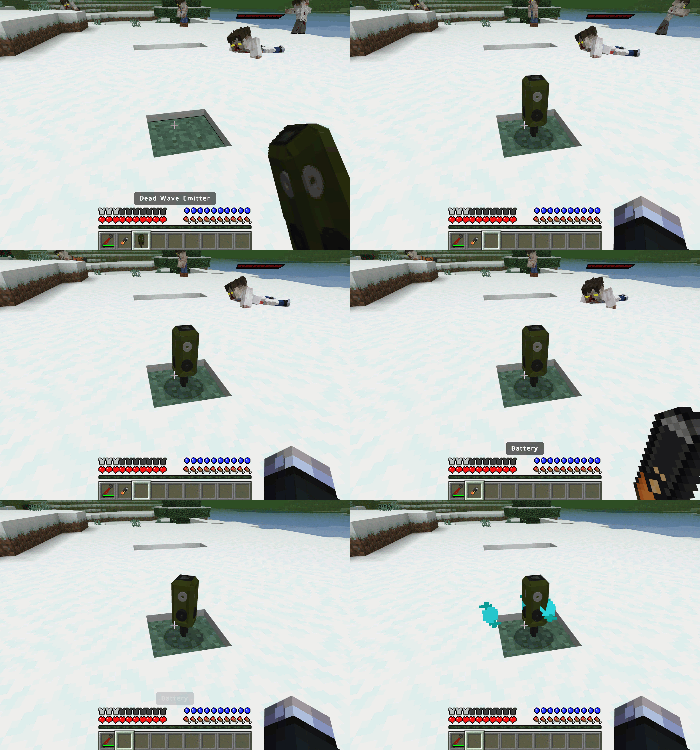
Sentry Guns and Deadwave Emitters are a great way to keep your base safe without shooting through endless bullets.
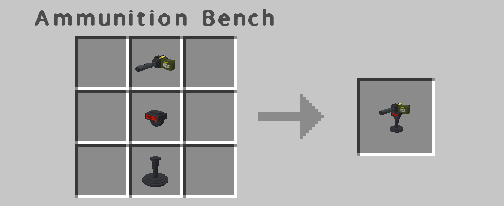
You can find the pieces of the Sentry Gun in Military Crate in Structures, Craft them together to create a Sentry Gun.
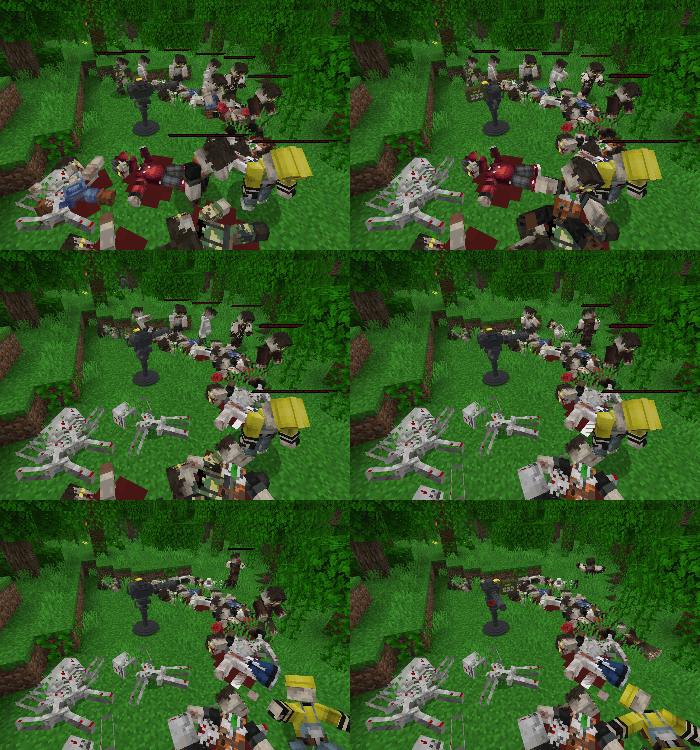
Place a Sentry Gun down and load it with Sentry Gun Ammunition, the Sentry Gun will become active and shoot any Zombie it sees, keep an eye on the ammo inside the Gun as they will run out.
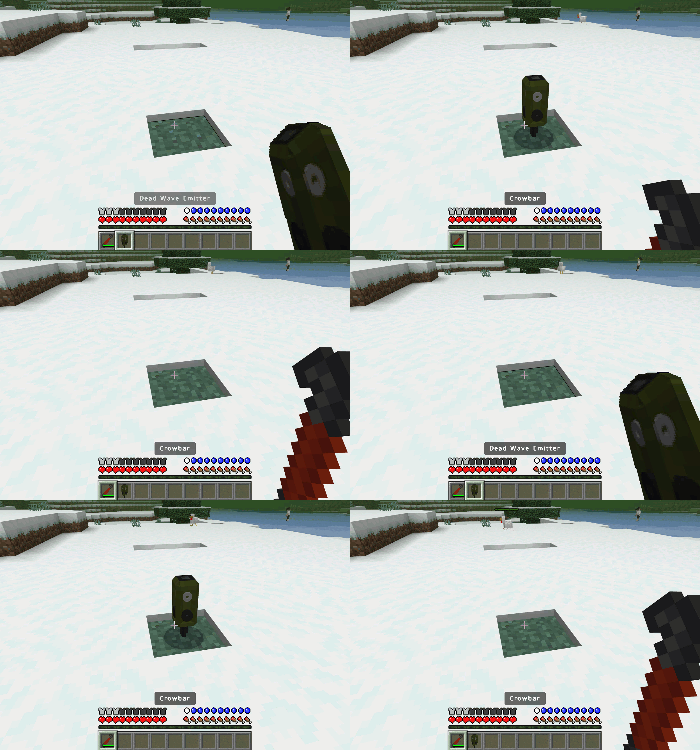
Deadwave Emitters can be found in Military Crates in Structures, place it down and power it with a Battery and it will send out a sound that will despawn any Zombie with it sound radius.
Interact with the Deadwave Emitter with a Breaking Tool to pick it up and move it.
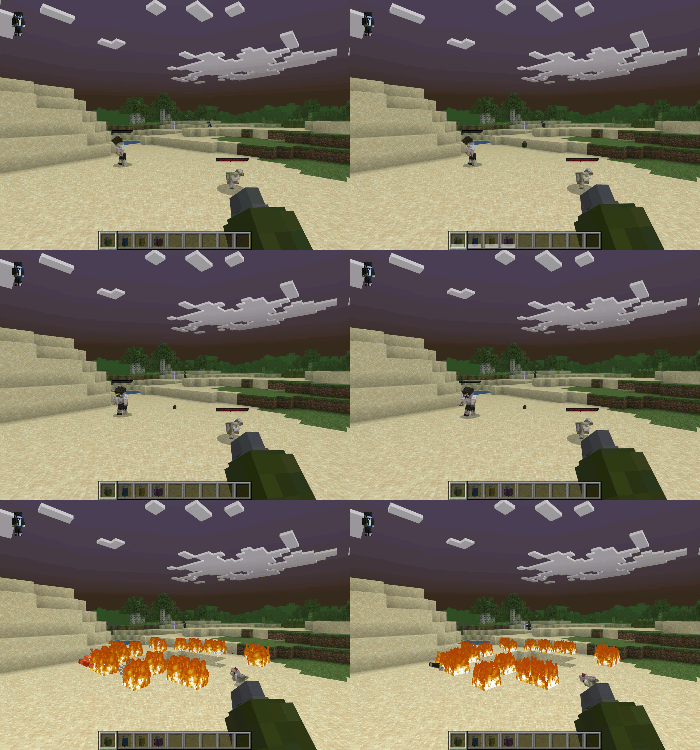
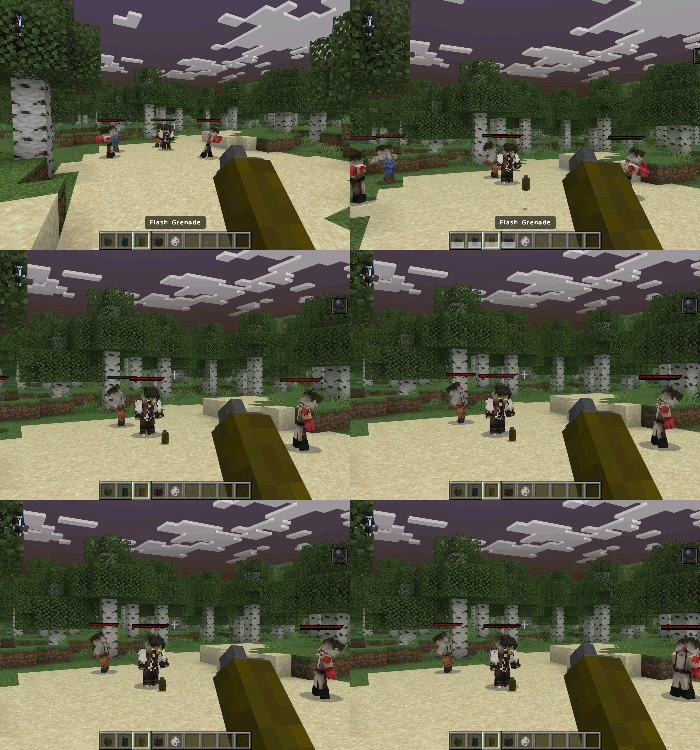
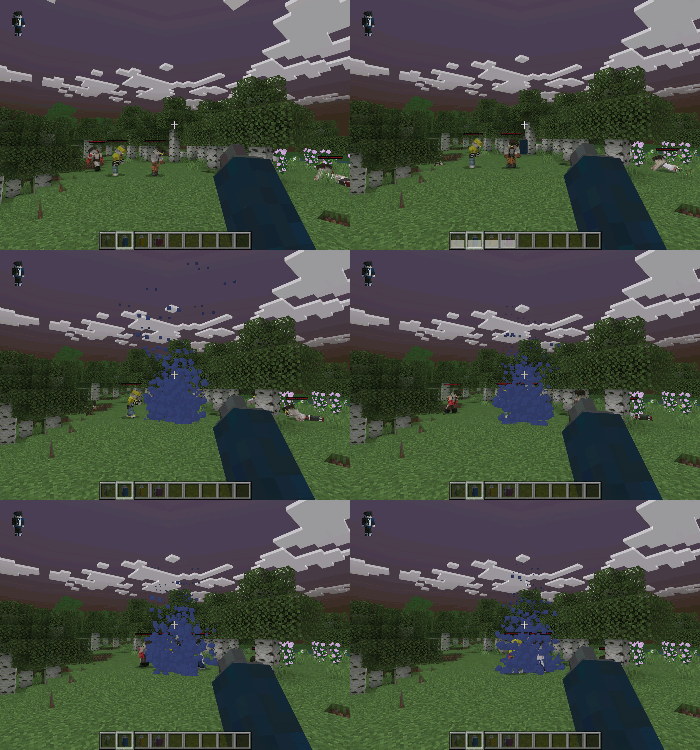
Grenades are also a massive help . There are four types of Grenade you can find when looting.
Grenade – Works like a normal Greande.
Flash Greande – Will slow down any entity within its radius.
Smoke Grenade – Will distract the Zombies away from you.
Toxic Gas Grenade – Will slowly poison any entity within it’s radius
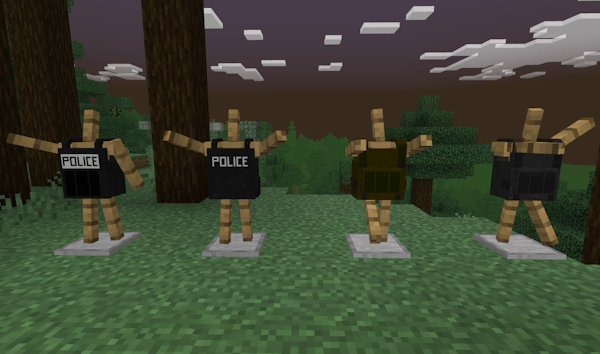
Body Armor!
Body Armor can be found in Military Crates in Structures or Traded!
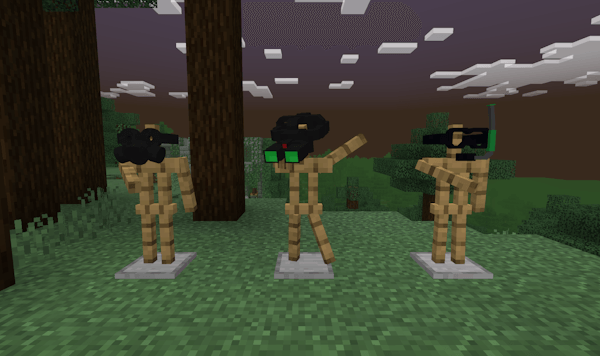
Head Gear!
Head Gear can be found in Military Crates in Structures or Traded!
Gas Mask is required to be able to breathe in the Nether.
Night Vision Goggles will allow you to see in the dark.
Scuba Goggles will allow you to breathe underwater.
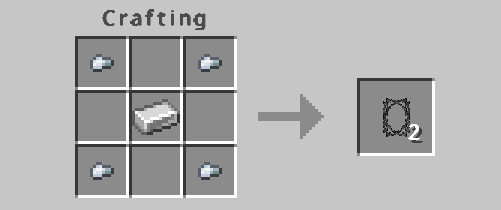
Razor Wire!
You can craft Razor Wire with a little Iron to protect your base from being over run by Zombies.
Tobacco!
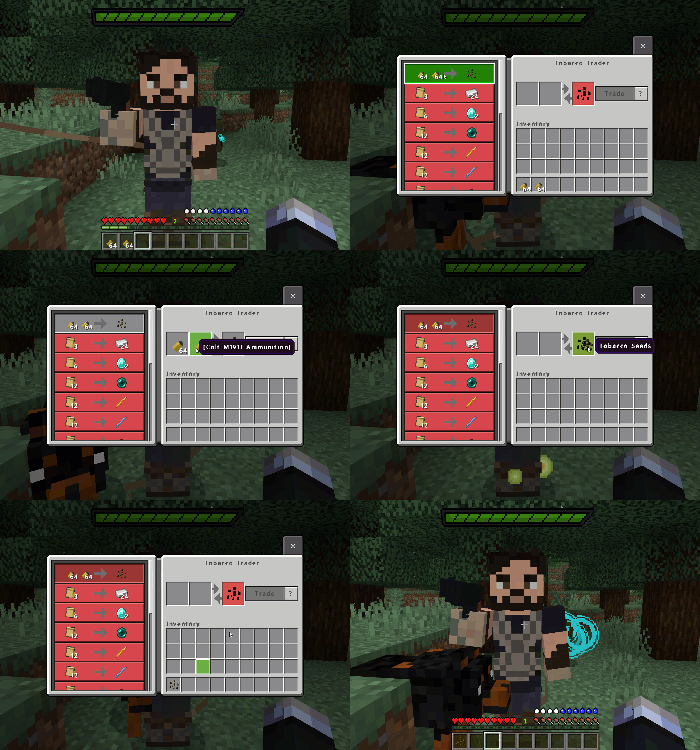
You can trade some of your ammunition for a single Tobacco Plant Seed then the rest is up to you.
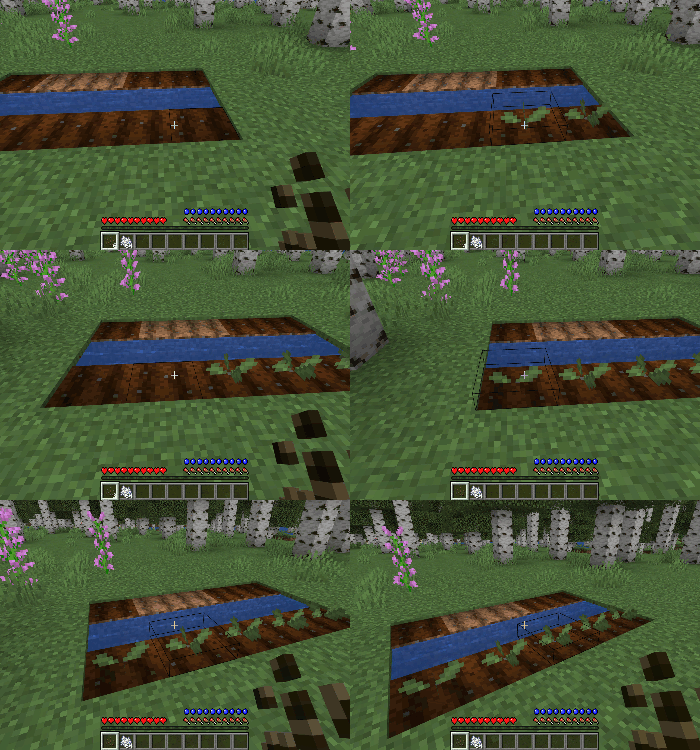
Once you have your seeds you can start building your Tobacco Farm.
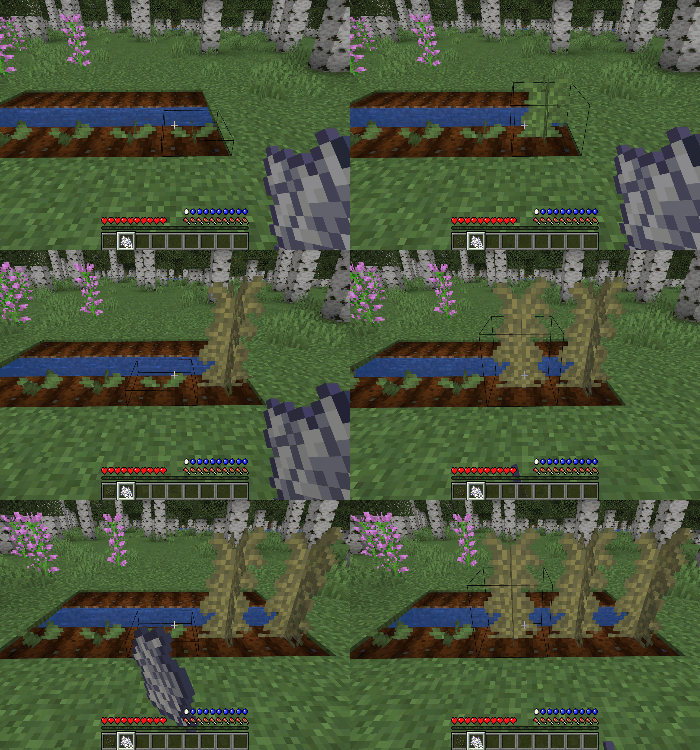
Tobacco Plants will grow over time but you can speed up the process with Bone Meal.
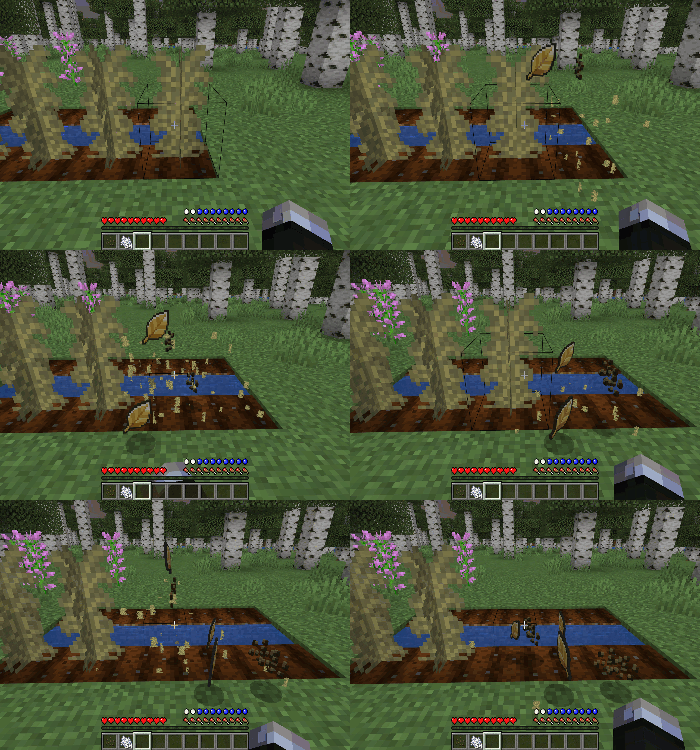
When your Tobacco Plants are fully grown, break them to harvest the Tobacco Leaves and Seeds.
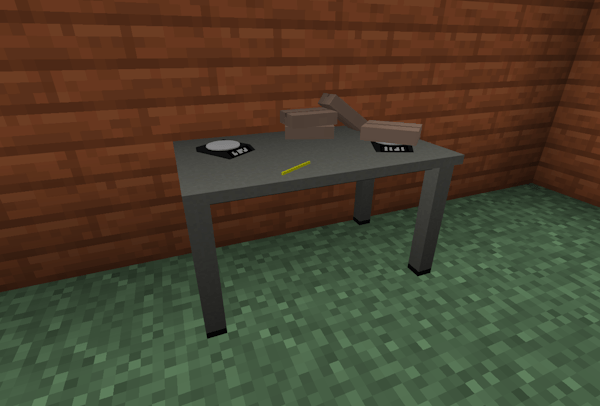
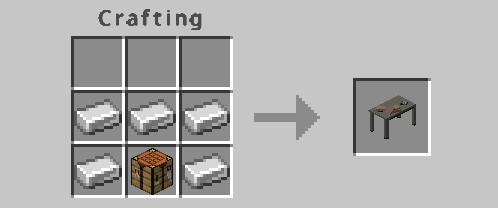
To get your Tobacco ready for trading you need to pack it correctly, to do this you need a Preperation Table.
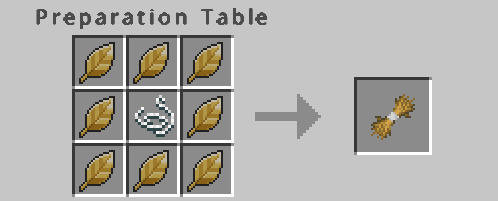
Before packing the Tabacco Leaves in bags they need to be bundled together
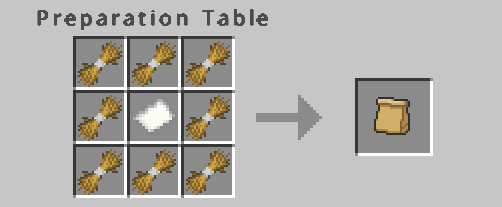
When you have enough Bundles of Tobacco you can bag them up ready to trading.
Changelog
All Guns textures have been updated to match with the full version of TSZA. Lower pixels.
A Flash Muzzle has been added to all Guns for a more enjoyable shooting experience.
Changed the title of all the Guns to scope when empty and when they are scopes in your inventory.
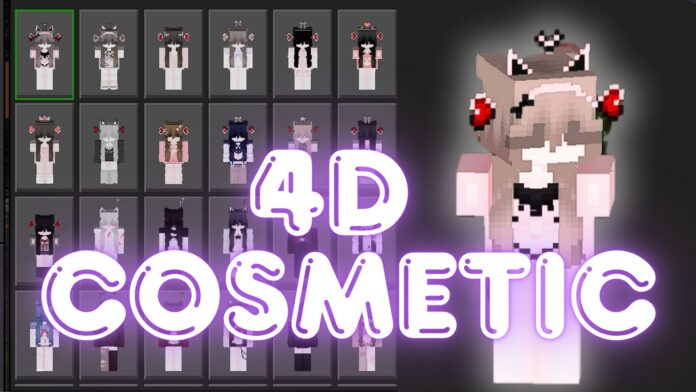
If you want to customize your Minecraft character with 4D cosmetic skin packs in Minecraft version 1.21.51+, this guide will walk you through the process step by step. You’ll learn how to download free skin packs,install encrypted files, choose your cosmetic skin pack, and replace Marketplace skins with your own custom designs.
The Minecraft Marketplace offers a variety of free and paid skin packs. Here are some free skin packs you can download to start customizing:
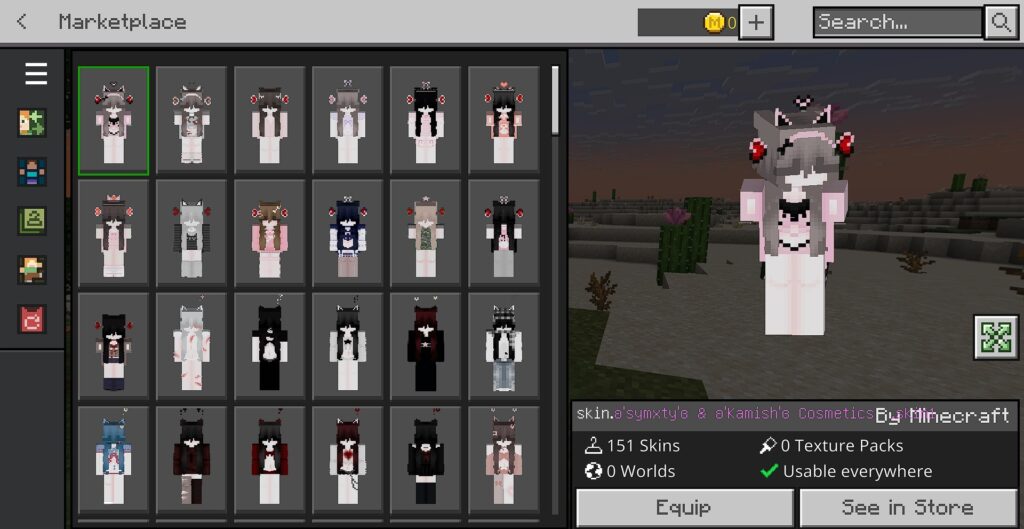
Some free skin packs in Marketplace: 1st Birthday Skin Pack in Minecraft, Young Gru, Winter Whimsy Skin Pack, Cute Kitty HD Skin Pack, Lunar New Year of the Ox, …
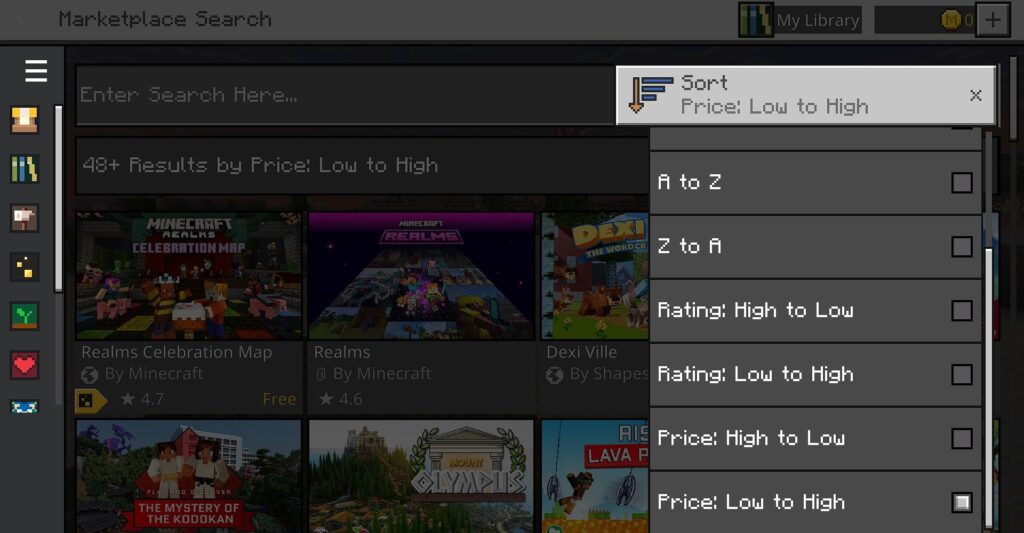
You can search for free Minecraft skins by sorting like the image below.
Click to get it. ➞ The skin pack will automatically be added to your Dressing Room.
2. Unclock Your Cosmetic Skin Packs
Before replacing Marketplace skins, find a 4D cosmetic skin pack that fits your style. Here are some great options:
✅ Steps to Choose and Download:
– Download your chosen cosmetic skin pack from a reliable source.
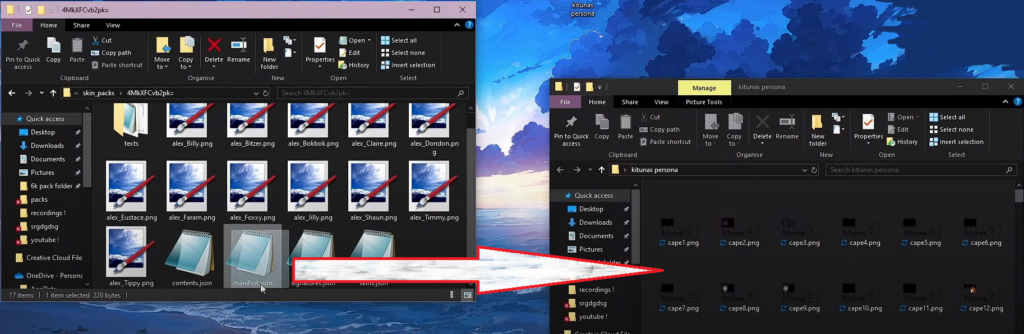
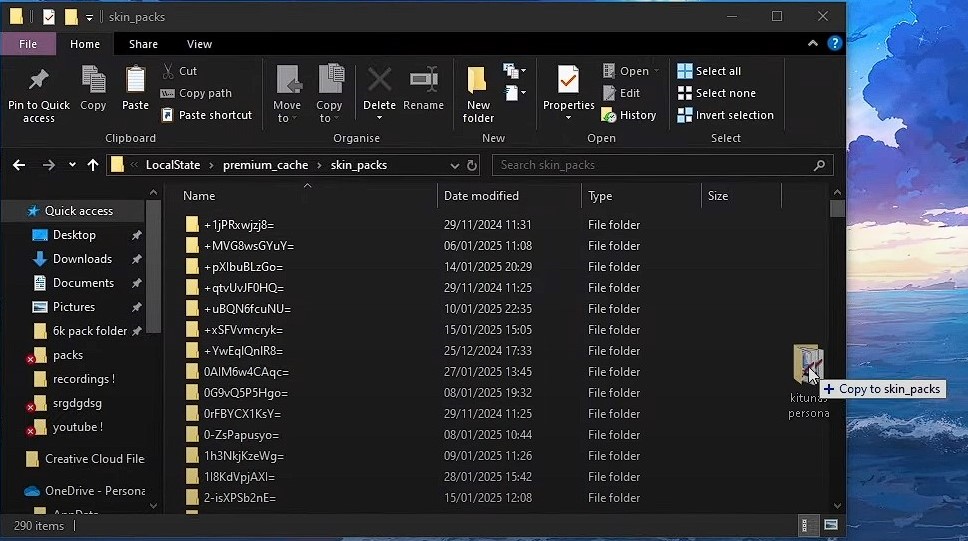
– Extract the .zip file into your skin_packs folder.
– Ensure the new skin pack includes .png files and a manifest.json file.
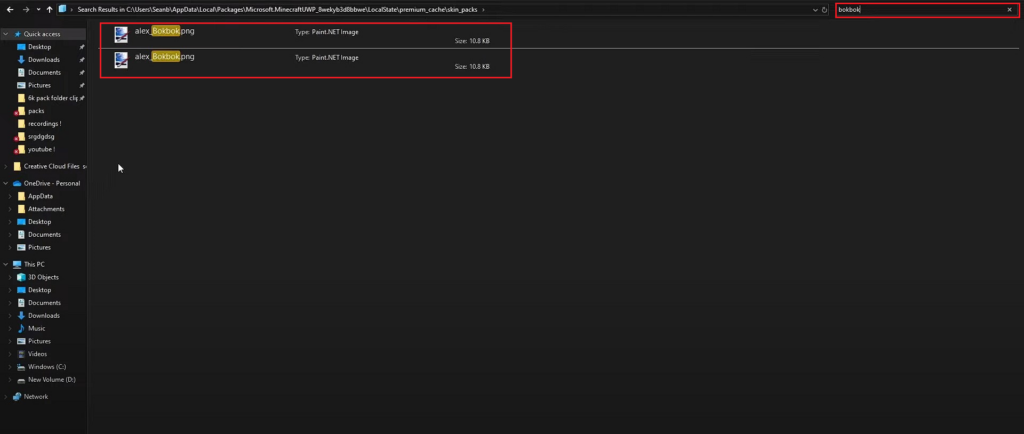
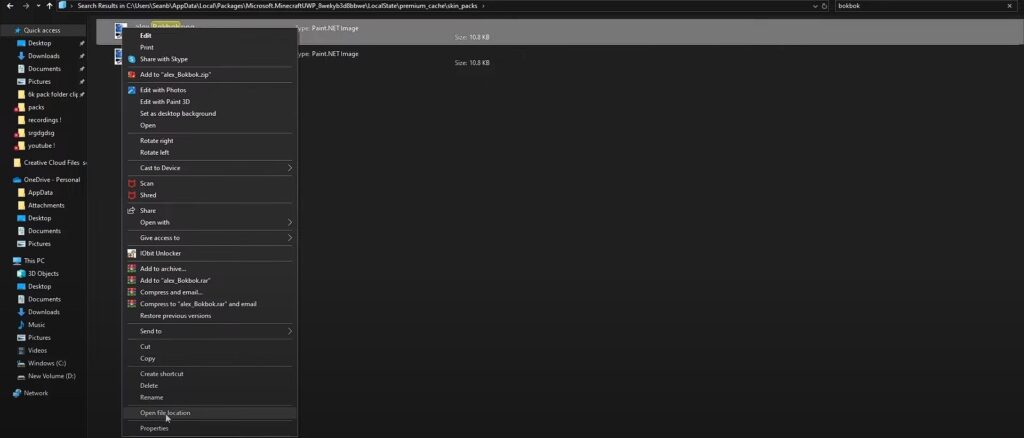
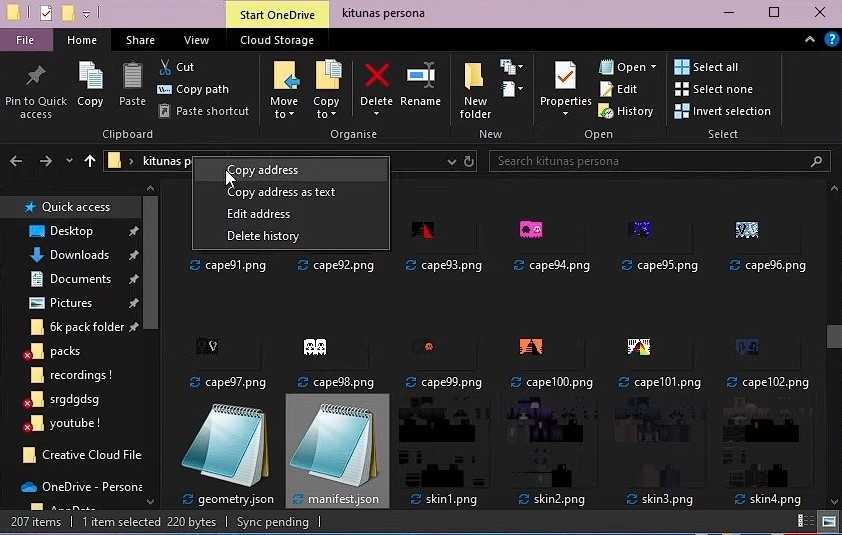
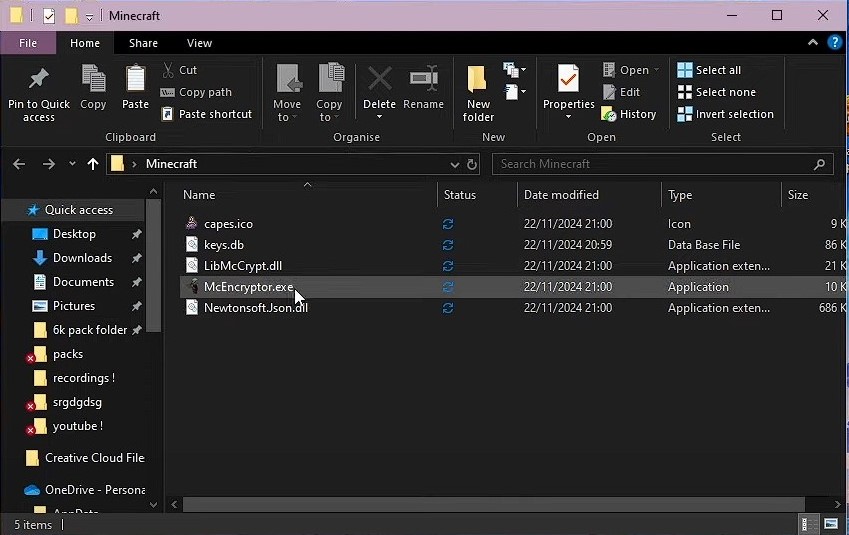
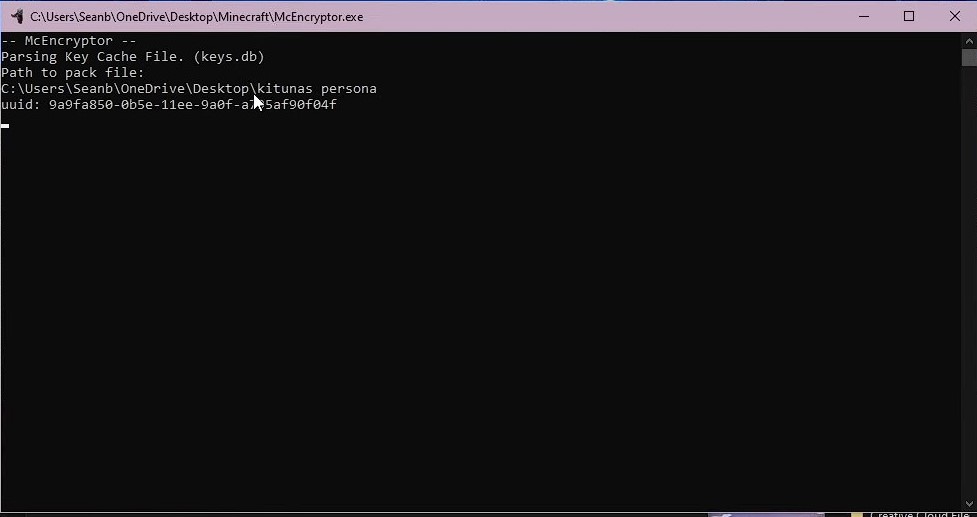
✅ Steps to Install and Access Files:
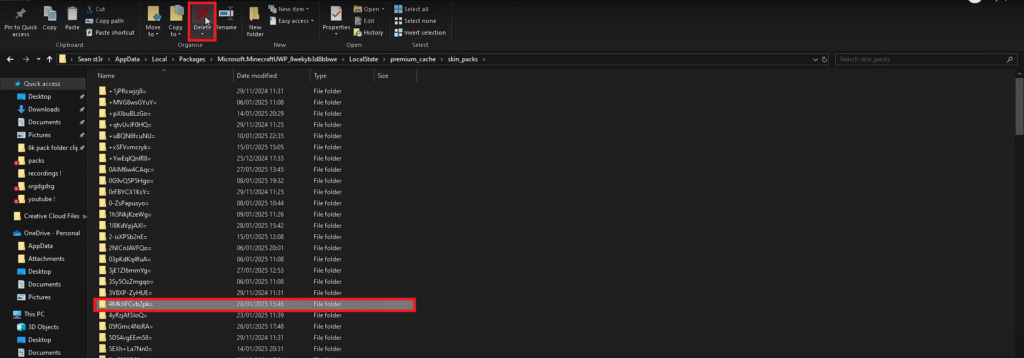
A) Open your device’s file manager and navigate to:
D) Delete Skin Pack on Marketplace; Add Cosmetic skin pack to Minecraft game
Roleplaying with 4D Cosmetic Skin Packs
Restart Minecraft, go to the Dressing Room, and select your new cosmetic skins!
By following this guide, you can download free skin packs, install encrypted files, choose a 4D cosmetic skin pack, and replace Marketplace skins to fully customize your Minecraft experience. 🎨✨
📥 Start customizing now and make your Minecraft avatar truly unique! 🚀