
 Shader1.19
Minecraft PE Patched | Fix all shaders added to game!
NEW UPDATE! Minecraft patched version 1.21 now available🗣️
ByDona 134k 45kMar 18, 2024
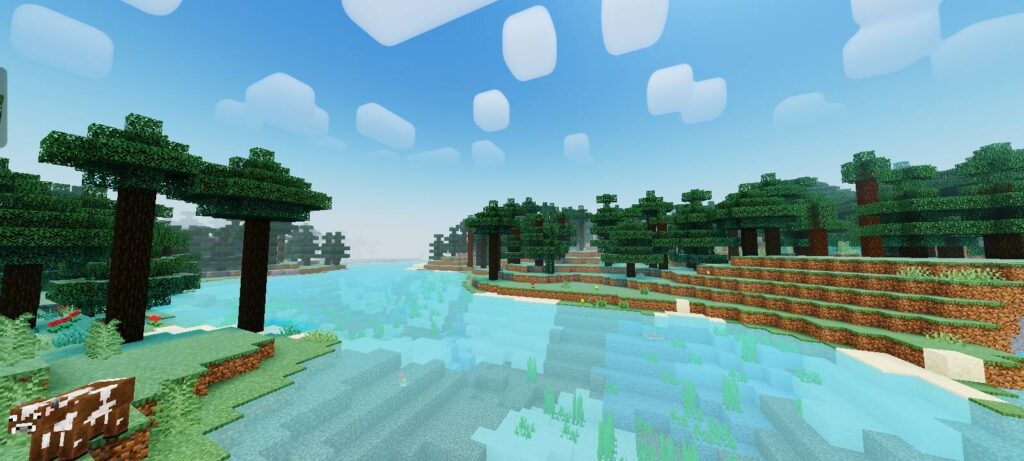
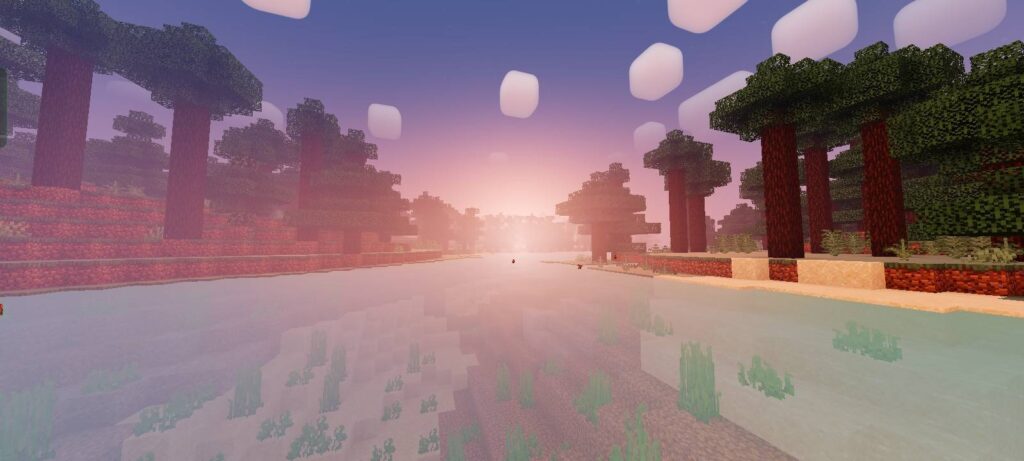
Newb Aero Shader is an enhanced vanilla RenderDragon shader for Minecraft Bedrock Edition. Designed to preserve Minecraft's original charm, it delivers a cleaner, more colorful, and cinematic visual experience without losing that familiar classic feel.
Cre: Goboyy22
Cinematic lighting & soft shadows
Enhanced sunrise & sunset
Improved sky, moon & stars
Dynamic clouds
Atmospheric fog
Clear aqua water with animated waves
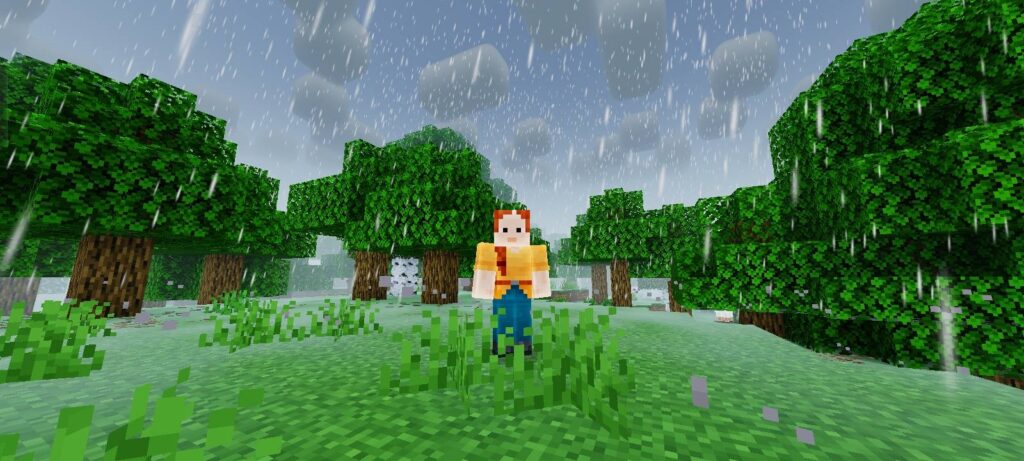
Enhanced rain & storm atmosphere
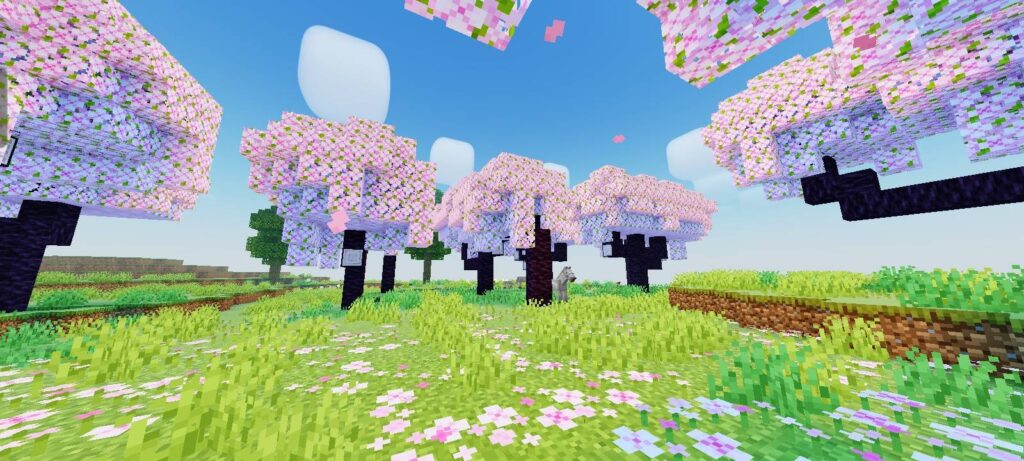
Animated grass, leaves & crops
Warm torch & lantern lighting
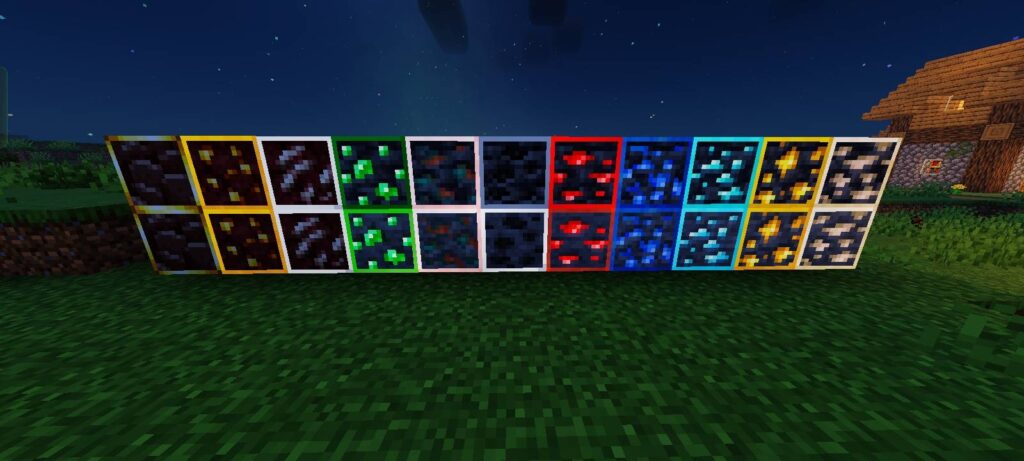
Bloom & emissive ores
Cinematic color grading
Smooth day/night transitions
Lightweight & optimized
Rounded Clouds
FITUR CHUNK LOADING ANIMASI
⭐Recommended Settings
⚡ Pro Tip: Switch to the No Wave No Fog subpack to boost performance on lower-end devices.
Android:
1. Download MB Loader
2. Launch Minecraft using MB Loader.
3. Import the Newb Aero Shader resource pack.
4. Enable it in Settings → Global Resources.
5. Restart Minecraft if the shader does not load immediately.
Windows
1. Download BetterRenderDragon
2. Follow the installation guide included with BetterRenderDragon.
3. Import the Newb Aero Shader resource pack.
4. Enable it in Settings → Global Resources.
5. Restart Minecraft.
More cool Minecraft Textures you might like:
https://mcpeaddons.com/xnova-model-texture-pack-v4-1-21/
https://mcpeaddons.com/mike-ultra-visuals-shader-minecraft/
Files are hosted by their creators. MCPE Addons links to them and does not re-host them.
Shader1.19NEW UPDATE! Minecraft patched version 1.21 now available🗣️
 Texture Pack
Want a more exciting elytra glider? The Elytra Models will change the original elytra in your game. Either for roleplay toy story, being small, be part ph…
 Texture Pack
If you're curious about how it works, it works by REPLACING some of the sounds made by mobs. They produce ambient sounds based on their biomes and spawnin…
 Texture Pack
RealSource RTX Pack is a new 3D texture pack for Minecraft PE that it change both Rtx texture Pack Bedrock and the Minecraft Java RTX texture pack! It's a…
 Shader1.21.0
Strawberry Deferred Shader needs additional textures to activate it, without additional textures Strawberry Deferred will never be active!
 Shader1.21
Luminous Dreams Shaders Minecraft Bedrock (1.21, 1.20) is a visionary Deferred Renderer Pack (or Shader) that has been precisely developed for the bright …
 Shader1.20.80
NEW UPDATE!! Solar Shaders V7 available for Minecraft 1.21
 Texture Pack1.19
The underwater caustic, 2D cloud, water reflection, water bump, and other features of the Bicubic Shader (1.19, 1.18) for Minecraft Bedrock Edition are in…